
How to Enter Technician Stocktakes into Simpro
Learn how to update system inventory levels by reconciling physical stock counts submitted by field technicians.
Update system inventory levels to accurately match the physical stock counts completed by technicians. This reconciliation ensures the inventory tracked in your software matches what is actually sitting in the vans and workshops.
This guide is for inventory managers, dispatchers, or administrative staff who process physical stocktake forms submitted by field technicians.
When a field technician completes a physical stock count of the items in their van or workshop, you must update the system to ensure records match.
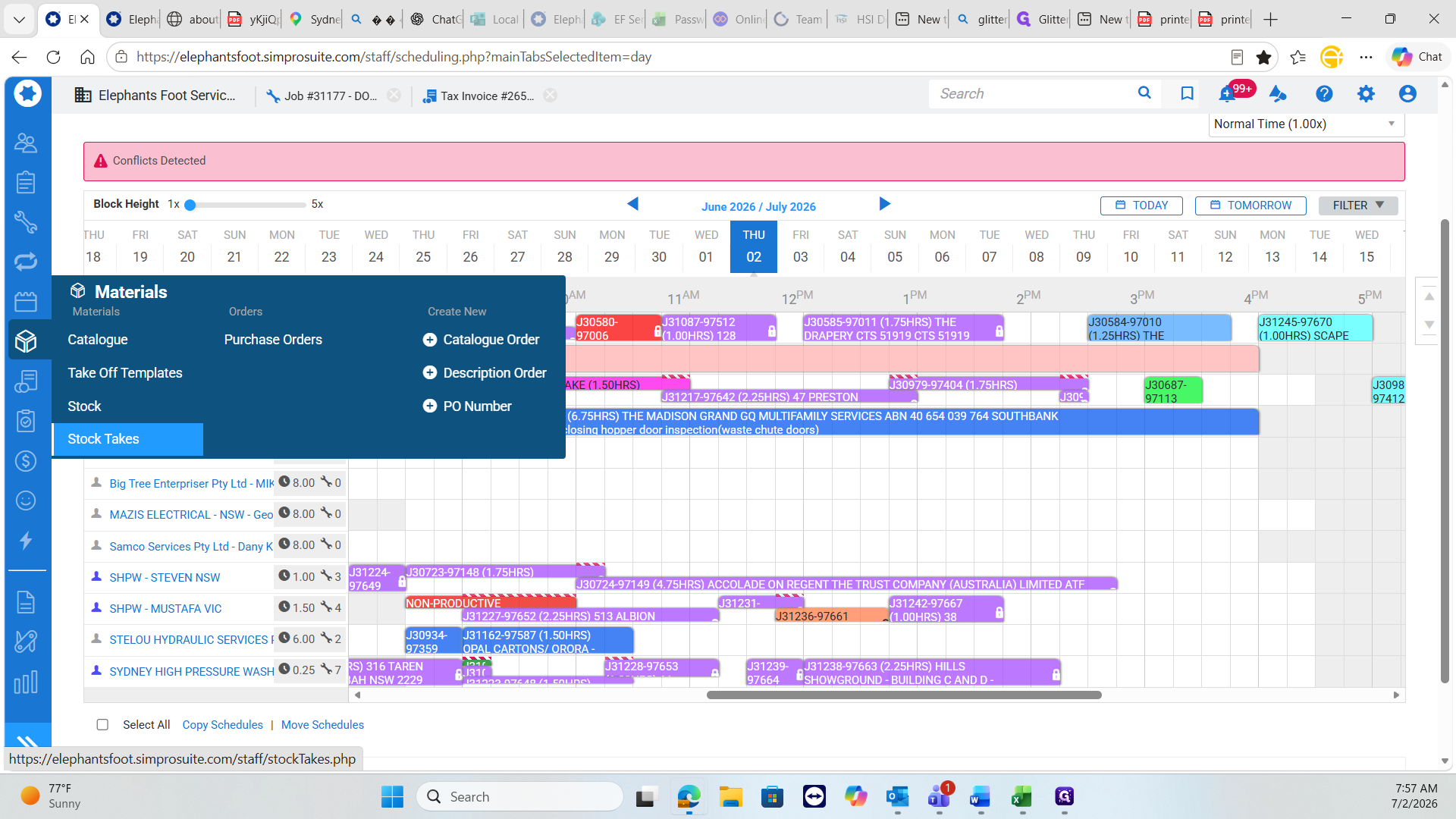
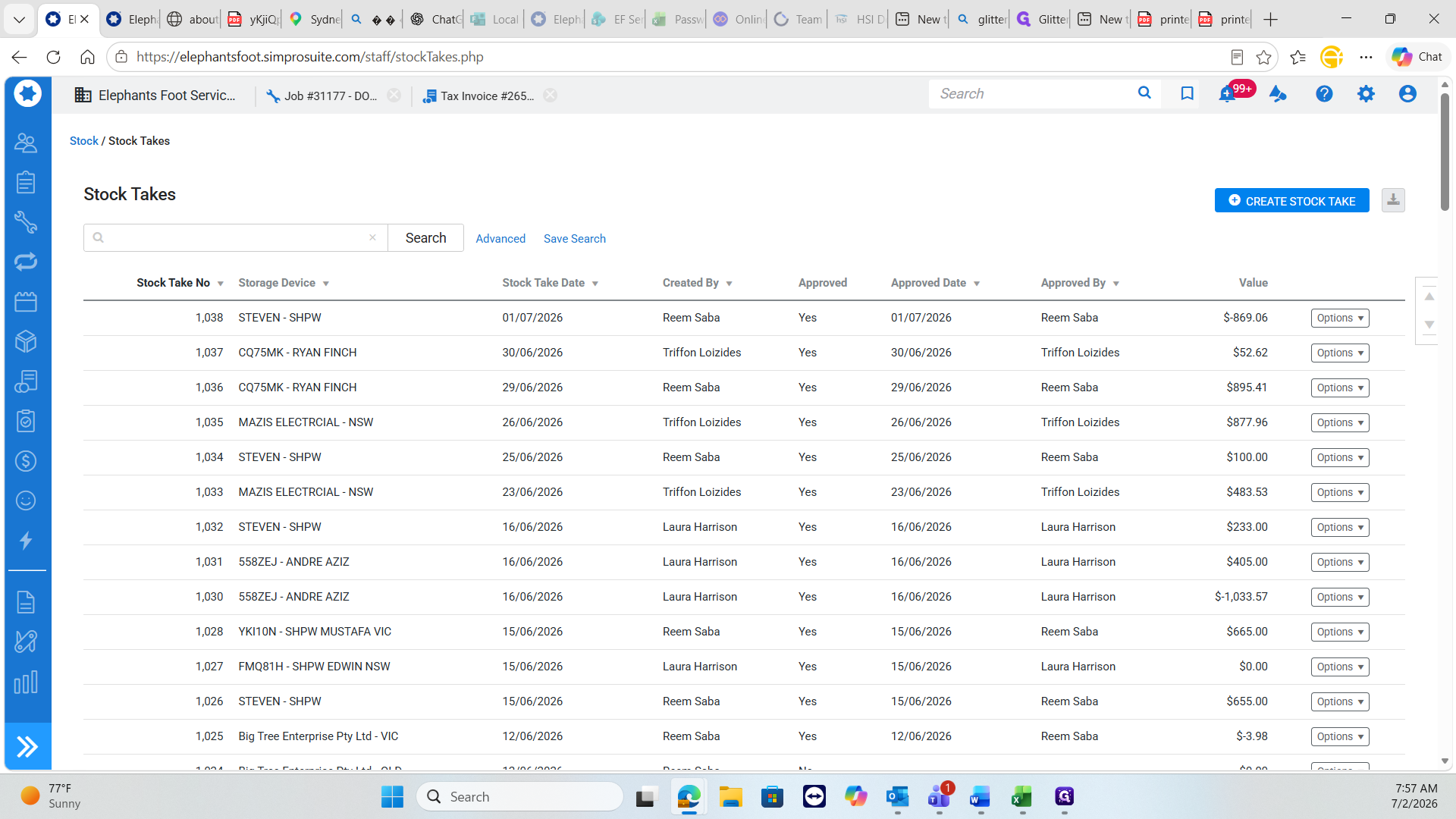
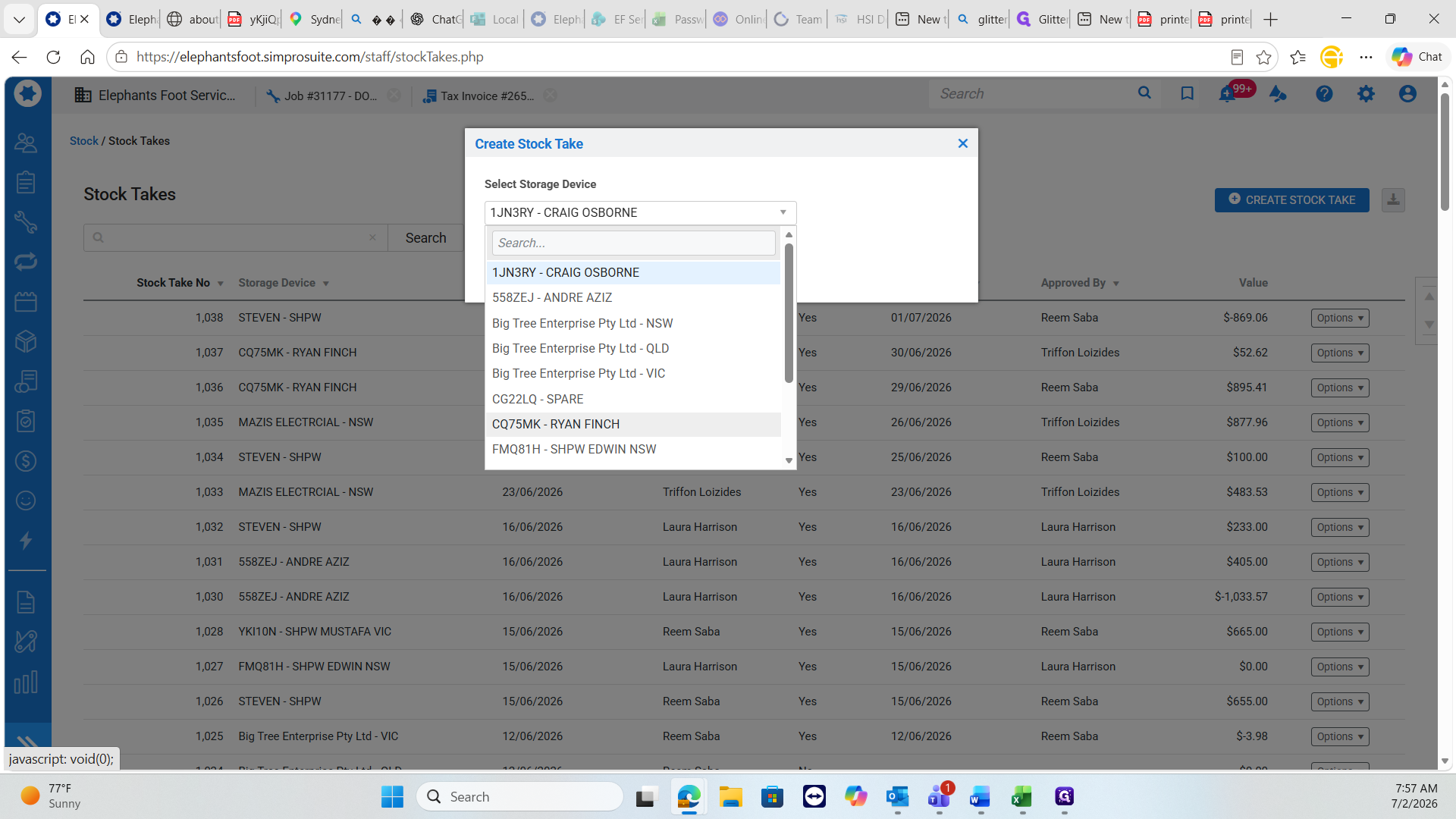
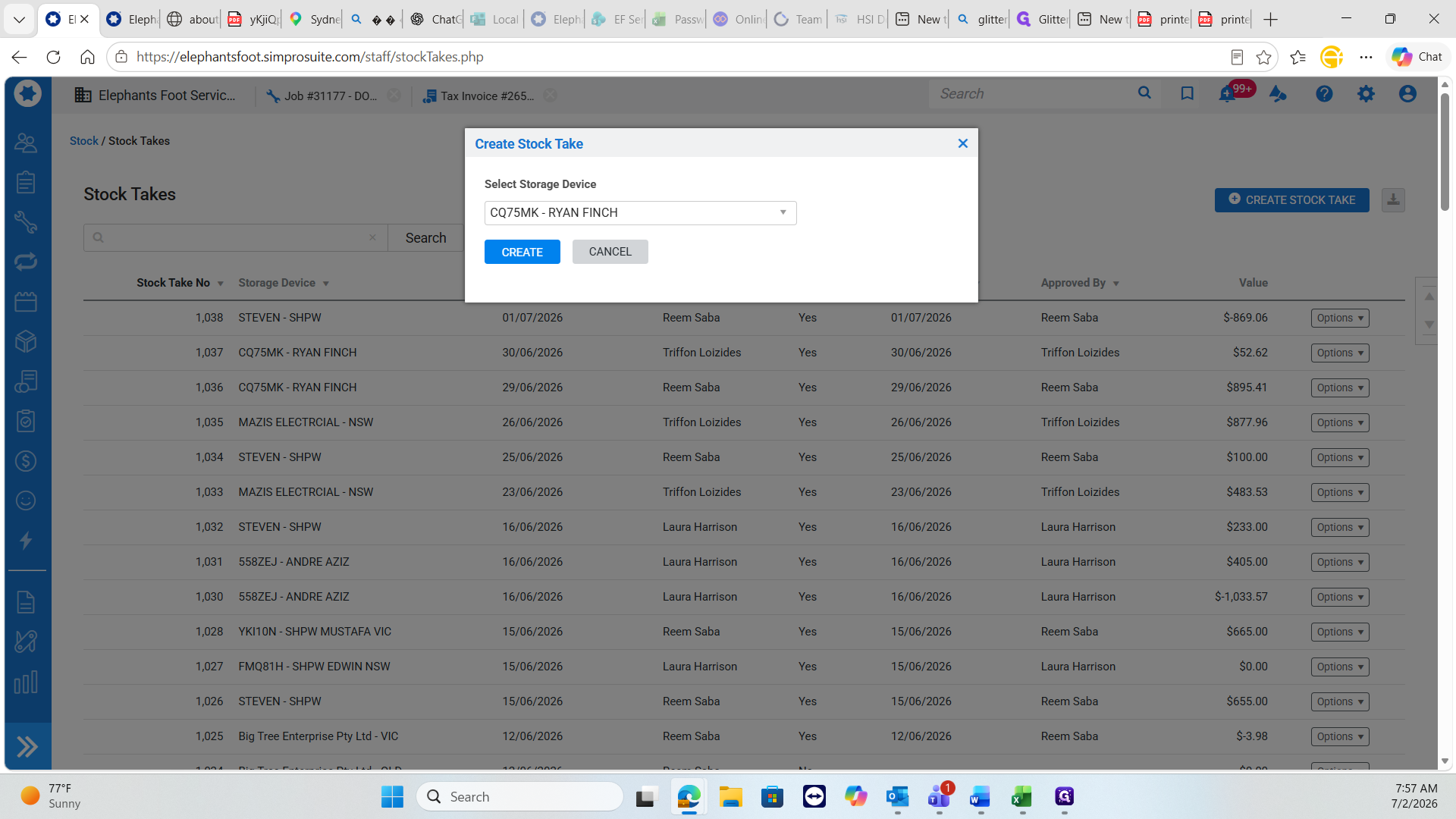
Reconciling Stock Discrepancies
Review the physical count document (e.g., PDF list) provided by the technician and compare it line-by-line against the system inventory.
Matching counts: If the system quantity matches the technician's physical count exactly, do nothing. Move to the next item.
Discrepancies: If the numbers do not match (e.g., the system expects 2 but the technician counted 6), you must update the system record manually.
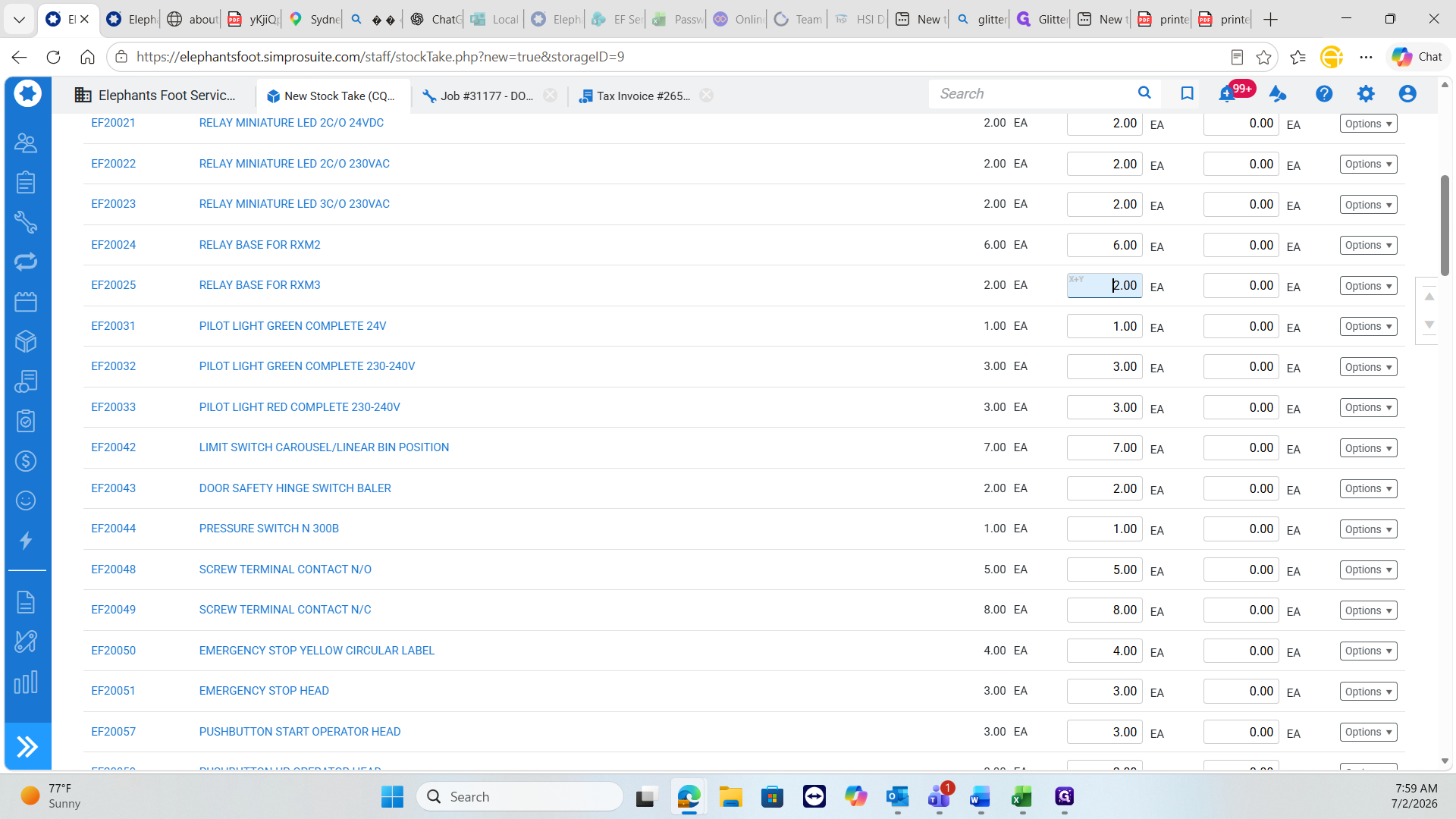
Continue verifying items and making adjustments as needed. Once every item from the technician's list has been verified against the system, save and finish the stocktake to approve the new inventory levels.
Q: Do I need to update the system if the technician's count matches the current system stock level?
A: No. If the counted stock exactly matches the system stock, leave the entry as is and proceed to checking the next item.
Q: How do I know if my manual quantity update was successfully registered?
A: When you change an item's quantity so it differs from the original system amount, the input field will turn yellow.
Term | Definition |
|---|---|
Stocktake | The process of physically counting and recording all inventory currently held in a specific location. |
Storage Device | A designated physical location, such as a specific technician's vehicle or a workshop, where inventory is stored and tracked. |
Simpro | The job management and inventory software used to track equipment, materials, and stock levels. |