Extending a Large Molecule Model for Pregnancy in MoBi
Learn how to extend a large molecule base model for pregnancy scenarios in MoBi by configuring FcRn recycling, fetal, and maternal extension modules.
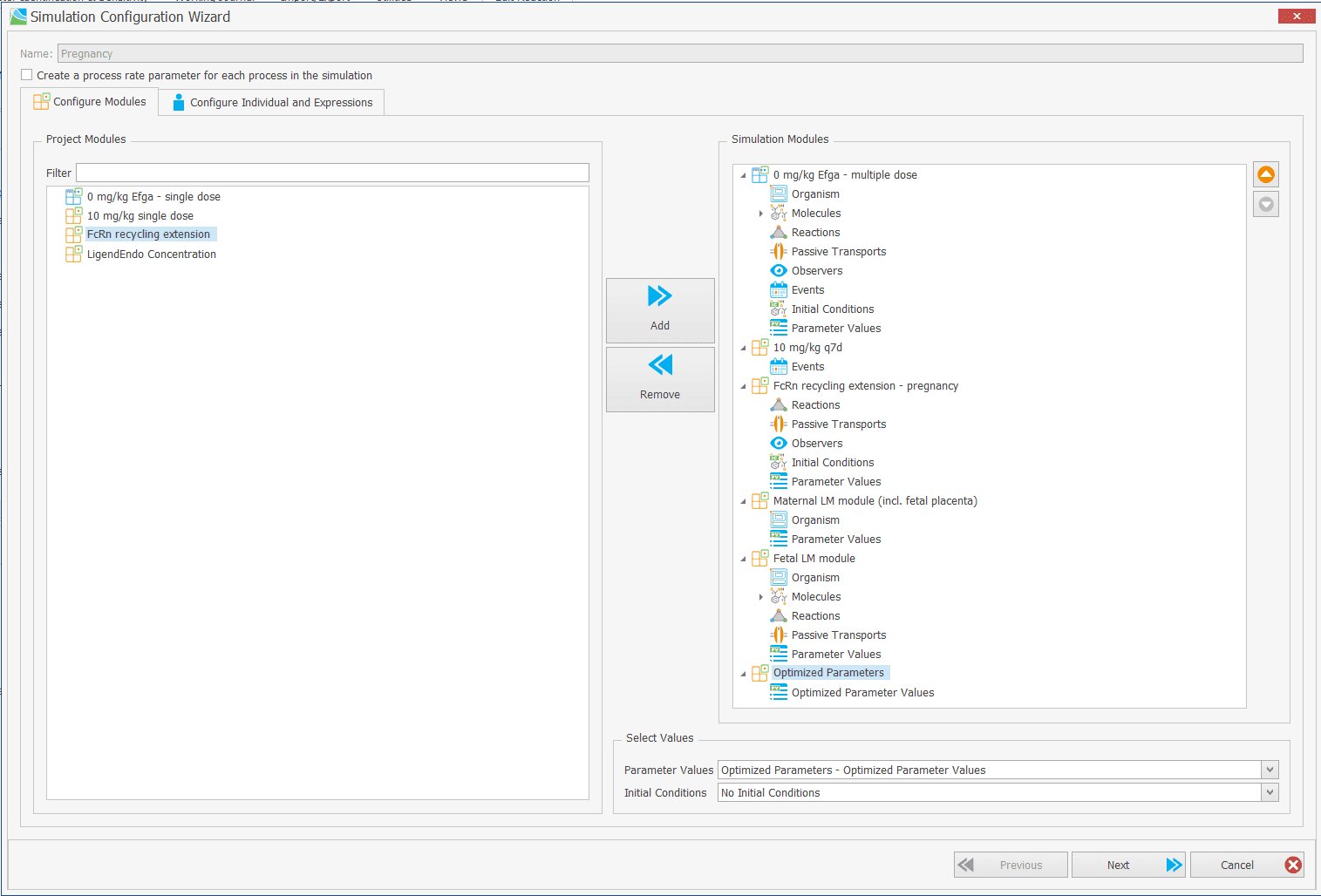
To extend a base large molecule model for pregnancy scenarios with FcRn-mediated placental transfer in MoBi, you must incorporate three extension modules: the FcRn Recycling Extension -Pregnancy Module, the Fetal Extension Module, and the Maternal Extension Module. Because these modules use default compound names upon import, you must rename the placeholder name (WT IgG) to your drug name and update related reaction formulas to match your specific drug (e.g., Efgartigimod) before compiling the final simulation.
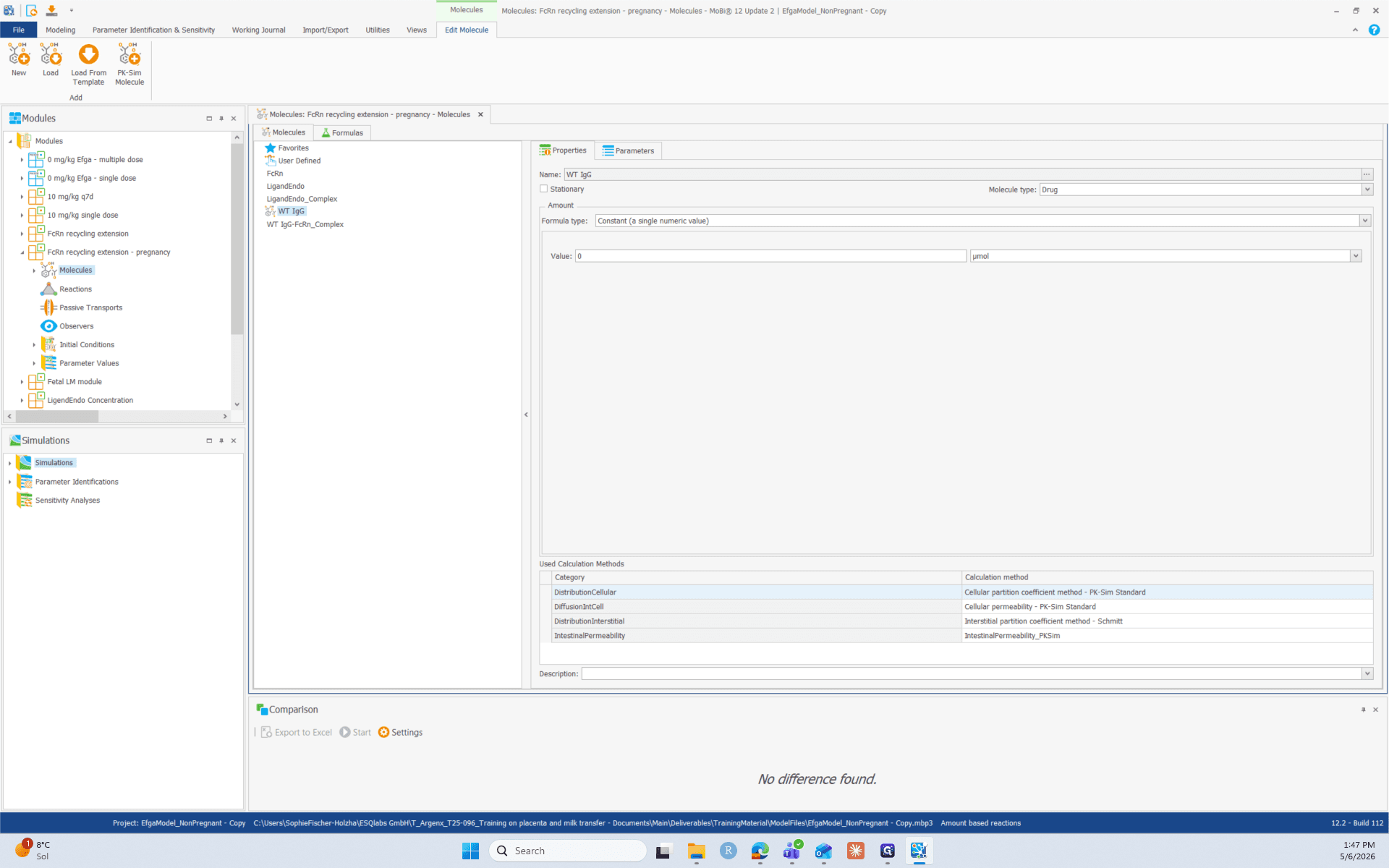
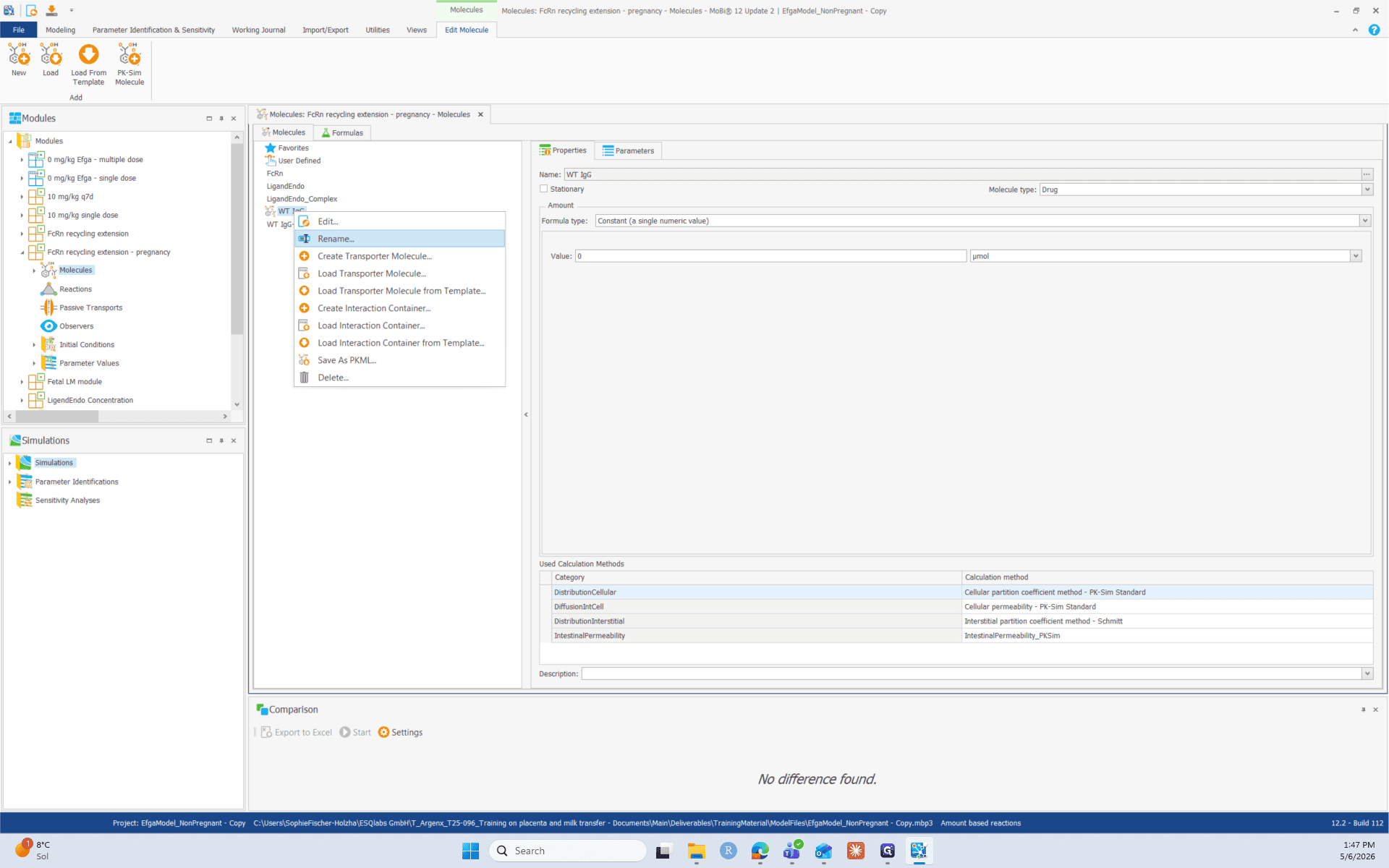
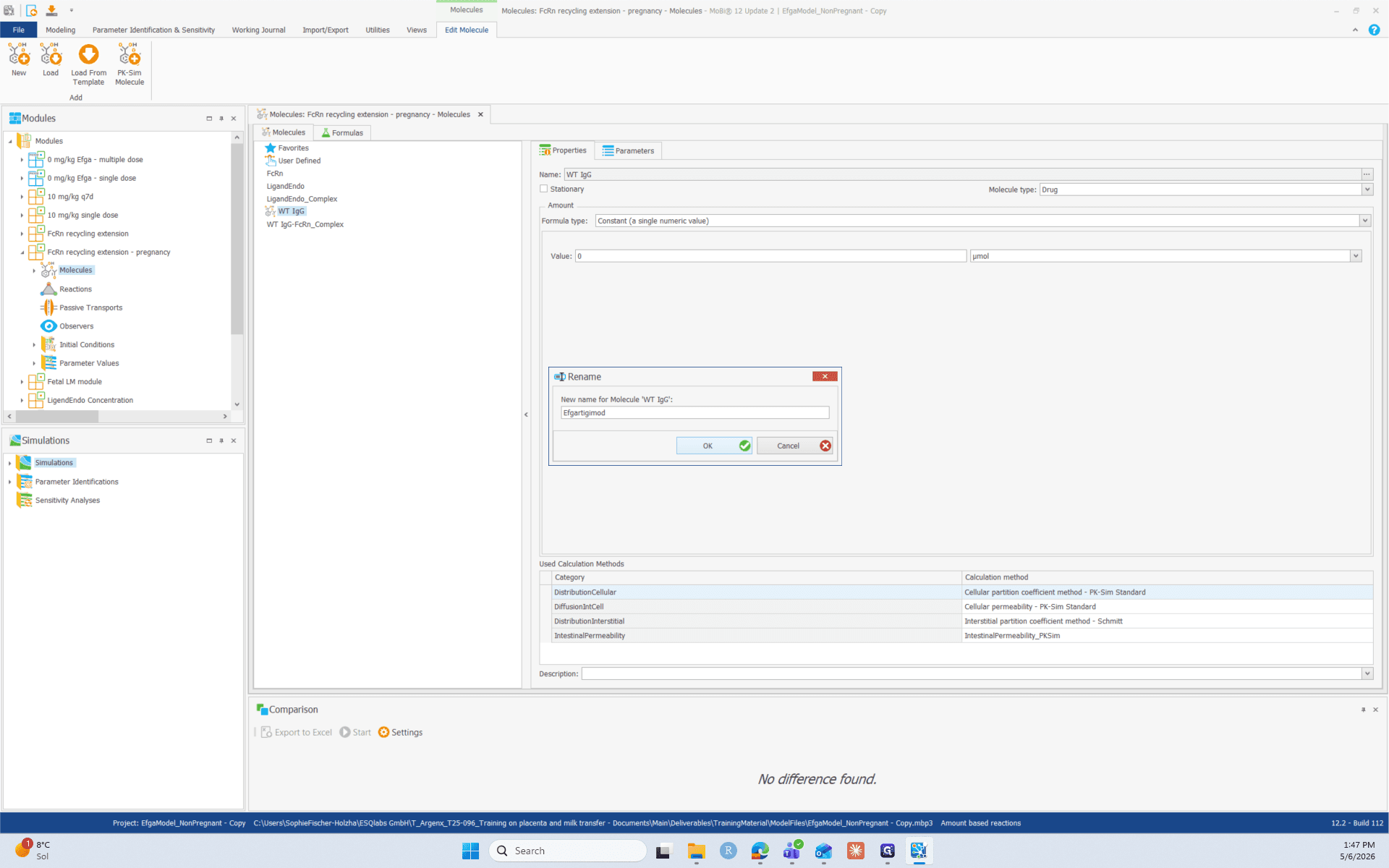
1. Rename the Core Molecule and Complex
Start by updating the default WT IgG molecule to the name of your compound used in the PKSim base model.
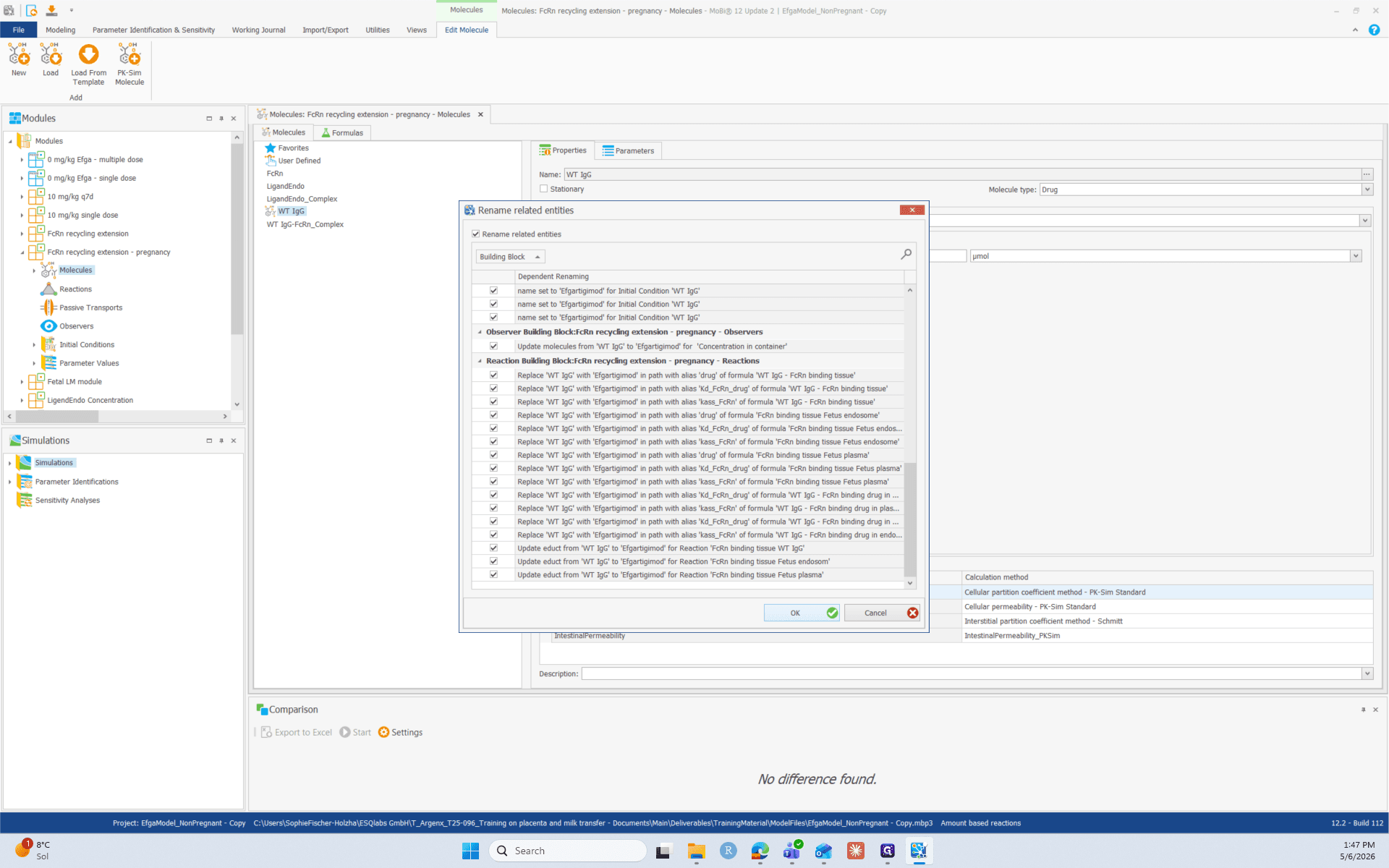
2. Update Reaction Names
You also need to rename the individual reactions so that they clearly indicate your specific molecule instead of the default generic name.
Go through the list and replace WT IgG with your drug's name for each relevant reaction:
First, open the reaction and then click on the three dots next to the reaction name and change WT IgG to your compound name.
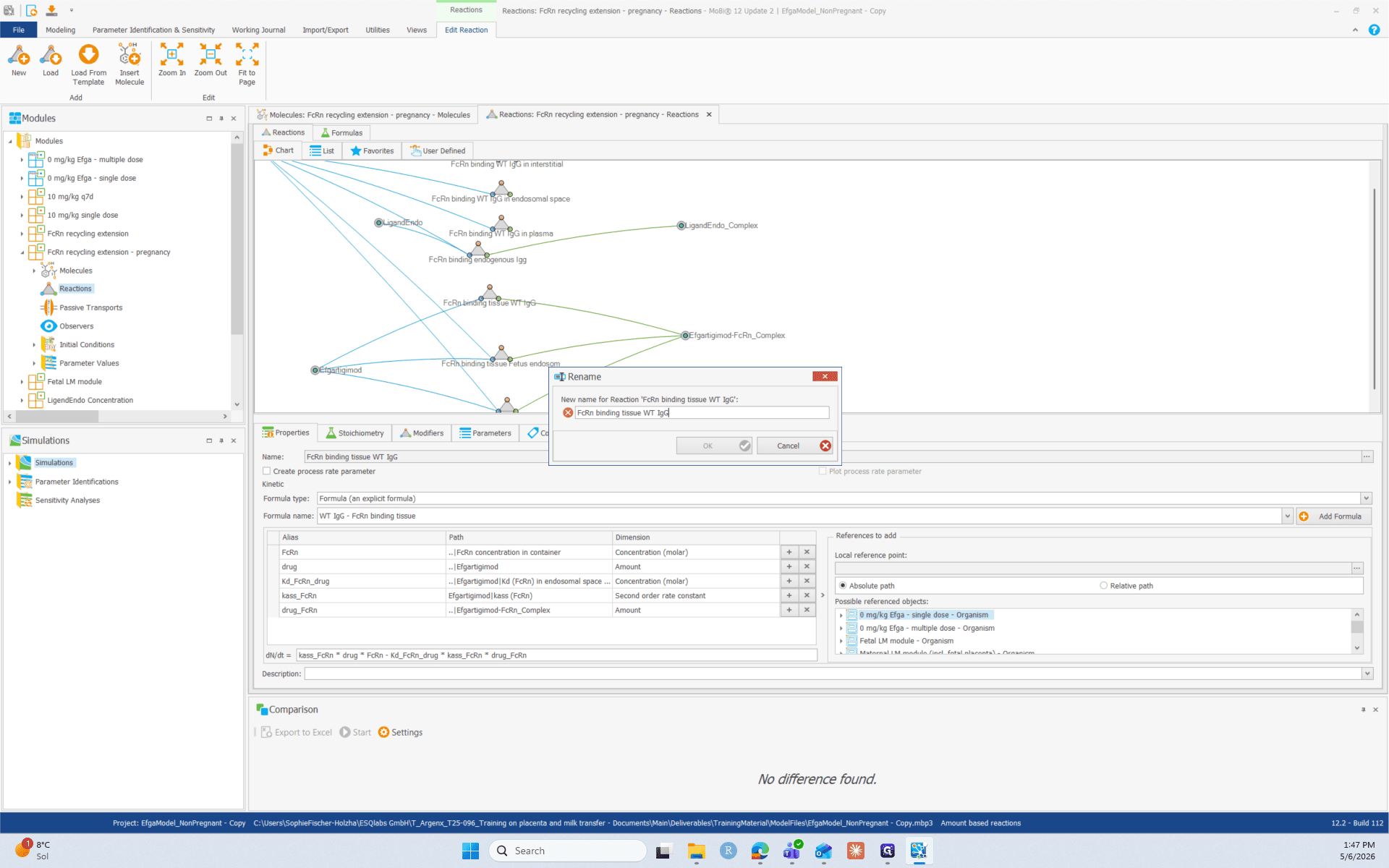
- FcRn binding WT IgG in interstitial
- FcRn binding WT IgG in endosomal space
- FcRn binding WT IgG in plasma
as described in step 6.
3. Update Parameters in Reaction BB
Ensure that parameter formulas reference to the right molecule.
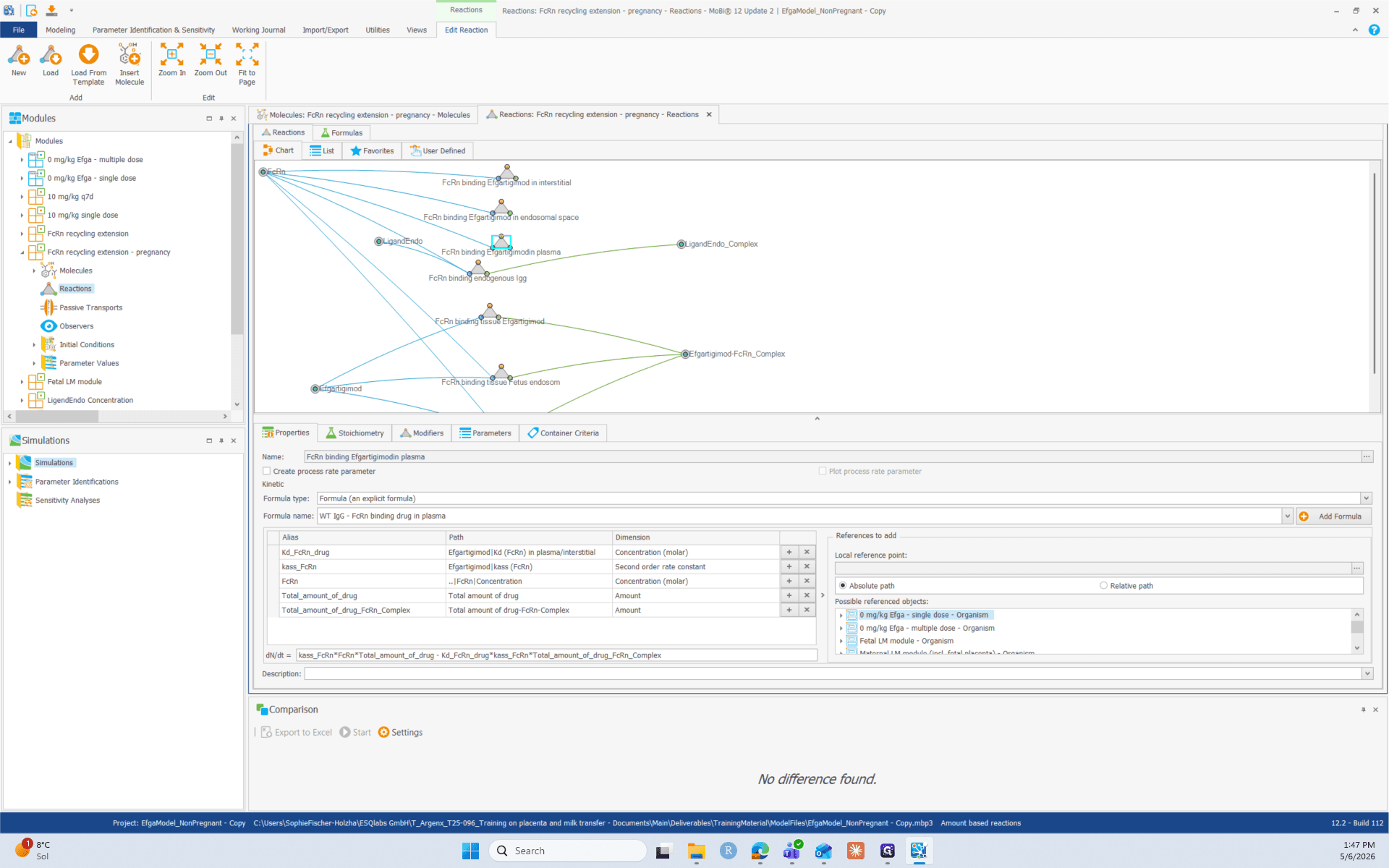
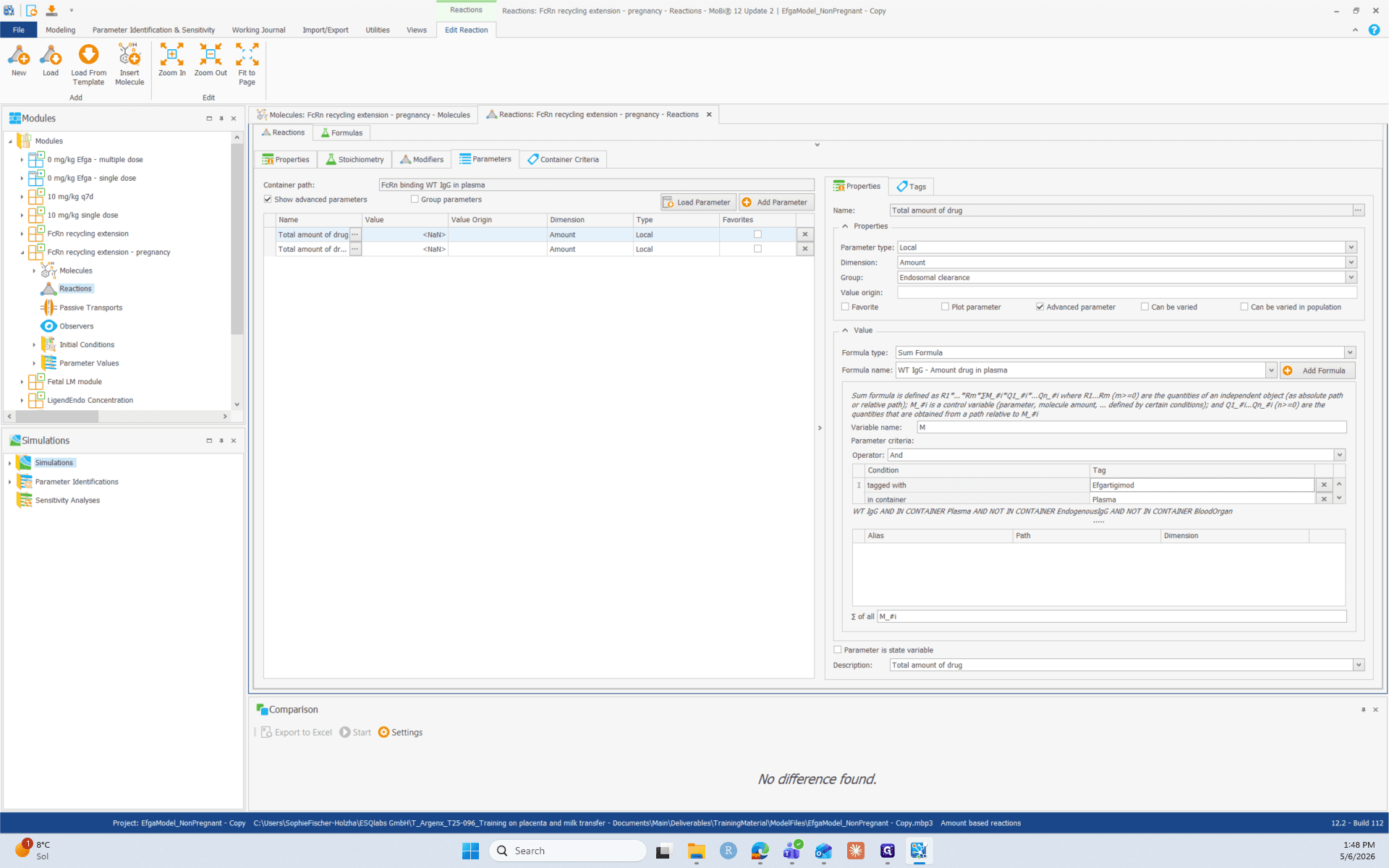
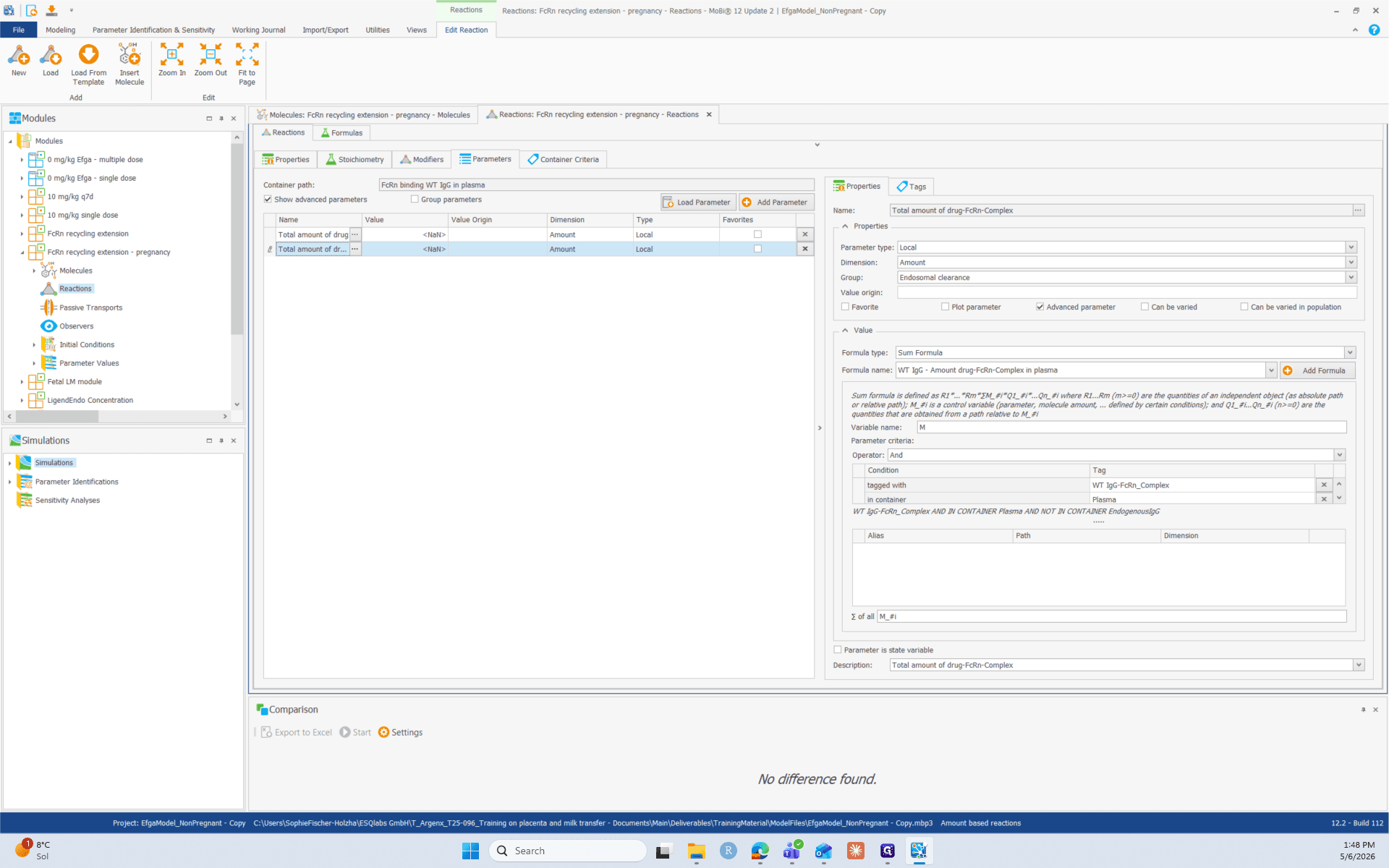
- FcRn binding WT IgG in interstitial
- FcRn binding WT IgG in endosomal space
- FcRn binding WT IgG in plasma
for both the Total amount of drug and Total amount of drug-FcRn-Complex following the steps described above.
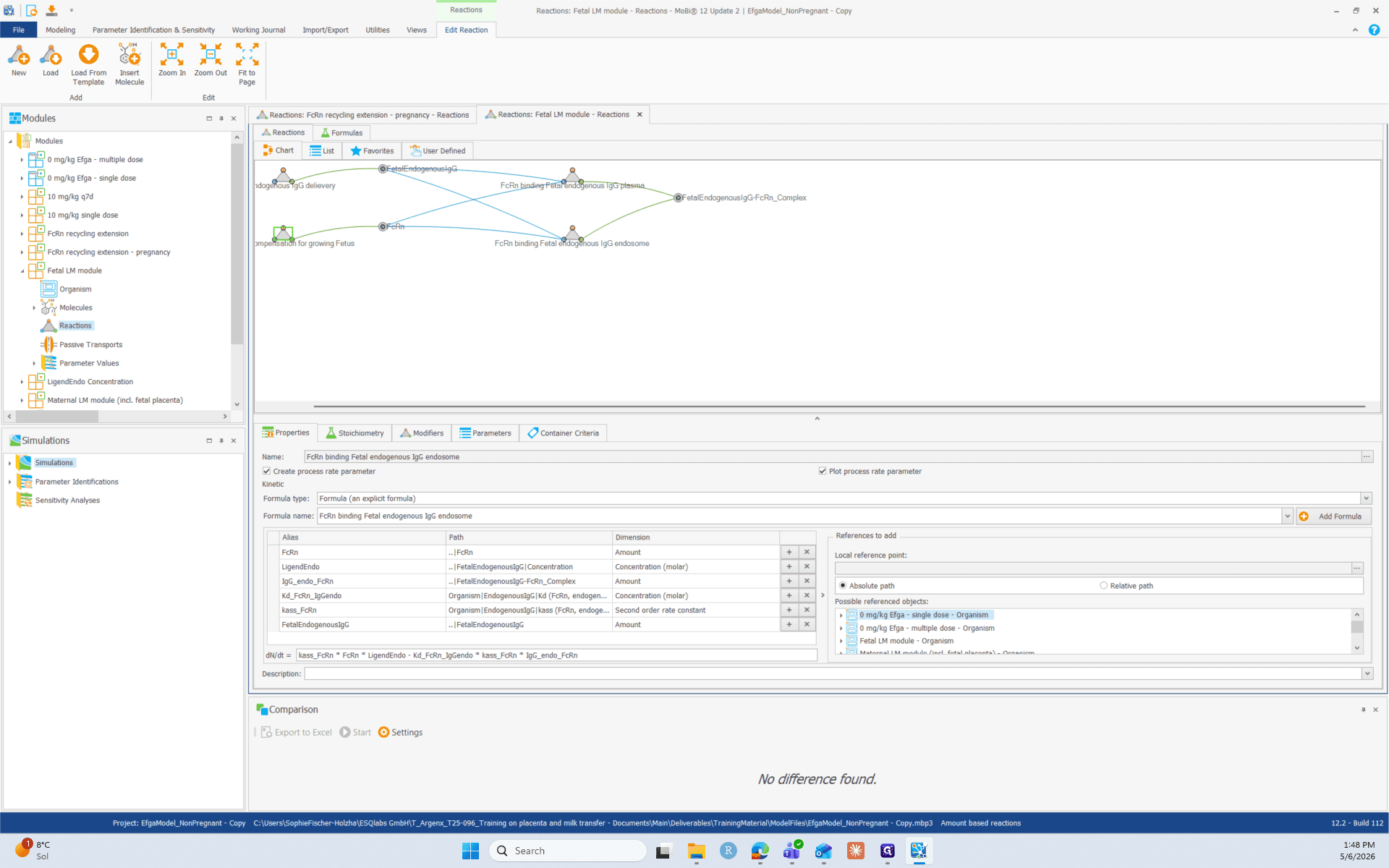
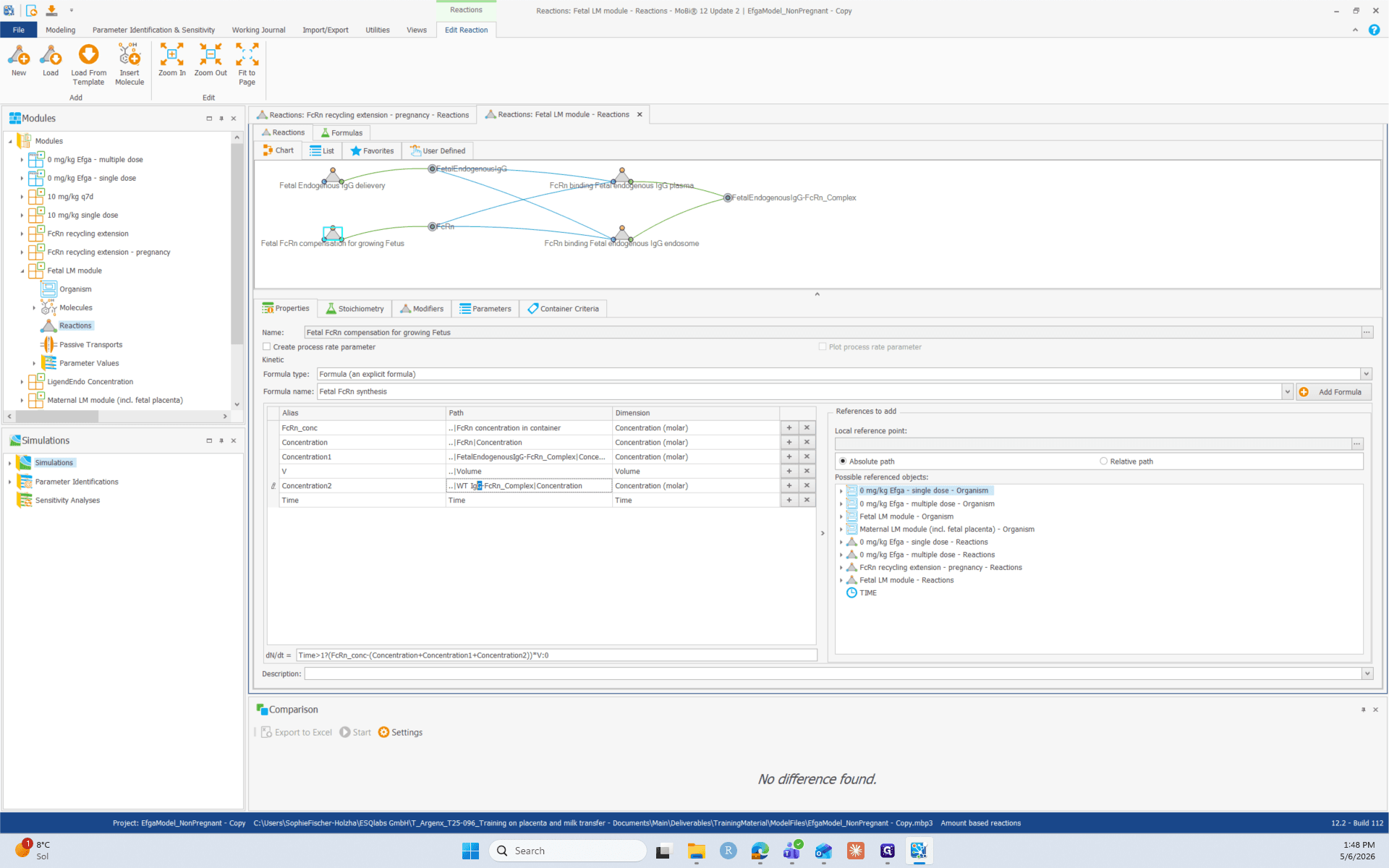
3. Update the reactions within the Fetal Extension Module
4. Create the Pregnancy Simulation