
Part 3: Extract and Upload Trial Balance Data for Adaptive Planning - Part 3
Learn how to reconcile exported SAP BO trial balance data with your Adaptive Planning report, identify variances, and update intercompany line items.
By Dimitri Aroney
After importing your SAP BO data into Adaptive Planning (AP), the final step in the process is reconciling the AP report back to the consolidated trial balance (TB) out of SAP BO.
Review Variances
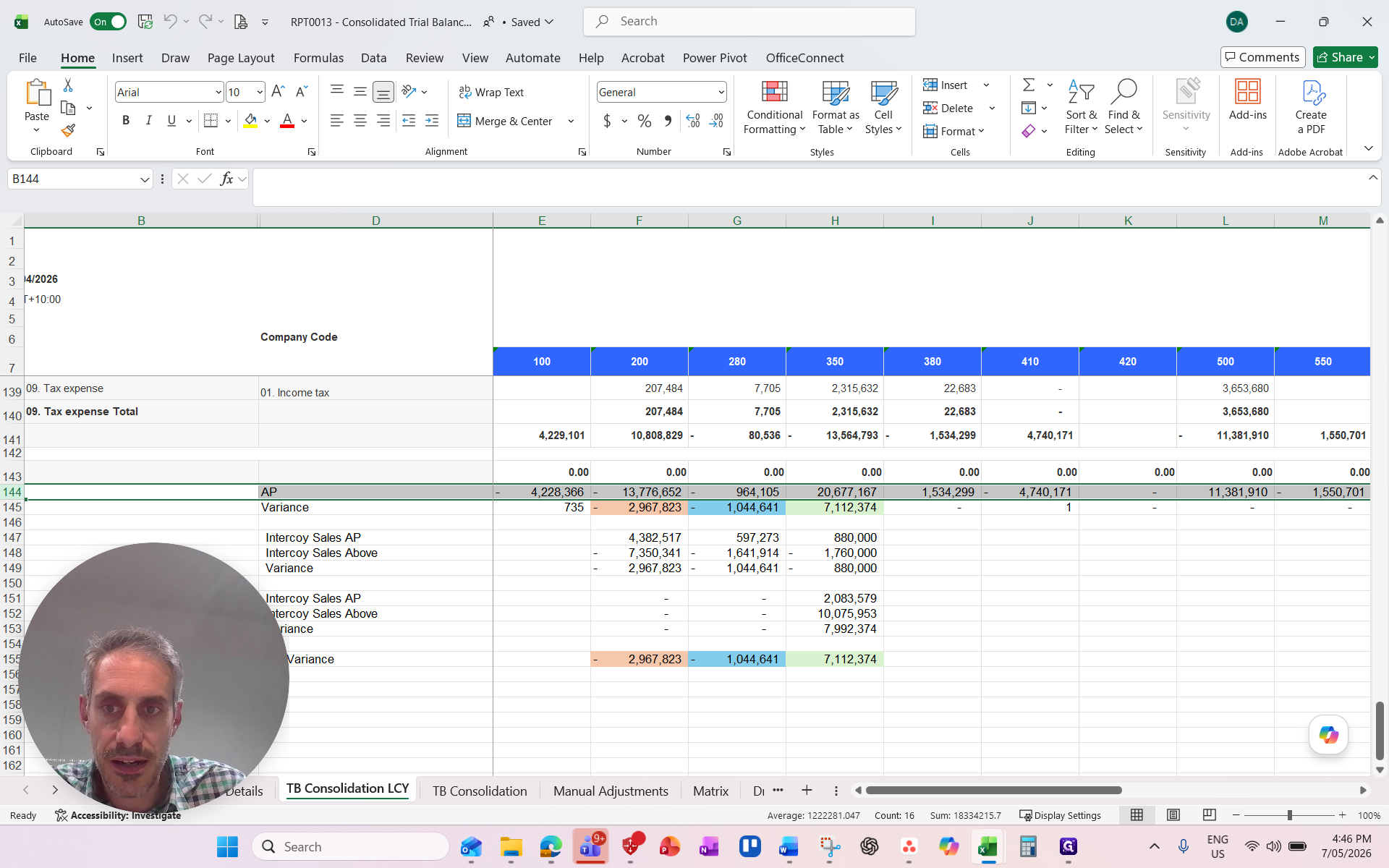
Compare the net profit figures coming from your SAP BO export against the values pulled from the AP report. Review your spreadsheet to identify any highlighted variances.
1
Navigate to the TB Consolidation LCY sheet in your workbook
2
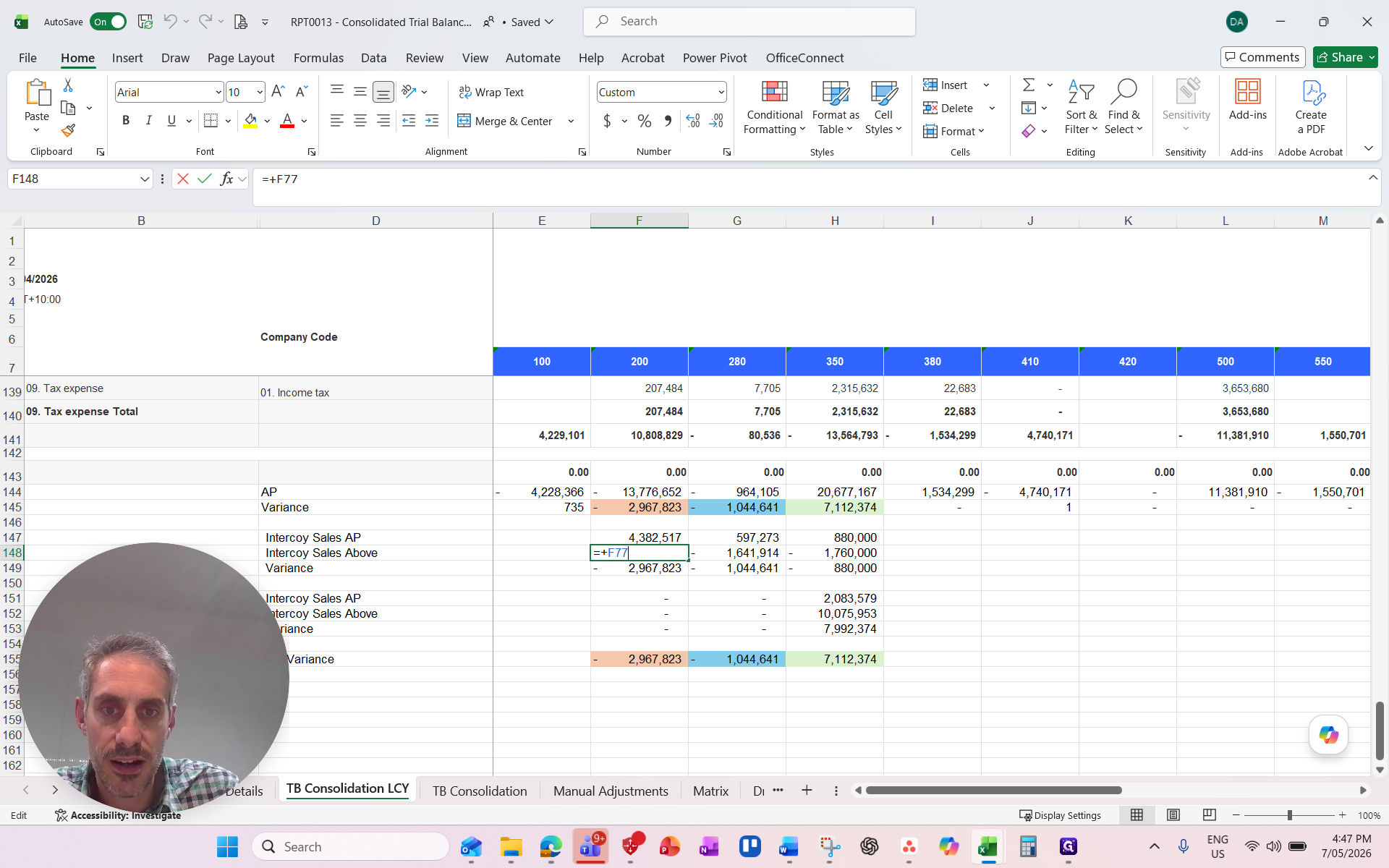
Double-click a variance cell to inspect its formula and trace its origin
Update Intercompany Line Items
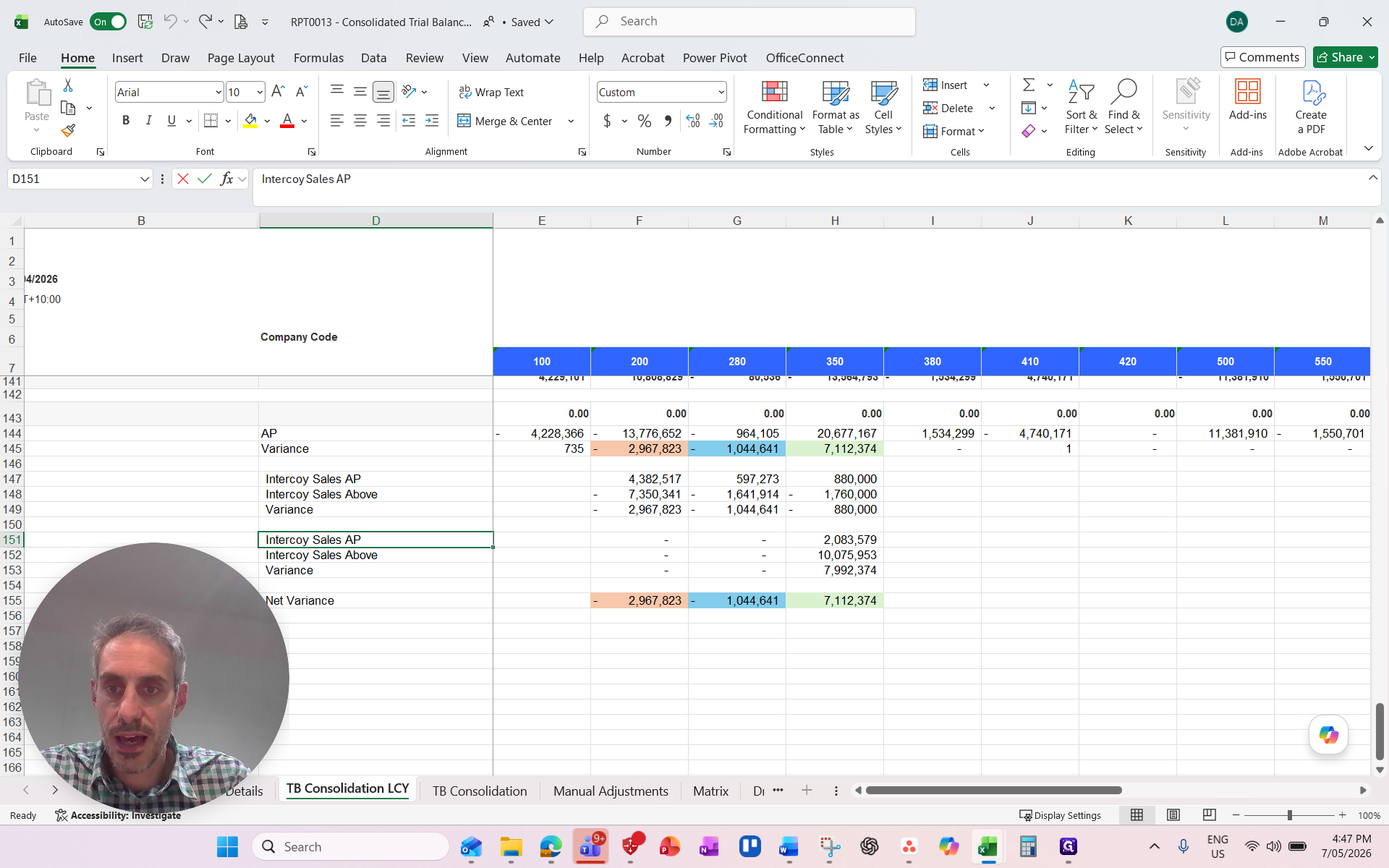
If you spot miscategorized items (e.g., intercompany sales vs. intercompany COGS), update the labels in your spreadsheet to ensure clear and accurate reconciliation.
3
Double-click the cell containing the incorrect label
4
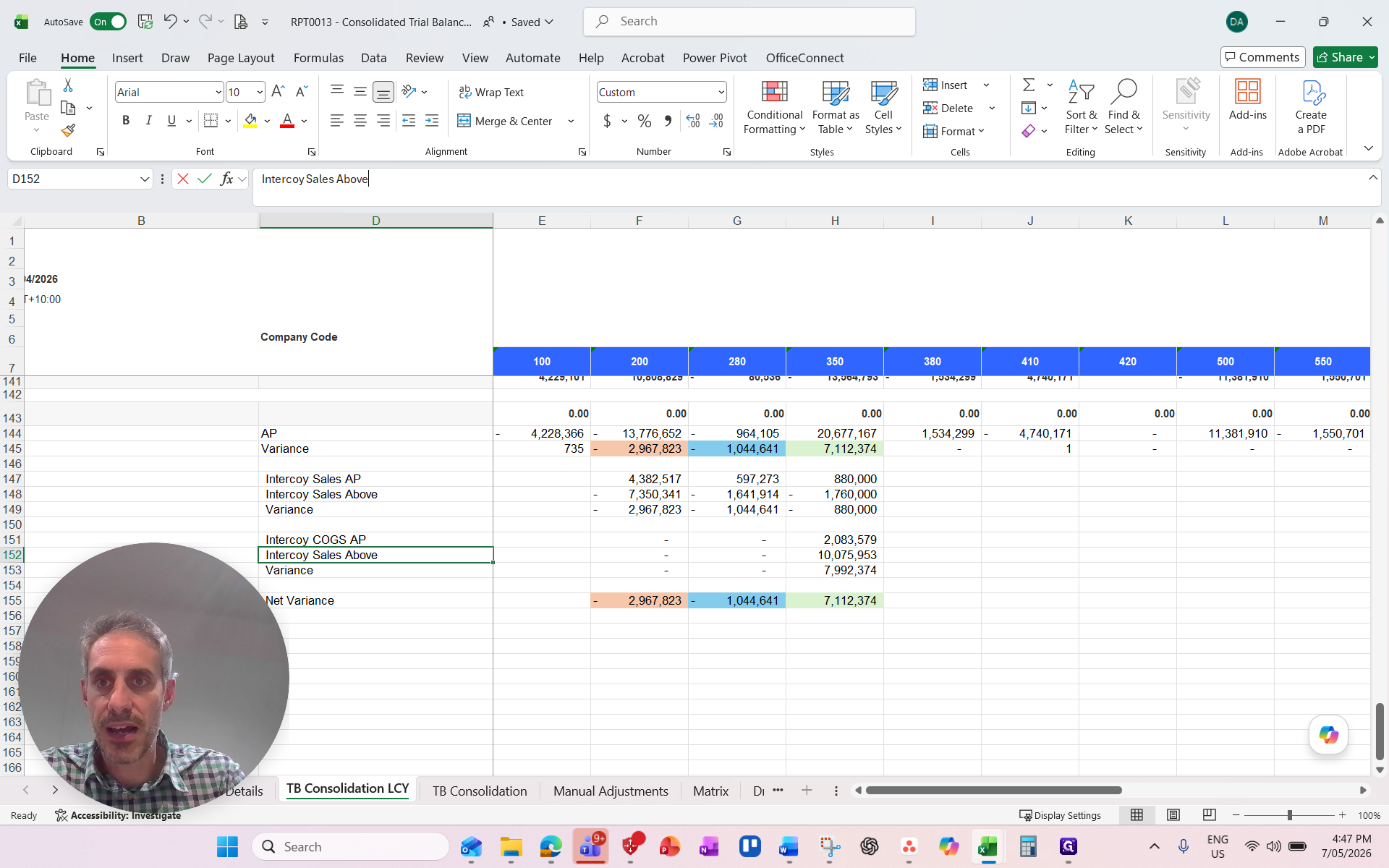
Type the updated category name (e.g.,
COGS) and press Enter5
Alternatively, select the label cell and click into the formula bar at the top
6
Type the updated category name and press Enter
7
Press Ctrl + S to save your spreadsheet