
How to Filter and Verify High-Traffic Websites
Learn how to filter website lists for minimum traffic requirements in Google Sheets and verify their historical stability using the Wayback Machine.
This guide demonstrates how to filter a master spreadsheet to identify partner websites with a minimum of 10,000 monthly traffic. It also covers how to cross-reference those websites with historical archives to ensure they have stable traffic profiles over time.
This guide is intended for SEO specialists, link builders, and outreach coordinators who need to vet potential partner websites for quality and historical stability before pursuing collaborations.
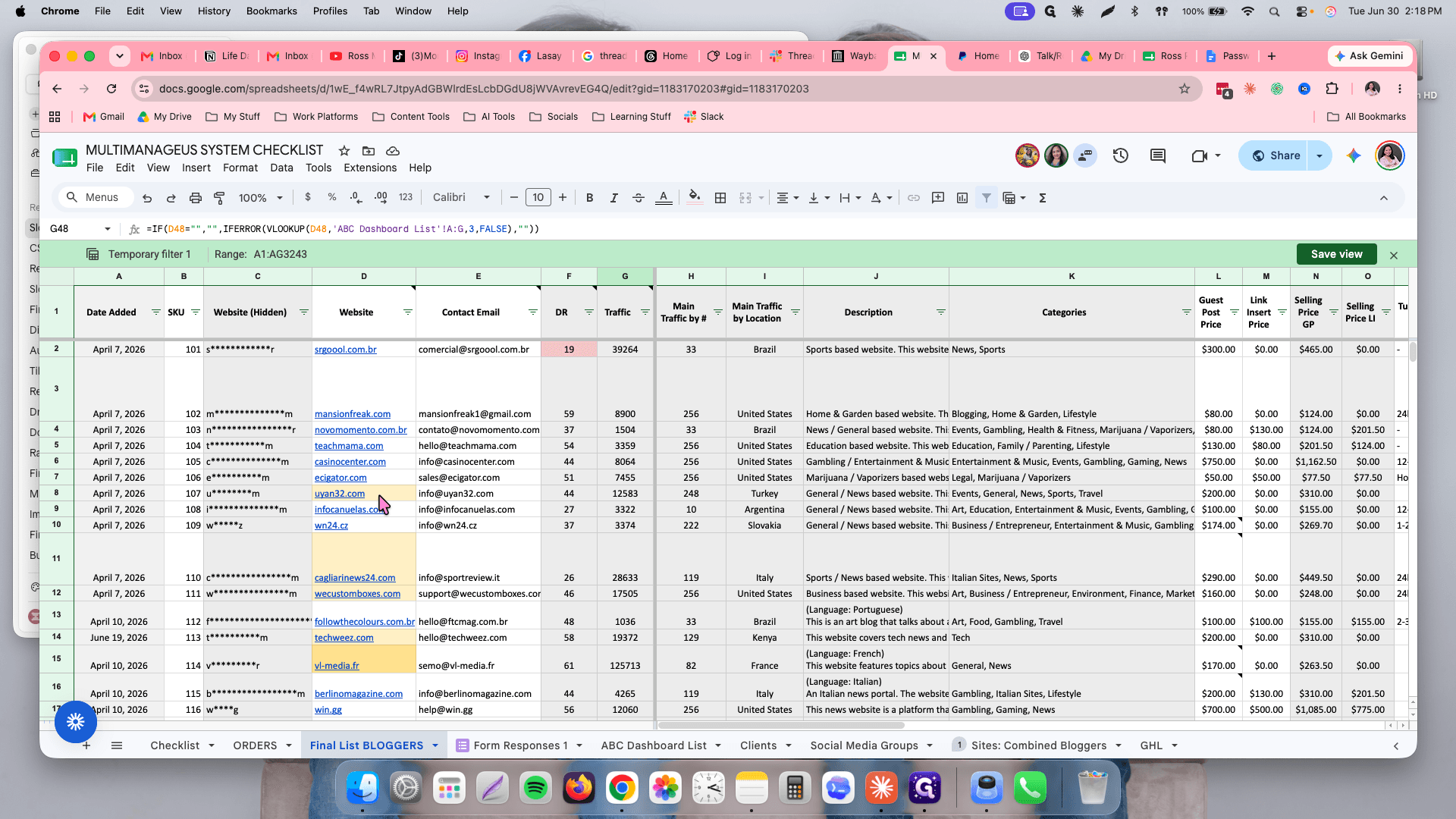
Setup Filter
Select all traffic values that exceed 10,000 to narrow down the view.
Highlight Selected Websites
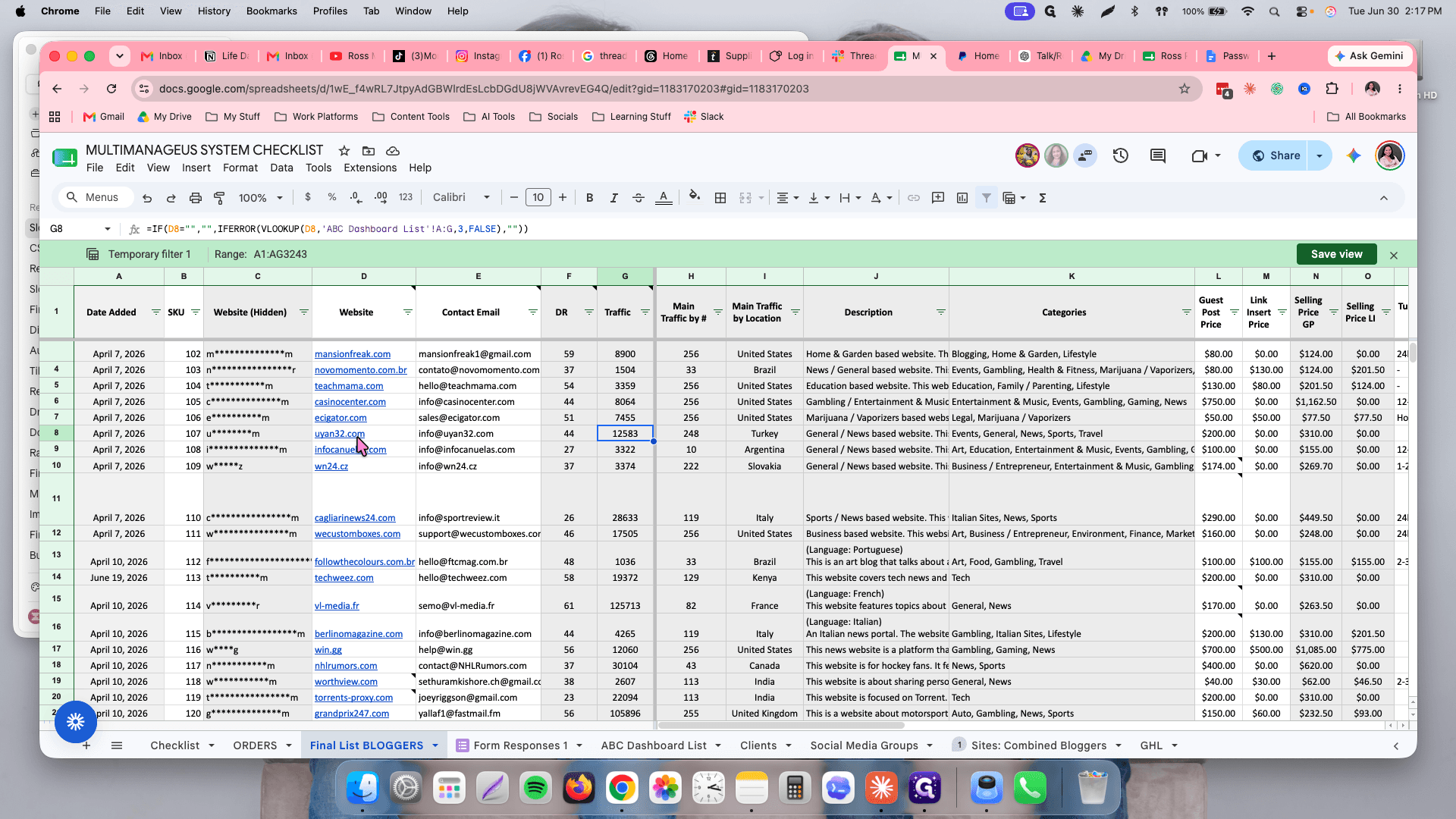
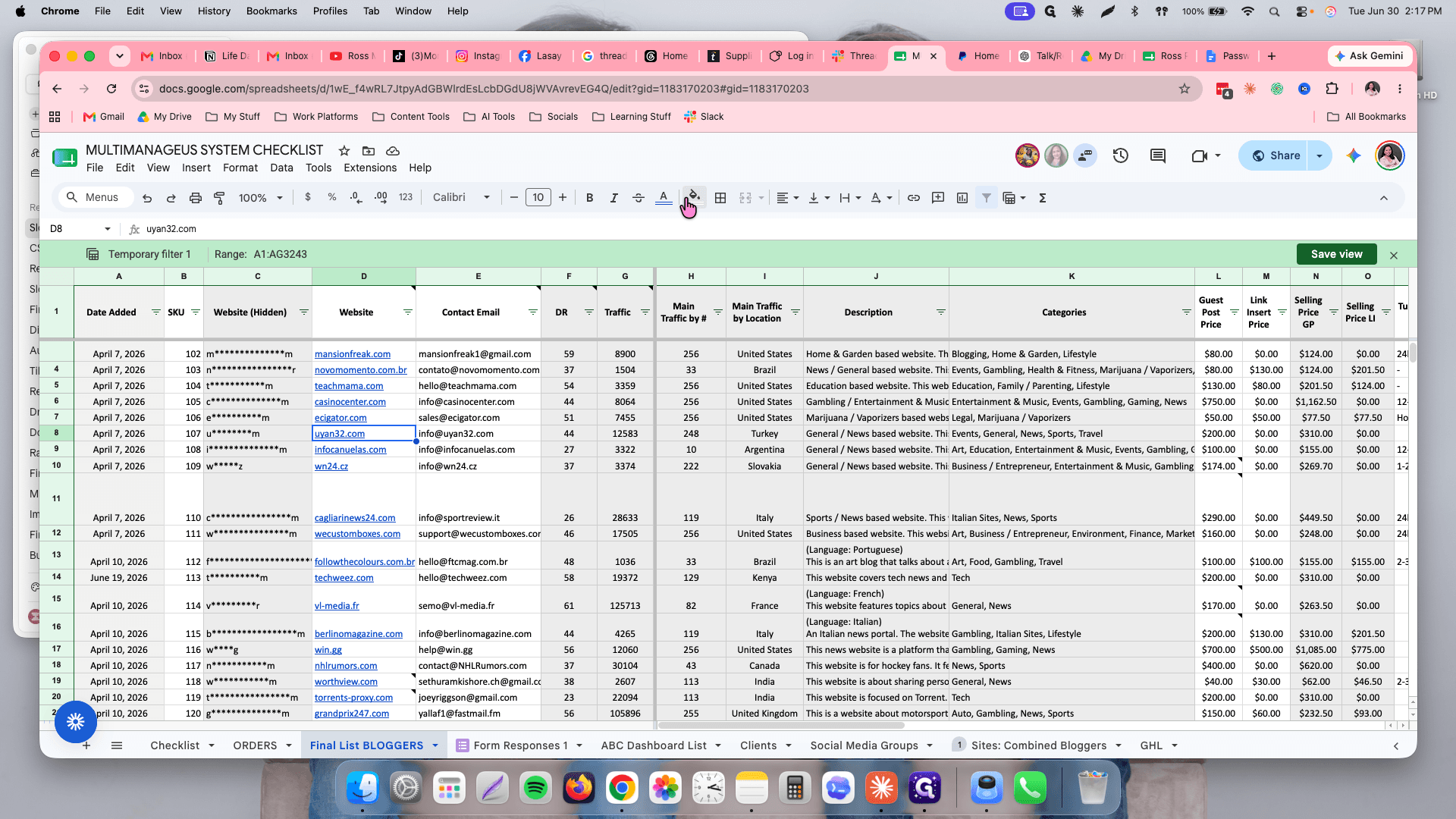
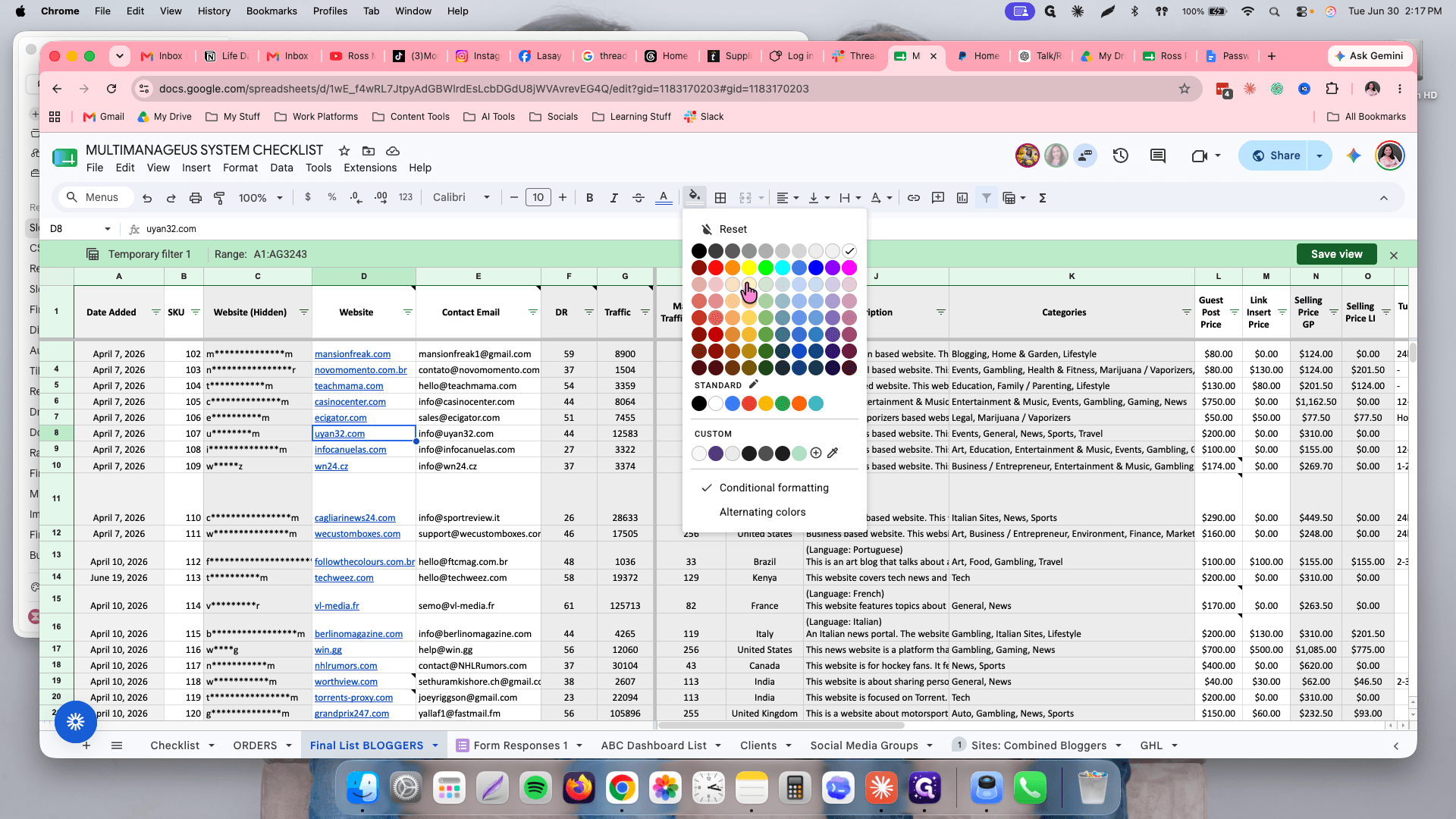
Verify Website History
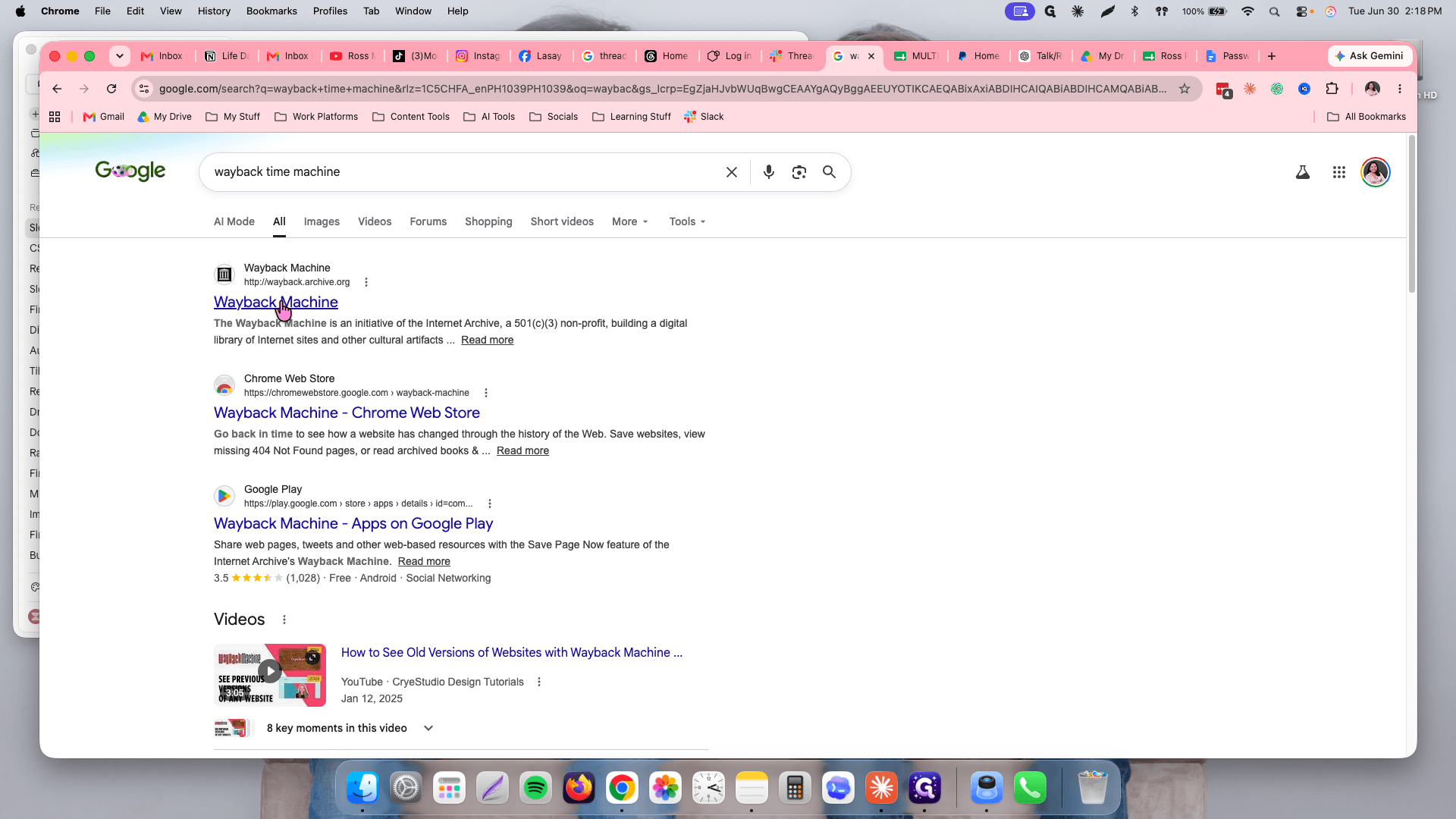
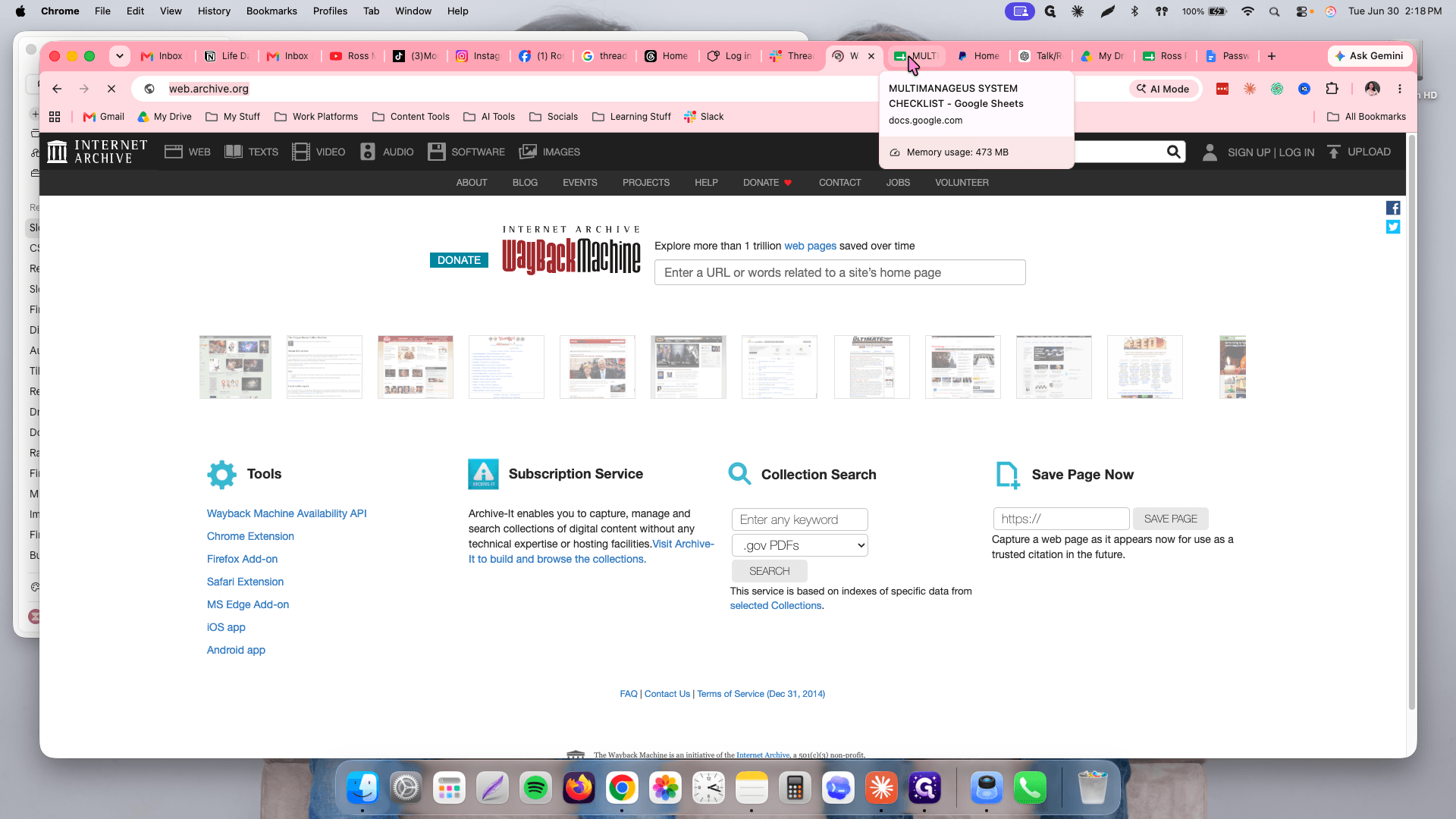
Cmd + C (or Ctrl + C on Windows) to copy the URL.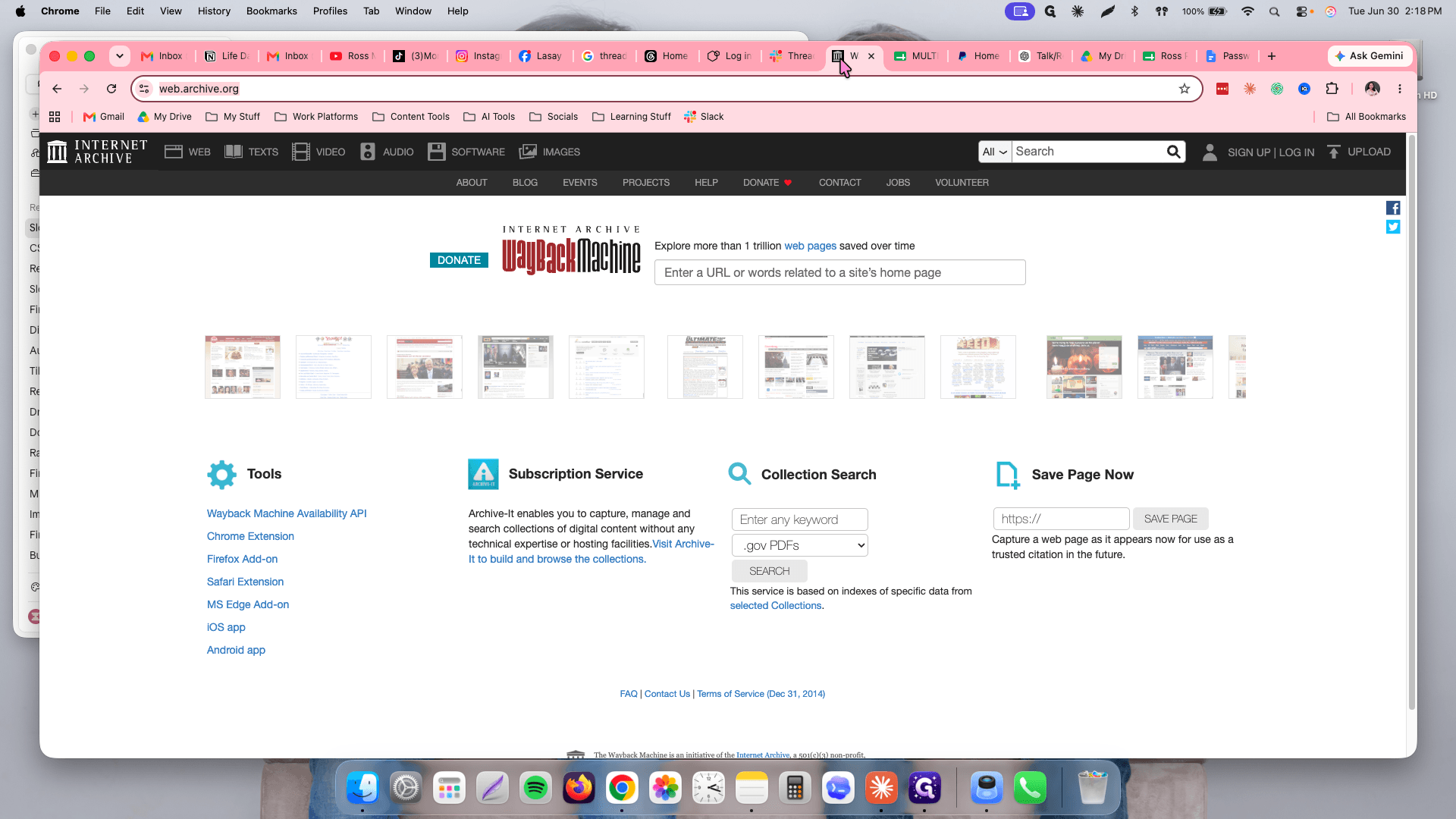
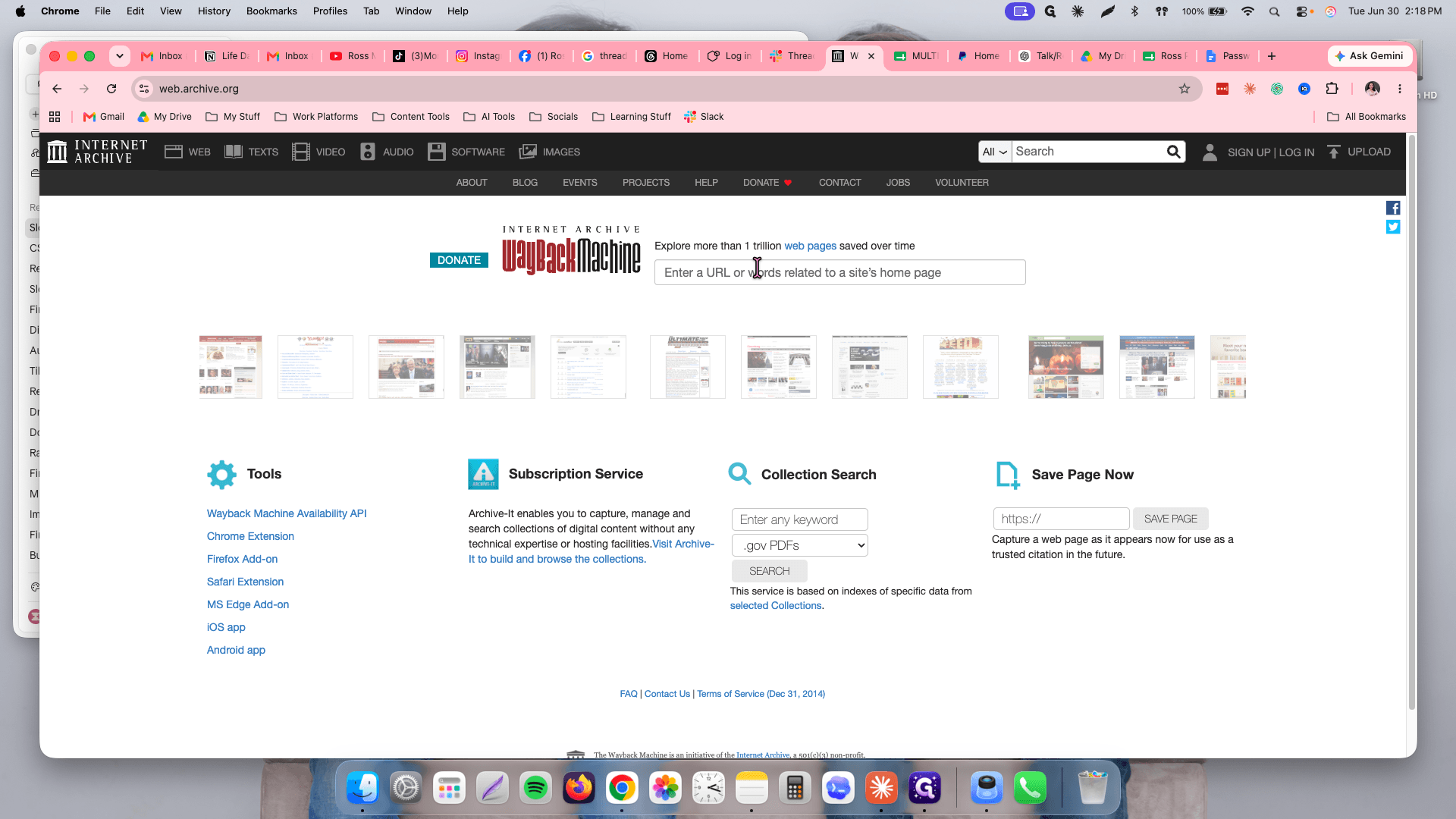
Cmd + V (or Ctrl + V) to paste the copied URL.Enter to search the archives.Repeat this verification process for each of your highlighted websites.
Q: Do we need to manually check the traffic in Ahrefs?
A: No, the traffic numbers in the checklist are automatically updated every week from the main dashboard list.
Q: What does a pink highlighted row indicate?
A: A pink row means the website's traffic is actively declining. You should avoid selecting these sites for your lists.
Q: What should I look for when checking a site on the Wayback Machine?
A: Ensure that the website's history shows stable activity without major historical gaps, unusual fluctuations, or systemic downtime.
Term | Definition |
|---|---|
Ahrefs | An SEO software suite used to estimate website traffic and analyze backlinks. |
Wayback Machine | A digital archive of the World Wide Web used to view older versions of websites and check their historical stability. |