Finding anchoring kits
Learn how to navigate the Supply Chain and Manufacturing SharePoint library to locate mechanical layout drawings and extract part information.
By Drew Stewart
This guide explains how to navigate the SharePoint document library to locate mechanical layout drawings for specific projects and extract necessary part information from the prints. Reviewing these prints directly in the browser ensures you are referencing the most up-to-date specifications.
This process is designed for the Supply Chain, Manufacturing, and Implementation teams who need to access project folders, verify assembly components, or pull exact part numbers for mechanical equipment.
Navigate to the Layout Drawings
Follow these steps to drill down into the project folders and locate the mechanical prints for the AIB328 project.
1
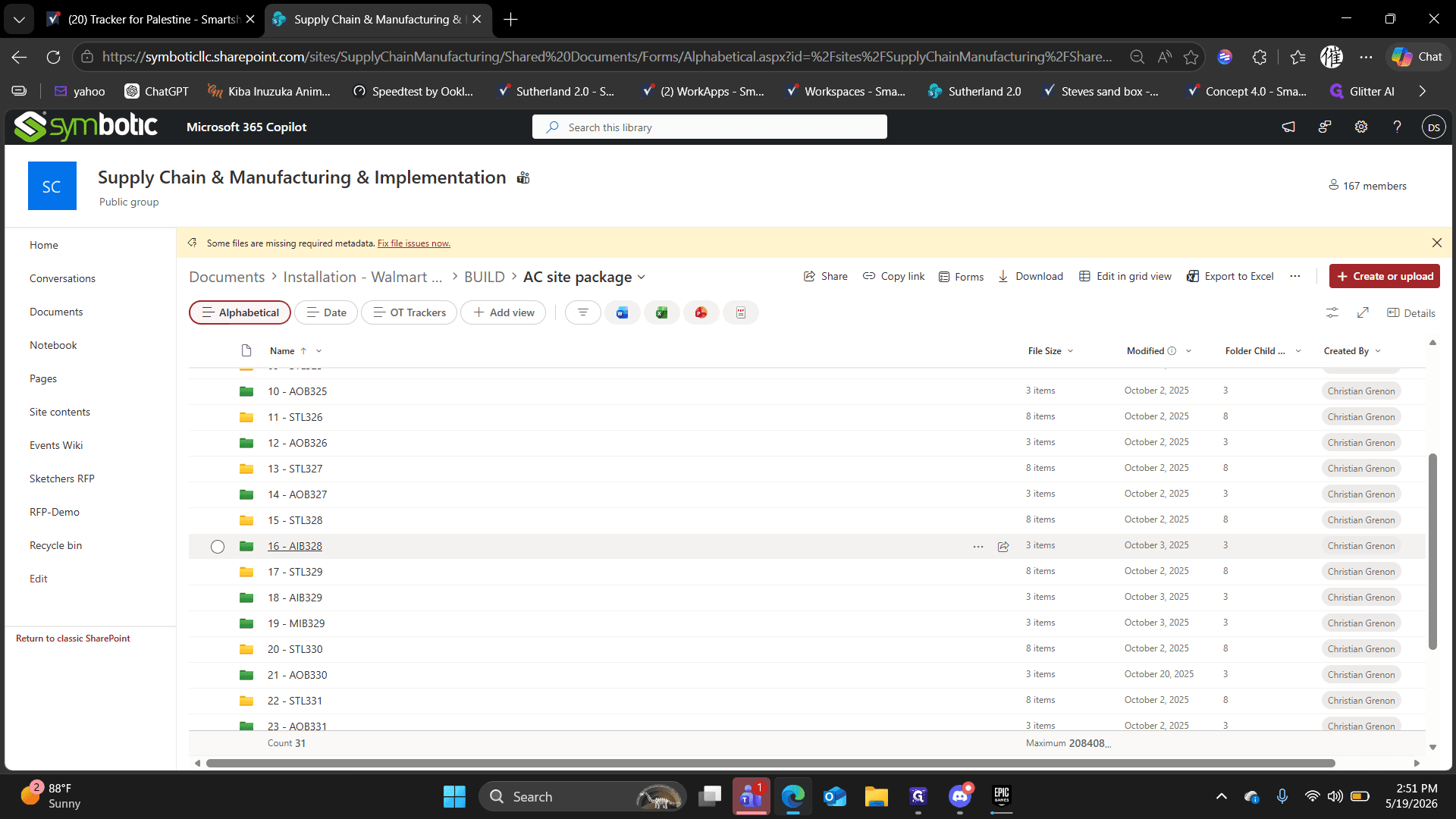
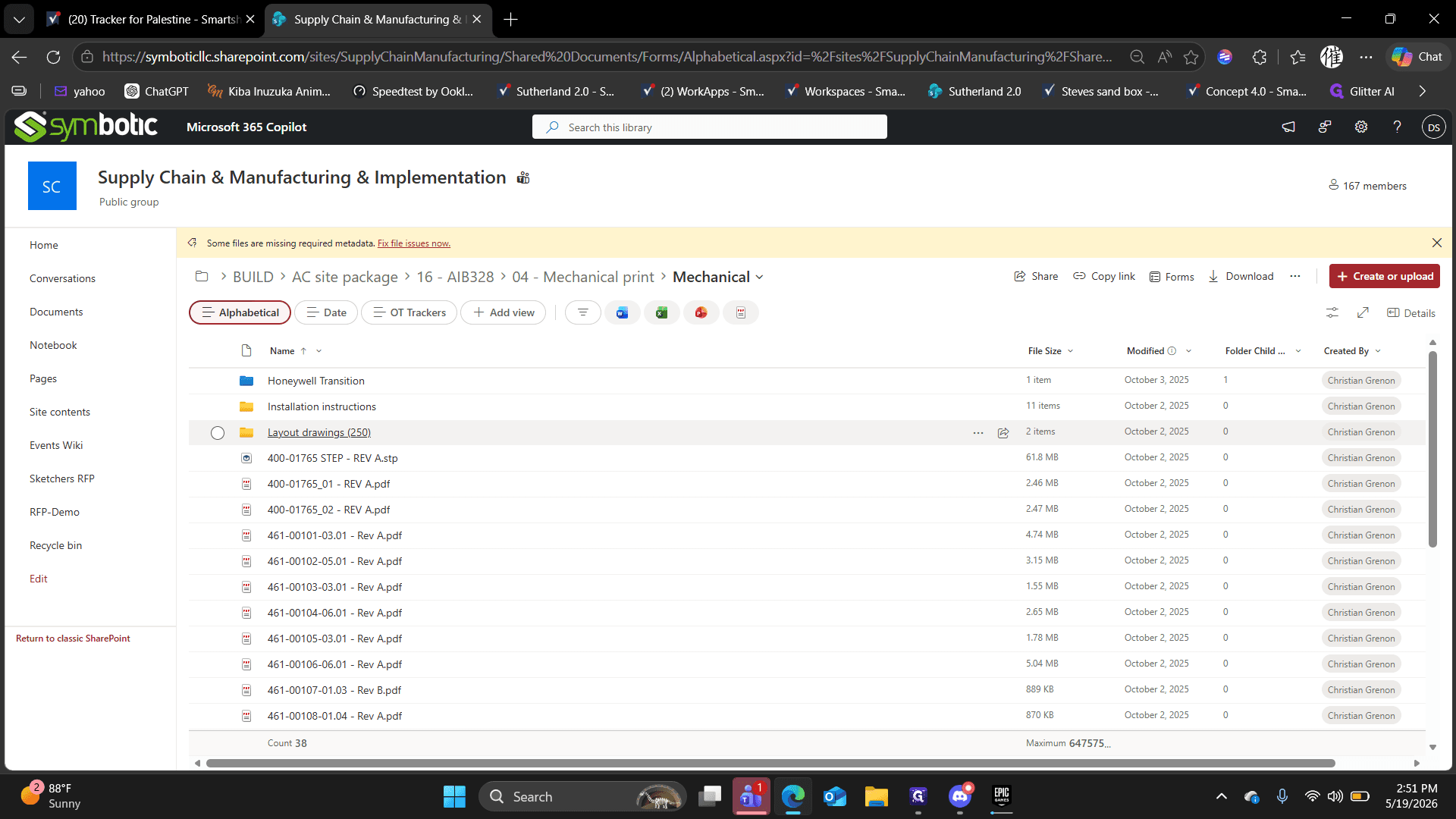
Click the 16 - AIB328 folder in the main document library.
2
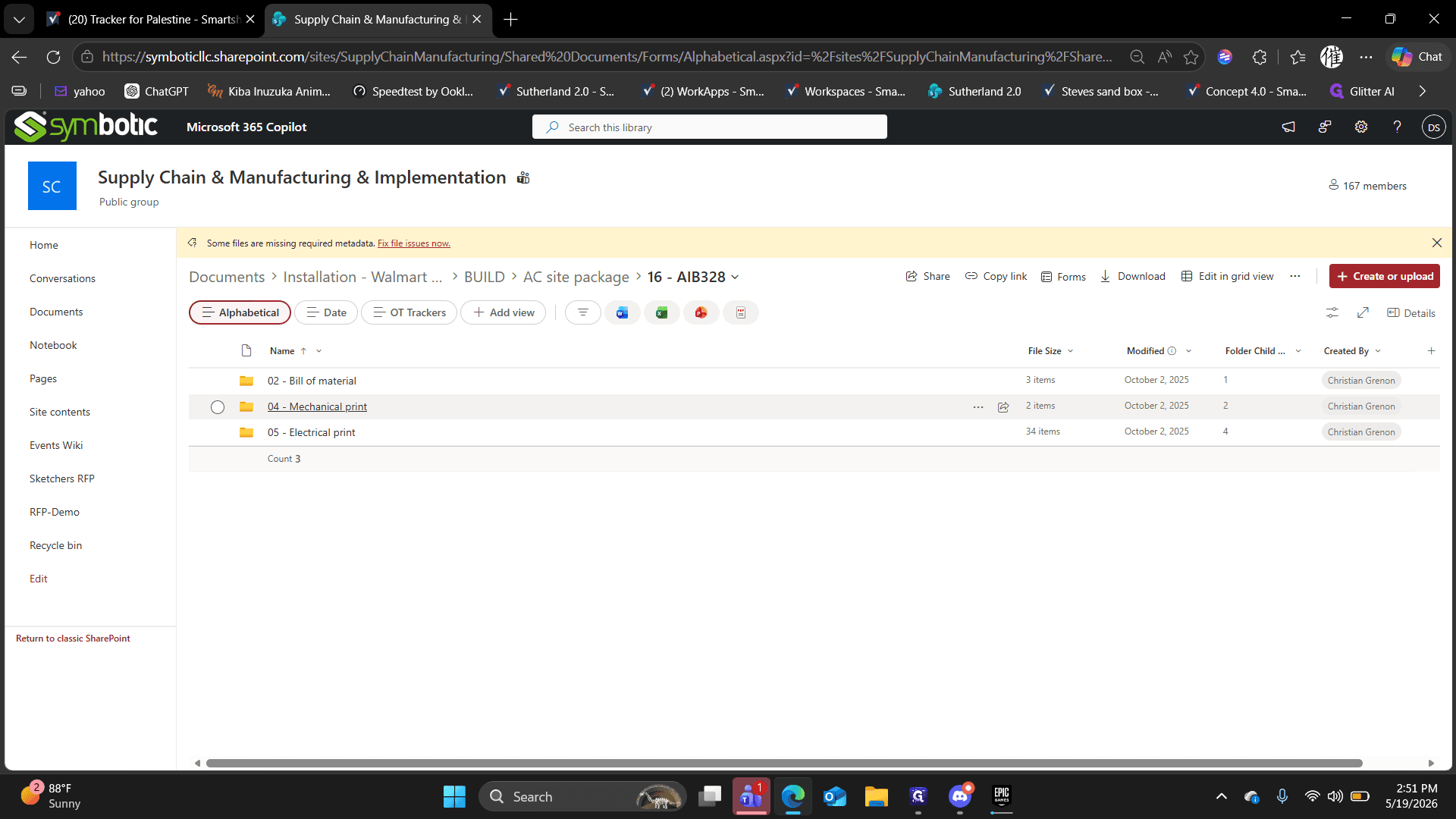
Open the 04 - Mechanical print folder.
3
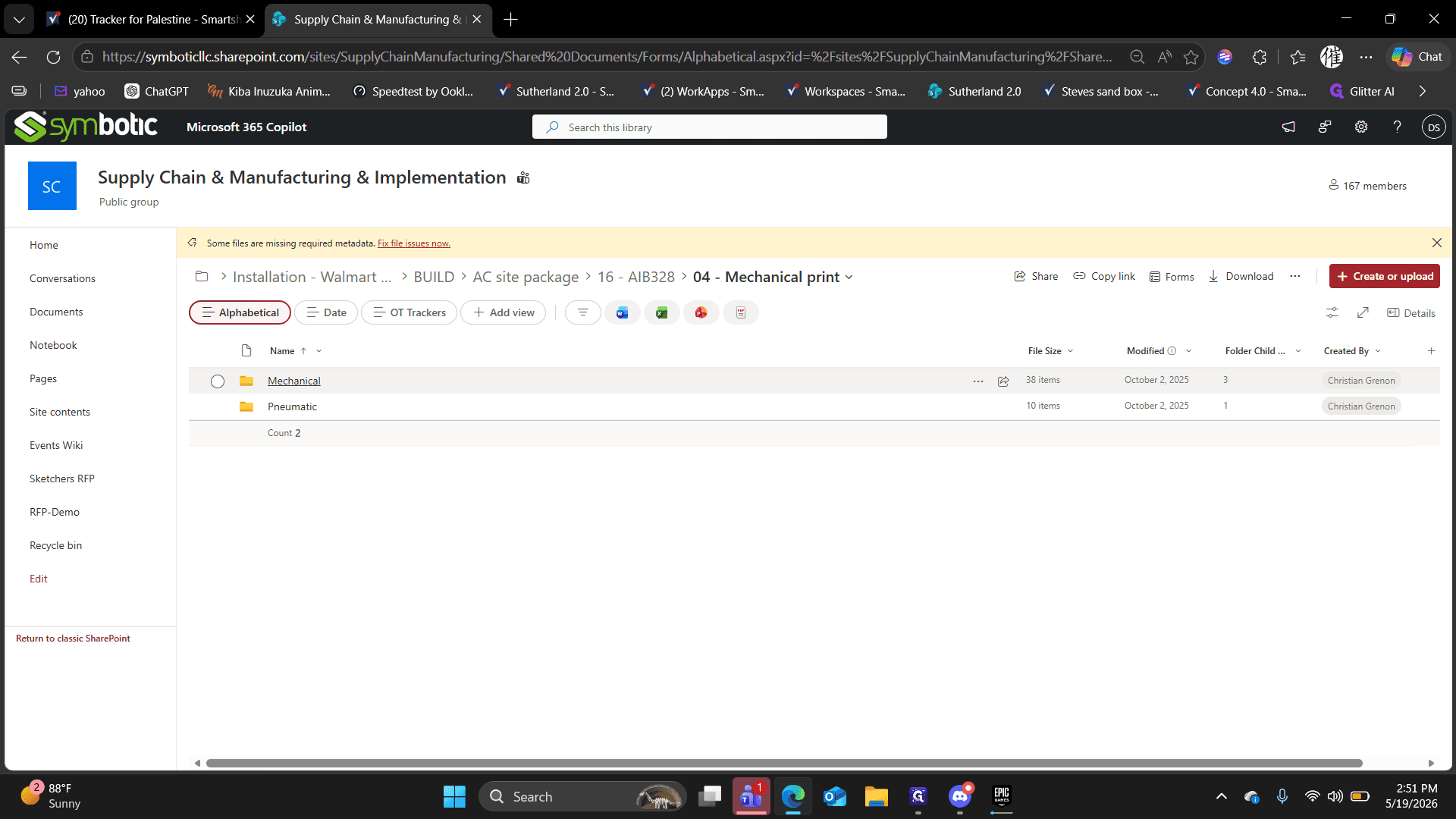
Select the Mechanical folder.
4
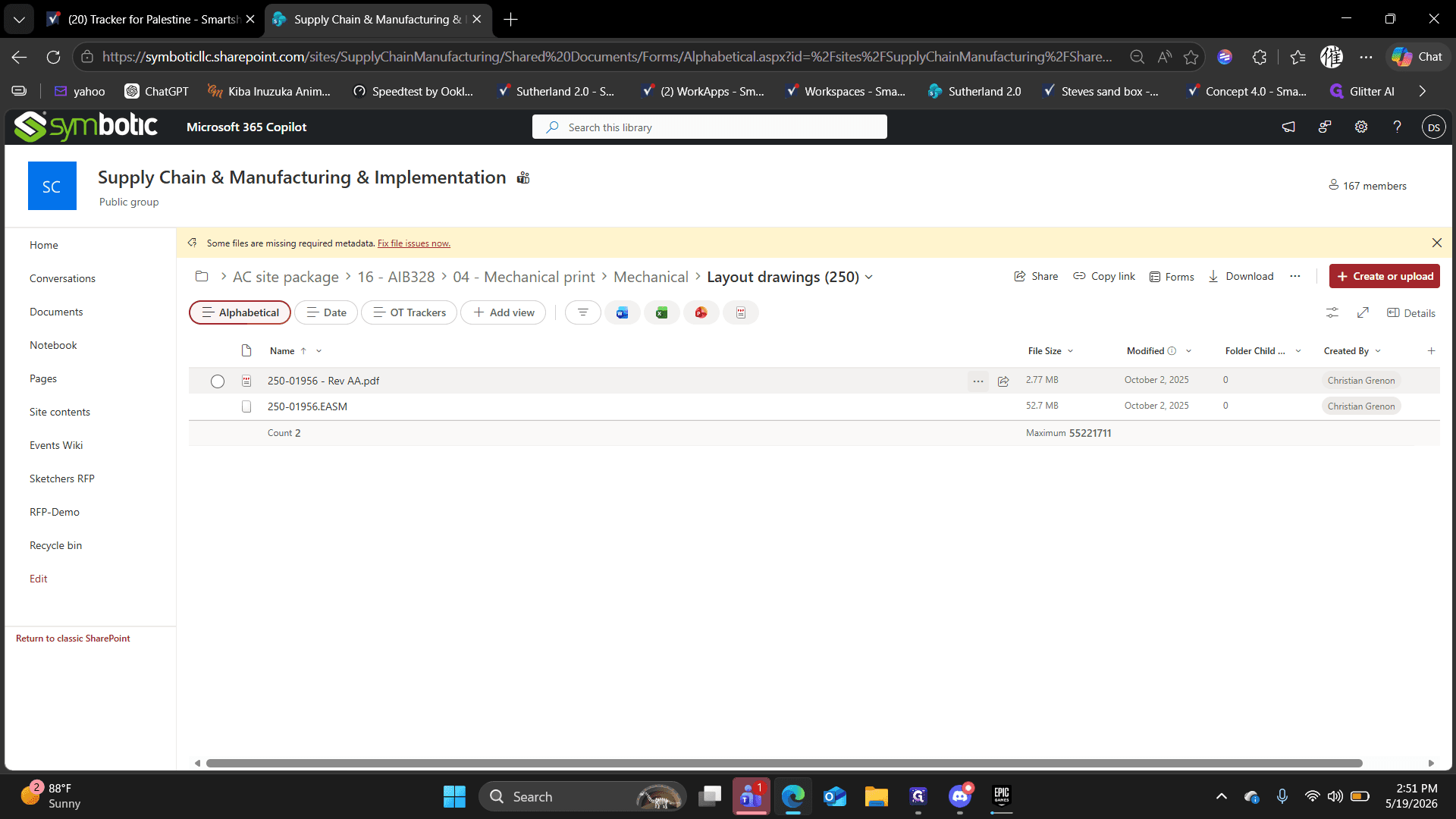
Click to open the Layout drawings (250) folder, which contains the PDF prints.
Open and Review the Print
Once you have located the target drawing, open it to extract the required kit and part details.
5
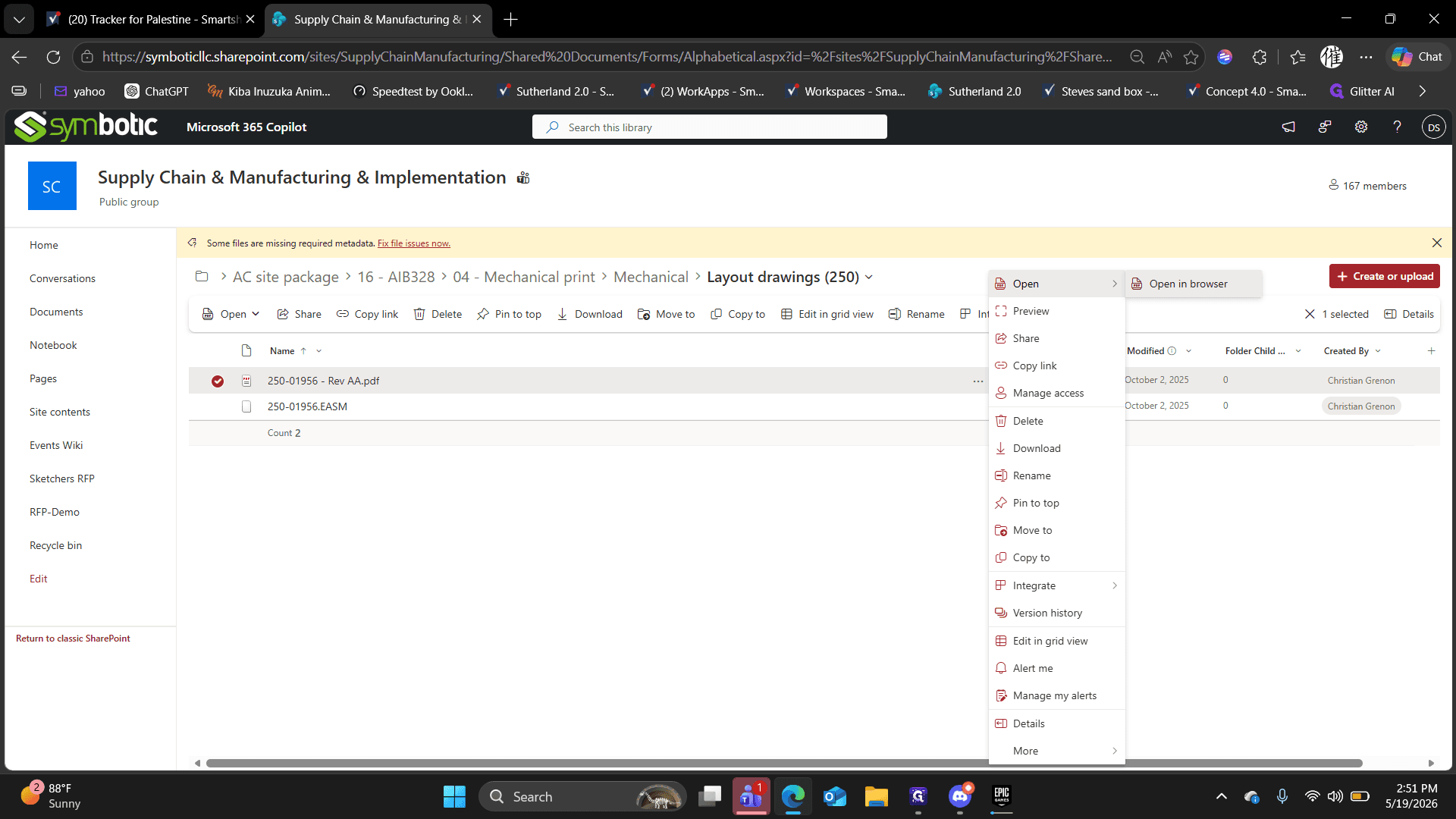
Right-click or open the context menu for the target PDF layout document in the file list.
6
Click Open in browser to view the document without downloading it to your local machine.
7
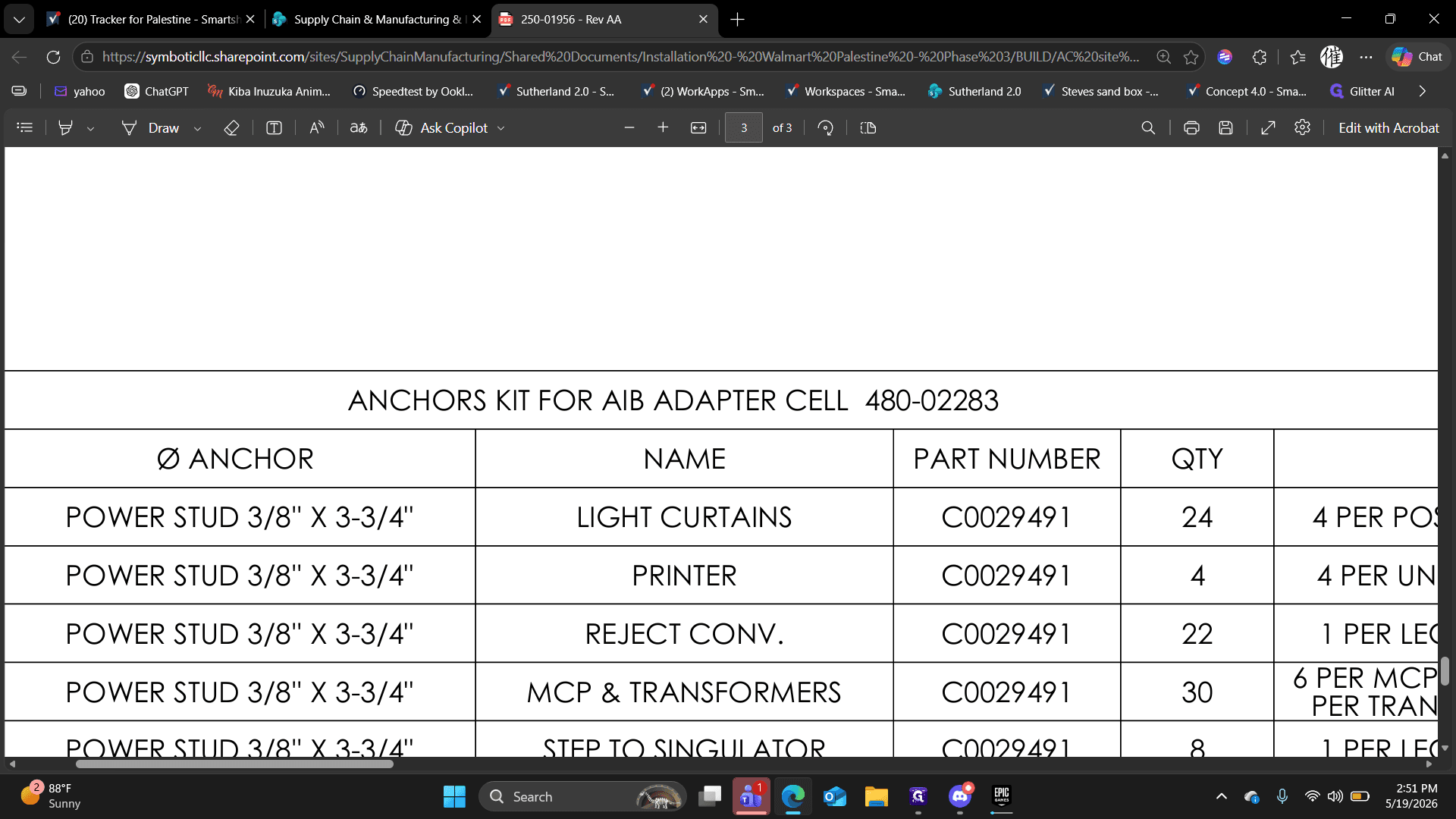
Highlight the required kit name or part number (e.g., ANCHORS KIT FOR AIB ADAPTER CELL 480-02283) from the document's header or parts table to copy it for your records.