
Forgot Your Password? How to Reset Your Onondaga County Password.
Learn how to securely reset your Onondaga County password using the Microsoft Online Password Reset tool and your authenticator app.
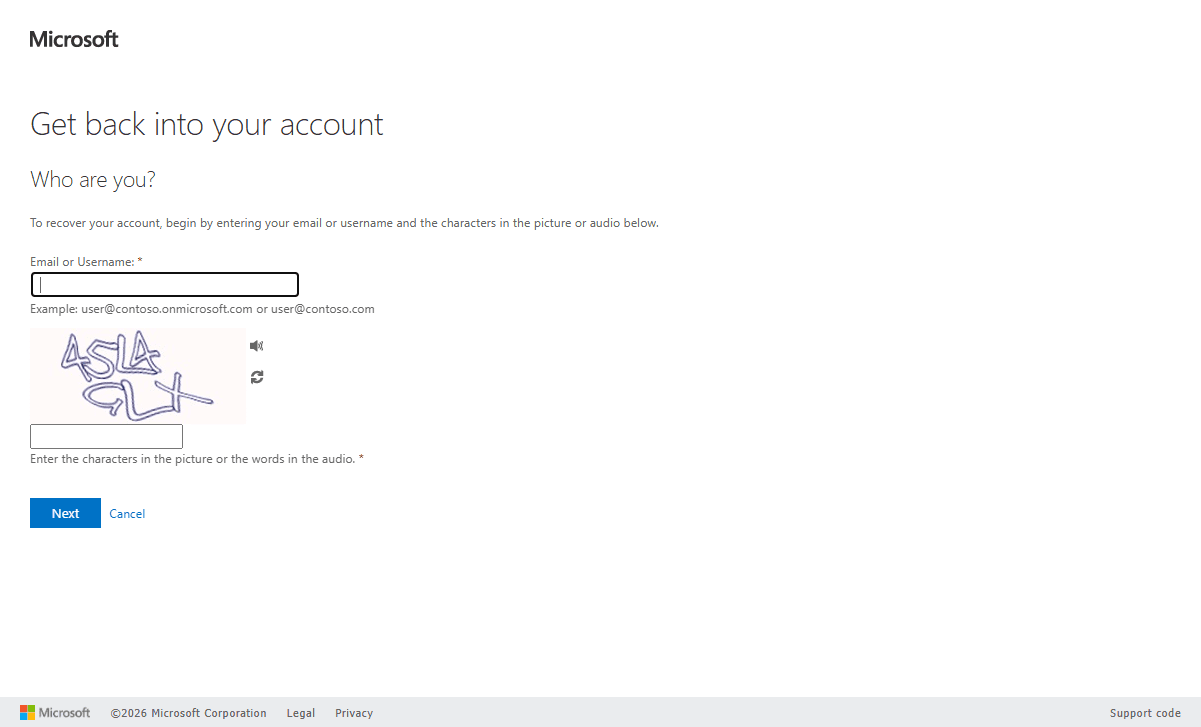
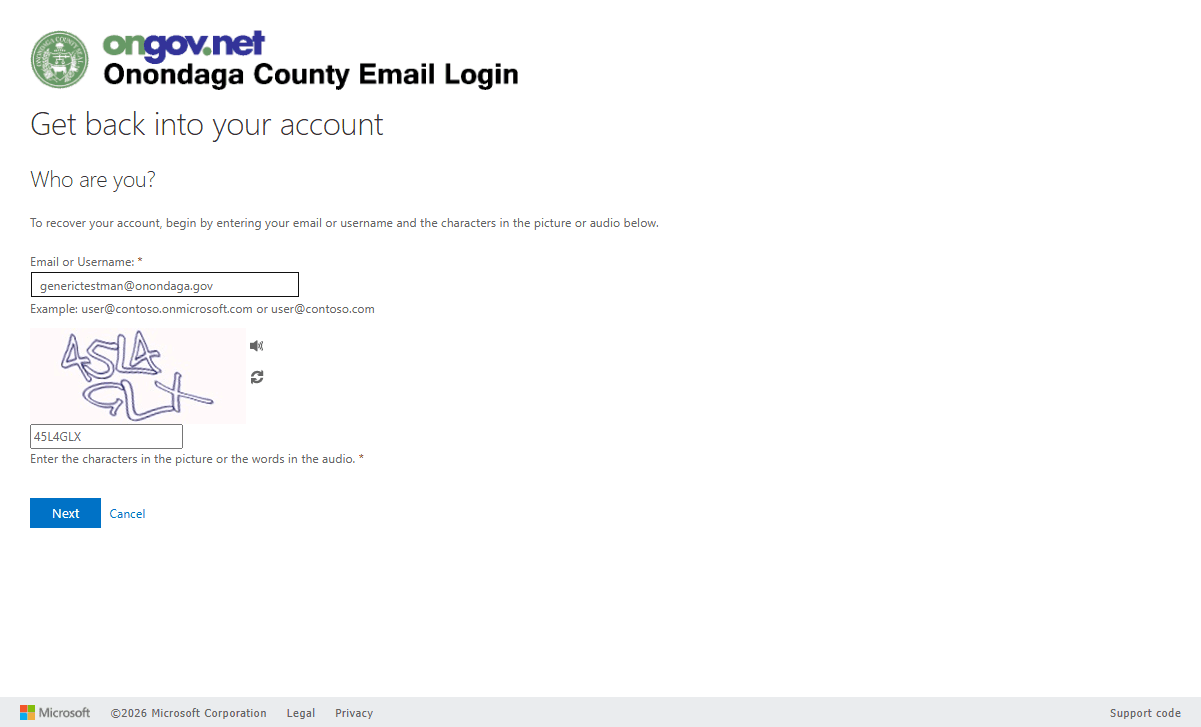
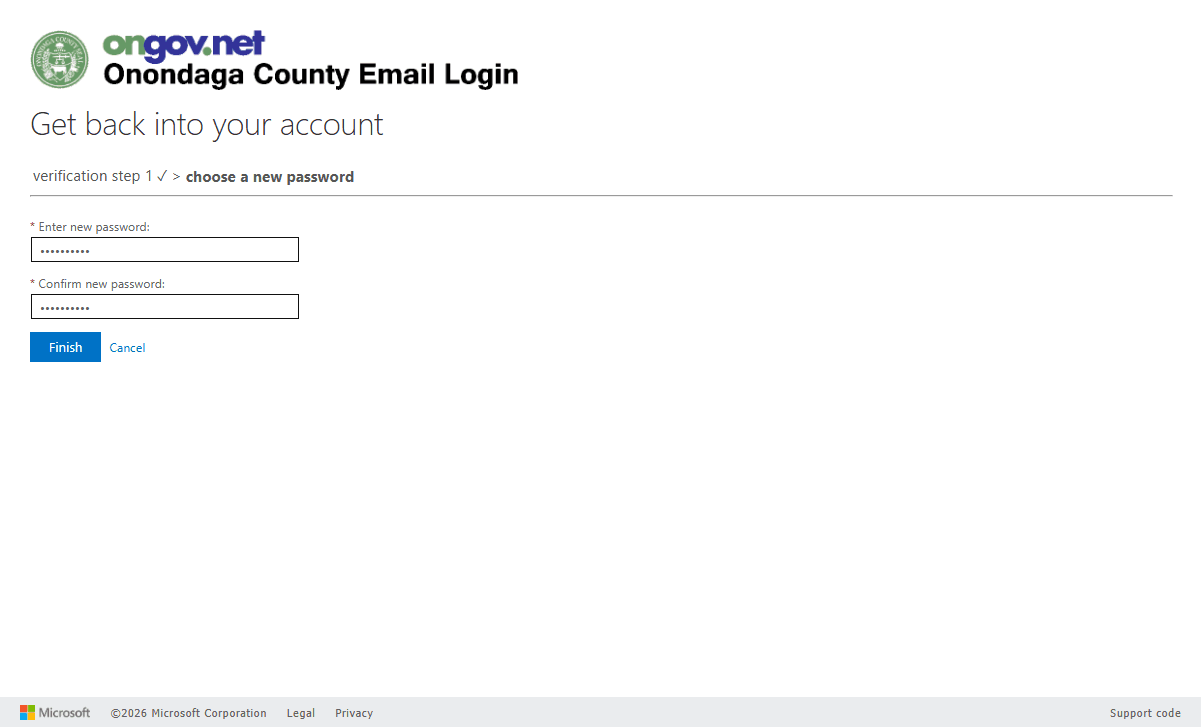
This guide provides step-by-step instructions on how to reset your Onondaga County email password, if you do not remember your current password. Completing this process will restore your secure access to county email and related Microsoft 365 services.
This guide is intended for Onondaga County employees and vendors who have forgotten their email password or need to update it. You will need access to your registered authenticator app to complete this workflow.
Follow these steps to recover your account and set a new password.
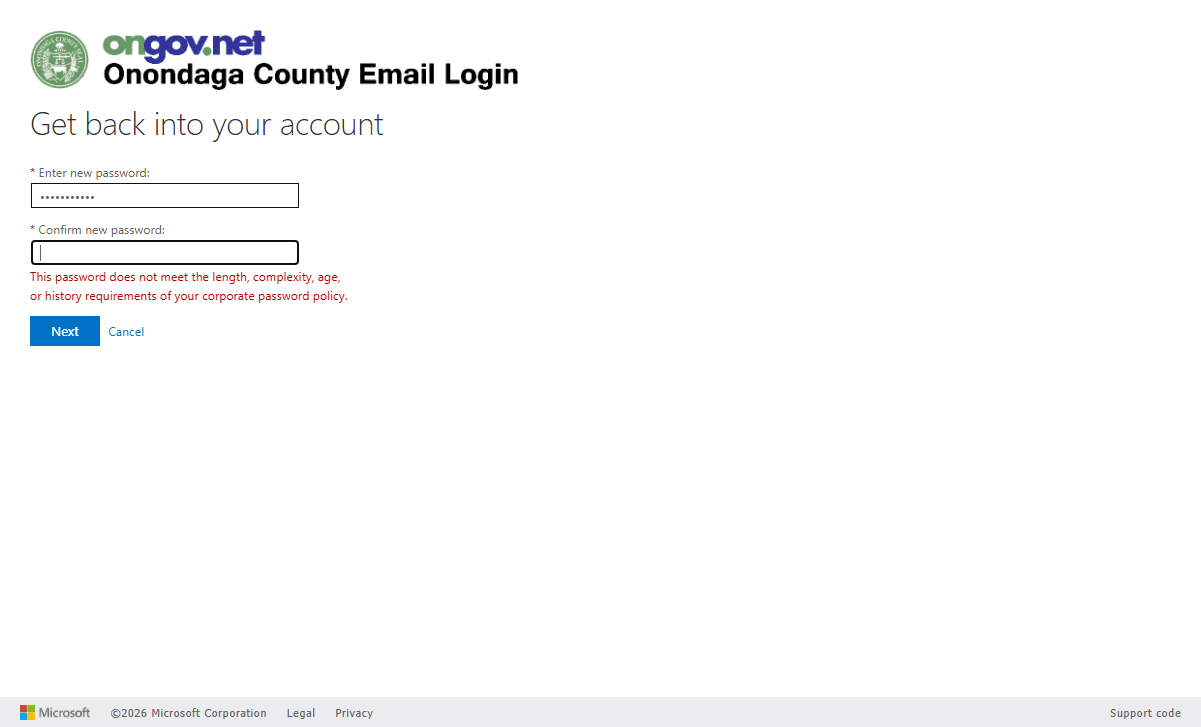
Q: What should I do if I get an error saying my password does not meet corporate security policy?
A: You must choose a more complex password. Ensure it meets minimum length requirements and includes a mix of uppercase letters, lowercase letters, numbers, and symbols.
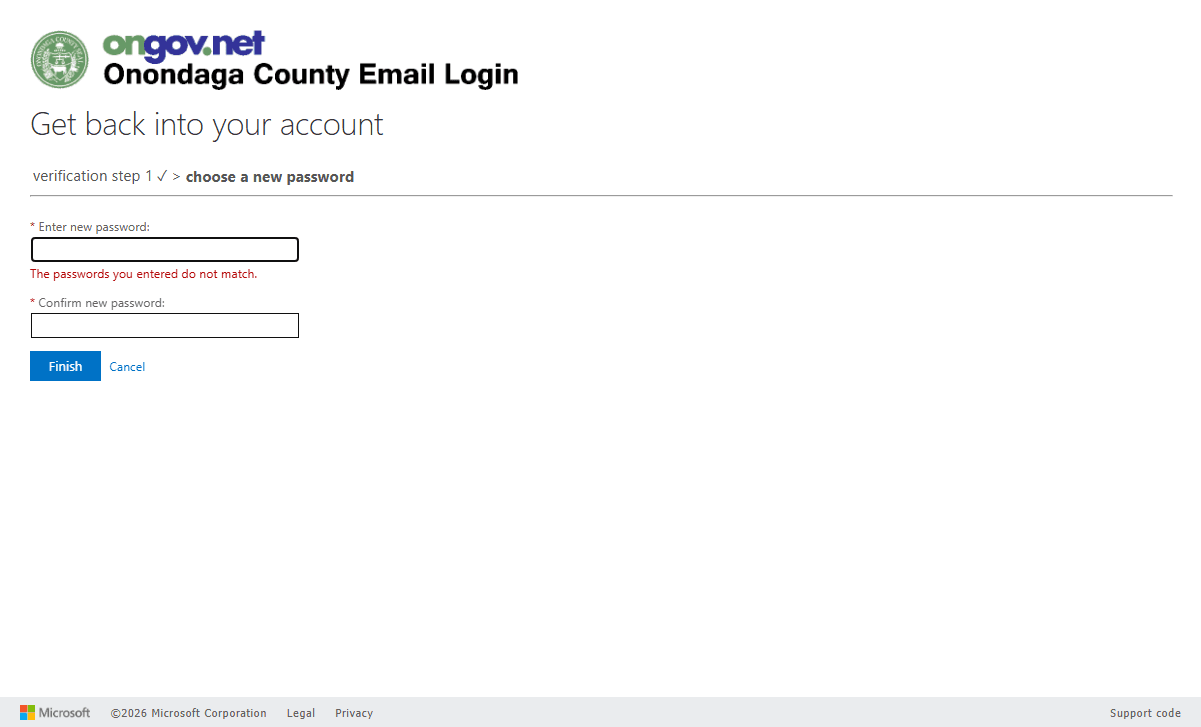
Q: Why am I seeing a "passwords do not match" error?
A: This happens if the password entered in the confirmation field is even slightly different from the one in the new password field. Carefully clear both fields and type the password manually without using copy/paste.
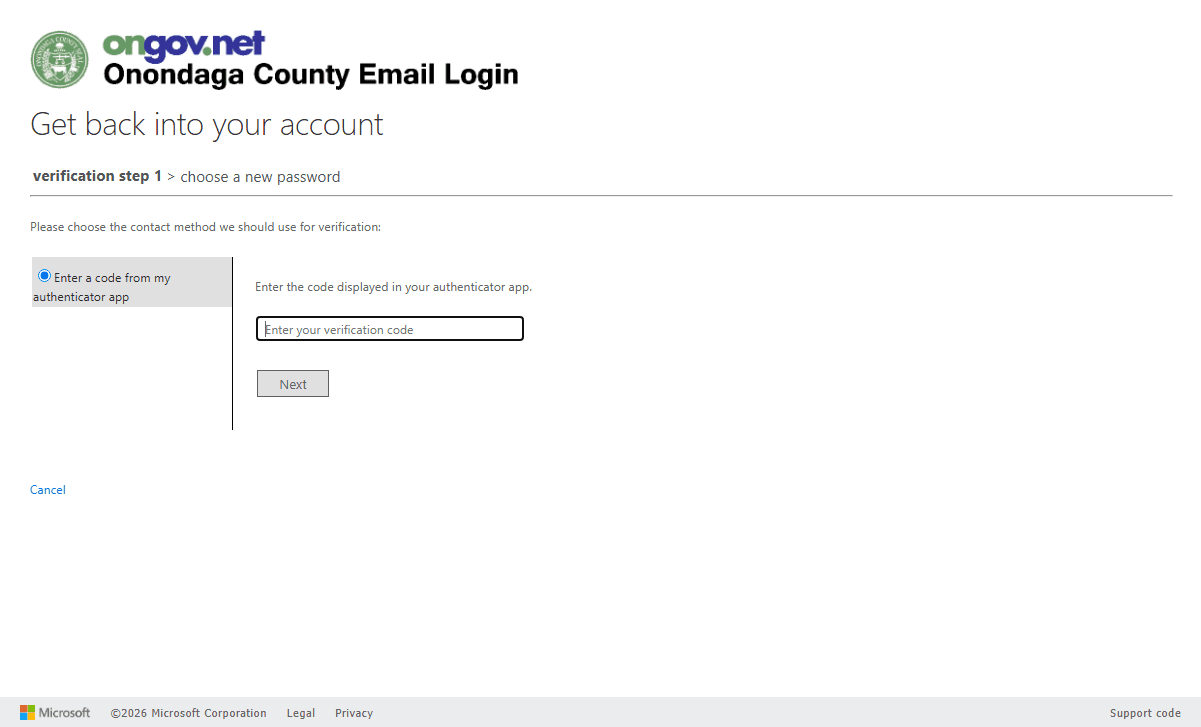
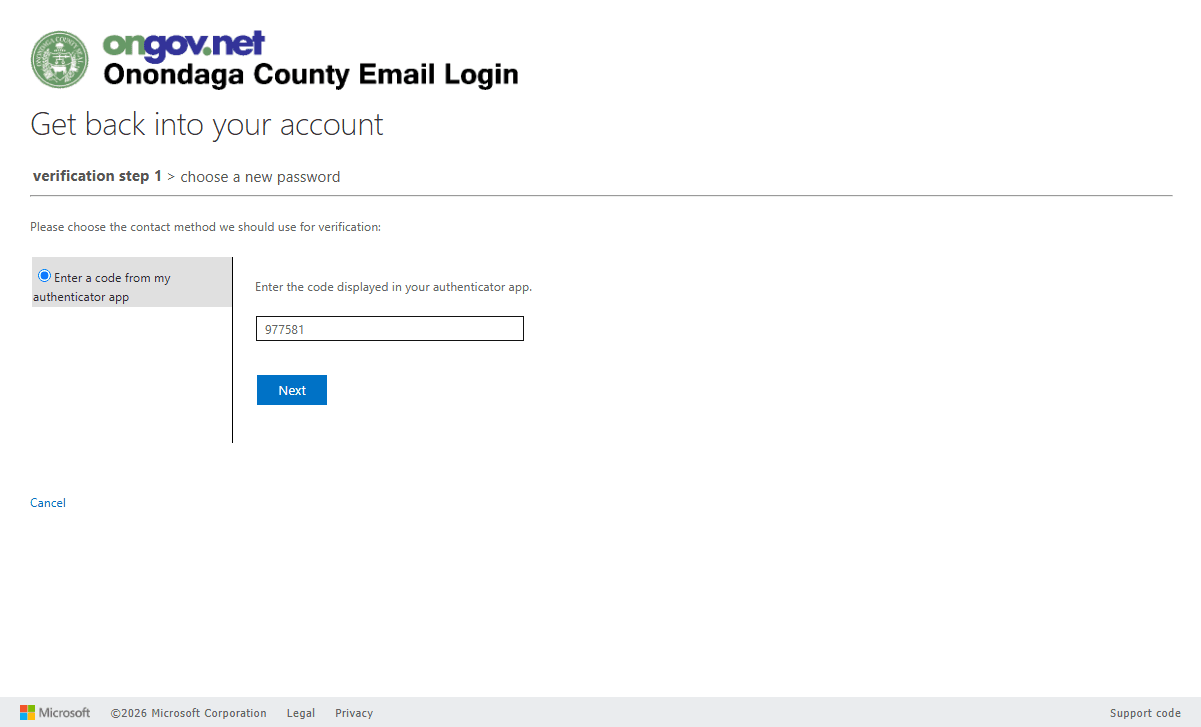
Q: Where do I find my verification code?
A: The verification code is a temporary 6-digit number generated by the authenticator app (such as Microsoft Authenticator) linked to your mobile device.
Term | Definition |
|---|---|
CAPTCHA | A security challenge requiring users to type distorted letters and numbers from an image to prove they are human. |
Authenticator App | A mobile application that generates temporary verification codes used as a second layer of security during login. |
Microsoft Online Password Reset | A self-service web portal that allows Microsoft 365 users to securely recover their accounts and reset their passwords. |