General: Registering a Company in RPIS
Step-by-Step Guide to registering a new company
By Marion L
Registration is the first step to start using our software.
During registration, you will enter your company's contact details and create the primary contact.
The person who completes the registration becomes the first RPIS user and the Company Administrator. This administrator can add team members, manage the team, and assign administrator roles to other if needed.
1
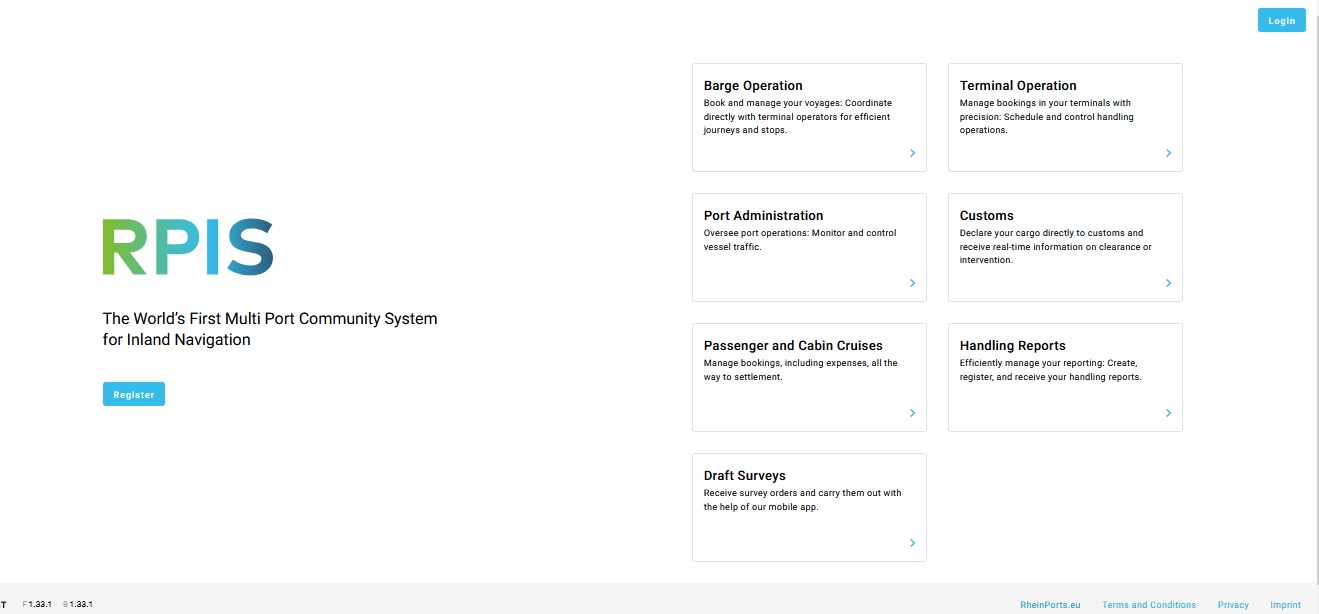
Visit the RPIS website and click "Register" on the landing page.
2
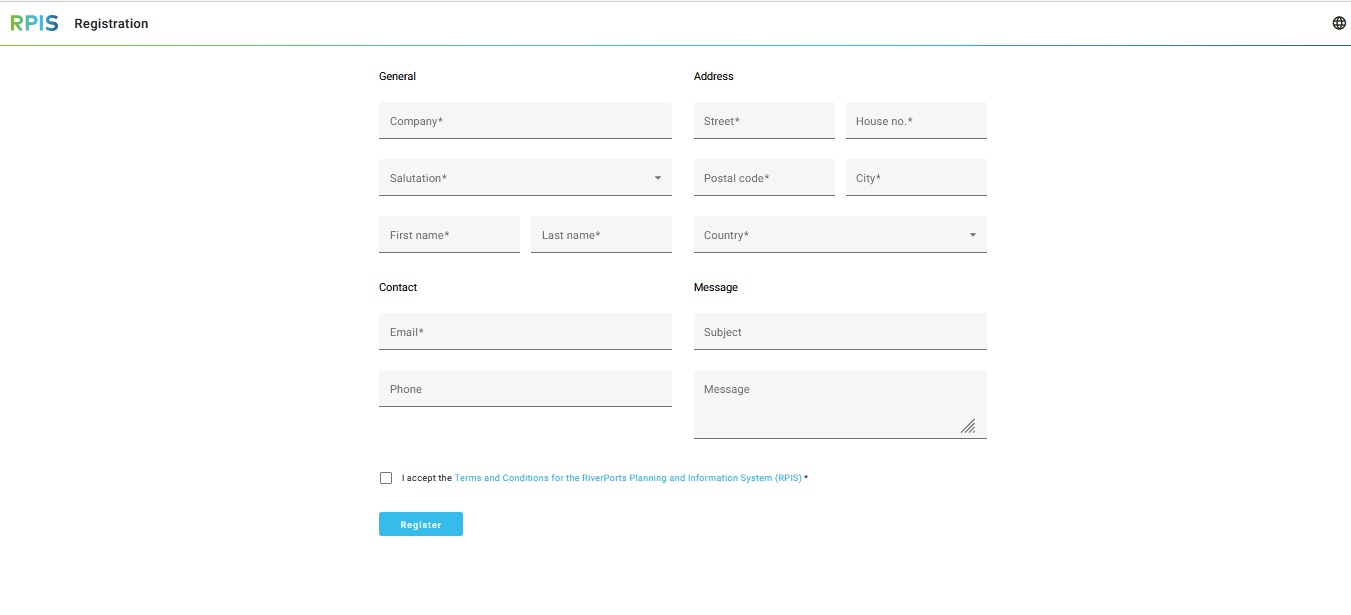
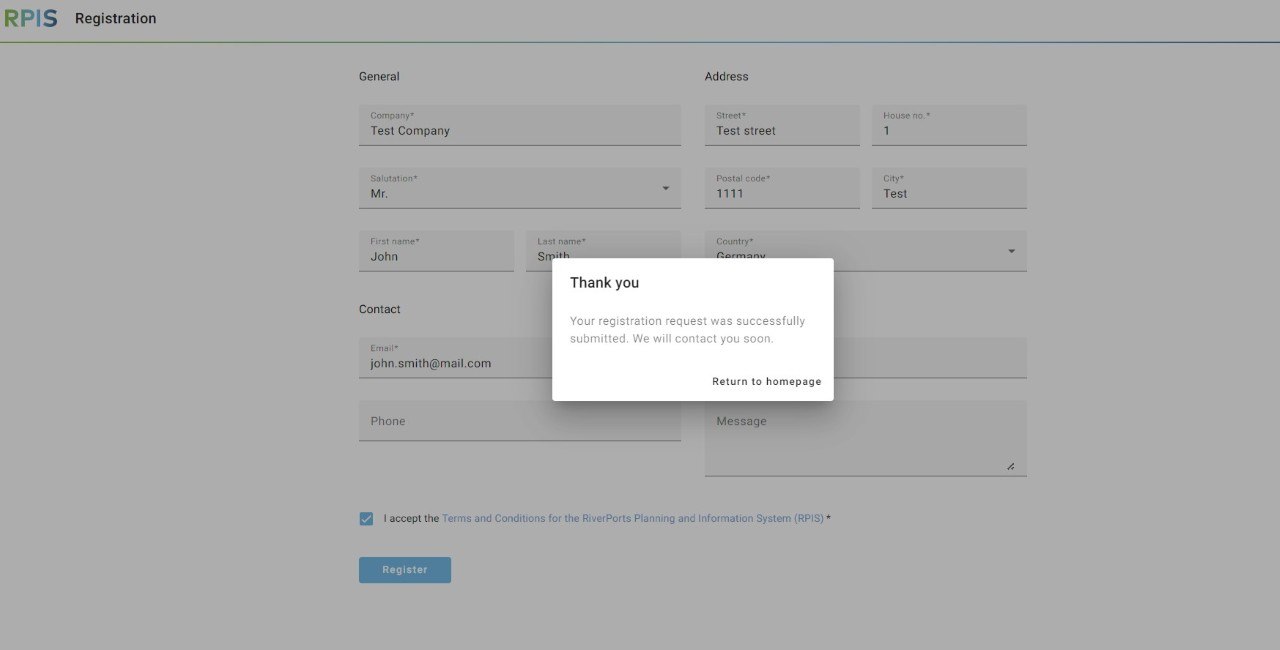
Fill out the required company details, address, and primary contact information in the registration form.
3
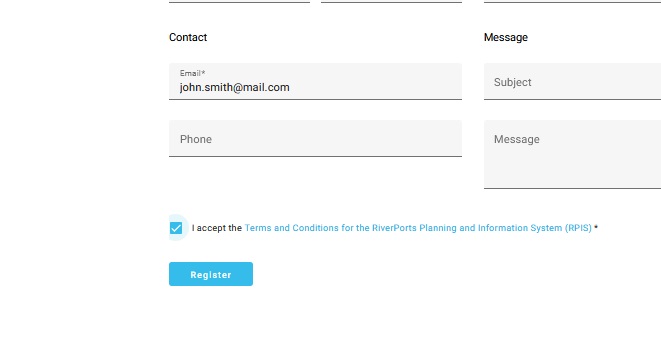
Check the box to accept the Terms and Conditions and click the Register button to submit your request.
4
Wait for an email from us.
5
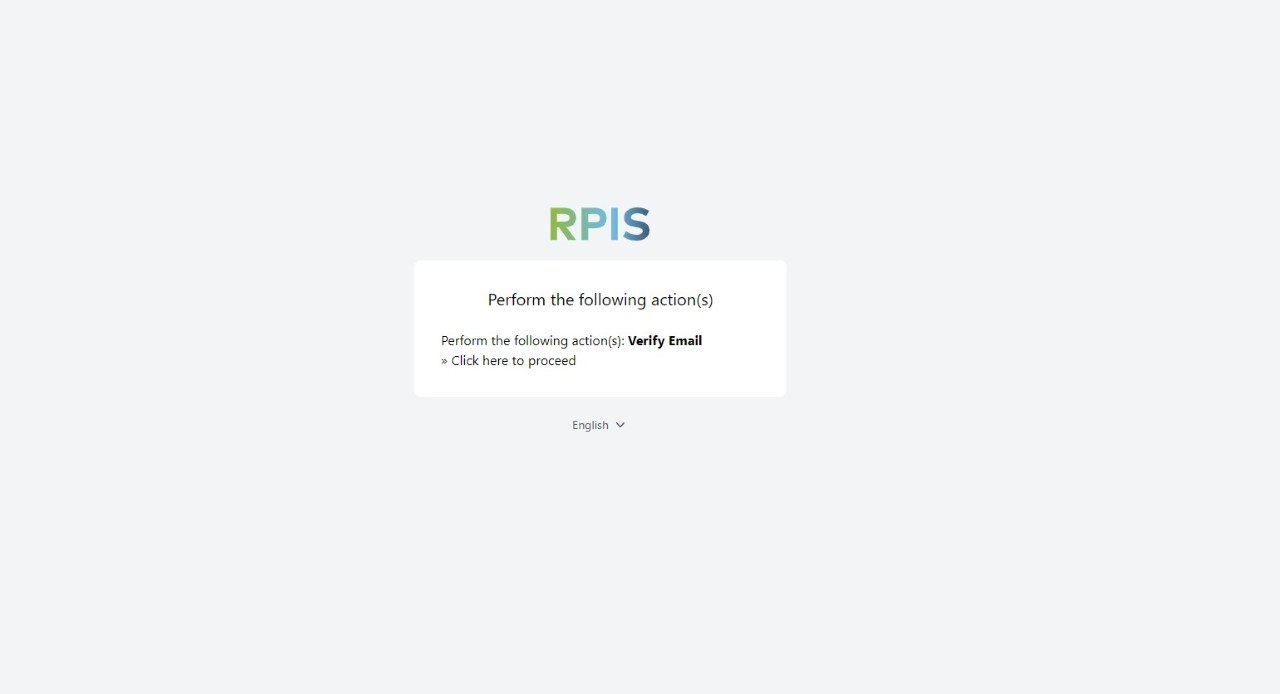
Open the link we sent you by email and verify your email address by clicking on "Click here to proceed".
6
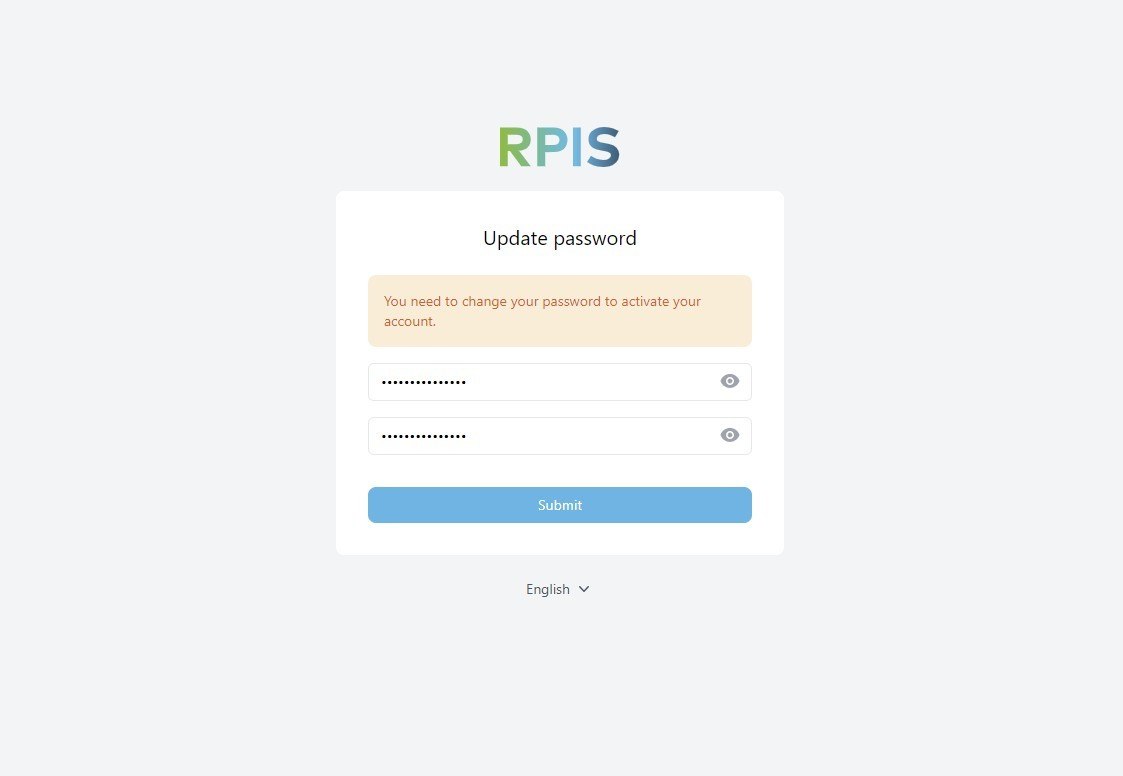
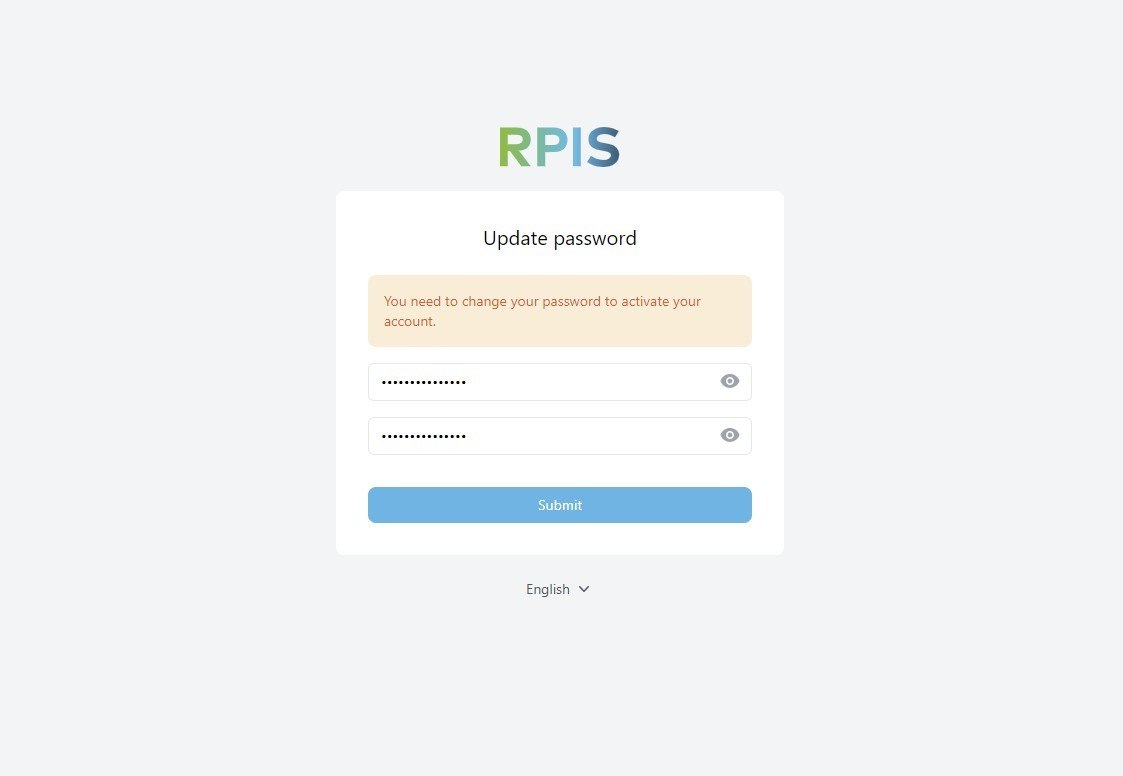
Next, create a new password.
7
Click "Submit".