
Generate a PCL Intake Form from HubSpot
Learn how to automatically generate a People's Compensation Lawyers (PCL) intake form using client notes and call transcripts in HubSpot.
By Easy Law
This guide walks you through generating a People's Compensation Lawyers (PCL) intake form. By providing specific client notes and a call ID in HubSpot, an automation will generate the intake form and email it directly to you for final review.
Prepare Client Information in HubSpot
1
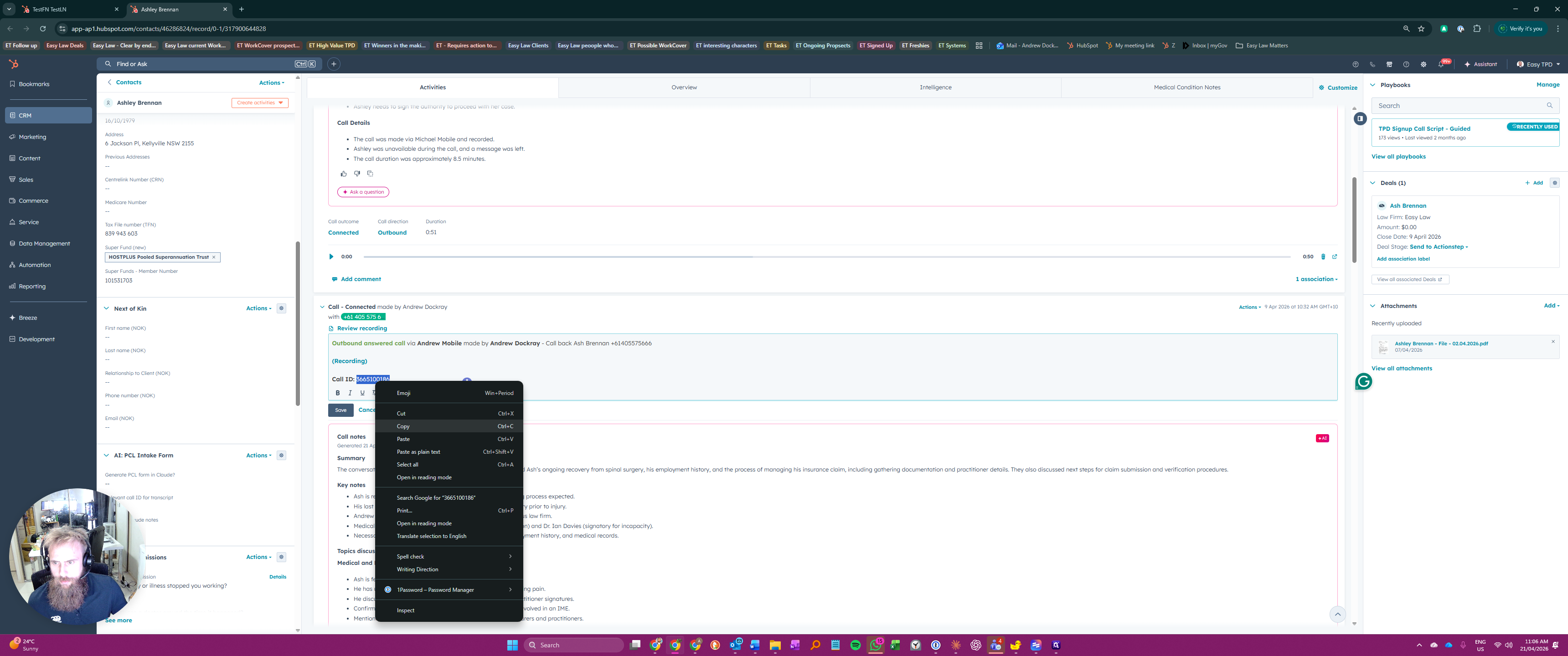
Locate the relevant phone call log in the client's activity feed and copy the Call ID.
2
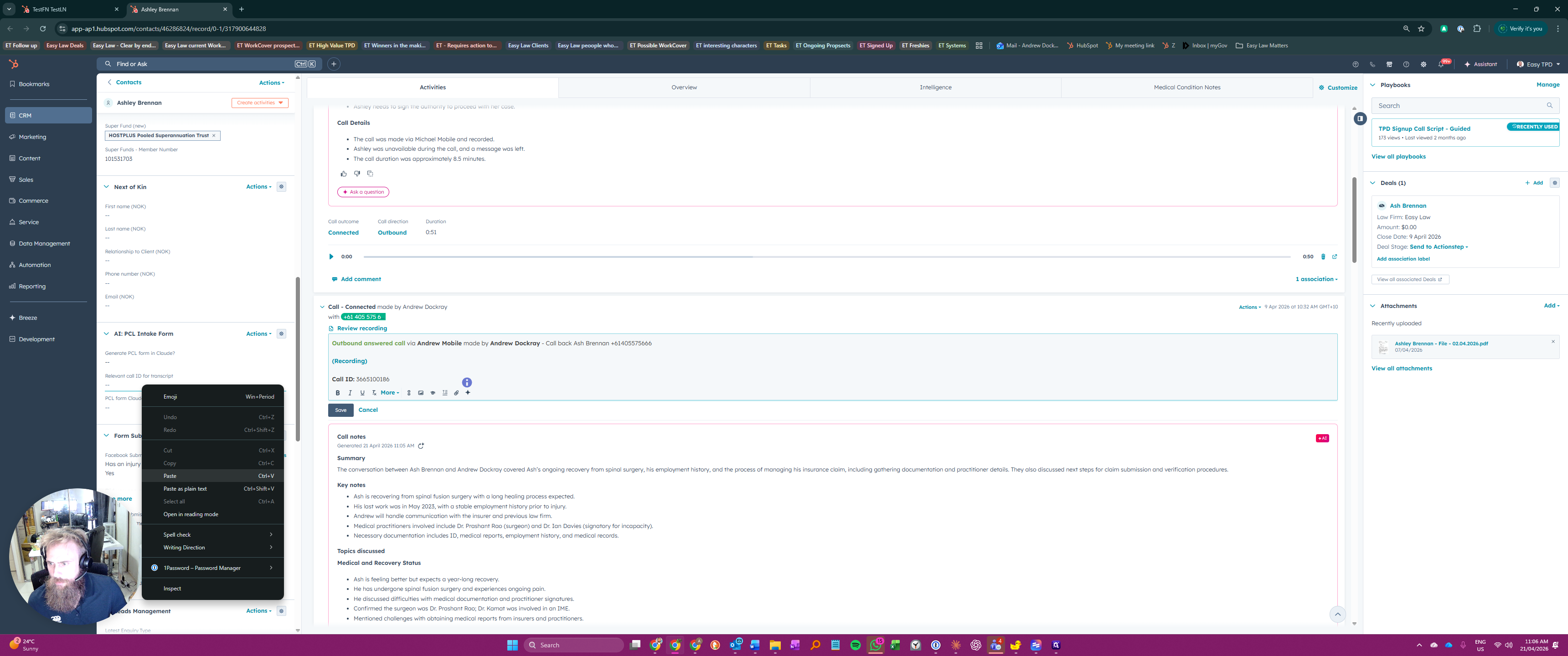
In the left-hand sidebar, paste the copied ID into the Relevant call ID for transcript field.
3
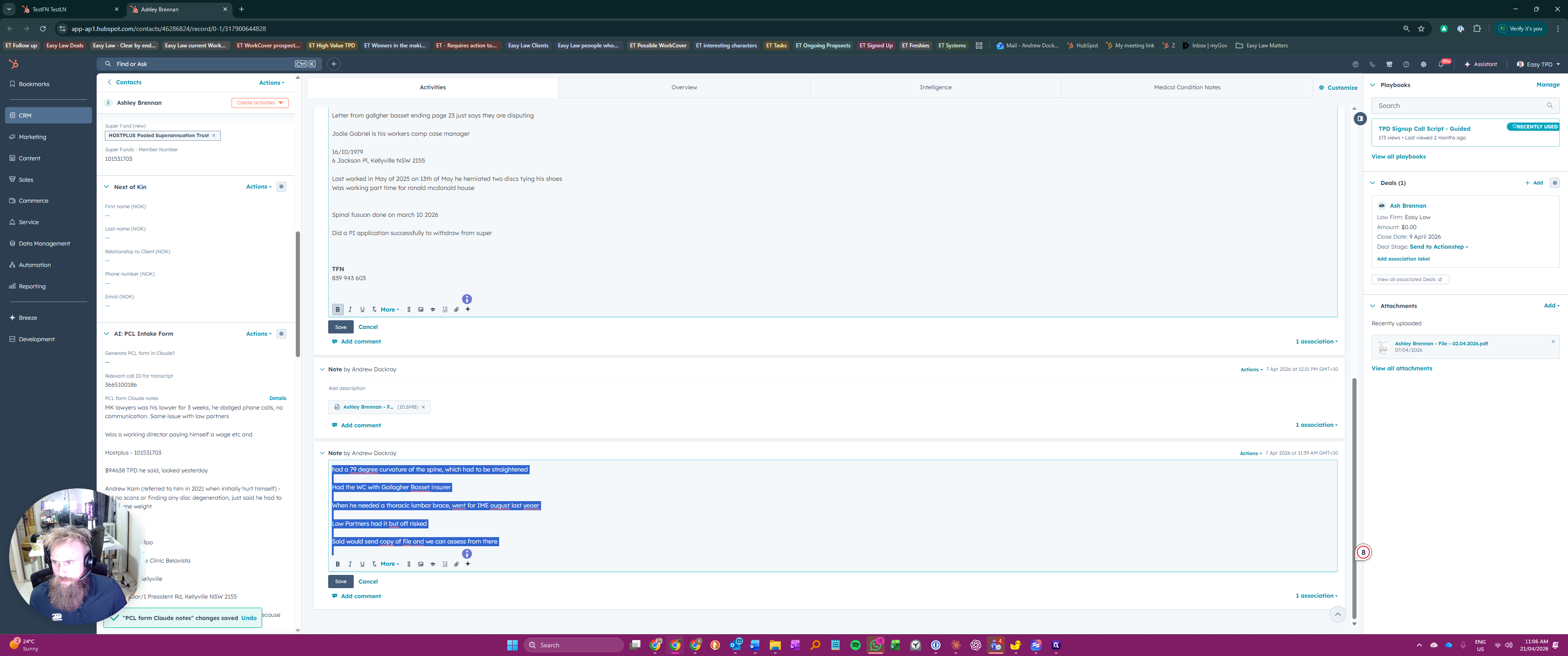
Find the client notes you want to use and copy the text. You can combine information from multiple notes if needed.
4
Locate the PCL form Claude notes field, paste your copied notes into it, and save the record.
Review and Finalize the Intake Form
5
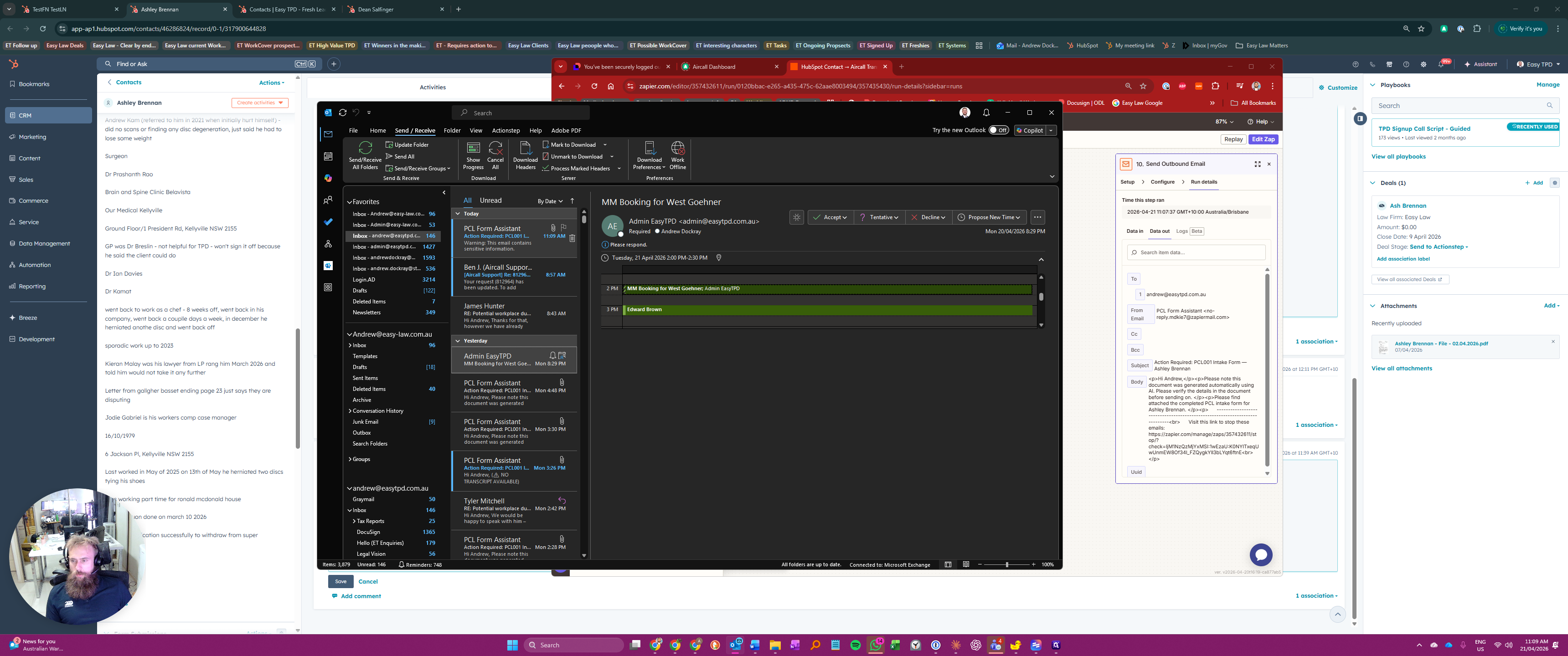
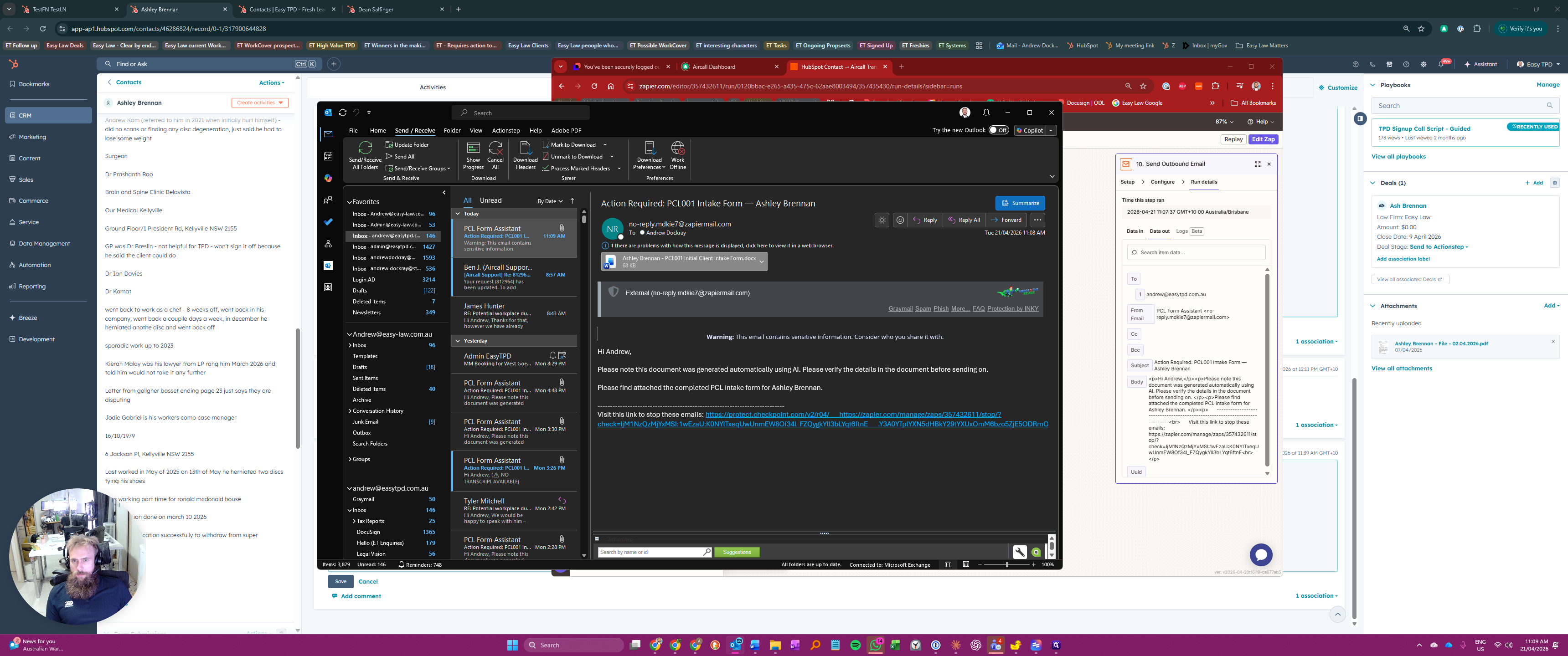
Check your email inbox and open the message titled Action Required : PCL001.
6
Open the attached Client Intake Form.docx document.
7
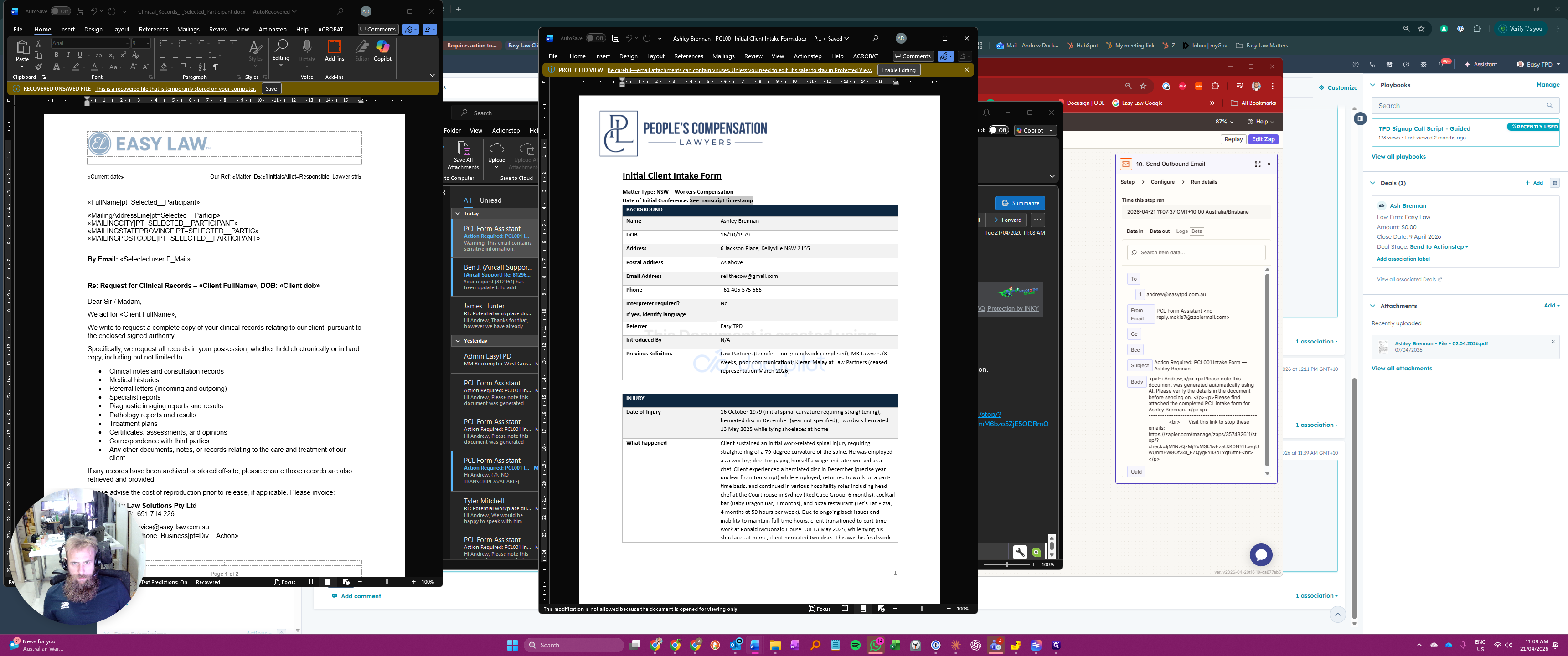
Click Enable Editing at the top of the Word document to make changes.
8
Update the Date of Initial Conference field with the correct date, as this does not populate automatically.
9
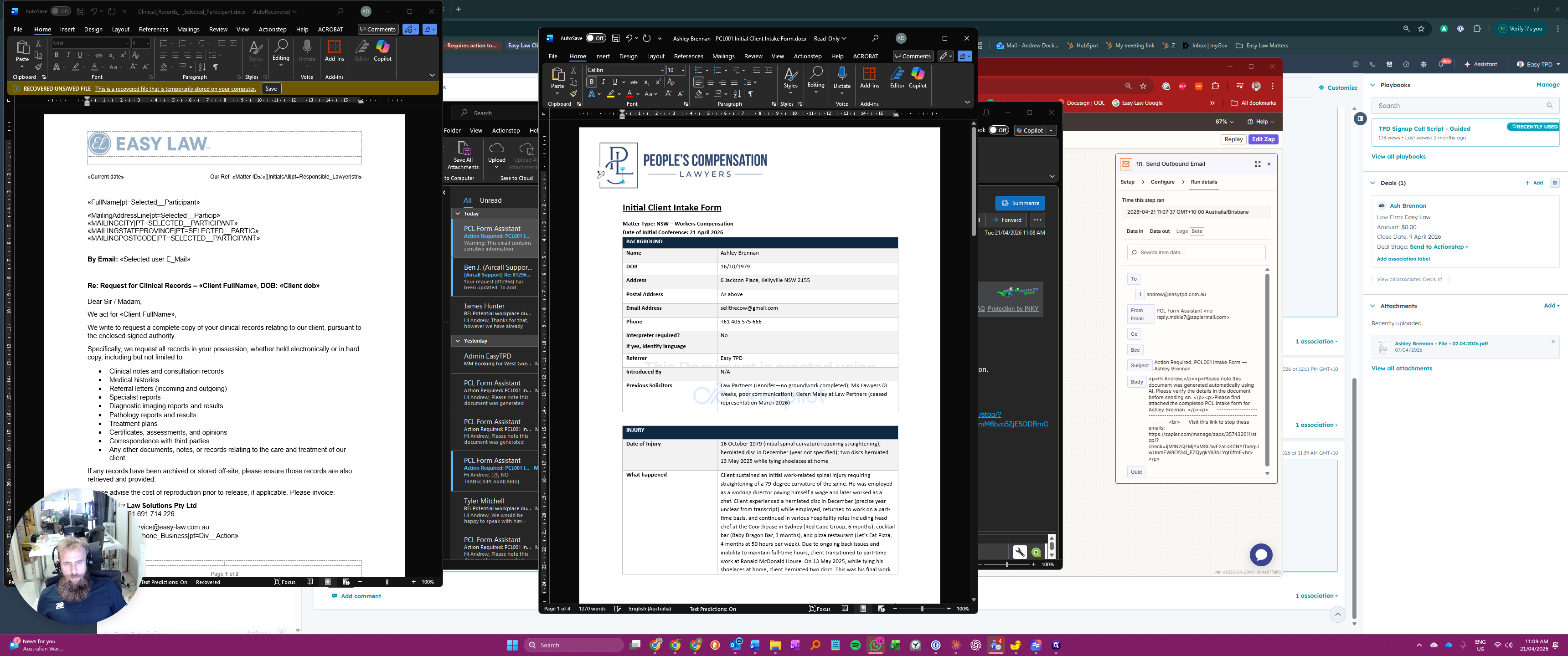
Double-click the document header to open it.
10
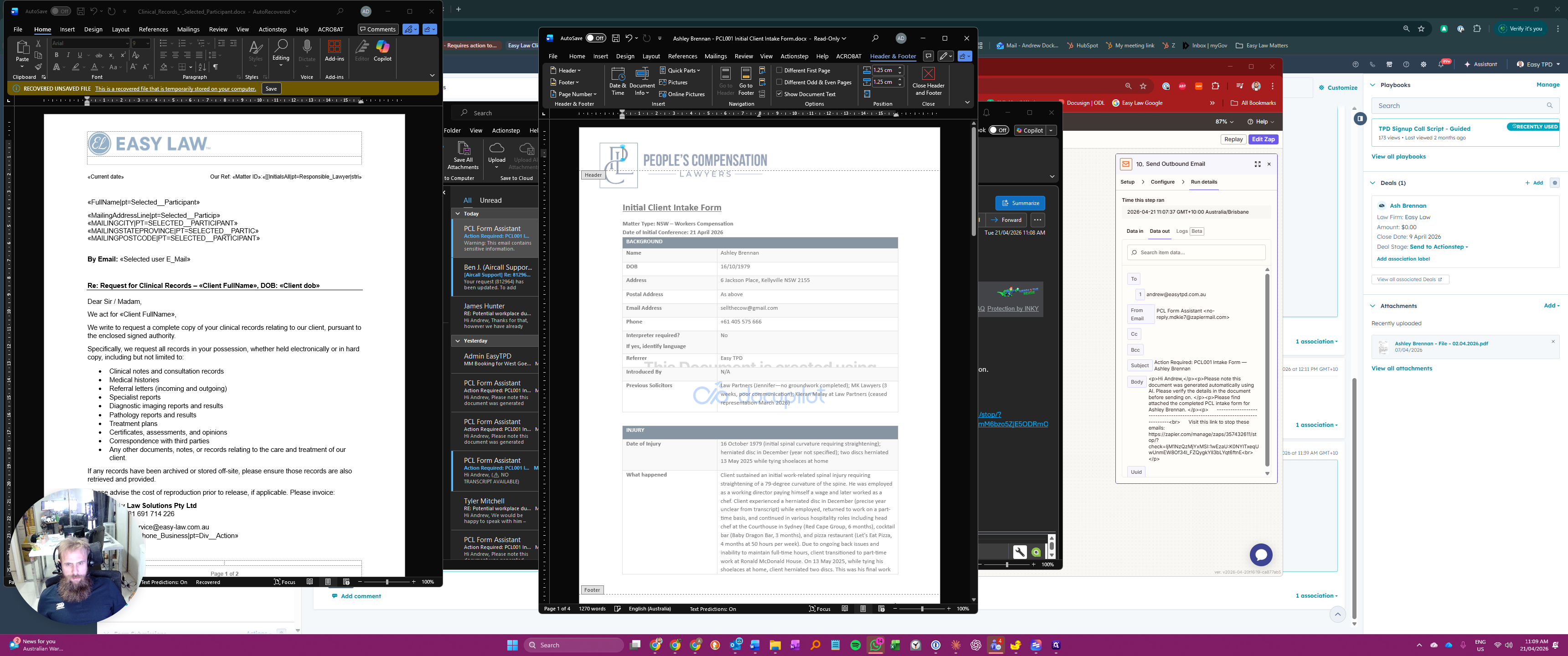
Delete the watermark from the header.
11
Press Esc to close the header view.
Finally, scroll through the document to verify that the generated information is accurate and no details are missing.