
How to Generate a Project Brief Using a Loom Video
Learn how to instantly create a new design project brief by pasting a Loom video link into the AI-assisted brief generator.
Automatically generate comprehensive project instructions and details by pasting a Loom video link into the AI brief generator.
This workflow is ideal for clients or project managers who want to save time by recording their project requirements instead of writing lengthy descriptions.
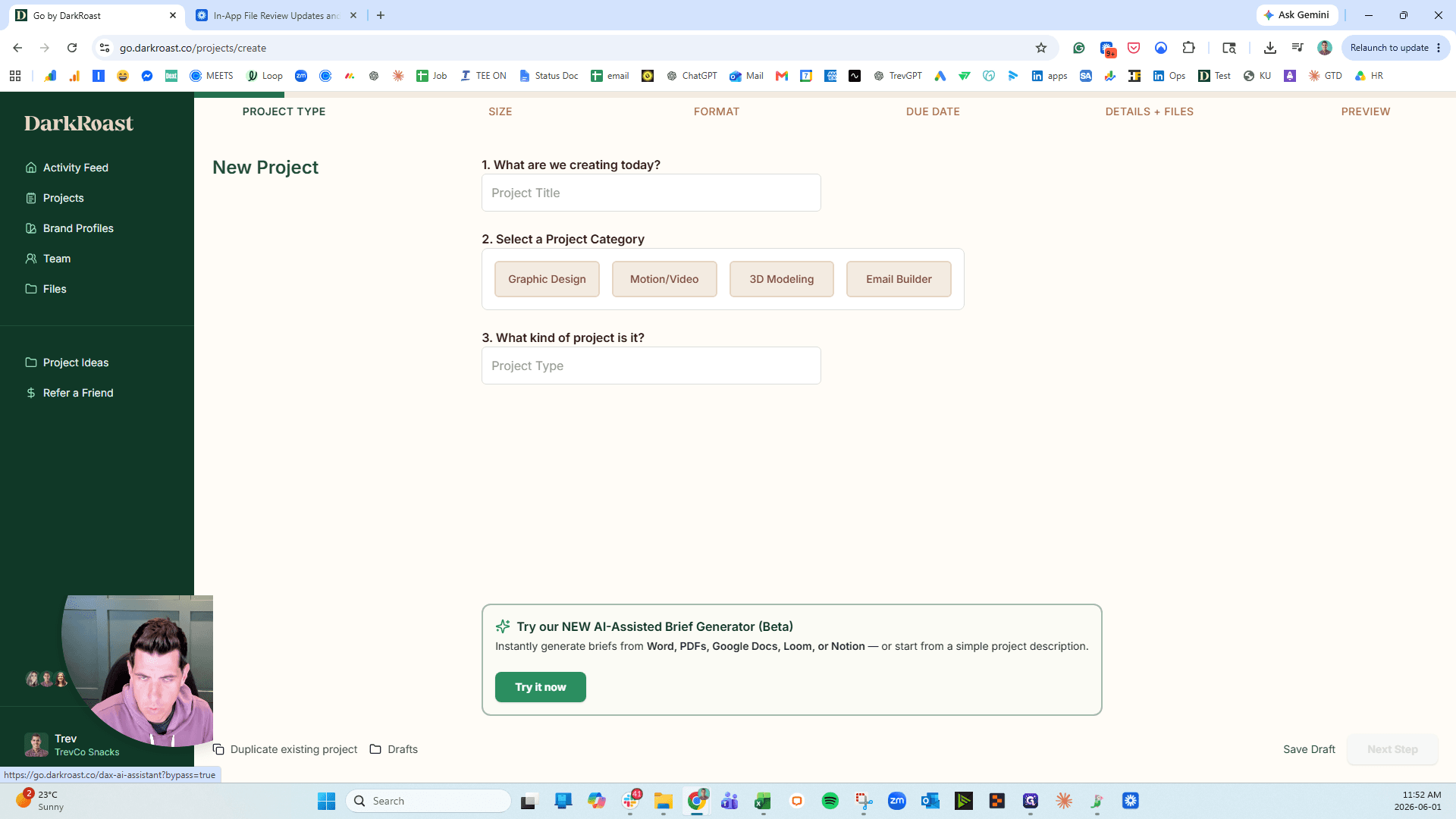
The AI-Assisted Brief Generator allows you to initiate projects by providing various source materials instead of typing a brief from scratch.
Input Method | Description |
|---|---|
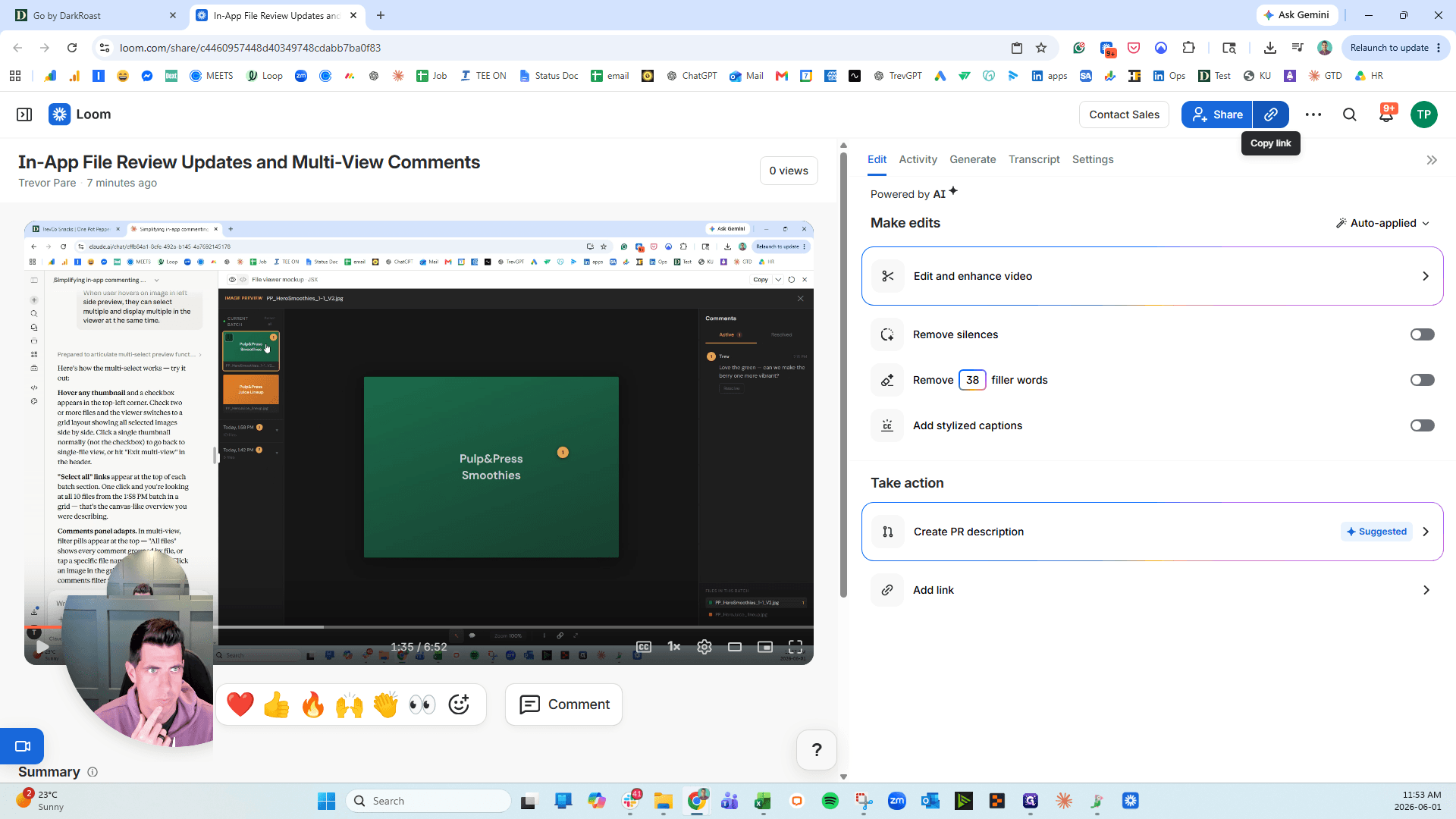
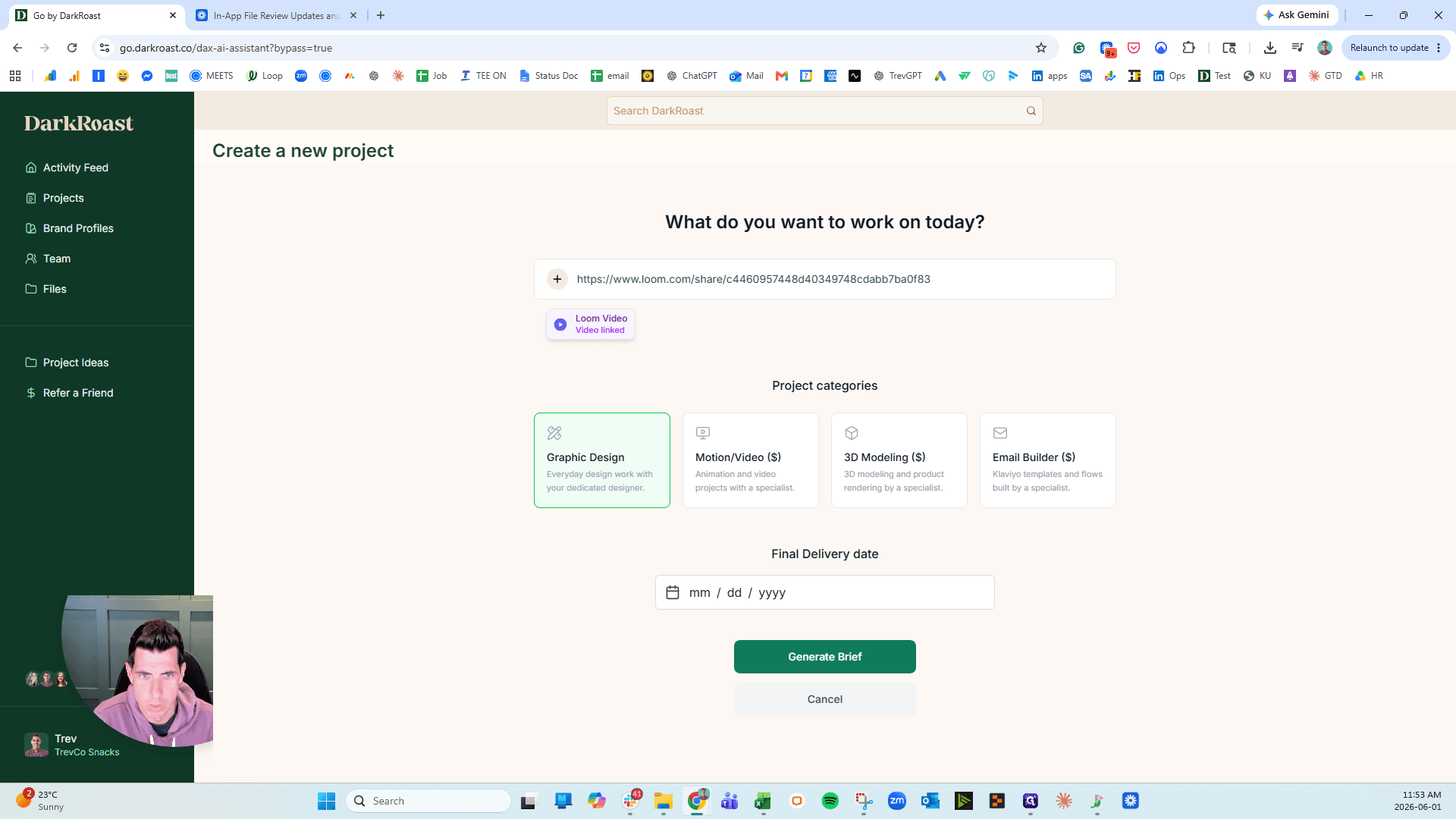
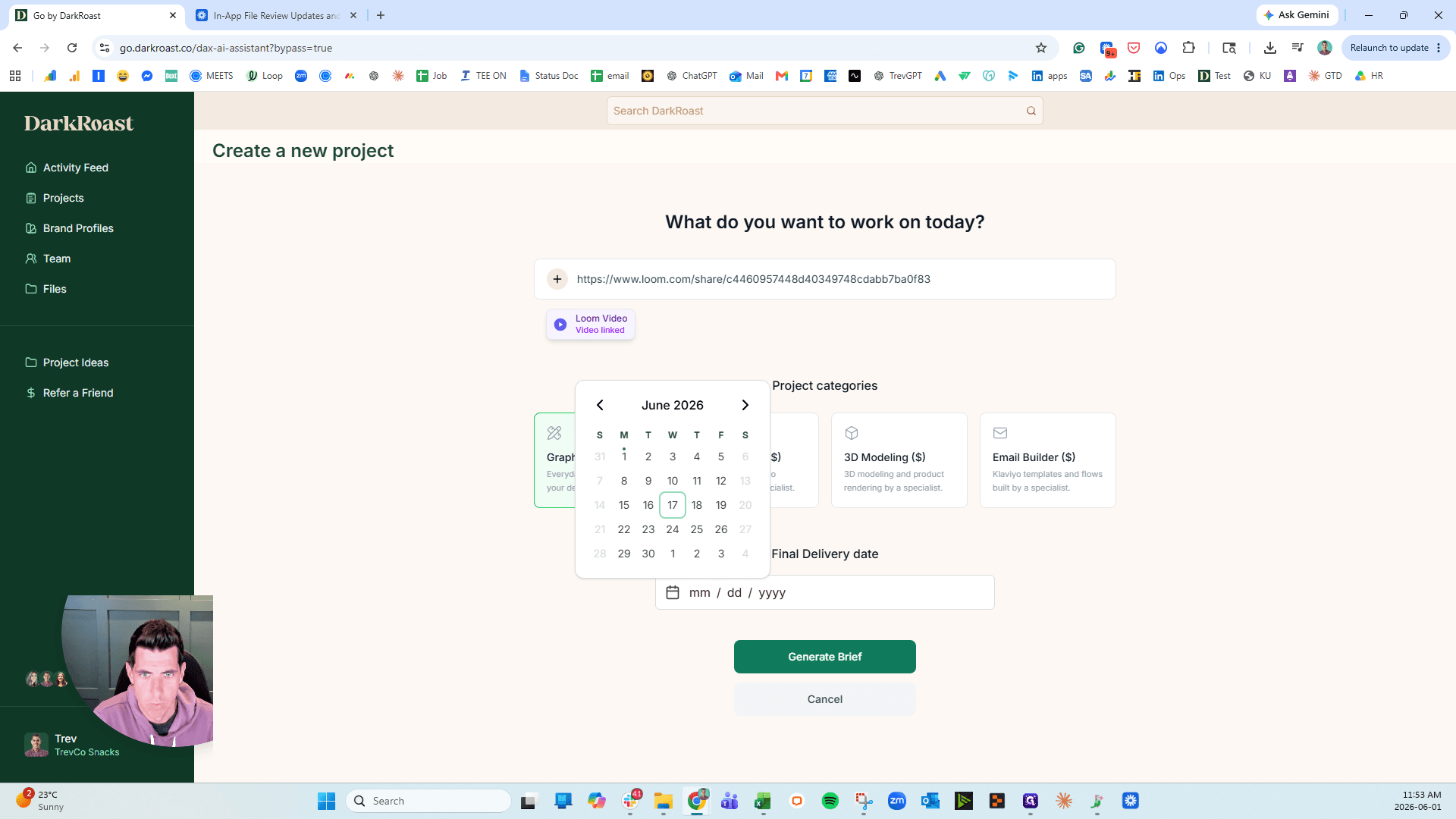
Video Link | Paste a URL from tools like Loom for automatic transcription and detail extraction. |
Document Link | Provide a link to an external document such as a Notion page or Google Doc. |
File Upload | Directly upload standard document files, including Word documents and PDFs. |
Text Description | Manually type a brief description of what you want to create. |
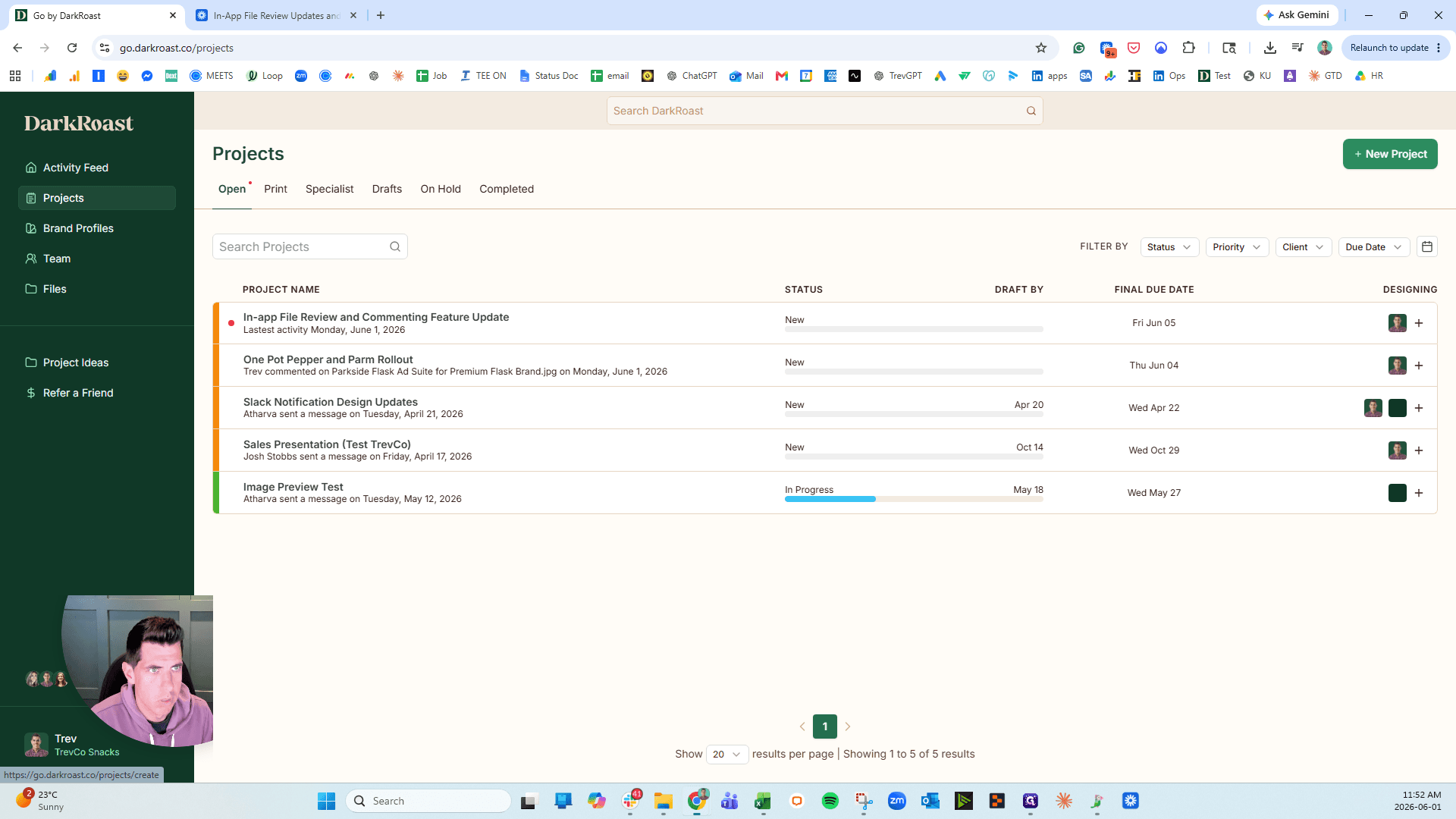
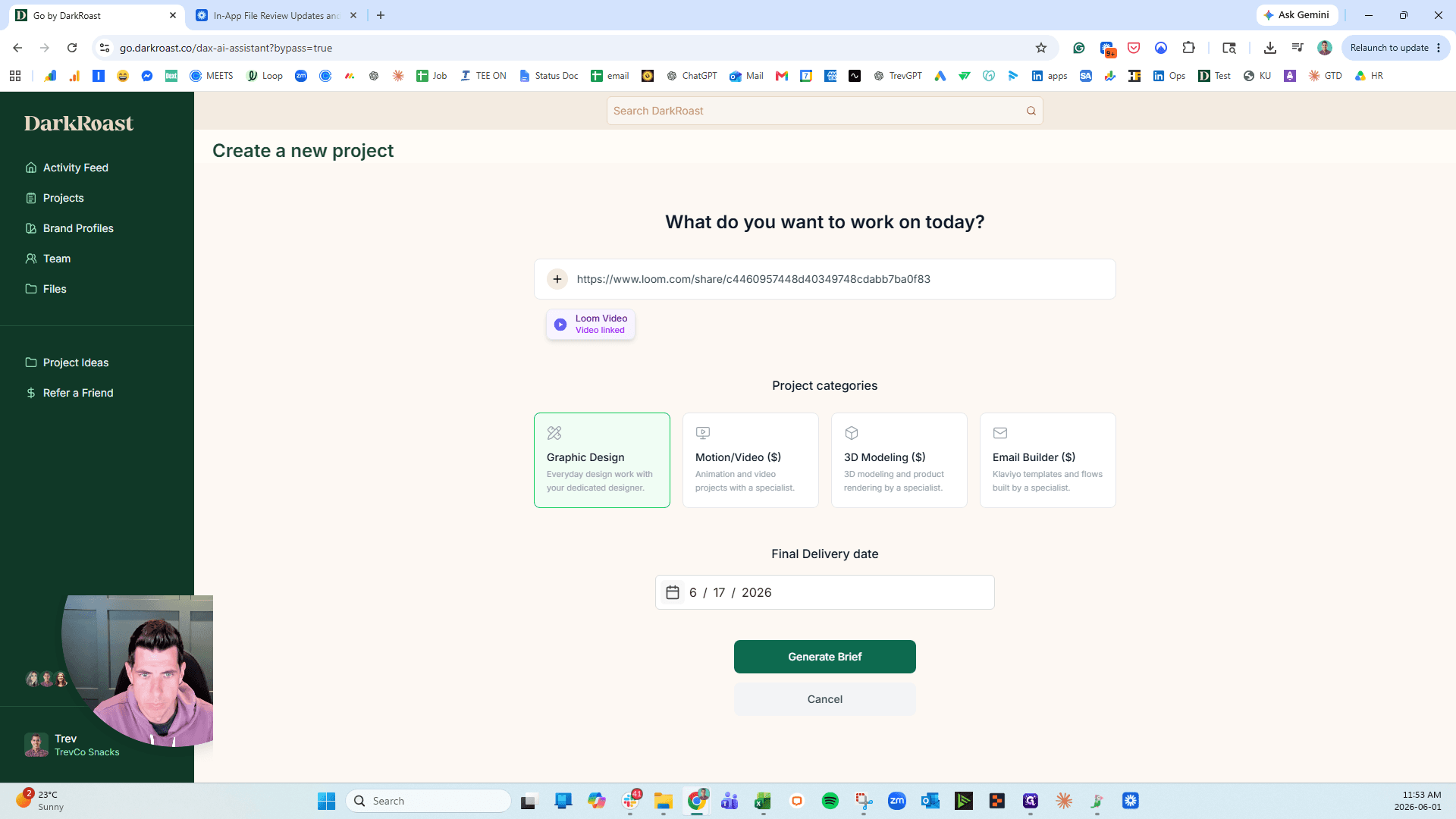
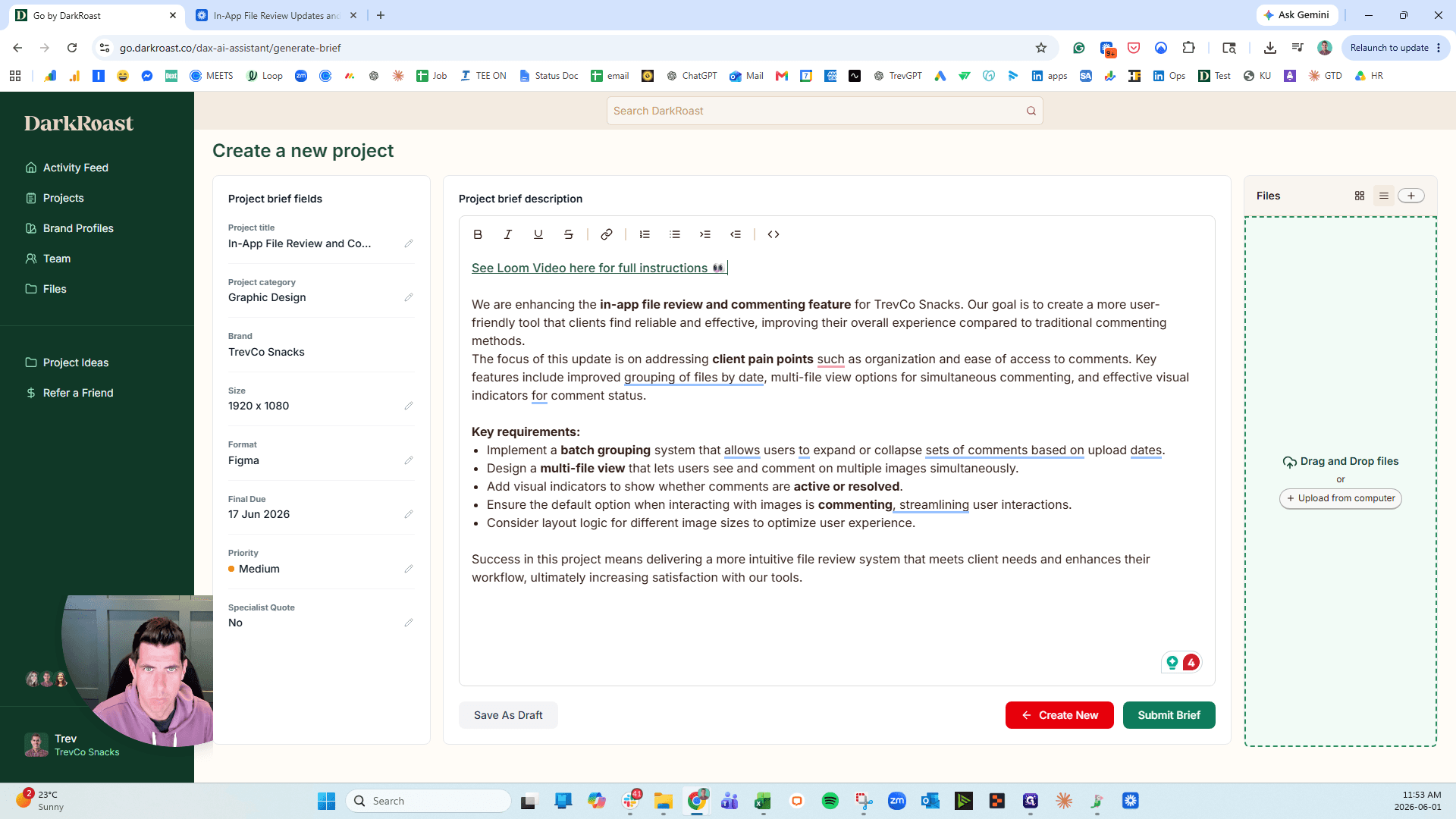
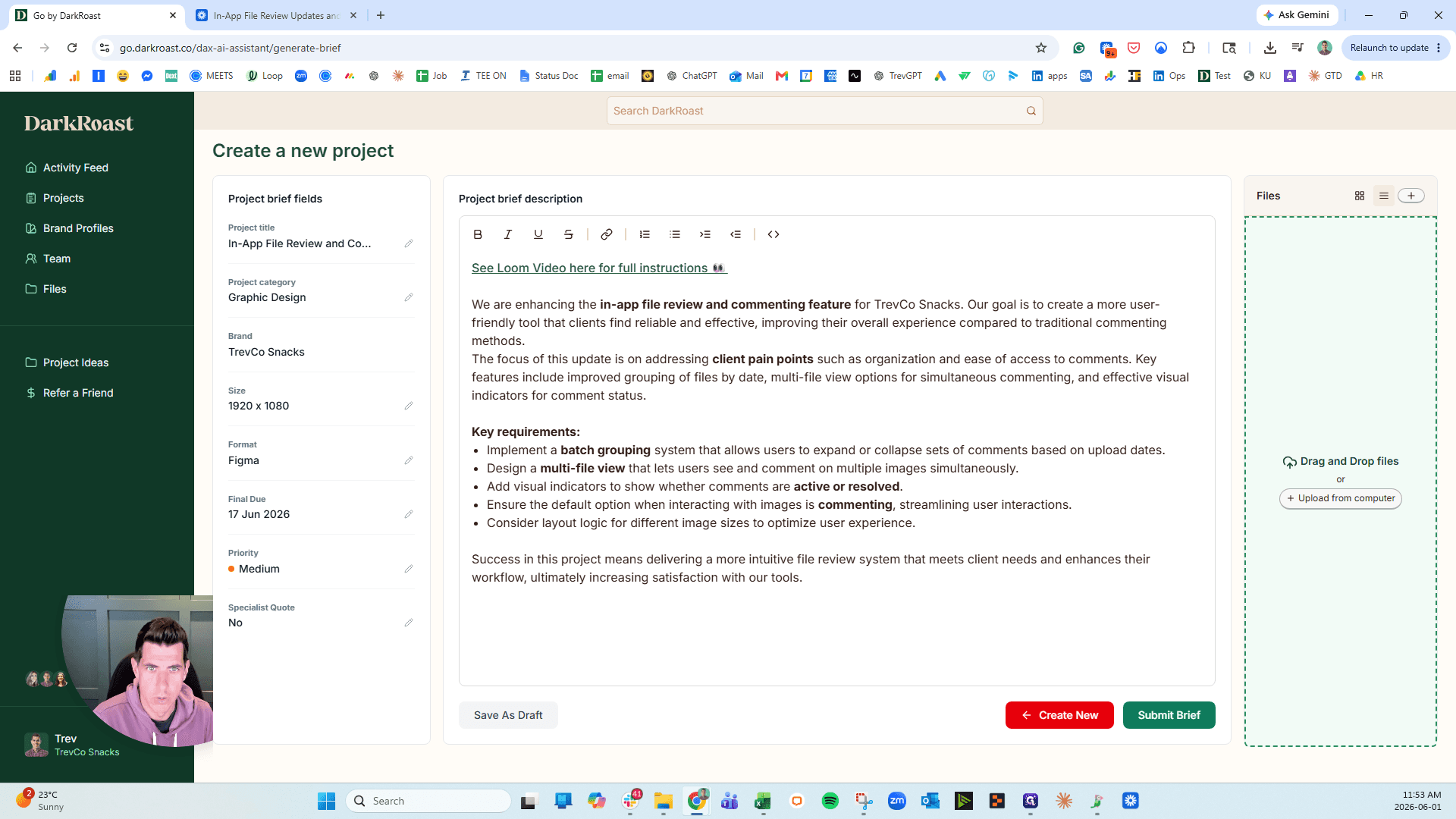
Follow these steps to generate a brief using a Loom video link:
Q: Can I edit the project brief after the AI generates it?
A: Yes, you can manually update or change any part of the generated summary and project details before submitting.
Q: What input formats does the brief generator support?
A: You can paste links to Loom videos, Notion pages, and Google Docs, or upload standard files like Word documents and PDFs.
Term | Definition |
|---|---|
Loom | A video messaging tool used to record your screen and camera to explain project requirements. |
Brief Generator | An AI-powered feature that transcribes provided context and extracts requirements into a structured project summary. |