
How to Generate Reports and Send Referrals in Executive Pulse
Learn how to log into the Disaster Smart BC system, run a Business Disaster Impact Survey report, and email business referrals to disaster recovery volunteers.
This guide explains how to generate a report from the Business Disaster Impact Survey and forward business referrals to assigned disaster recovery volunteers. By following these steps, you can ensure that affected businesses quickly receive the localized assistance they need.
This process applies to system administrators and relief coordinators managing business intakes. It should be used daily to process new survey submissions and route them to local volunteer representatives.
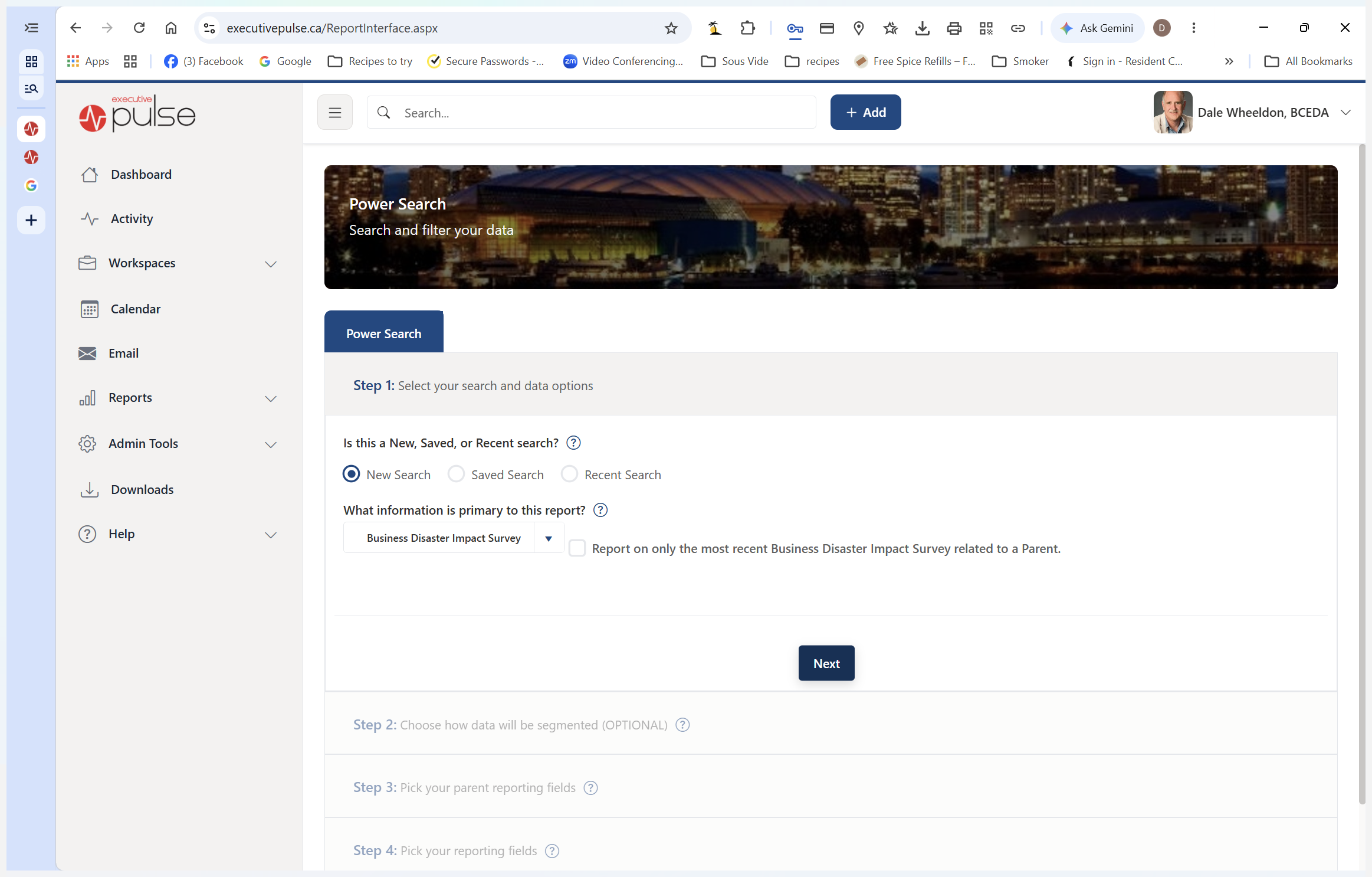
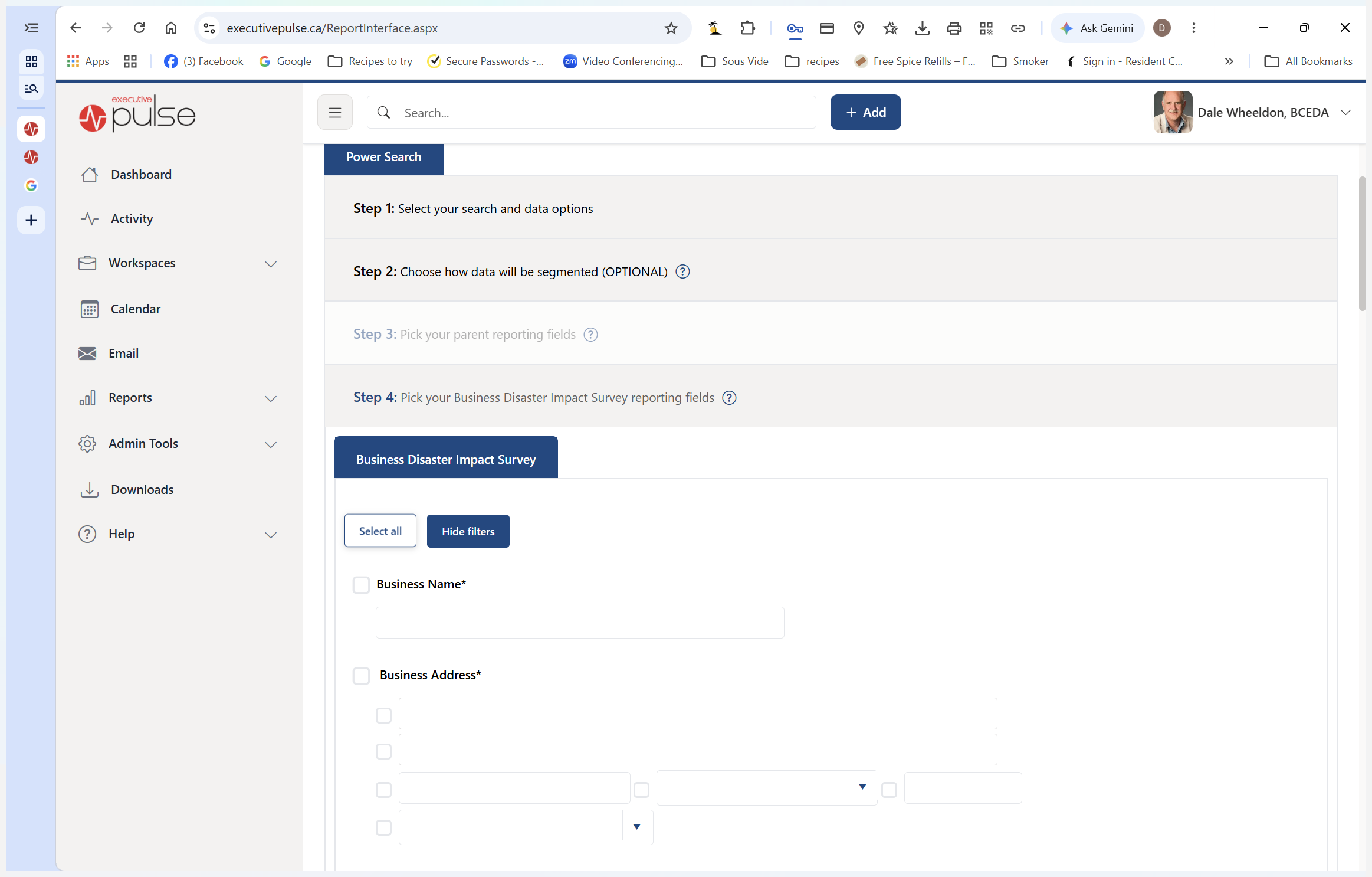
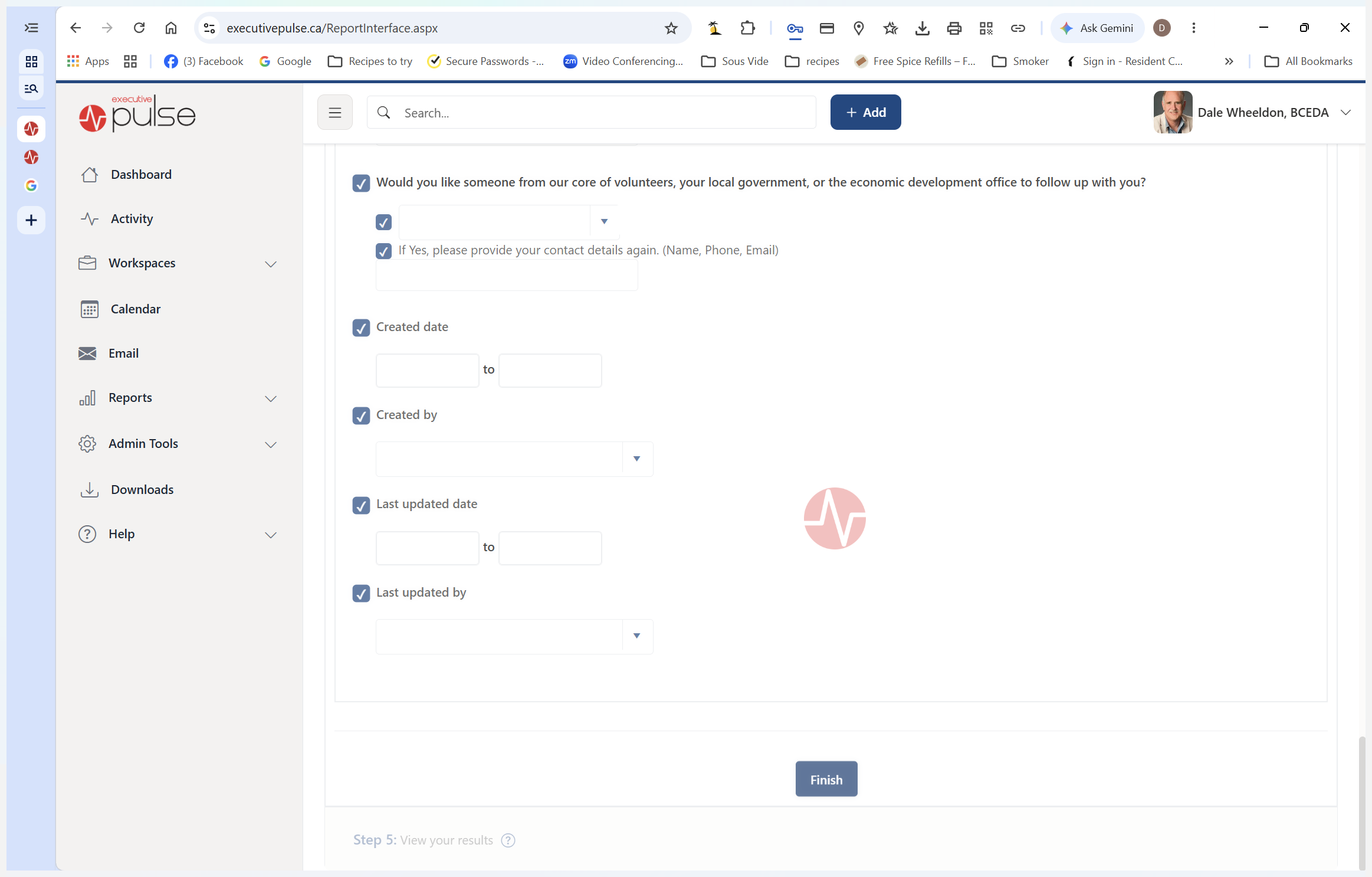
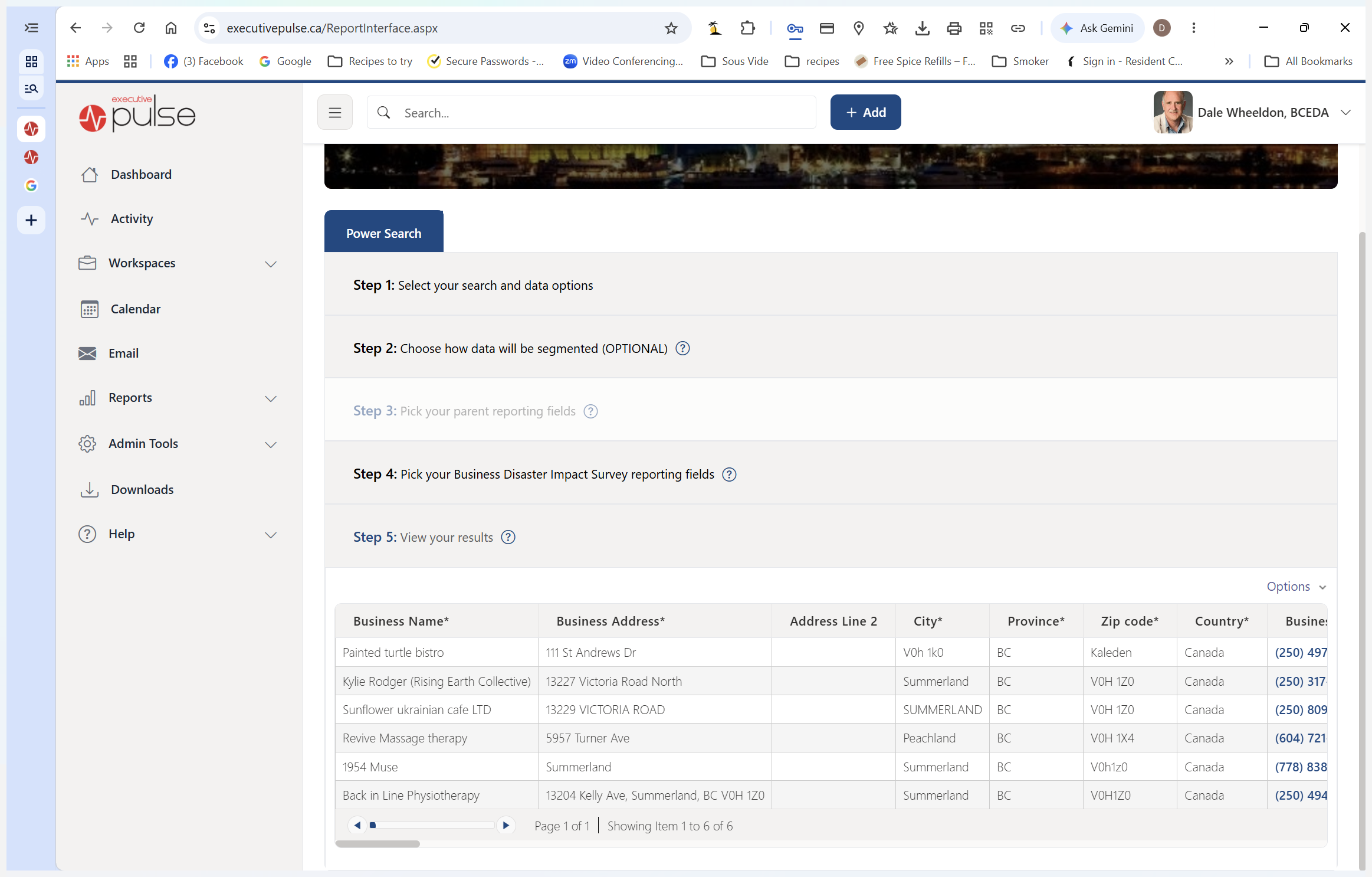
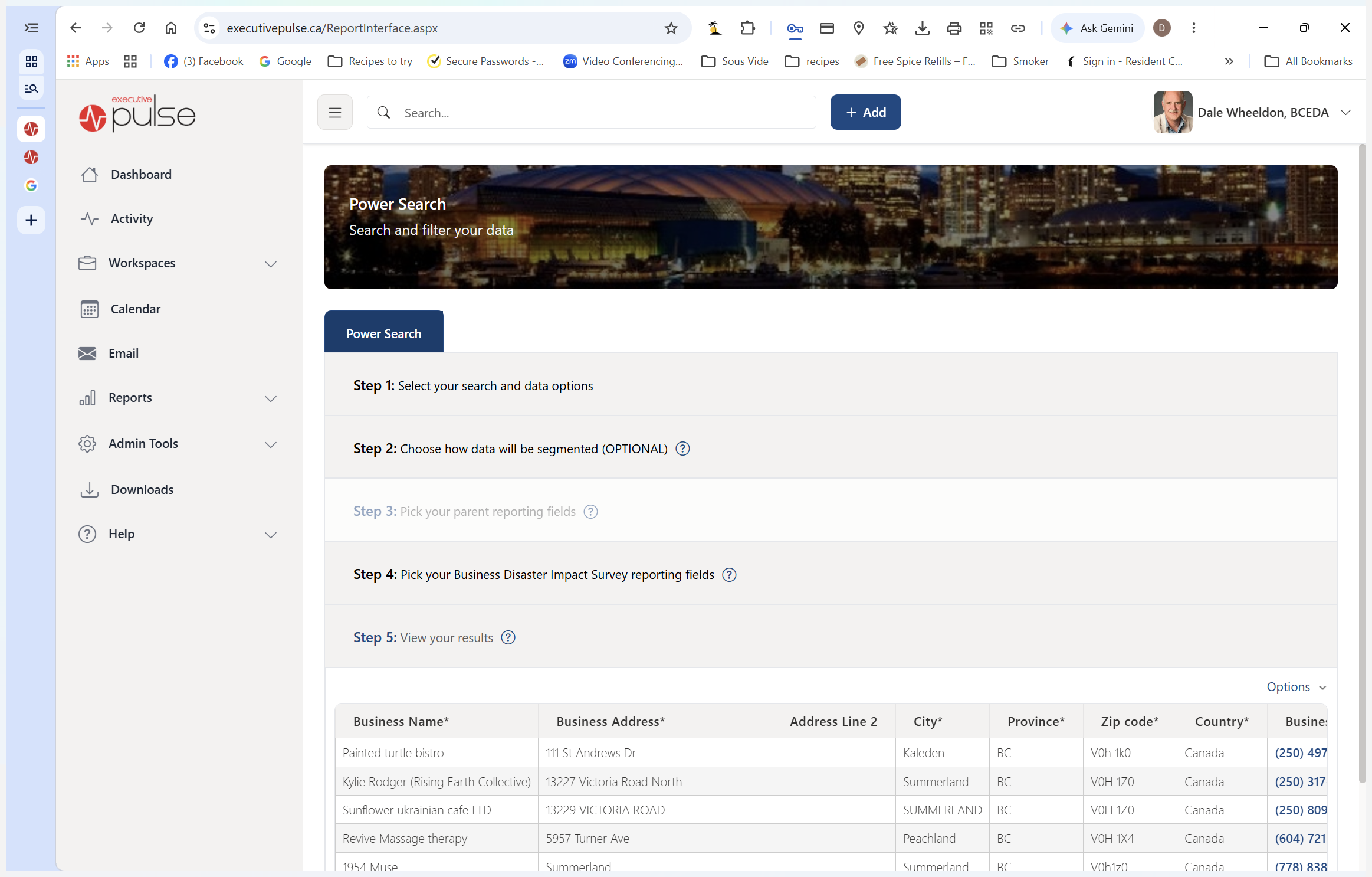
Logging In and Running a Report
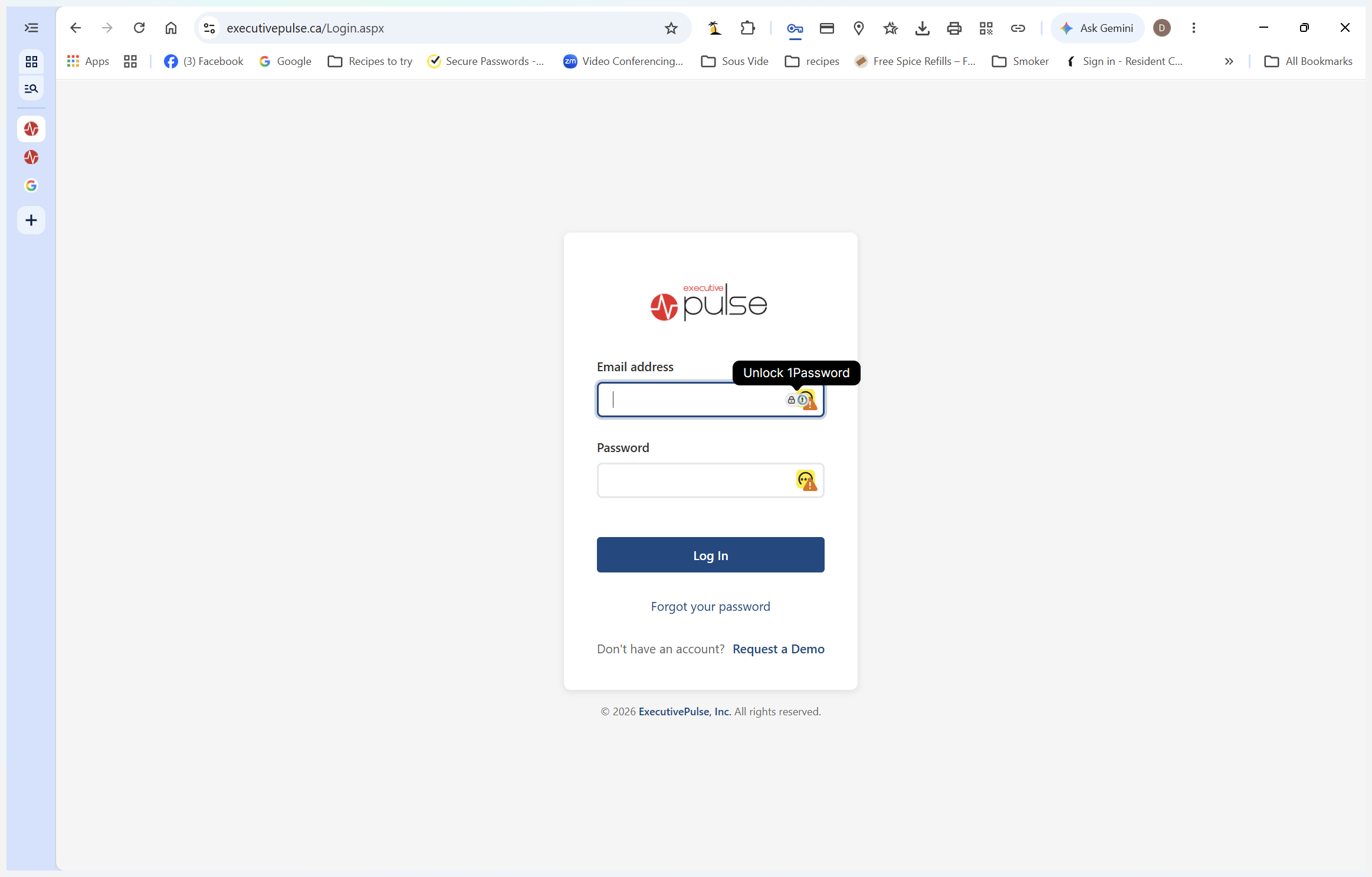
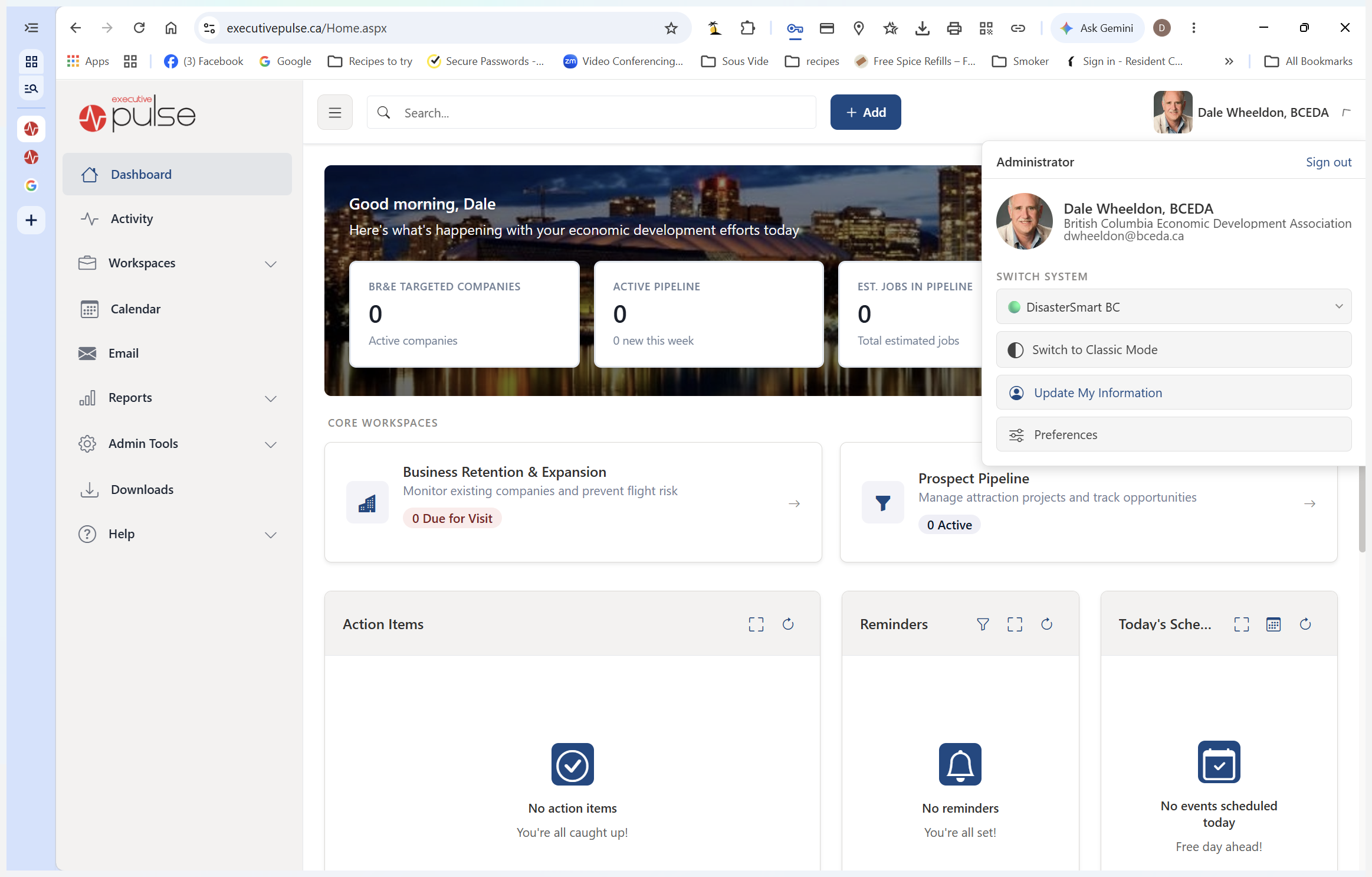
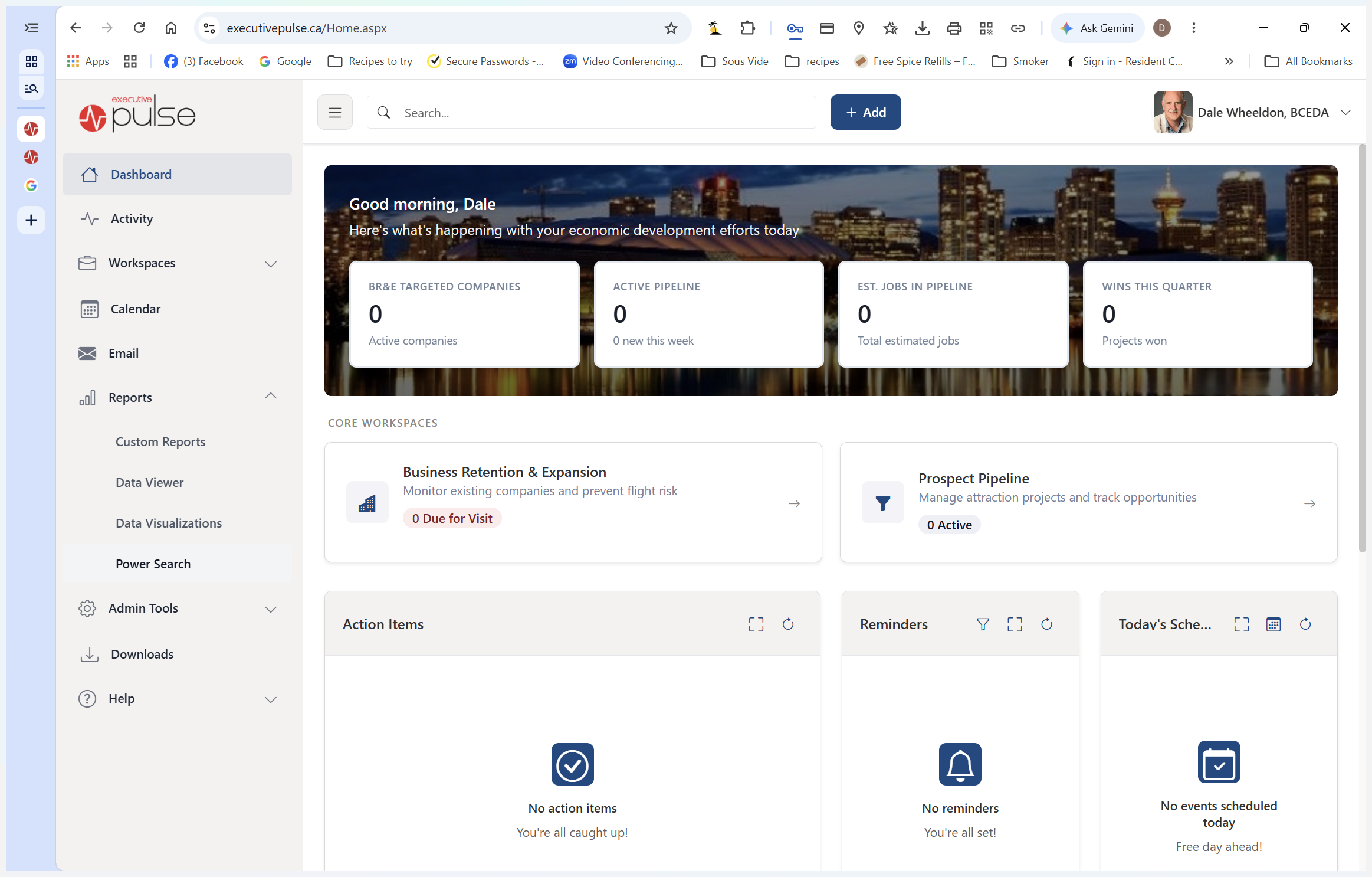
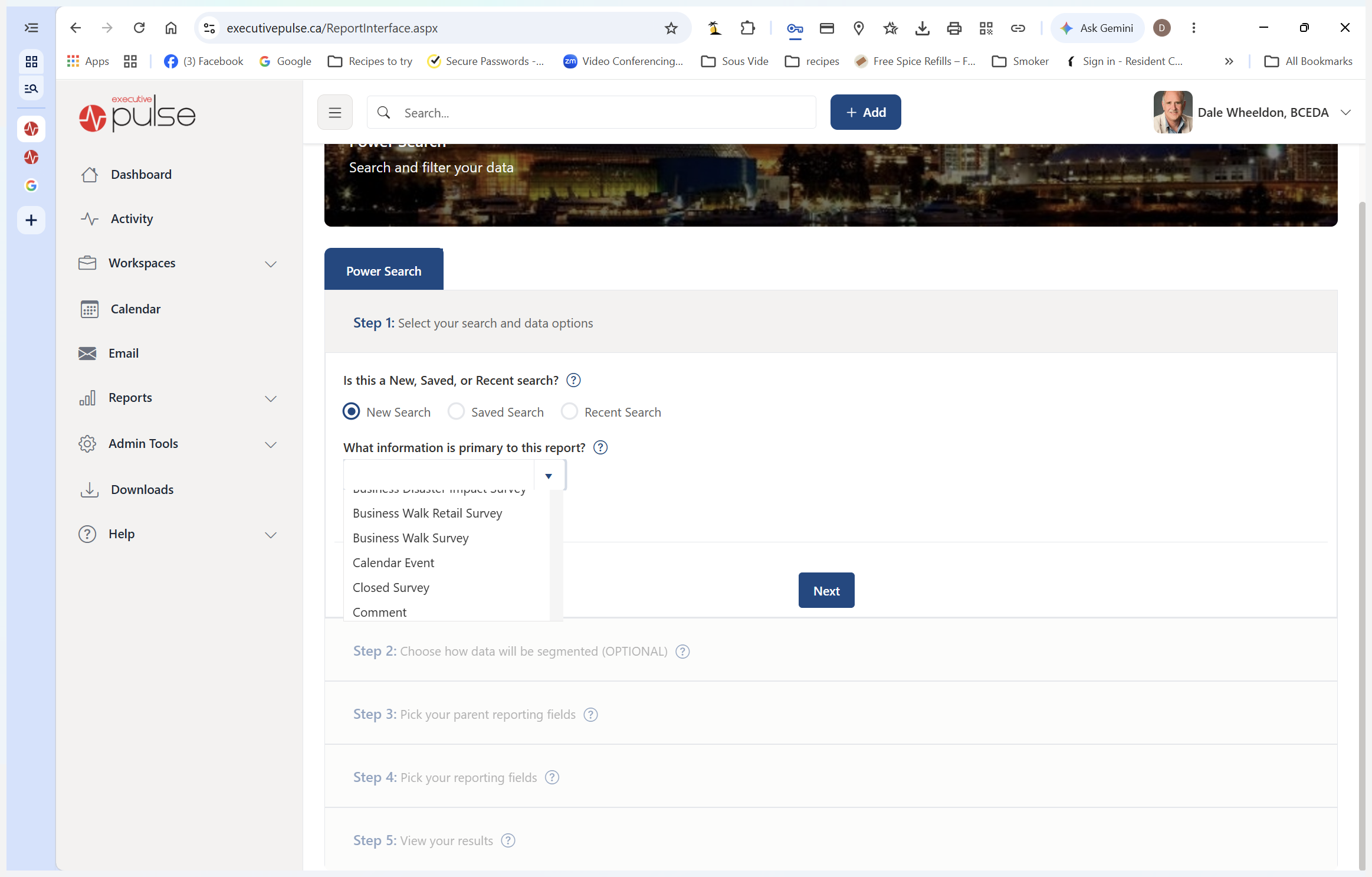
Start by entering the correct system environment and pulling a fresh list of survey submissions.
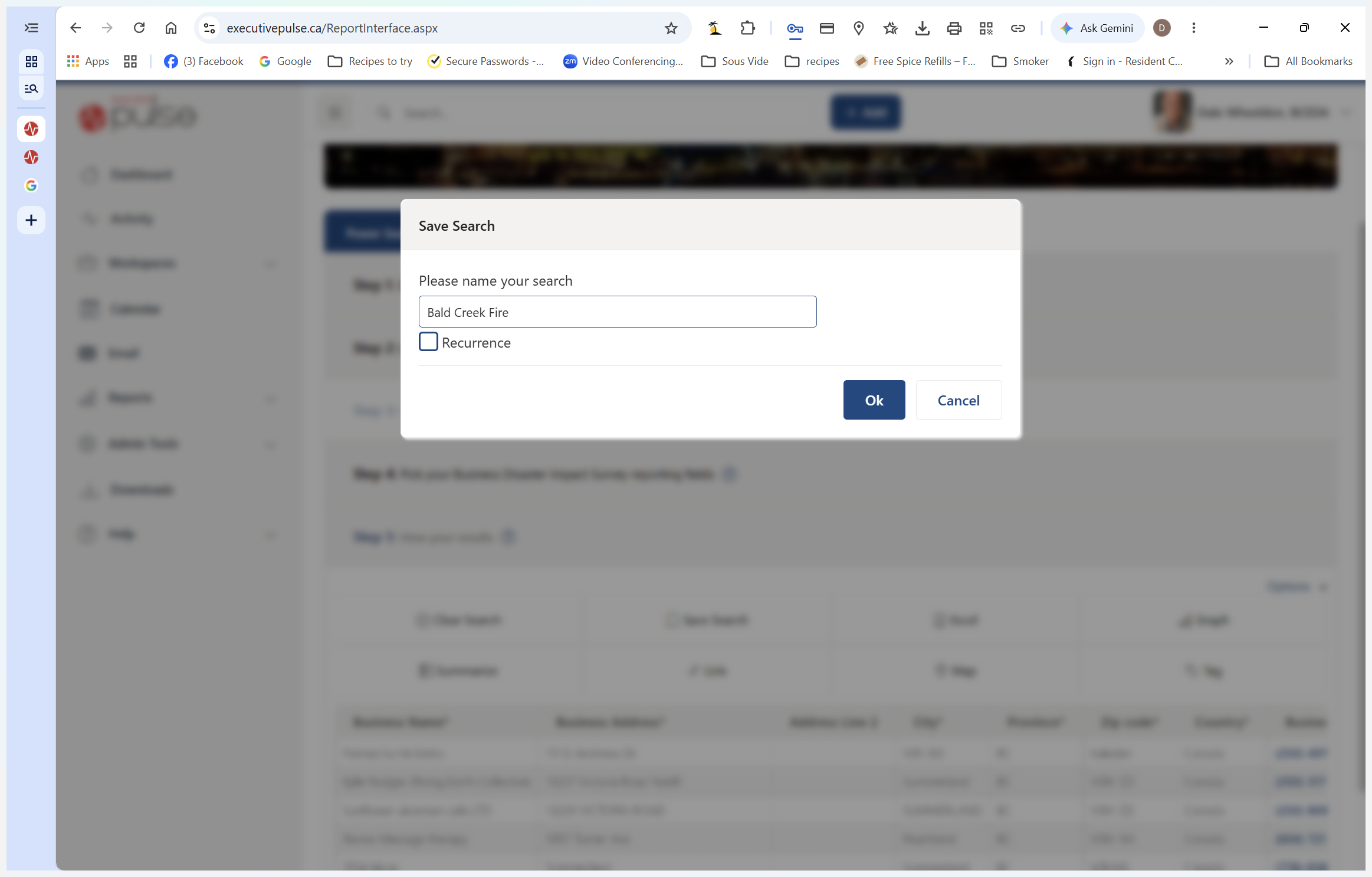
Saving Your Search with Recurrence
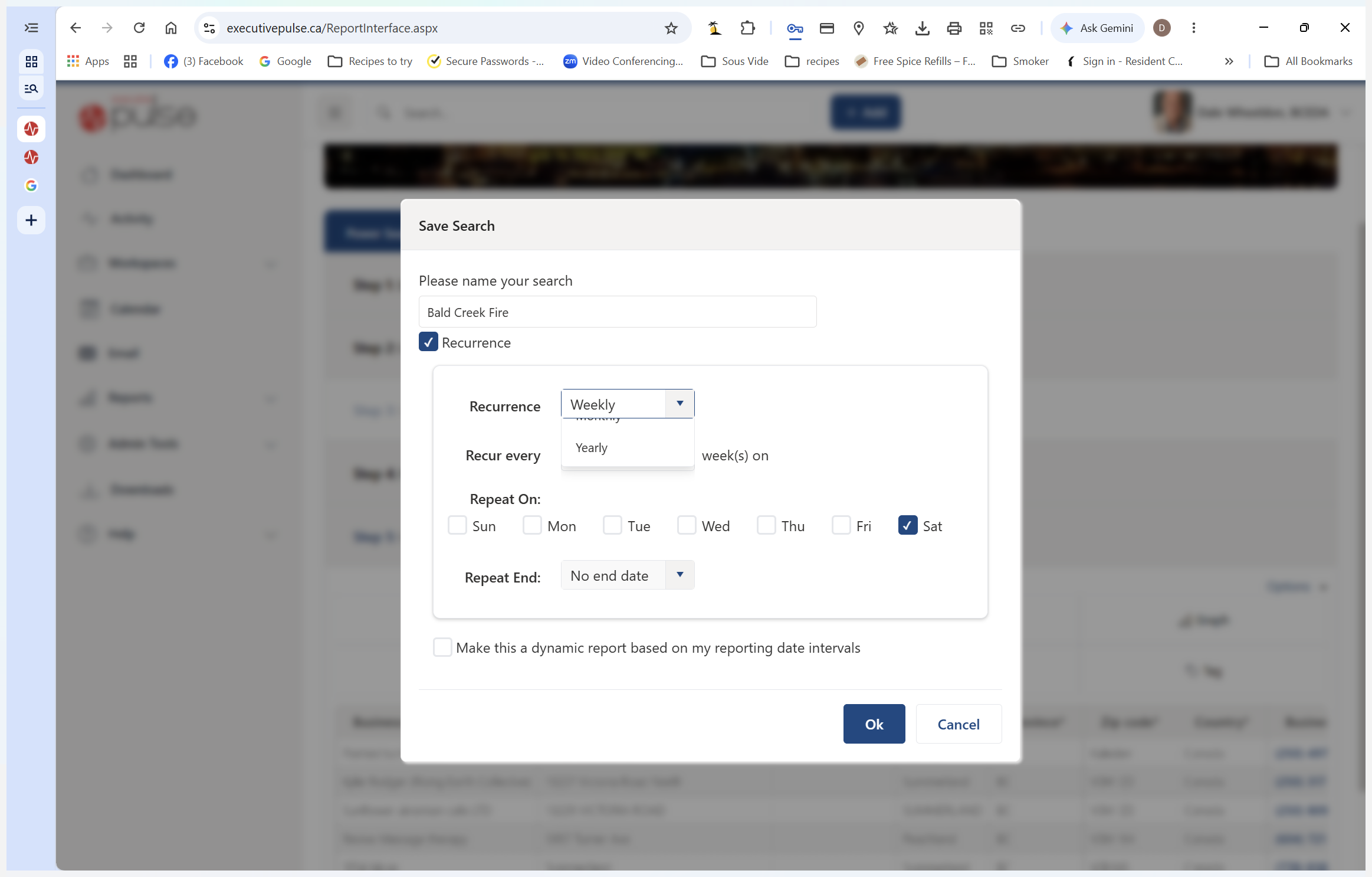
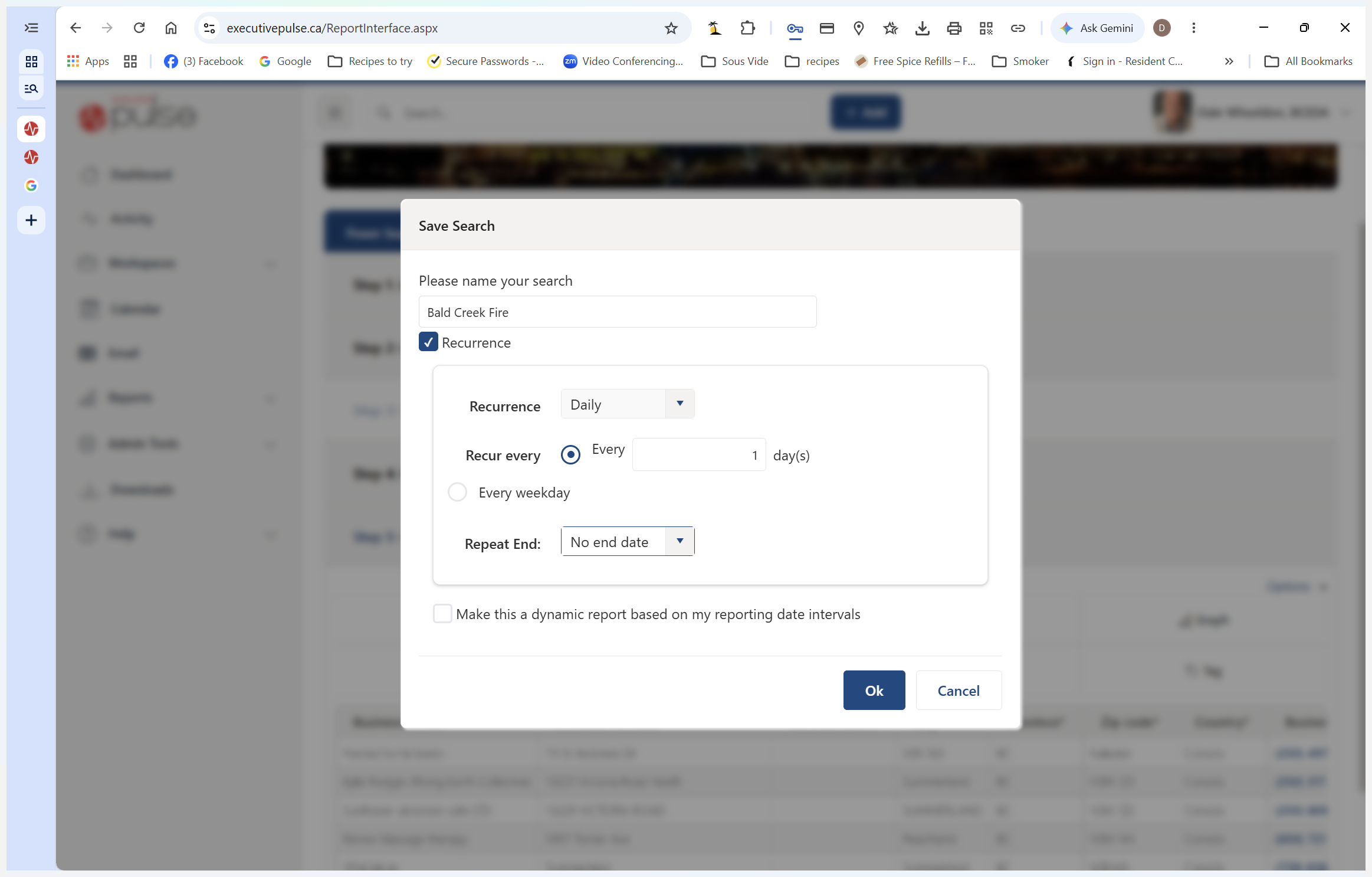
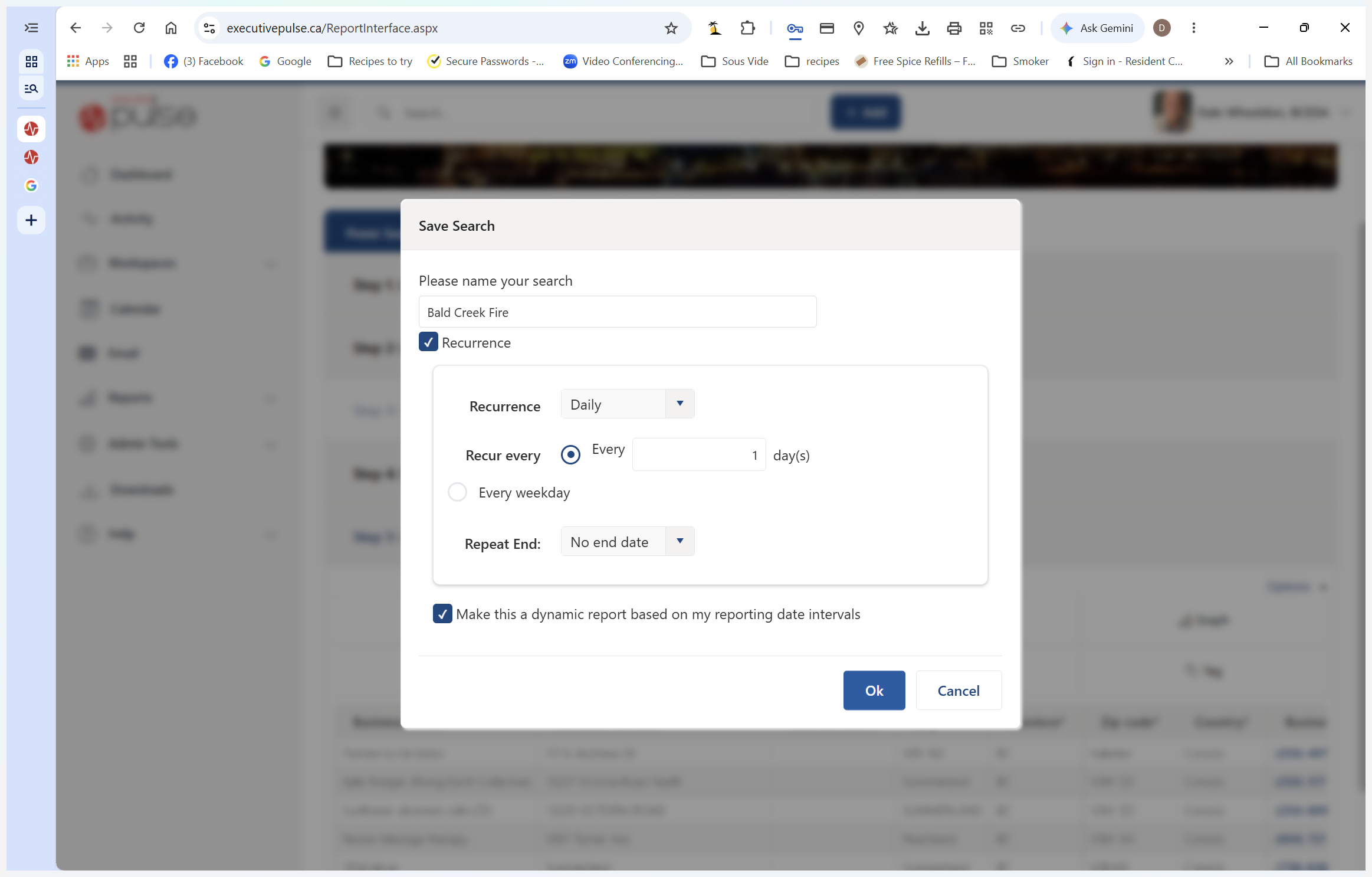
To save time, configure this report to run automatically and email you any new additions daily.
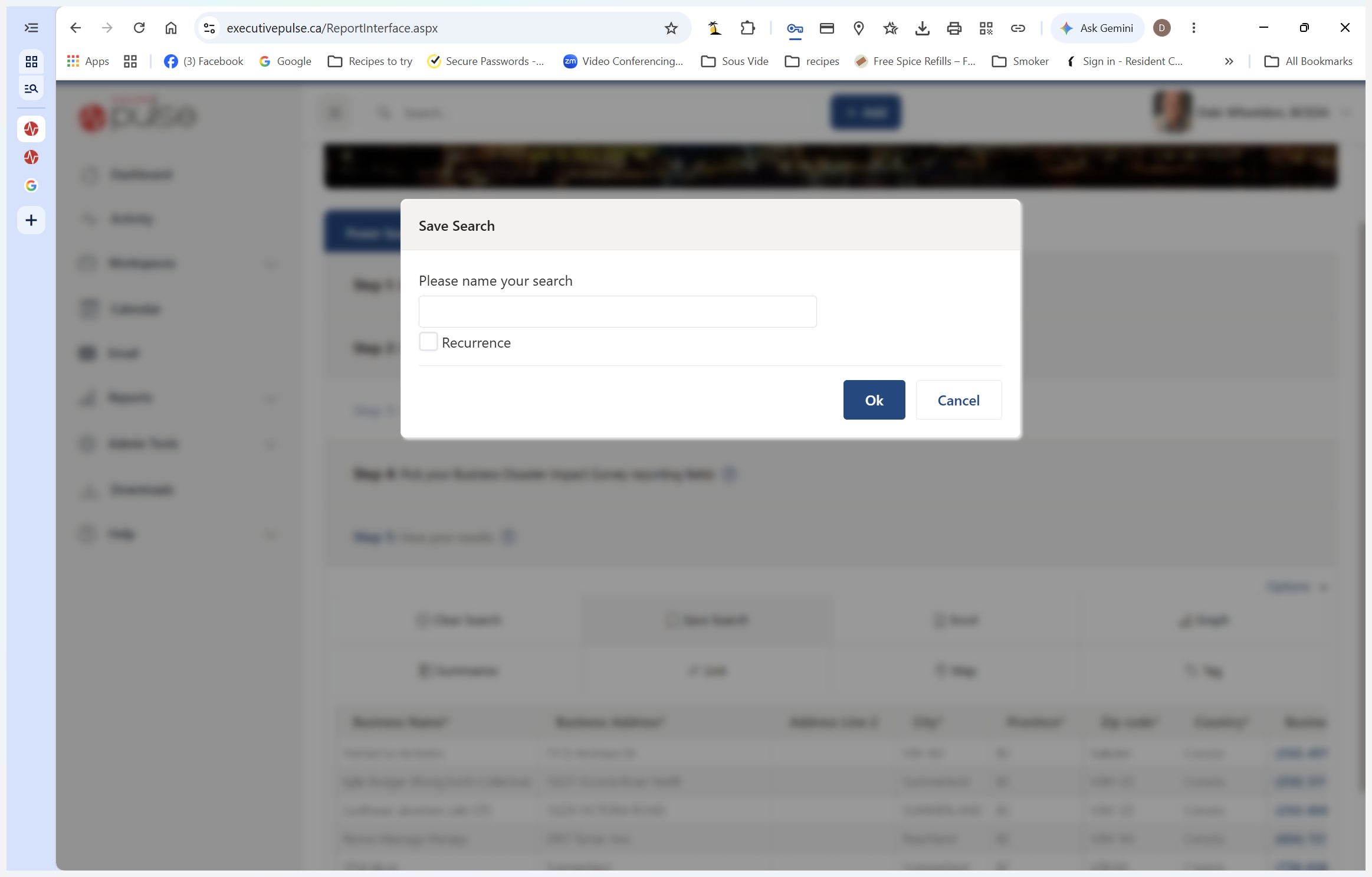
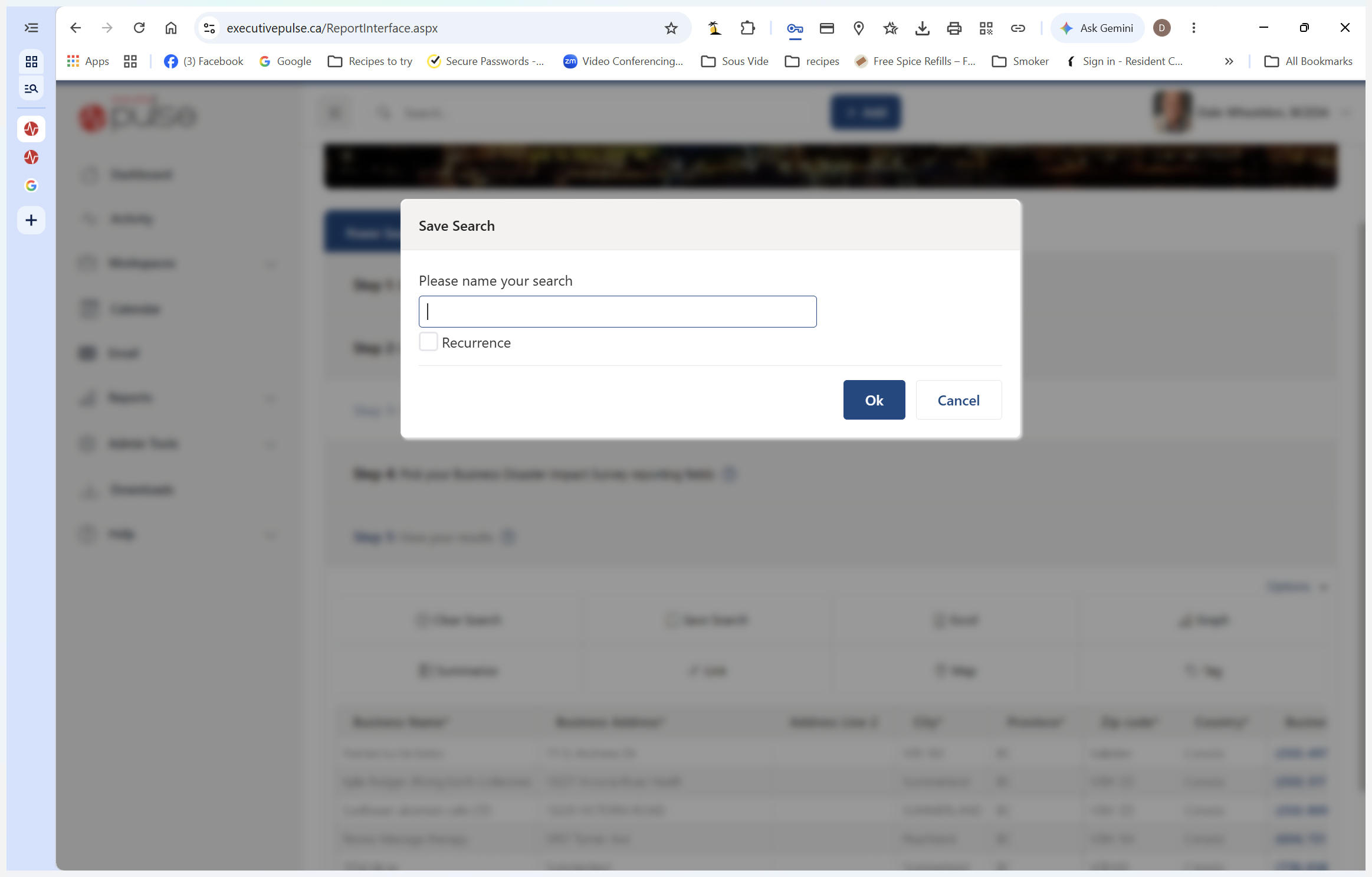
When configuring a recurring search, use the following standard parameters:
Setting | Recommended Value | Purpose |
|---|---|---|
Recurrence Checkbox | Checked | Enables automated delivery of the report. |
Frequency | Daily | Ensures you receive updates every morning. |
Repeat End | No end date | Keeps the report active until you manually turn it off. |
Sending Referrals to Volunteers
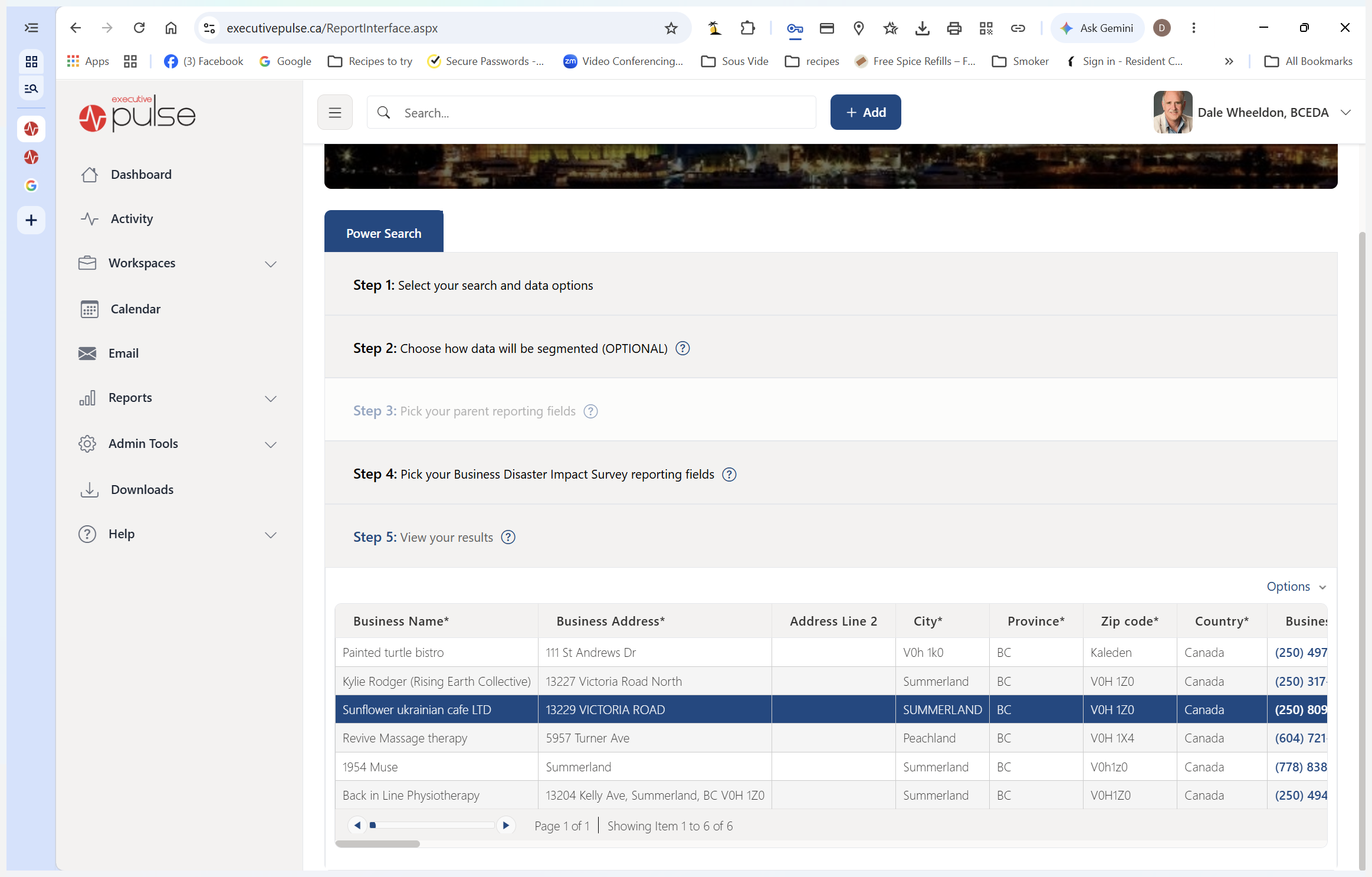
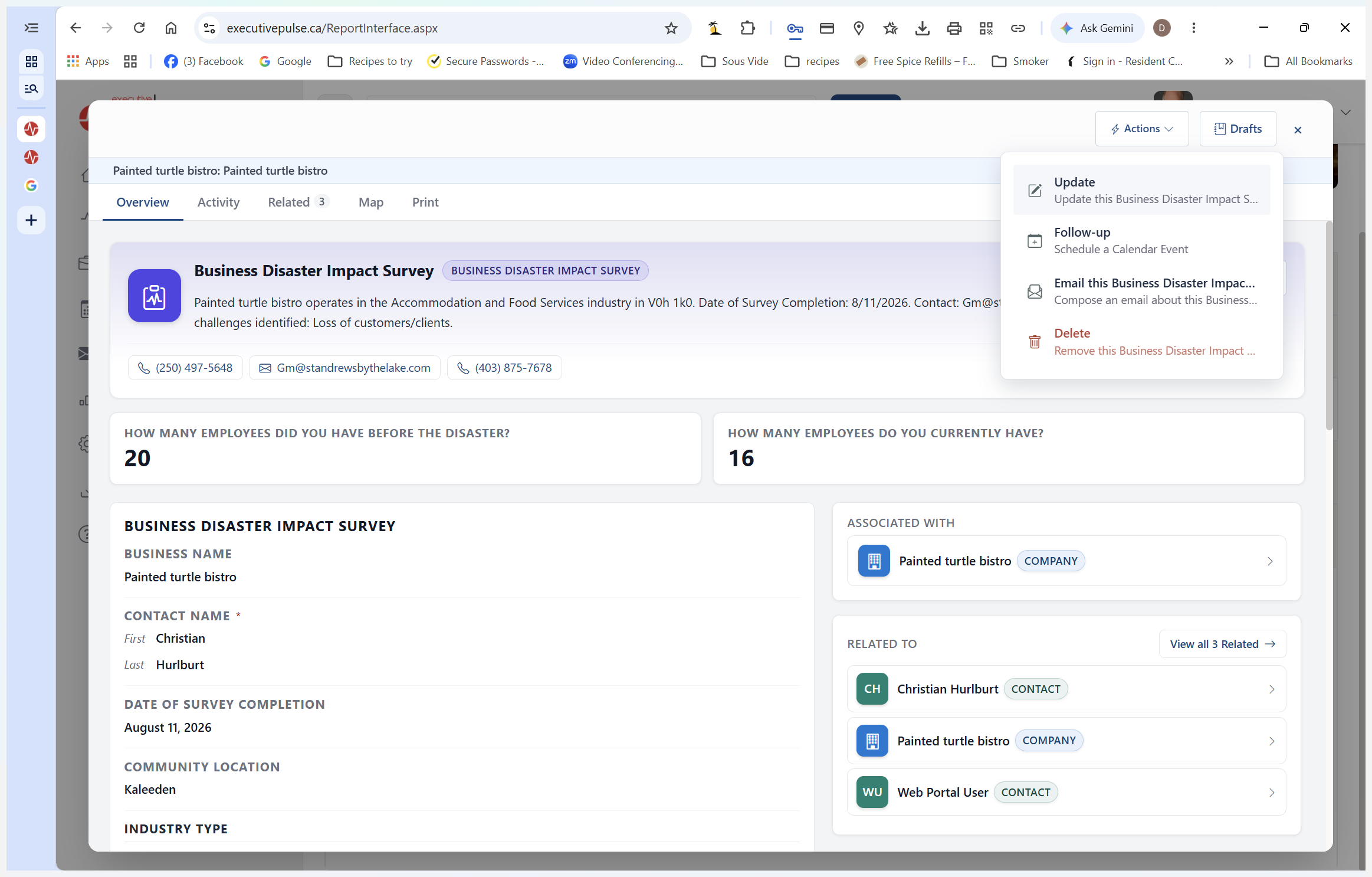
Once your report is open, dispatch individual survey records to the correct local volunteer.
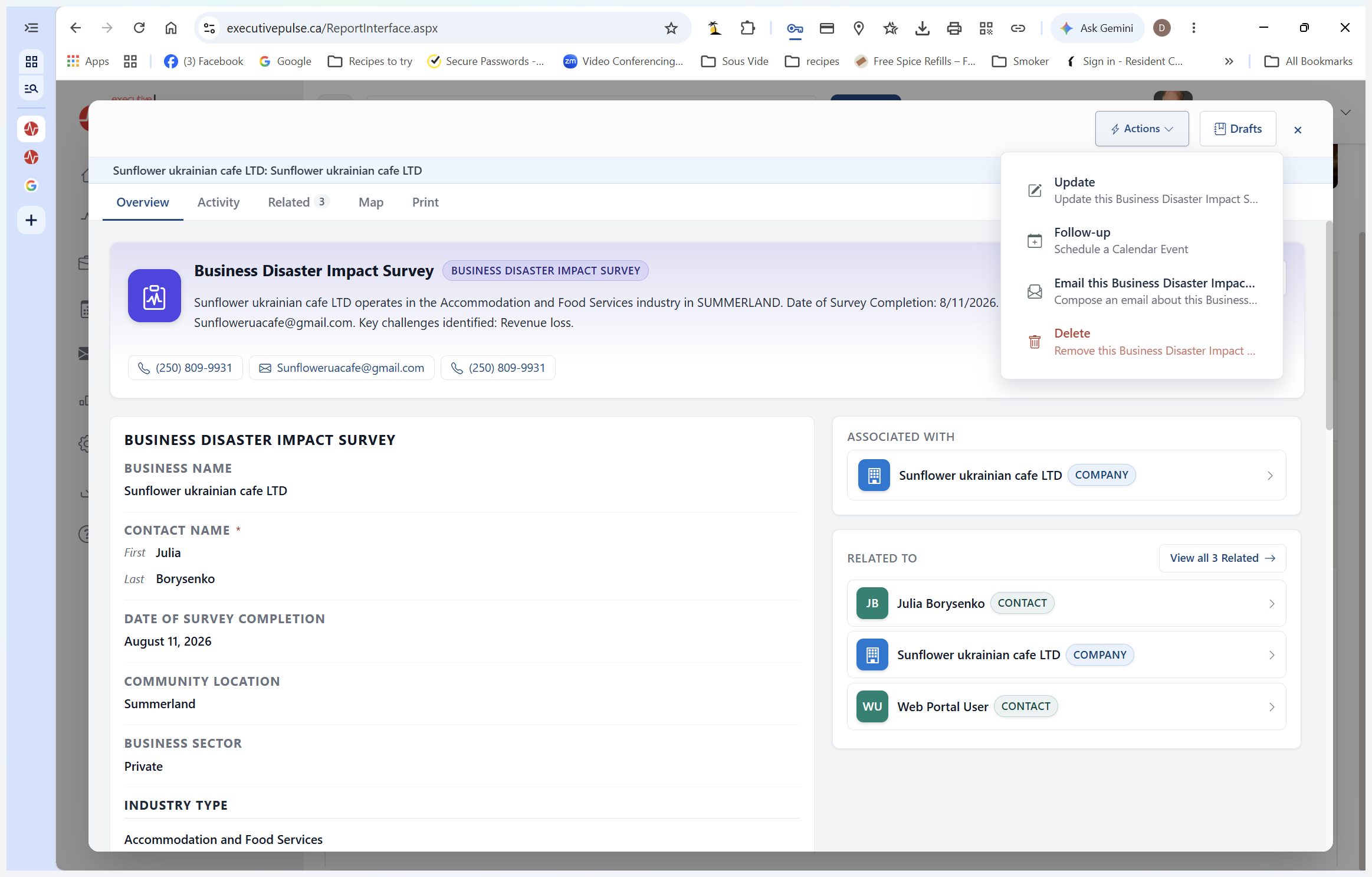
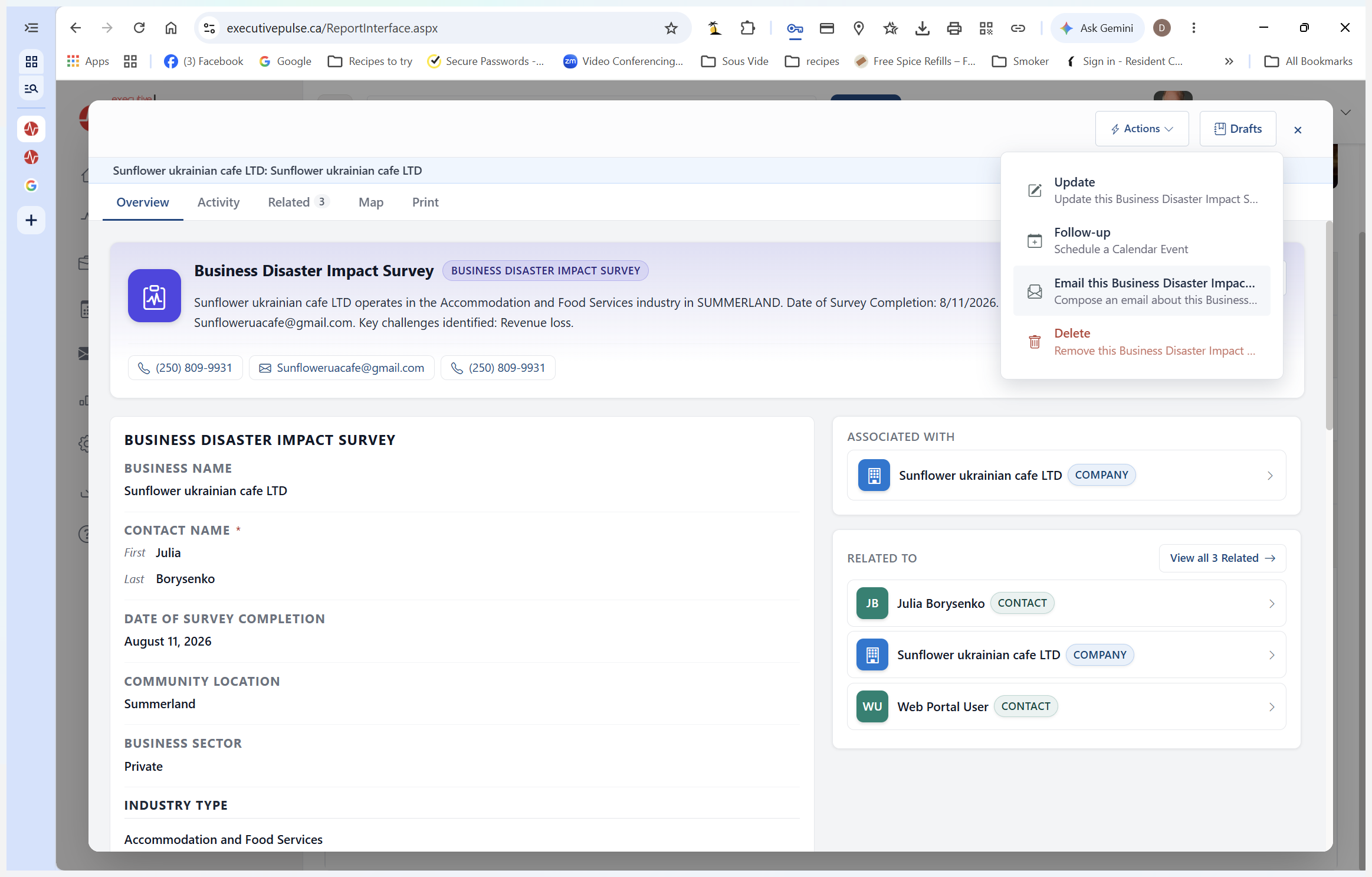
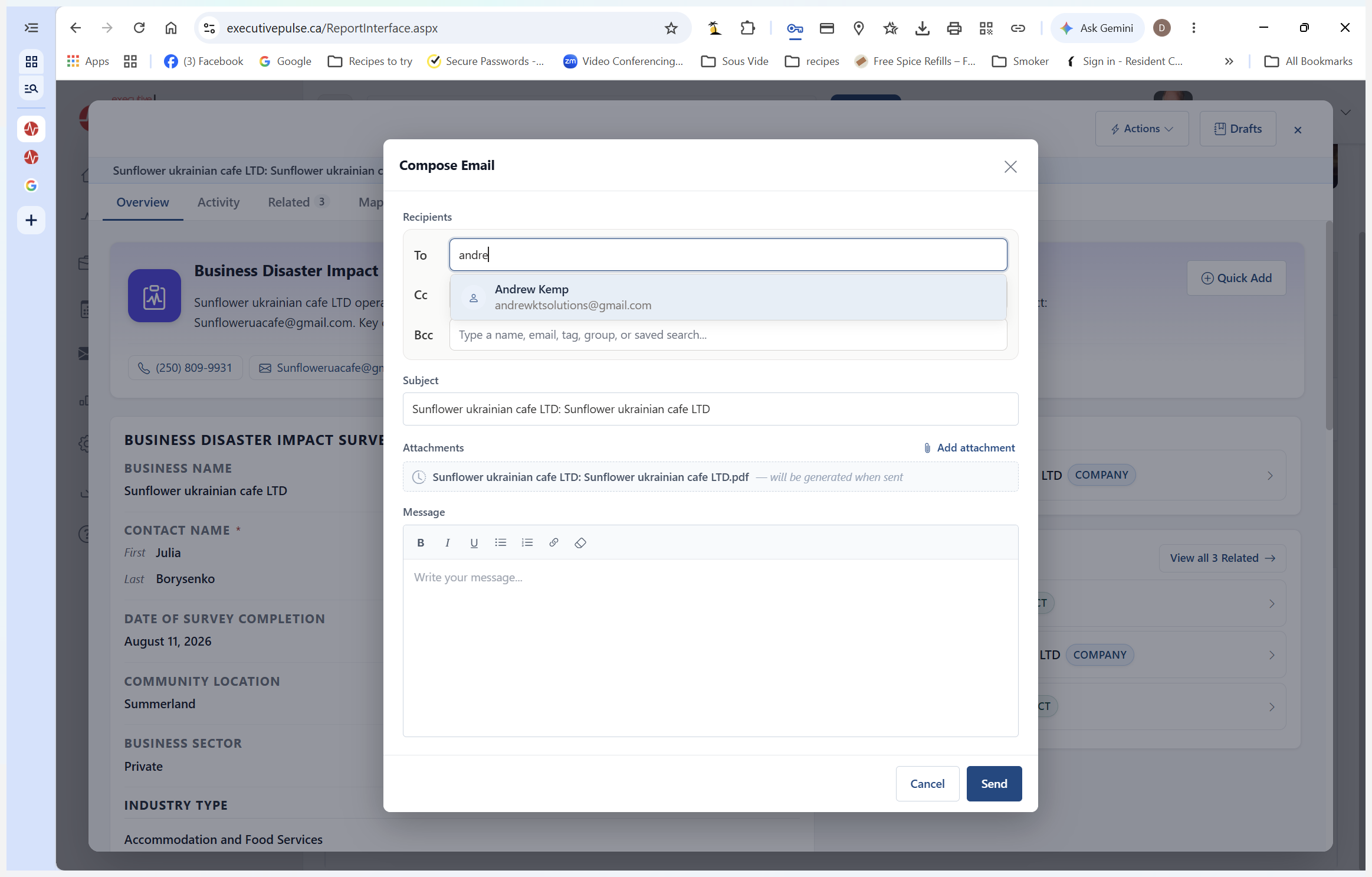
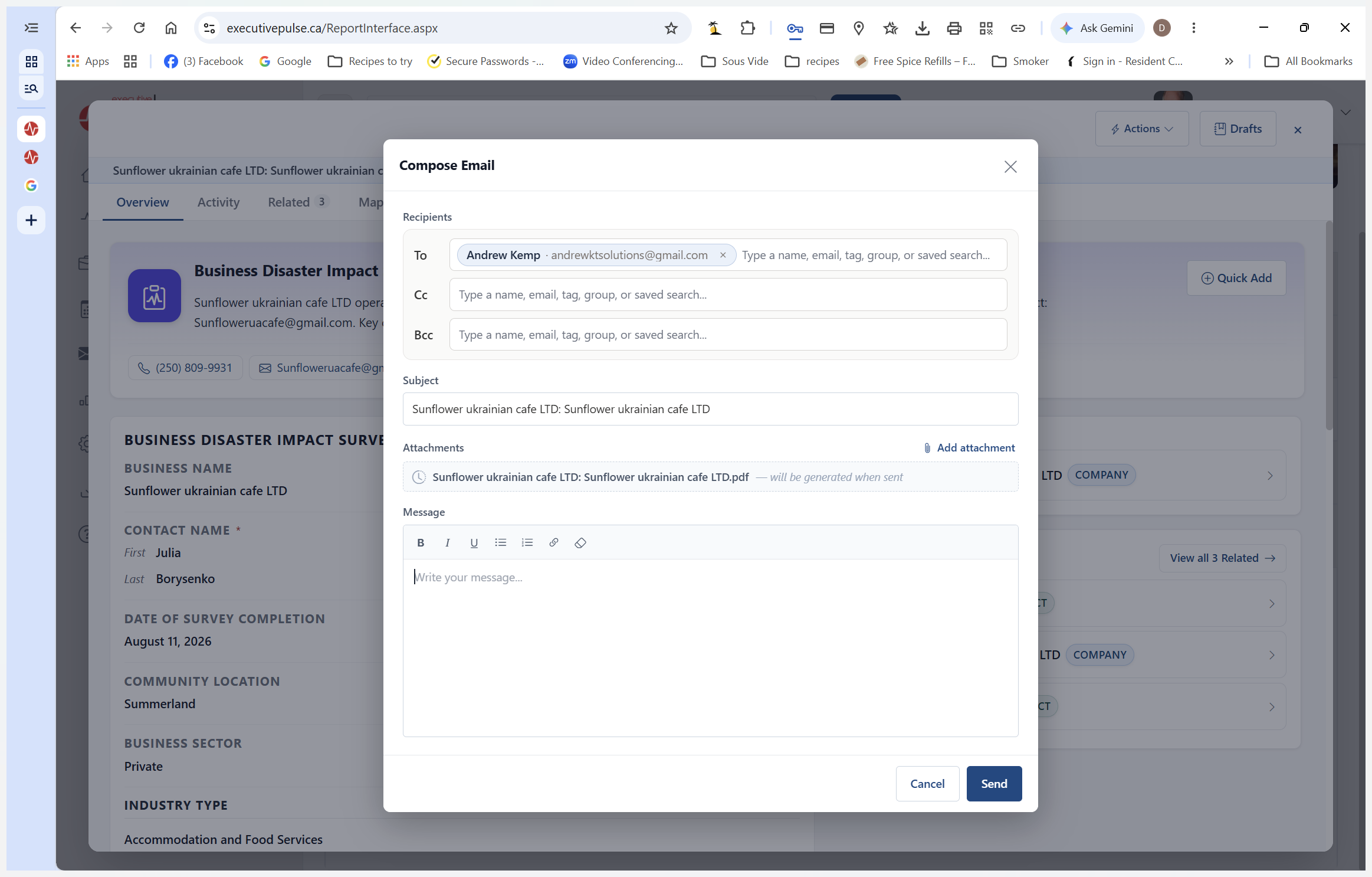
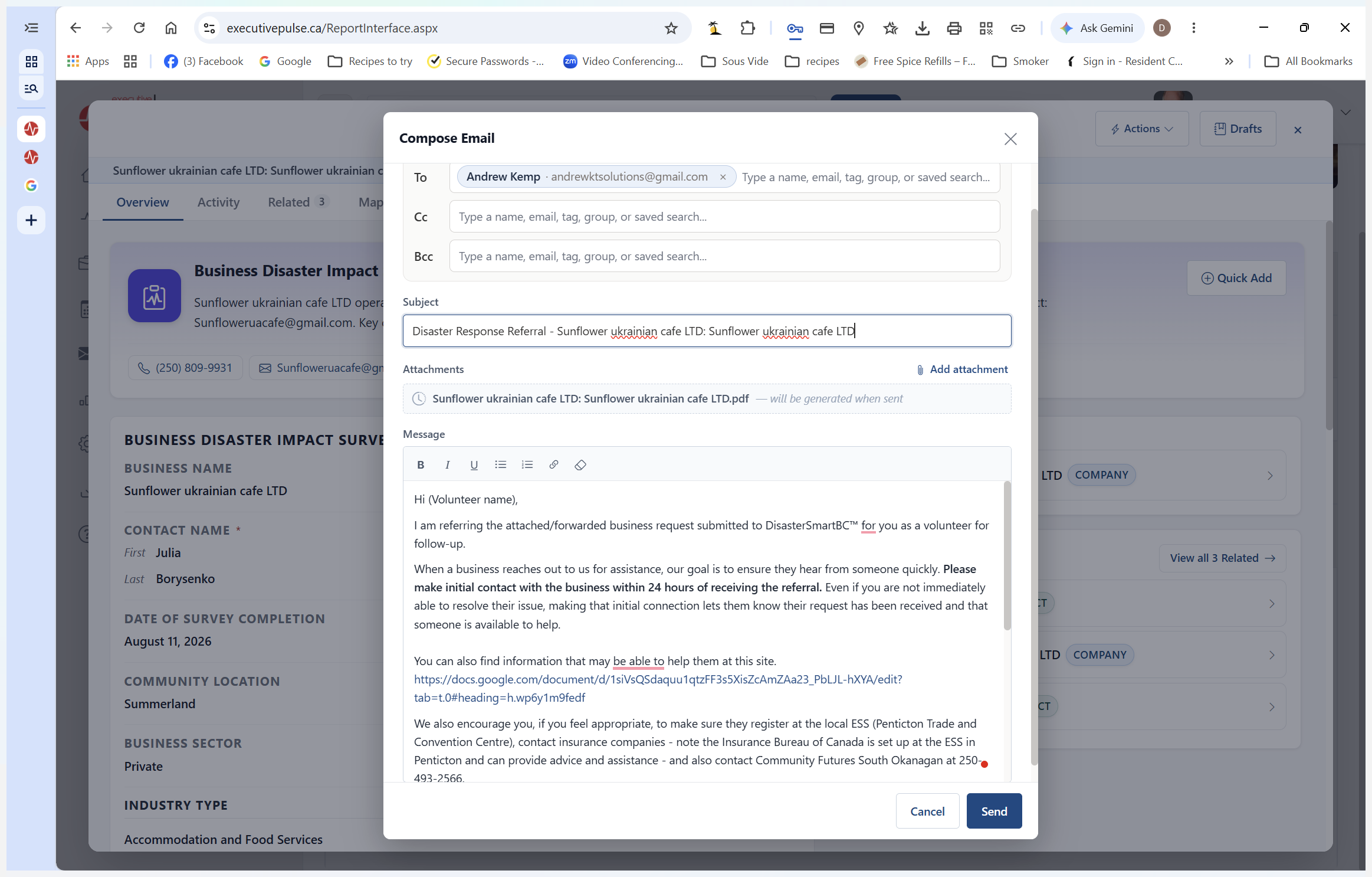
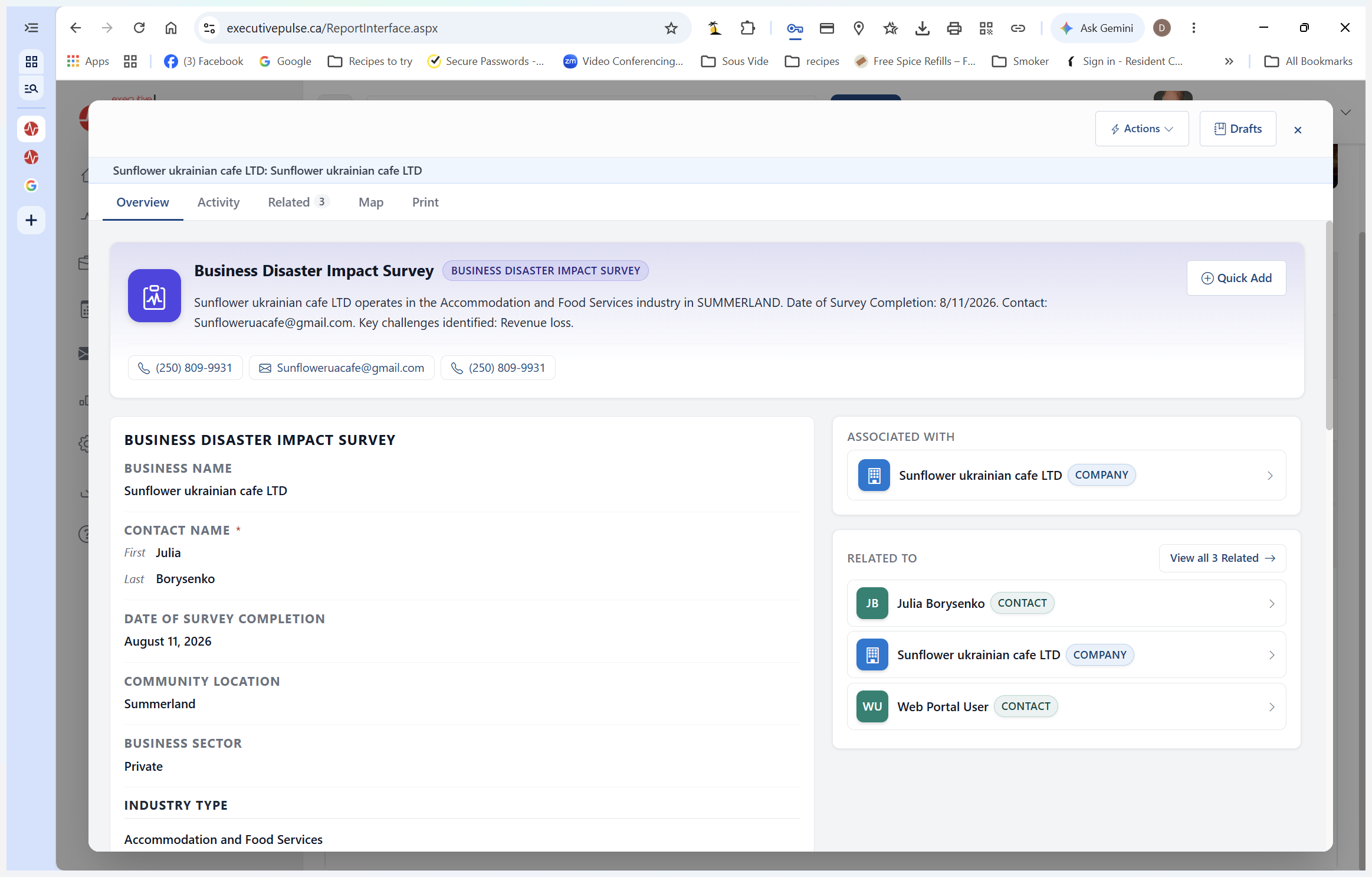
Fixing Incorrect Survey Information
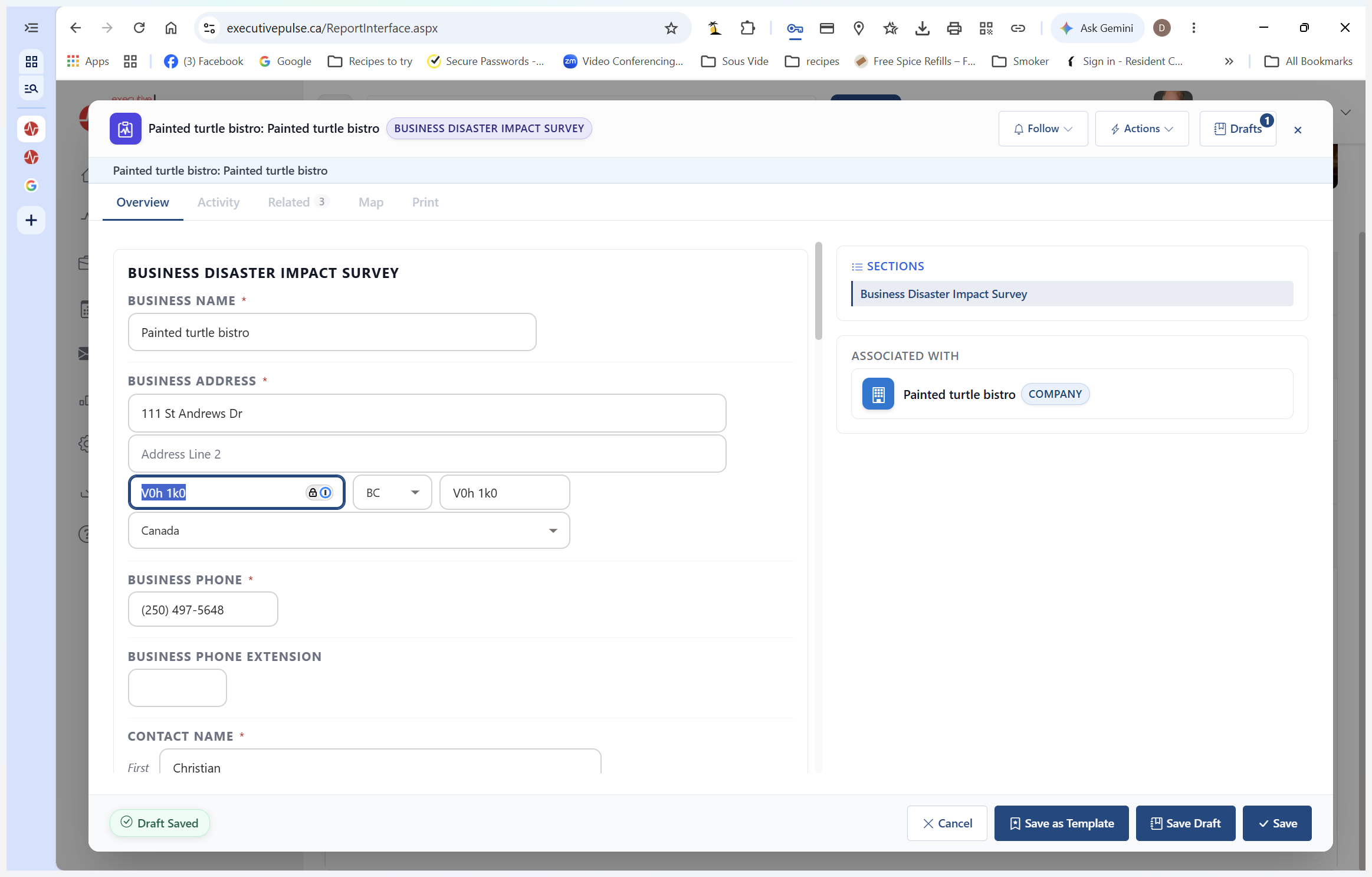
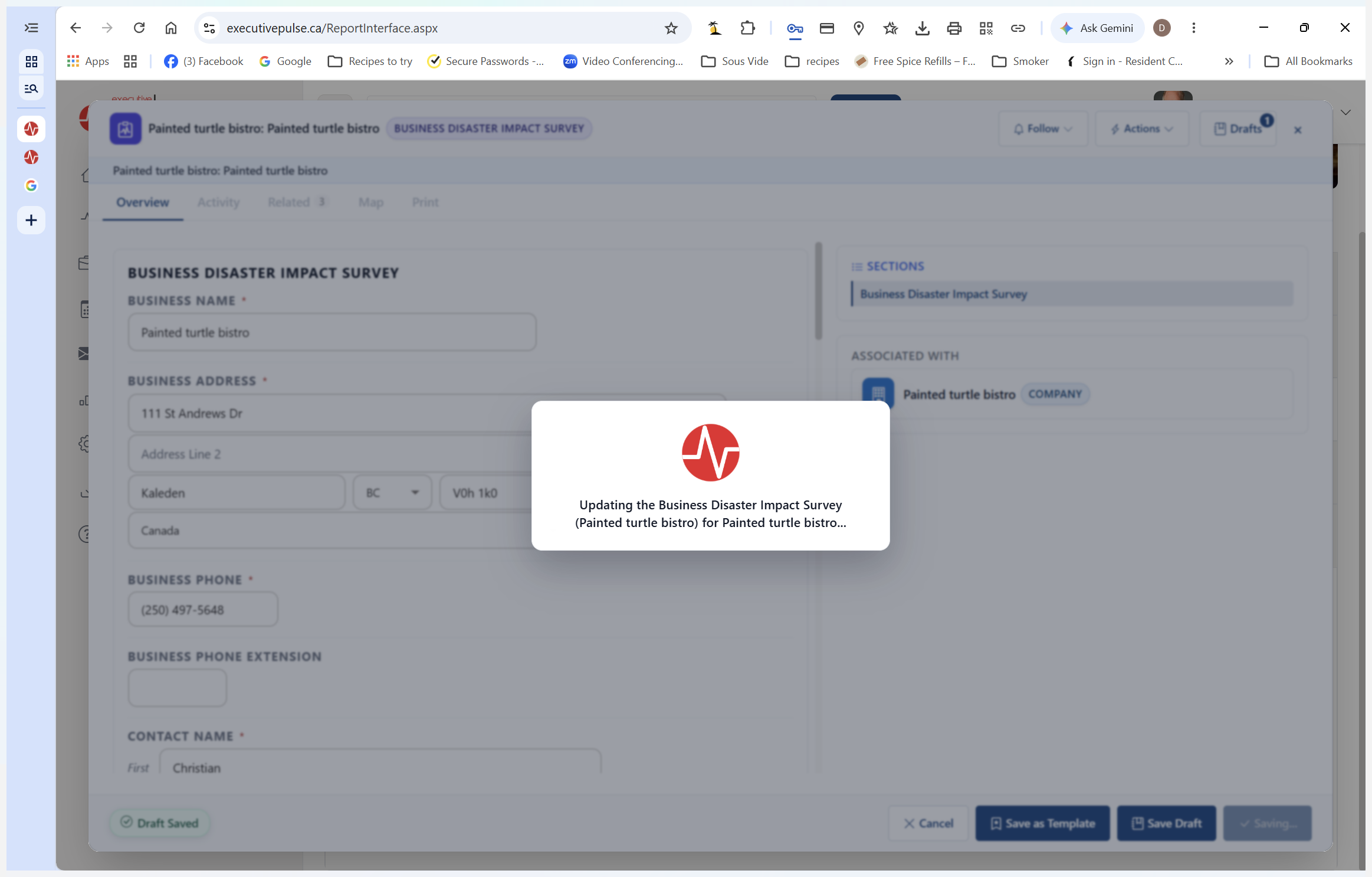
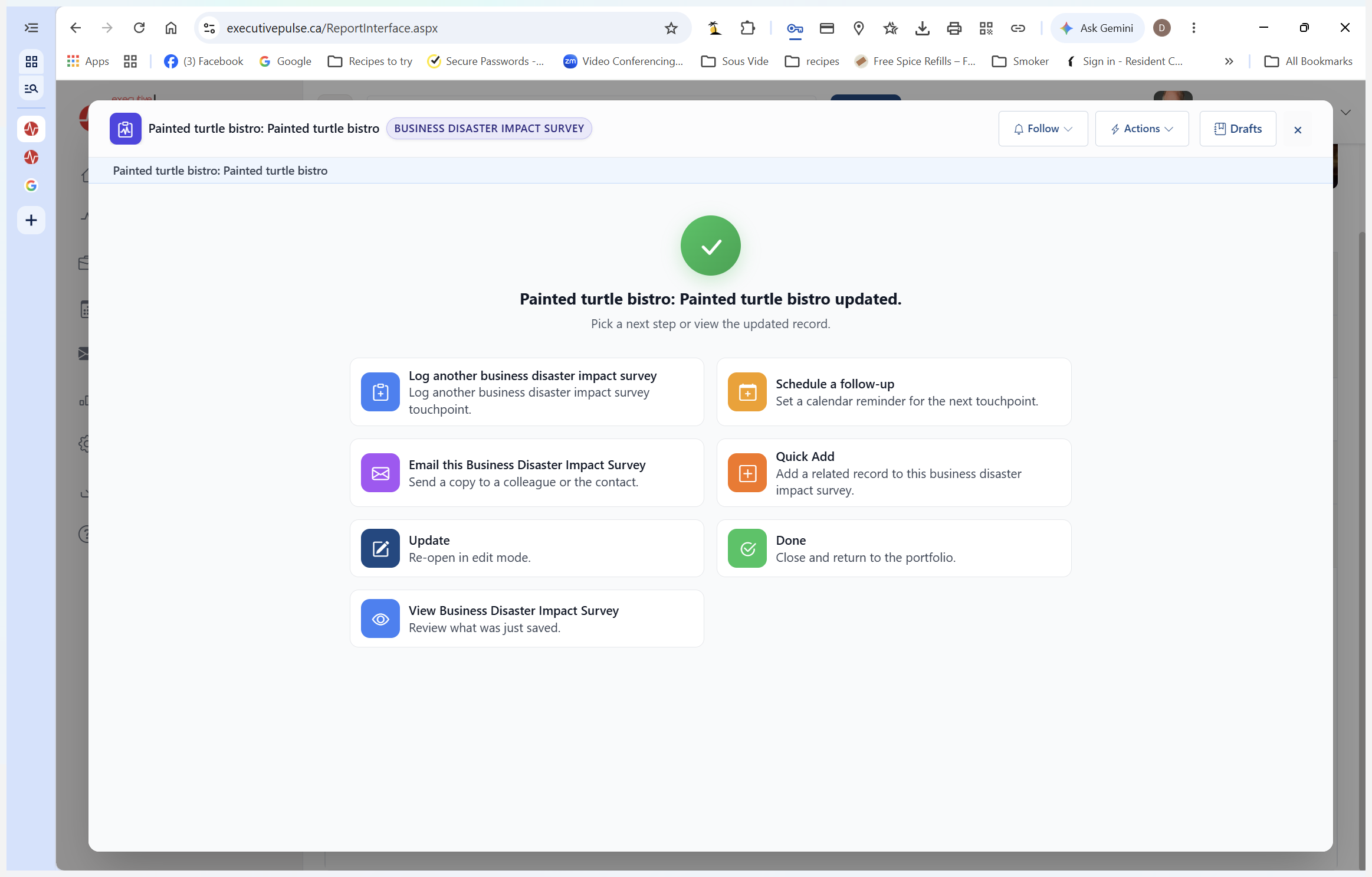
If you notice errors submitted by the business (like placing the city name in the postal code field), you can edit the record before forwarding it.
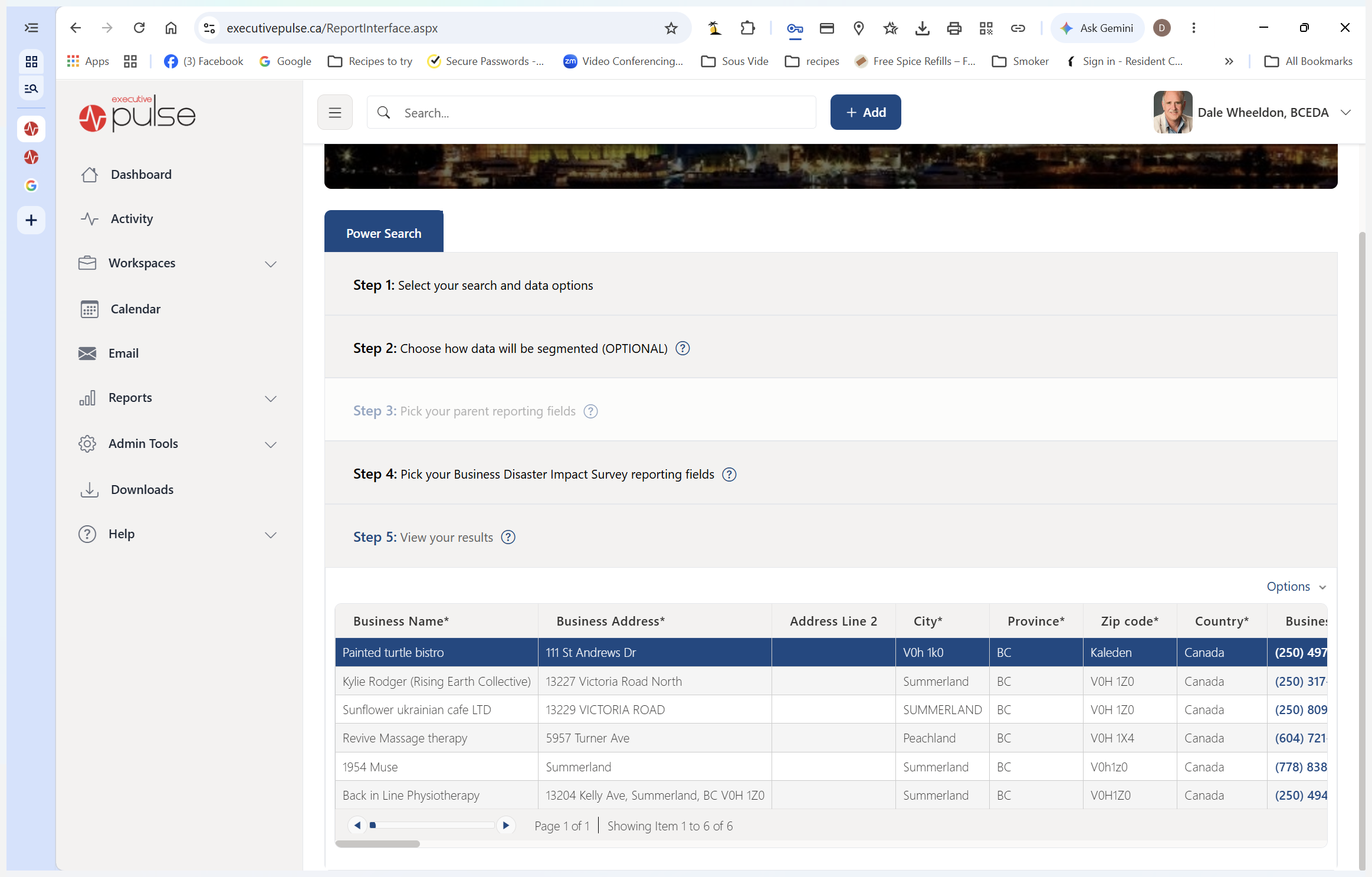
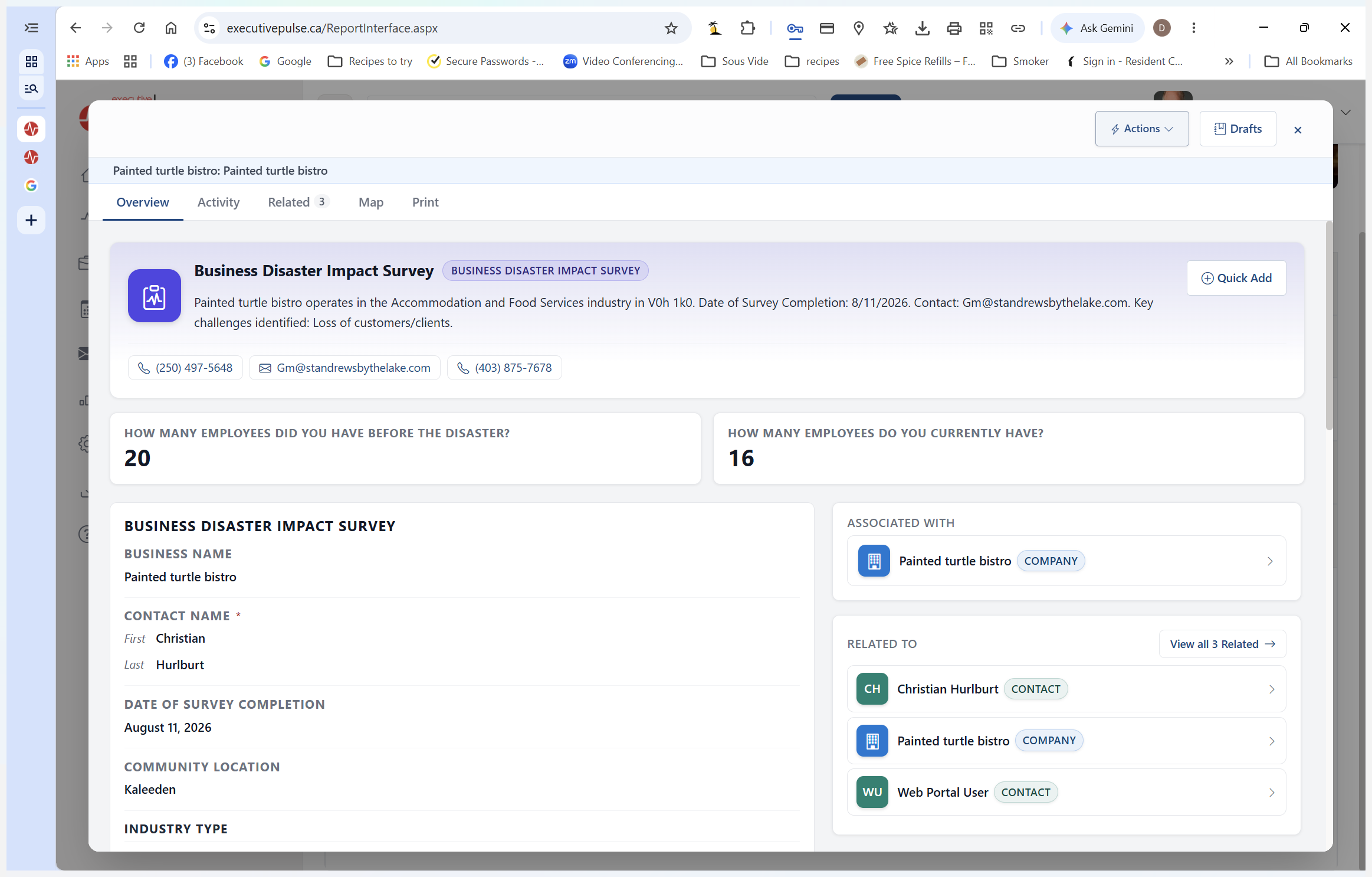
Finding Additional Volunteers
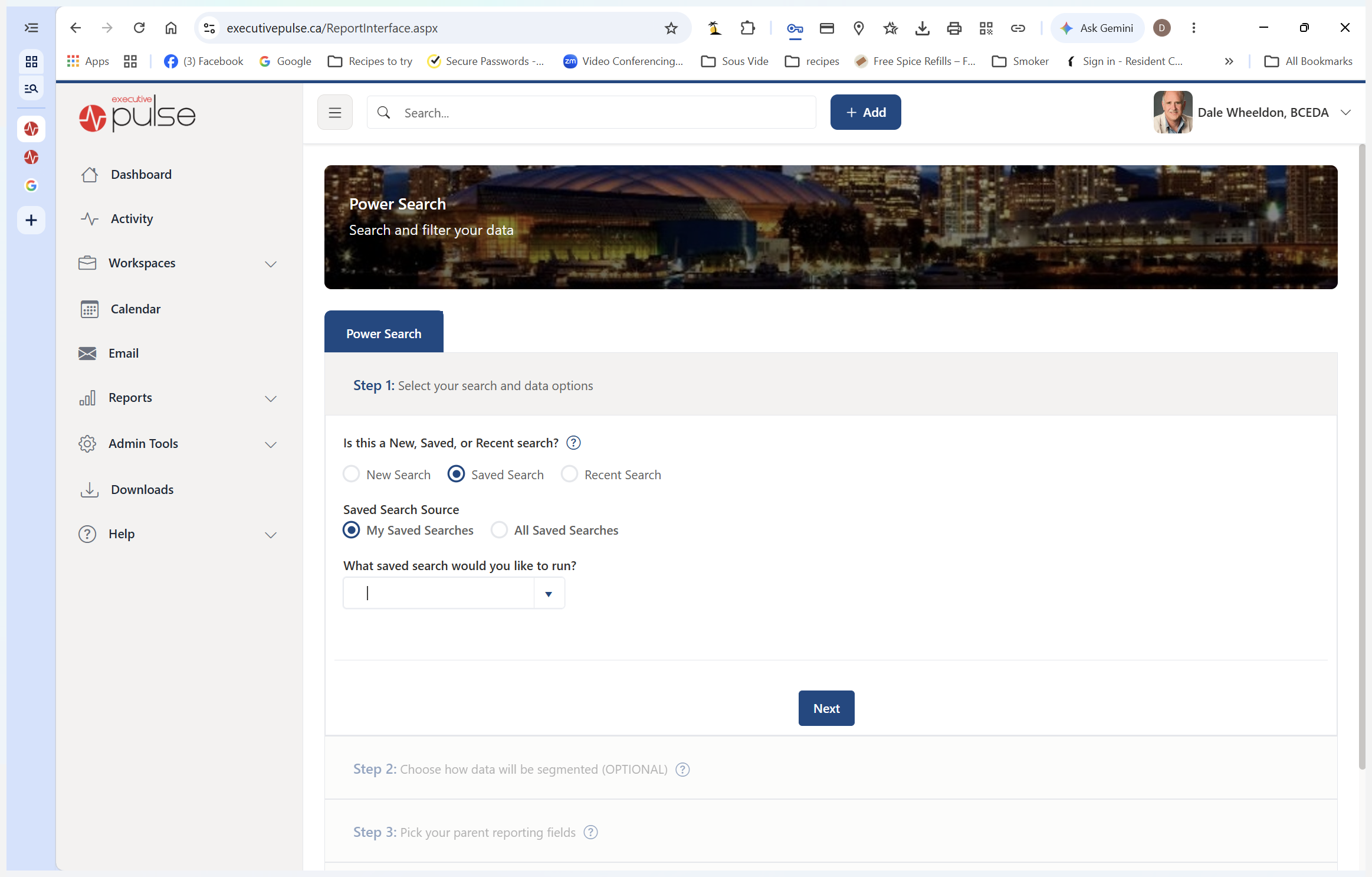
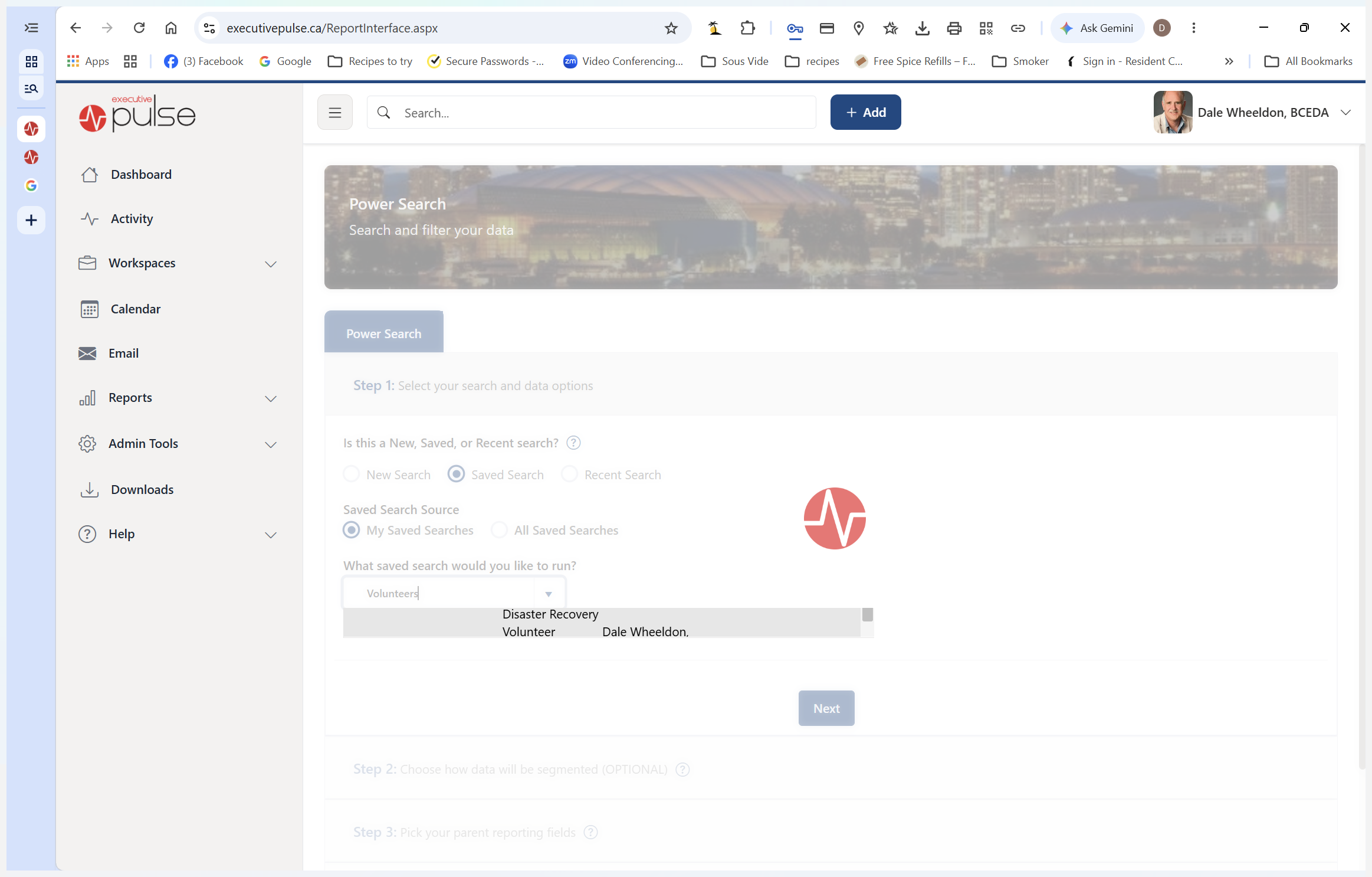
If you are processing referrals for a municipality without a known contact, you can query the system for available disaster recovery volunteers.
Q: Why isn't a known volunteer showing up in my assigned list?
A: Ensure they have been added to the system and linked to the correct local partner. Some volunteers manage specific municipalities directly through established local programs and must be accurately mapped.
Q: What should I do if a business submitted incorrect contact information, like a city in the postal code field?
A: Open the business's record, select the option to update the survey response from the Actions menu, correct the invalid fields, and save your changes before sending the referral.
Q: How do I find additional volunteers for different regions?
A: Run a Power Search using the "Disaster Recovery Volunteers" saved report to locate assigned contacts for specific areas like Peachland or Kaleden.
Term | Definition |
|---|---|
Executive Pulse | The primary CRM and reporting platform used to track business data and direct disaster recovery efforts. |
Disaster Smart BC | The specific system environment within Executive Pulse containing localized disaster impact and recovery data. |
Power Search | A reporting tool within Executive Pulse used to query, filter, and save specific subsets of system data. |
Business Disaster Impact Survey | A standardized form submitted by local businesses detailing how a disaster has affected their operations so they can request assistance. |