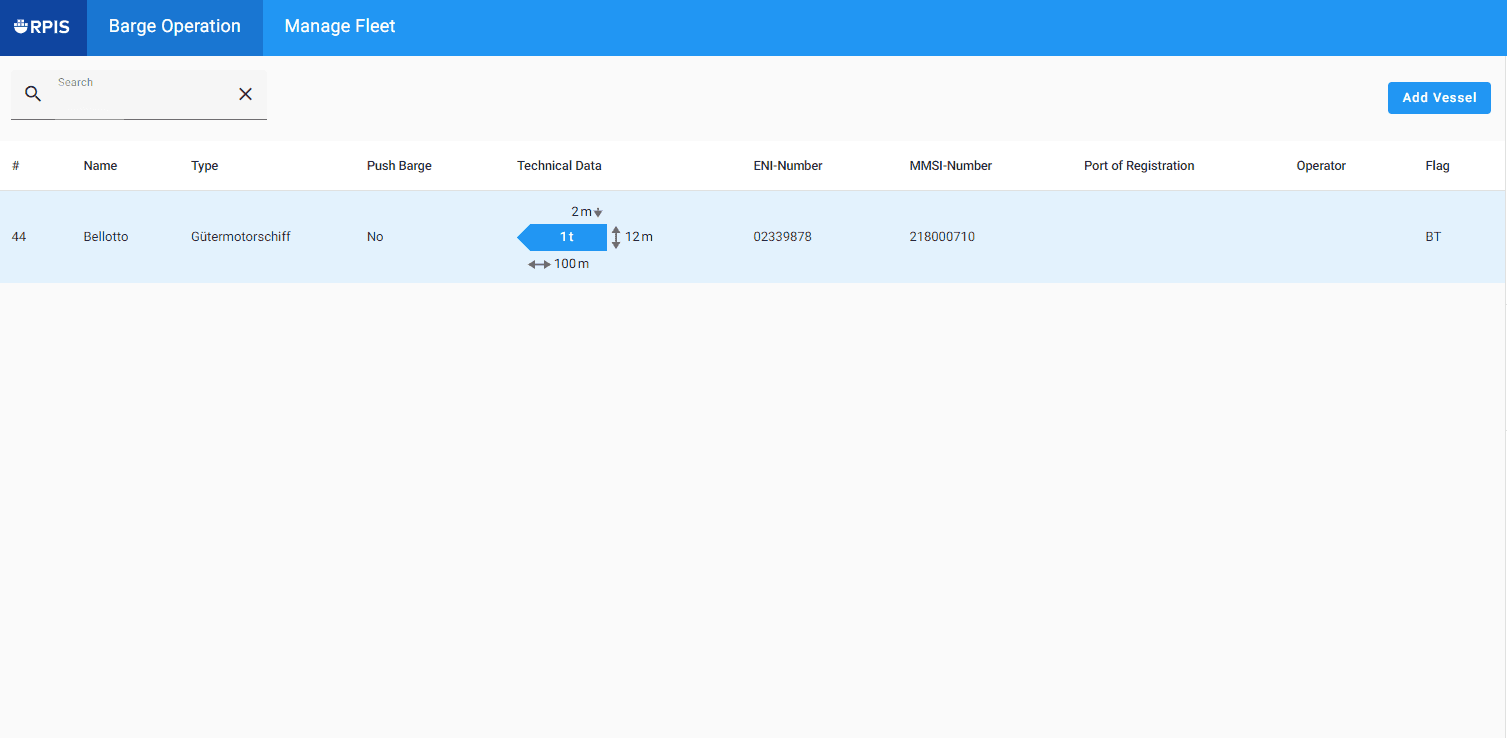
GMS Barge Operators: Fleet Management
Step-by-step guide to successfully adding a vessel.
By Marion Lasfargues
In short: As a barge operator, you can manage your fleet, add vessels, and delete them in RPIS.
All of these functions are available in the “Fleet Management” section.
Creating a vessel is necessary to plan your voyages and book stops in terminals.
Let's get started:
1
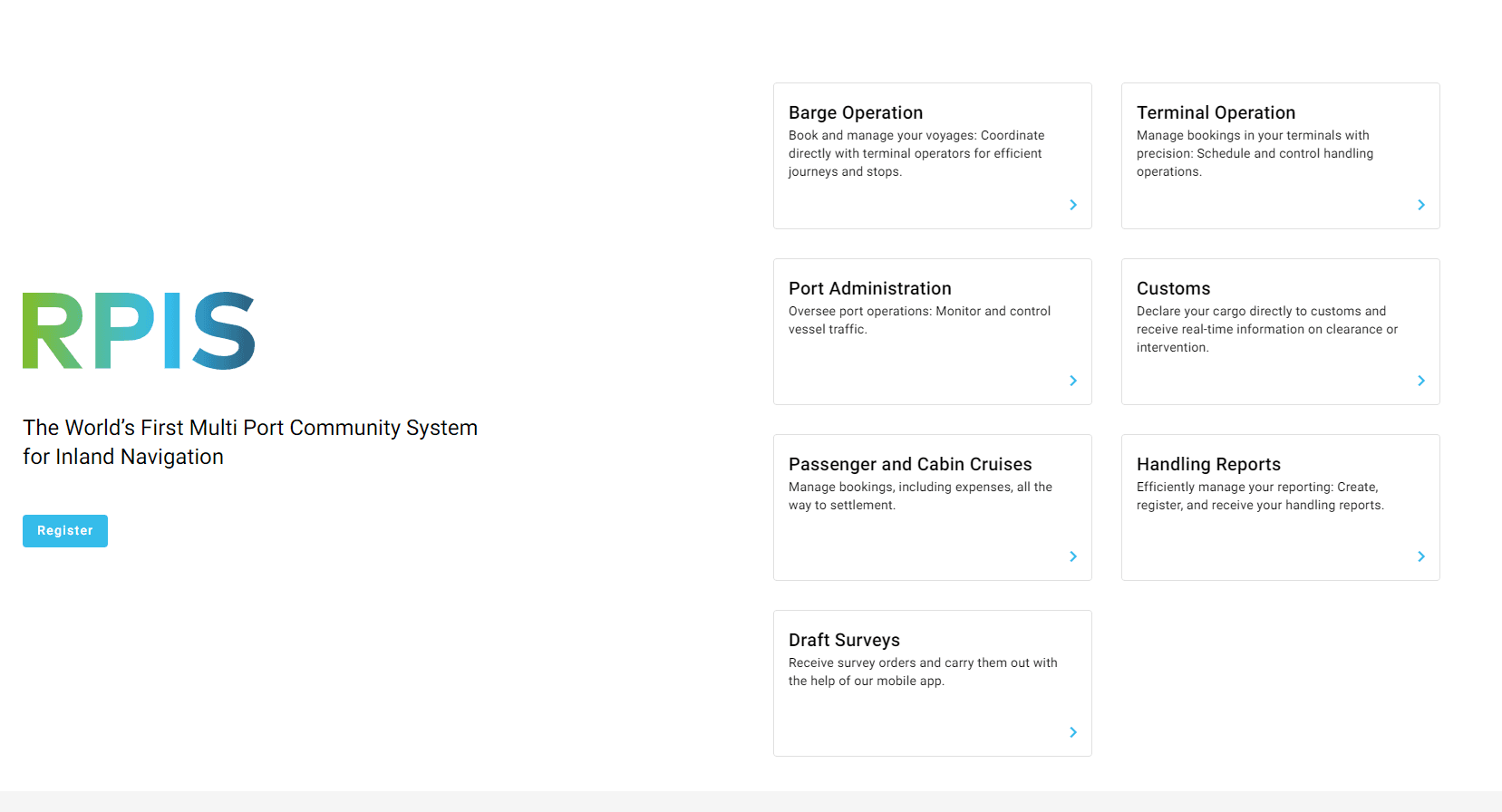
On the RPIS Platform, select the "Barge Operation" section.
2
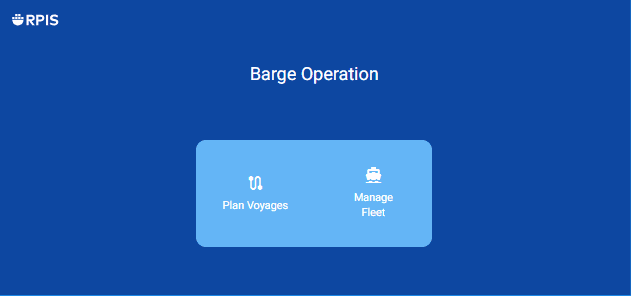
Vessels can be added in the "Manage Fleet" section.
3
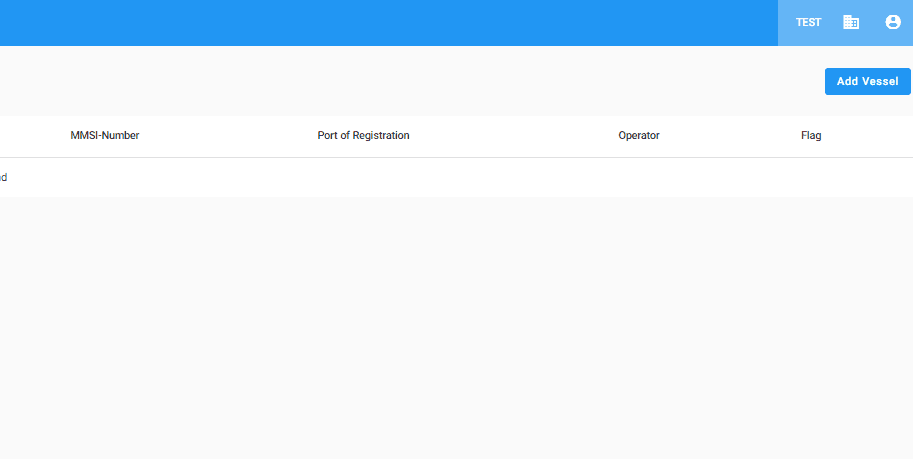
In the list of all vessels, click on "Add Vessel".
4
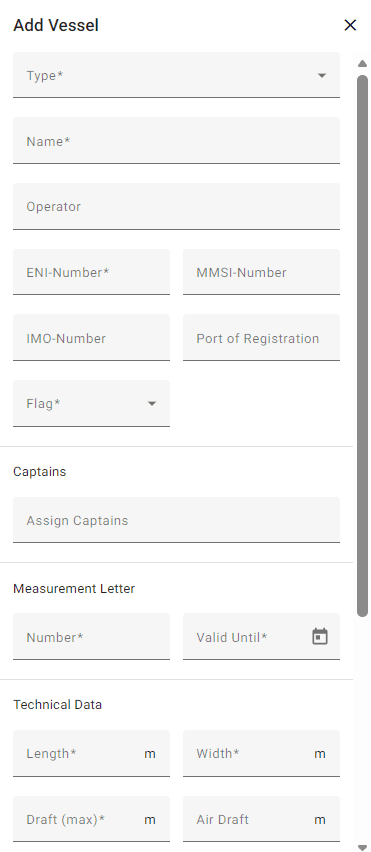
Enter the vessel details.
5
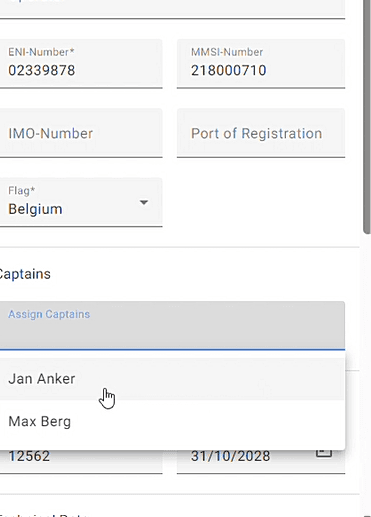
Optional: Assign captains to the vessel.
6
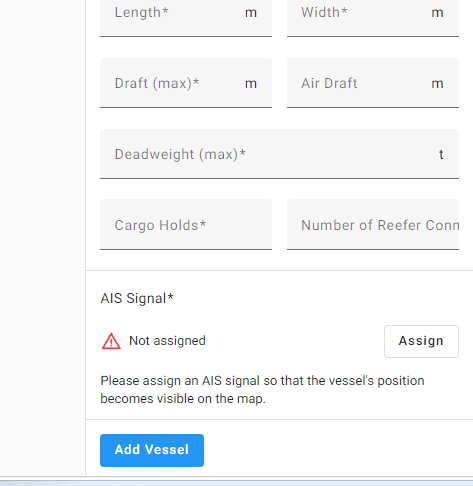
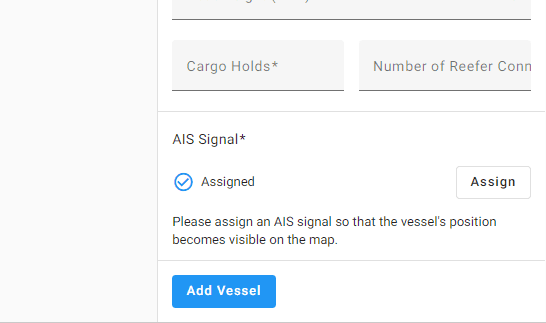
Assign the vessel's AIS signal.
7
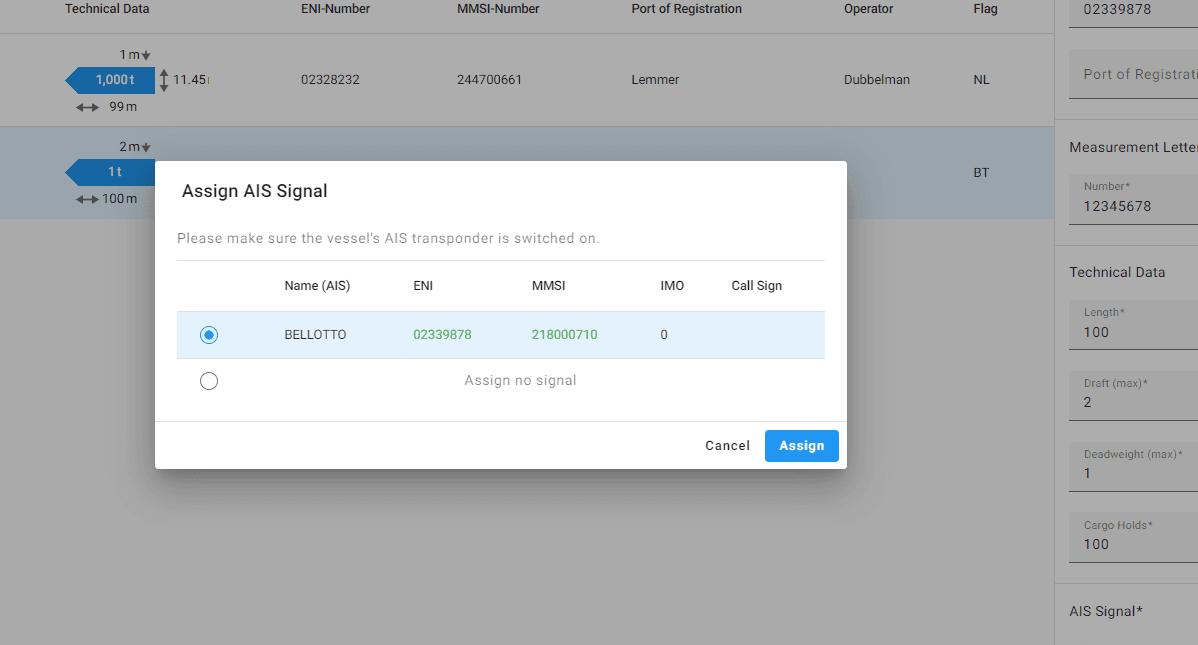
Assign AIS.
8
Then add the vessel.
9
The new added vessel appears in the list of all vessels.