
Guide on Using Microsoft Excel
Learn how to create a new document, set up columns, and use the average function in Microsoft Excel with this comprehensive guide.
By Yuval Karmi
In this guide, we'll learn how to use Microsoft Excel to create a new document and set up columns for data entry. We'll cover how to input sample data, such as names and ages, and demonstrate how to use the average function to calculate the average of numerical values. This guide is designed to help you get started with basic Excel functions and improve your data management skills.
Let's get started
1
Click here
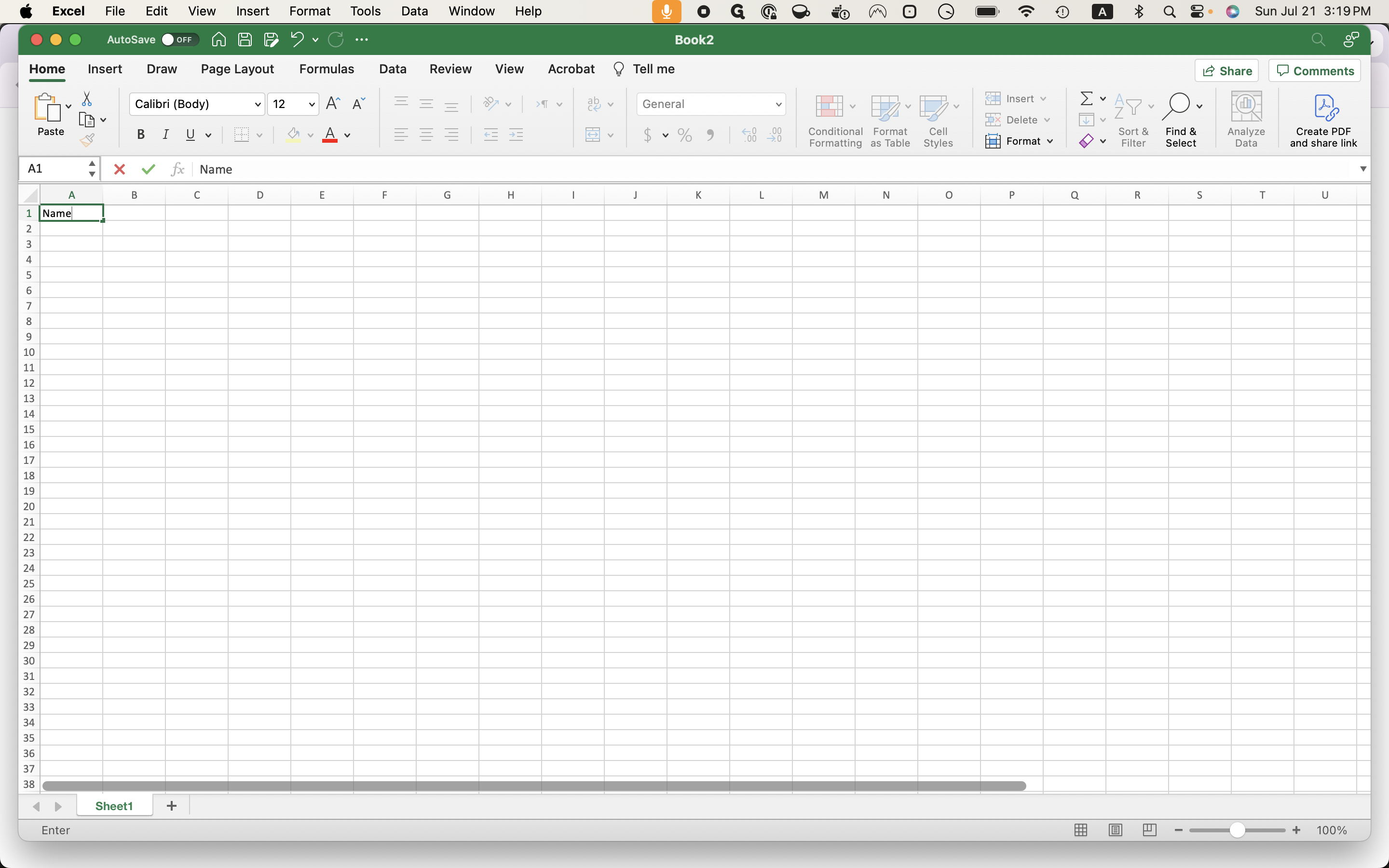
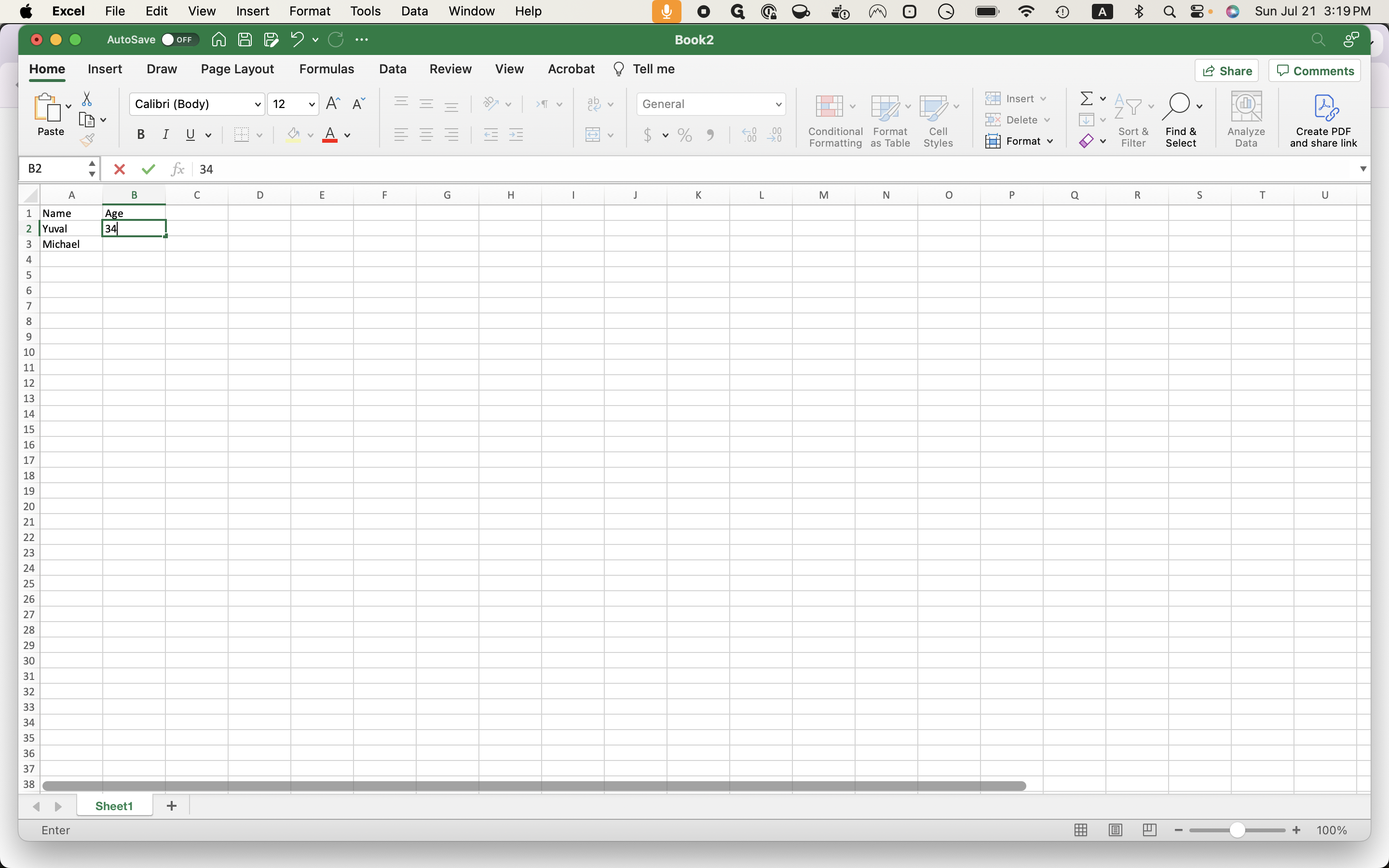
For example, name and age.
2
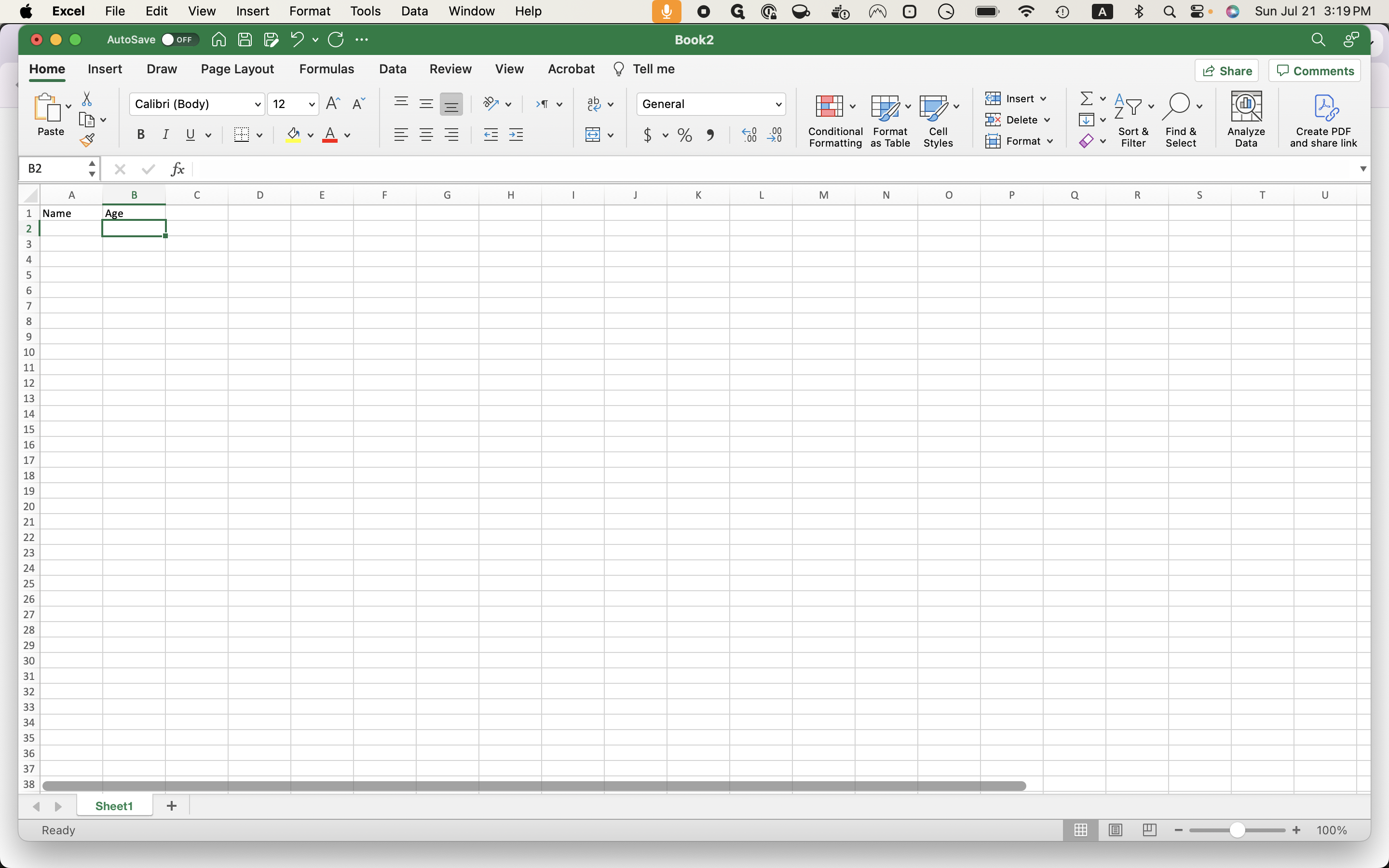
Type "Age + Enter"
3
Click here
4
Type "Yuval"
5
Click here
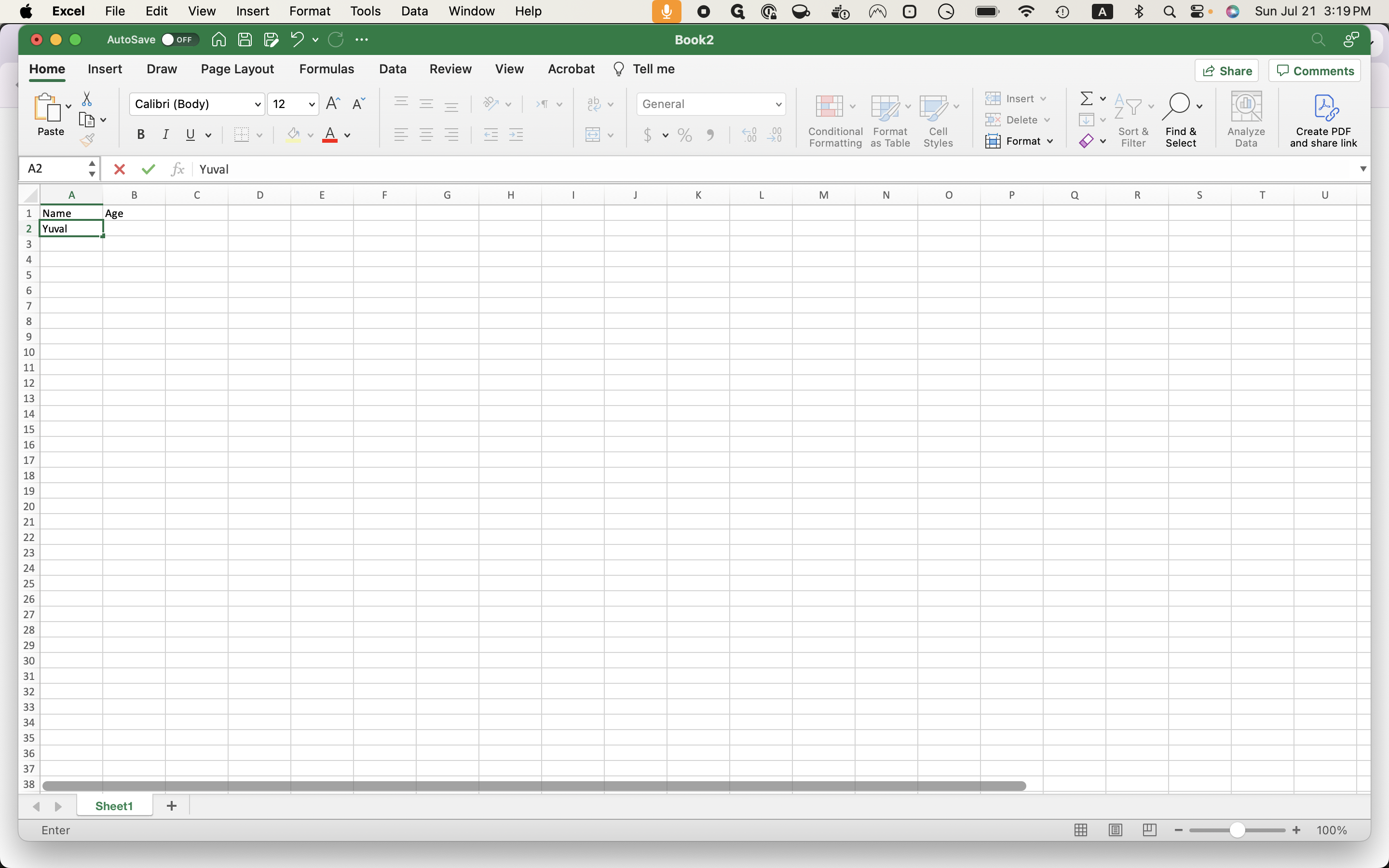
You can do it, Yuval and Michael.
6
Type "Michael + Enter"
You can do 34 and 40.
7
Click here
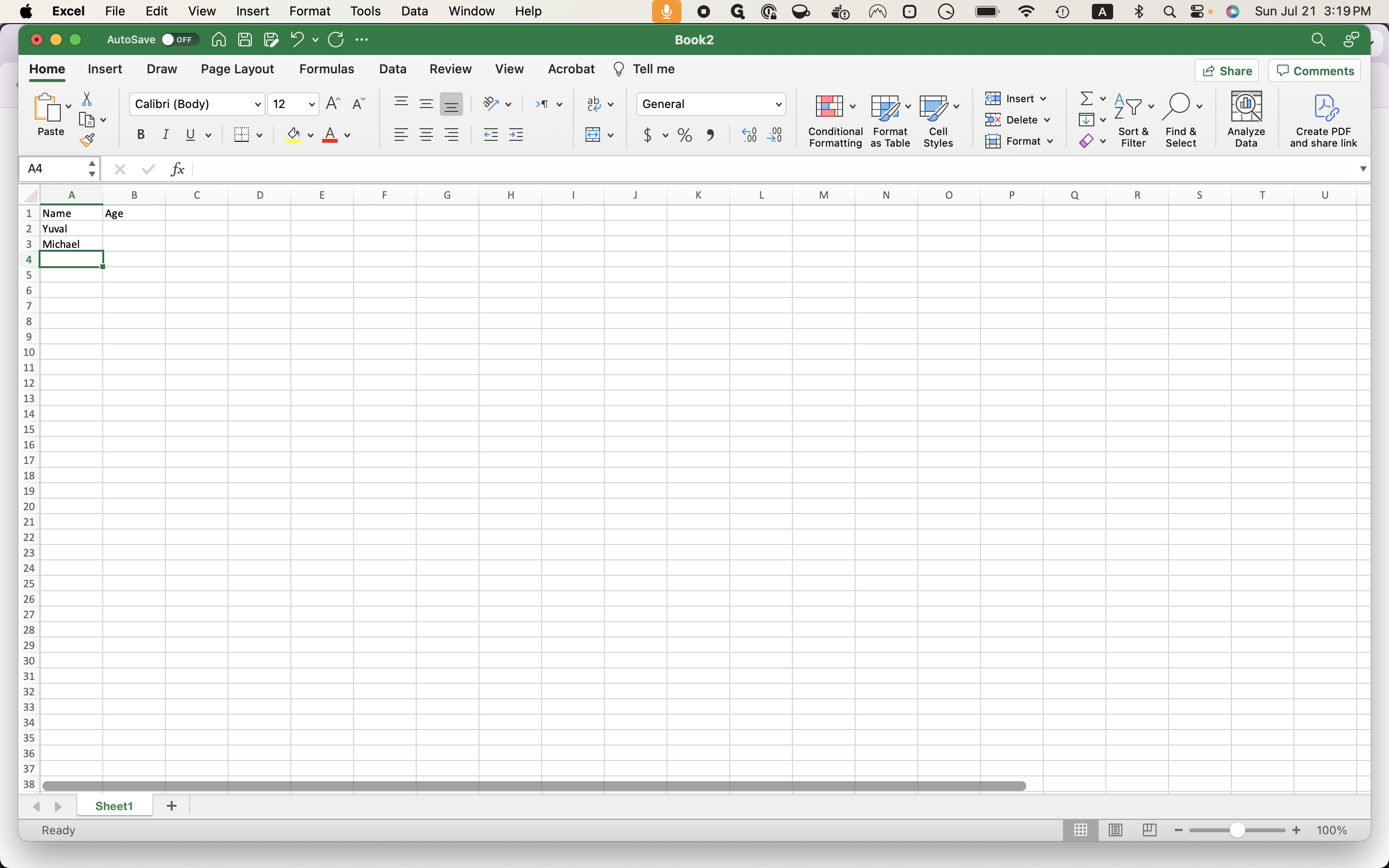
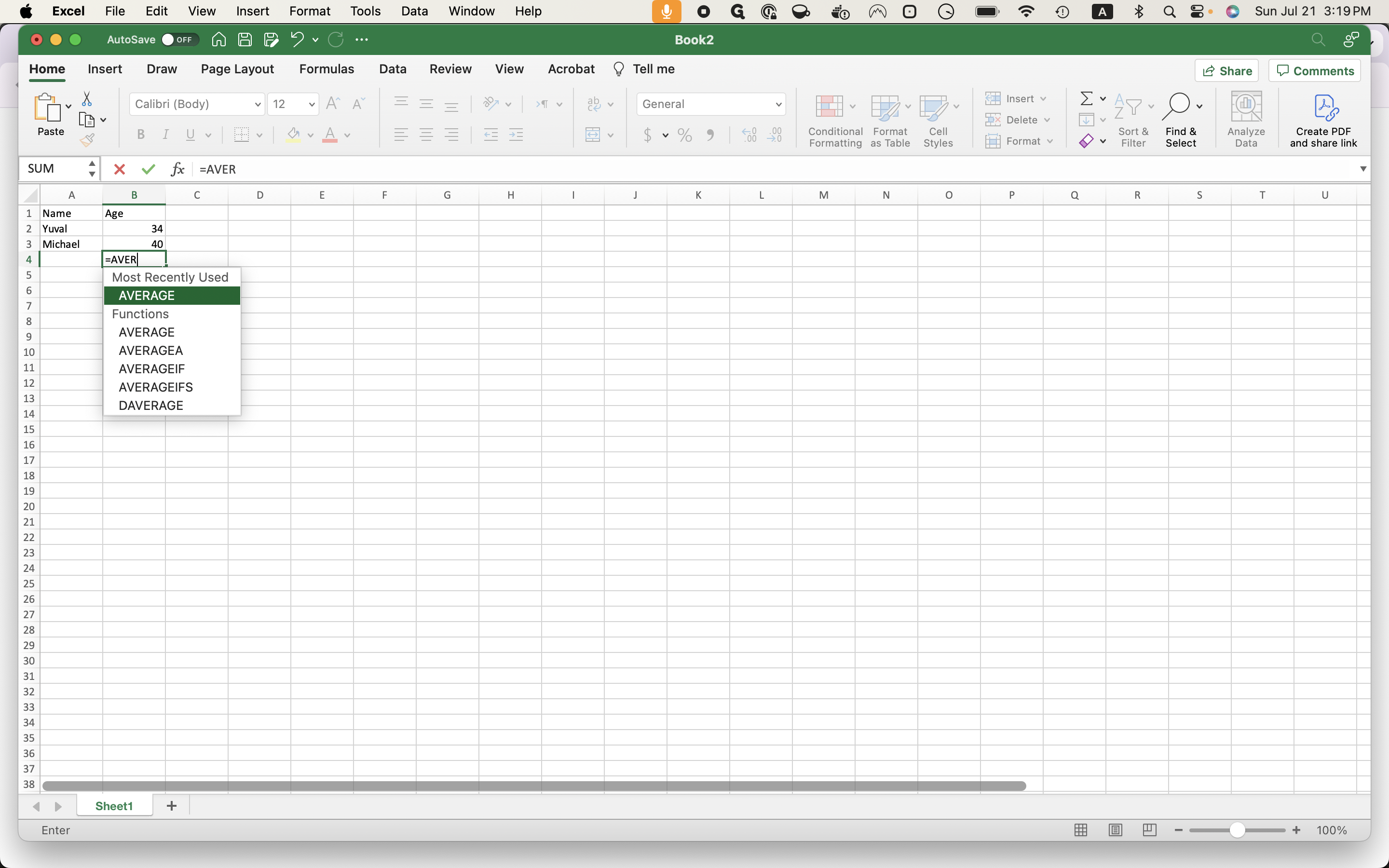
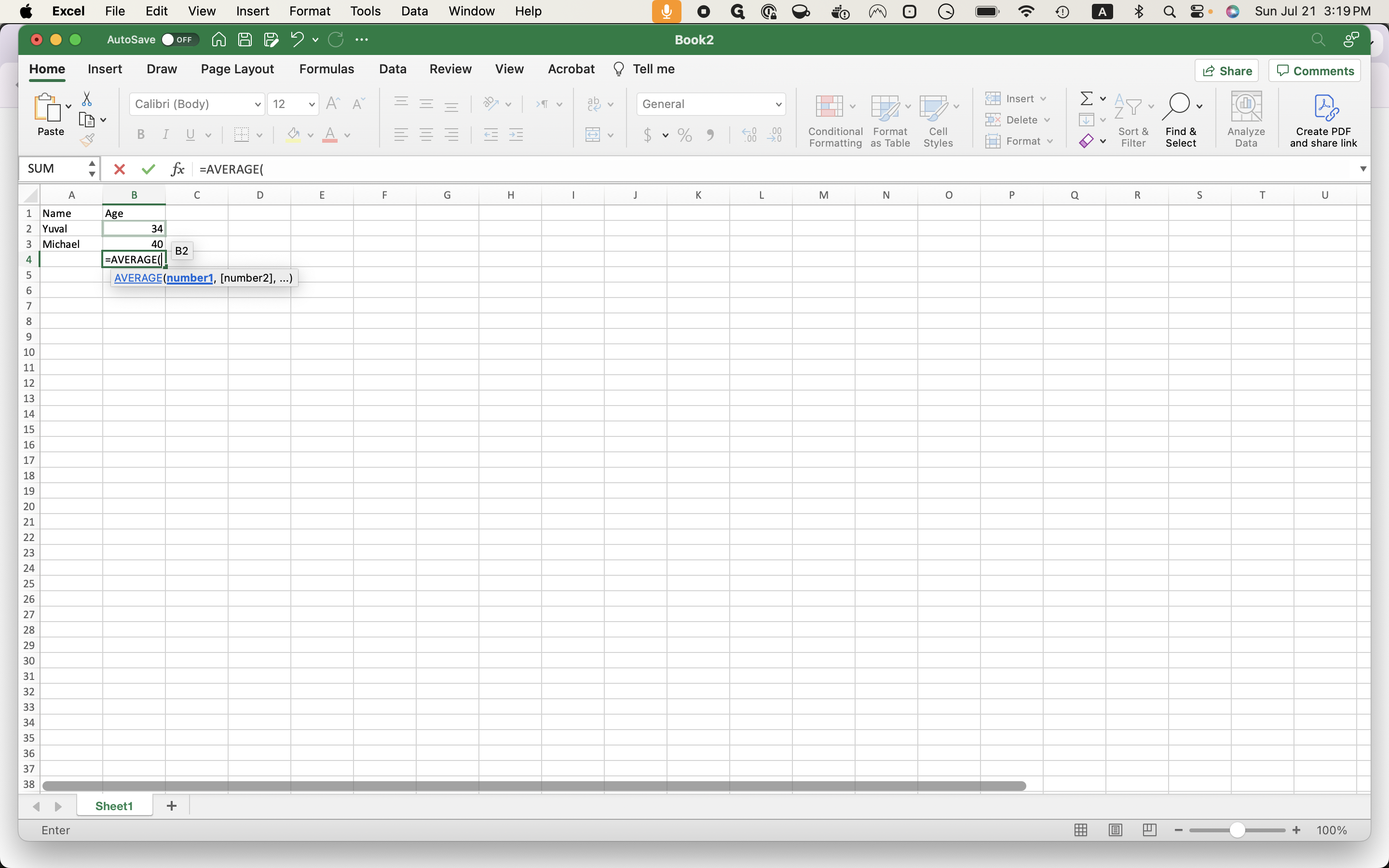
To use the average function, press the Enter key, type "average," select the range, and hit Enter.
8
Type "34"
9
Click here
10
Type "40 + Enter"
11
Type "=AVER"
12
Click on "AVERAGE"
13
Click on "34"
14
Type "Enter"