
Guide to Creating Member Special Assessment Invoices for Members Who Own Shares of One Cabin
Learn how to efficiently manage special assessment and annual capital contribution invoices for shareholders with this concise guide.
In this guide, we'll learn how to efficiently handle special assessment invoices for multiple cabin shareholders using QuickBooks. This process involves creating and duplicating invoices for shareholders, ensuring they are correctly categorized under the member annual capital contribution account. We'll focus on using QuickBooks features to streamline the task, such as creating duplicate invoices and verifying entries. This guide aims to provide a concise overview of the steps involved, helping you save time while ensuring accuracy in your financial records.
Let's get started
I recently created a guide on handling special assessment invoices or annual capital contribution invoices for multiple cabin shareholders. These shareholders, such as Tim Quigley, are highlighted in yellow.
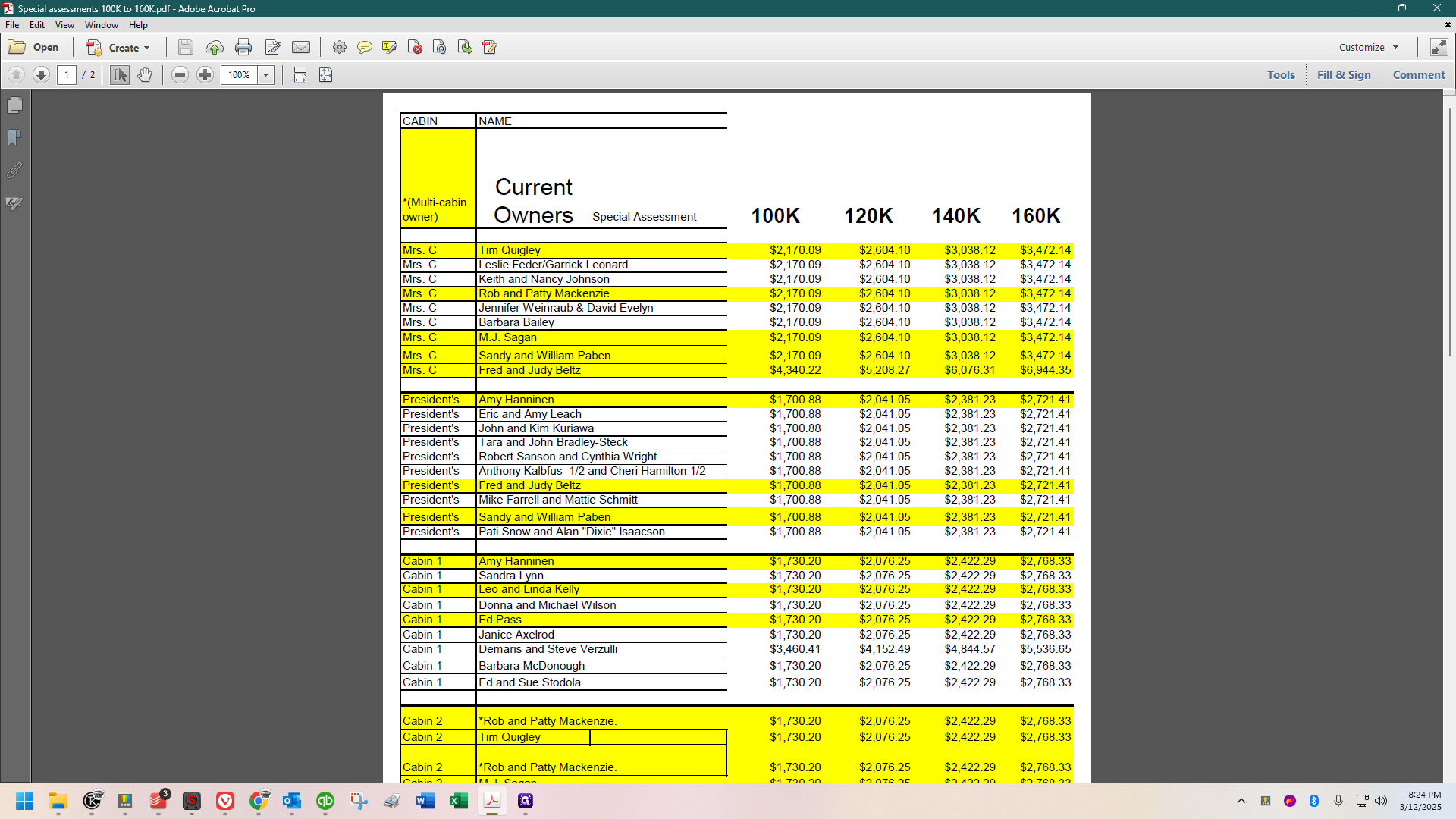
I completed all of them first because they are slightly more complicated than the others. The previous guide was more thorough as a result, whereas this one will be concise, showing my personal process which has been refined over the years to be very fast, while remaining accurate.
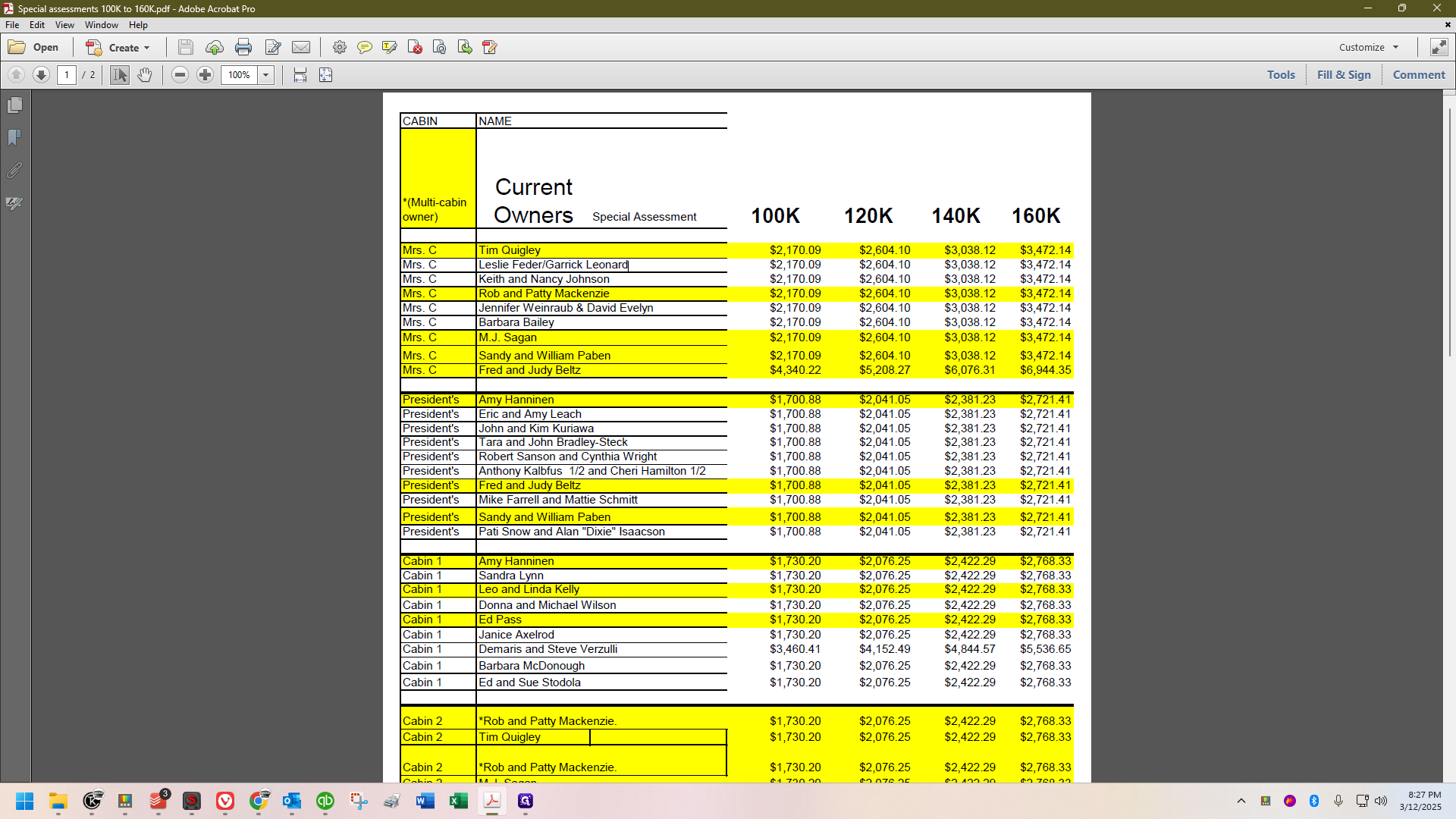
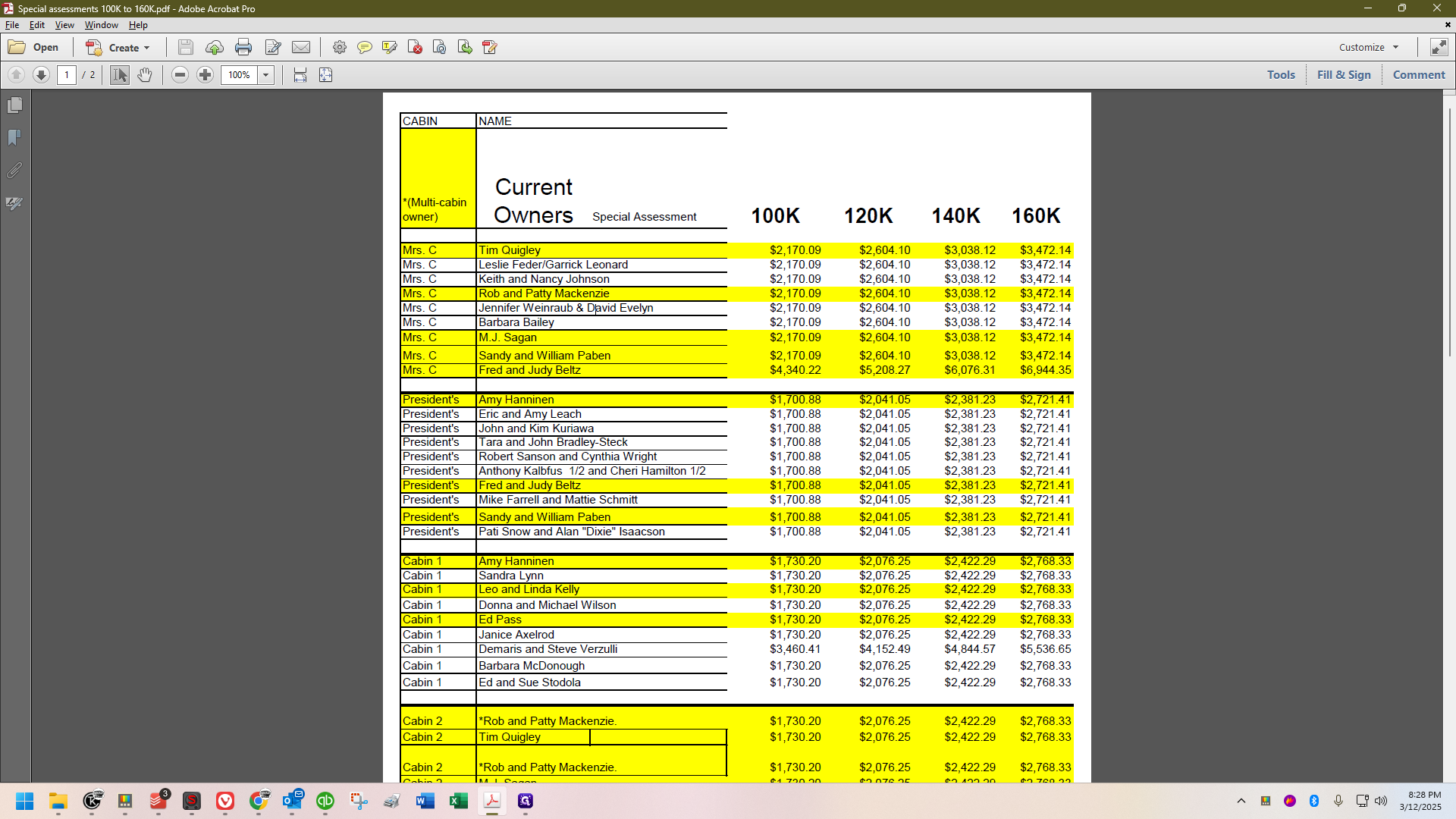
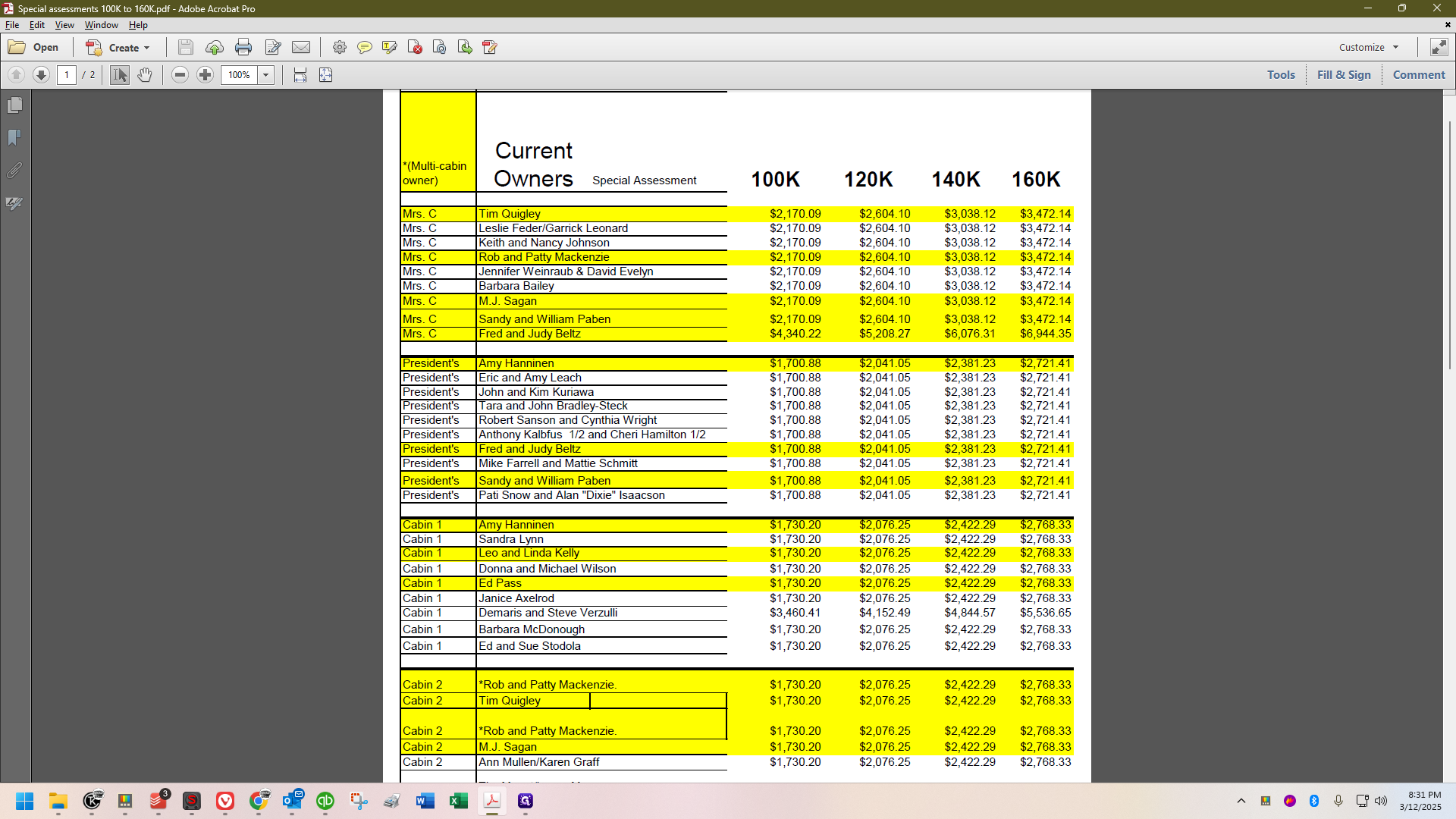
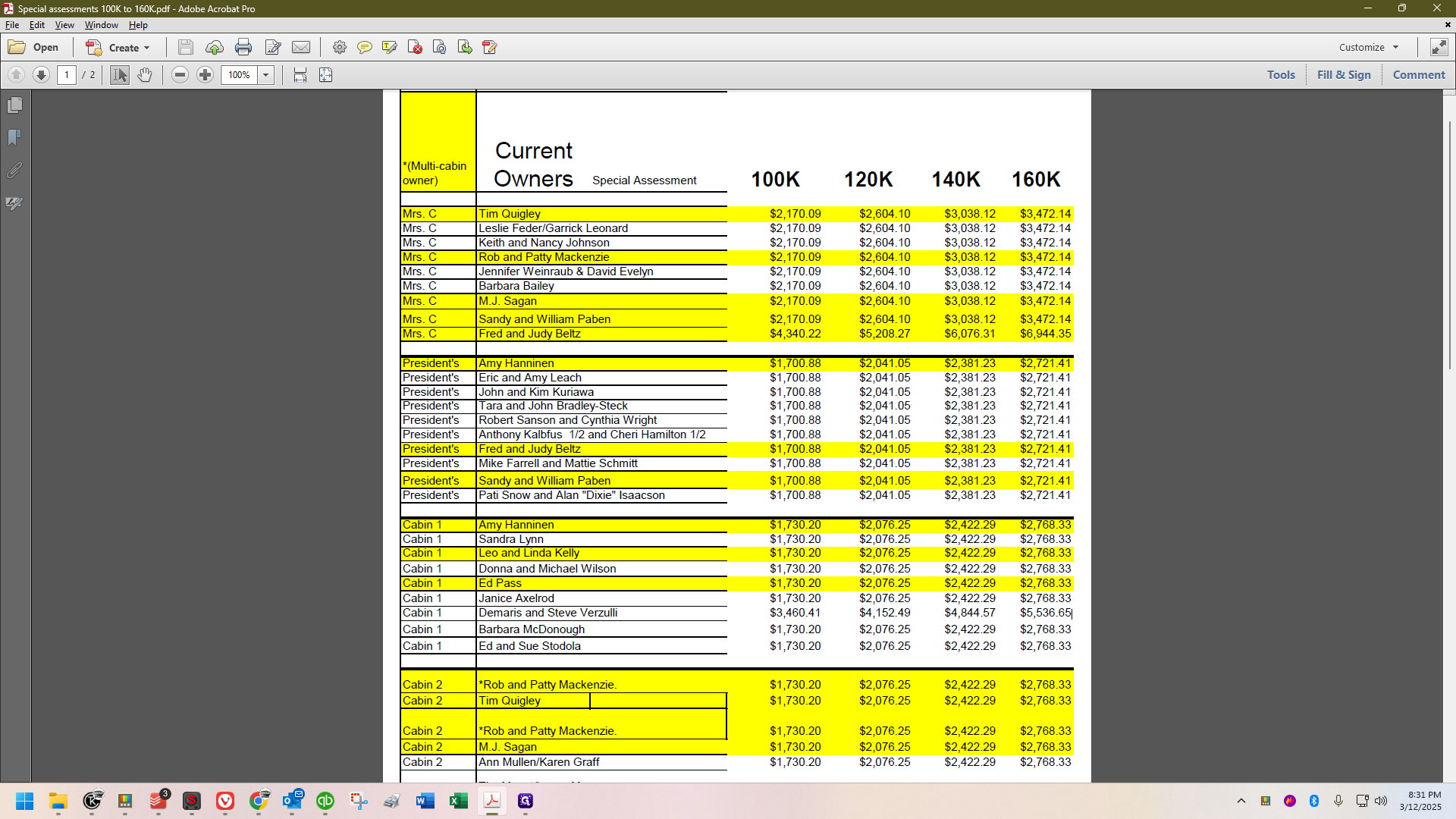
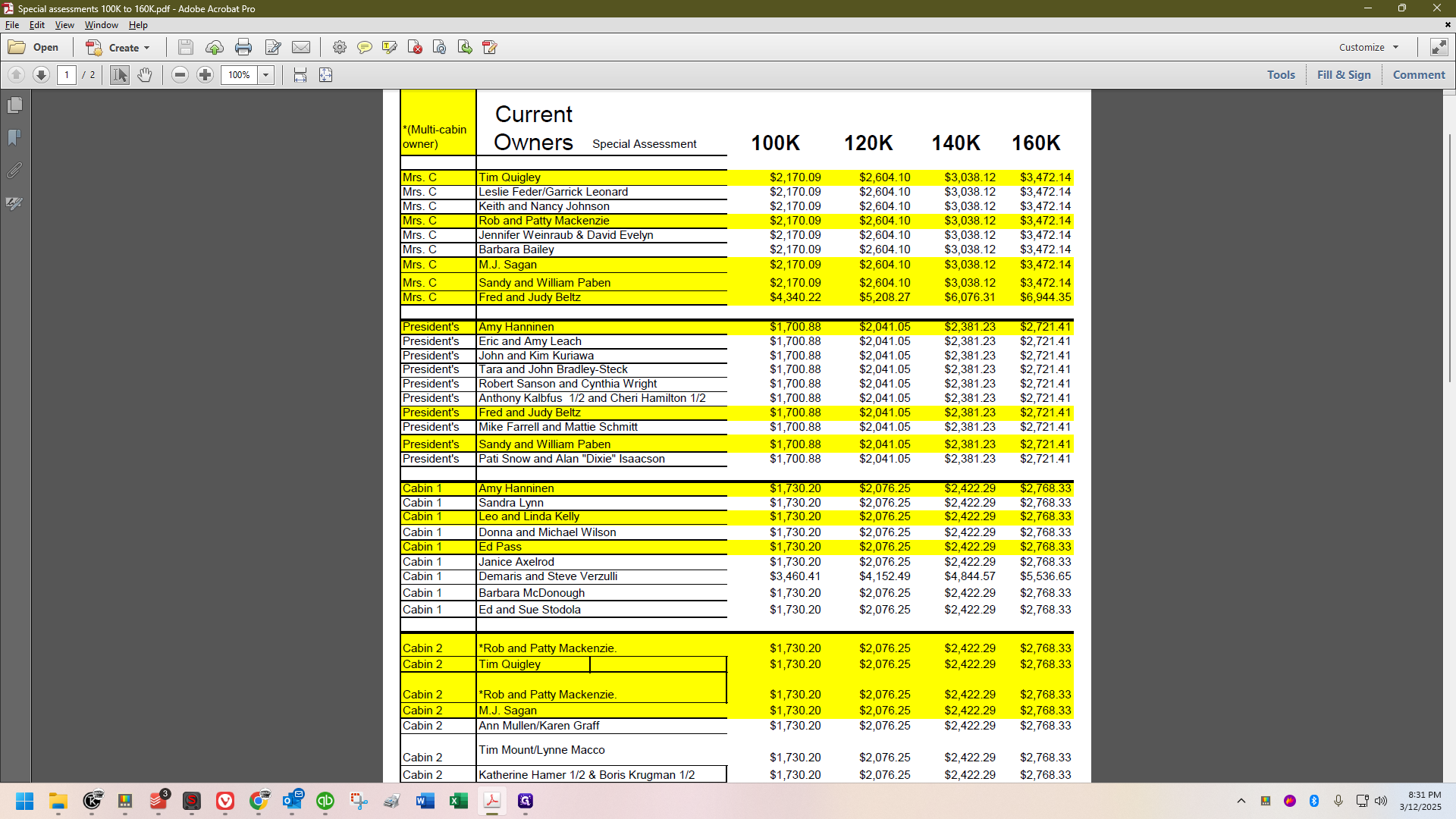
We are currently handling an emergency special assessment. Today's date is March 12th, and I will use this date for the invoices since the announcement was made today. The spreadsheet I'm using was sent by Steve, and we are proceeding with the $160,000 special assessment.
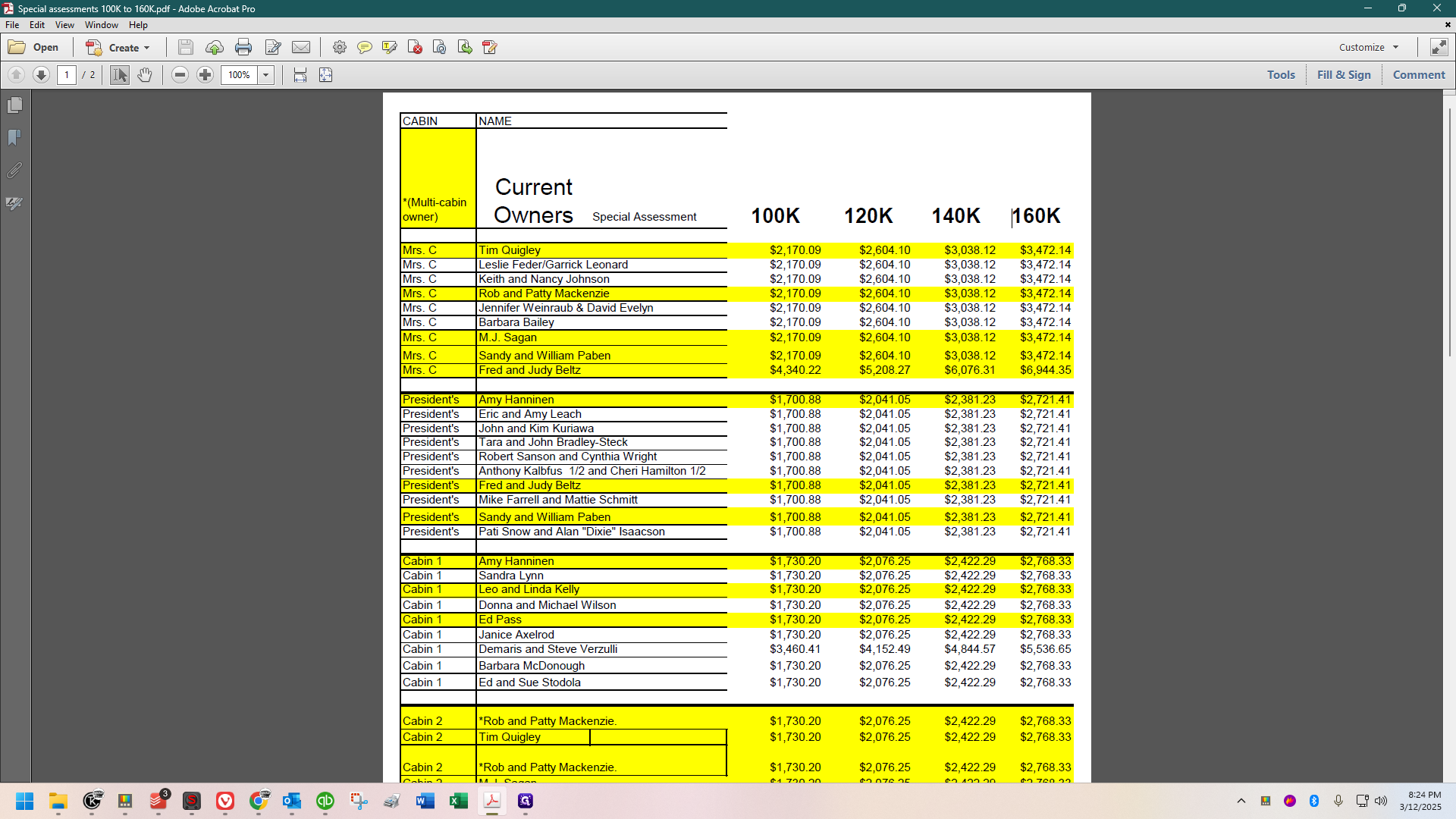
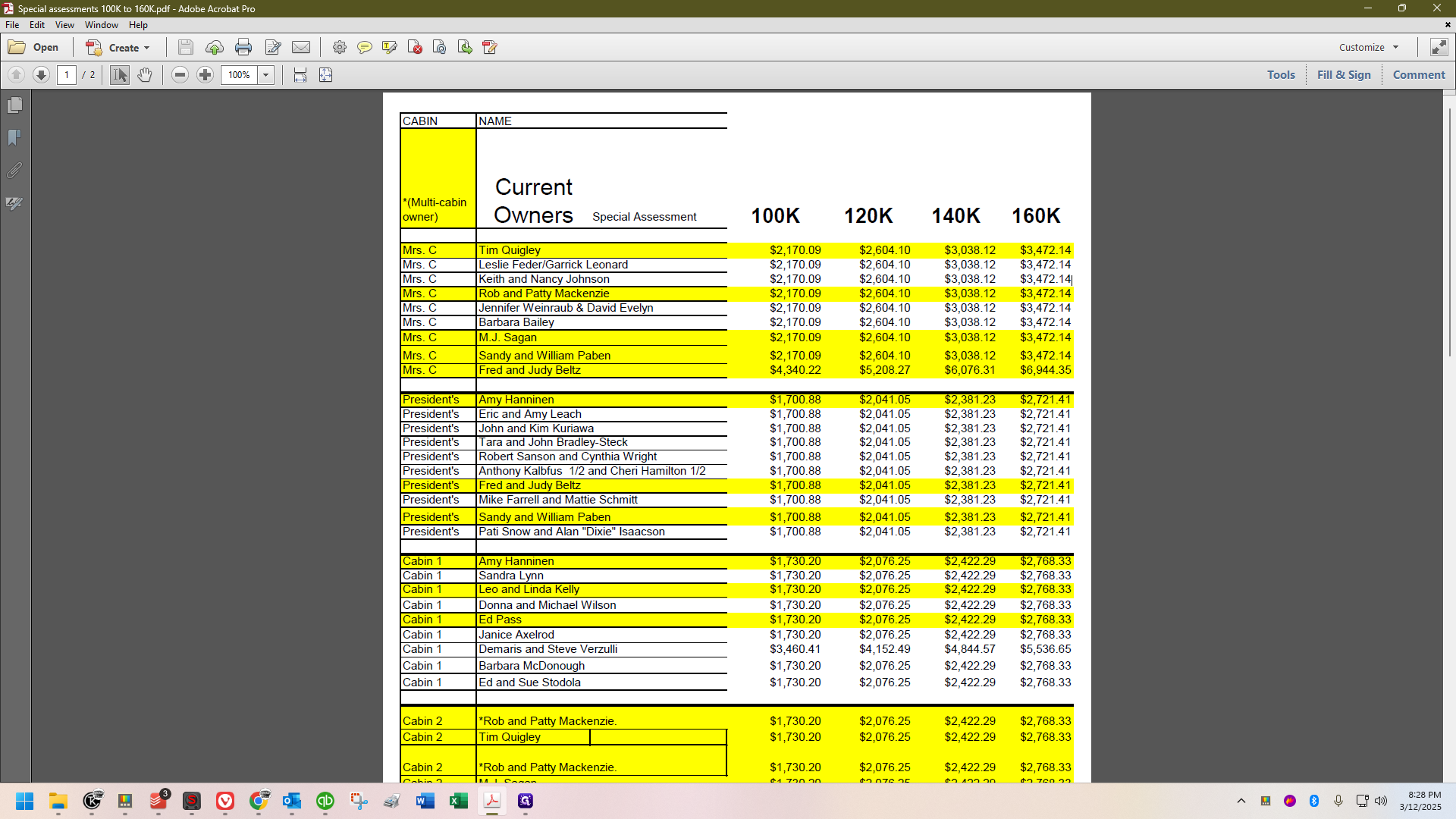
These figures were based on different amounts we might assess. We've decided to assess the full $160,000, so I'll be using these amounts here on the right.
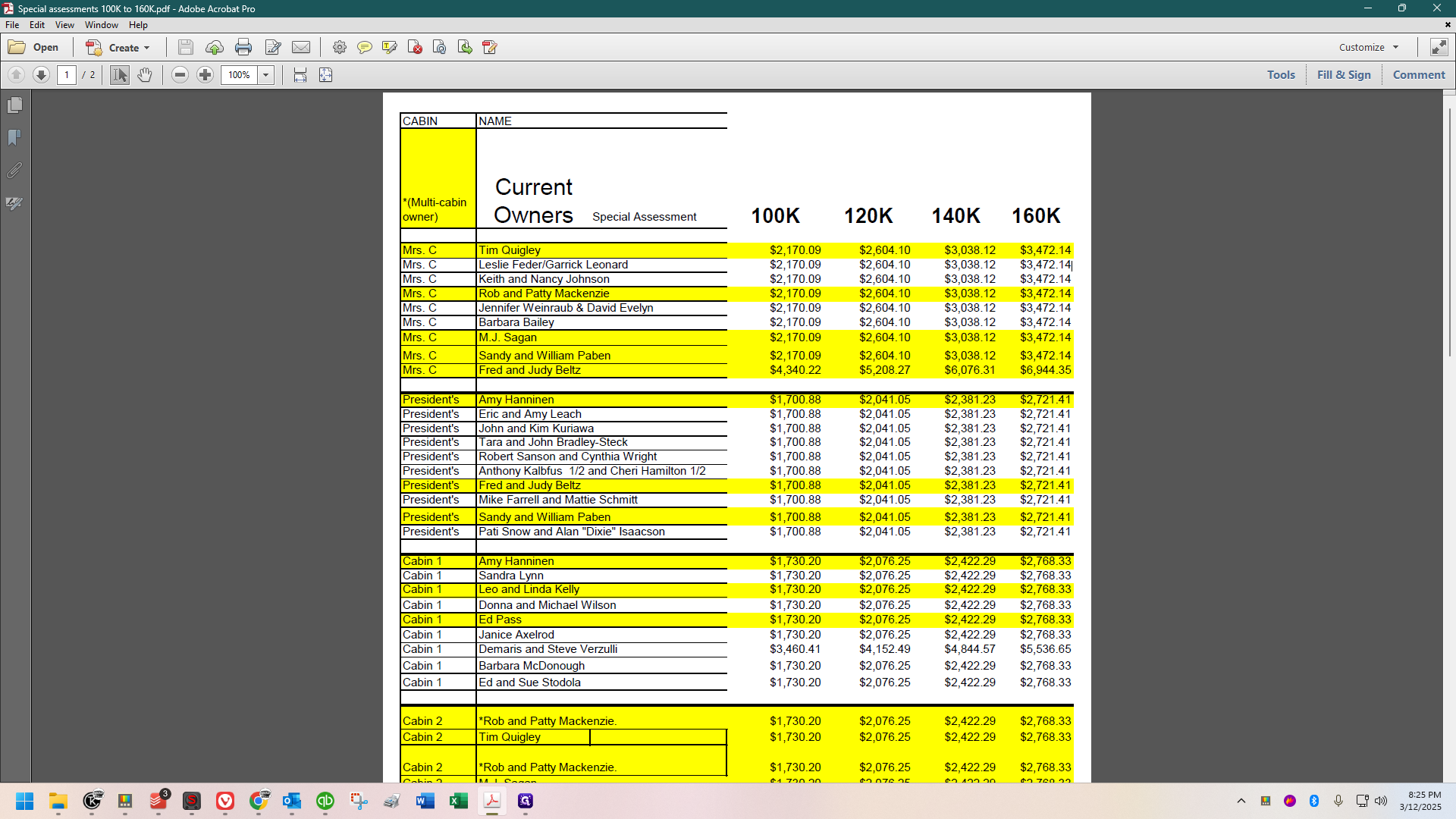
These are grouped by cabin. Once I've addressed the multiple cabin shareholders, I like to copy the amount for, say, Mrs. Coolidge's
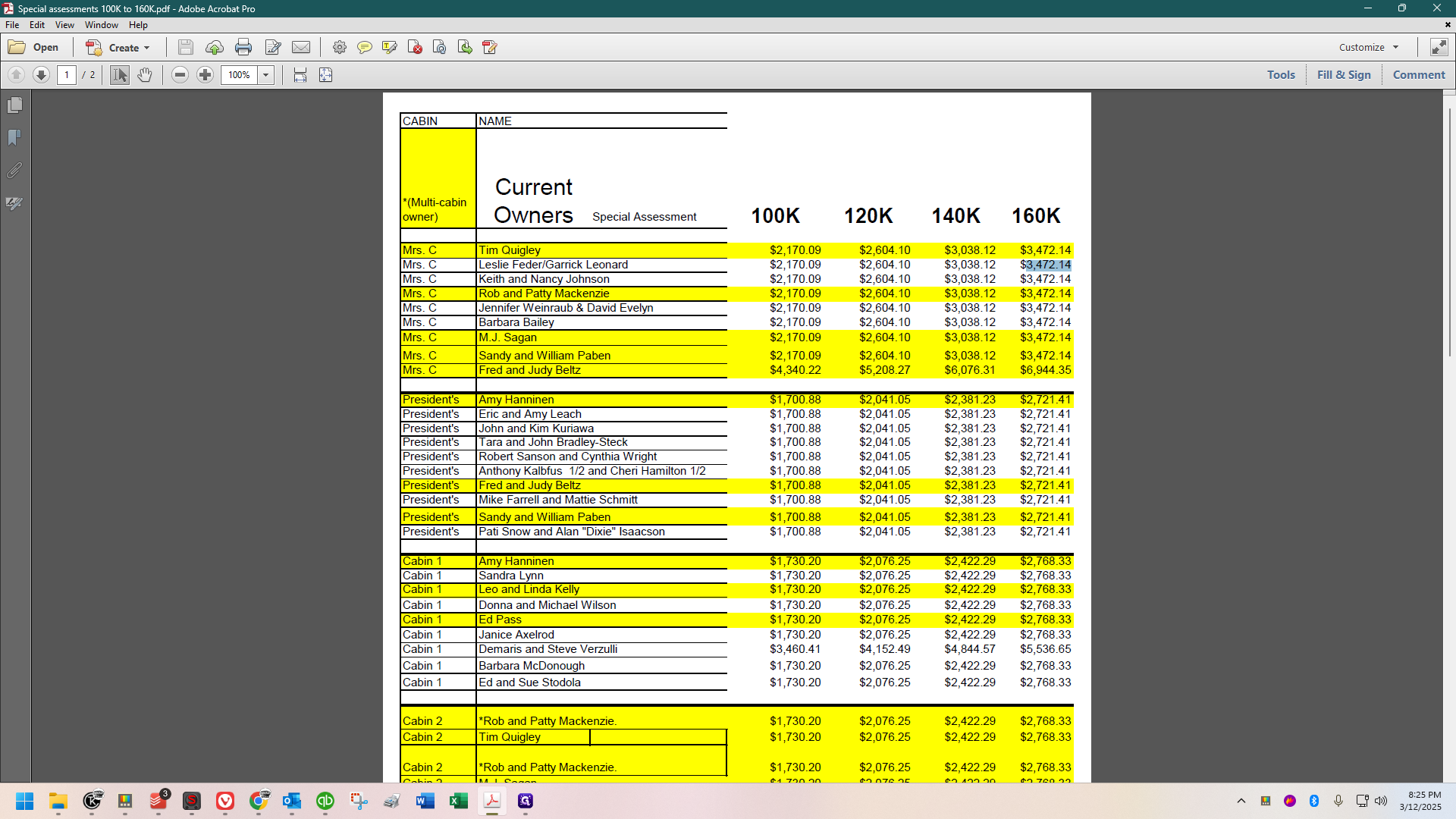
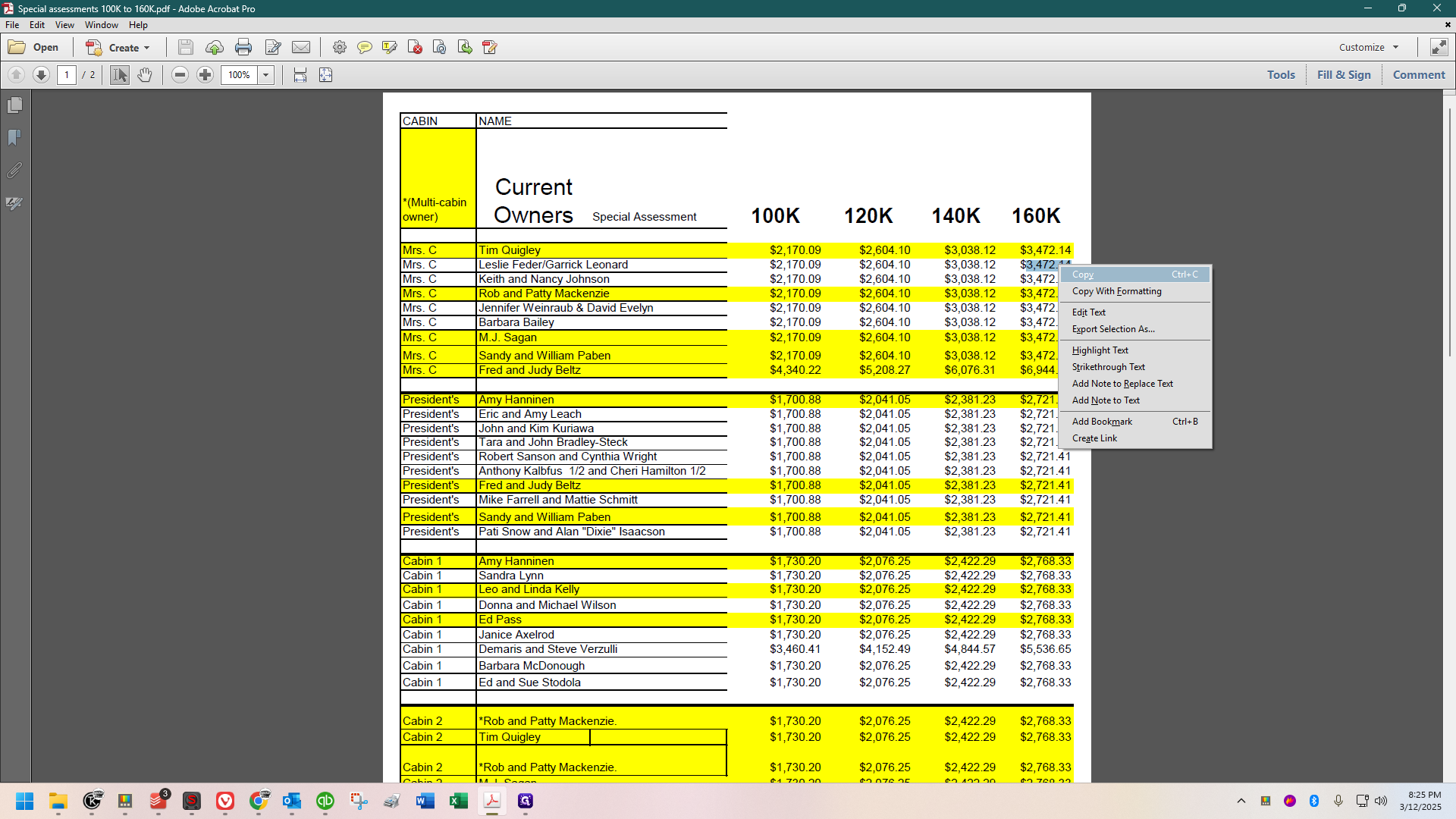
I have copied it, and there are four shareholders who do not own other shares.
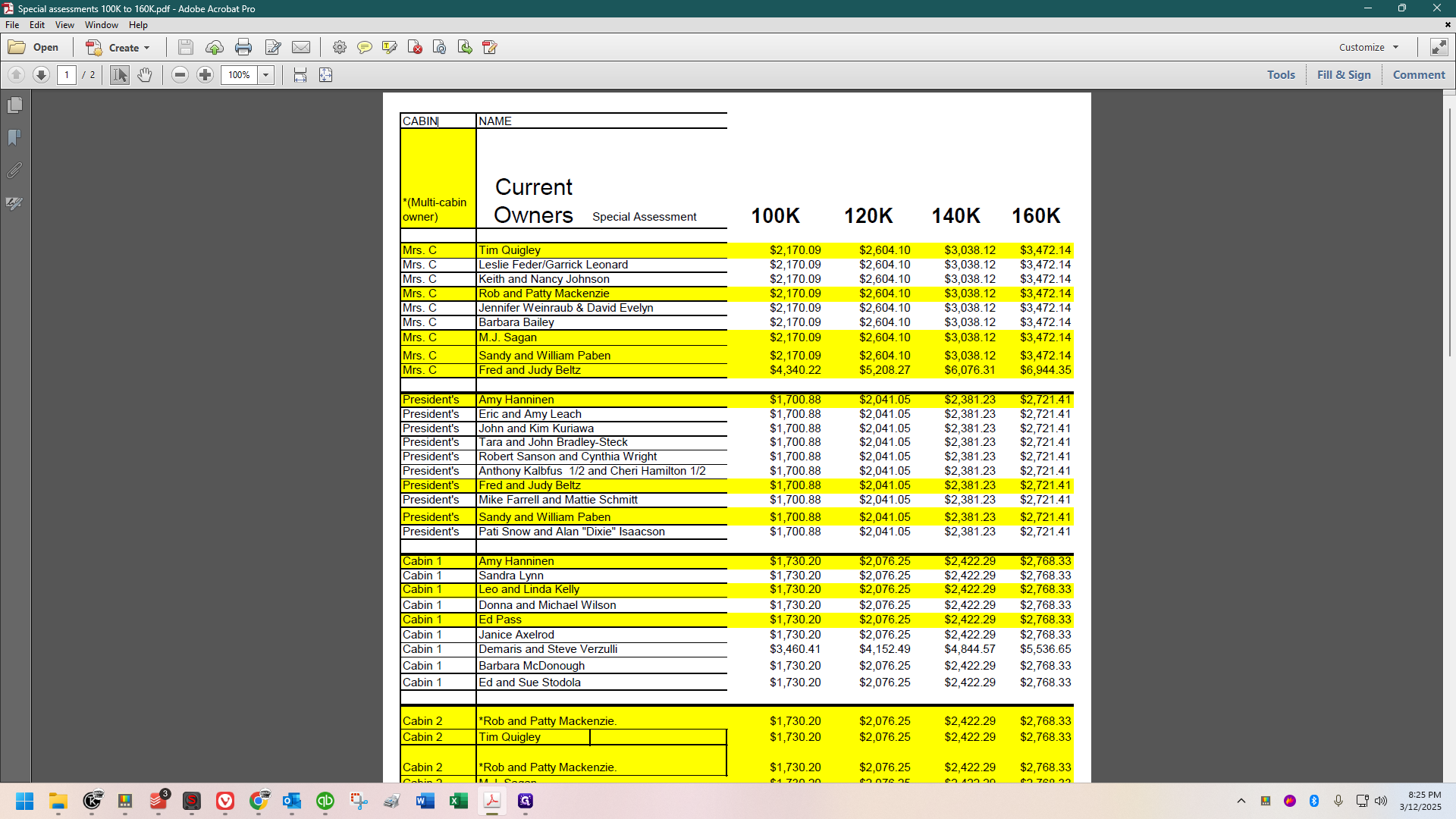
These four in white are the ones. I'll start with Leslie Feder.
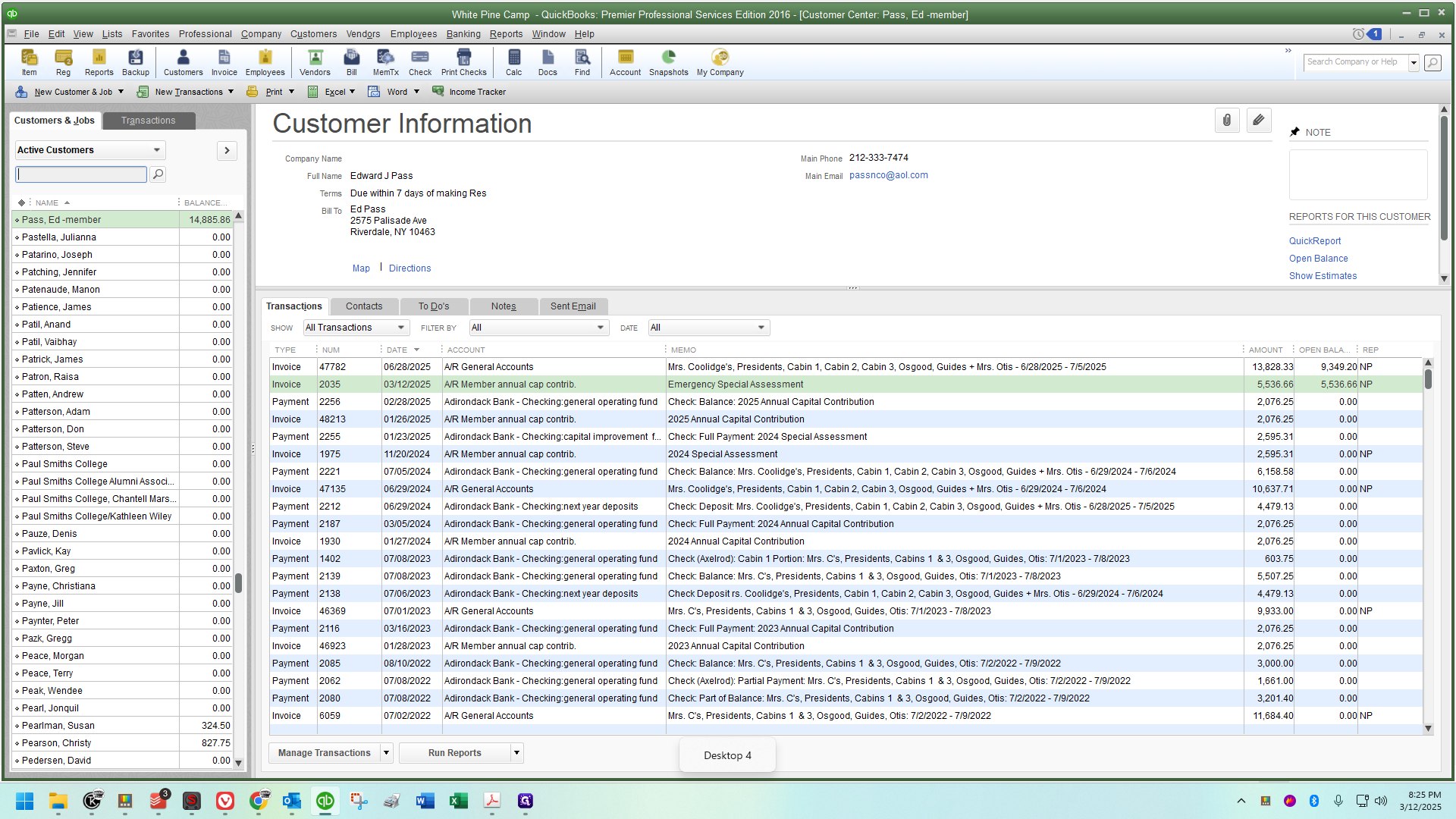
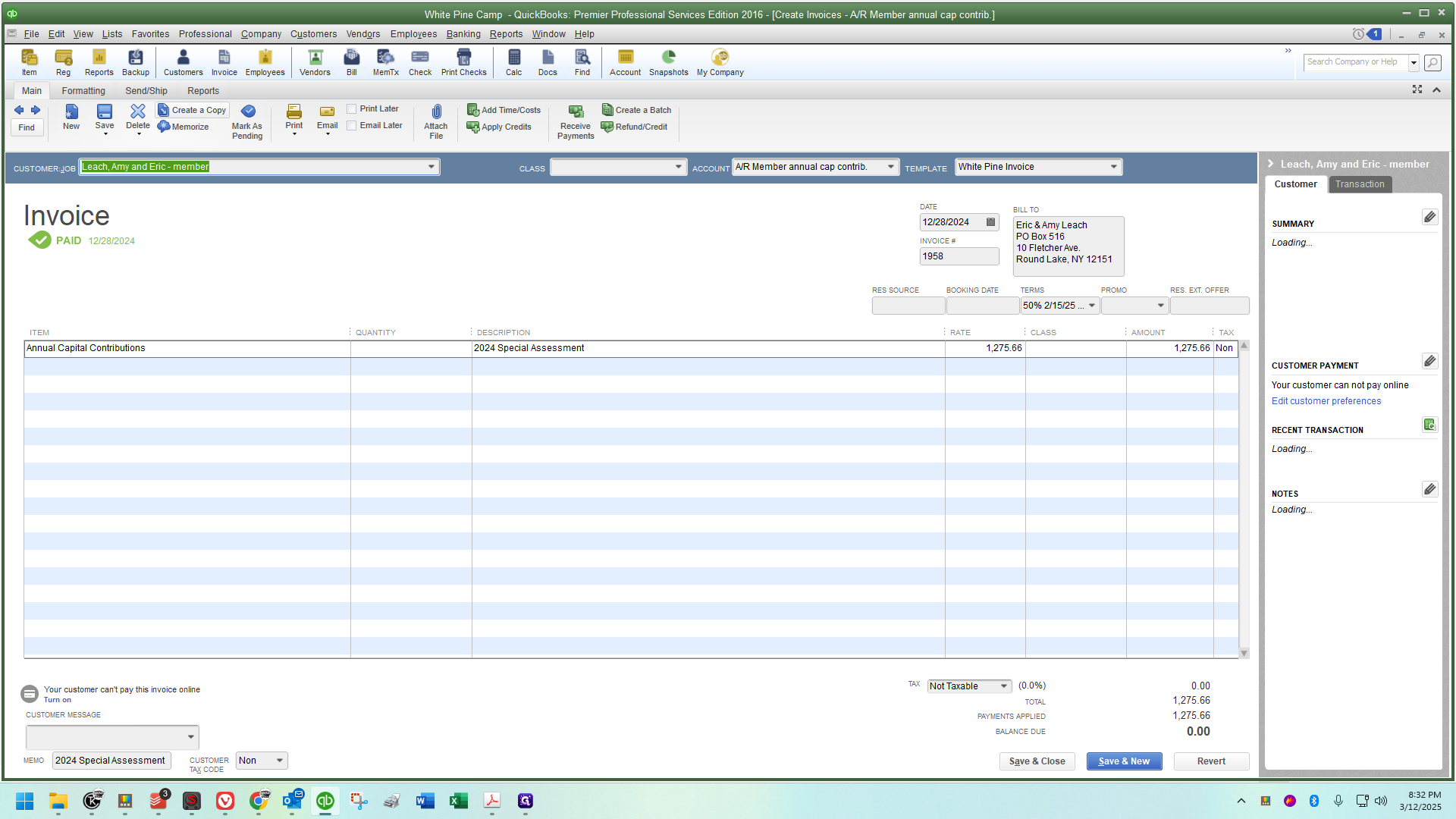
I will retrieve the special assessment invoice from 2024.
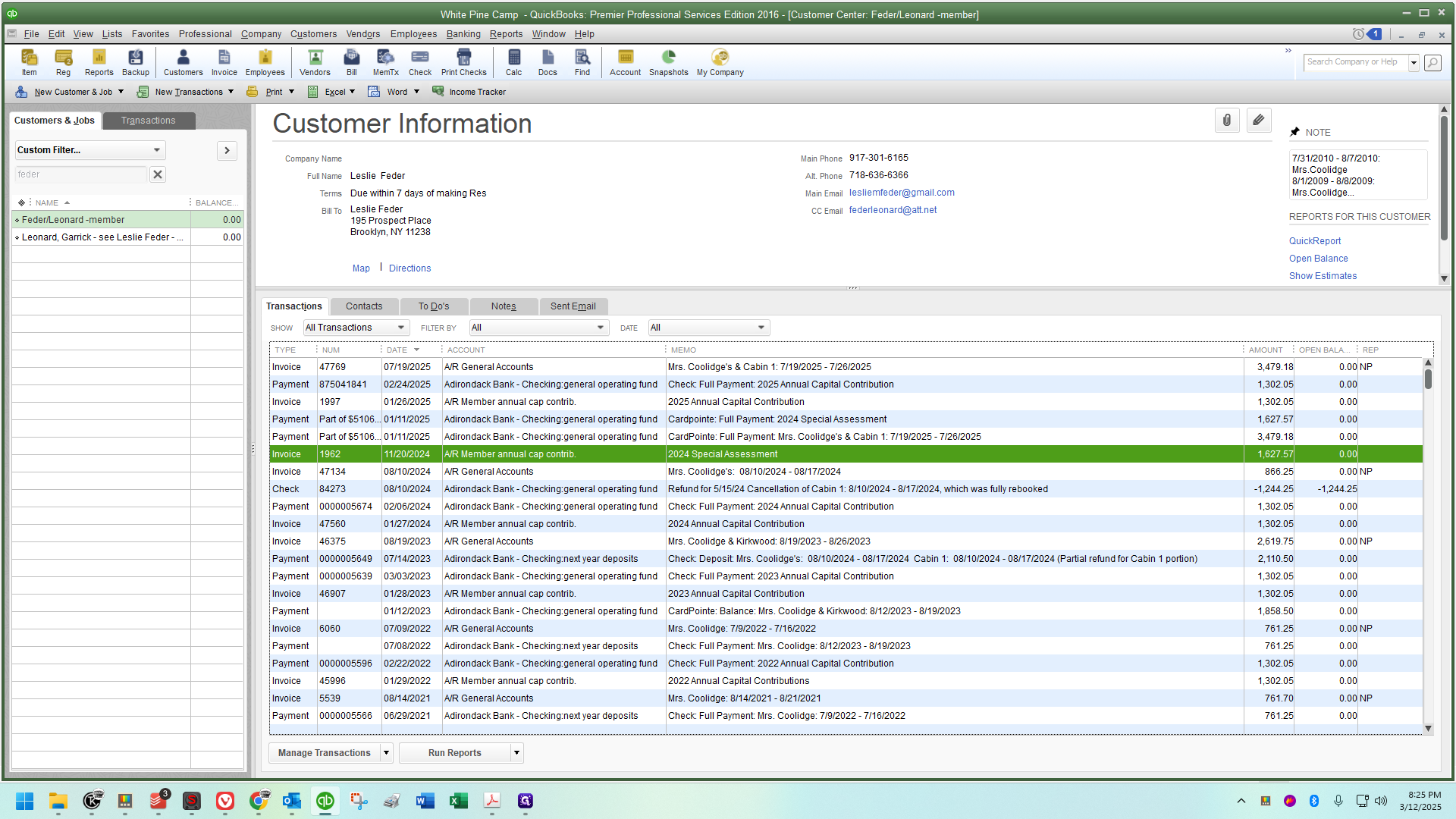
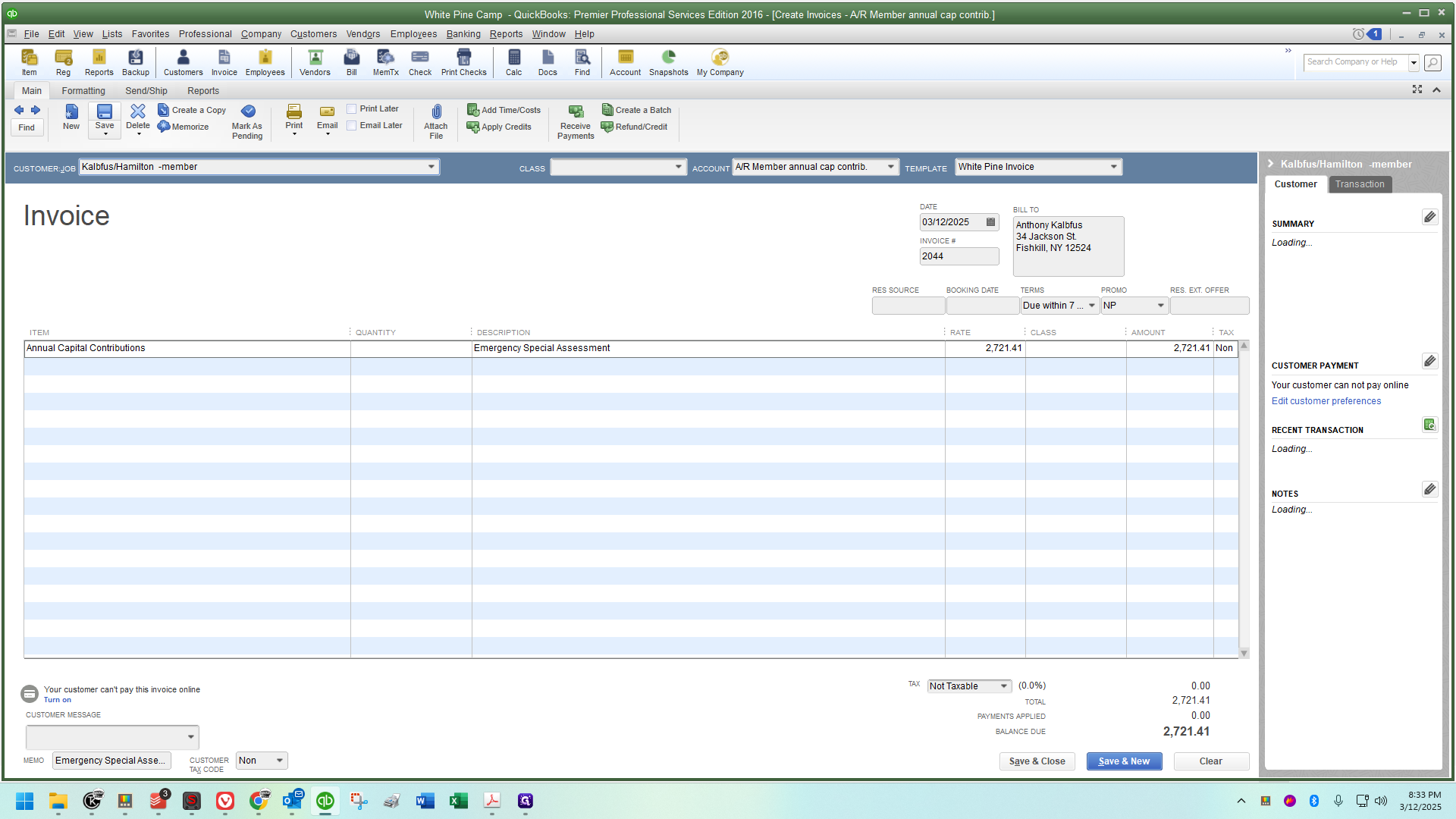
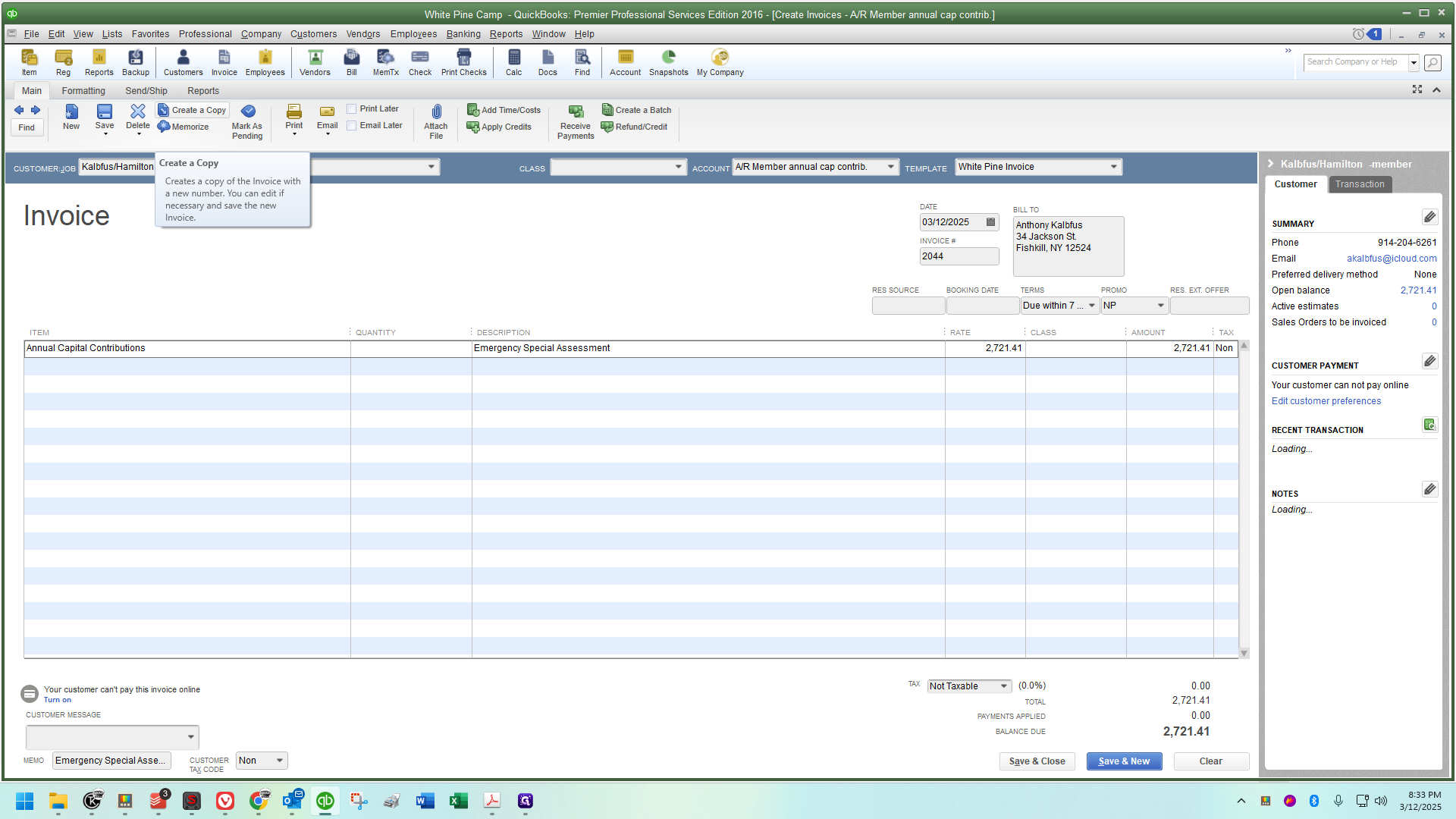
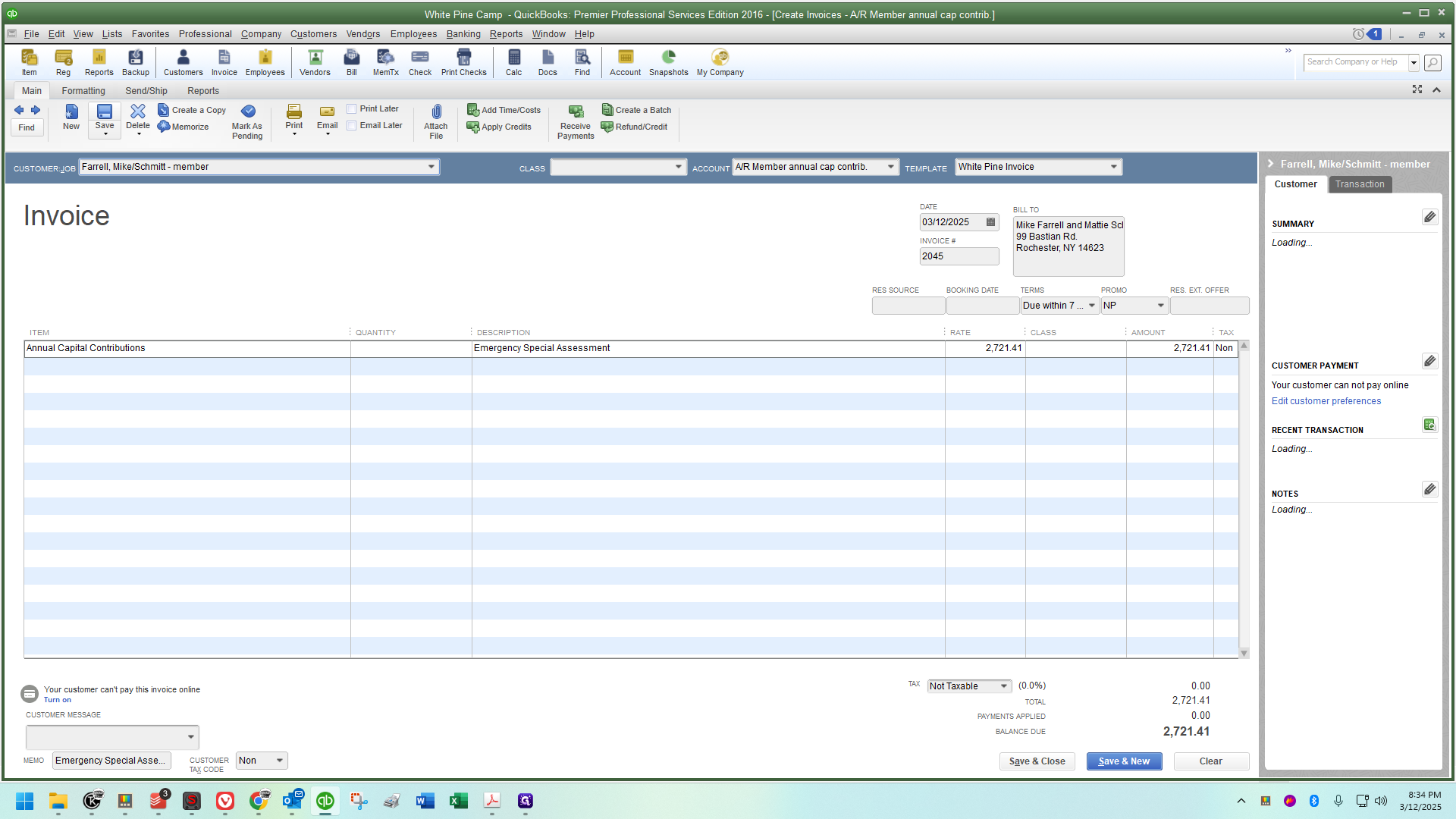
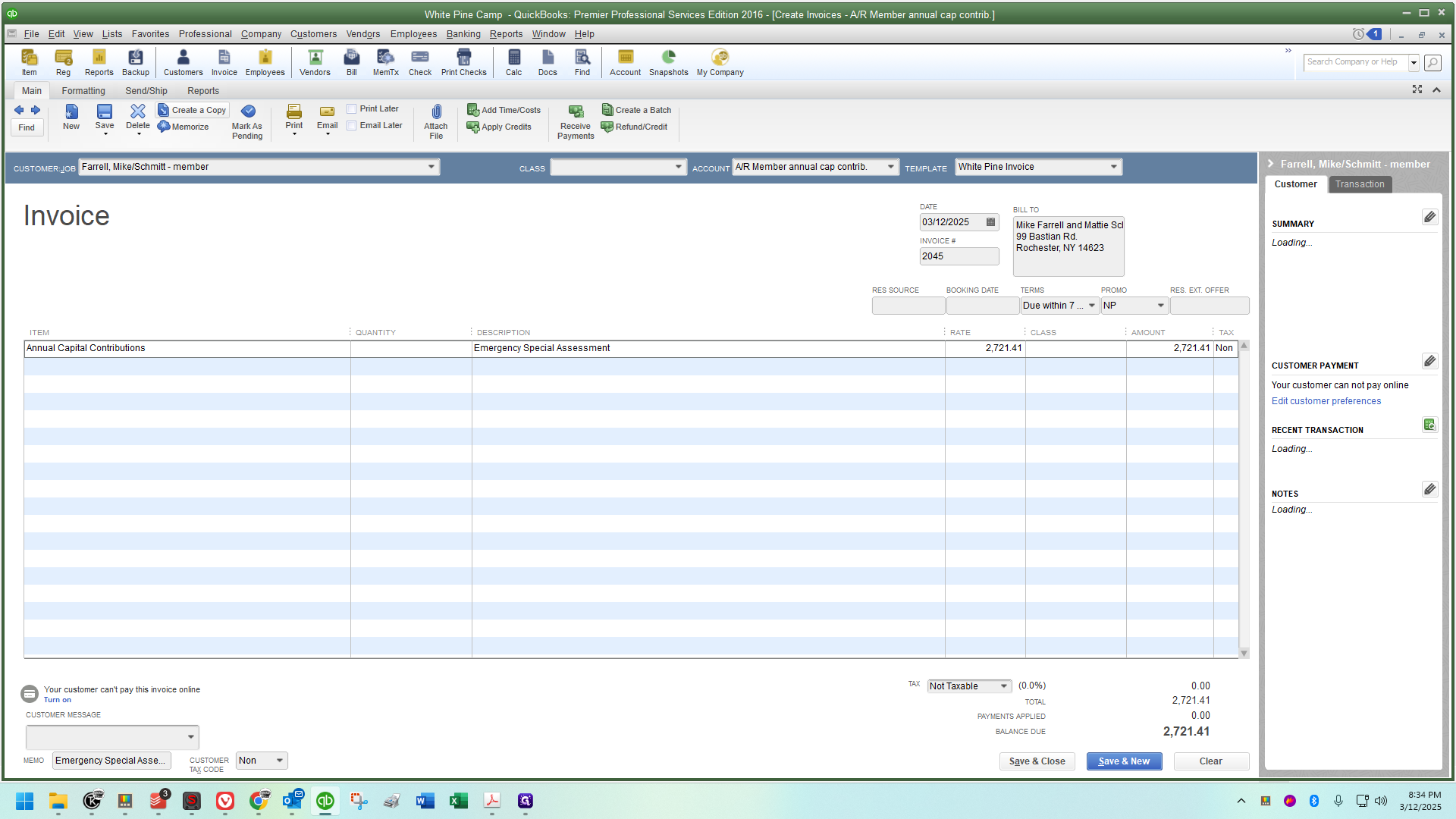
If I didn't have one readily available, I would grab the annual capital contribution since they are invoiced similarly. Now, I'm going to create a copy.
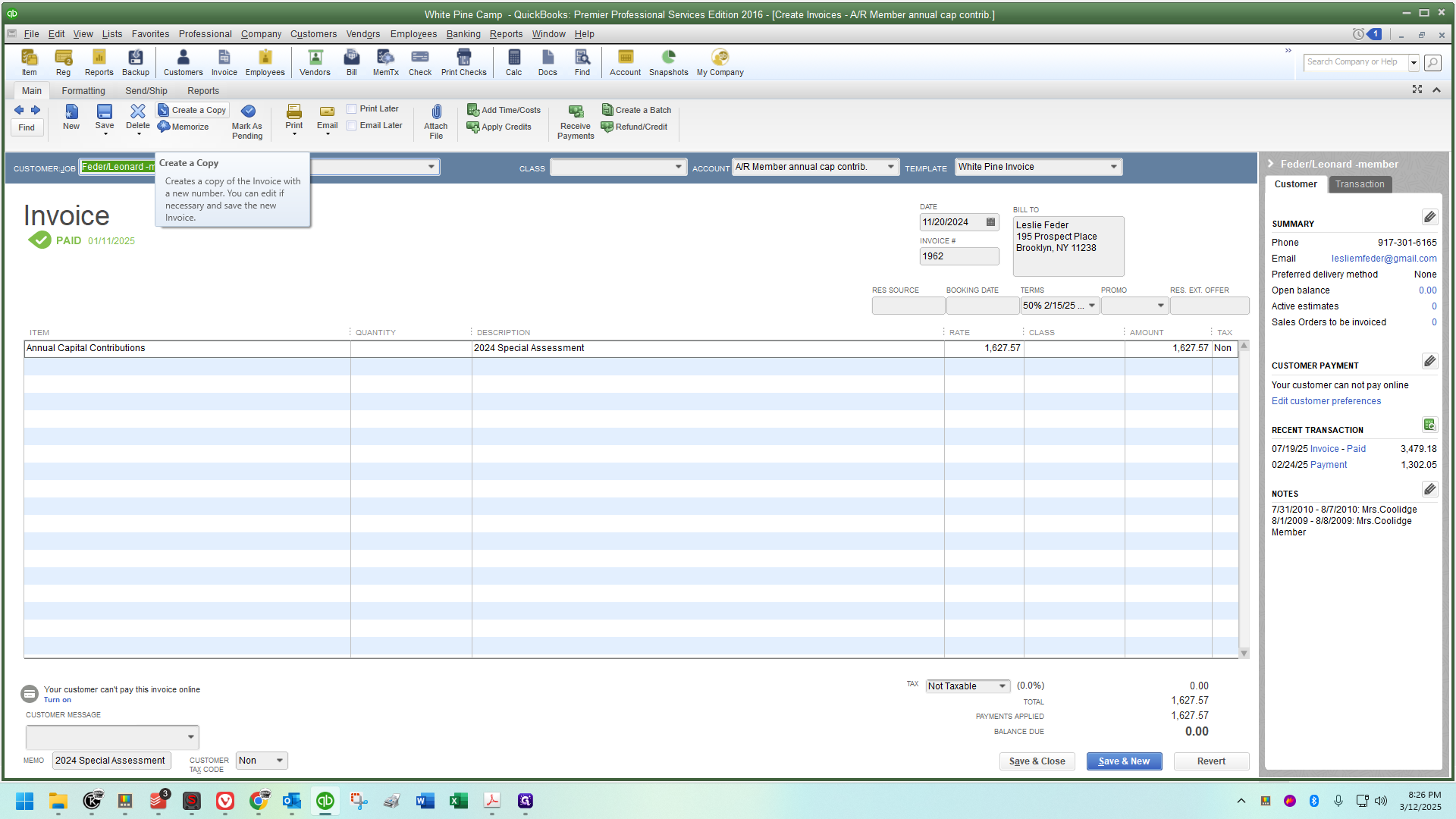
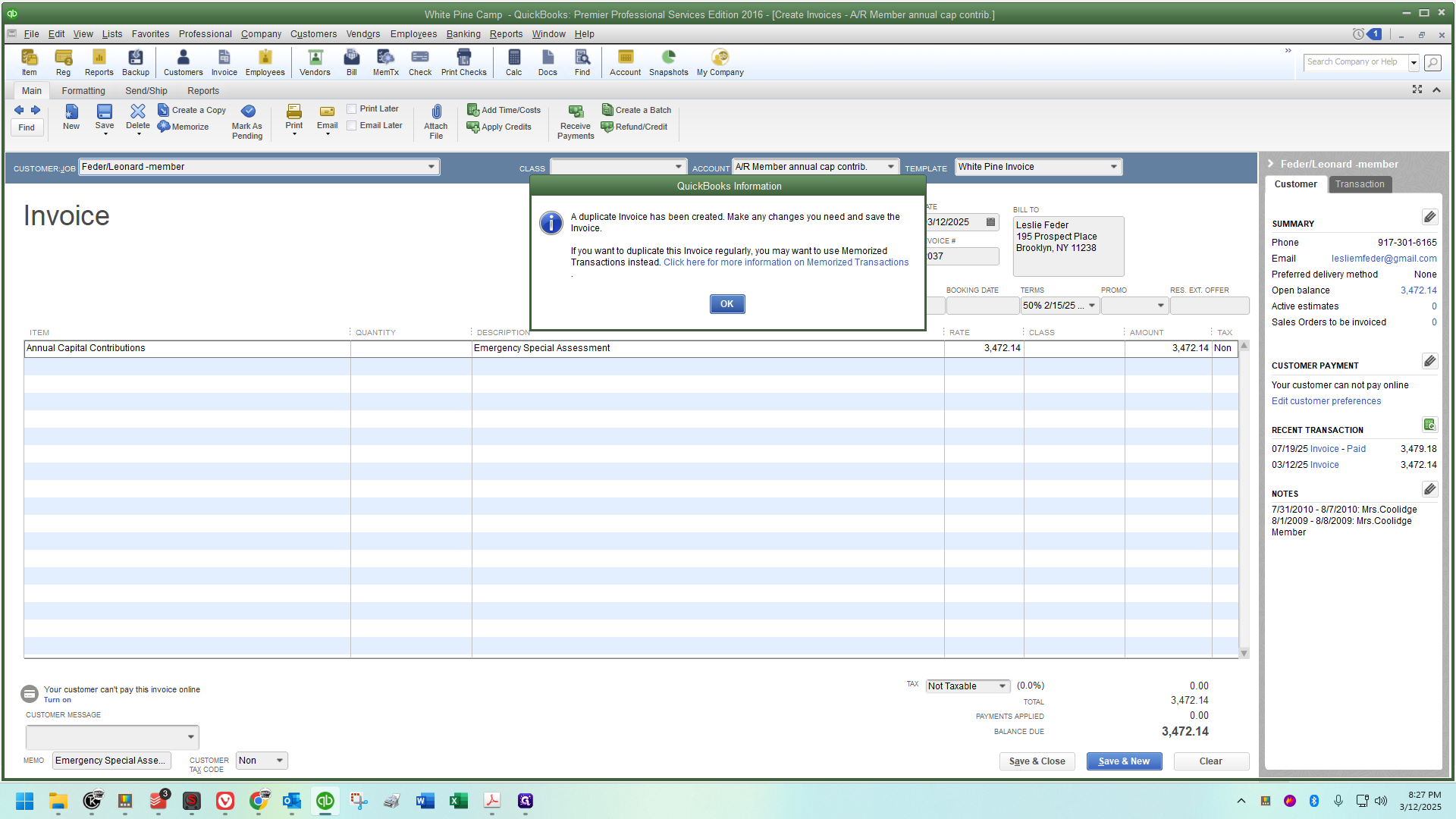
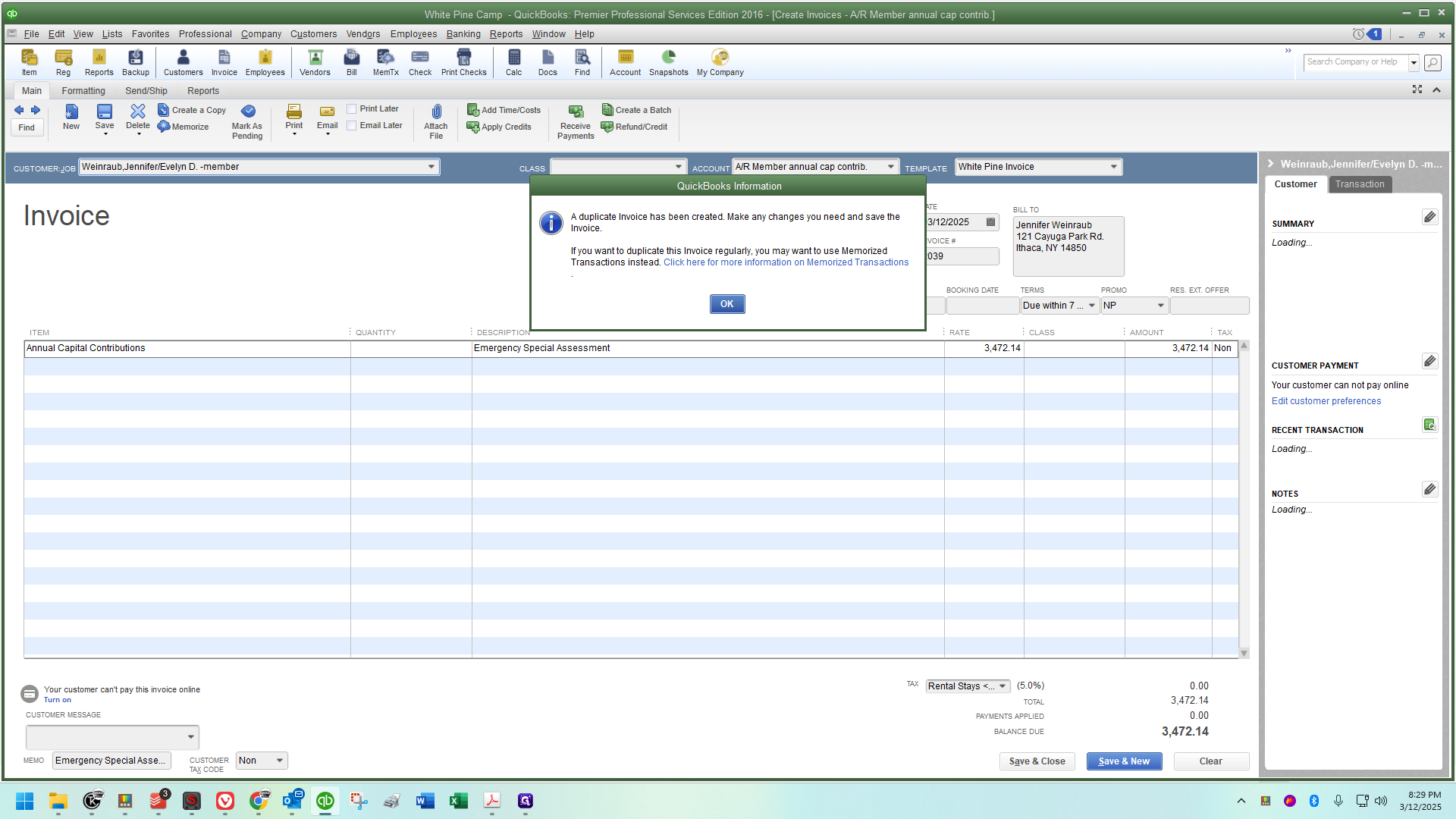
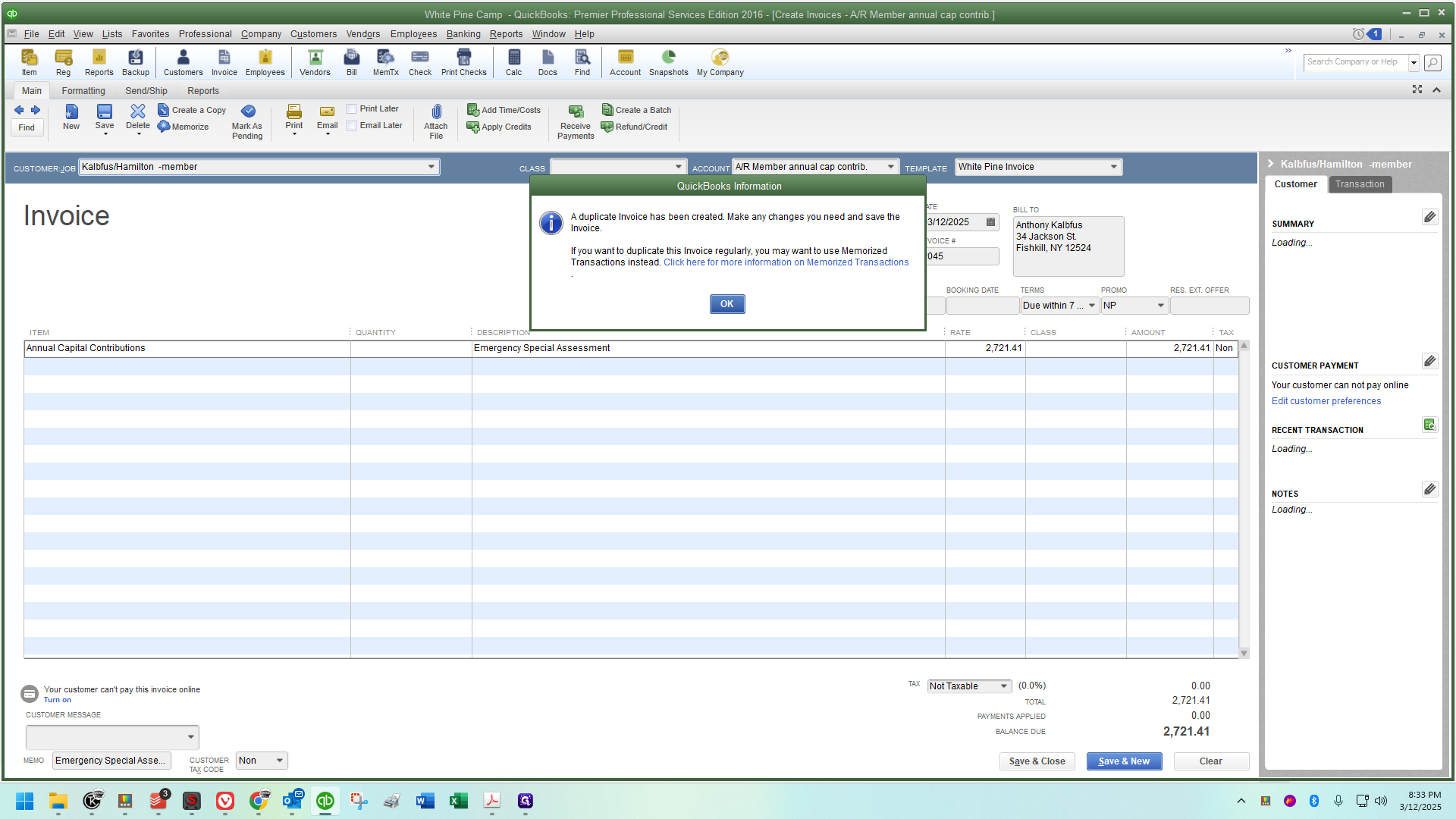
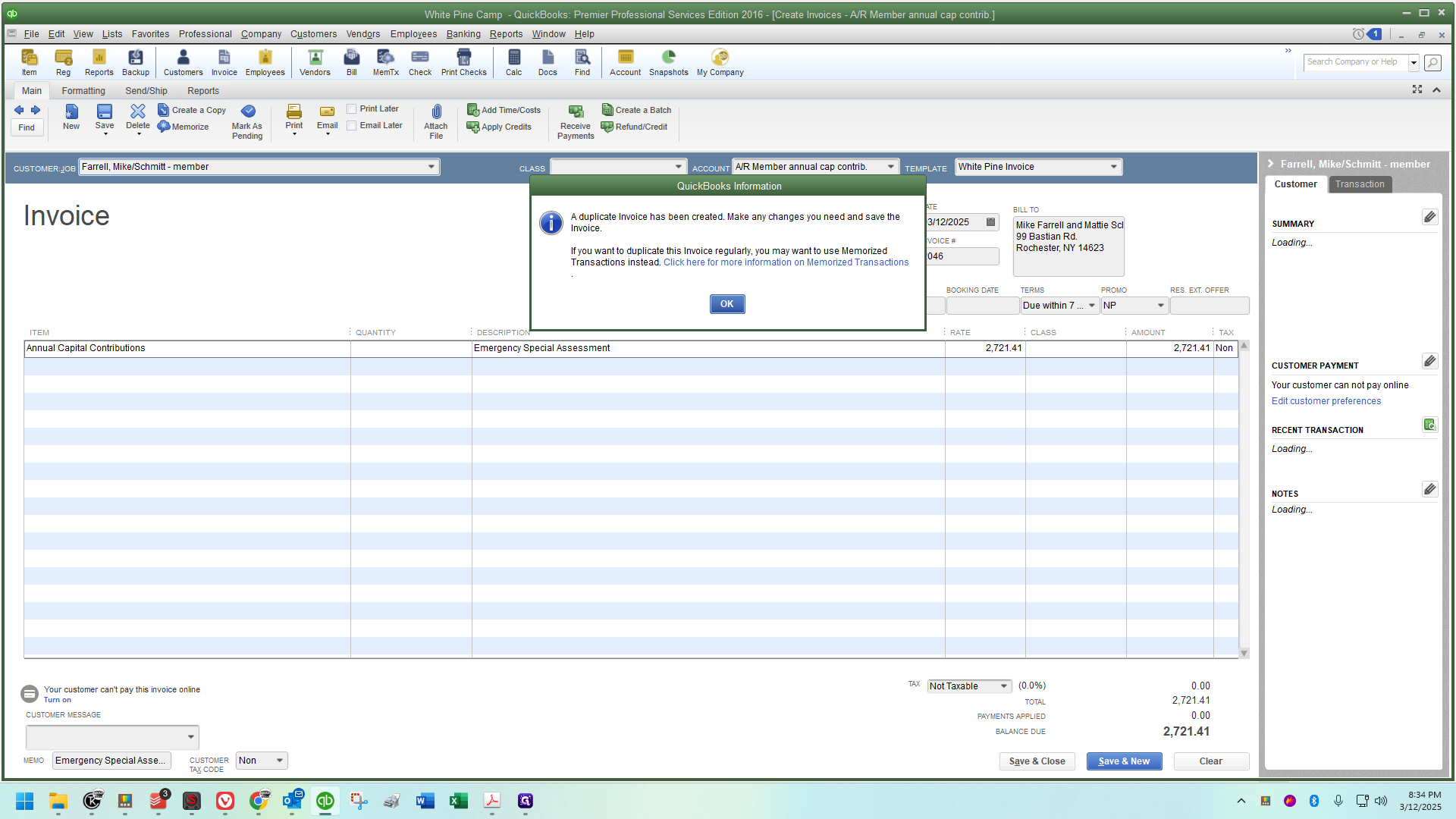
A message will appear saying a duplicate invoice has been created, and I'll click OK.
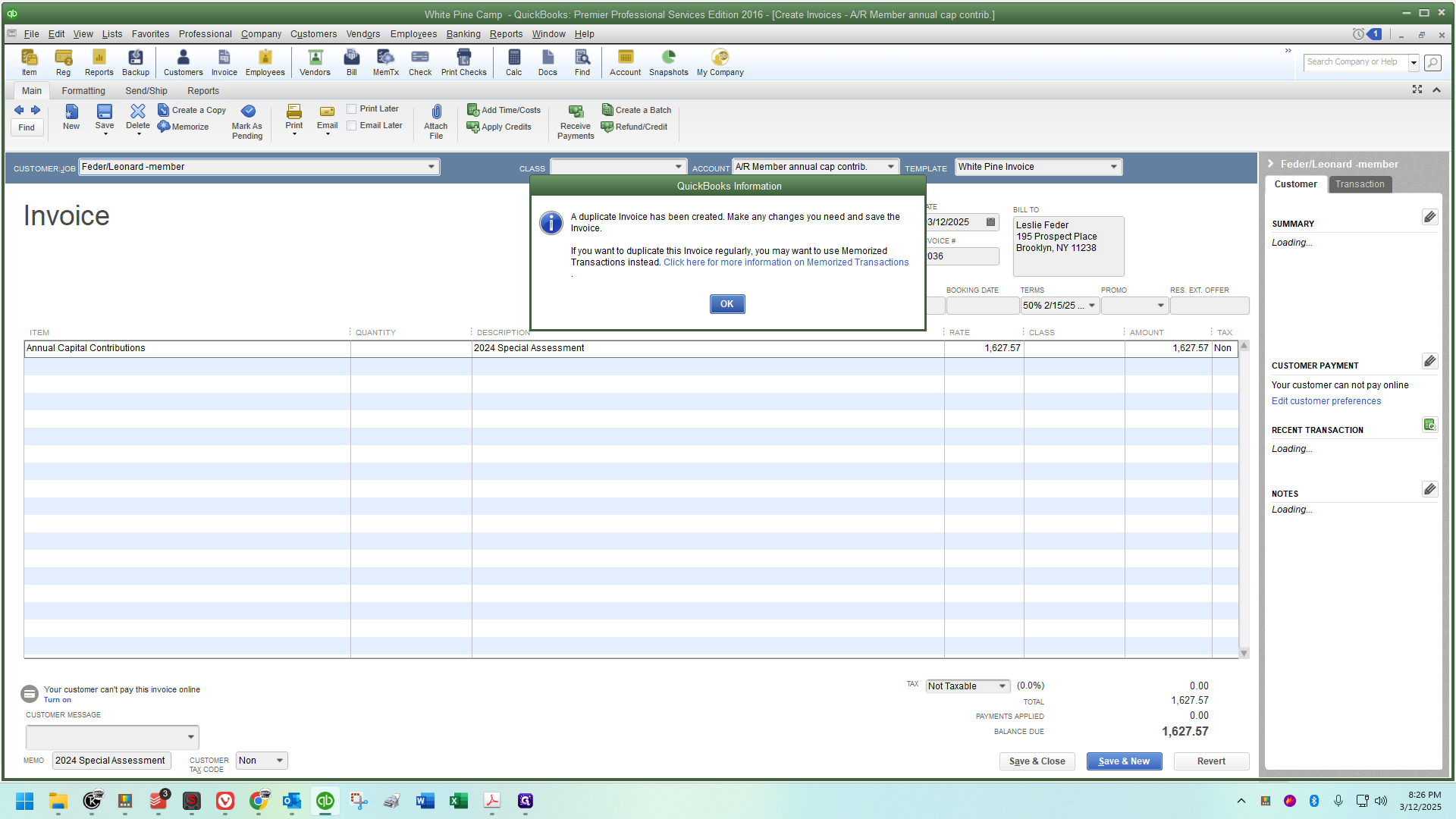
I will know it worked correctly when I check the invoice date, and it matches the current day.
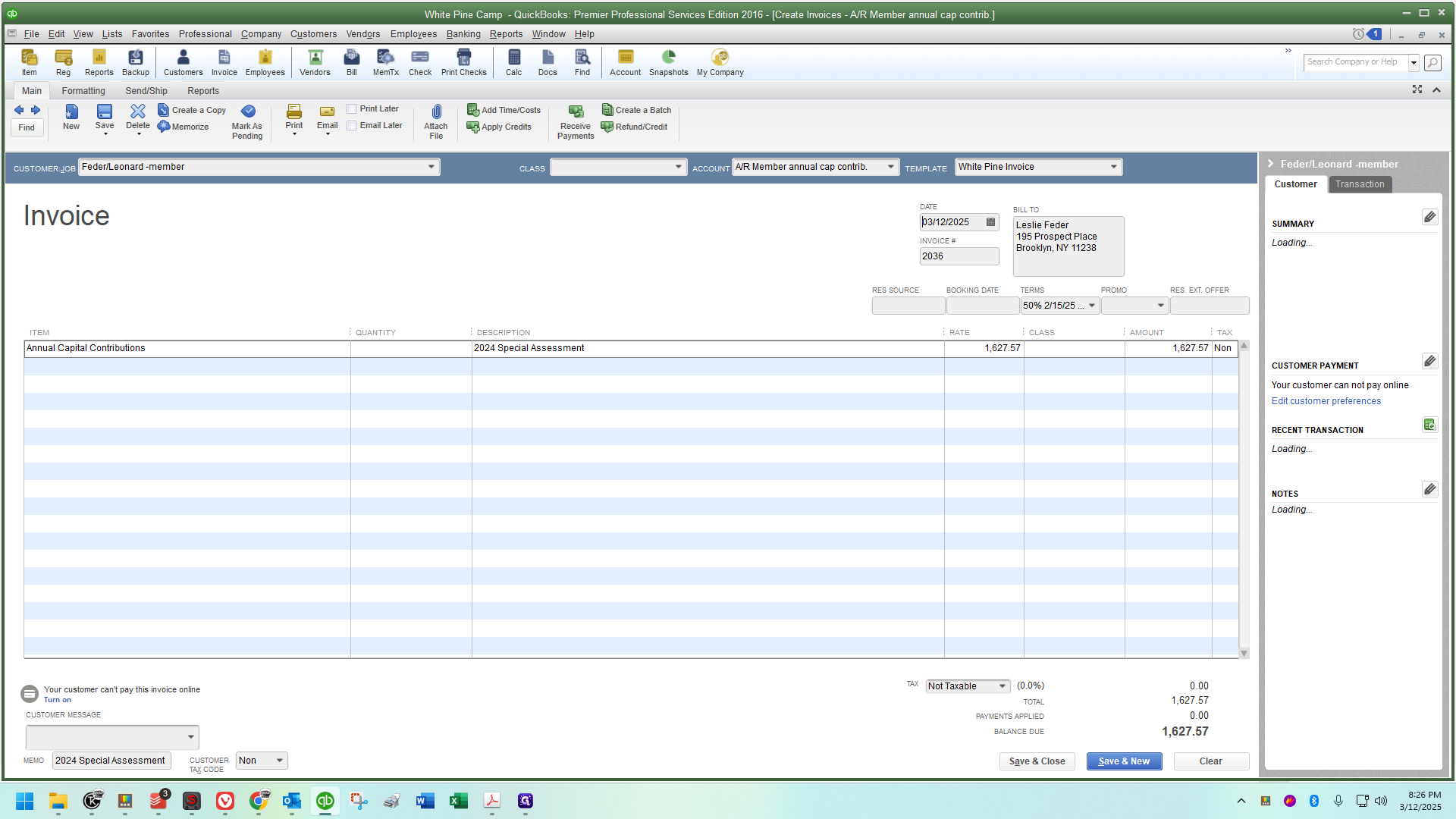
For special assessment invoices, just like the annual capital contribution invoices, we use the accounts receivable called Member annual capital contribution.
This is not a field we usually pay attention to because we typically use the normal AR general accounts. However, for this task, we will use the member annual capital contribution.
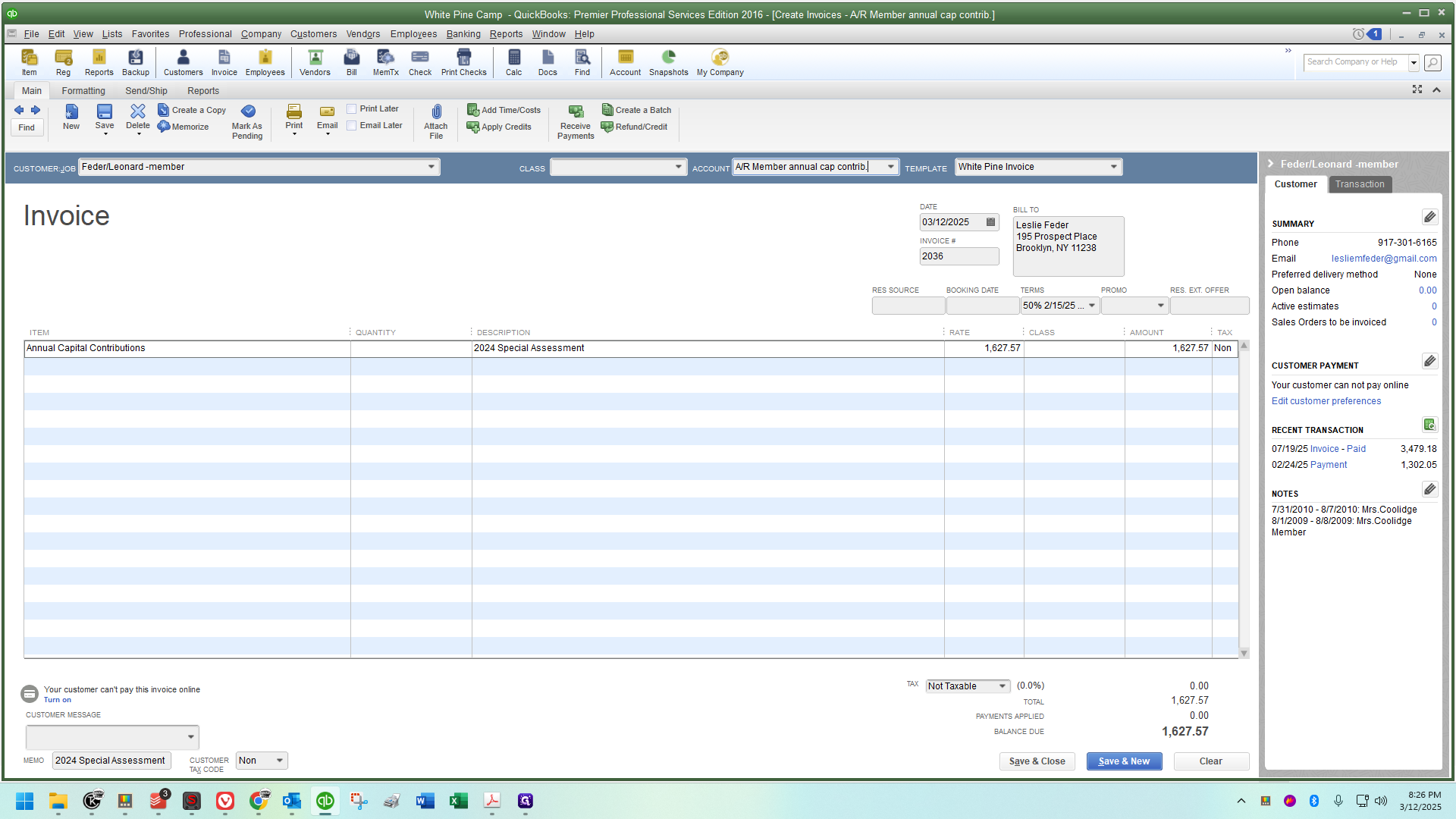
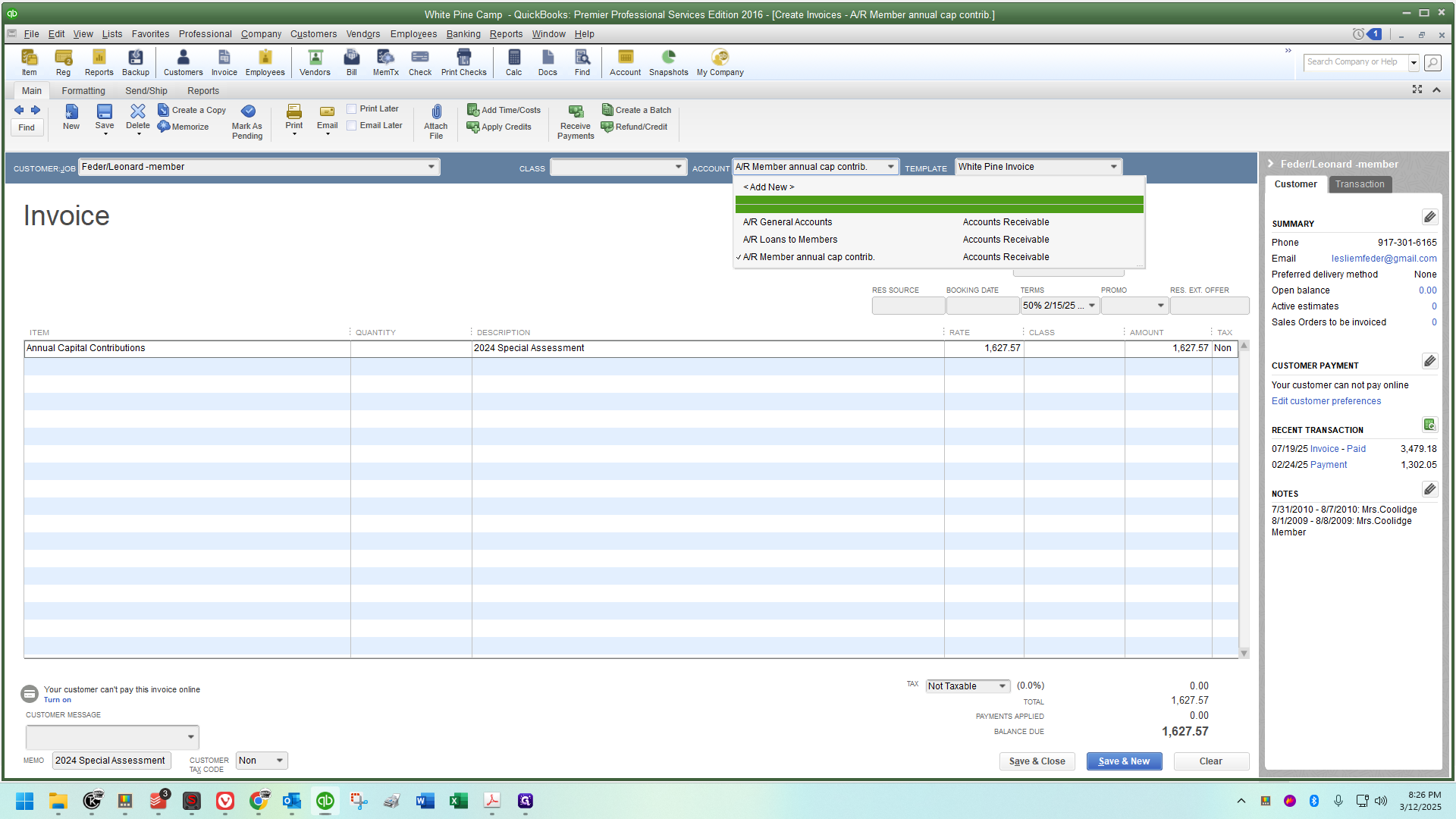
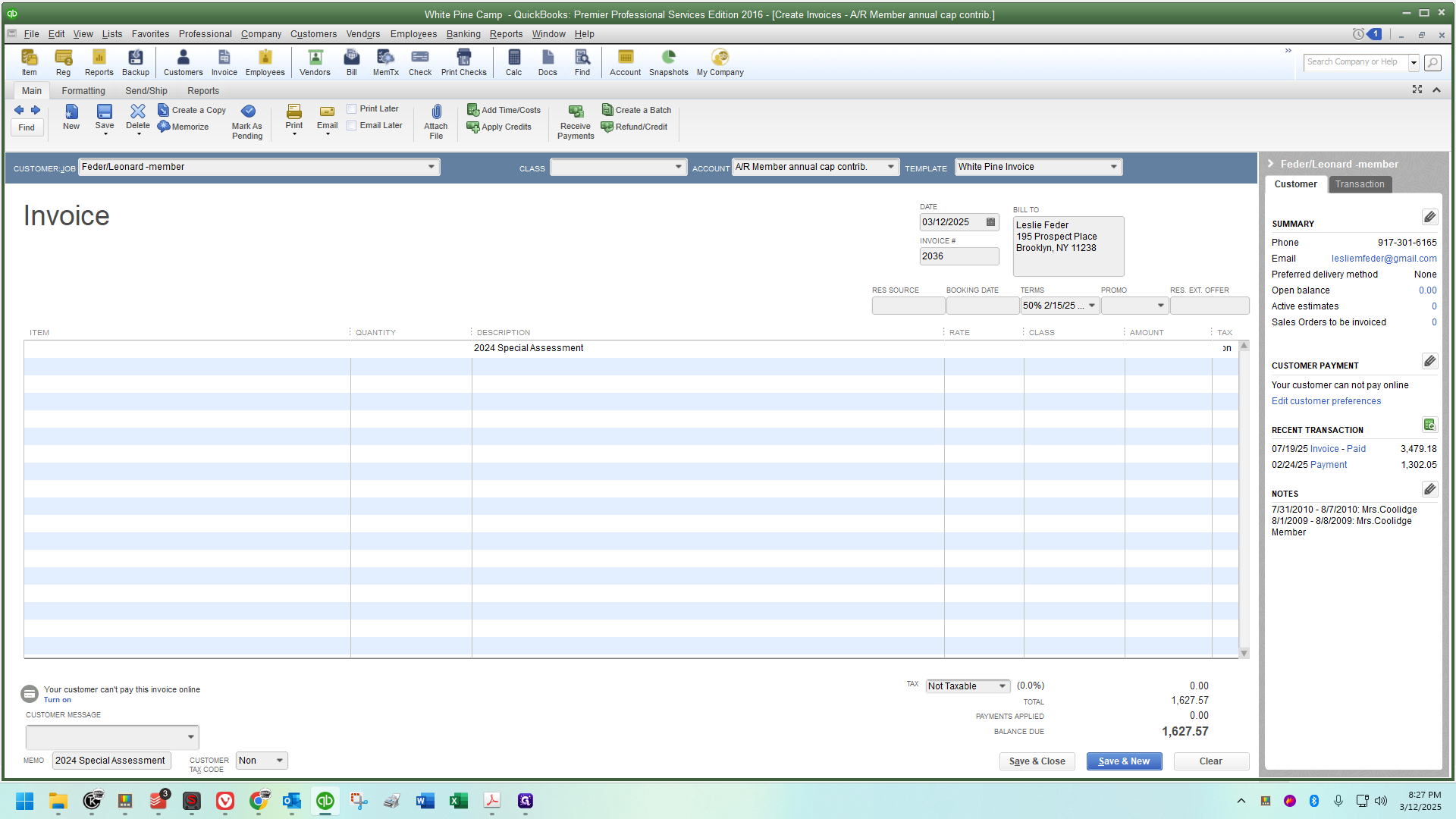
Include it in the description and the memo in the lower left corner of the invoice
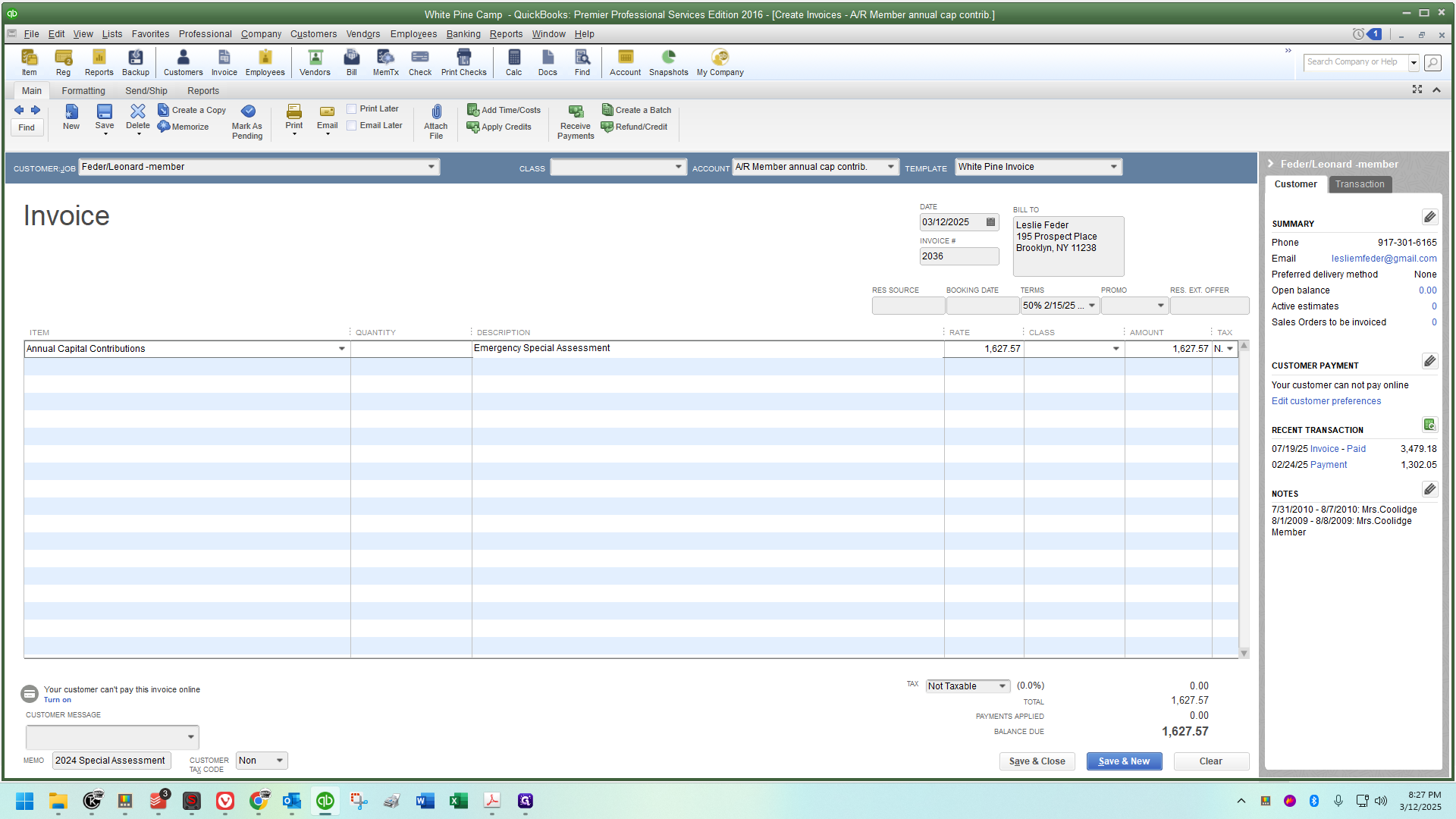
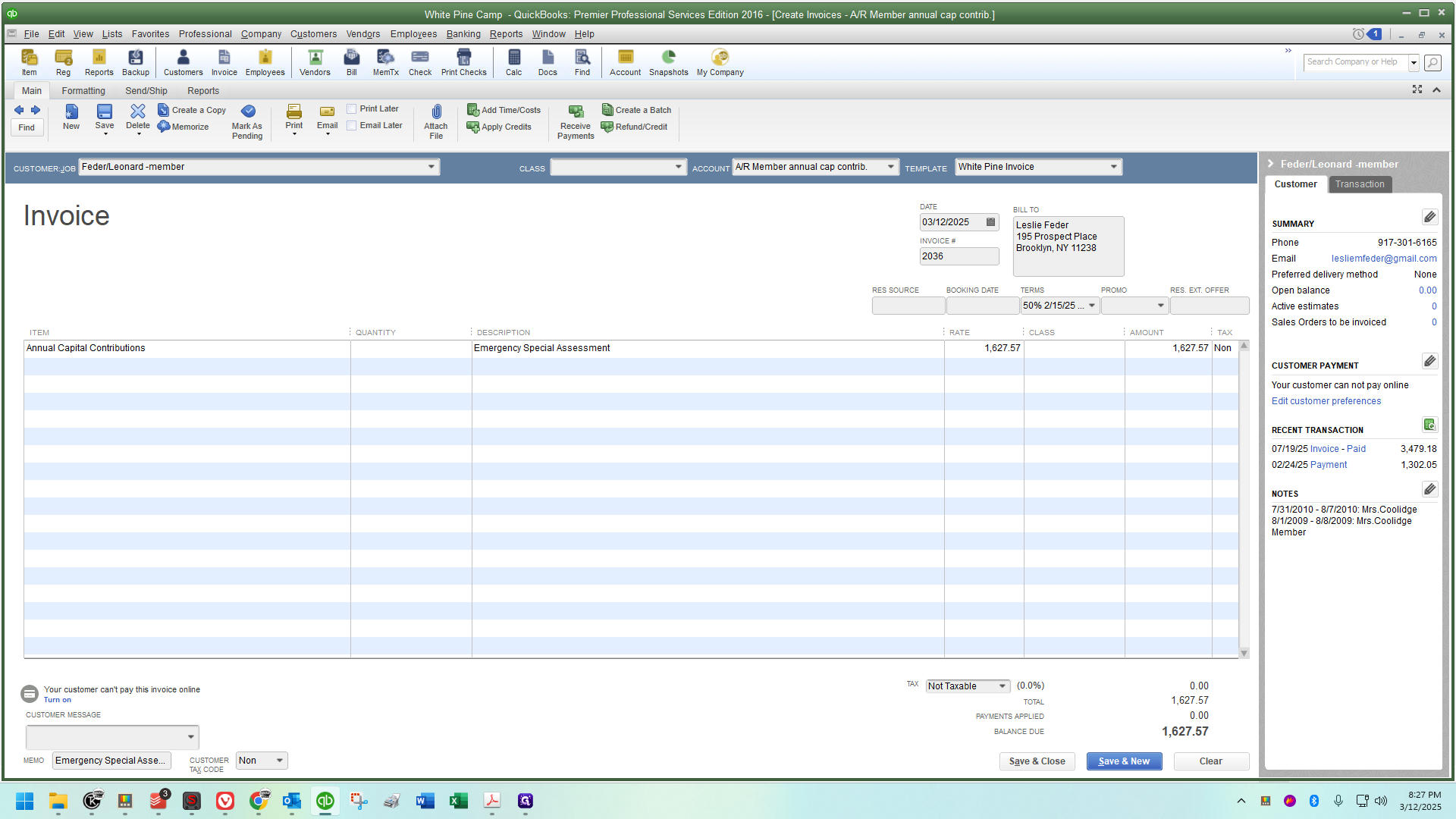
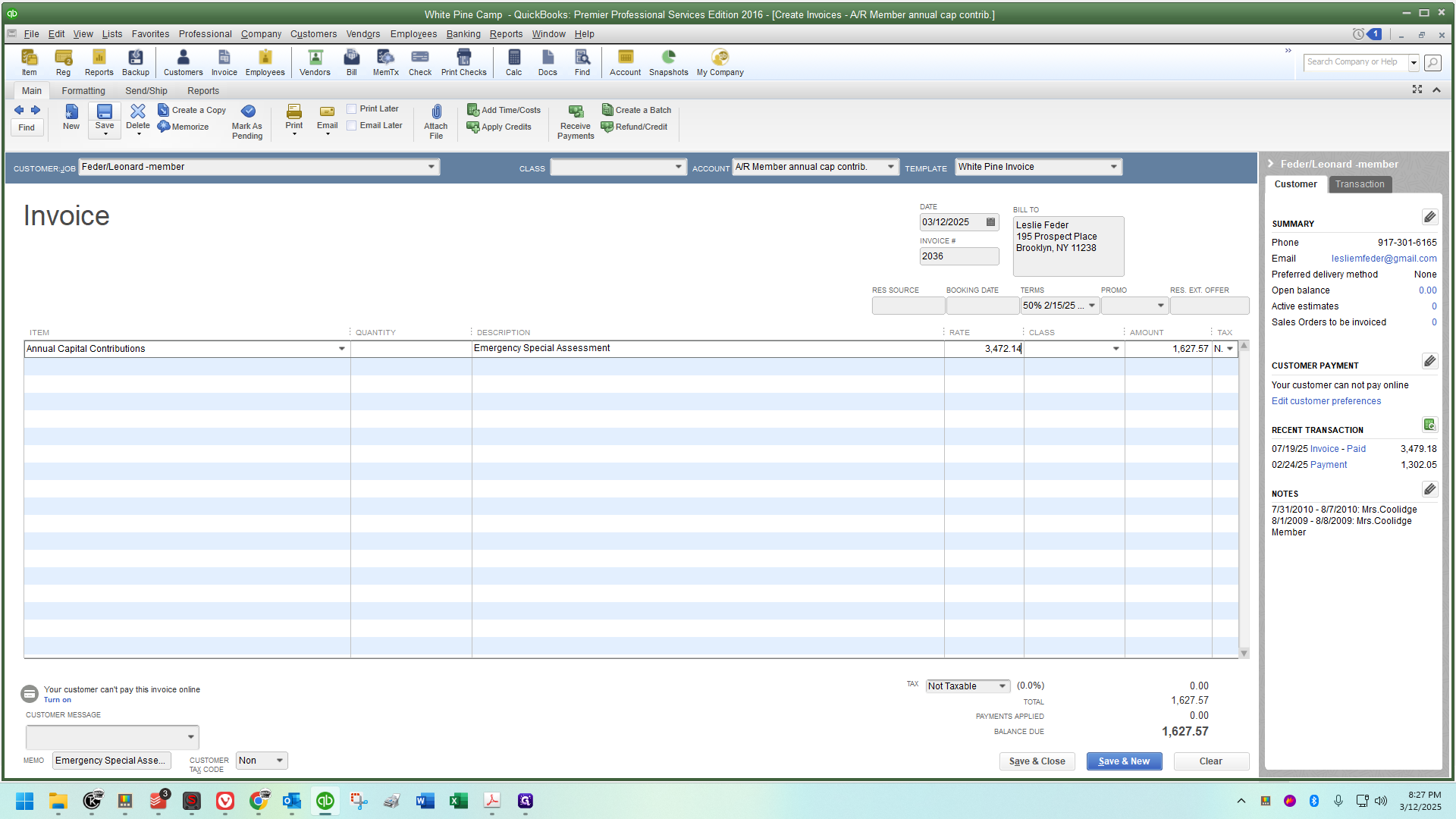
Here's a neat trick I'm going to show you. Go ahead and create a copy.
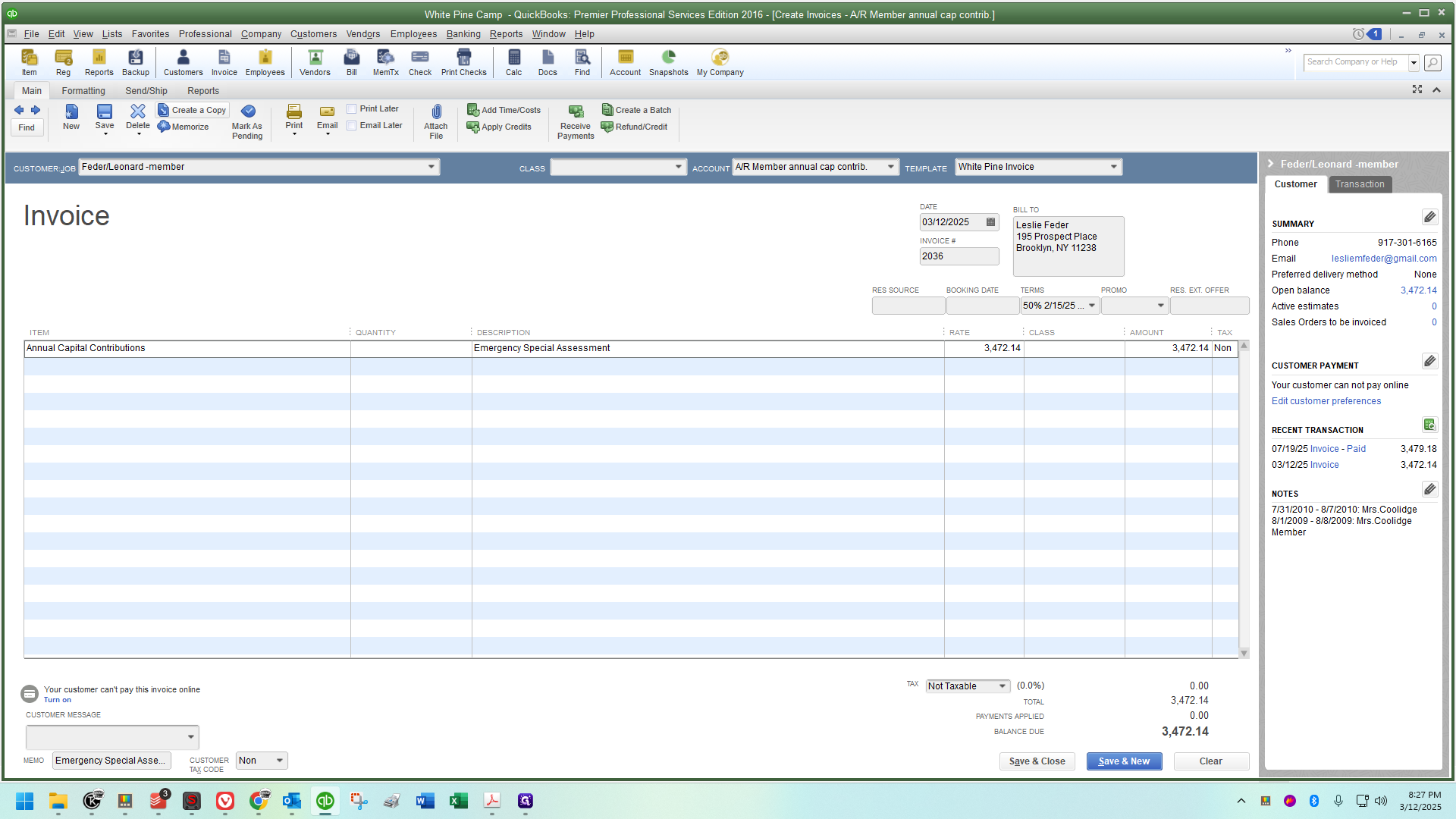
Click "OK" when you see the duplicate invoice notification.
Review the spreadsheet Steve sent you.
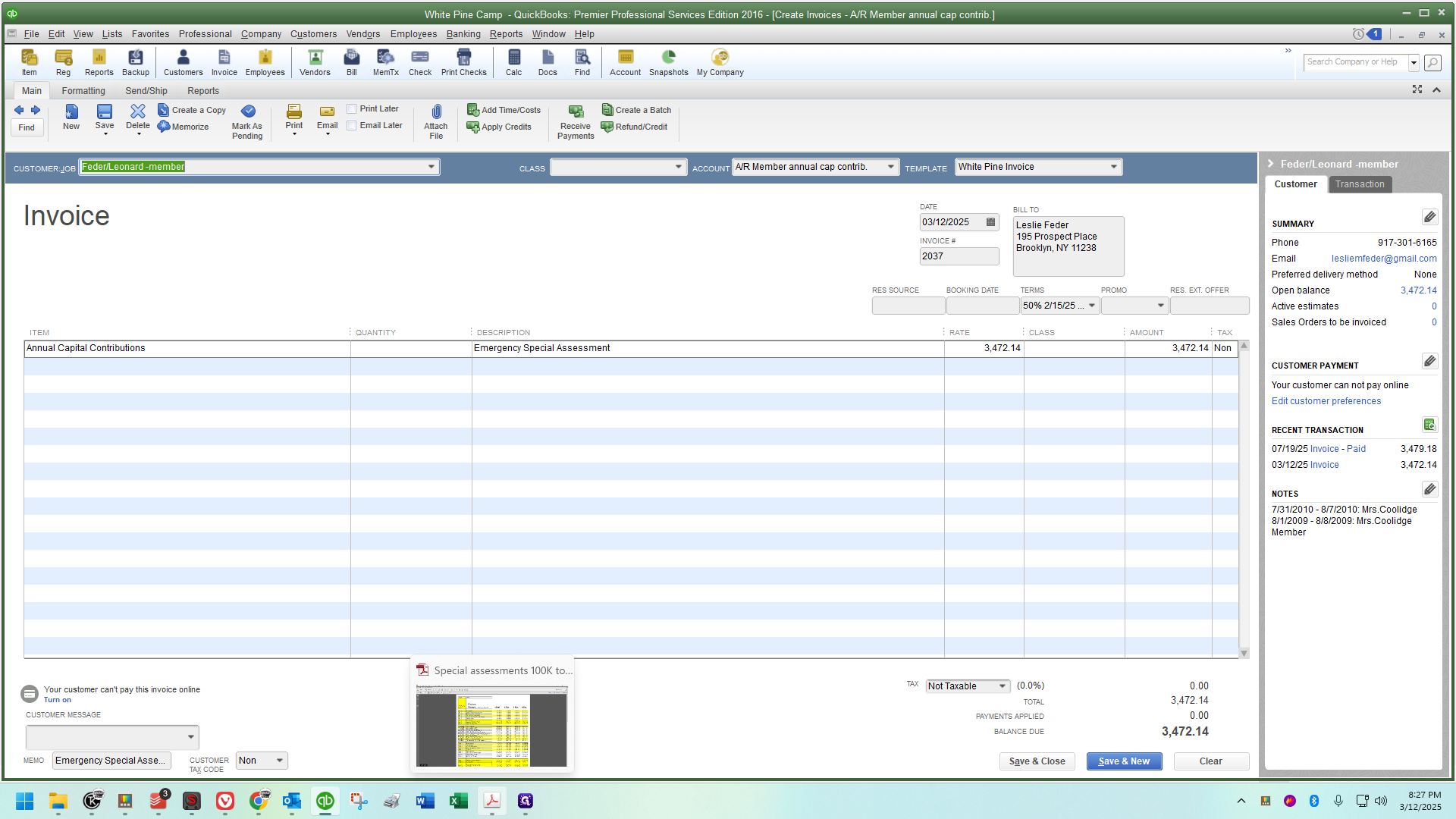
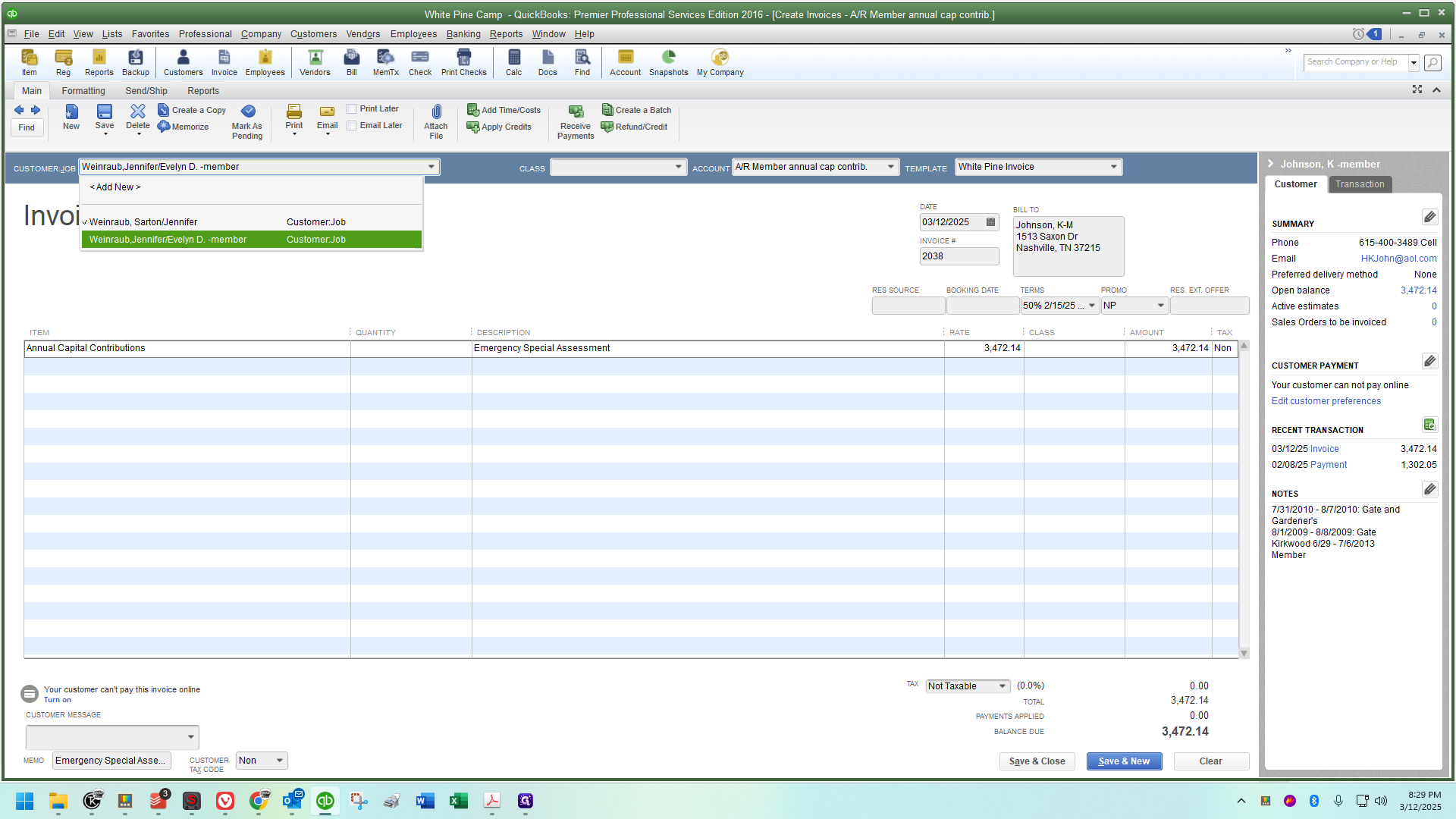
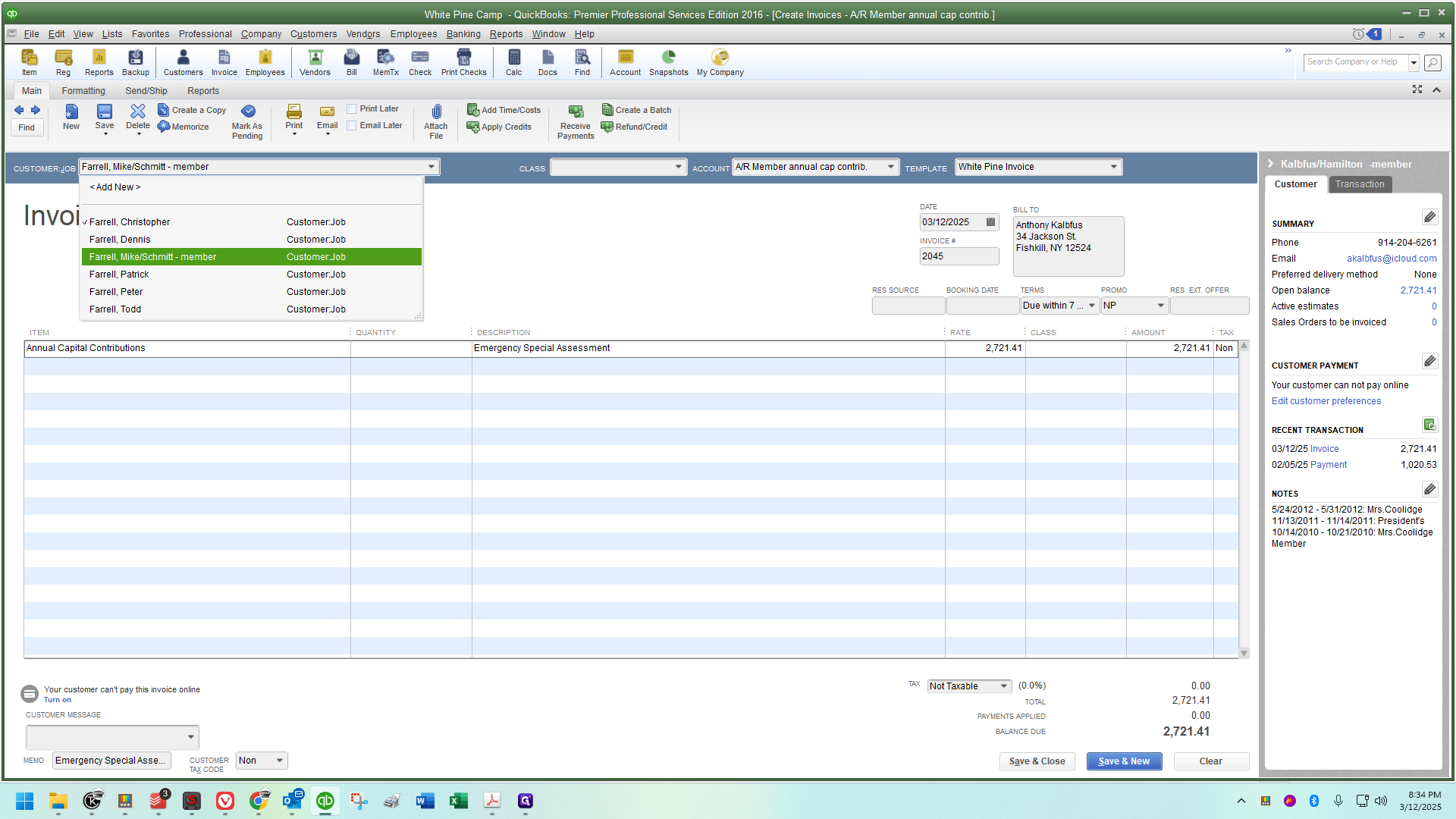
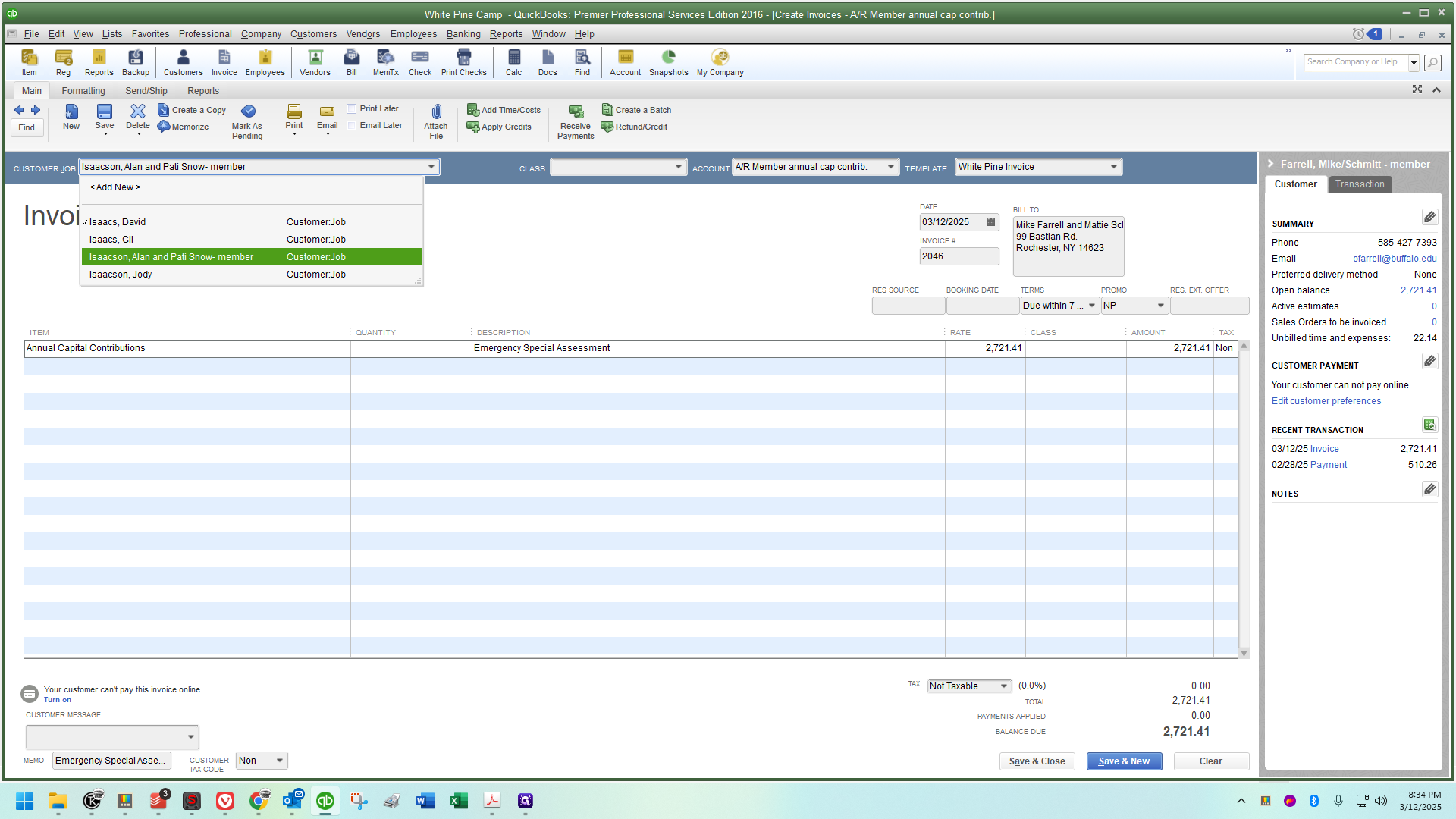
In QuickBooks, go to the field at the top left. Delete the customer name and start typing until you find a match.
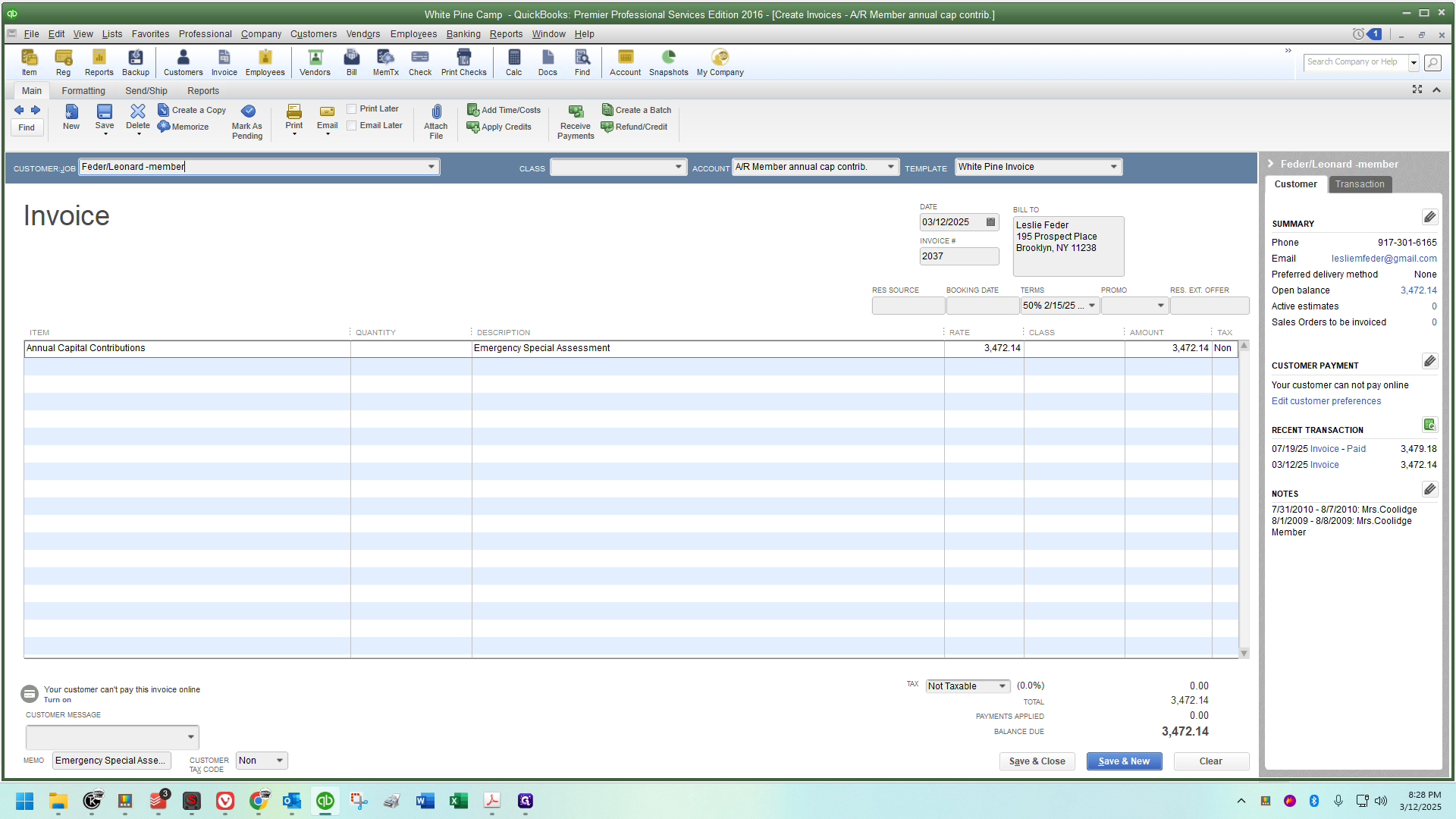
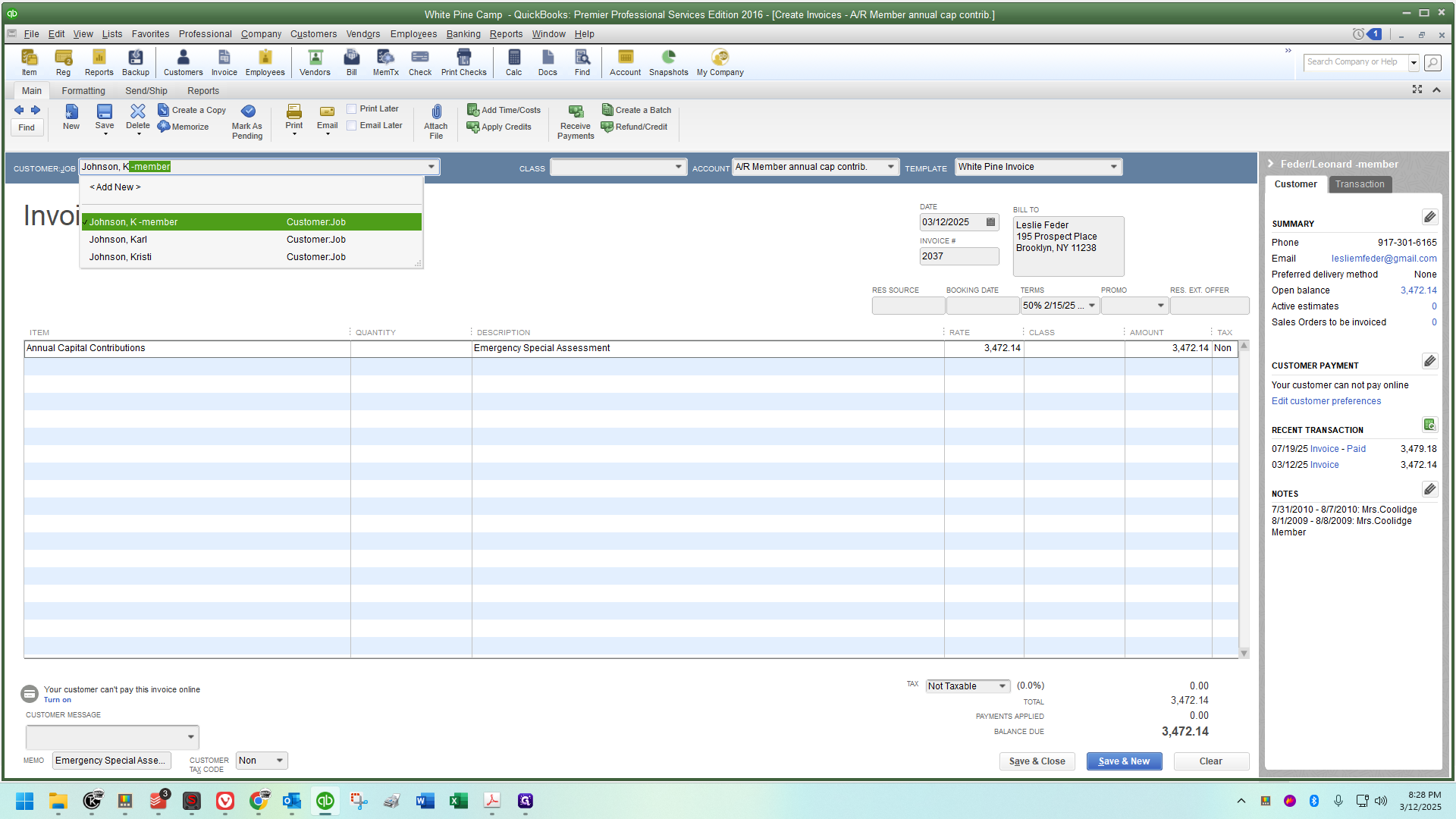
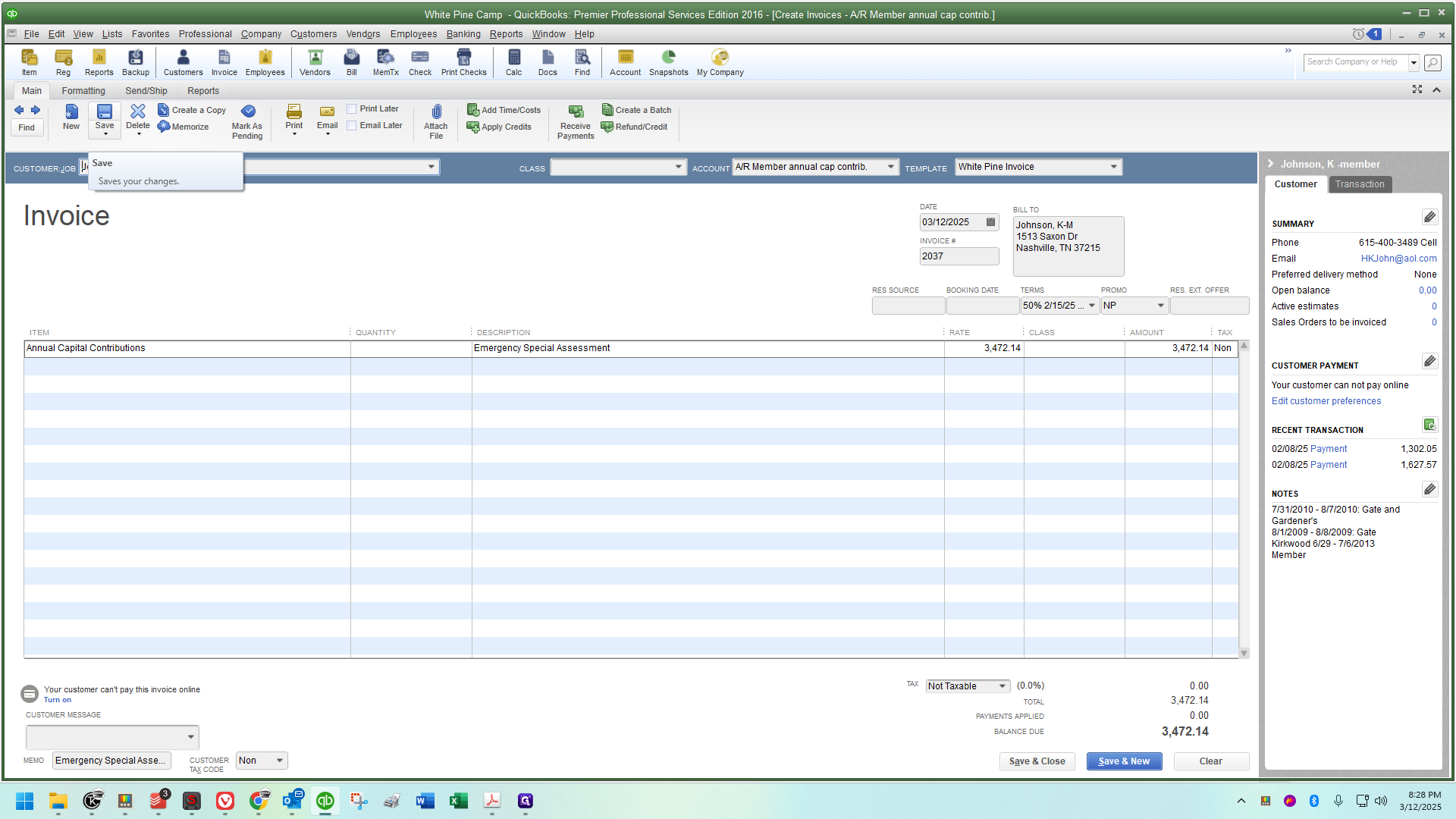
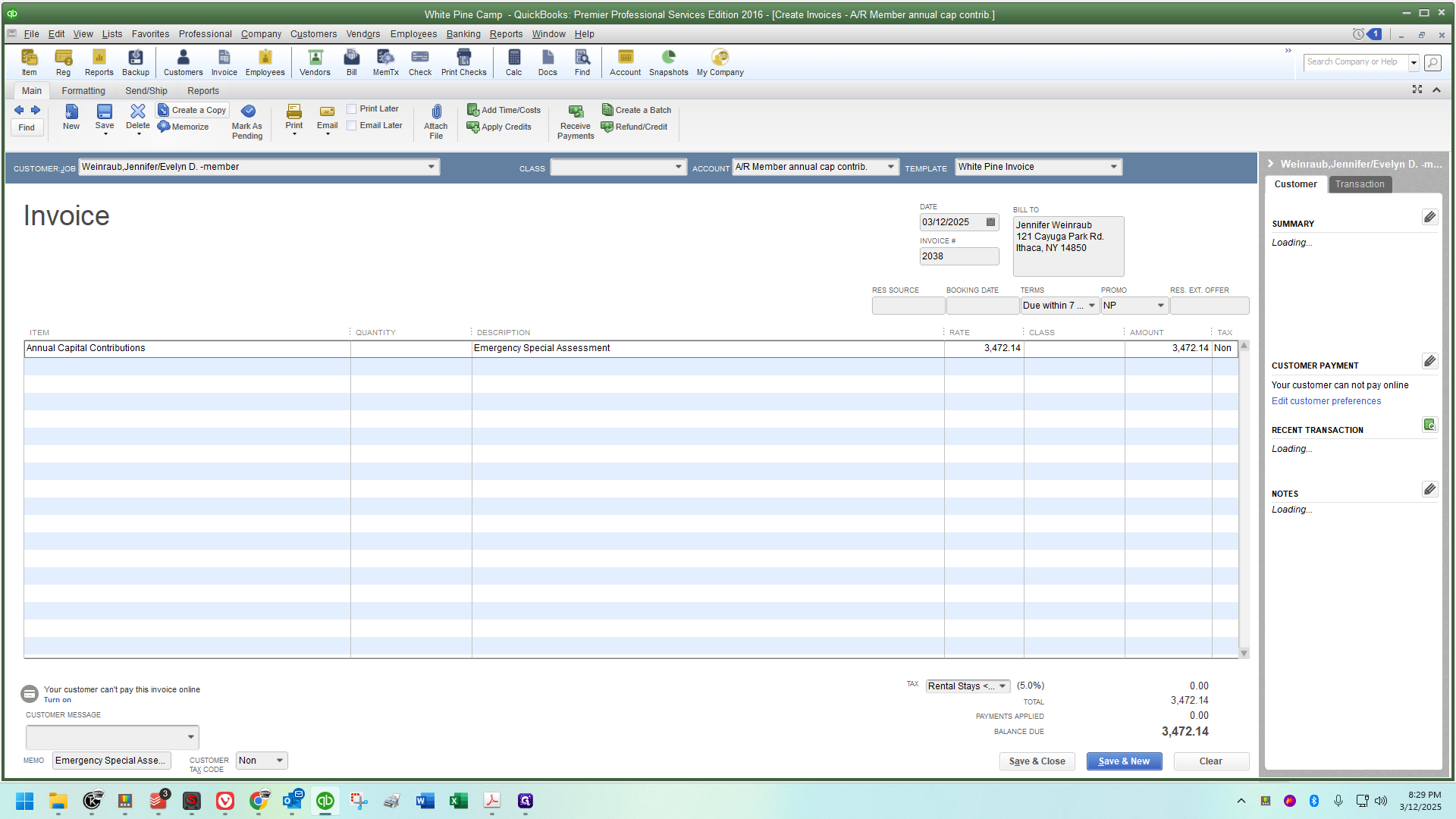
Then, I'll create a copy and click OK.
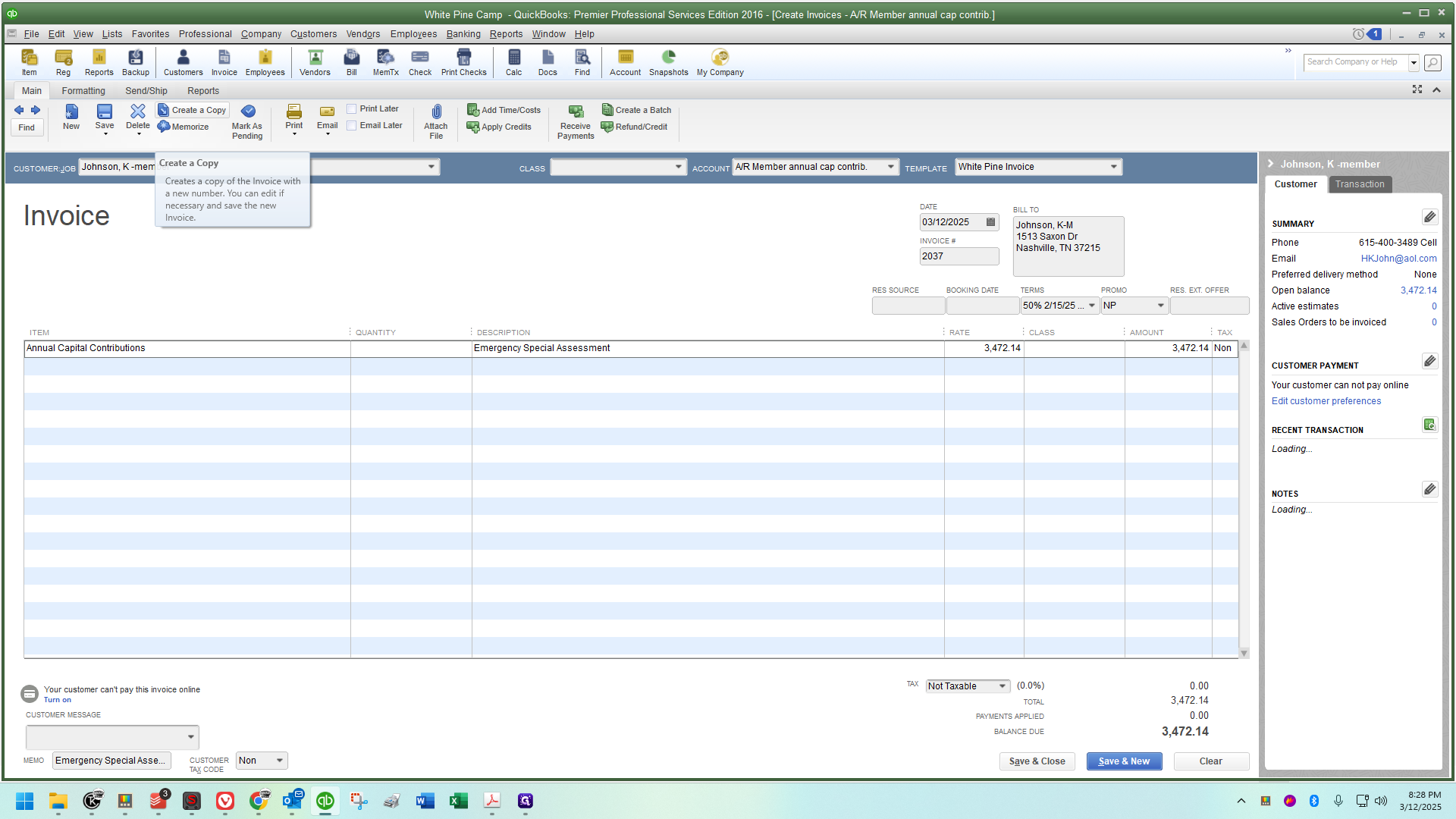
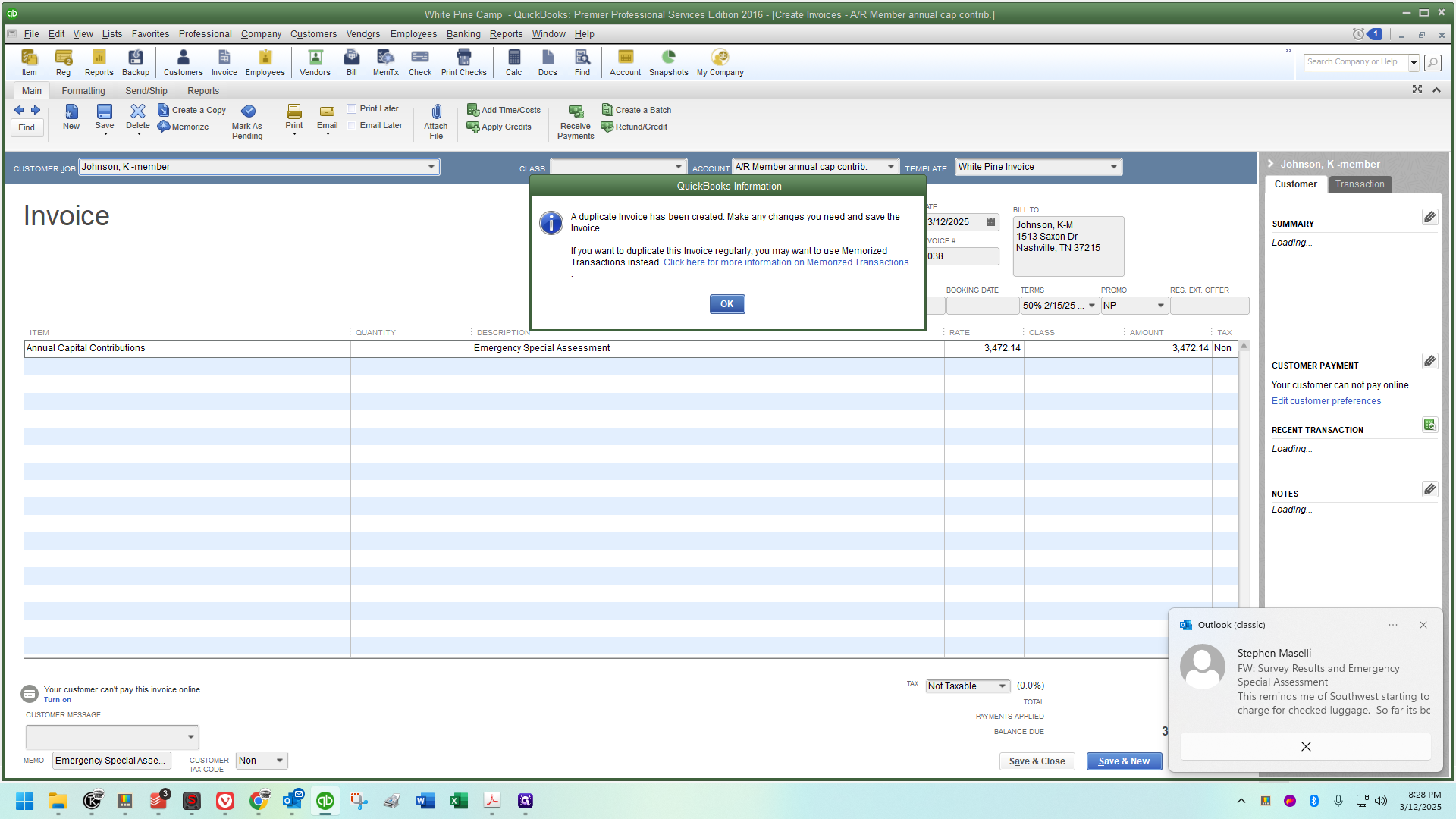
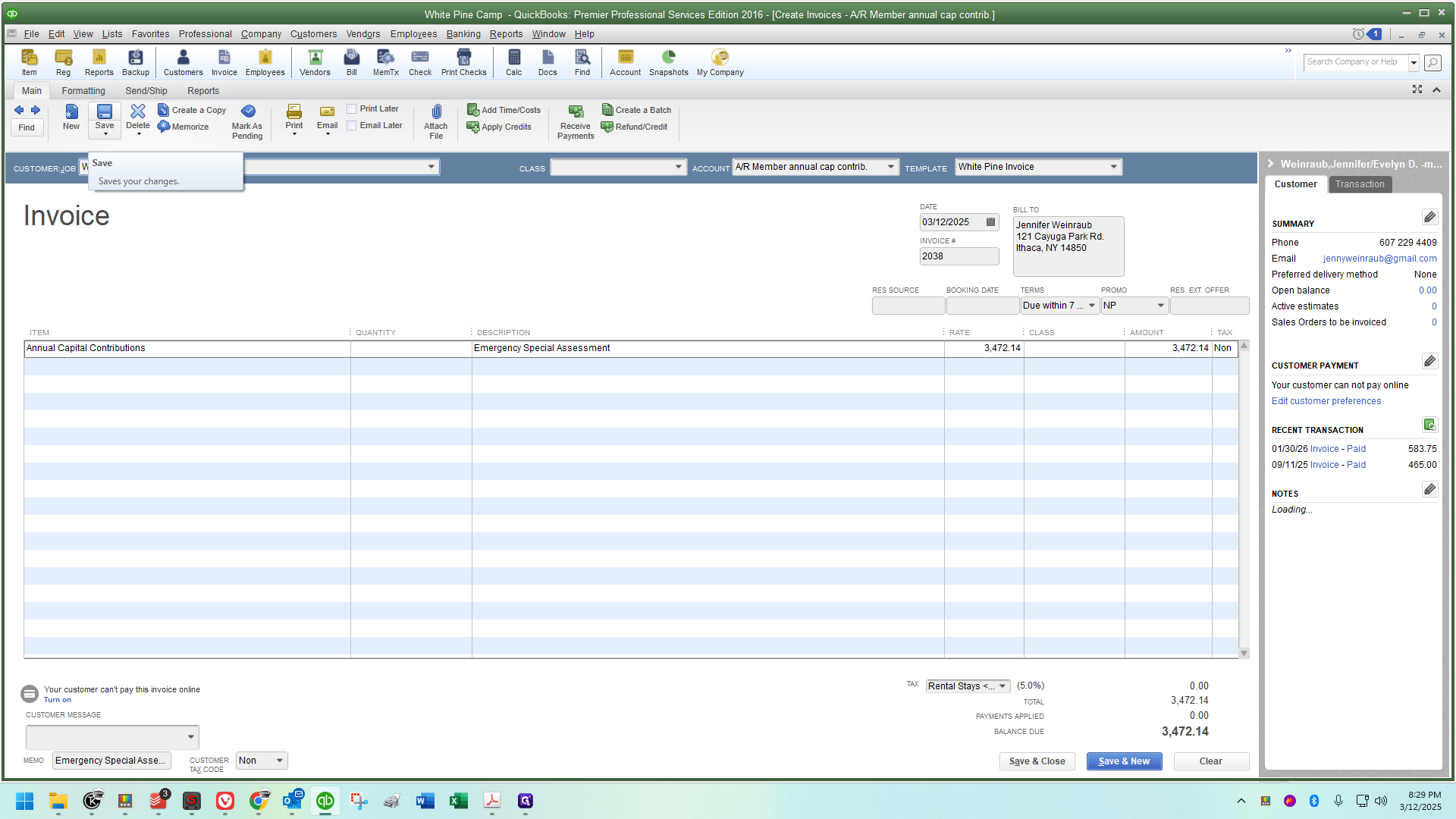
I see that the next one is Jennifer Wainwroth. (I'm sorry - it's spelled Weinraub but that is so funny I'm leaving it. What a typo! AI voice transcription at its finest)
As long as you're careful and choose the correct accounts, this can save a lot of time.
The final one is Barbara Bailey.
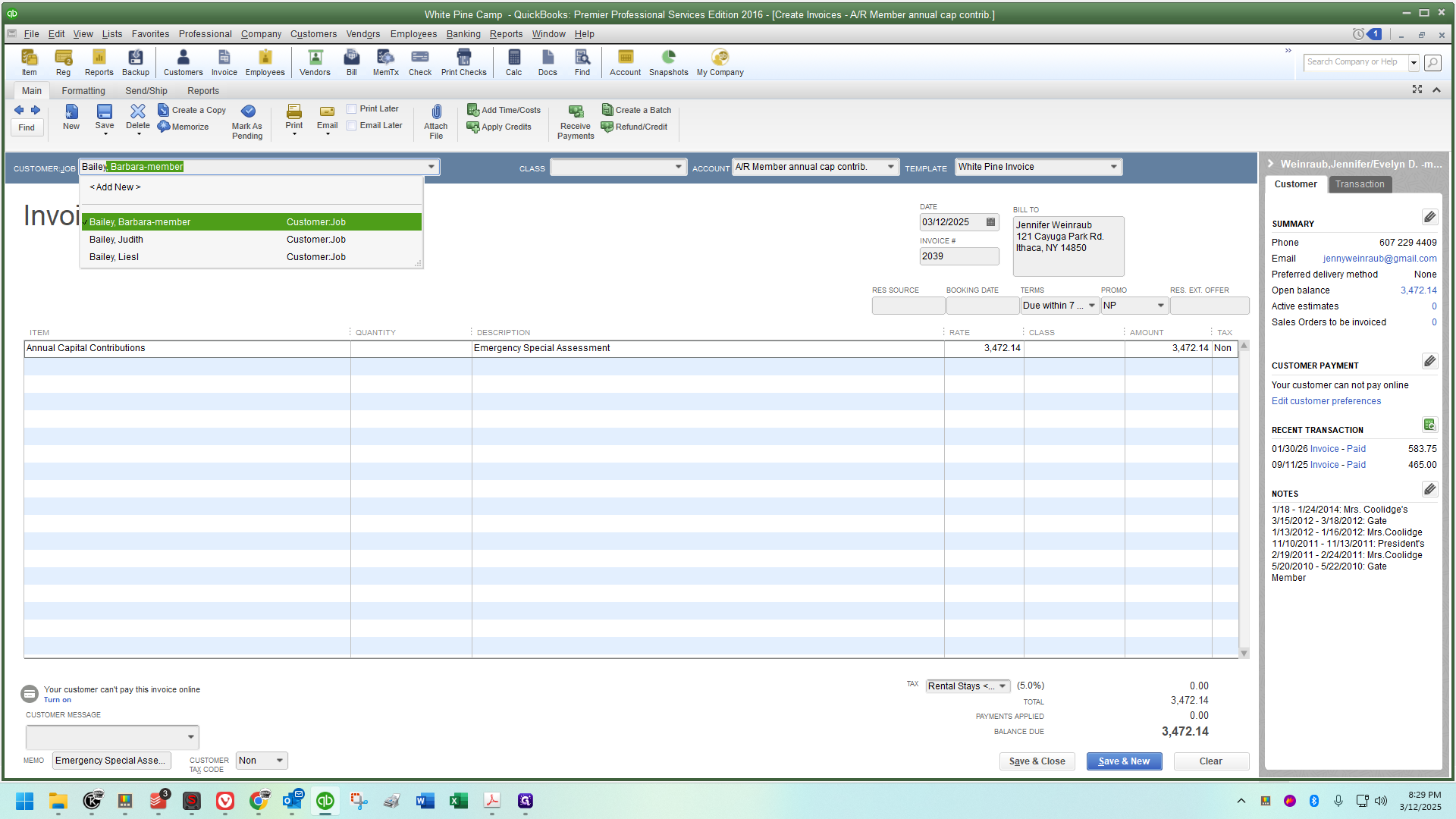
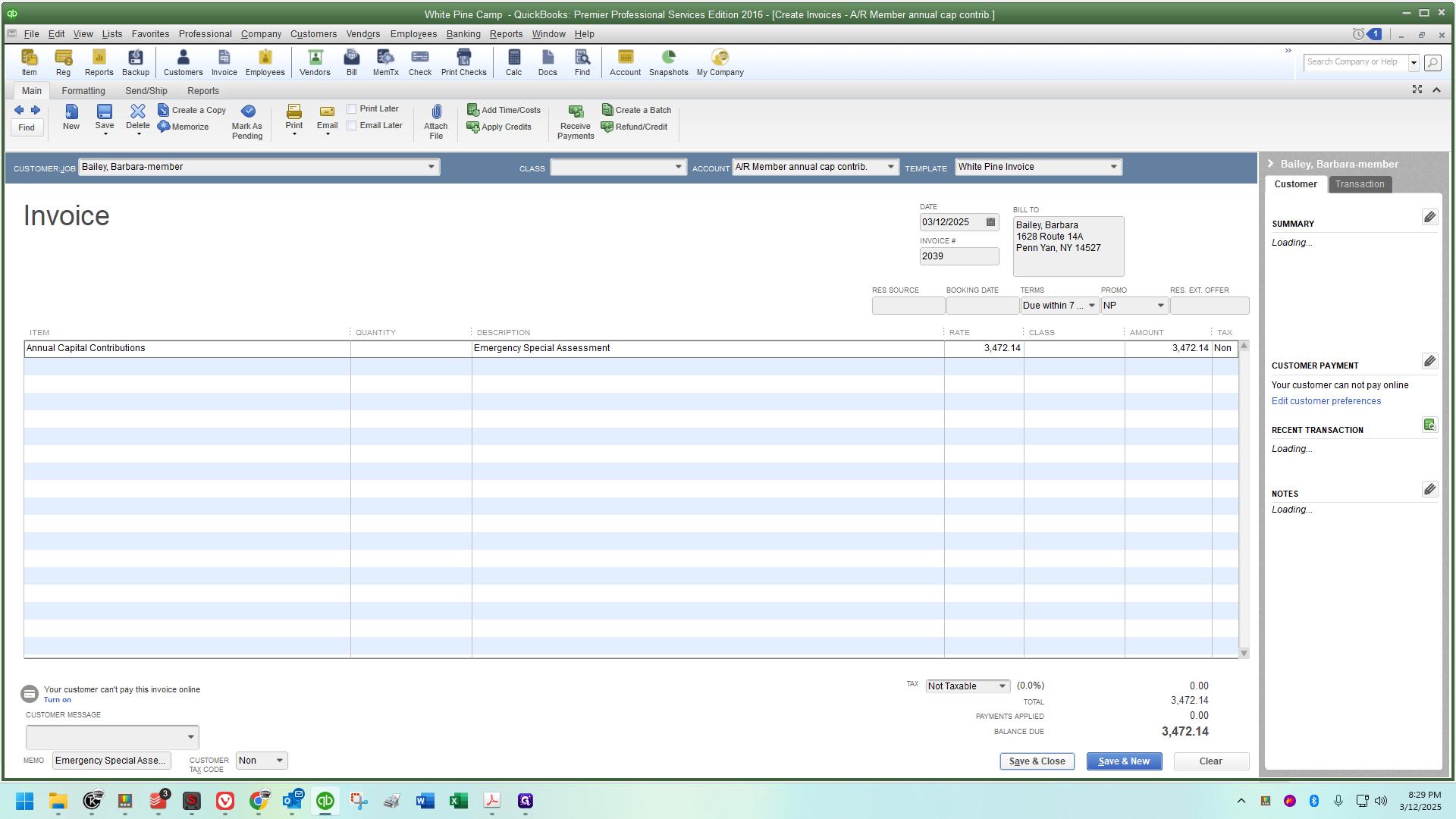
Save and close. That was a whirlwind of speed. We will double-check to ensure we did it correctly.
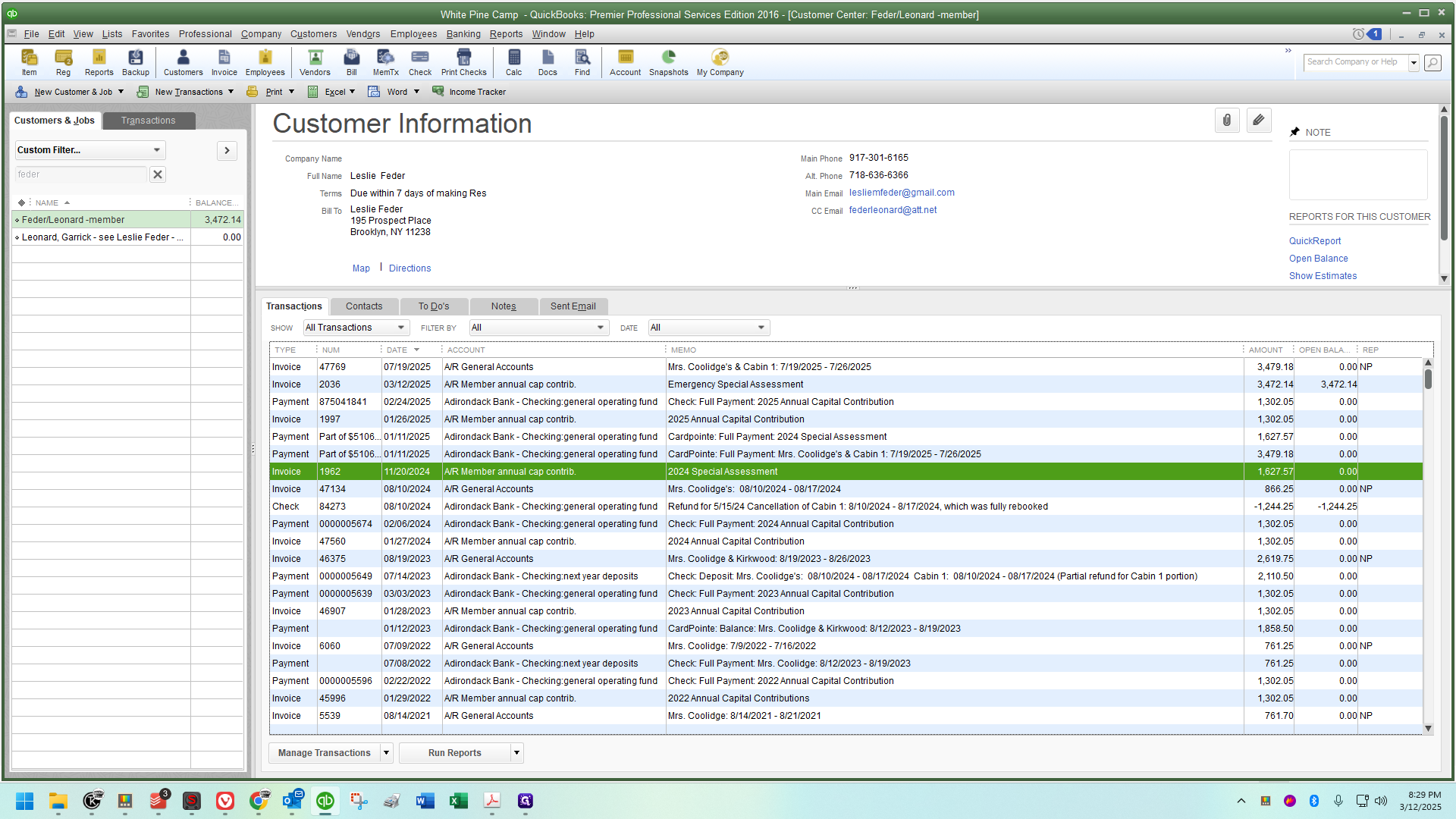
We will check to ensure the invoice was created.
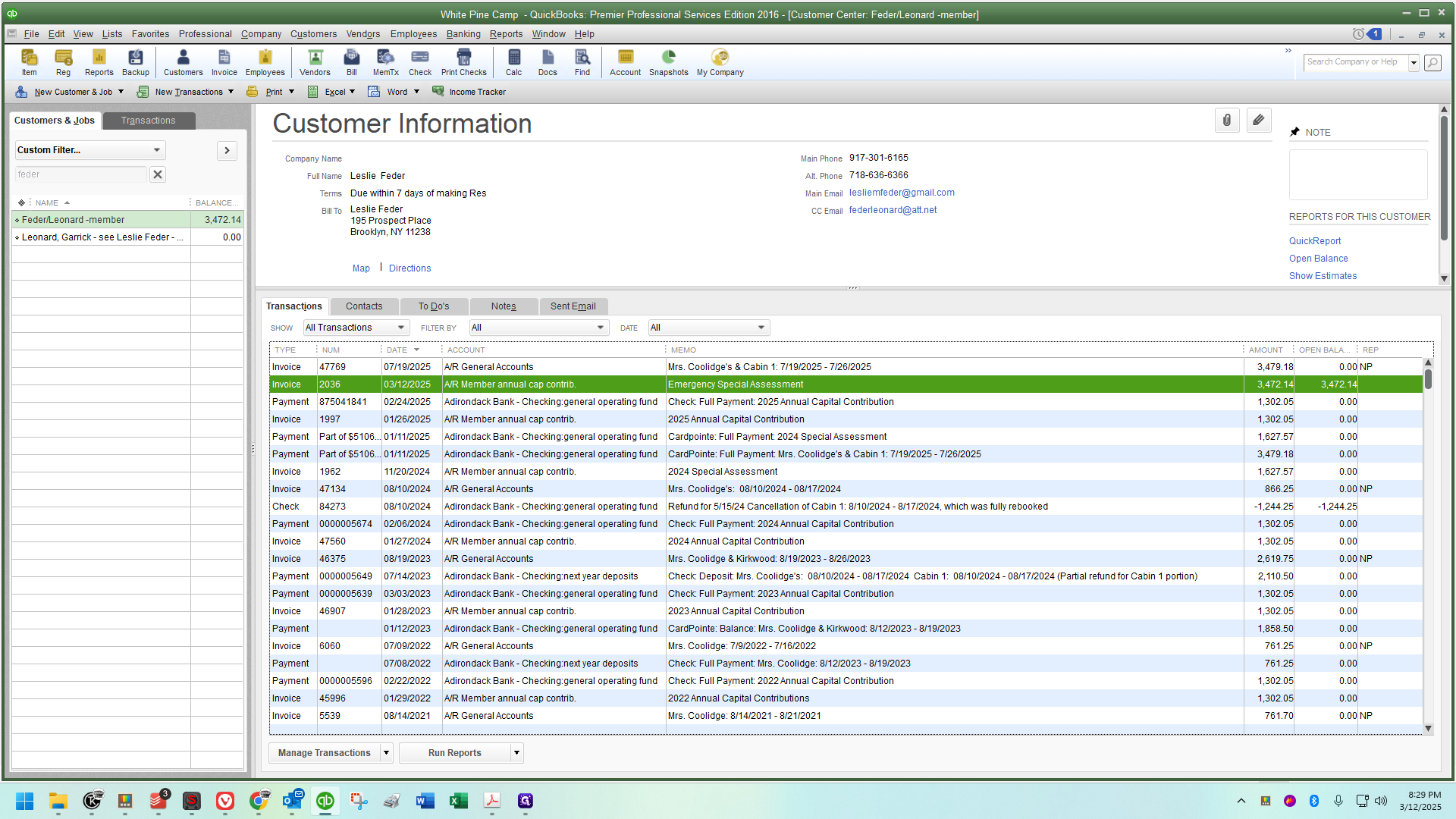
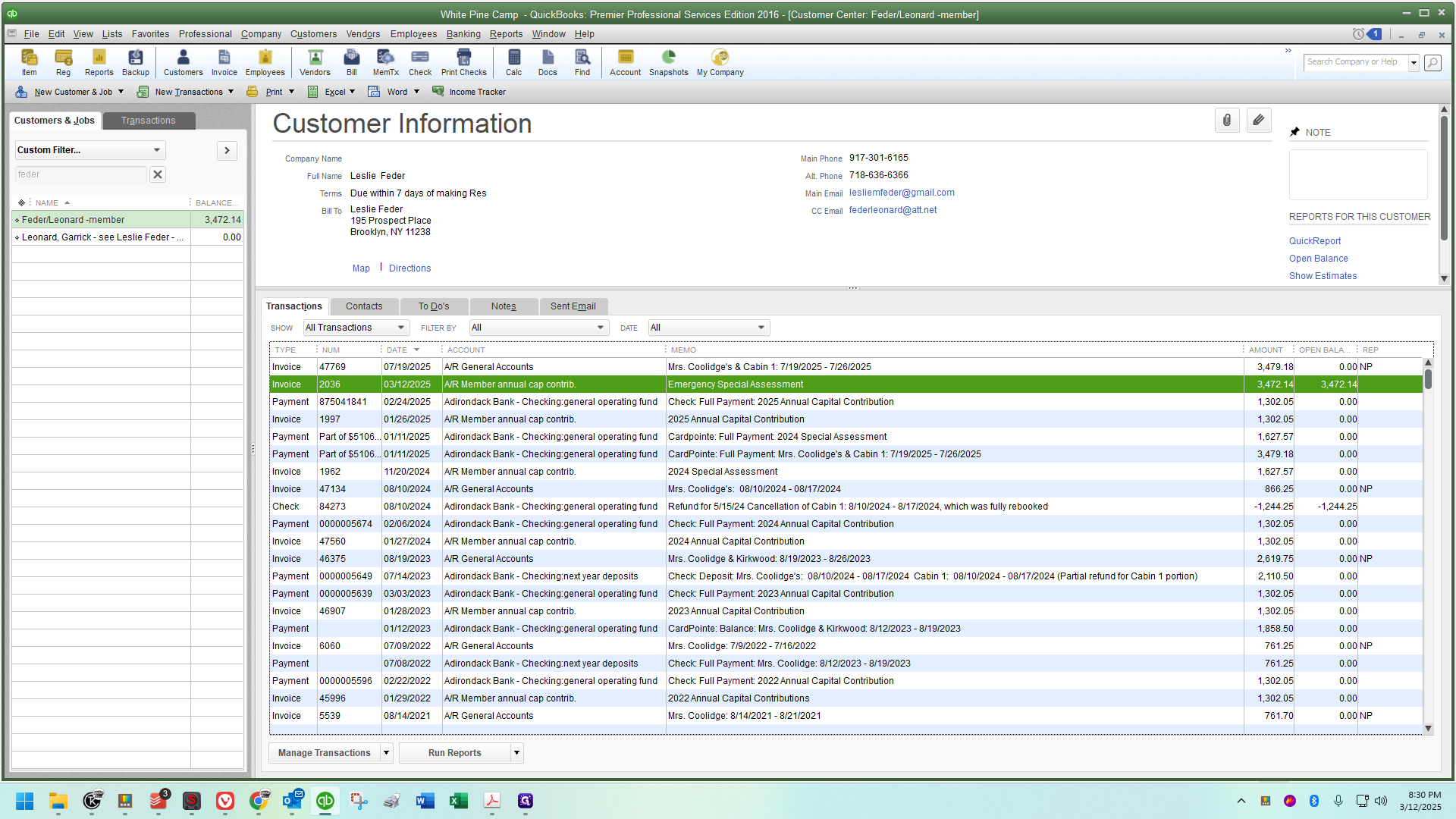
Let's look up Keith Johnson's account.
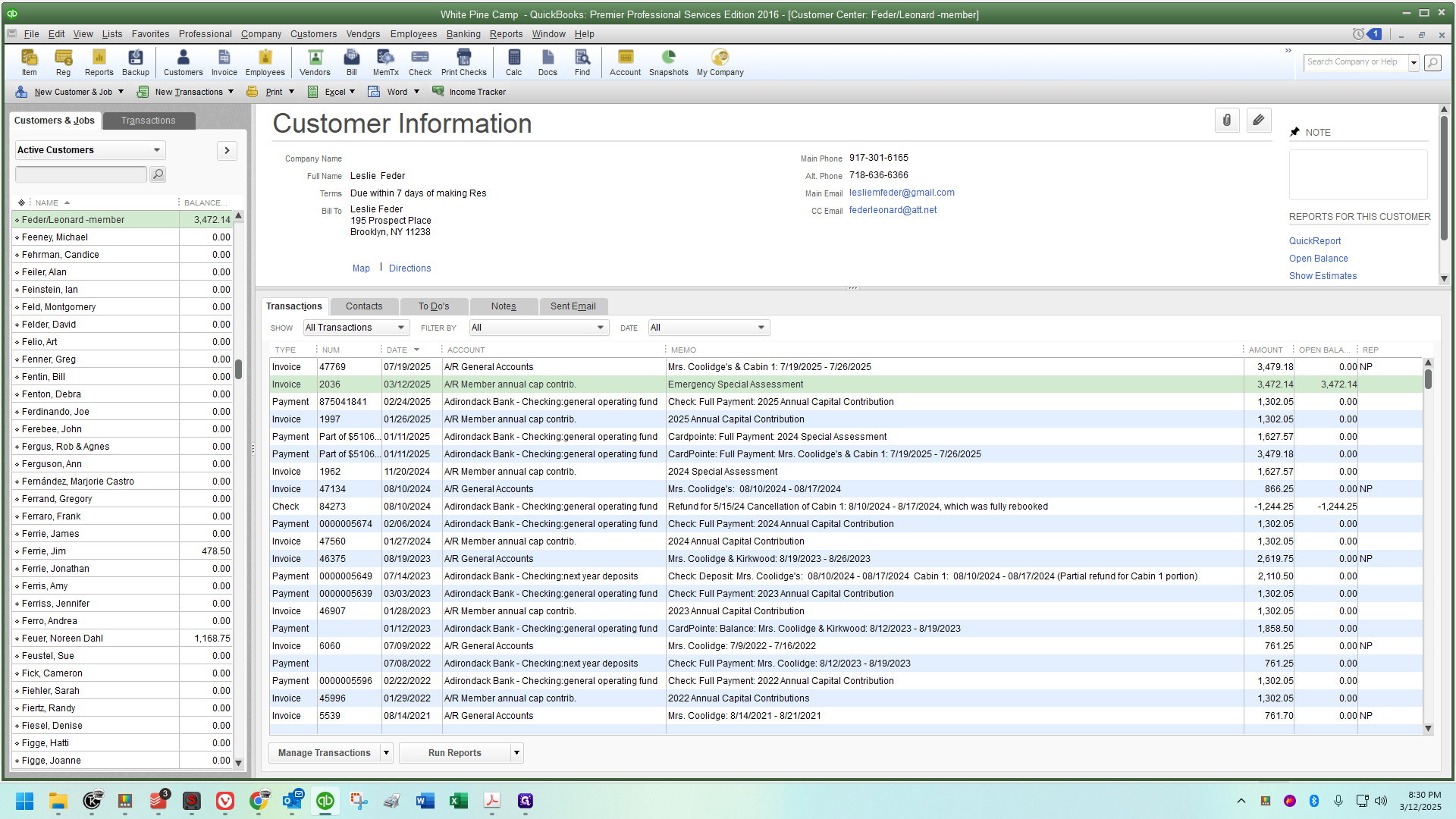
We see the same thing here.
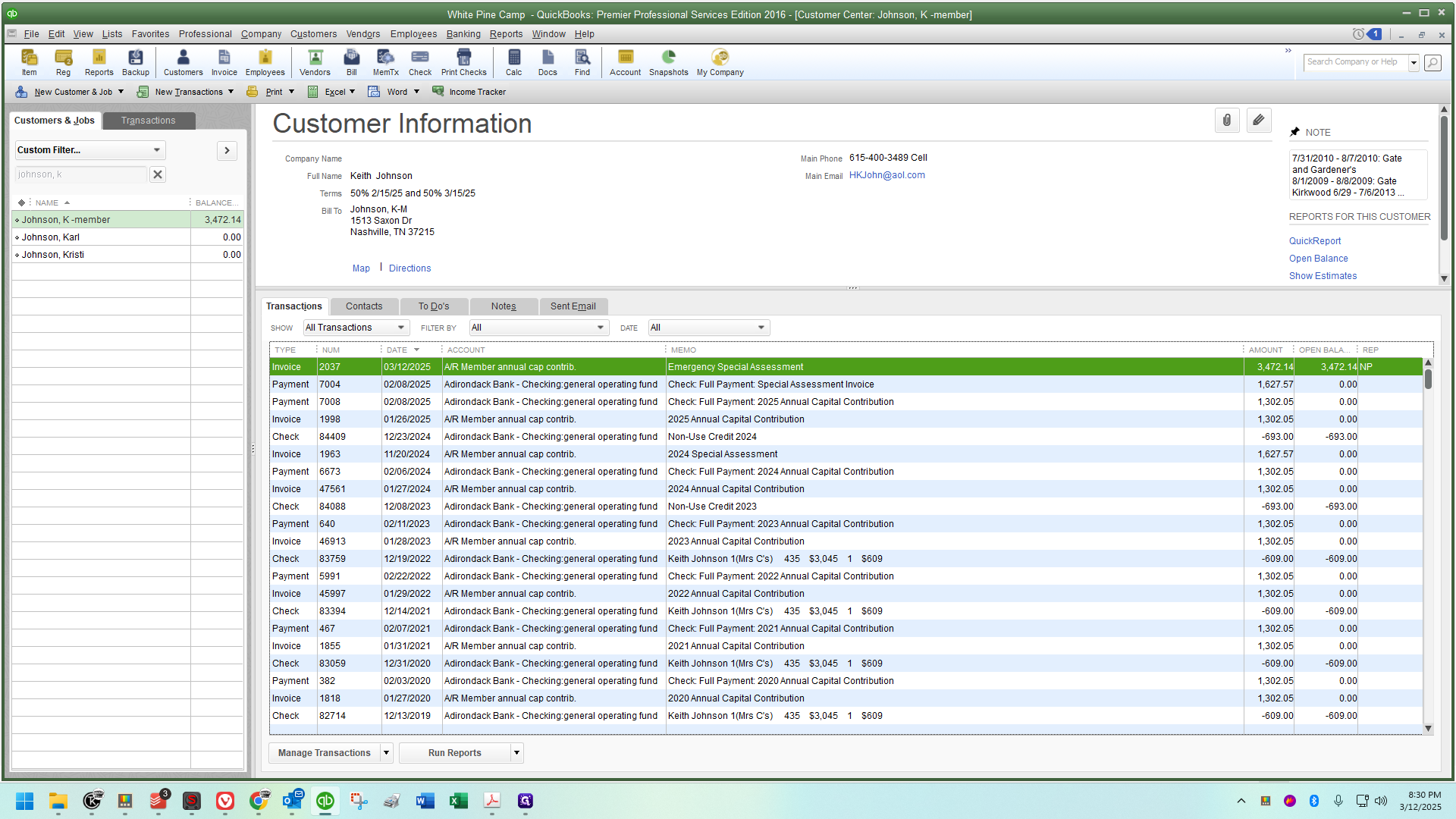
Go through and double-check each account. It's a massive time saver because if the amounts and notations are the same, you can save the same invoice to multiple accounts, more or less, very quickly this way.
Next, go down to the next cabin. This is where the rate will change (not between EVERY cabin, but some).
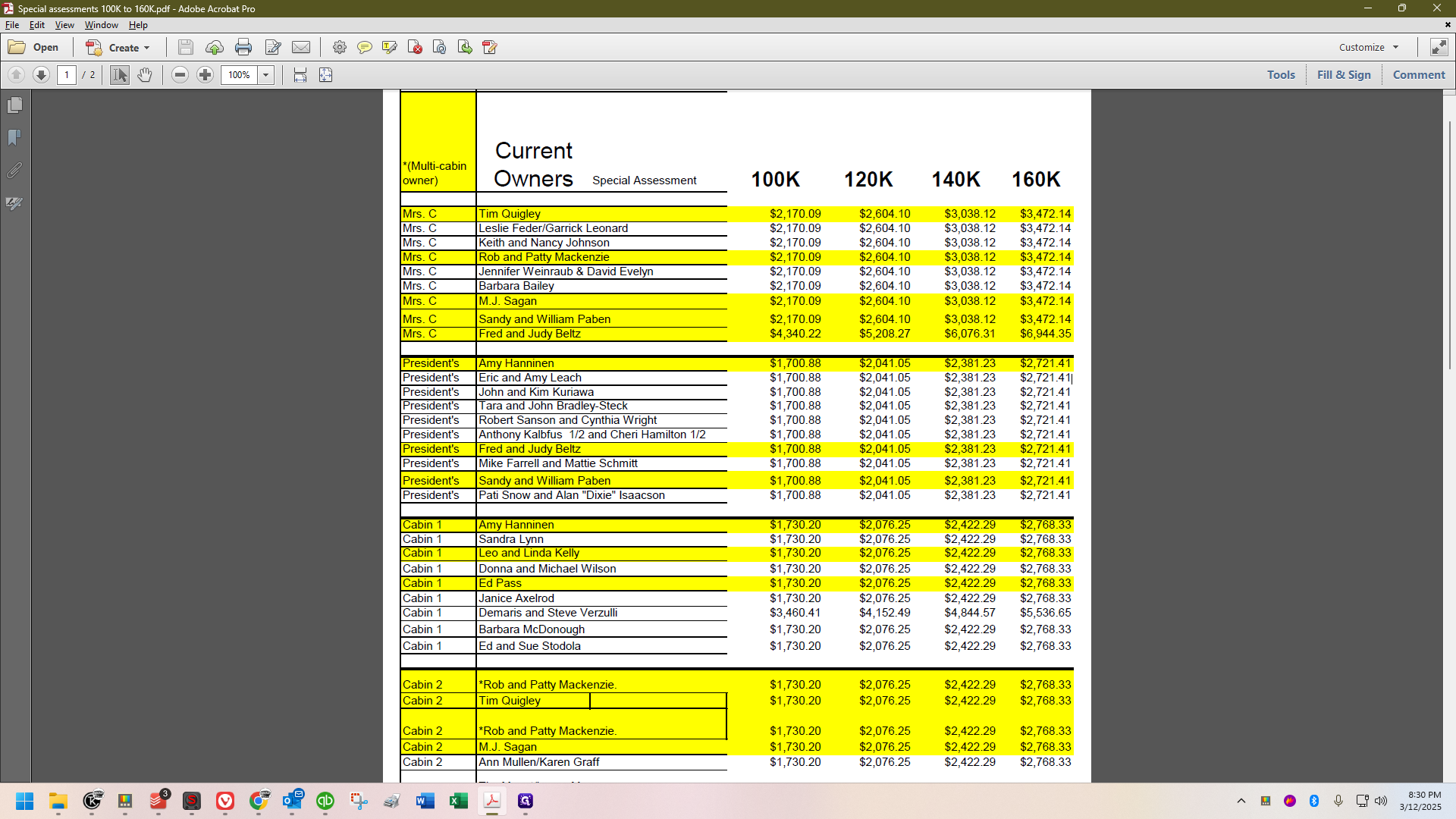
I'm going to copy the amount of money right here.
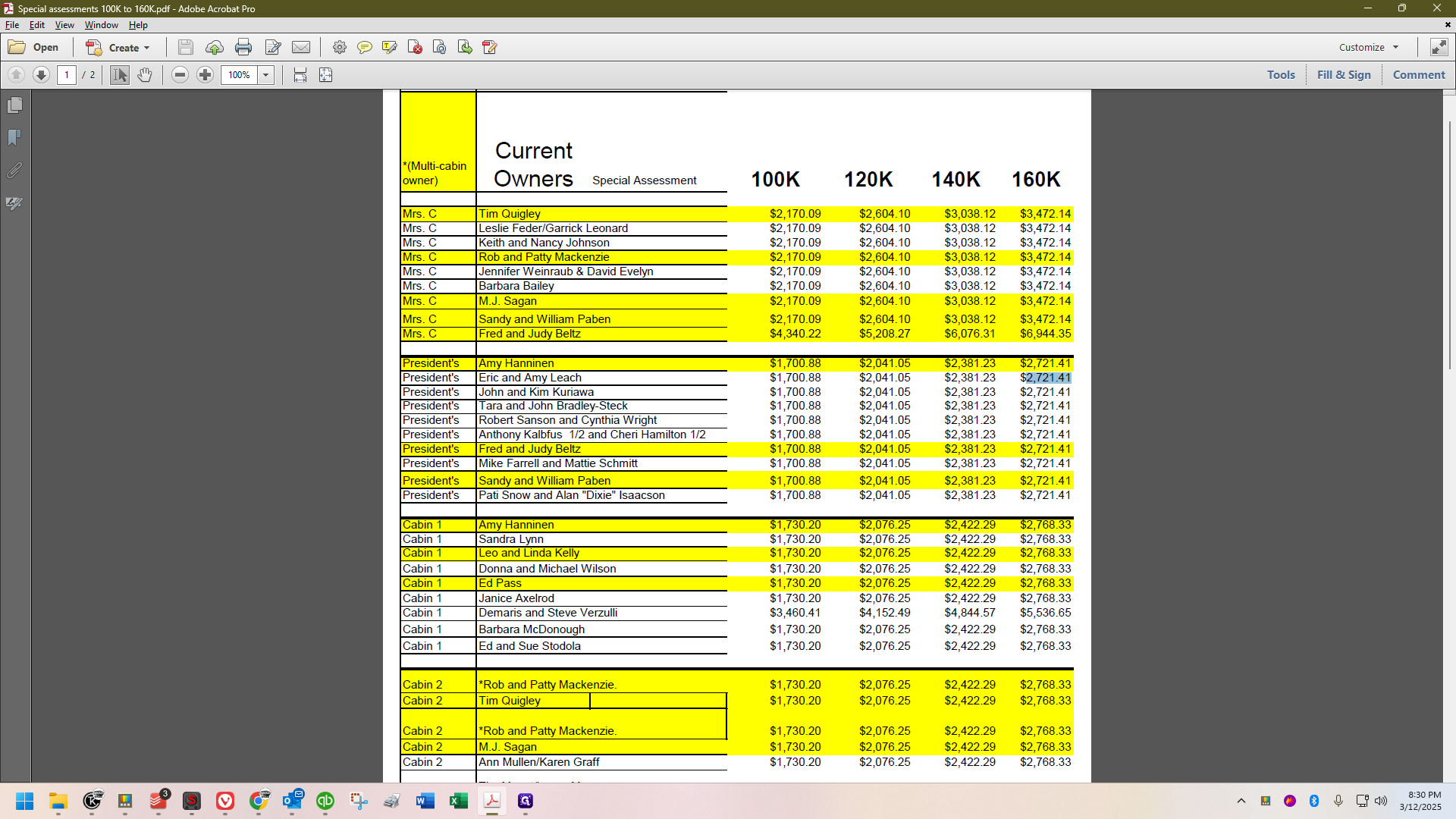
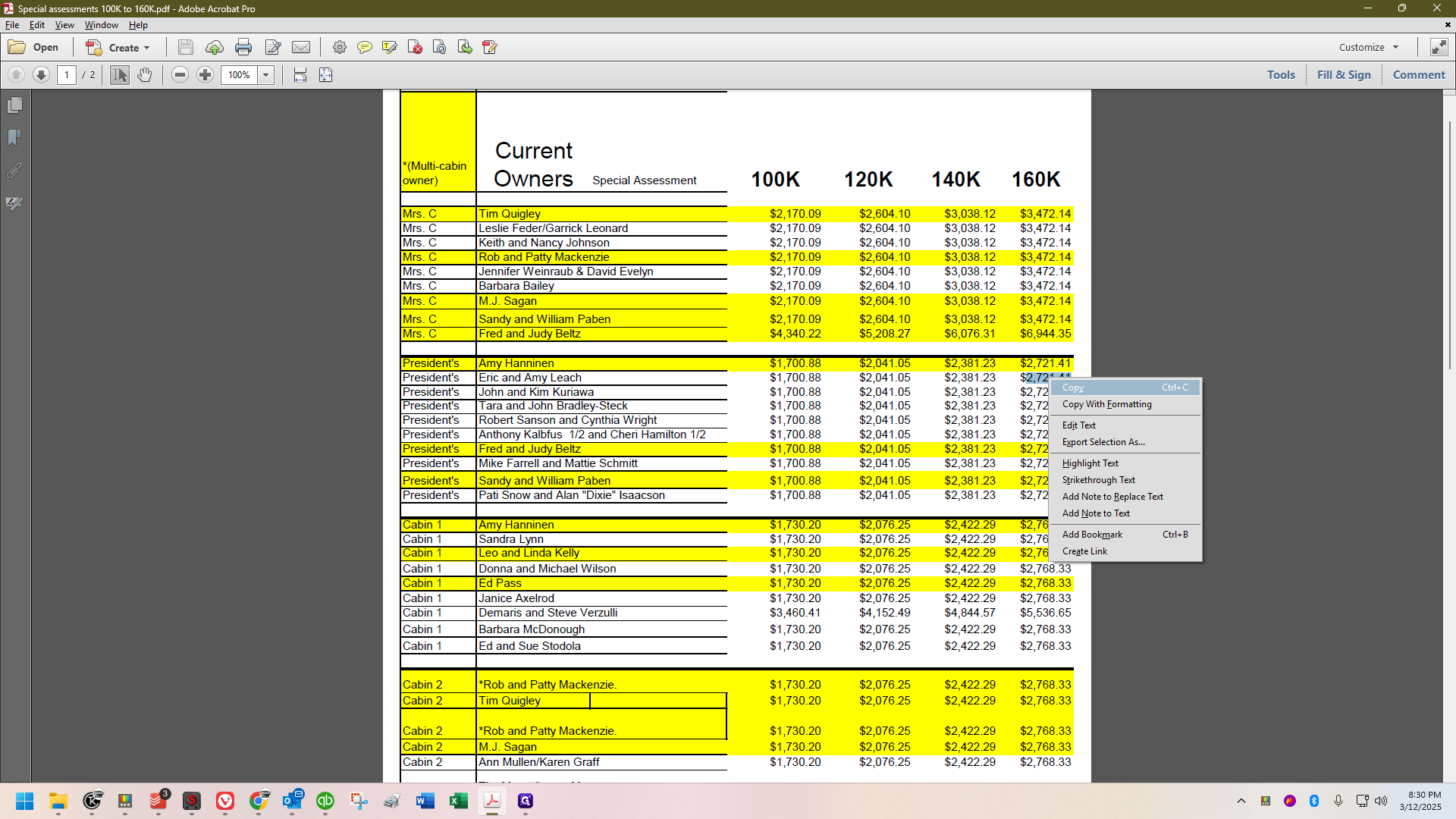
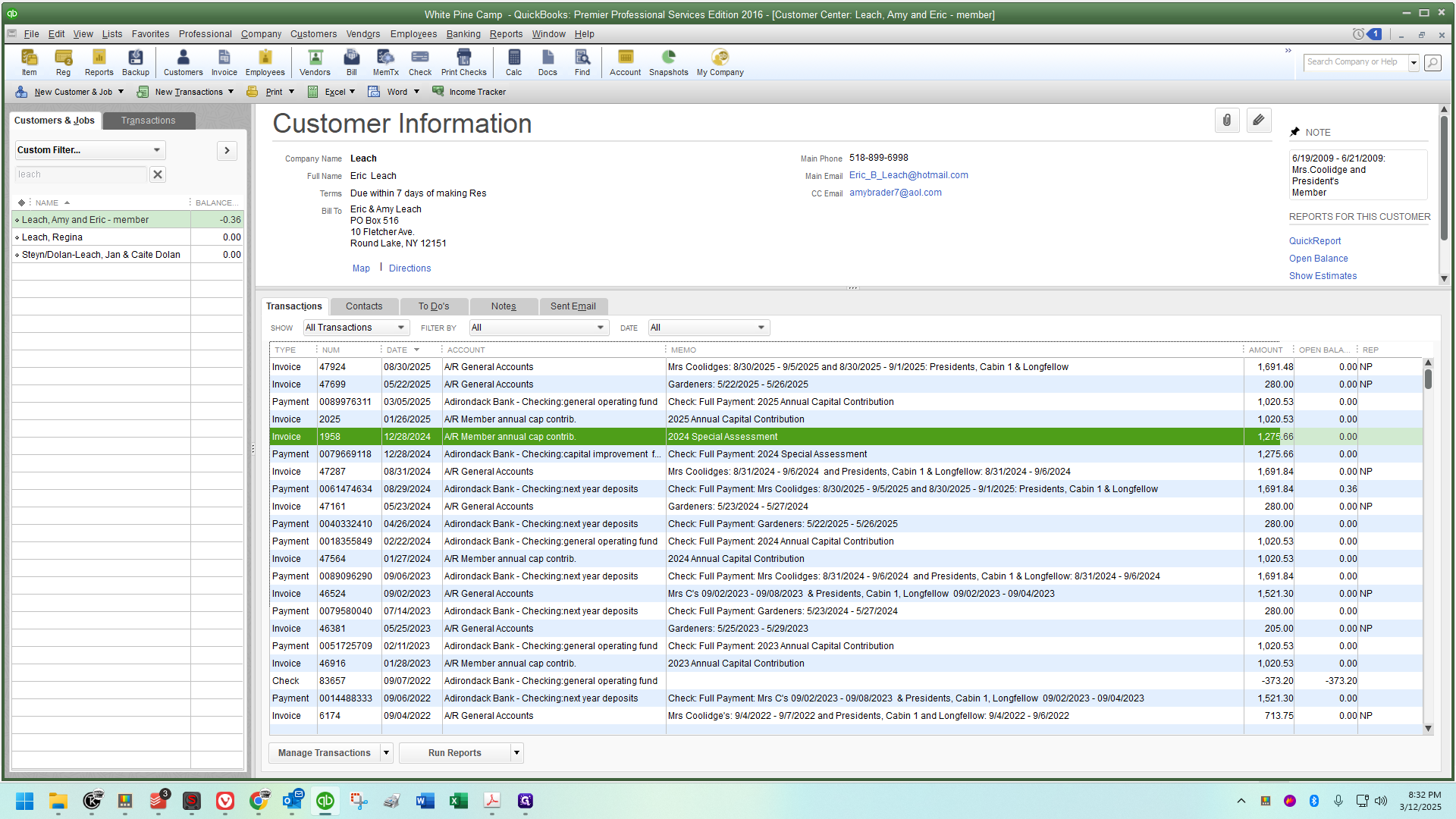
We will open Eric Leach's account.
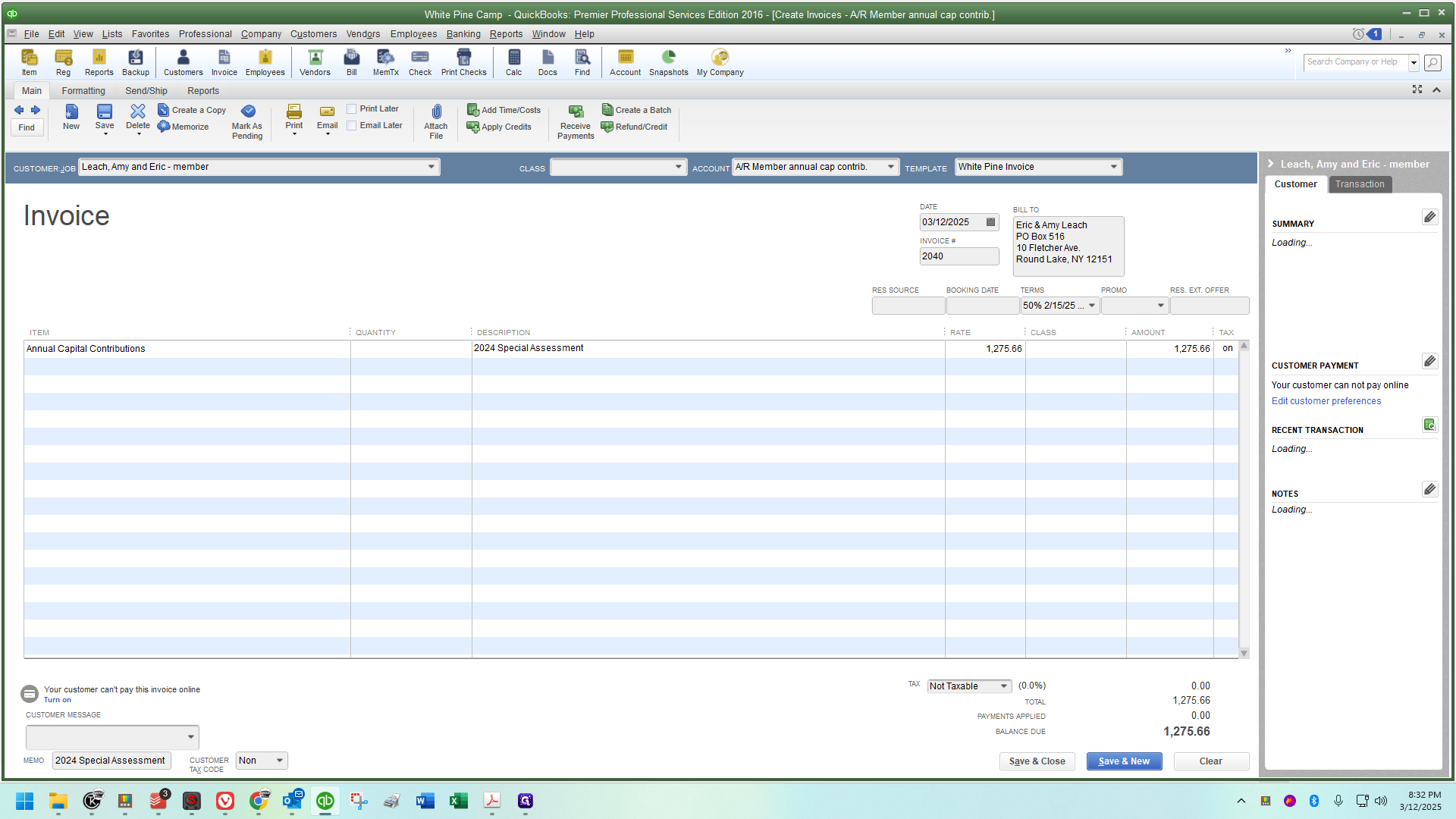
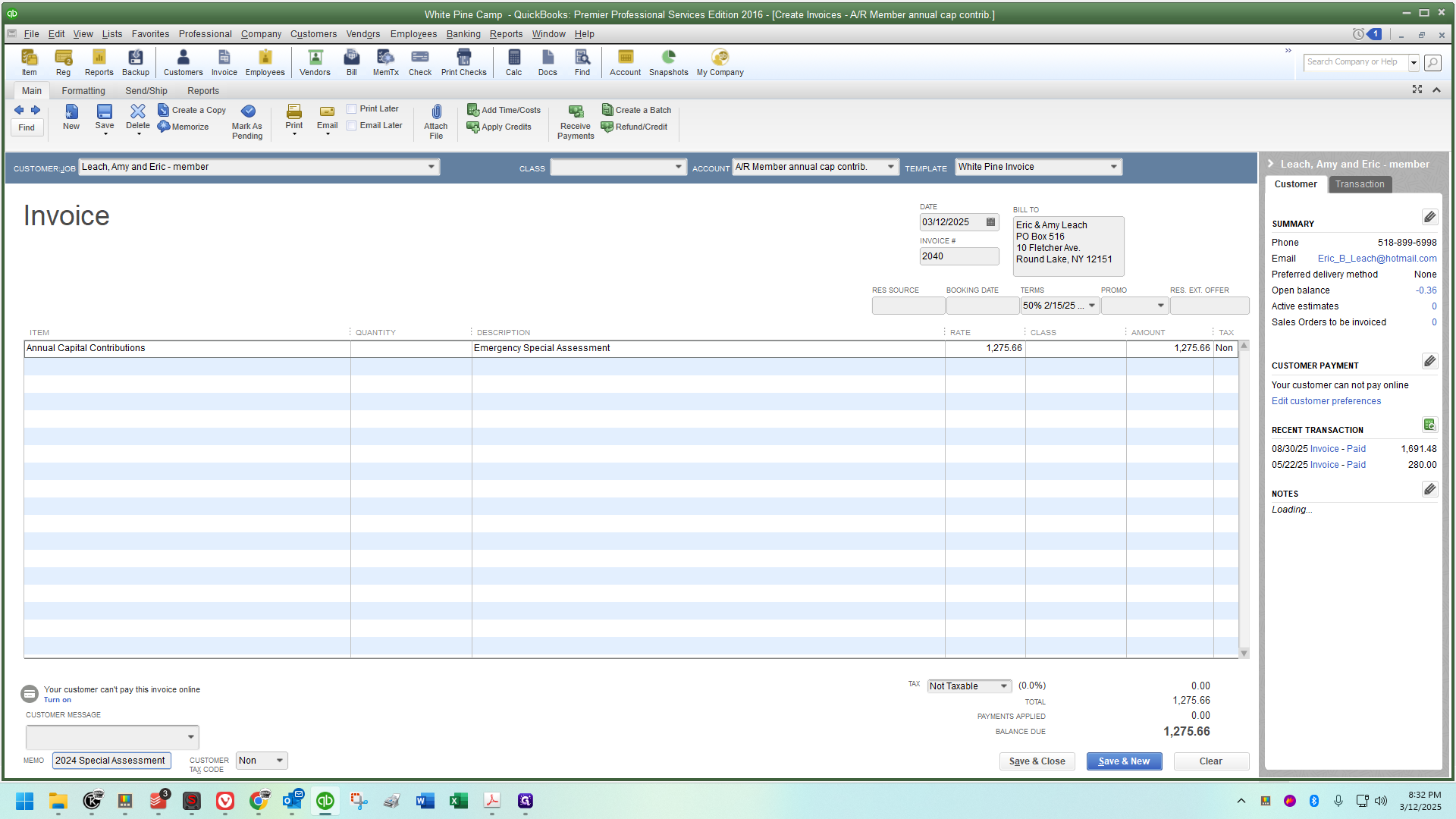
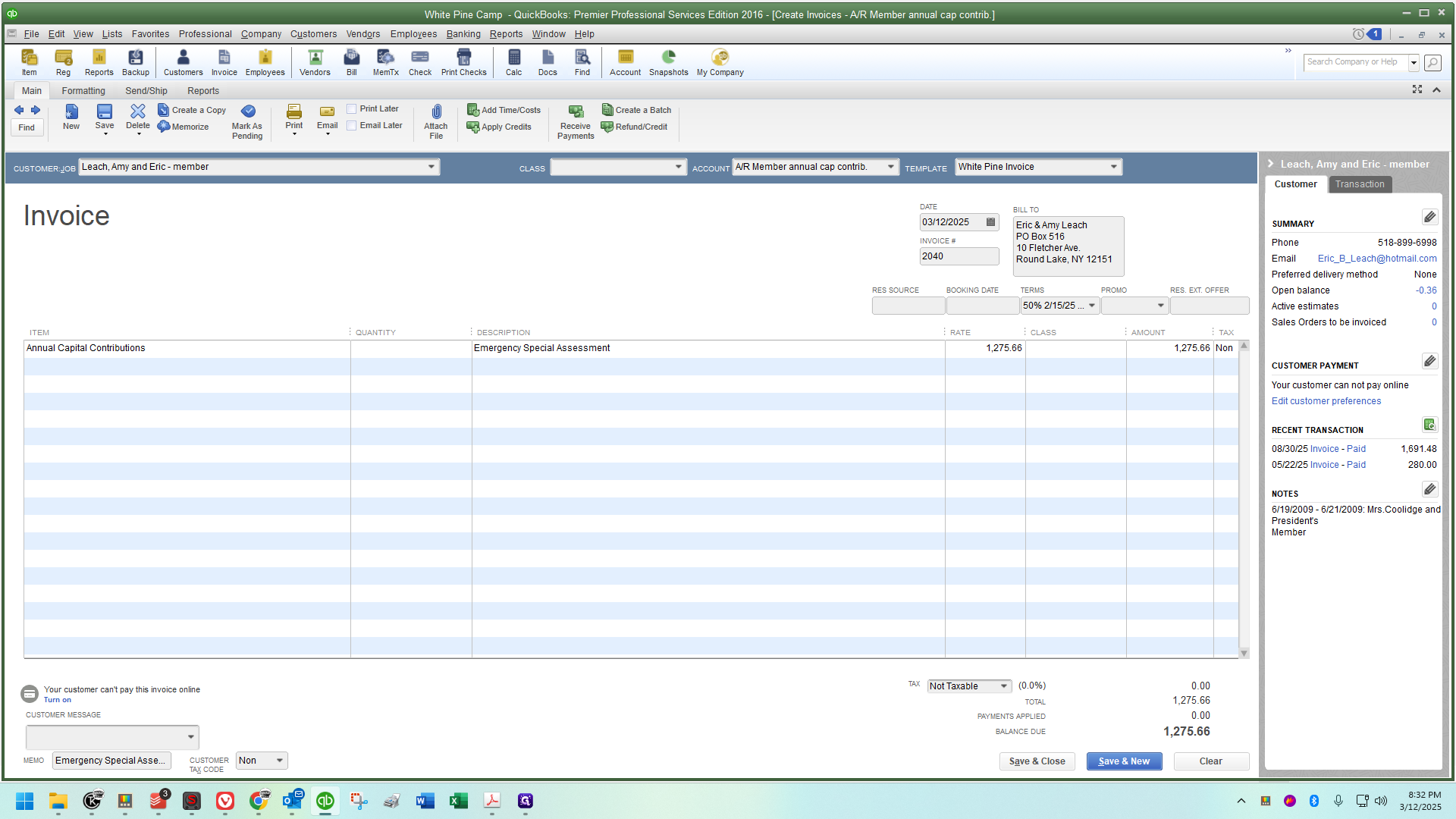
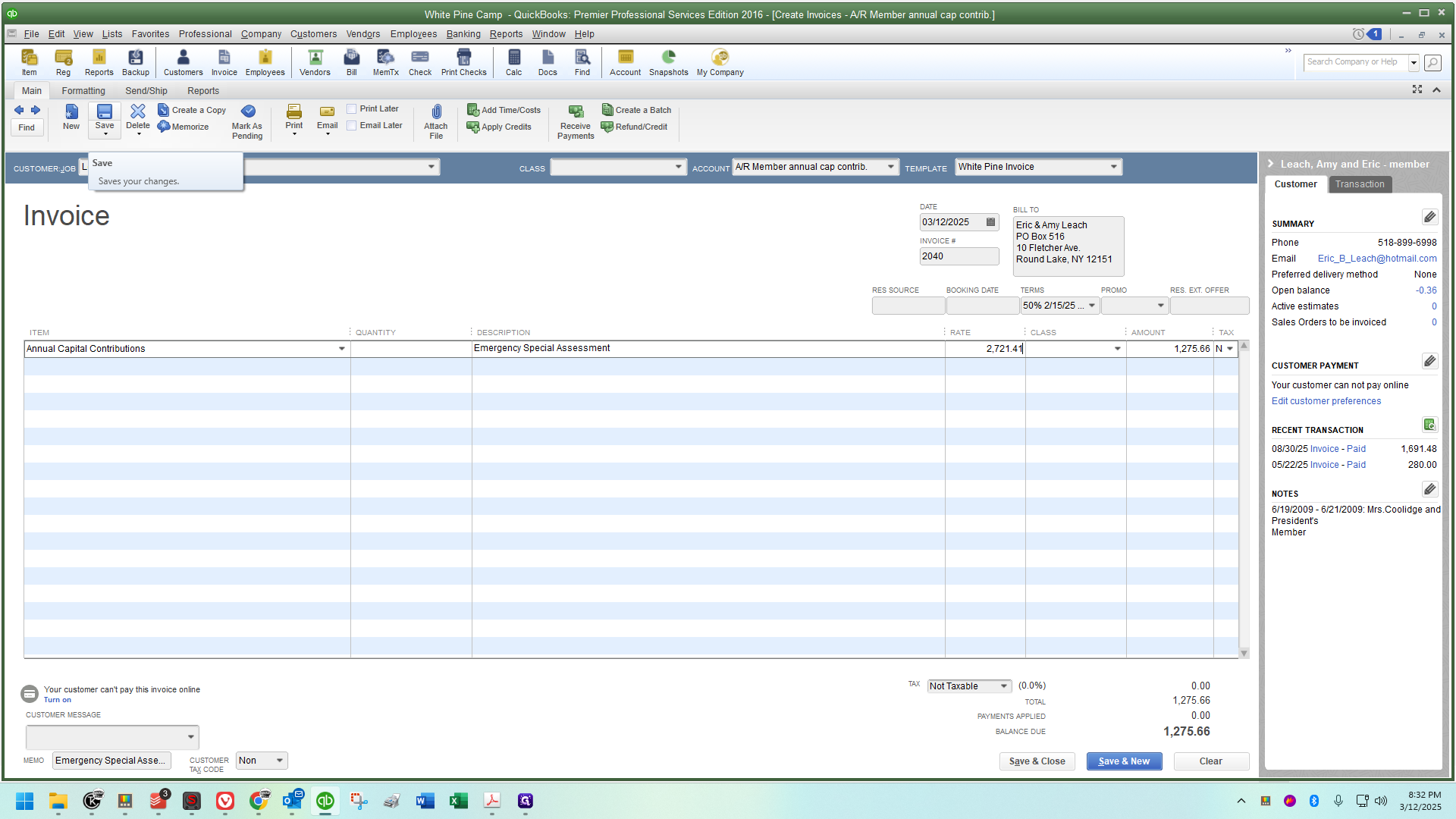
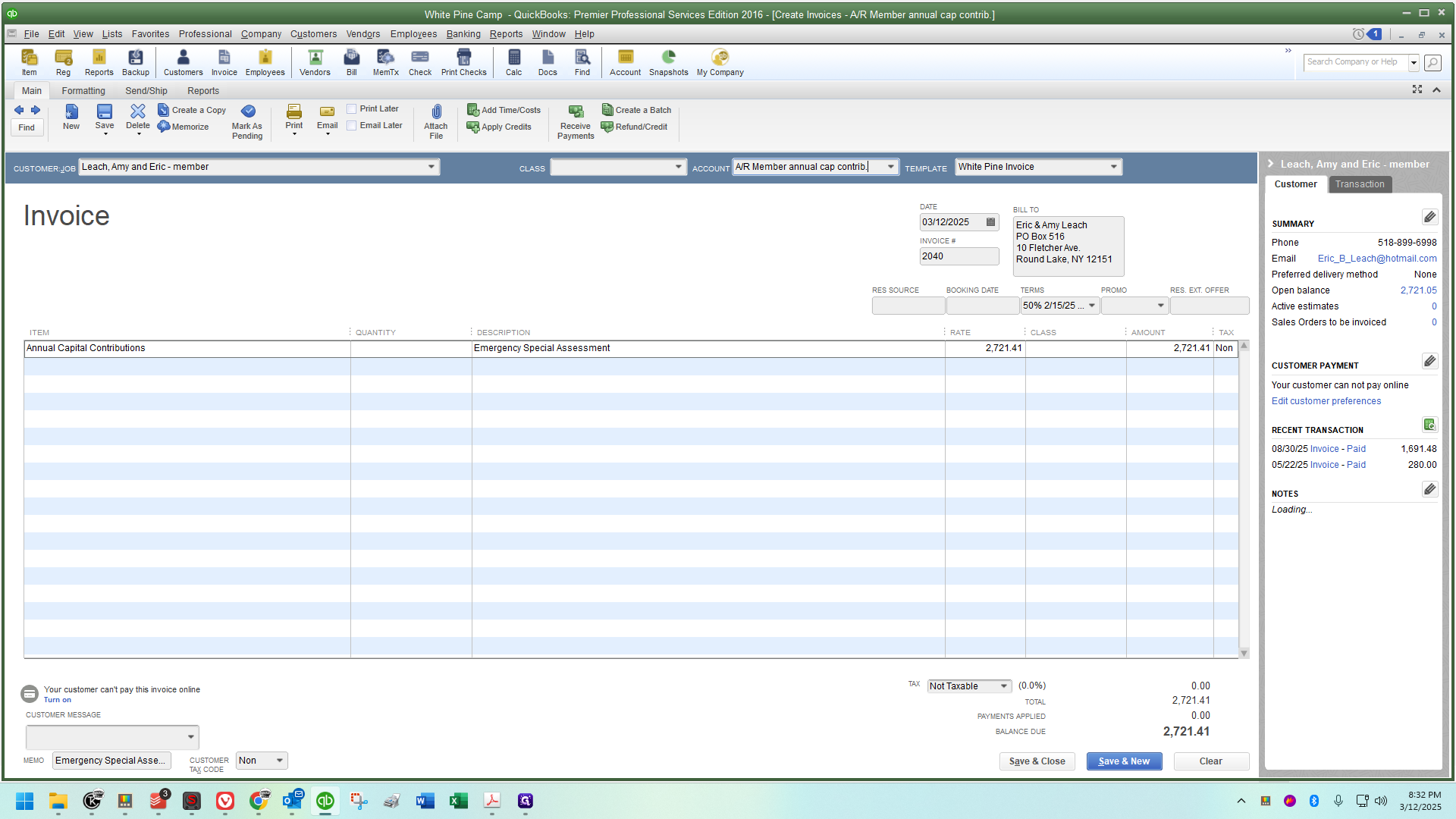
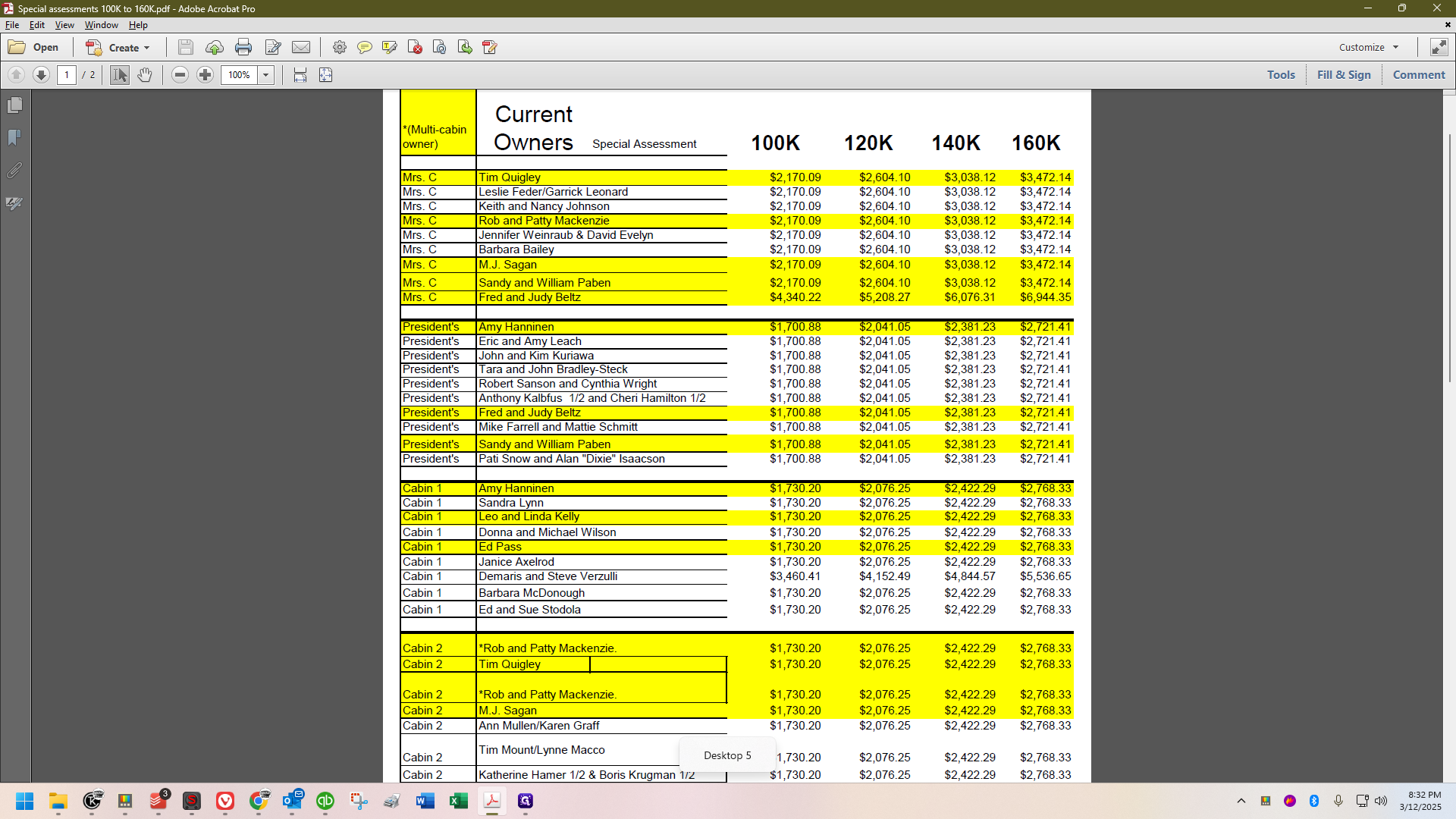
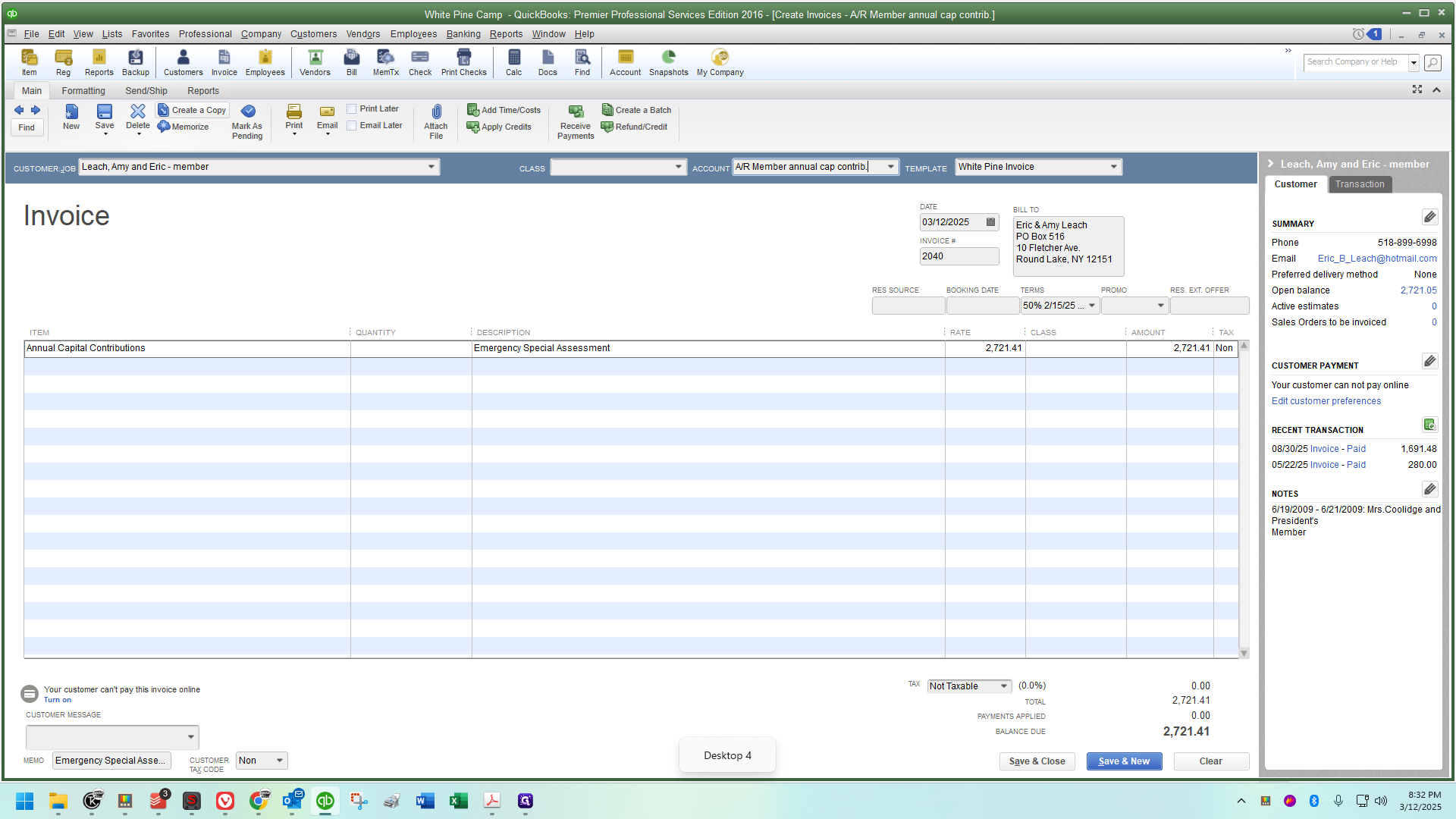
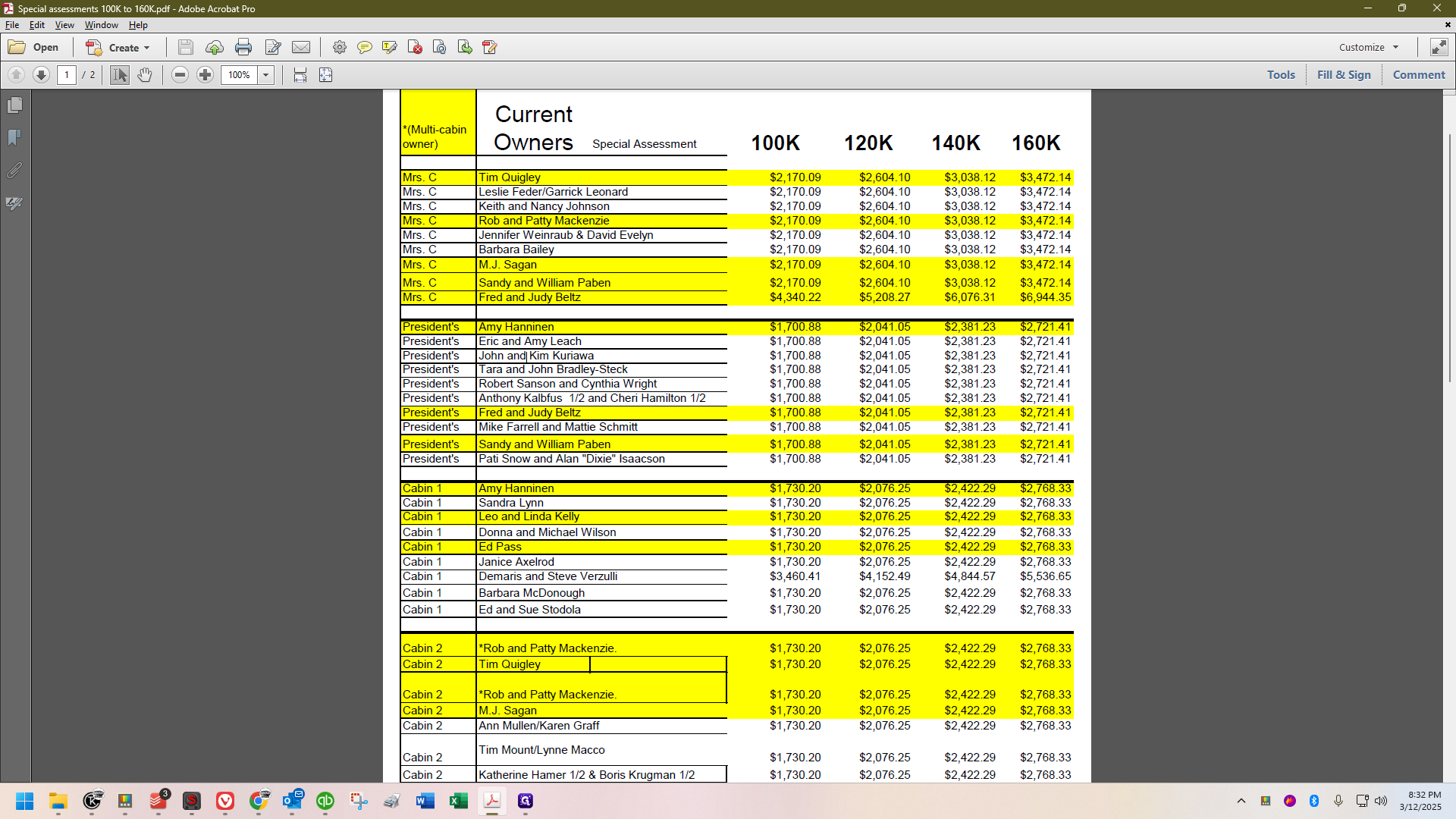
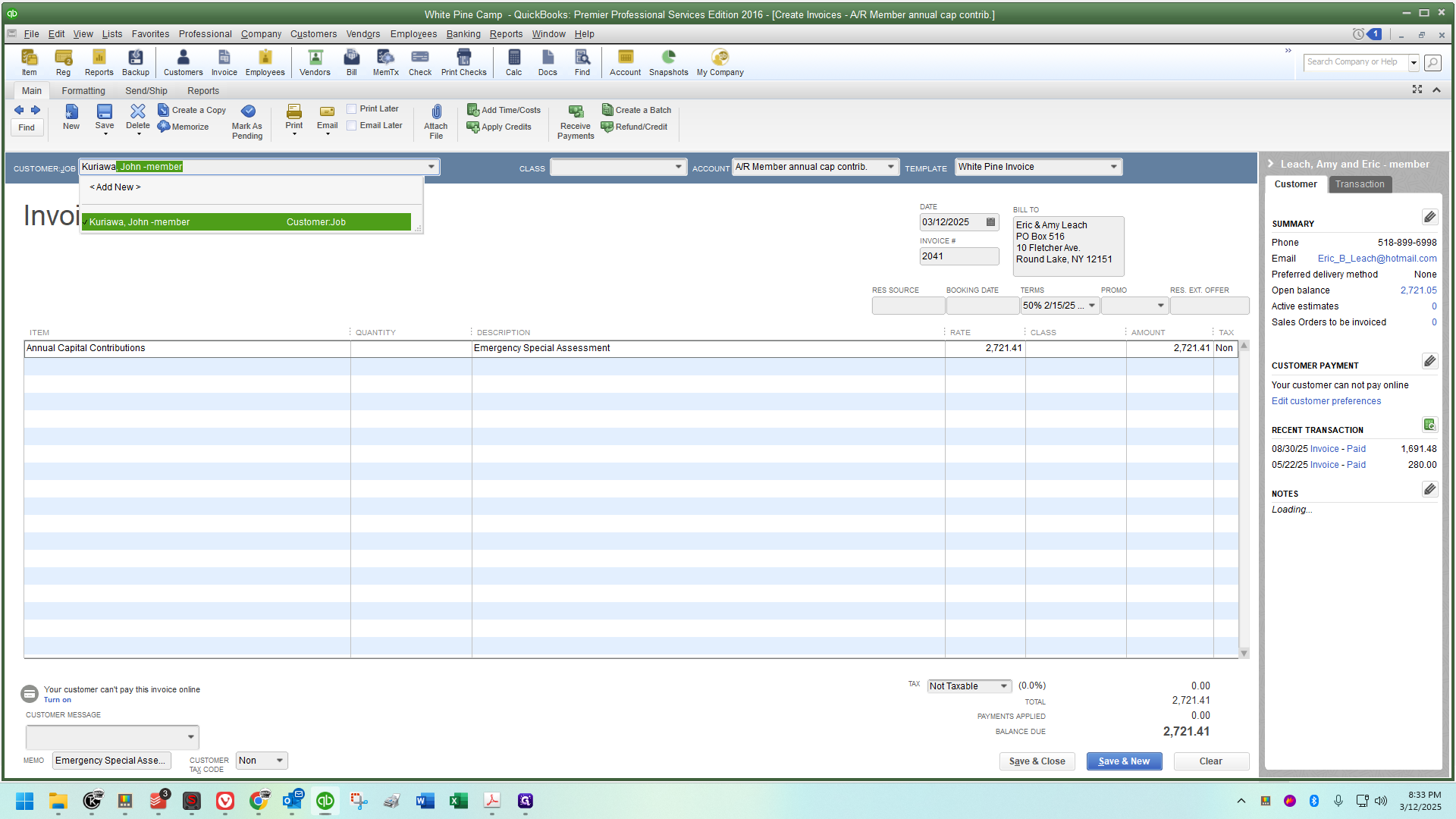
I'll save a copy to his account, and then create another copy (and so on, and so on, and so on).
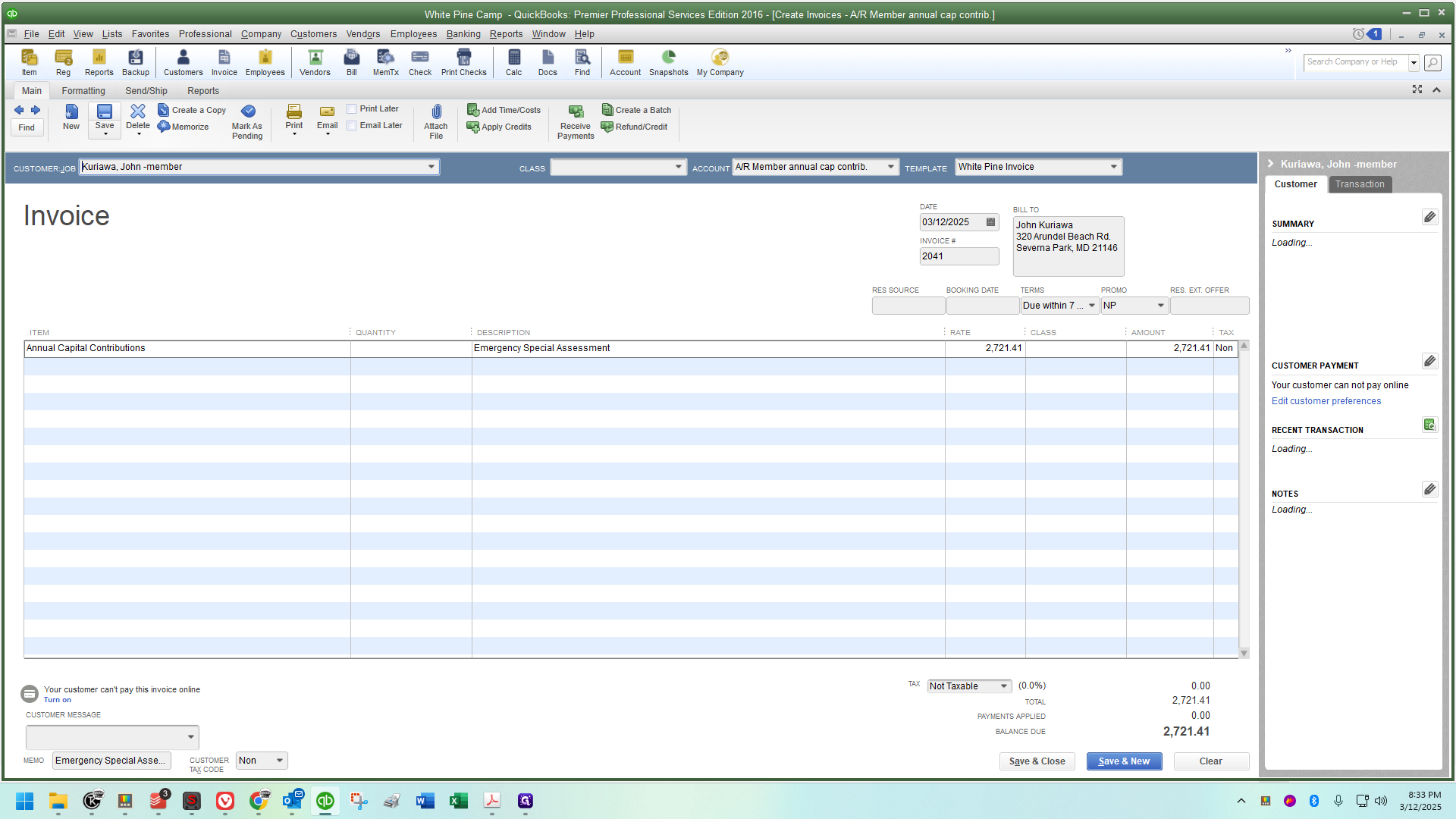
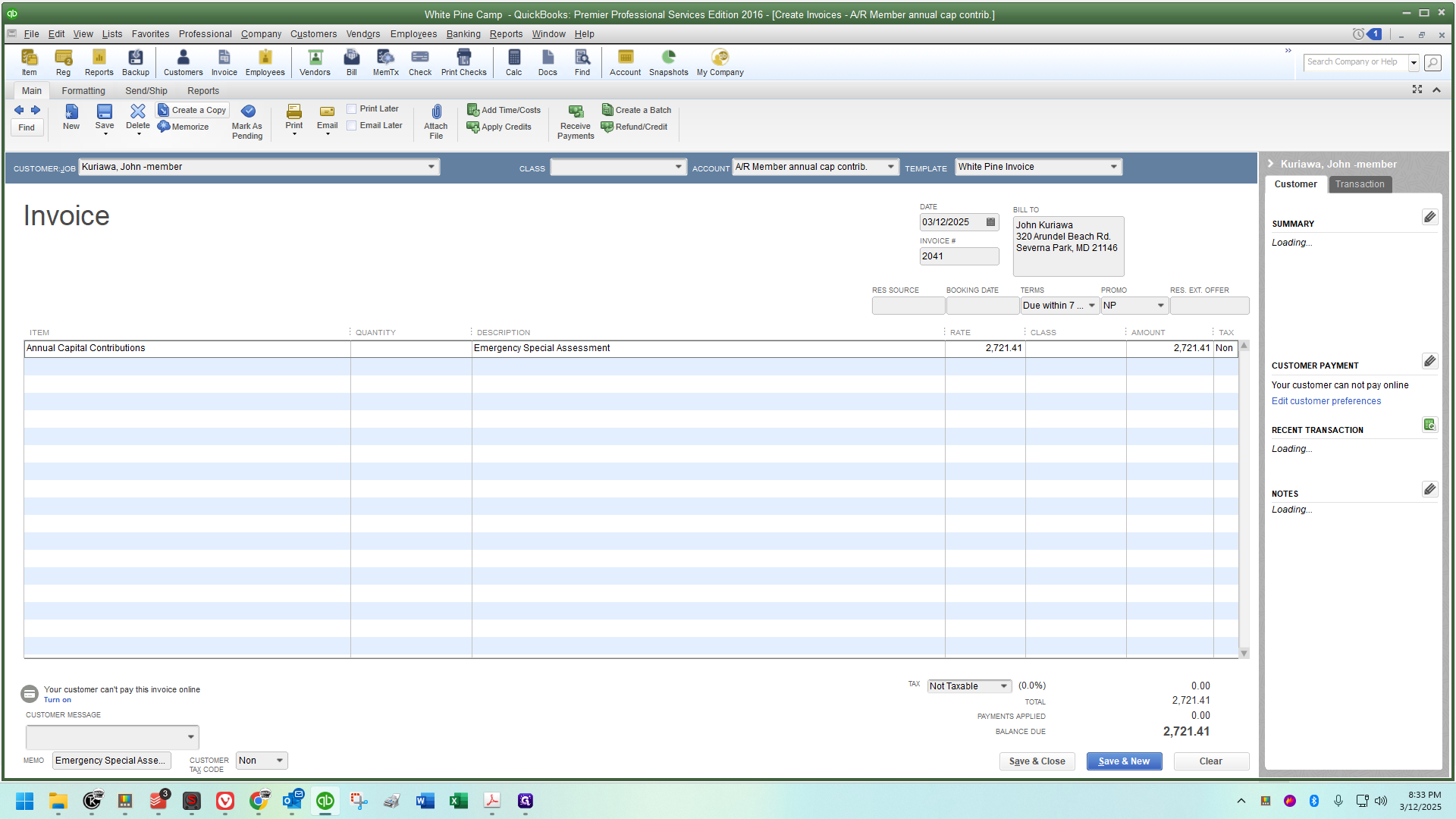
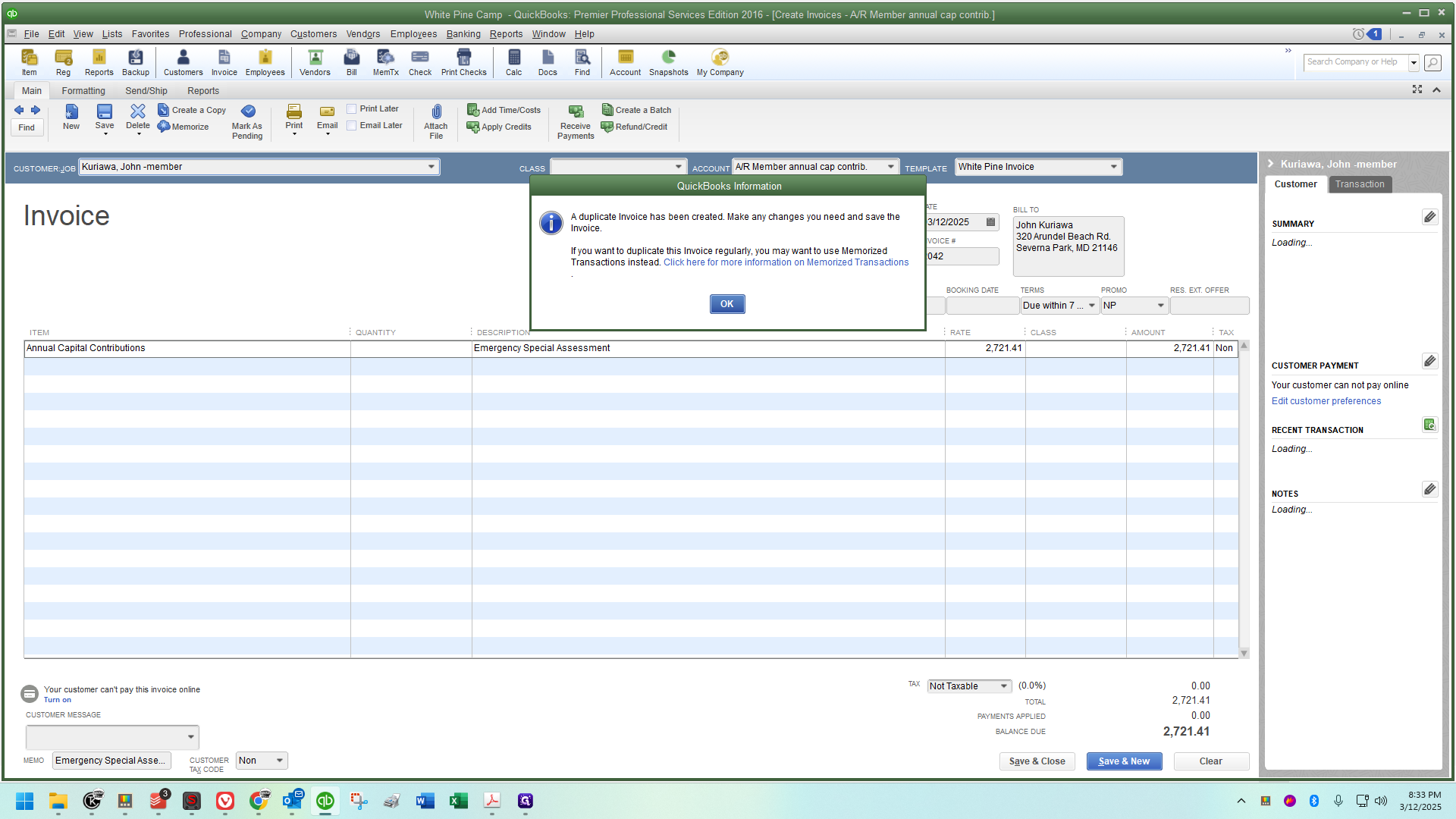
The next one is Bradley Steck.
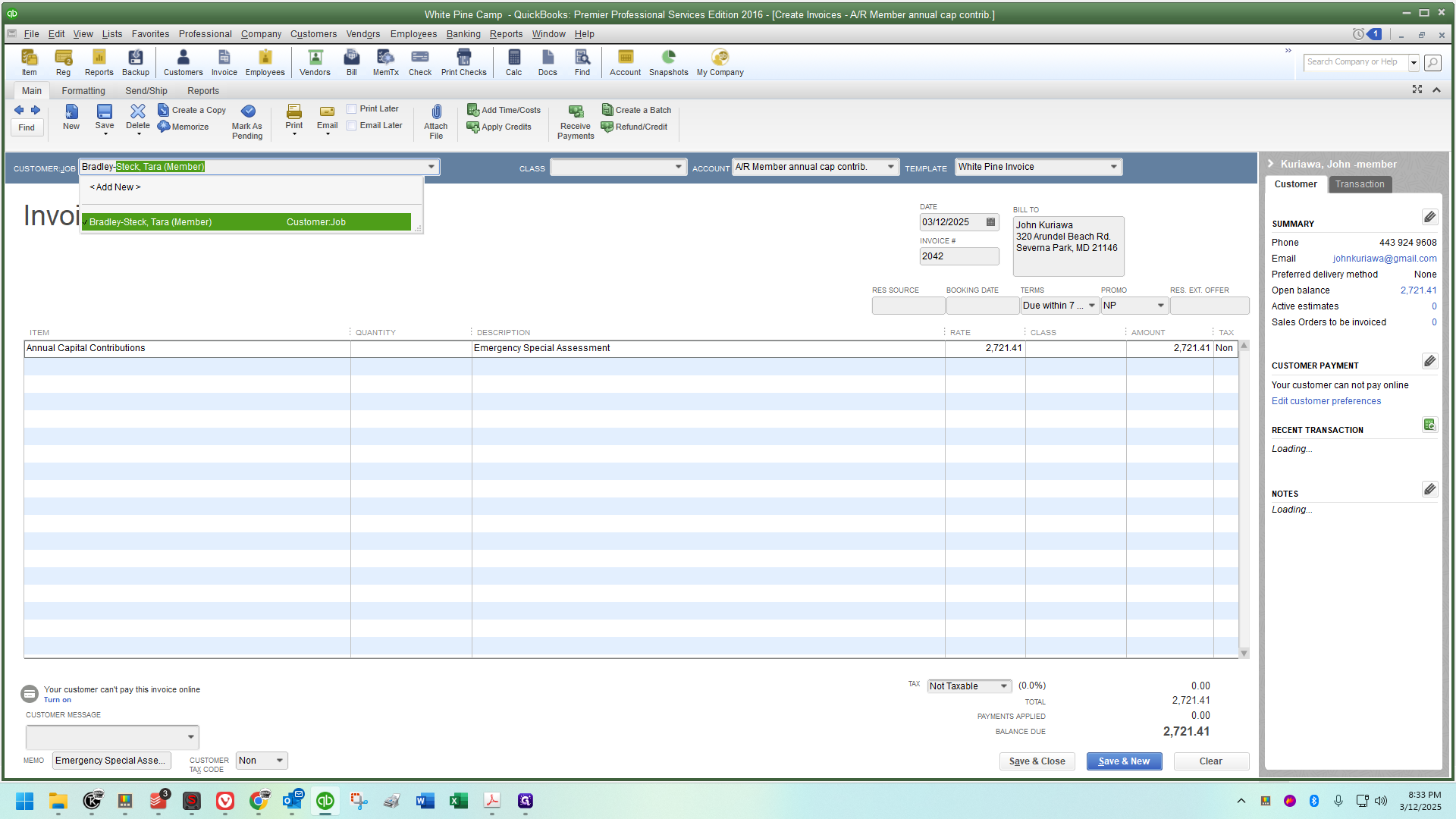
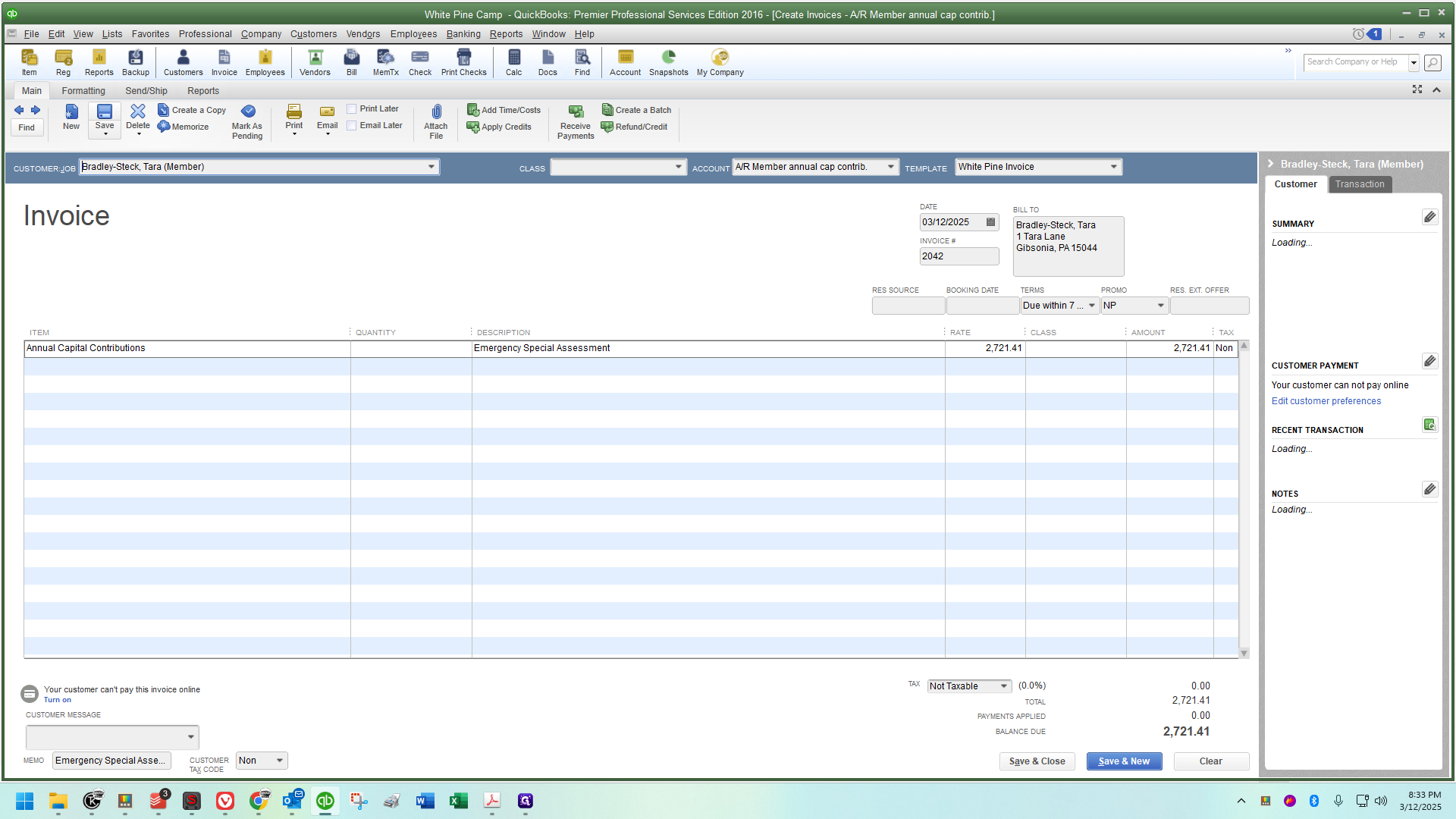
Save it.
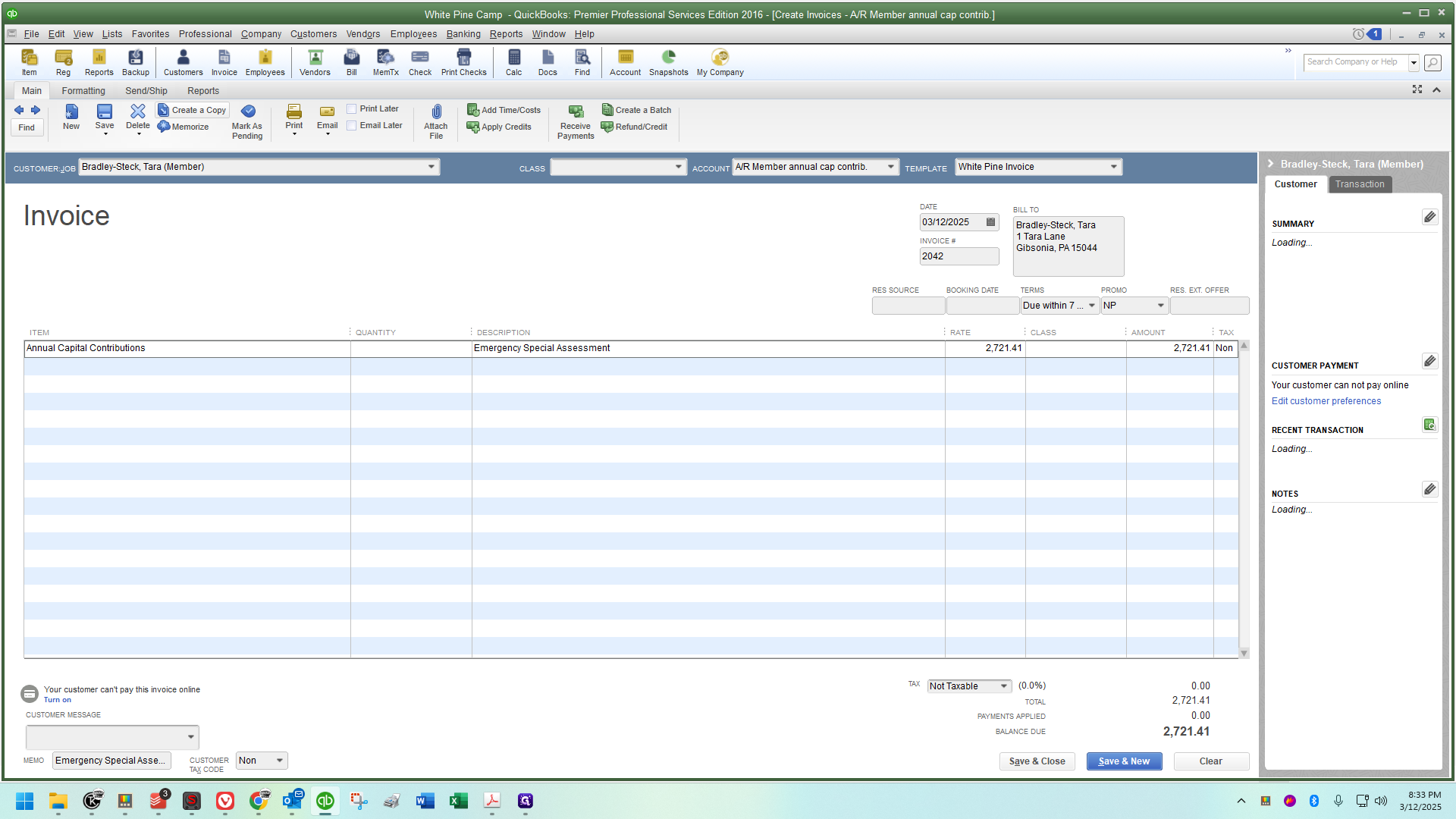
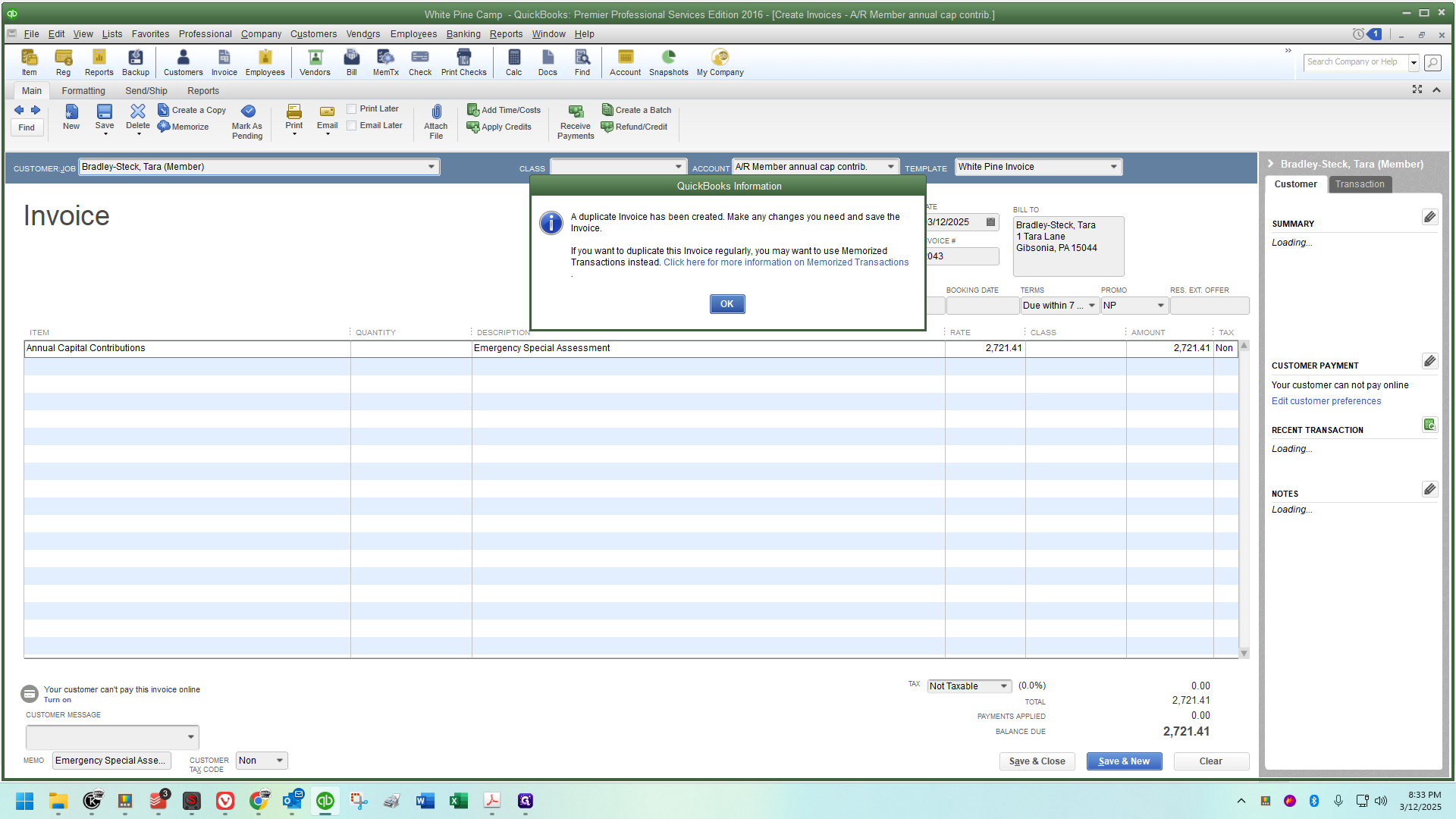
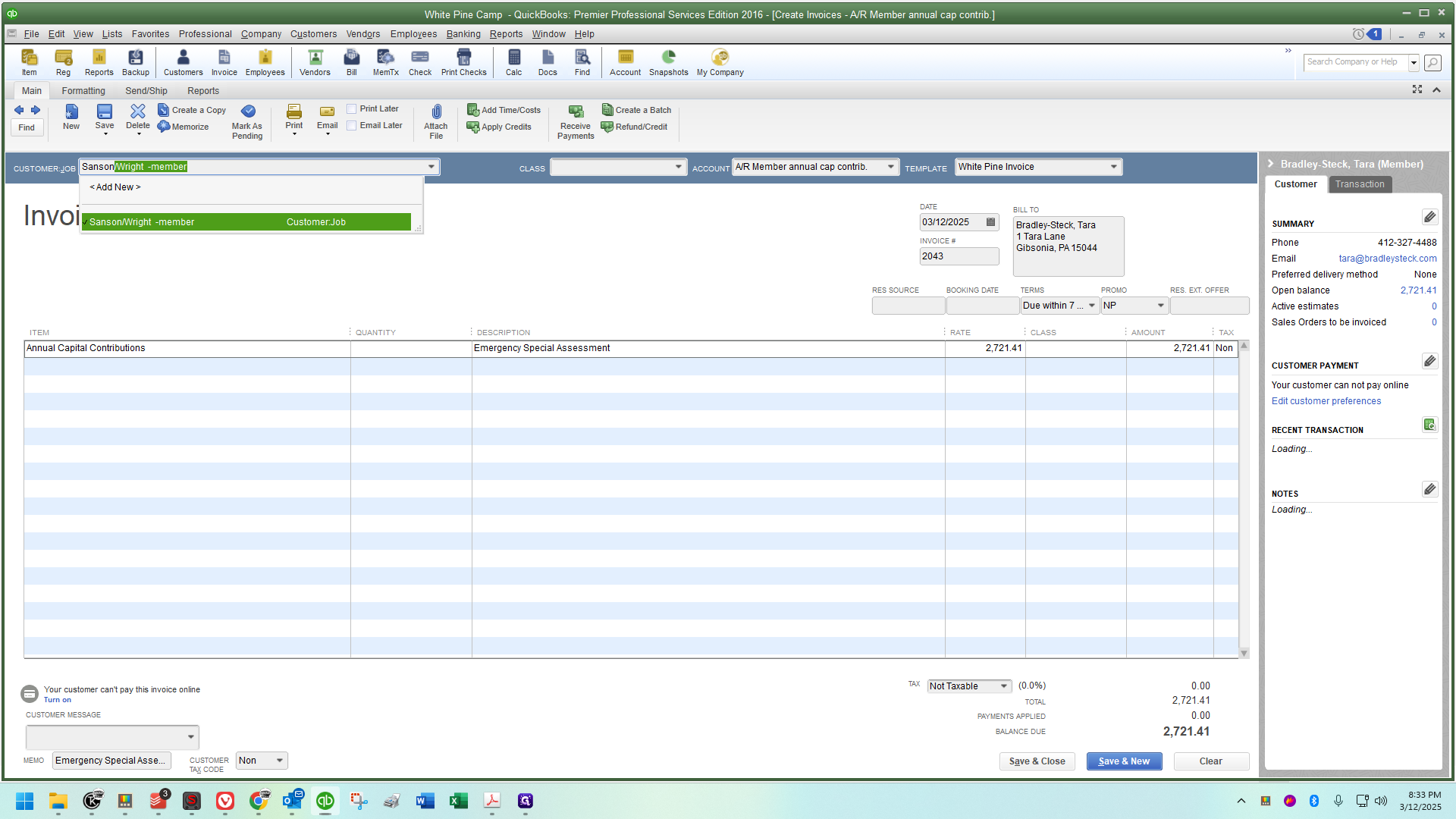
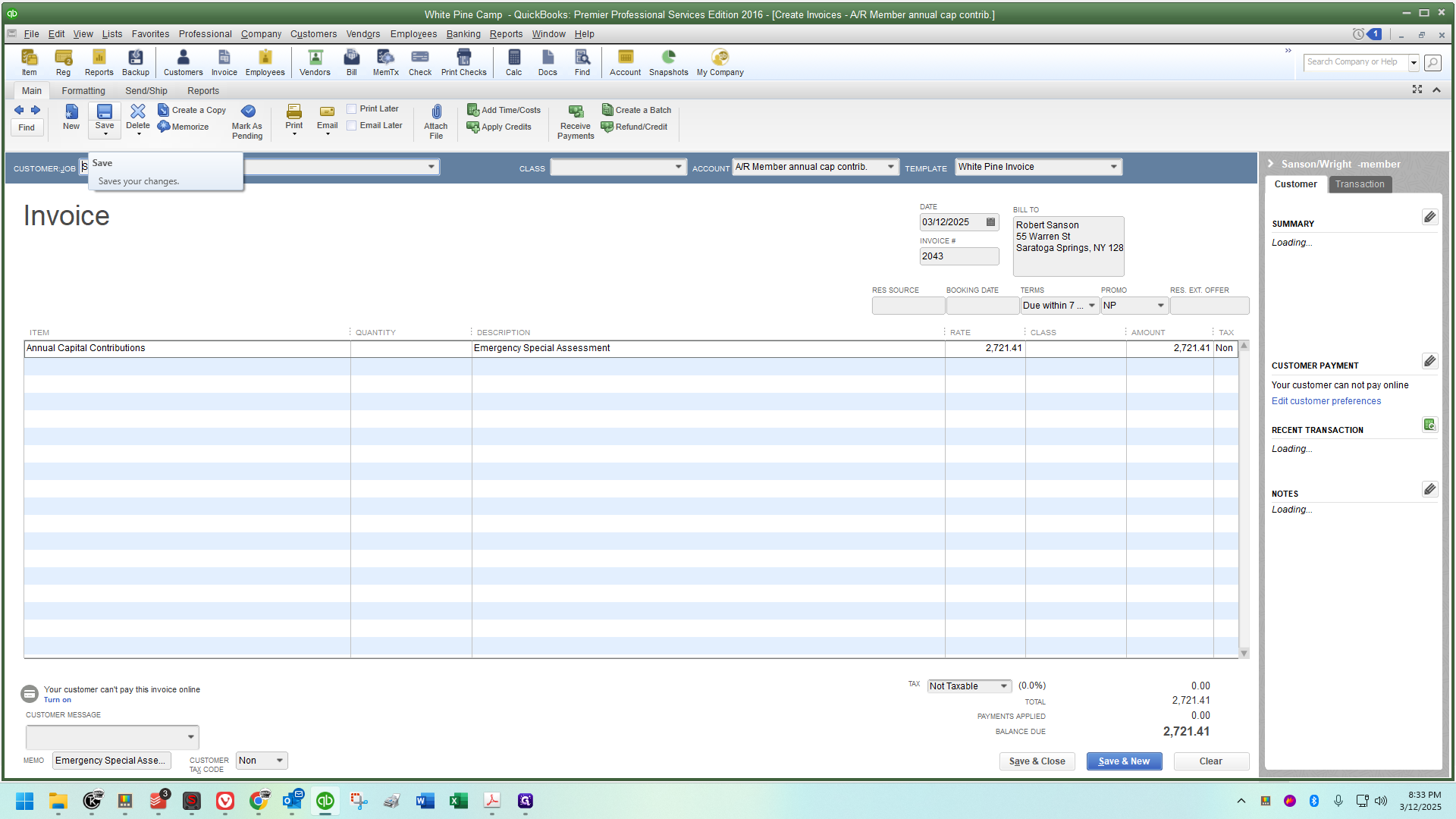
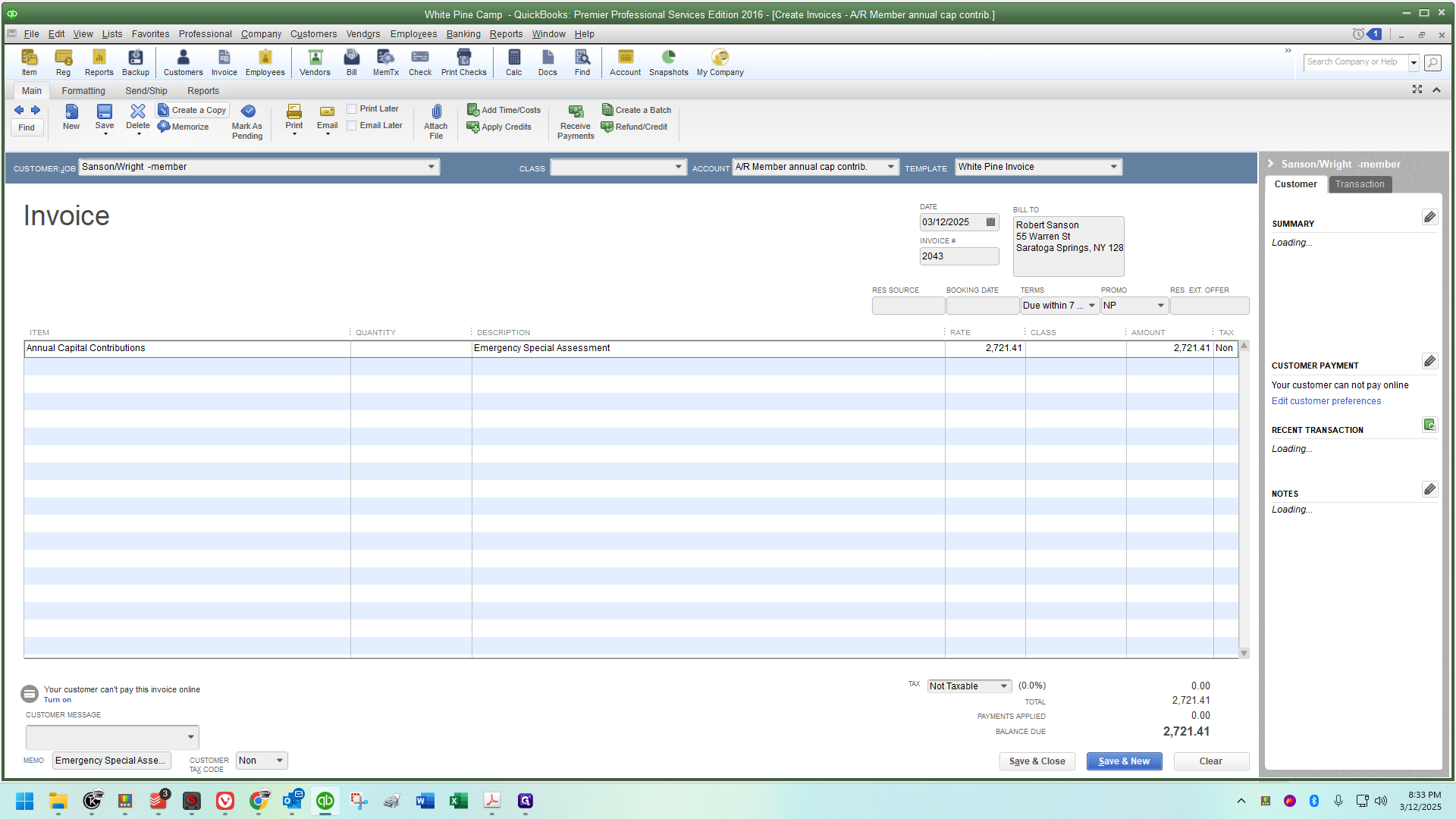
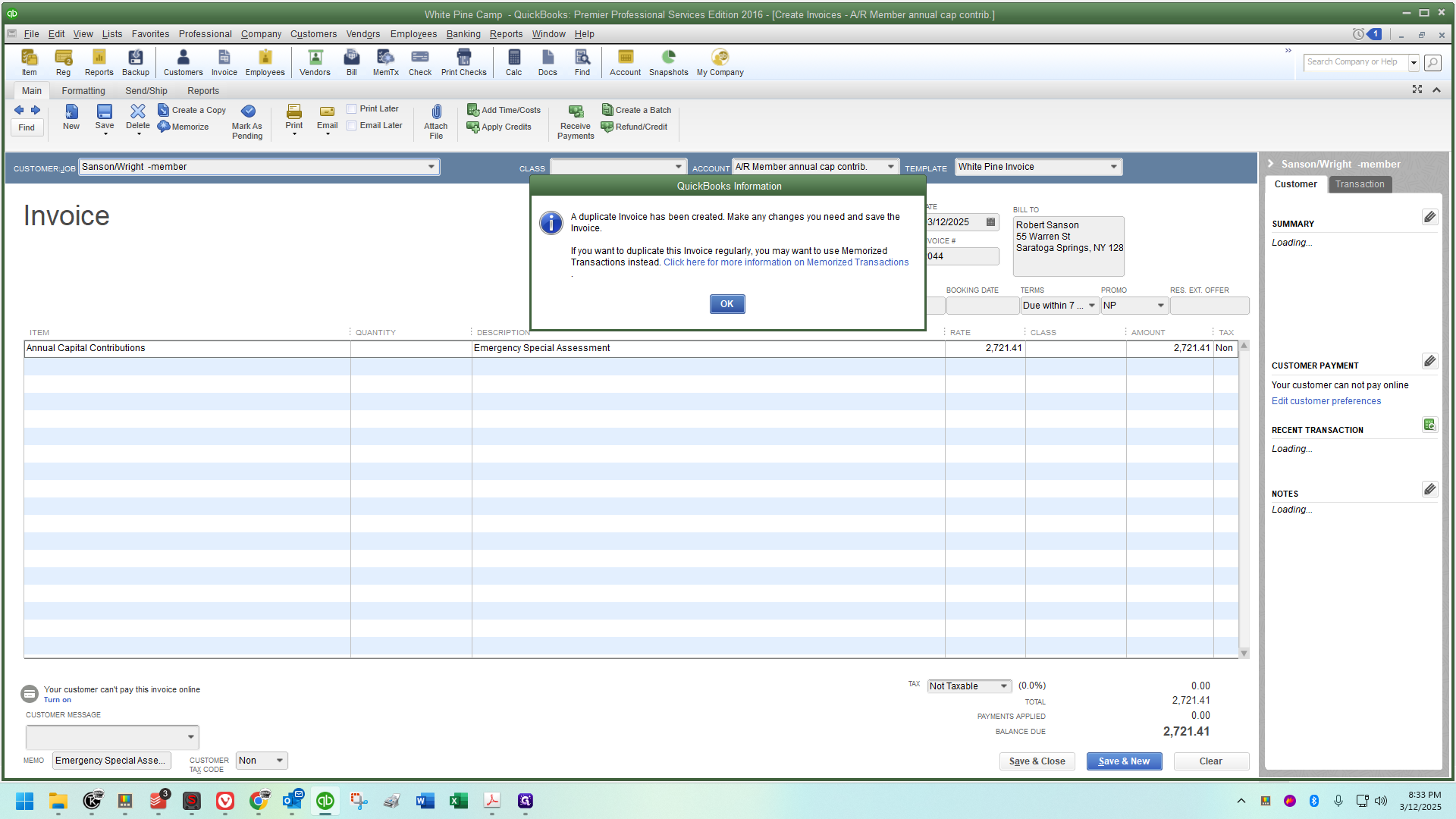
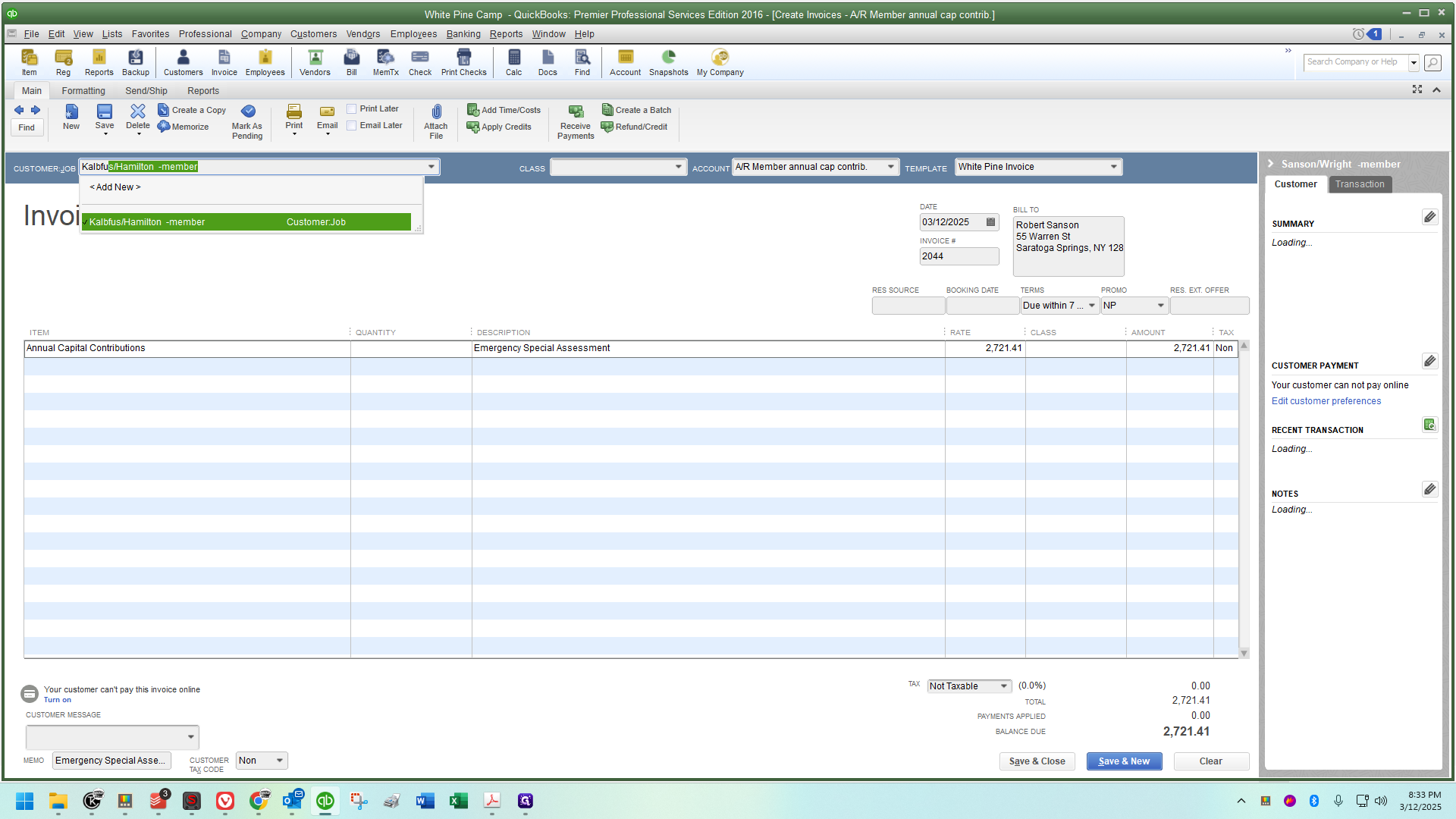
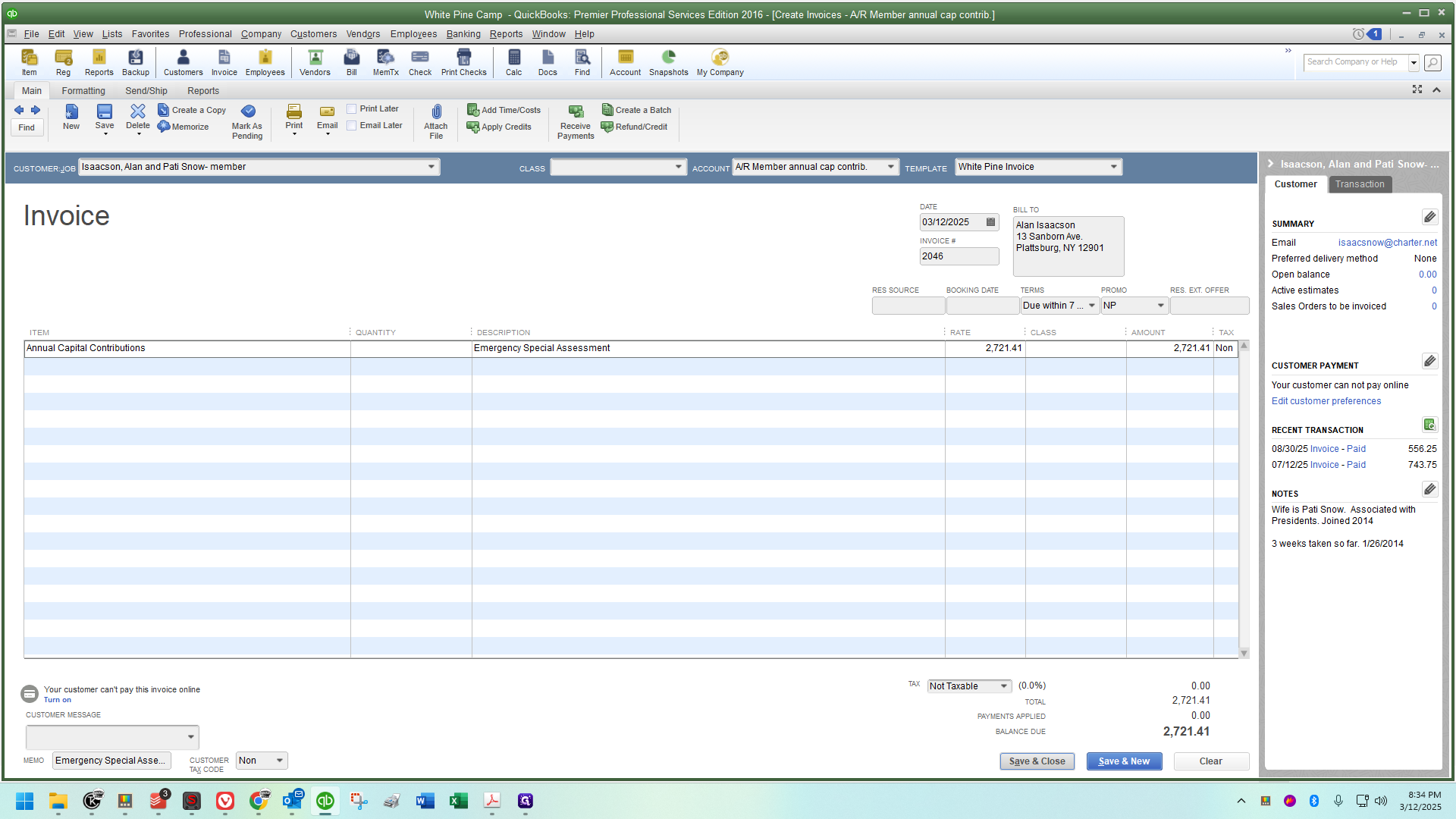
Fast as hell! :)
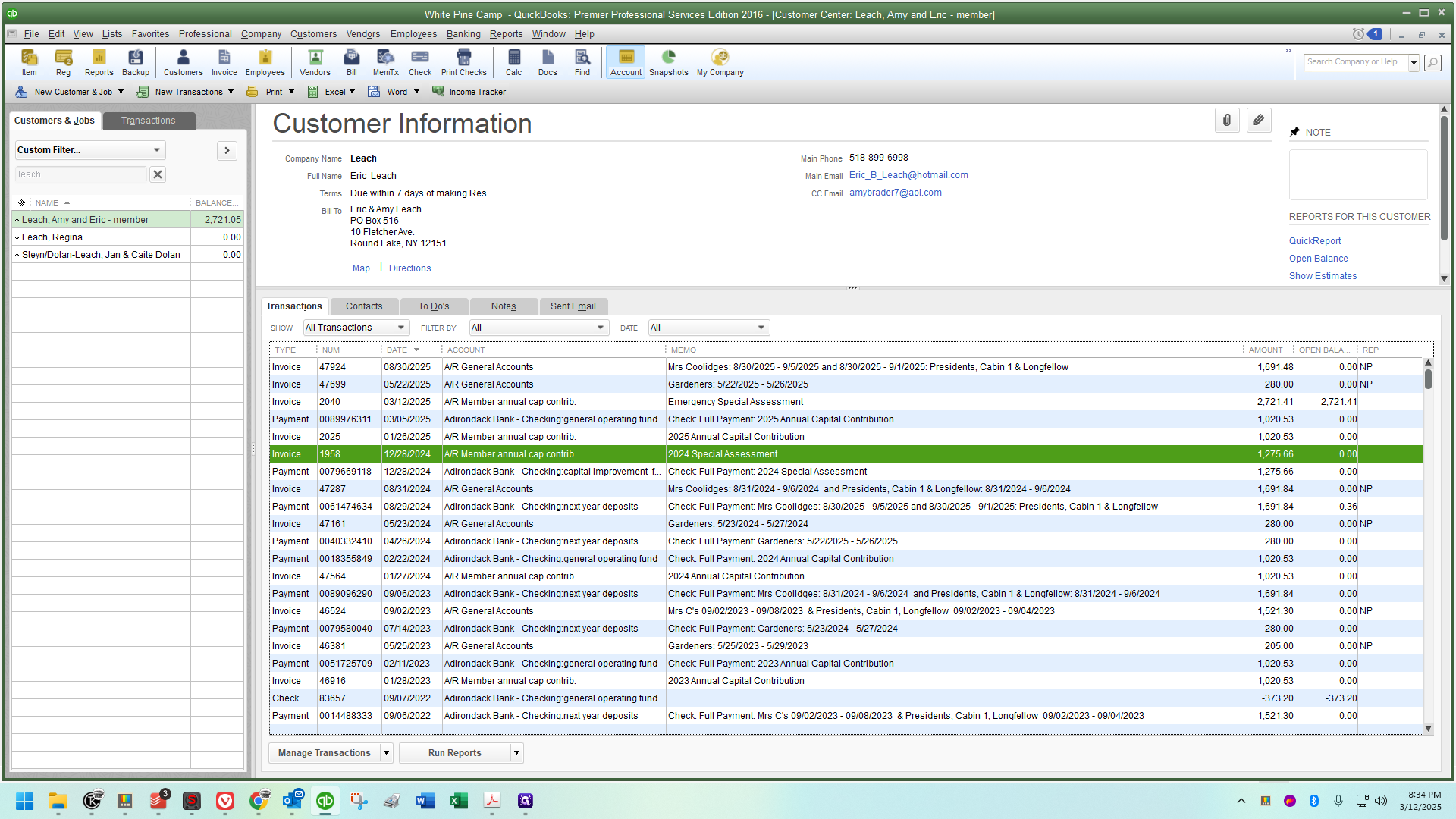
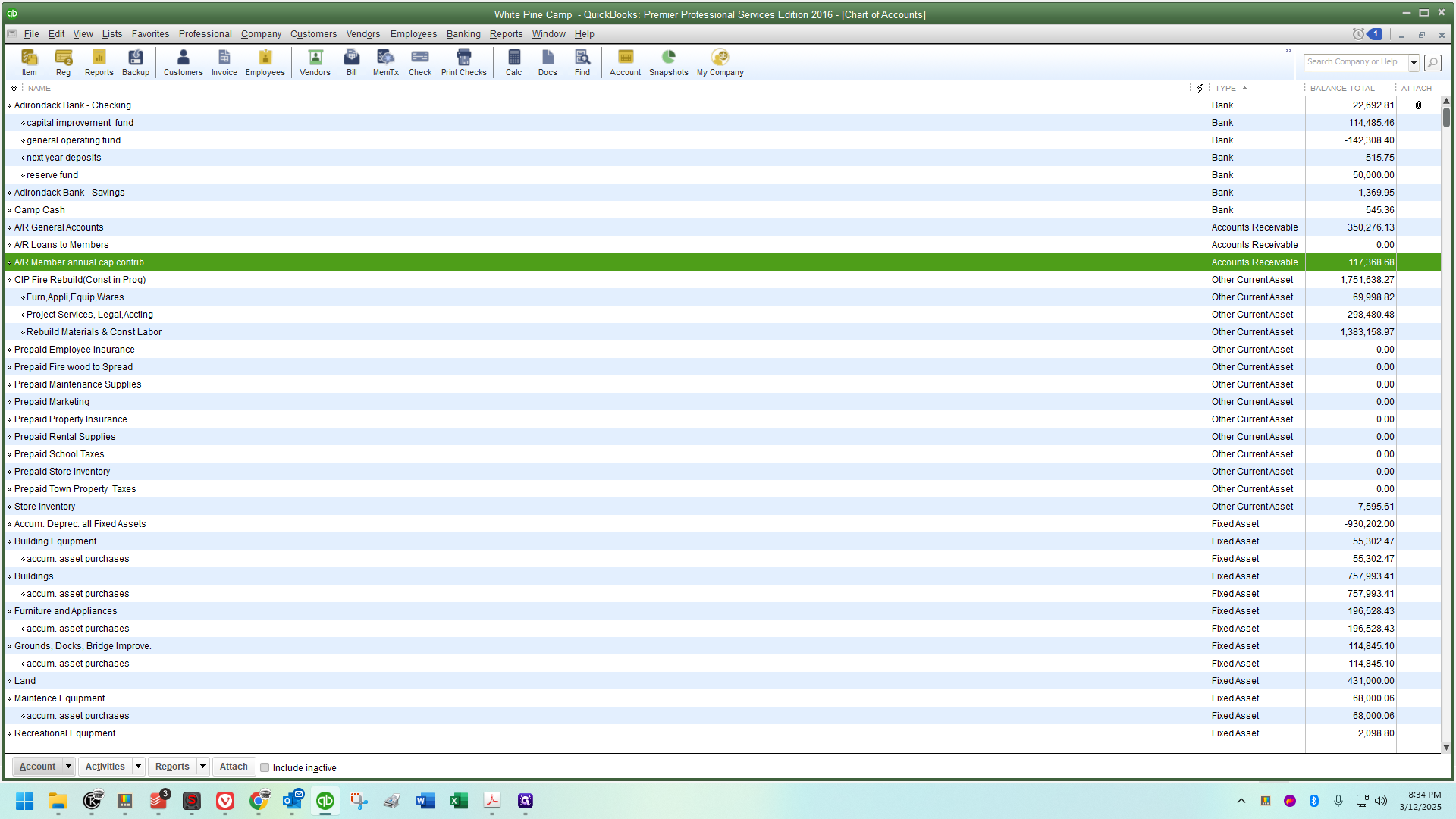
These are sorted by date, so you'll see the ones you've just completed all in a row here.
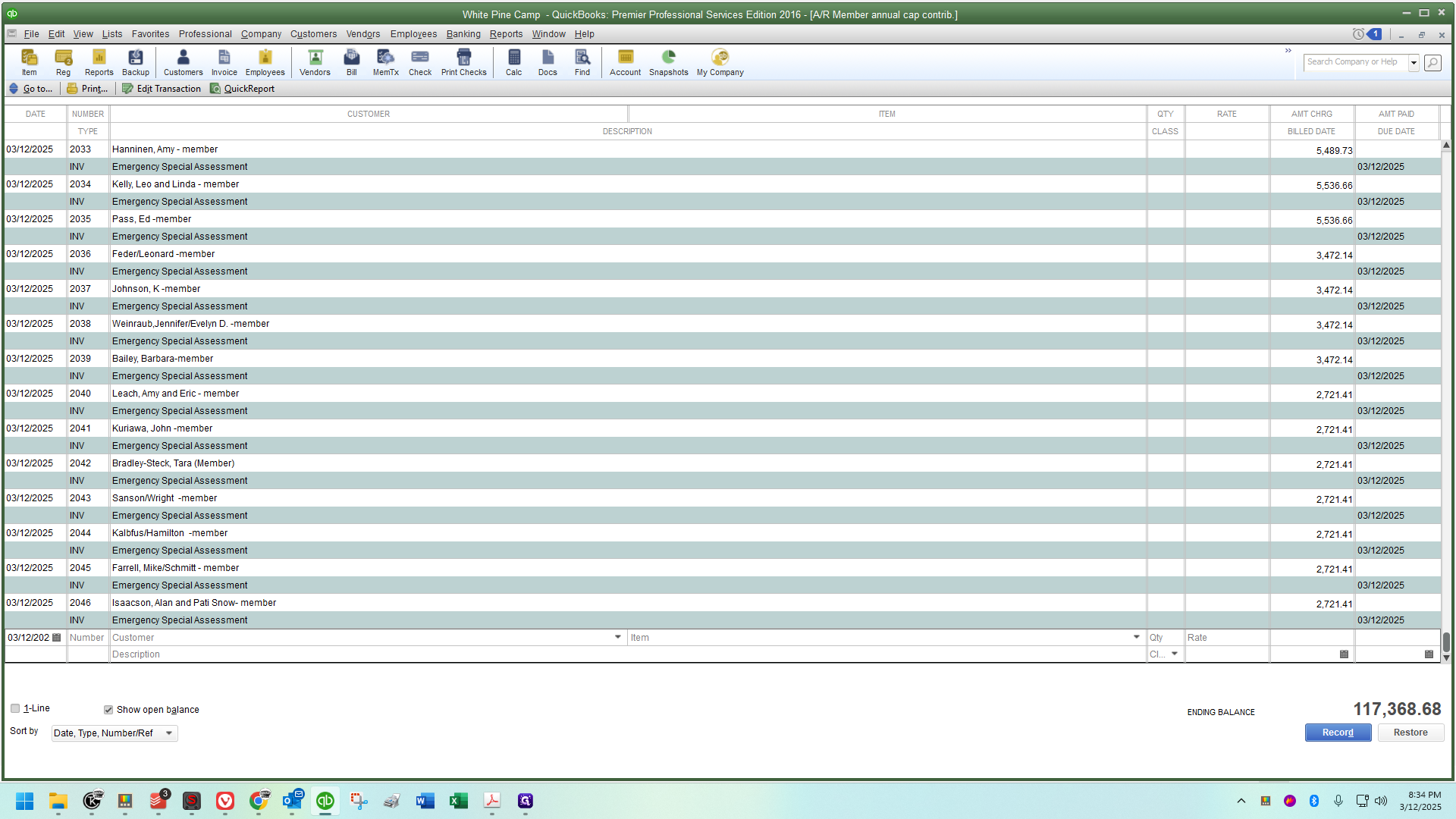
You will see them dated March 12th, the name on the account, the memo,
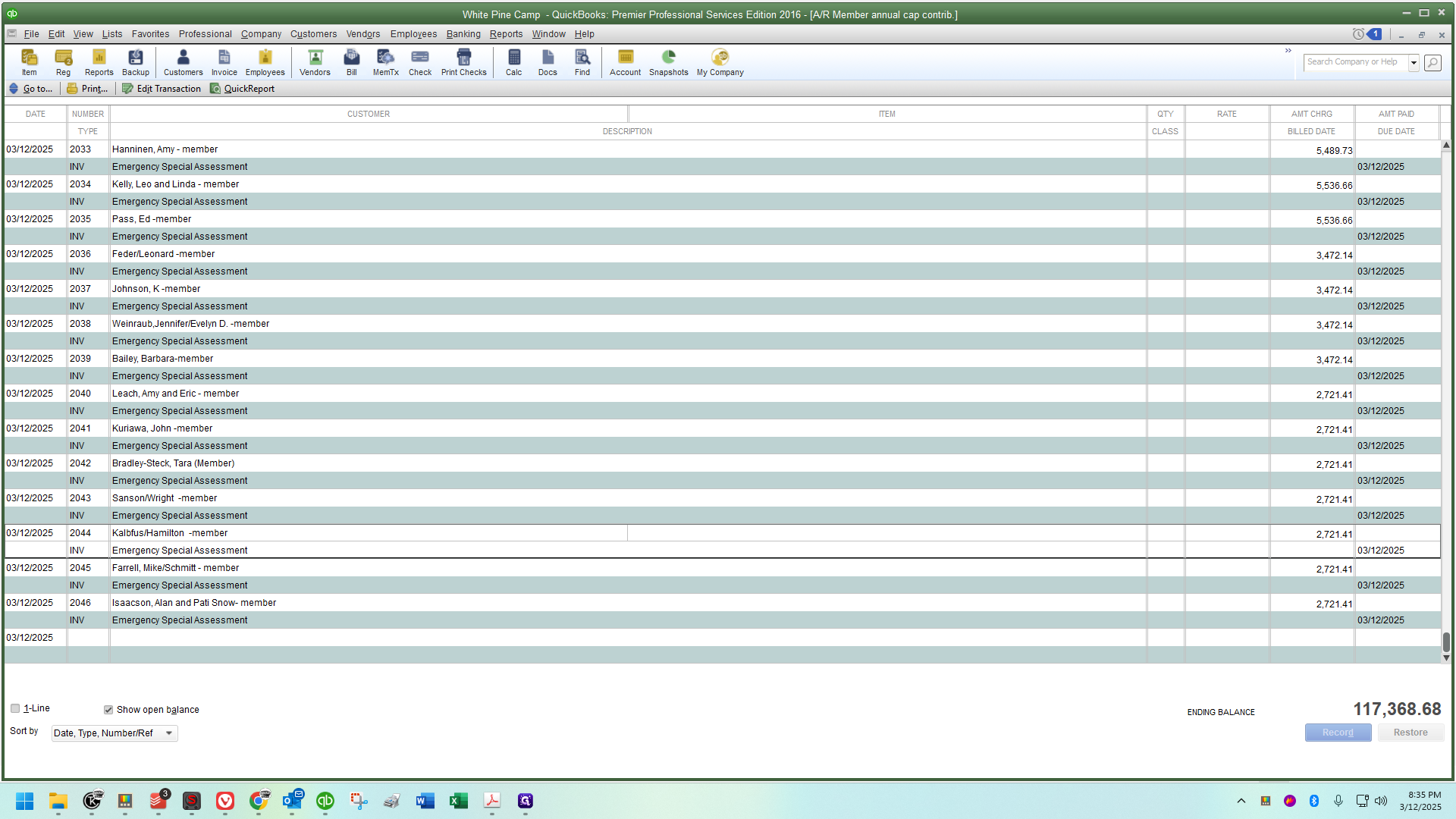
and the amount will be on the far right of the screen.
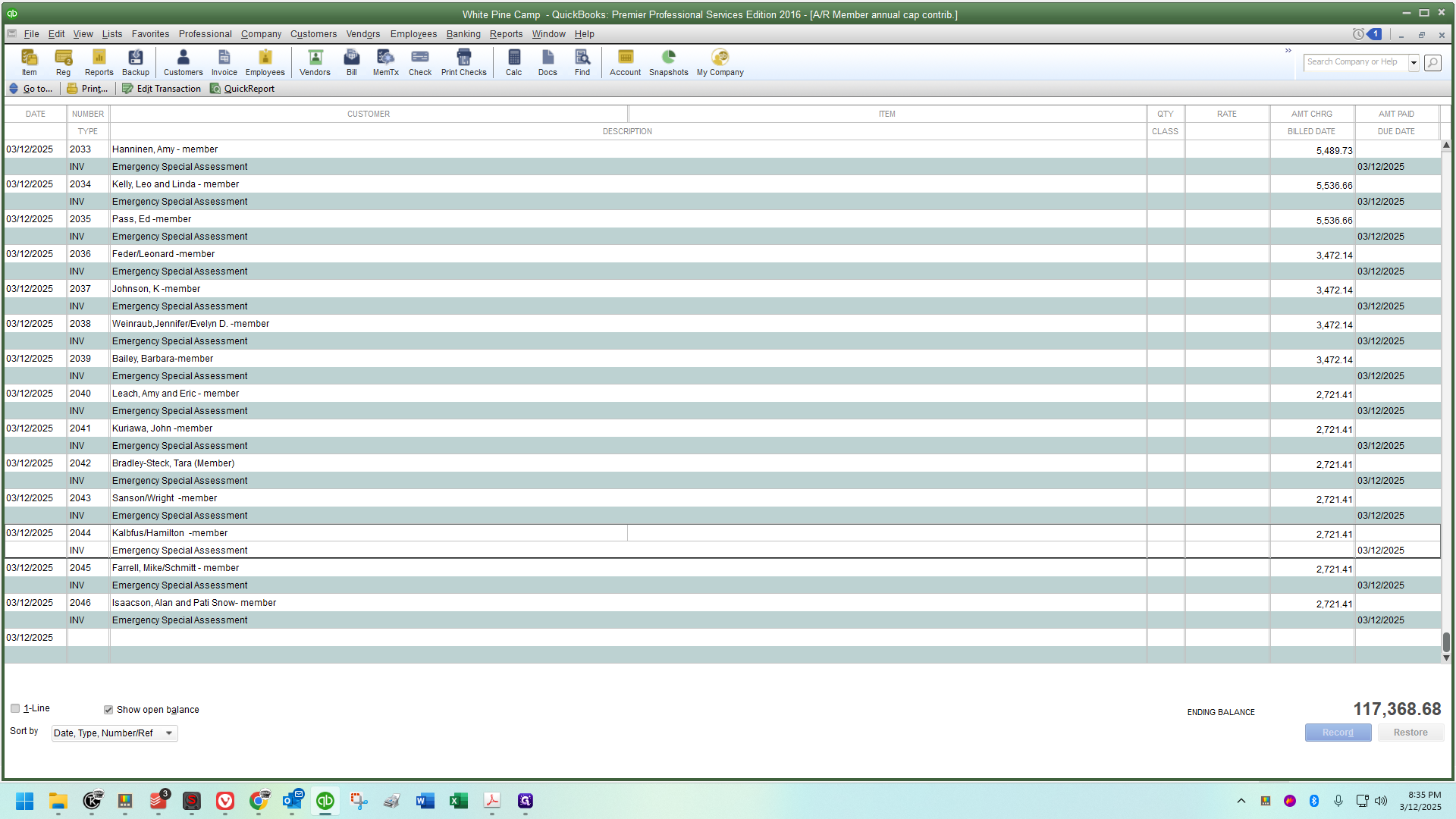
Ensure every person is accounted for, and check your totals at the very end. Don't go fast if it's causing you to make errors - accuracy is EXTREMELY important. This is my workflow, but I've done these for years. I also double and triple check everything at the end. Please do the same :)
If anyone has questions, feel free to ask. This process is straightforward. The key tip is to ensure they are using the correct A/R account, as we often overlook accounts receivables. Typically, 99% of our work defaults correctly to the same account. However, special assessments or capital contributions must differ.