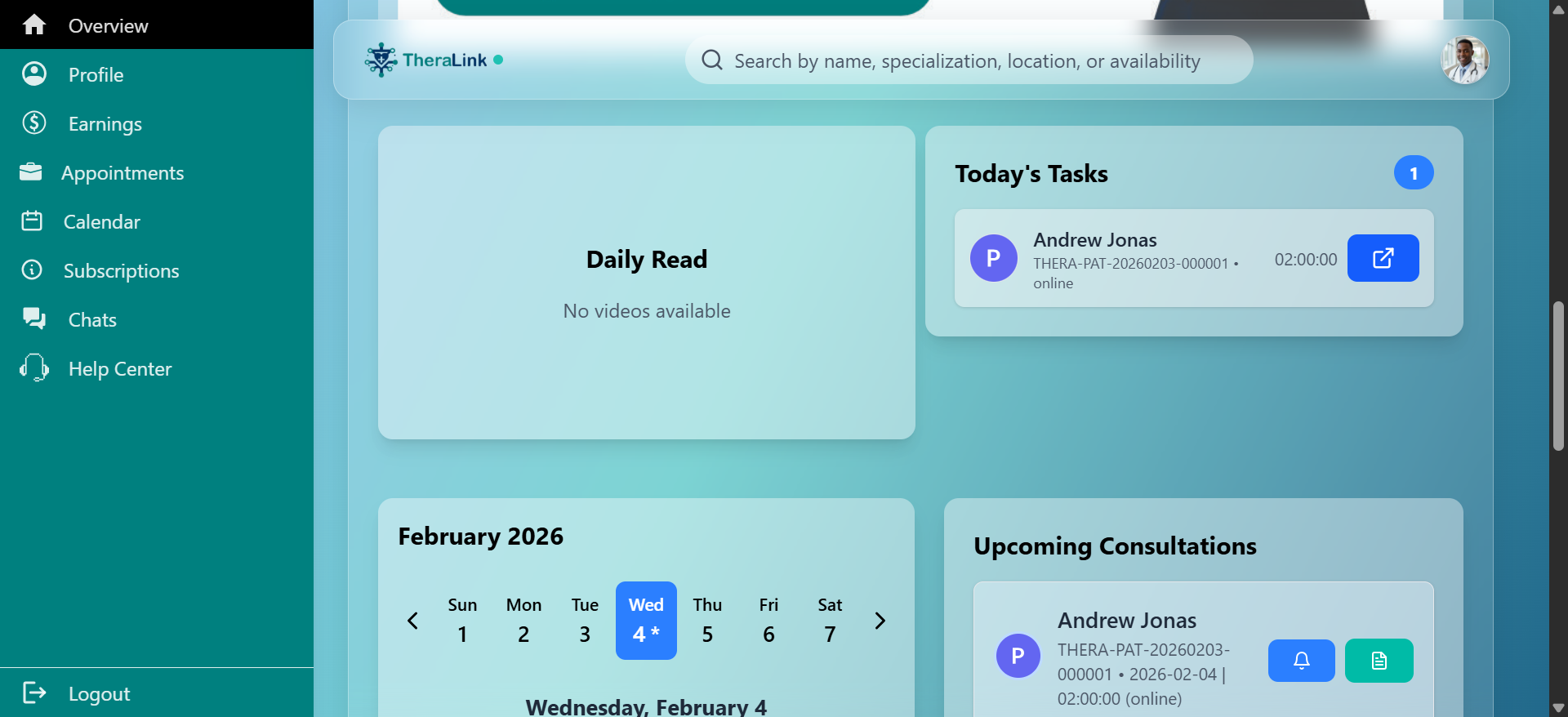
How Professionals Manage Patient Requests and Information During Appointments
Learn how professionals handle pending patient requests, access patient details, and manage medical information during appointment sessions. Discover the steps to view patient history, symptoms, and consultation reasons.
In this guide, we'll learn how to manage appointment sessions as a professional. You will see how to view and accept pending requests, check upcoming consultations, and access patient details. This process helps you review important patient information before the consultation.
Let's get started
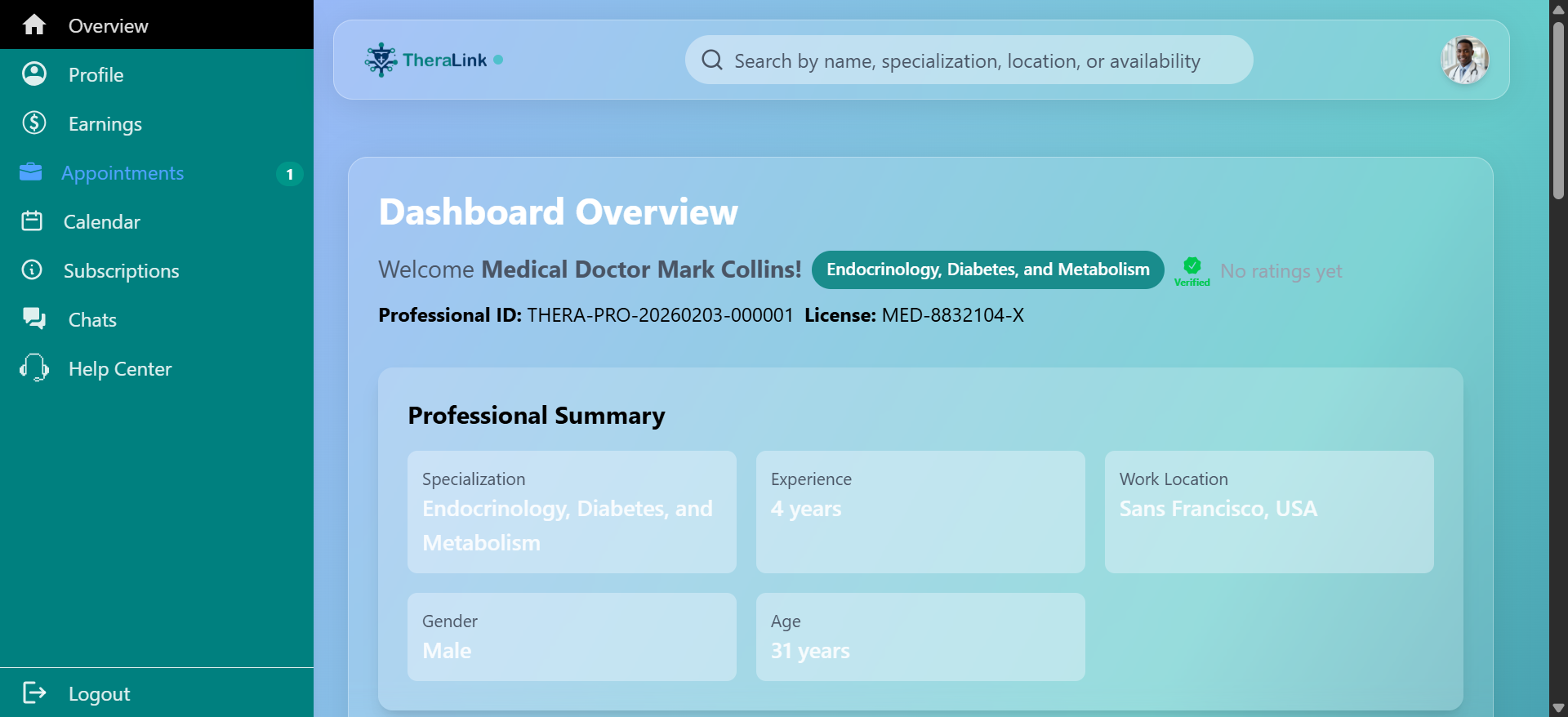
The professional will reach this point during the appointment session.
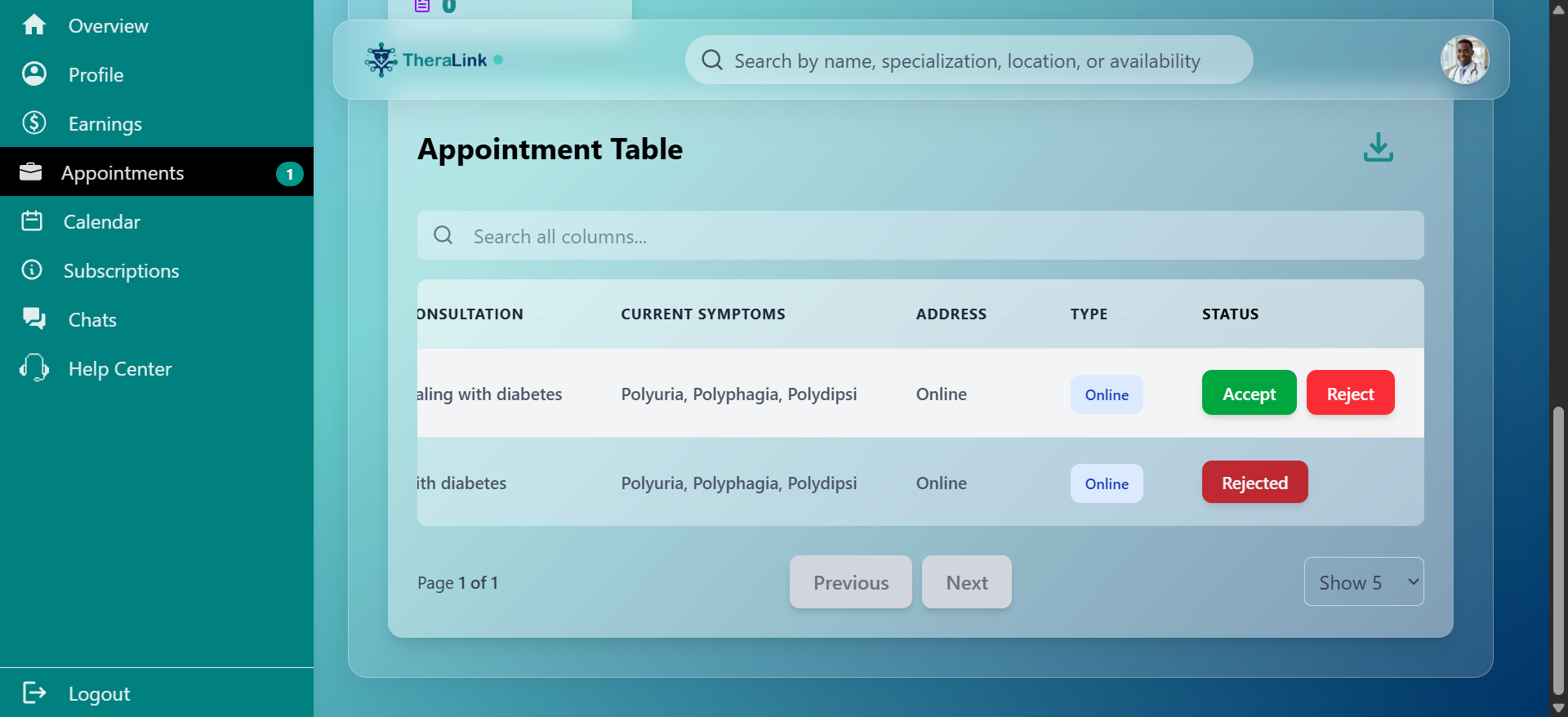
Pending requests will appear here. Click to accept them.
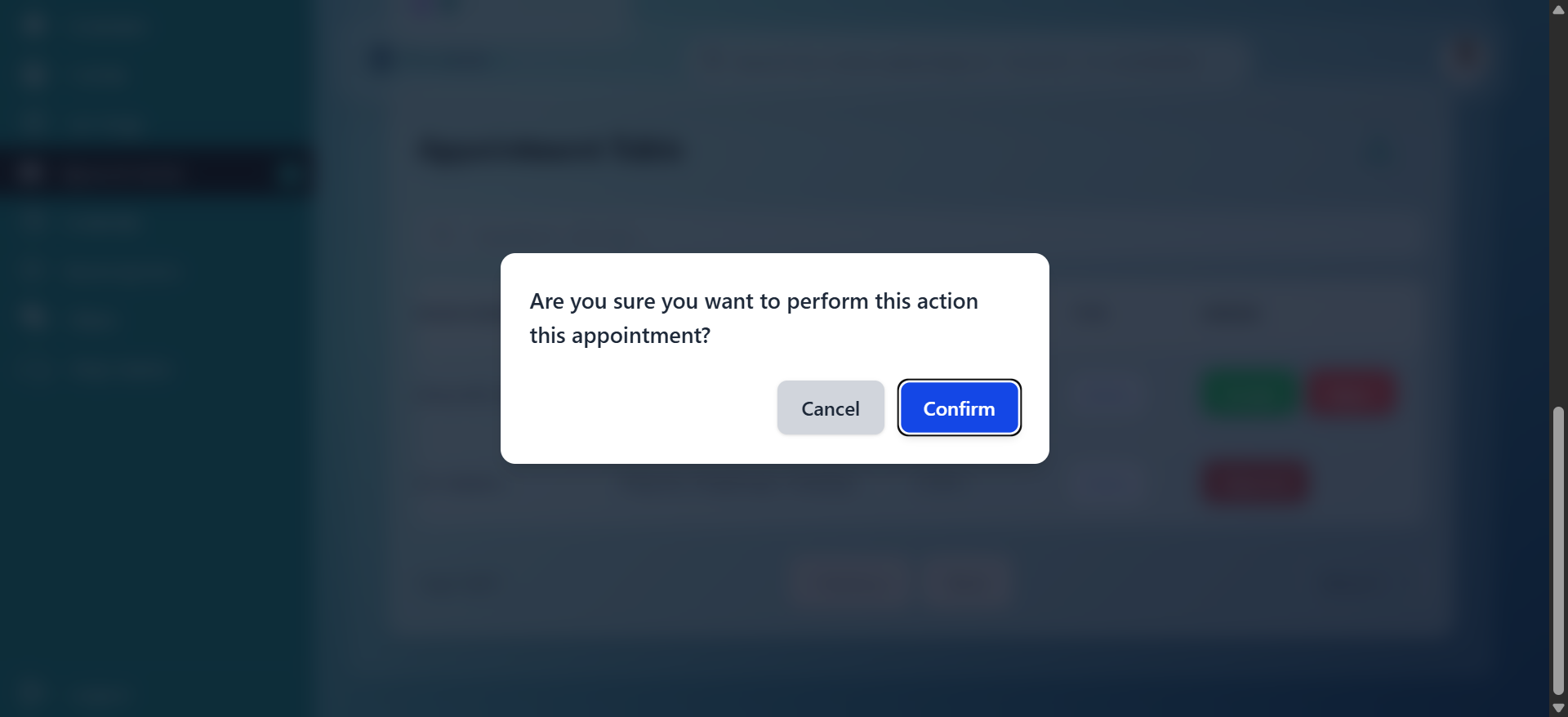
Click to accept, and it will appear under upcoming consultations.
As a professional, you can view your patient's details by clicking here. This will load the patient's information. You can view the patient's information, including blood group, height, weight, gender, time, and bio. The patient has not saved this. Their past medical history, current symptoms, allergies, and reason for consultation.