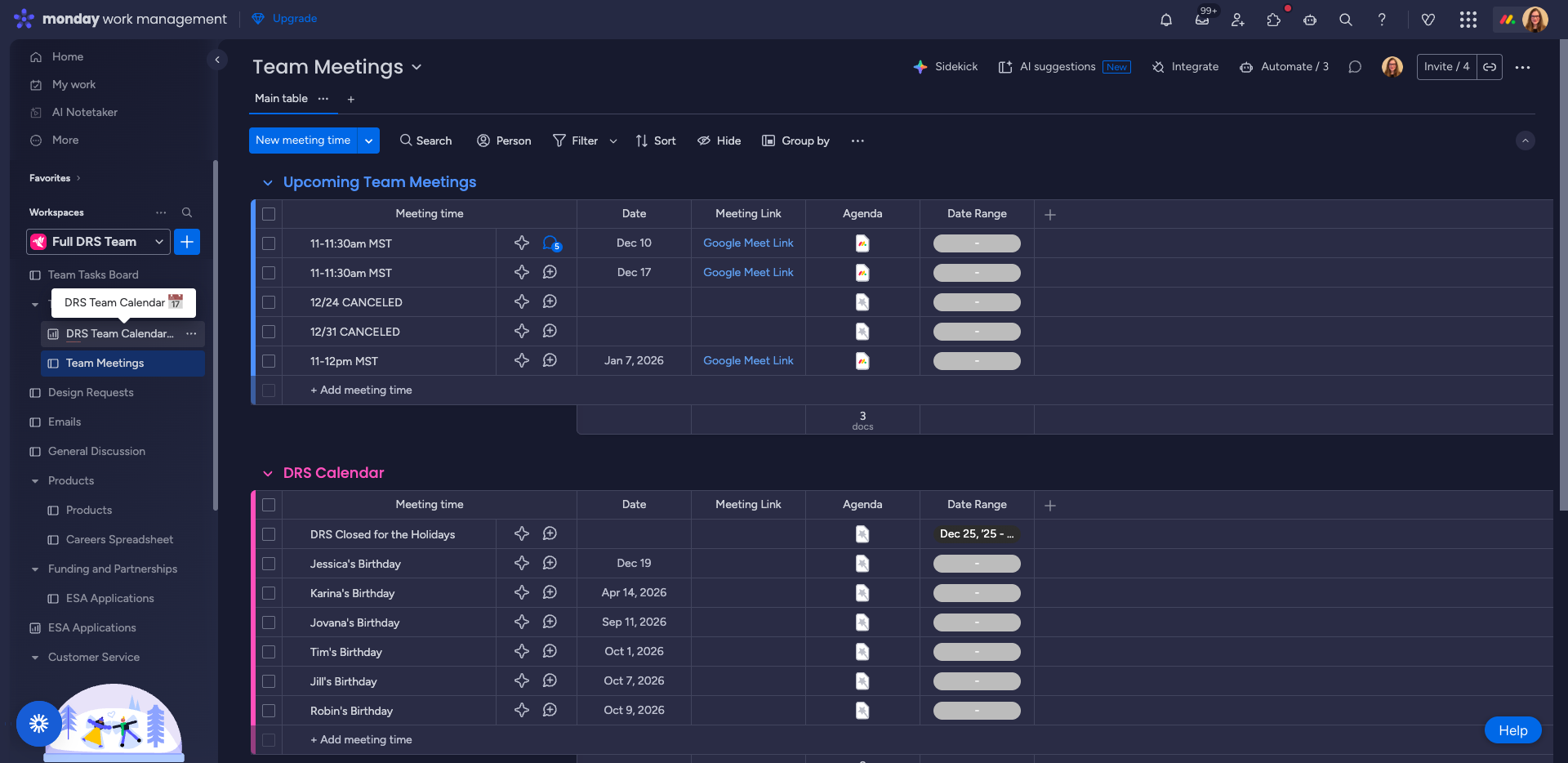
How to Access and Use the DRS Team Calendar & Meetings Dashboard
Learn how to access the DRS Team Calendar, view team meetings, holidays, birthdays, and use the Team Tasks Board. Step-by-step guide for navigating the Team Calendar & Meetings folder and dashboard.
In this guide, we'll learn how to access and use the DRS Team Calendar Dashboard to view team schedules, meetings, and important dates. This will help you find any important dates for DRS, and meeting details (including meeting links and agendas).
Let's get started
This is how we access our team calendar now. Make sure the full DRS team is selected.
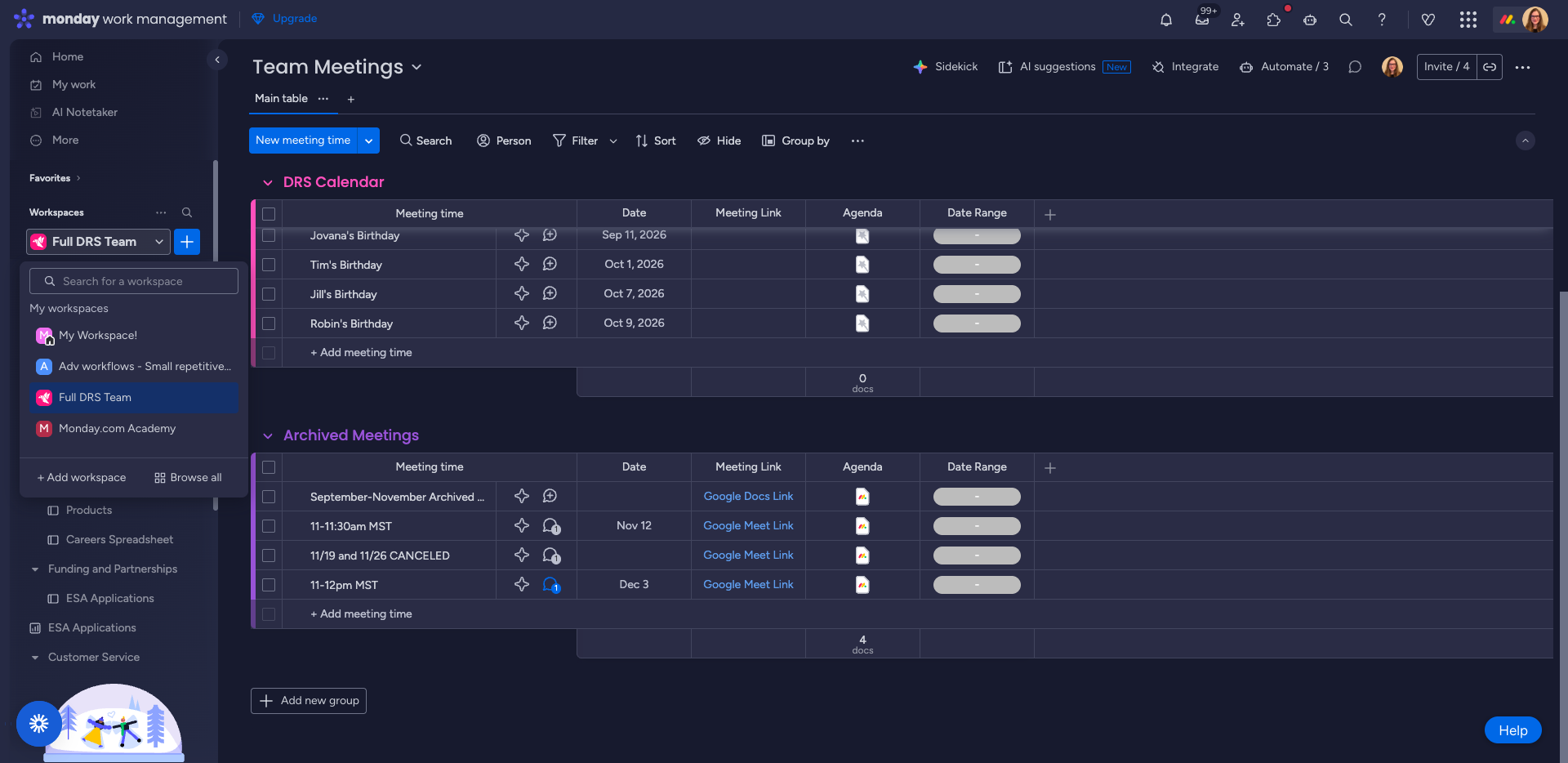
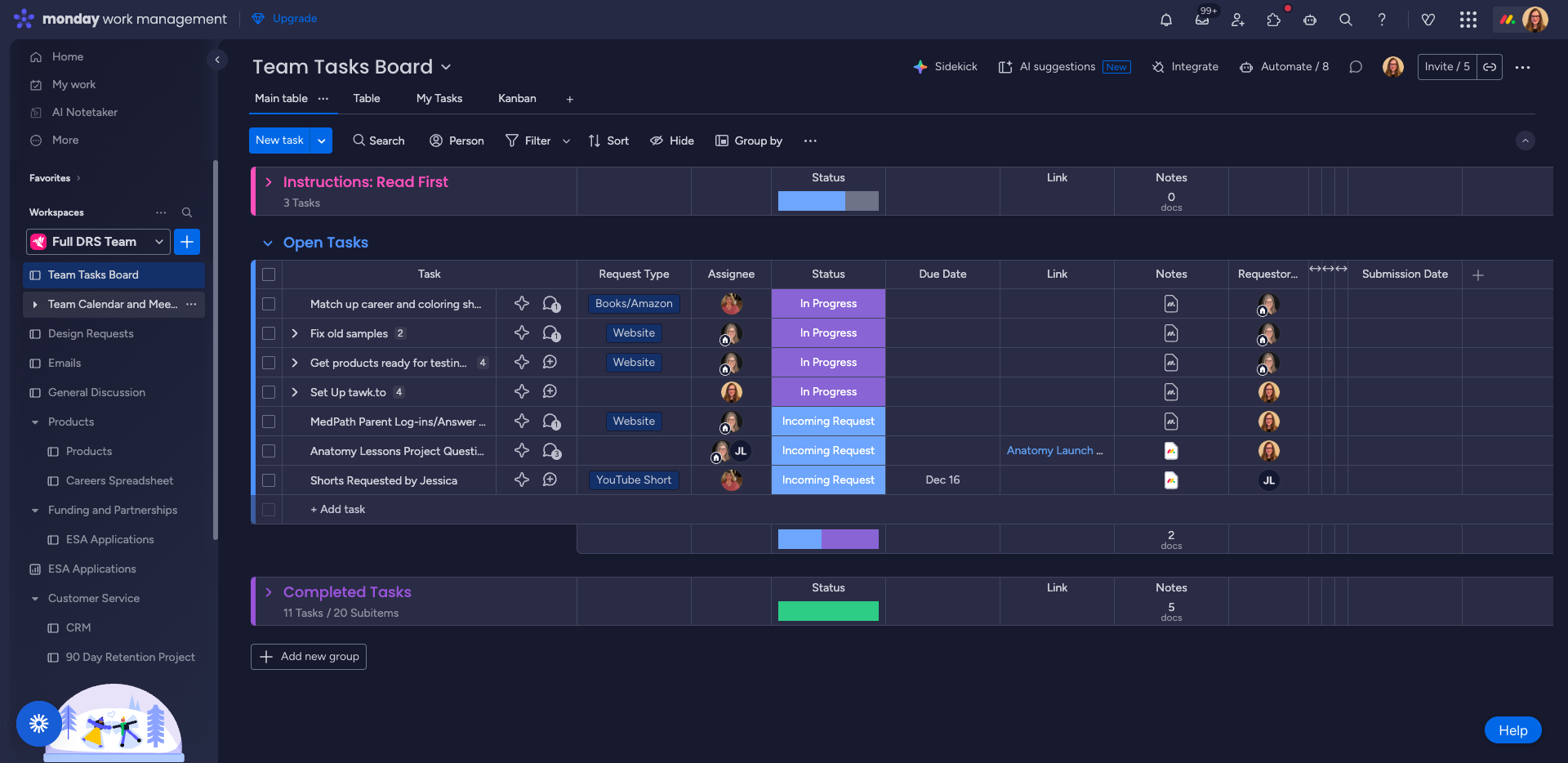
We now have a folder called Team Calendar & Meetings.
Click the caret to open the DRS Team Calendar Dashboard.
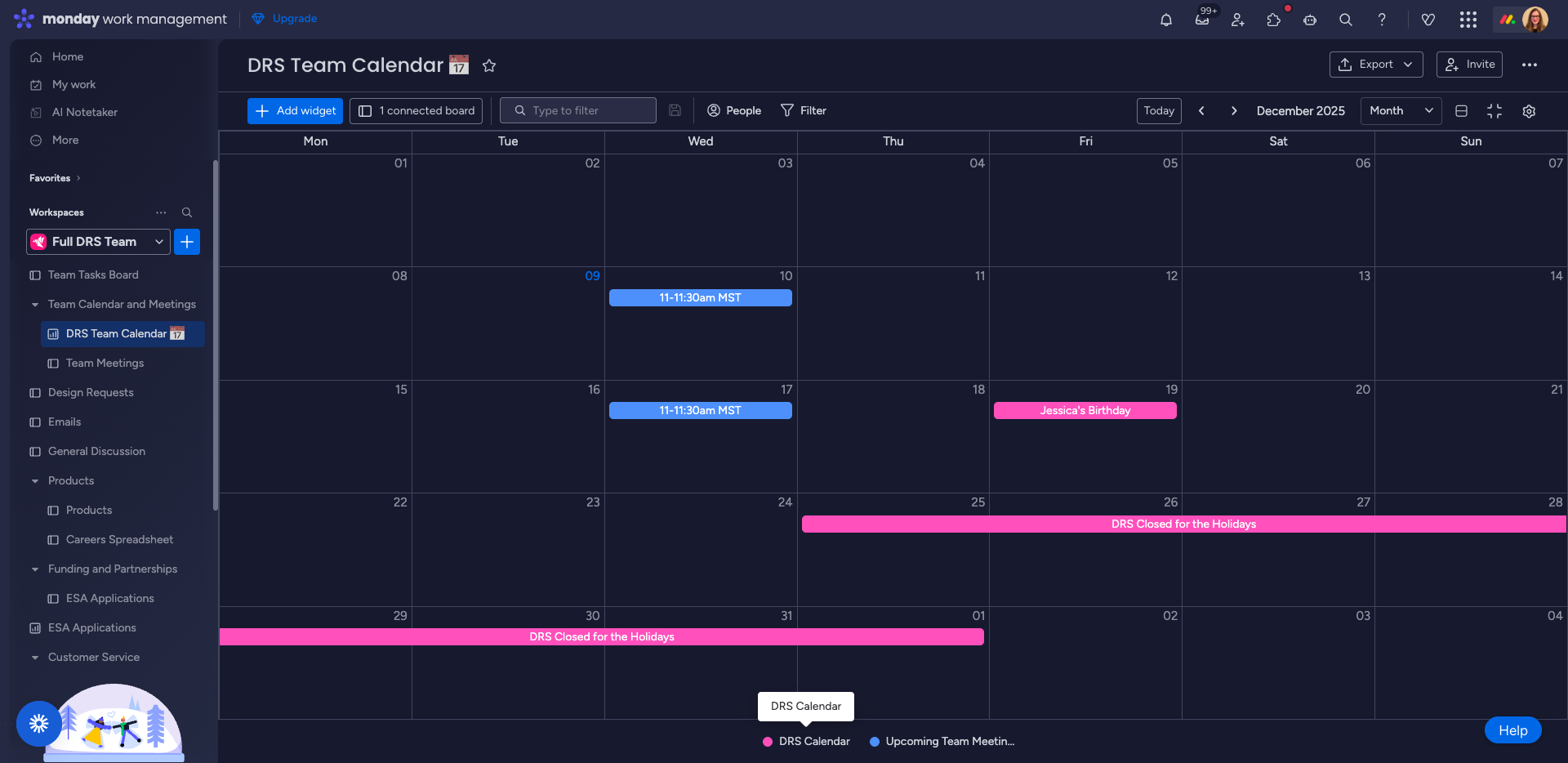
Click the Calendar Dashboard to view everything, including our holiday schedule/birthdays, and team meetings, which are shown in blue.
You can click directly on a meeting to view its details.
Try clicking on one of the meetings. You will see the Google Meet link and the agenda, all right there.
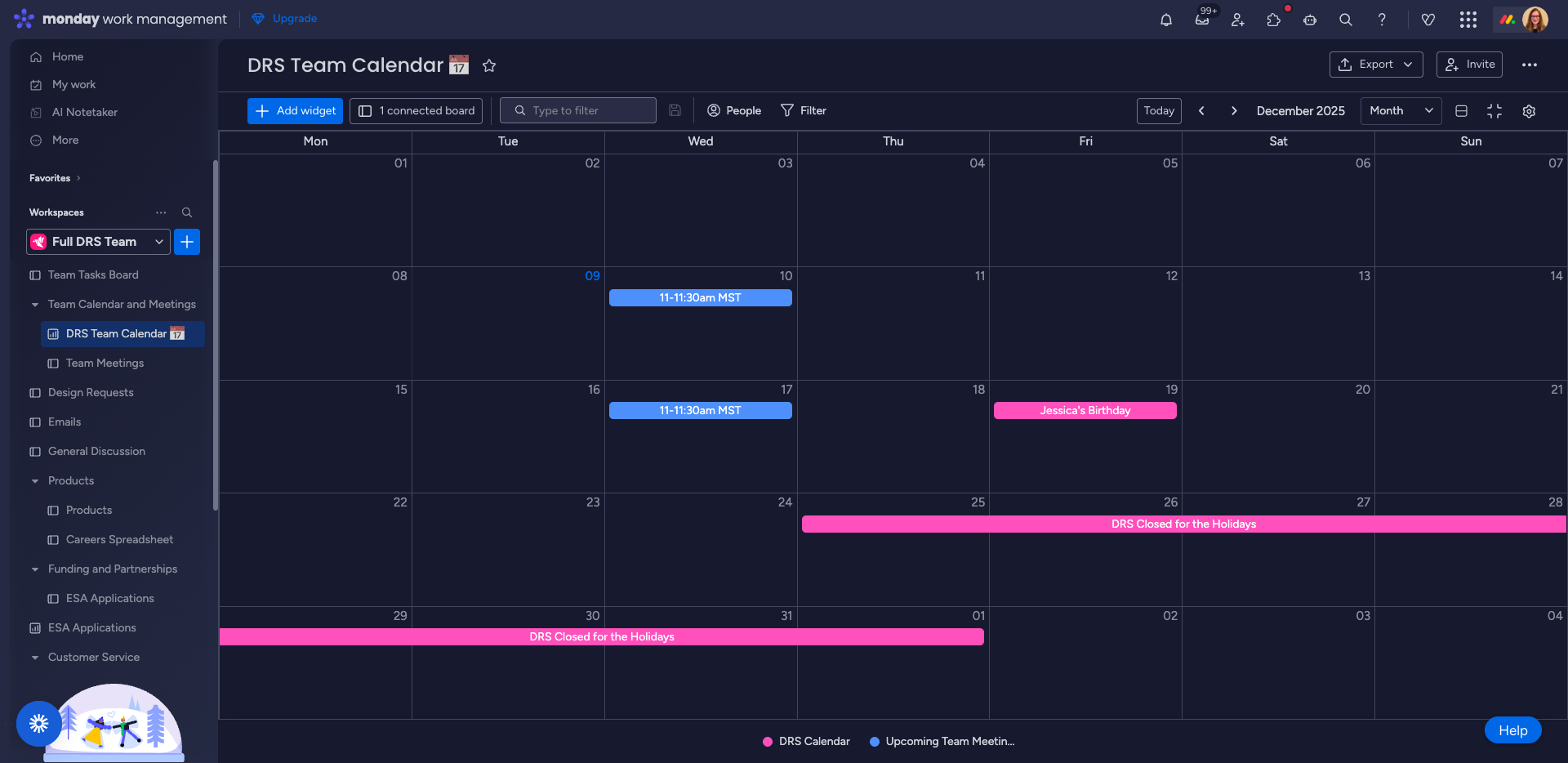
The original "Team Meetings" board will still be here. You can view the meetings as a list (the original way) or you can return to the "DRS Team Calendar" and view the same information as a full calendar.