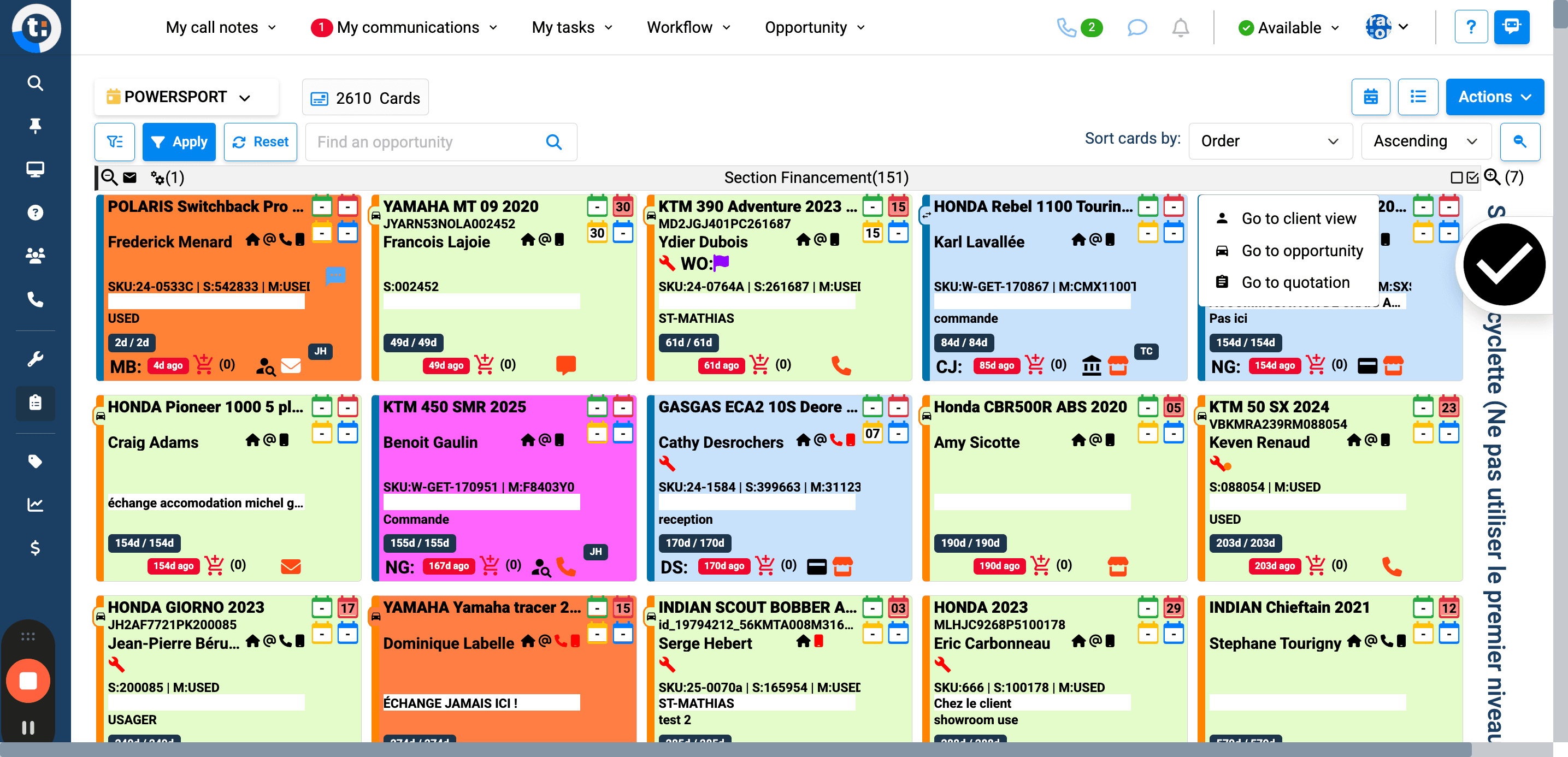
How to Access Opportunities in PowerSupport Workflow
Step-by-step guide on navigating the Workflow menu to access opportunities in PowerSupport. Learn how to efficiently find and manage your cards within the platform.
By Emilie Peloquin
In this guide, we'll learn how to navigate a workflow to access a specific opportunity. We will go through the steps of selecting the workflow from the left menu, choosing PowerSupport, and finding the card you want to access.
Let's get started
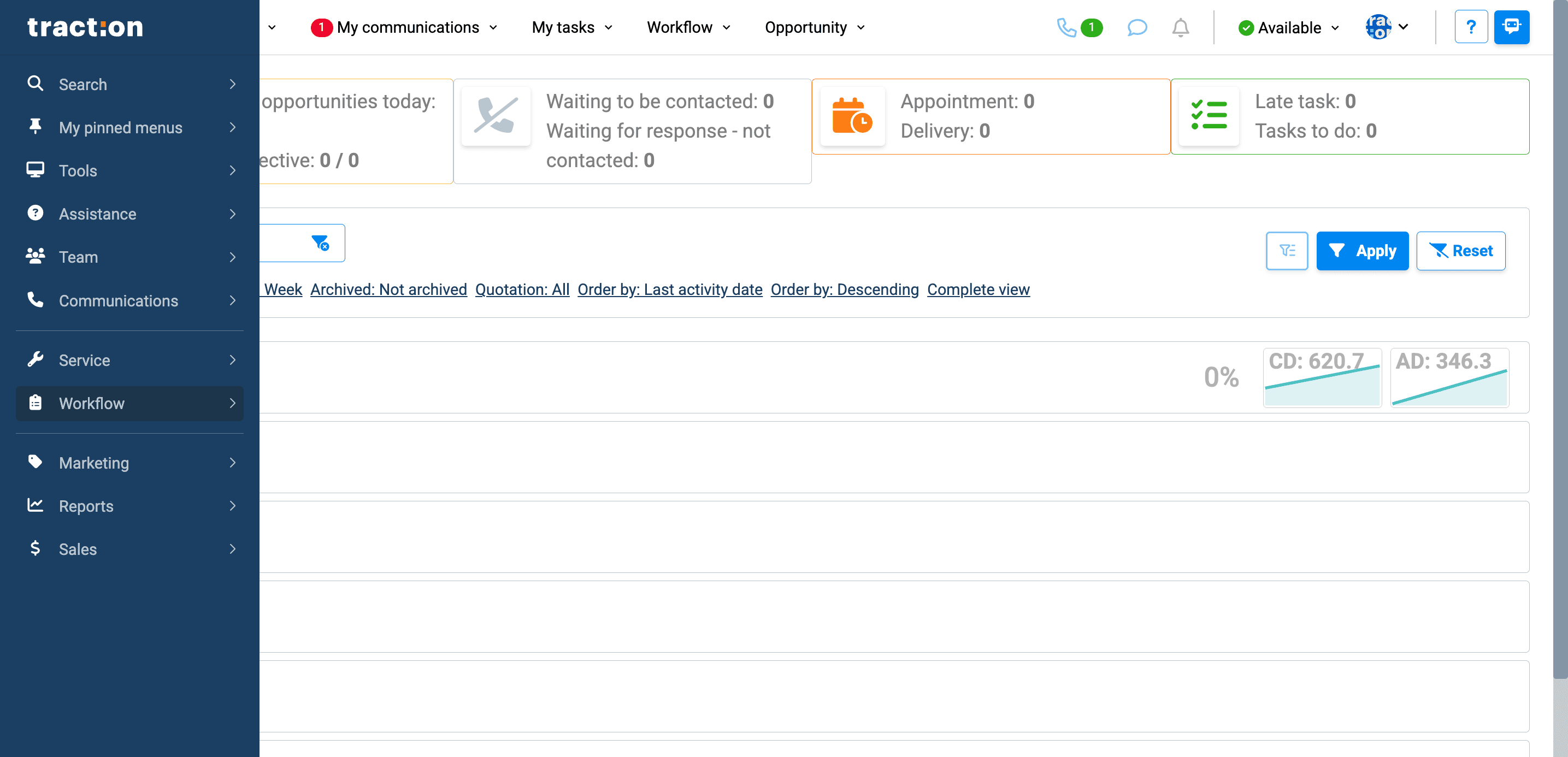
First, click on "Workflow" in the left menu.
1
Click on "? Assistance"
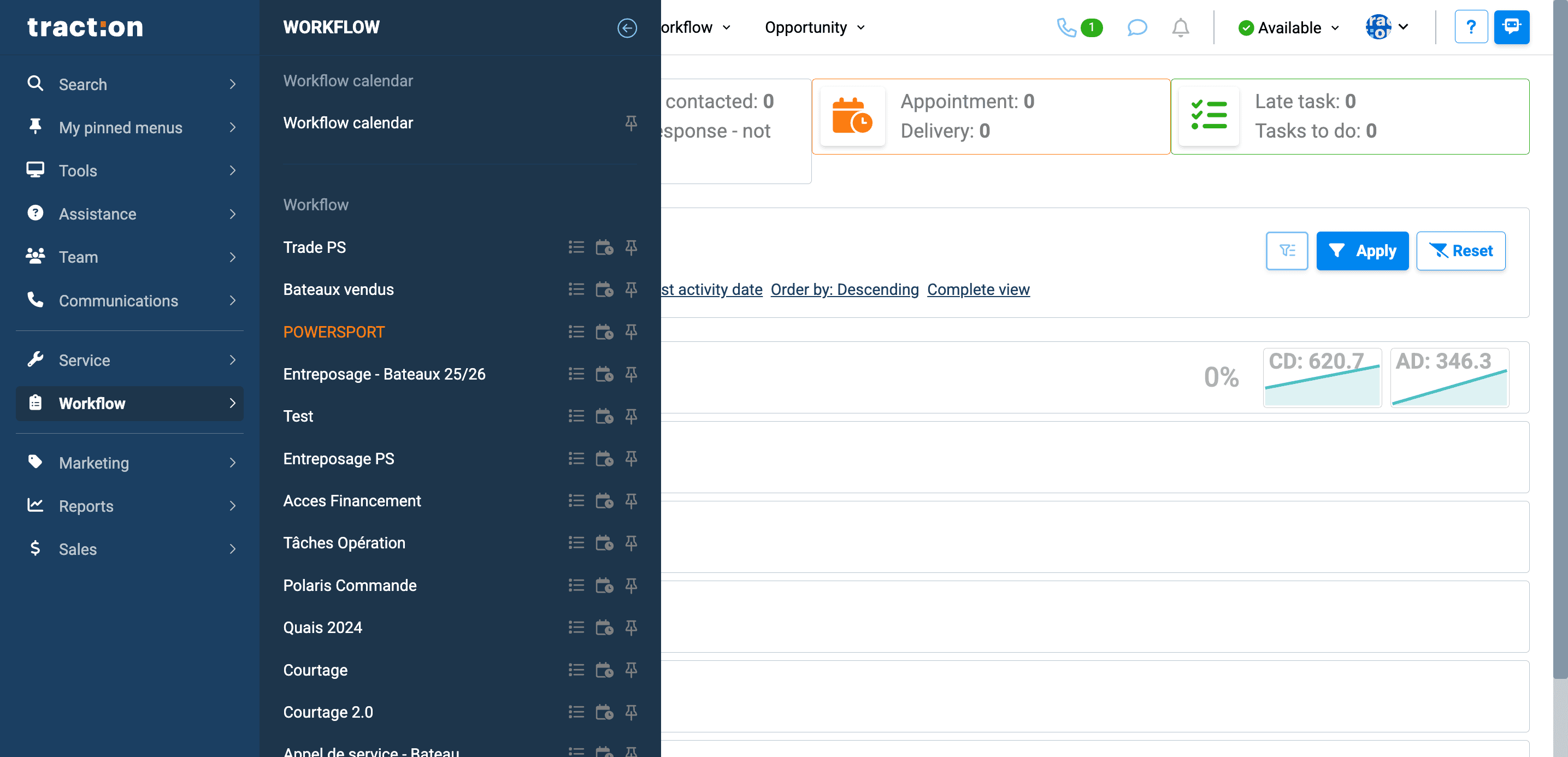
Next, click on PowerSupport.
2
Click here
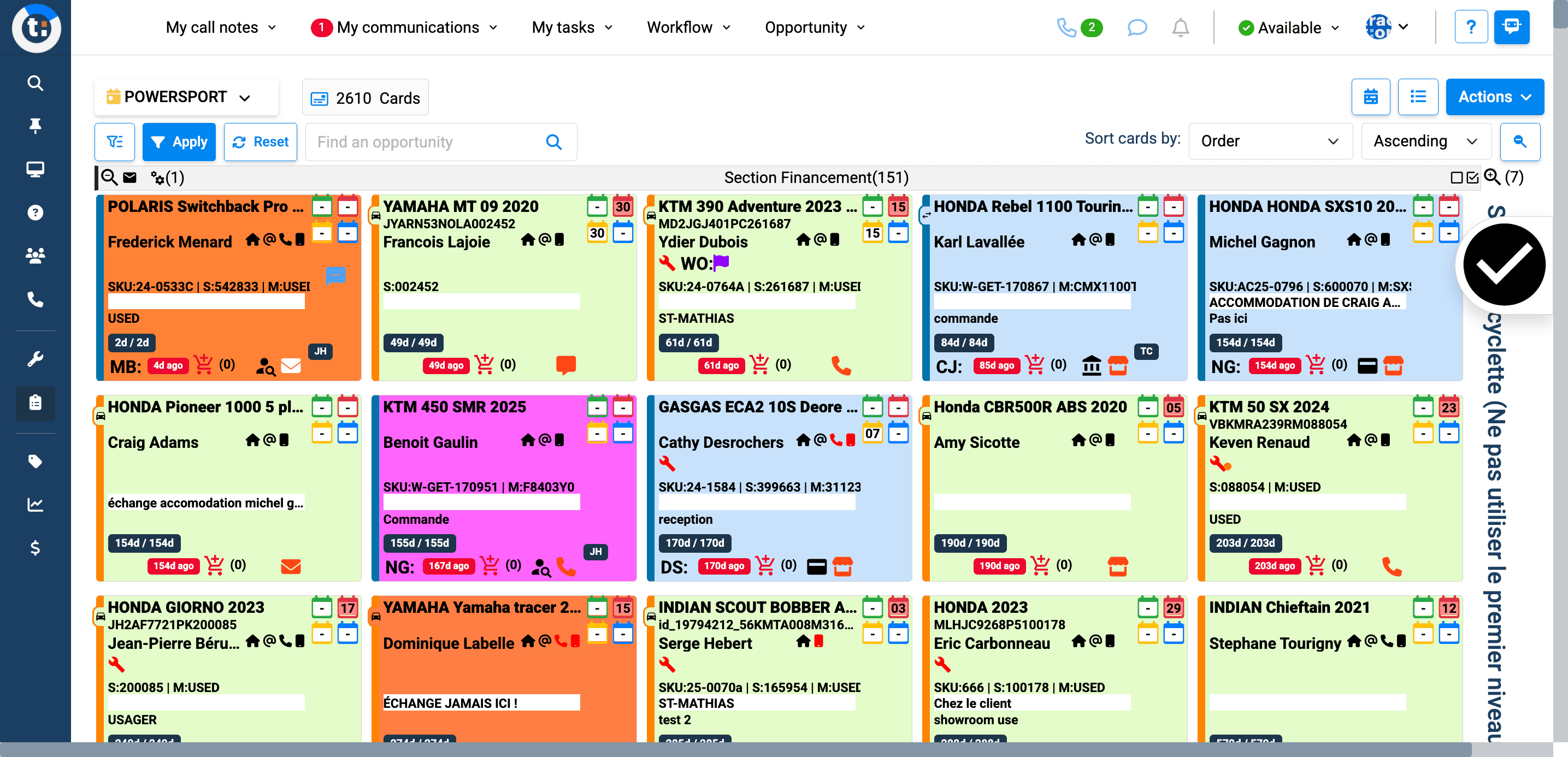
Next, click on the card you want to access. Then, click again to go to the opportunity.
3
Click here
4
Click here