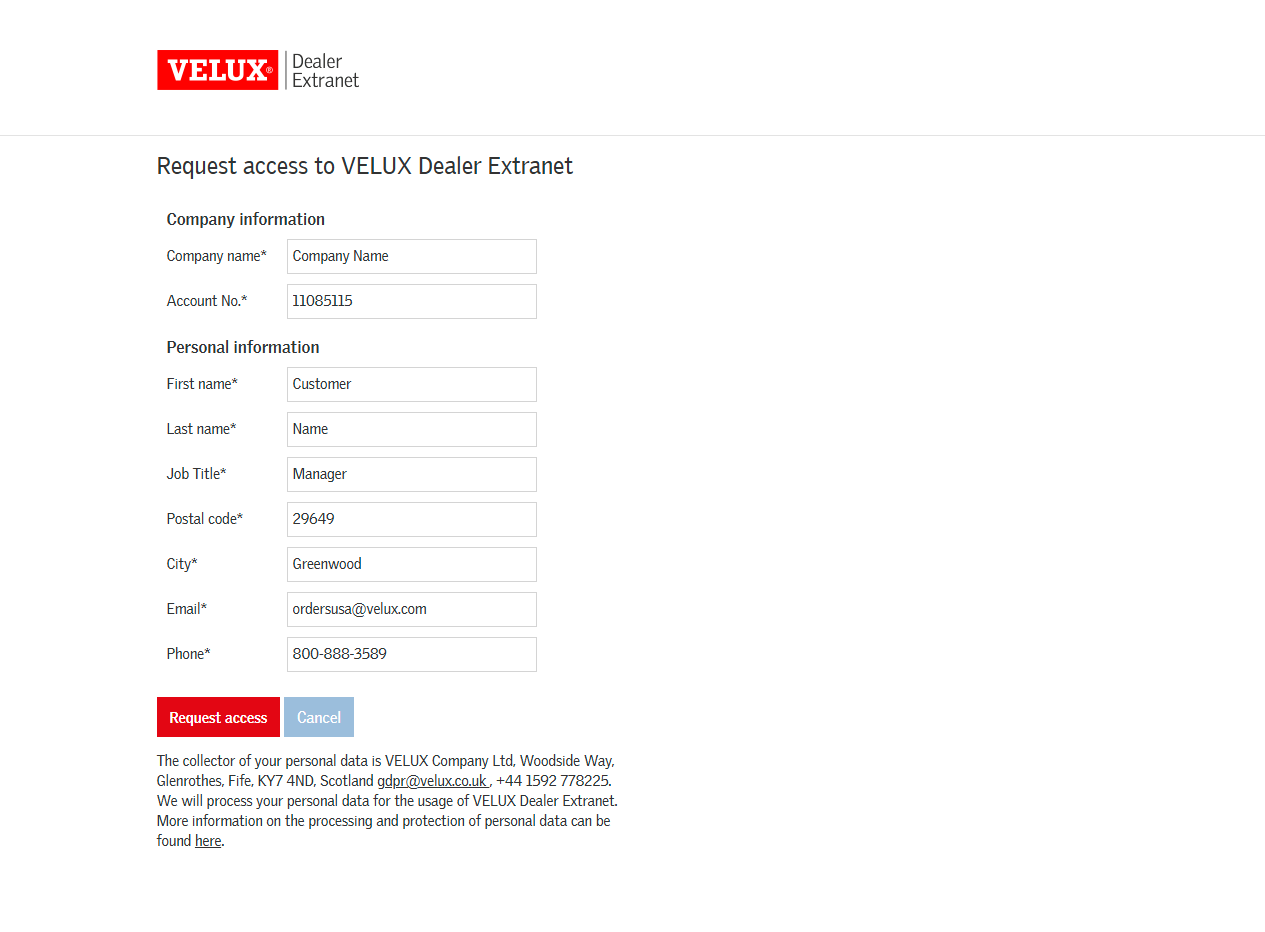
How to request access to the VELUX Dealer Extranet: Step-by-Step Guide
Learn how to request access to the VELUX Dealer Extranet where you can create orders, prepare quotes, track shipments, and so much more! Follow our step-by-step instructions for first-time users.
By Michelle
In this guide, we'll learn how to request access to the VELUX Dealer Extranet. This portal allows you to create orders, prepare quotes, track shipments, and so much more! Requesting access is necessary even if you already have a VELUX account number.
You will follow a few steps to complete your request and receive confirmation by email.
Let's get started
1
2
Click on "Request access"
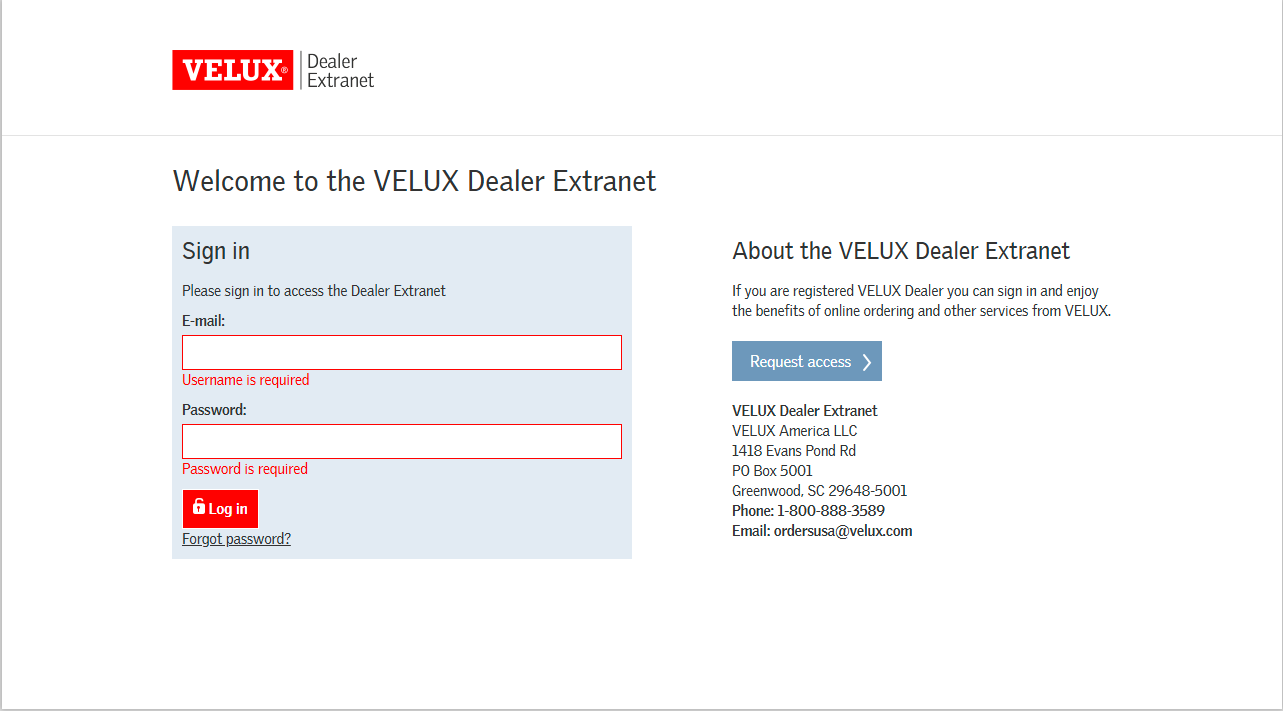
3
After you have entered all the required information, click the red "Request Access" button. Once submitted, you will receive an email confirming your permissions within 1 business day.