How to Accurately Review and Organize Event Data for Conferences and Calls for Speakers
Learn best practices for reviewing, organizing, and verifying event data for conferences, including how to check event details, avoid duplicates, and ensure accurate information for calls for speakers.
In this guide, you'll learn how to review and update event data in a spreadsheet by verifying information from multiple sources. The goal is to ensure that event details such as dates, locations, links, and contact information are accurate and up to date.
We will also cover how to handle missing or unclear information, identify duplicates, and use search tools to find key details. This process helps maintain reliable records and supports better decision-making.
Let's get started
Let's give this document another try. Your working Excel version.
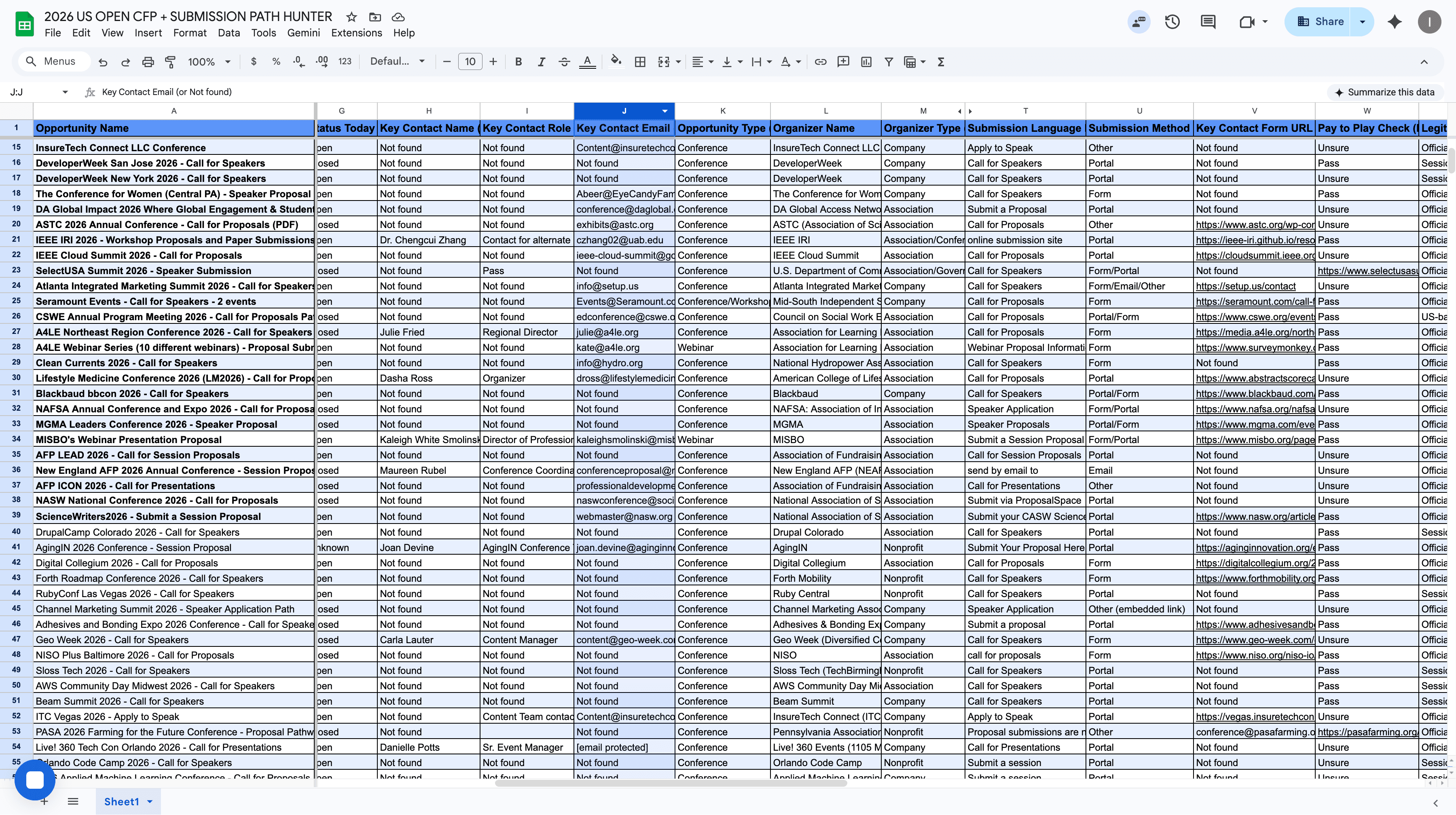
I personally cleaned information up to row 40. I organized the data to make it easier for you to review. I aligned the event name, event date, location, website, submission link, deadline date, status (open, closed, or unknown), key person name, key person role, and key person email. You don't need to worry about the rest. You will be working up to column J.
I want you to think critically, not just follow instructions or assume everything in this document is absolutely true. We are doing this to check if the information captured by AI matches what we have and is accurate.
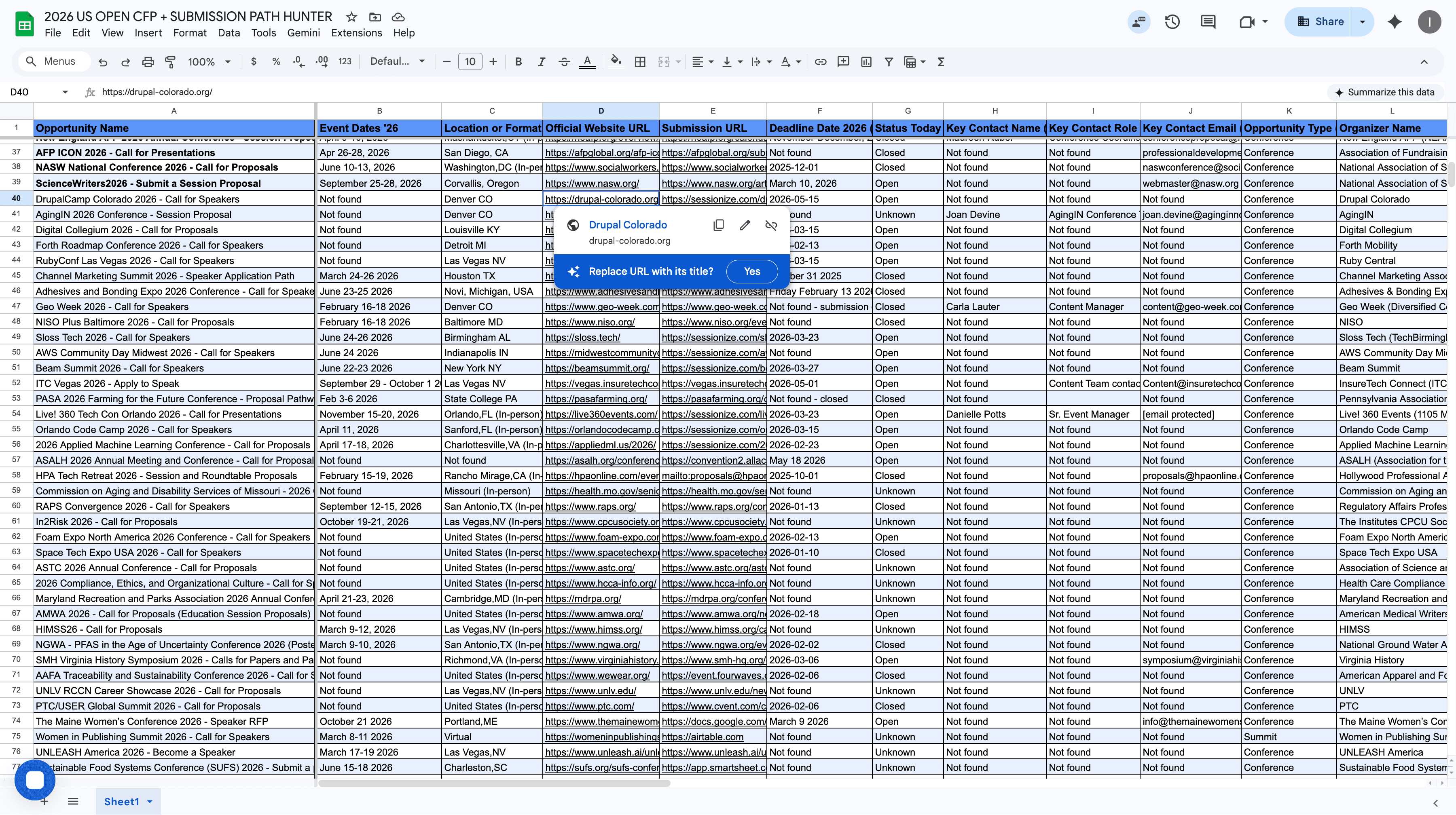
I'll provide a completely new lead and see how it works. This is Drupal Camp Colorado 2026 line 40. We are missing the event date. We have a location and two links. Click the links. Open each one of them.
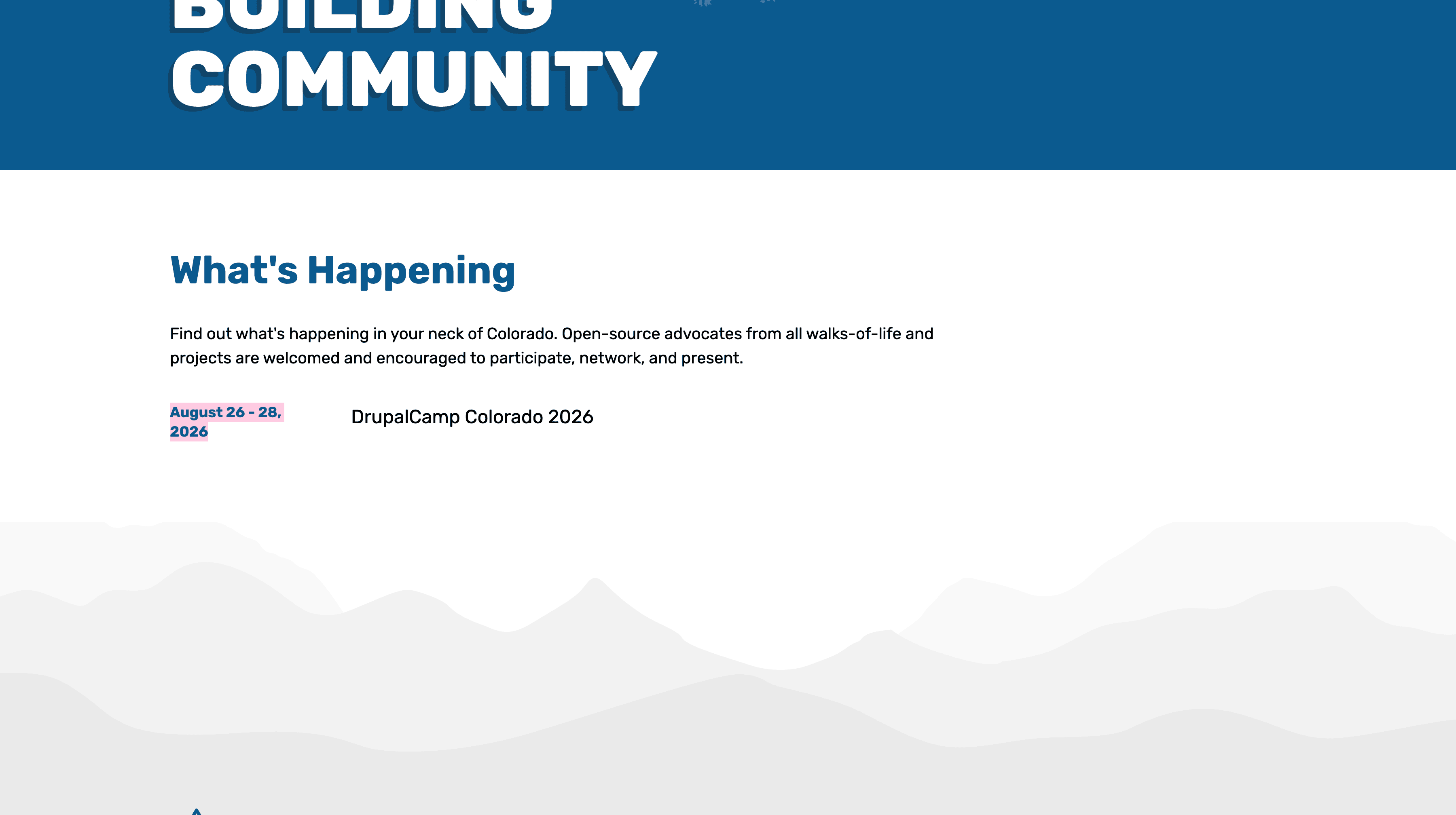
Okay, the link is aligned. August 26 to 28.
Let's go back. As you can see, add the date here.
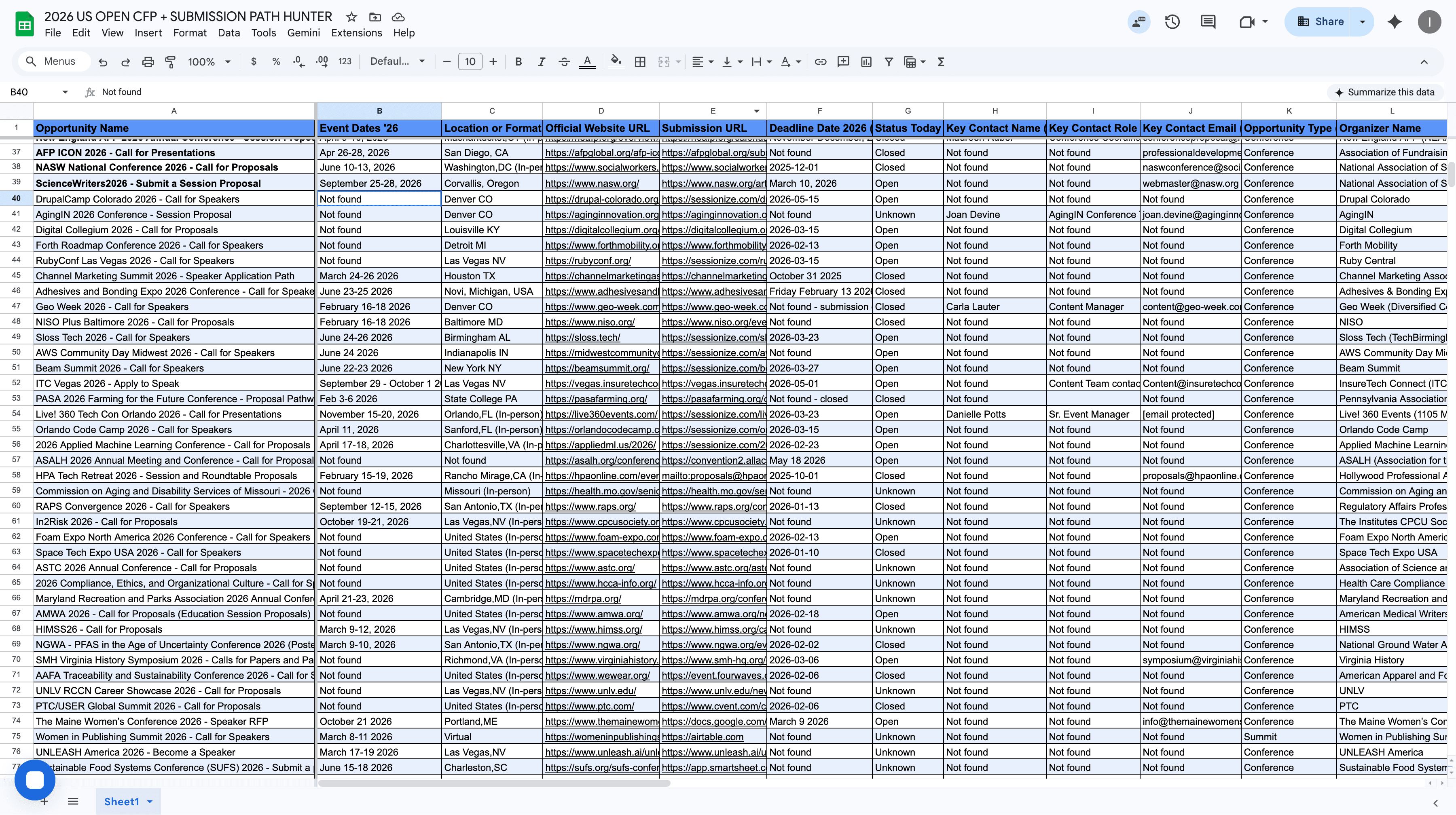
Let's double-check. It is Denver, Colorado. Sometimes, if you want to search for the key person contact email on the website links:
If you are using Windows, press Control + F.
If you are using a MacBook, press Command + F.
Press Ctrl+F or Command+F, then type "@" to check if any email addresses are listed on the websites. No.
Is there any person or email we can find? Nothing here. It is just this one. Alright. If you cannot find the submission link, try clicking further into the website links until you find more.
If you find incorrect links, I suggest clicking and copying the event name. Paste it into Google, and you will see various options.
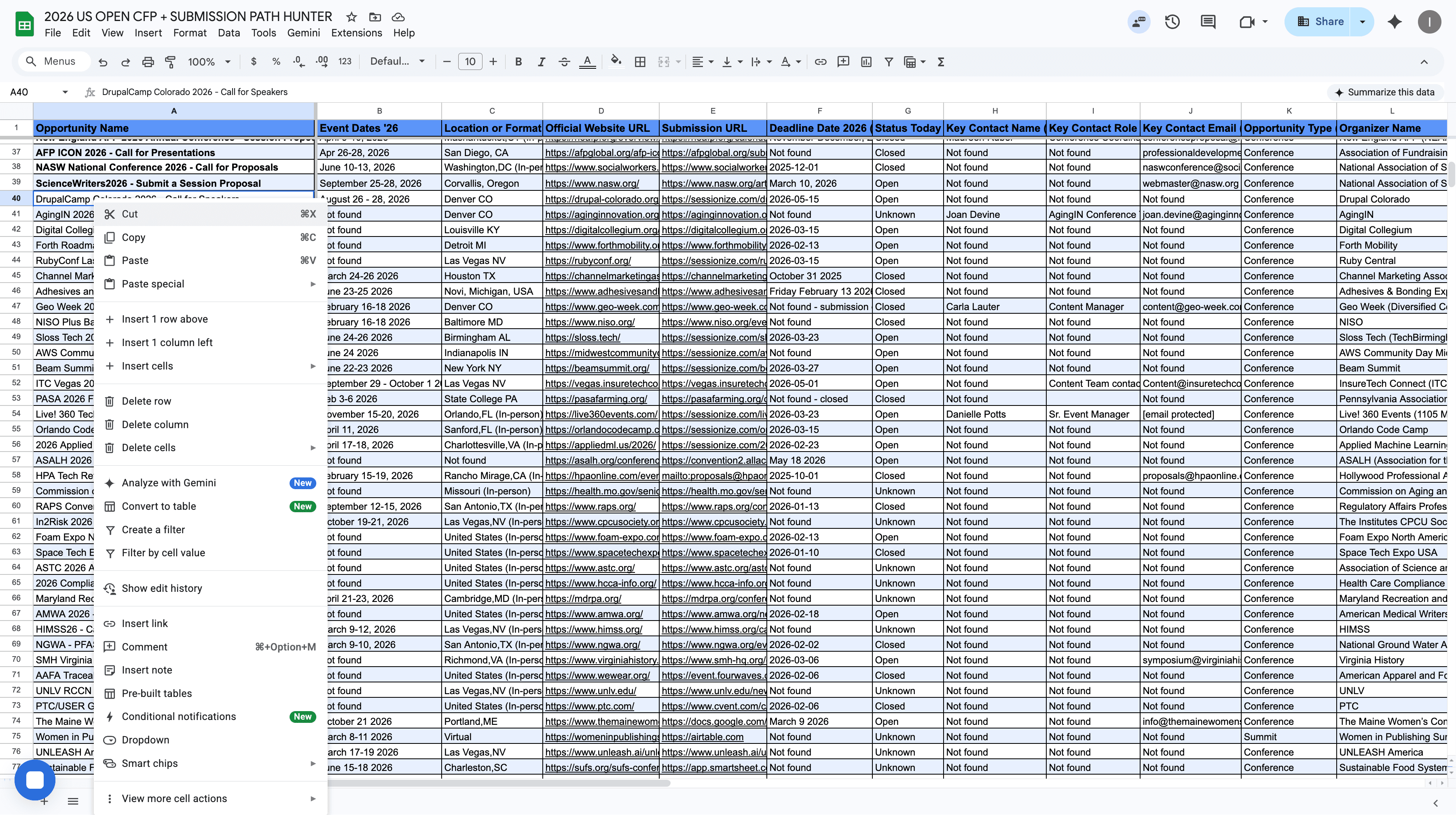
Just see what actually makes sense. This is the official website.
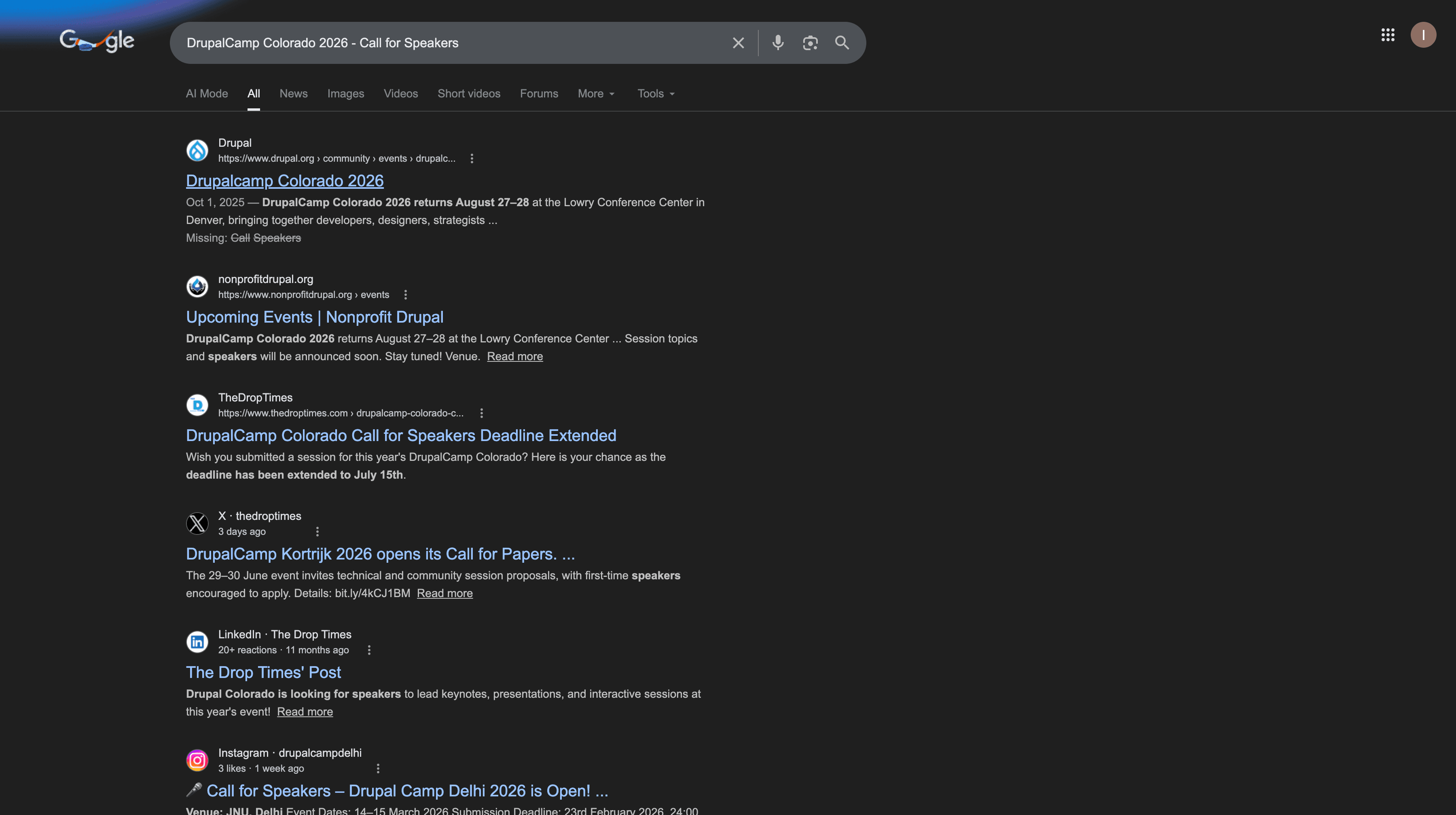
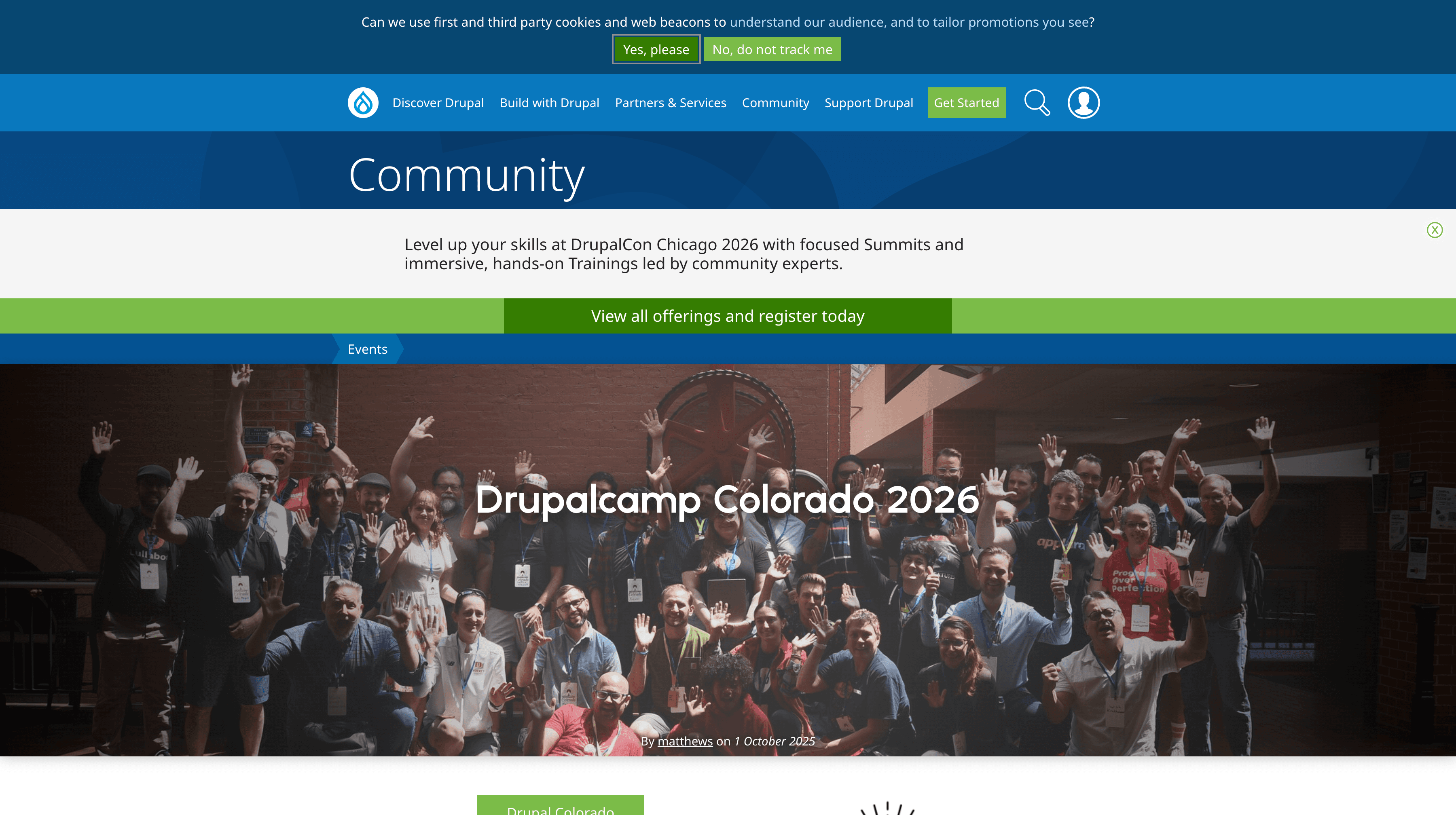
This is why we don't blindly trust everything we have here.
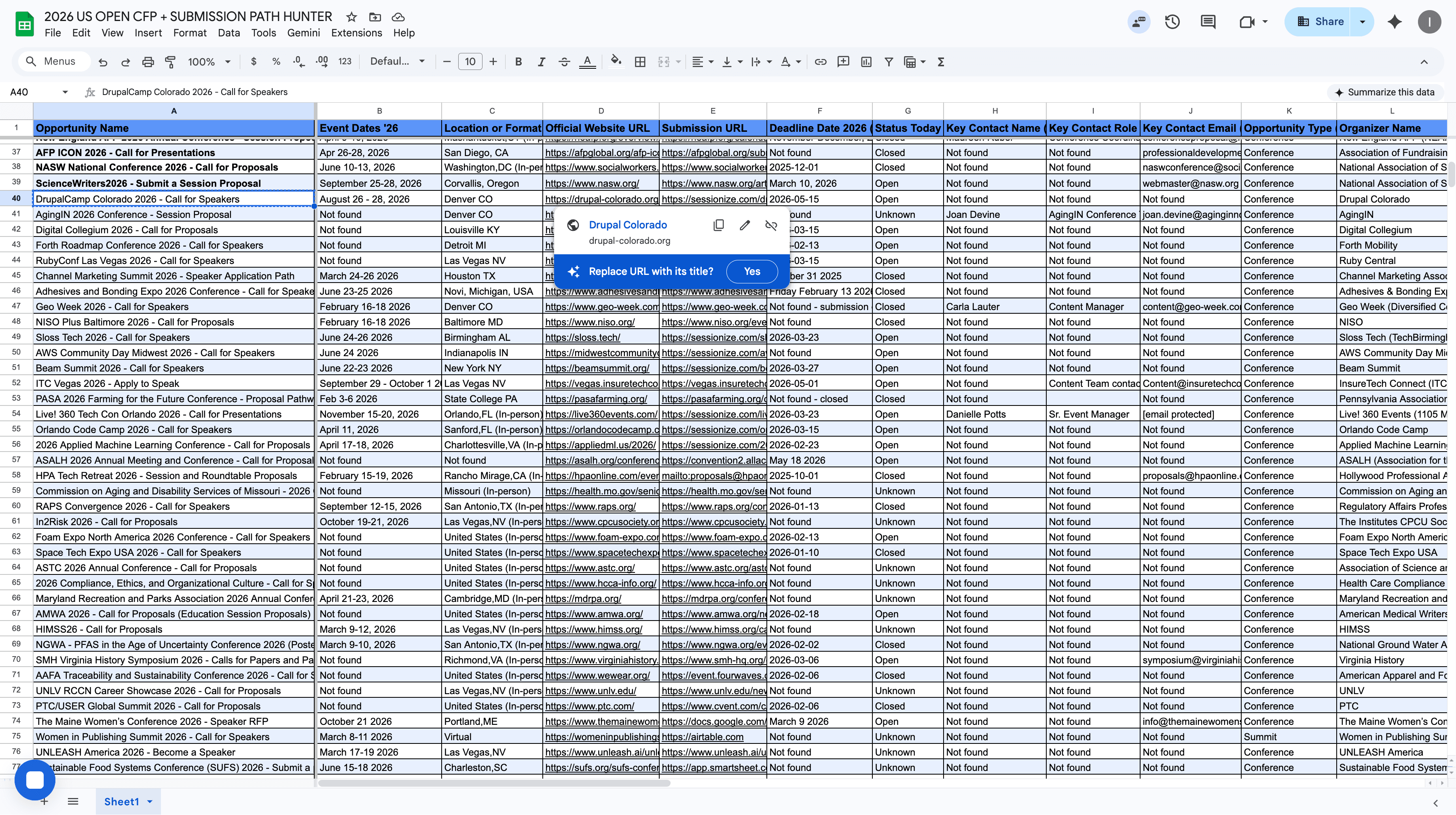
As you can see, we cannot blindly trust this information. We need to double-check. We double-check by copying the name, searching it on Google, and reviewing other options.
Sometimes, more information will be provided. Now we have two links here, which is perfectly fine.
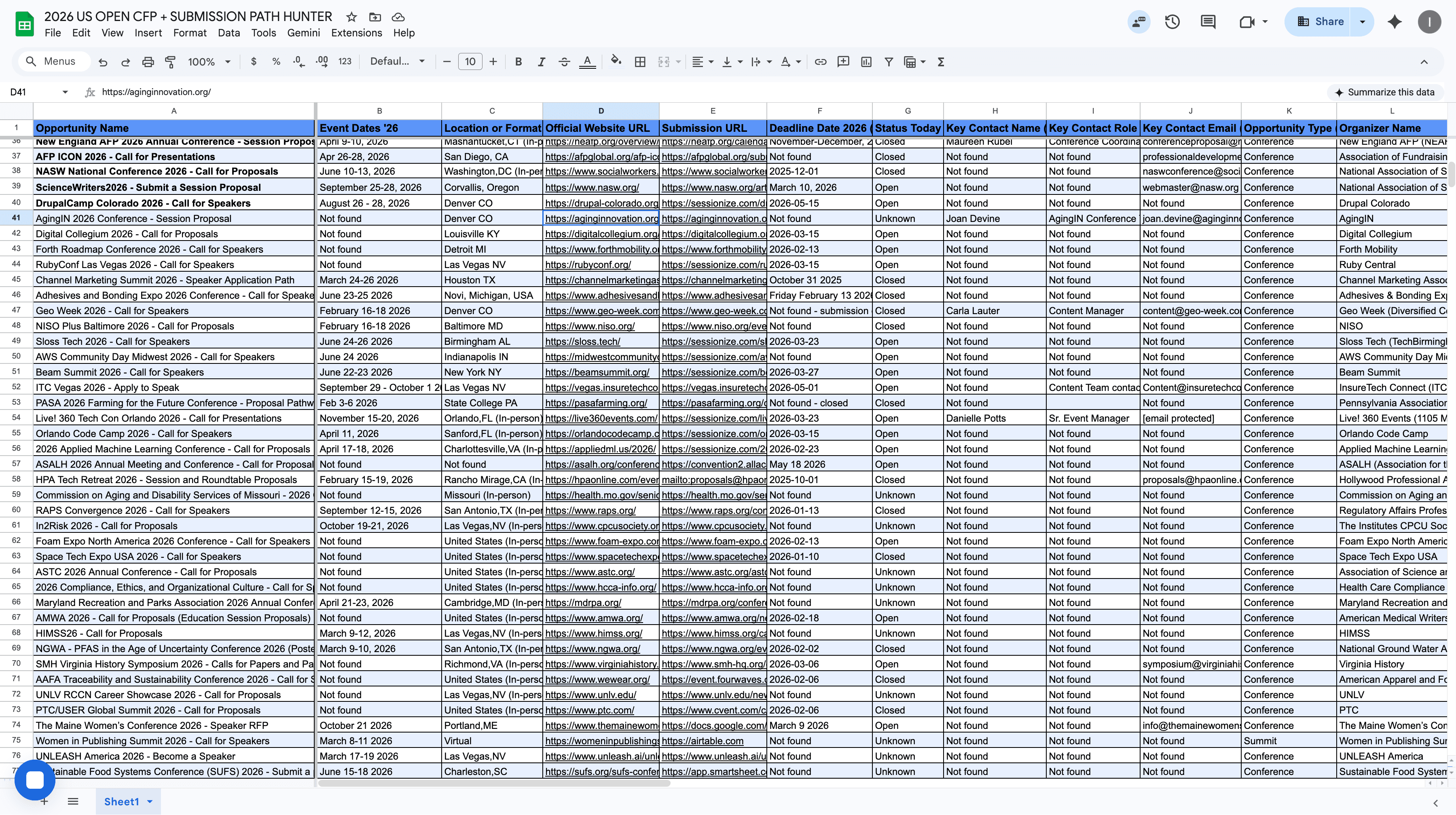
The event is called the Aging In 2026 Conference. Okay. This is their main website. Again, press Command+F or Control+F. Is there an email? There are a few emails here. All right, great. This is a call for speakers on August 10. This is the date: August 10, 2026.

Let's check if we have the date. We do not have the date, as you can see.
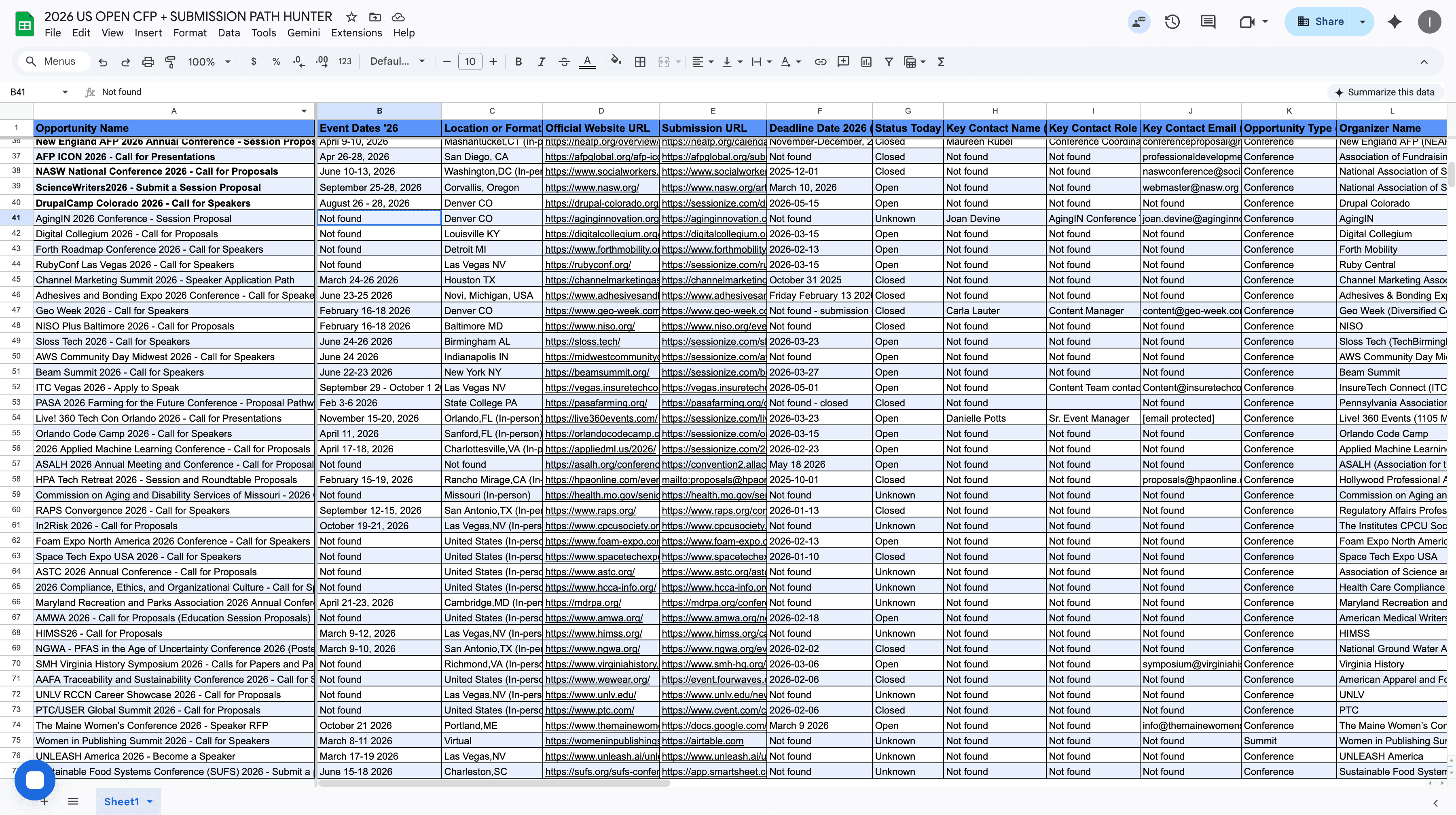
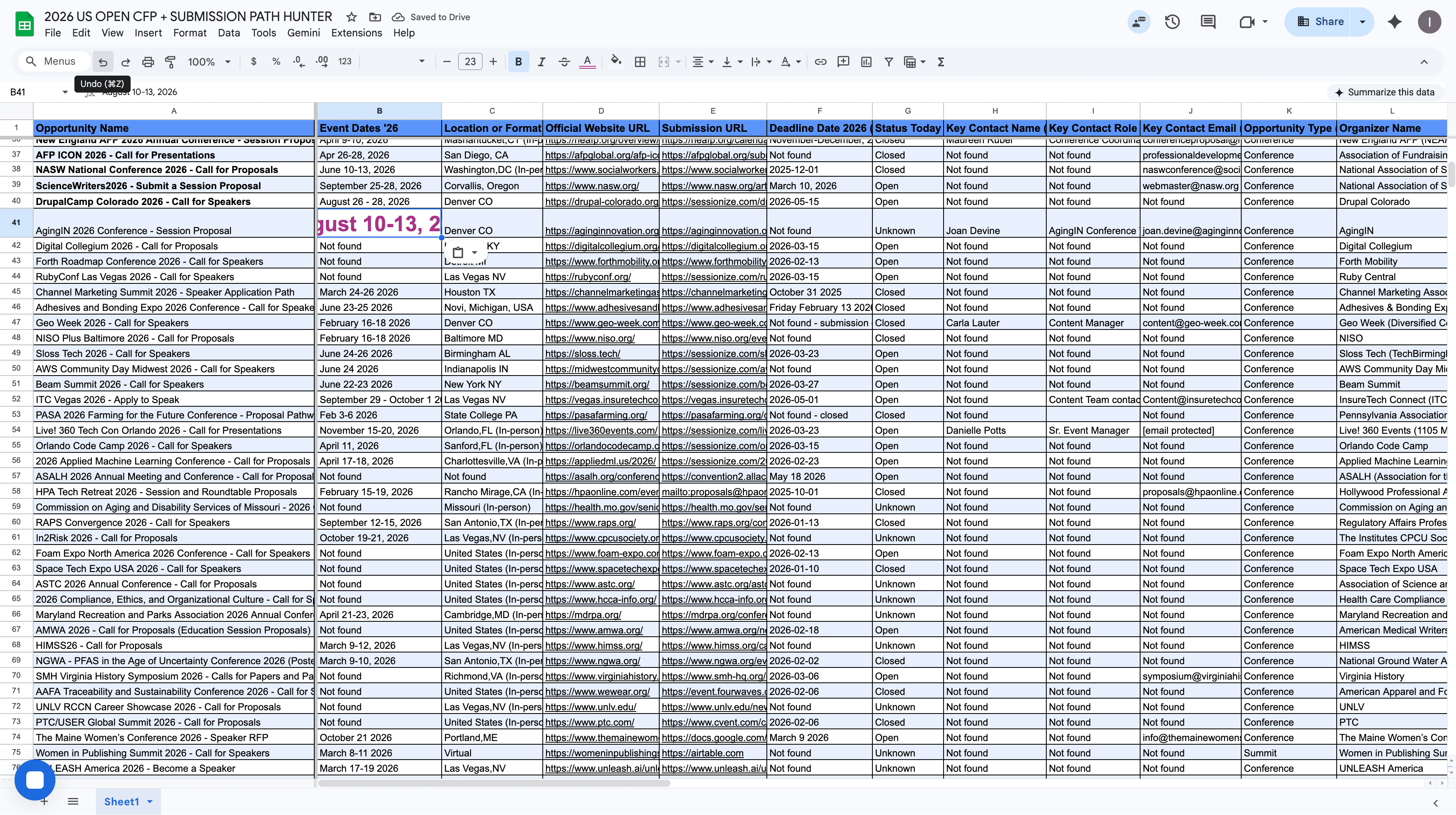
When adding content, do not simply copy and paste from another website. If you paste, use the "paste and match style" option to ensure the formatting matches your document.
You MUST use Paste Special instead of just Paste, and select "Values Only." It aligns with the font and size we have here.
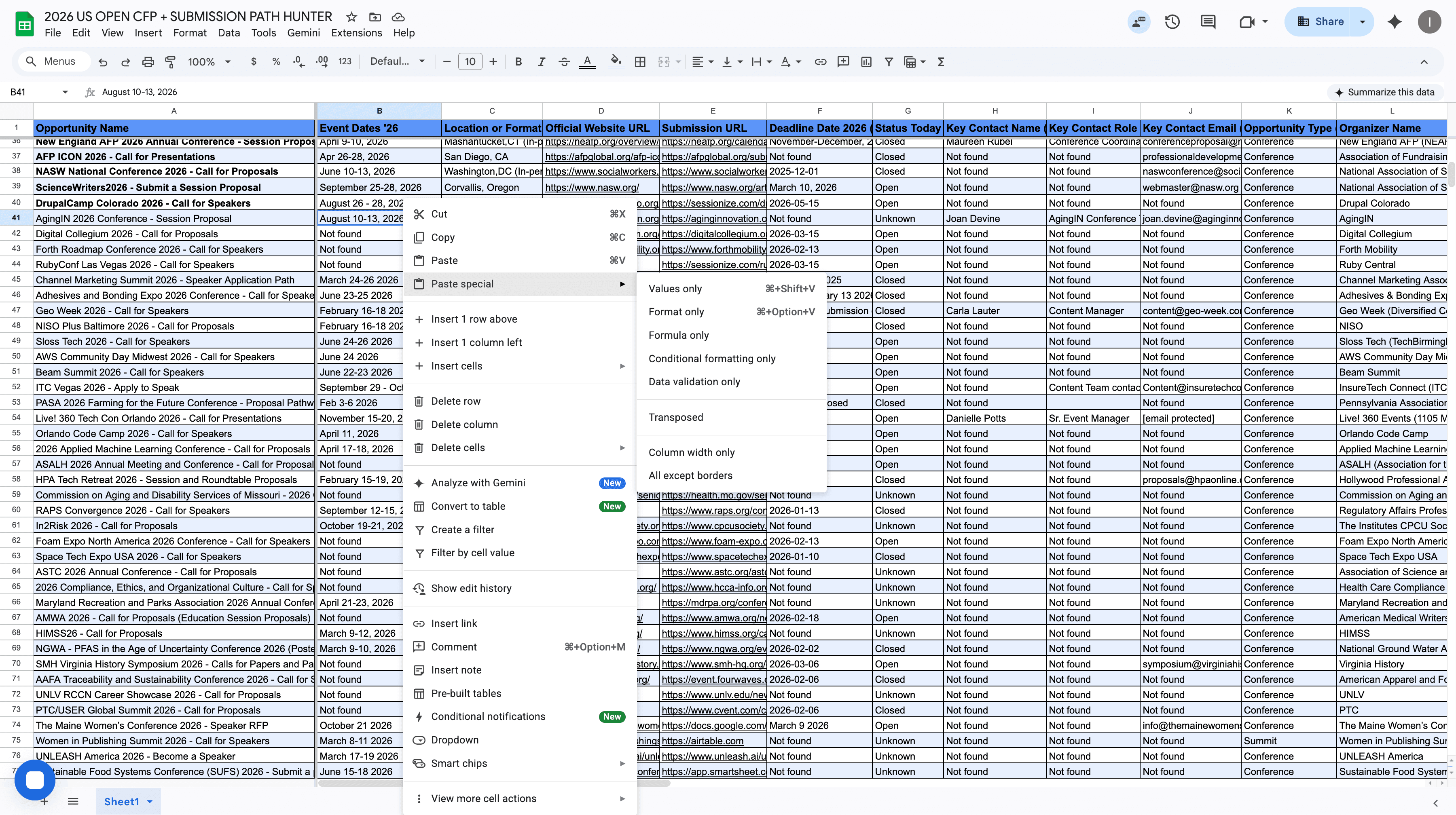
Otherwise, if you do JUST PASTE, look below. Please do not do this. You can always go back if you made a mistake. Edit - Undo if you need to undo previous work.
If it's an exact duplicate with the same dates and location, mark it in RED. If the event has a similar name but different dates or location, mark it in ORANGE.
If something is very unclear to you, you are unsure, something feels off, or you cannot find the information, you can mark it in YELLOW. If you're struggling to find something or something isn't happening, Column AC Notes for Abiodun if where you can add any notes.
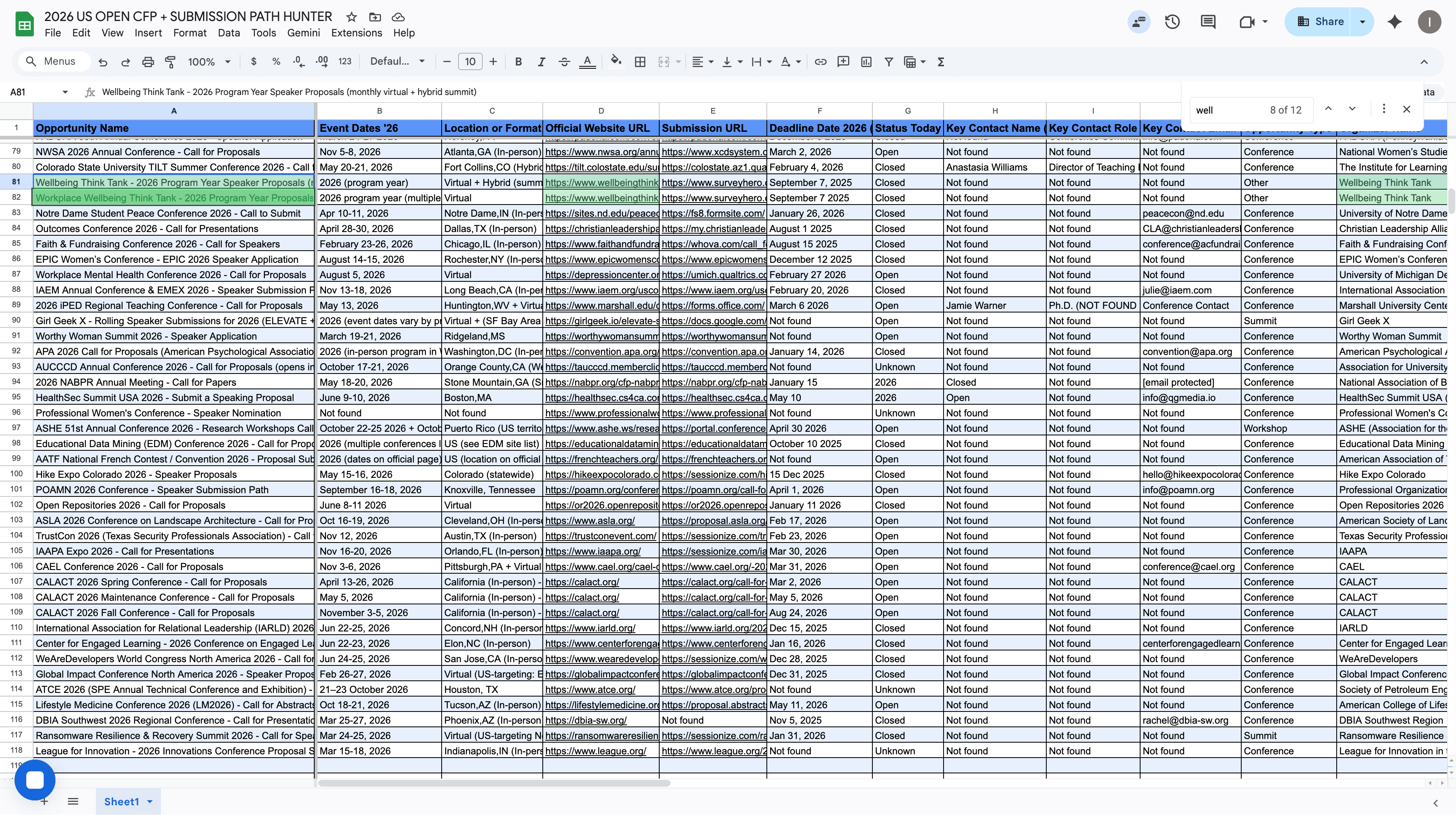
Let me see this one. Wellbeing. Then press Control+F or Command+F and type "wellbeing".
All right, do you see? This is a duplicate.
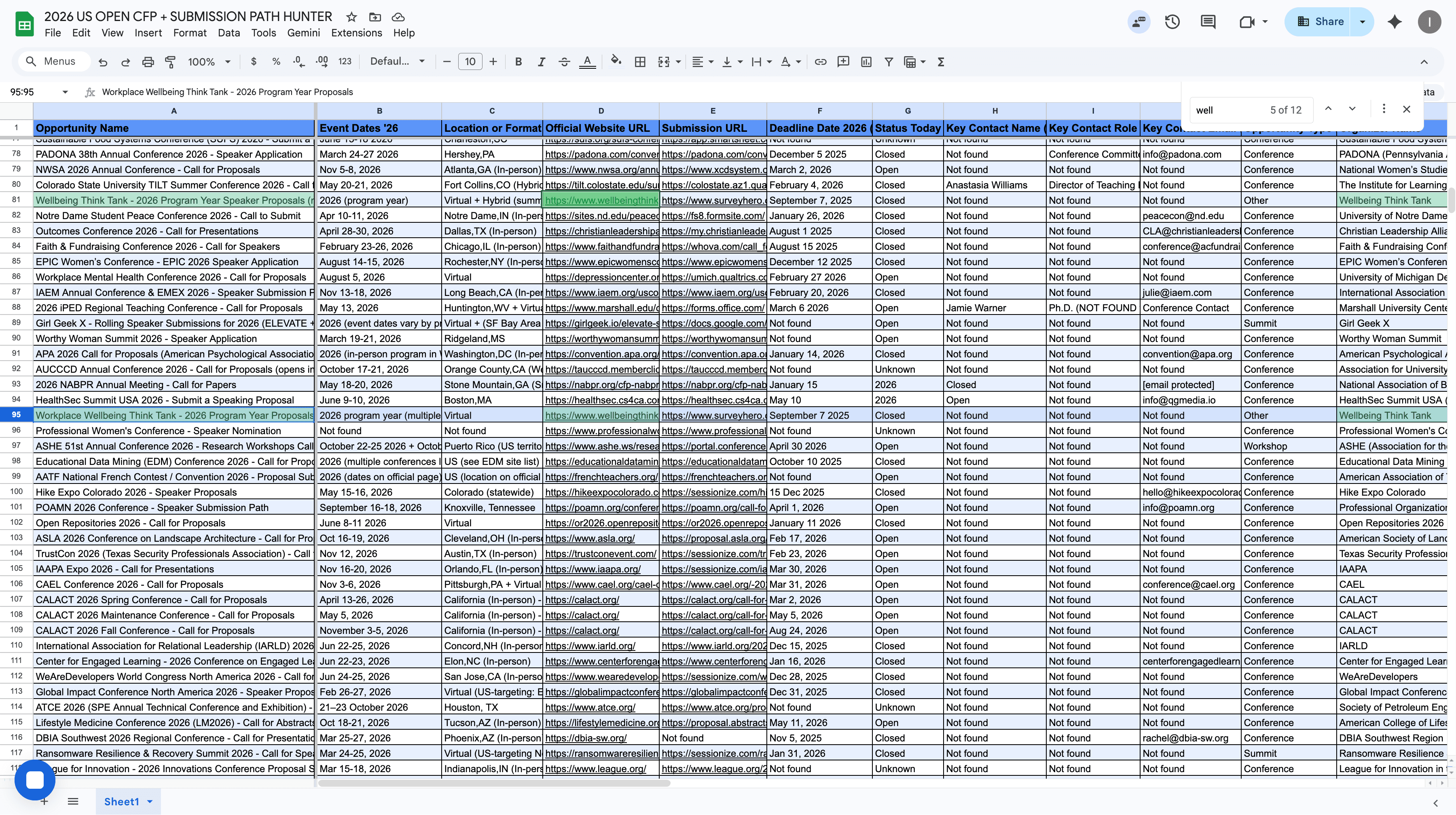
You move by bringing same rows with the same events together, then mark them in red color. I will review them.