
How to Add a Contact in the "Matter Details" section on Smokeball.
Learn step-by-step how to add and customise information in the Matter Details section by adding contact details for barristers, valuers, police, courts and family members.
In this guide, we'll learn how to add and customise the details in the "Matter Details" section of a client file. This process helps ensure that all relevant information, such as Barristers, previous solicitors or family members, is included and easy to access.
We'll cover how to select which details to display and how to enter specific information for each category.
Adding contact details for non-parties in this section allows us to easily find the details for relevant people such as barristers, valuers or the Court in order to send them correspondences such as letters and emails directly from Smokeball. This saves a great deal of time, ensures we know who is involved in a matter (important for confidentiality purposes) and streamlines our processes.
Let's get started
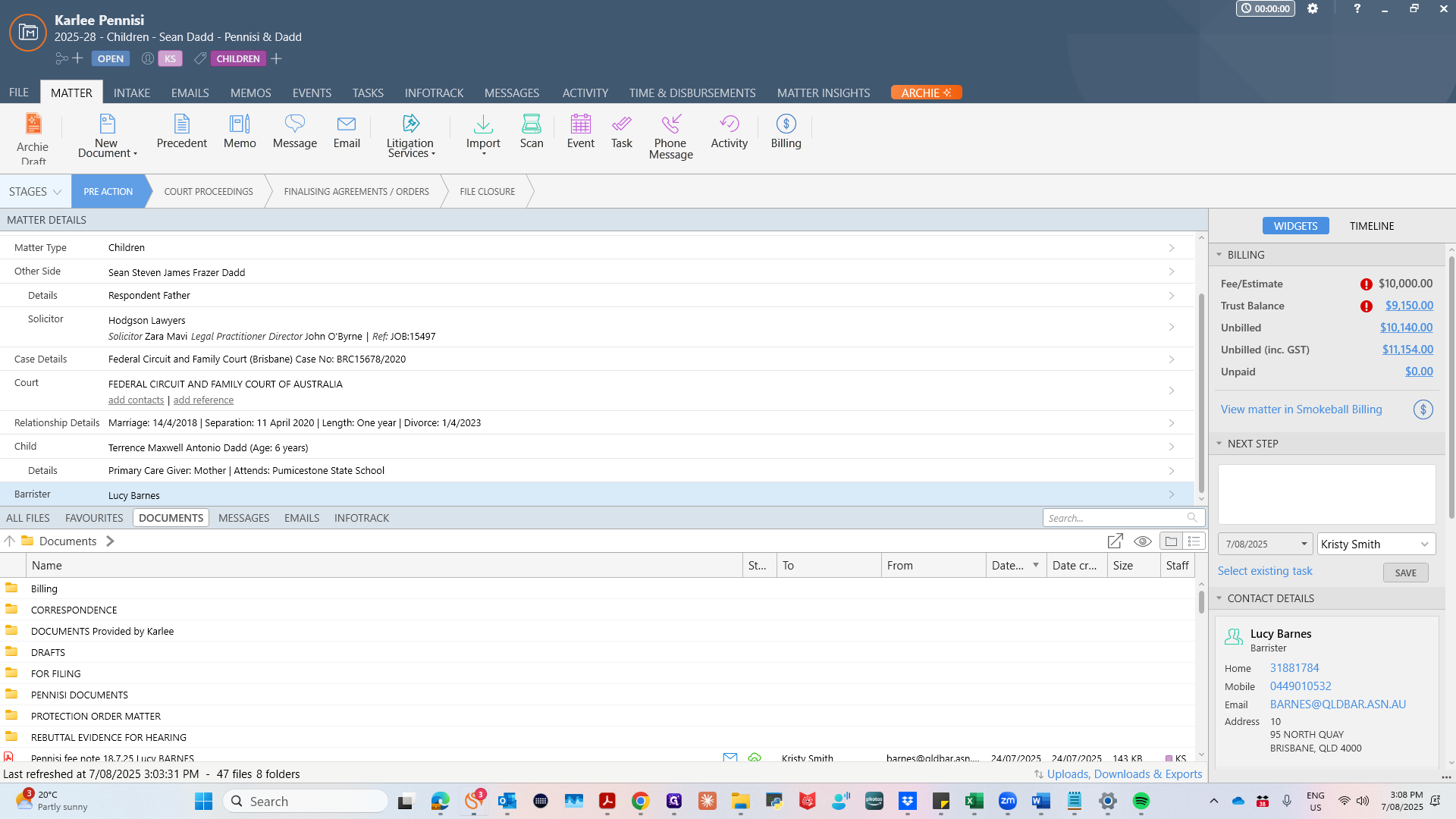
Open the relevant matter in Smokeball.
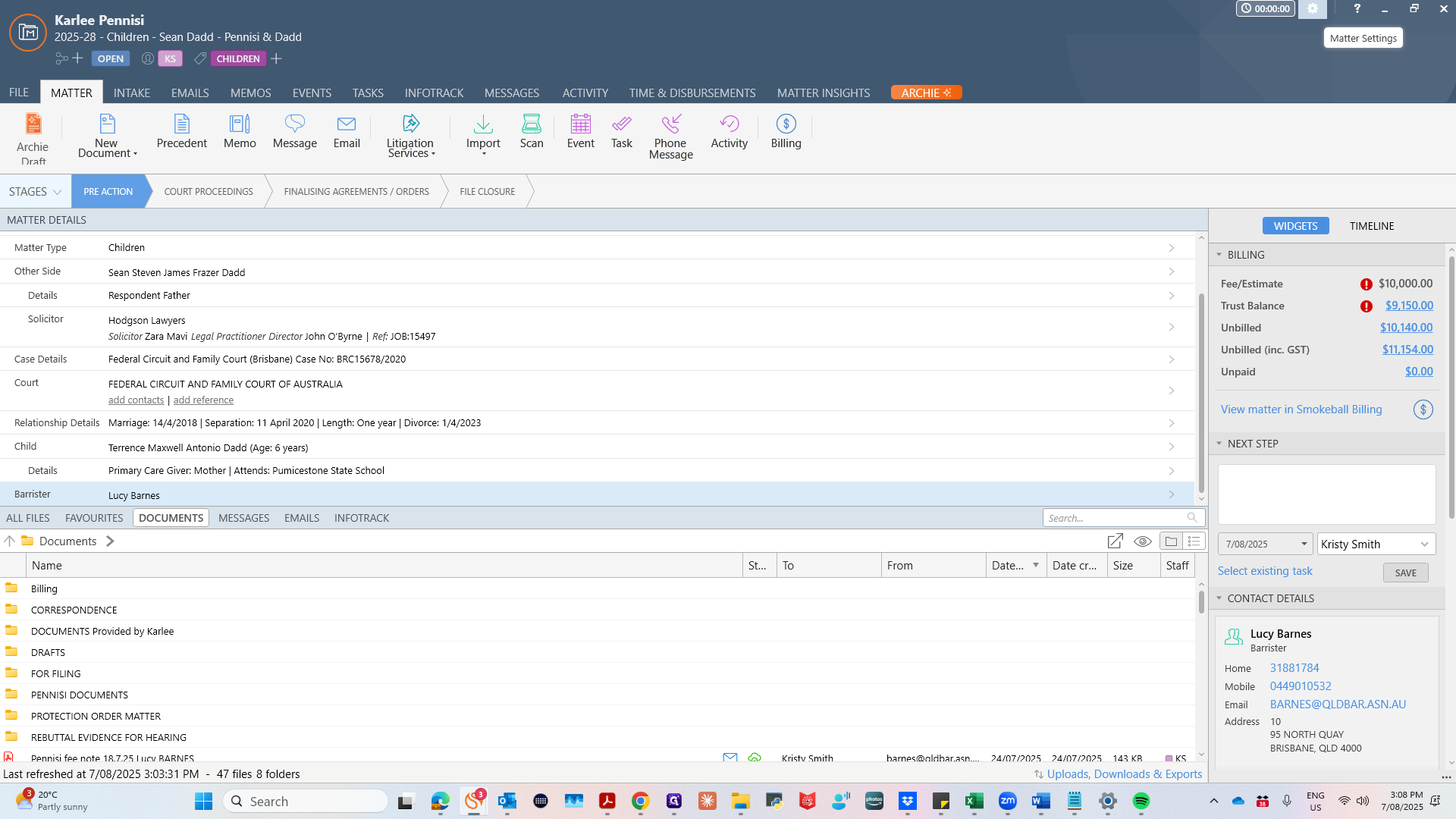
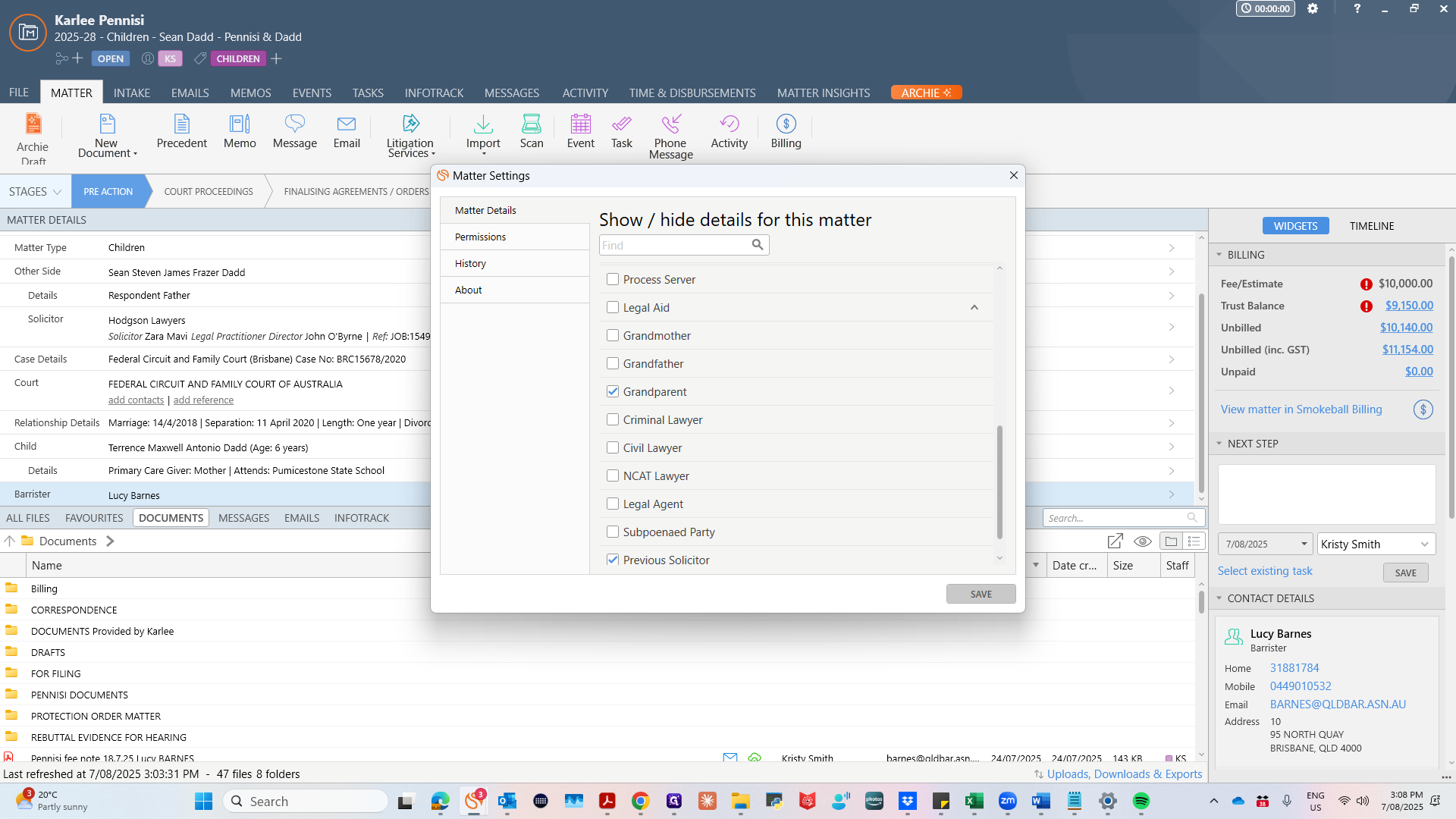
To add contact details to a matter for someone other than our client, click the cog icon in the top right corner of the screen.
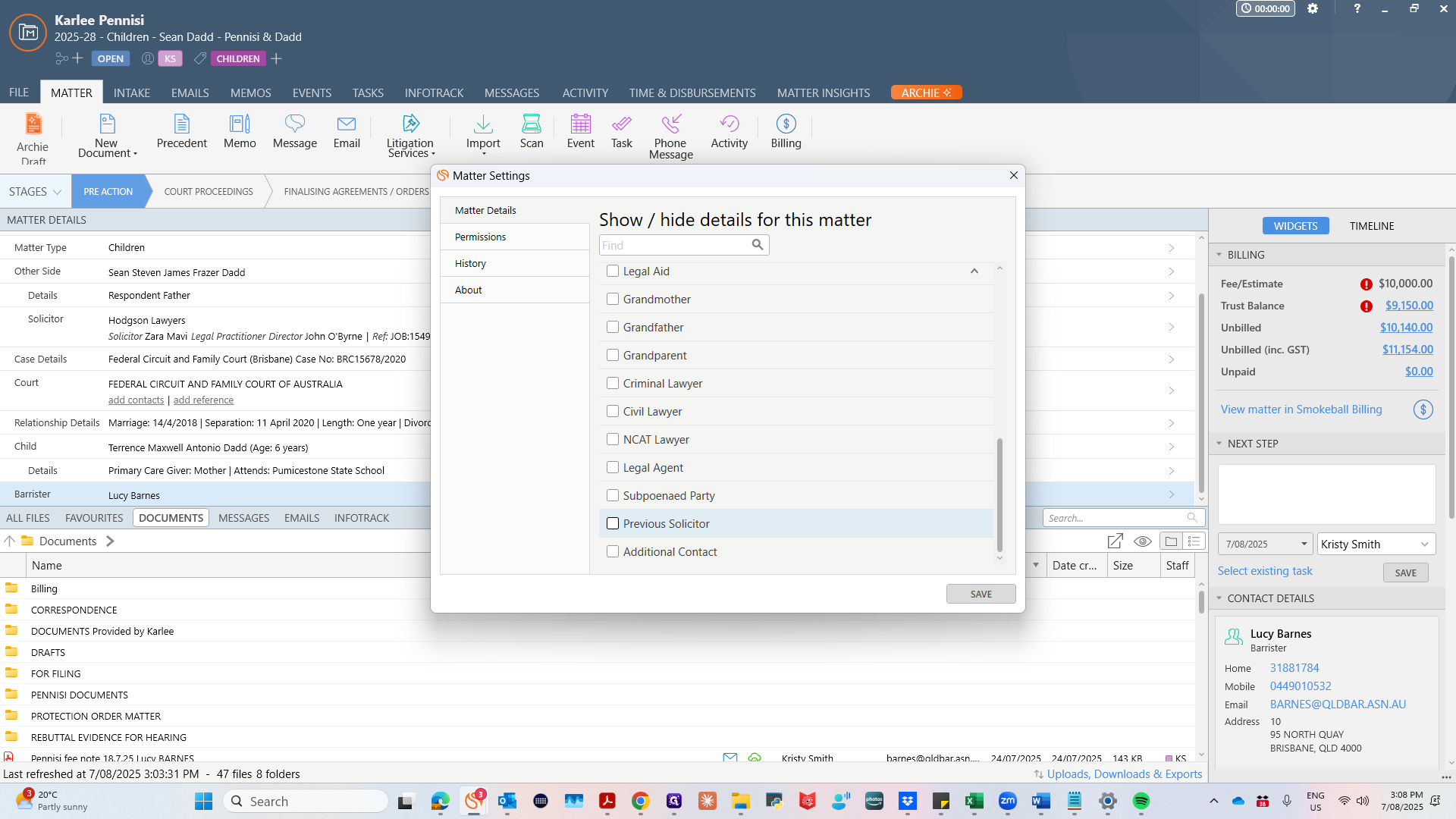
Select the Information that you want to include for this client: for example, a previous solicitor, barrister or a grandparent involved in the matter.
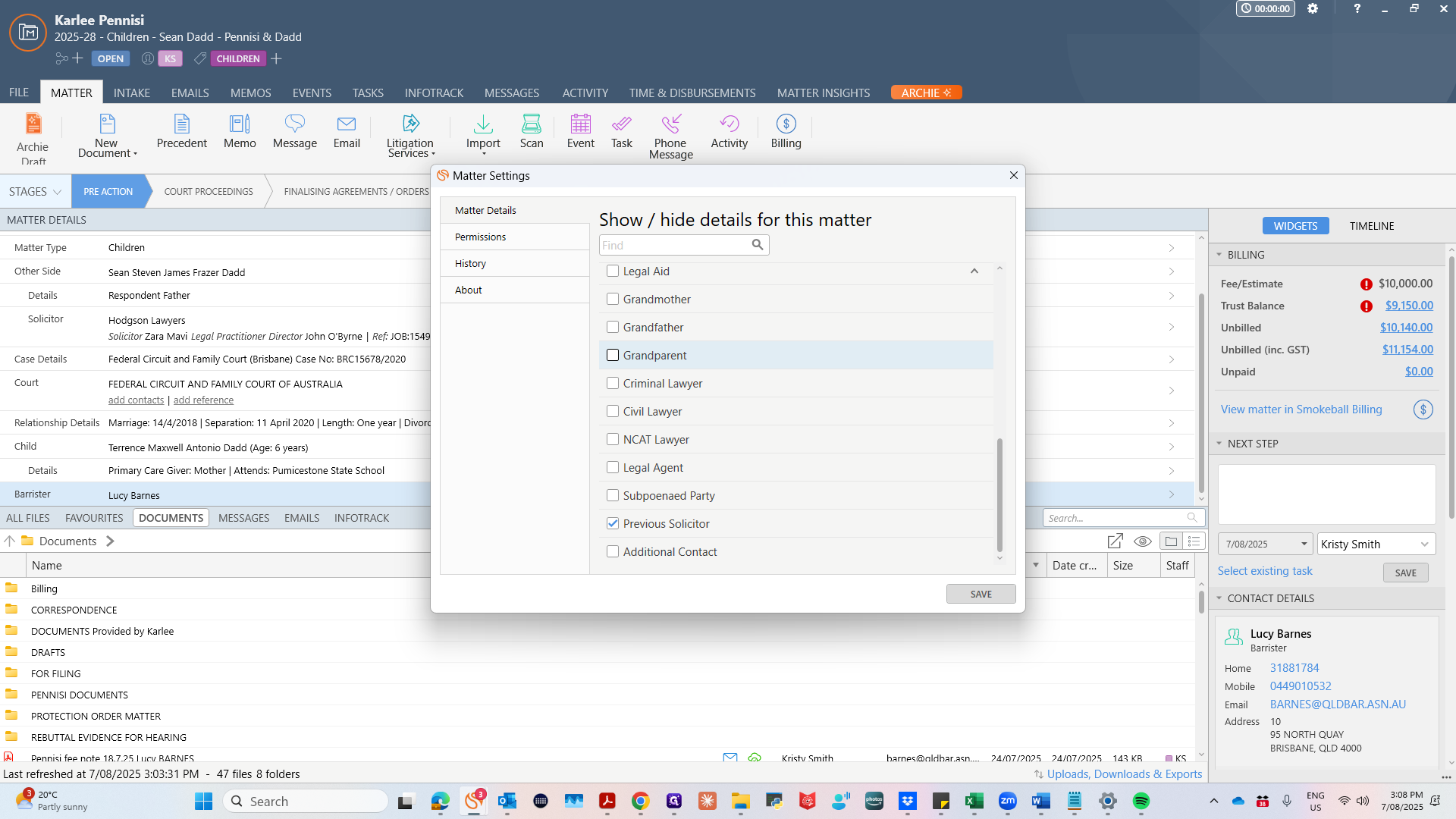
Then click Save.
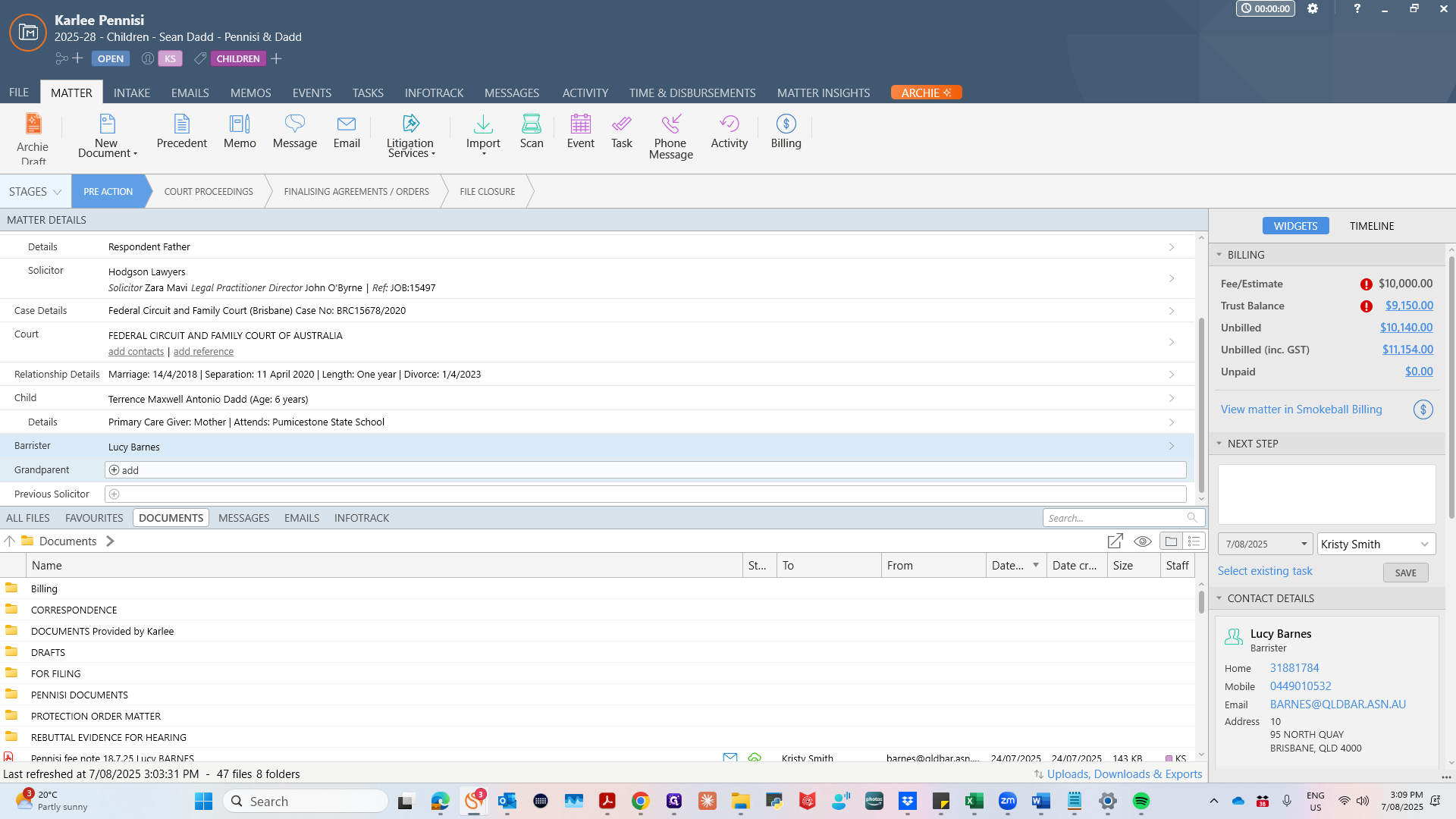
Those categories will appear in the Matter Details area. We then want to add those details when we have them to hand.
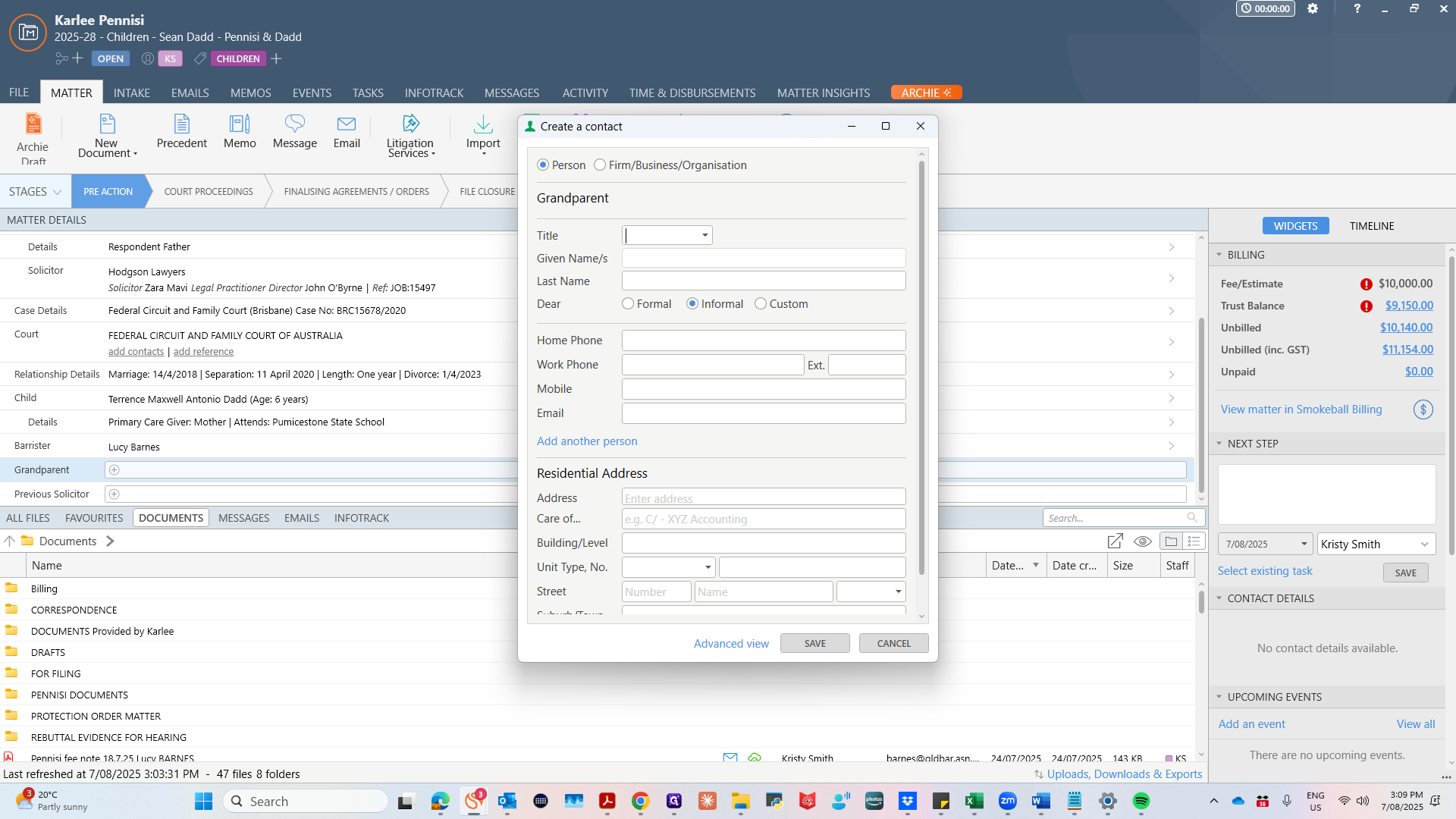
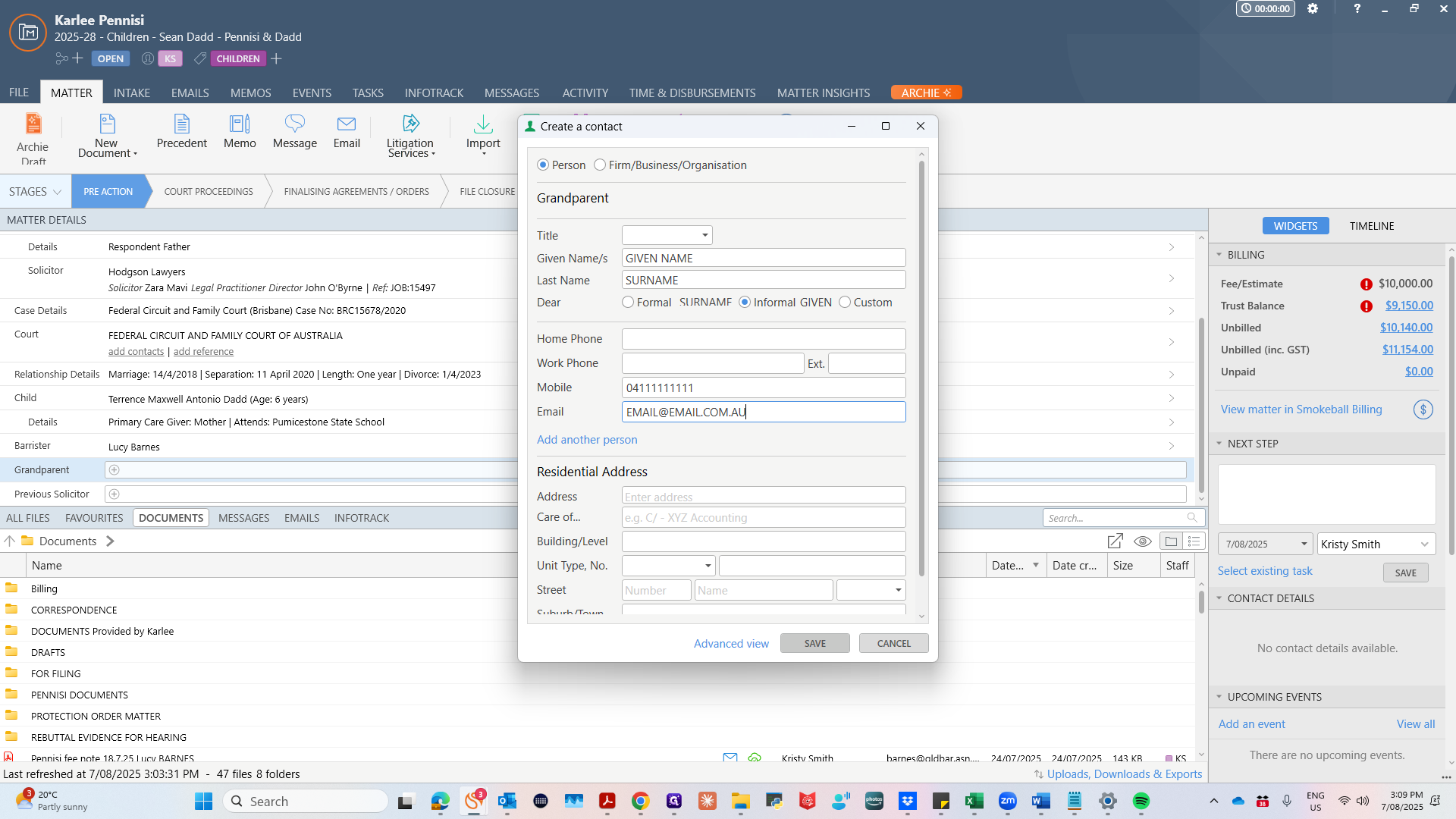
For example, add their first and last name here, along with their mobile number and email address. When you begin typing, the person or organisation may already be a saved contact for another matter in Smokeball. If this is the case, you can auto-fill these contact details by following the prompts.
Click Save. The information will appear in the Matter Details area.
You have now added a contact to a client's matter.