
How to Add Important Dates and Meetings to Outlook Calendar
Learn step-by-step how to add production schedules, meetings, or important dates like Pre-fall Market Week to your Outlook calendar and invite team members. Includes tips for recurring events and attendee management.
In this guide, we'll learn how to add important dates, such as production schedules or meetings, to your Outlook calendar. This helps you keep track of key events and ensures your team members are informed by inviting them to the calendar event.
We'll focus on adding the pre-fall market week in December, setting it as a recurring event, and inviting the necessary attendees.
Let's get started
Okay. Today, we will learn how to add the production schedule, a meeting, or any important date to the Outlook calendar to inform other team members.
First, open the calendar by selecting it from the left side of the Outlook menu.
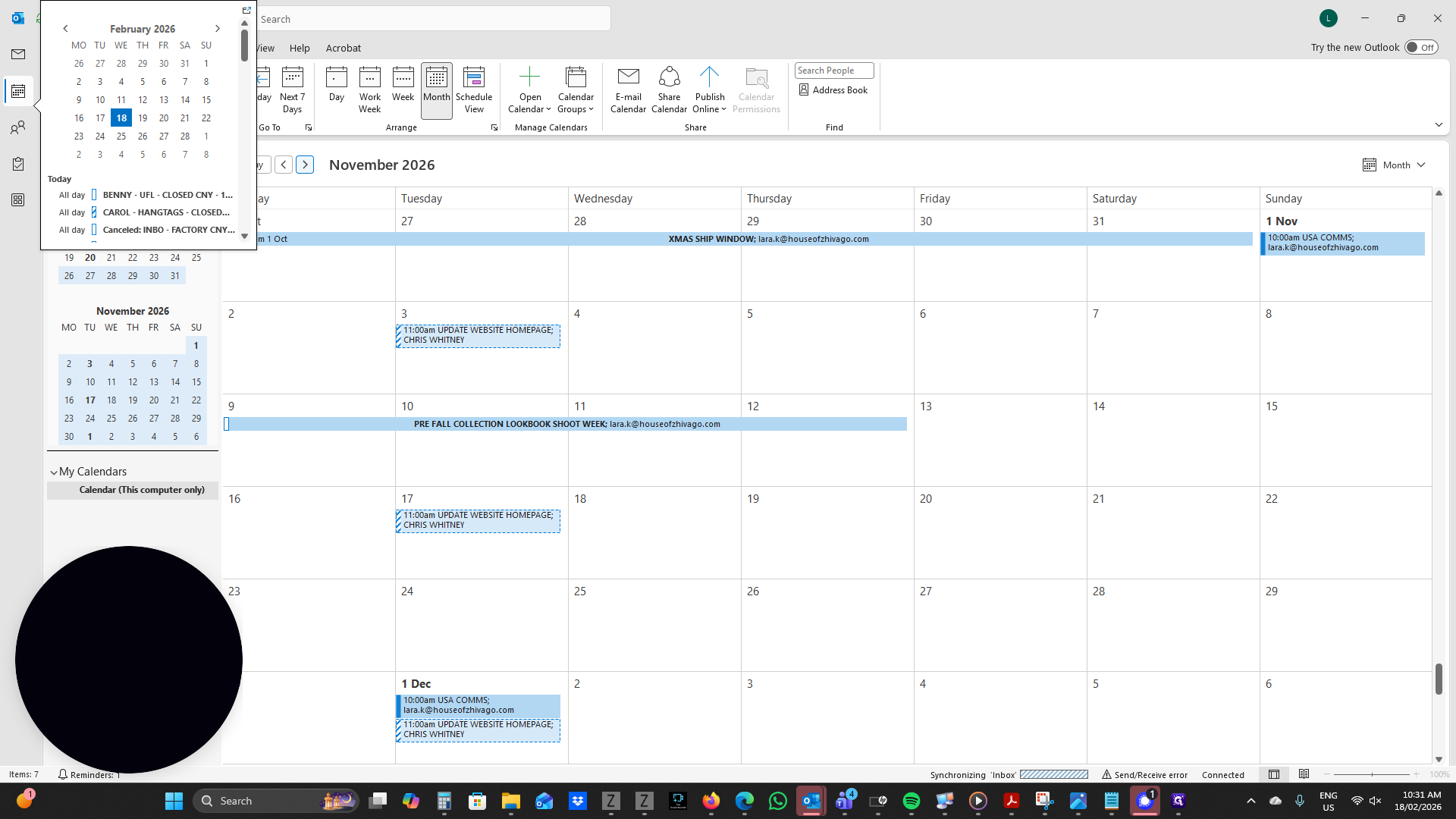
You can click on your calendar and scroll through the months you need.
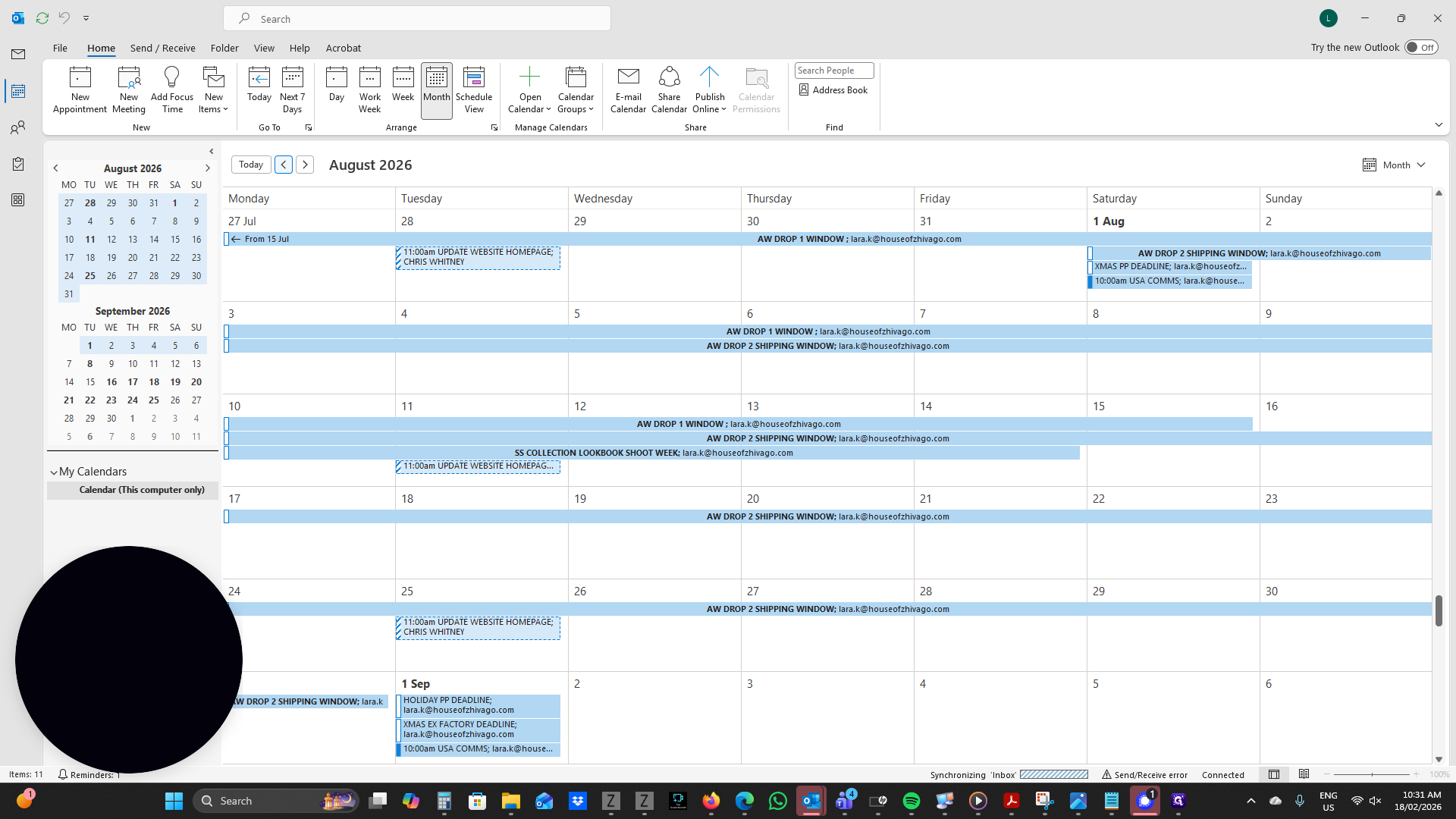
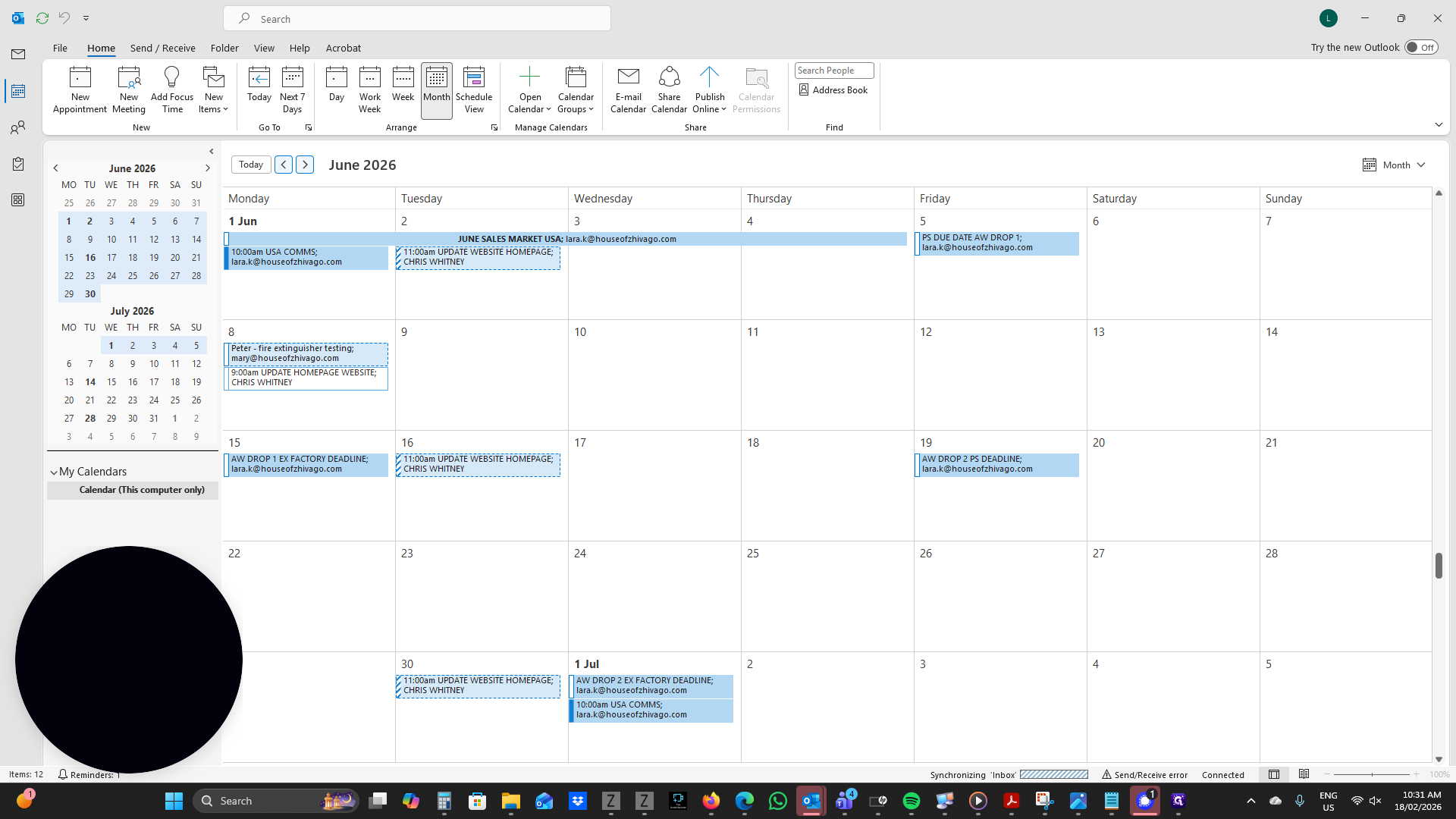
We will add the market dates for the pre-fall collection in December.
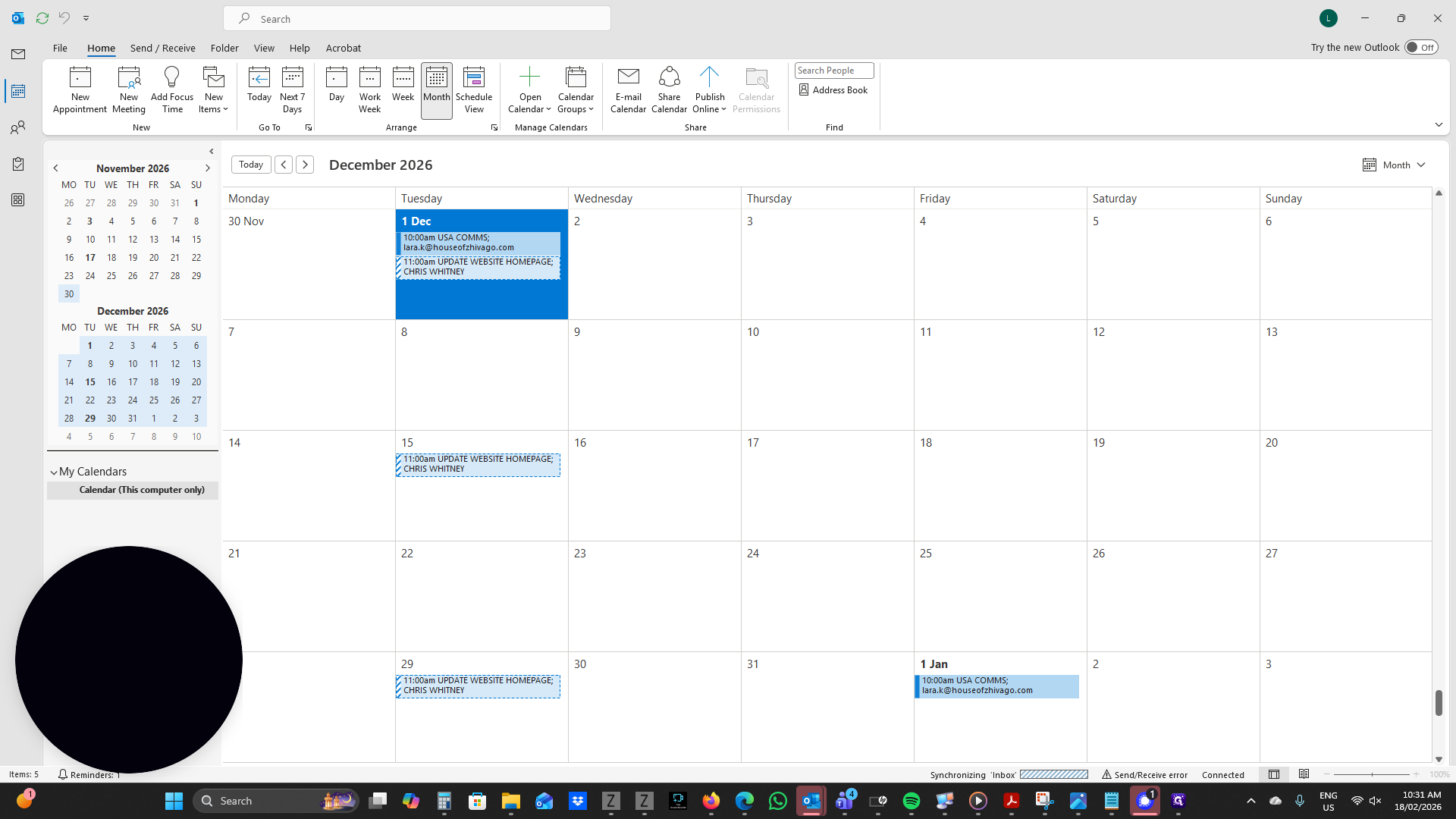
Go to December and add any important dates. This week, starting December 1st, marks the pre-fall sell in New York dates. You can double-click the date you want.
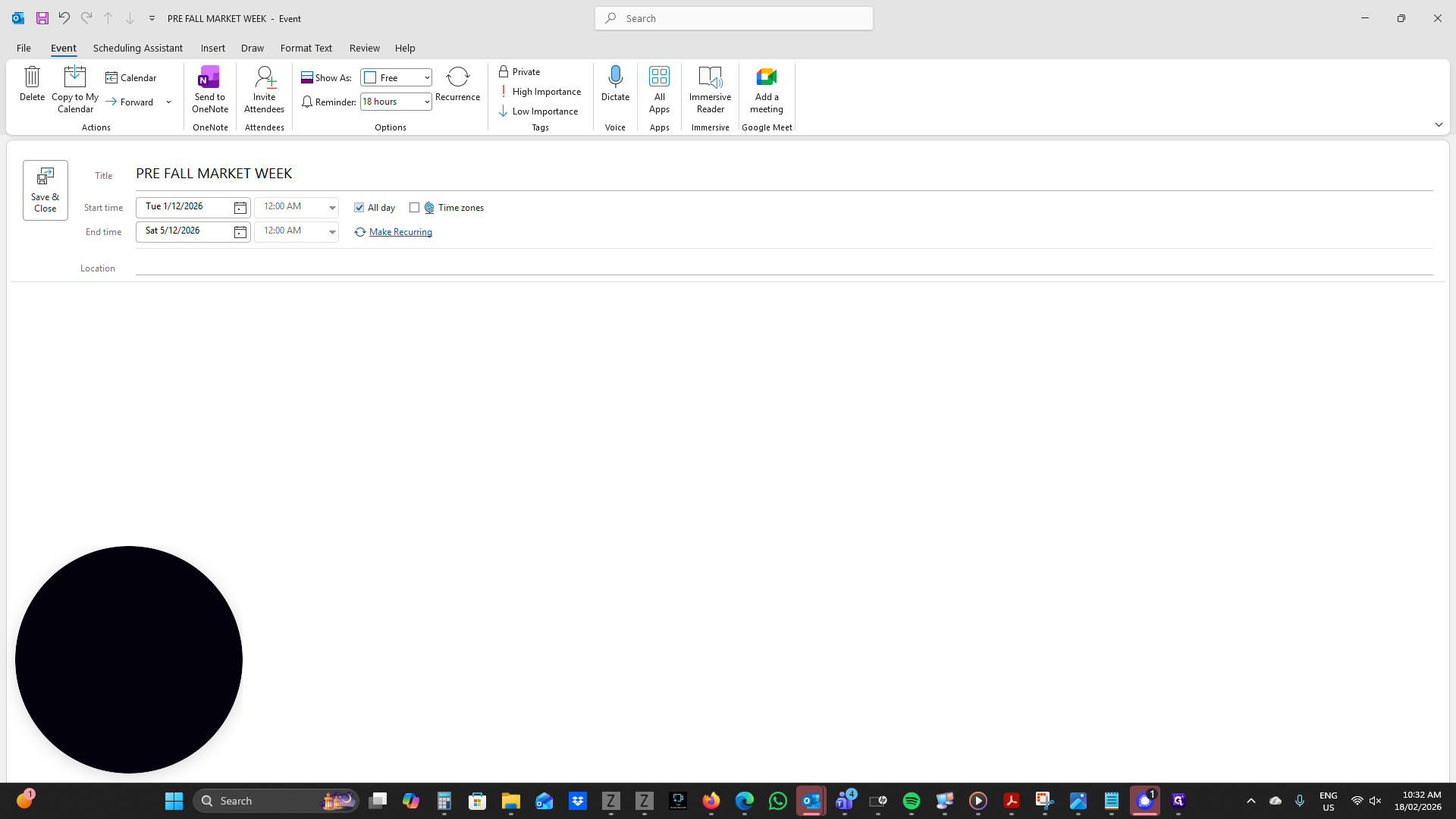
You can write your title as "Pre-fall Market Week." Your start time is Tuesday. You can change your end time to any day.
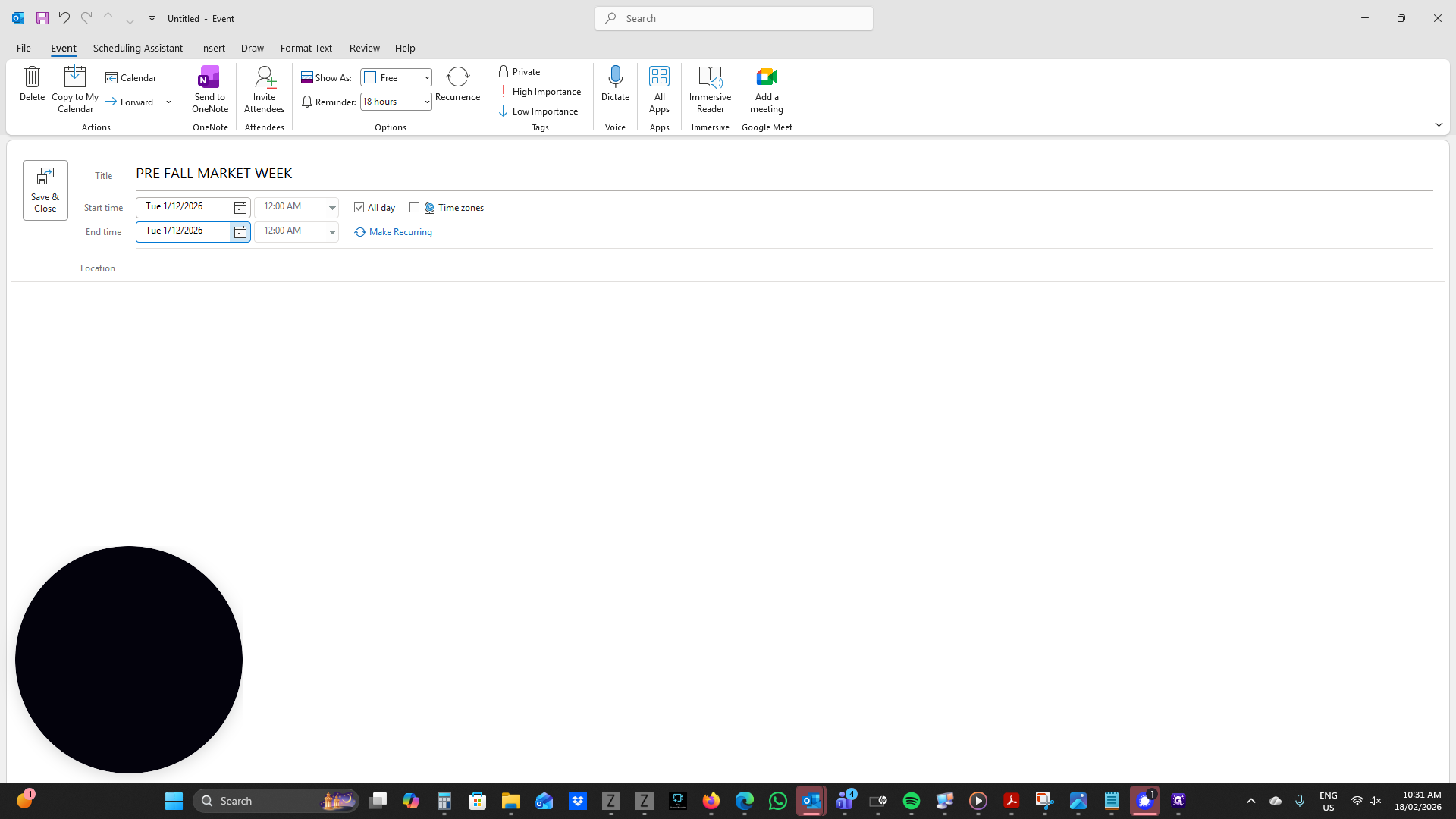
You can set it for a specific time of day, or select "all day" if it's during a market week.
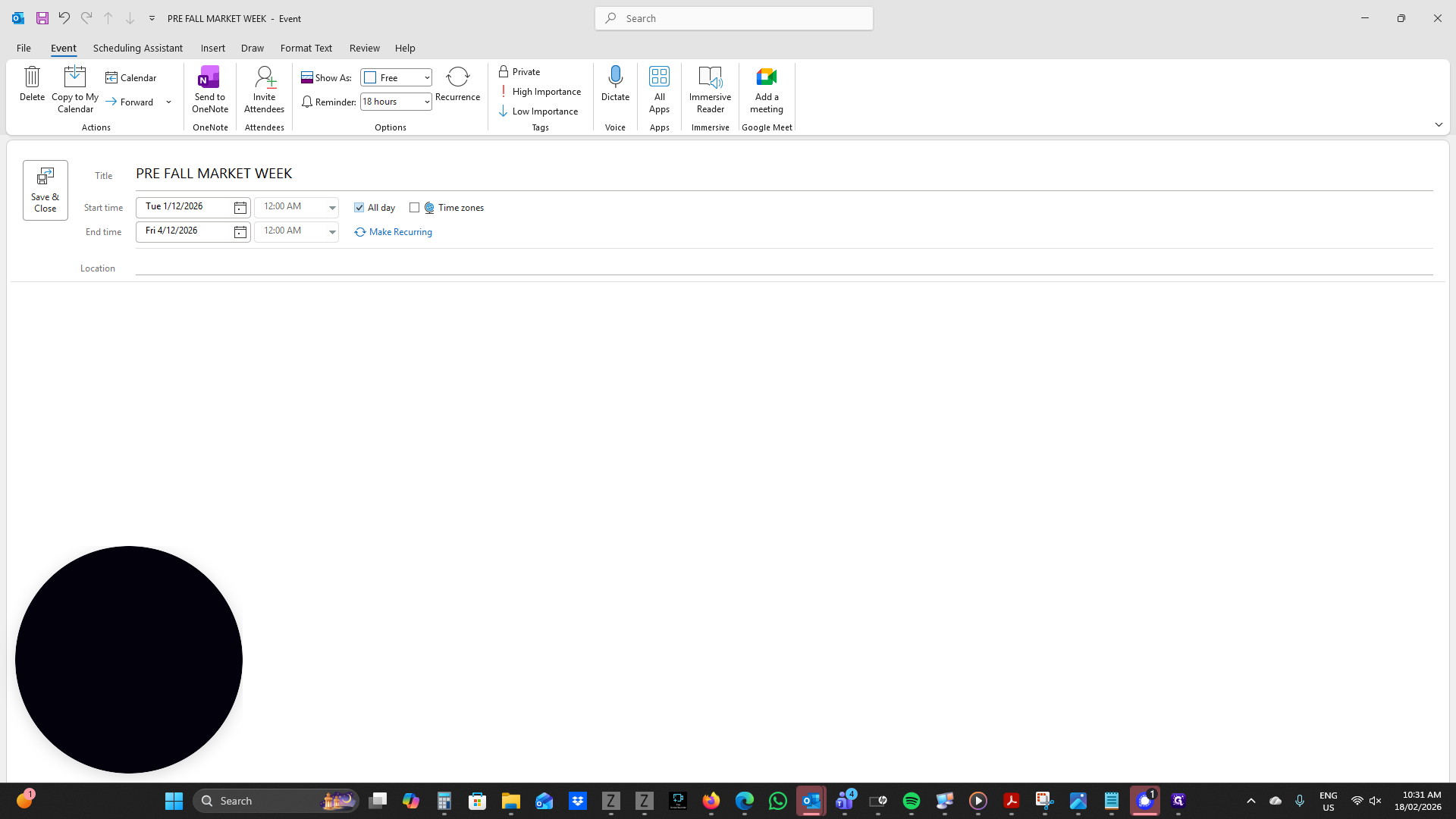
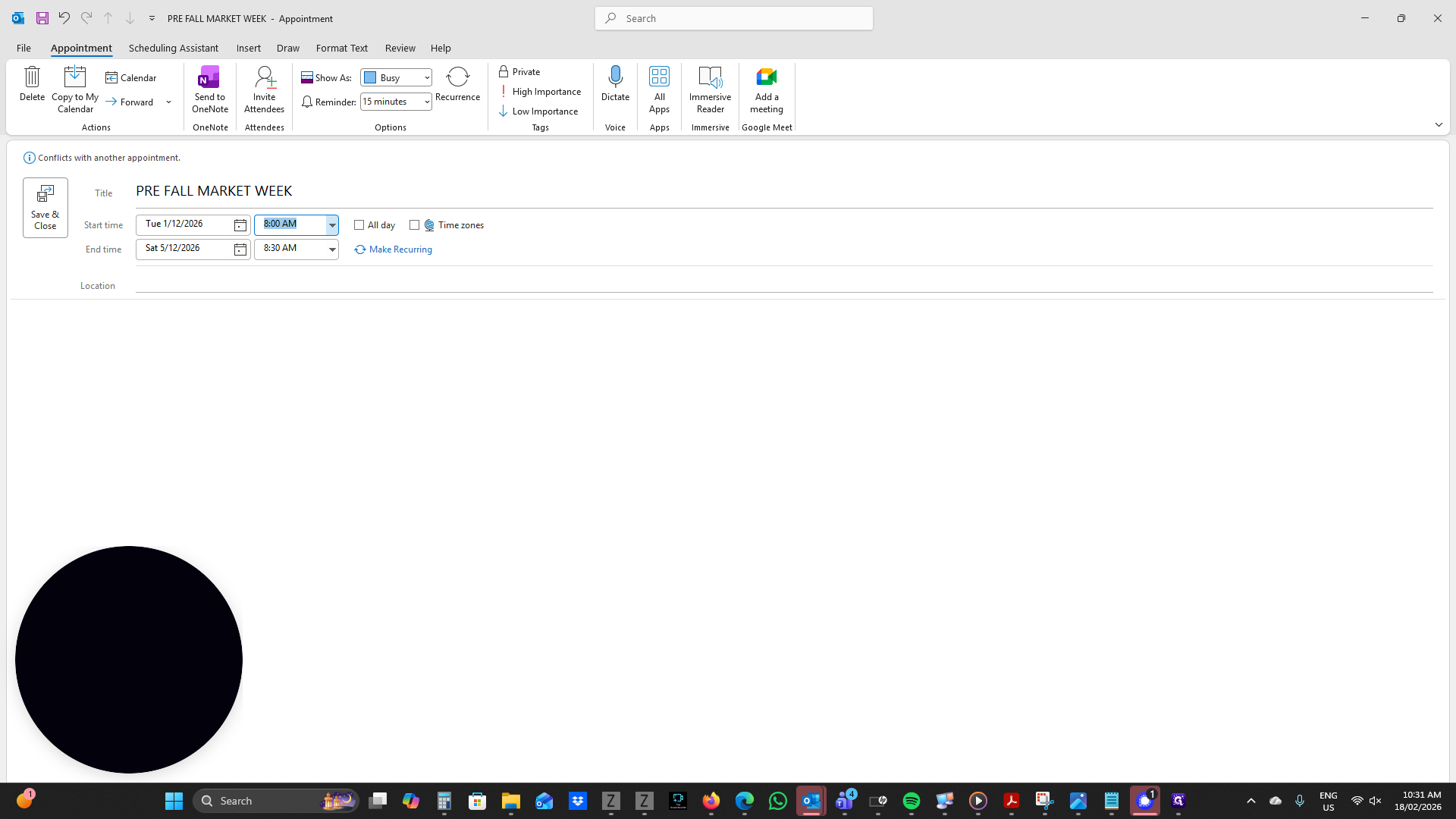
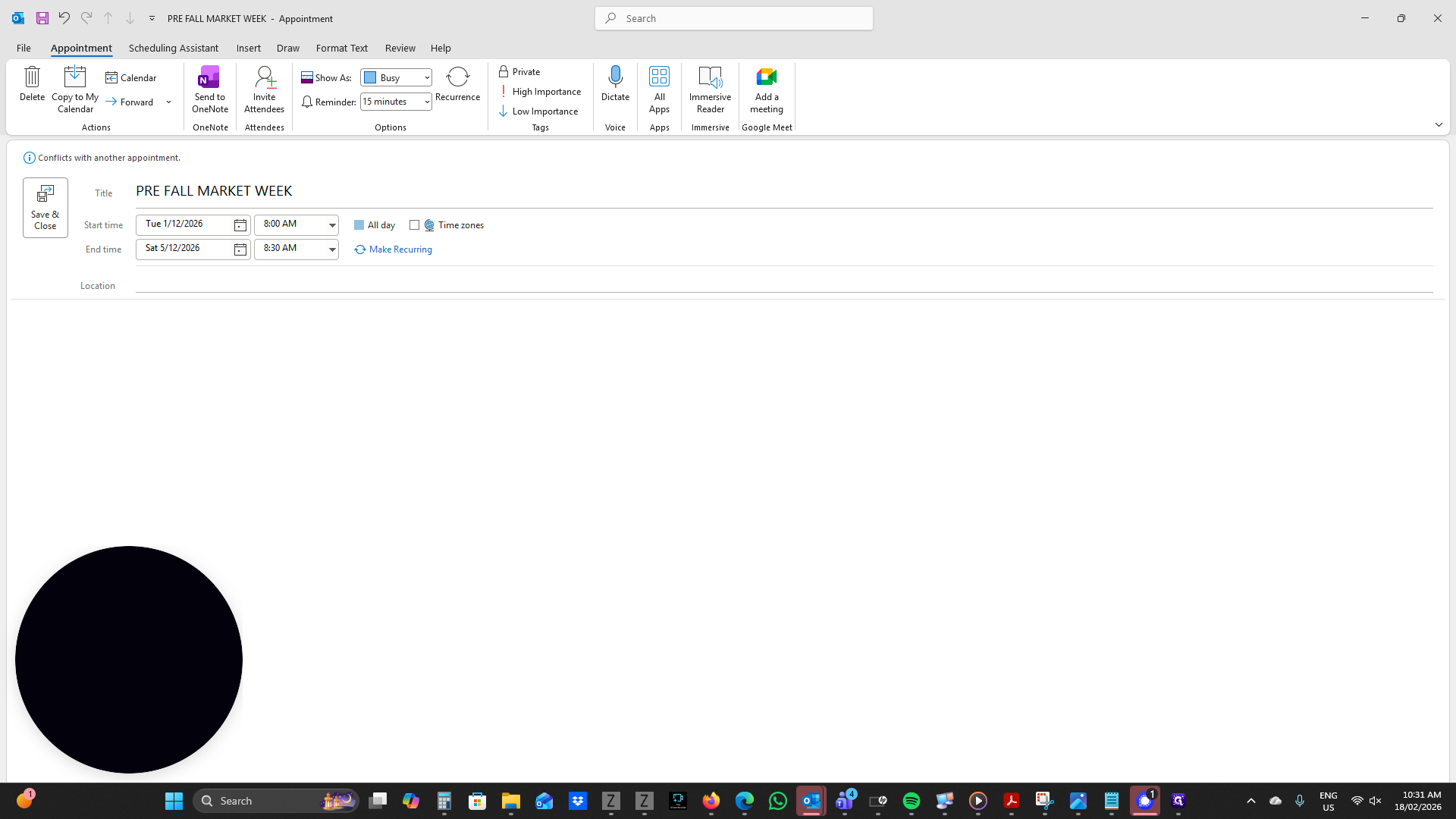
If you want to make it recur every year, click "Make Recurring." Set it to recur yearly, but choose not to have it recur on the exact date.
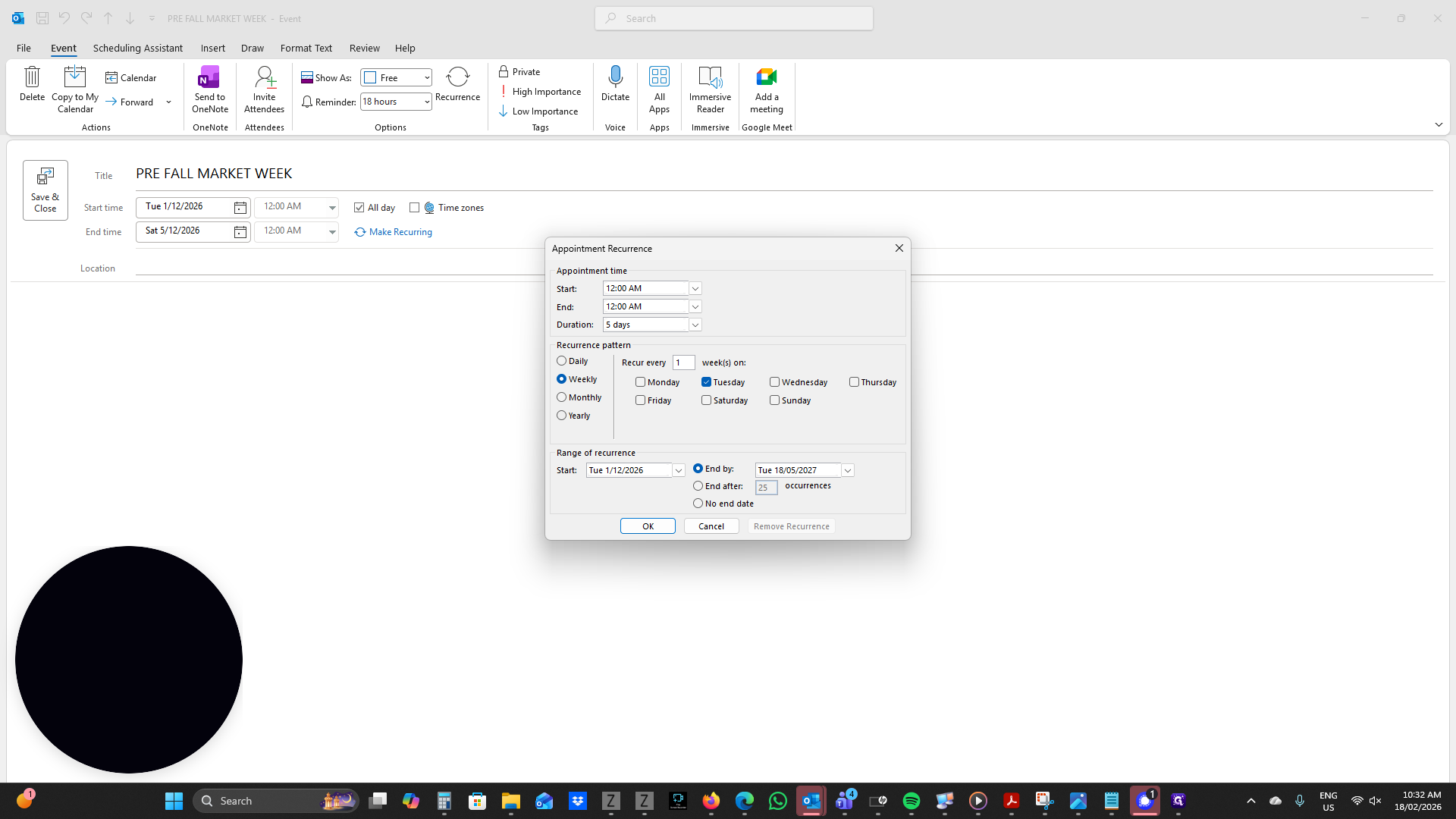
I want it to repeat on the first Tuesday of December every year.
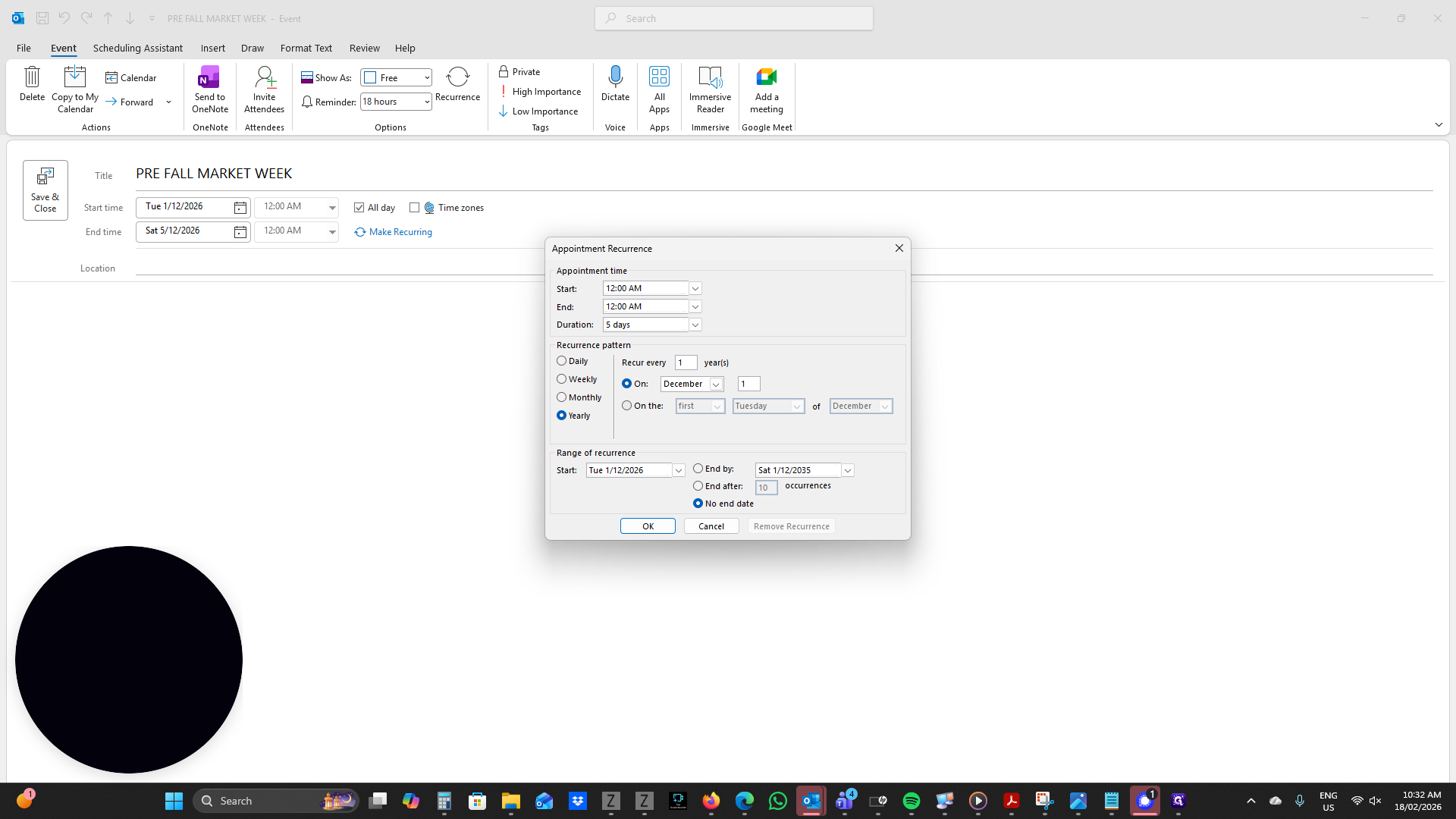
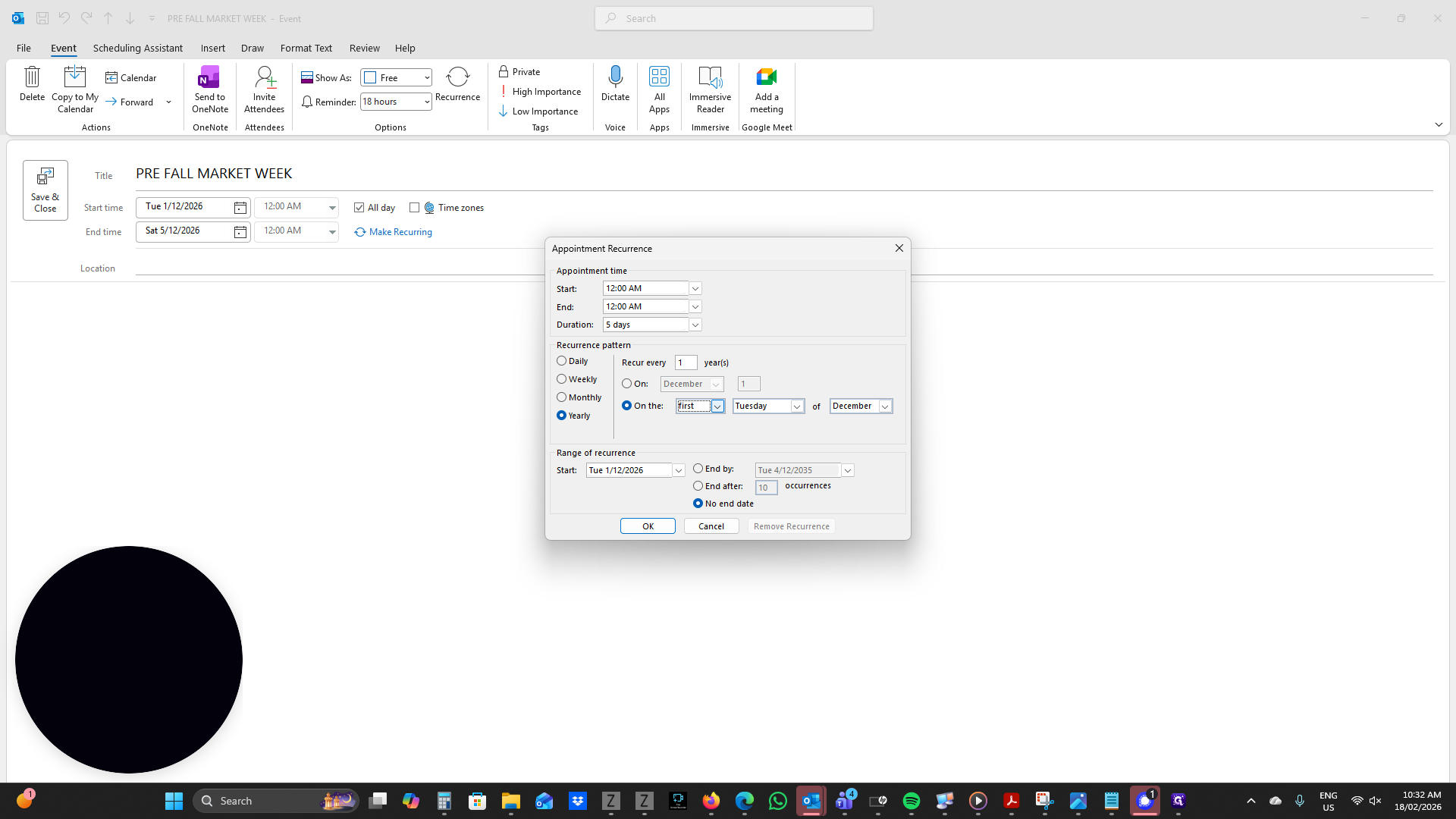
The first Tuesday in December.
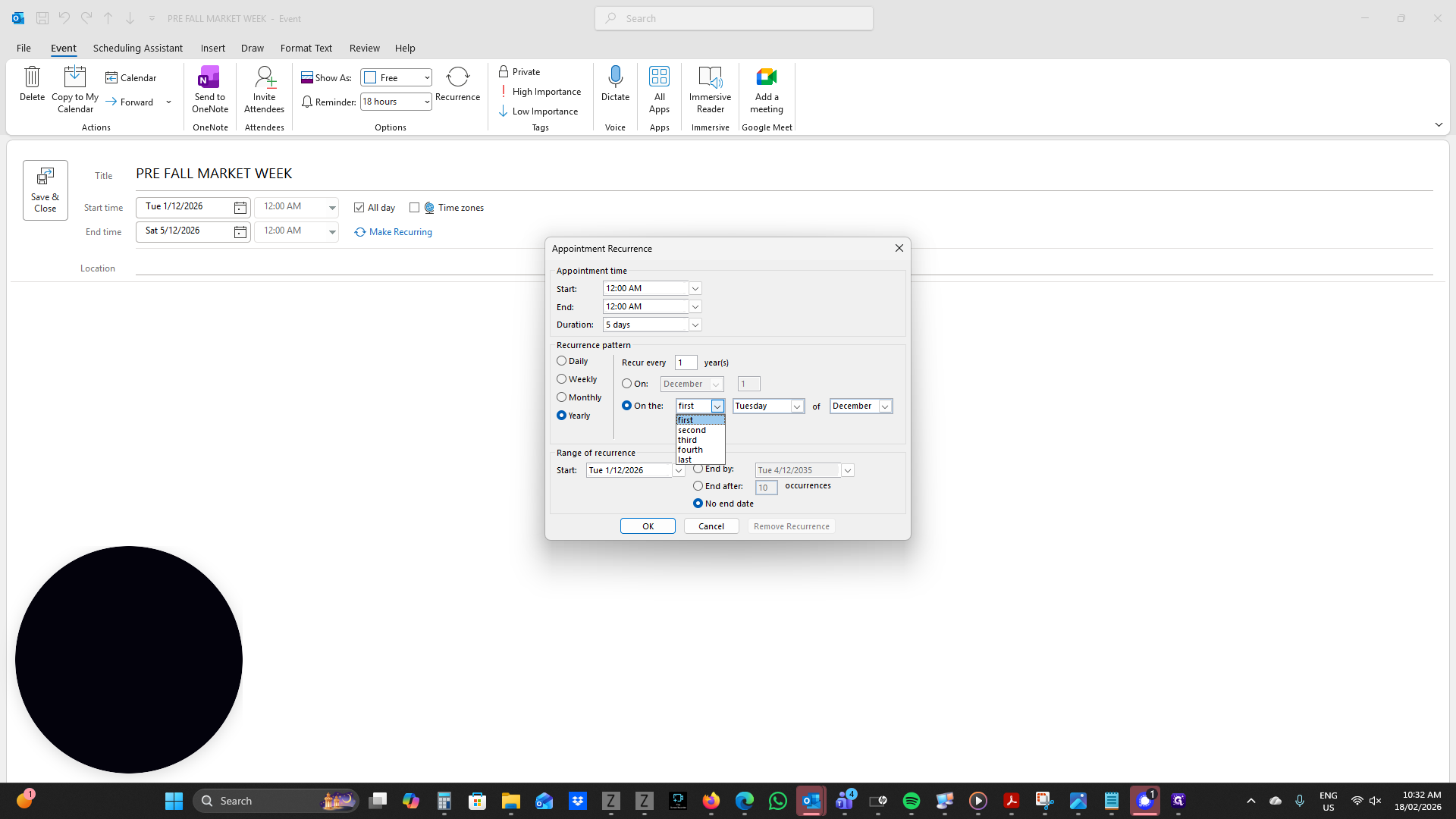
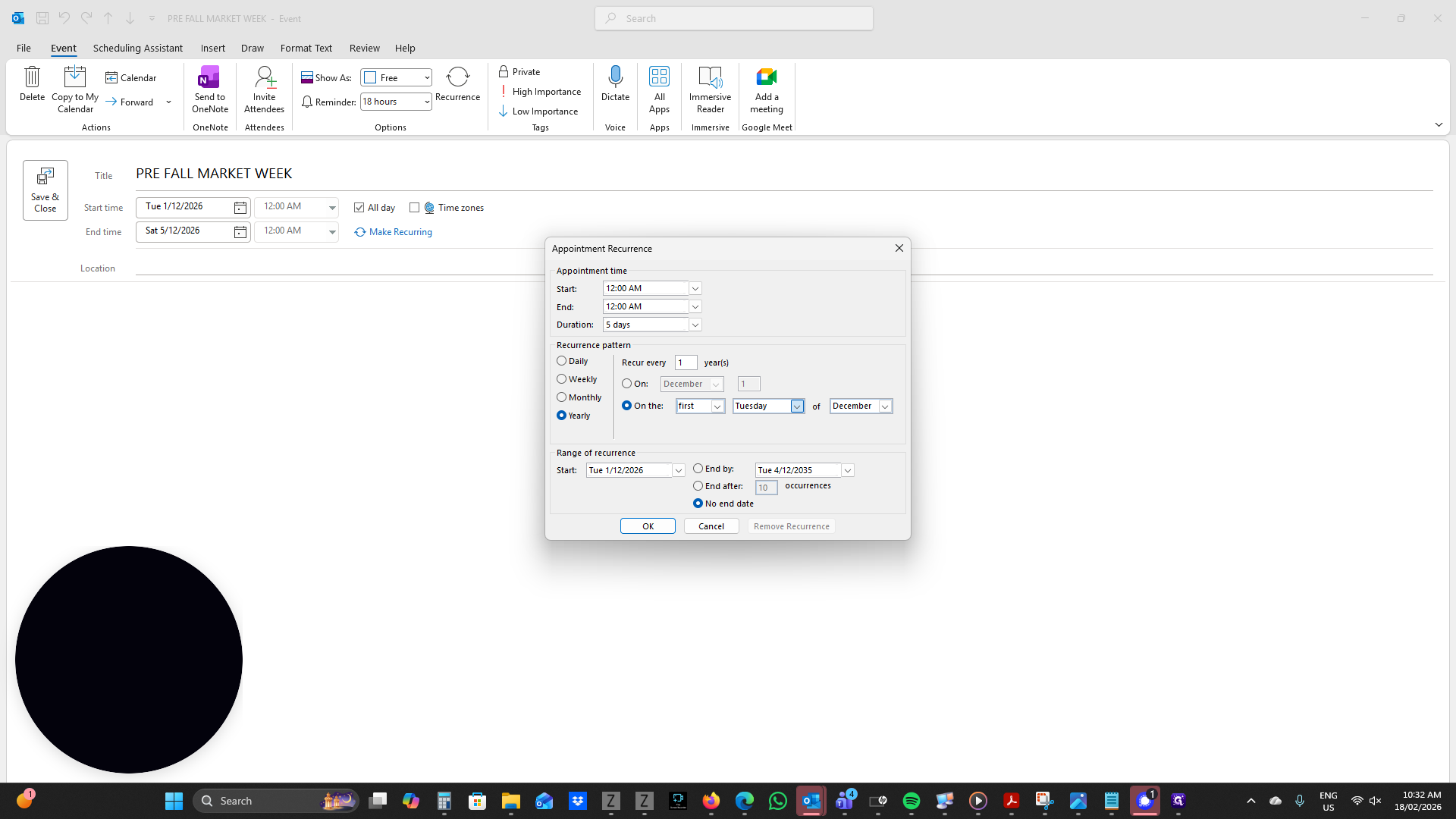
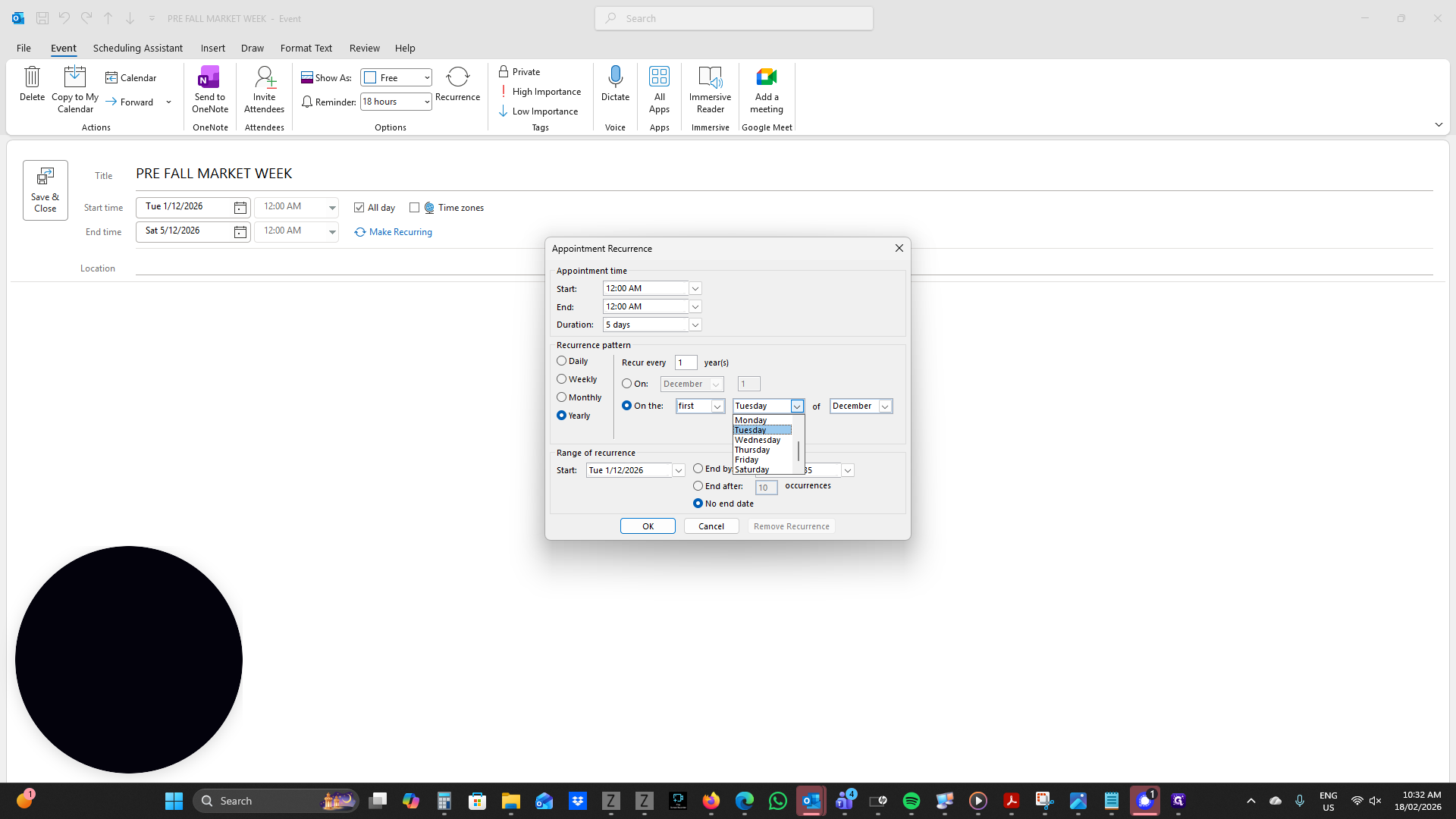
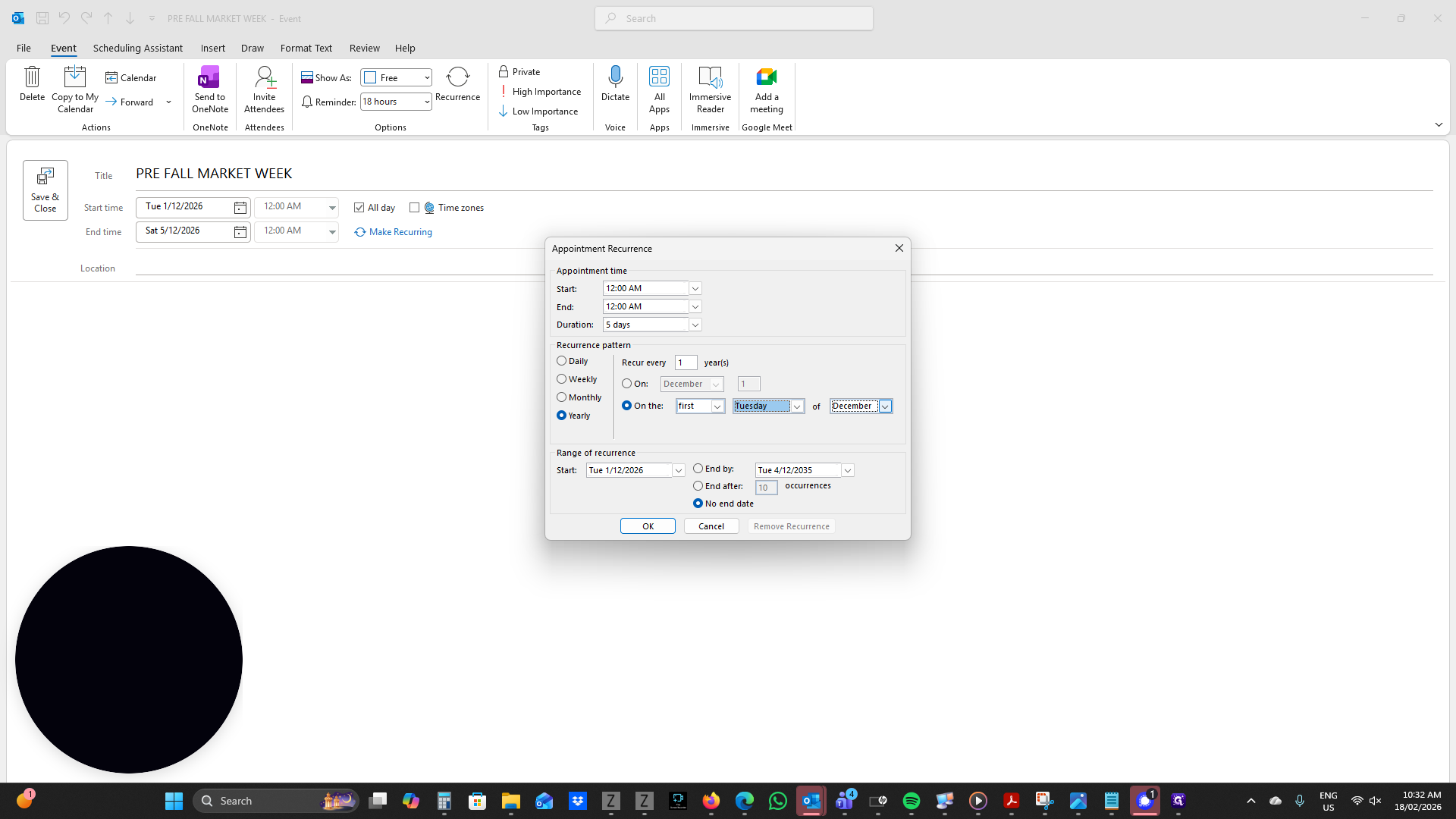
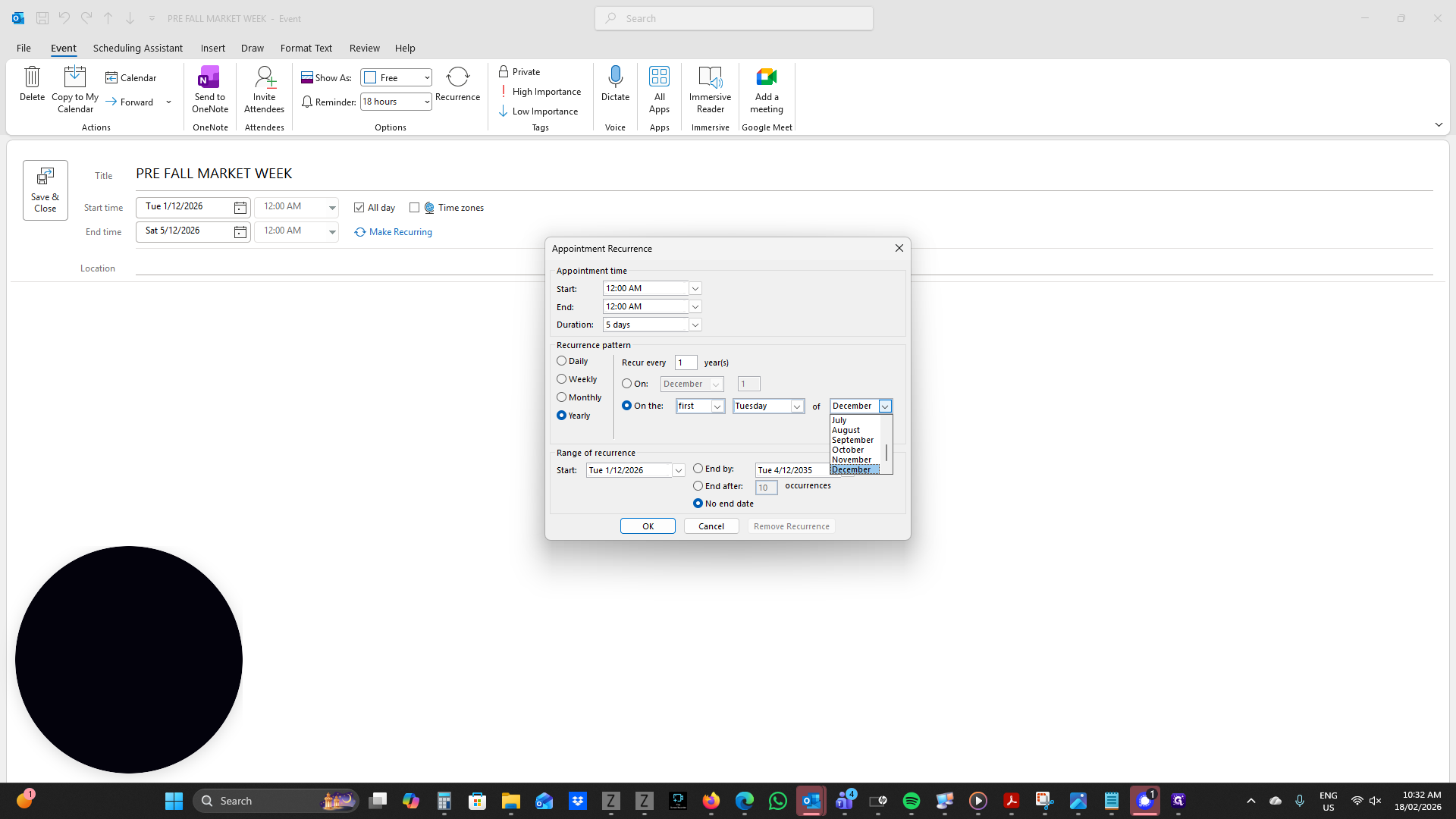
This will now recur on the first Tuesday of December, depending on the date.
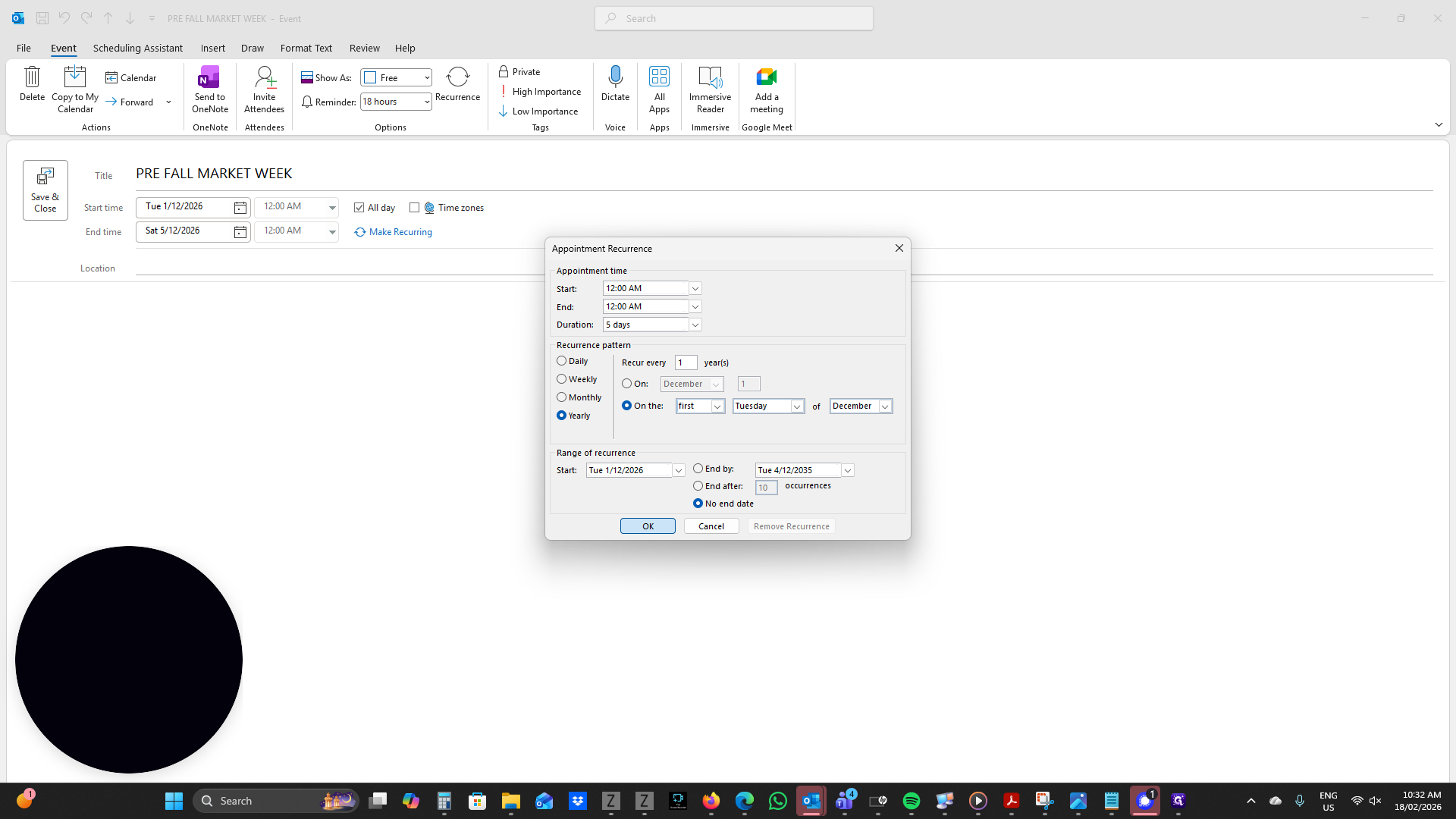
Now, we need to invite other attendees so they are informed and can add this to their calendars. Click Invite Attendees.
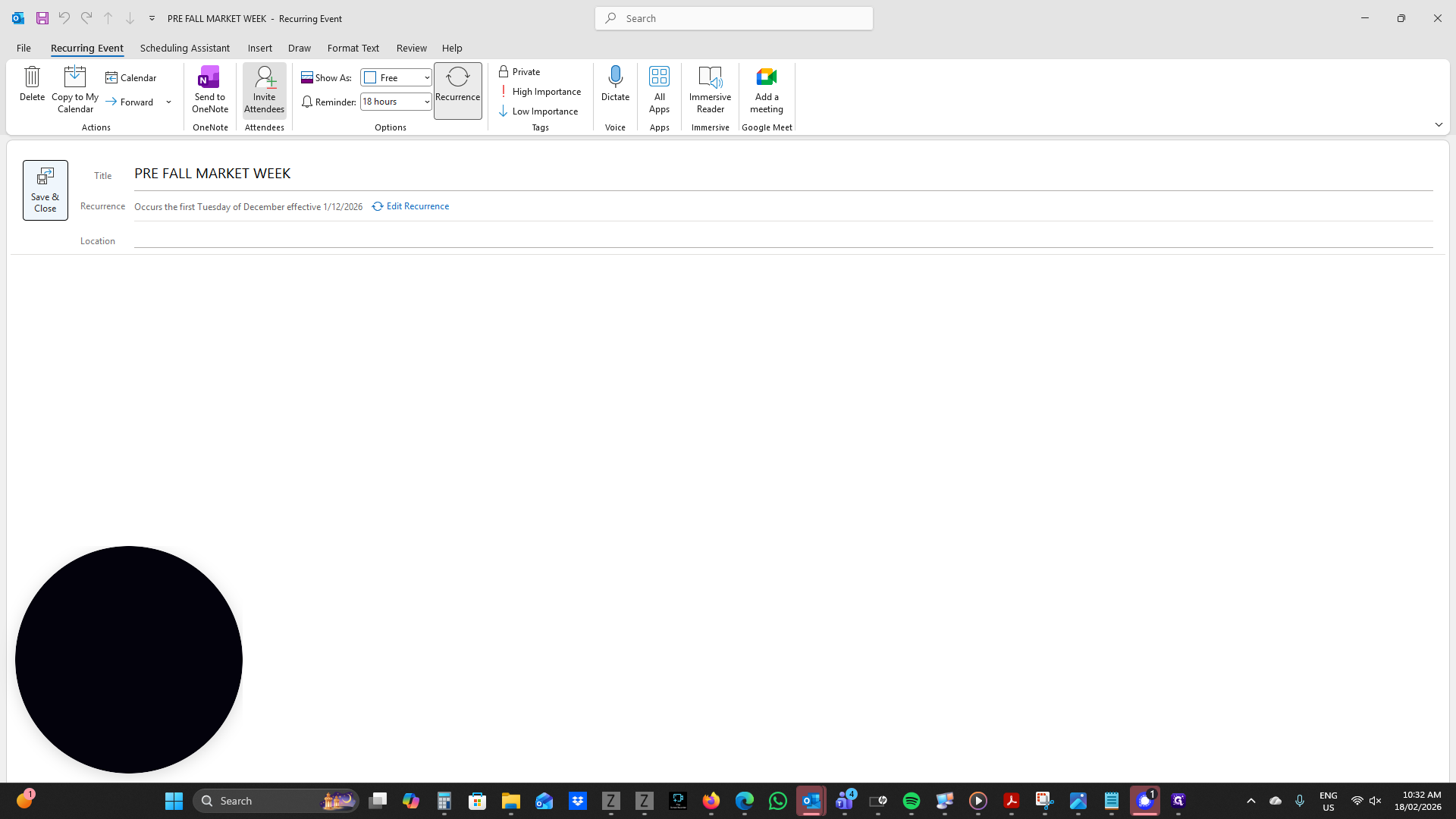
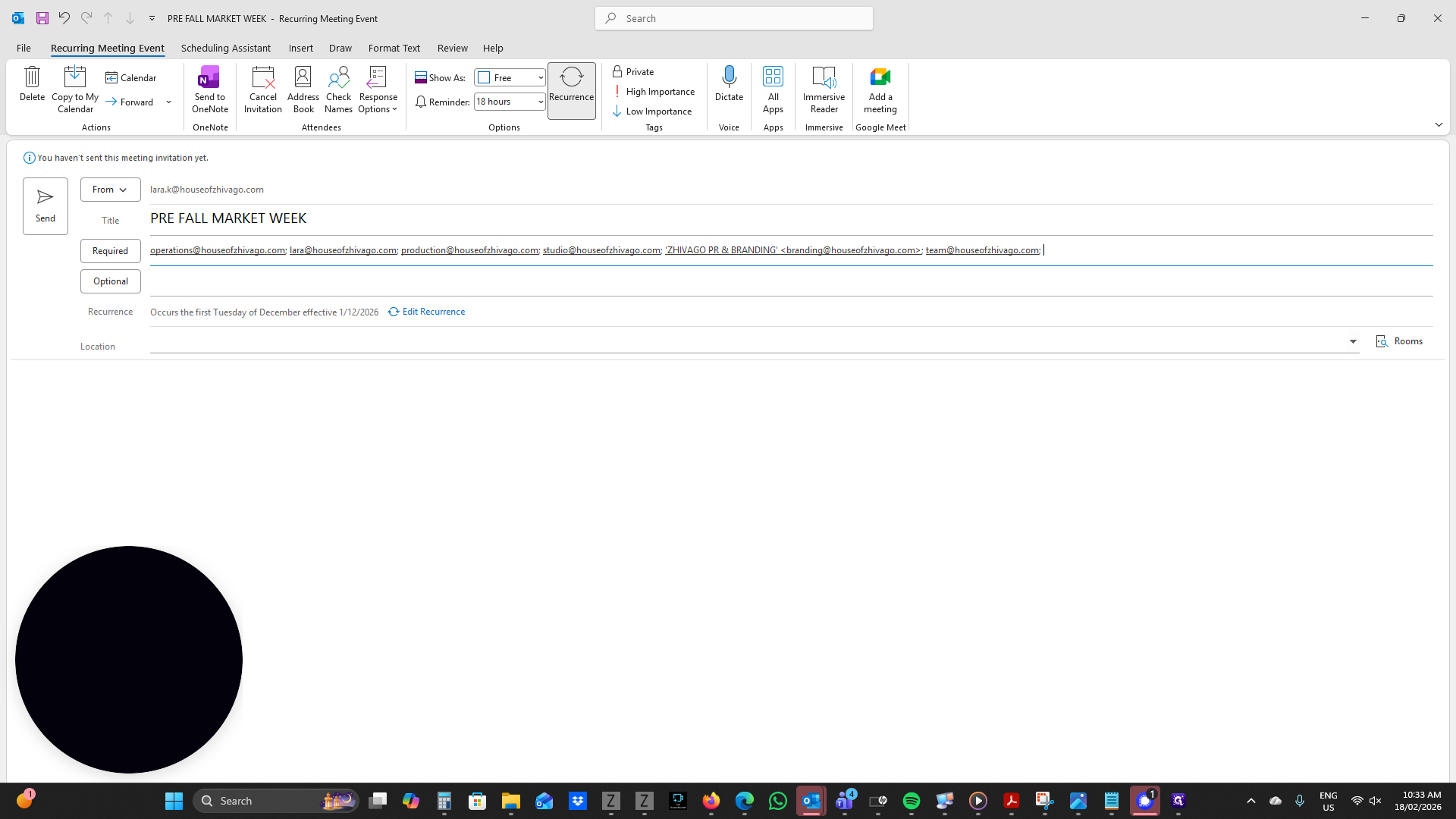
In the Required section, you can add your people.
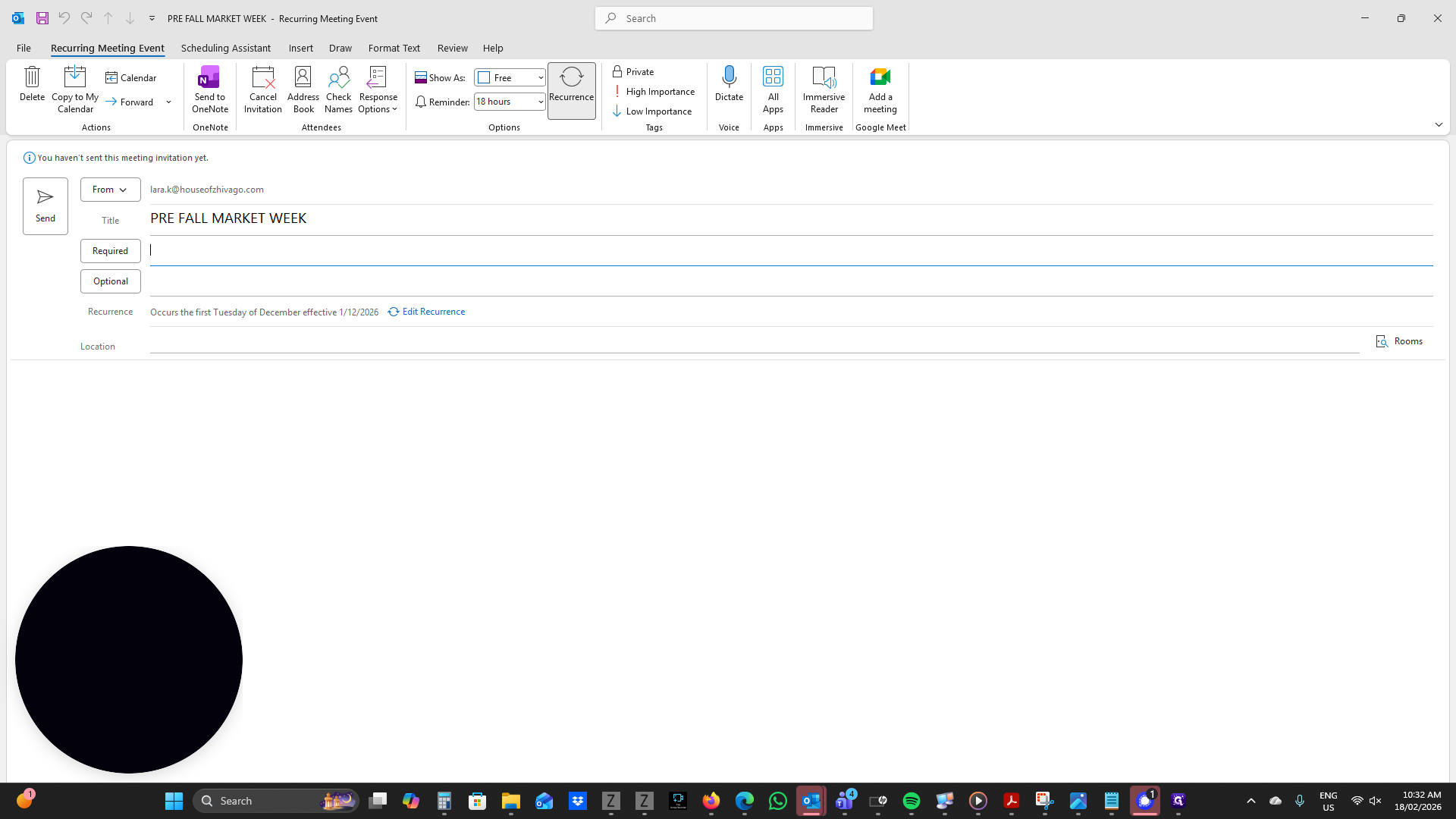
For example, for Operations, always select "Myself." You can also add anyone else who is required.
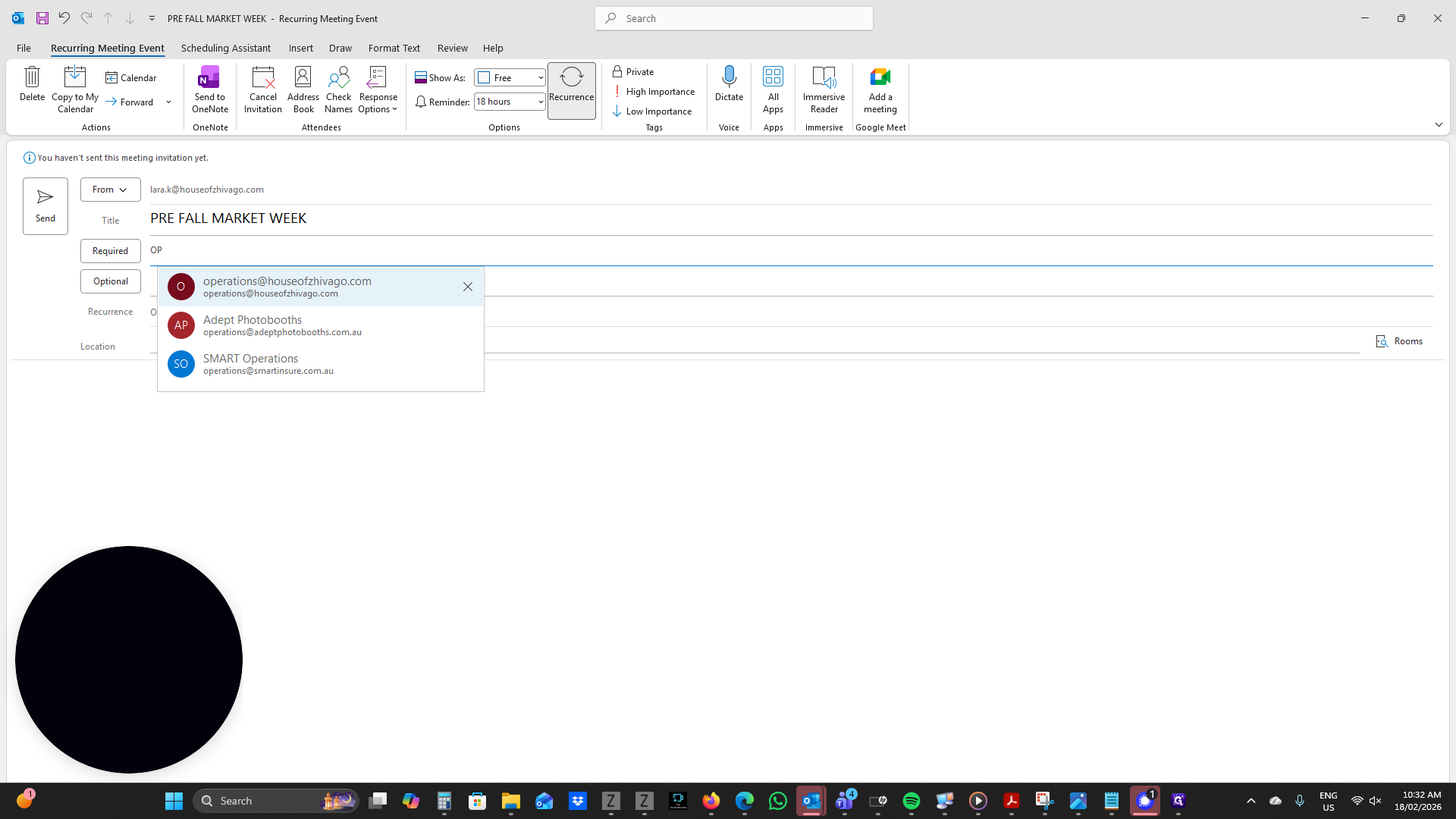
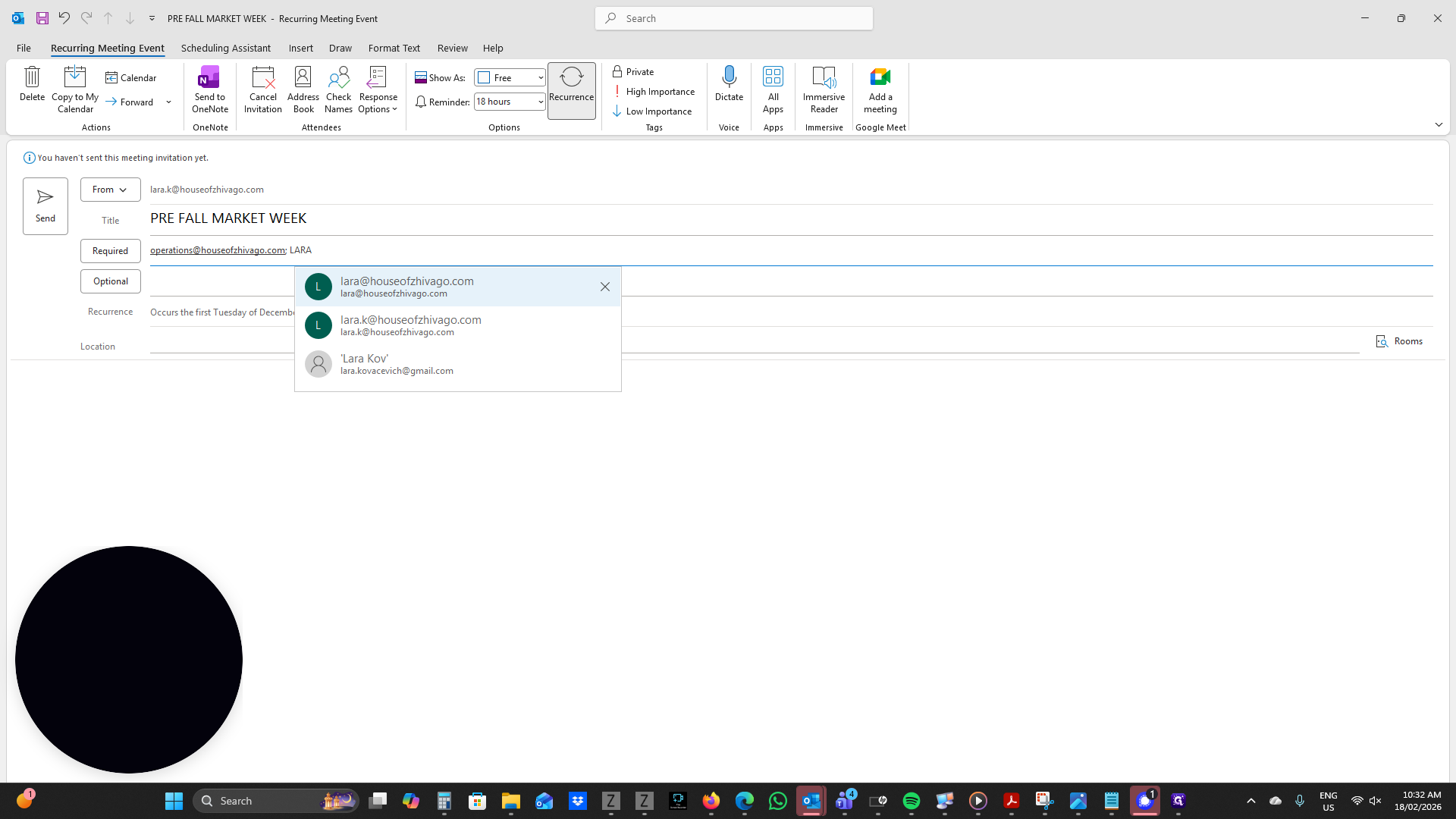
In this case, many team members are required.
After that, you can add your location if needed.
In this case, we can add New York and click Send.
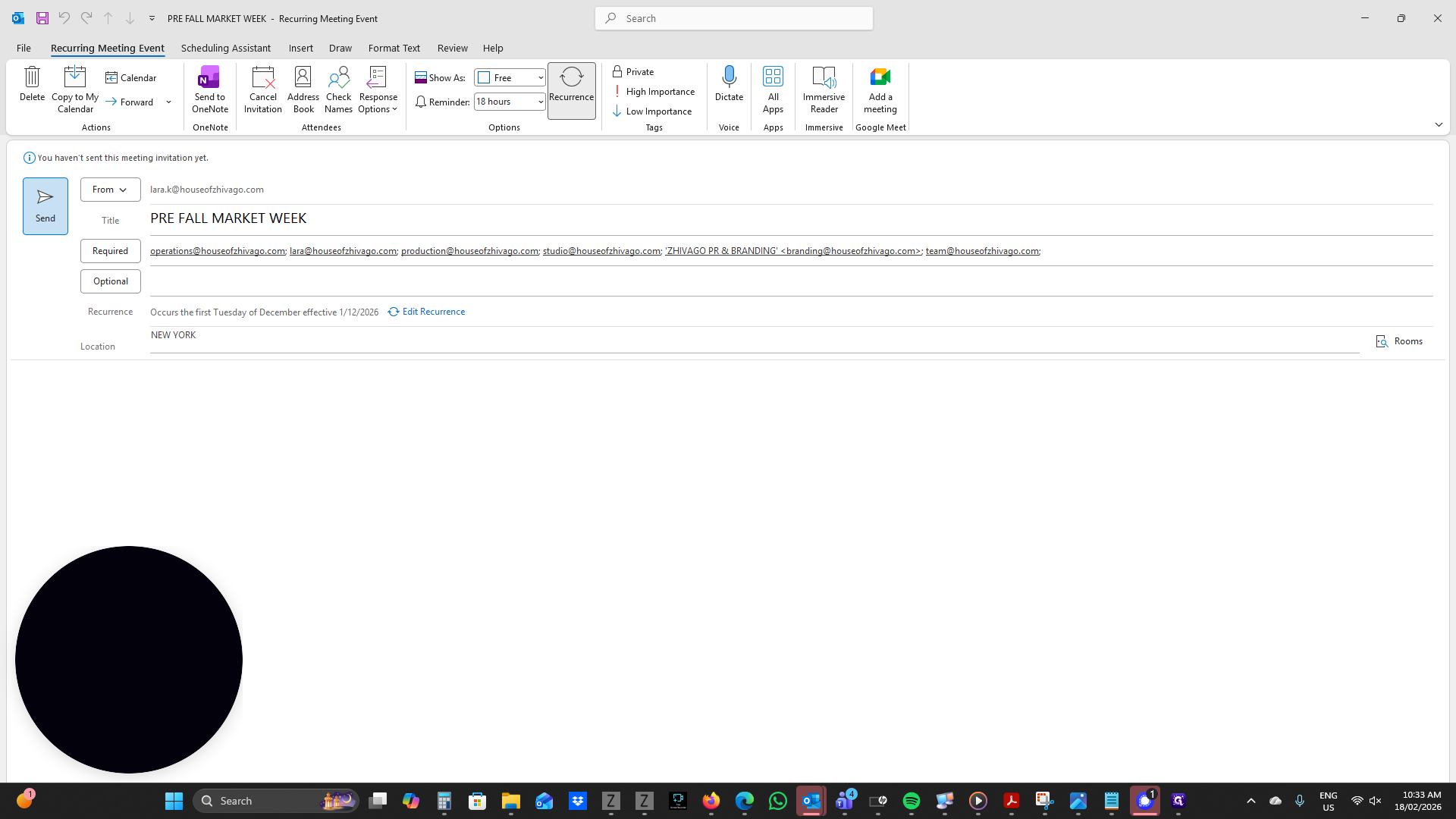
This will add the market week to your calendar and to others' calendars once they accept the invitation.