How to Add Properties and Categories in Basman Realty: Step-by-Step Guide
Learn how to efficiently add new properties and categories in Basman Realty using Google Sheets and the admin dashboard. Follow this step-by-step guide for seamless property management.
In this guide, we'll learn how to set up new properties for the Basman Realty client, add them to the system, and organize their categories using information from a Google Sheet. We will also see how to activate the Visit Plus feature for each property. This process helps manage property details and categories efficiently.
Let's get started
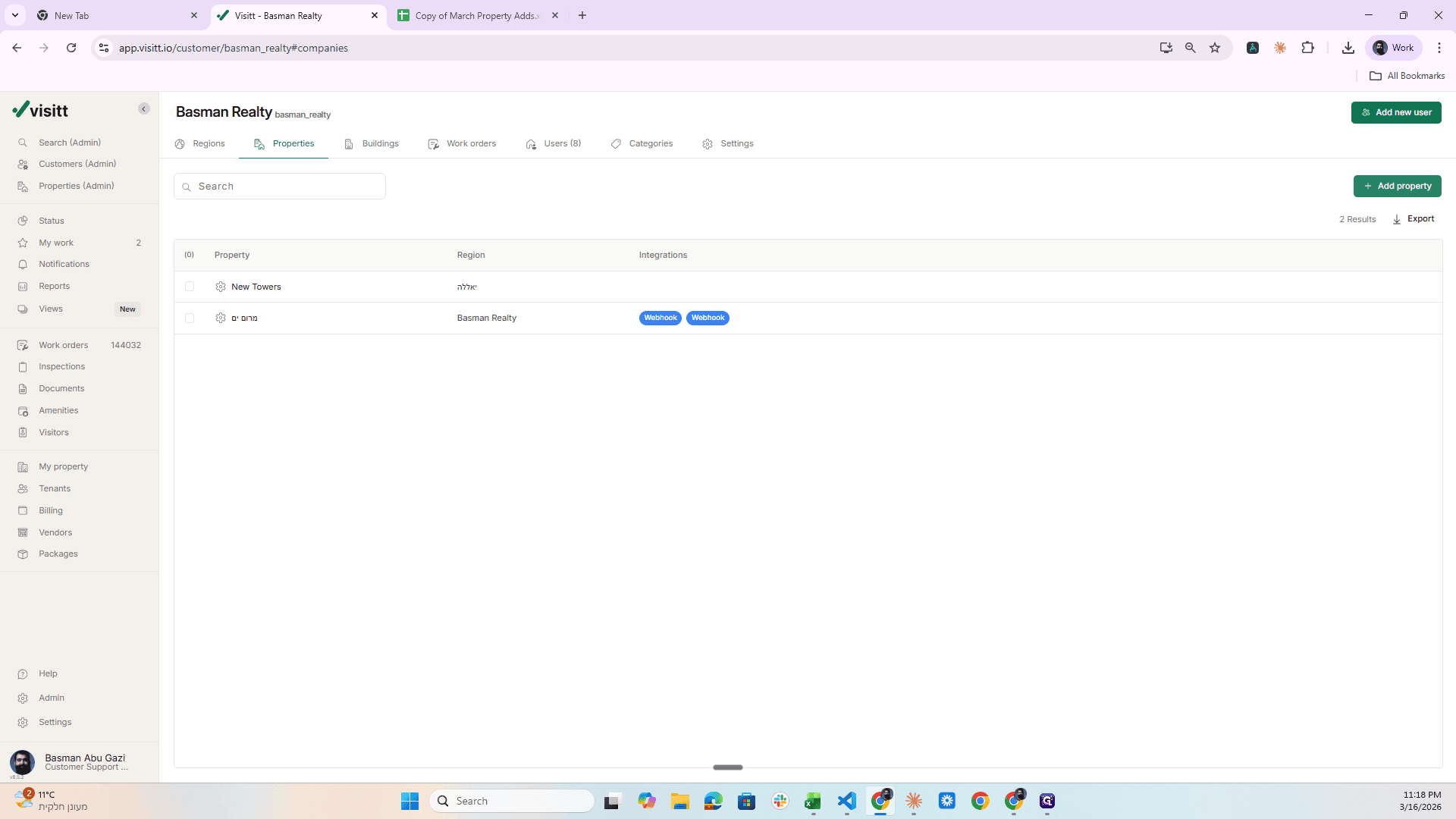
Okay, so what we need to do here is the following. We need to set up for the visit here. This is the client called Basman Realty. Create several properties here and make the changes to them as I explain. So how do you do it? We are starting here; this is the URL.
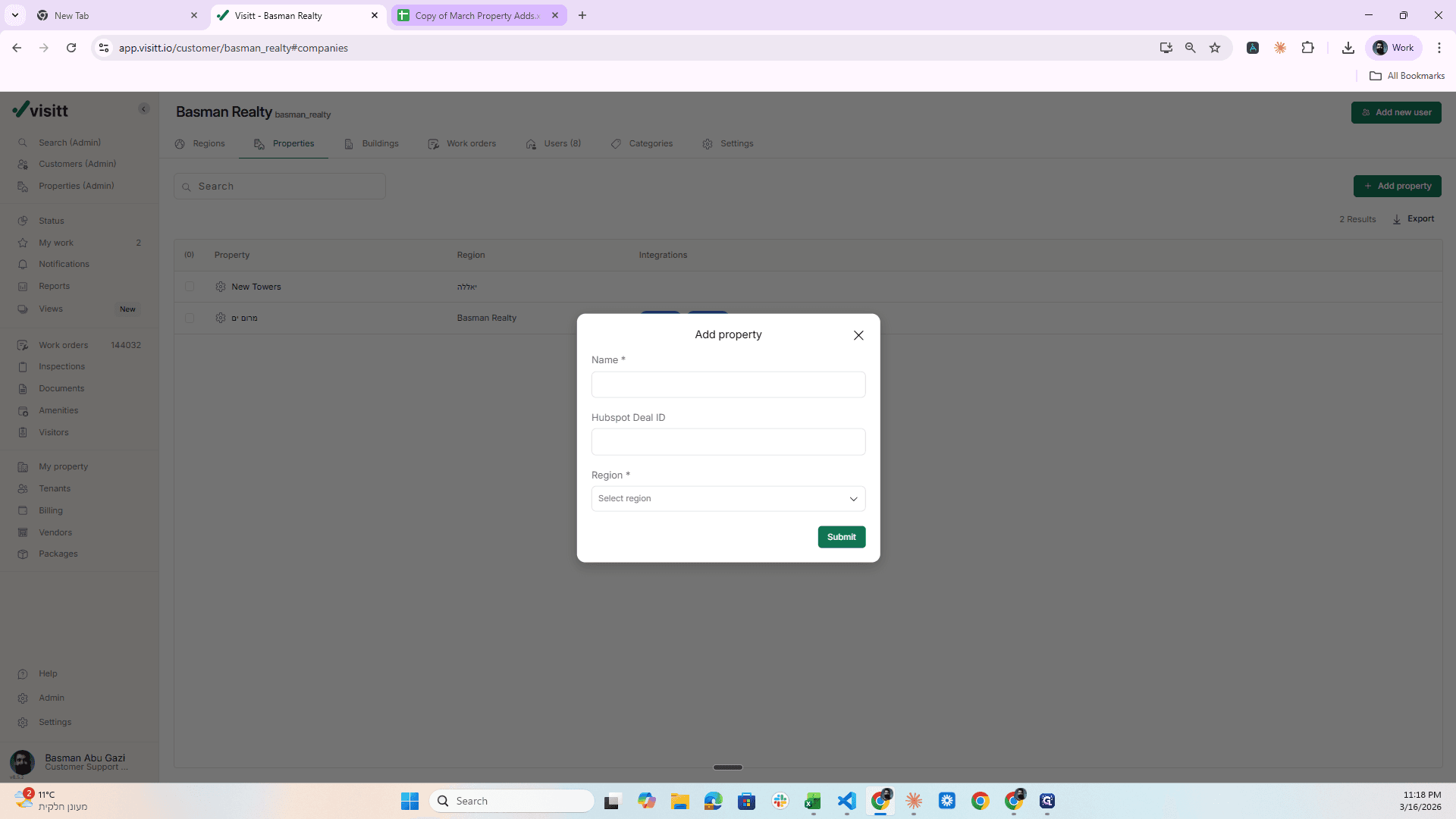
Go to Properties, click Add property, and now go to this Google Sheet.
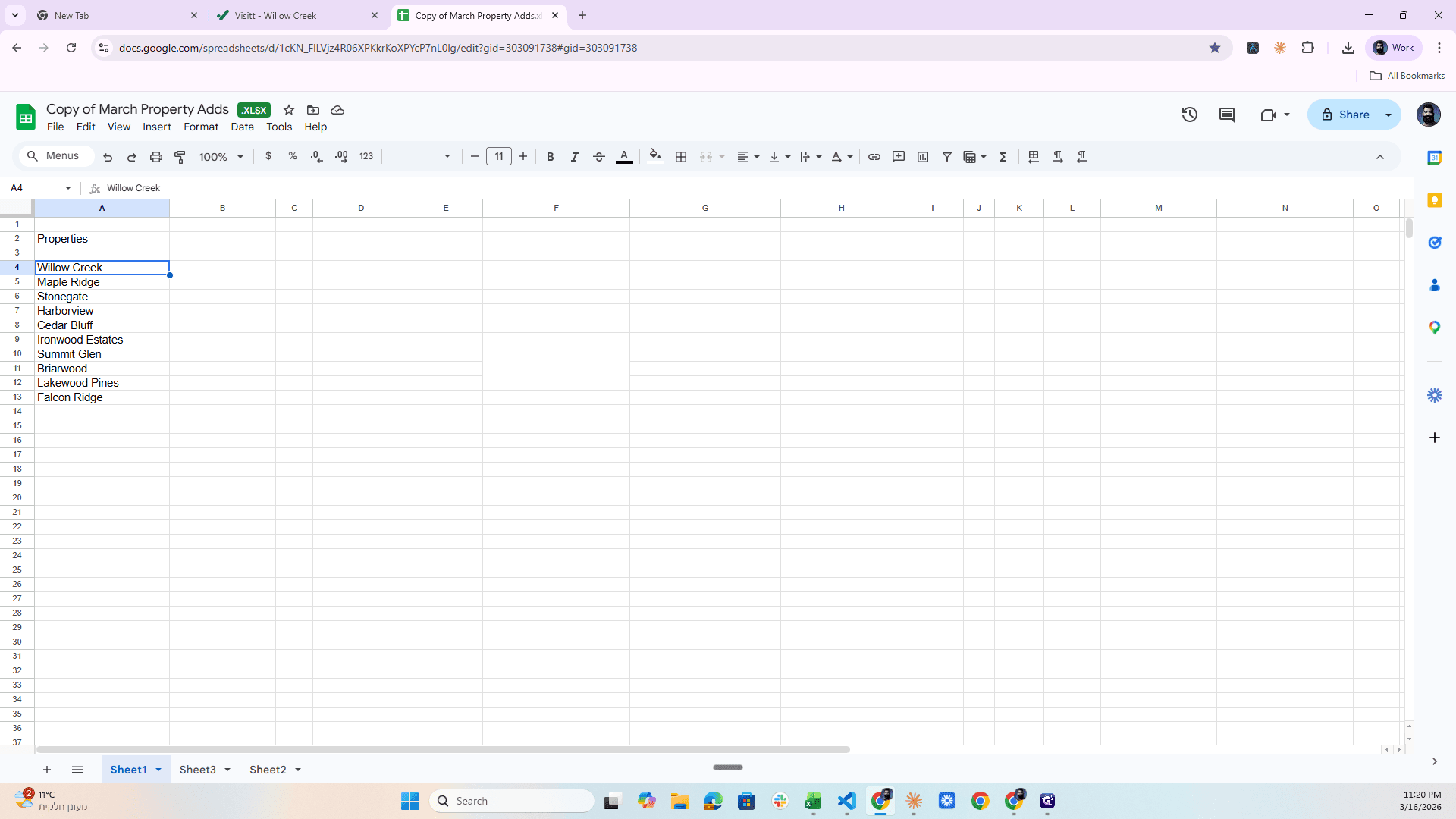
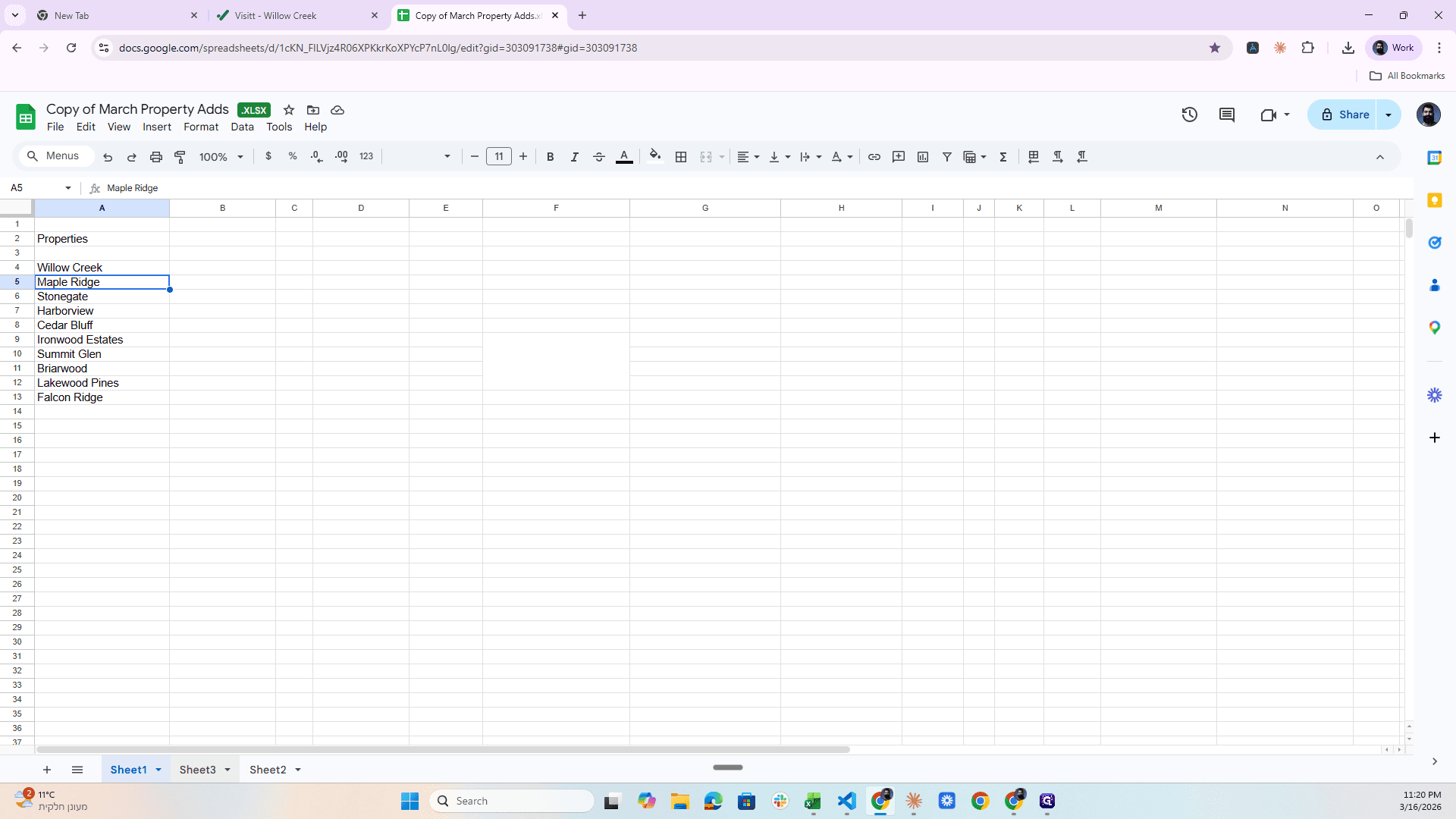
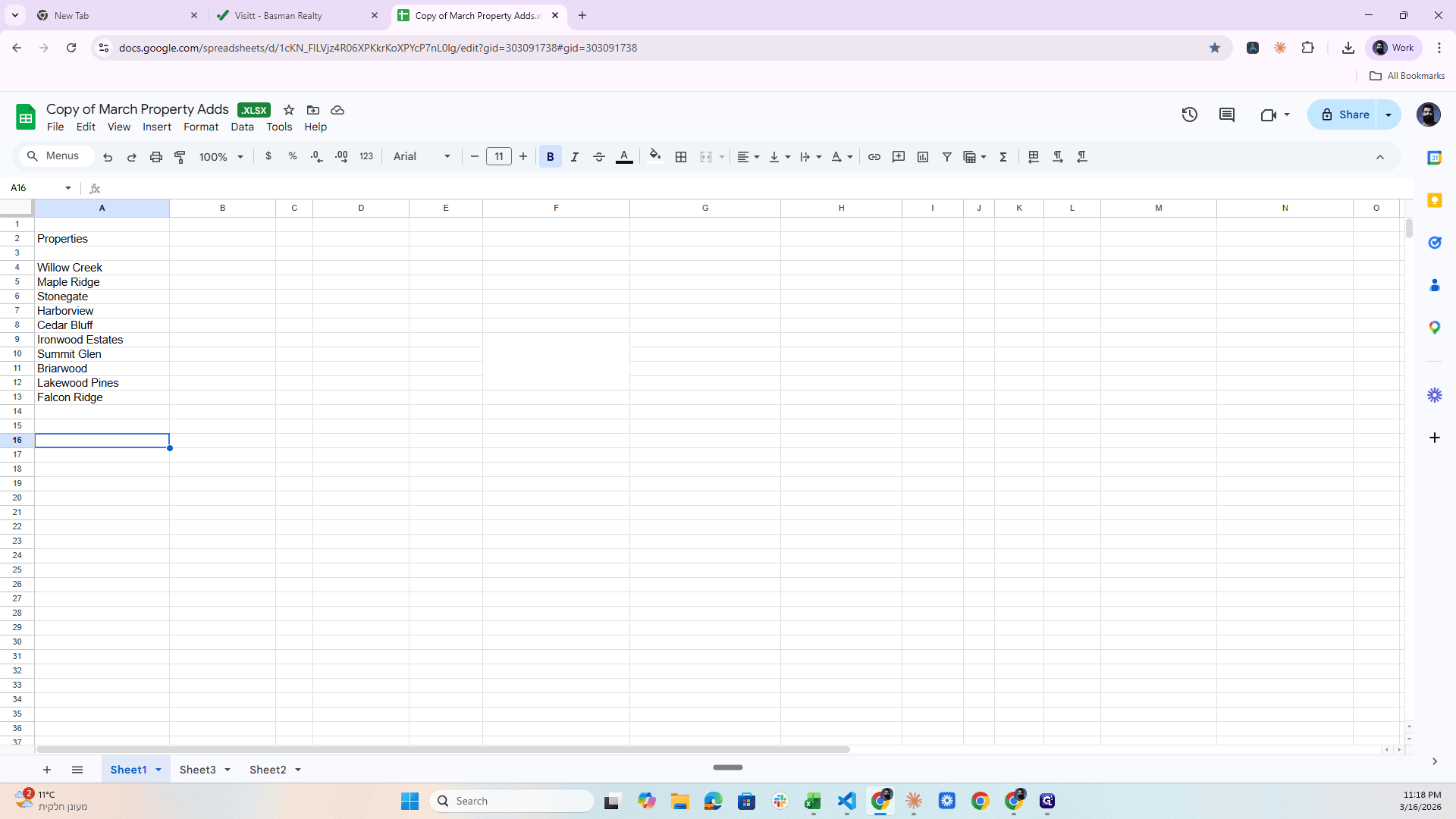
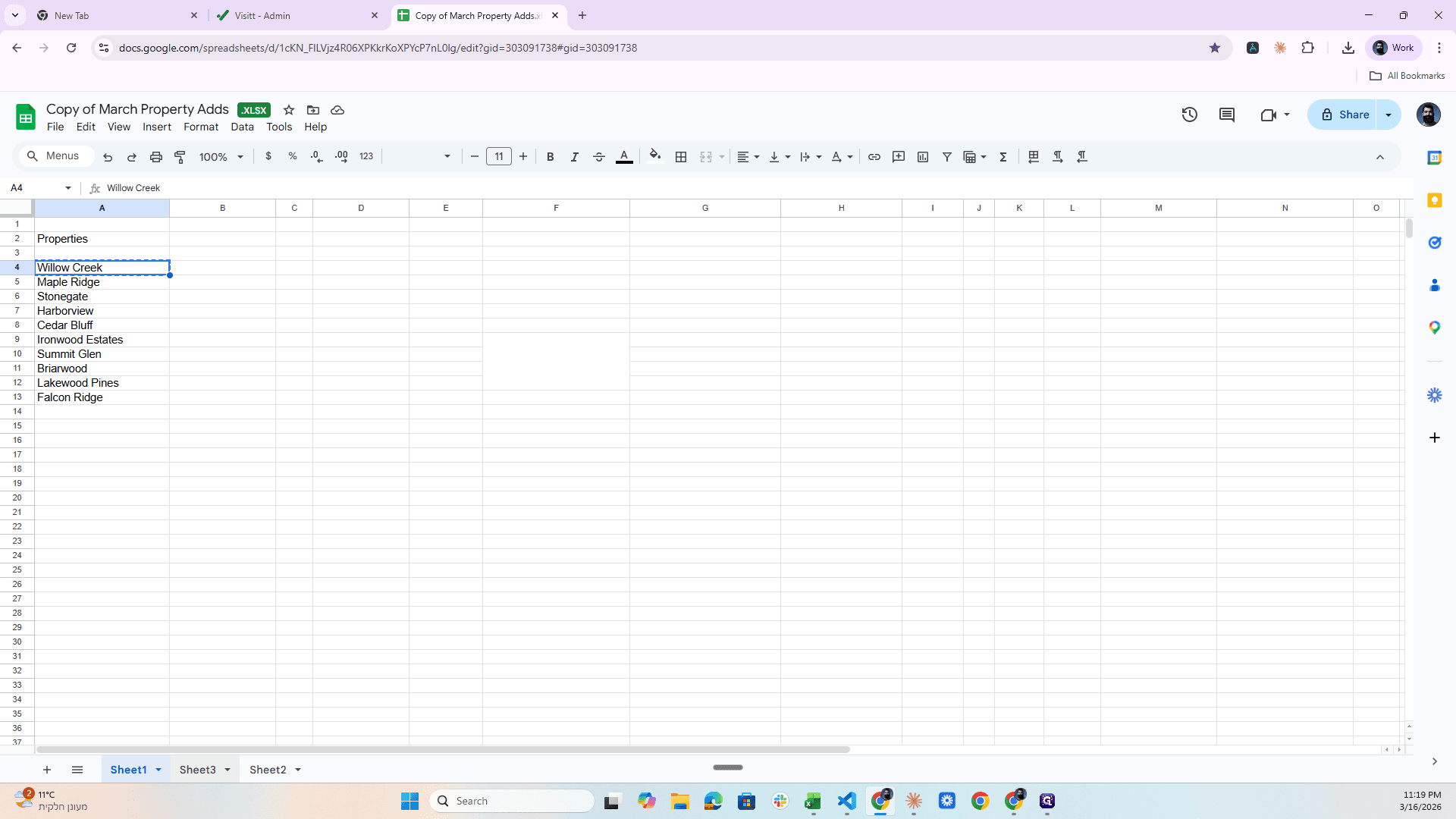
In one sheet, we have the Properties.
I’ll take the first one, Willow Creek.
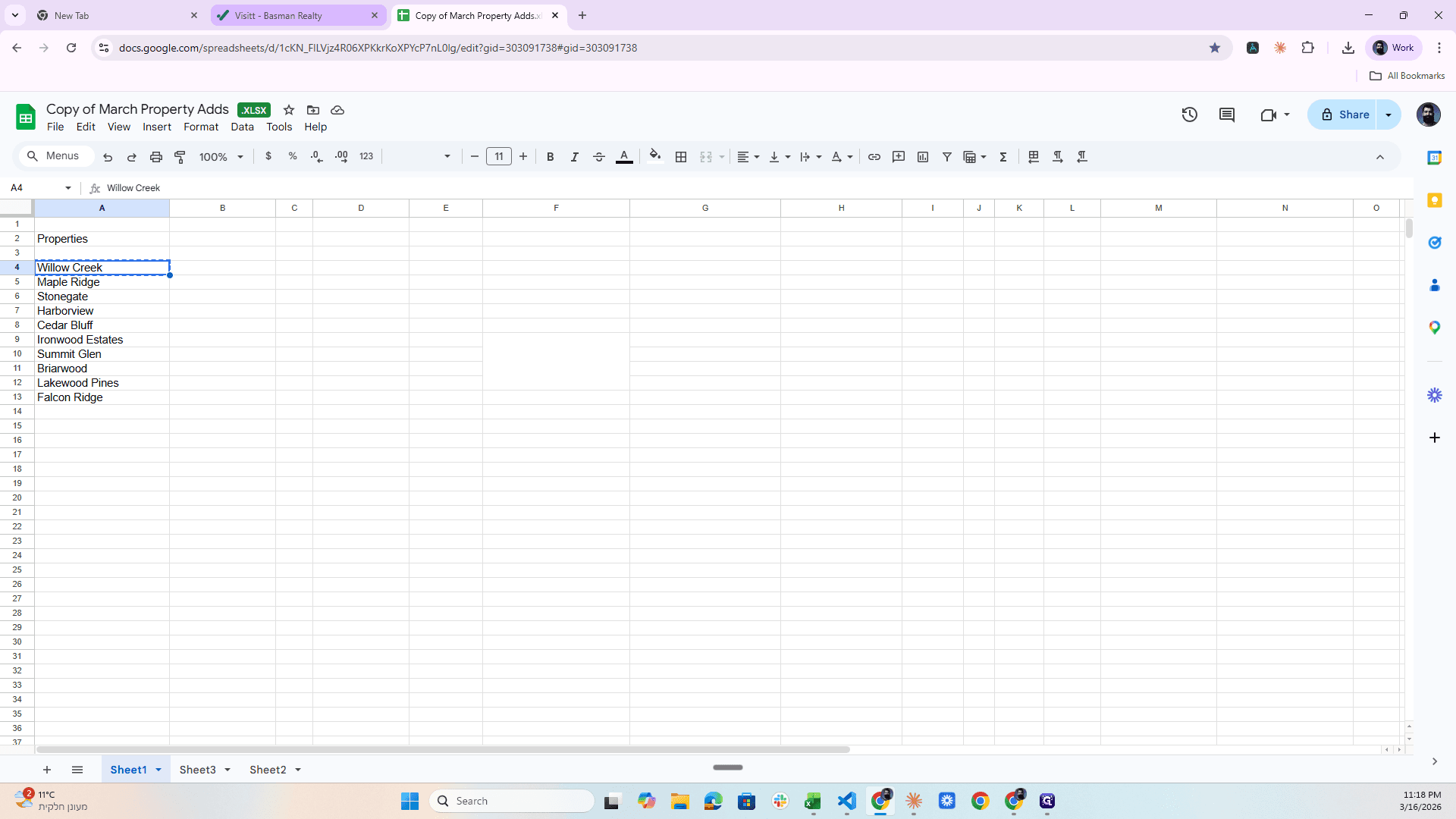
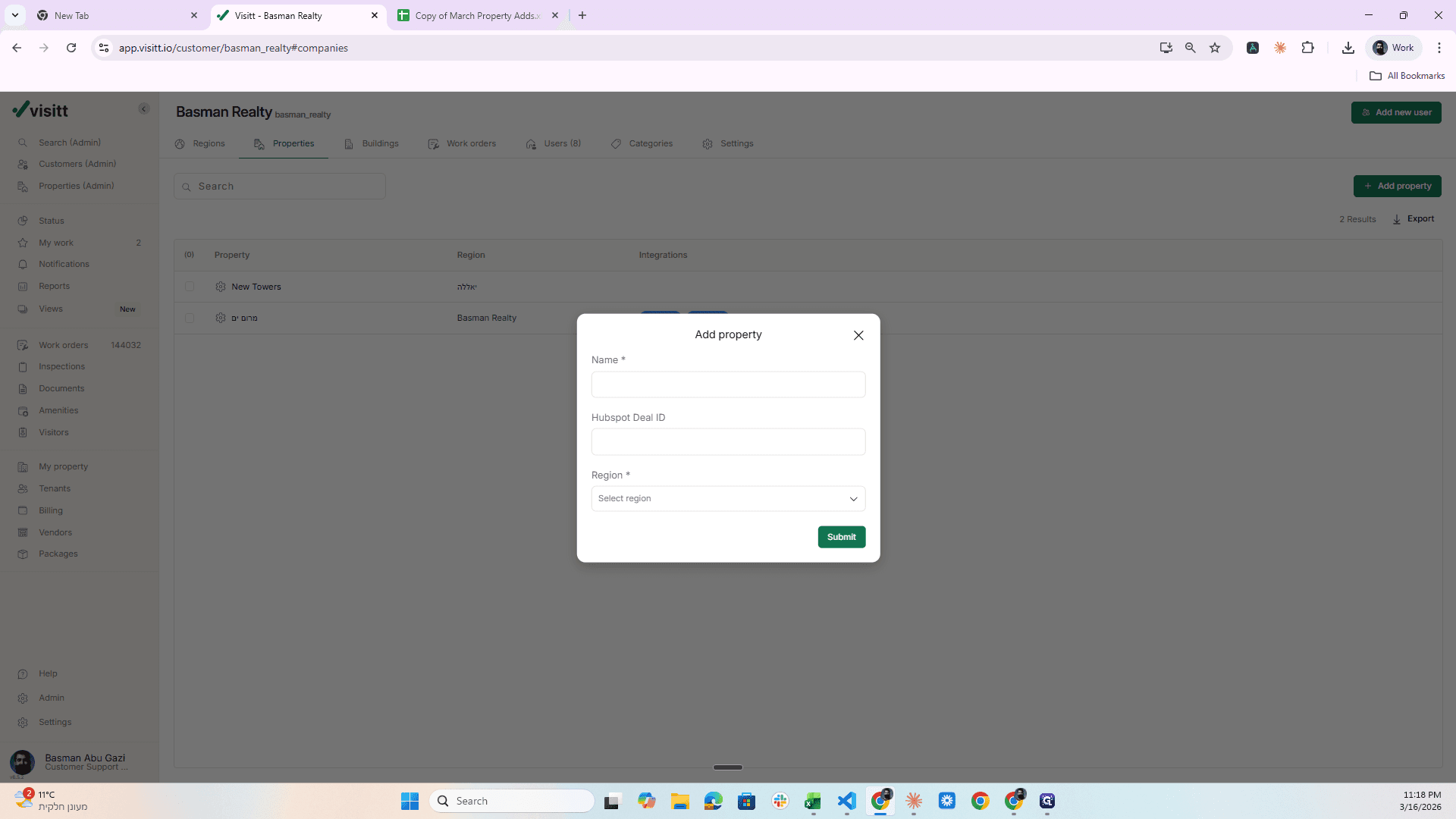
Put it here.
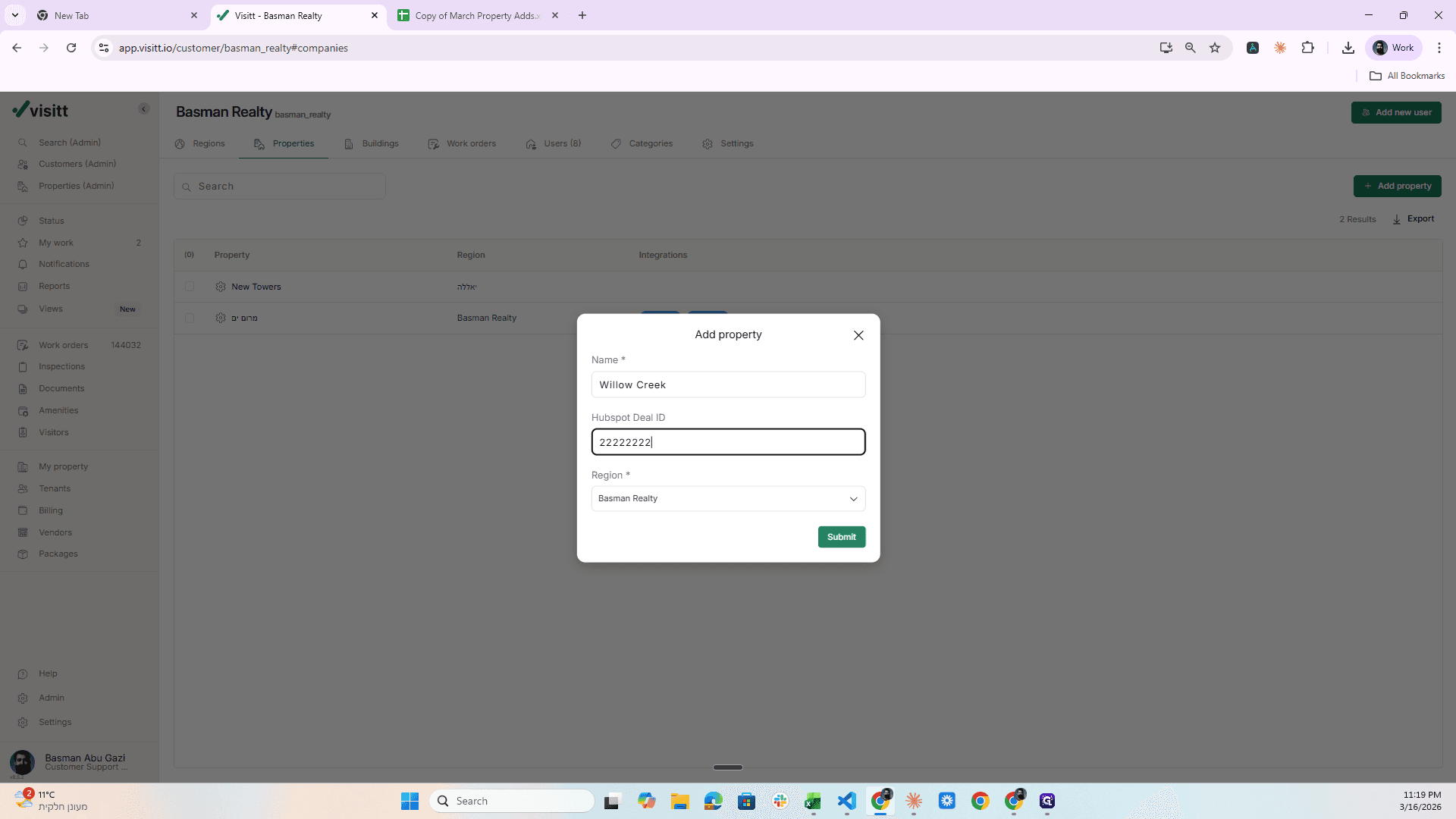
Region: Place it in Basman Realty, Hotspot Deal.
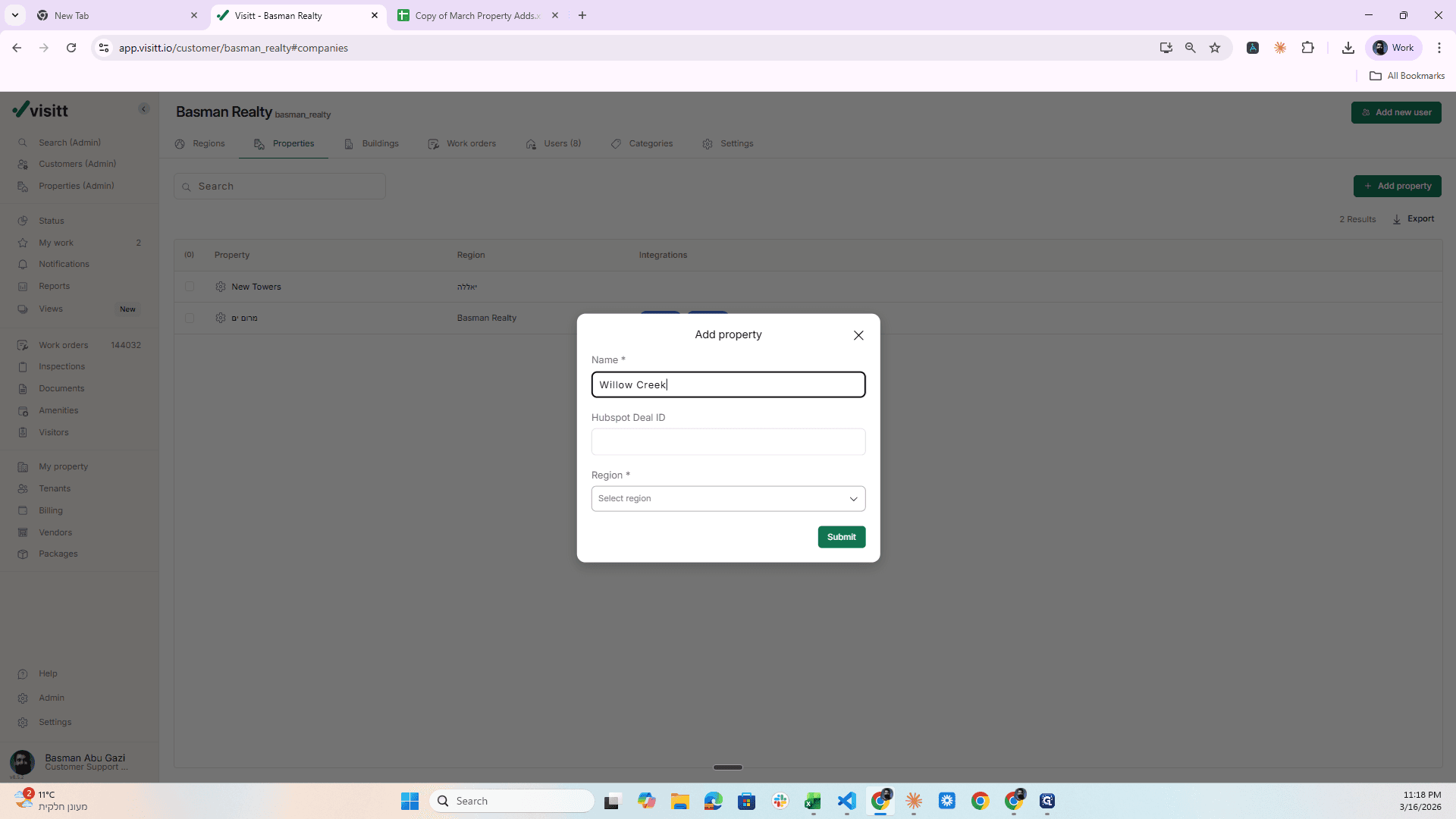
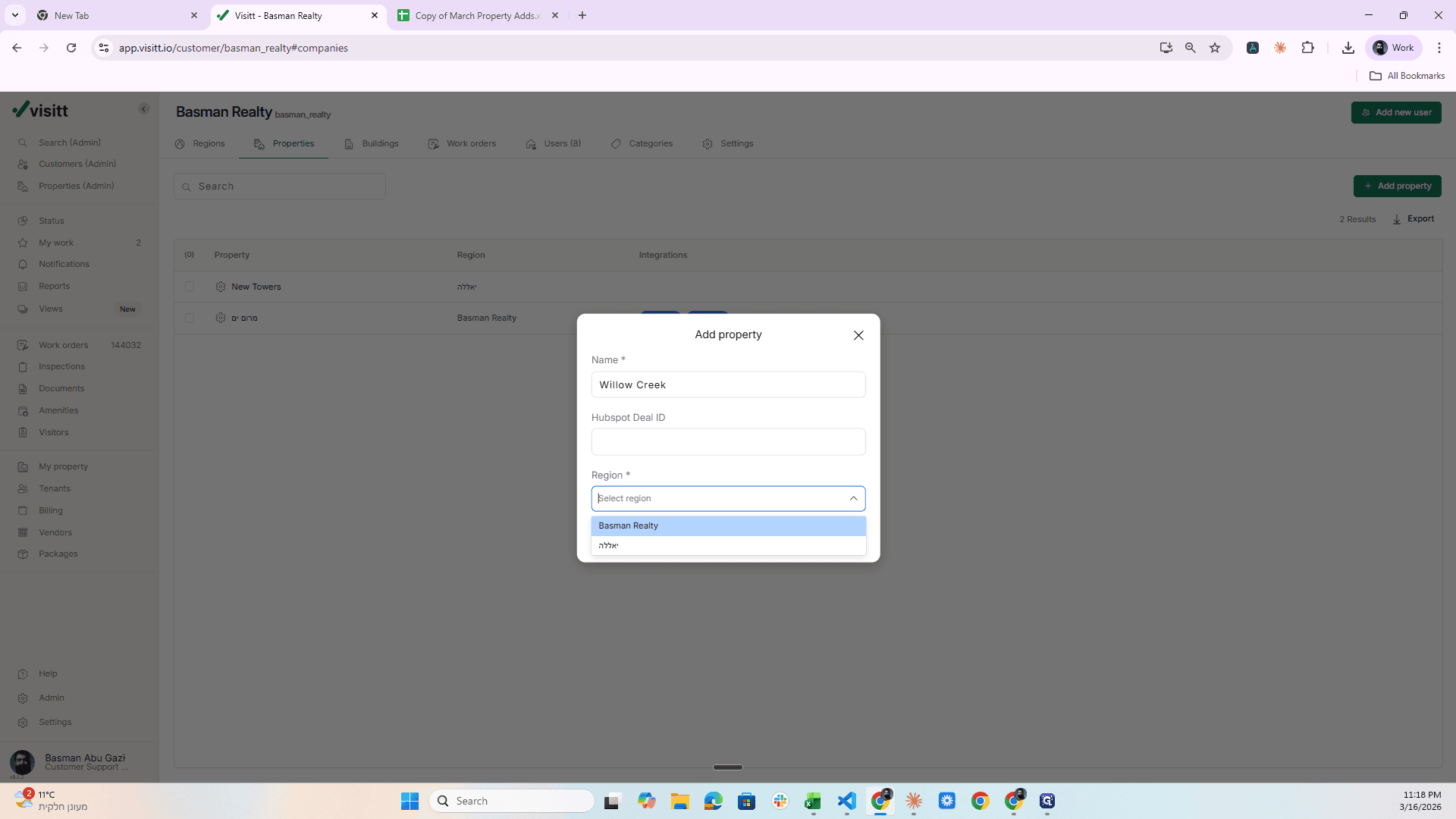
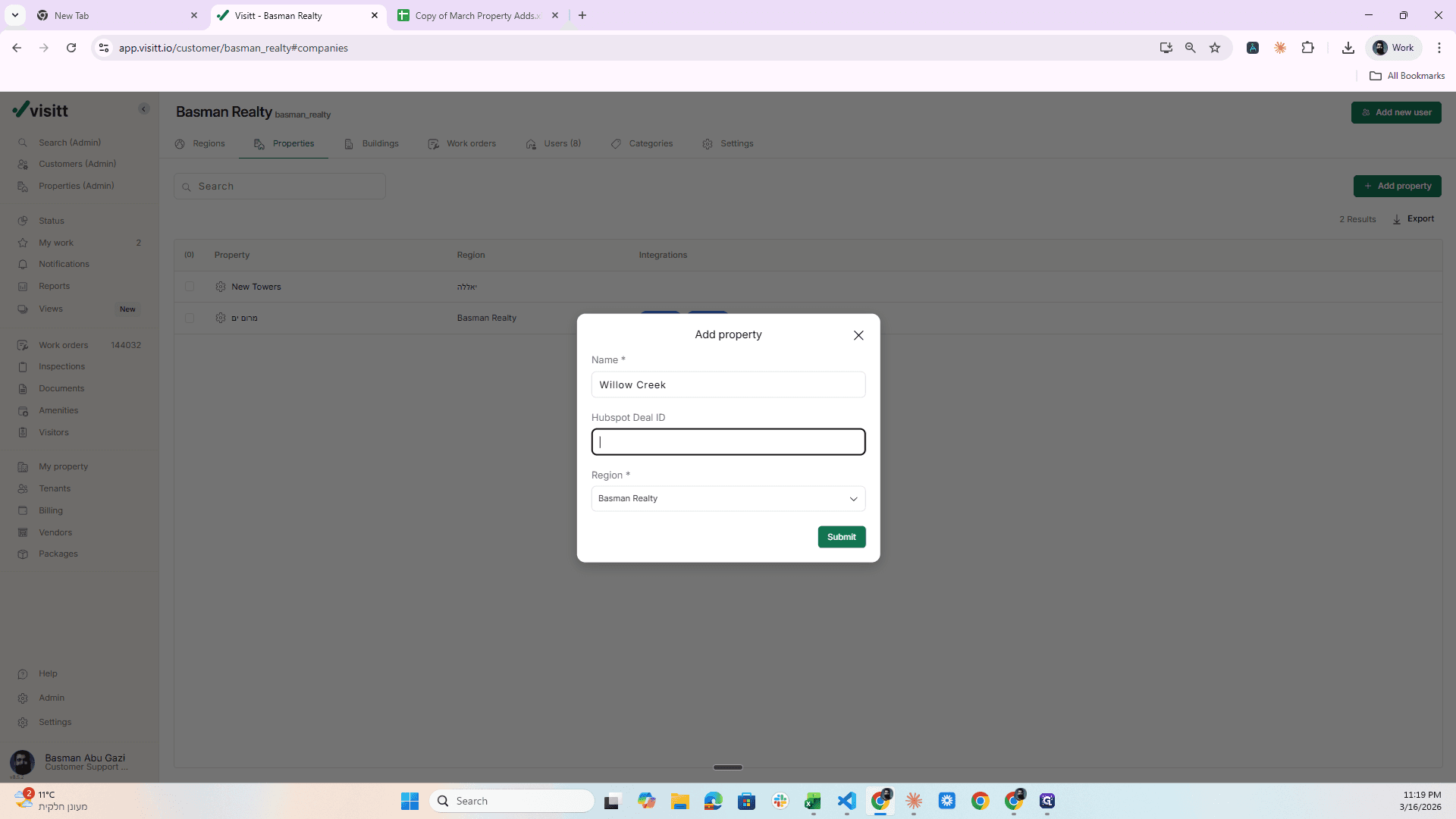
Enter this number and click Submit.
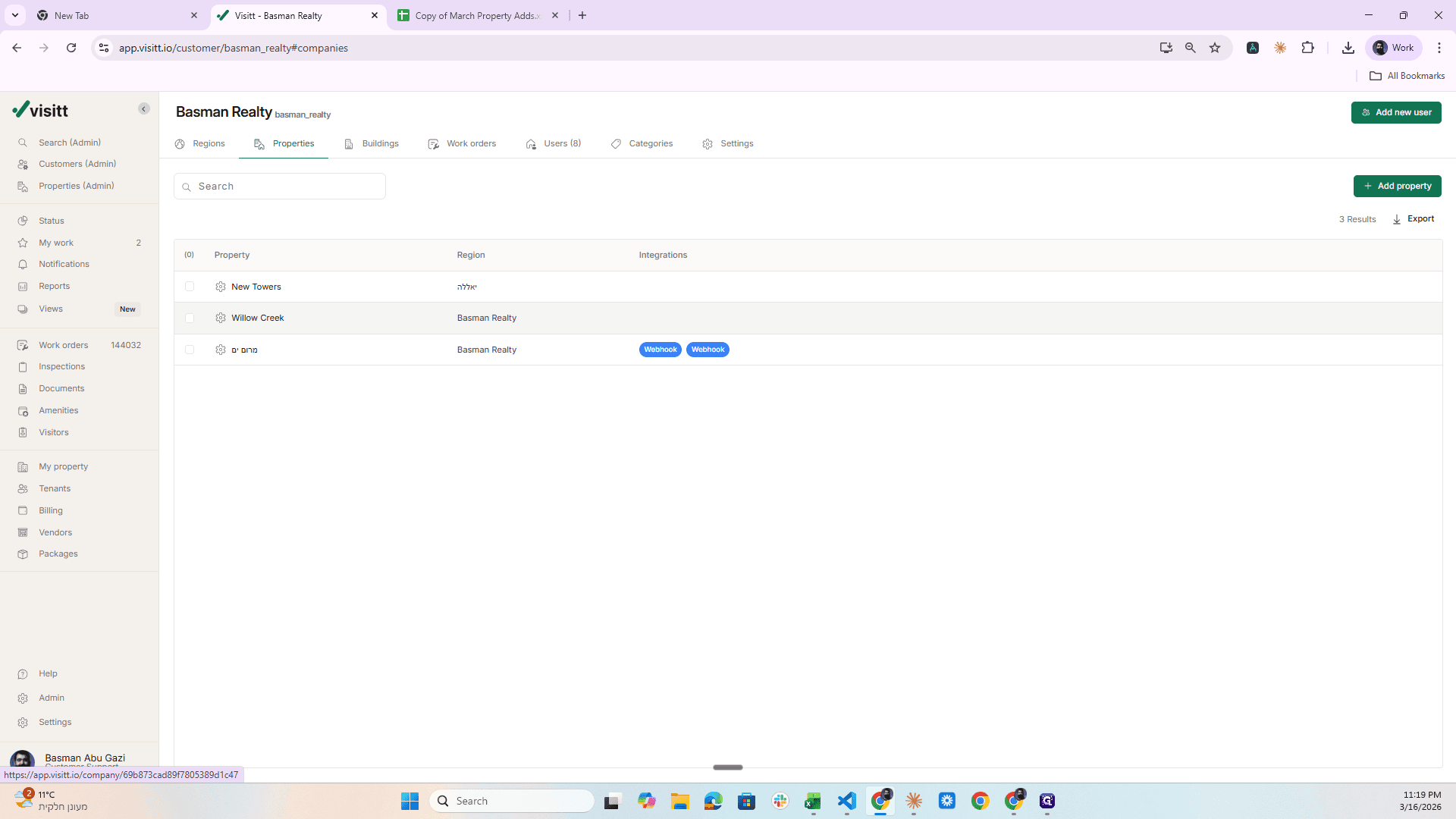
Once I finished this, a new property was created here. So what do I do next? I click on it.
I click on Admin.
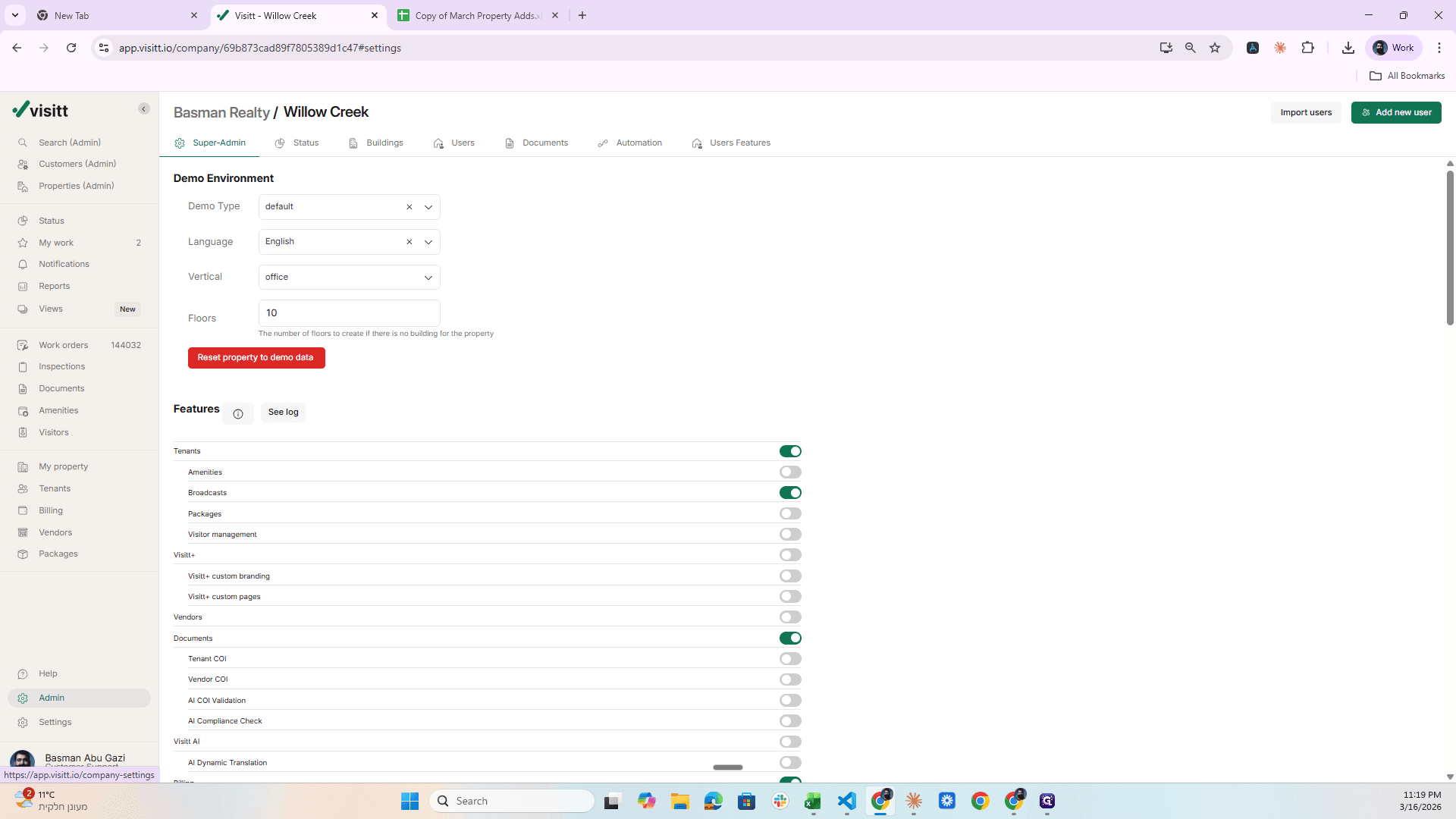
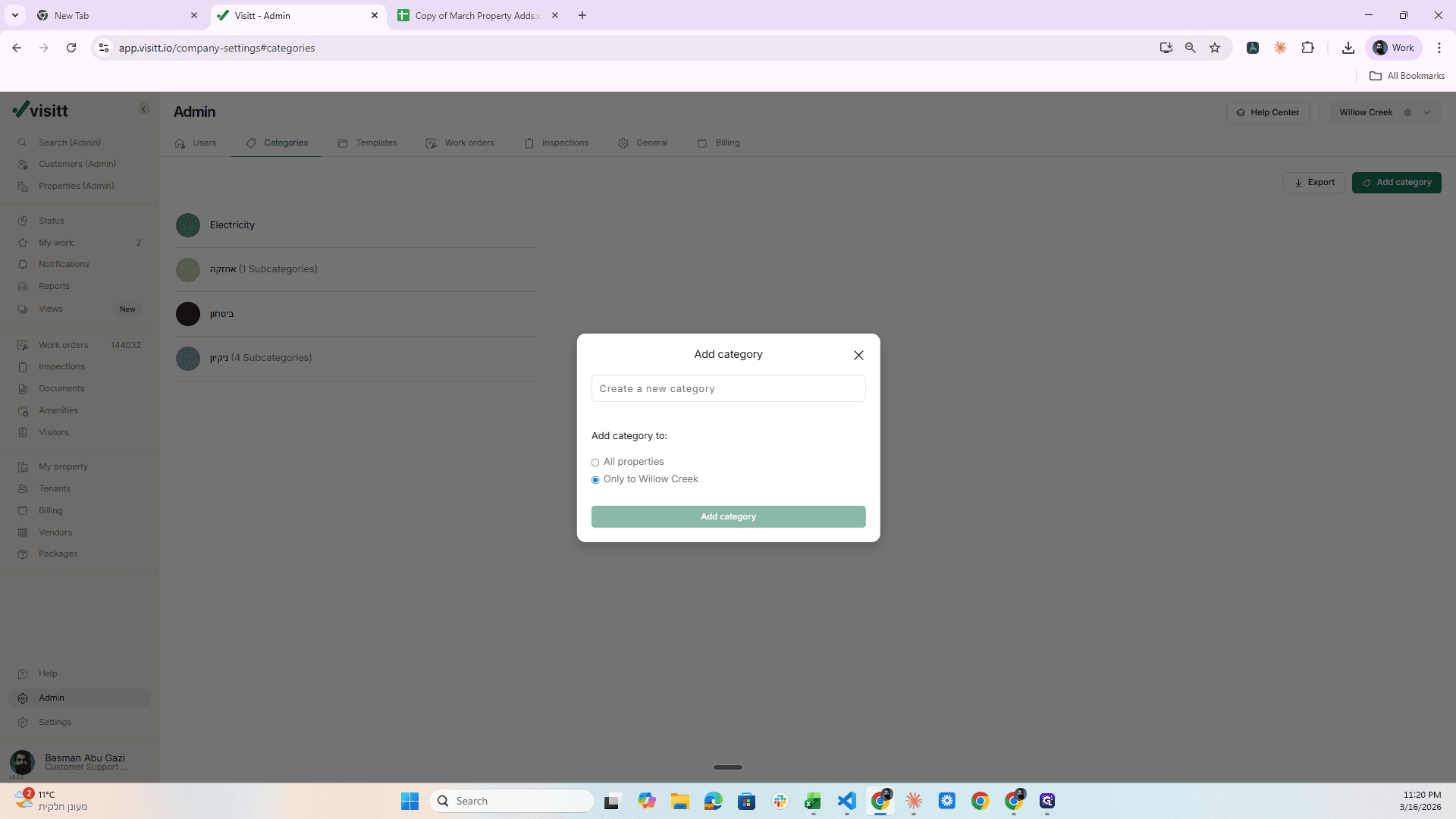
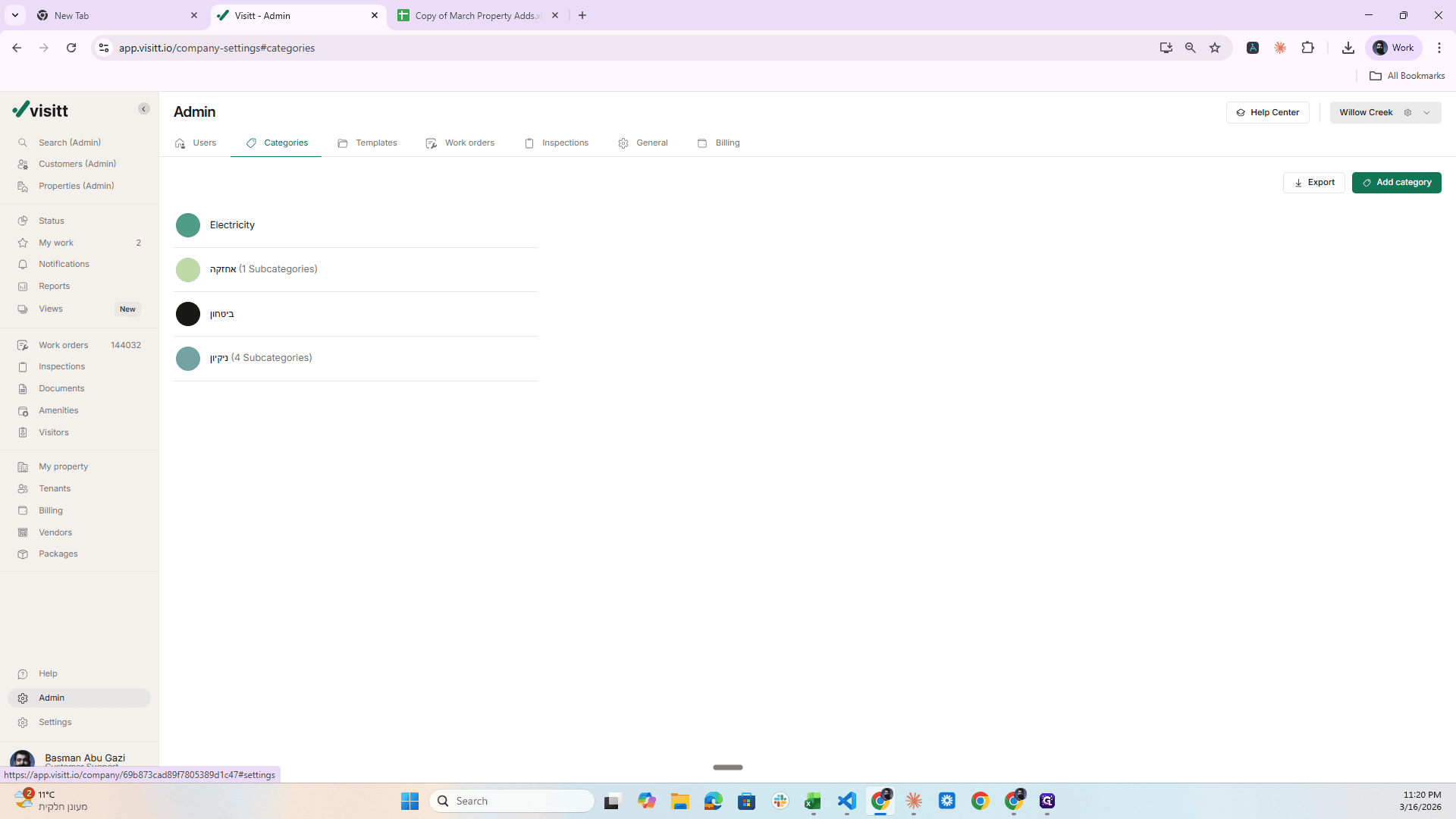
Making sure I'm in the right place. Go to Categories, then I want to create more categories.
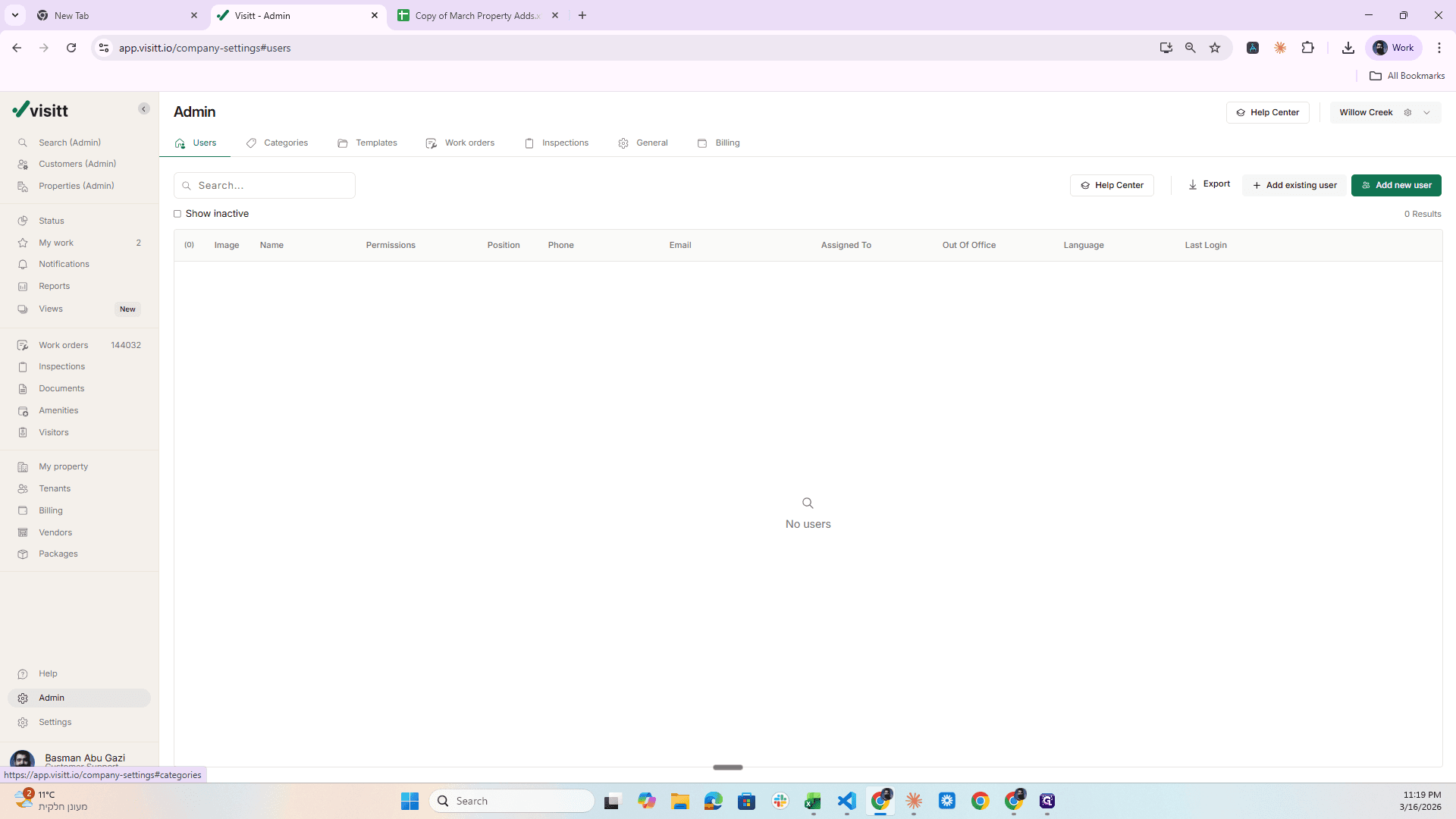
Go to this form, then back to the Google Sheet.
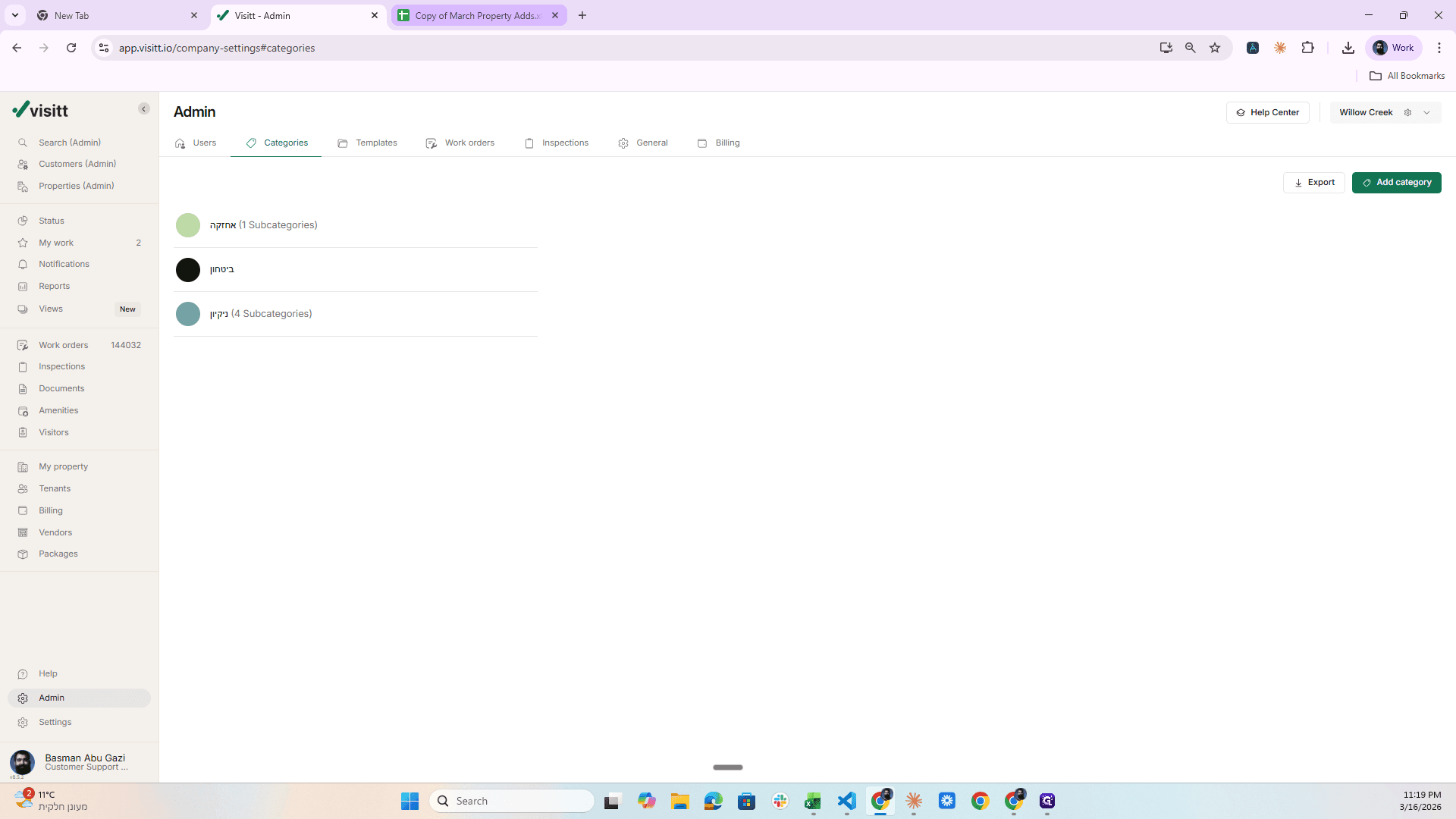
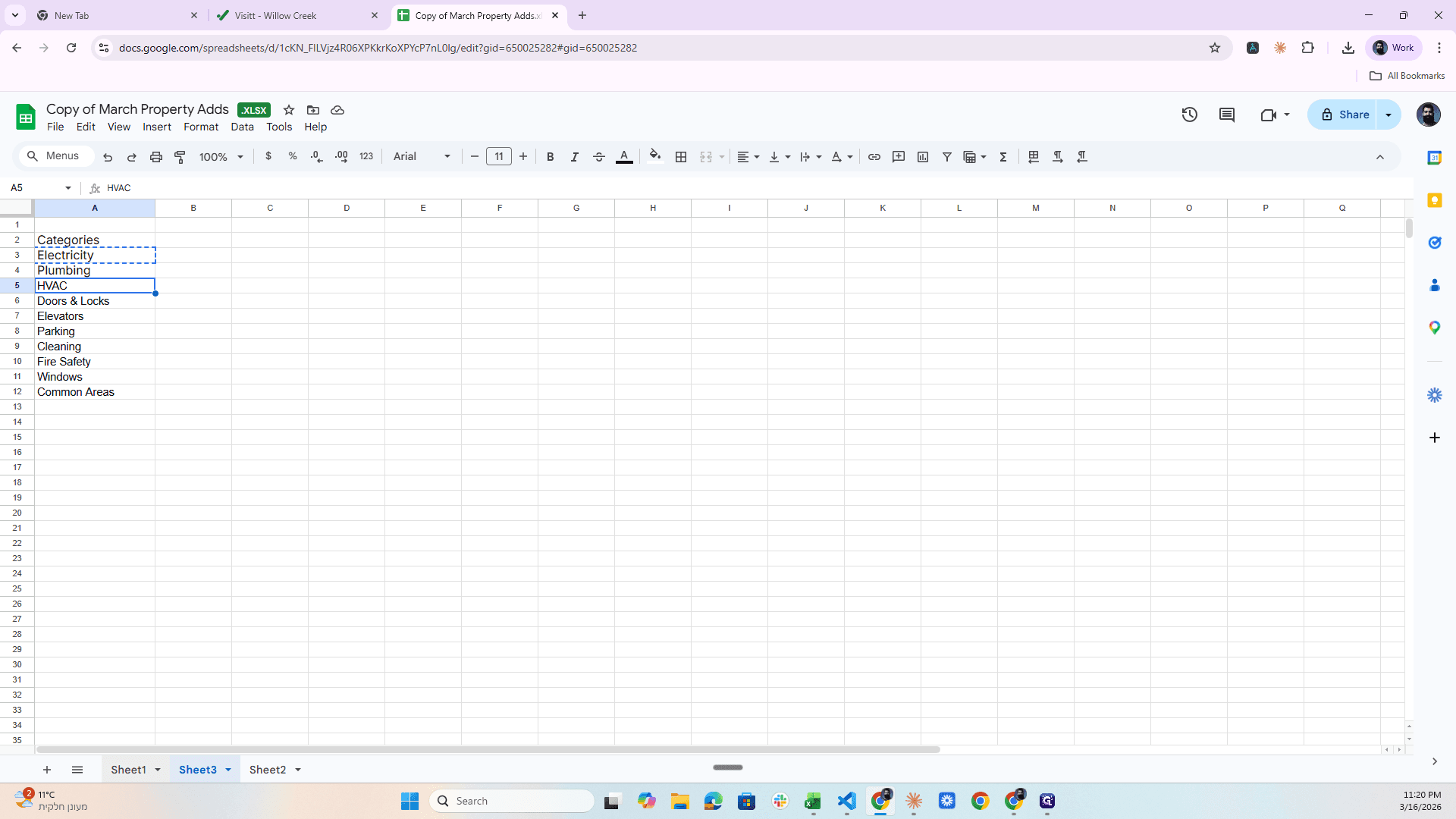
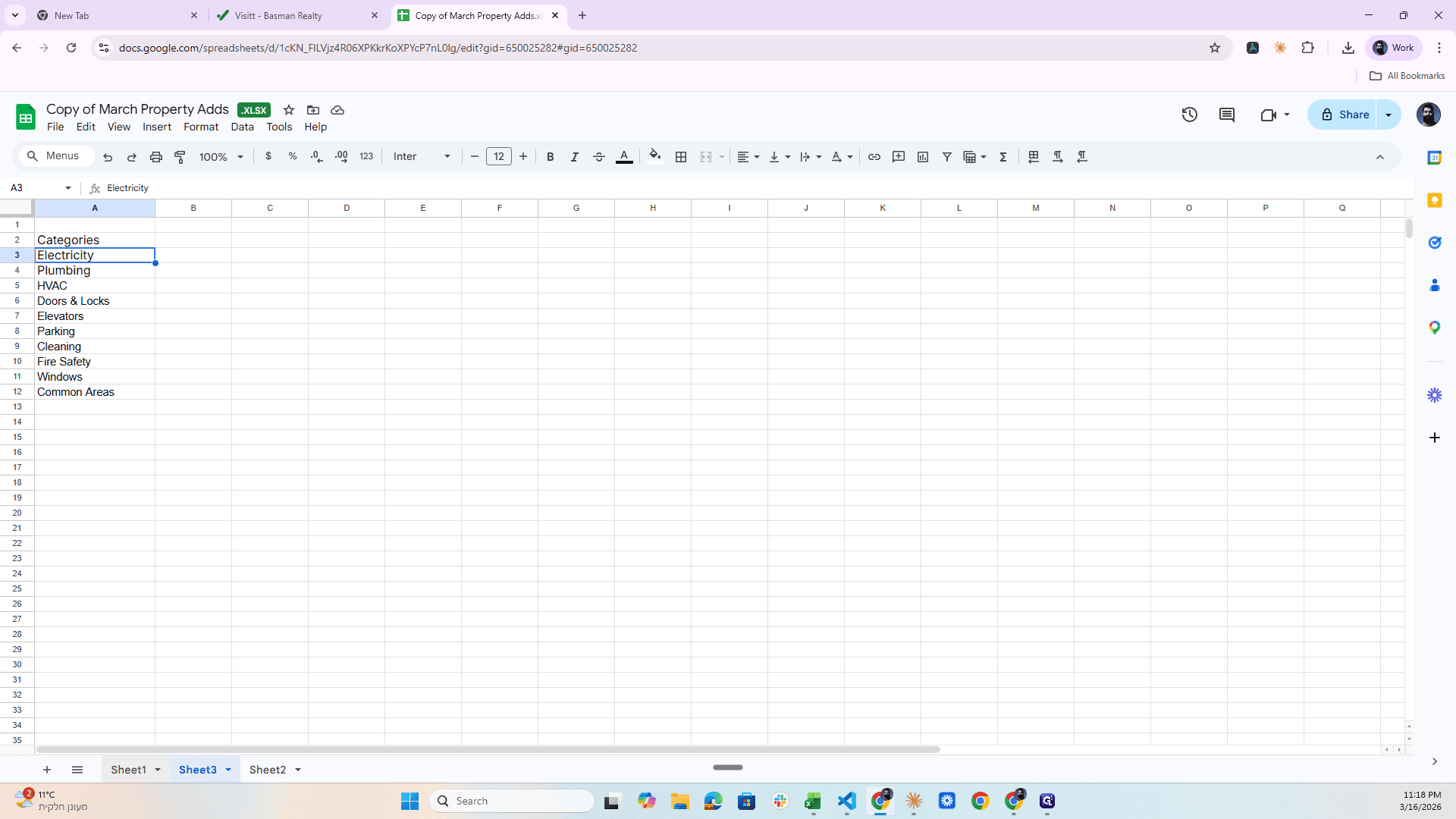
This time, I am entering Sheet Three.
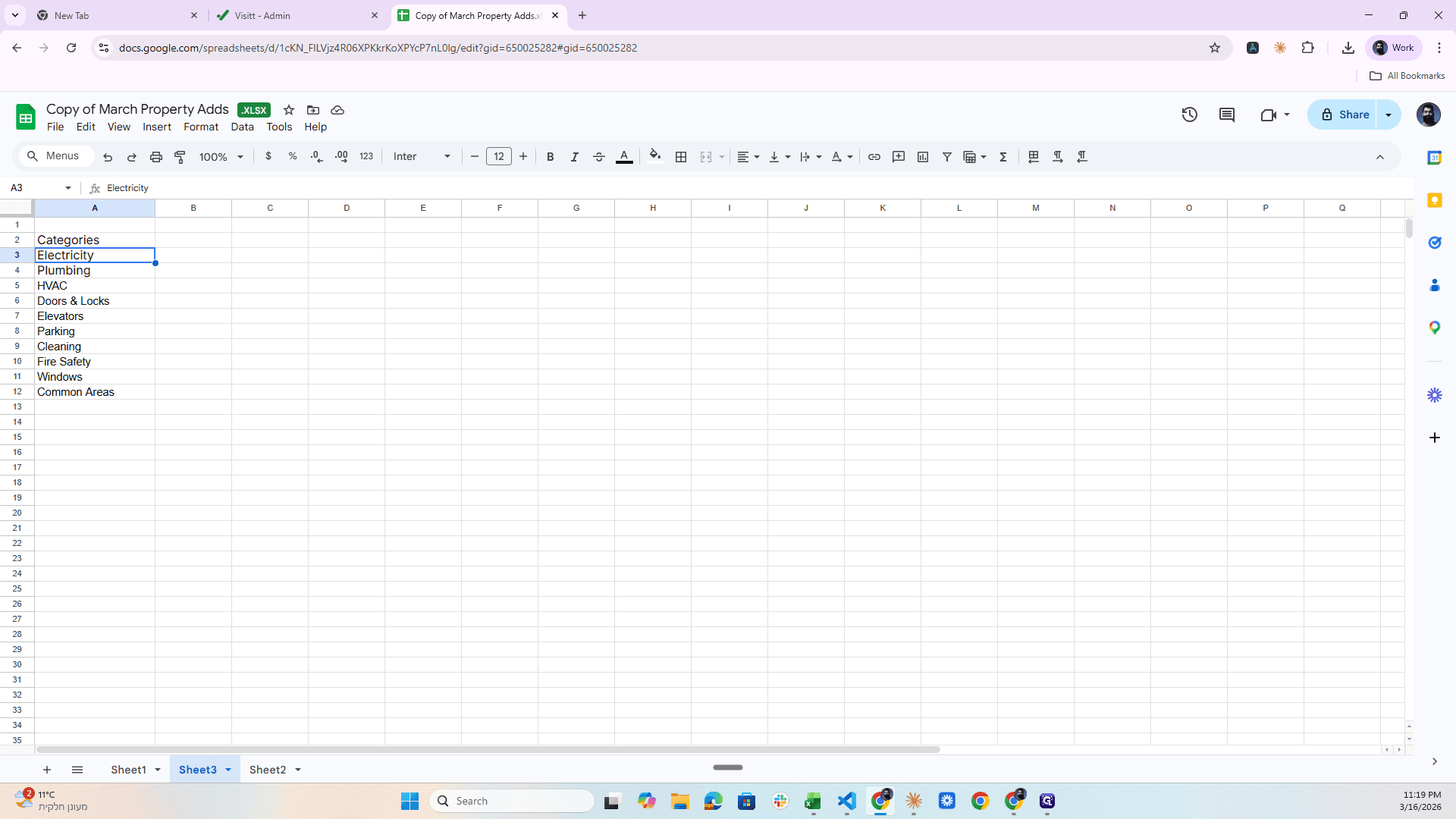
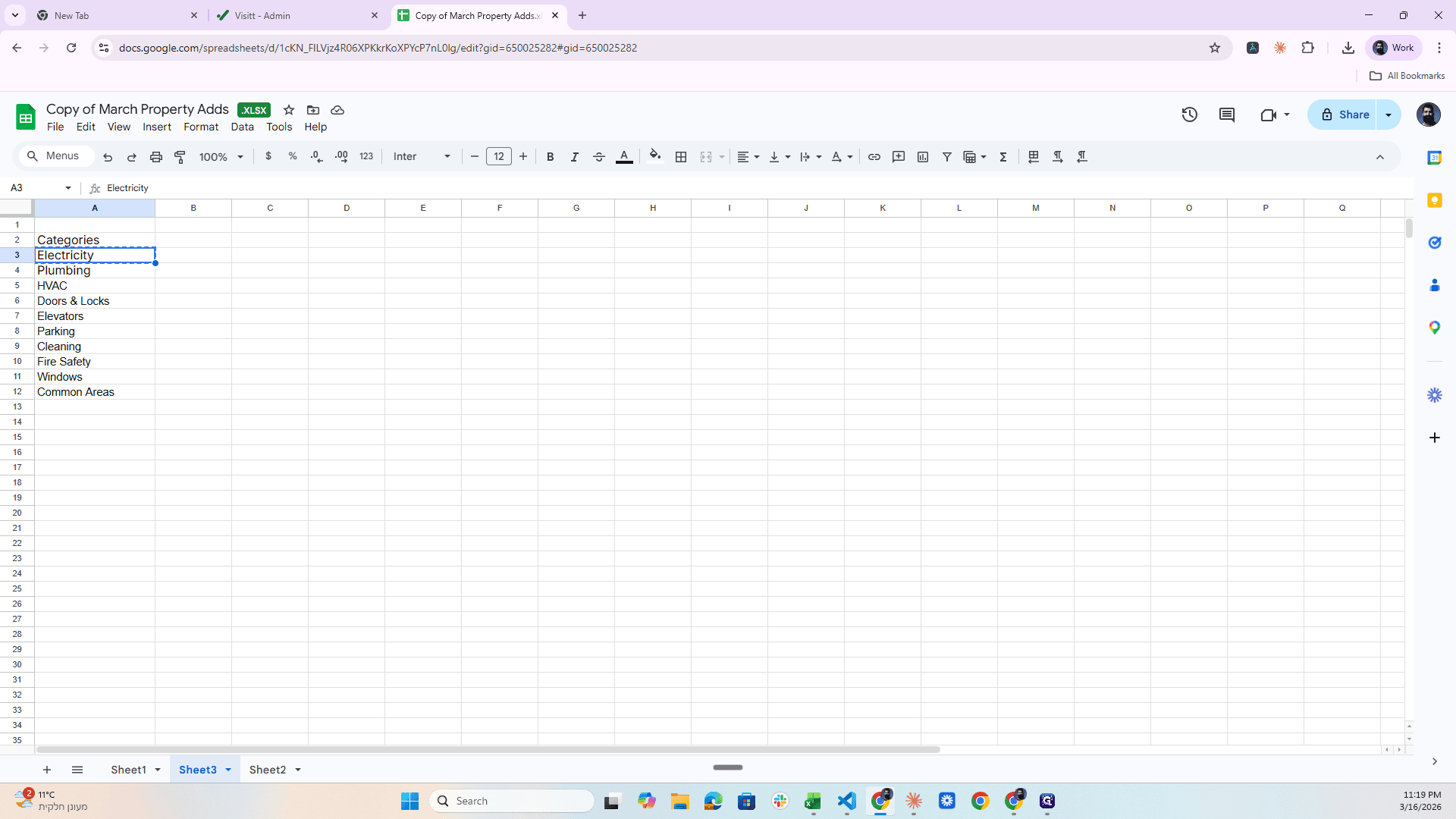
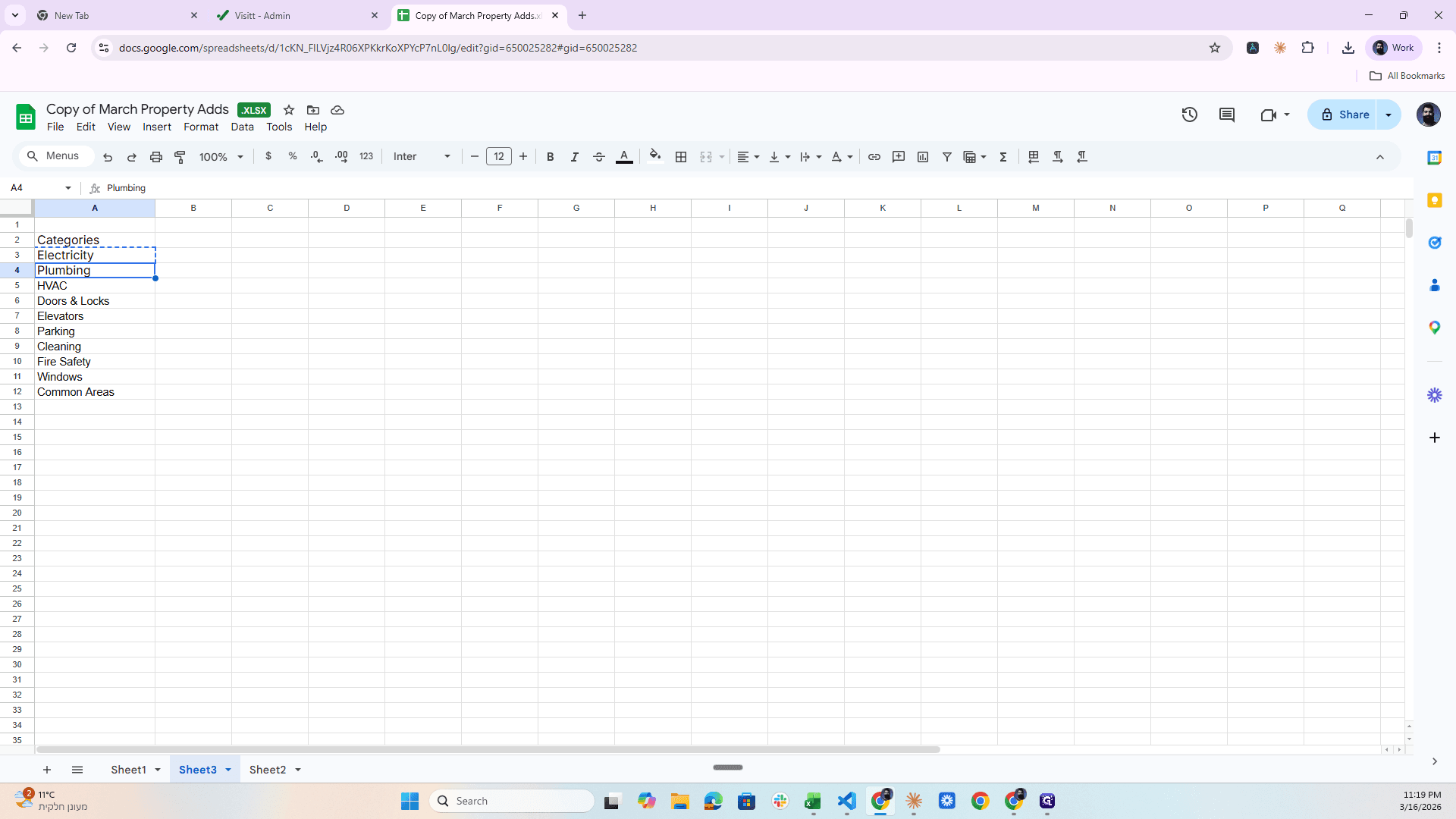
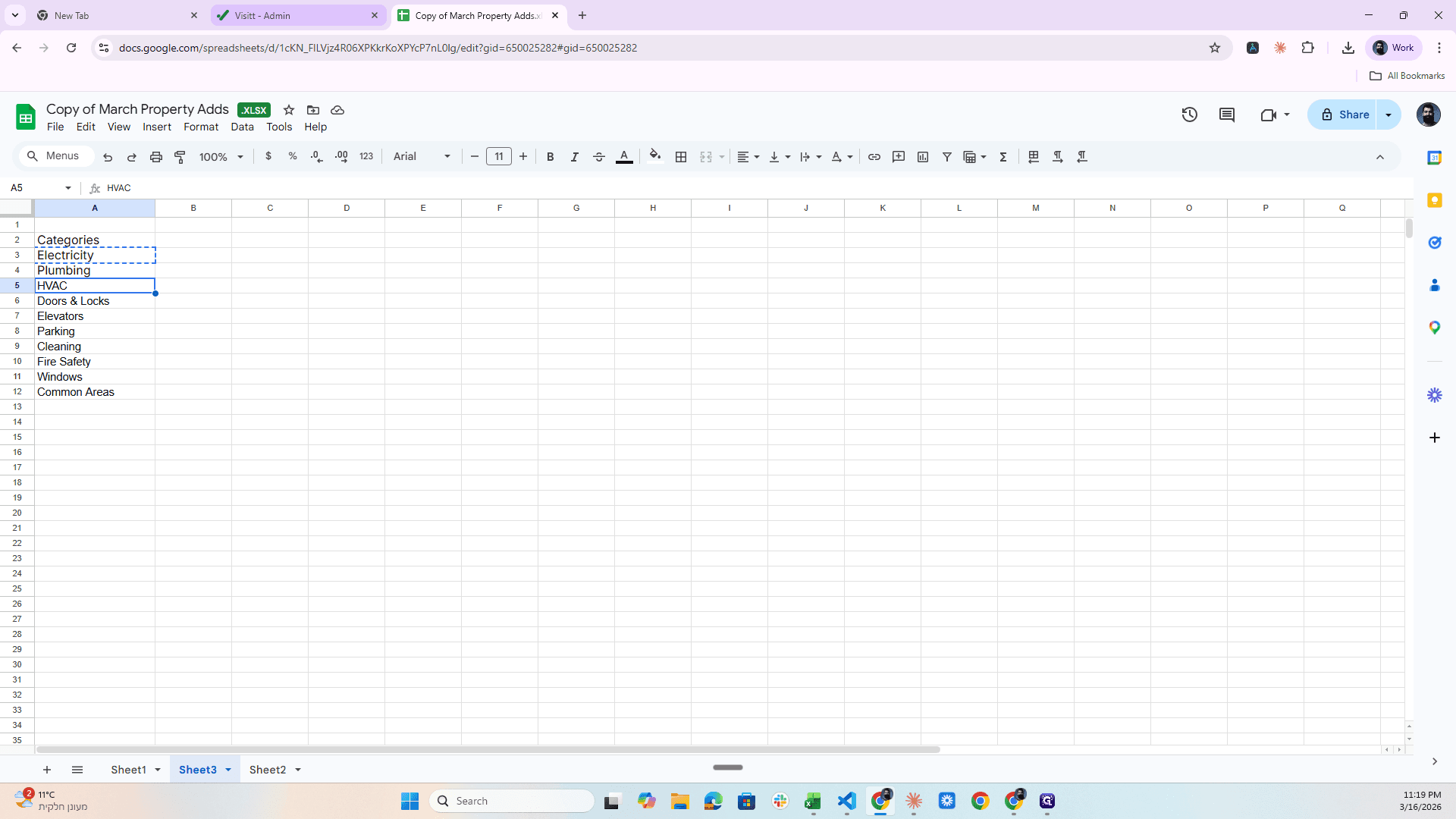
We have Categories here, okay?
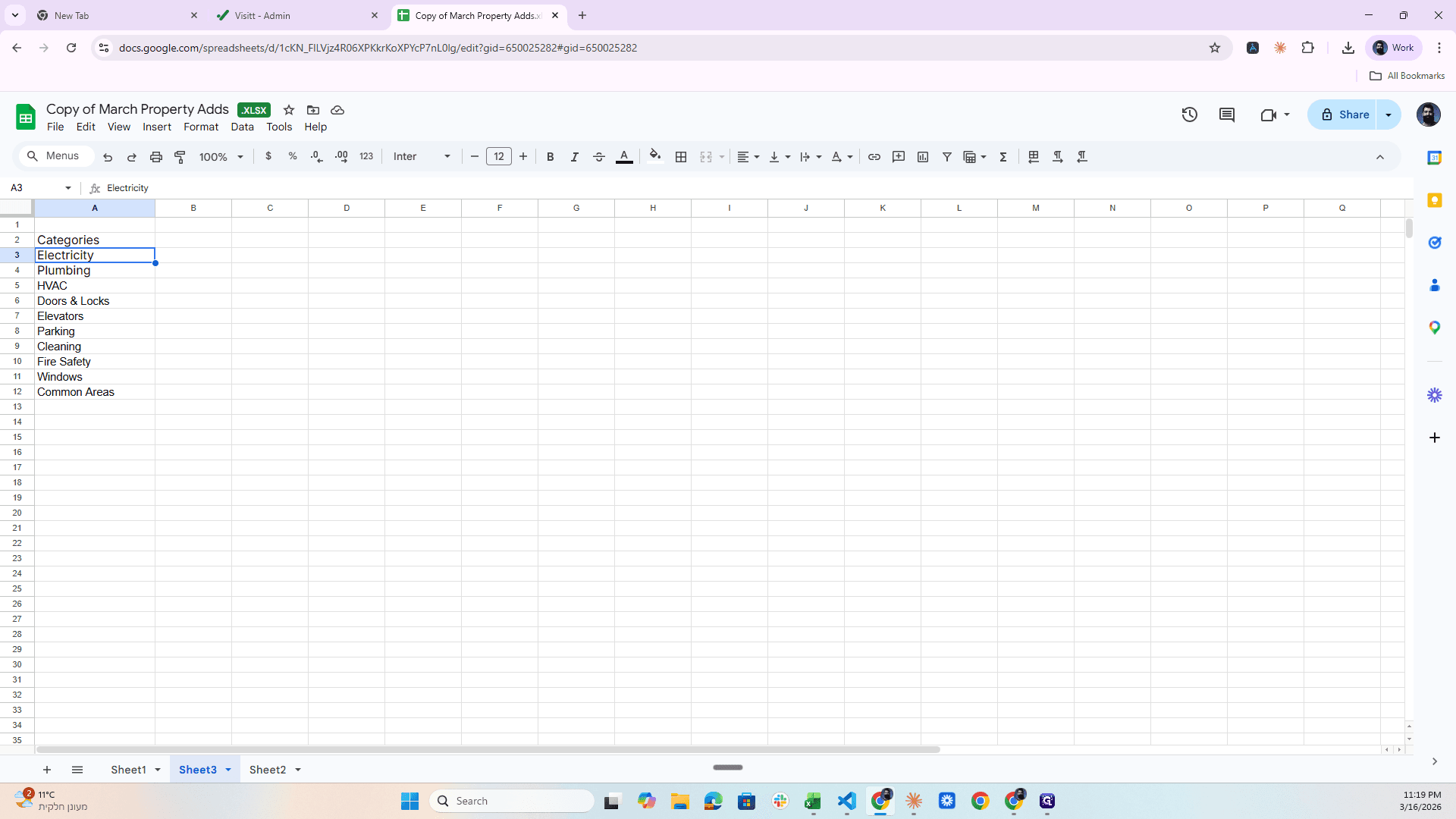
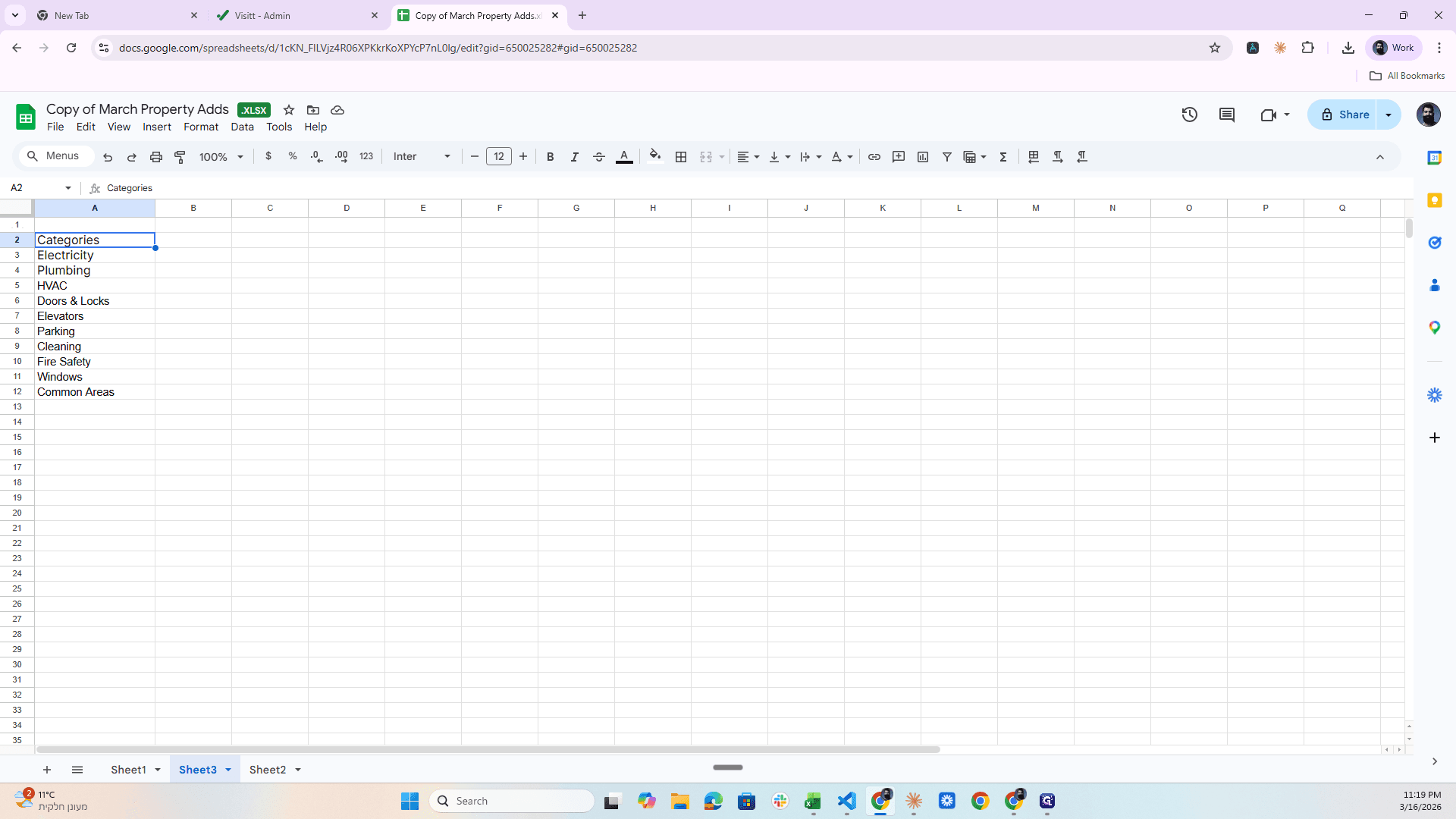
Electricity, plumbing, and more.
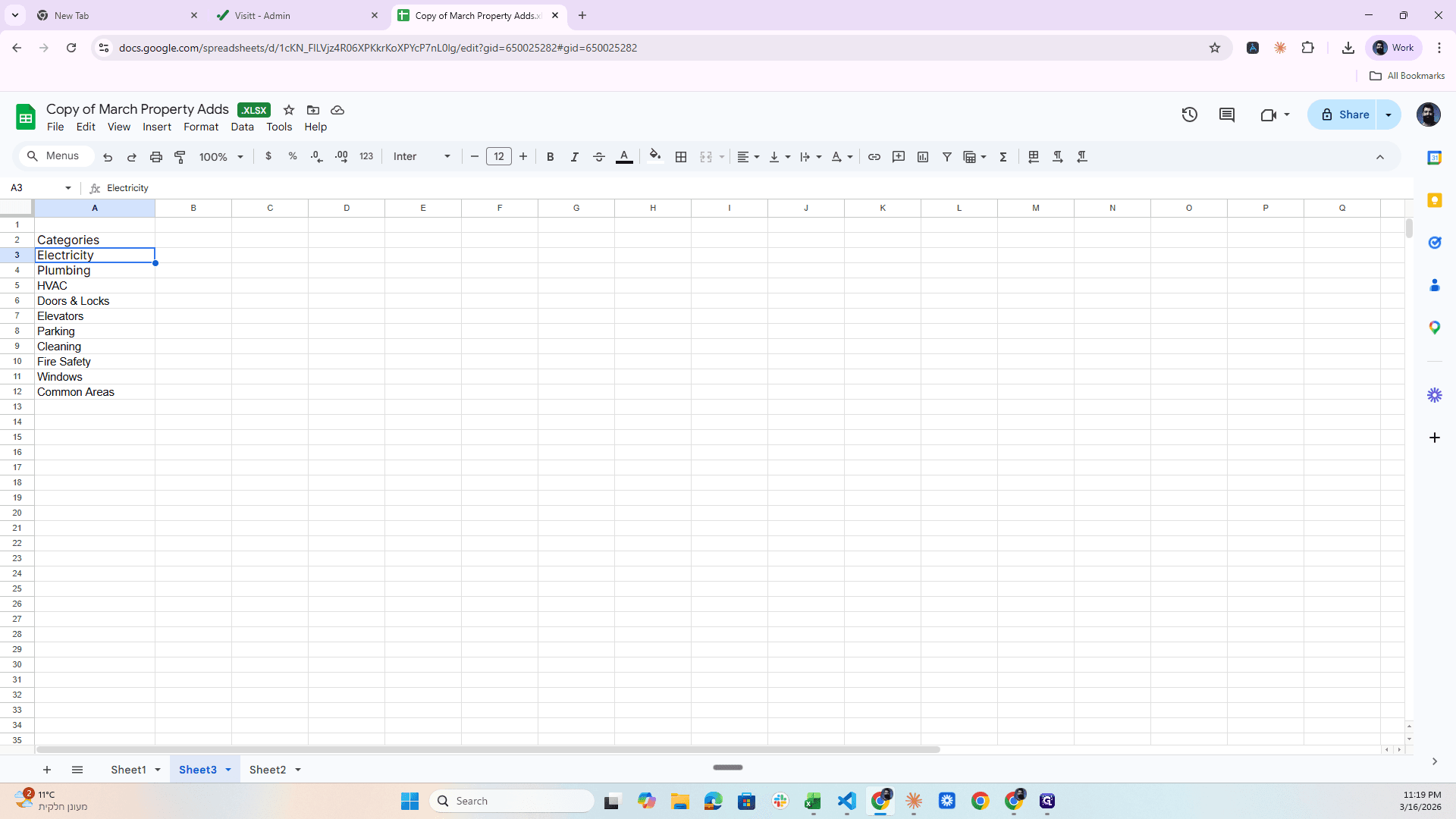
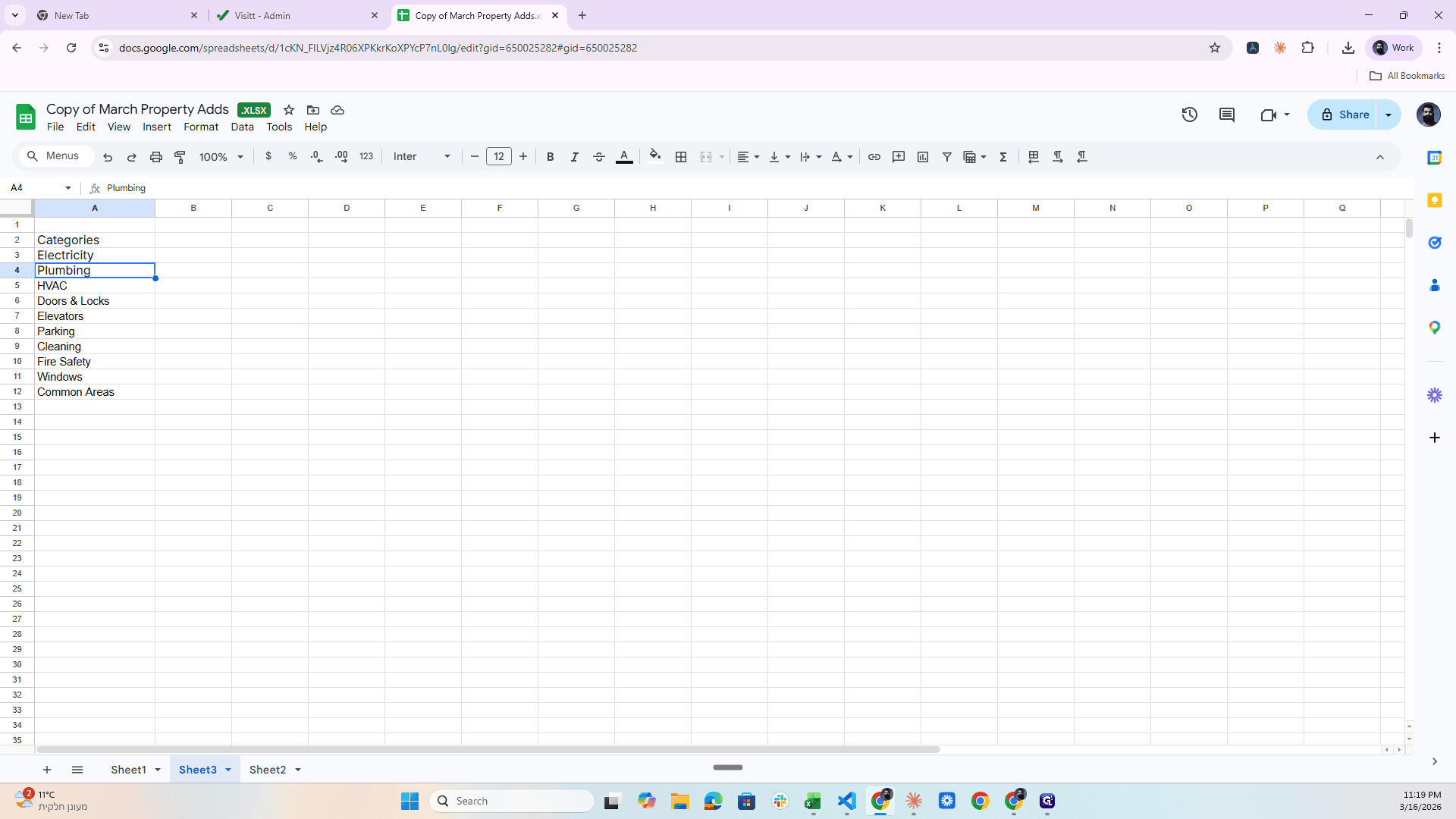
I take these and start. Electricity, Plumbing, HVAC. I copy them and start creating them like this.
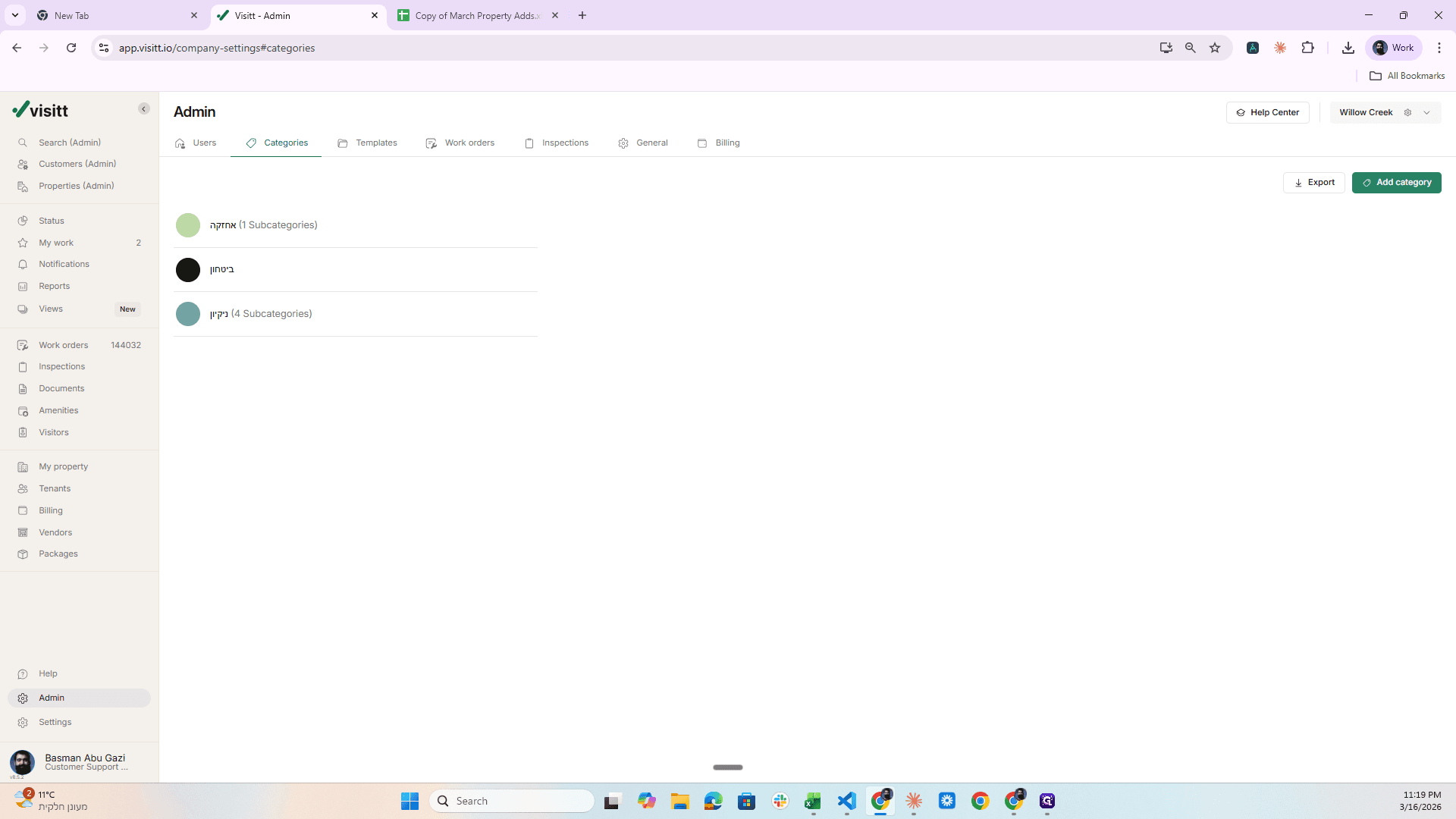
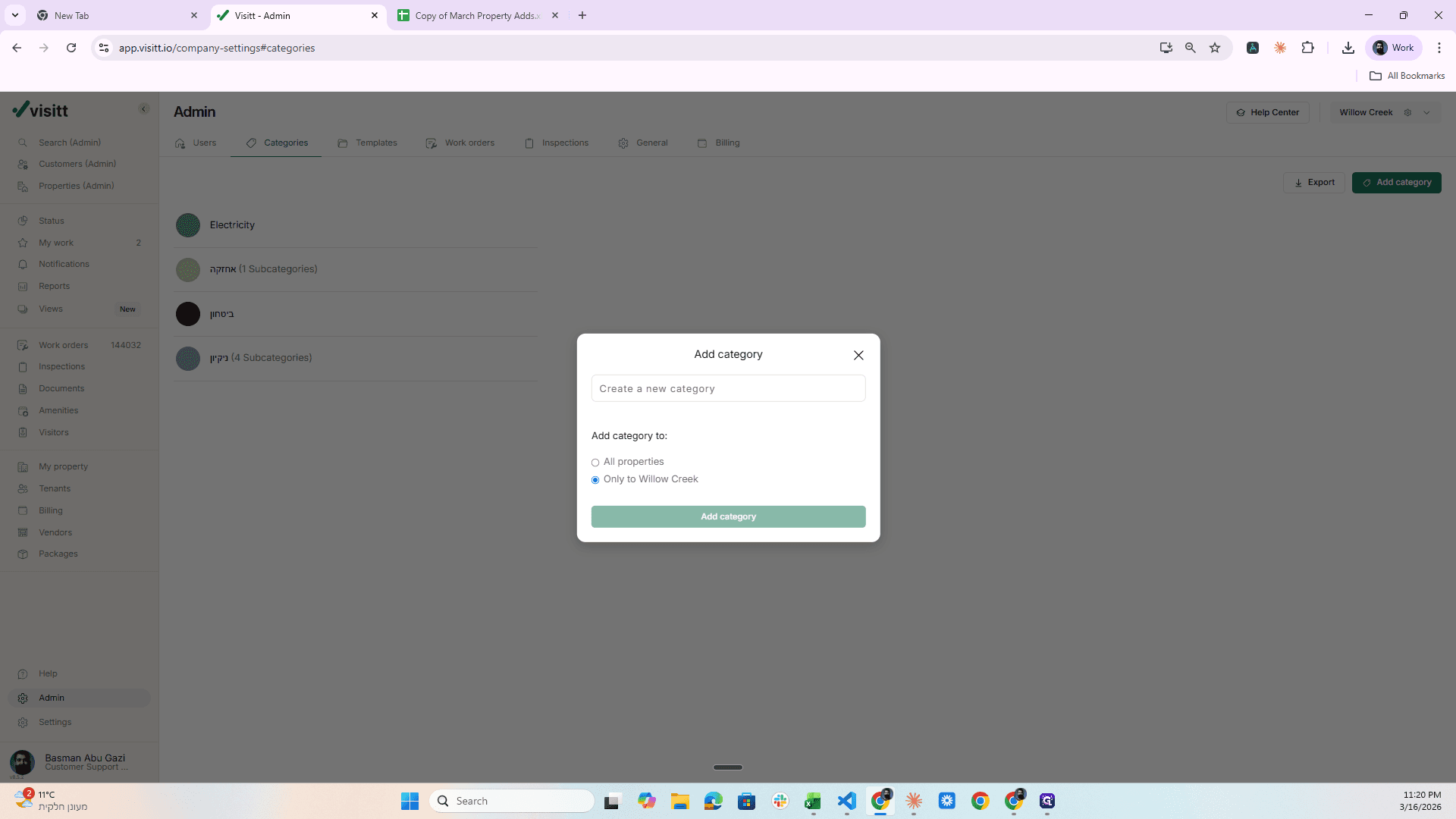
Add Category only to Willow Creek, for this specific property.
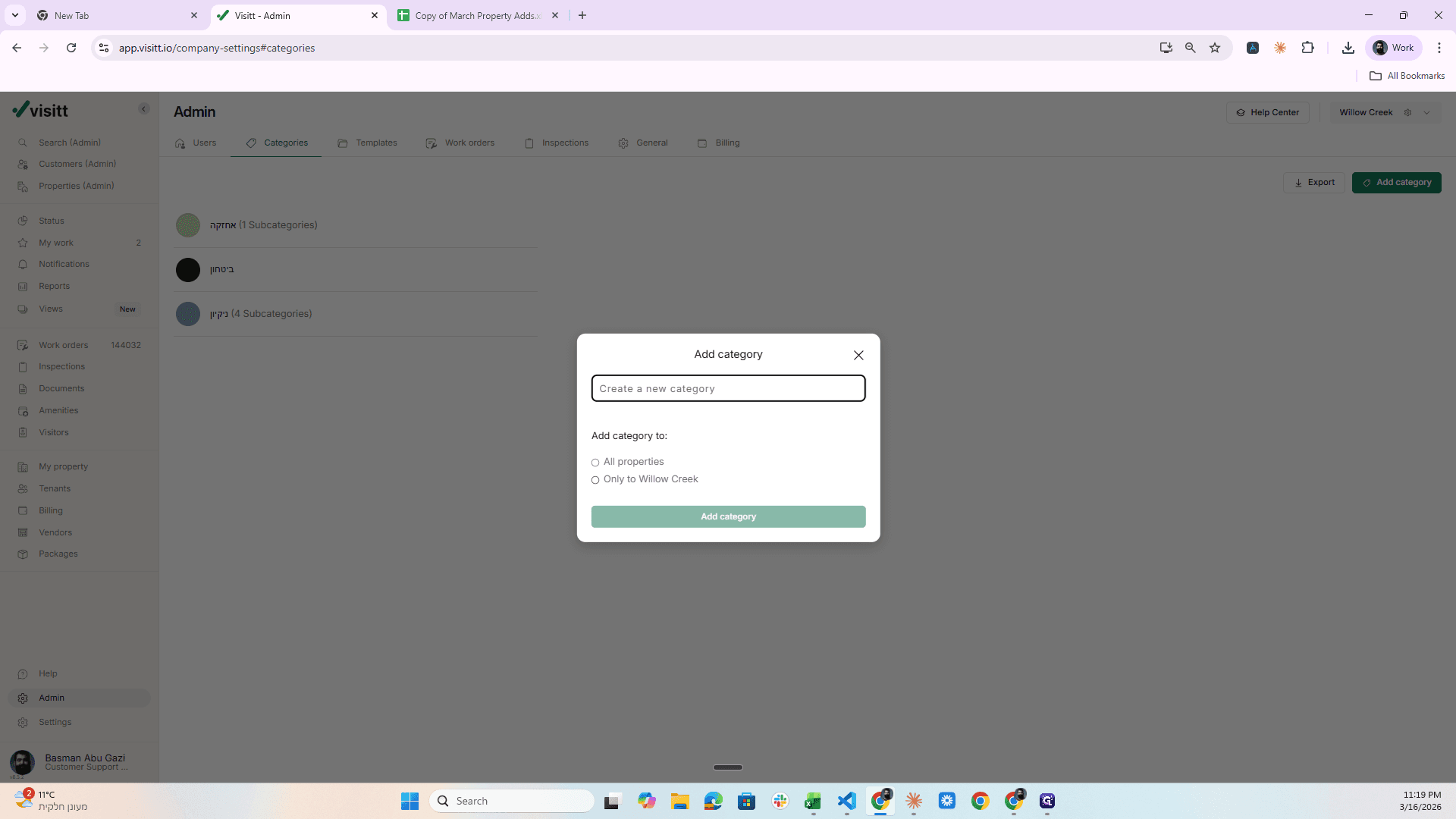
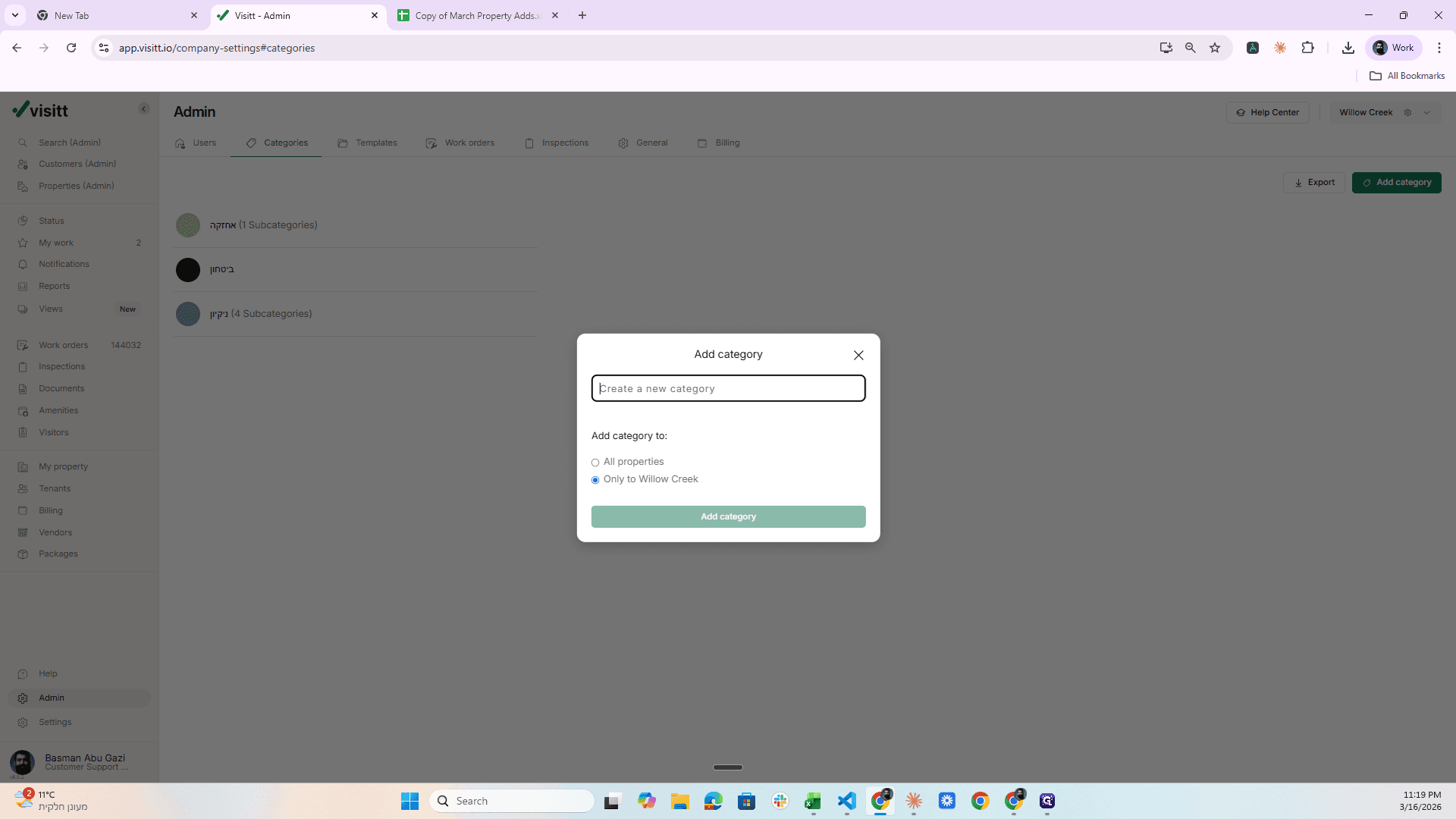
Then he pastes the name of the category here.
Add.
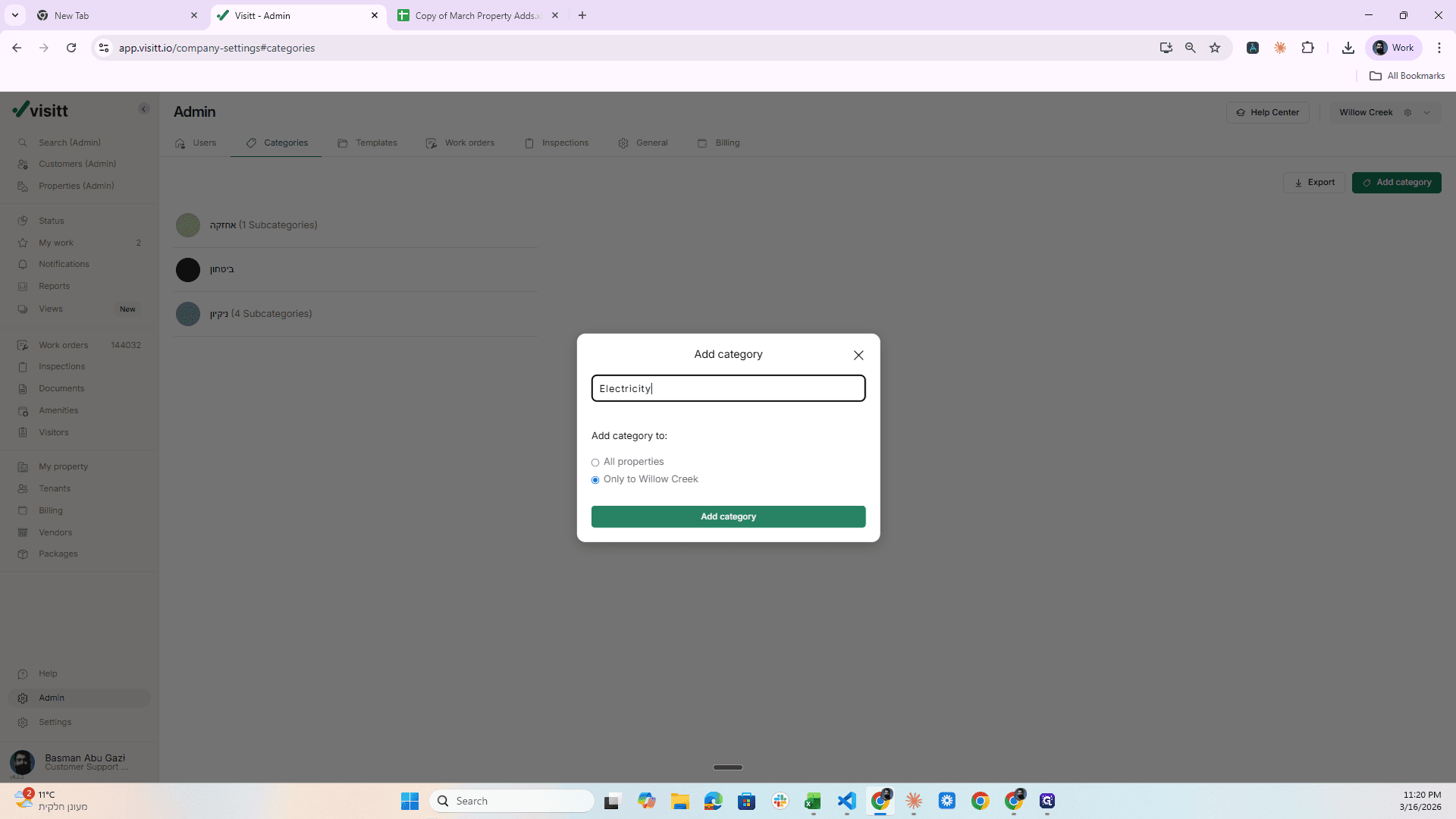
Nice again this time. I click Add Category, enter the name of the next category, and so on.
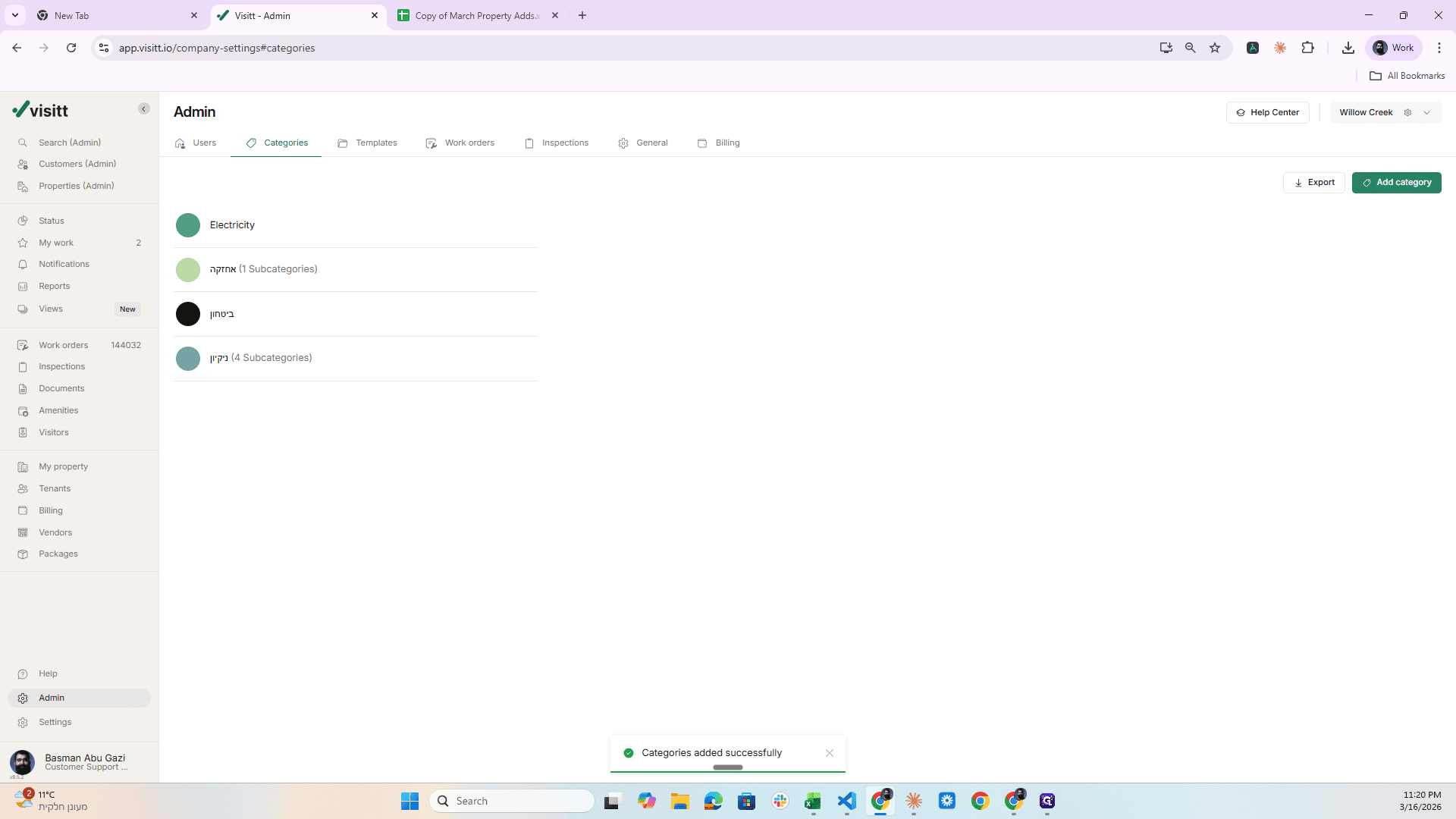
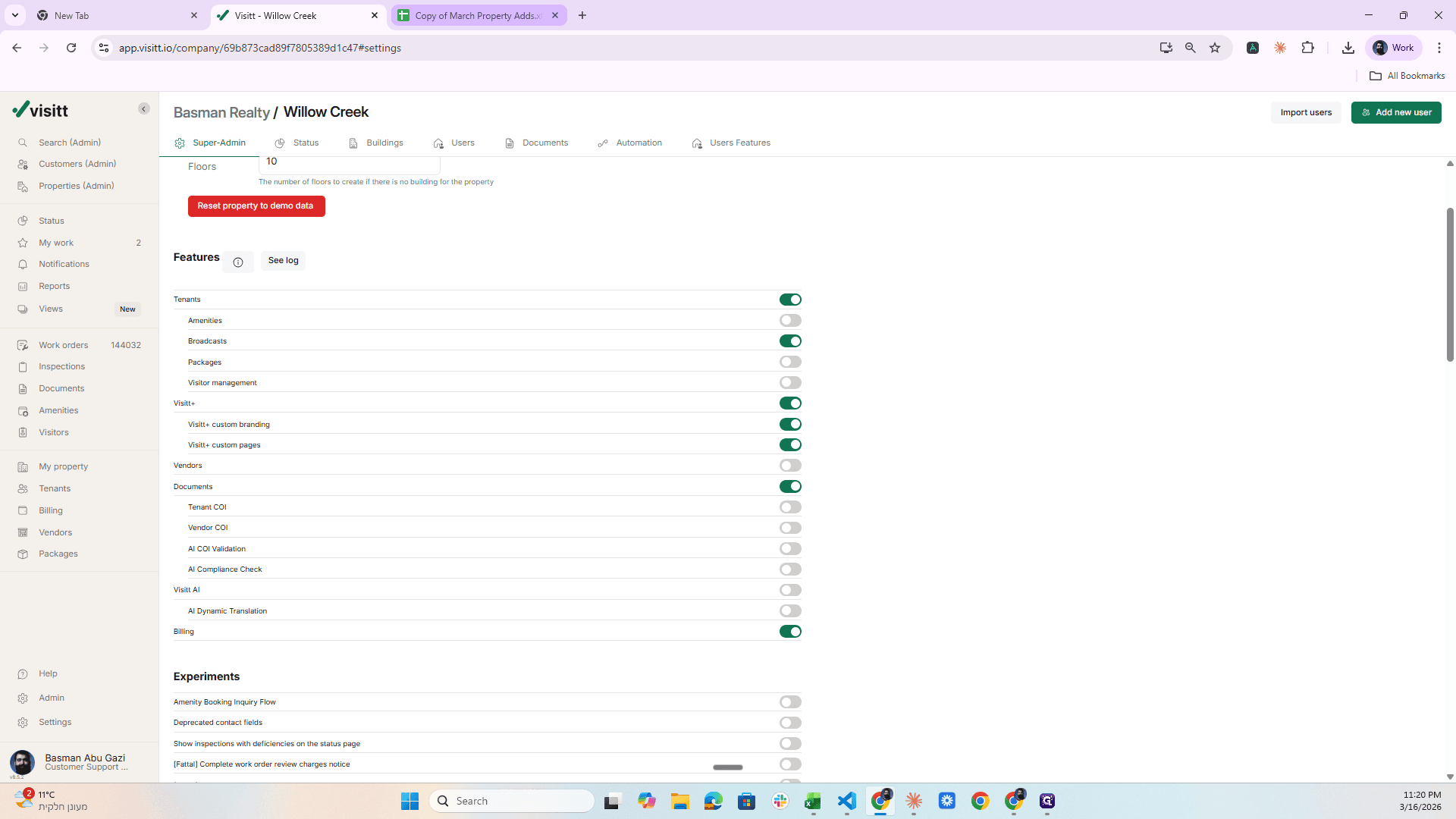
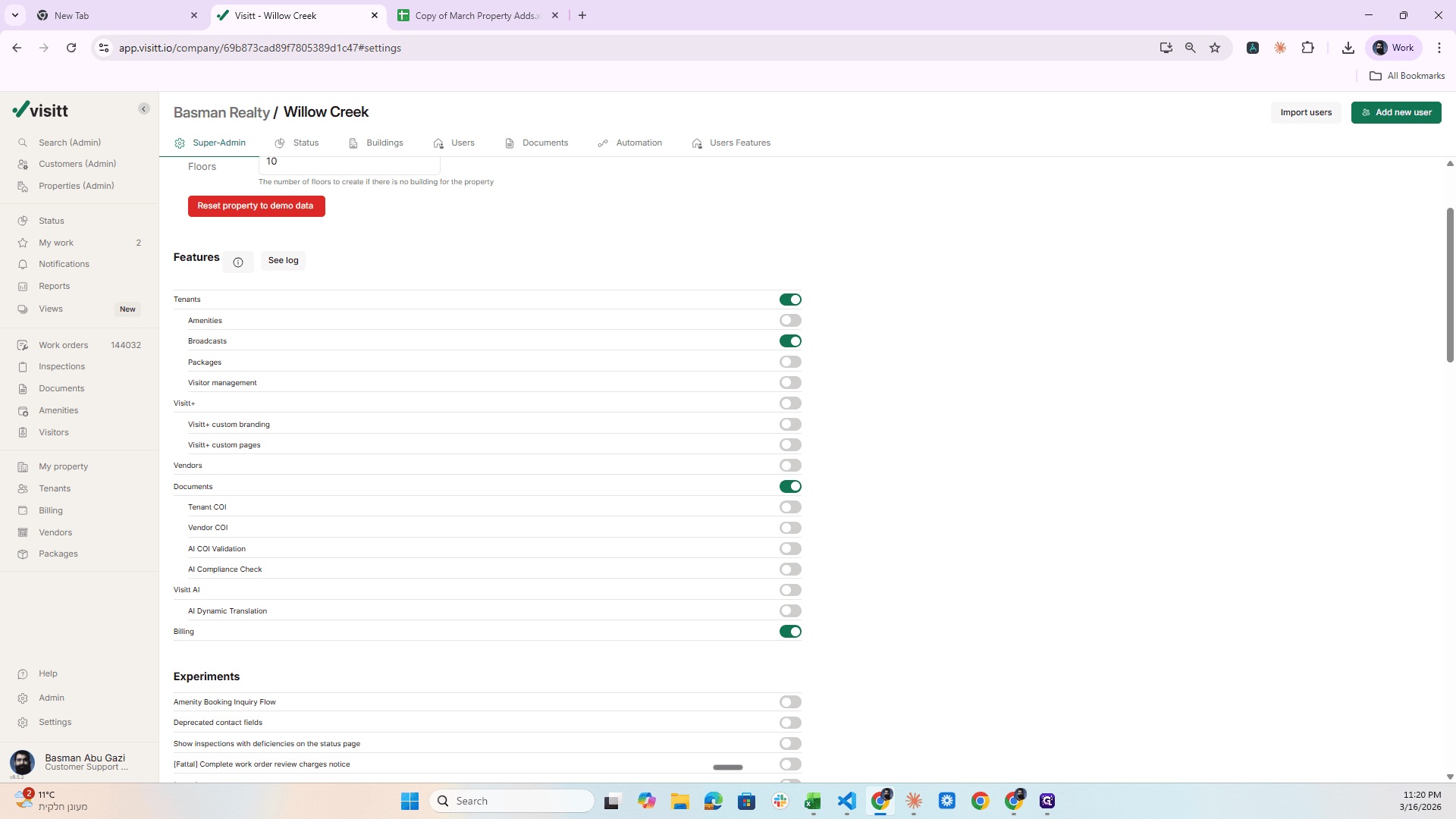
When I finish, I click on the gear icon, go to Visit Plus, and activate it.
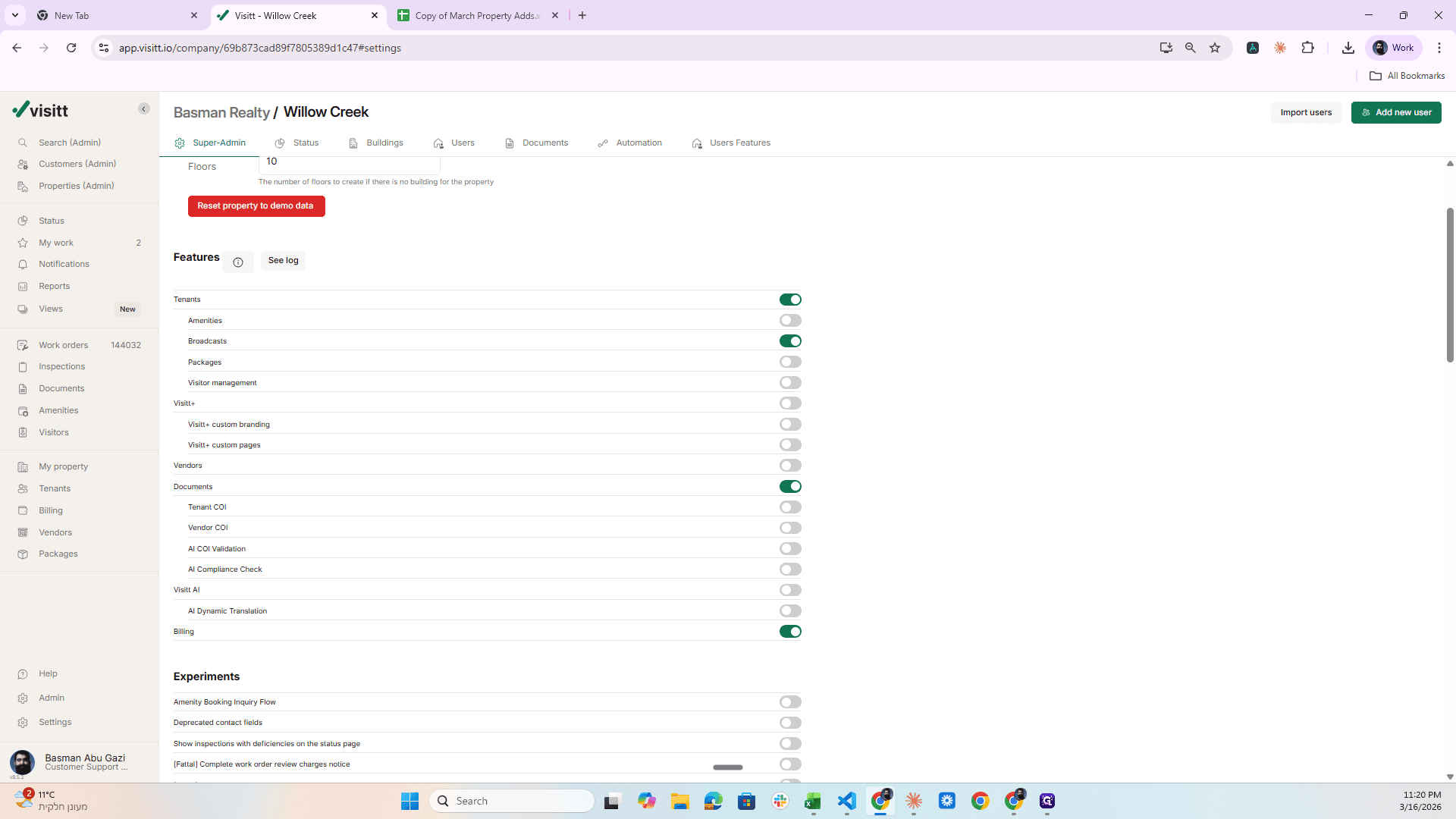
The switch, and that's it.
Moving to the next property, that is, reaching the form, going to this sheet, then the next one, and applying all the categories in the same way.