How to Add Startups to HubSpot for Sourcing
Learn the step-by-step process to add startups into HubSpot for diligencing and sourcing, including setting up deal flow and selecting the right industry.
In this guide, we'll learn how to efficiently add startups that are being sourced into HubSpot. This process involves navigating through HubSpot's interface to ensure startups are correctly categorized and visible in the deal flow. By following these steps, you can streamline the tracking and management of startups, enhancing your diligence process.
Let's get started
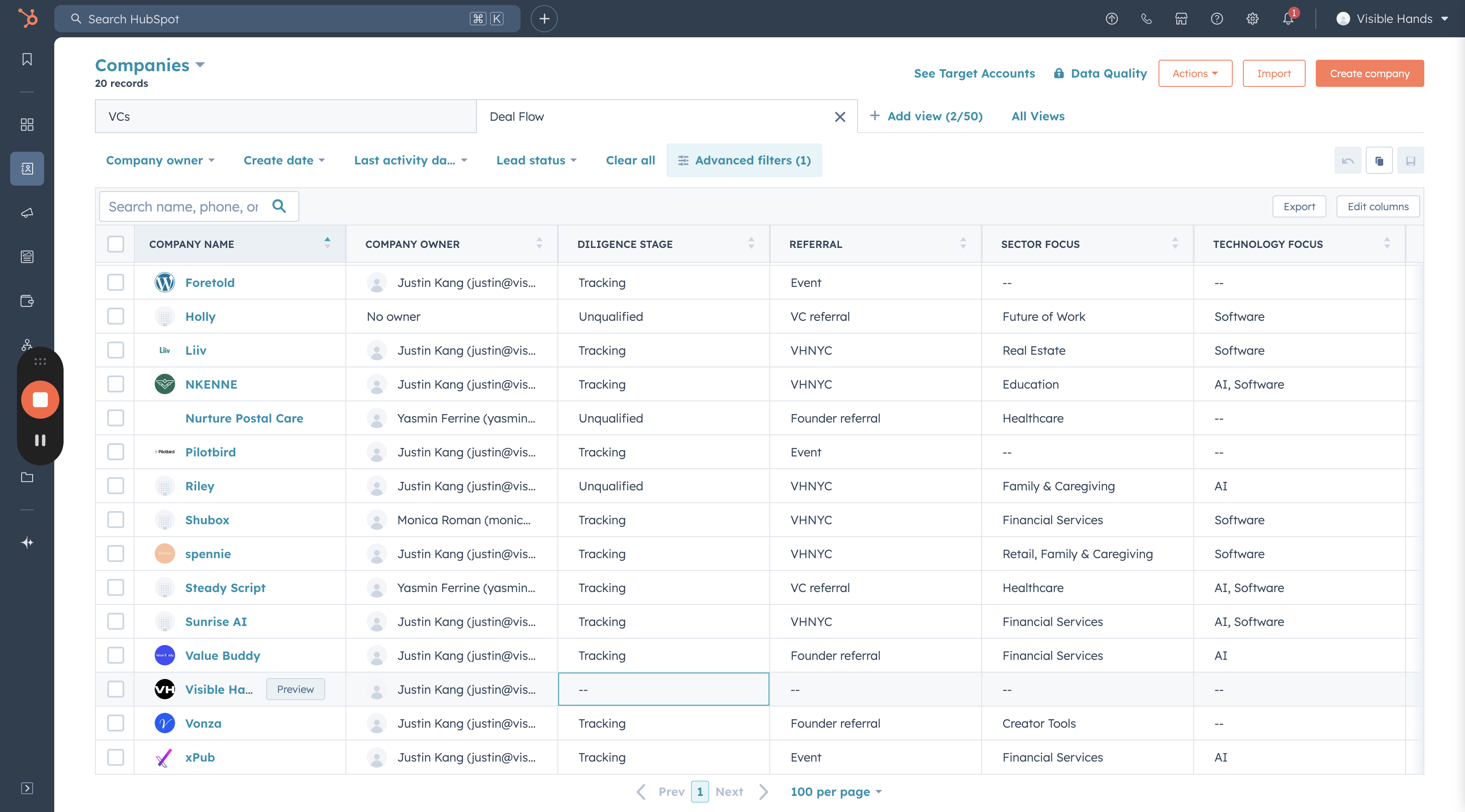
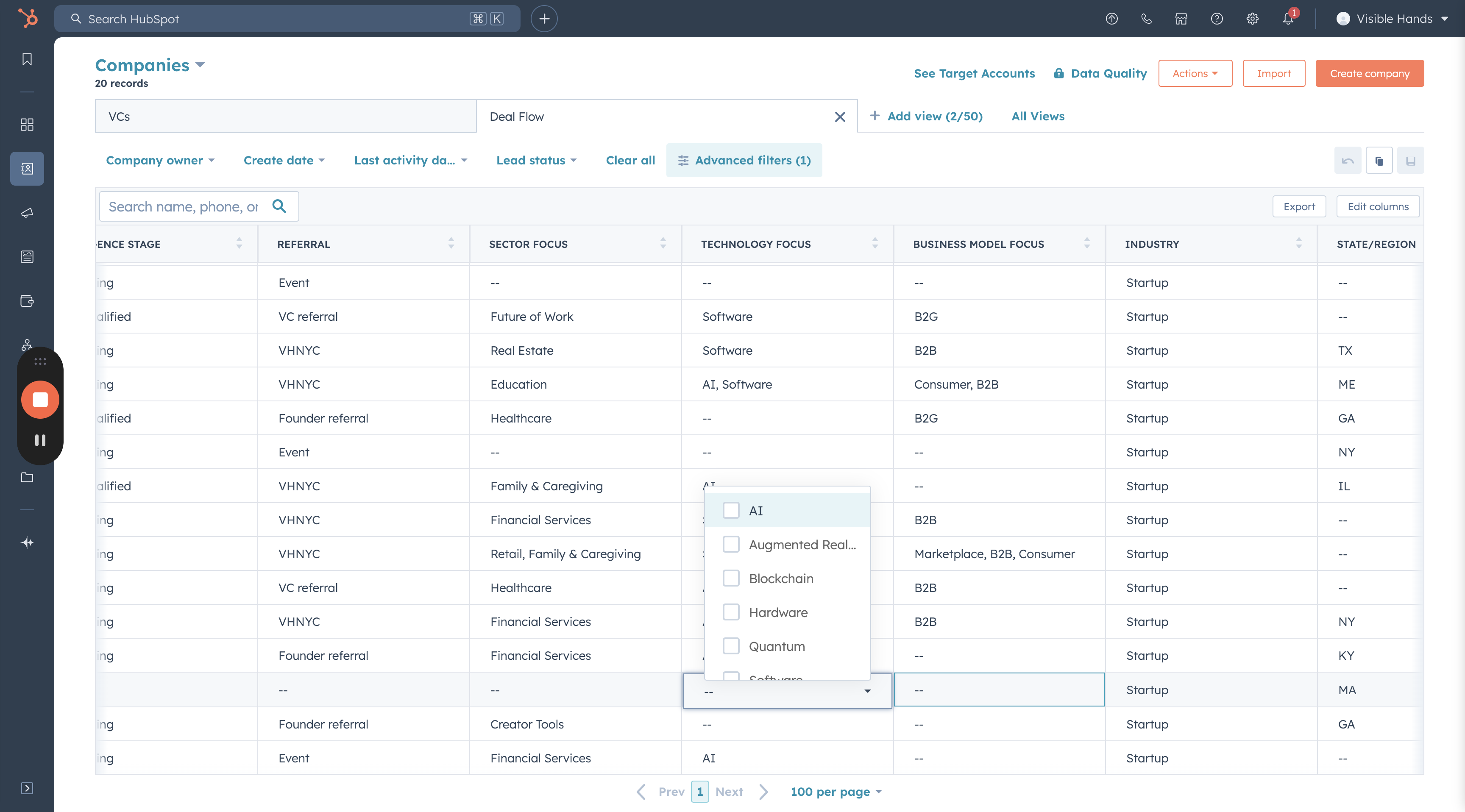
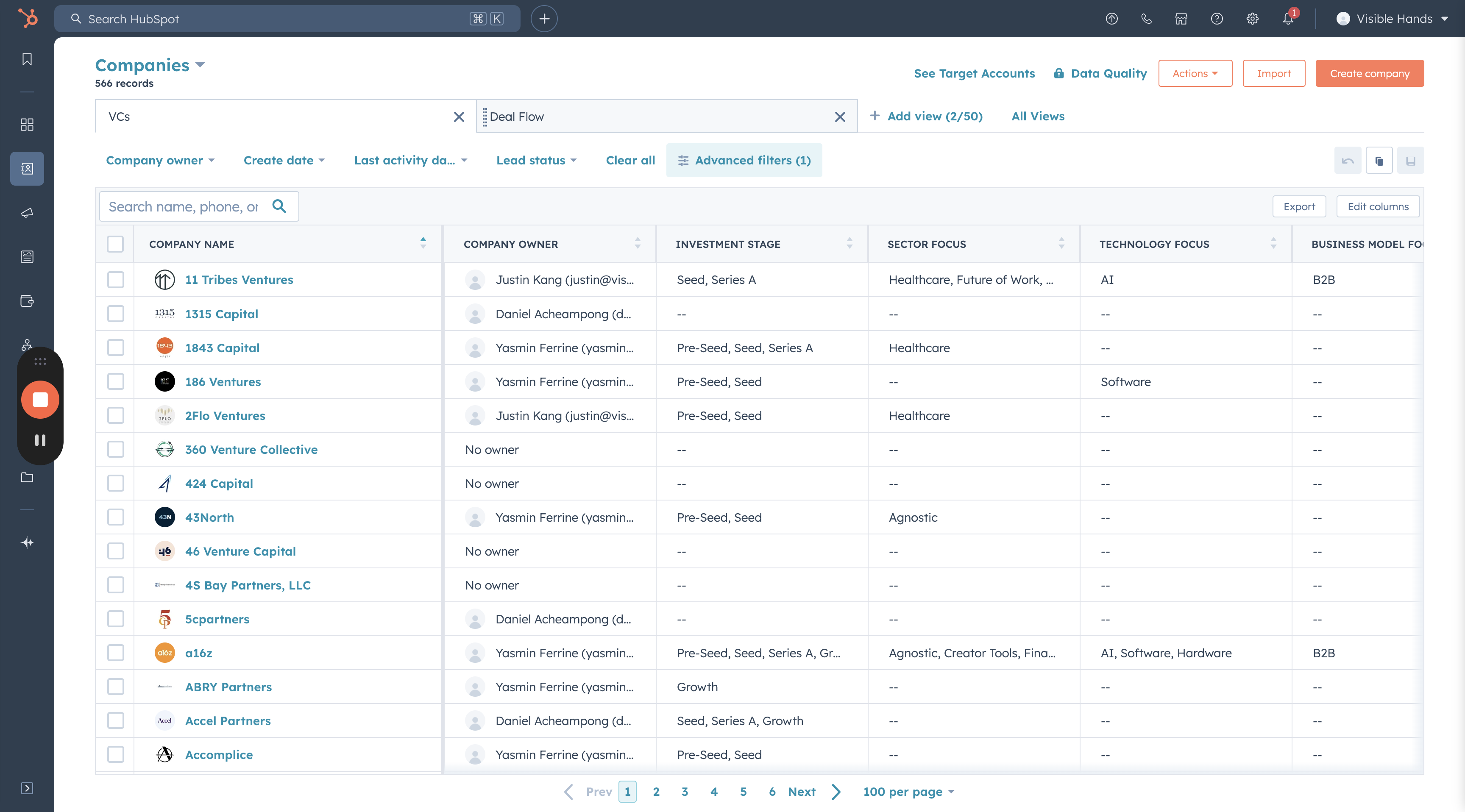
I will guide you on how to add startups we are sourcing into HubSpot. First, go to HubSpot, click on "Companies," and then select the "Deal Flow" tab.
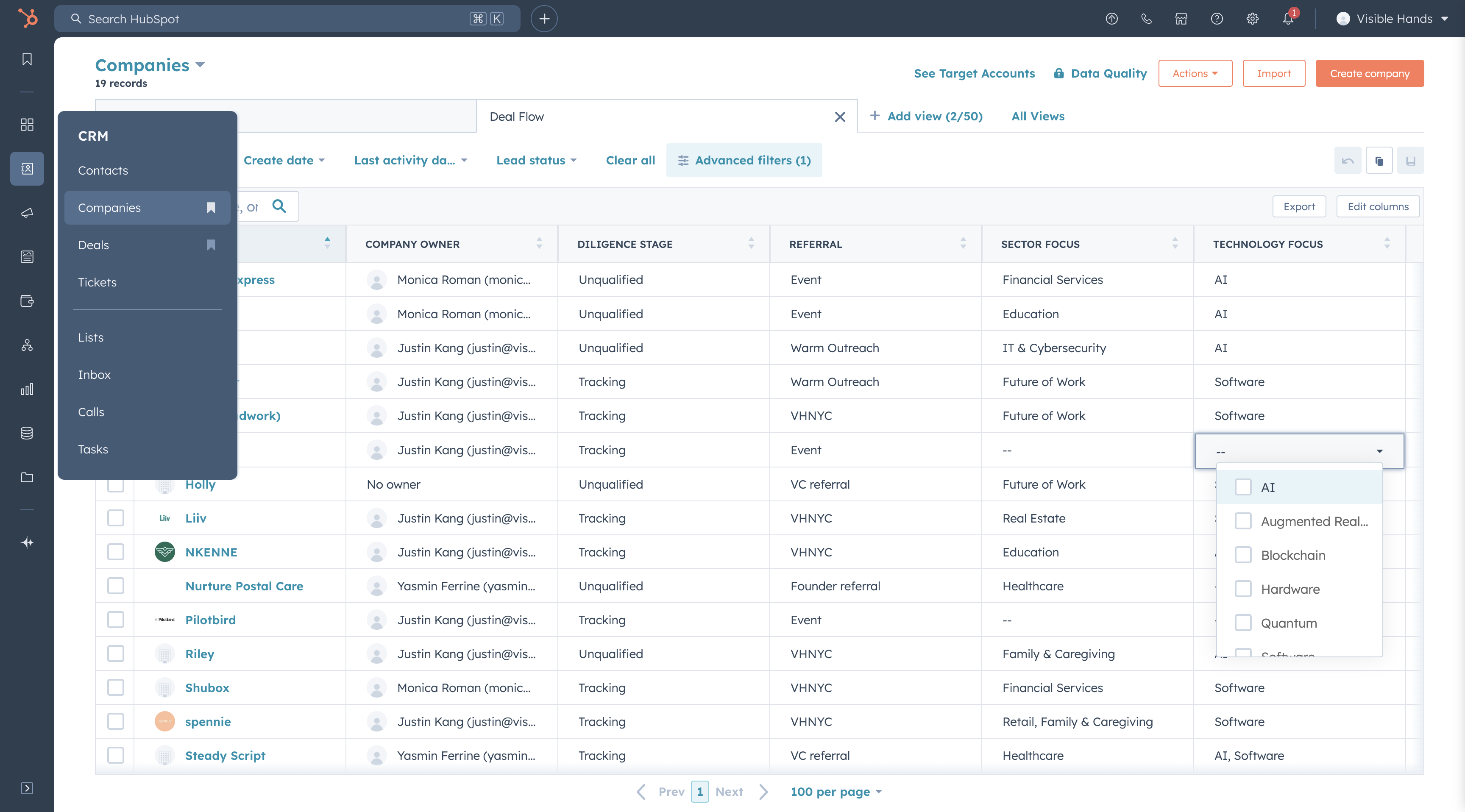
Click "Create Company" and add the company domain name. Select "Create New One." Ensure you choose "Startup" under the industry to include it in the deal flow filter.
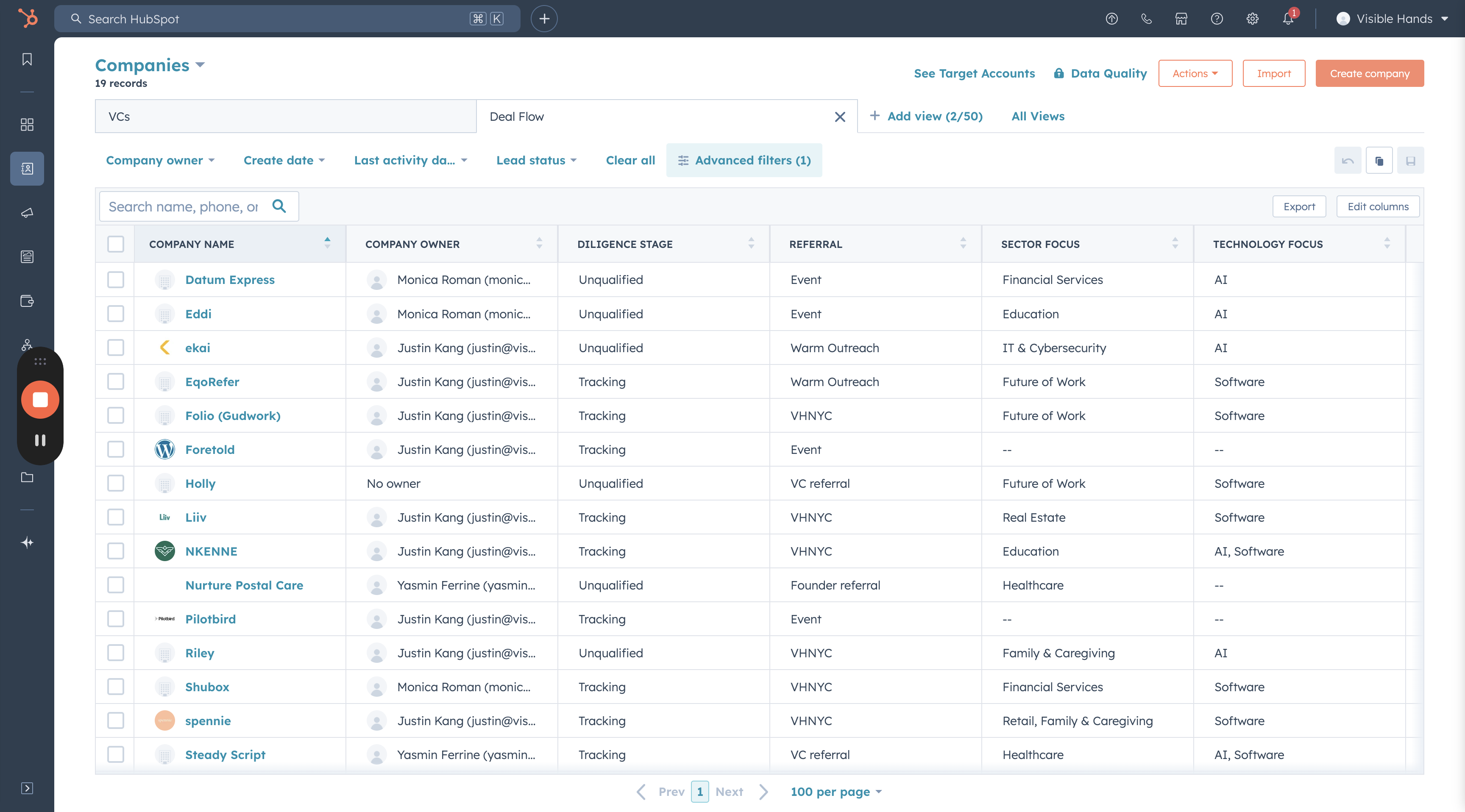
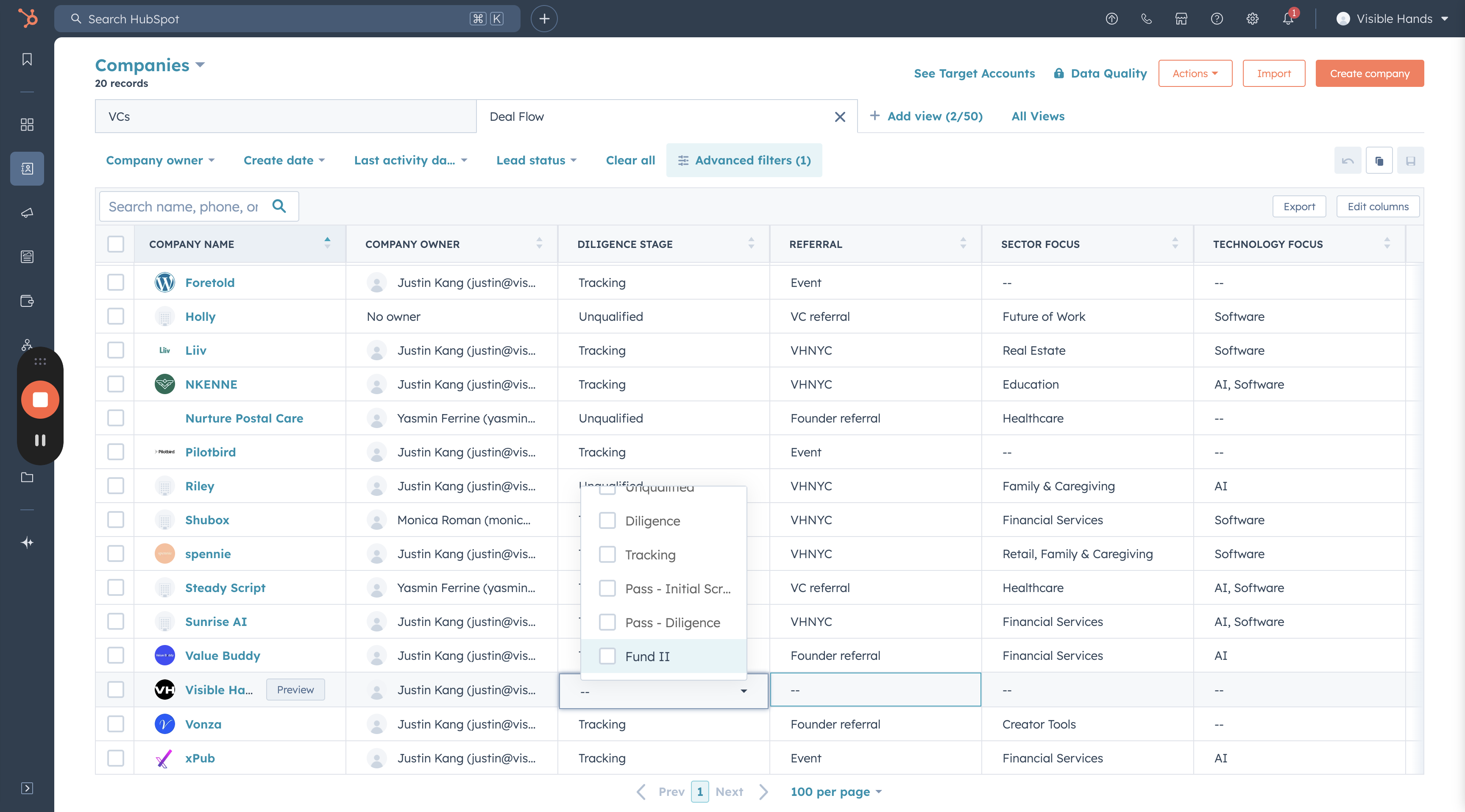
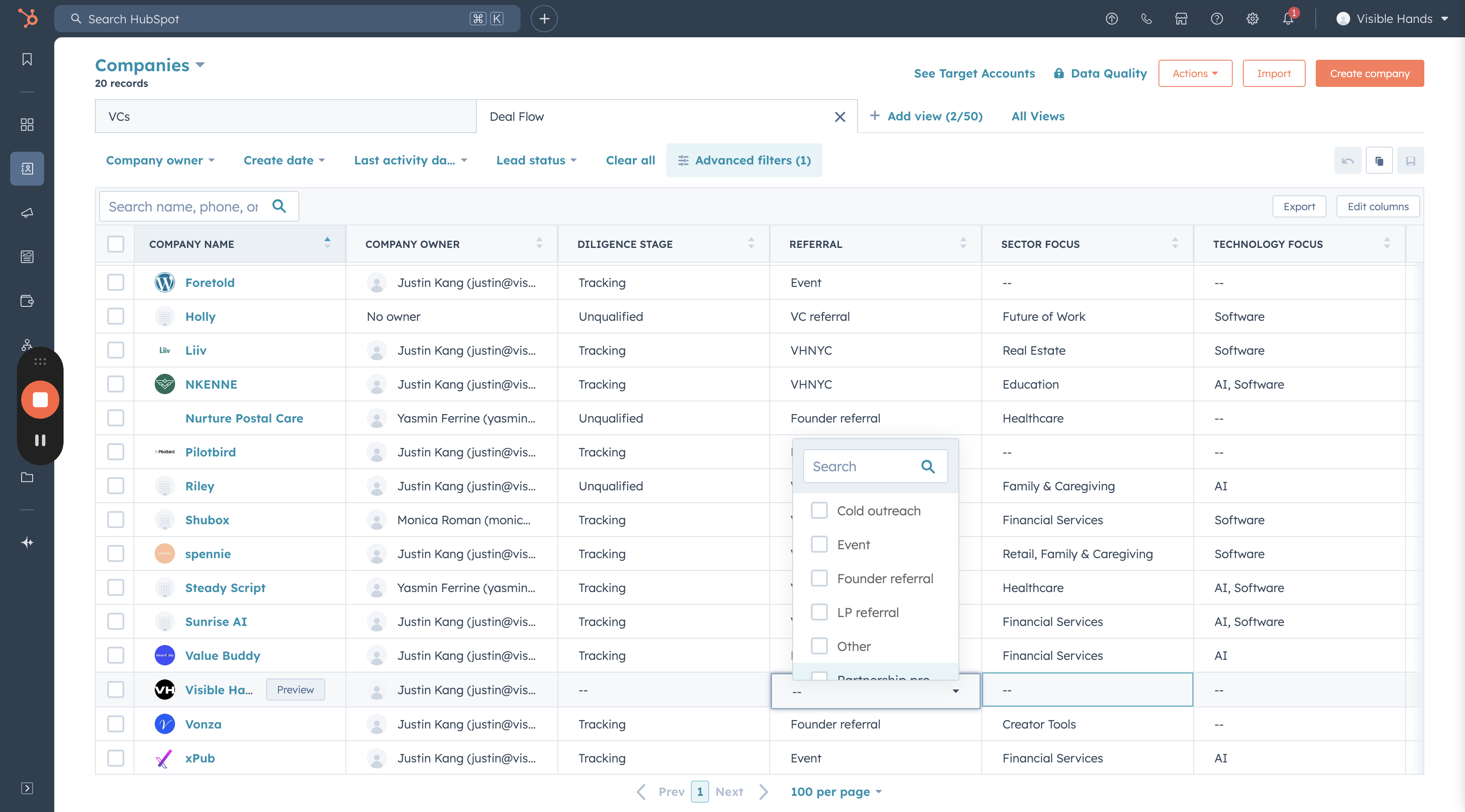
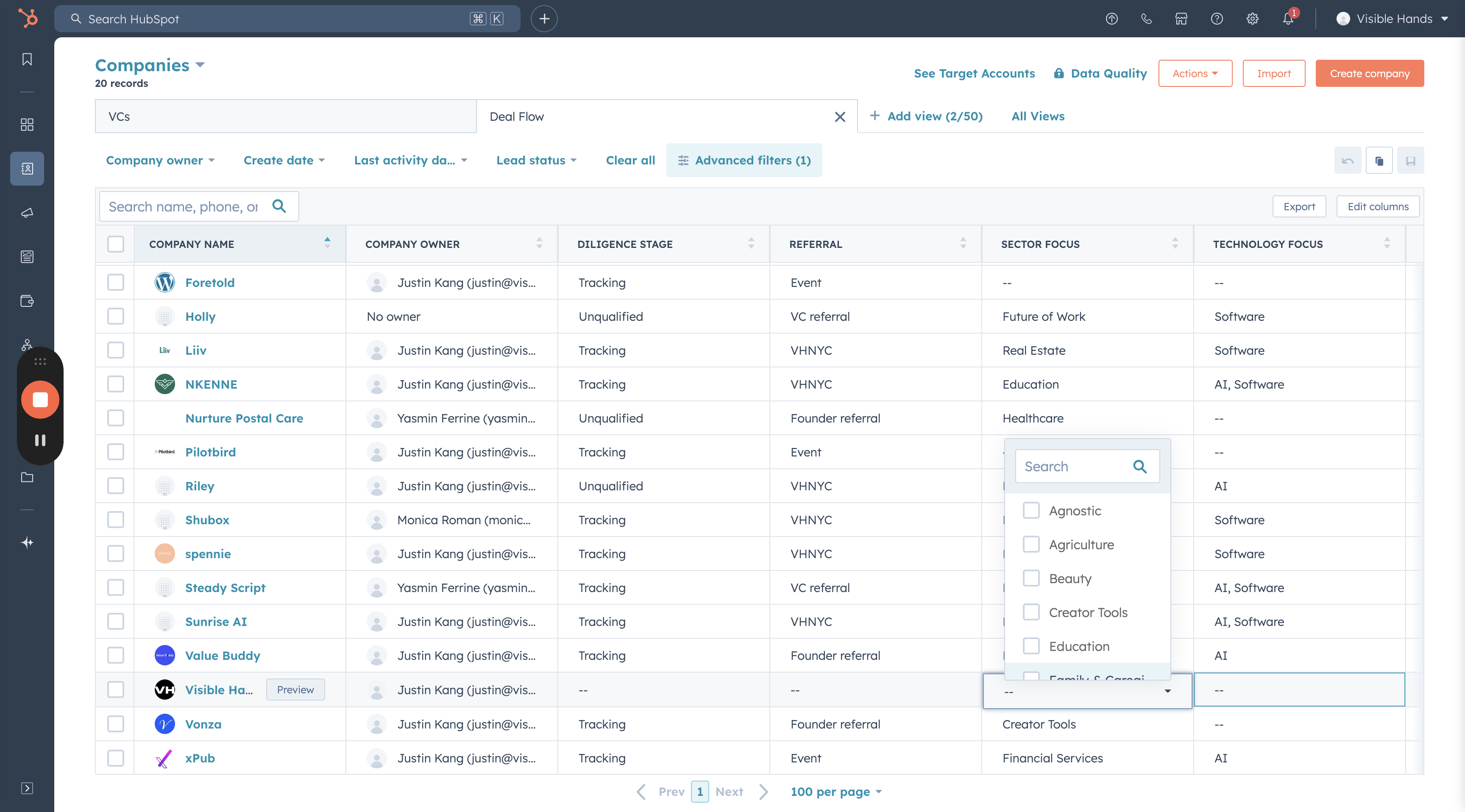
You will then see the startup as part of the deal flow. Now fill out the rest of the fields.