How to Add a New Student in Edusua
Learn how to create and register a new student record in Edusua with class, guardian, and status details.
By Asad Adams
This guide walks you through registering a new student in Edusua, allowing you to maintain accurate student records, assign classes, and link guardian contact information.
This procedure applies to school administrators, registrars, and teachers when enrolling new students or updating student enrollment profiles.
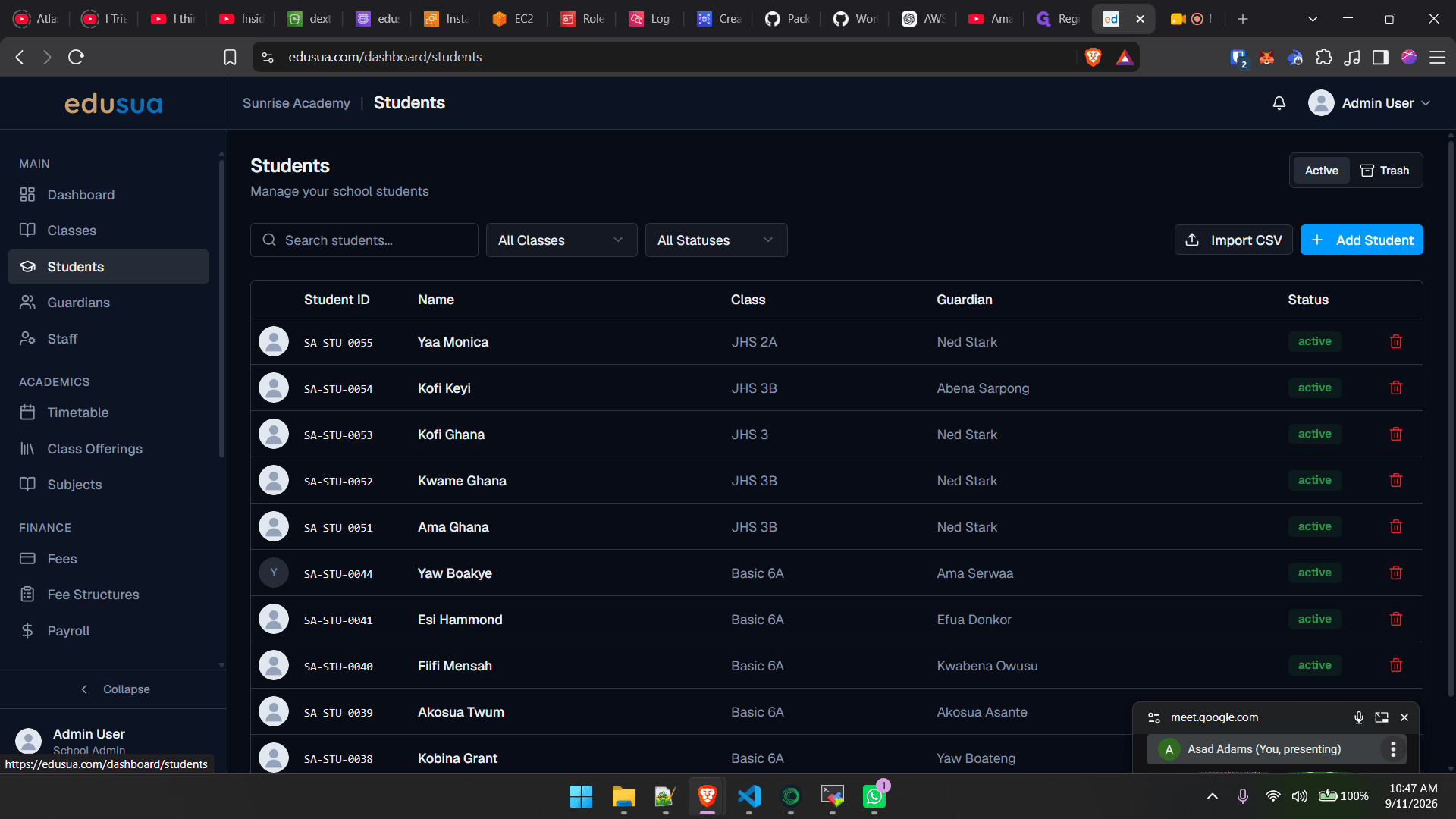
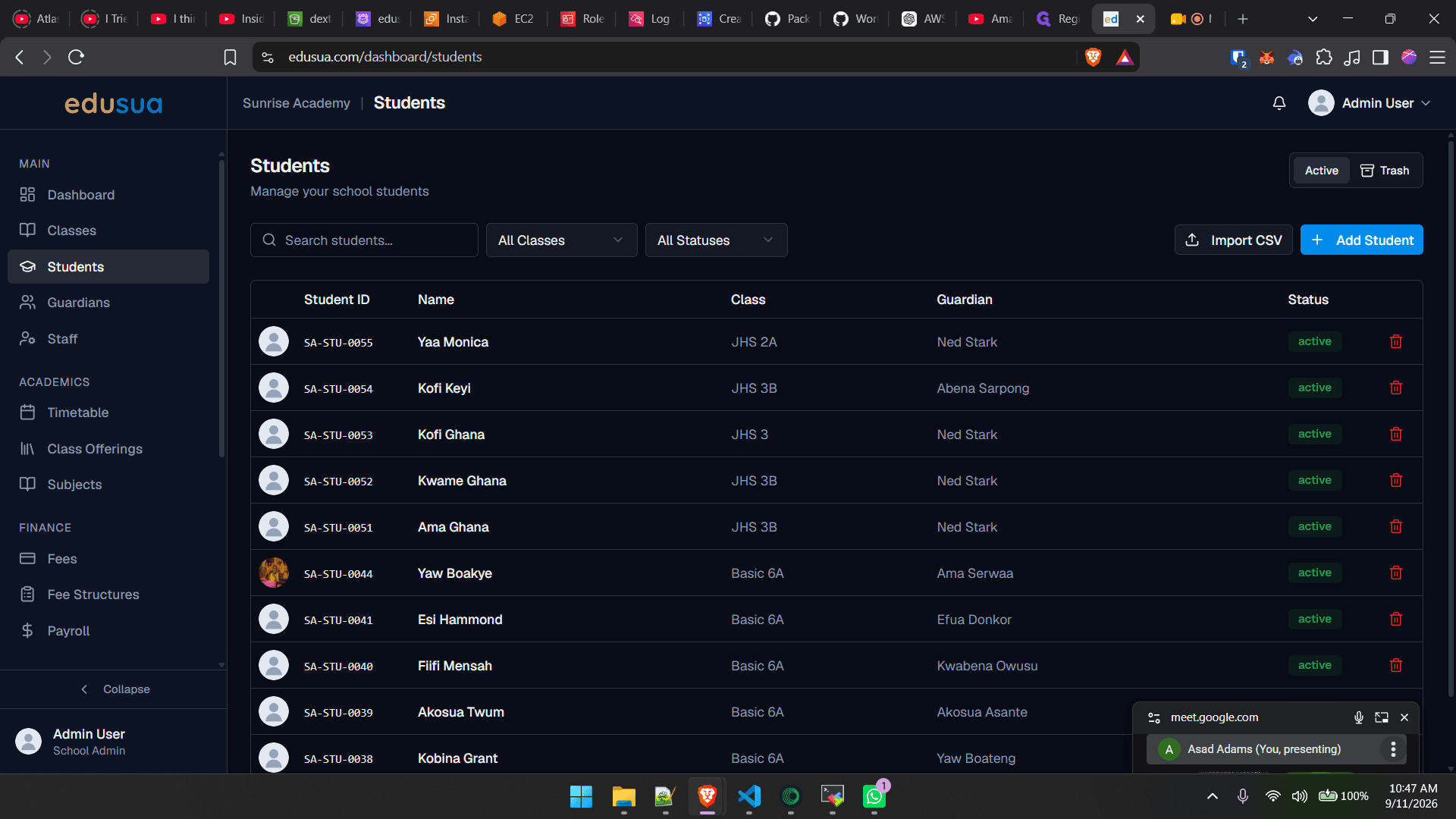
Navigate to Students
1
Click Students in the left sidebar menu.
2
Click + Add Student to open the registration form.
Enter Student Information
3
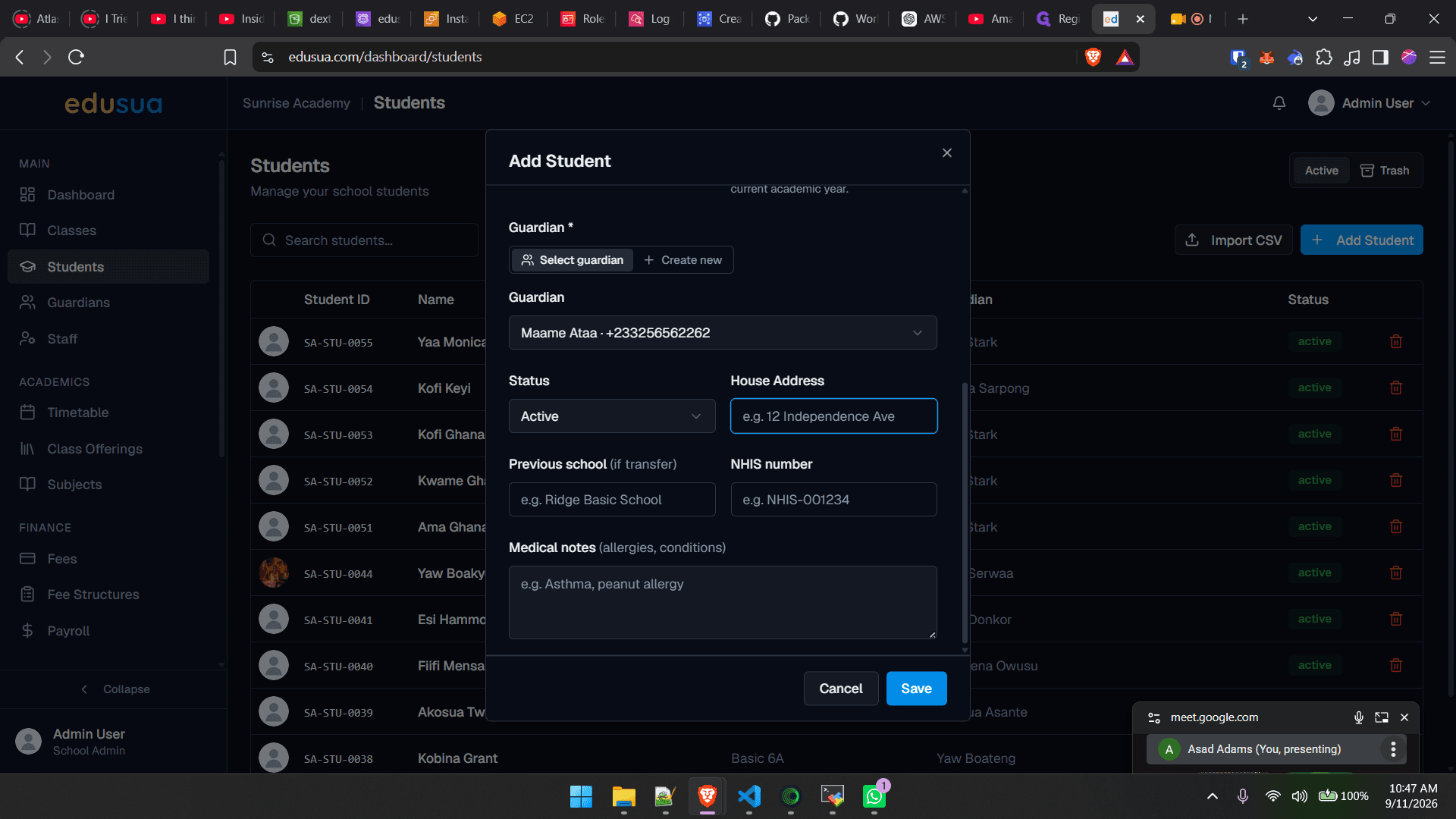
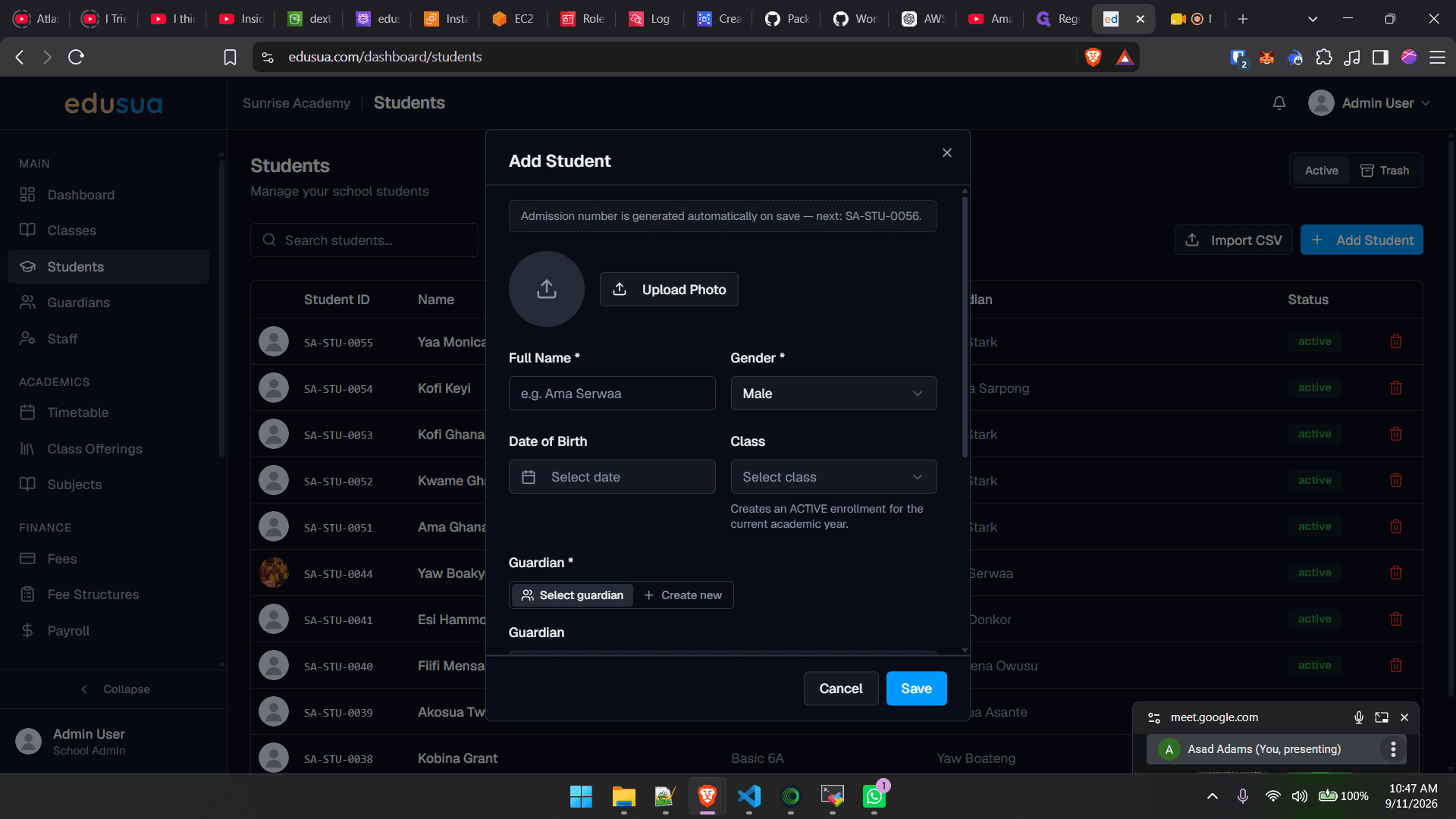
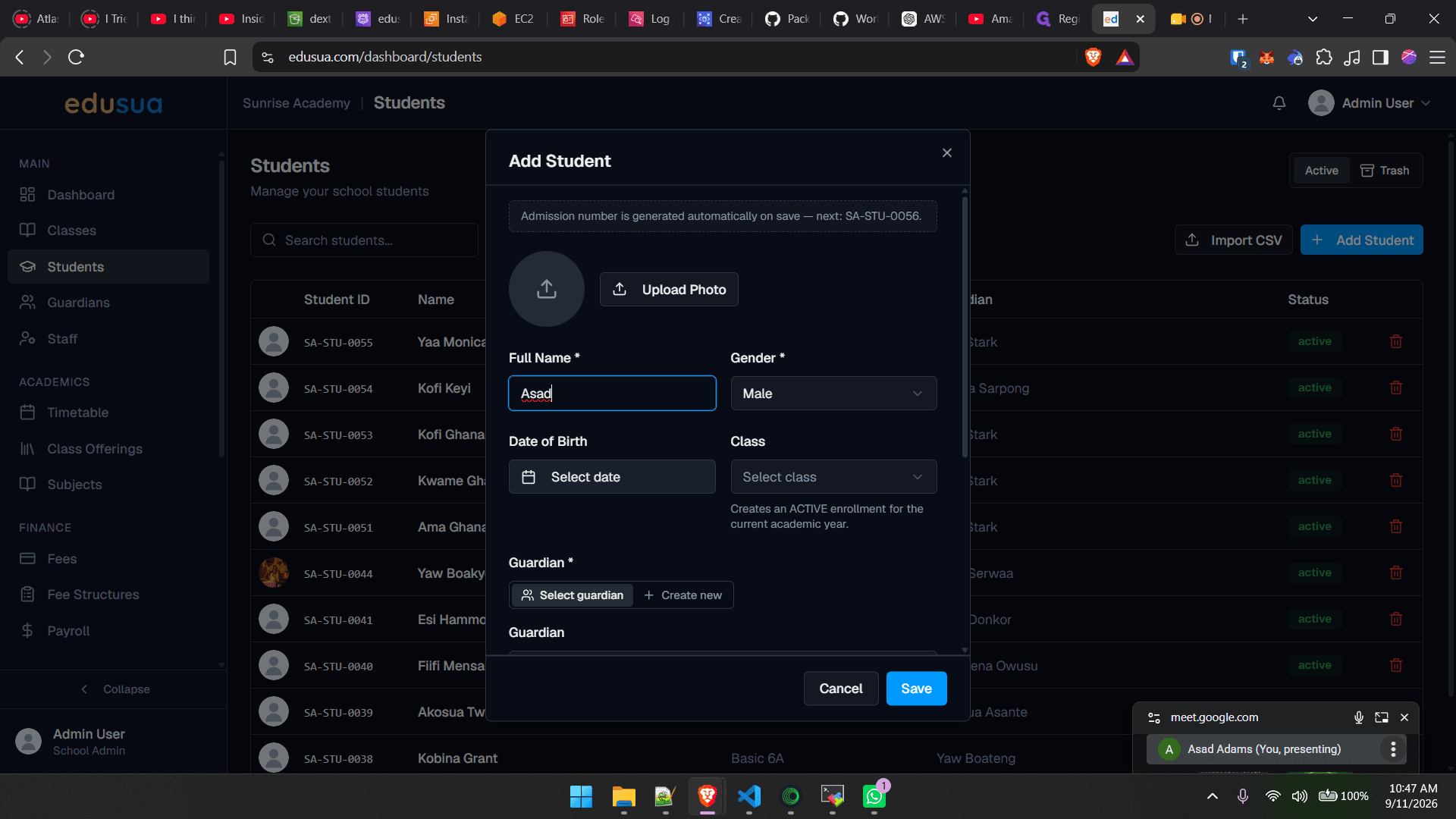
Click the **Full Name *** field.
4
Type the student's full name, such as
"Kofi Nimo".5
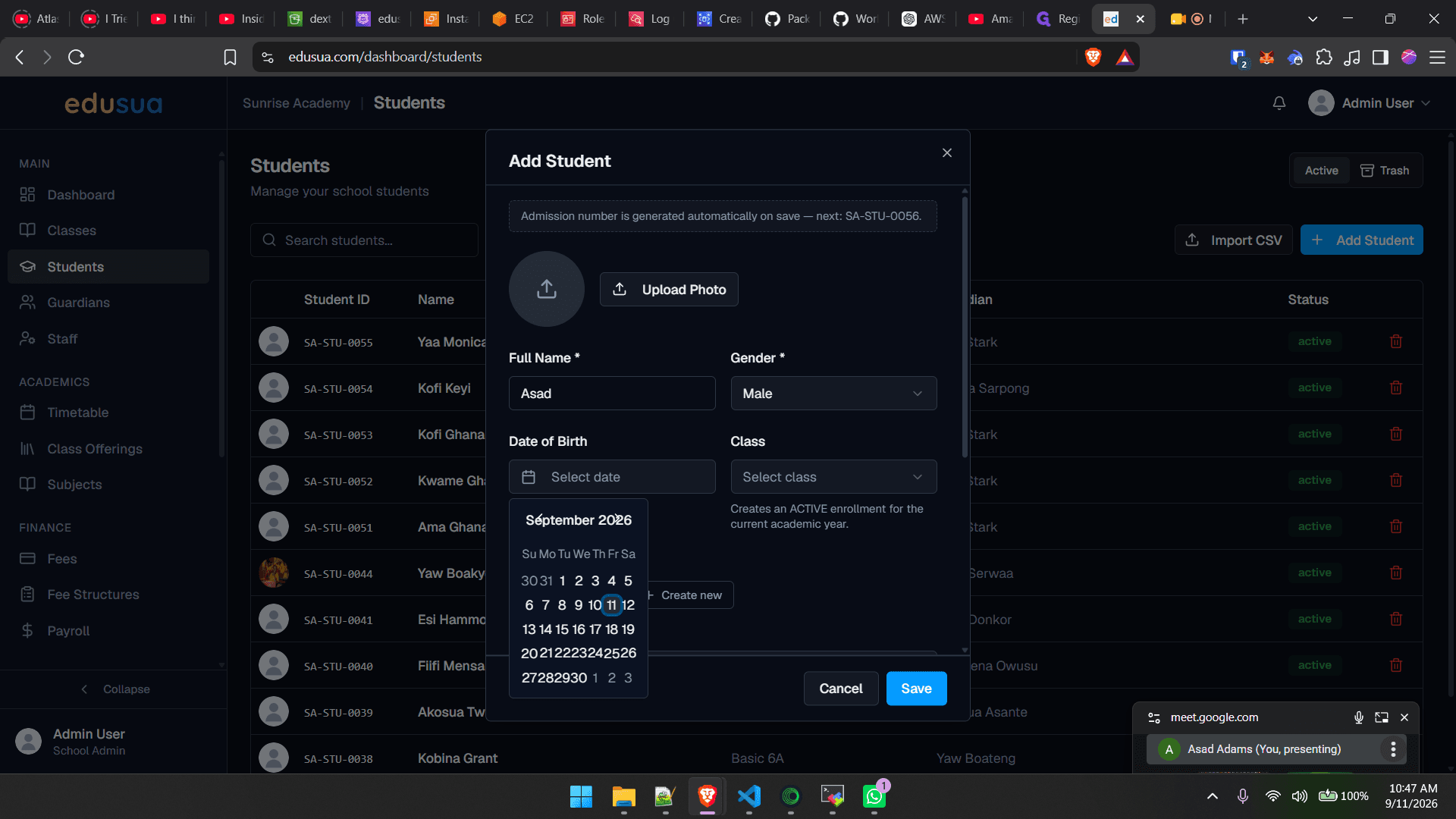
Click the Date of Birth field to open the calendar picker.
6
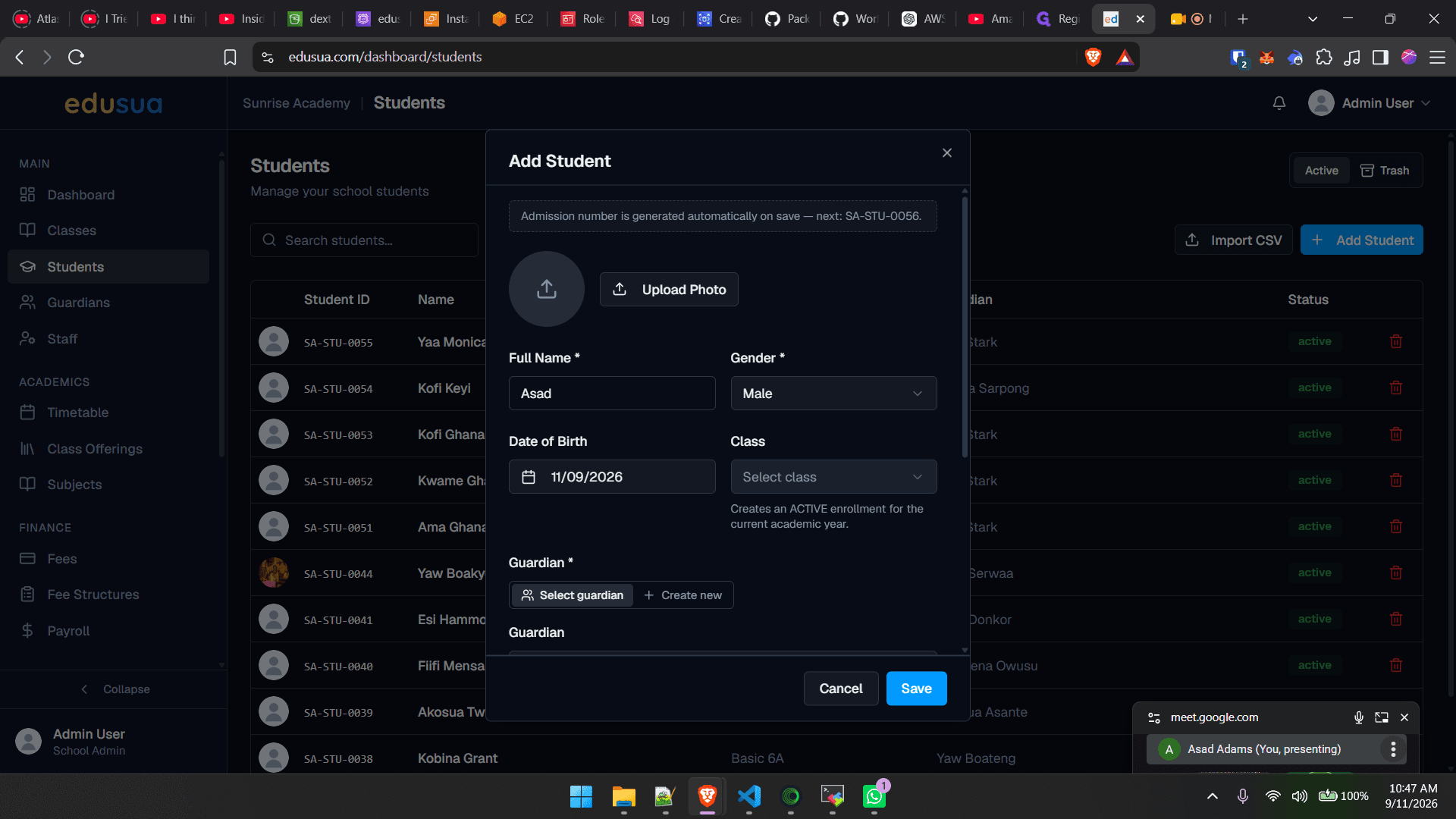
Select the student's birth date from the calendar dropdown.
Assign Class, Guardian, and Status
7
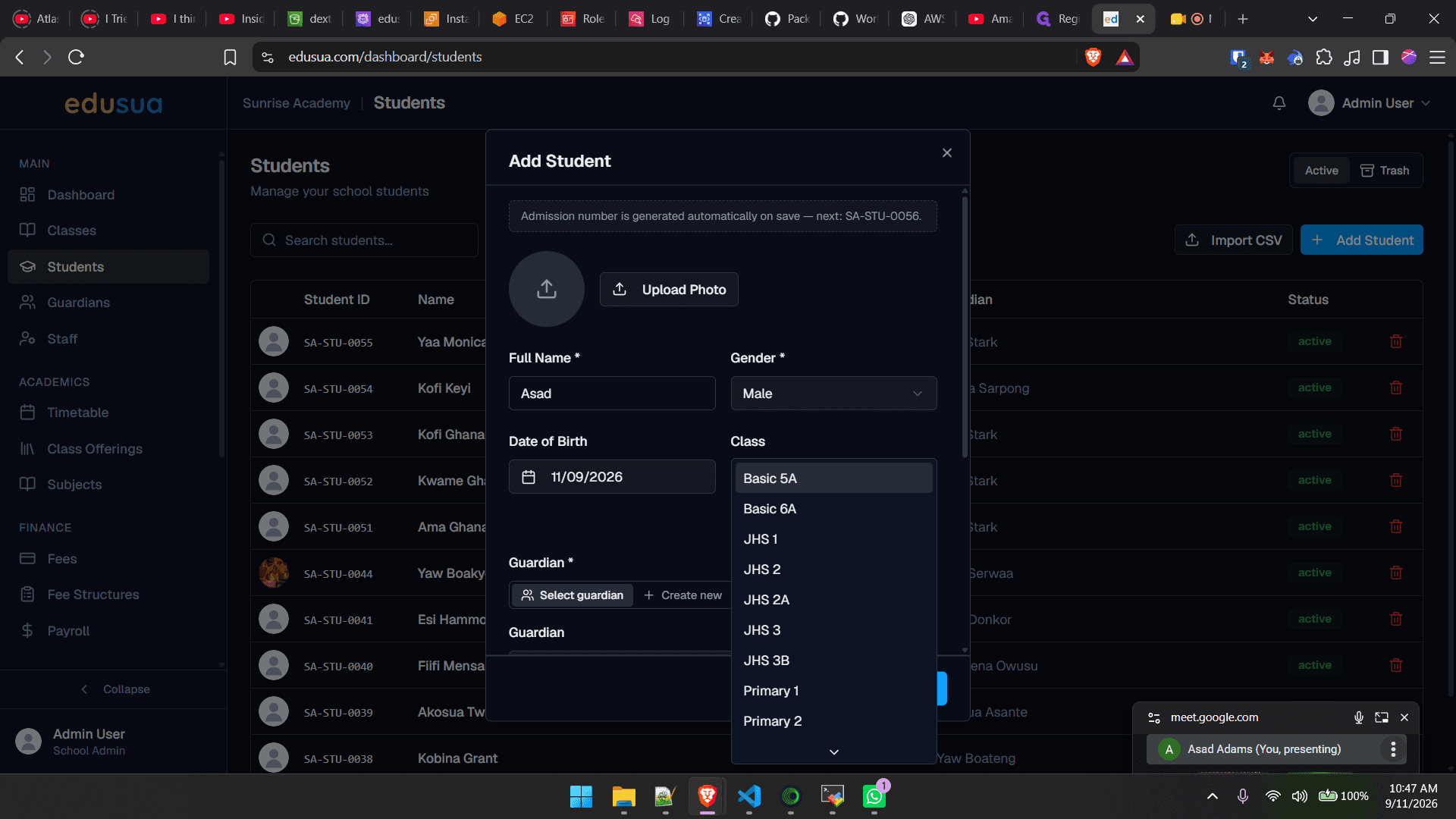
Click Select class.
8
Click the assigned class option, such as Basic 5A.
9
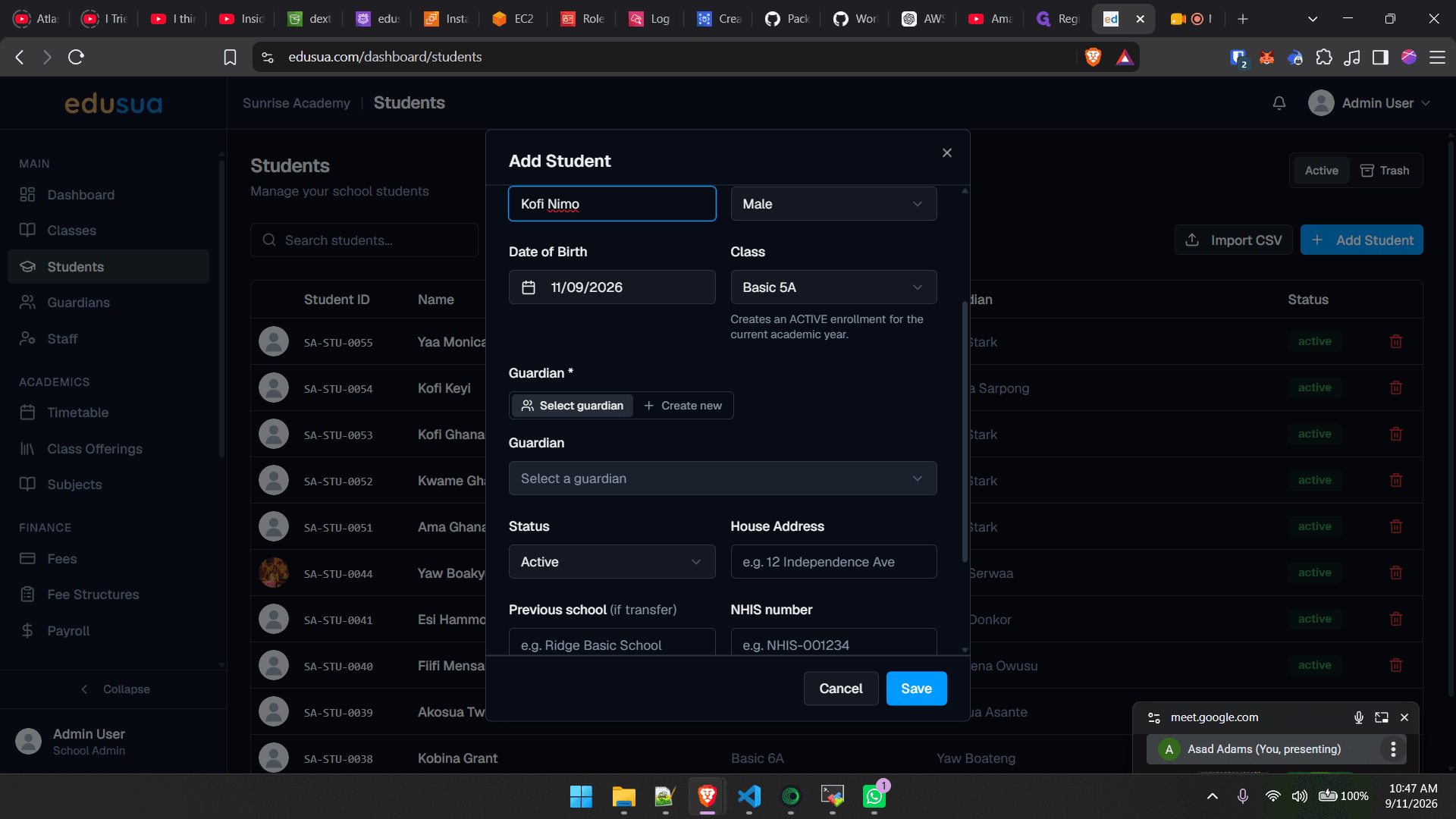
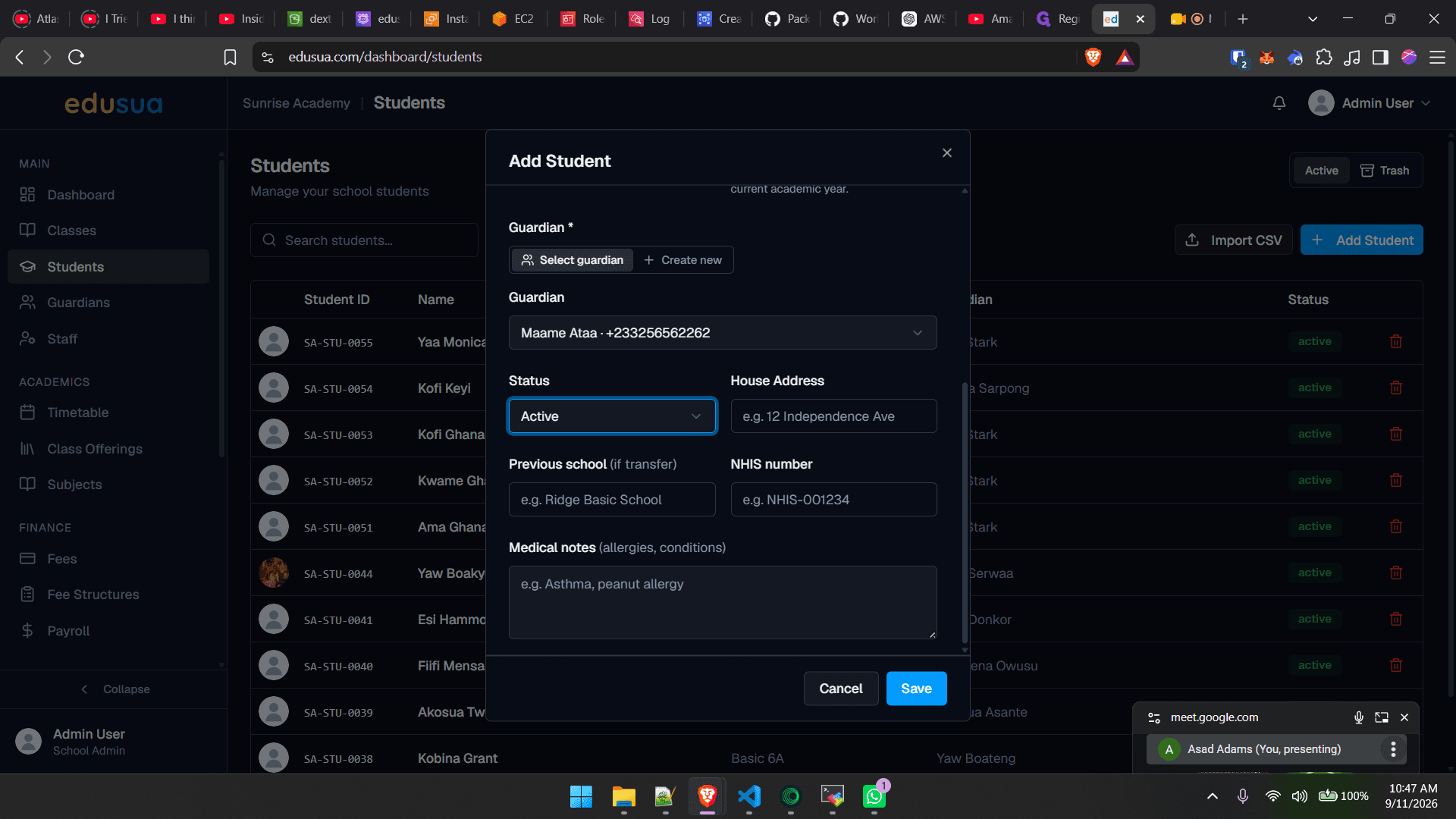
Click Select a guardian.
10
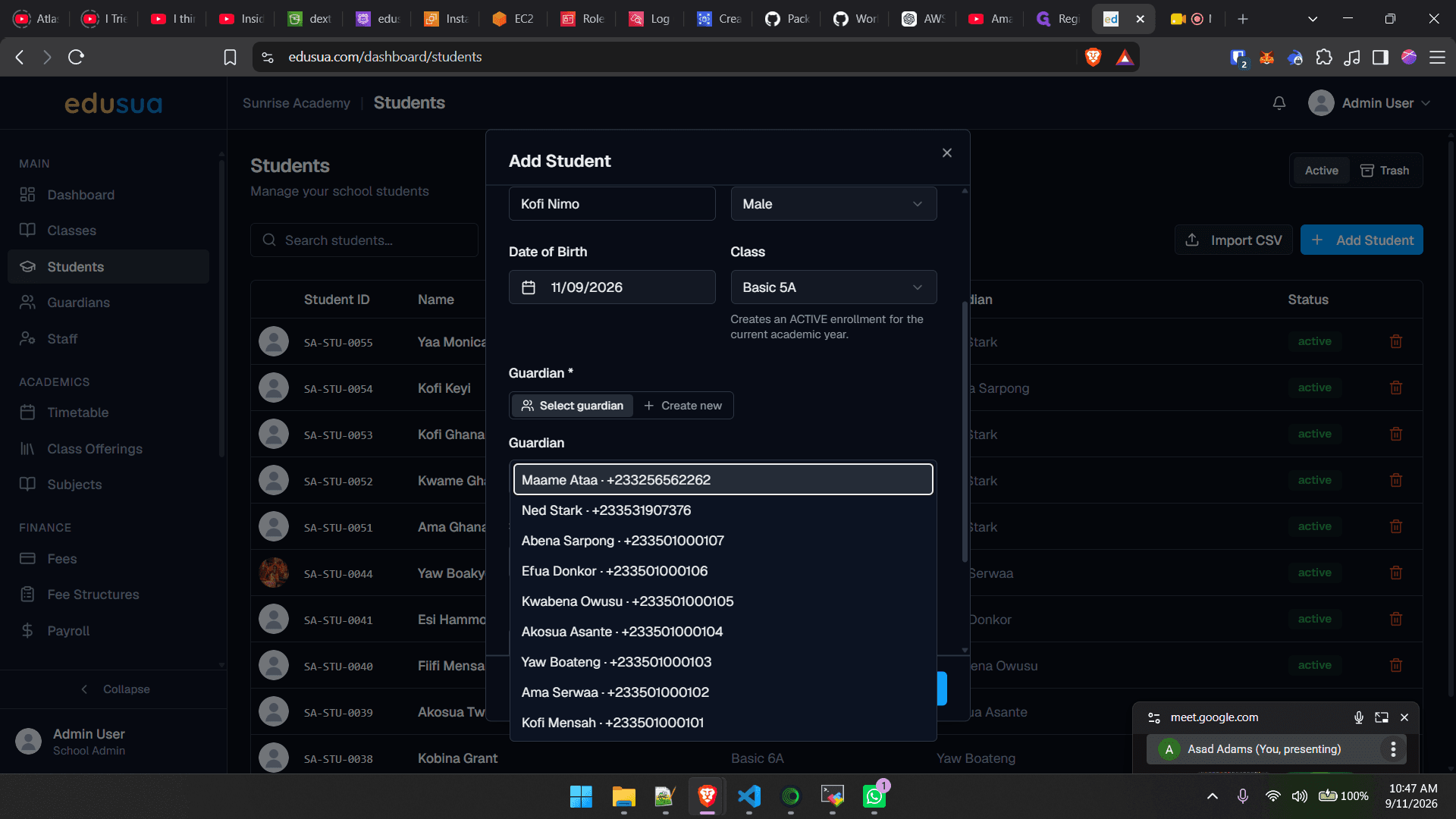
Select the corresponding guardian from the list (e.g., Maame Ataa - +233256562262).
11
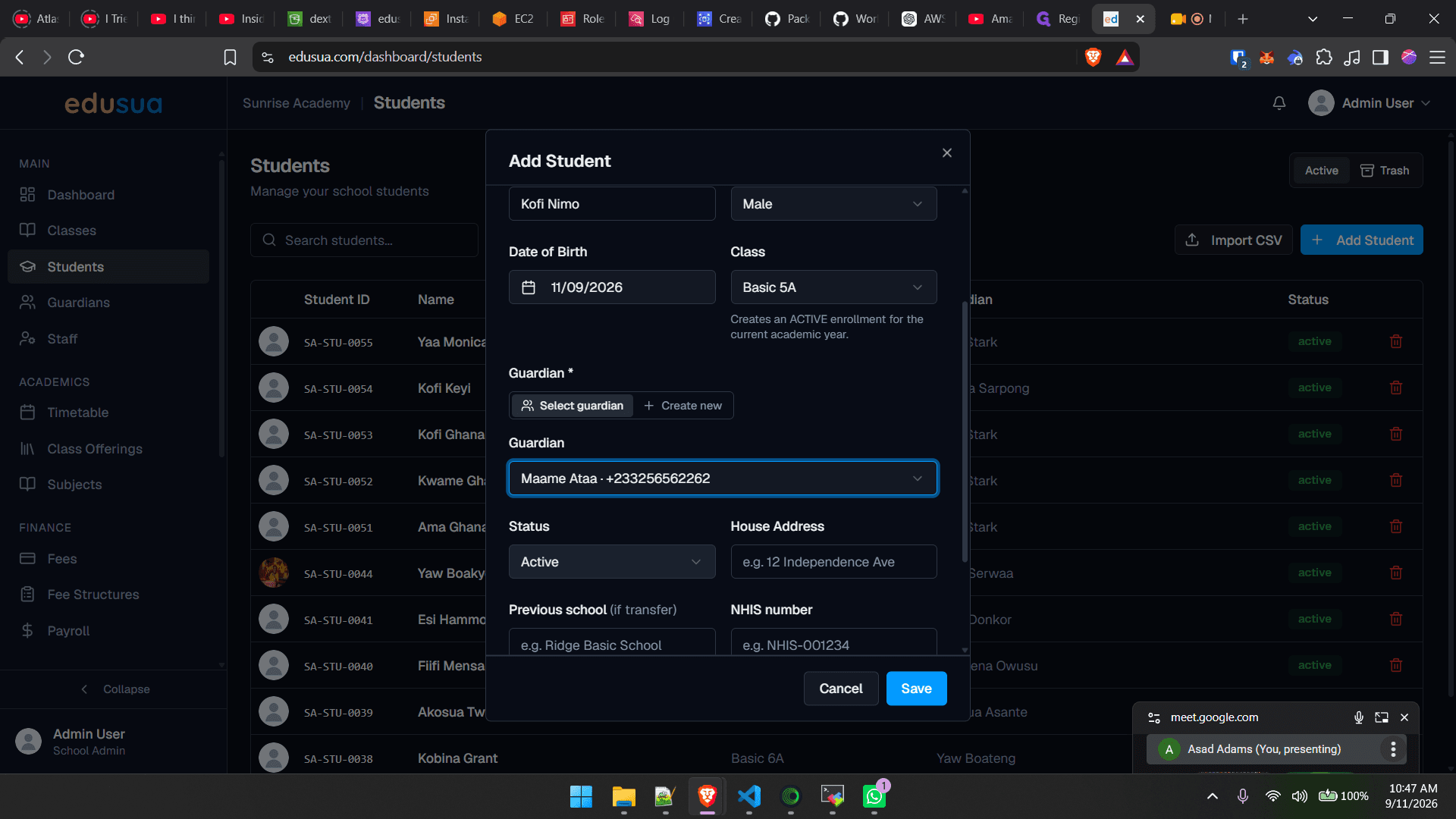
Click the Status dropdown menu.
12
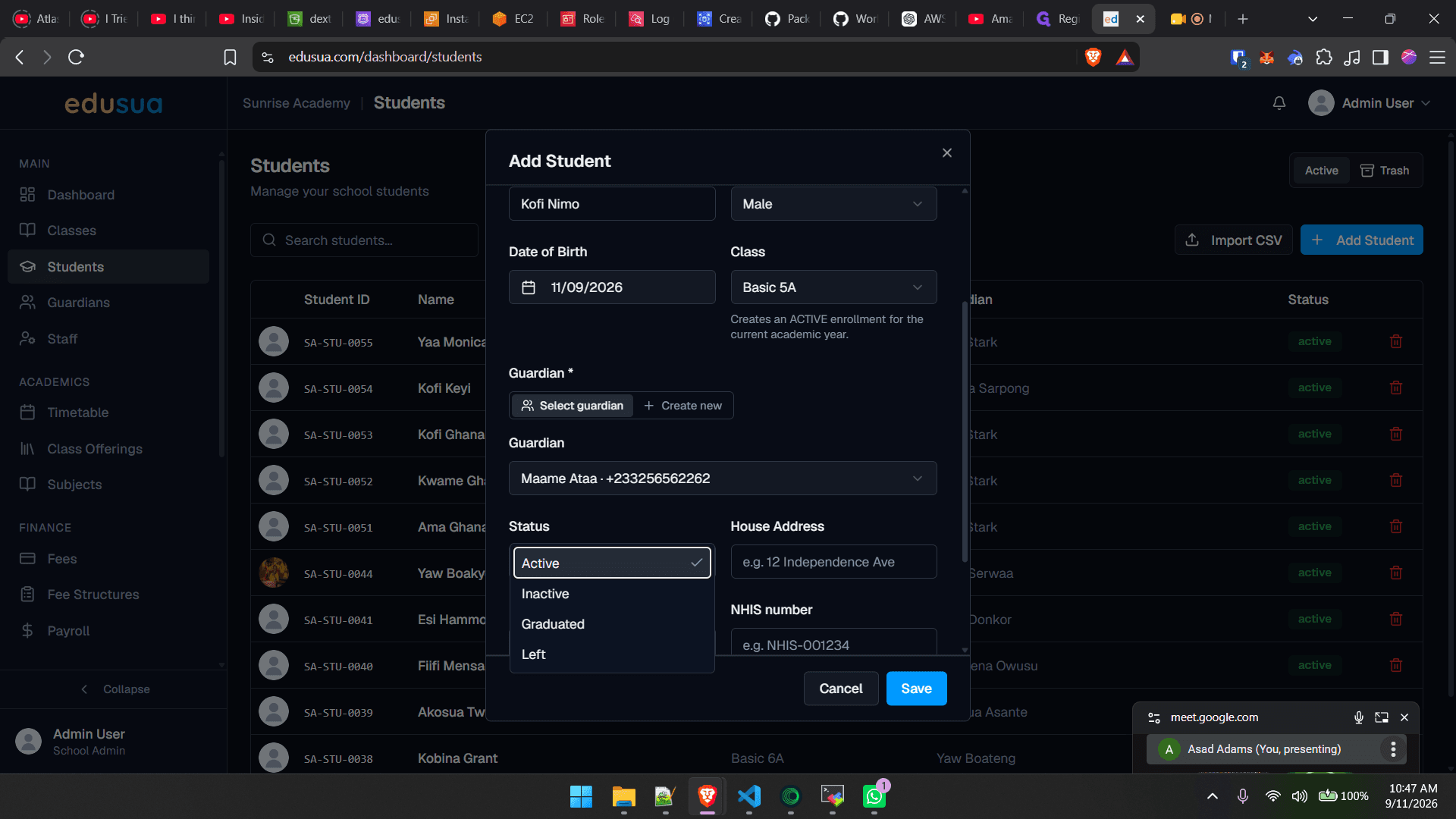
Click Active to set the student's status.
13
Click the House Address field and enter the residential address.
Save Student Record
14
Click Save to submit the form and complete student creation.