How to Add the 90 Second Craving Reset Challenge to Google Calendar
Learn step-by-step how to create a new calendar and add events for the 90 Second Craving Reset Challenge in Google Calendar, including setting times and managing multiple calendars.
In this guide, we'll learn how to create a new calendar in Google Calendar and add events for a specific challenge. This process helps you organize and track important dates, such as daily sessions with different start times. By following these steps, you can keep your challenge schedule clear and separate from your personal calendar.
Let's get started
""
Here we go. I will add a calendar event for the challenge. Okay. I am going to add a new calendar to my calendars.
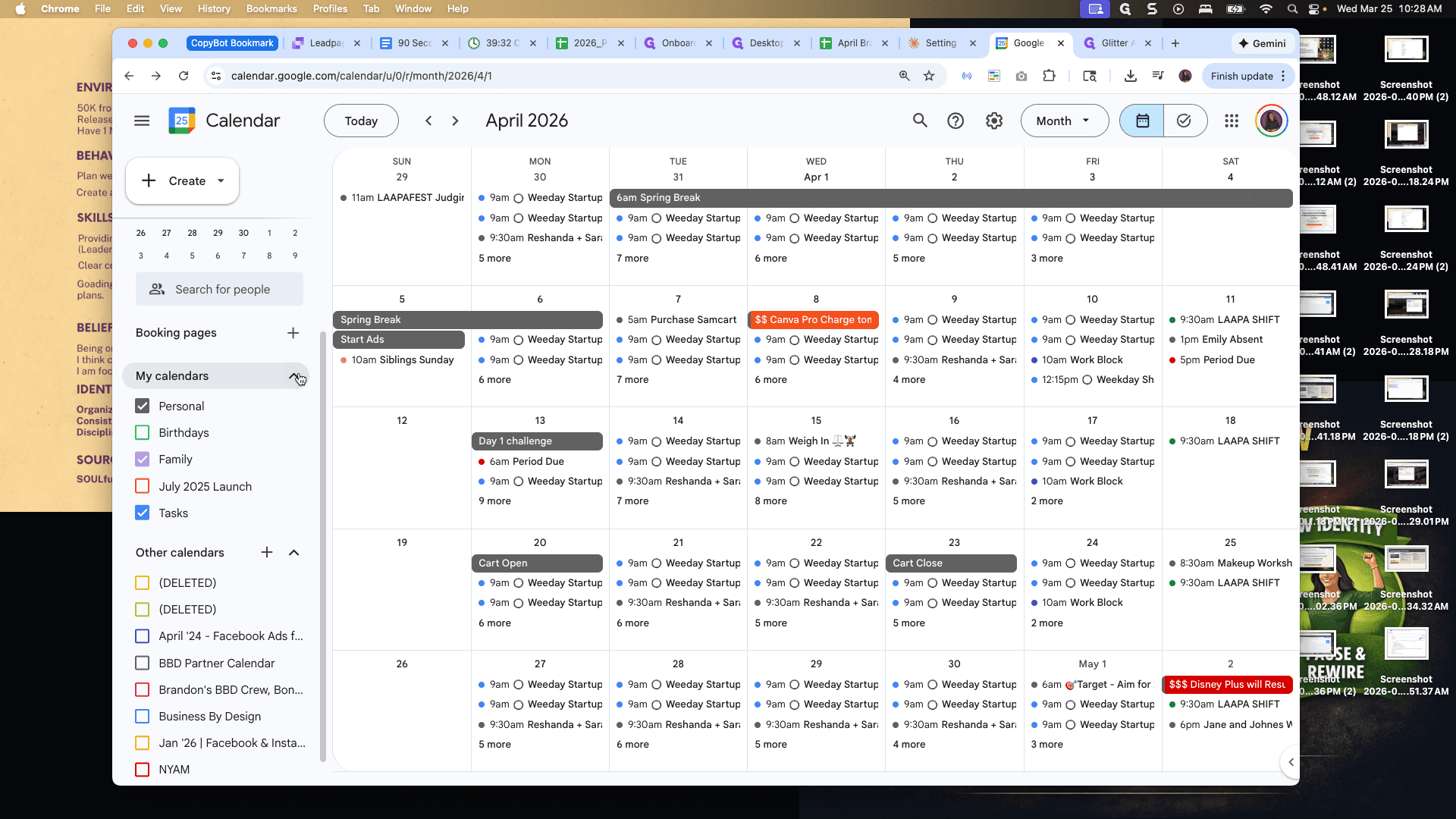
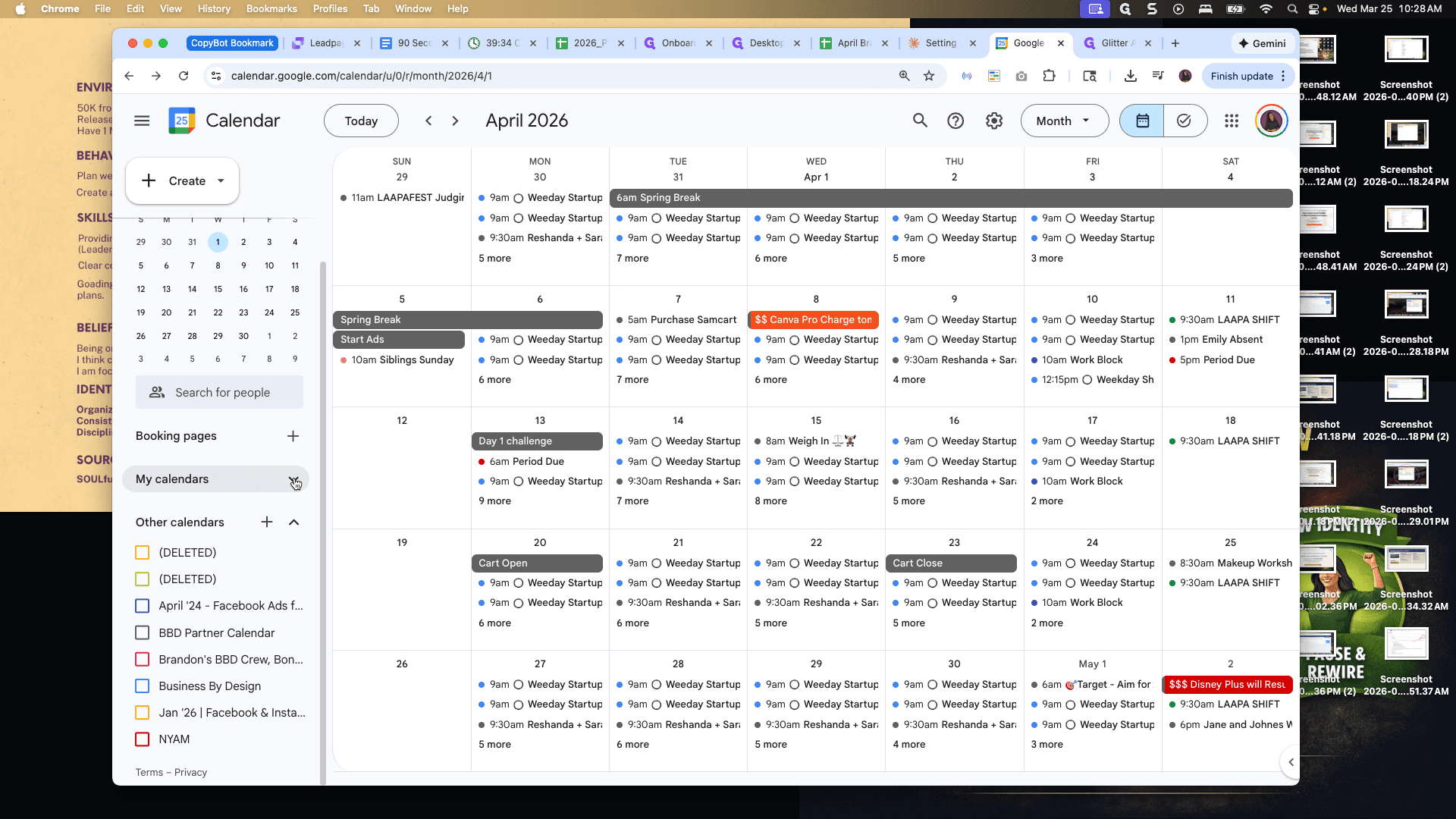
Okay.
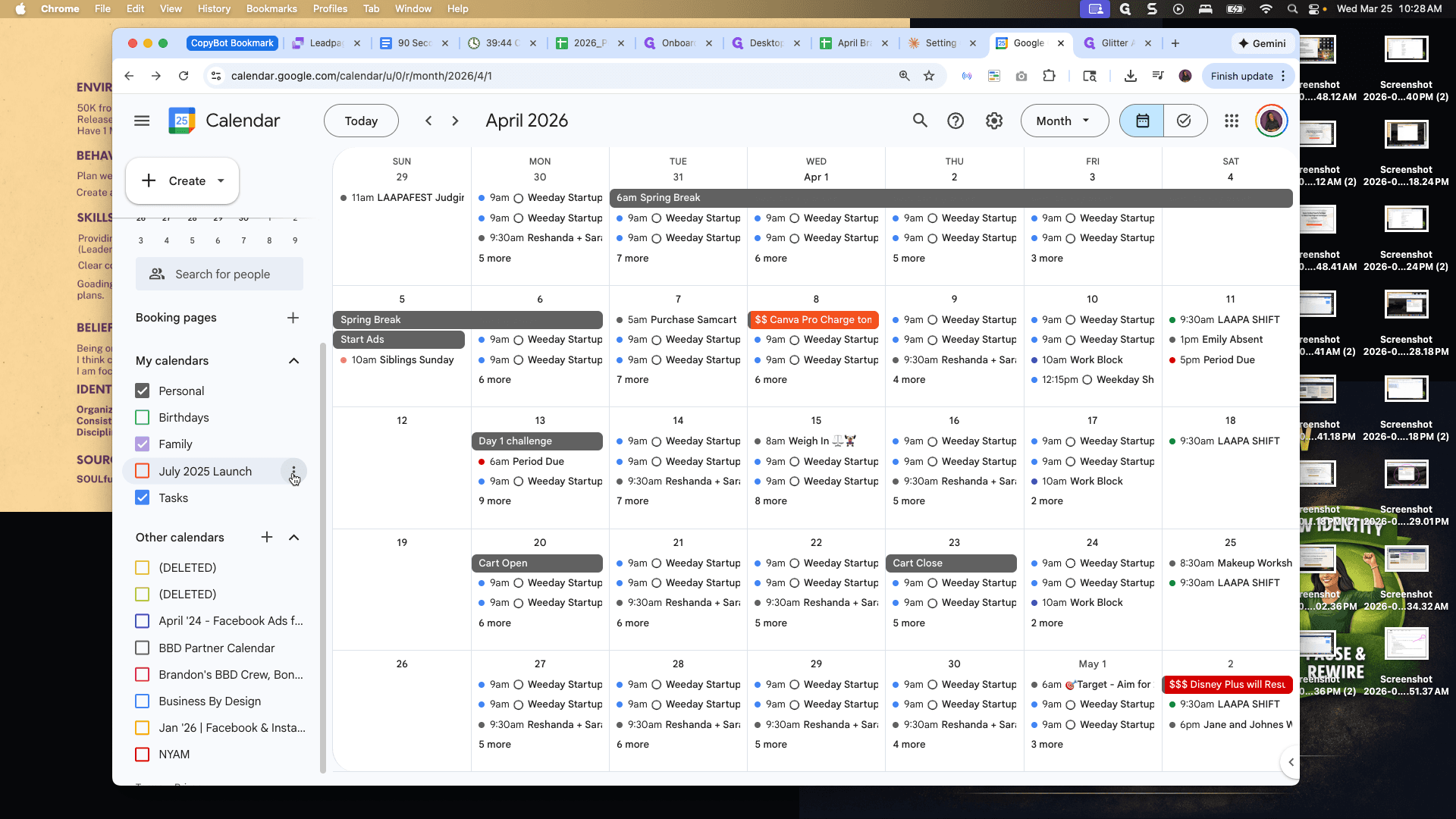
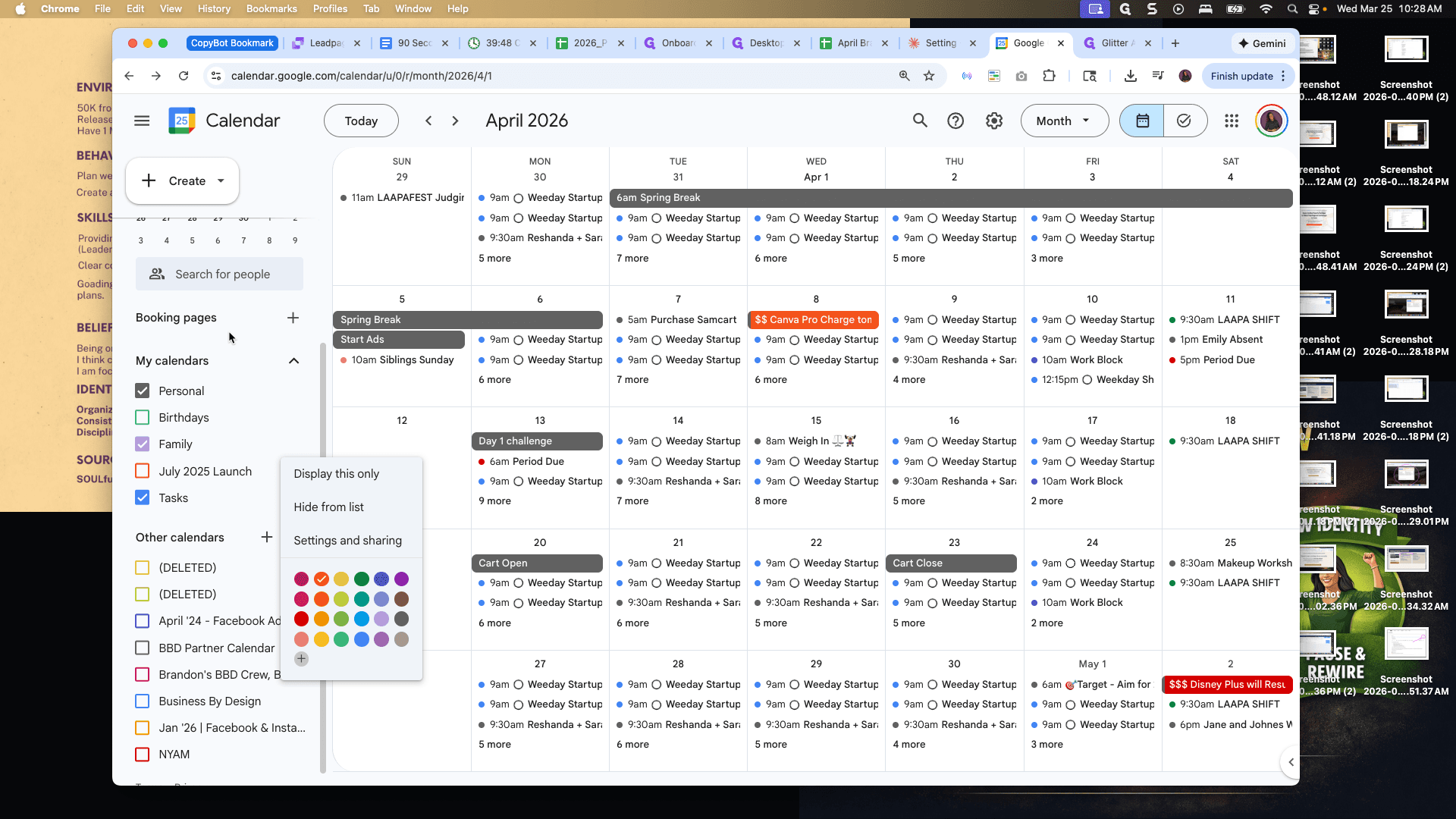
First, I need to figure out how to do it. How do you do this?
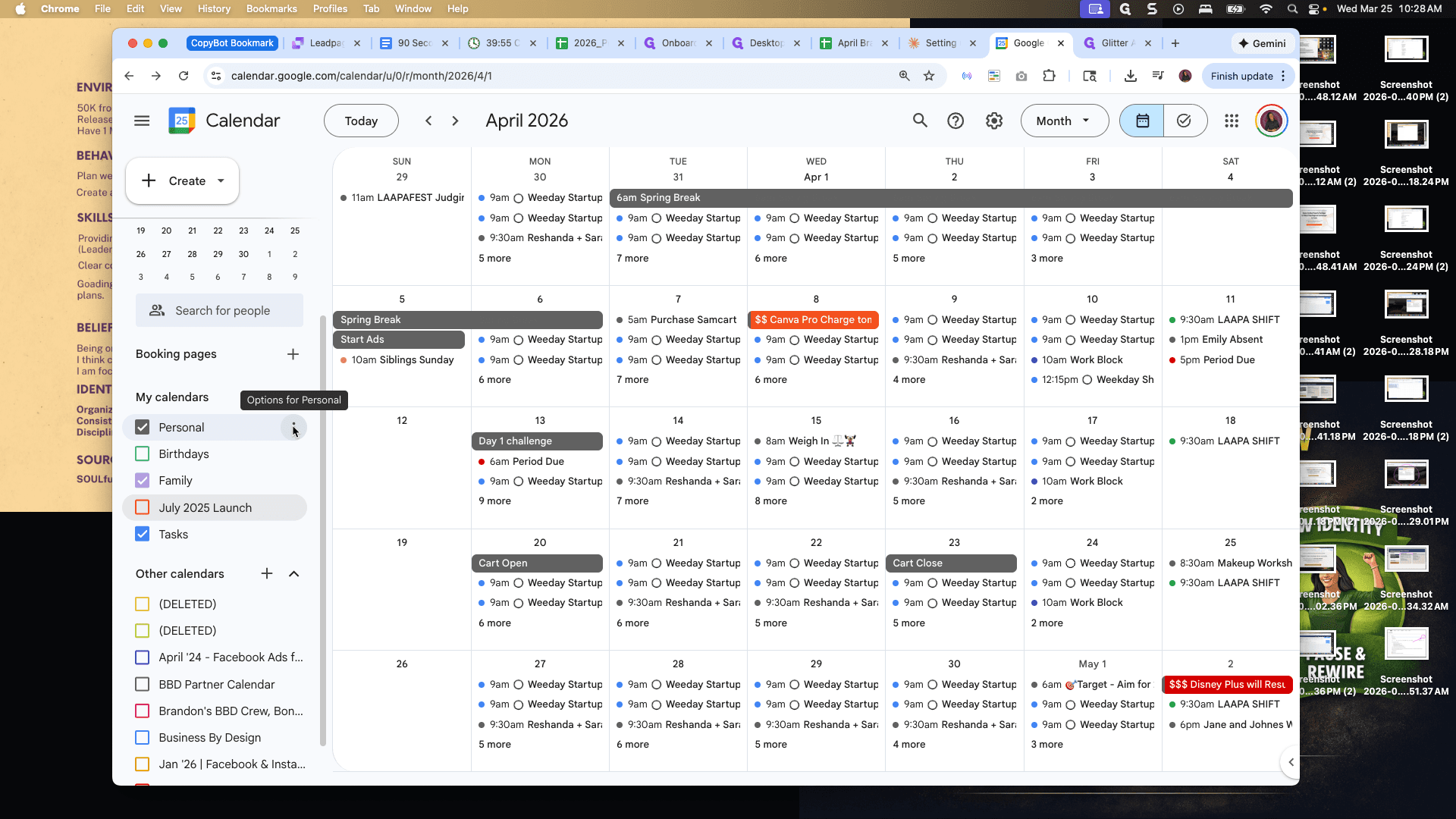
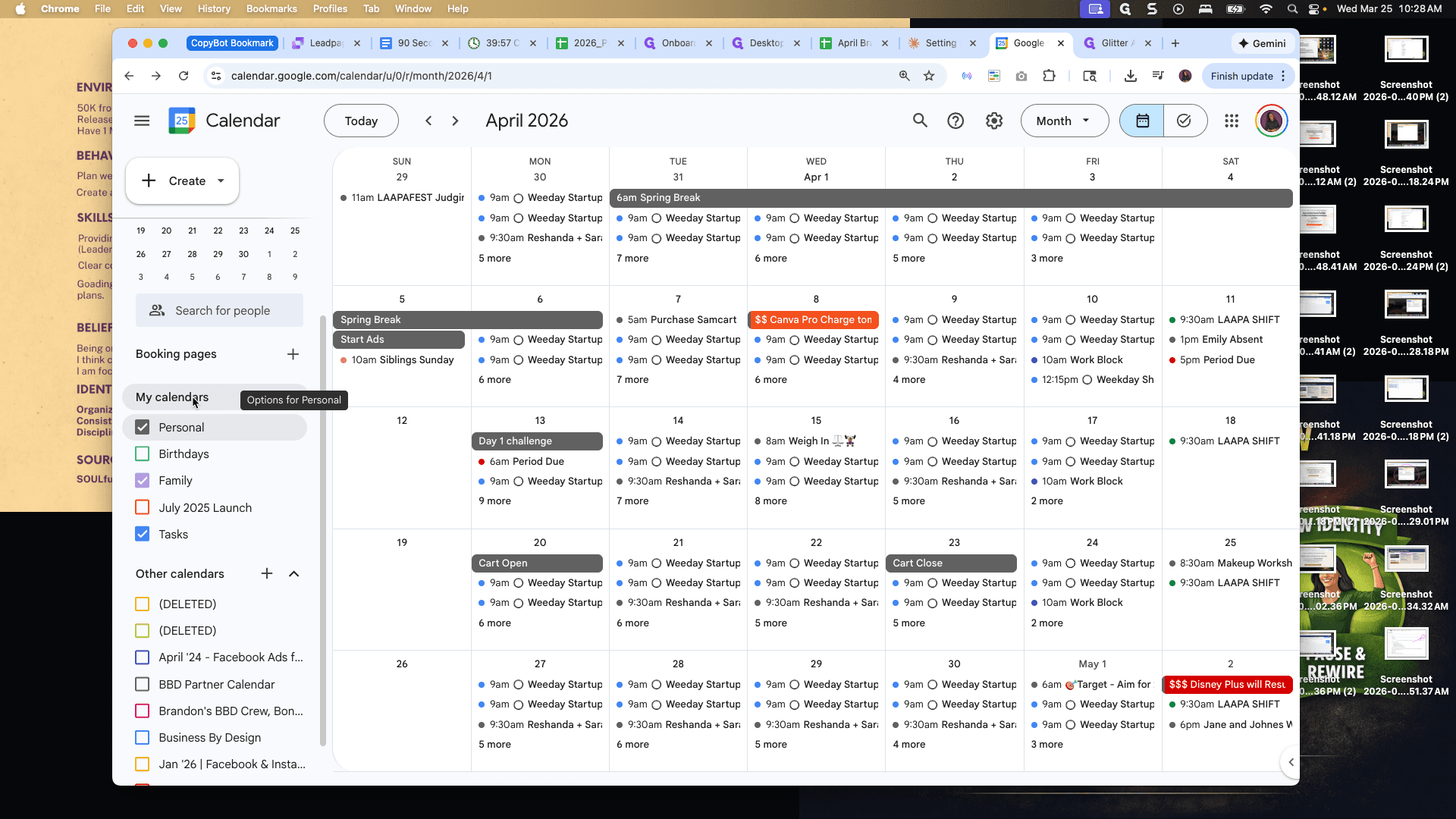
How do you add a new calendar on Google Calendar?
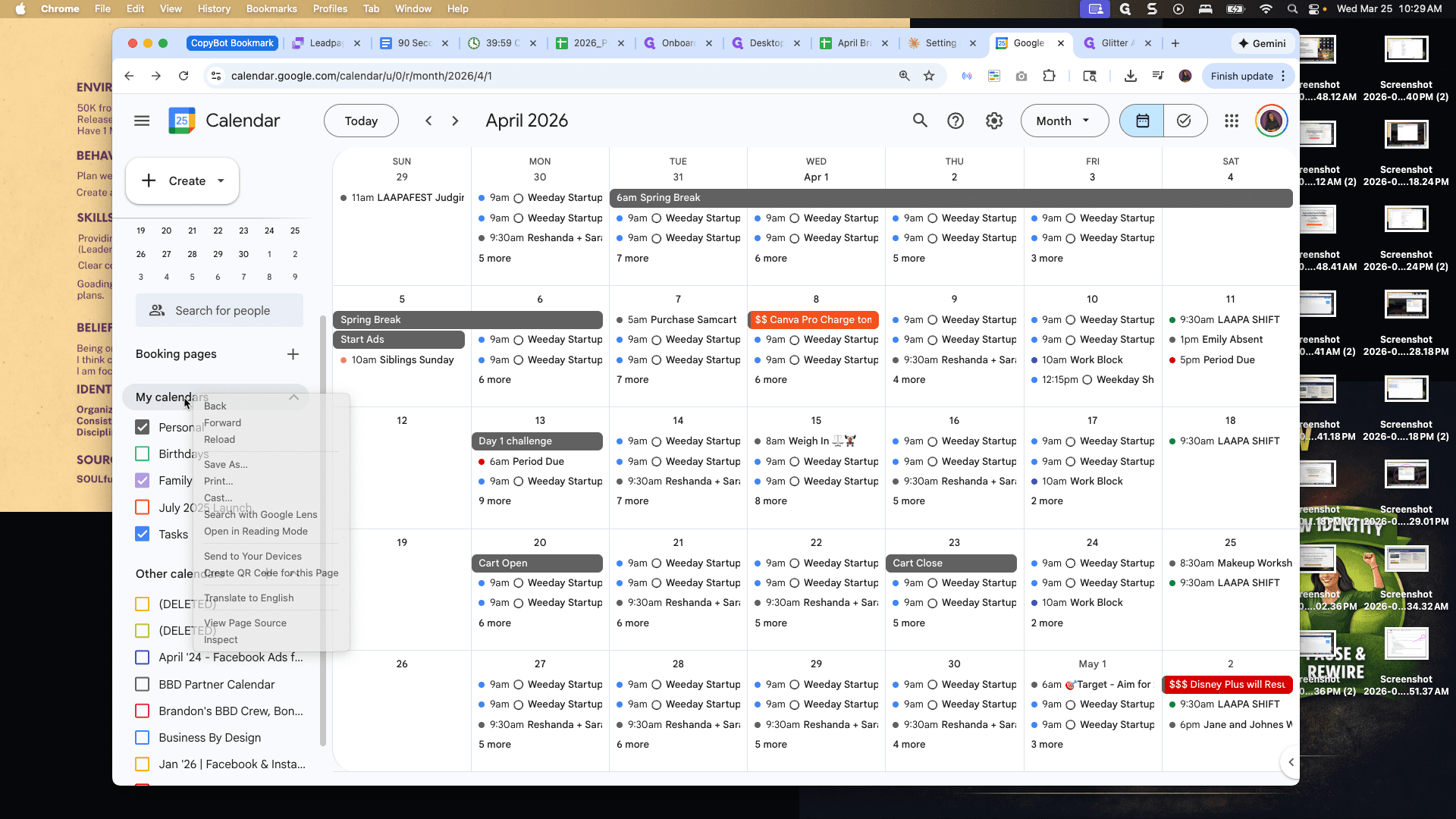
Let me do this.
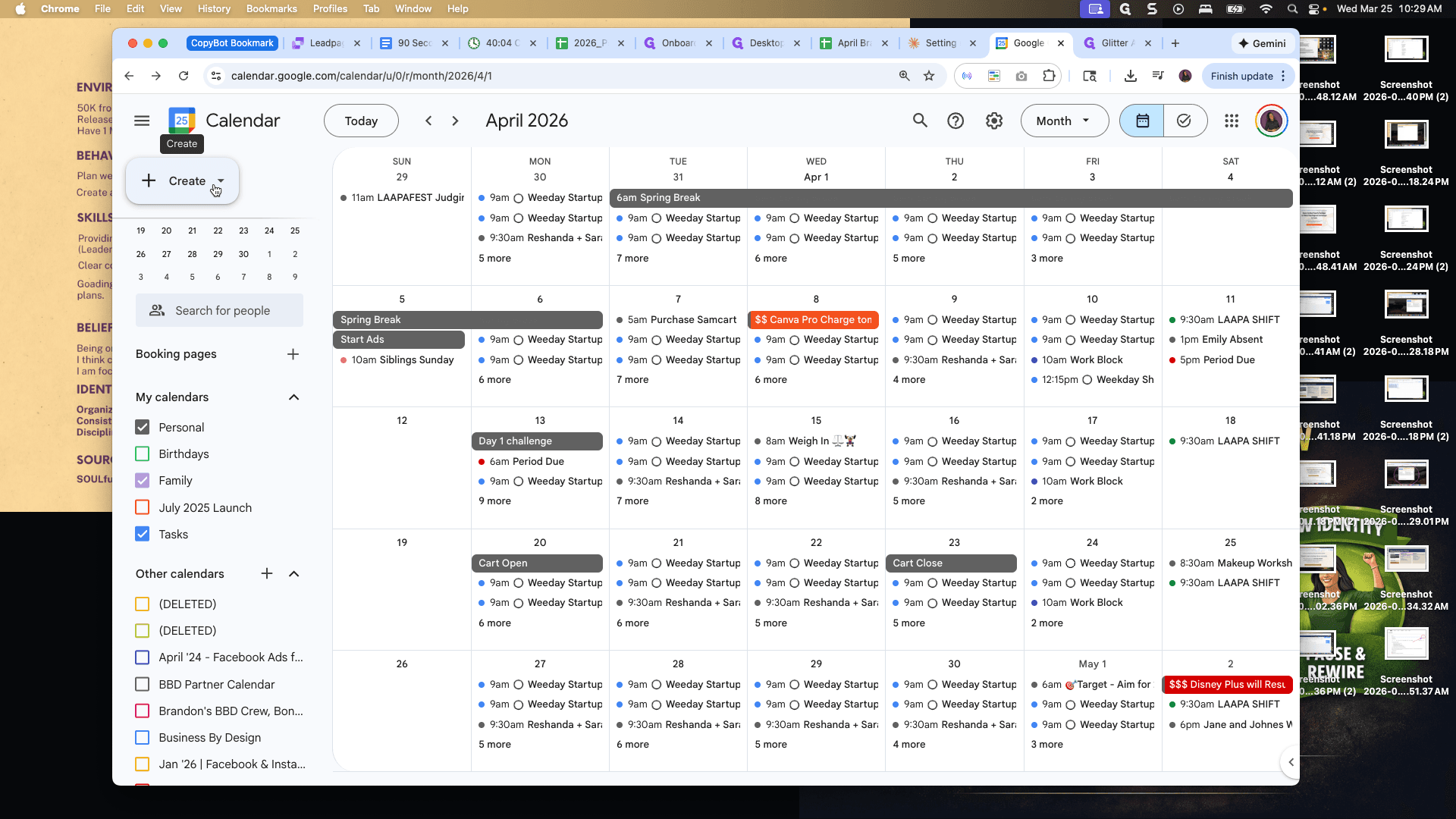
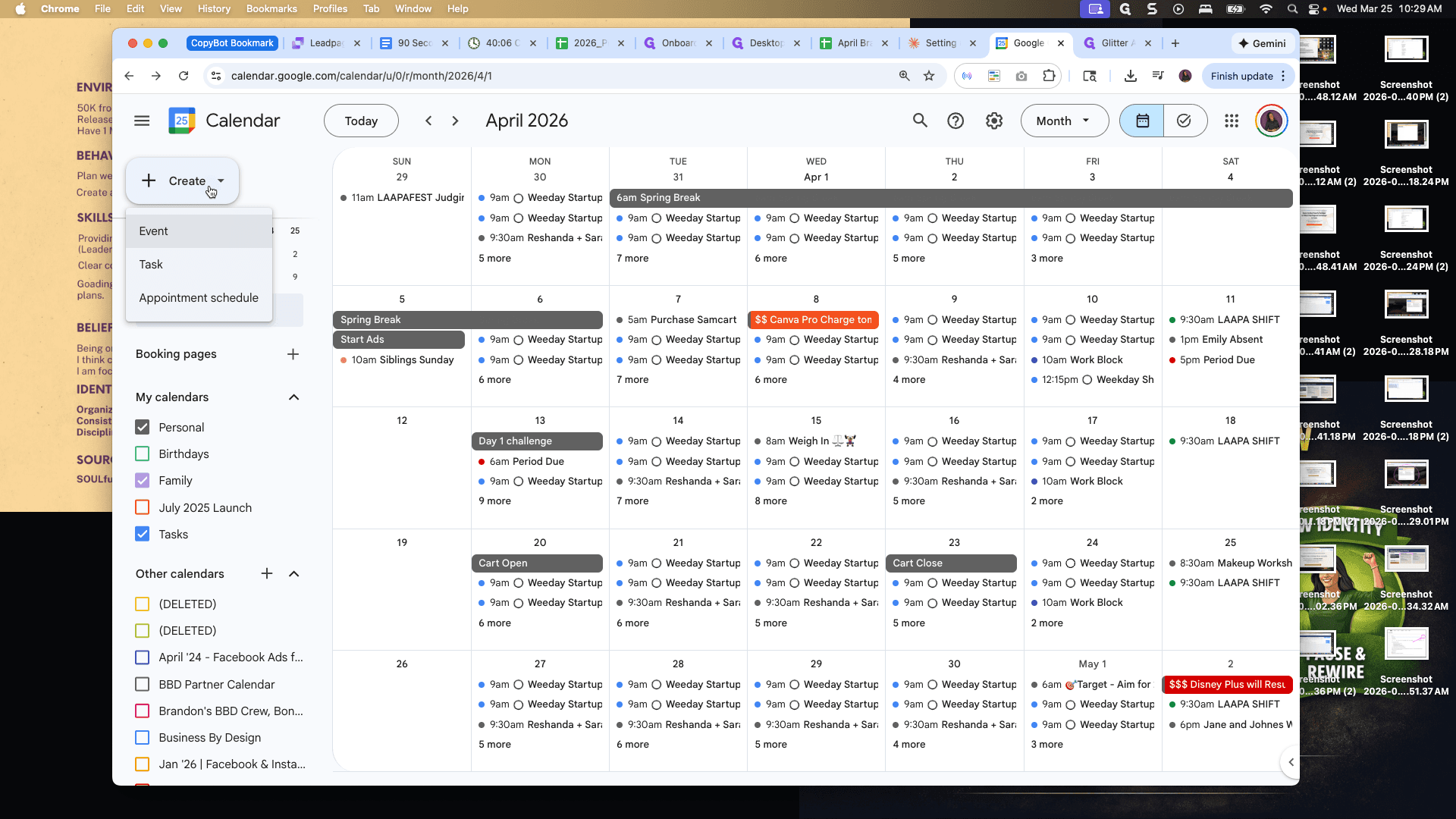
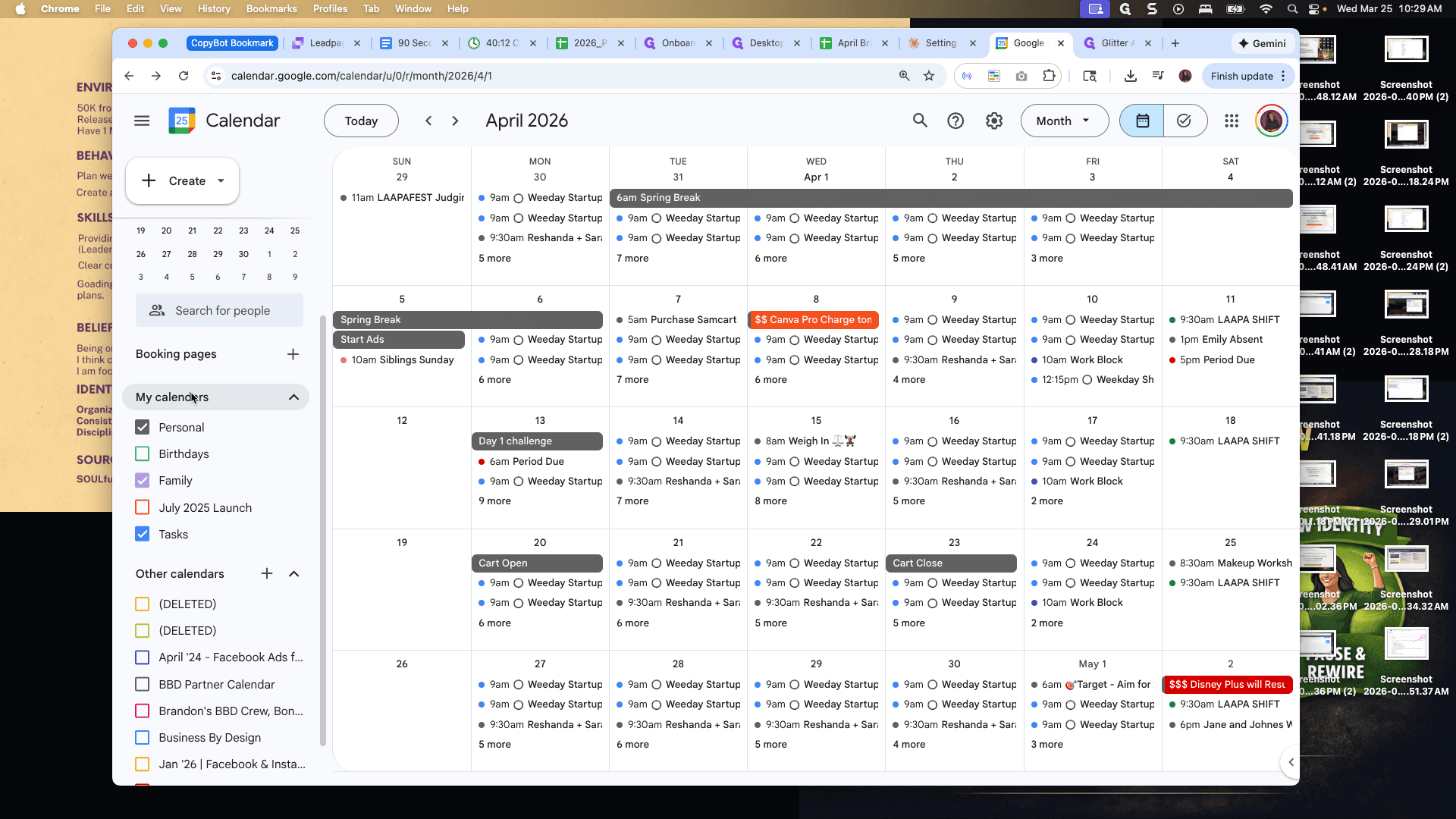
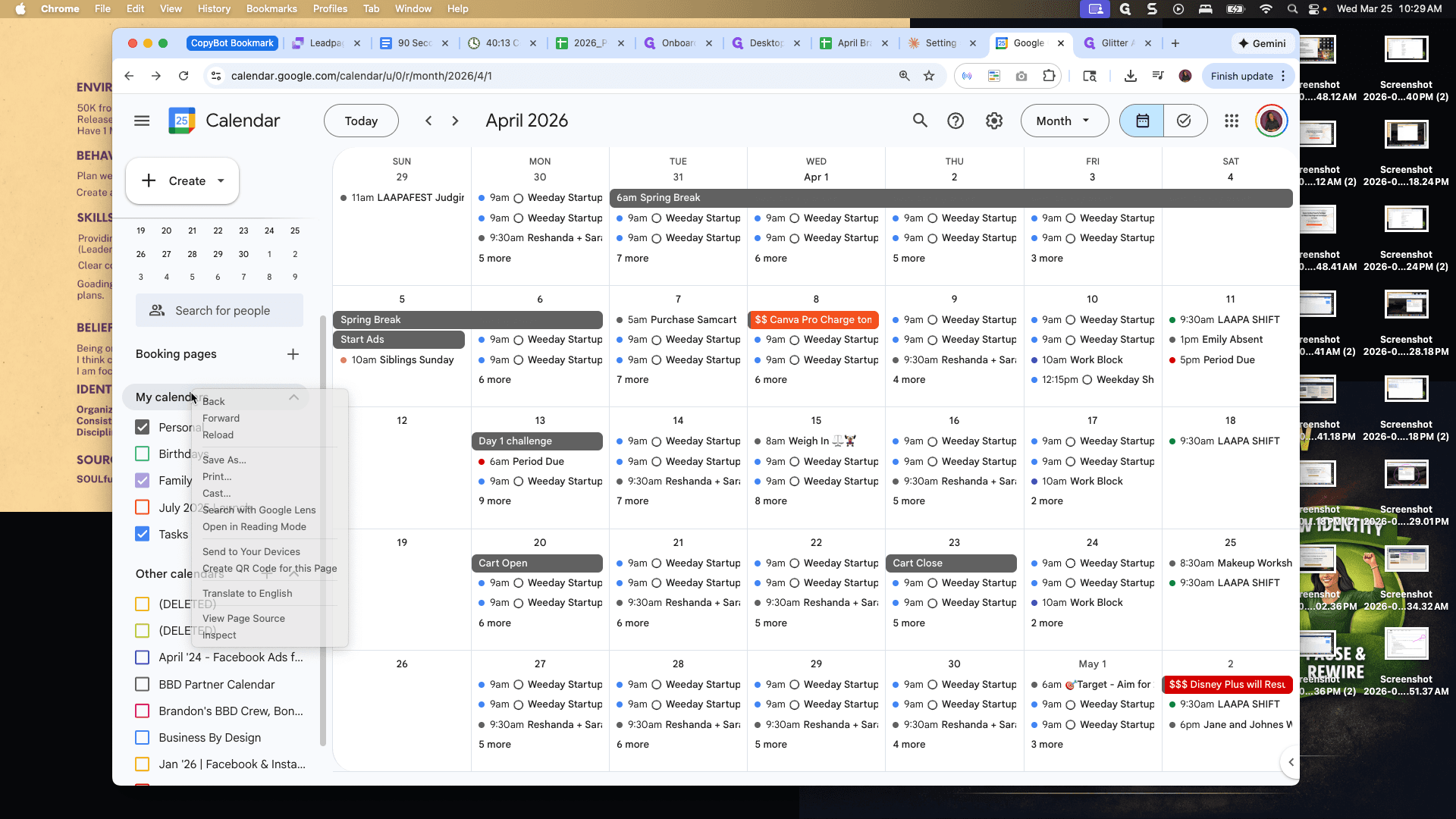
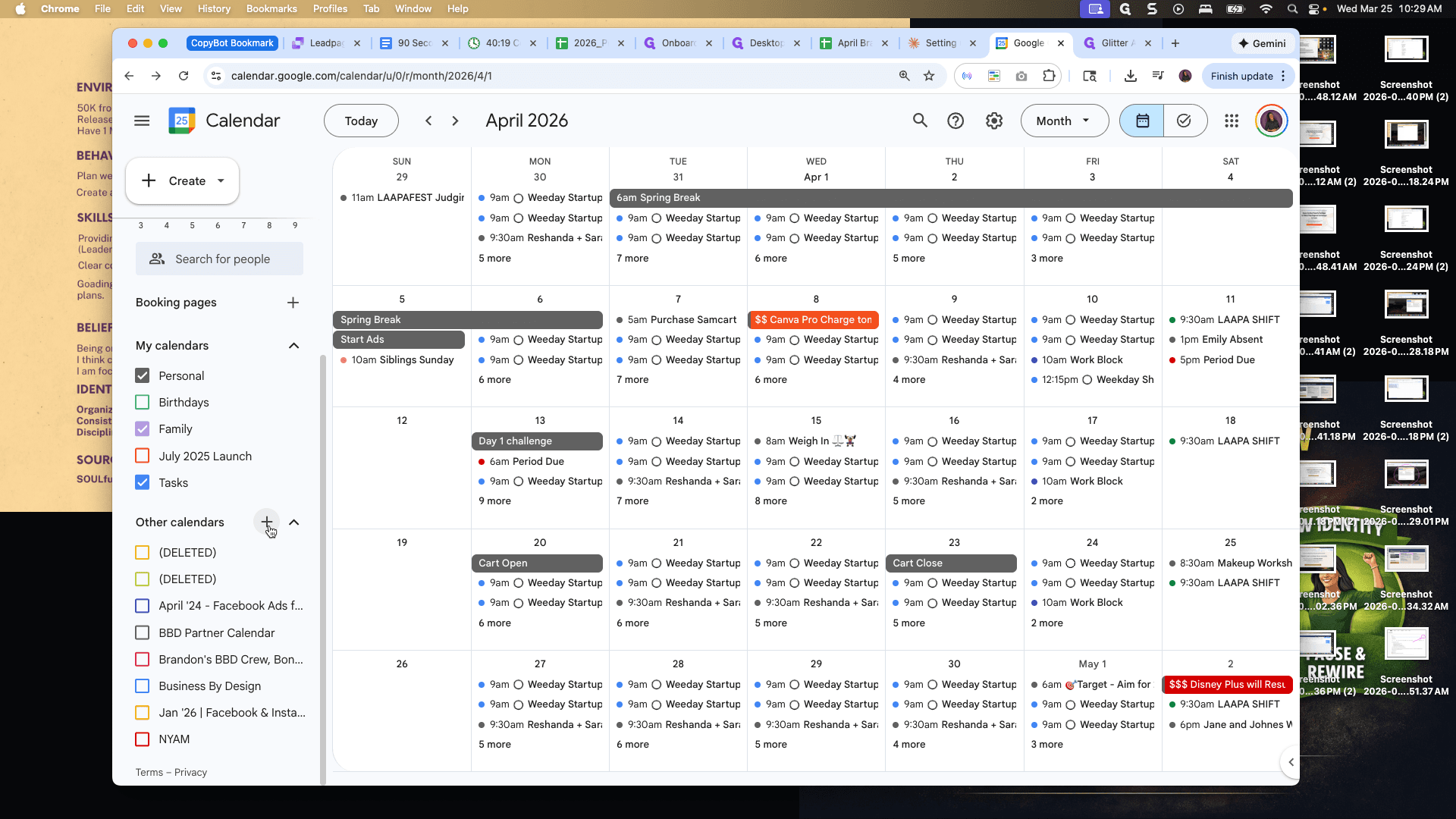
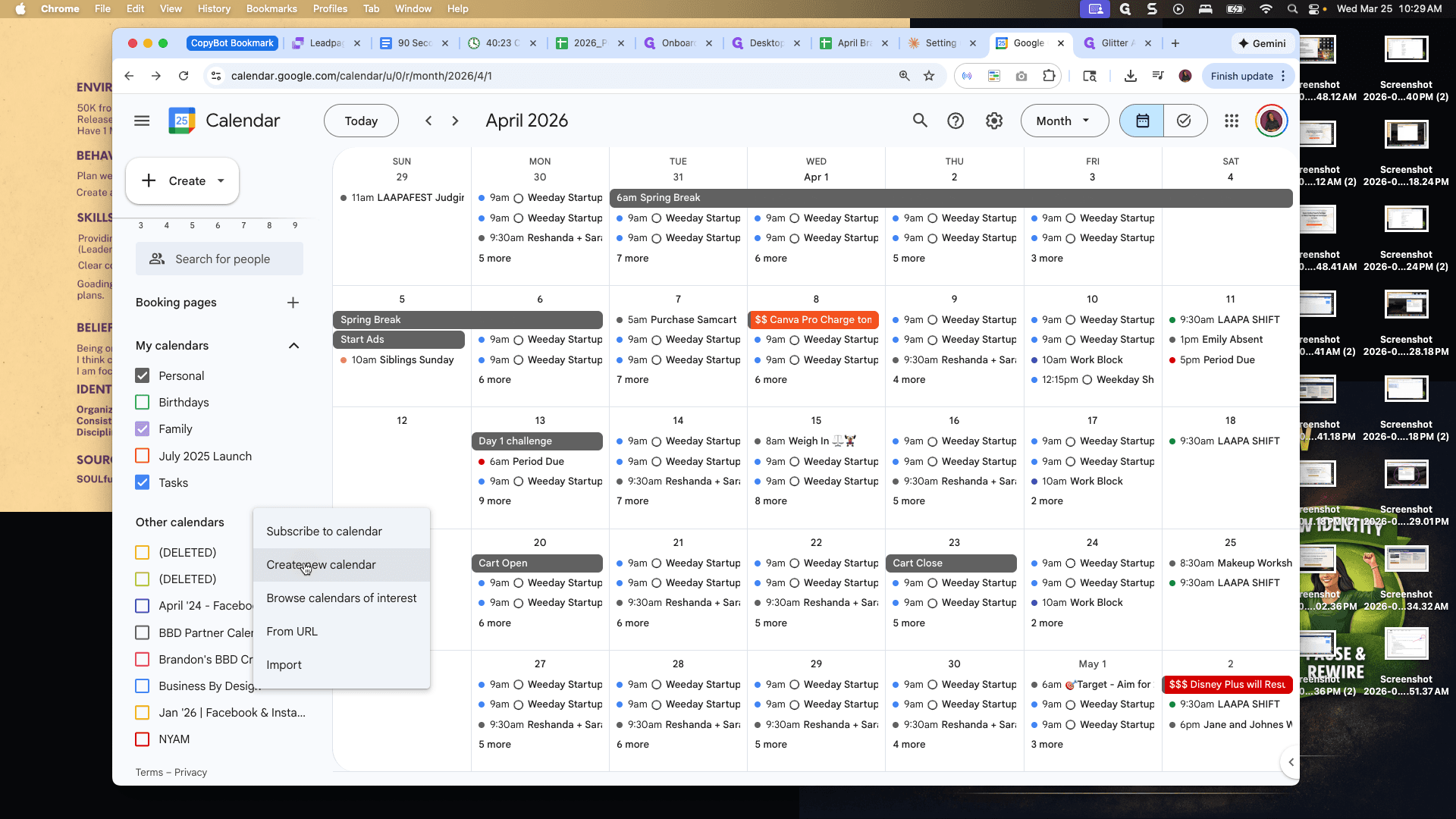
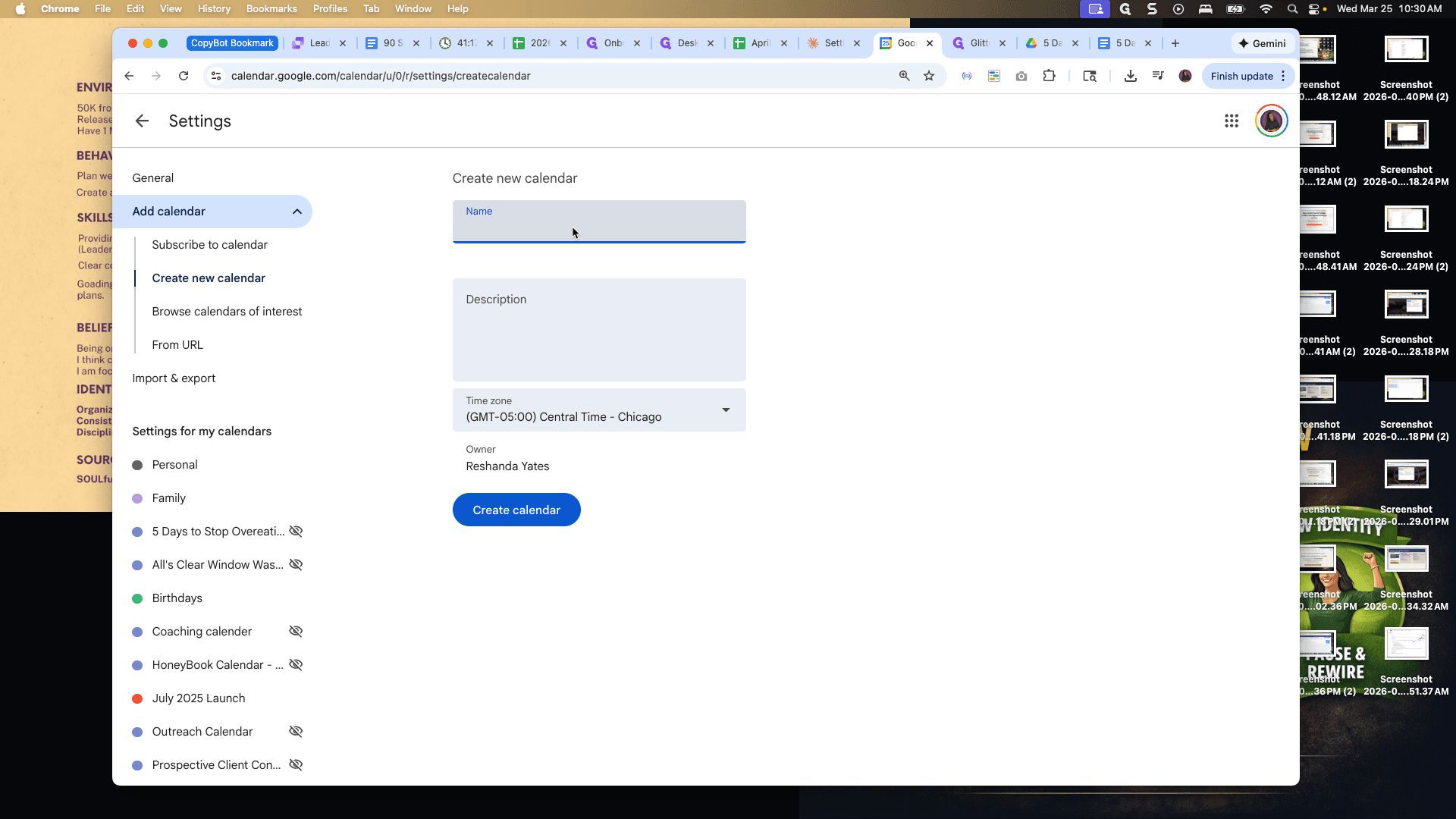
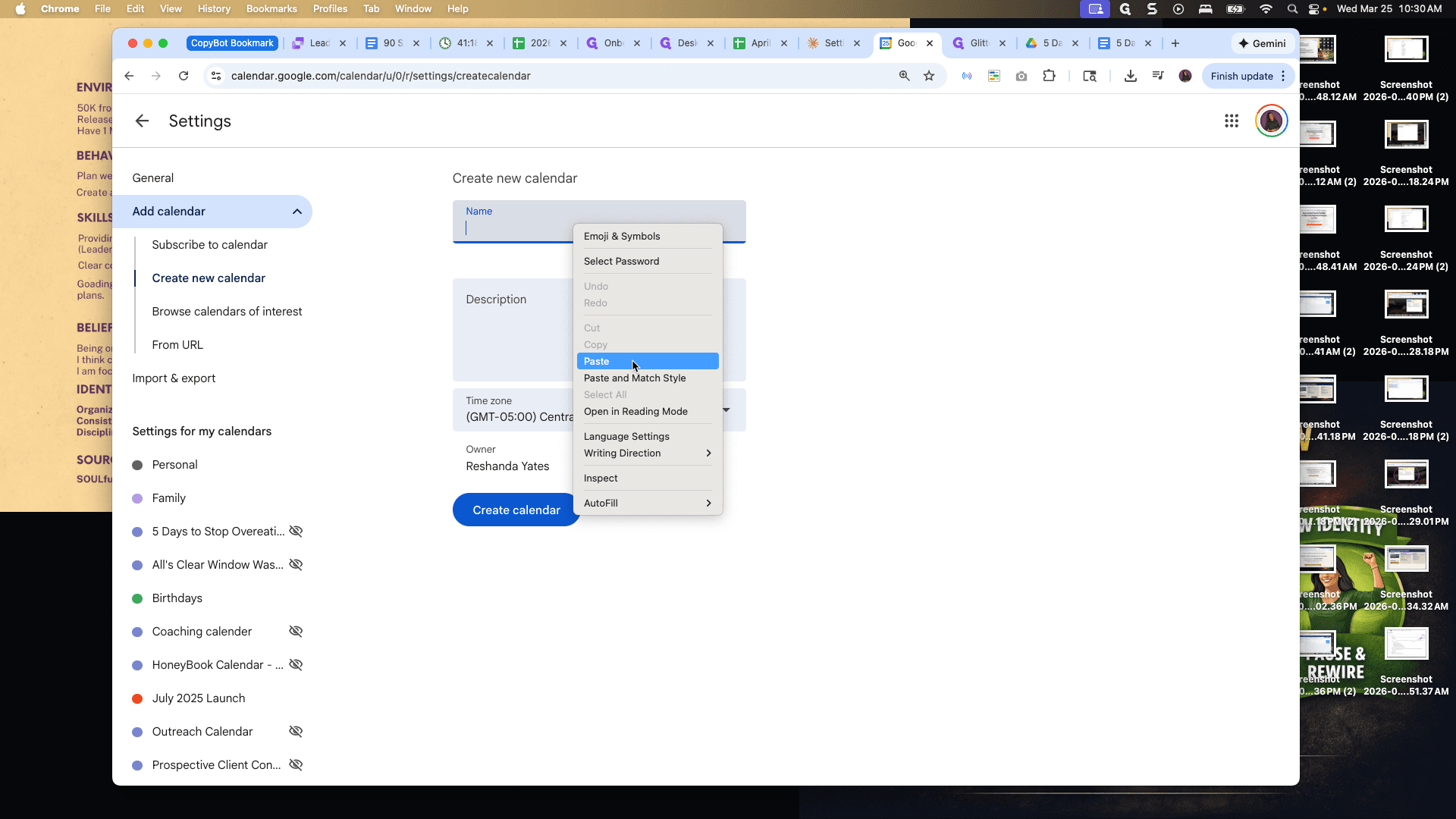
Create a new calendar. Okay. Go to Other Calendars and click Create New Calendar.
The calendar name will be the name of the challenge.
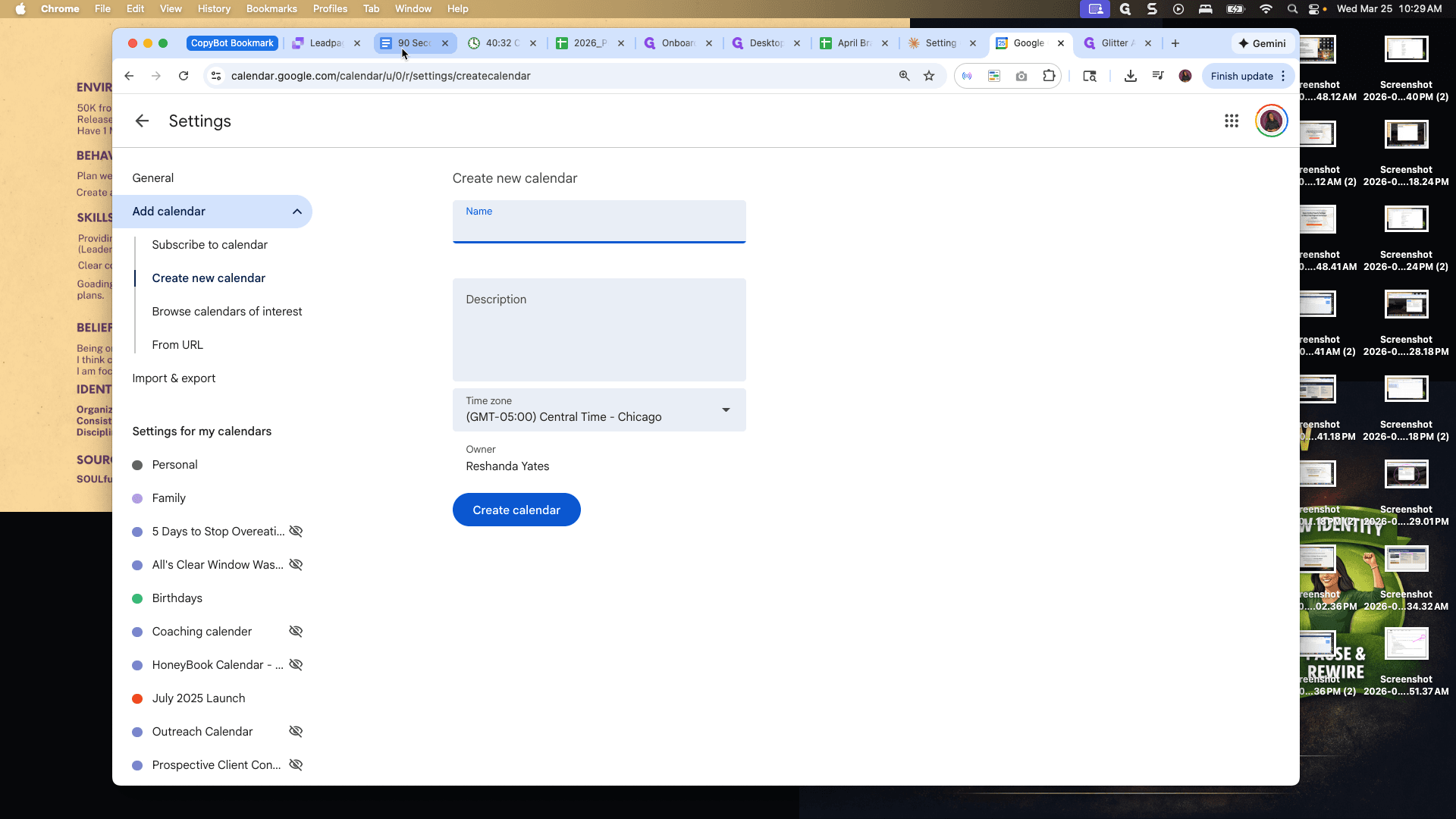
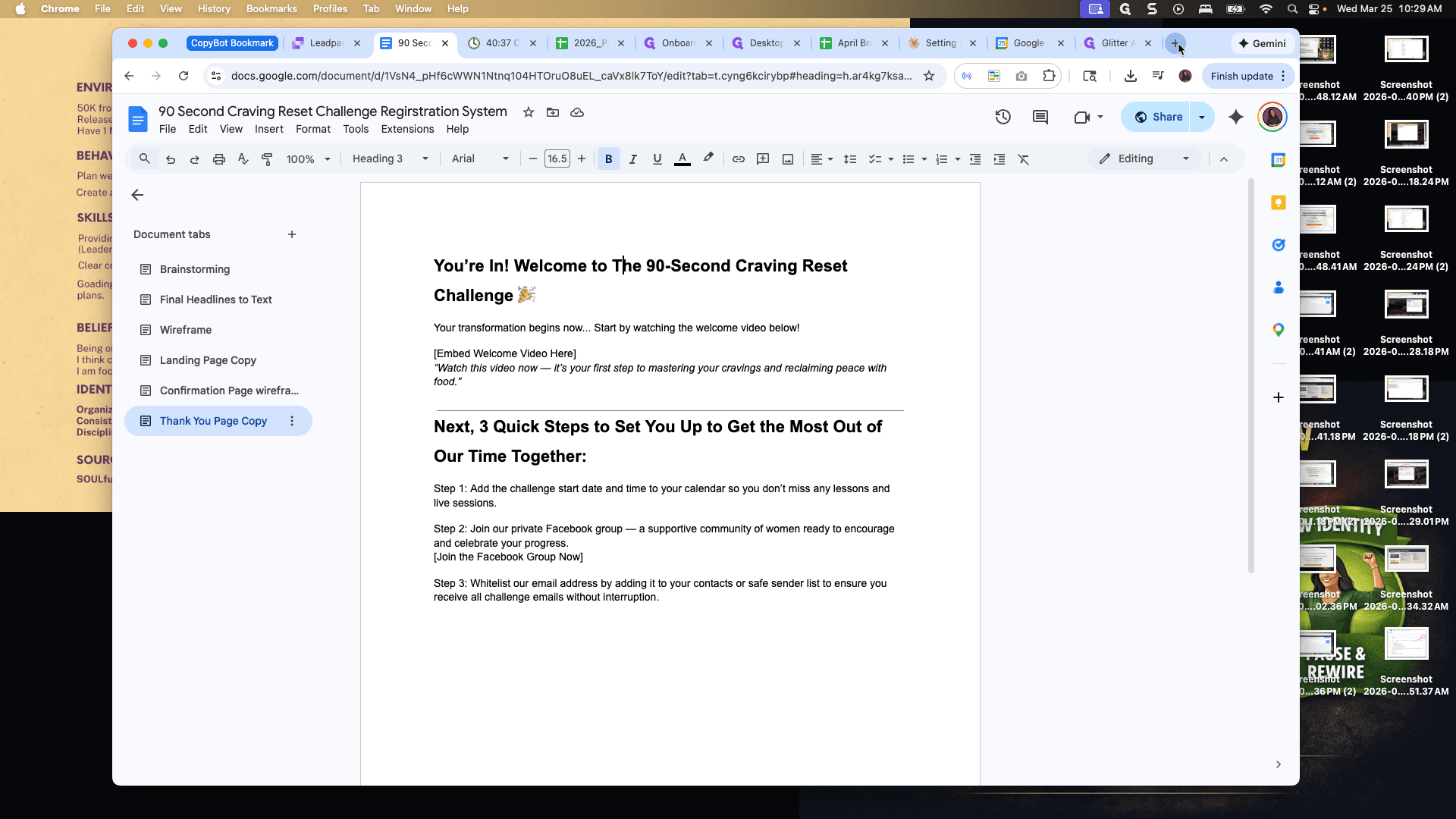
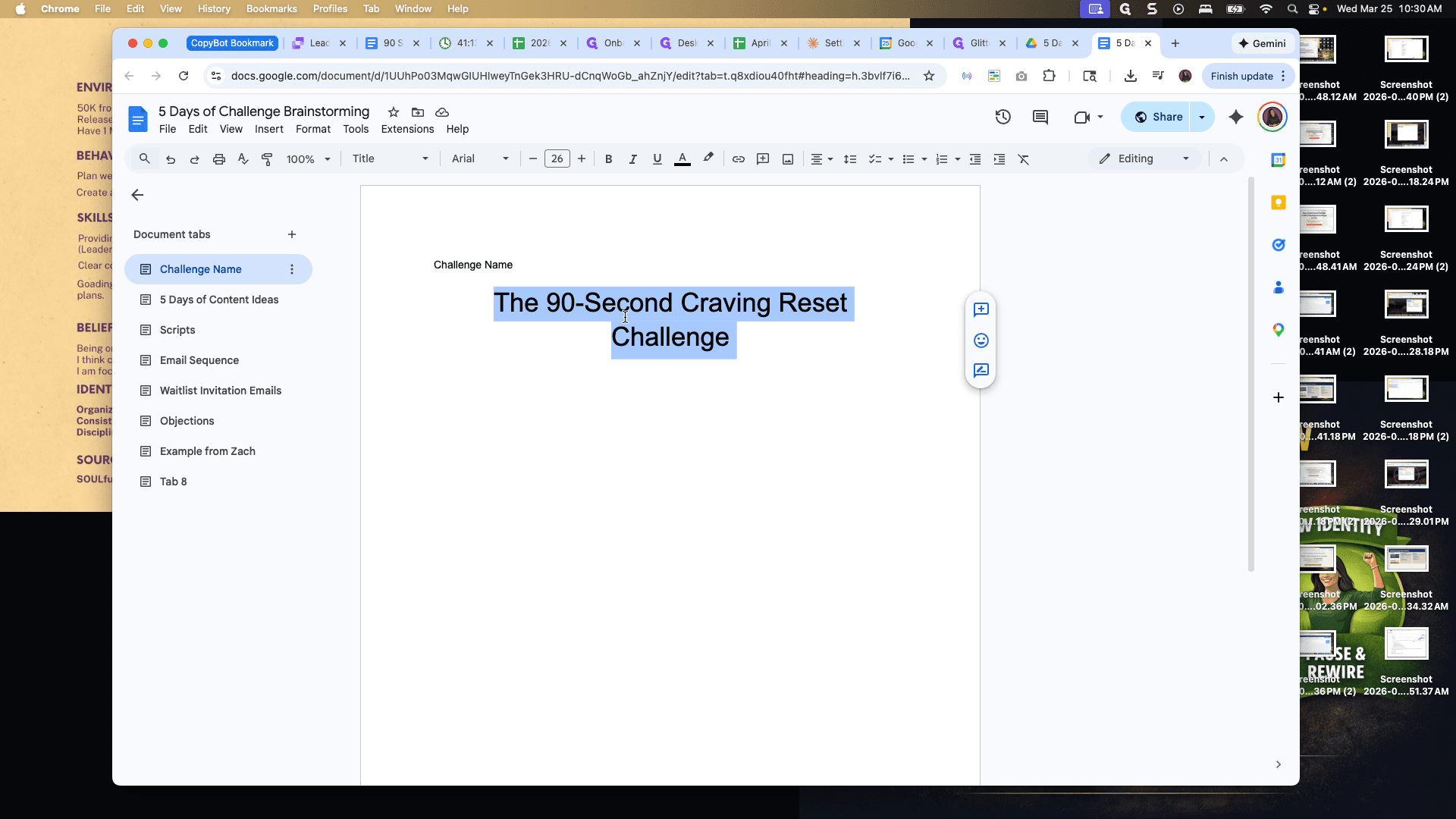
Let's go get that. The name of the challenge is the 90 Second Craving Reset Challenge.
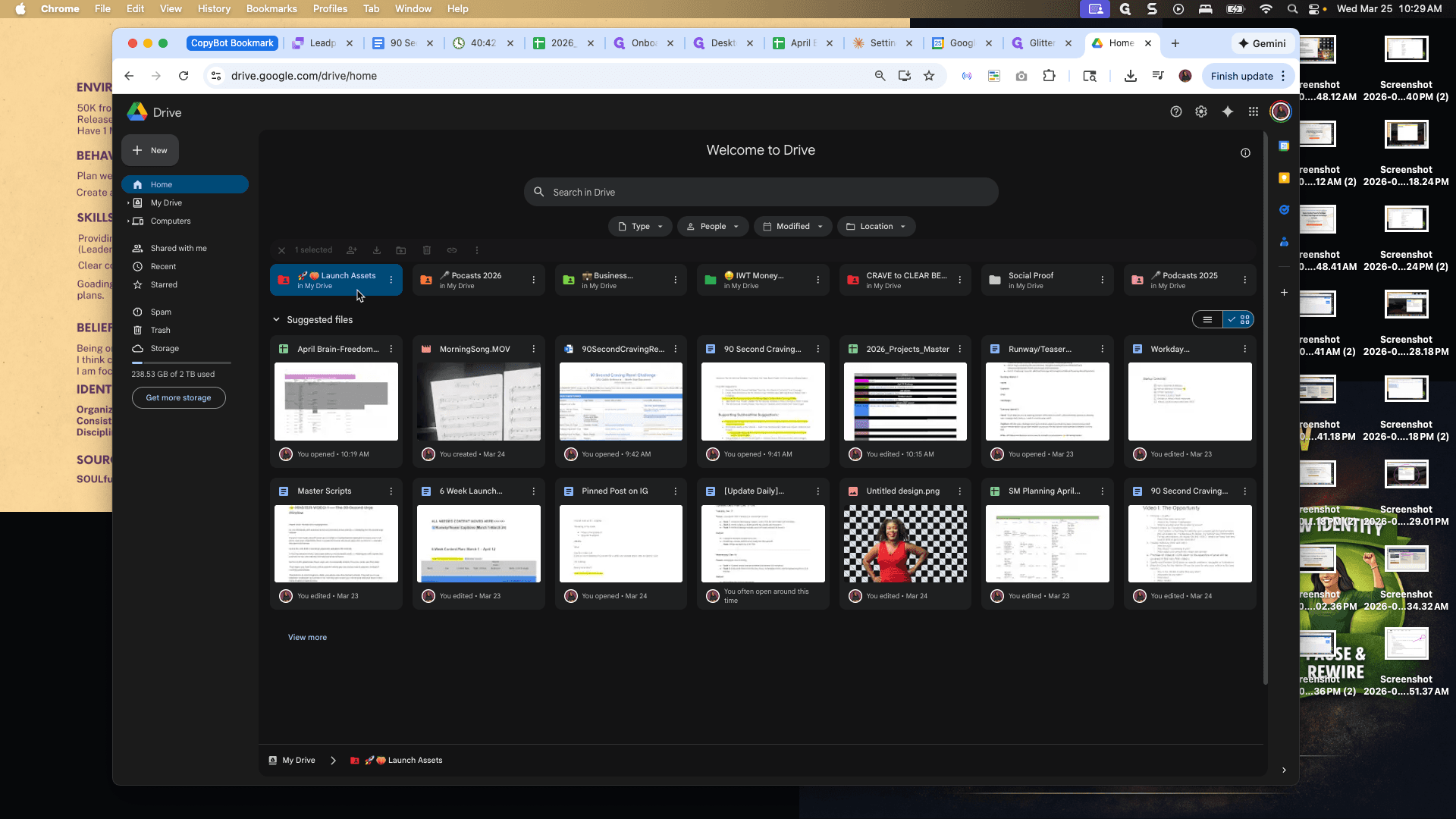
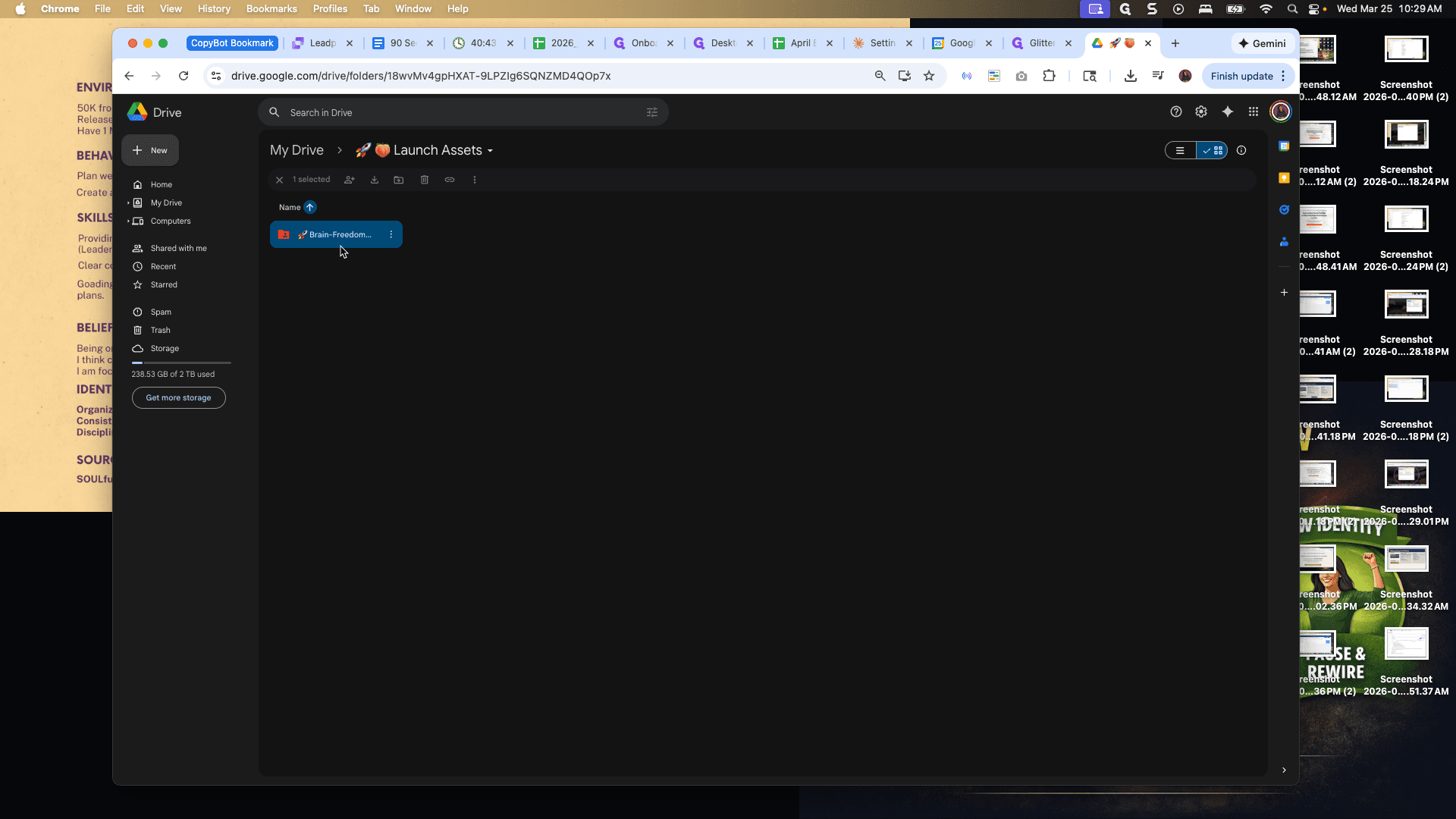
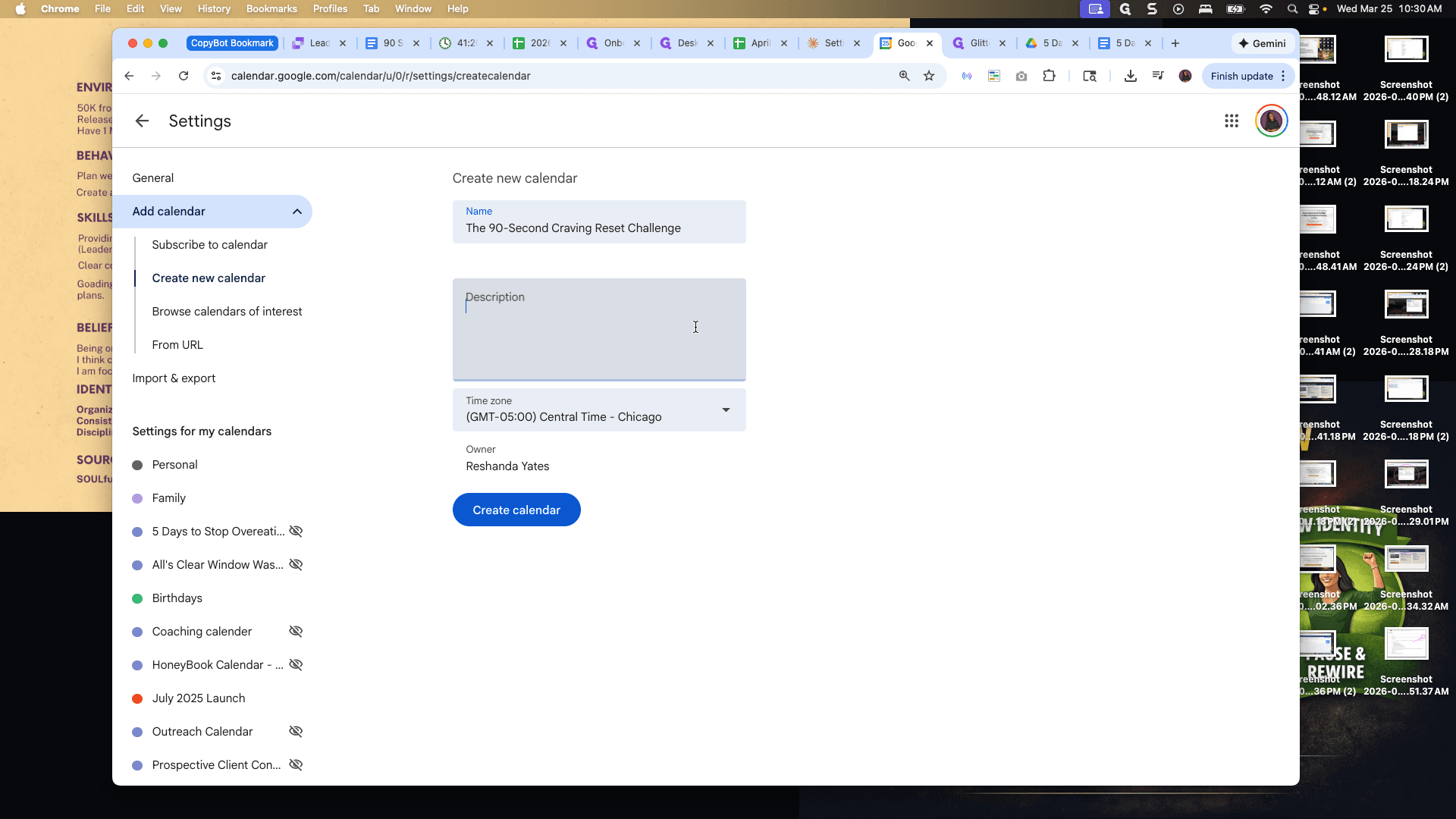
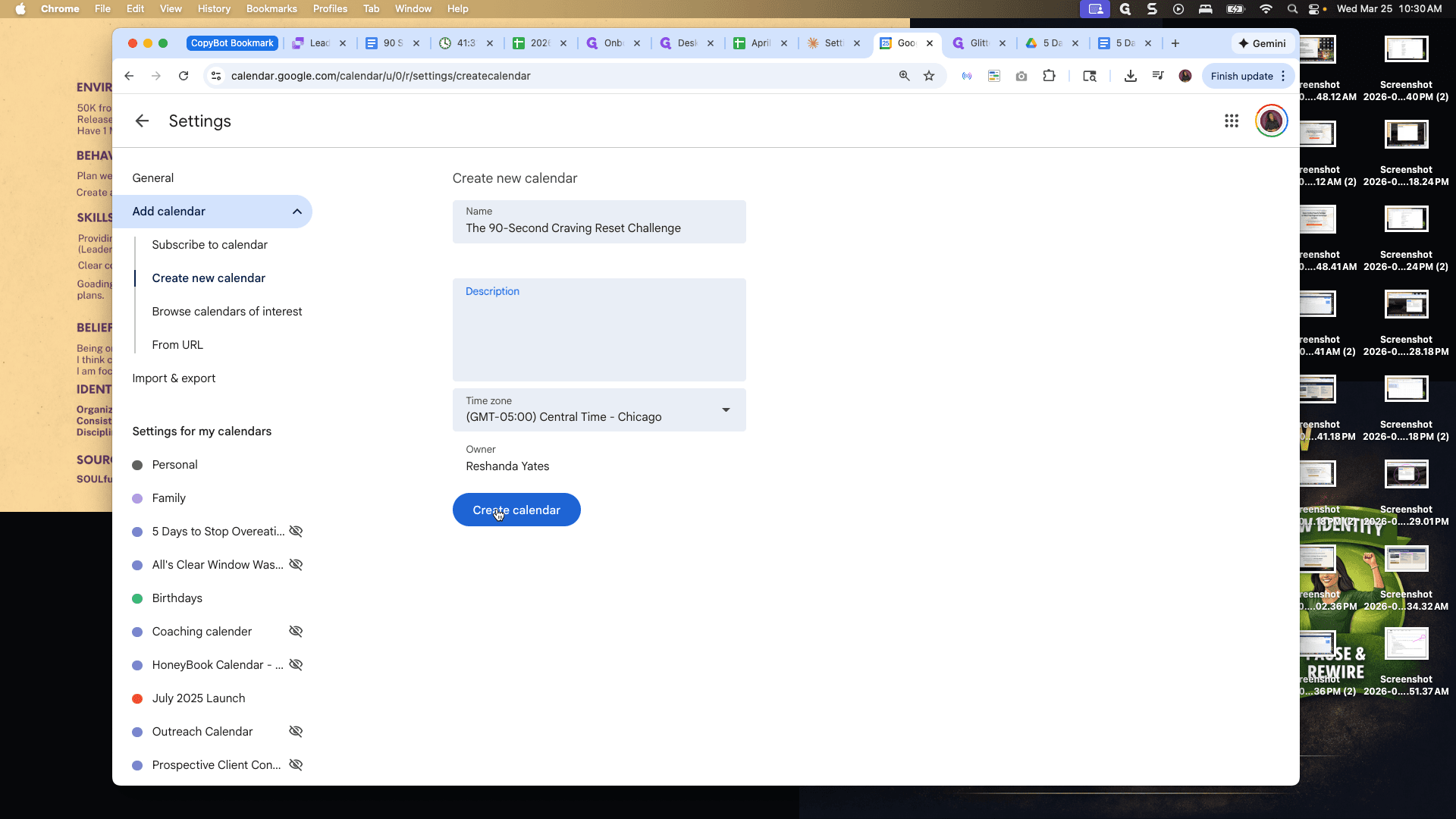
Okay, I'll put that in. Boom. Okay. I will create a description later. I will leave it in Central Time Zone because that's my time zone, and the calendar is being created.
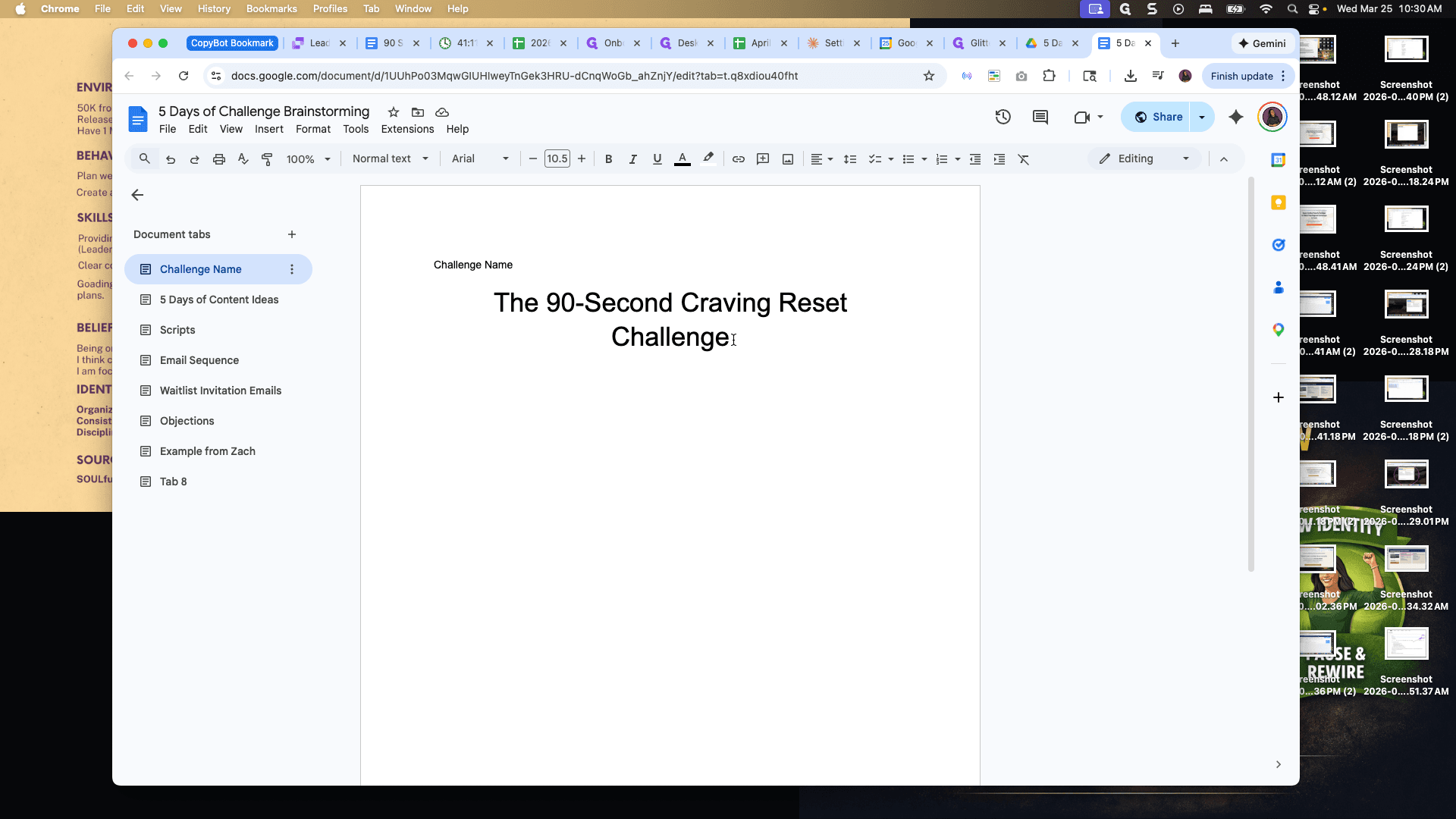
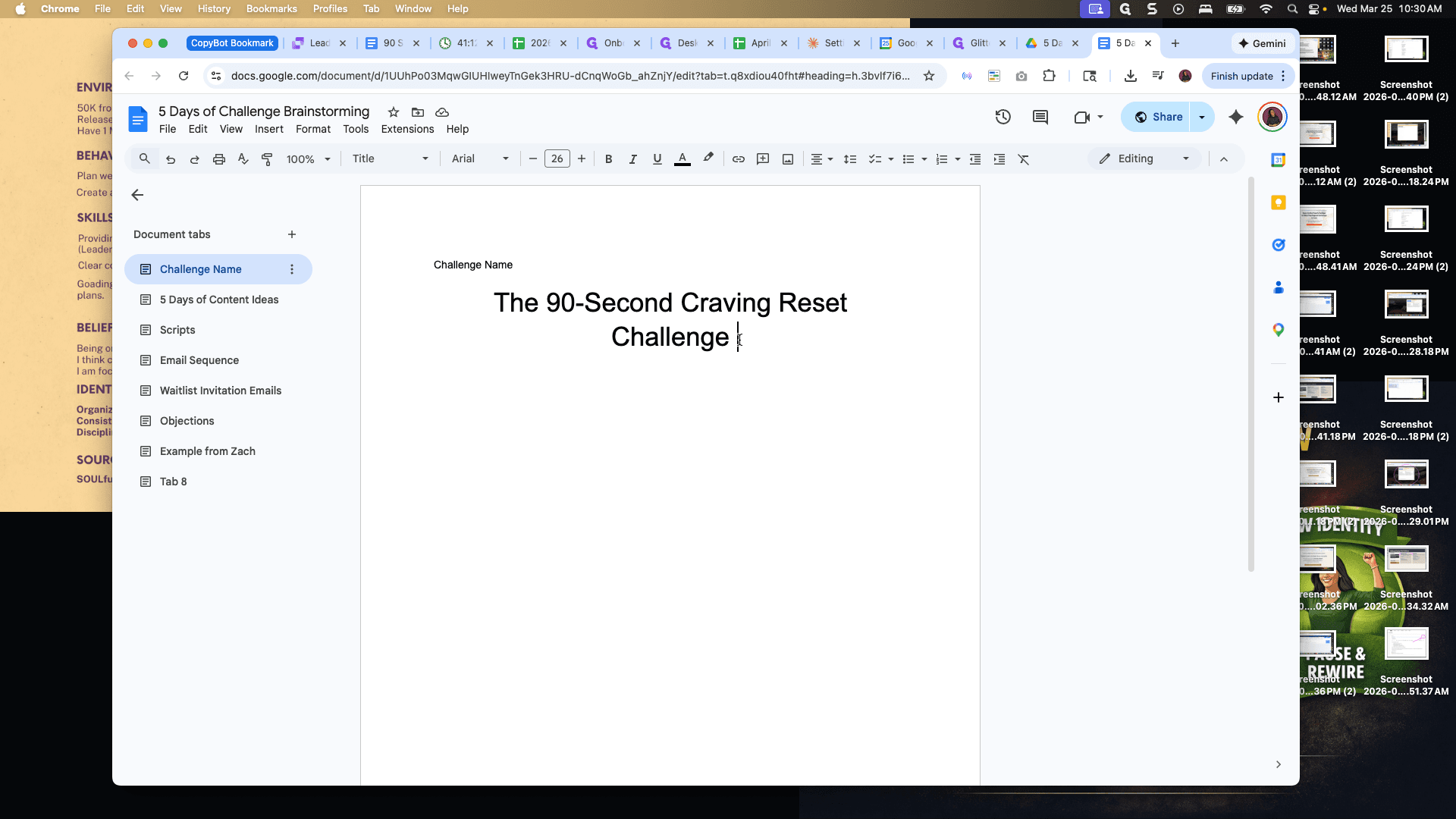
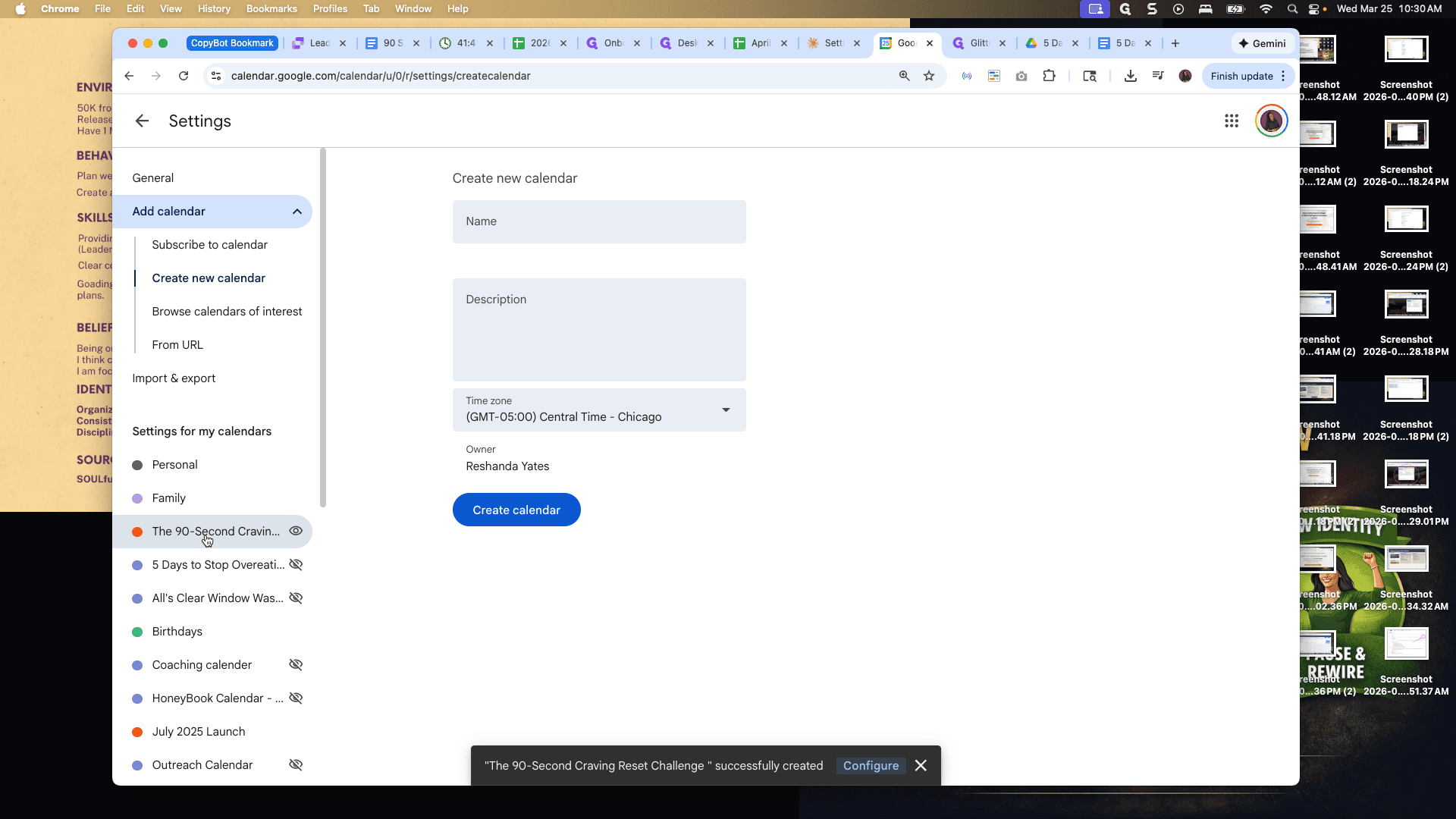
Okay. Now we will go to the 90 Second Craving Reset Challenge and start adding information to the calendar.
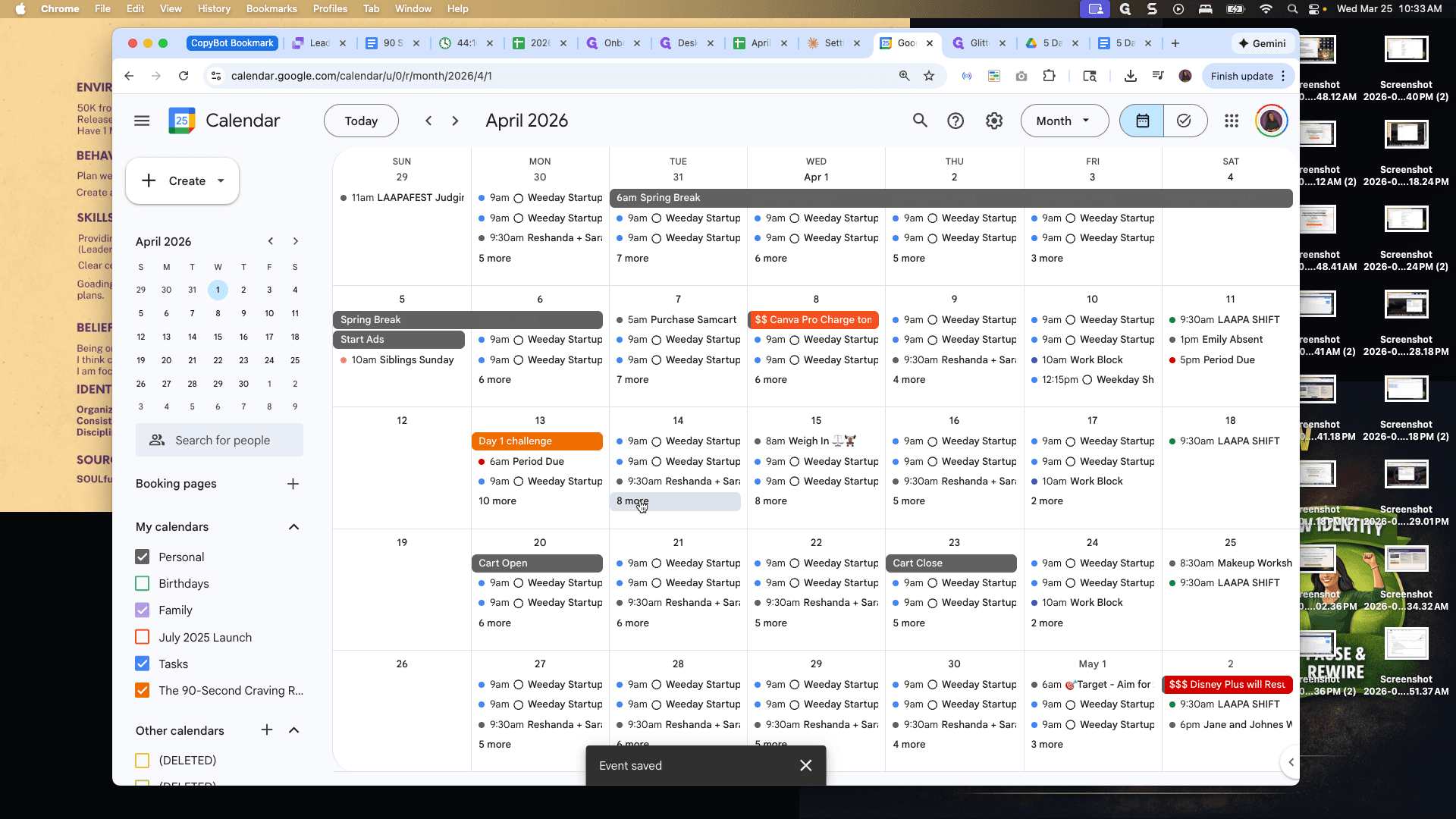
Let's go back to the main calendar. On April 13th, when the challenge begins, add the 90 Second Craving Reset Challenge to the calendar.
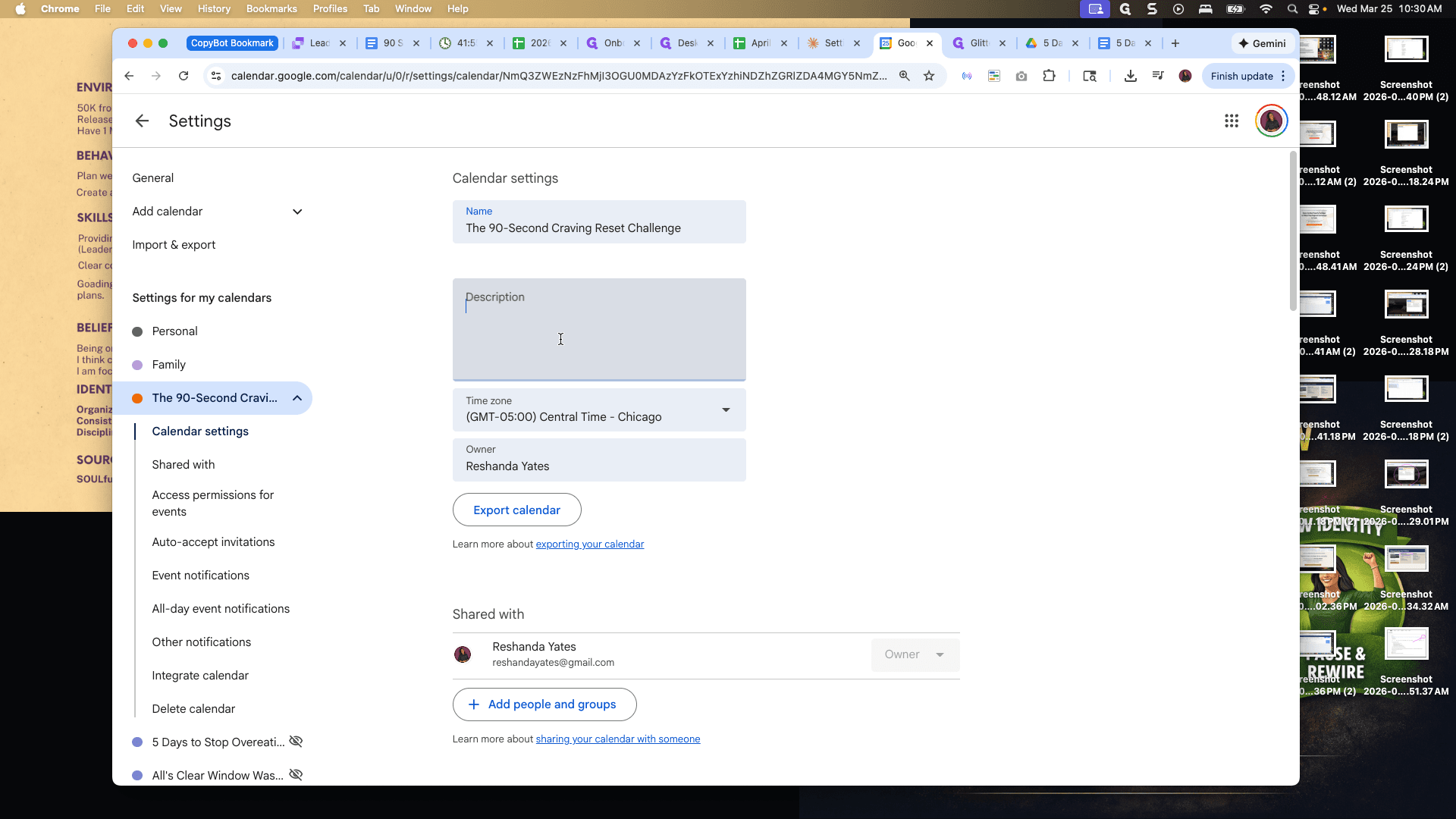
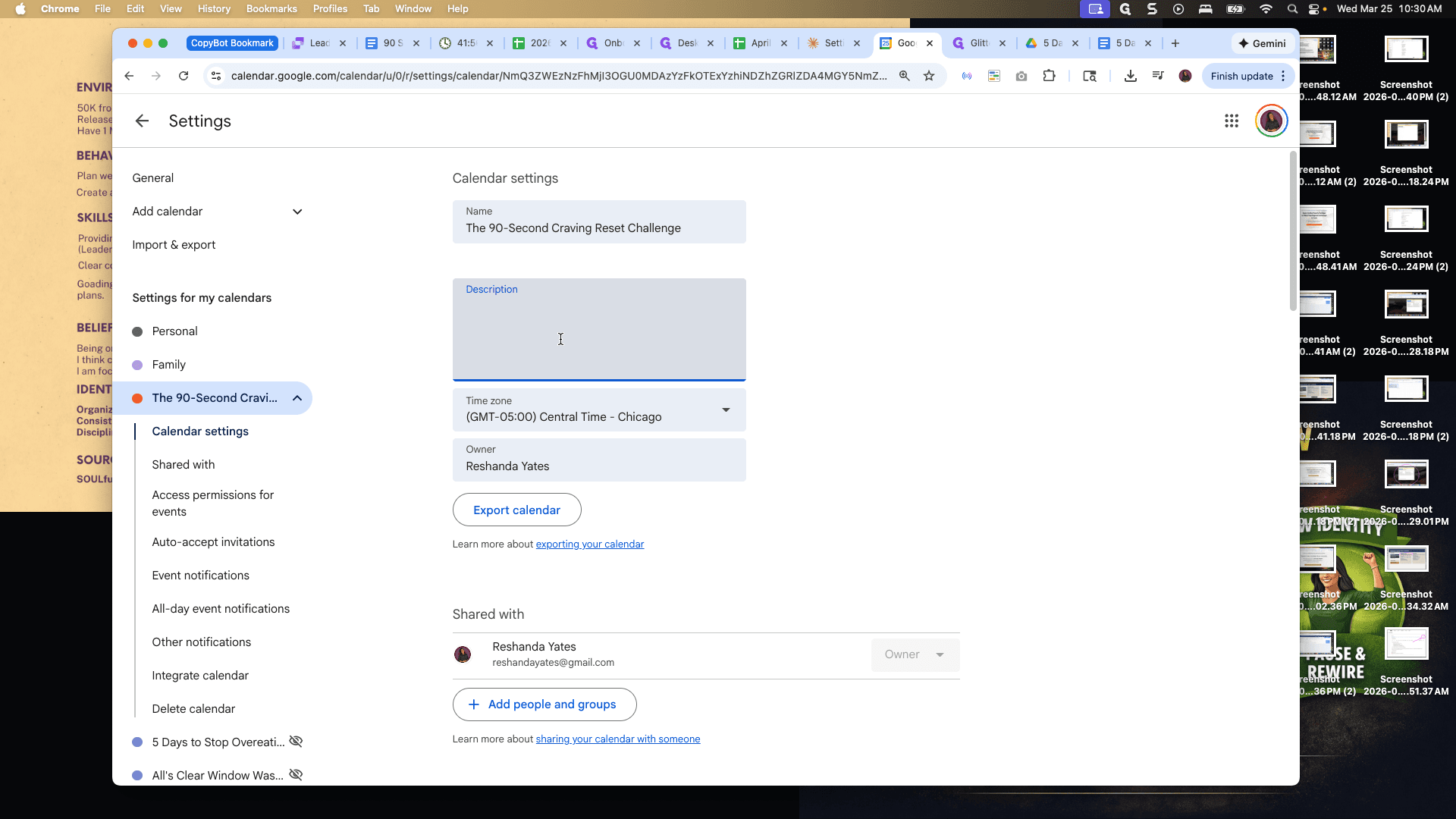
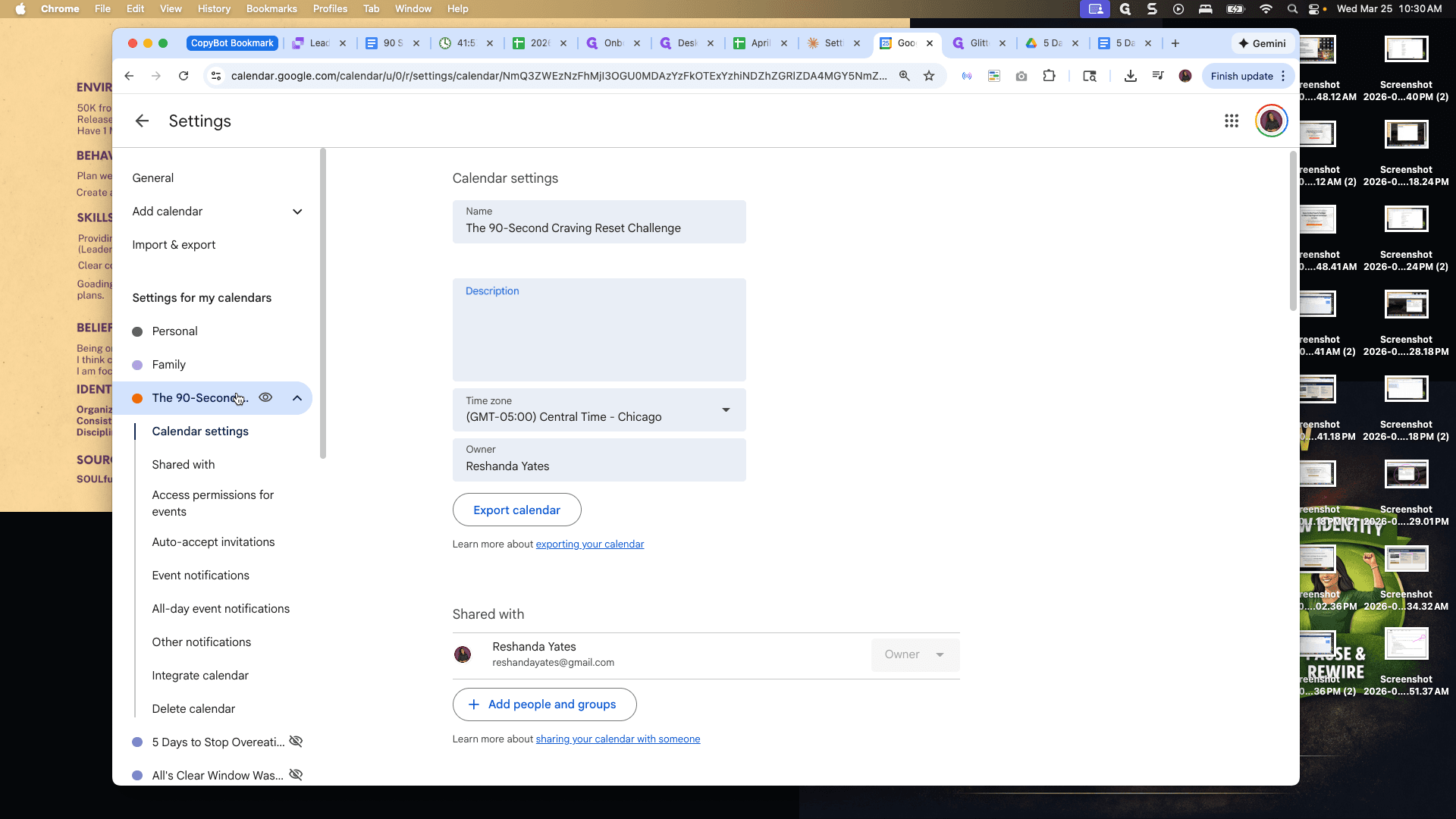
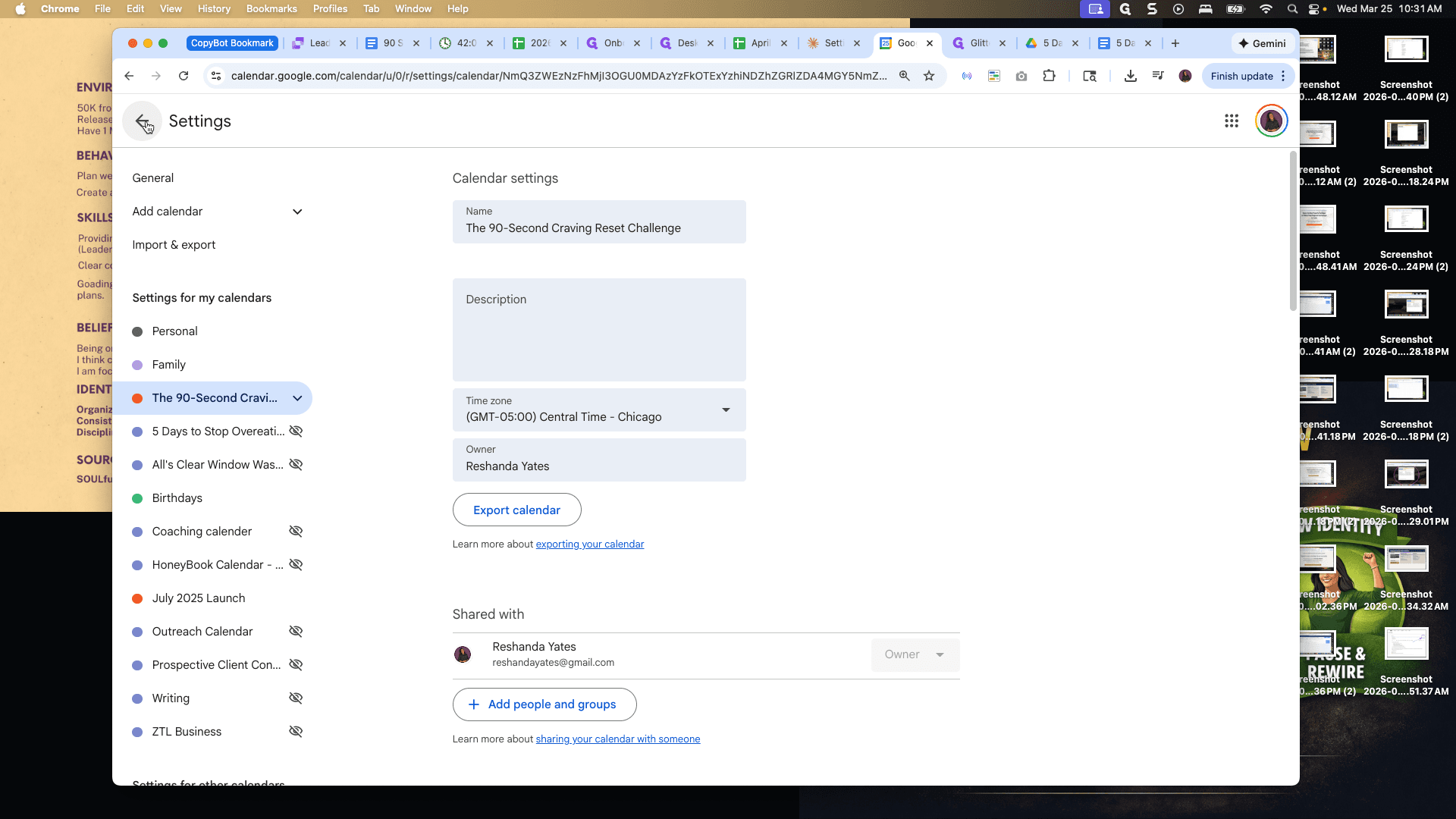
I love that it automatically came in orange. All right.
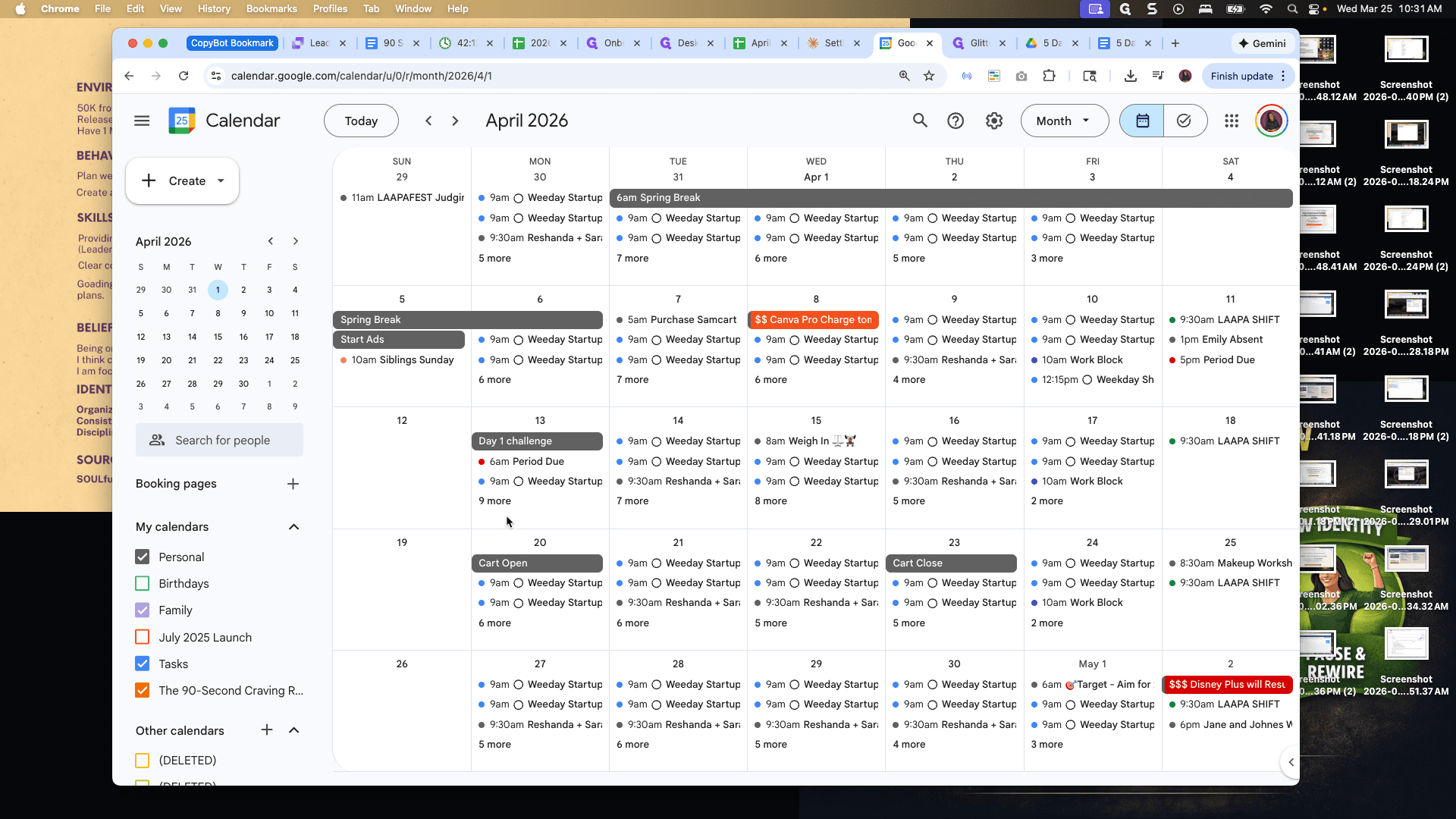
Let's add the title and time. This is day one. If I look at my launch map, day one...
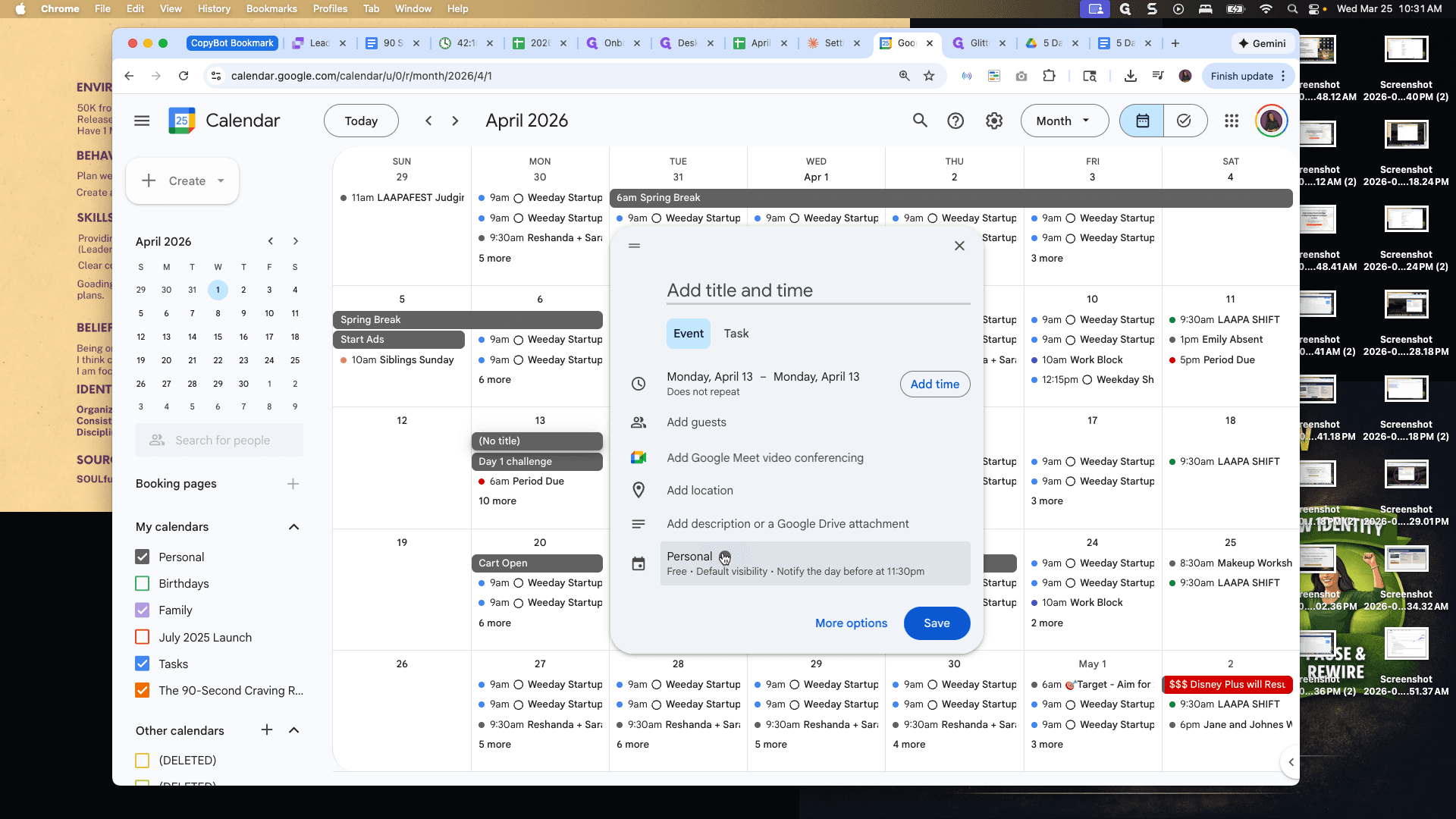
We go live almost every day at 8:00 PM.
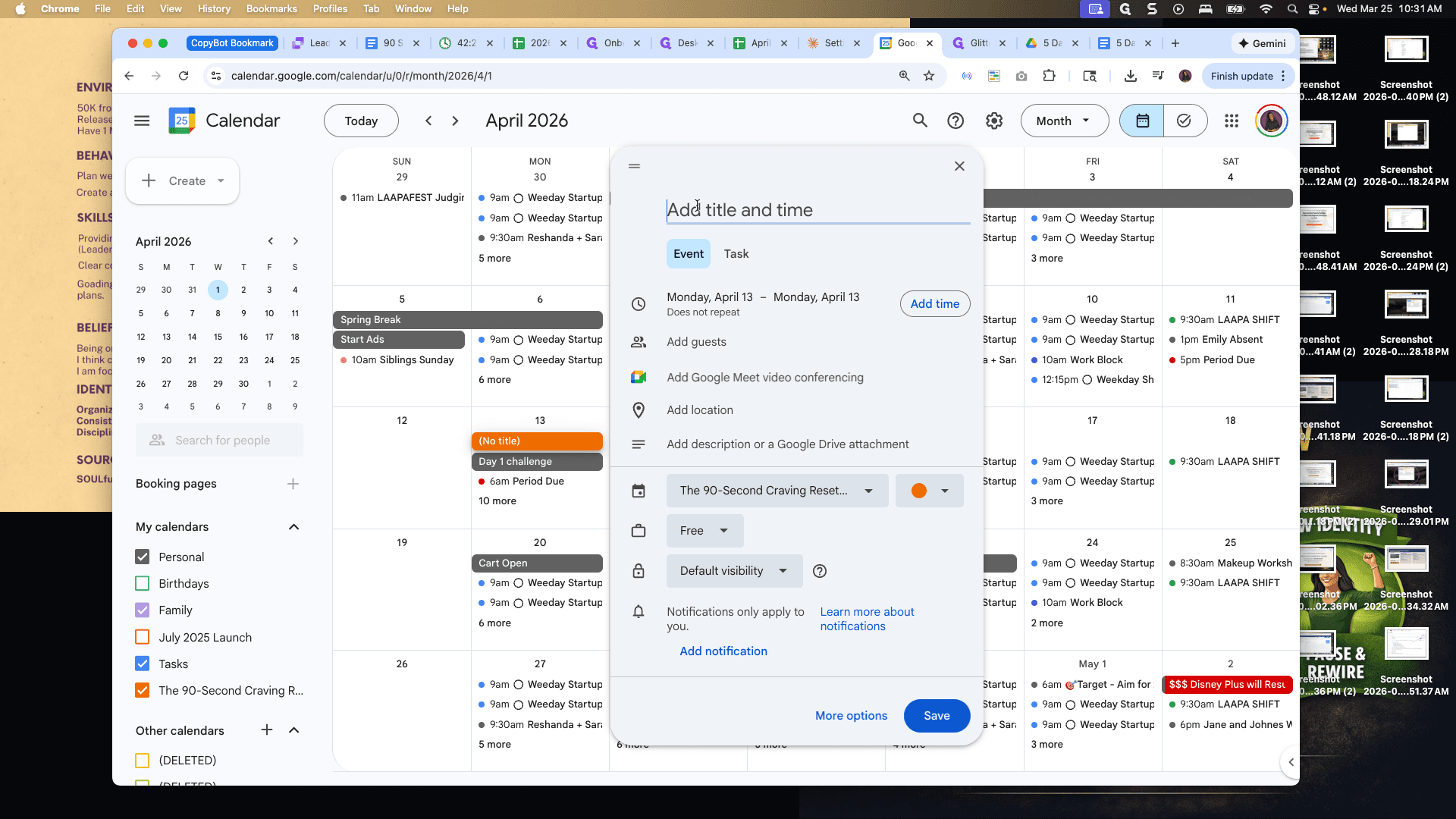
On day one, we go live on April 13th at 8:00 PM. We will fill out all of those.
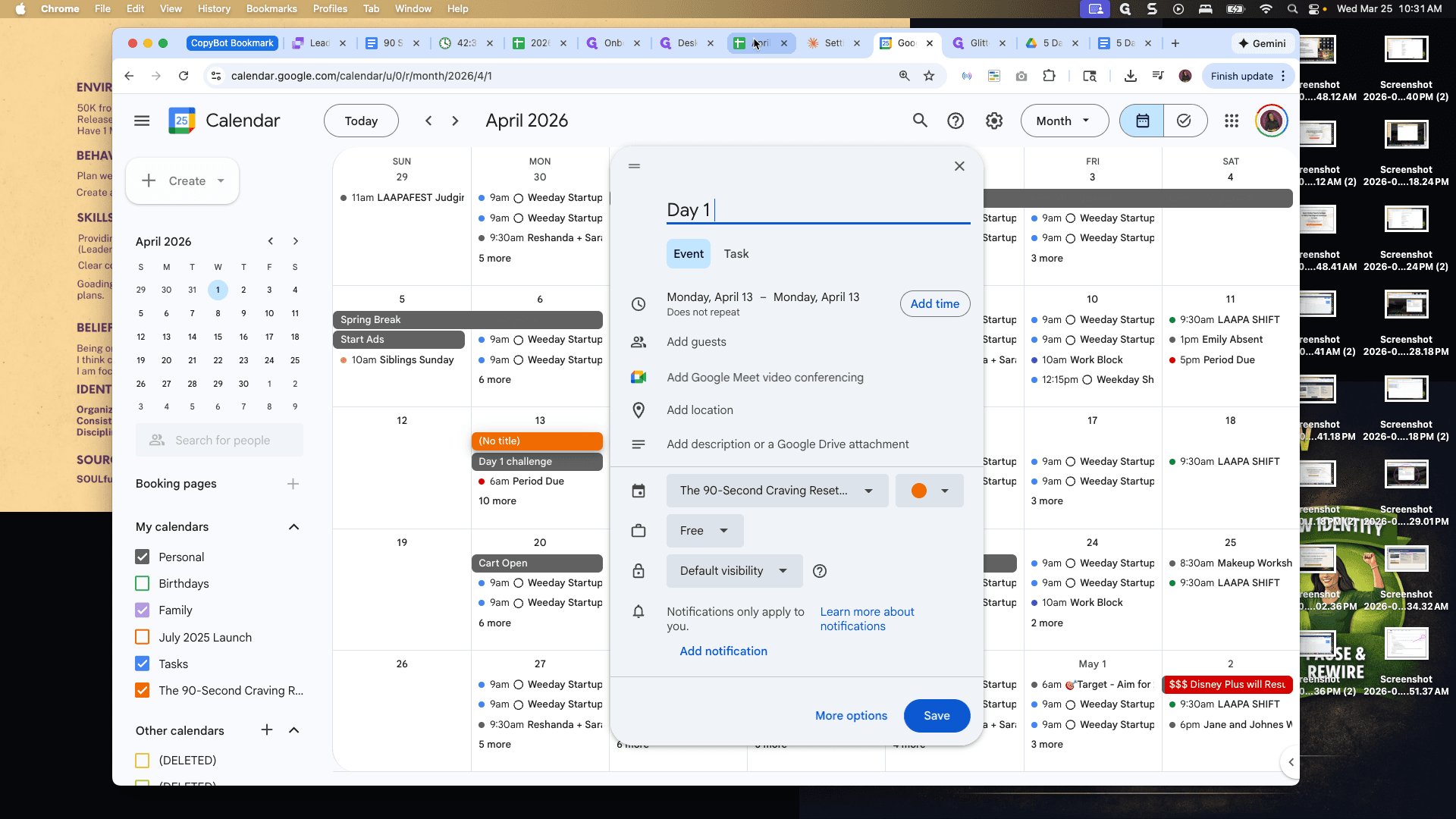
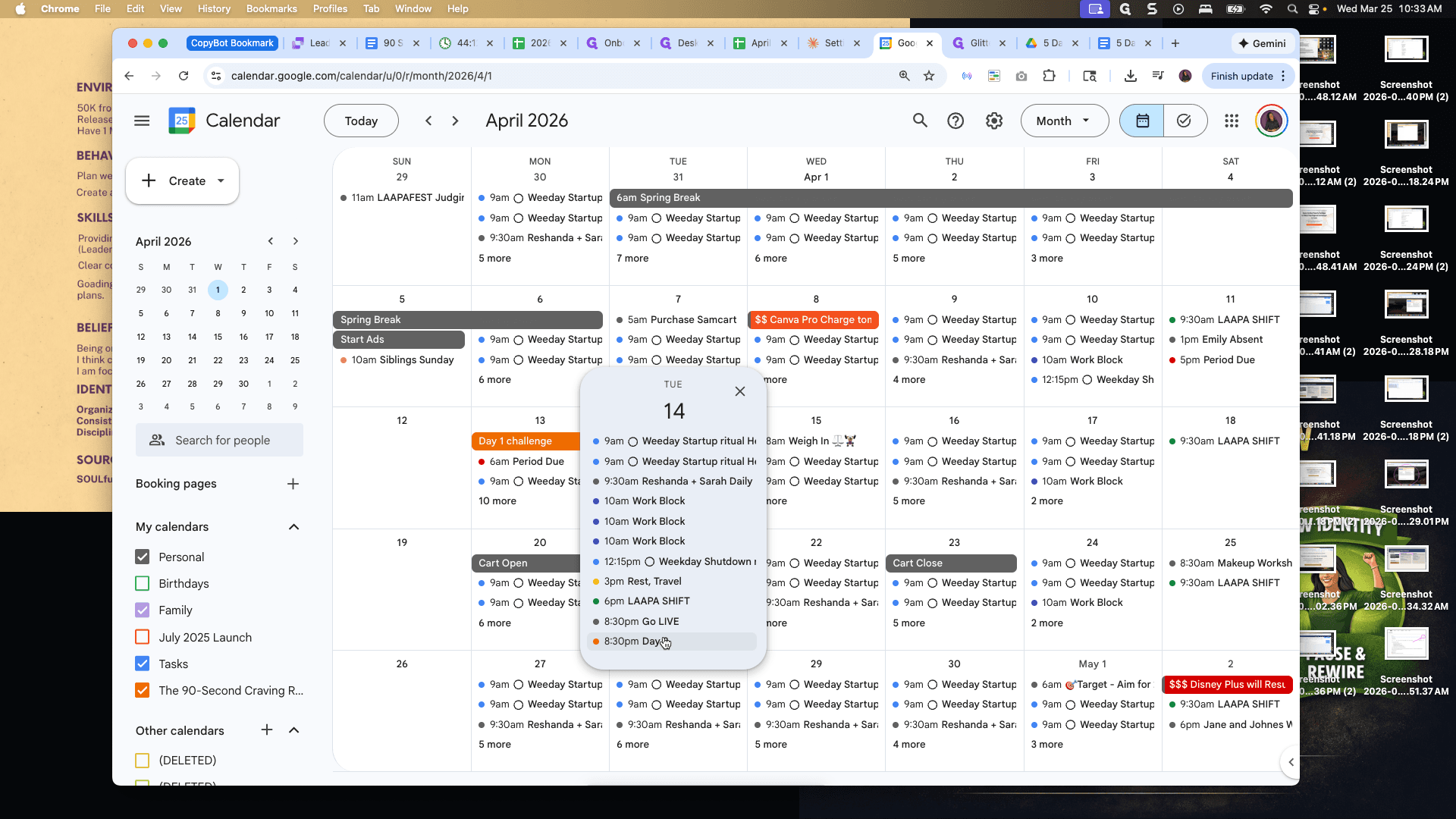
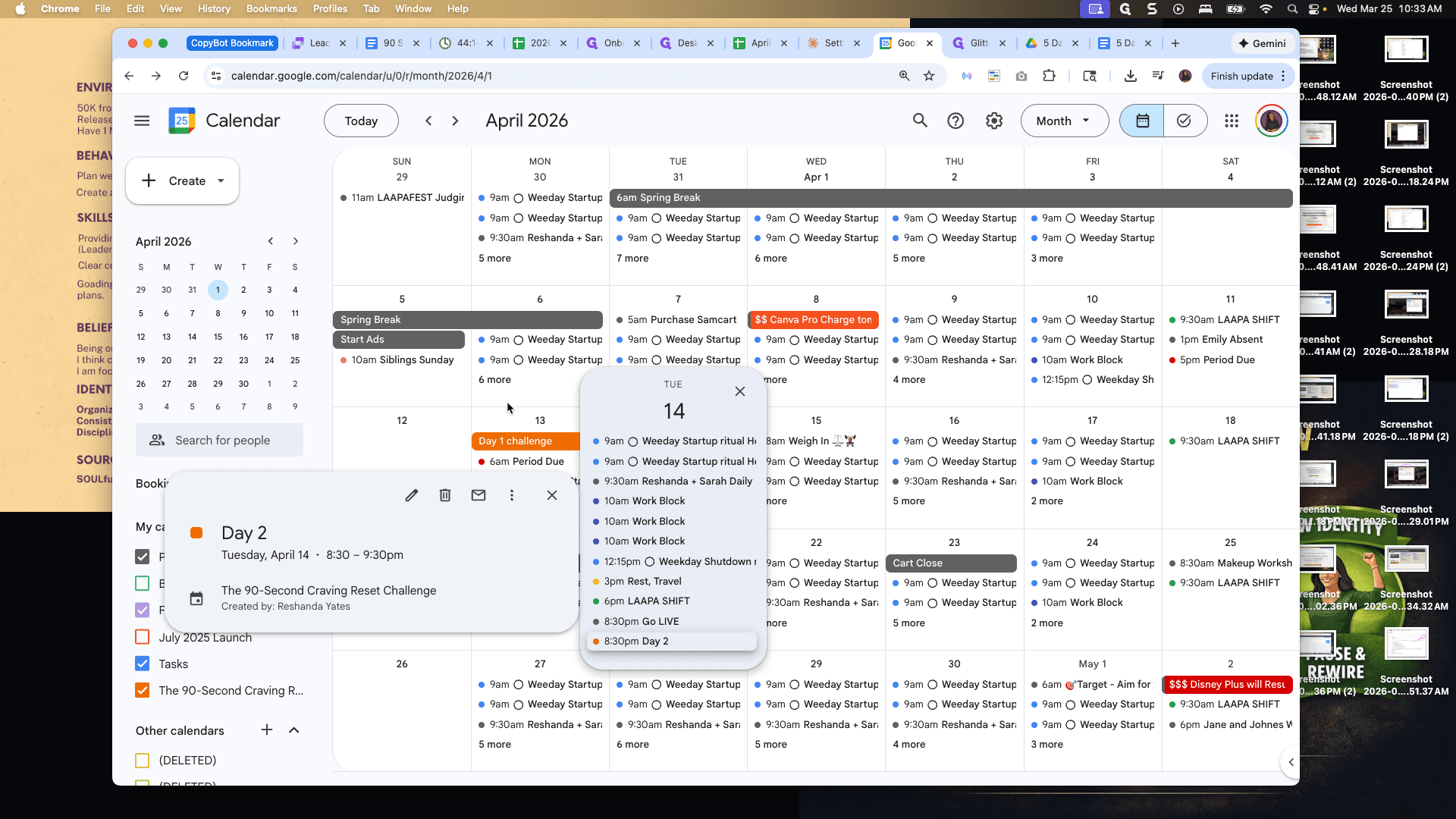
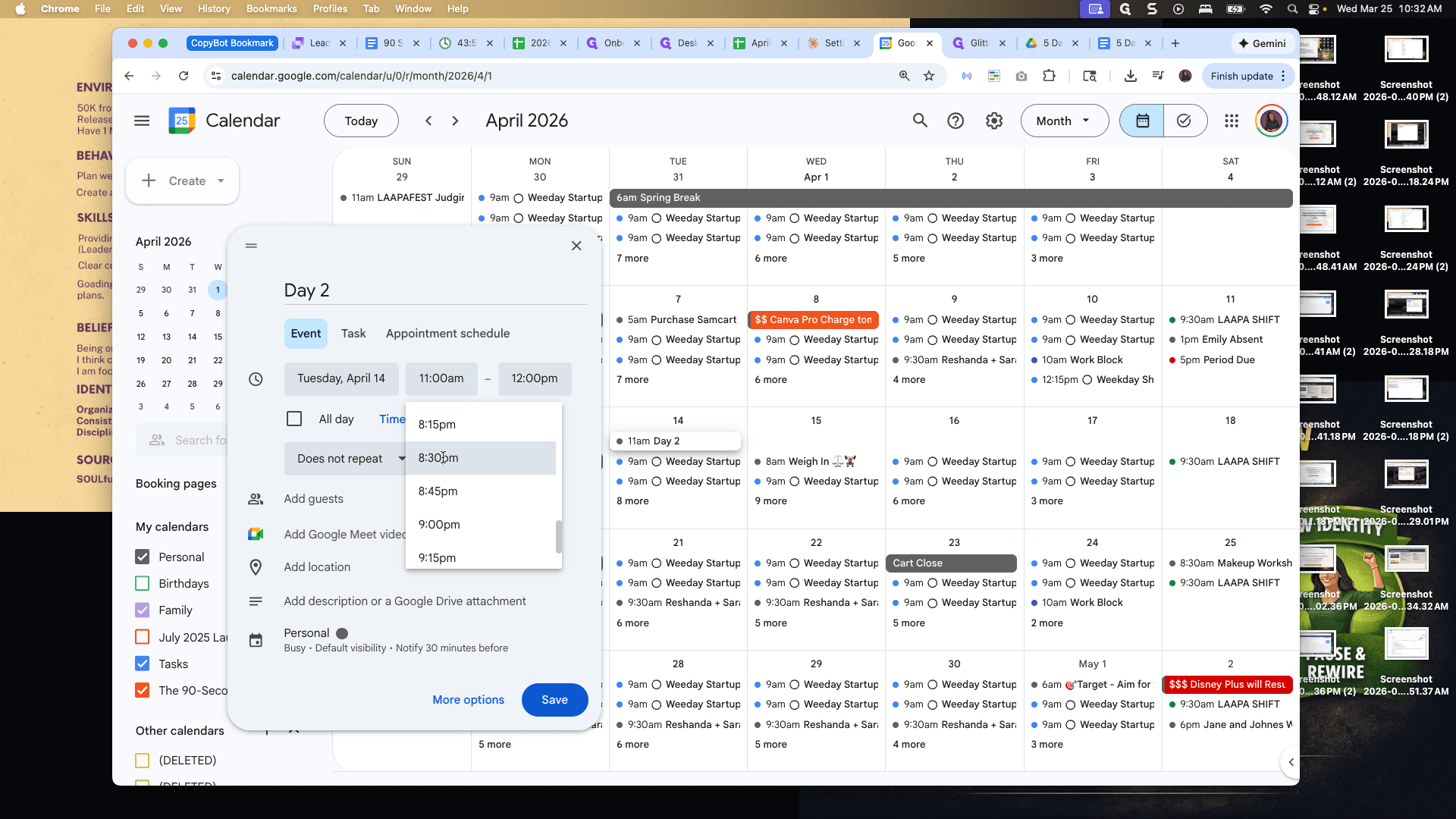
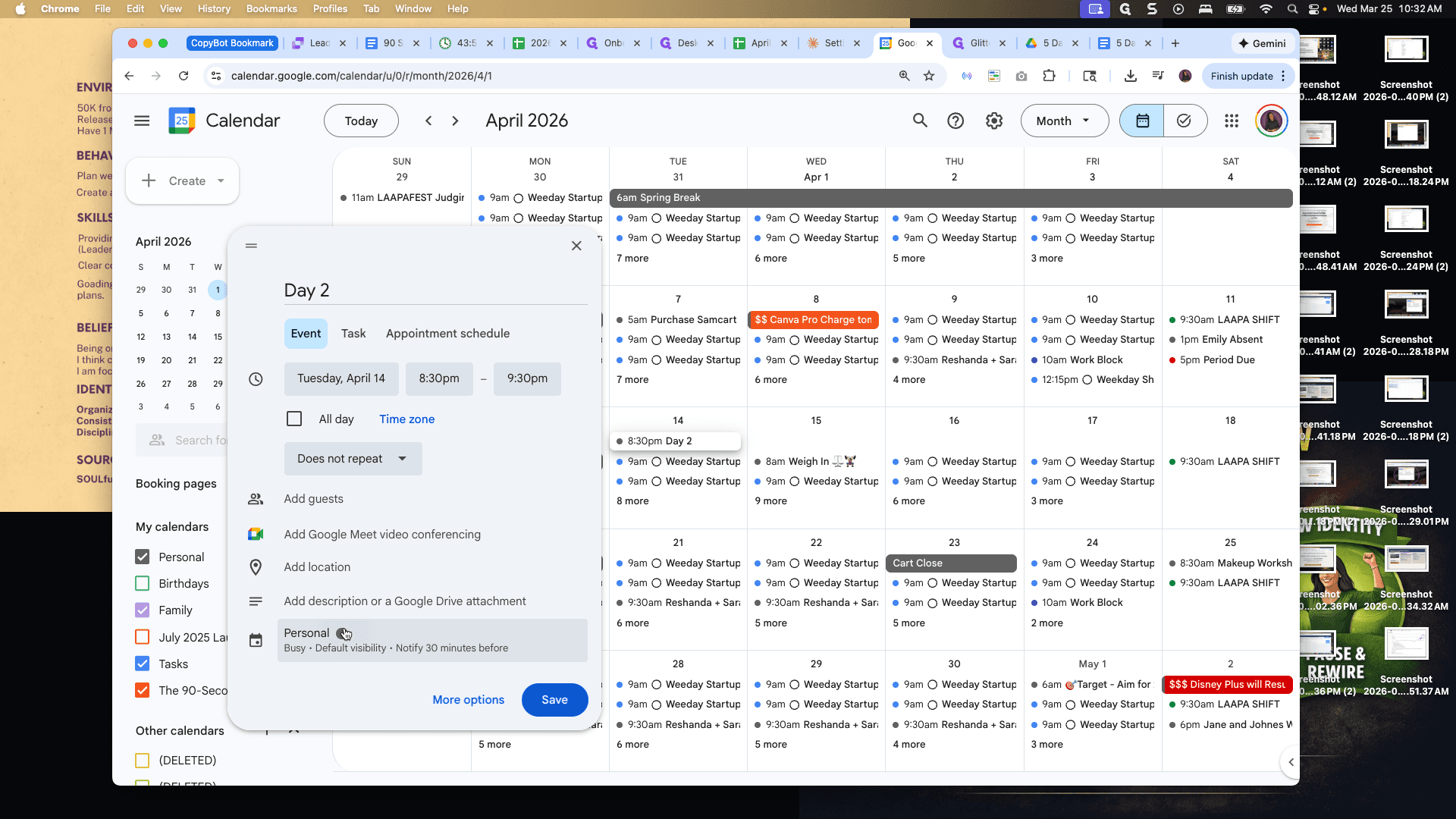
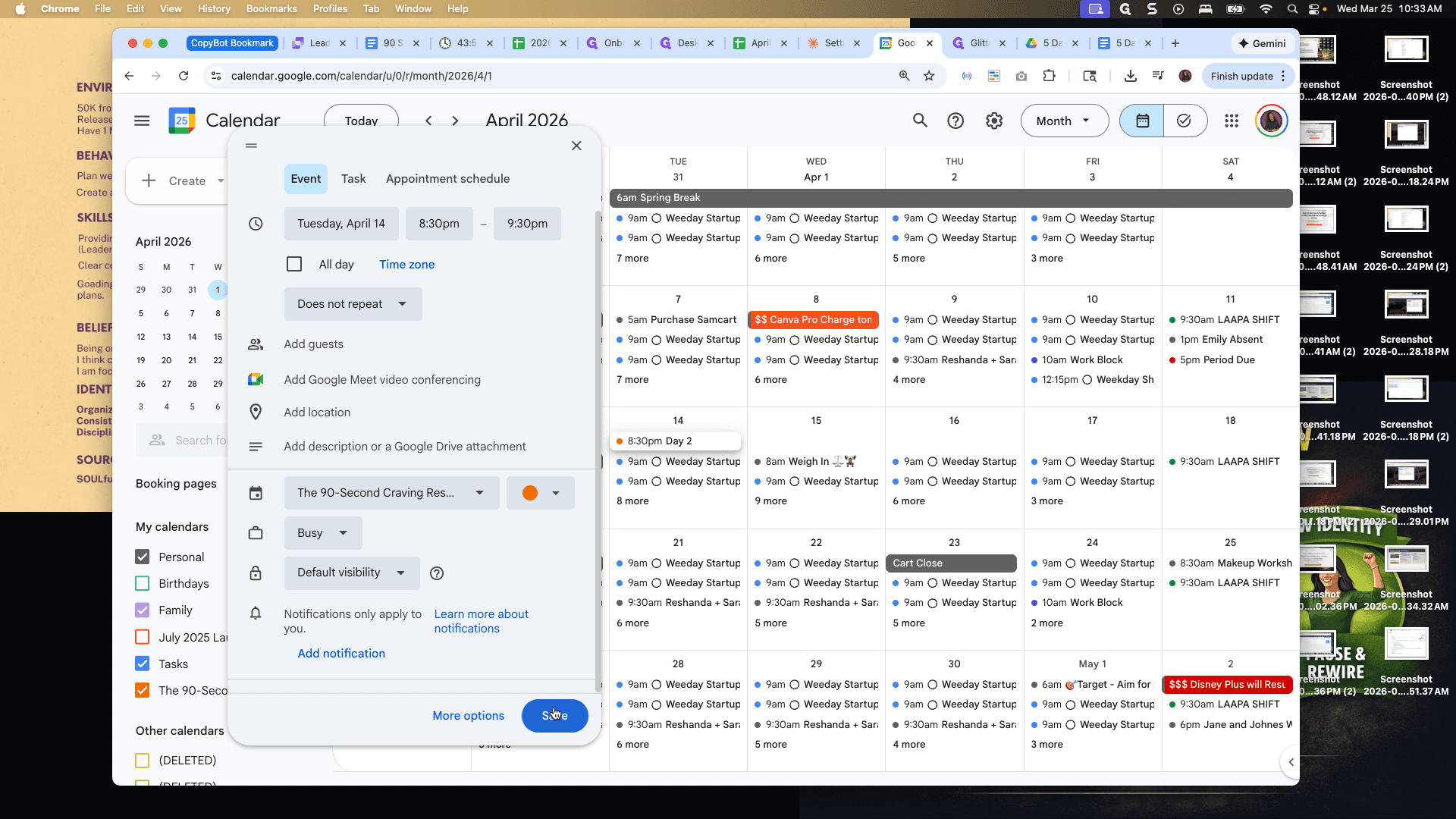
Here we are at day one. We will set it to 8:00 PM. We won't set it to repeat since the times aren't exactly the same each day. Day two is on April 14th at 8:30 PM.
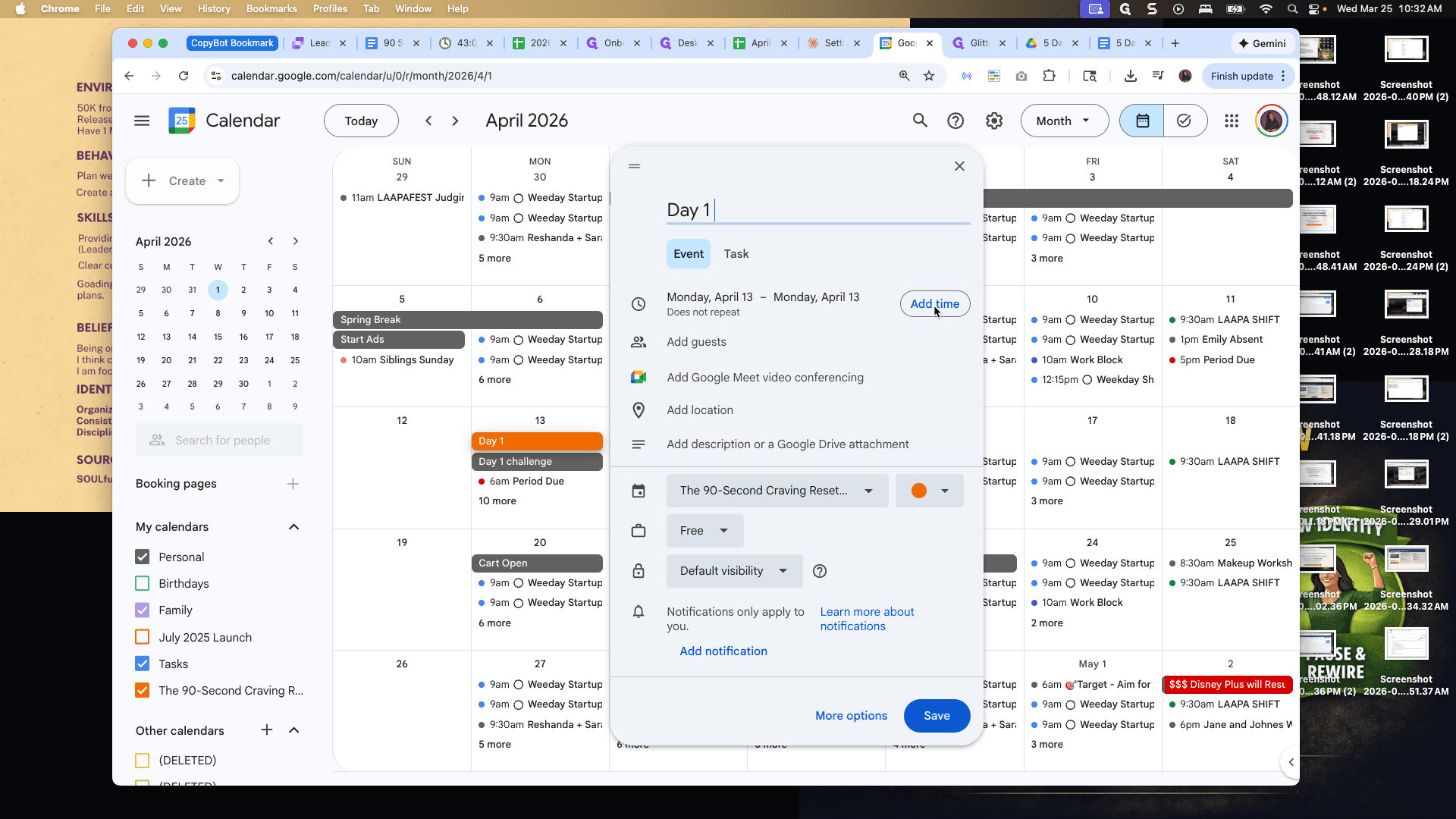
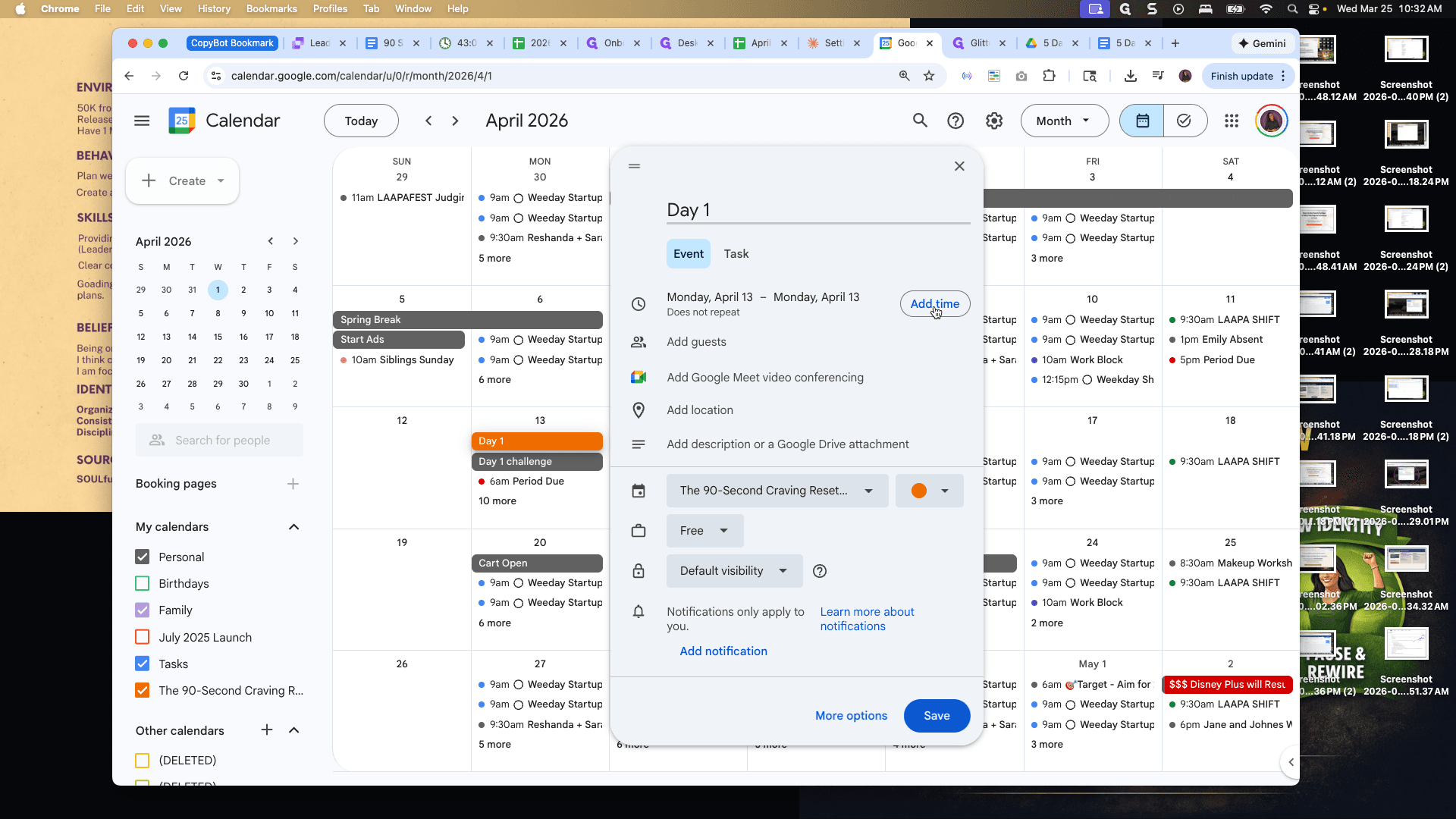
We will set the time to 8:30 PM on April 14th.
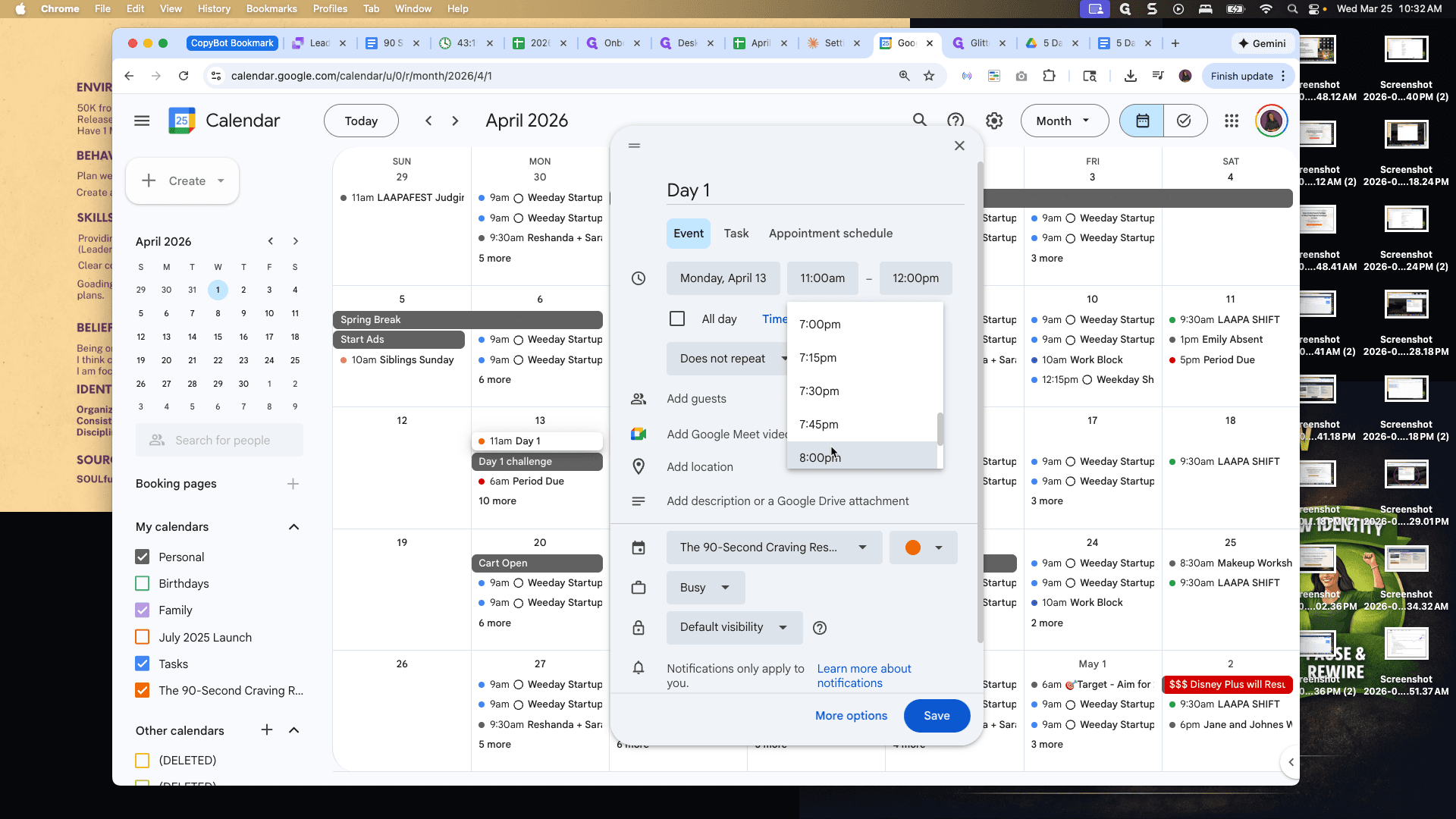
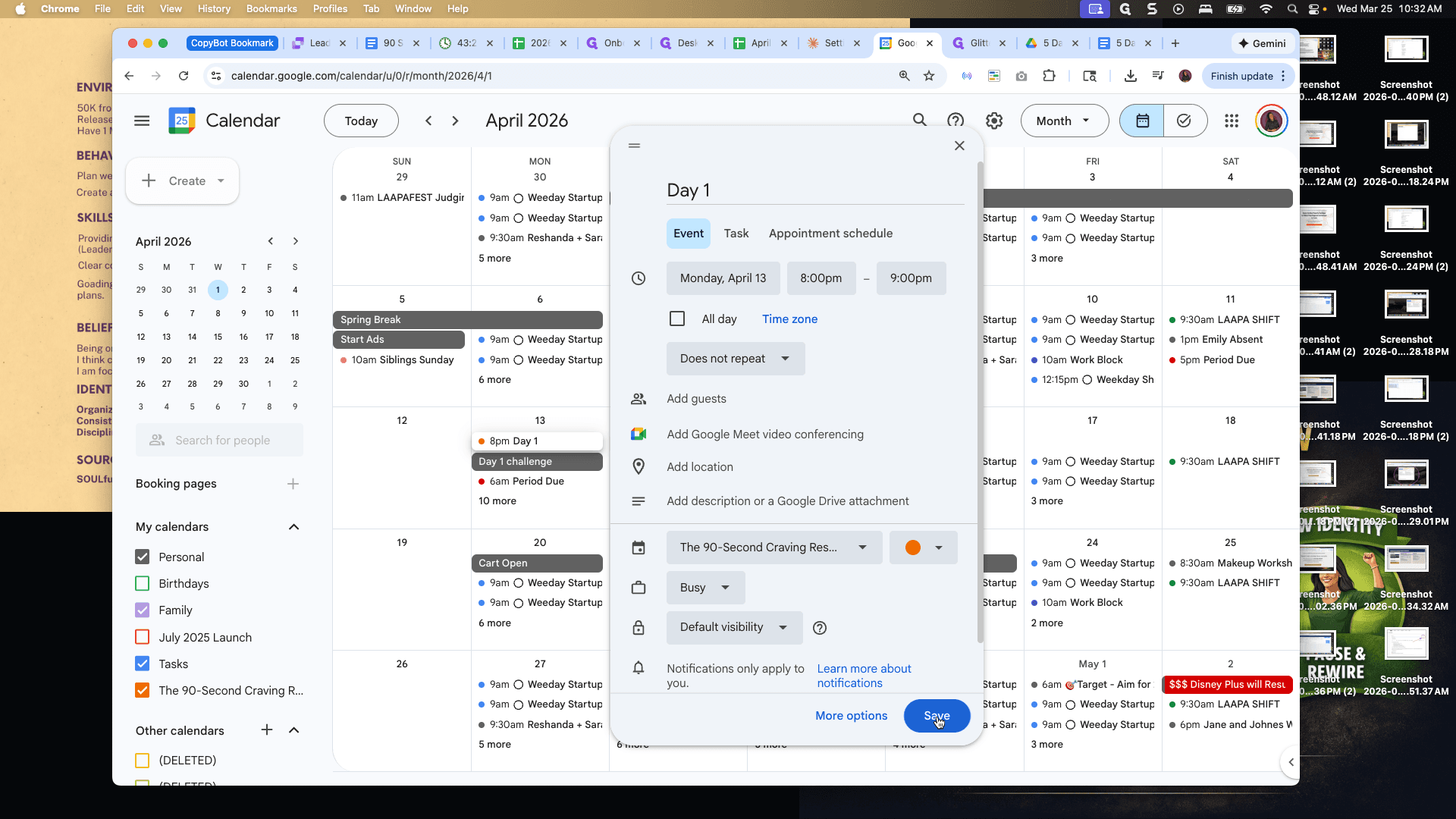
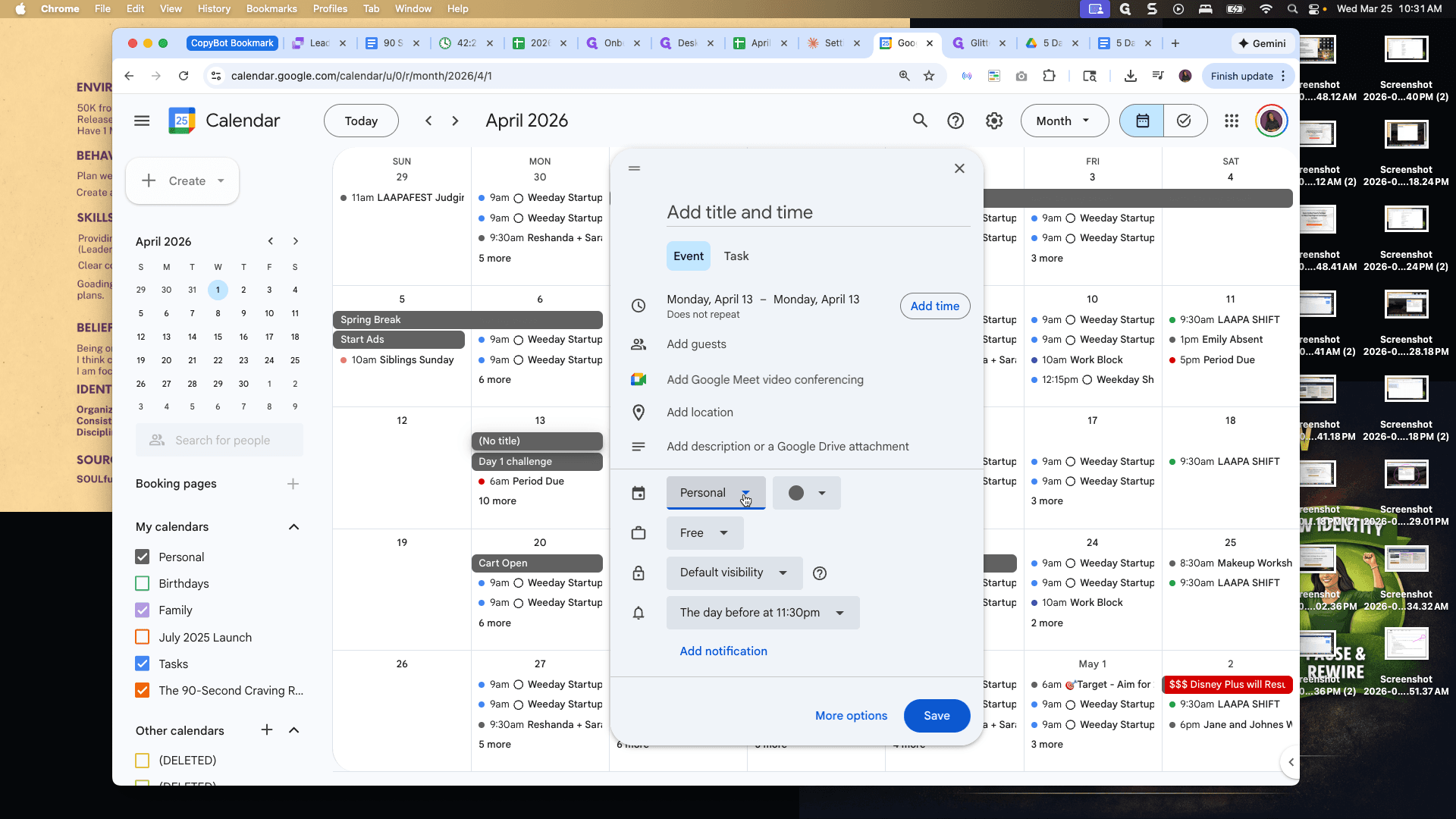
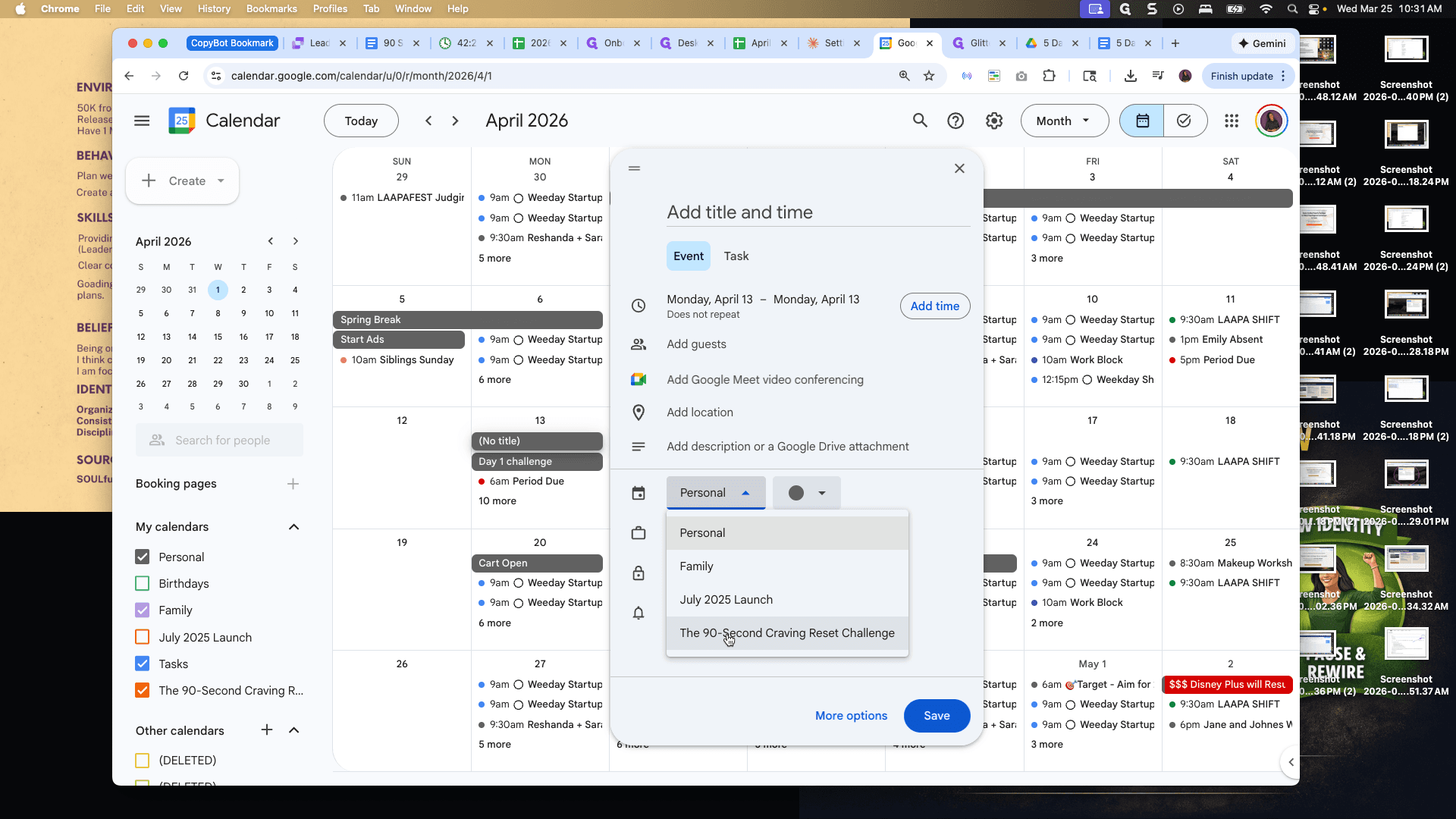
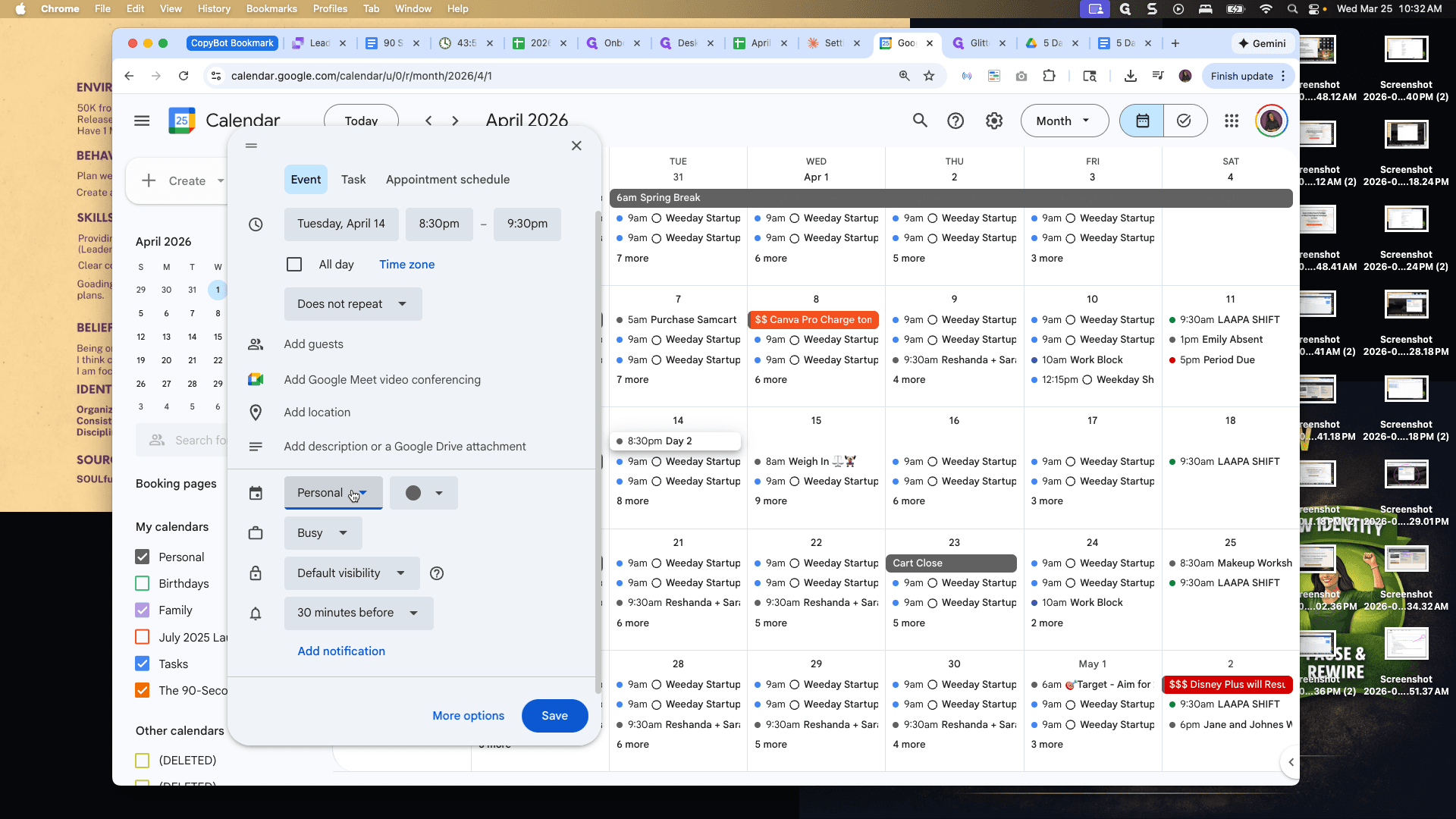
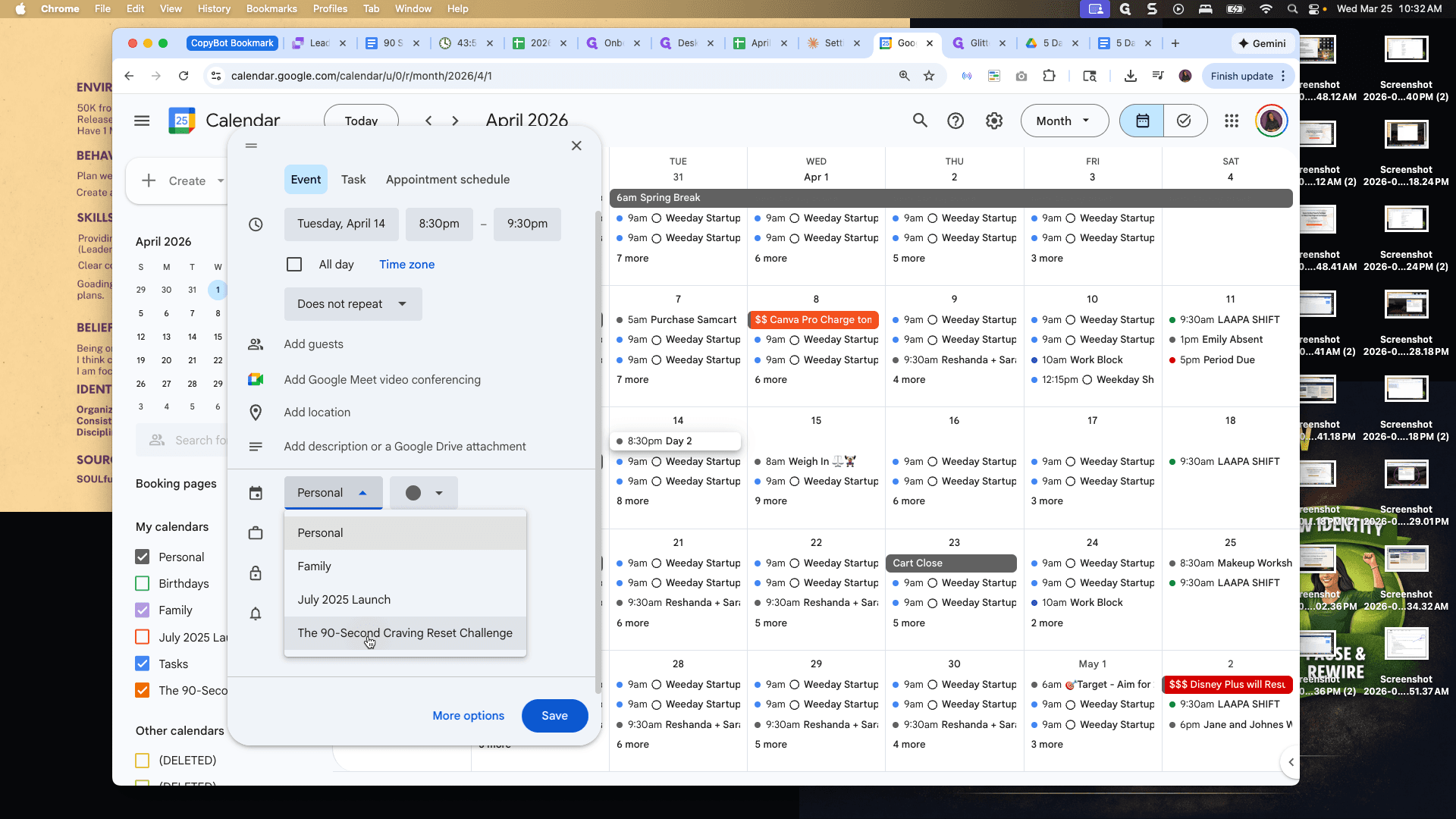
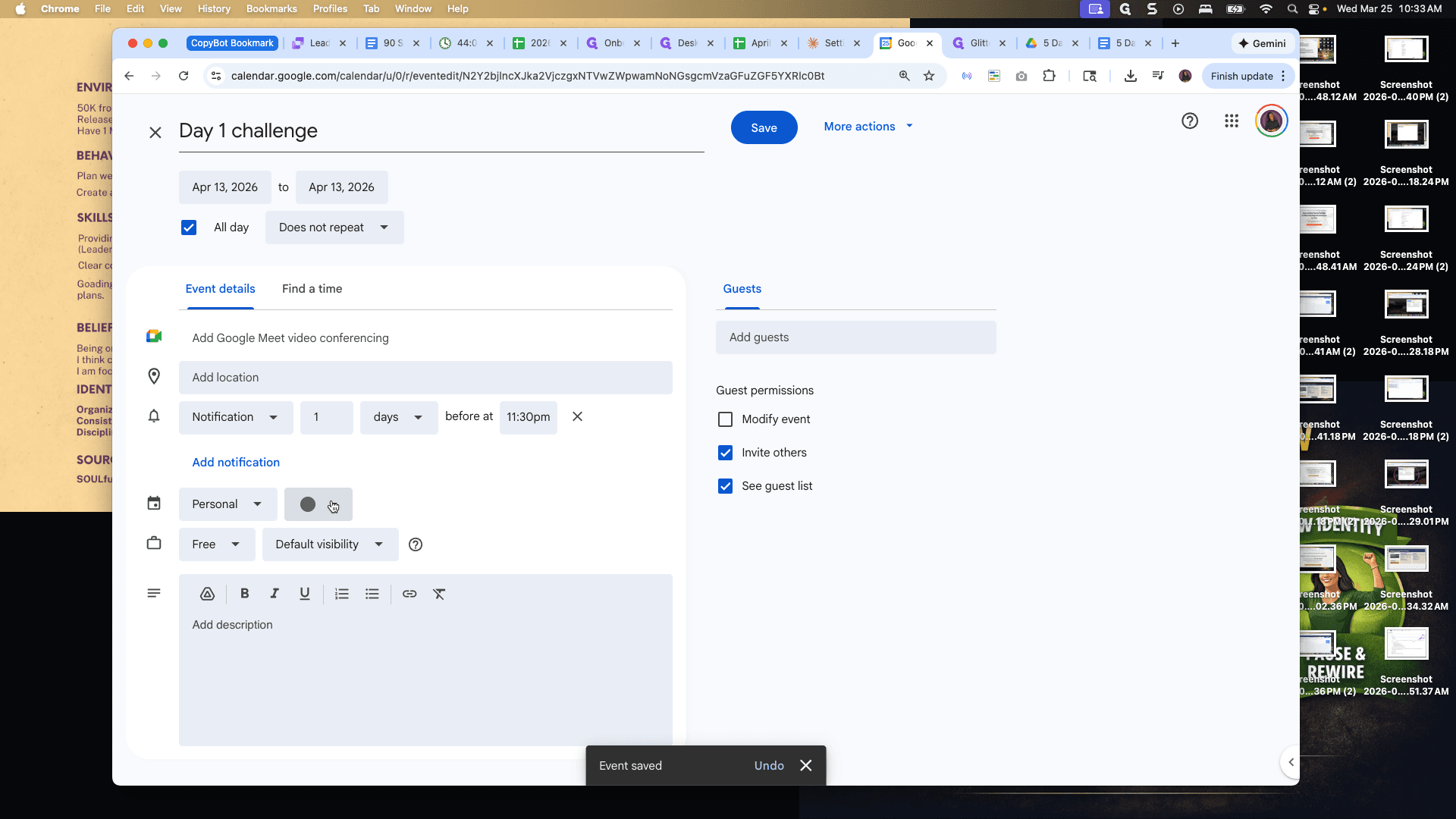
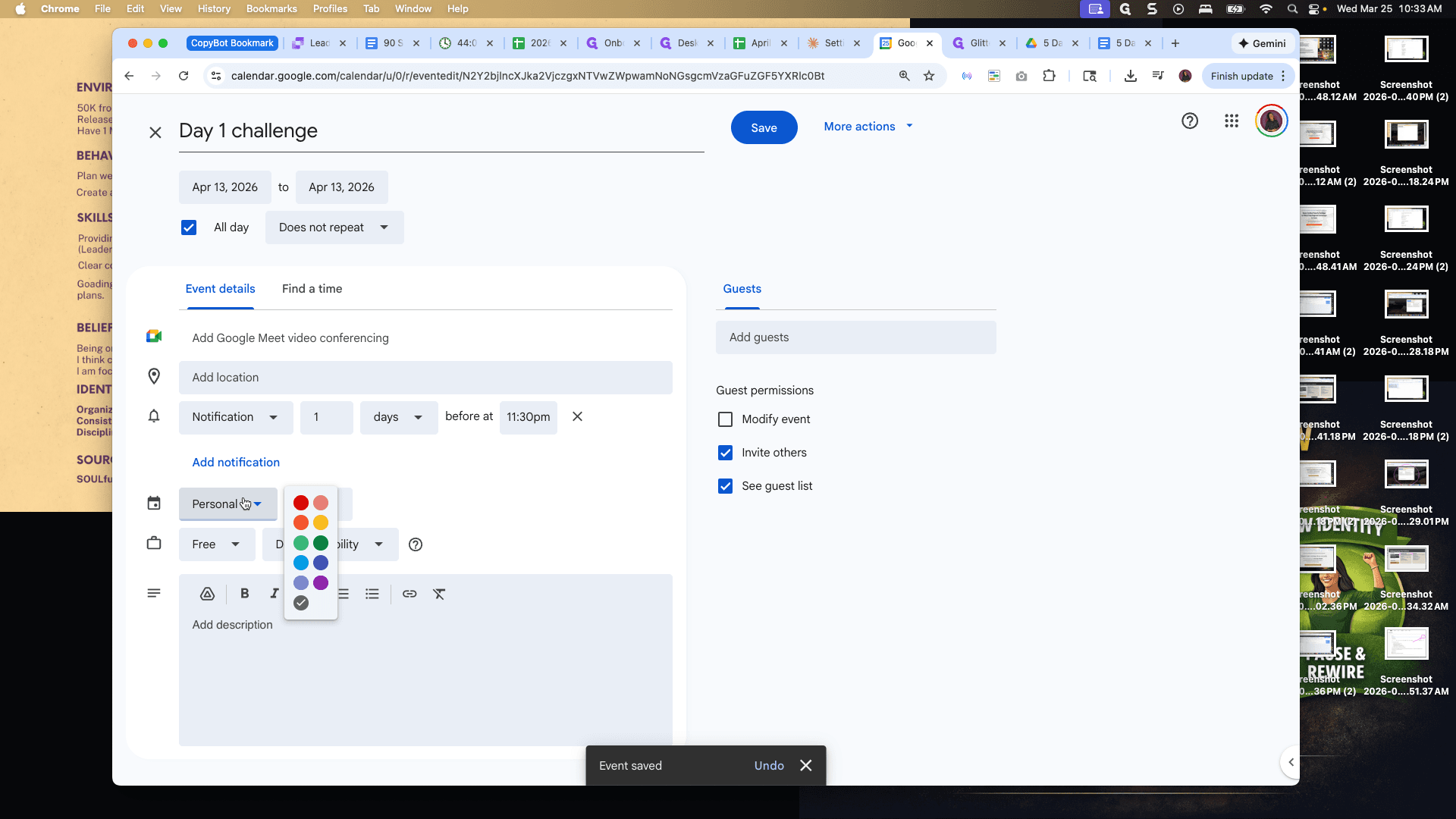
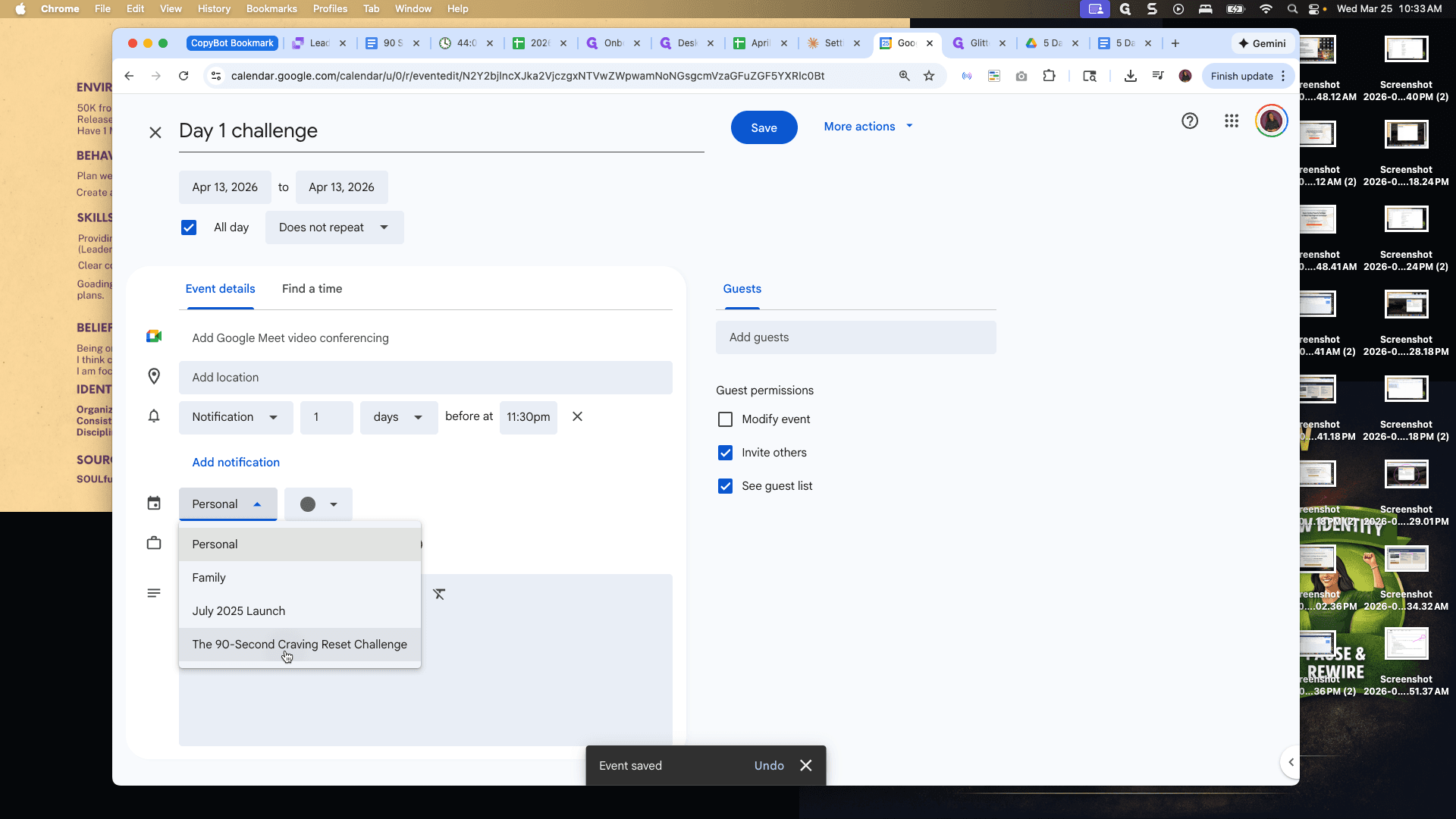
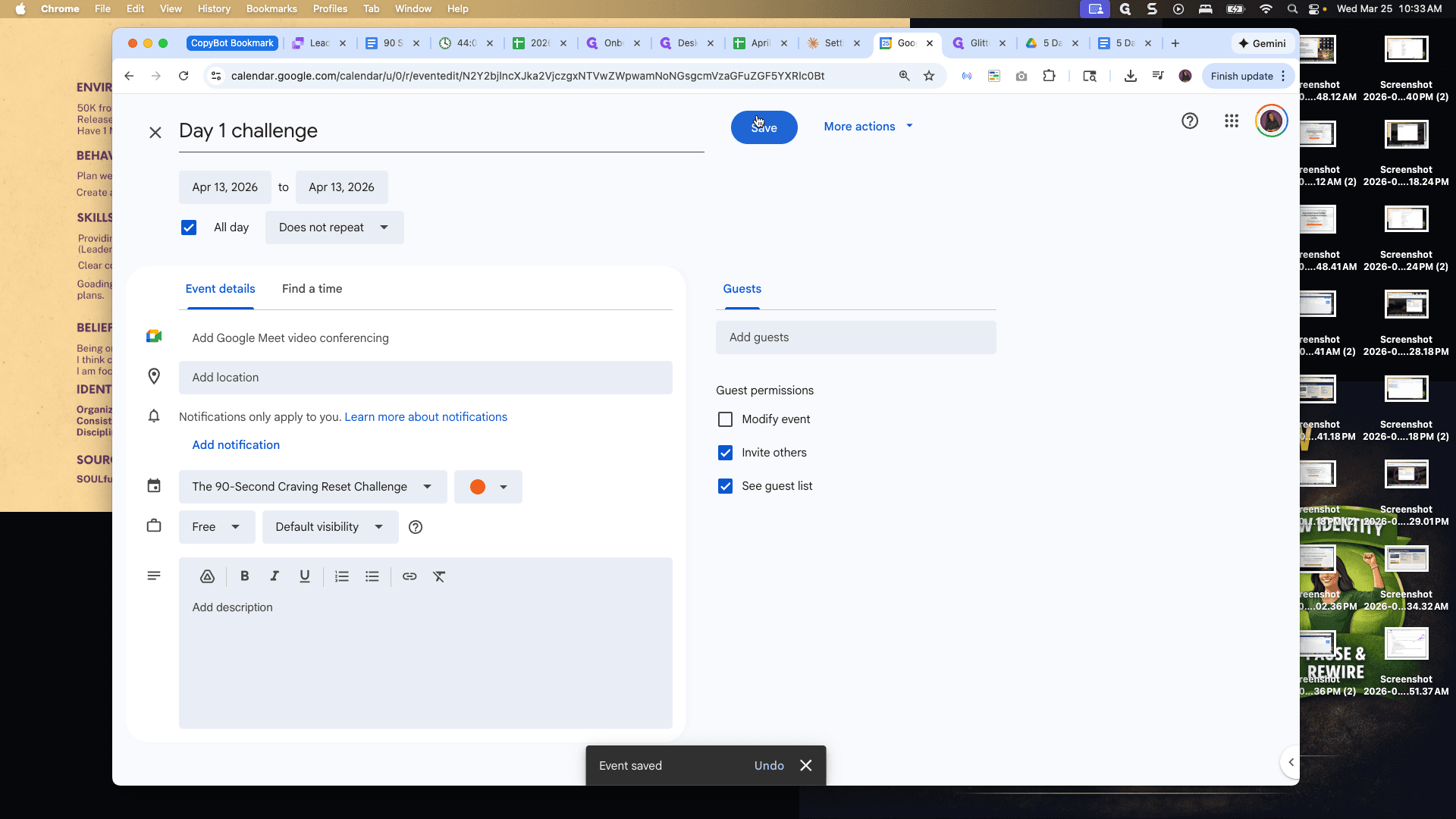
Make sure to select the correct calendar each time.
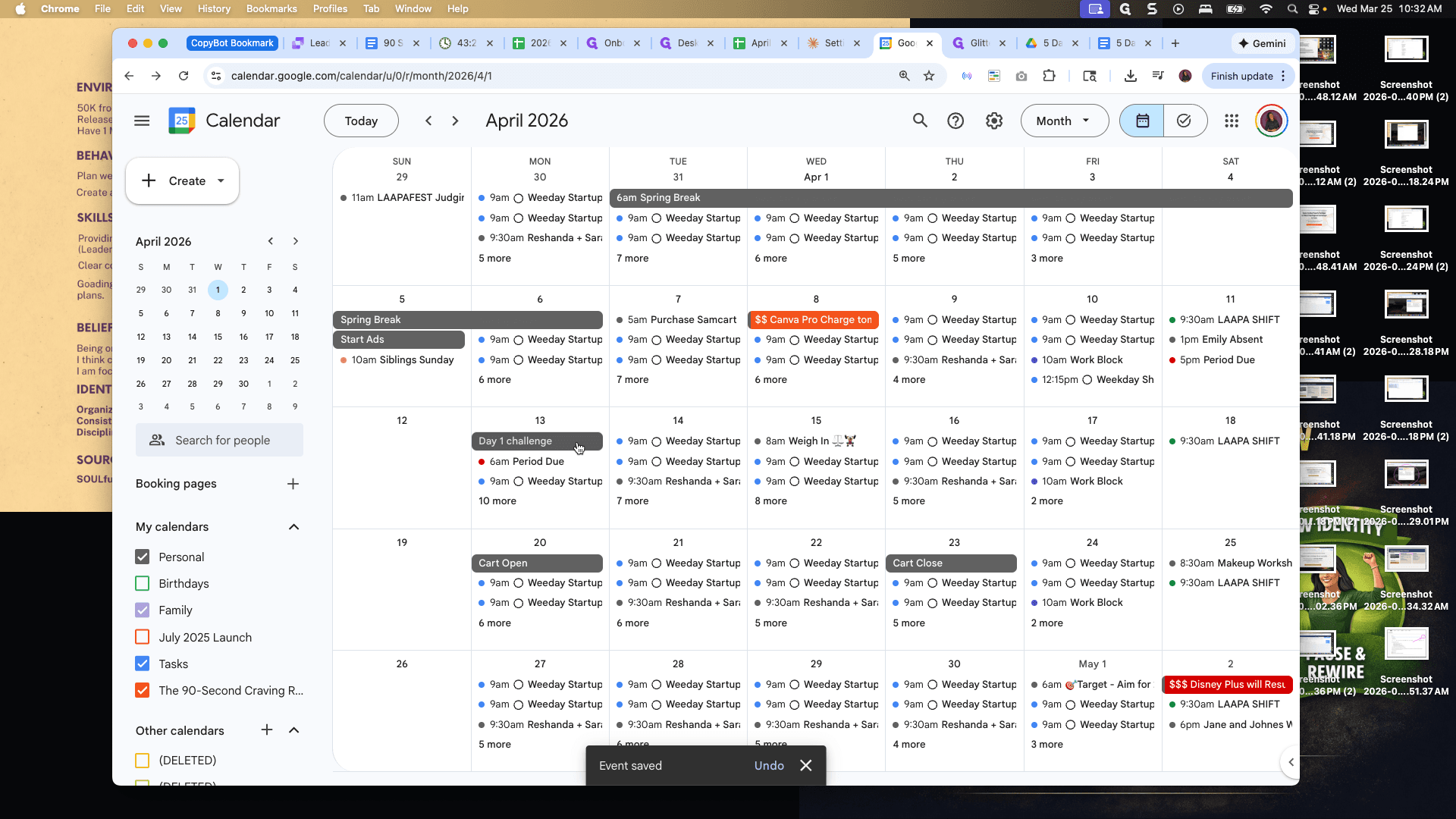
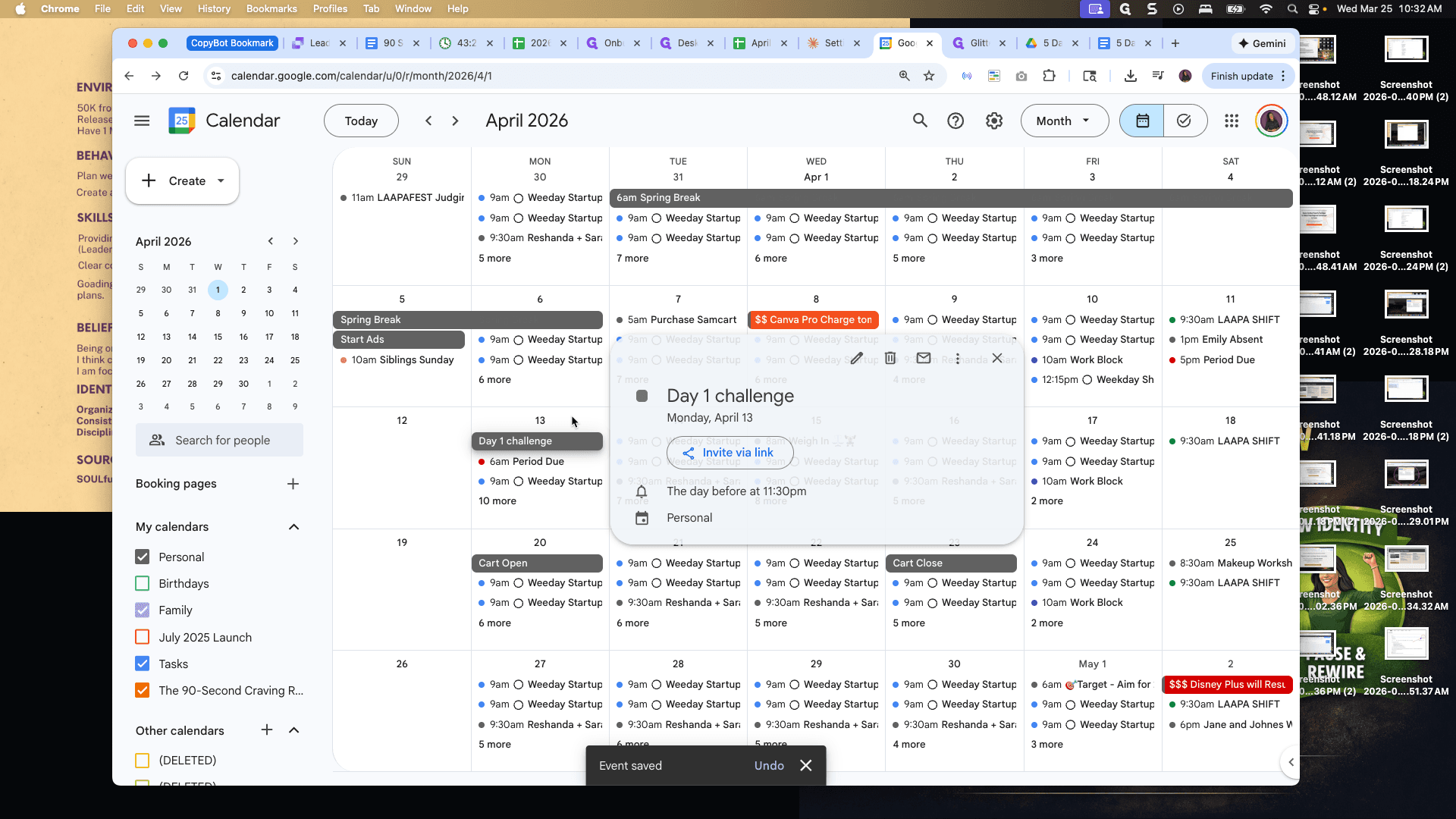
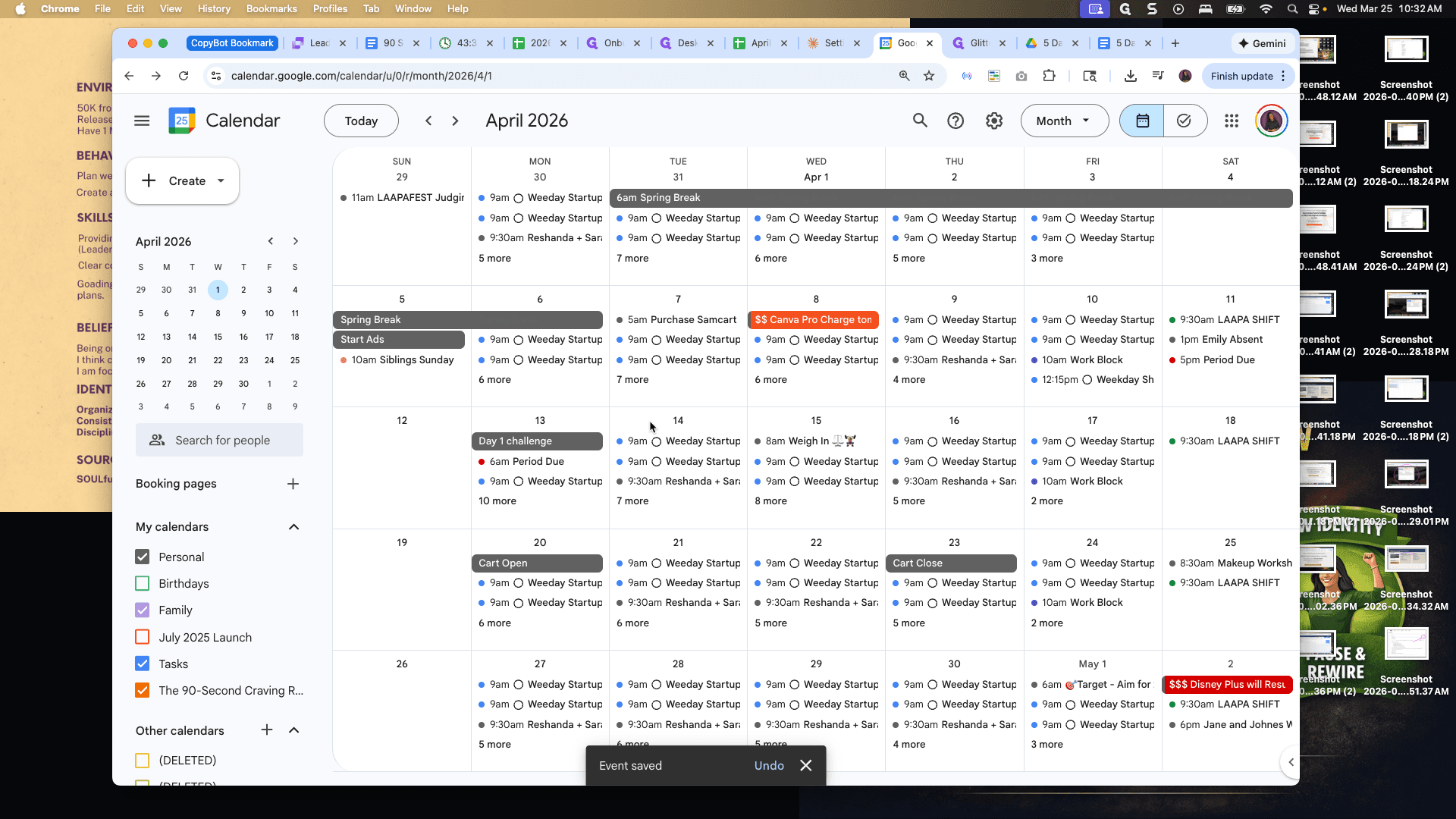
This is the 90-Second Craving Reset Challenge.
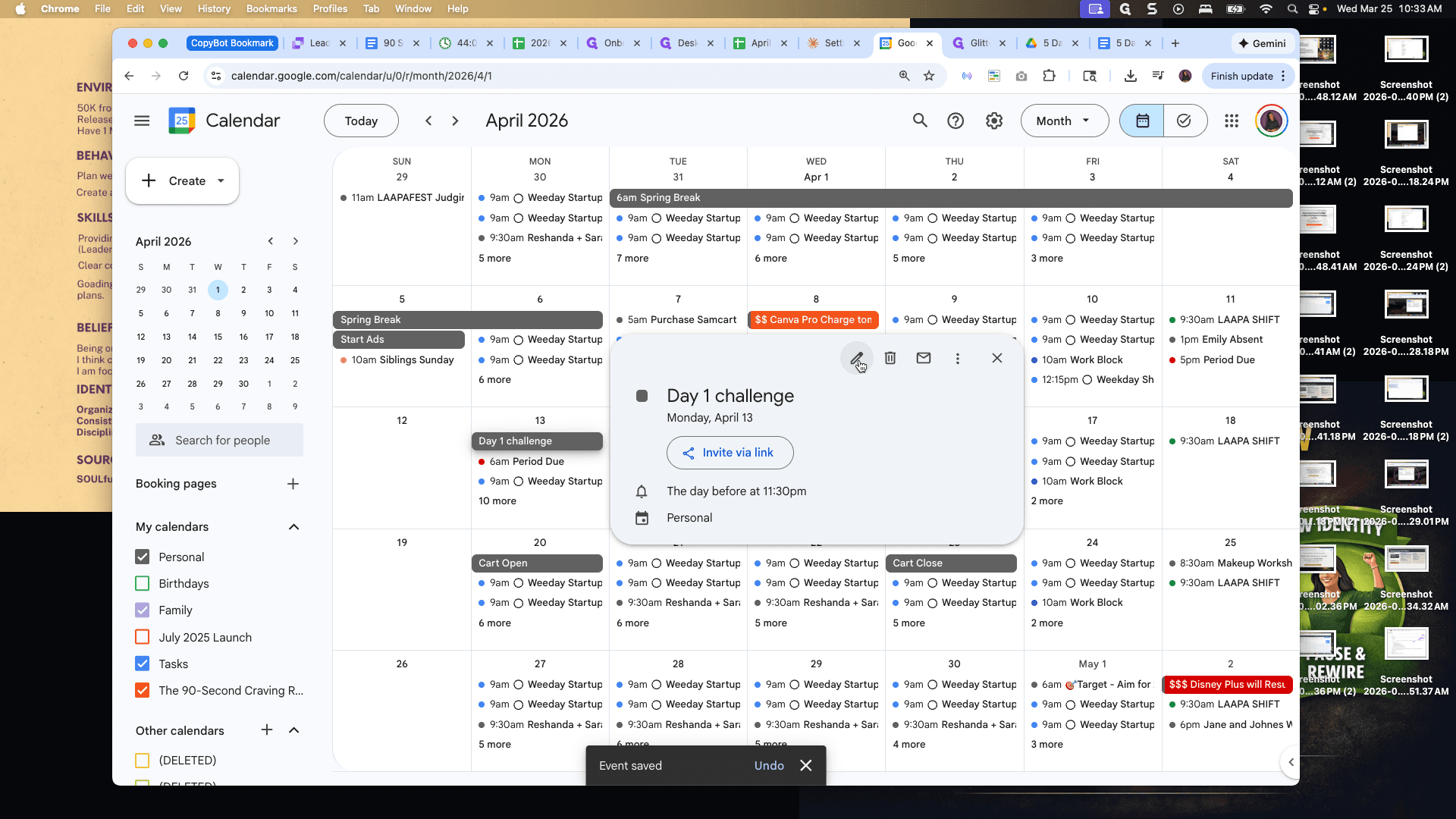
Did I do that on this one?
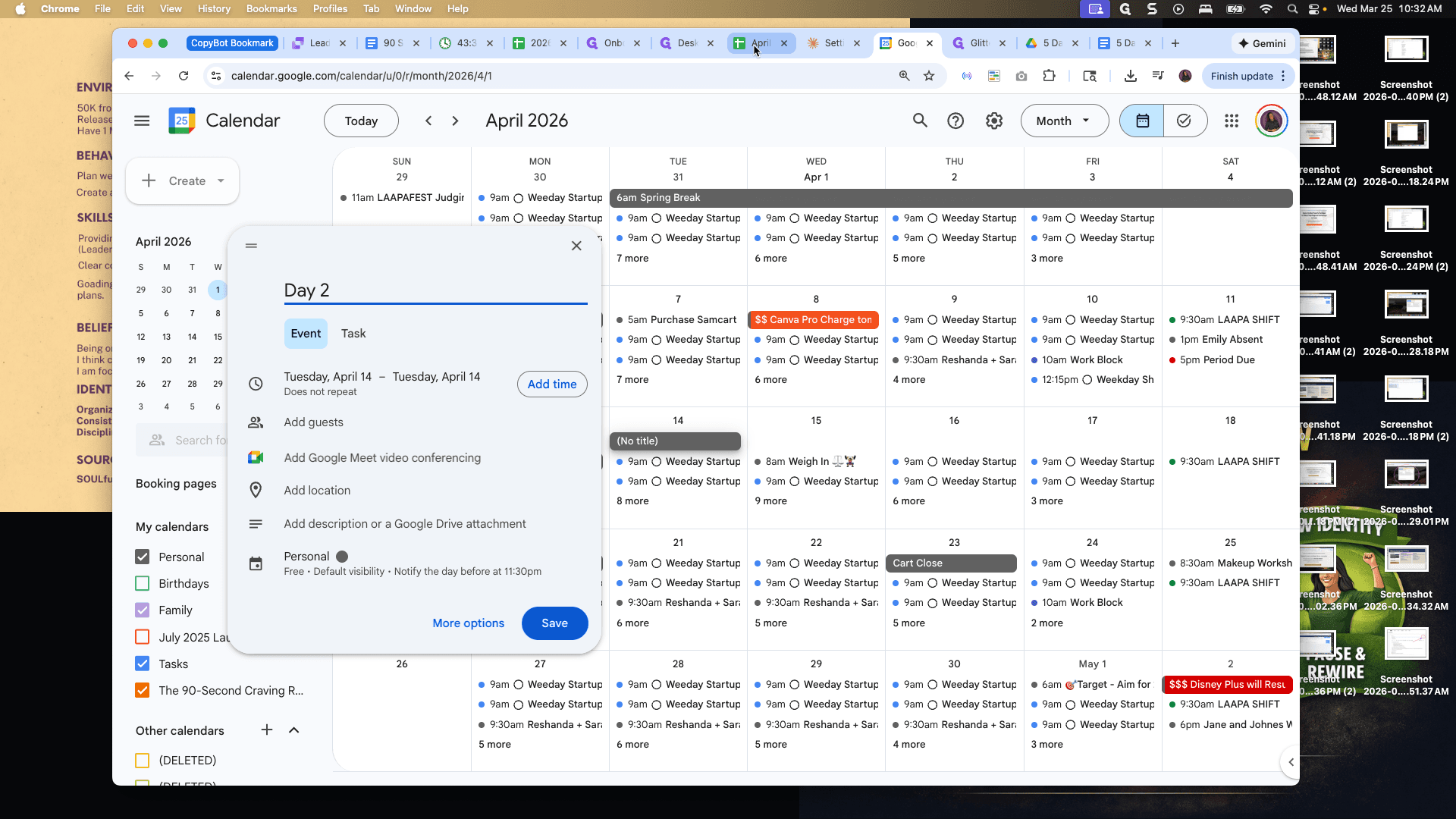
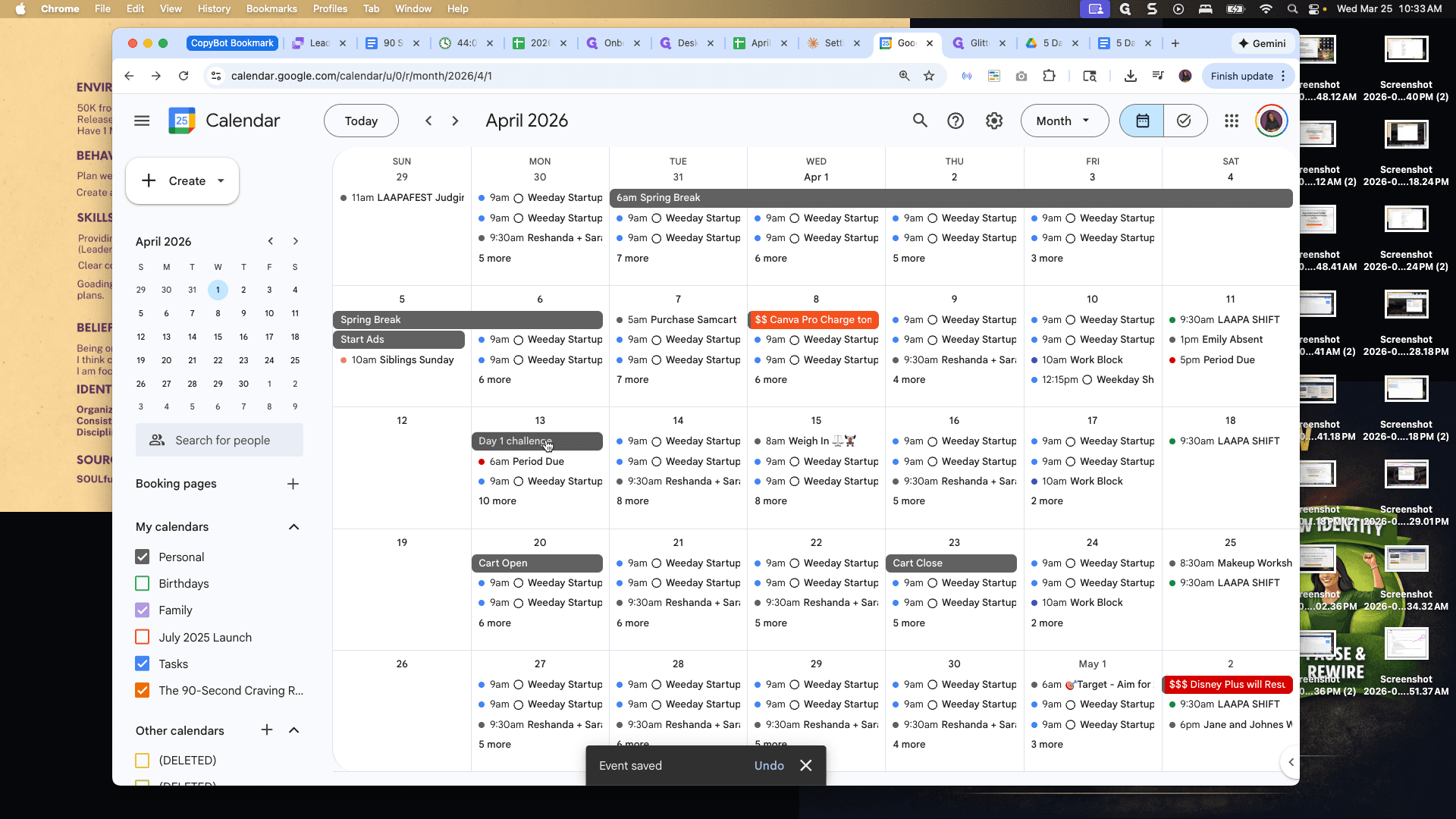
I'll go back and check. Nope. Make sure this is here, as it is personal. All right, we have day one and day two included. I will go ahead and complete the rest.
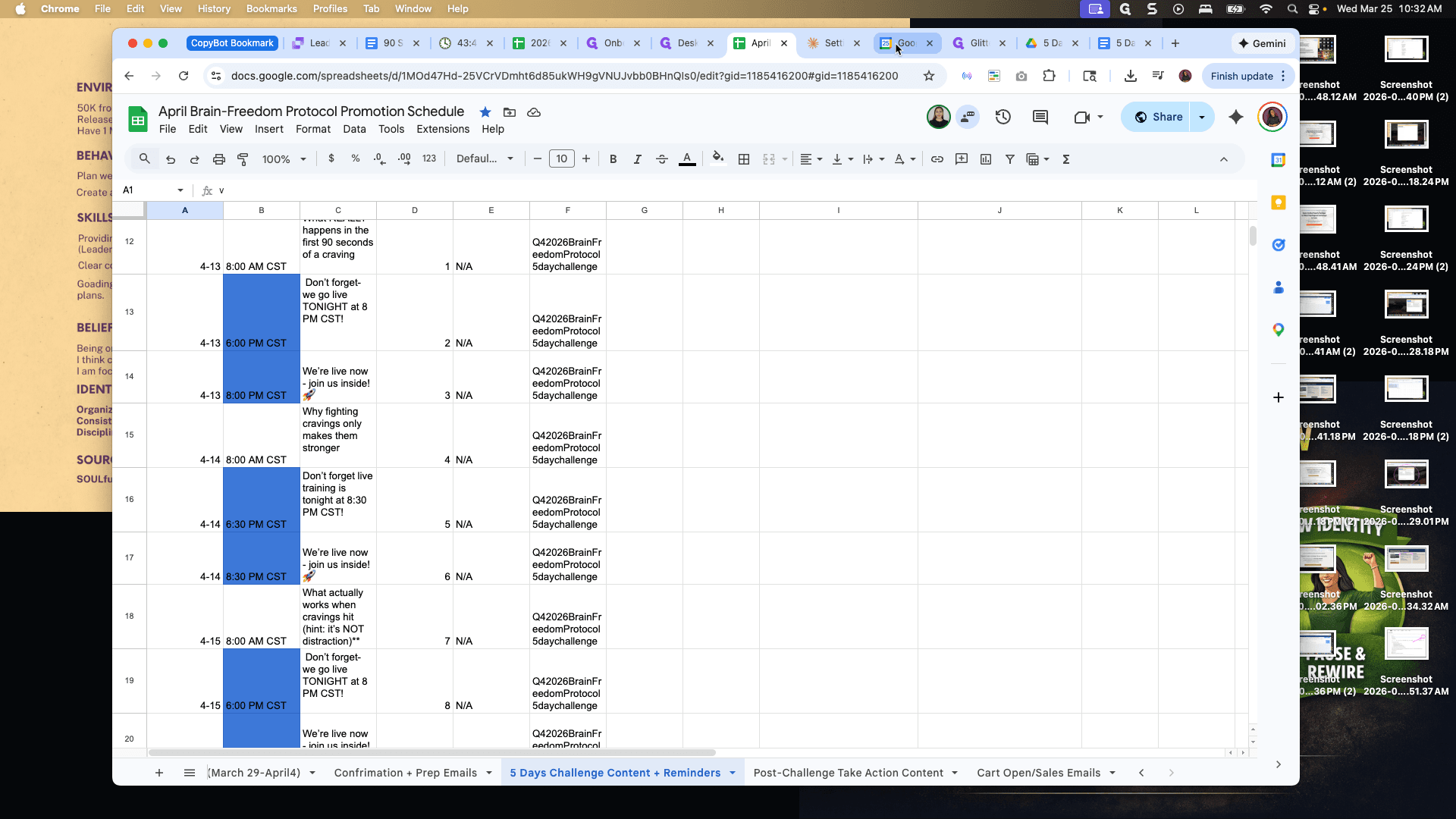
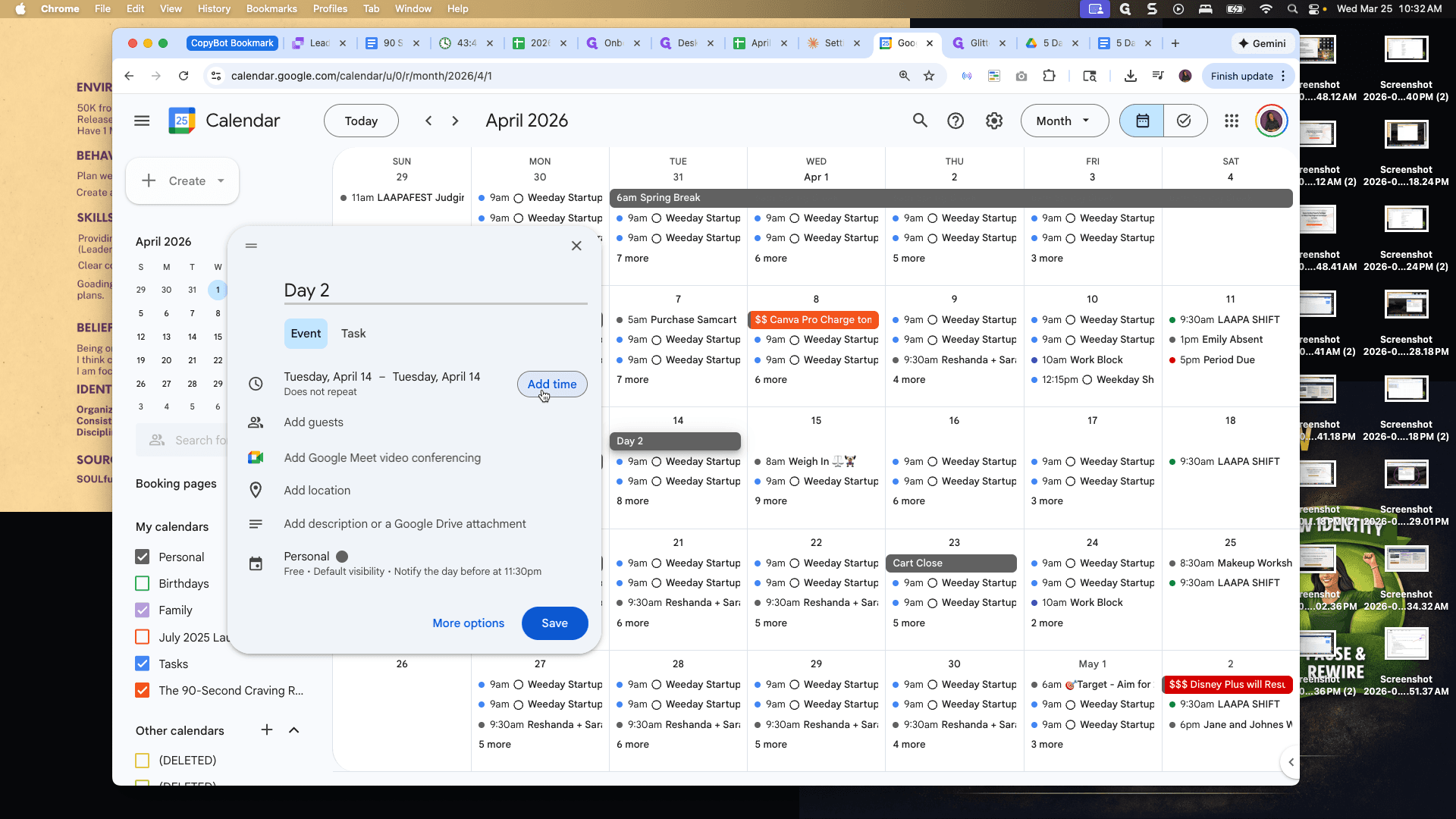
All right, so if I take...
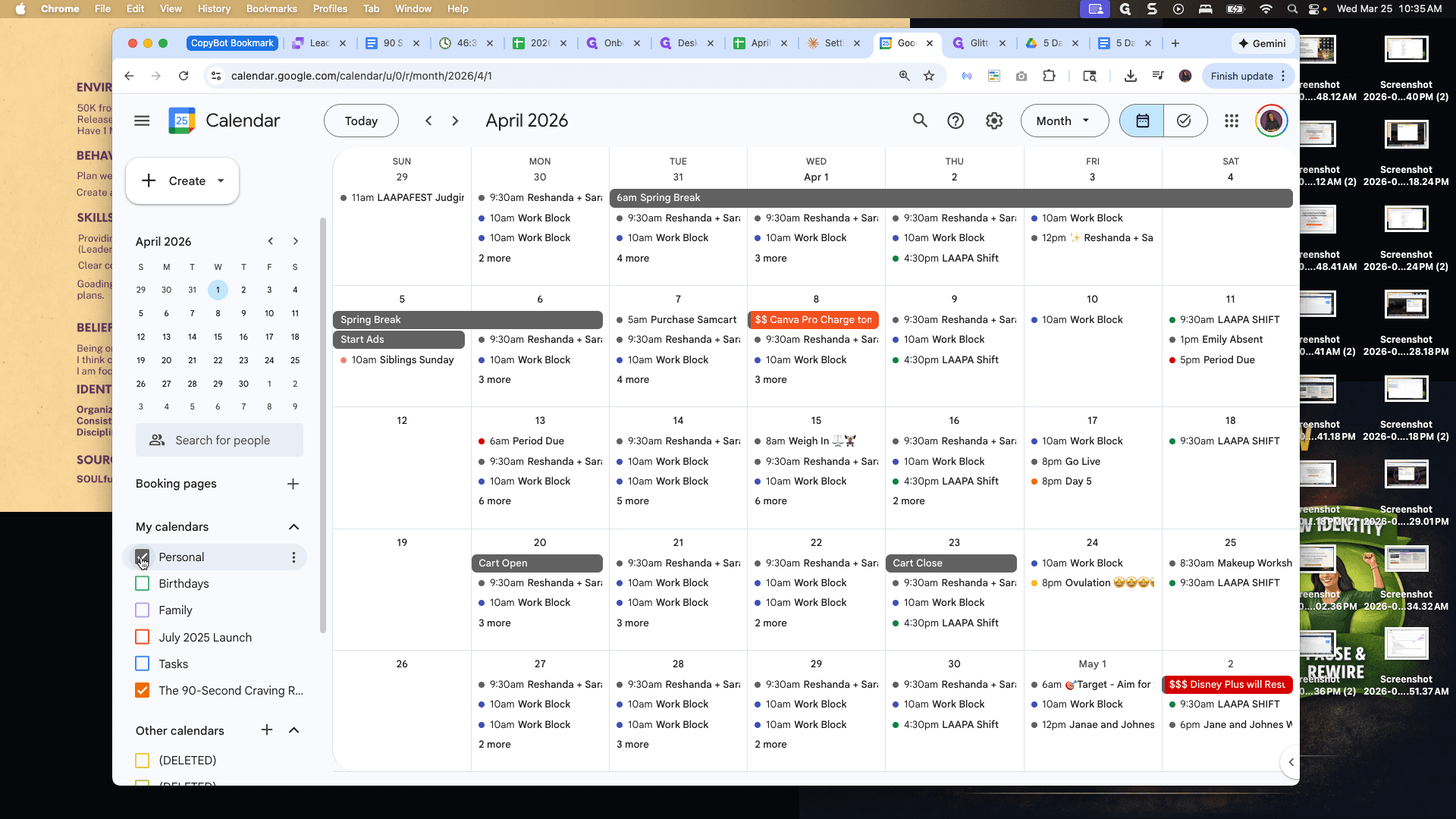
If I uncheck my personal calendar, I can see each day listed with the correct times: 8:00 PM, 8:30 PM, 8:00 PM, 8:30 PM, and 8:00 PM.
The reason it alternates is because my...
Right now, my teaching schedule is part-time.