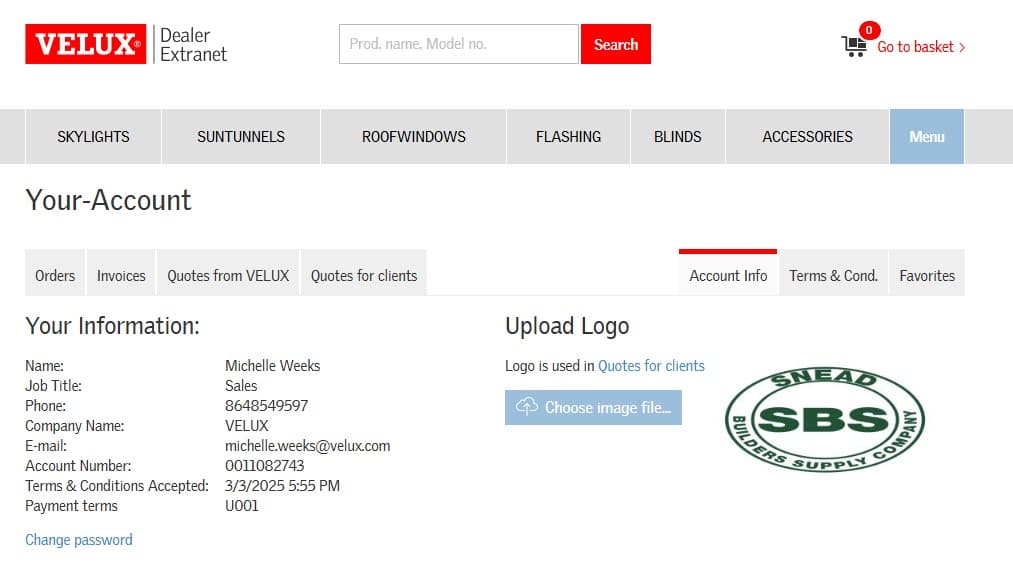
OLD How to Add Your Company Logo to Client Quotes
Learn how to easily add your company logo to client quotes by updating your Account Info settings. Follow our step-by-step guide to enhance your business branding on every quote.
By Michelle
In this guide, we'll learn how to add your company logo to client quotes. This helps your business look more professional and makes your quotes easy to recognize.
We'll go through the steps to upload your logo so it appears on every quote you send.
Let's get started
To add your company logo to client quotes, go to Account Info under your account. Navigate to Choose Image File and select your company logo.
1
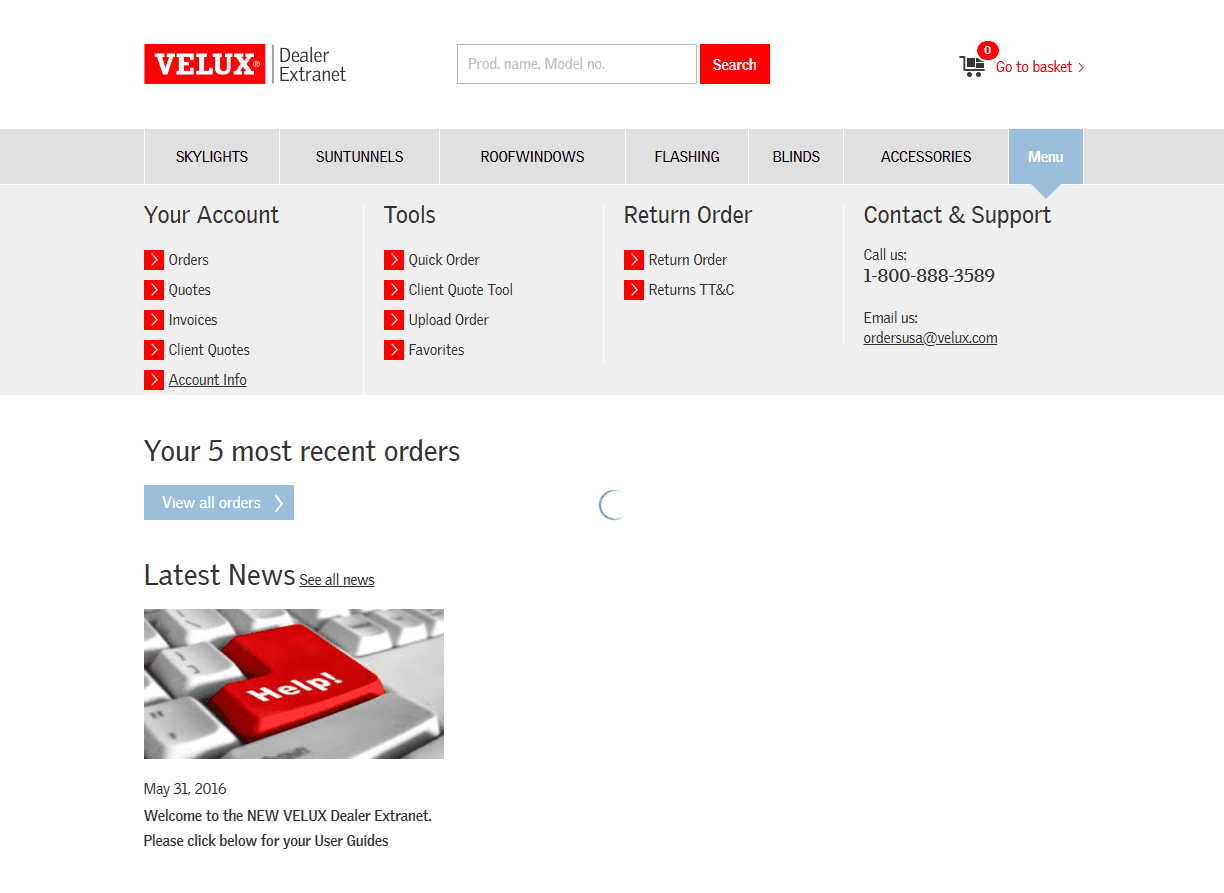
Click on Account Info under Your Account.
2
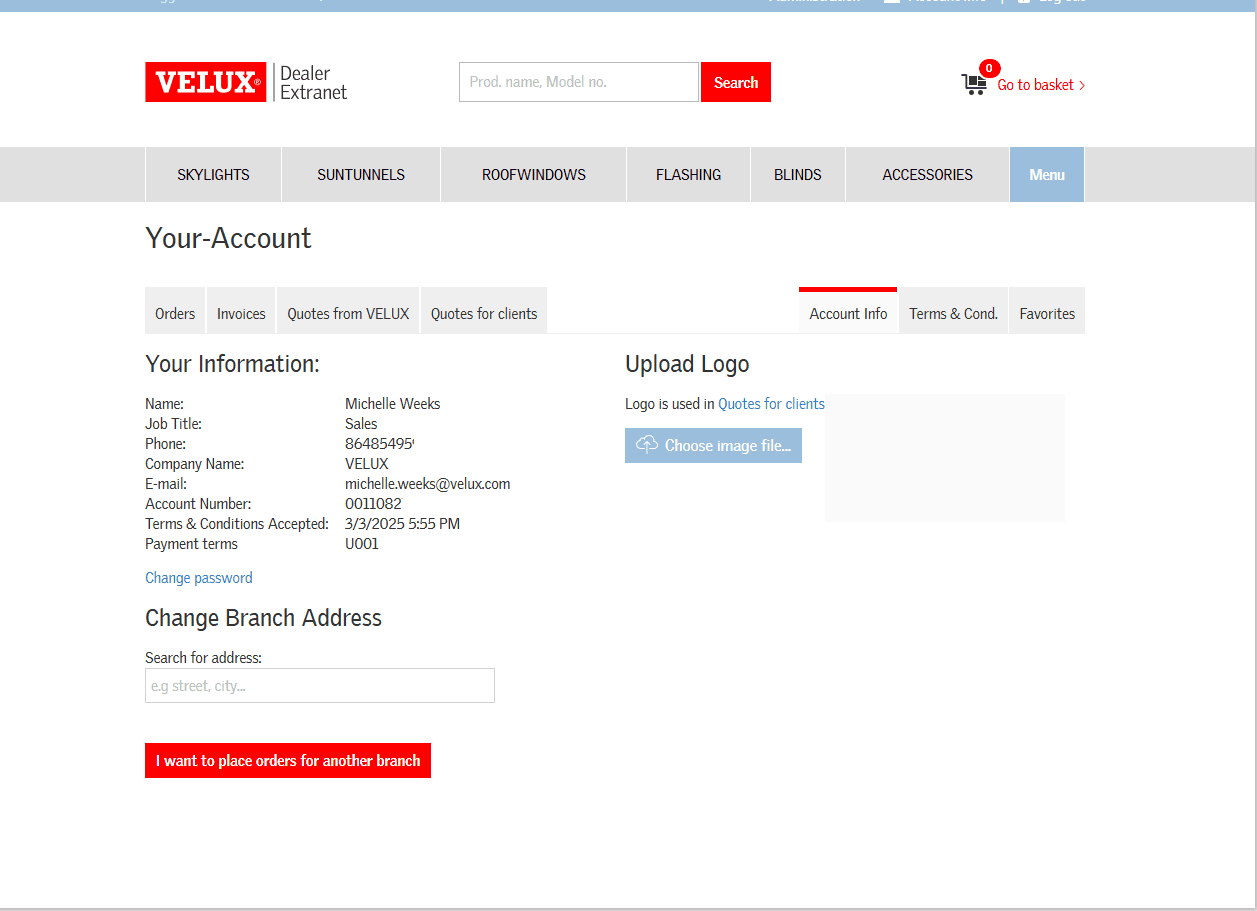
Click on Choose image file.
3
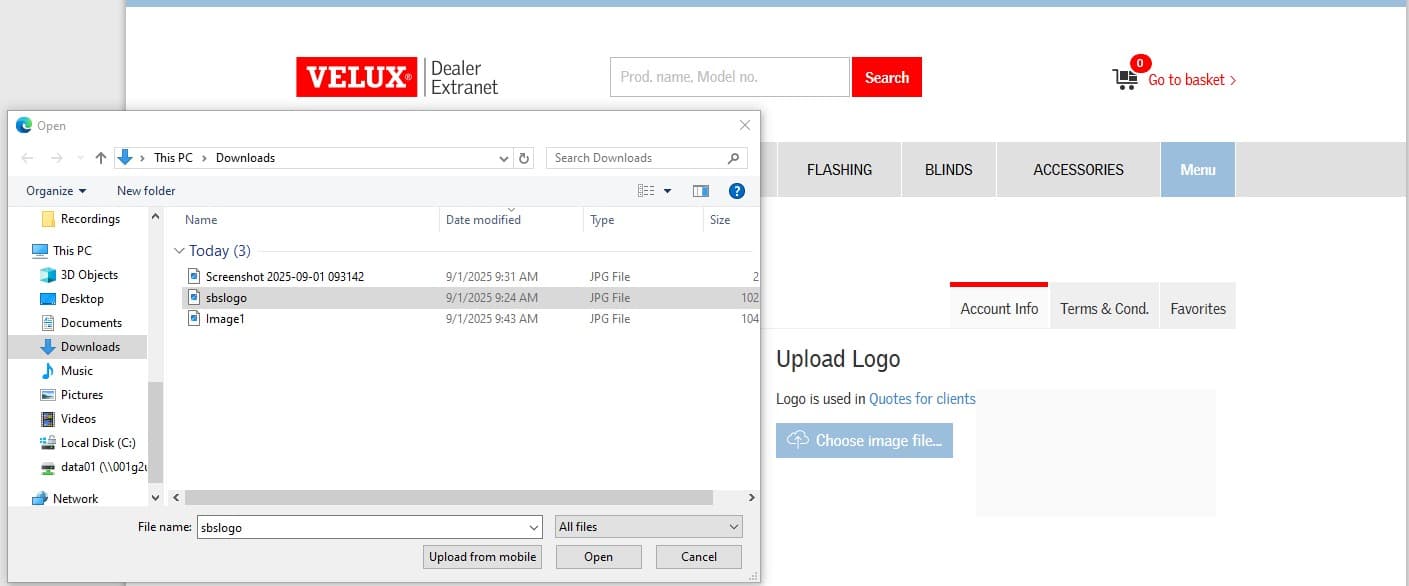
Click once on your logo to highlight, then choose Open.
4
Now all your client quotes will include your company logo.