How to Apply a Partner ID for Loyalty Perks Program
By Kyle Lux
This guide explains how to apply a Partner ID to a real estate media booking. Completing this ensures you see the Collections with your Loyalty Perks inlcuded.
1
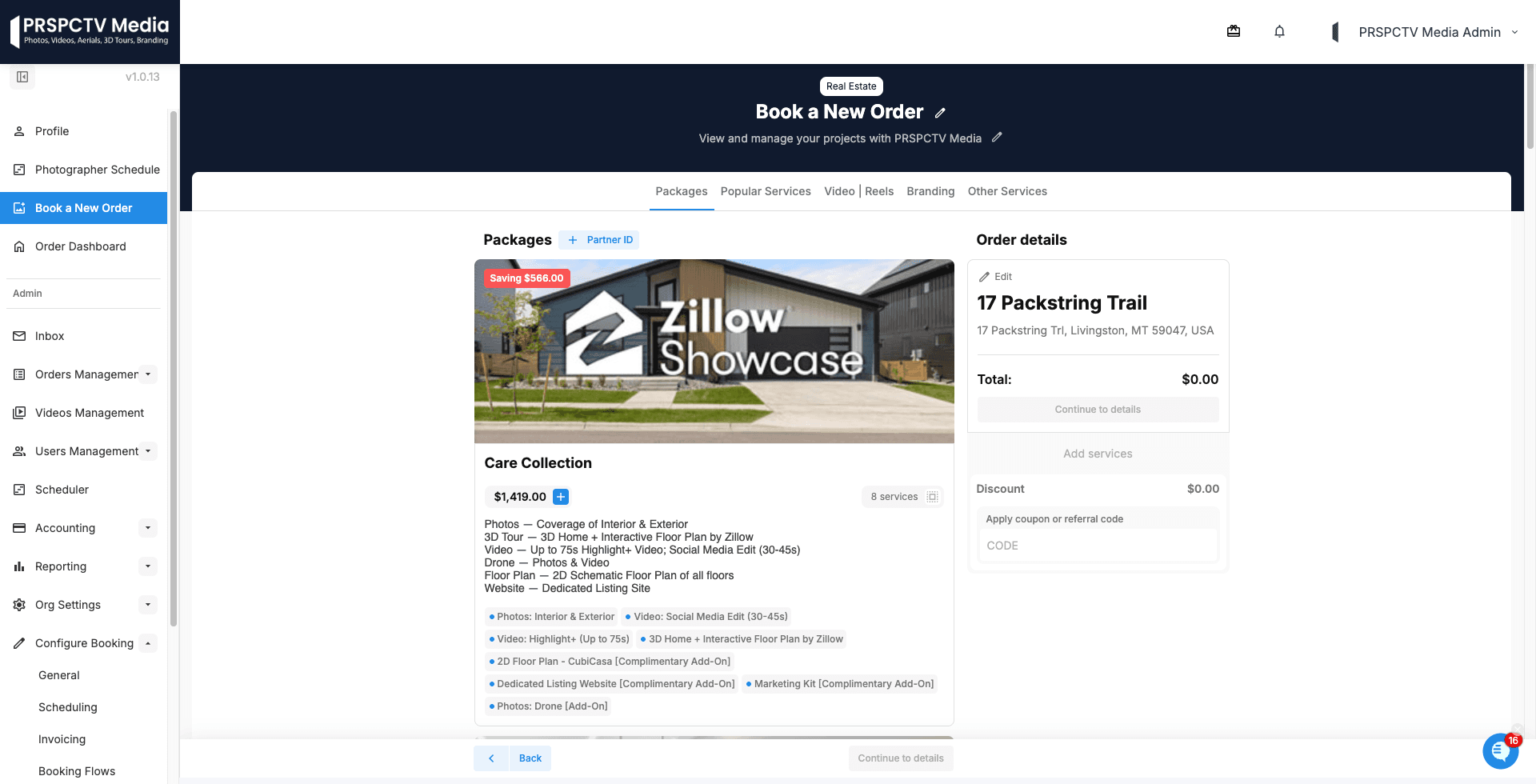
Click the "+ Partner ID+" button next to Packages
2
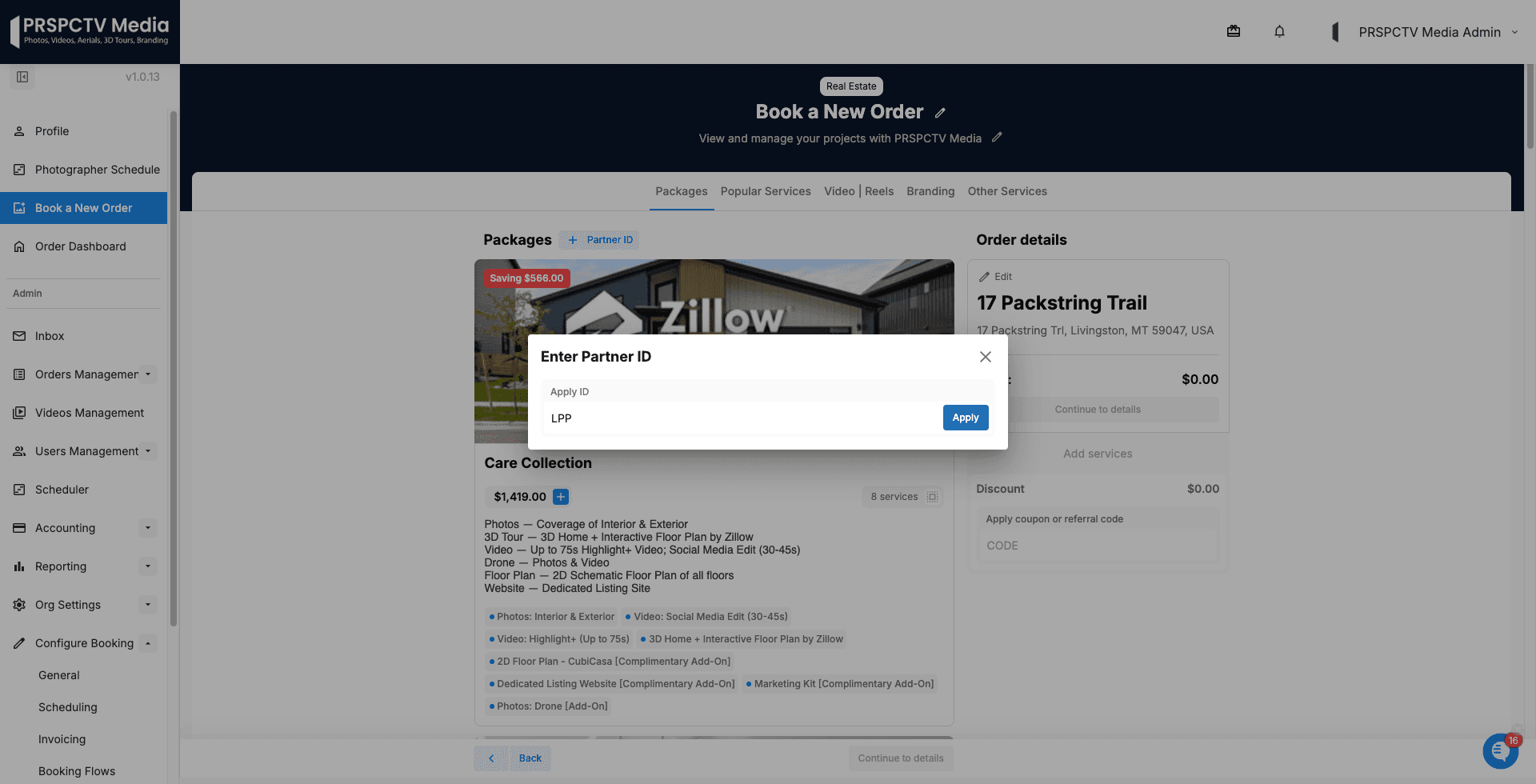
Click the text field and type your Partner ID "LPP".
3
Click Apply to attach the code to your order and see the Collections with your Loyalty Perks inlcuded.