
How to Apply AI Suggestions: Step-by-Step Guide
Learn how to apply AI suggestions efficiently using the bulk icon, view suggestion history, and manage categories and vendors like 'Prepaid Insurance' and 'CNA Insurance.'
In this guide, you will learn how to leverage AI-generated suggestions to streamline your workflow. You will explore how to access bulk suggestion tools, review and apply AI recommendations, select appropriate categories, and track the history of previously applied suggestions. This functionality enables data-driven decision-making based on intelligent recommendations while maintaining a comprehensive audit trail for future reference and analysis.
Let's get started
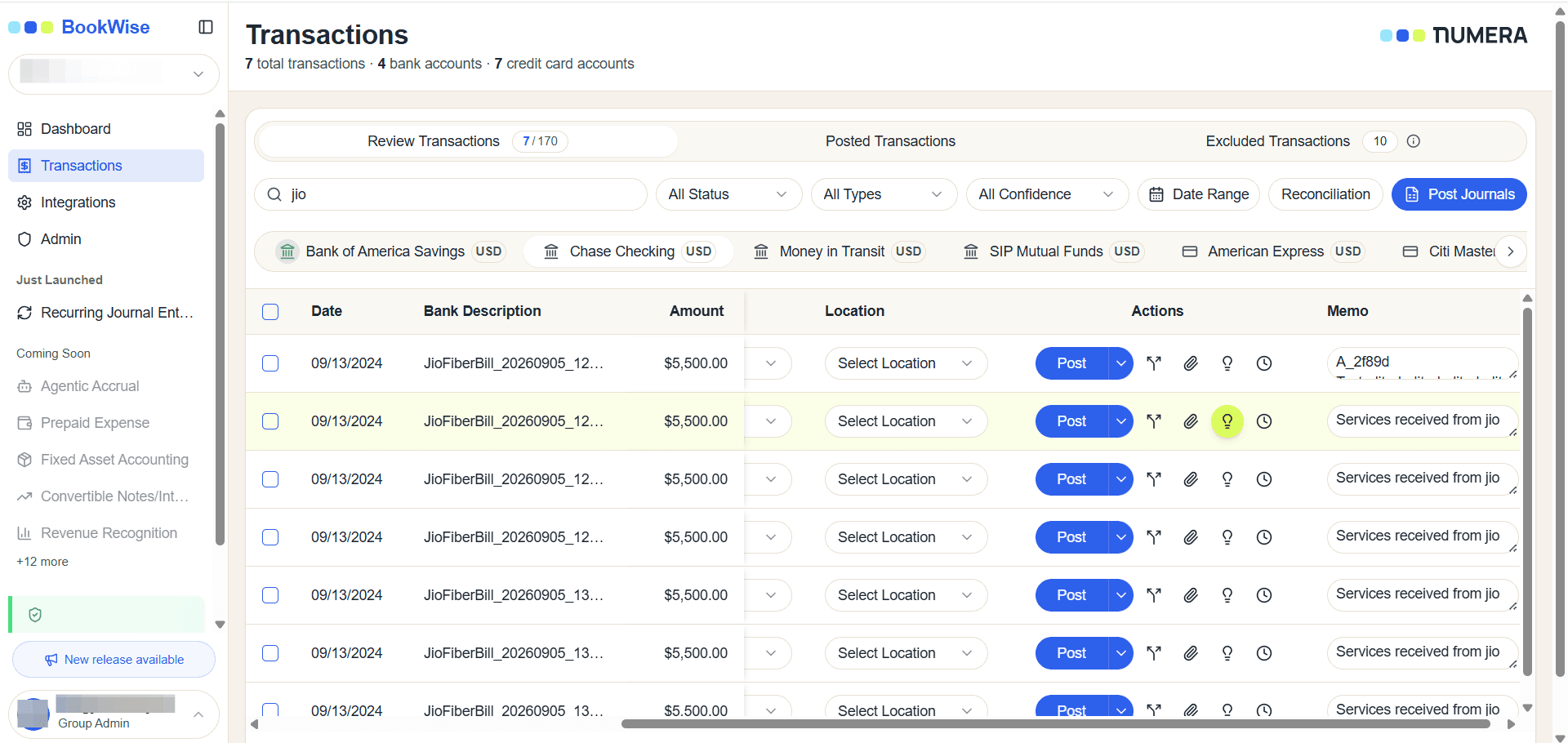
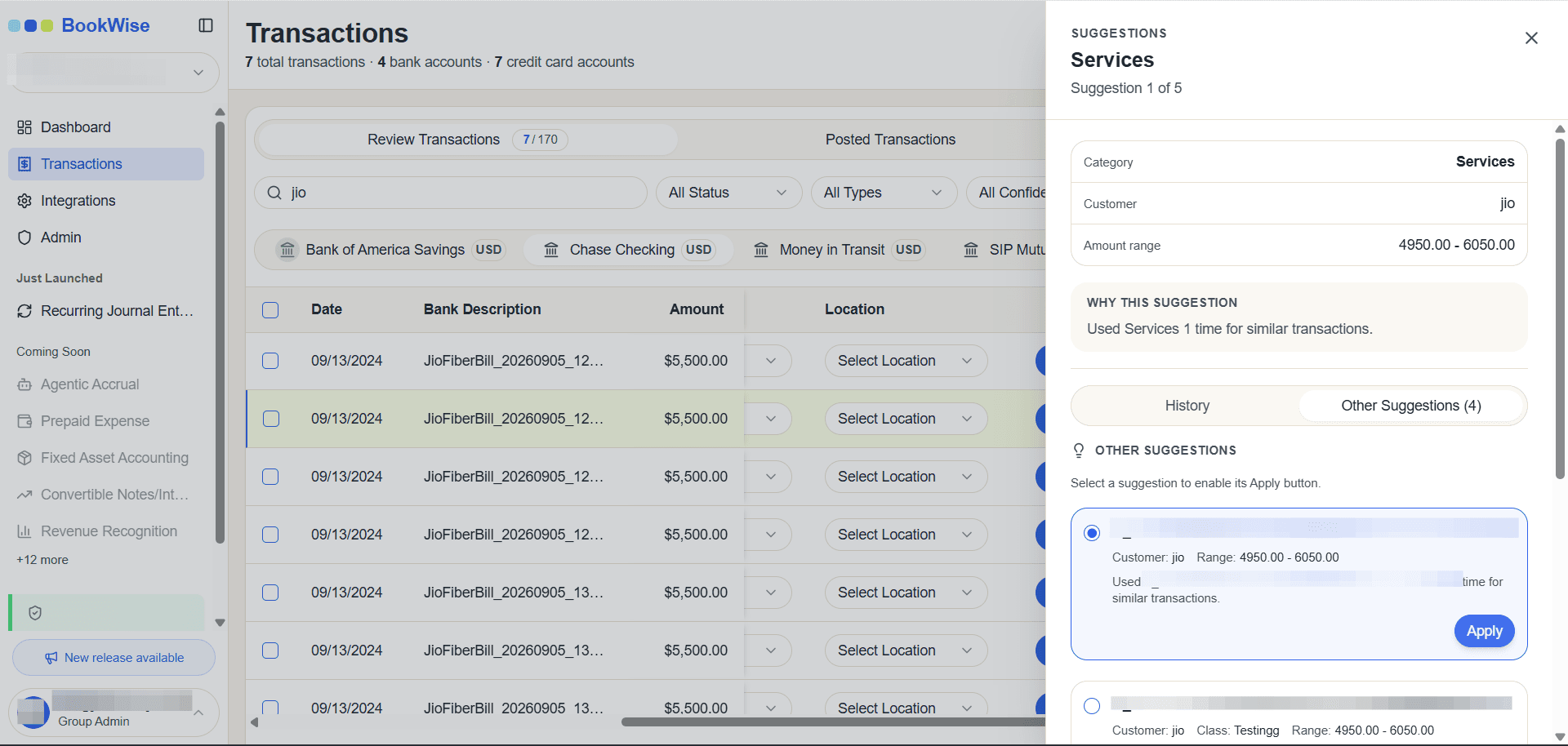
The system displays a suggestion panel containing AI-generated recommendations for your transactions. This interface shows alternative categorization options based on the AI analysis. For example, you may see a suggestion to categorize a transaction as "Prepaid Insurance" with the vendor "CNA Insurance." To implement a suggestion, click the "Apply this suggestion" button, and the system will automatically update the transaction with the recommended category and vendor information.
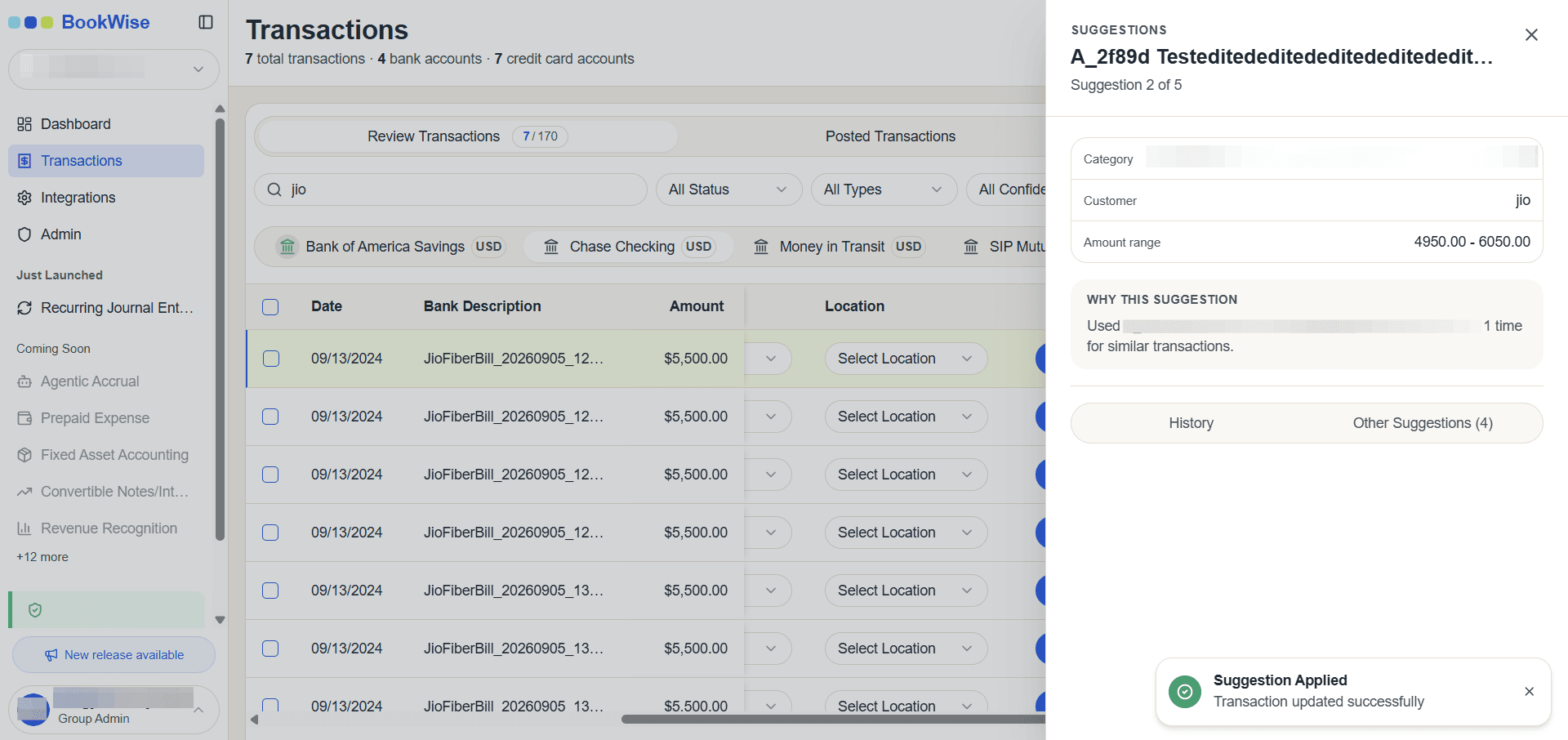
You can now efficiently apply AI-generated suggestions to your transactions, track historical changes, and make informed decisions based on intelligent recommendations.