How to Apply for a Service Dog: Step-by-Step Guide
Learn how to apply for a service dog with this easy step-by-step guide. Find out how to fill out the interest form, verify your email, complete your application, and submit required documents.
By Joe Worley
In this guide, we'll learn how to complete the process of applying for a service dog through an online platform. We will cover how to fill out the interest form, confirm your email, set up your account, and provide the required information and documents. This guide will help you understand each step so you can submit your application successfully.
Let's get started with your VetDogs application!
1
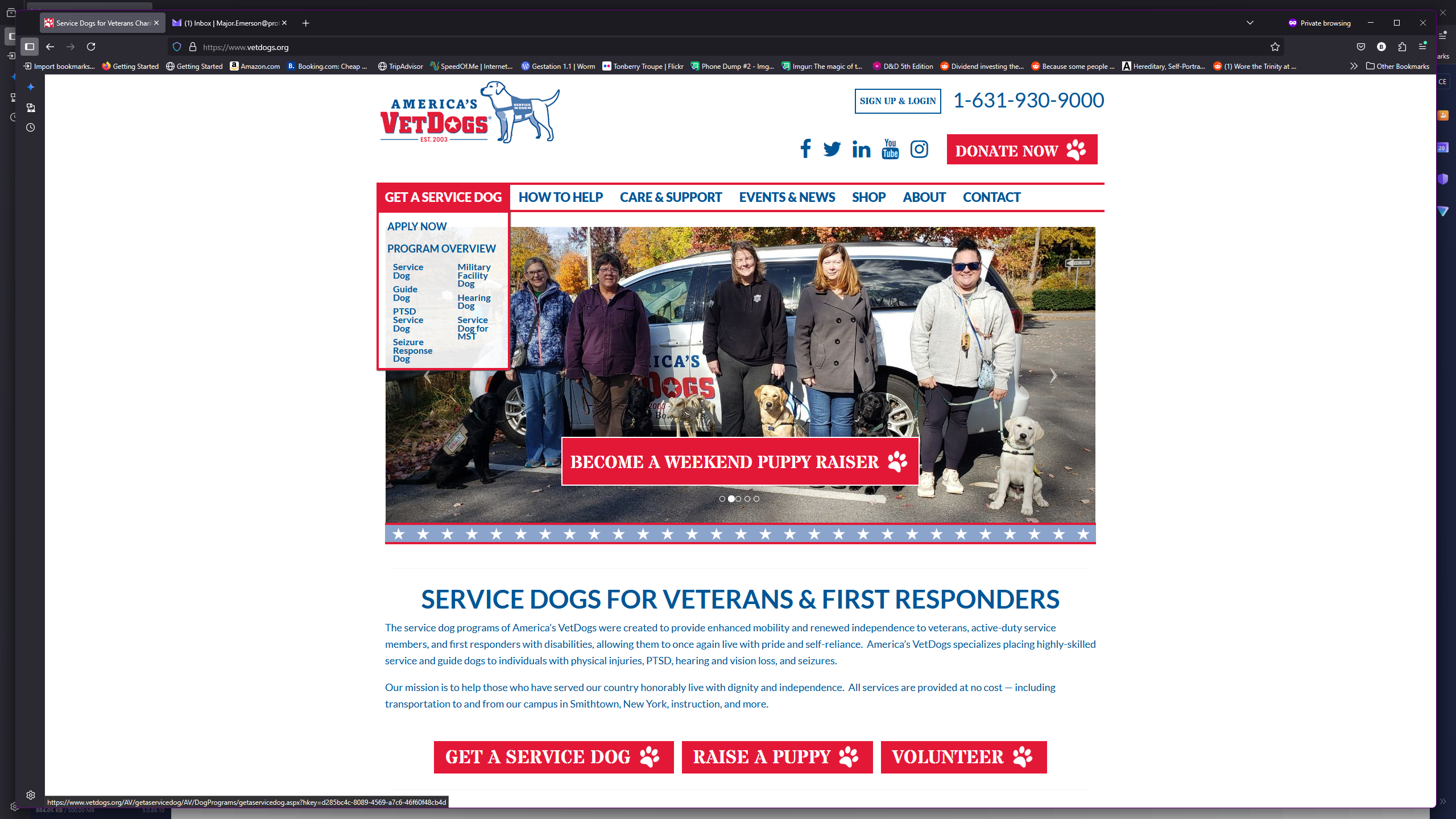
Go to your browser's address bar, type in "Vetdogs.org" and then hit Enter
Hover over "Get a Service Dog," or tap it on a mobile device.
2
Click on "GET A SERVICE DOG"
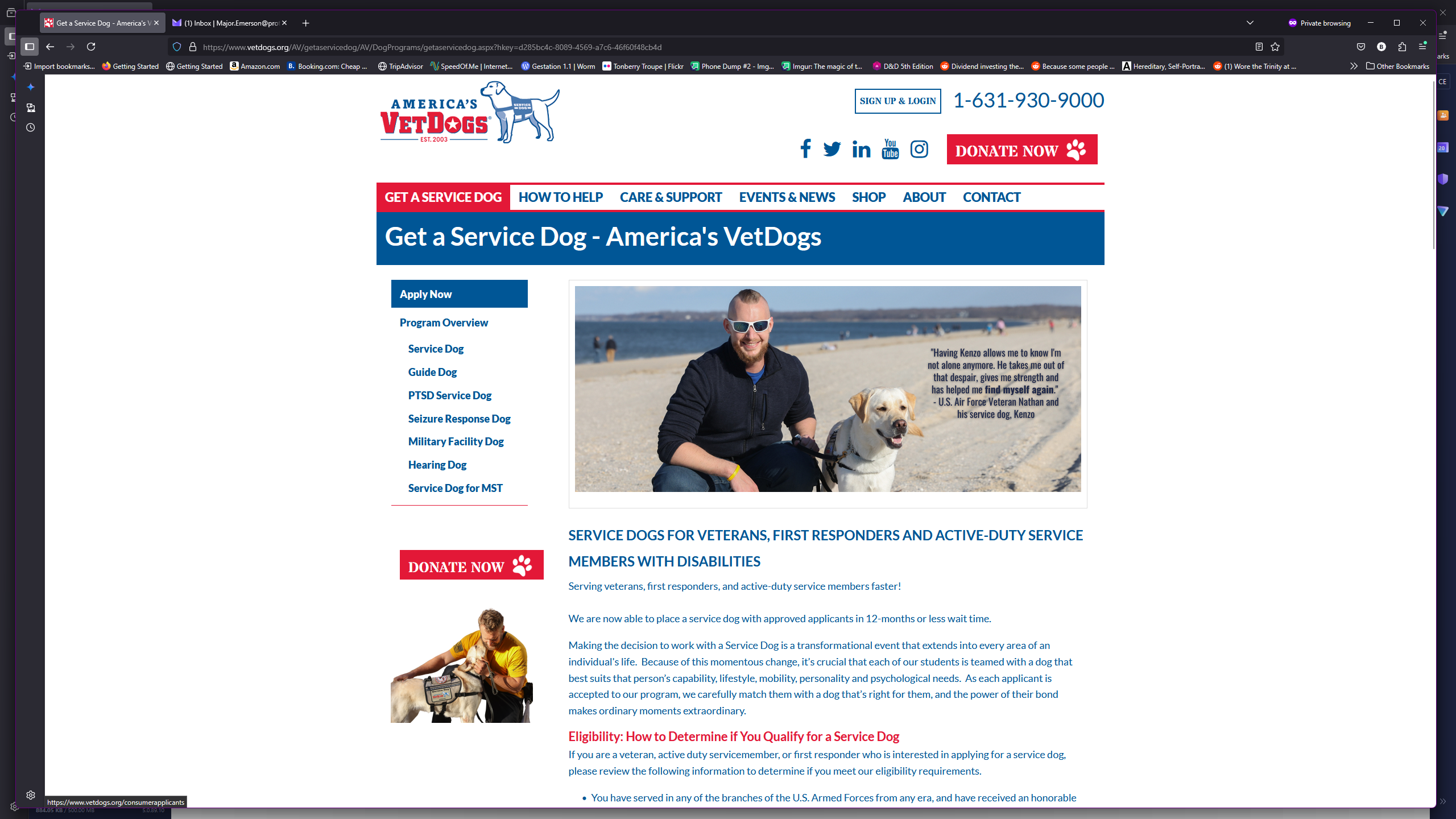
3
Click on "Apply Now"
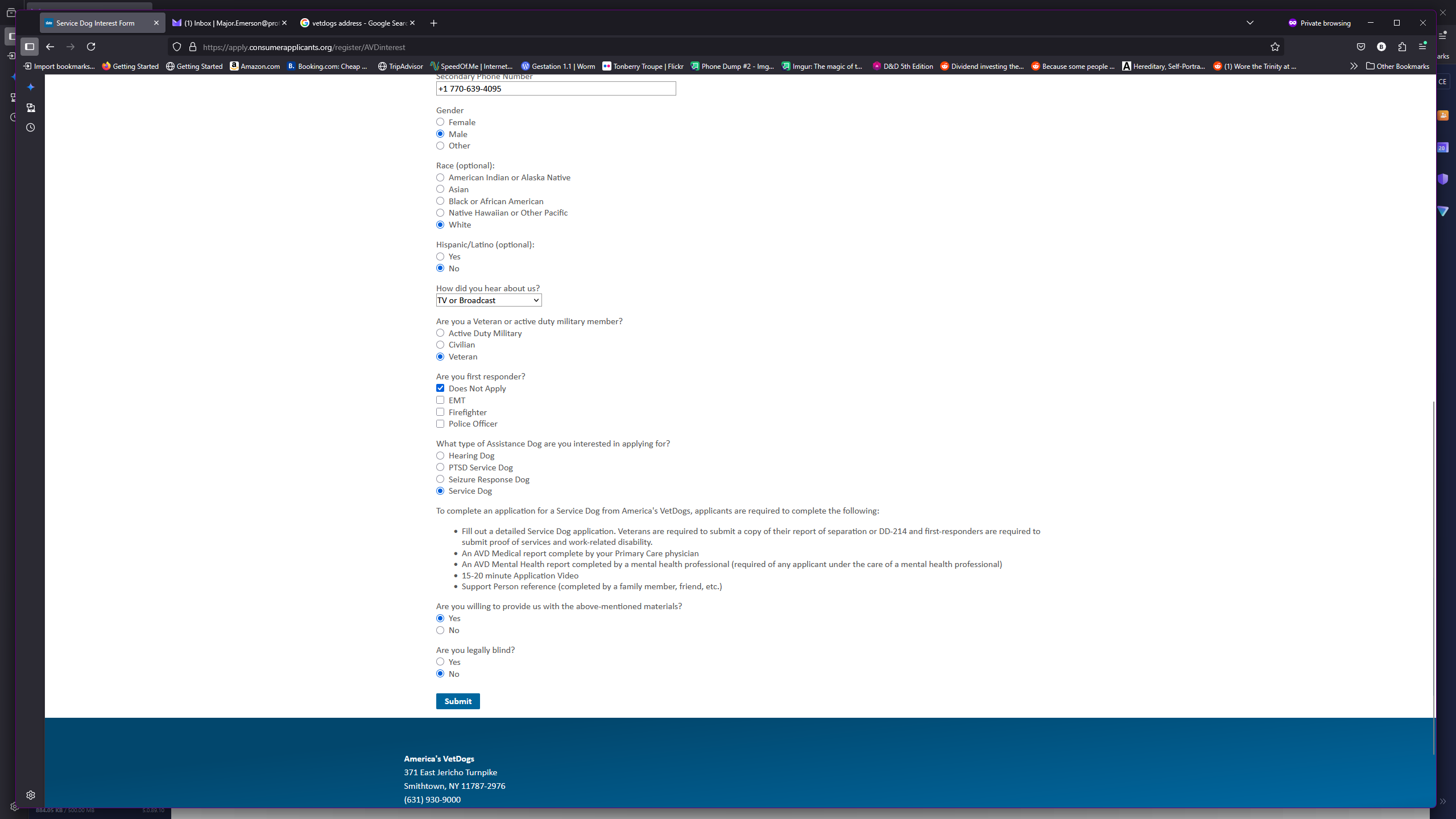
Fill out the service dog interest form with your information. After entering your information, scroll to the bottom and click Submit.
4
Click on "Submit"
5
Go to the email you provided and click on "Inbox"
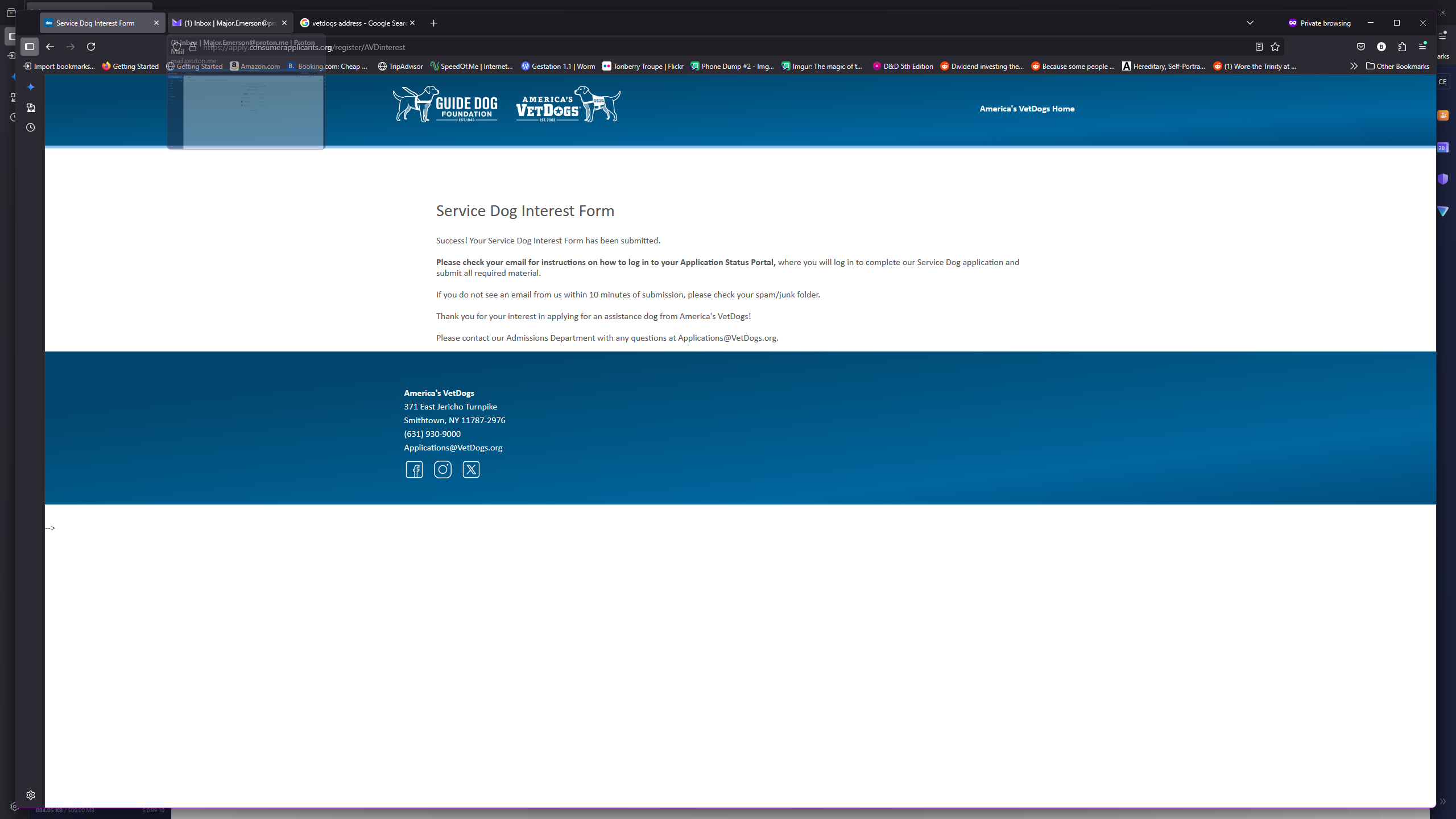
6
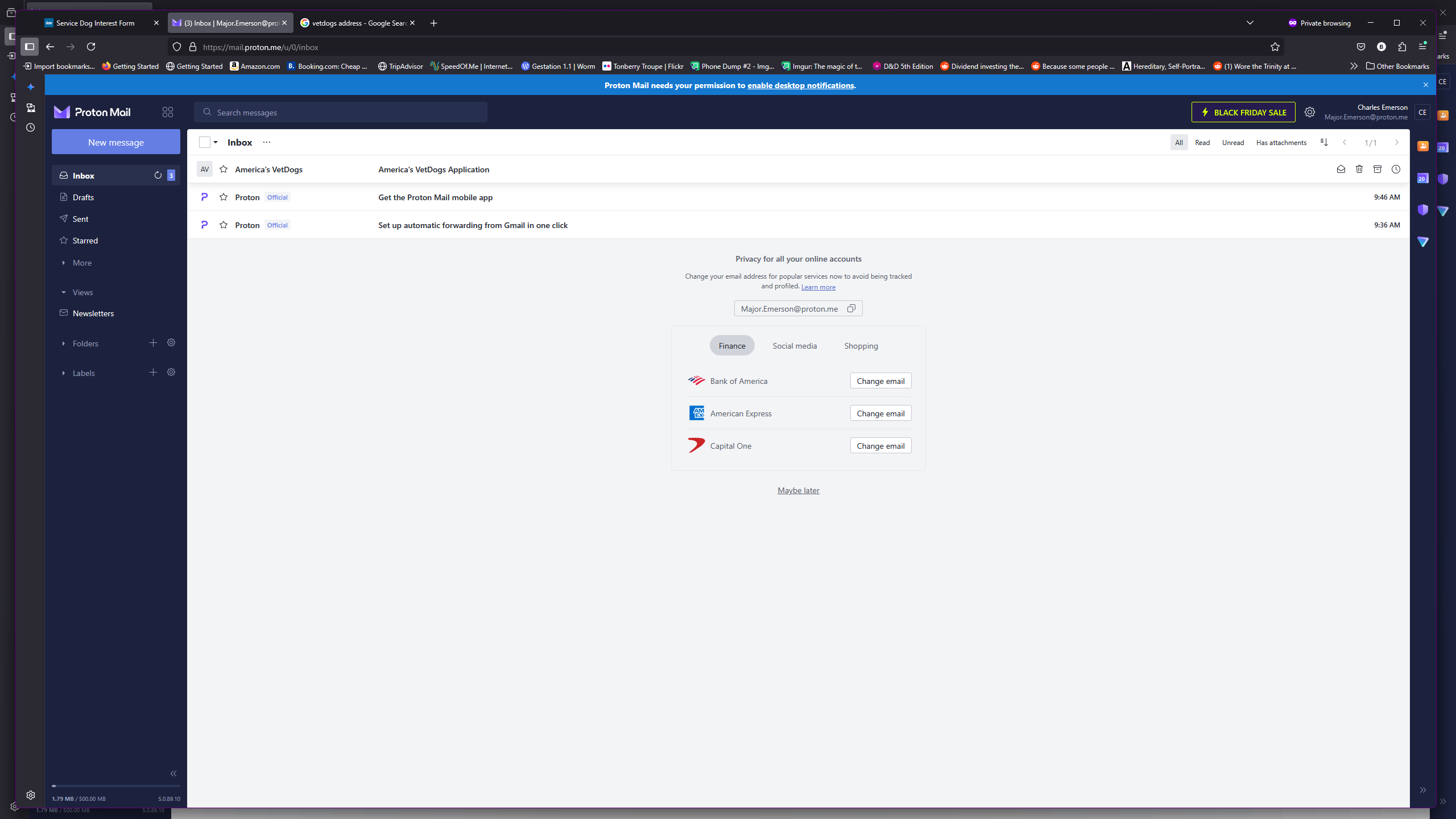
Click on the "America's VetDogs Application" email. Inside will be a link and a pin number. Write that pin number down or highlight the pin number and click "Control+C" to "copy" it.
7
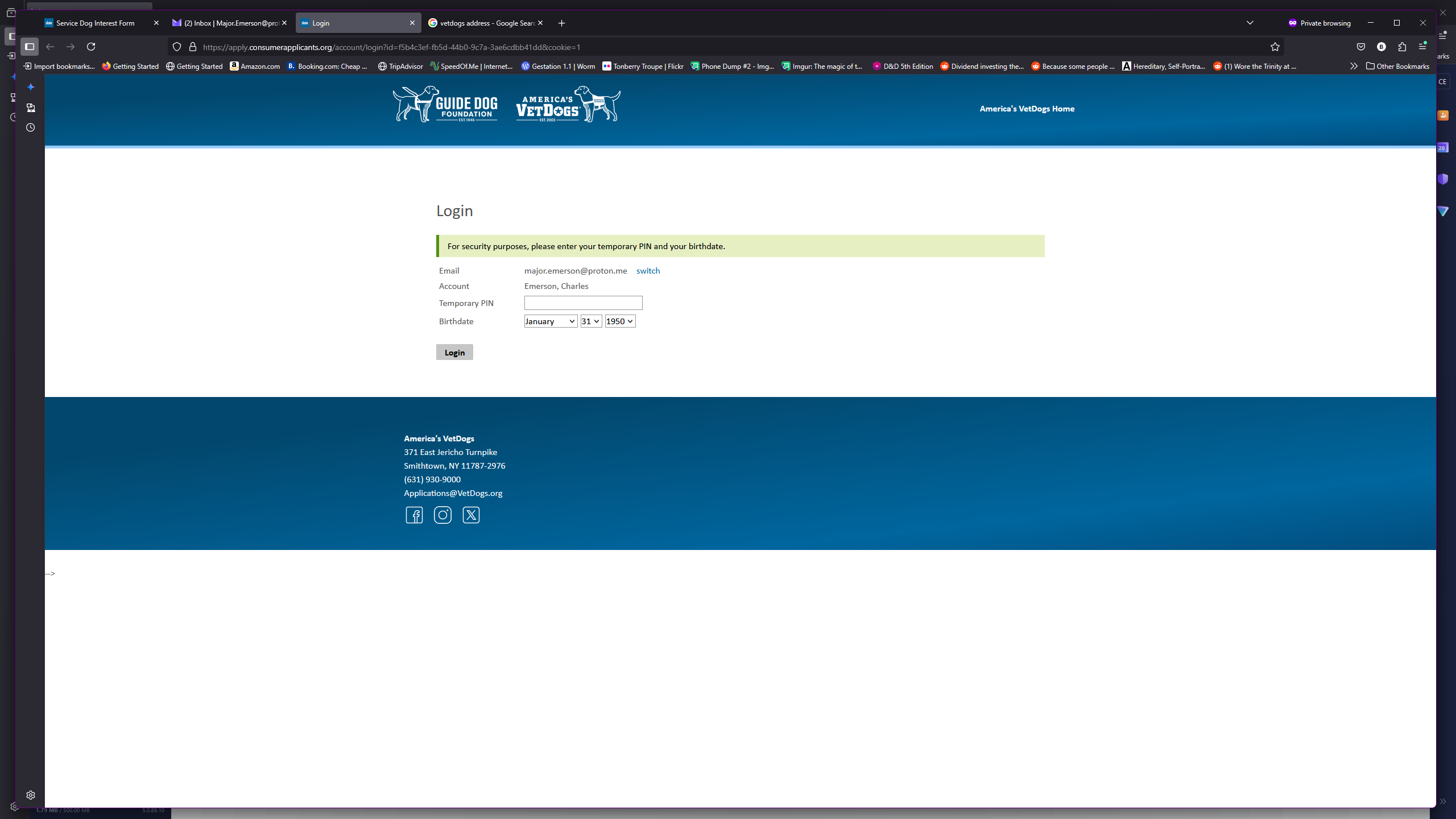
Click here and type in the pin code provided in your email or if you copied it in the previous step, hit "Control+V" to paste. Select your birthday.
8
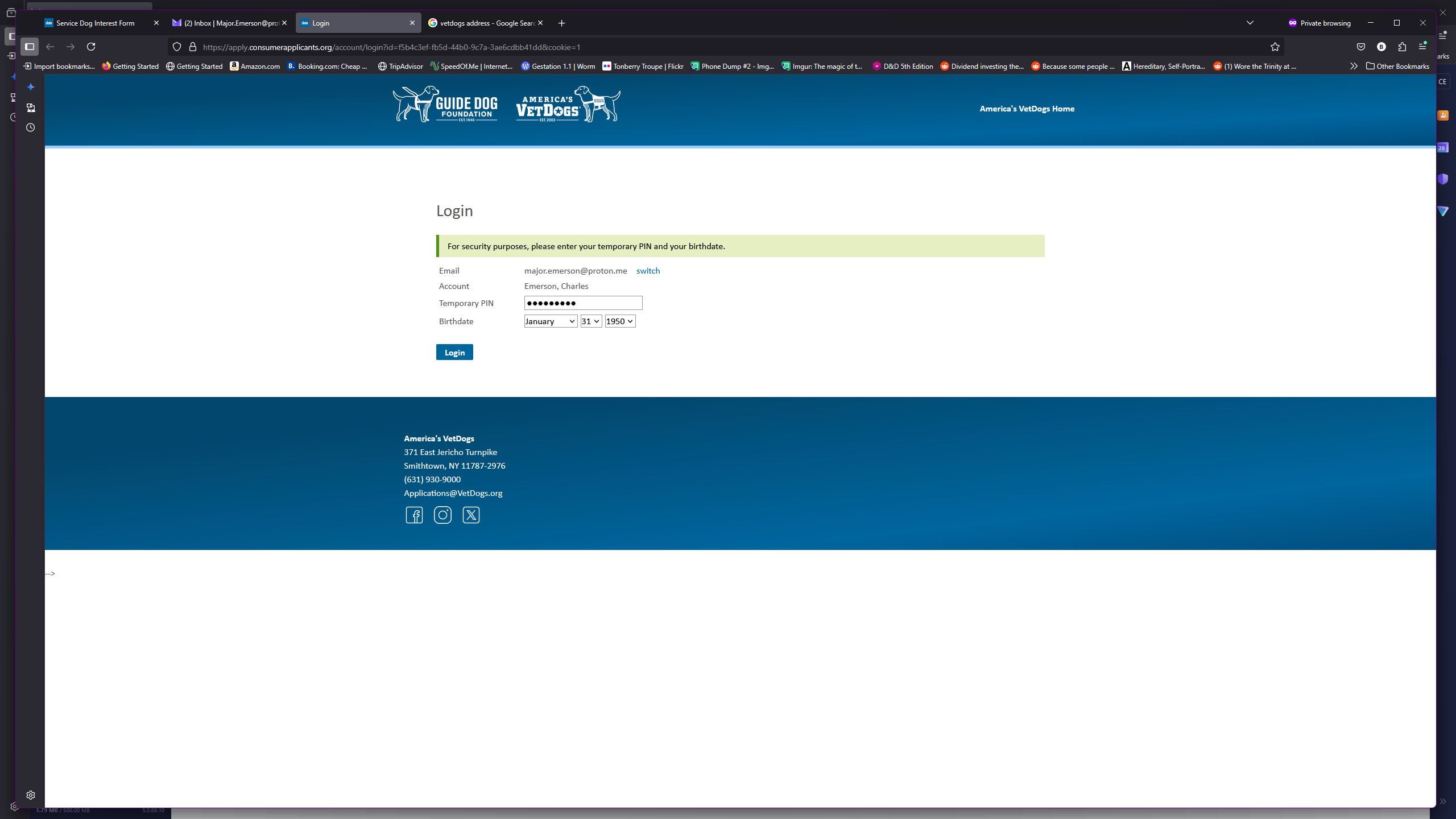
Click on "Login"
9
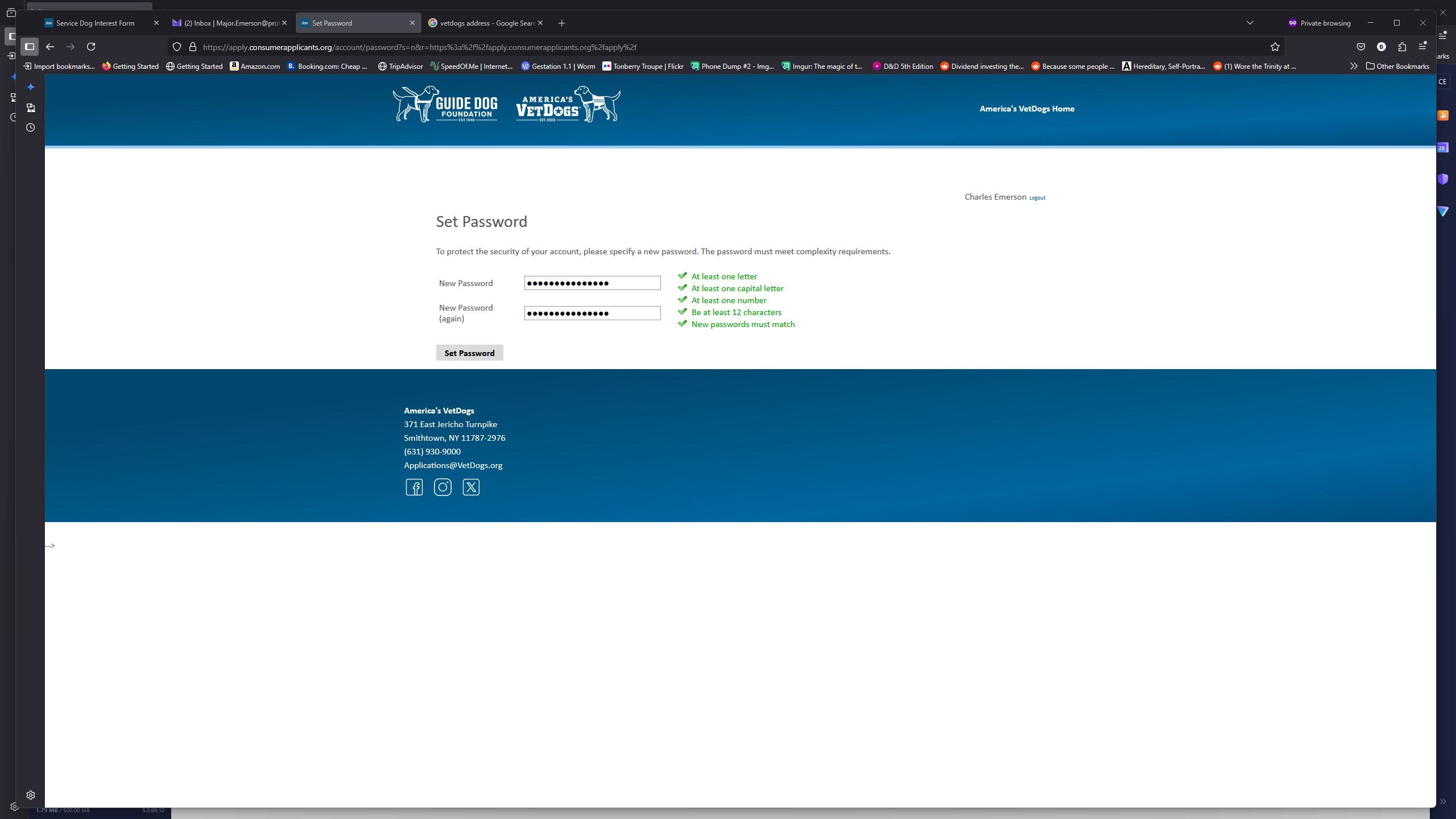
Click on "Set Password" Follow the password requirements and make sure you write this password down.
10
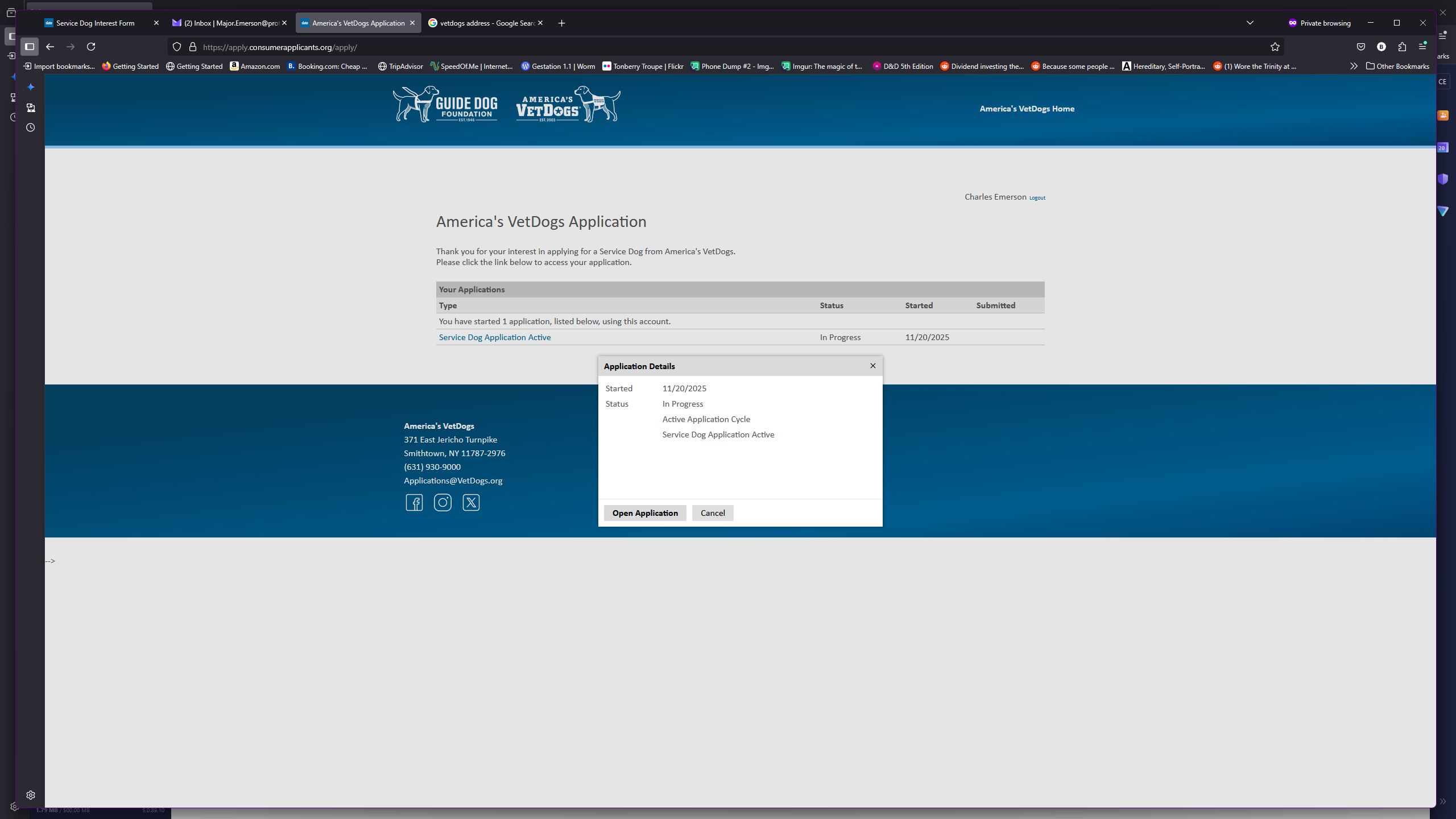
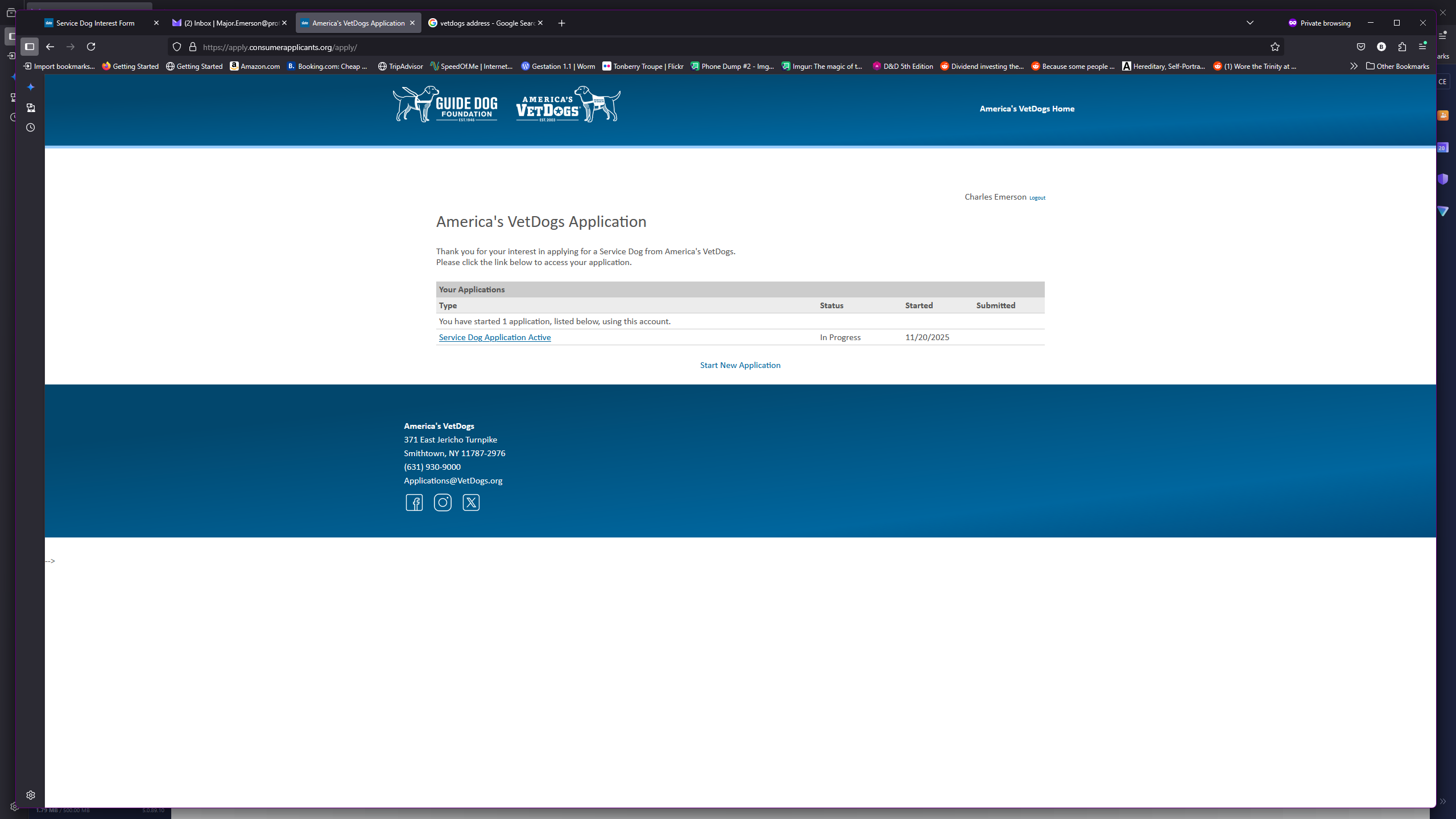
Click on "Service Dog Application Active"
11
Click on "Open Application"