How to Apply Multi Level Sorting to Transaction Table: A Step-by-Step Guide
Learn how to sort transaction tables by date, amount, customer/vendor, and category.
In this guide, we'll learn how to sort transaction tables by different fields such as date, amount, customer/vendor, and category. Sorting helps you organize your data to quickly find the information you need. You will also see how to clear sorting and change the order as needed.
Let's get started
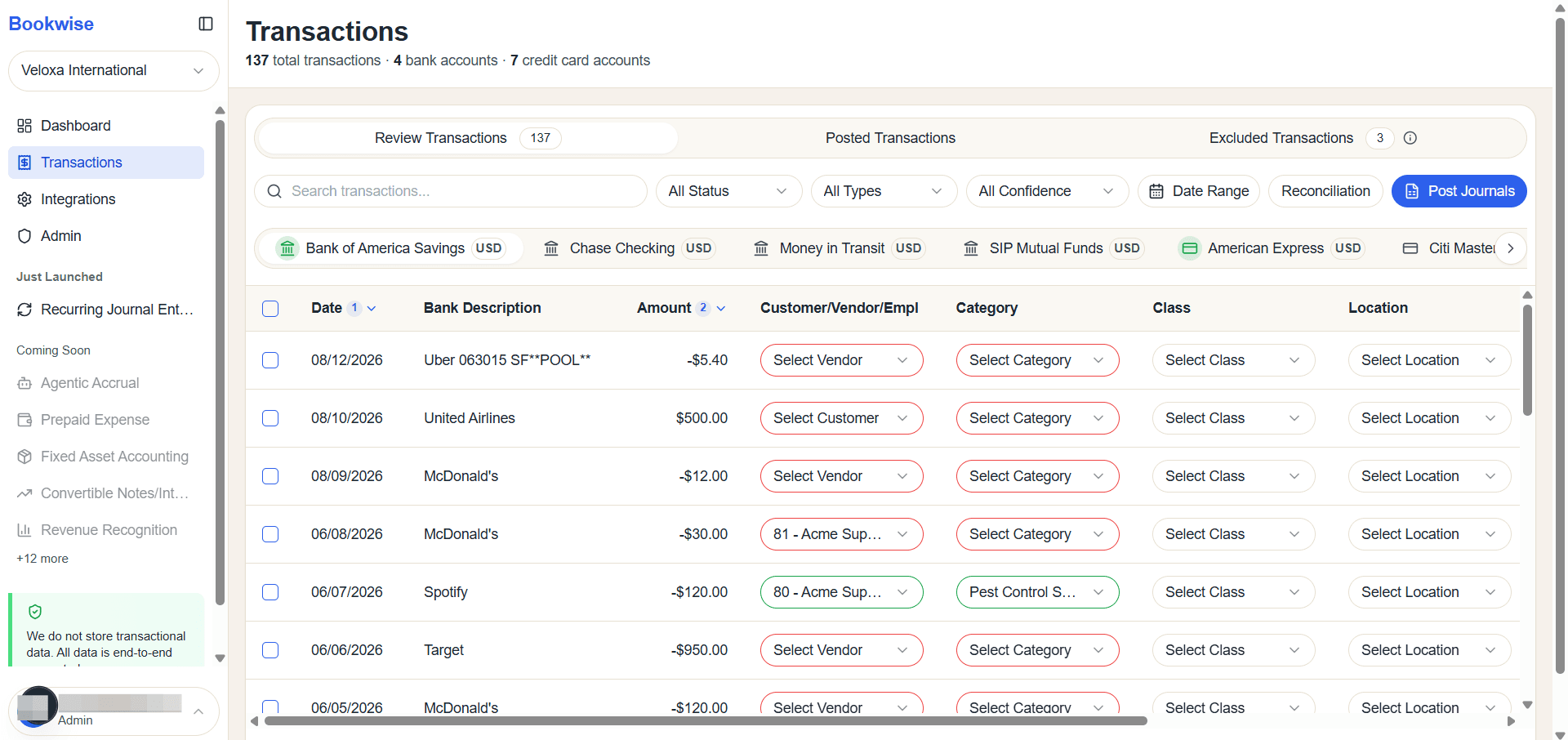
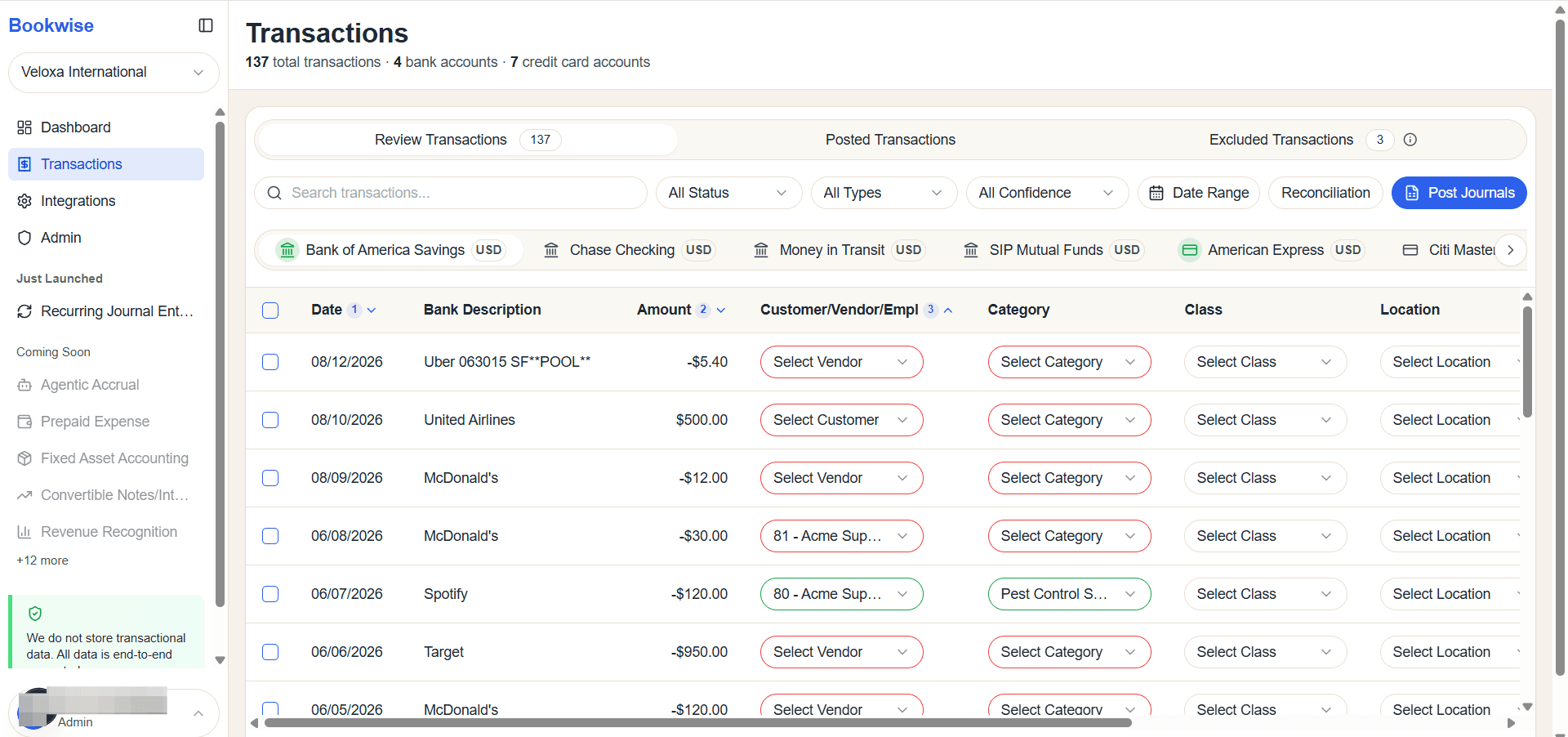
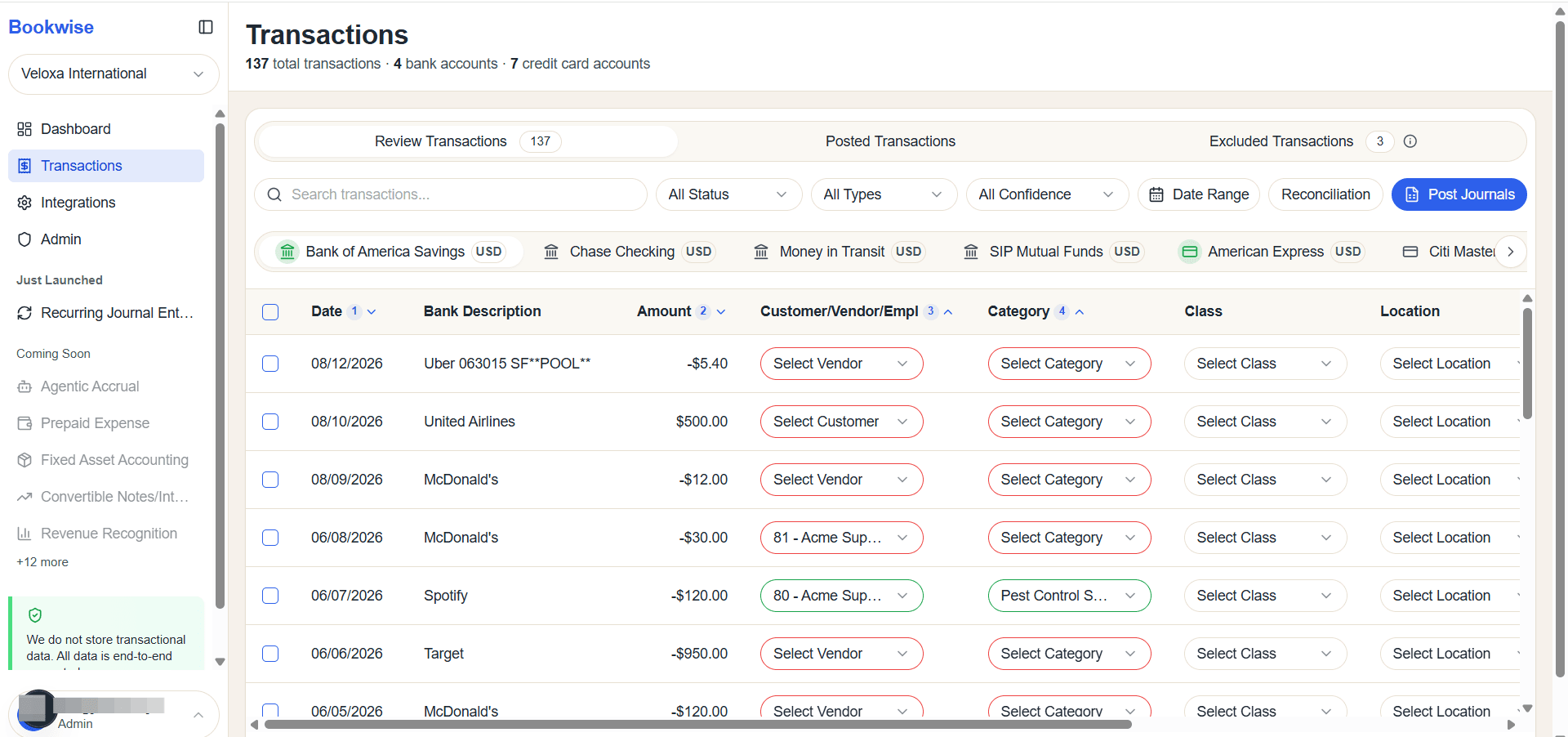
This guide demonstrates how to sort the transaction table. You can sort by Date, Amount, Customer/Vendor or Category. Sorting can also be applied in multiple levels—by clicking each column header, you can toggle between ascending and descending order for Date, Amount, Customer/Vendor, and Category
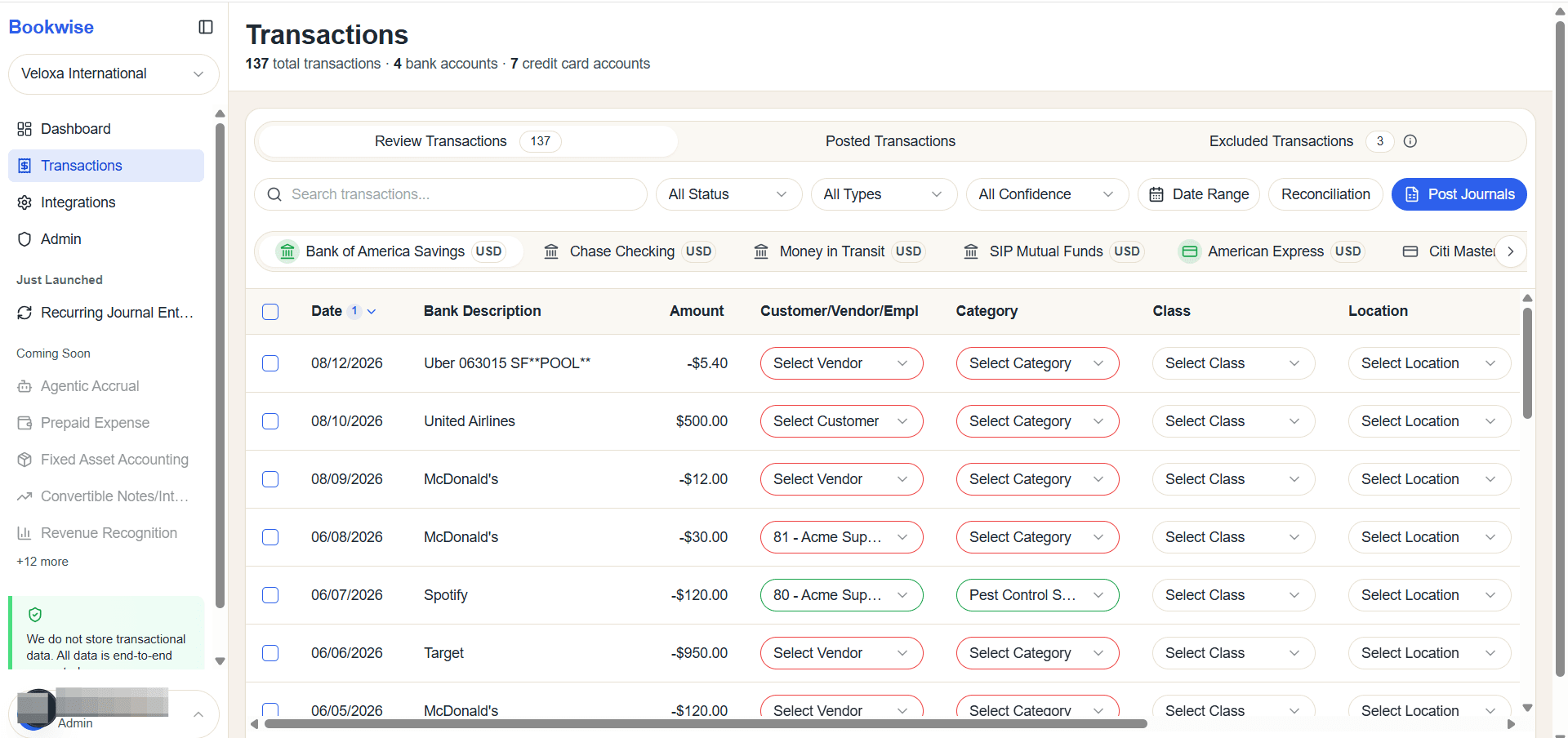
The table is currently sorted in descending order. The same sorting functionality can be used for the Amount, Customer/Vendor, and Category columns. When you change the sort order, the displayed values will update based on your selection.