How to Audit and Empty the Cash Collector in Your Register
Learn step-by-step instructions to audit, empty, and reset the cash collector in your register. Ensure your device accepts cash properly by following these easy troubleshooting tips.
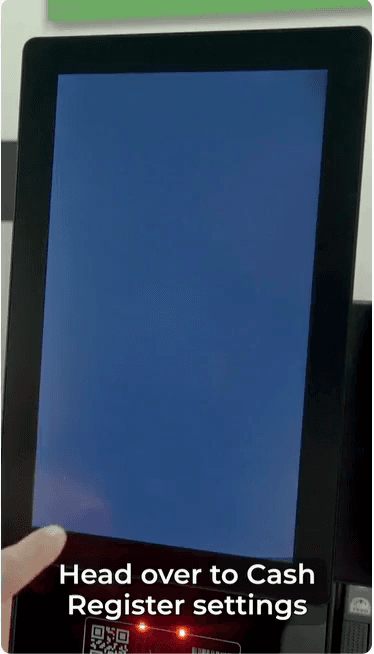
In this guide, we'll learn how to manage cash register settings to ensure your collector works correctly. This process includes emptying the collector, refilling it with bills, and resetting the system. Following these steps helps prevent issues with cash acceptance.
Let's get started
Under the advanced menu, press the audit device button in the cash register settings.
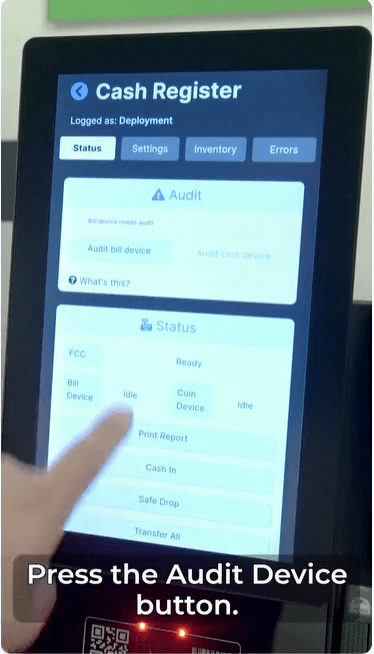
The affected collector will start emptying. Once finished, press the unlock button.
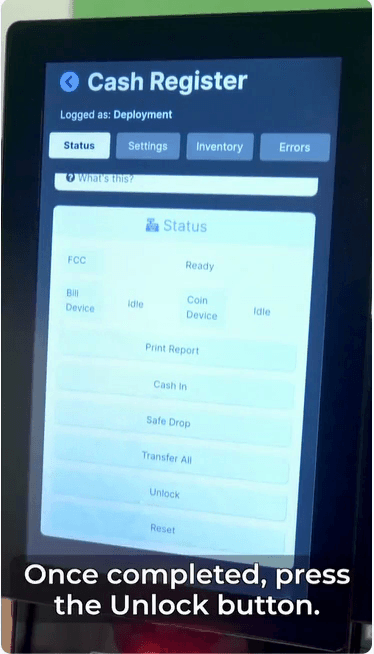
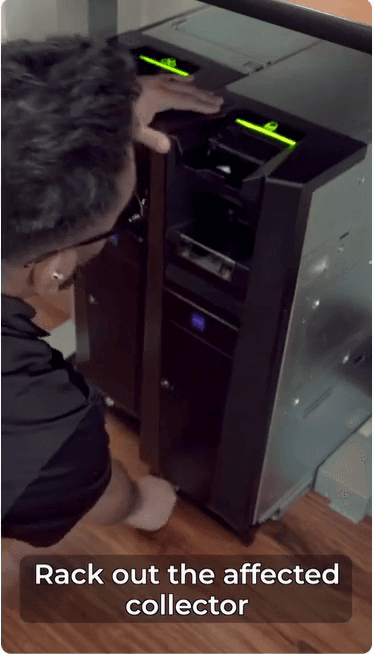
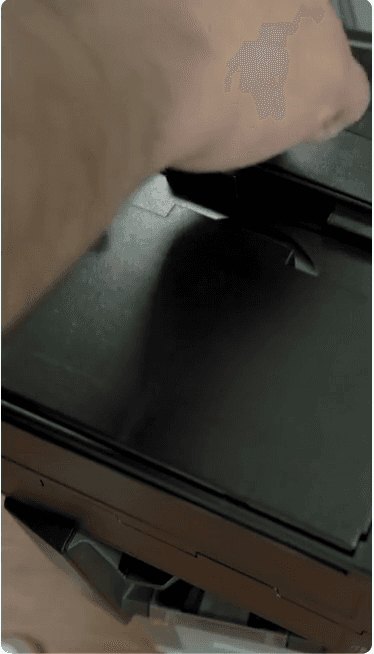
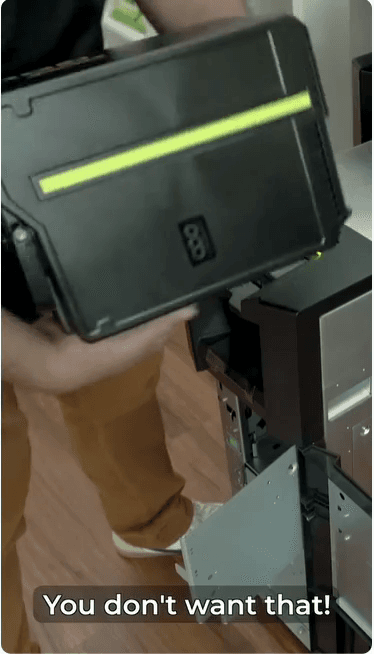
Remove the affected collector and empty it completely. If you leave any bills or coins inside, it could prevent the collector from accepting cash.
You do not want that.
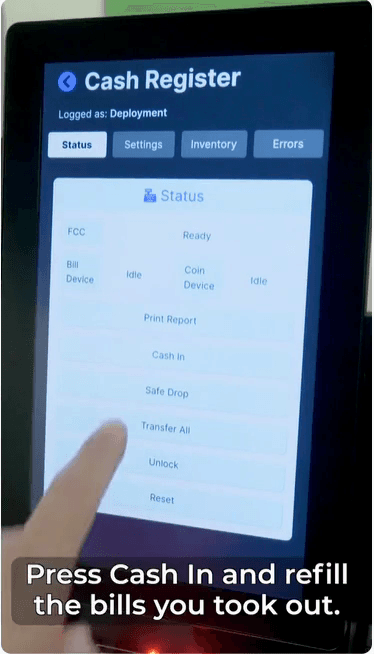
Press "Cash In" and replace the bills you removed.
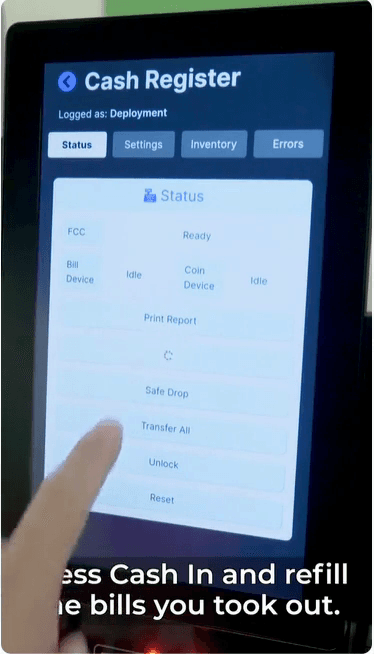
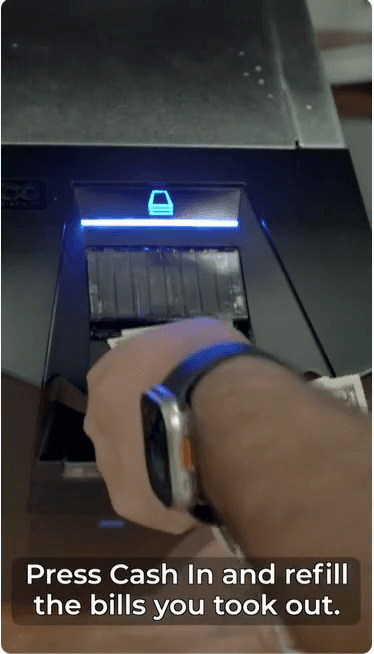
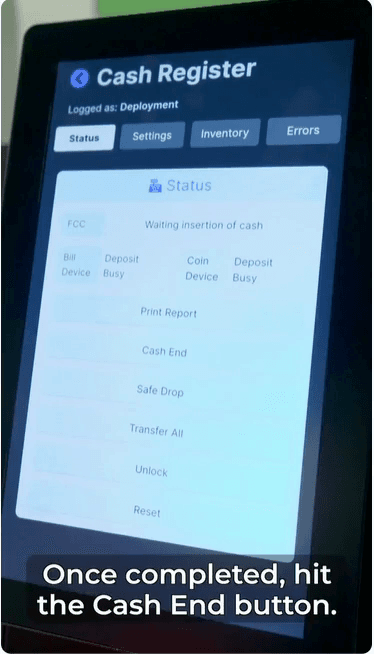
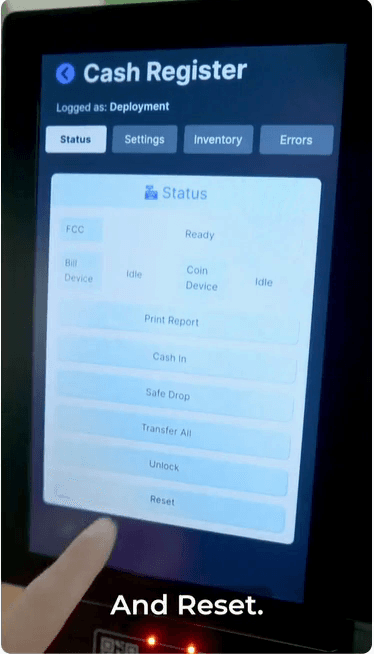
Once finished, press the cash end button and reset.
You're good to go. Is your Maschgen asking you for cash?