How to Block Multiple Cabins at Once in Accommodation Settings
Learn step-by-step how to block multiple cabins simultaneously using the Accommodation settings in eviivo. Easily select all cabins, set block dates, and confirm your changes for efficient group management.
In this guide, we'll learn how to block out multiple cabins at the same time in eviivo. This process helps you manage availability and prevent bookings for specific dates. Key examples of when this is useful: weddings, annual meetings, work weekends.
You'll see how to select cabins, use bulk actions, set the block period, and confirm the changes. This ensures that your cabins are reserved as needed.
Let's get started
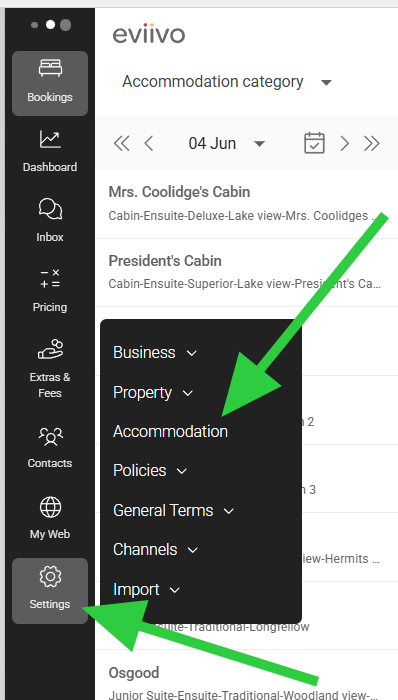
To block multiple cabins at once, go to Settings and click on Accommodation.
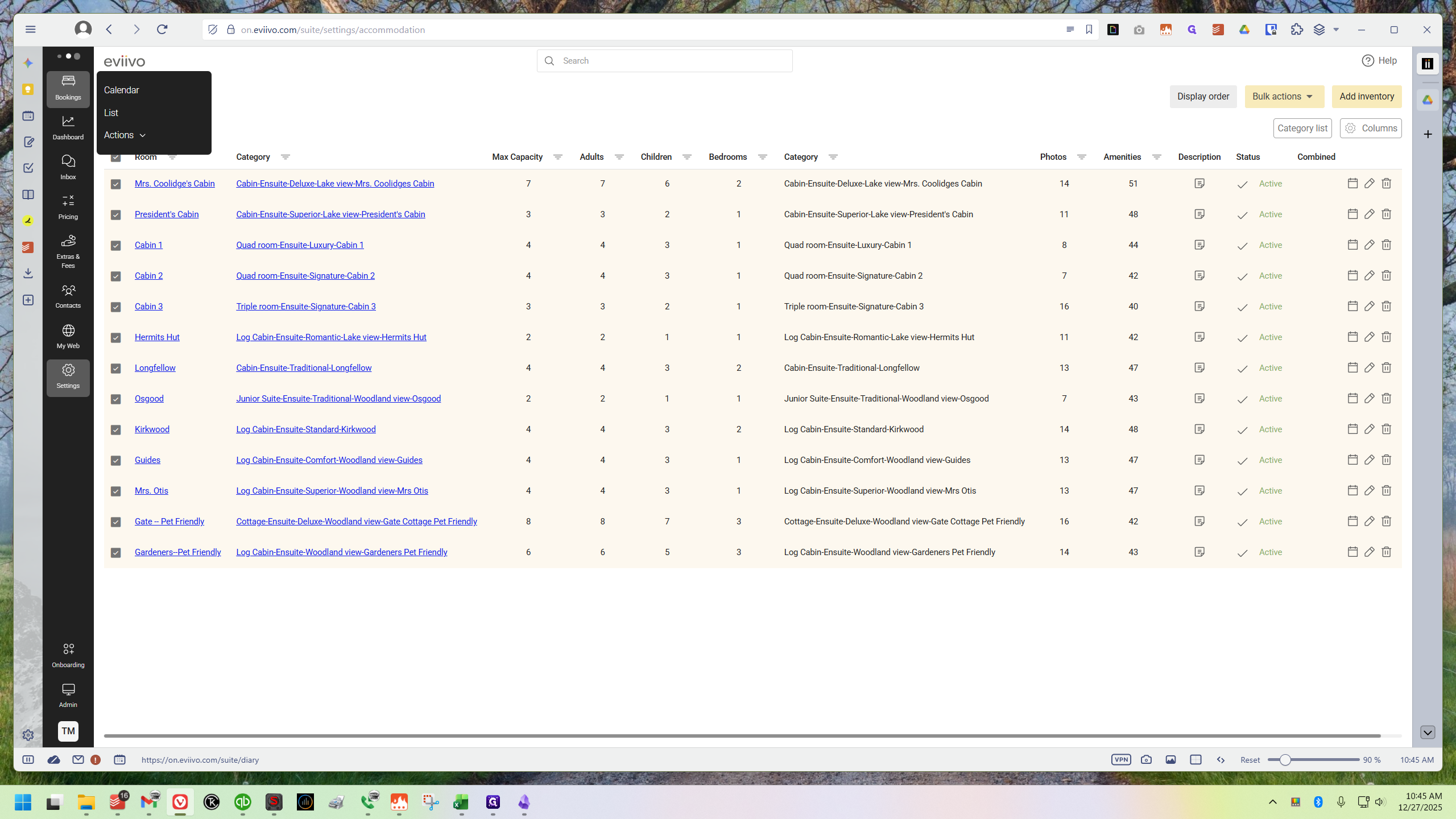
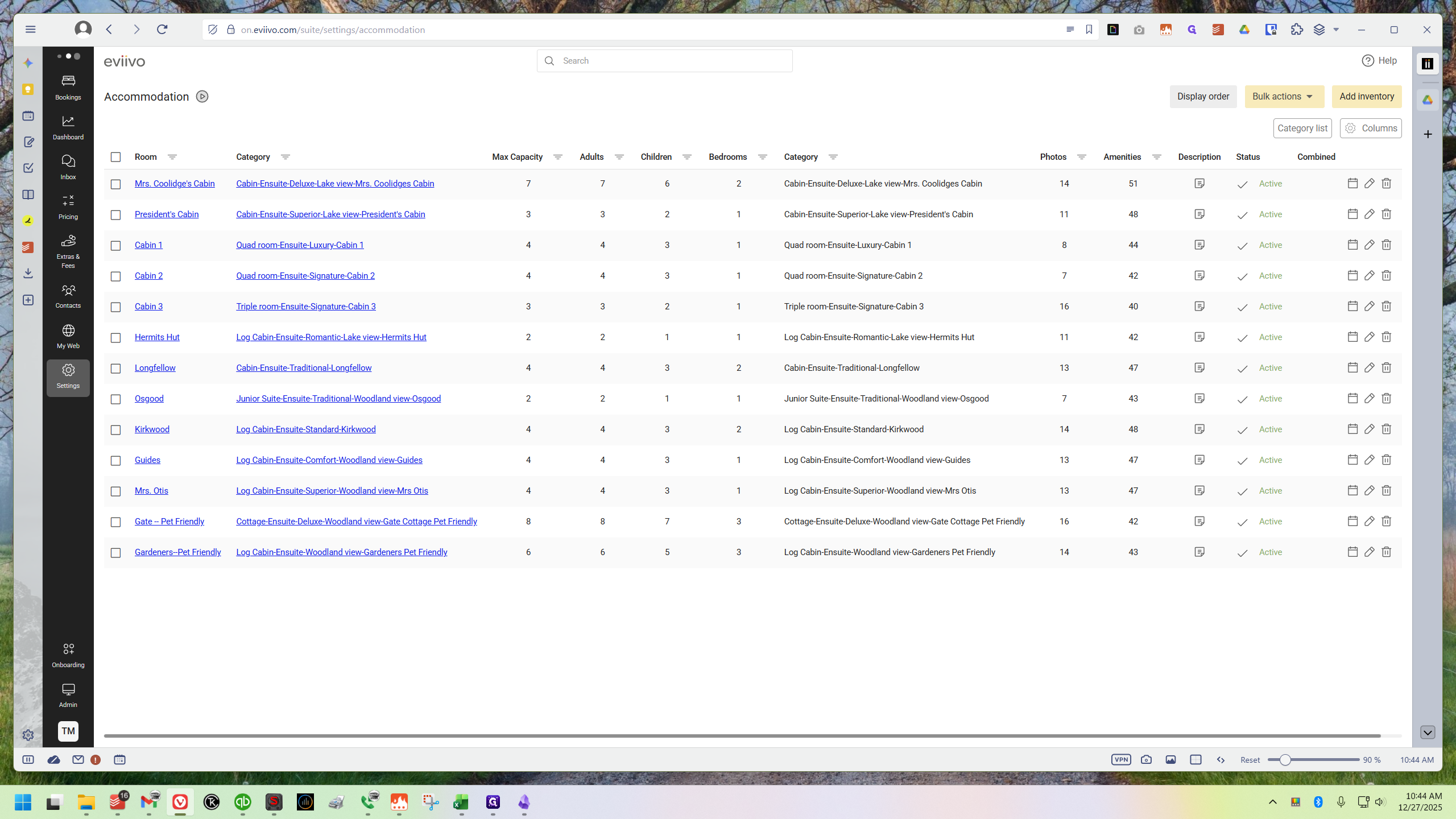
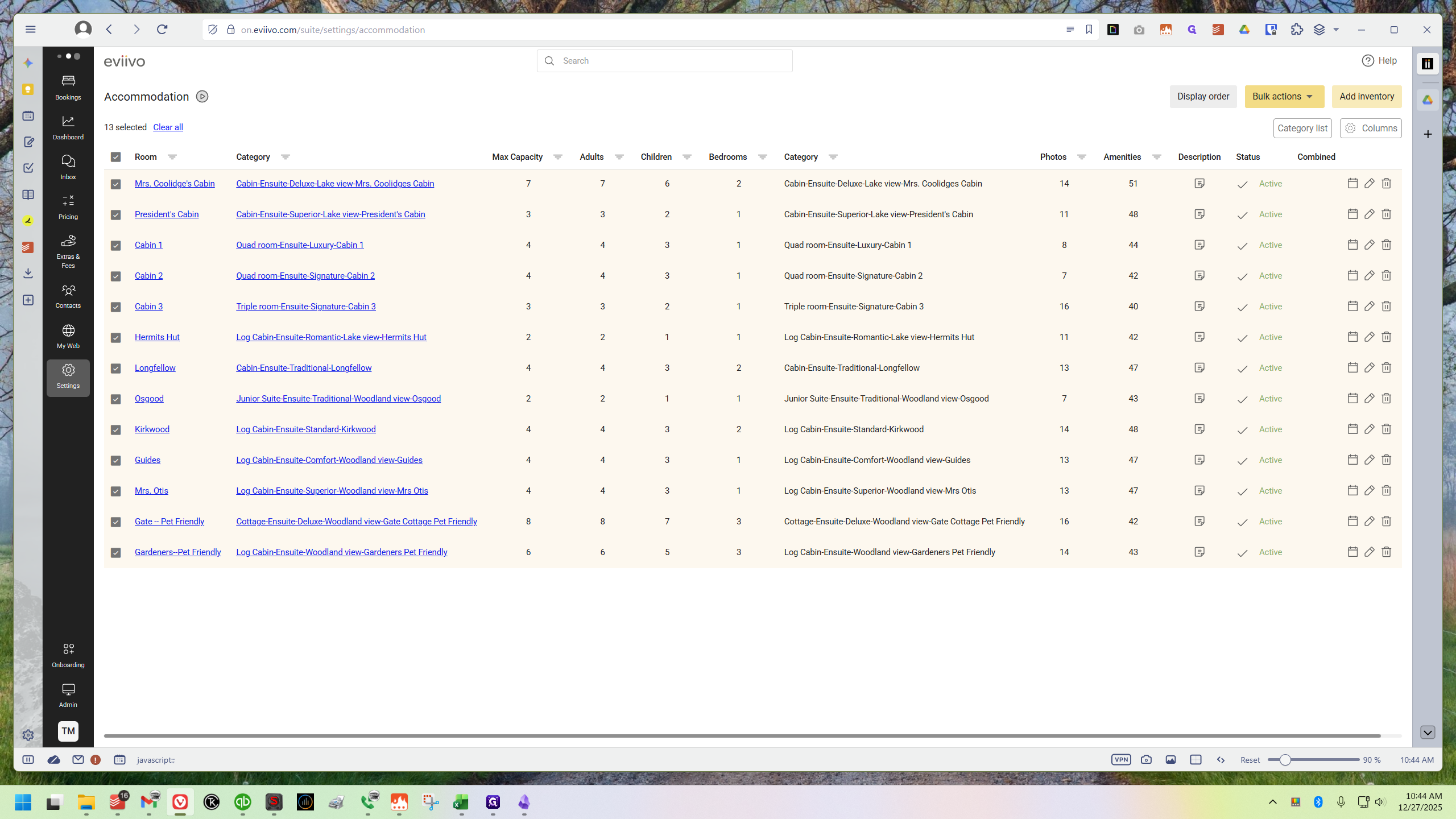
On the left, you can check the specific cabins you want to block out. Alternatively, click the top checkbox to select all 13 cabins. That's what I'm going to do here.
Once all cabins are selected, go to the top right corner and click Bulk Actions.
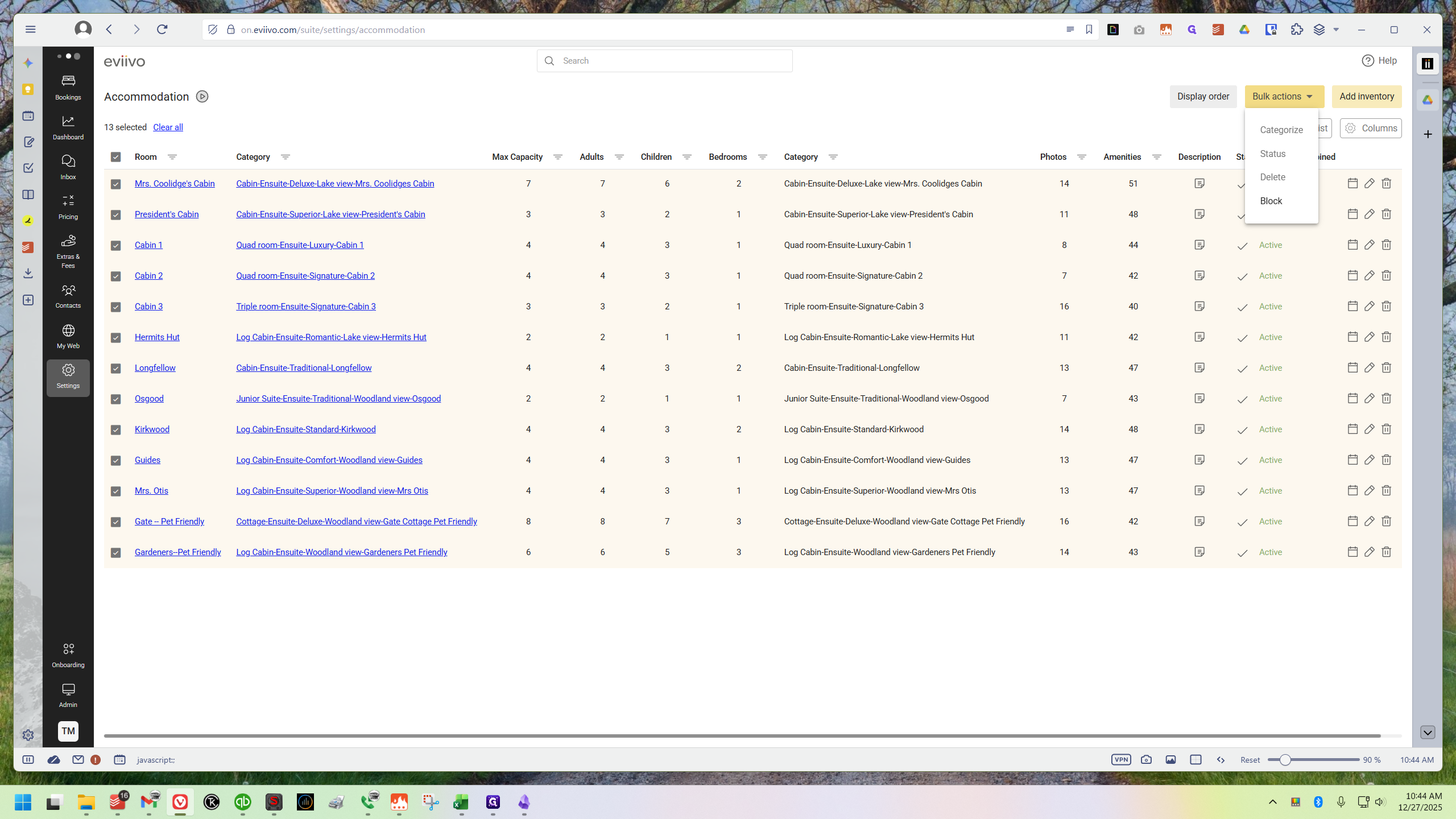
This opens a dropdown menu. Click the fourth option, "Block."
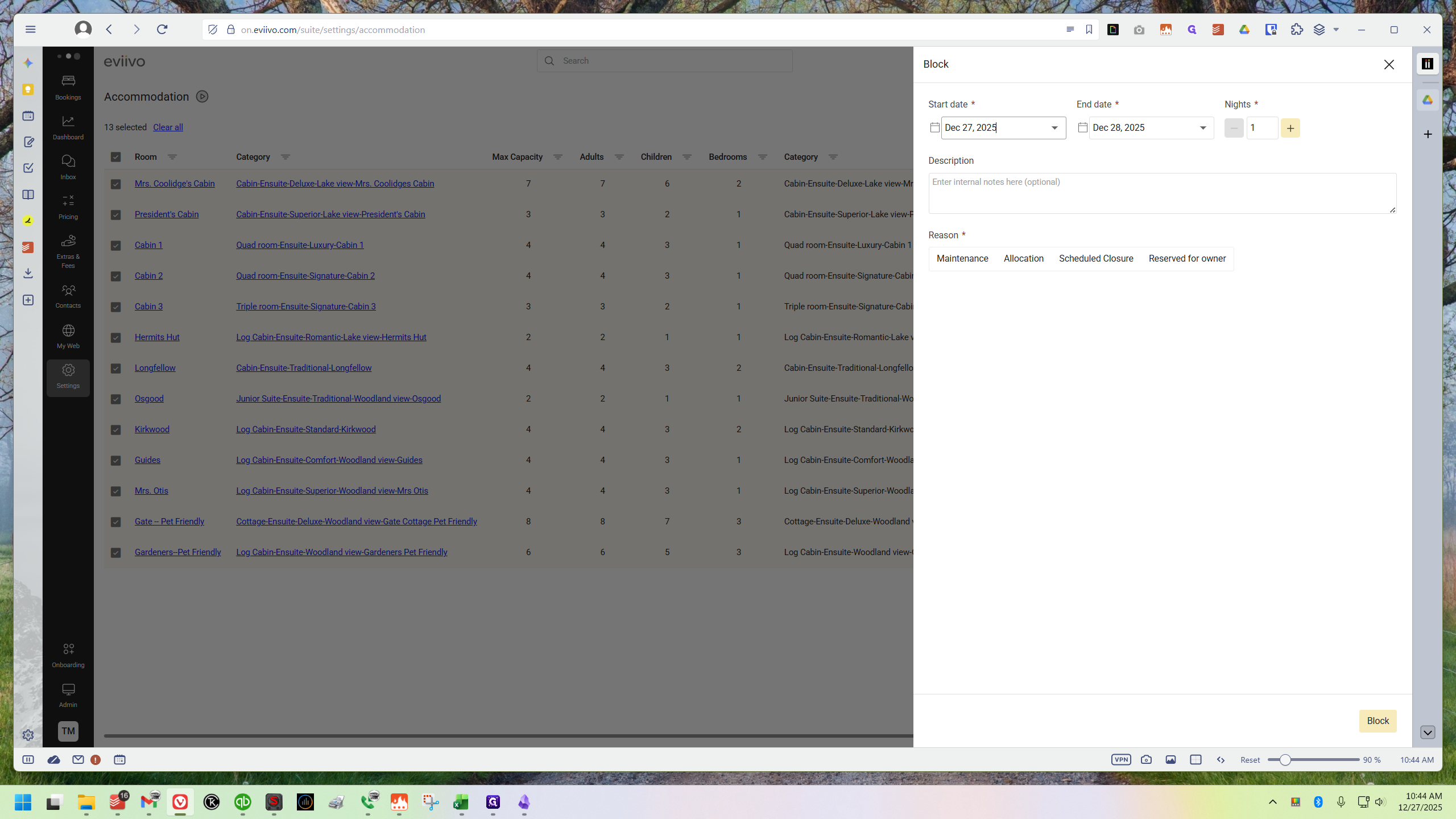
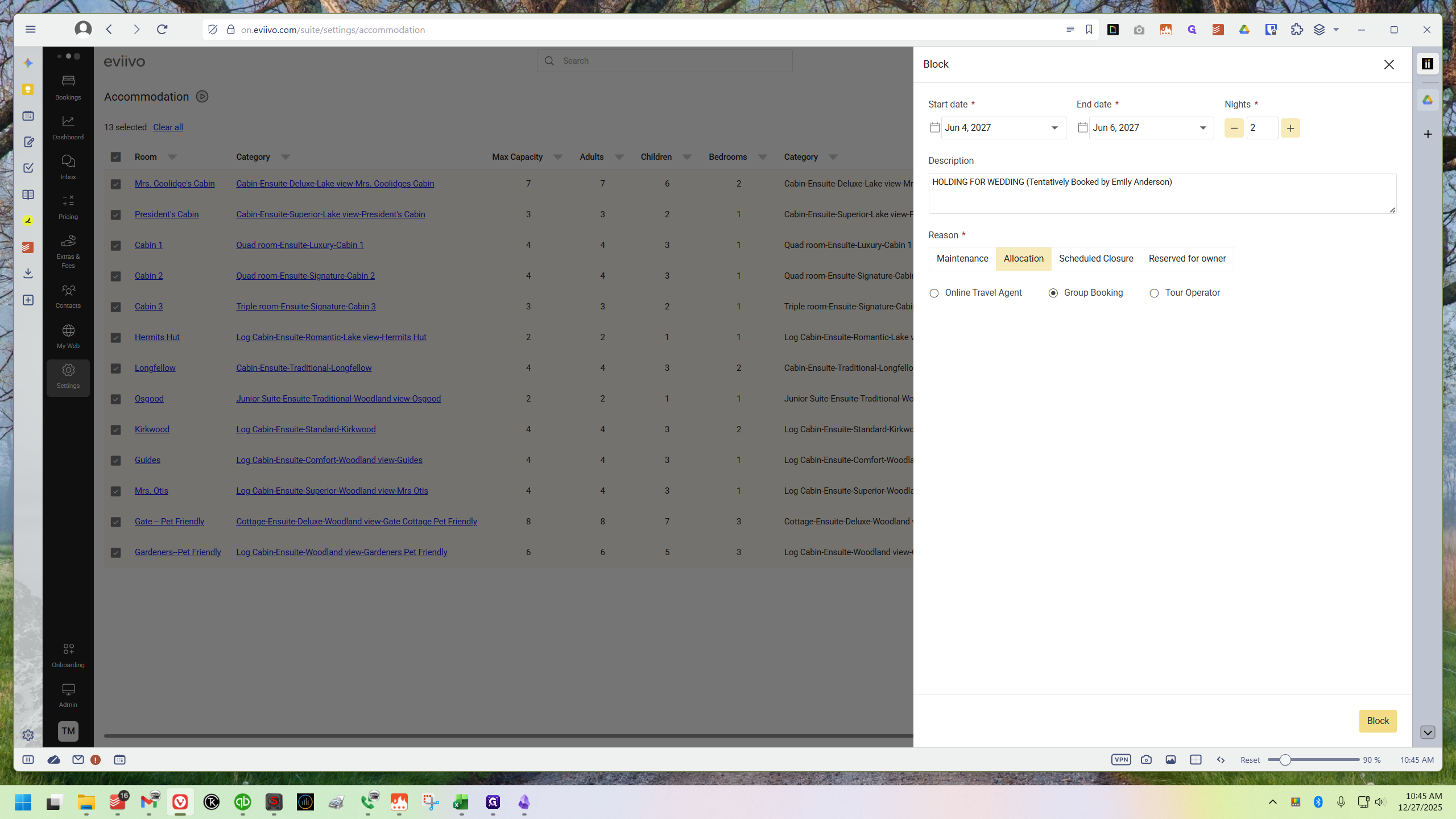
Then you can select your start date.
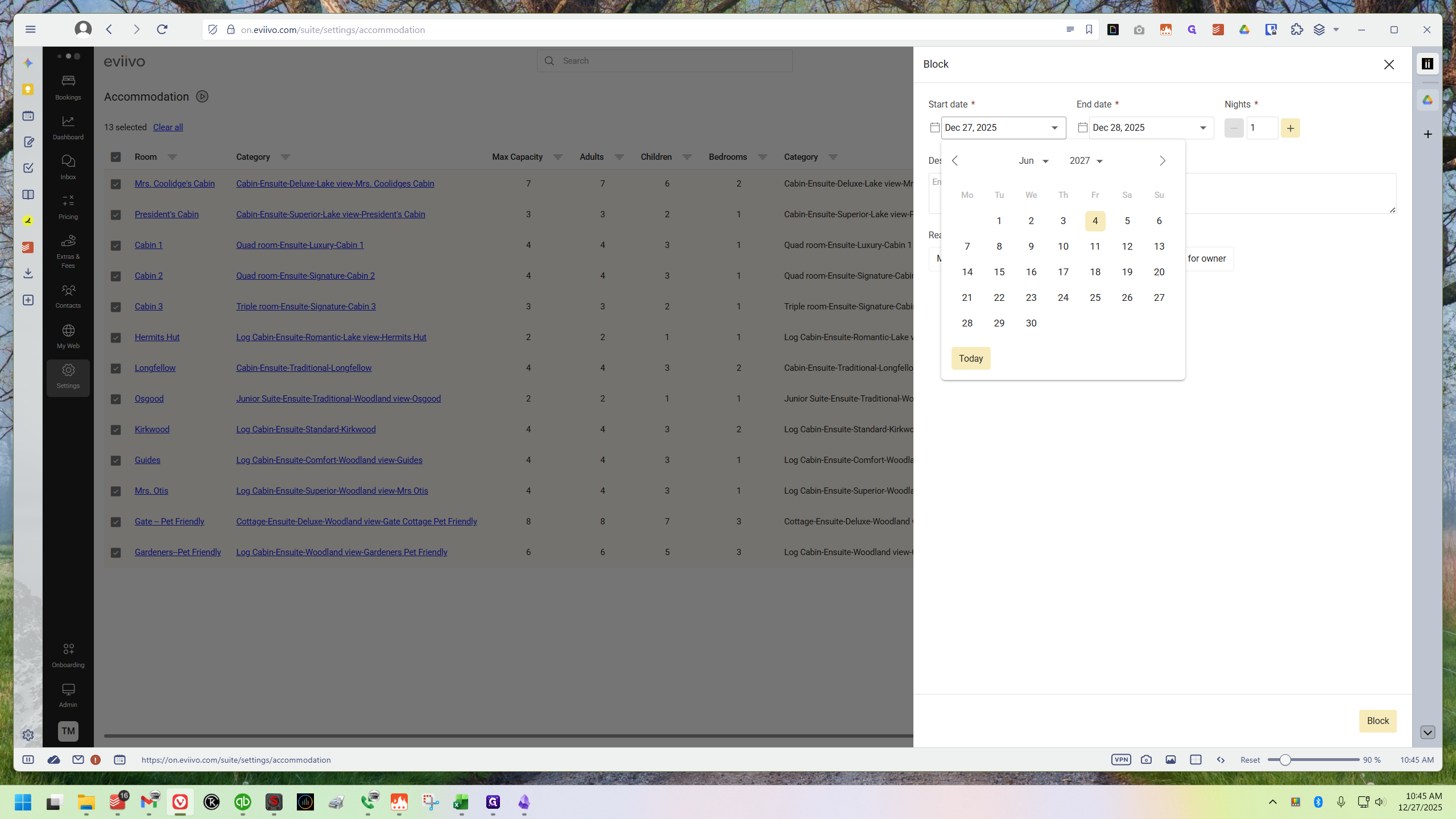
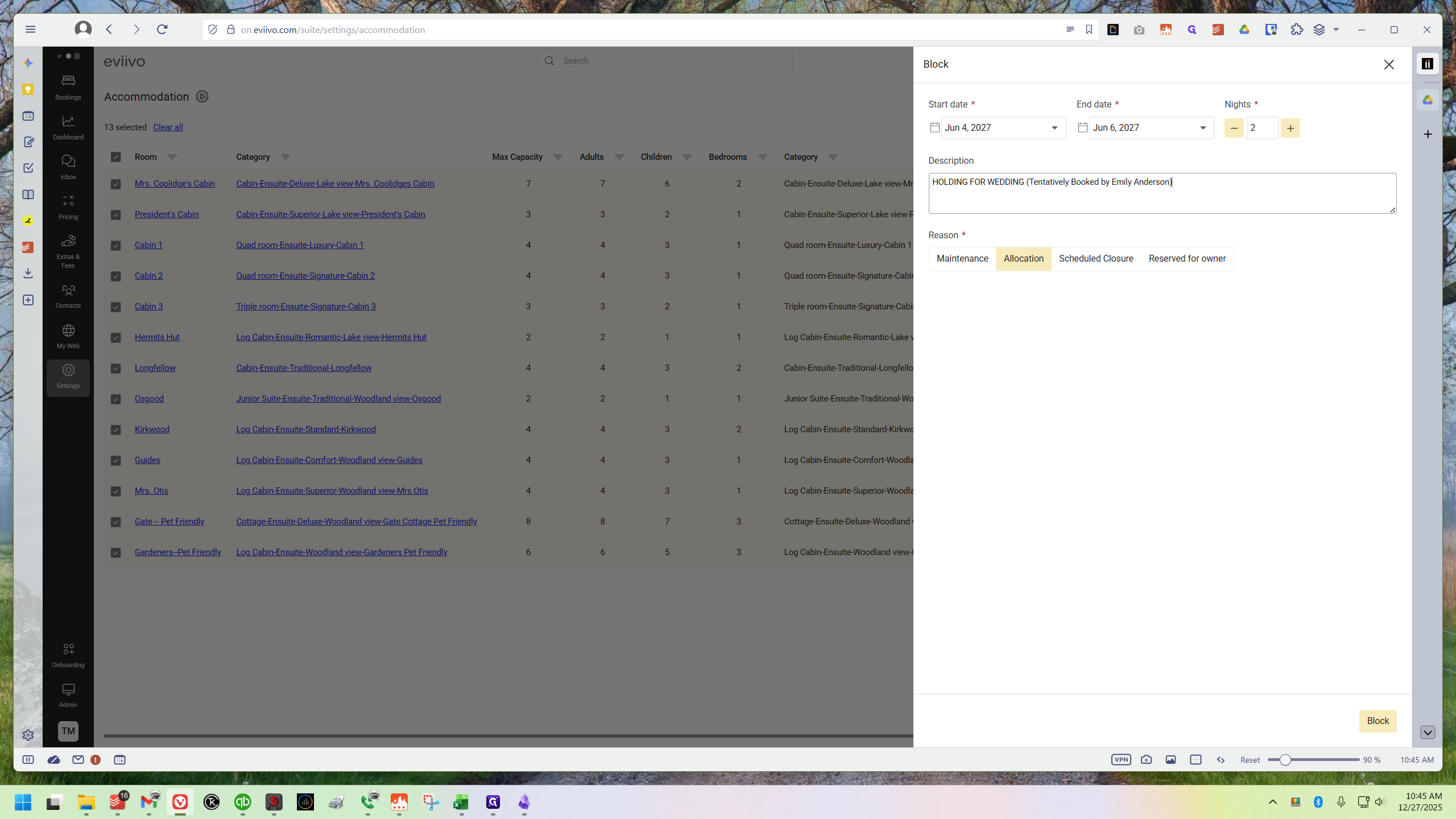
I want to block out June 4th and 5th, 2027. I'll set June 4th as the start date, click the plus button to select two nights, and enter a memo.
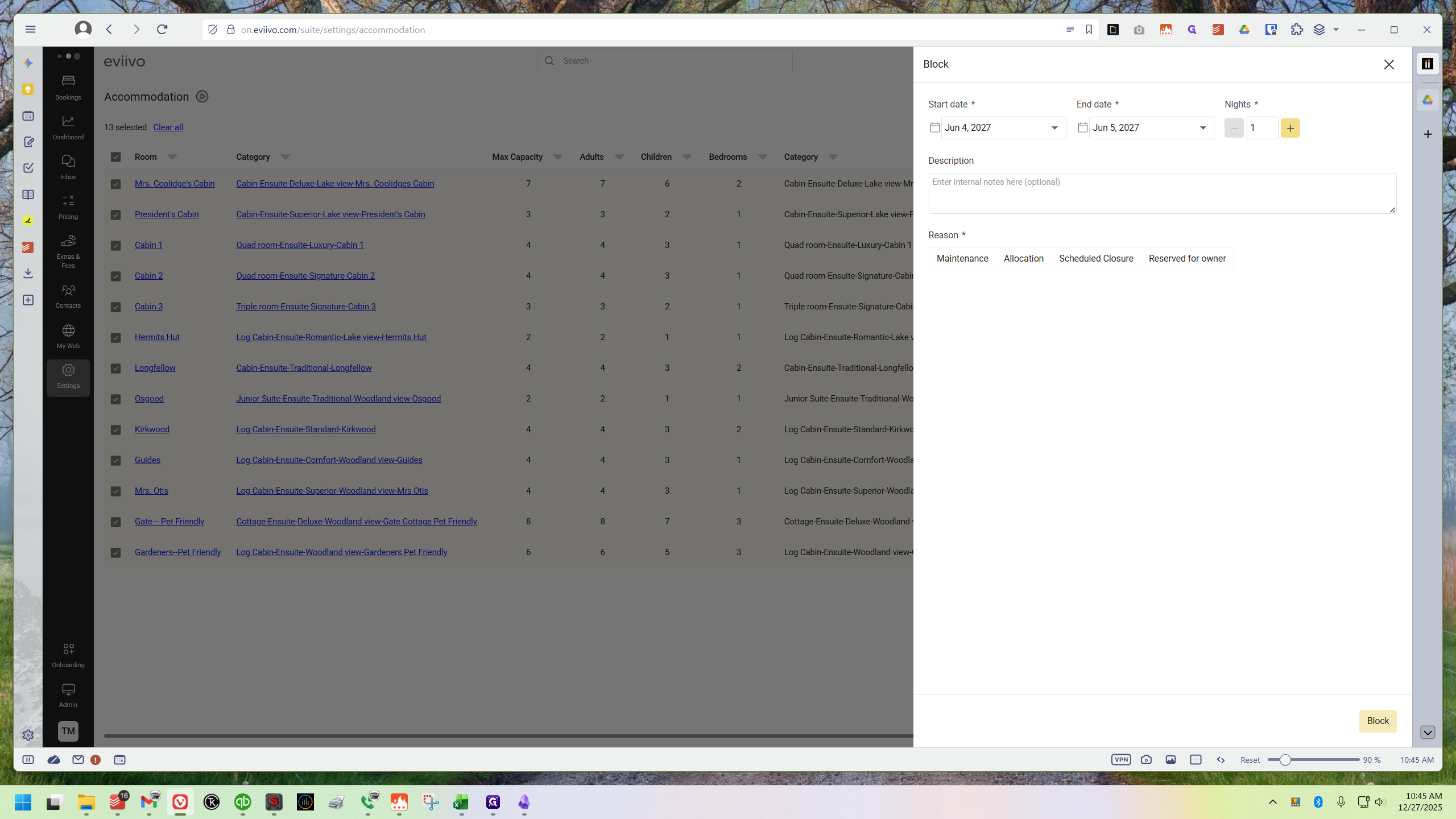
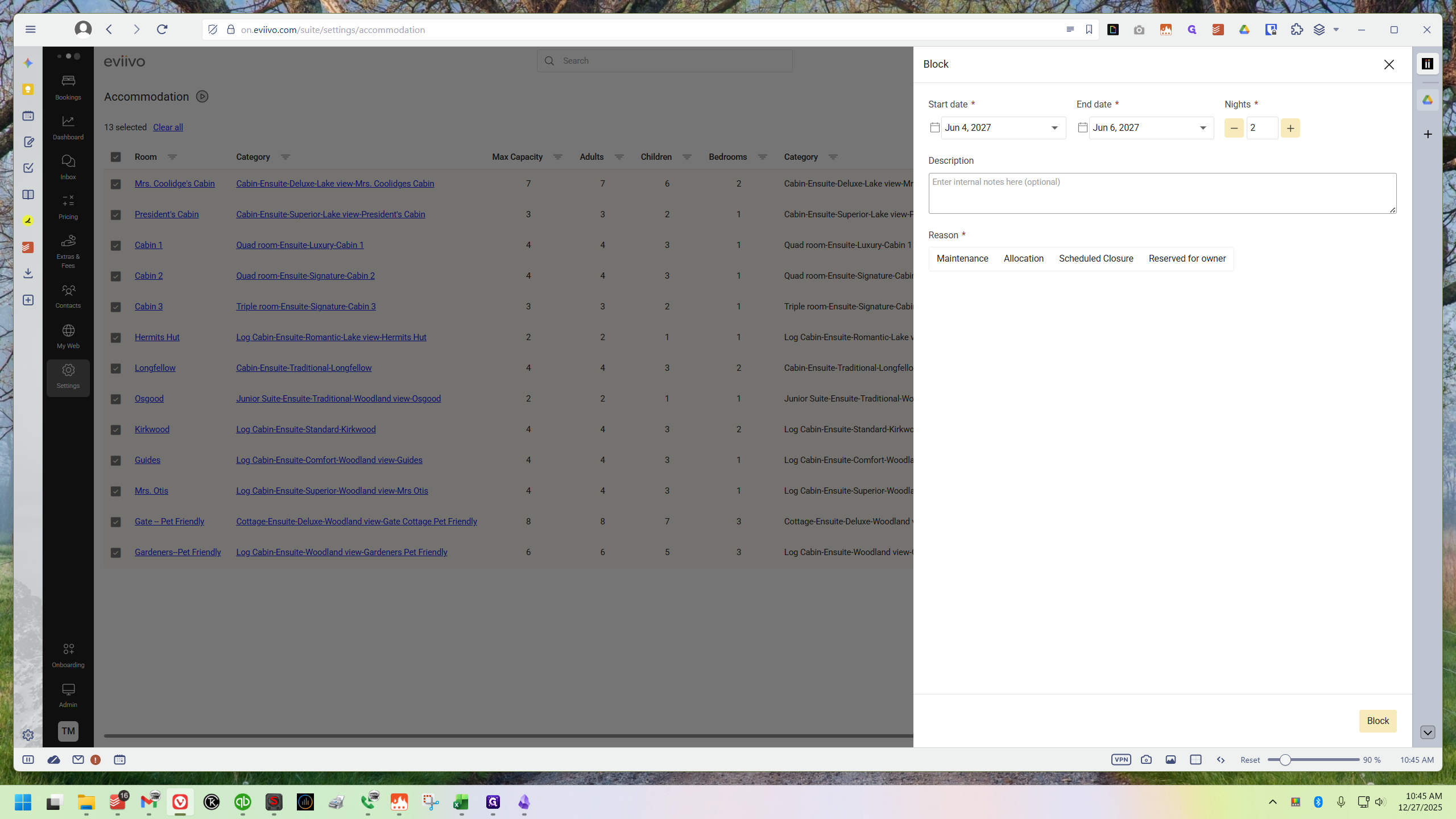
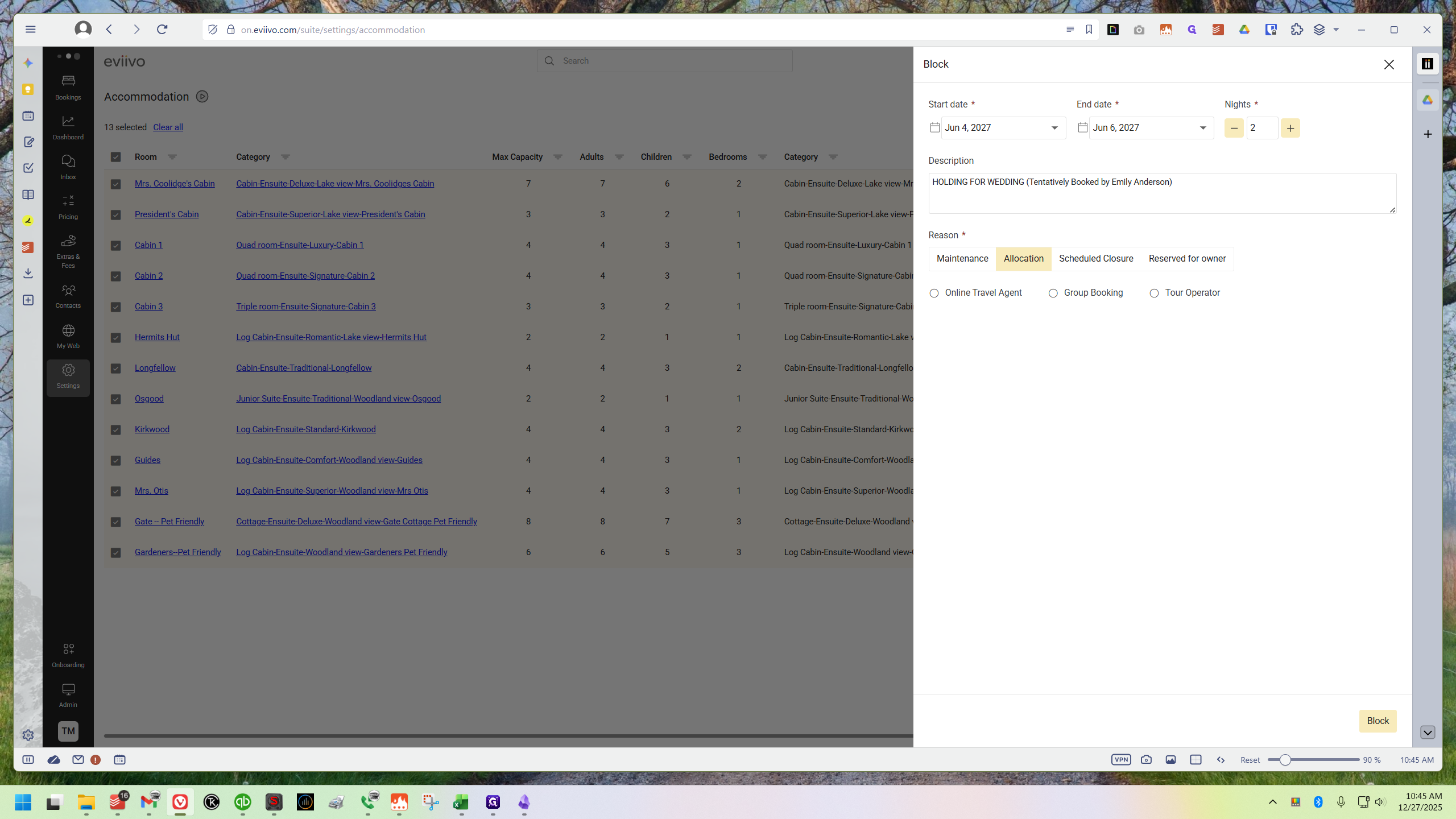
After typing your memo, click Allocation & Group Booking, then select Block in the lower right corner.
A green "Block Created" notification will appear.
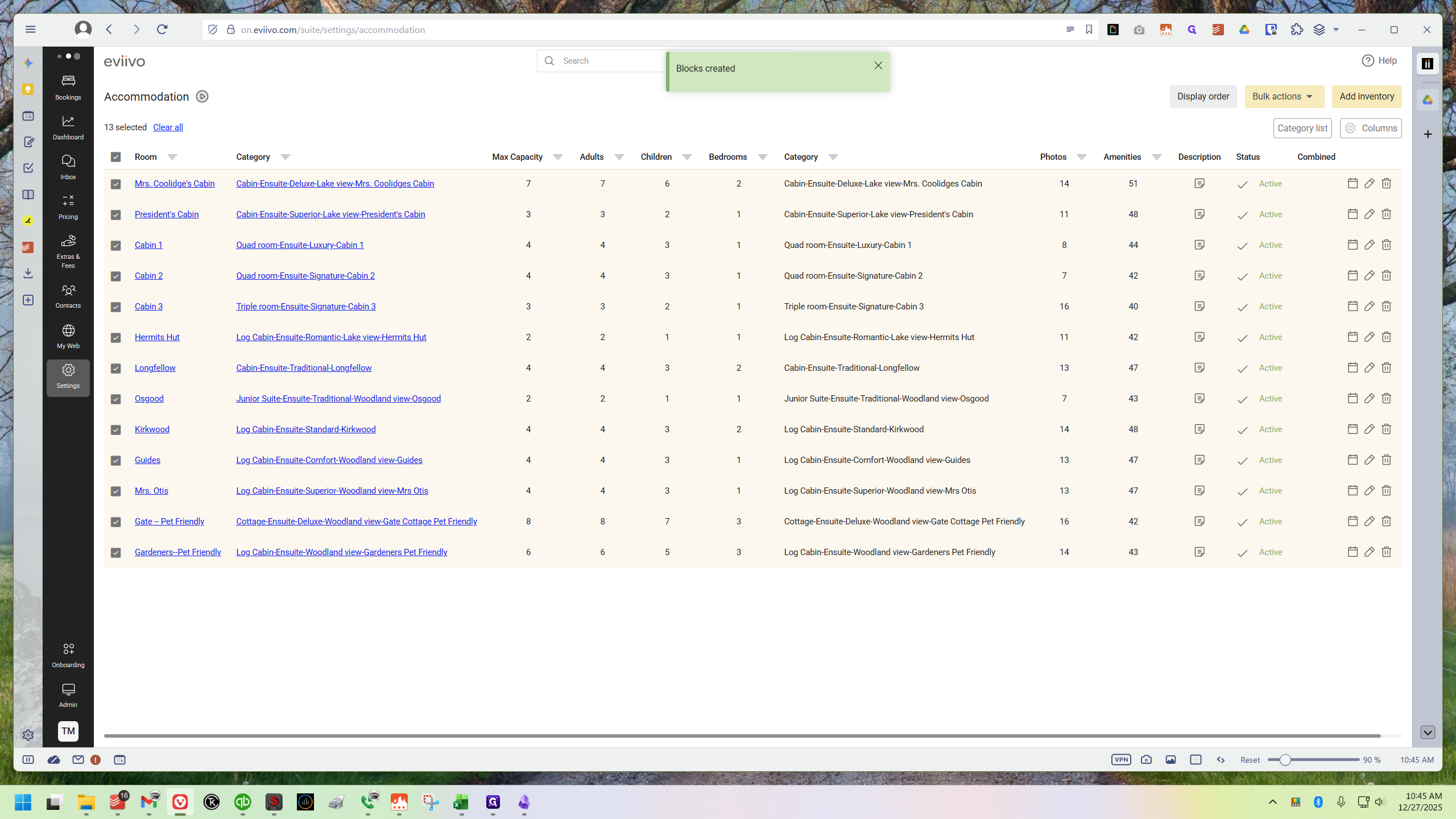
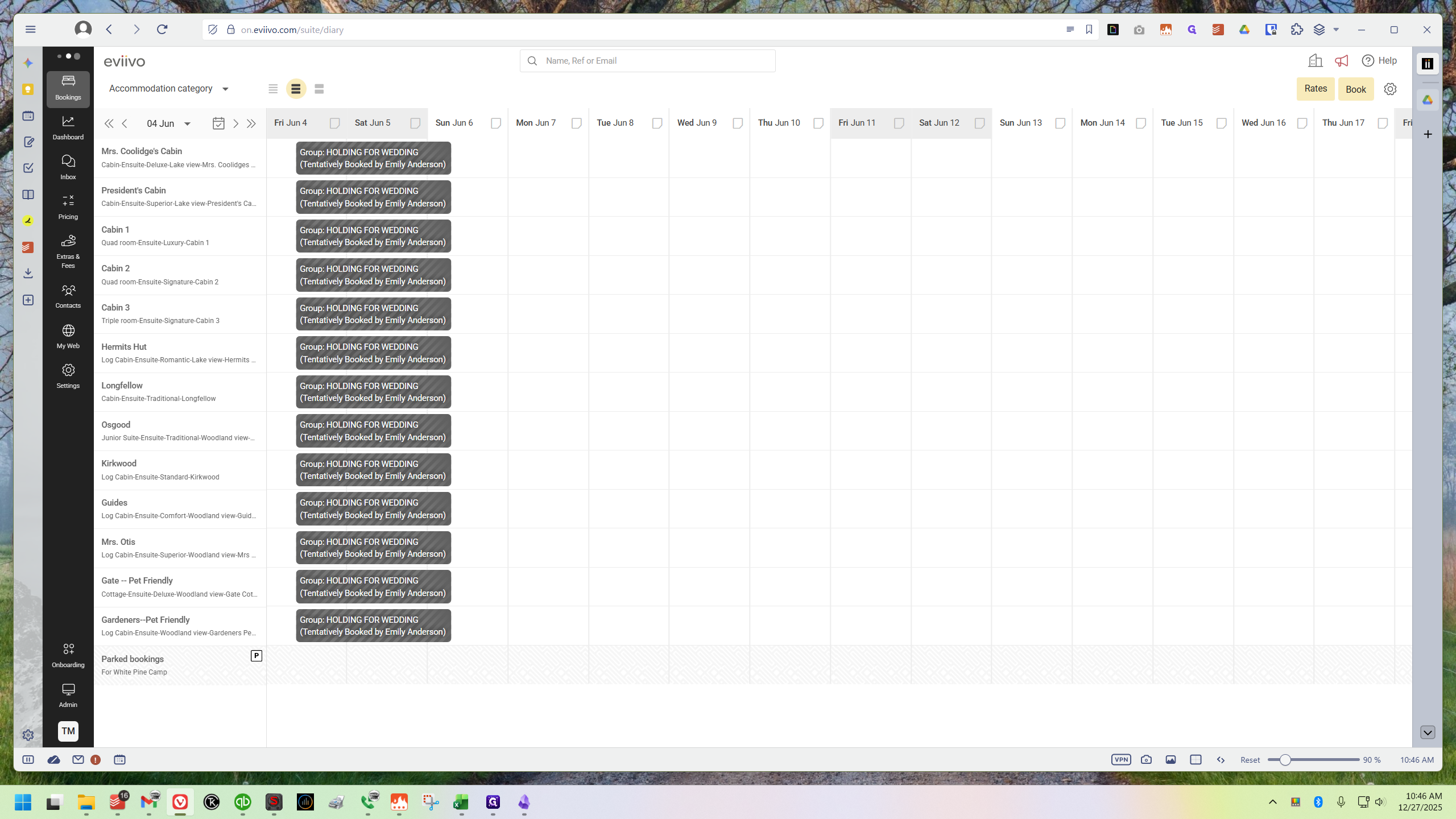
Next,check your calendar to confirm it worked.