
How to Book In Goods against a Purchase Order - PC
Learn how to successfully book in incoming goods against a purchase order and assign them to a specific warehouse bin using the Goods In module.
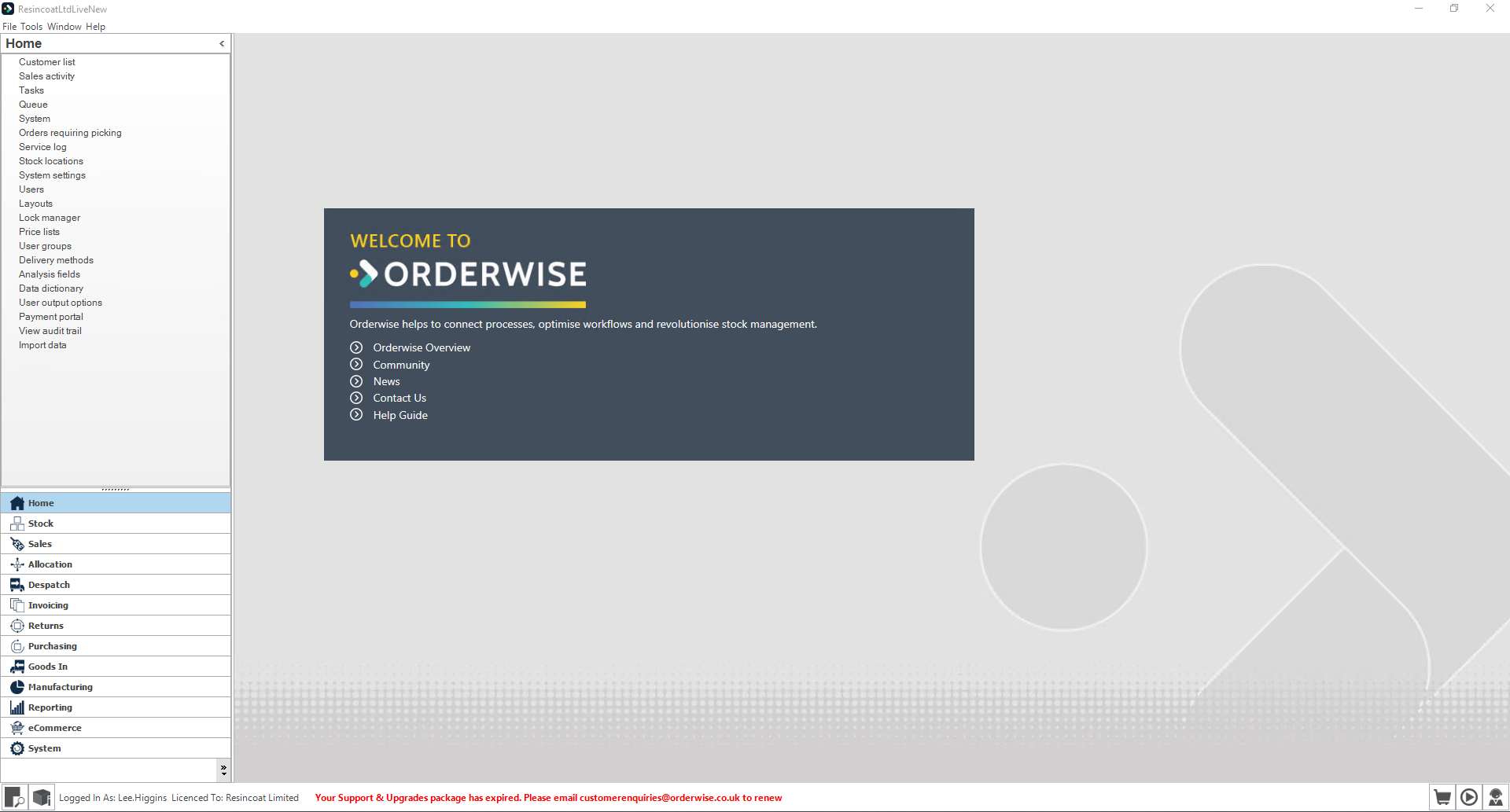
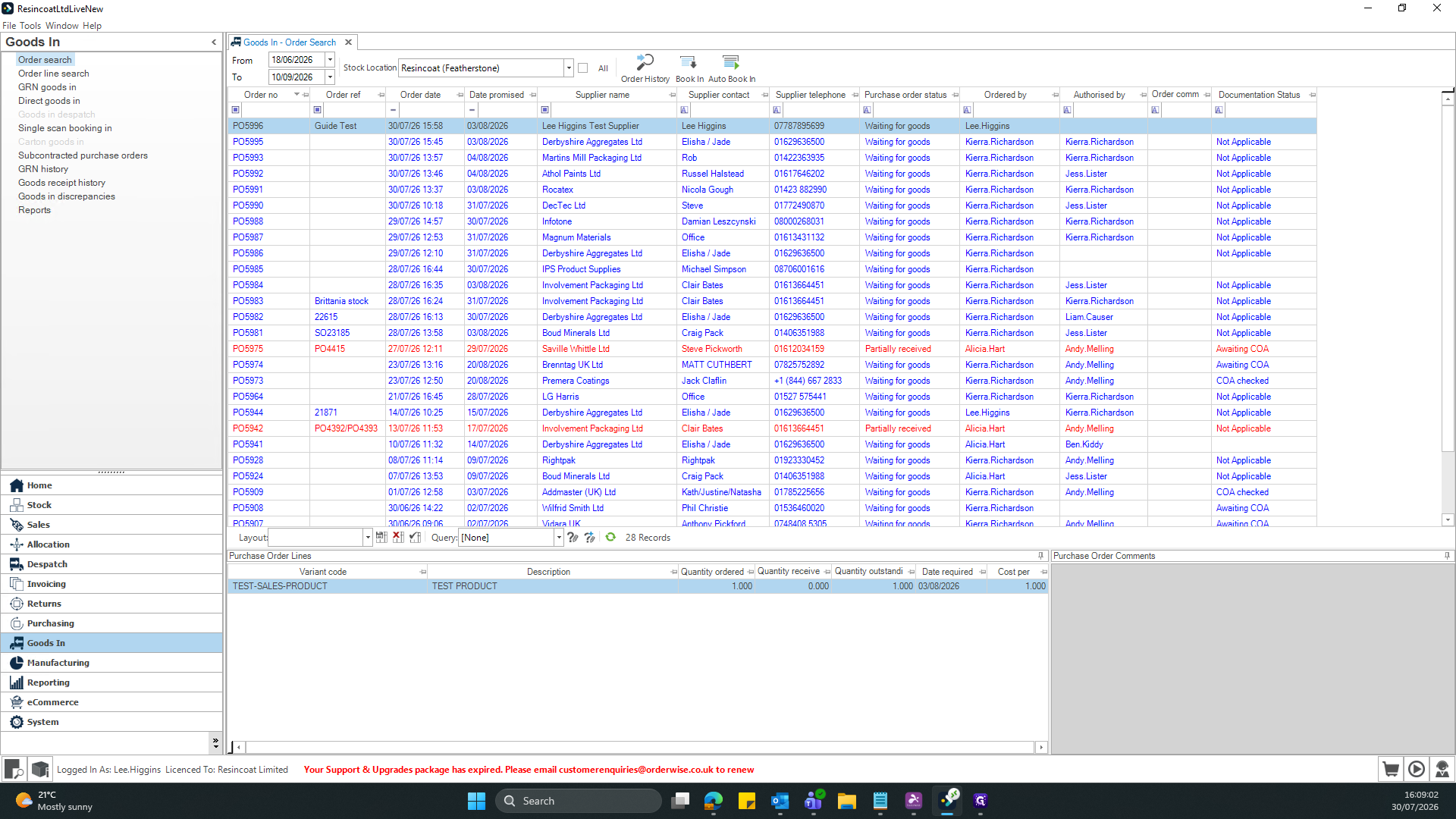
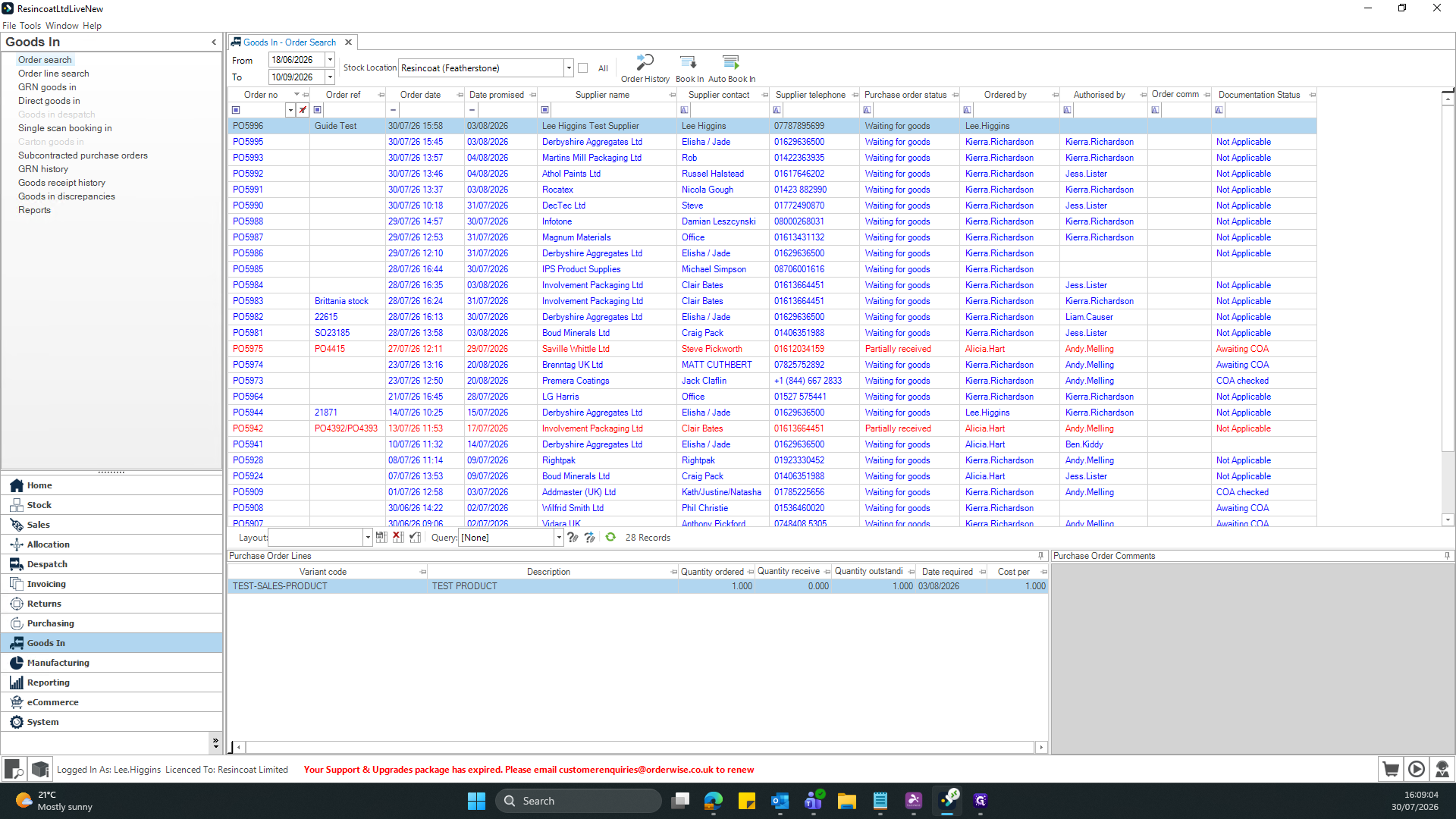
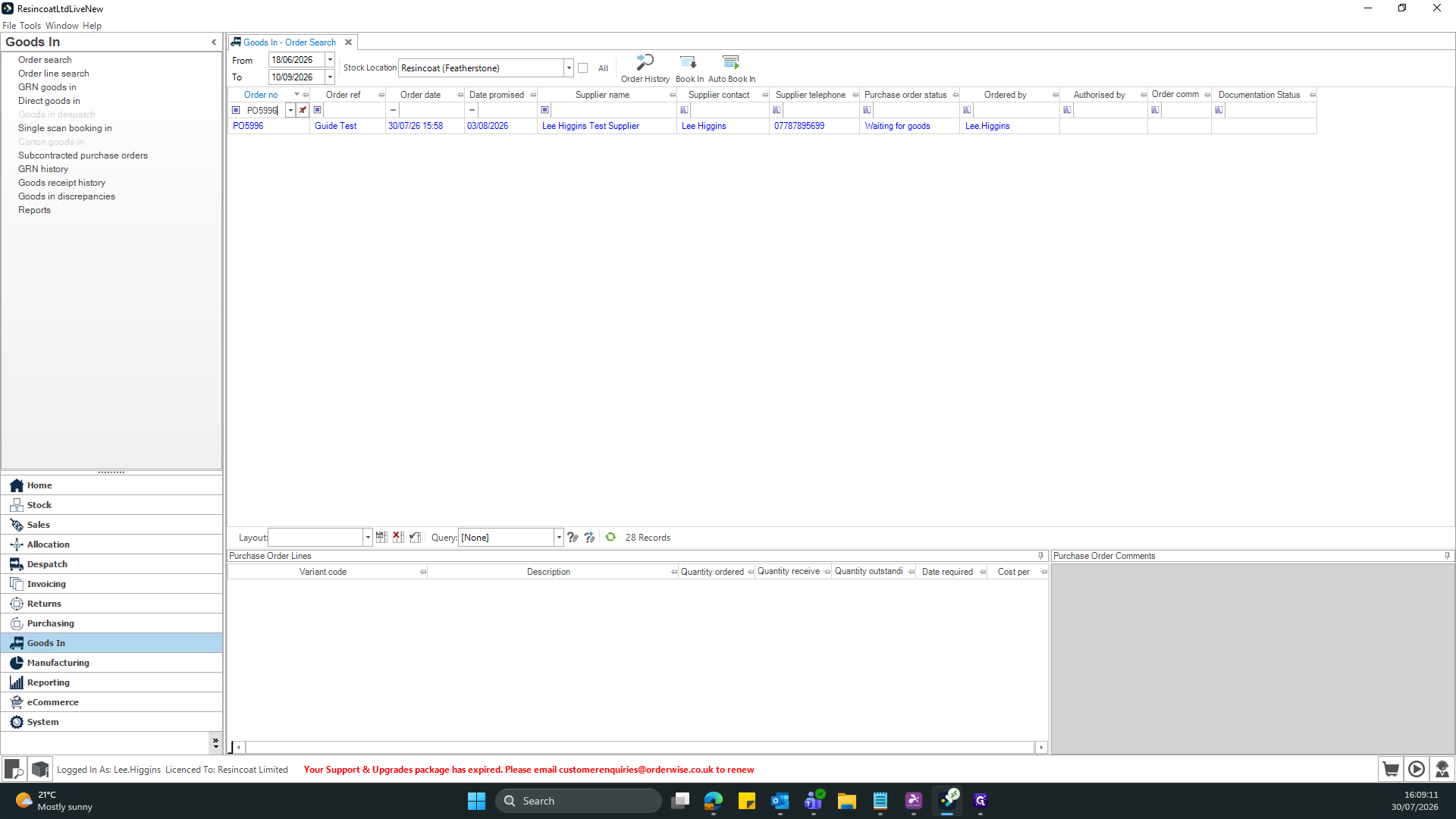
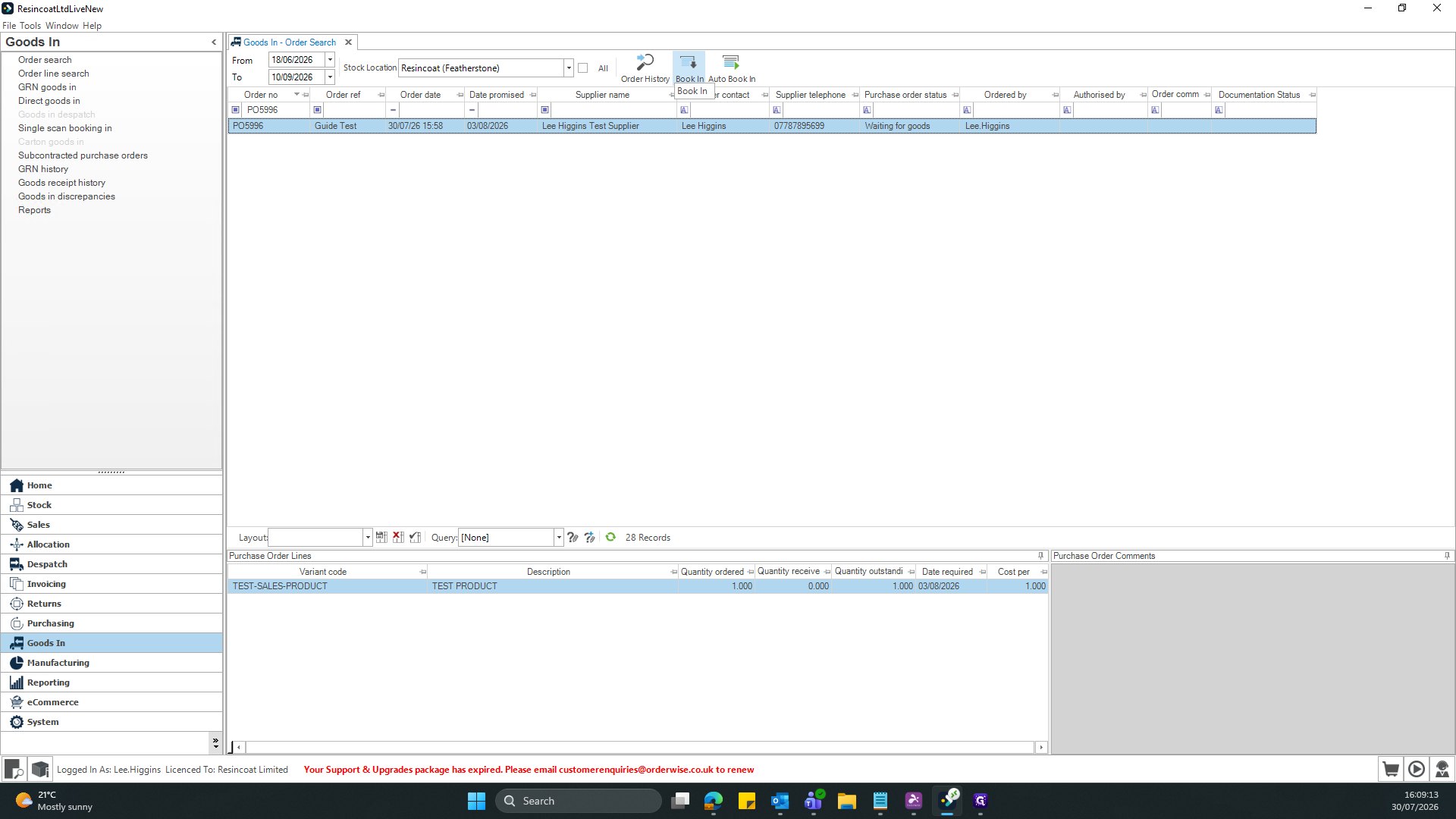
This guide explains how to receive and book incoming goods against an existing purchase order. Completing this ensures inventory levels accurately reflect physical stock and places items into the correct warehouse bins.
This workflow is designed for warehouse operators and inventory receiving teams. It should be used immediately after receiving physical shipments from a supplier to log the stock into the system.
Q: Can I book in partial orders or specific line items?
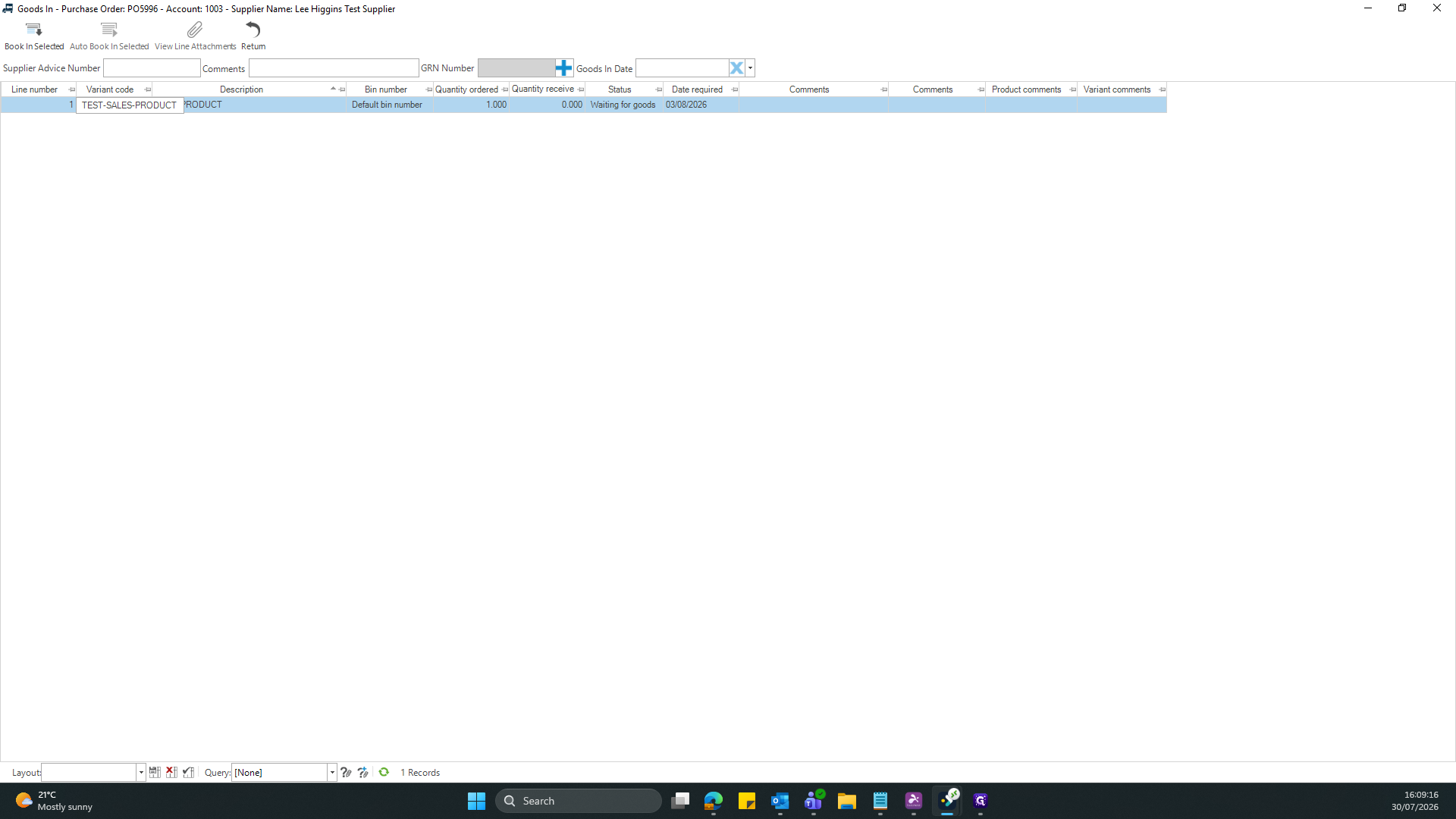
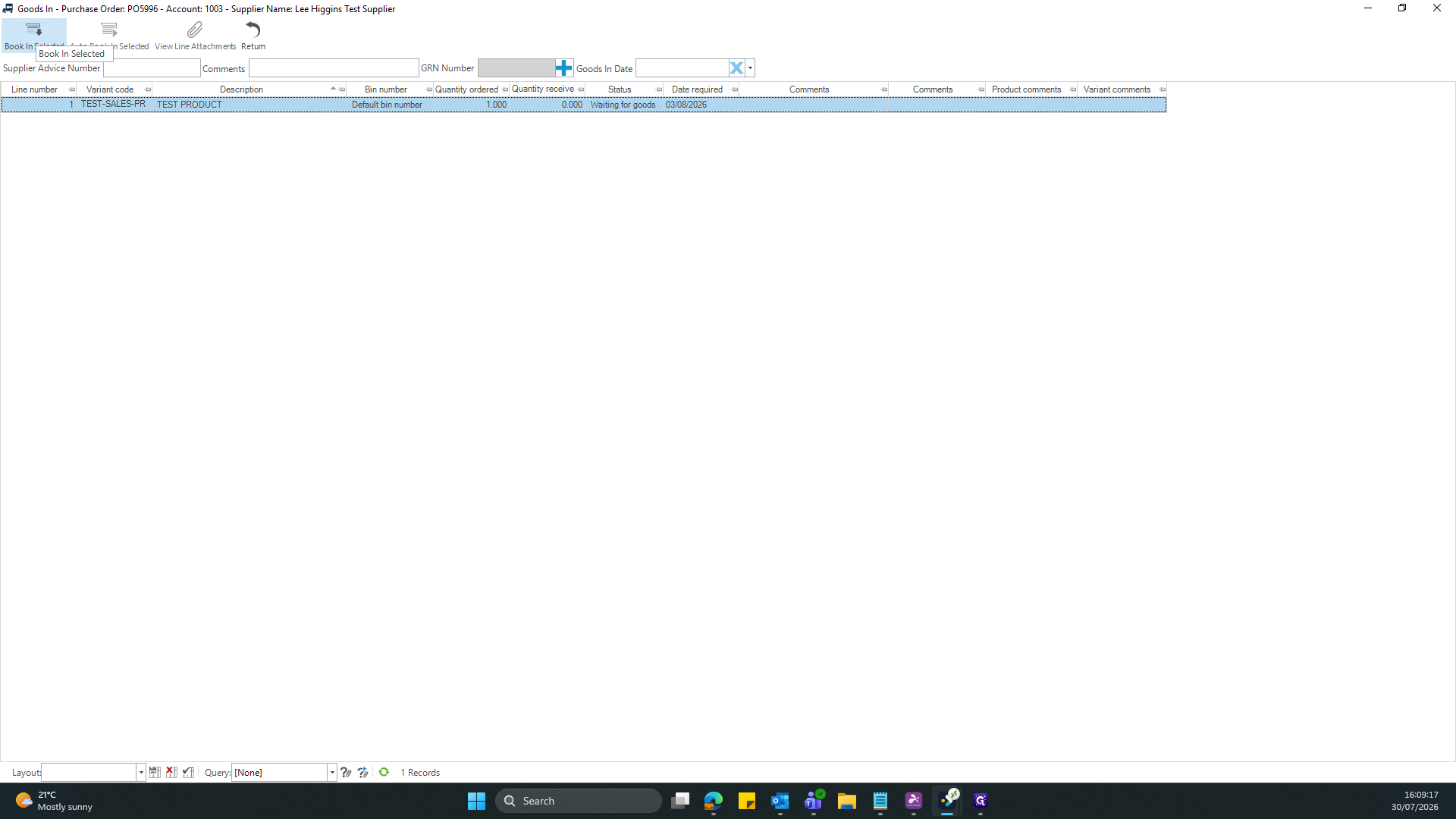
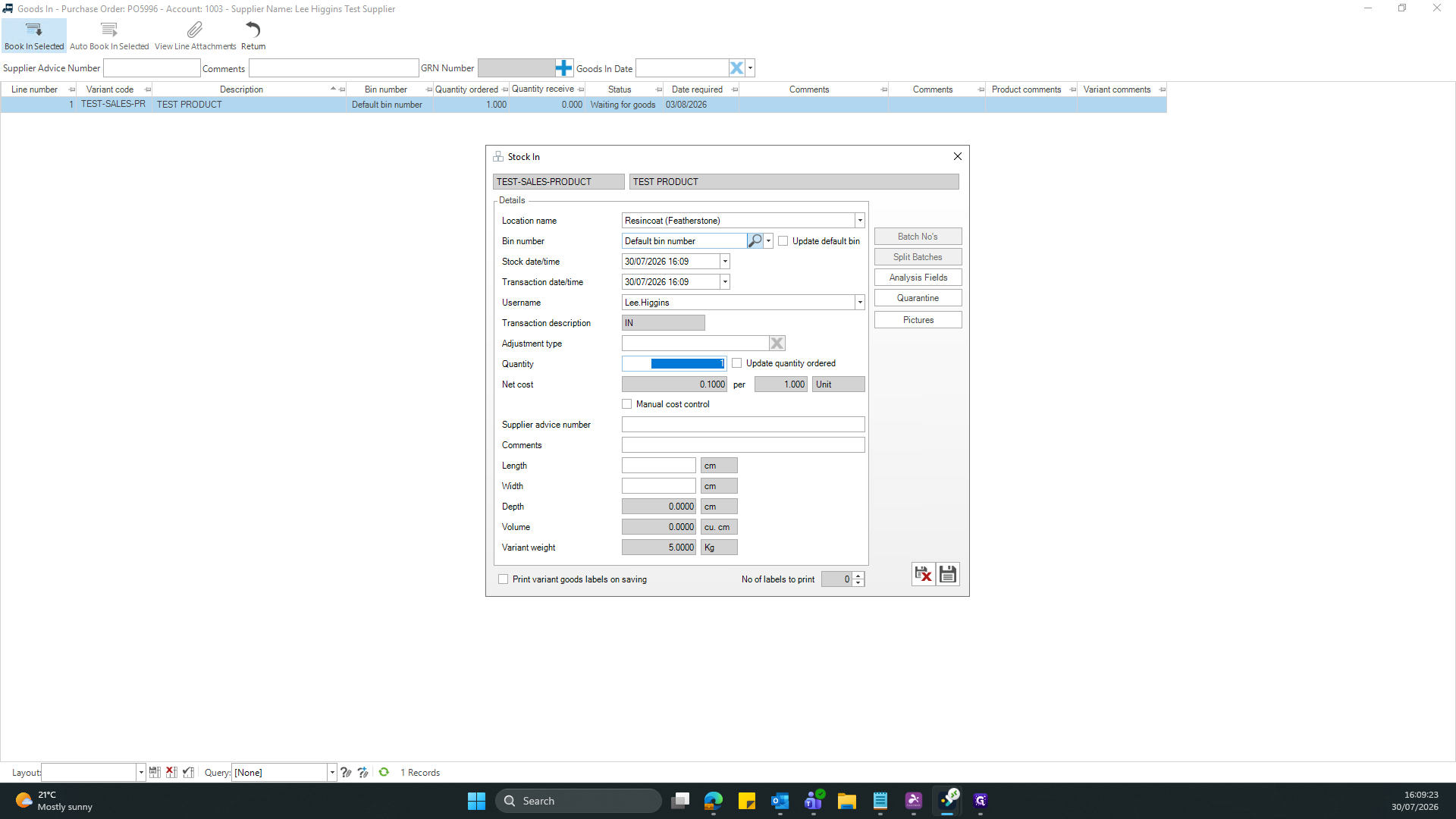
A: Yes. Select the specific product line from the list and use the Book In Selected button instead of processing the entire purchase order at once.
Q: How do I store received goods that need to be inspected?
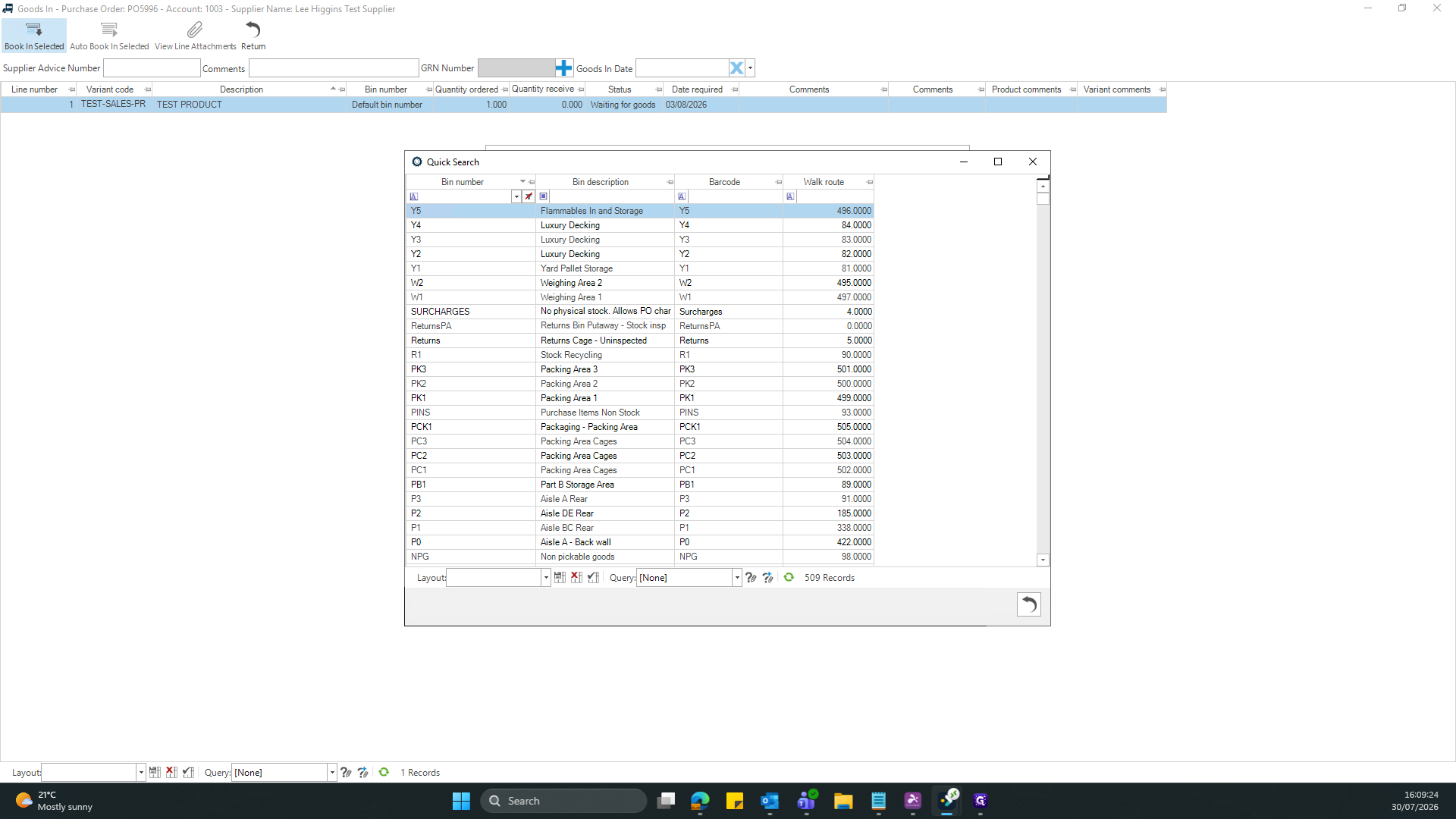
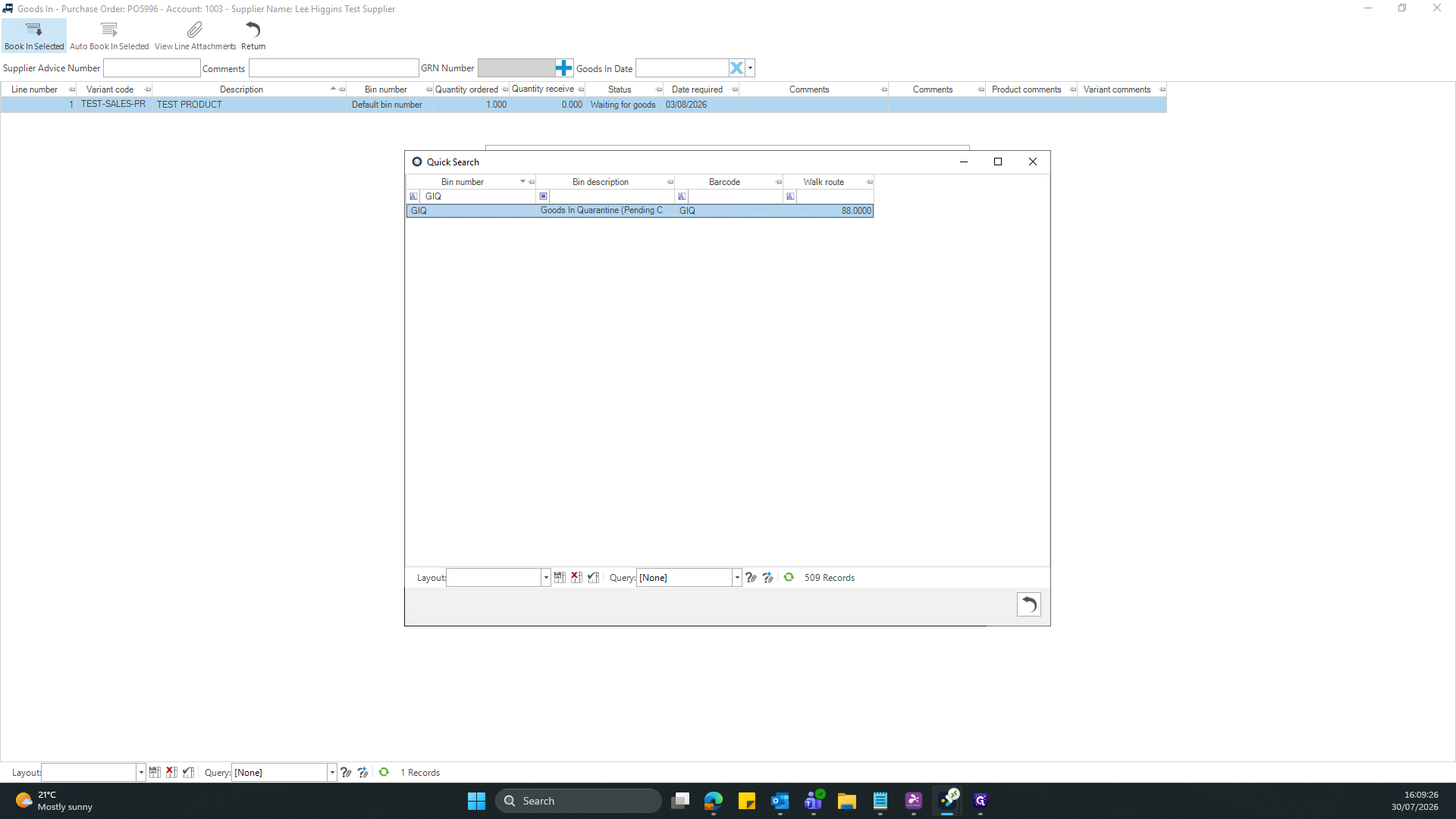
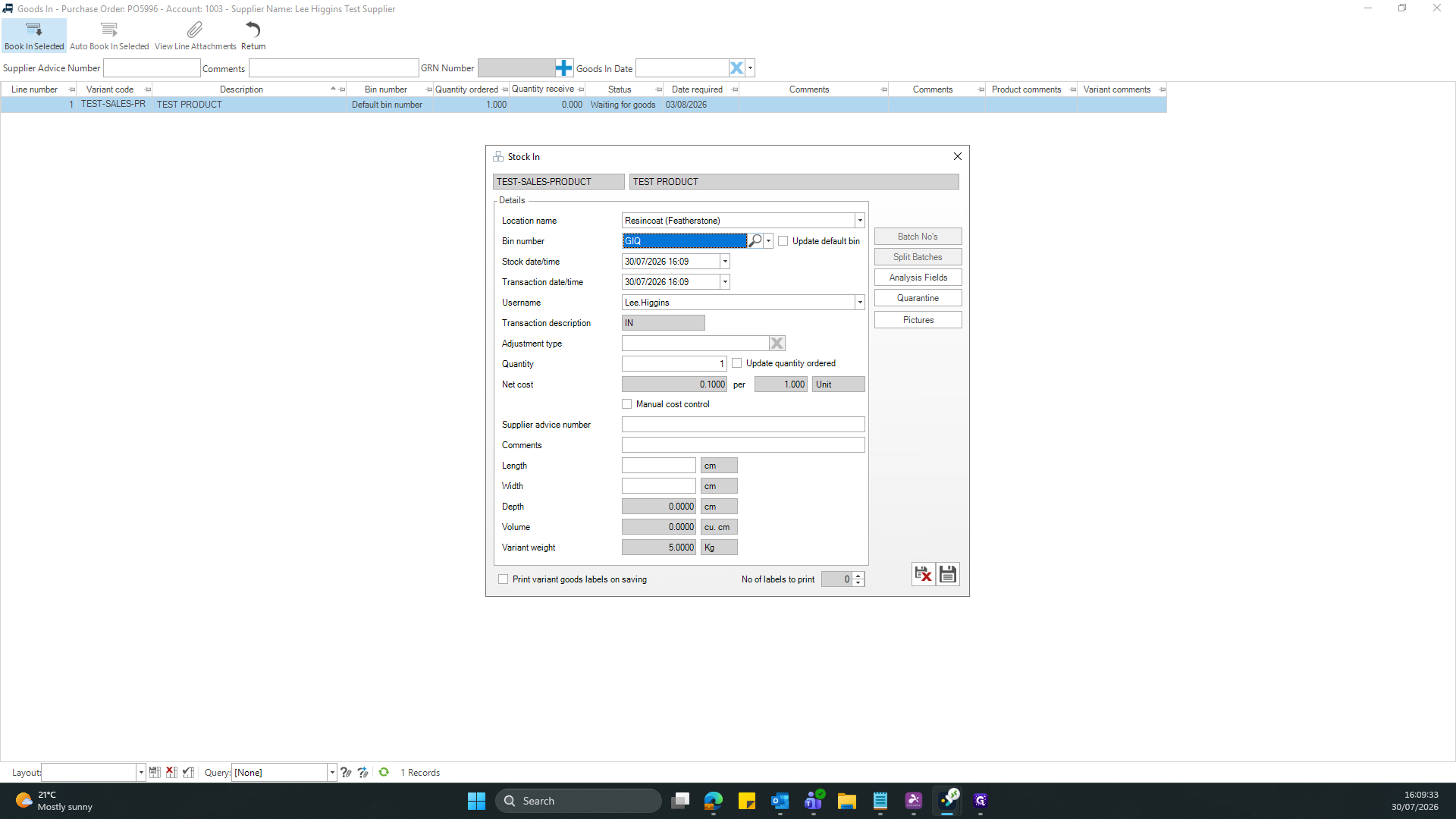
A: During the stock-in process, use the Quick Search window to assign the goods to a quarantine bin, such as GIQ (Goods In Quarantine).
Term | Definition |
|---|---|
Goods In | The module and process used to log and receive incoming inventory against purchase orders. |
Bin | A specific physical storage location or designation within a warehouse system. |
GIQ | Stands for Goods In Quarantine, a specific bin used to hold items pending inspection or approval. |