
How to Book Pure West x Perspective Media Services Correctly
Learn how to correctly book Pure West x Perspective Media services and avoid payment issues by selecting the right option in your account. Follow these steps to ensure a smooth booking process.
In this guide, we'll learn how to book a service correctly by selecting the right option on your account. This will help you avoid payment issues and ensure your booking is processed as intended.
We'll also cover what to do if you do not see the correct booking option on your page.
Let's get started
"" It appears that when you booked, instead of clicking the Book Now button under Pure West x Perspective Media, you clicked on Real Estate. That is why it still asked you to pay.
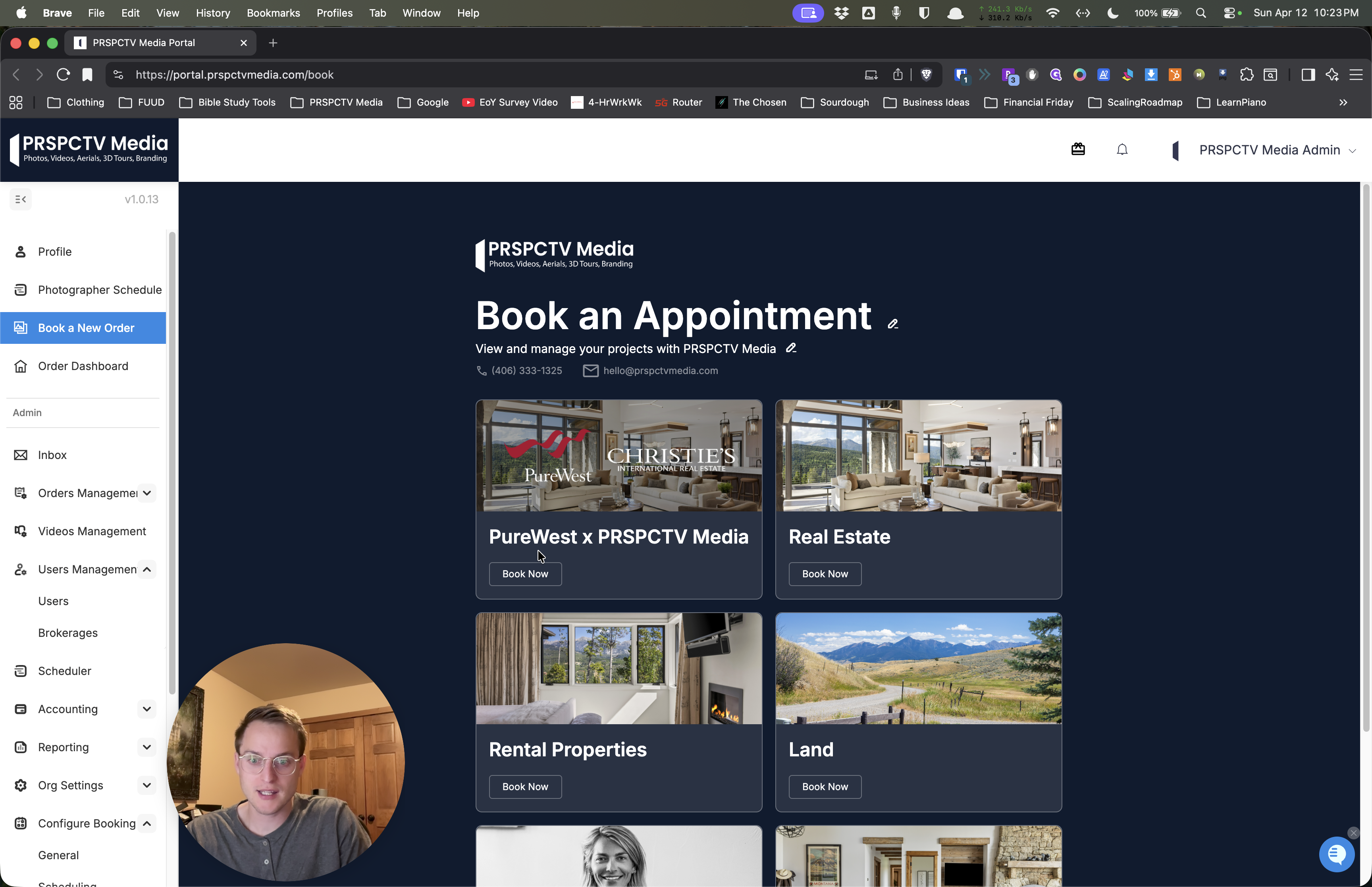
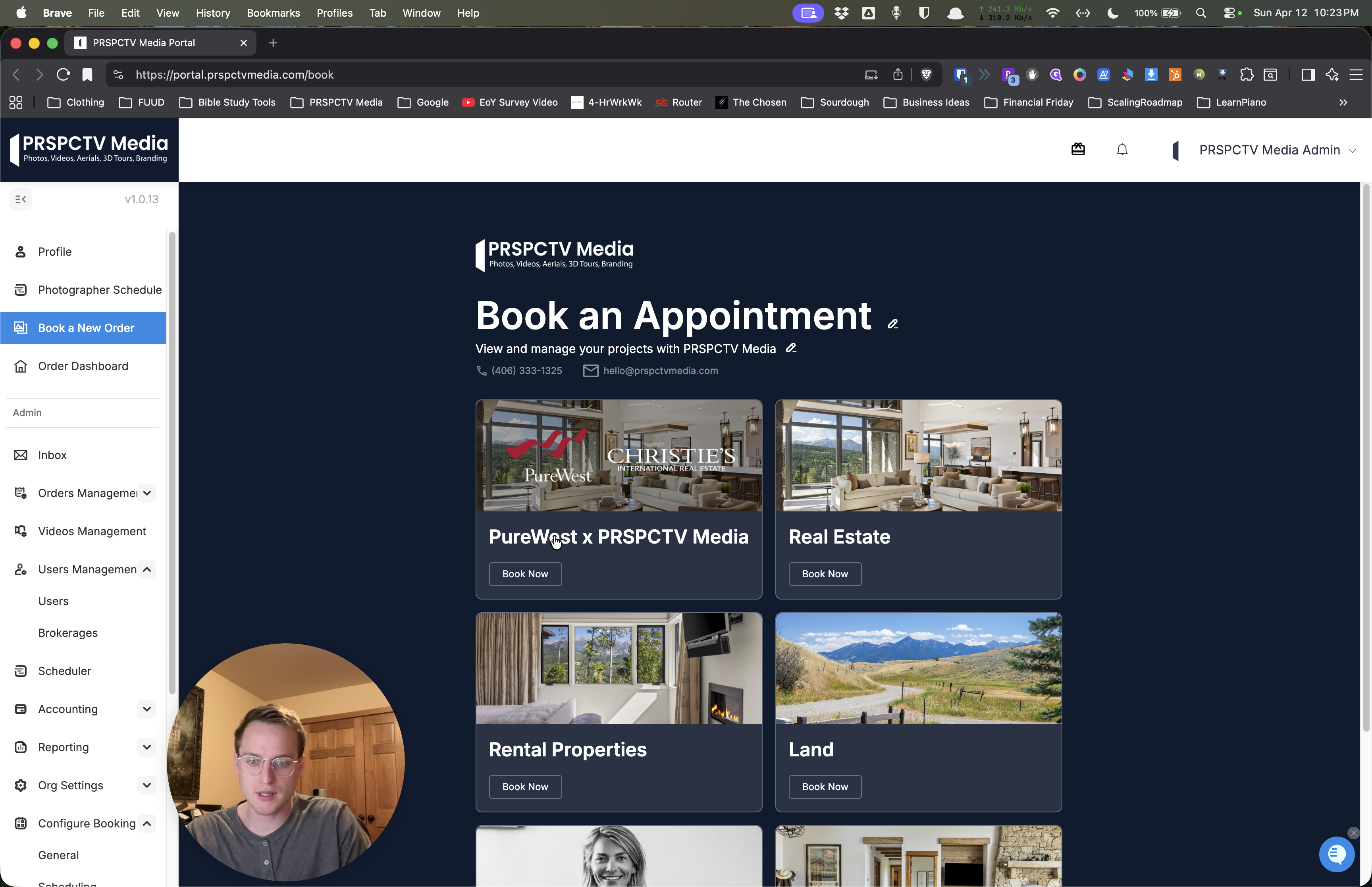
Moving forward, on your account, you should see a picture that says "Pure West x Perspective Media" and features the Pure West Christie's logo in a different overlay on the photo.
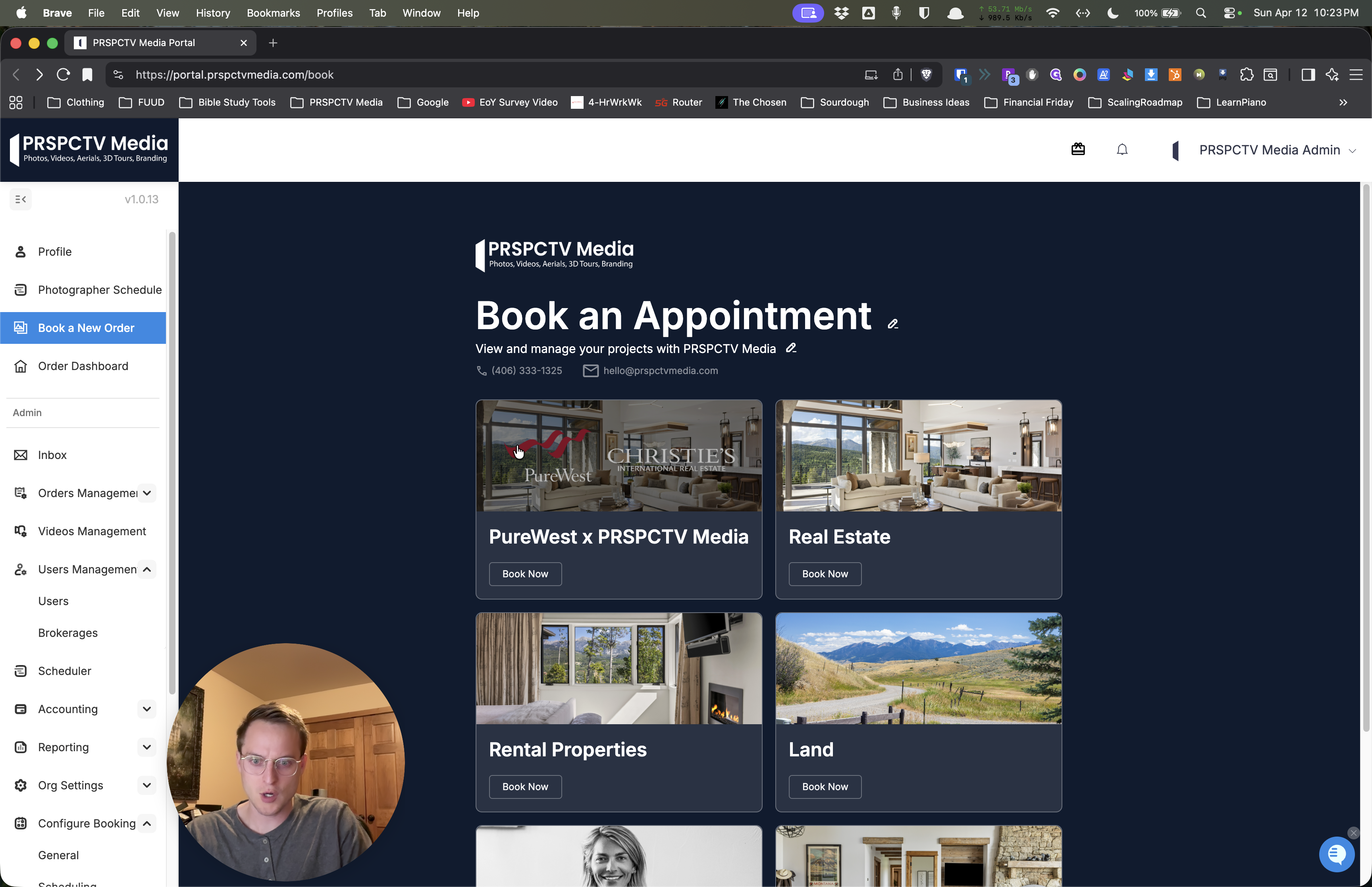
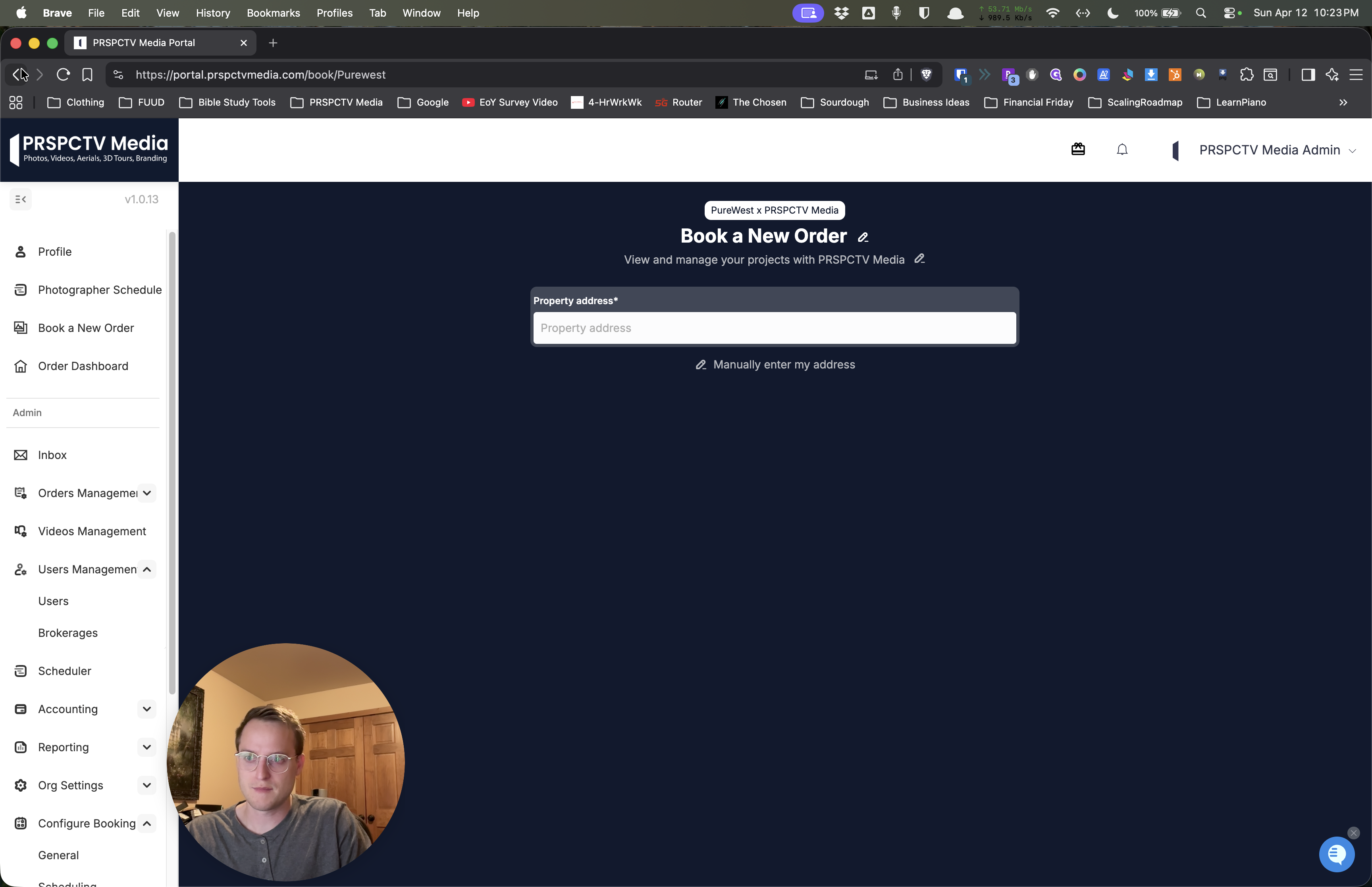
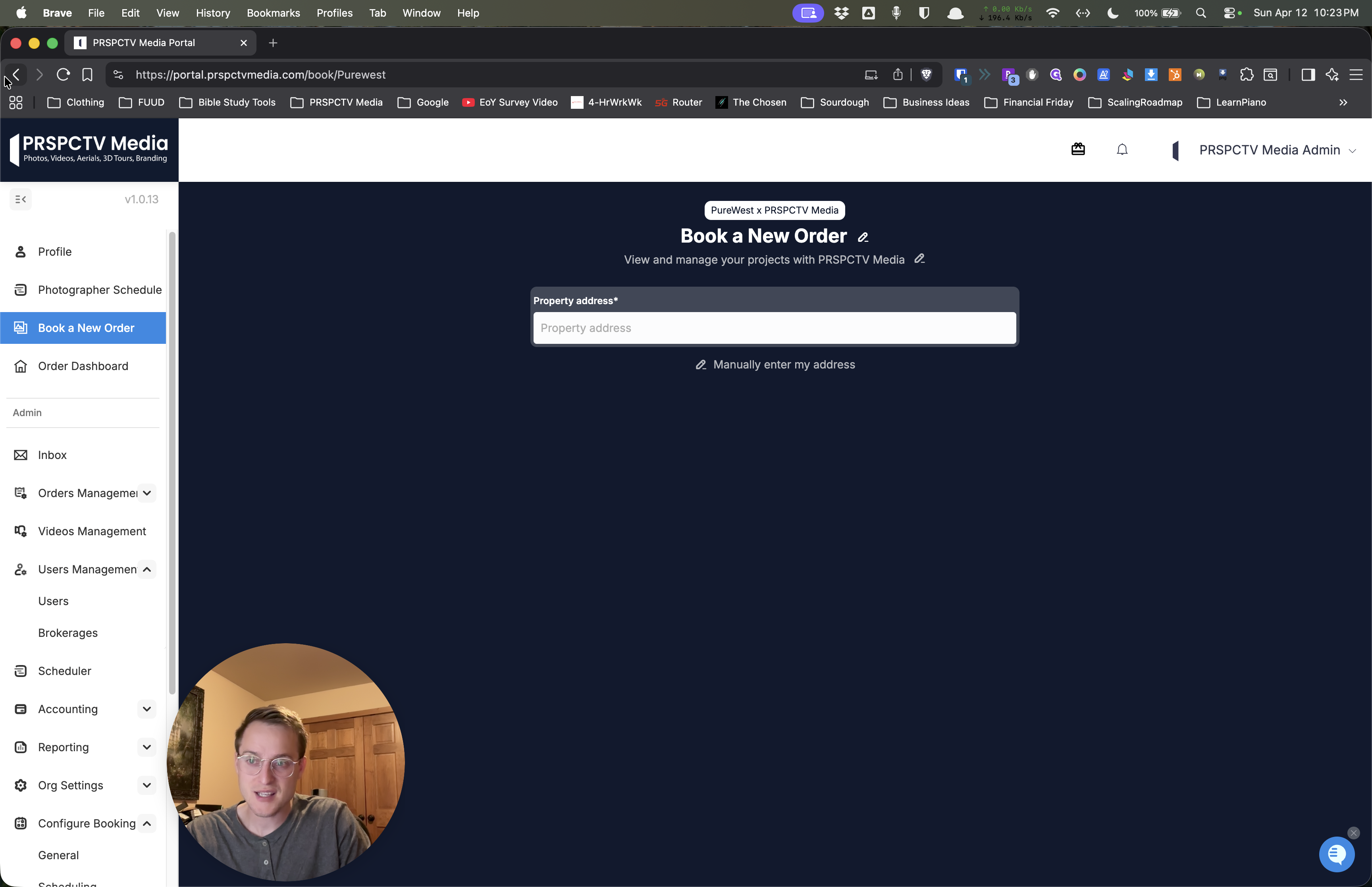
Click on that option. You can either click at the top or use the Book Now button. That should run everything correctly from now on. If you don't see that, please let me know. It is in my system. It shows that it should be on your page.
But if it's not, please let me know, and we'll look into that for you. Thanks.