How to Cancel Cellular Services
Learn how to submit a cancellation request for county-owned cell phones and wireless devices using the Cancel Services form.
By Michael Limberg
This guide walks you through submitting a request to cancel a company- or county-owned cellular service line. Completing this process ensures that unused devices and lines are properly disconnected and billing is stopped.
This workflow applies to employees, managers, or systems administrators responsible for managing corporate mobile devices and returning equipment.
Access the Cancellation Form
1
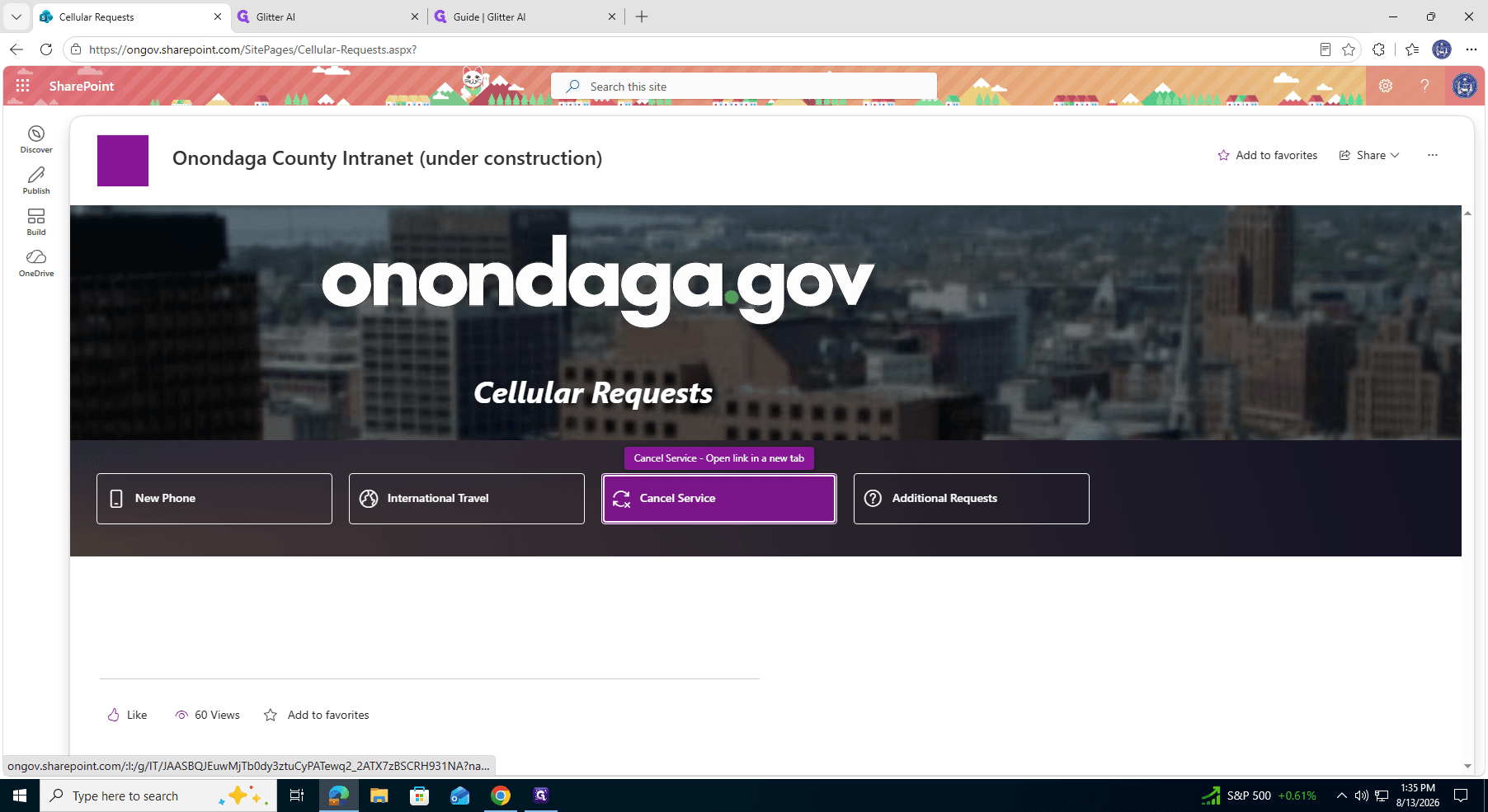
Click Cancel Service on the Cellular Requests page to open the request form.
Complete the Device Details
2
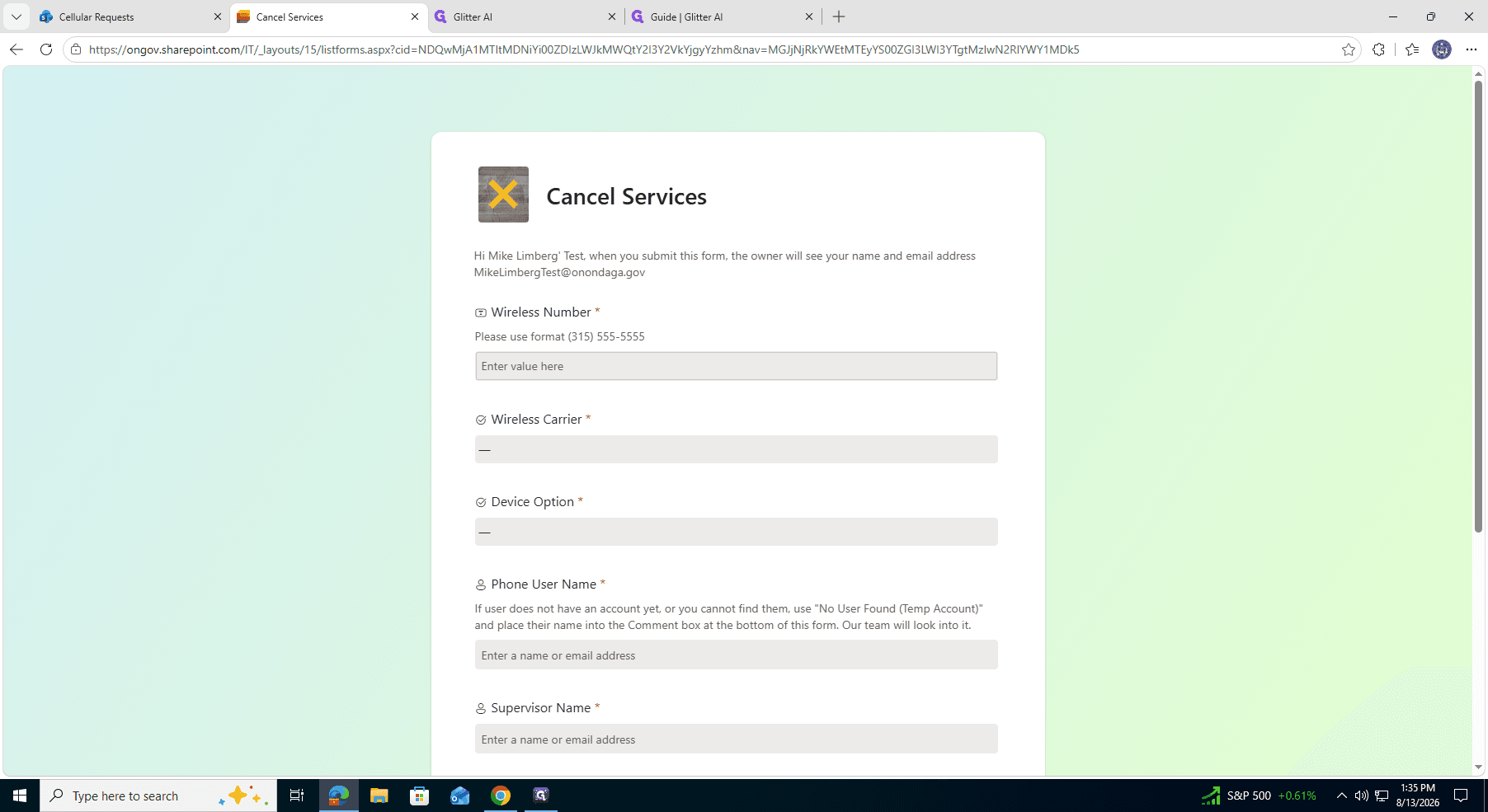
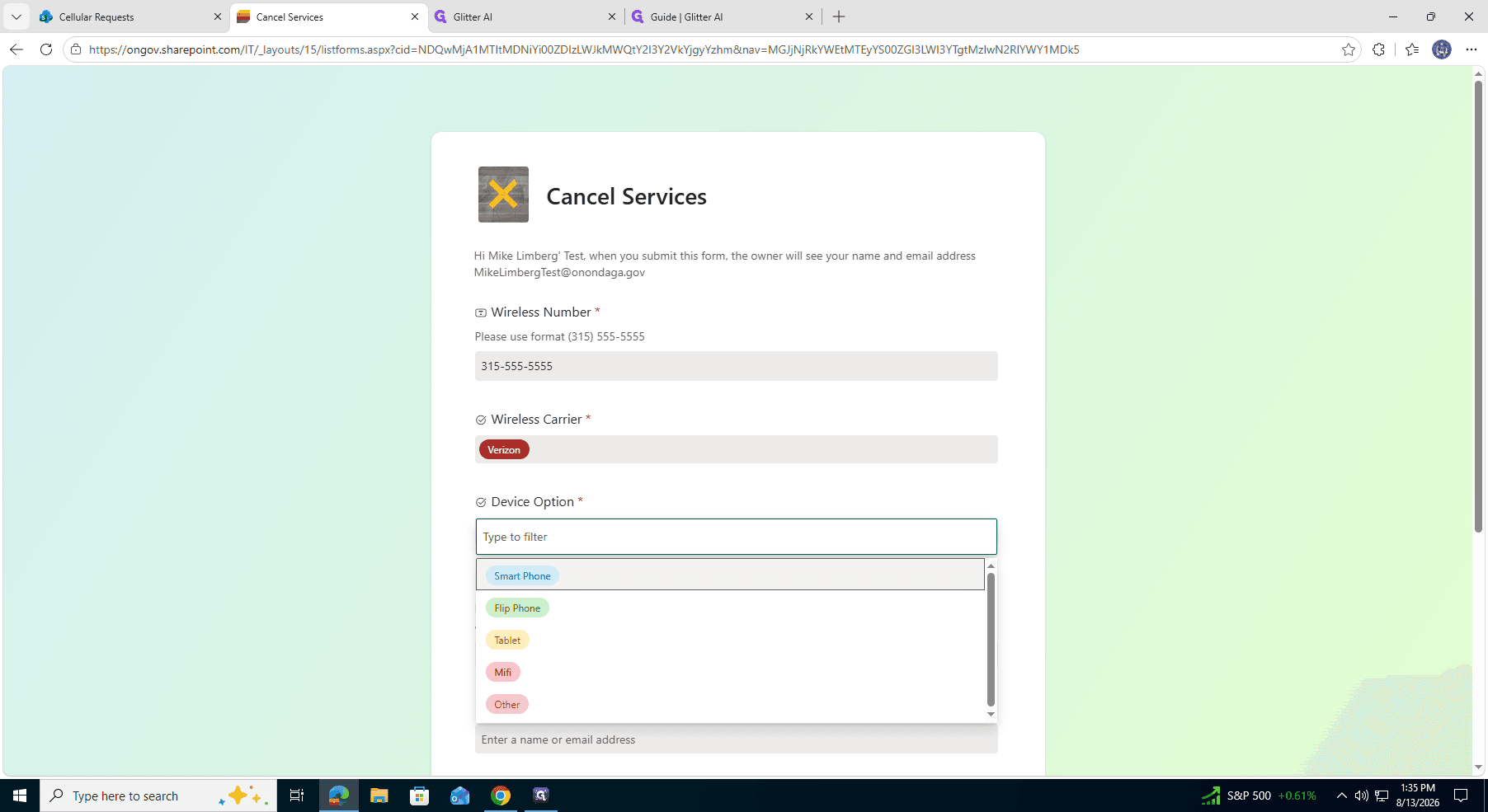
Enter the 10-digit Wireless Number you wish to cancel.
3
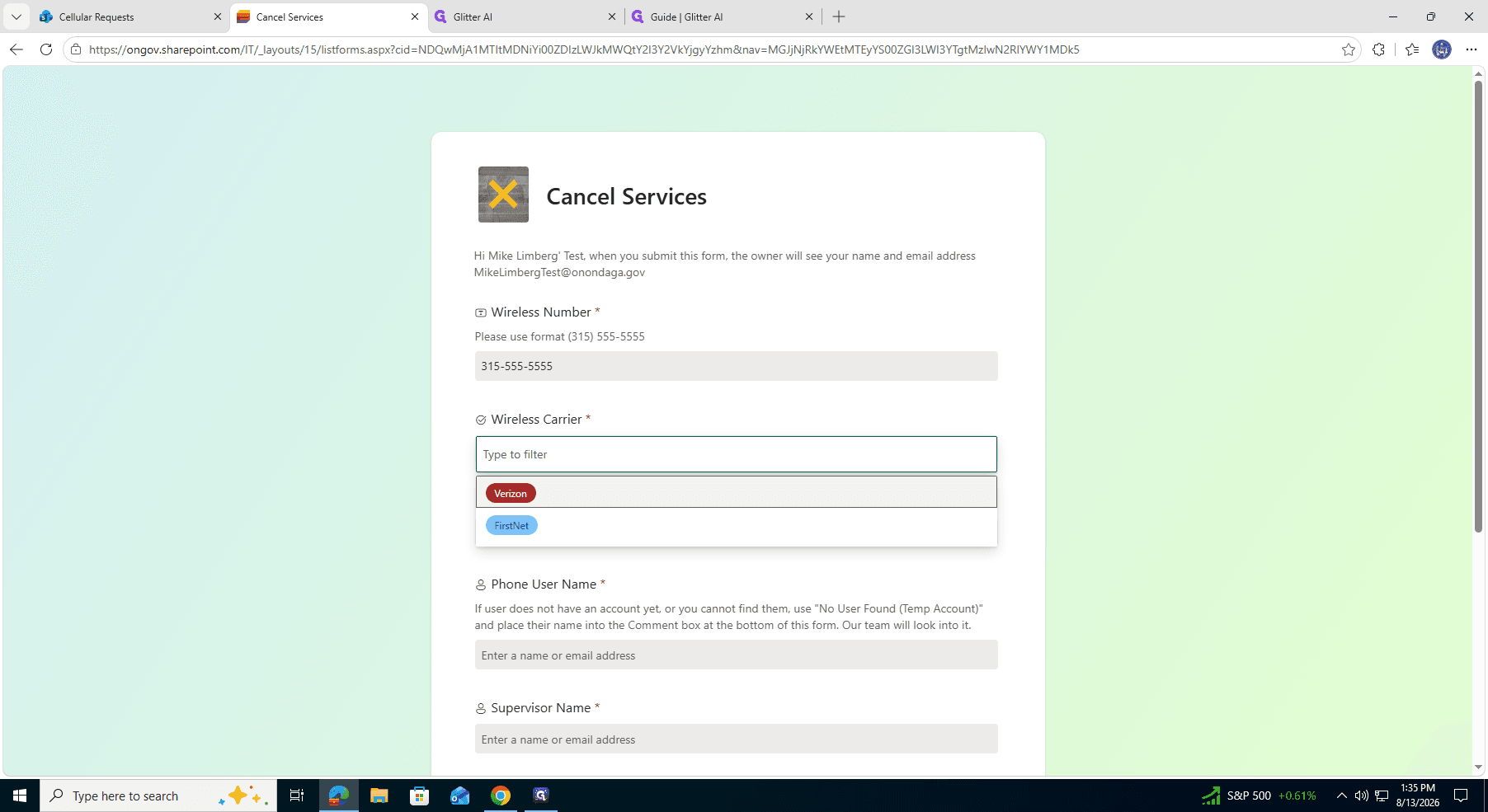
Select the corresponding Wireless Carrier (e.g., Verizon) from the dropdown menu.
4
Select the Device Option, such as Smart Phone, to specify the type of hardware being retired.
Provide User Information
5
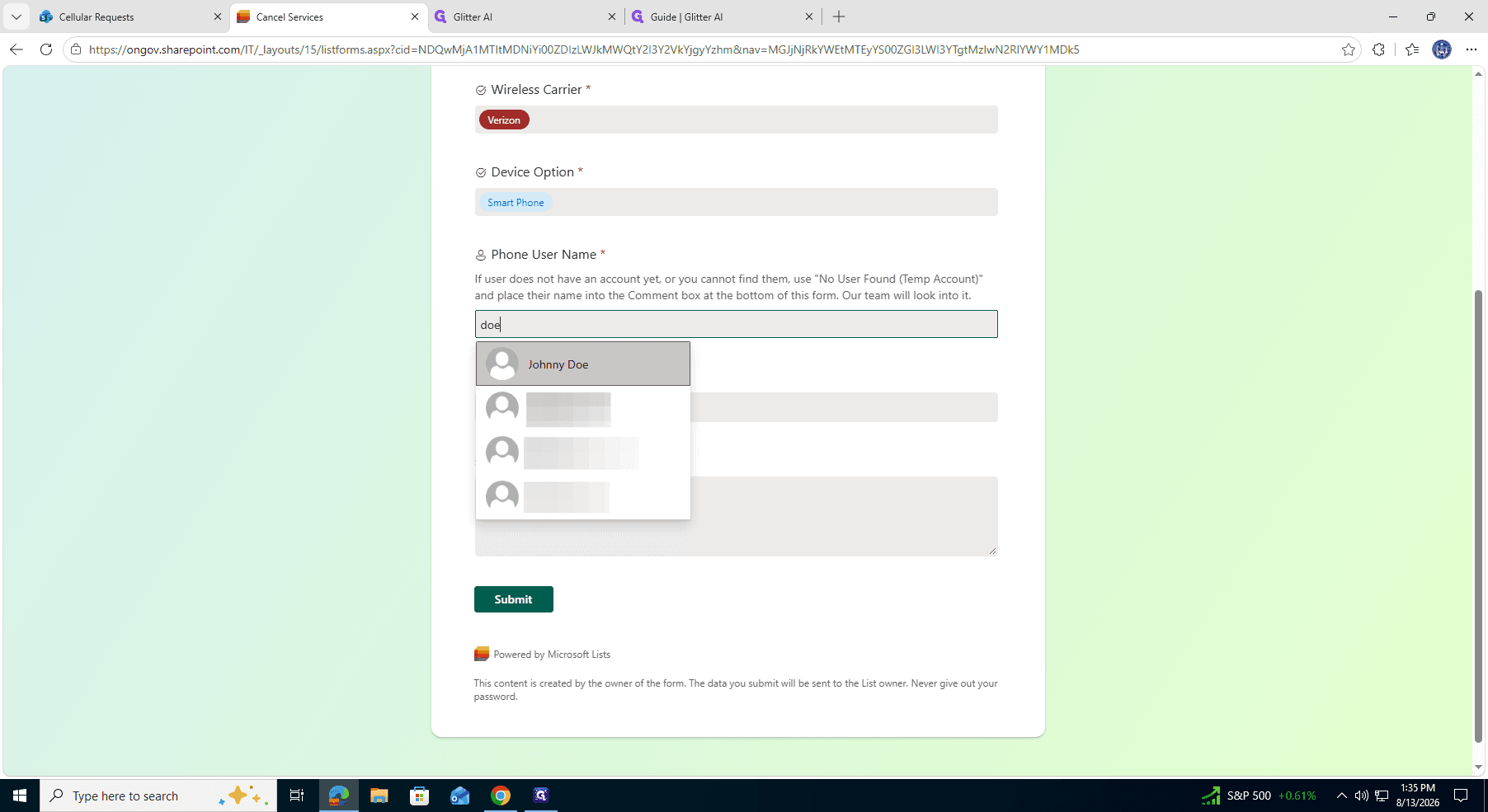
Search for and select the Phone User Name from the directory to assign the request to the correct employee.
6
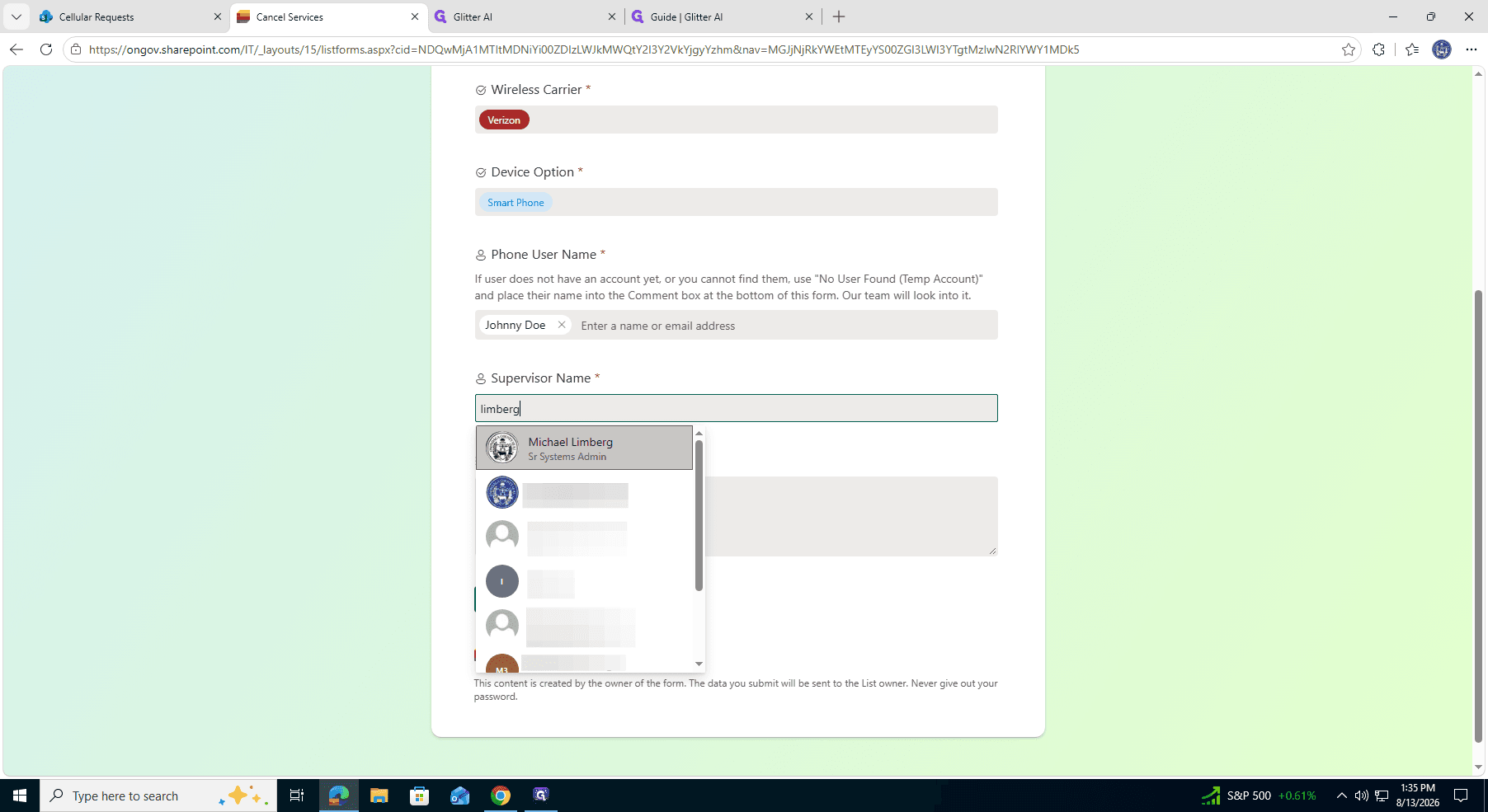
Search for and select the Supervisor Name to notify the appropriate manager or administrator.
Submit the Request
7
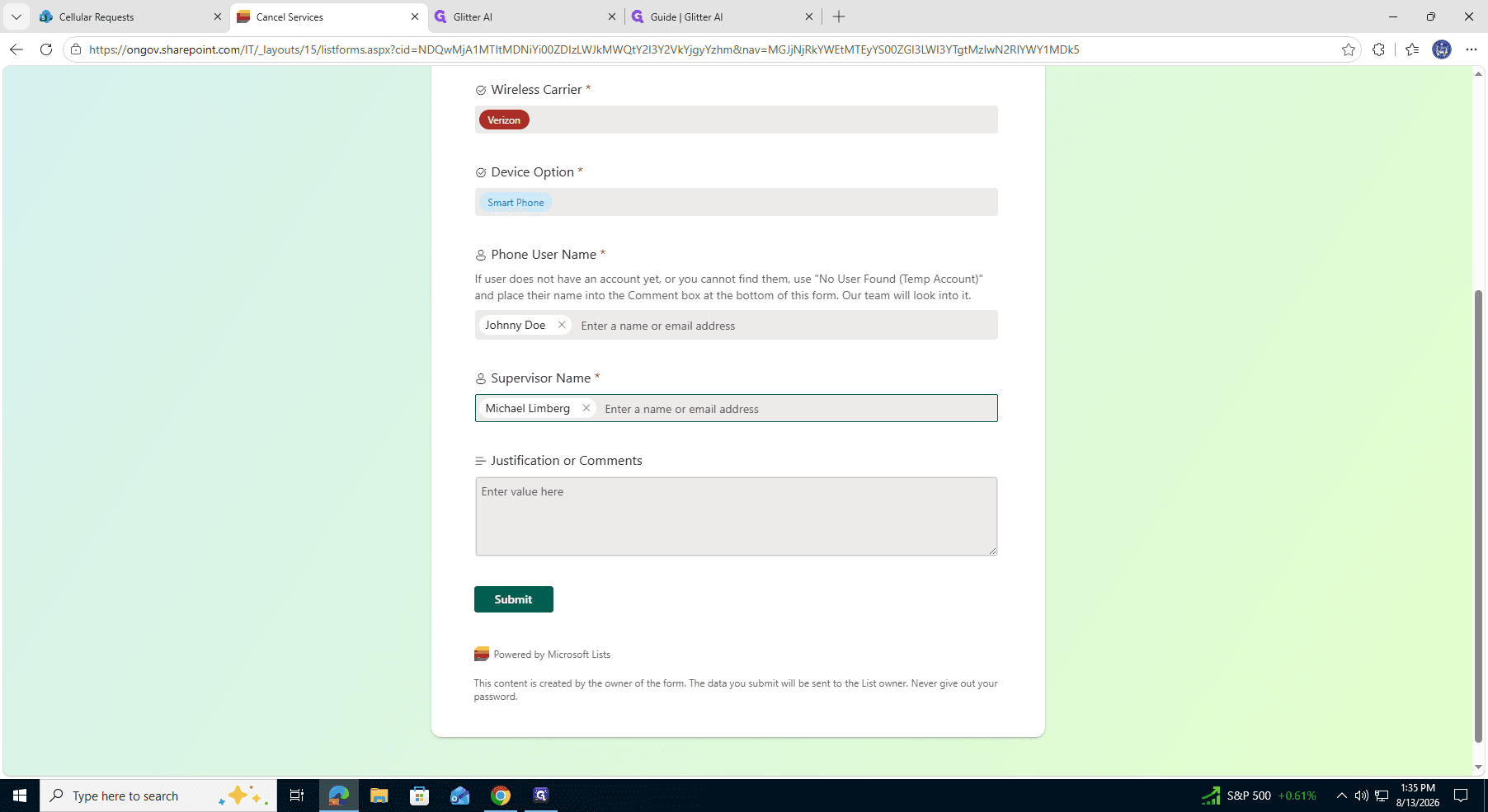
Enter a brief explanation in the Comments field, detailing why the line is being canceled.
8
Click Submit to send the cancellation request for processing.