How to Change Quote Status Directly from the Workflow
Learn how to easily change your quote status directly from the workflow. Step-by-step instructions for F&Is to update and save quotation statuses efficiently.
By Emilie Peloquin
In this guide, we'll learn how to change the status of a quote directly from the workflow. This process is useful for F&I team members who need to update the status to reflect their current responsibility, such as marking themselves as in charge. Making these changes ensures that the workflow stays accurate and up to date.
Let's get started
Here's how you can change your quote status directly from the workflow.
1
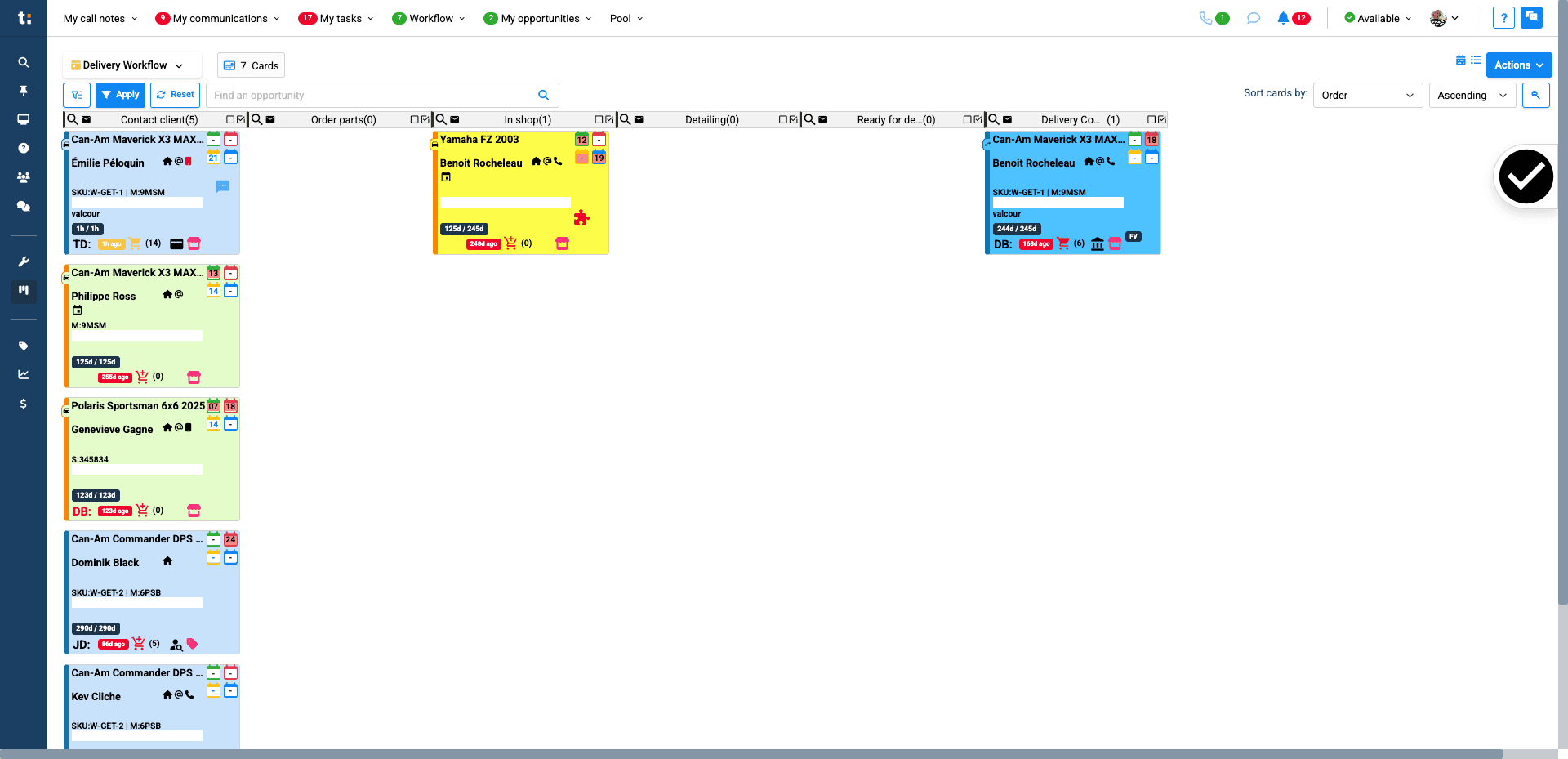
First, click on the card.
2
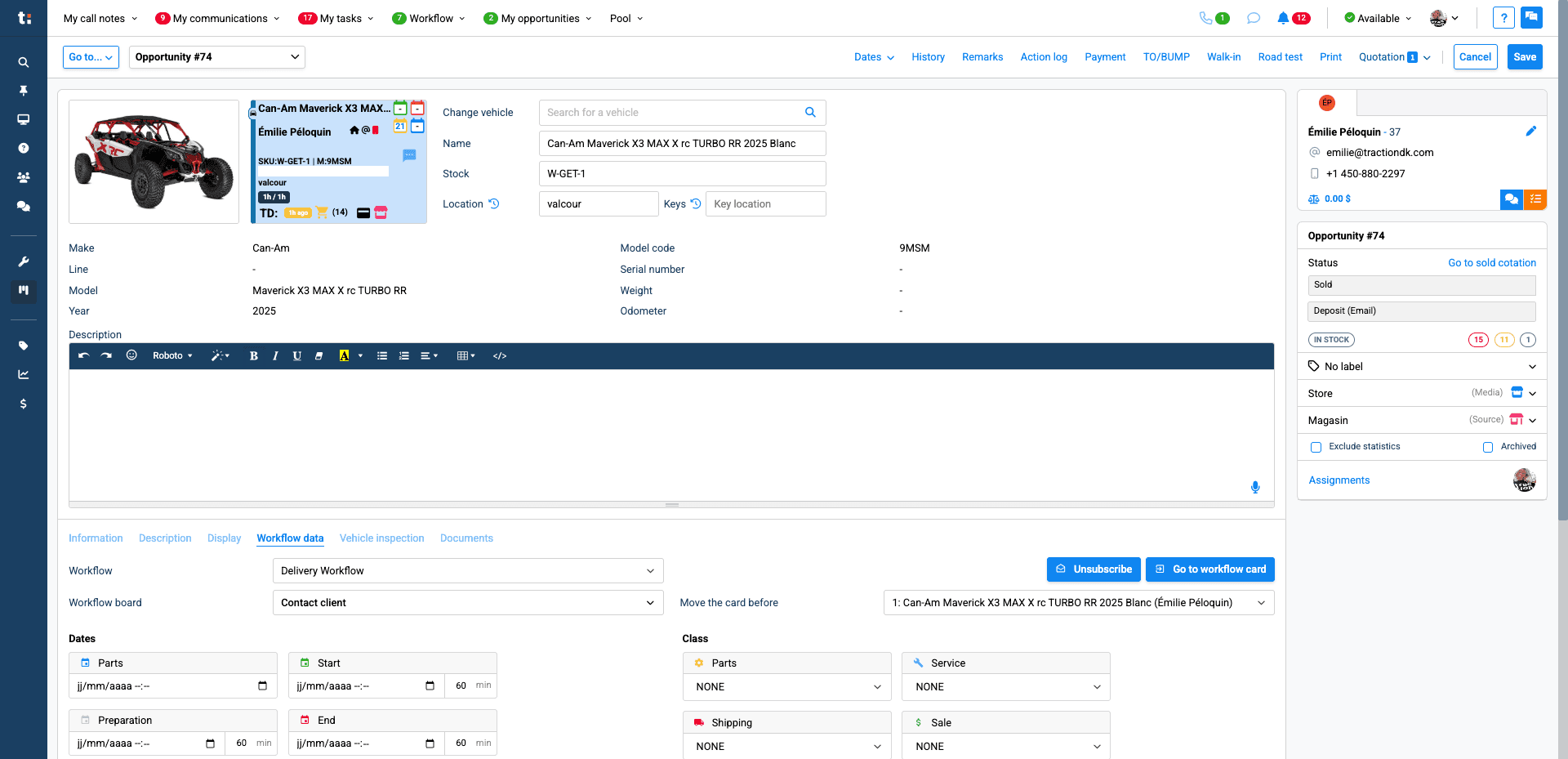
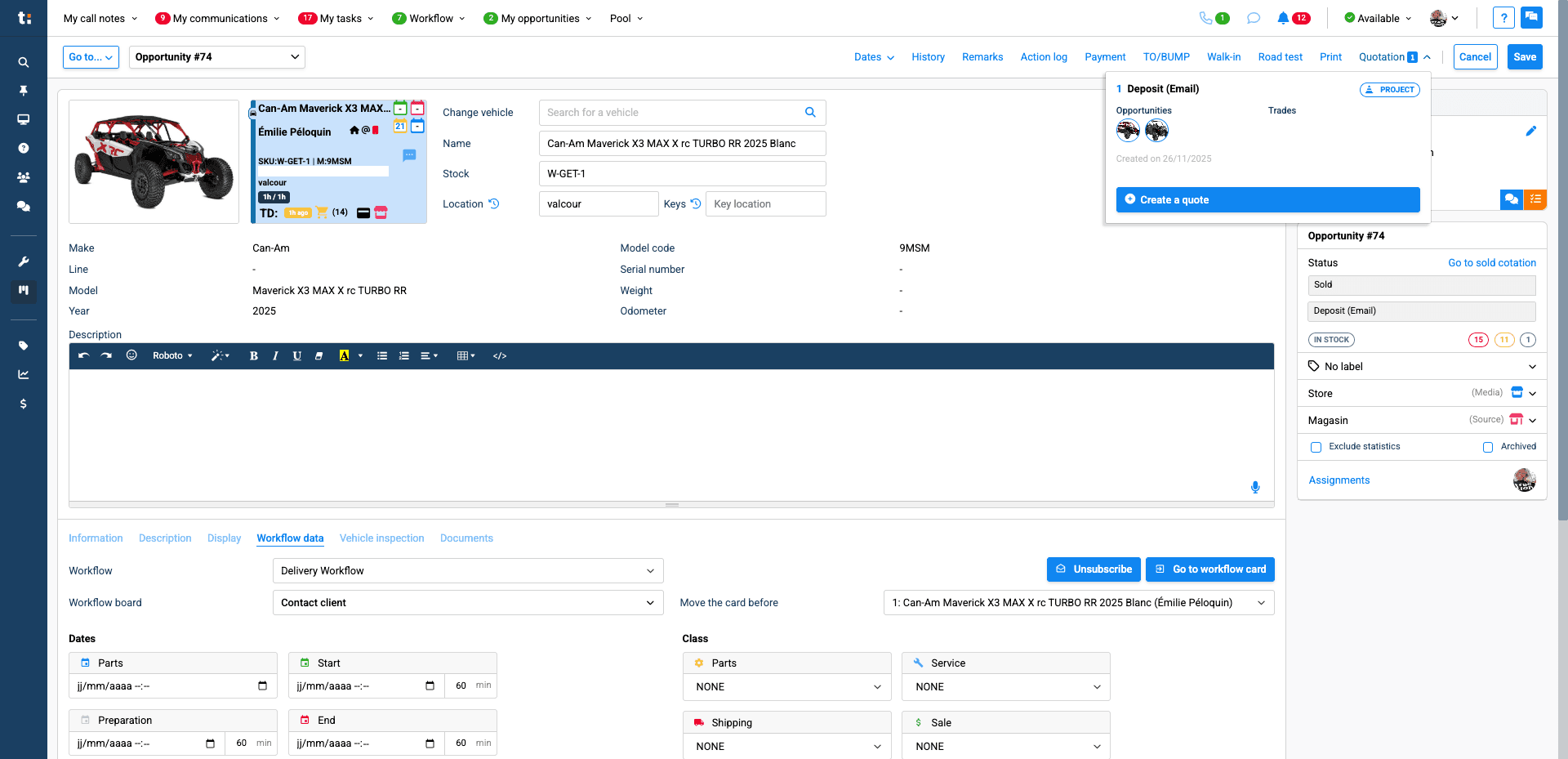
When you click on the card, you will see that you are currently in the opportunity. Click on "Quotation,"
3
then select the specific quotation.
4
Once you are here, you can change your status.
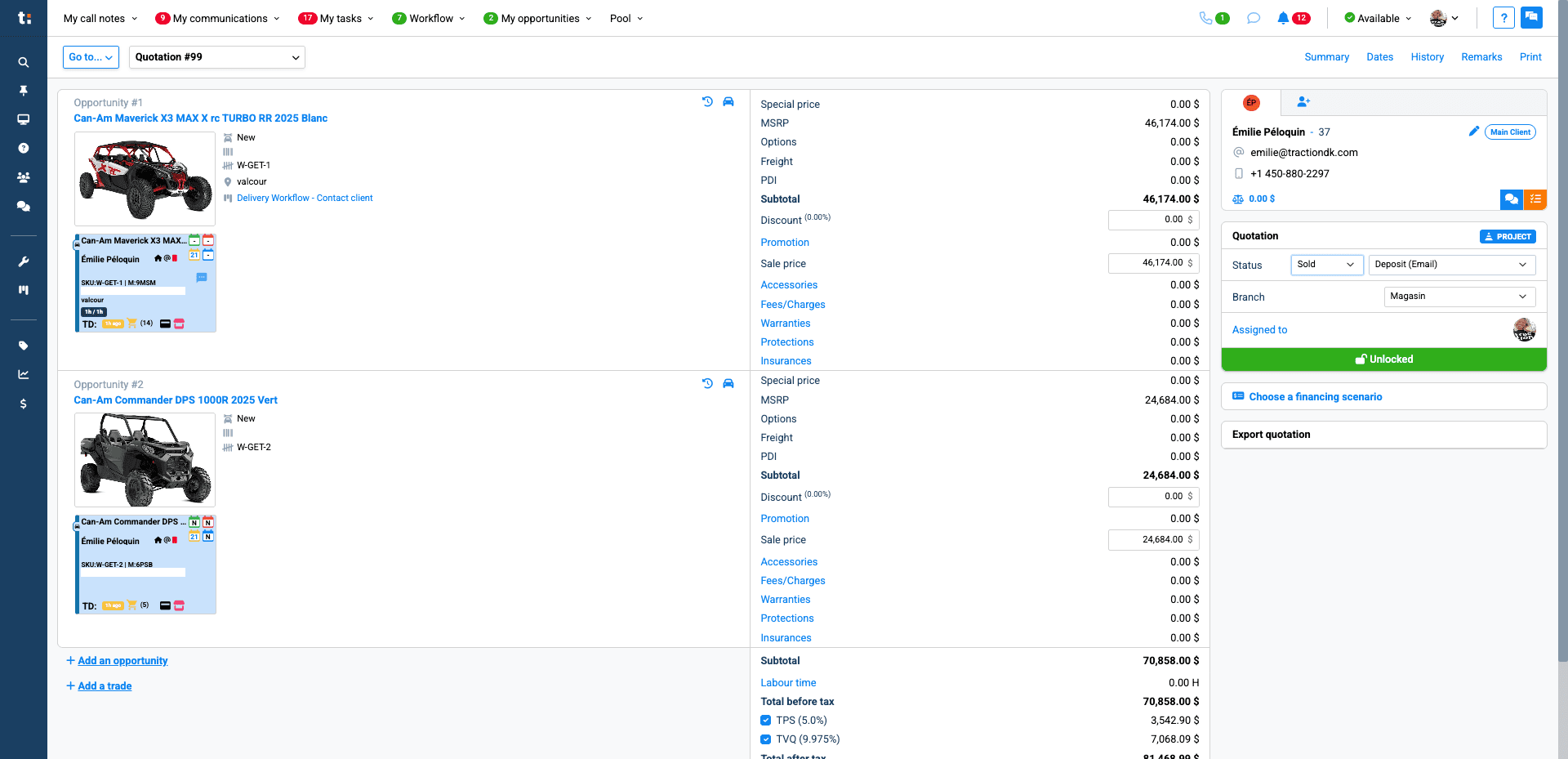
That will be saved automatically.