How to Change Search Results Layout in Collective Access
How to change the search results layout in Collective Access from the default unwiedly horizontal view to a different display. Follow this easy guide to customise your search results for better management.
In this guide, we'll learn how to change the way search results are displayed in Collective Access. This can help you view your results in a format that better fits your needs.
You'll see how to switch from the default horizontal display to a custom display you have created.
Let's get started
This video will show you how to change the search results in Collective Access. Suppose we've already performed a search, and the results are displayed in a long horizontal layout. Now, we want to change that to a custom layout I created. First, click the wheel icon here. After you click it, scroll up to find it.

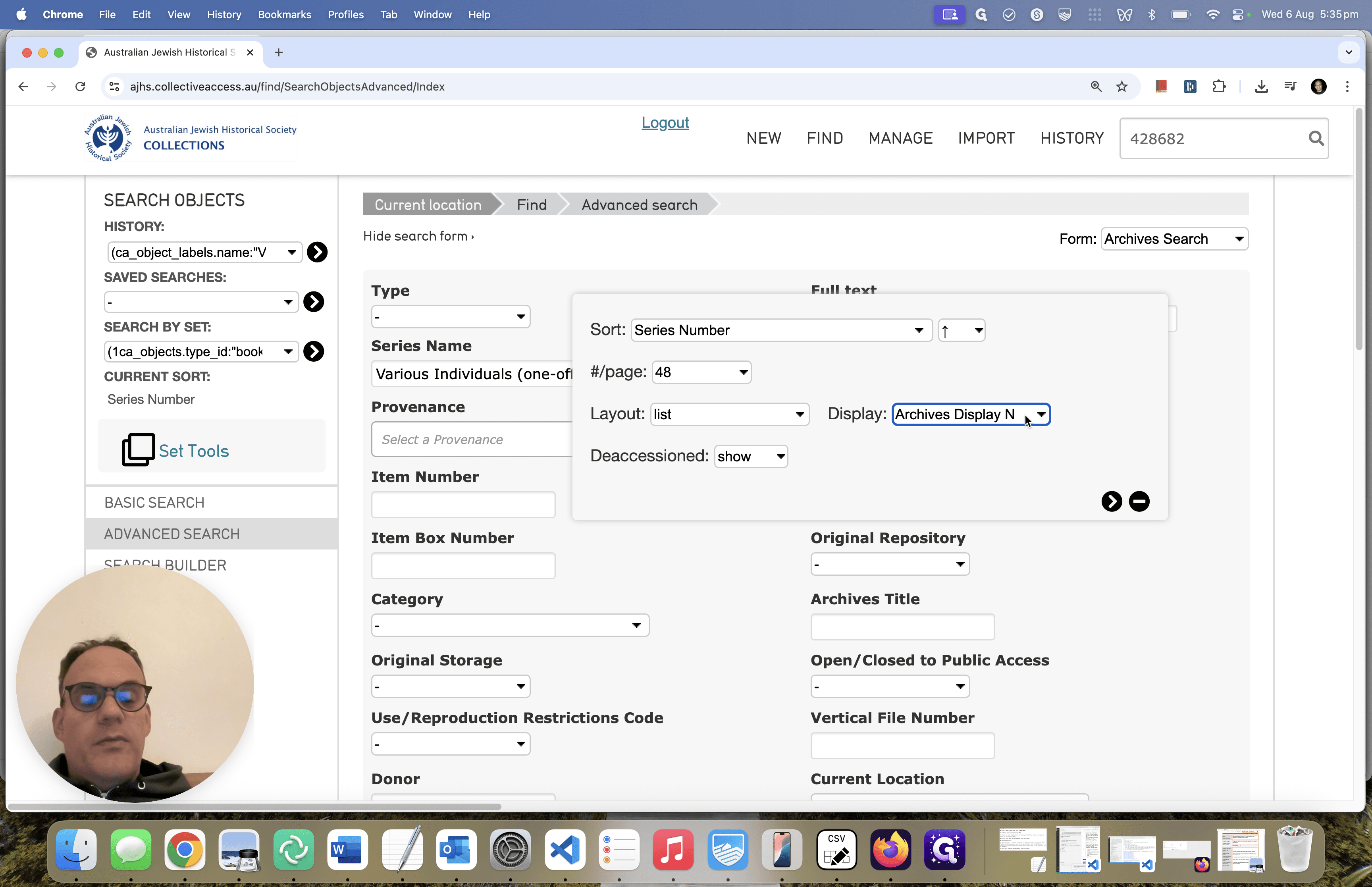
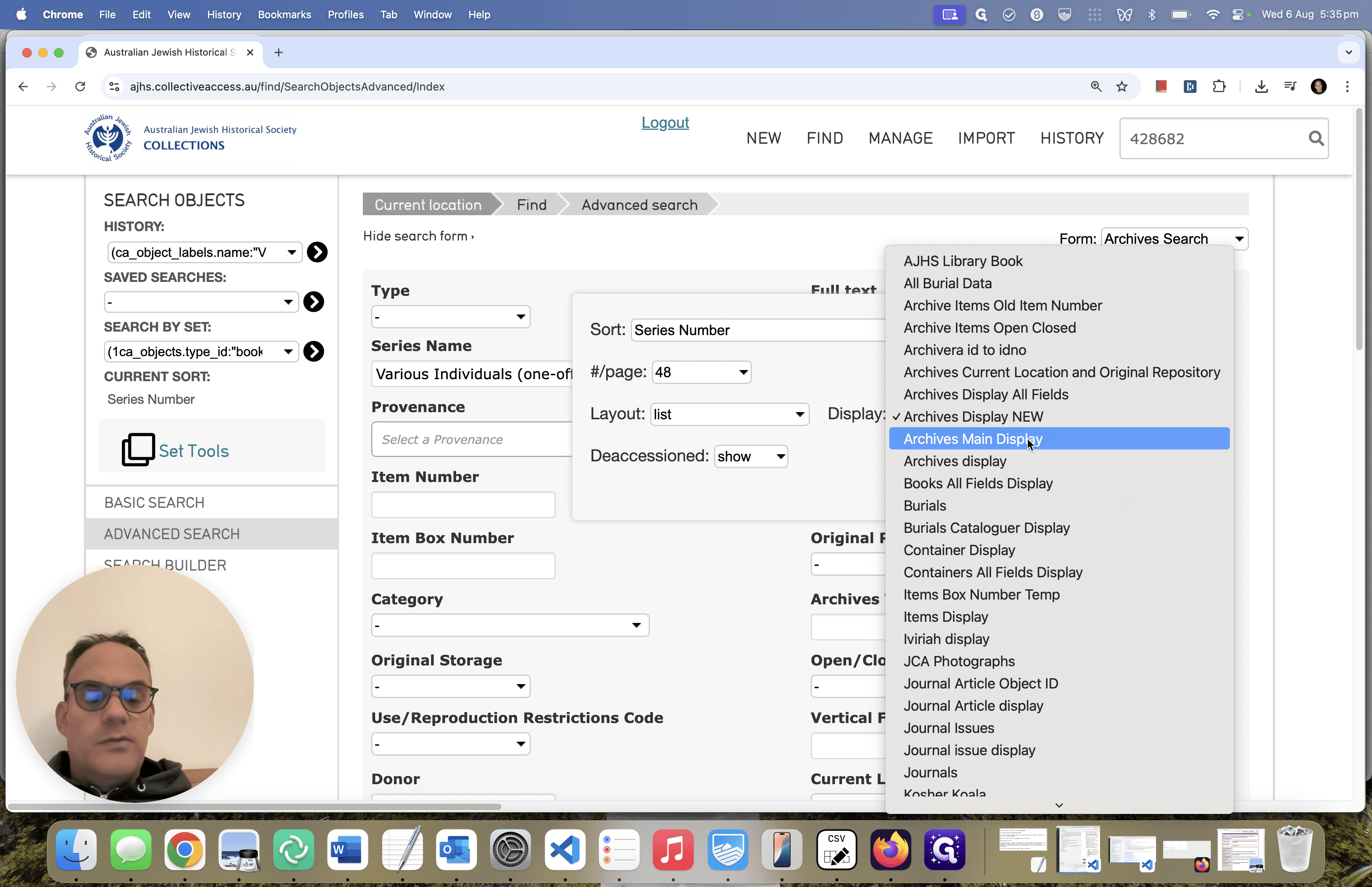
It's not ideal, to have to scroll up after clicking the wheel but easy enough to do to see the pop up window. When you scroll up and see the pop-up display open the dropdown labeled "Display" and with "Archives Display New" selected. We want to change this dropdown to the new displayed I created, "Archives Main Display"
Select "Archives Main Display" there.
Then, click this arrow to save it.
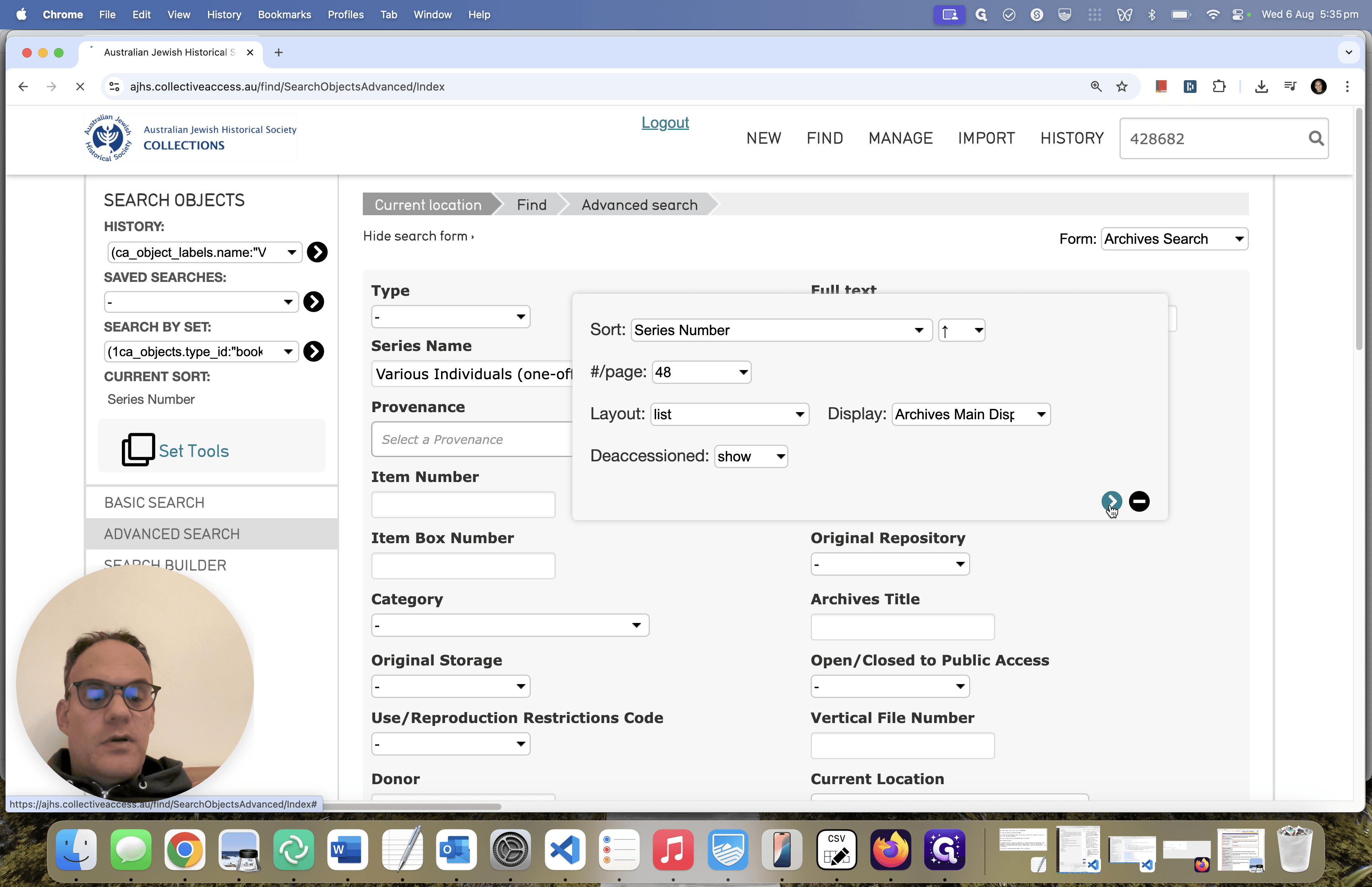
Wait a moment, and the new results will appear. As you can see, this is much easier to manage.