
How to Choose and Use Custom Emojis: A Step-by-Step Guide
Learn how to choose your emoji, browse custom emoji options, and search for specific emojis like guitar or banana guitar. Discover tips for finding and using fun custom emojis easily.
In this guide, we'll learn how to choose and use emojis from an emoji picker. We'll explore how to browse through standard and custom emojis, and how to search for specific ones by typing keywords. This will help you select the emoji you want to use or share.
Let's get started
Here's how to choose your emoji. Click the emoji face wherever you see it to open the menu. You can then scroll and browse through the options.
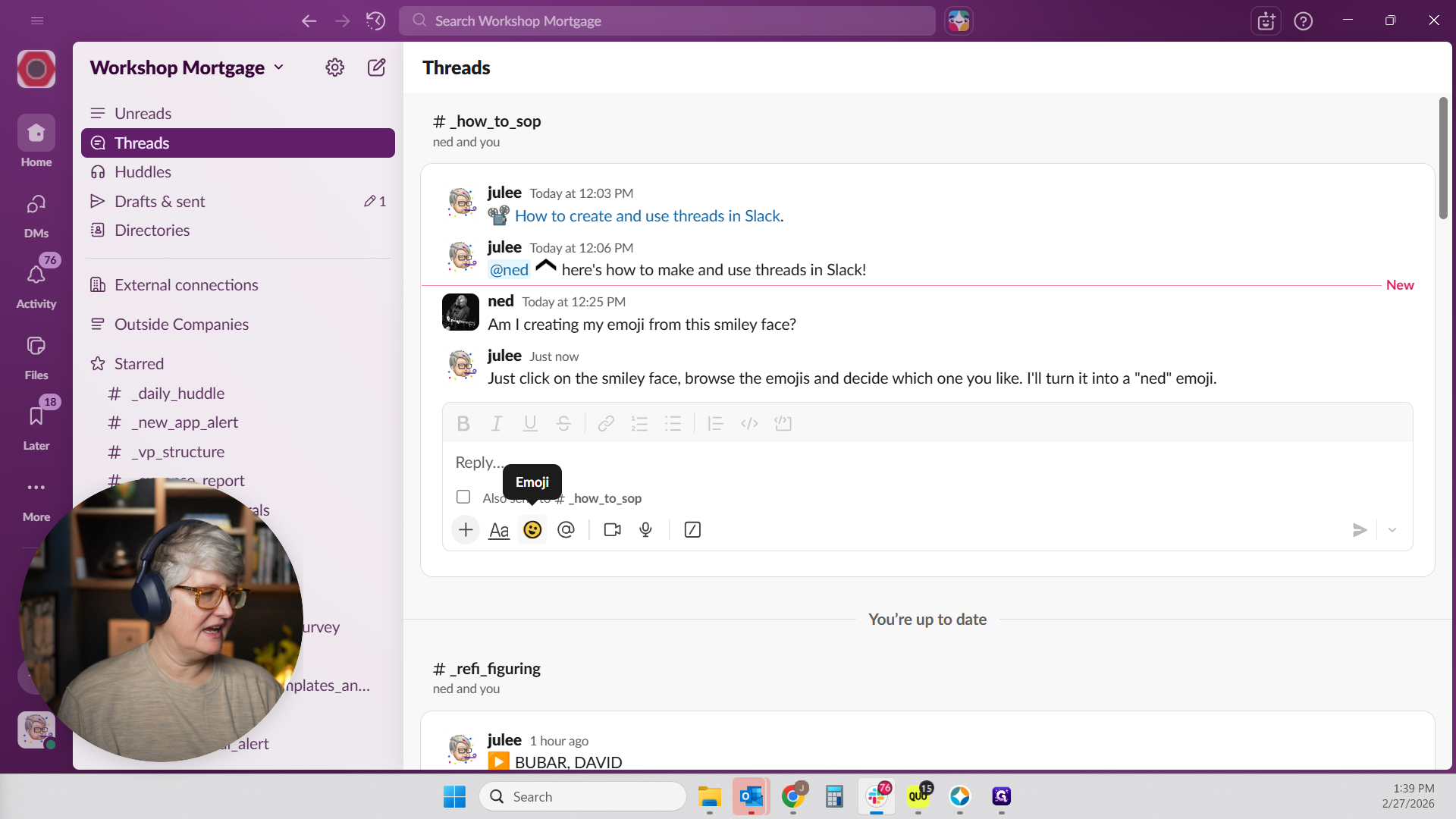
And down at the bottom... Up at the, uh, yeah. At the bottom, there are many of the fun ones. We've added many custom emojis. If you scroll all the way down to the bottom of the custom section, you'll find all the fun ones. Or if there's something you're interested in, you can type it.
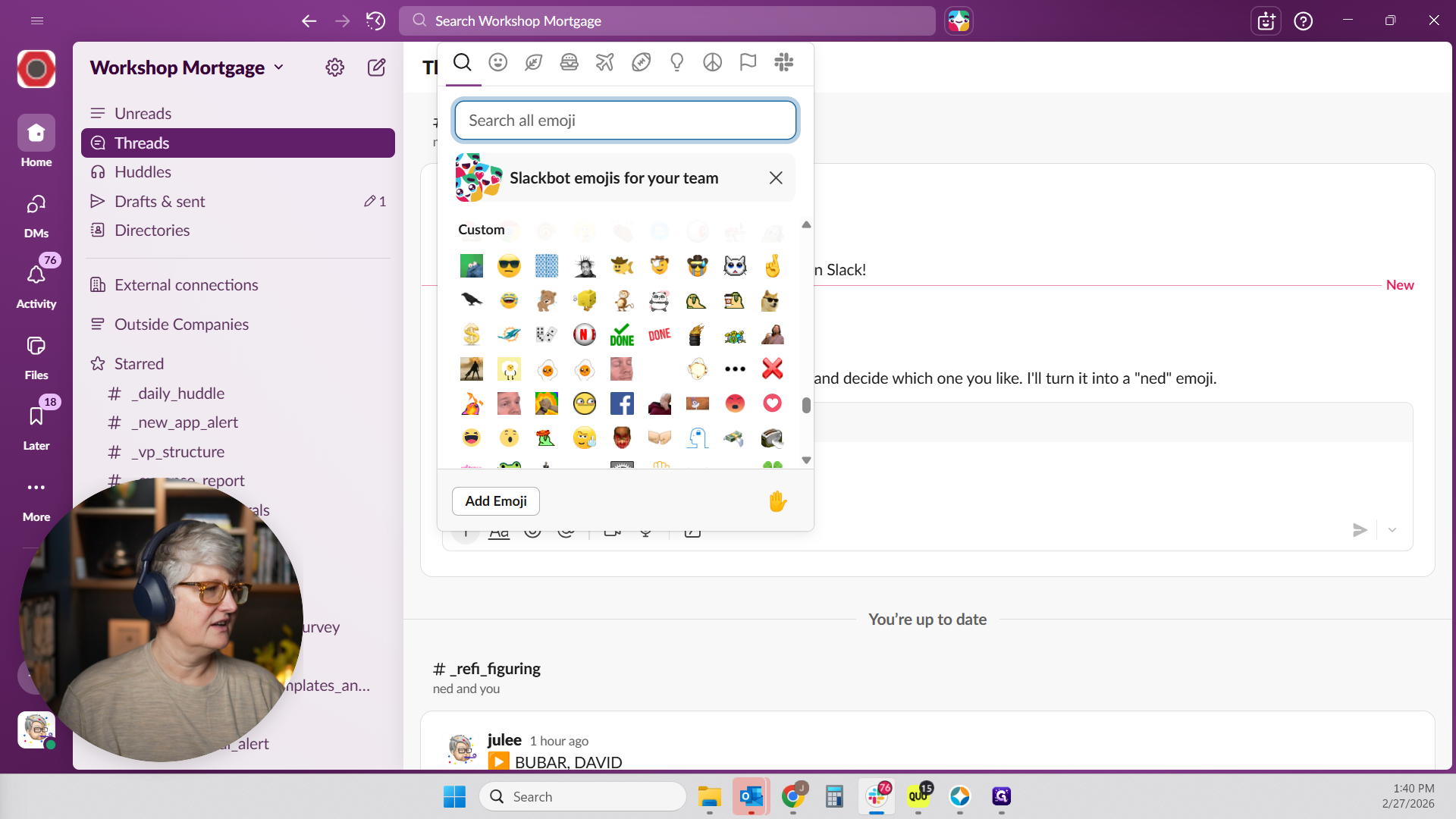
It looks like you might be an X-Man. If you type "guitar," you will see all the guitar options. You could be the guitar kitty, you could be the...
I don't know what that is or what that one is. I don't know why a guide dog is listed under guitar. Oh, 'cause guide. Guinea pig. There's a guitar.
You can choose your banana guitar. You have a banana guitar option. Choose whichever one you like, and I will turn it into a net emoji for you. You just have to tell me which one you like.
There you go.