How to Complete a Mech Material Request Form: Step-by-Step Guide
Learn how to fill out a Mech material request form, including entering requester details, selecting need-by dates, choosing cell names, and submitting your request for mechanical, fencing, or conveyance needs.
In this guide, we'll learn how to fill out a material request form. This process includes entering your name, selecting the date you need the materials, choosing the cell name, and picking the type of request. You will also see how to select specific items or groups of items and submit the form so the material manager receives your request.
Let's get started
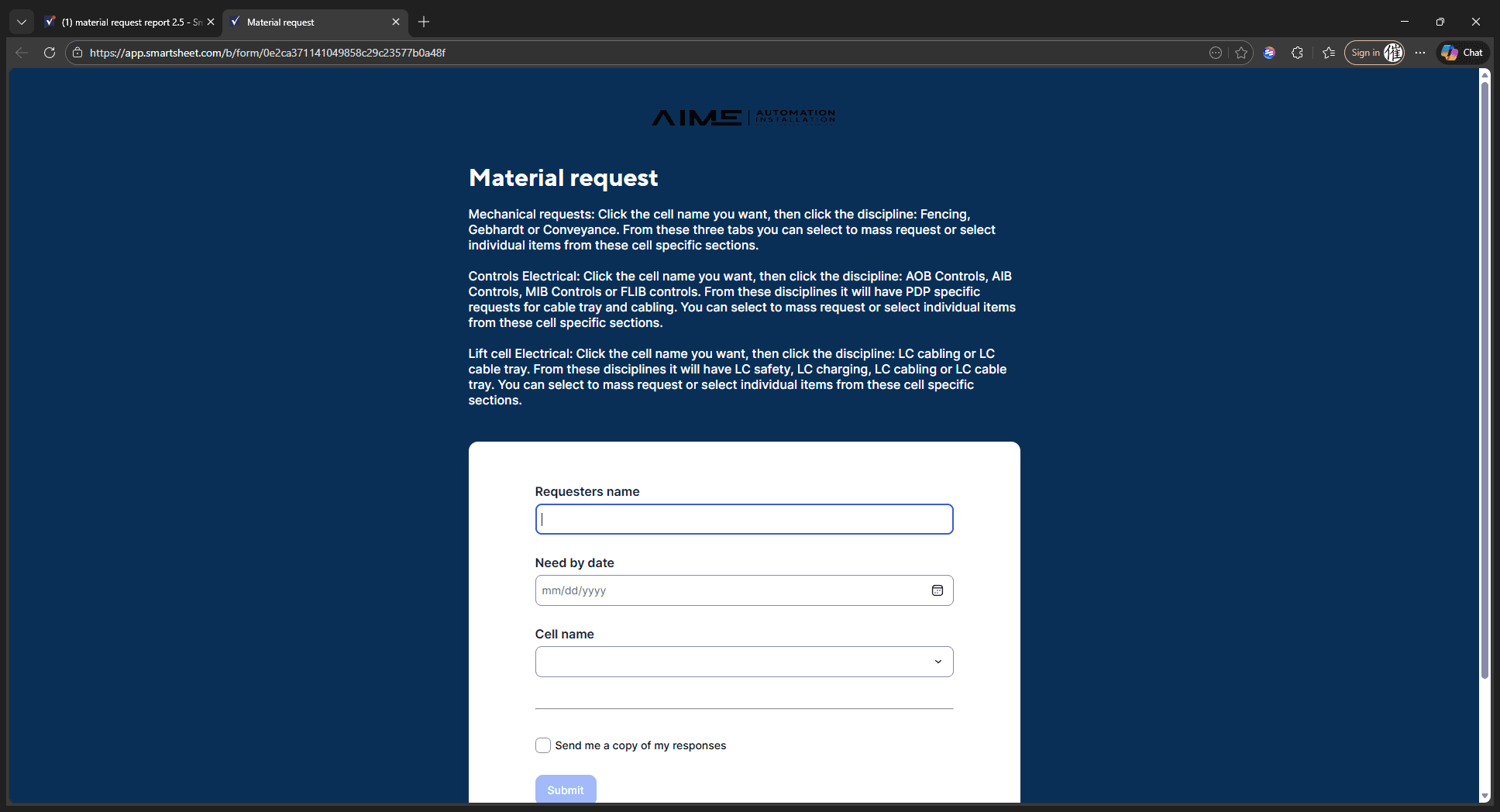
Start by entering the requester's name on the material request form.
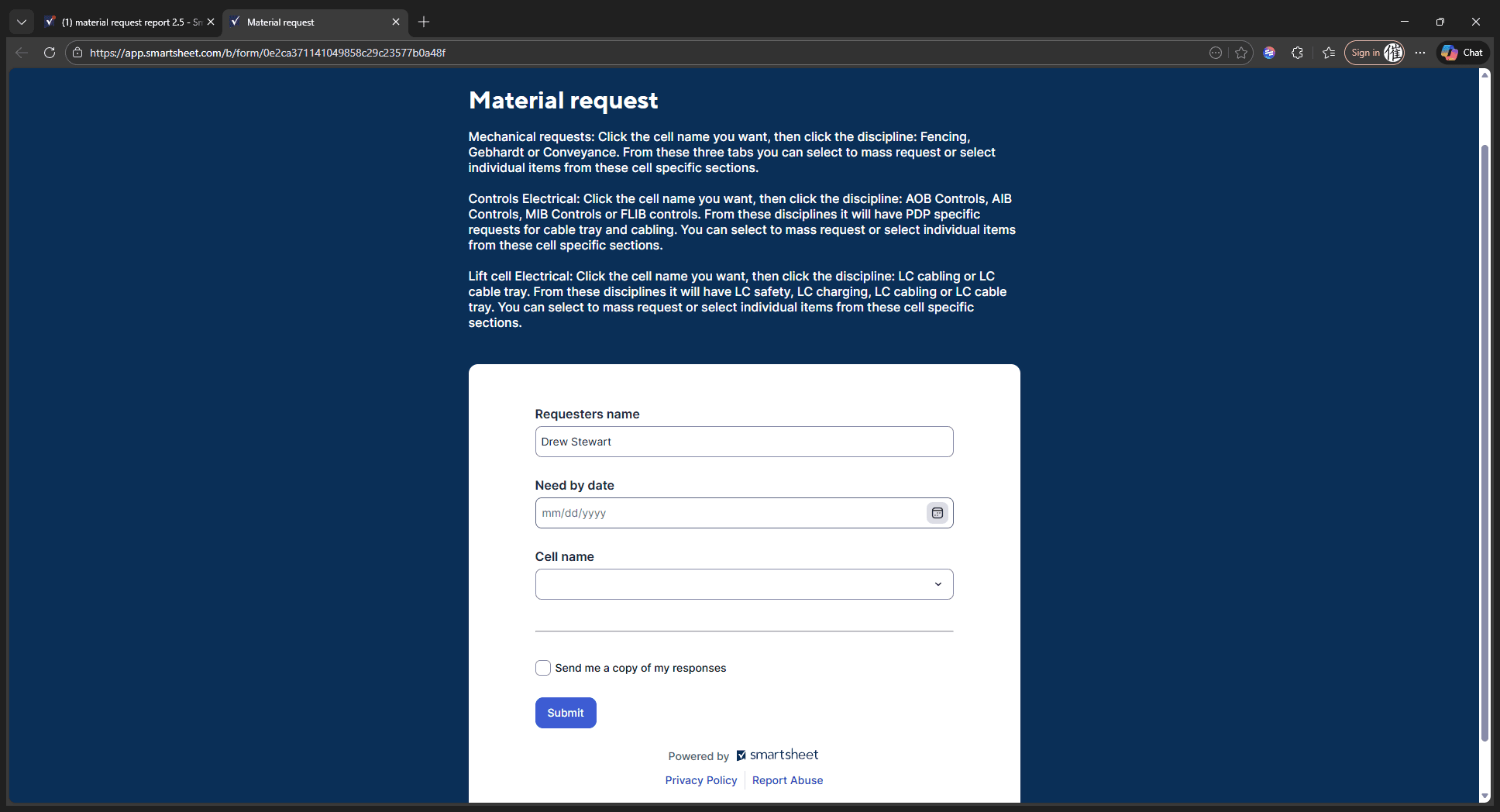
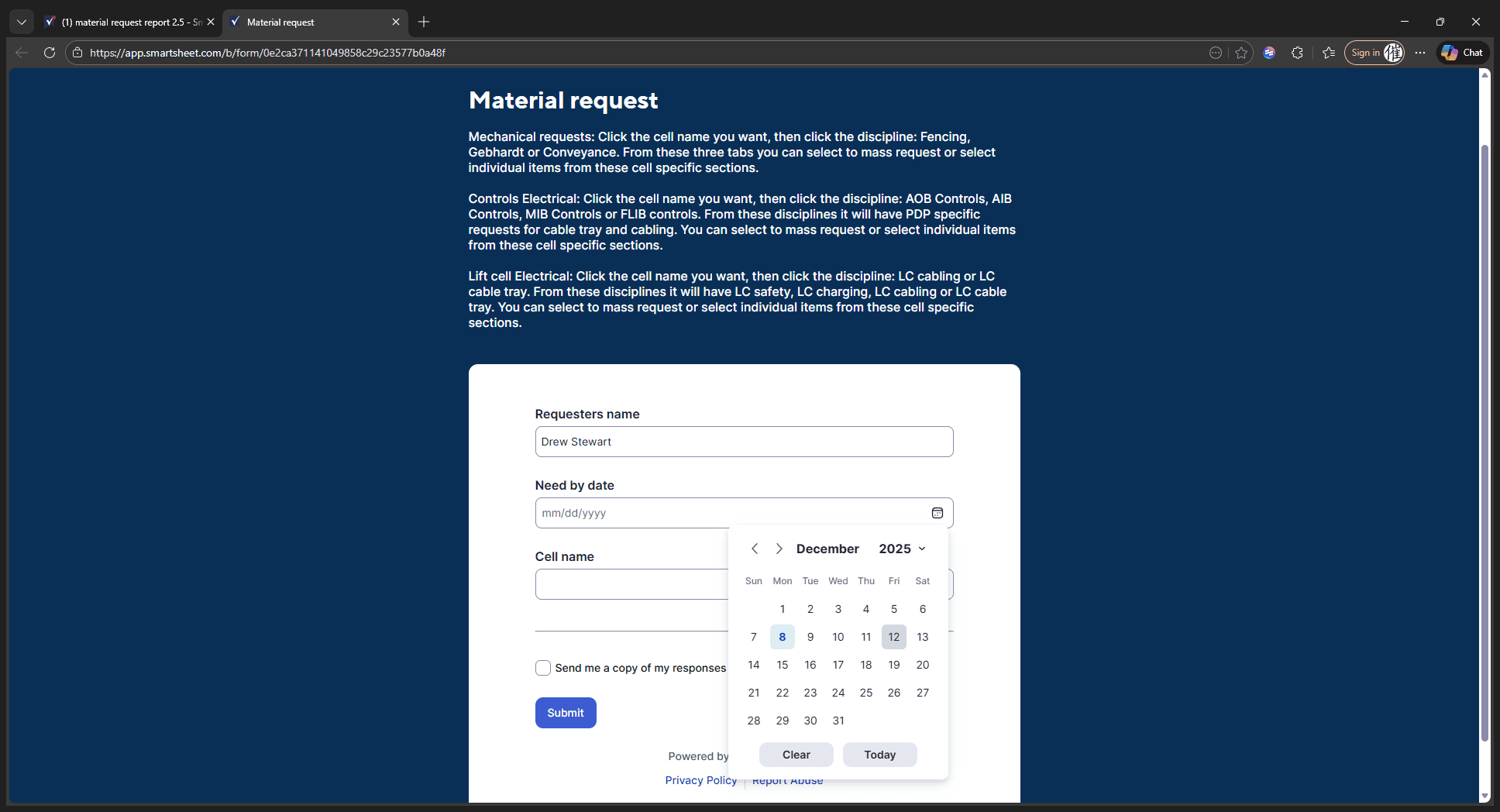
Mine is Drew Stewart, so we'll type that in. The "need by" date is any future date when you will require something. For example, today is 12/8. Let's say we need this by Thursday or Friday. You can either type the date here or select it from the calendar.
We need it by 12/12.
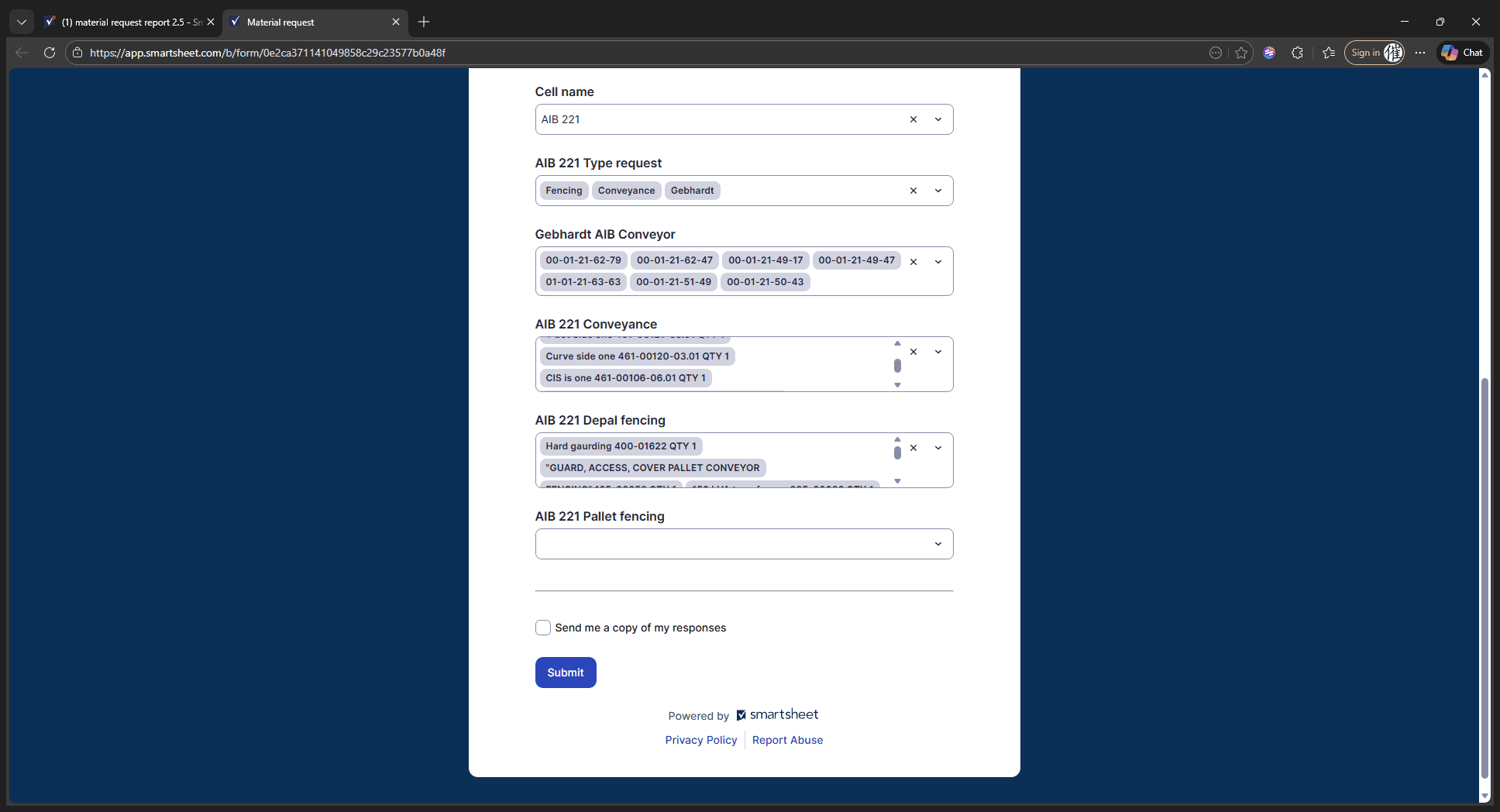
Then enter the cell name—any cell you want.
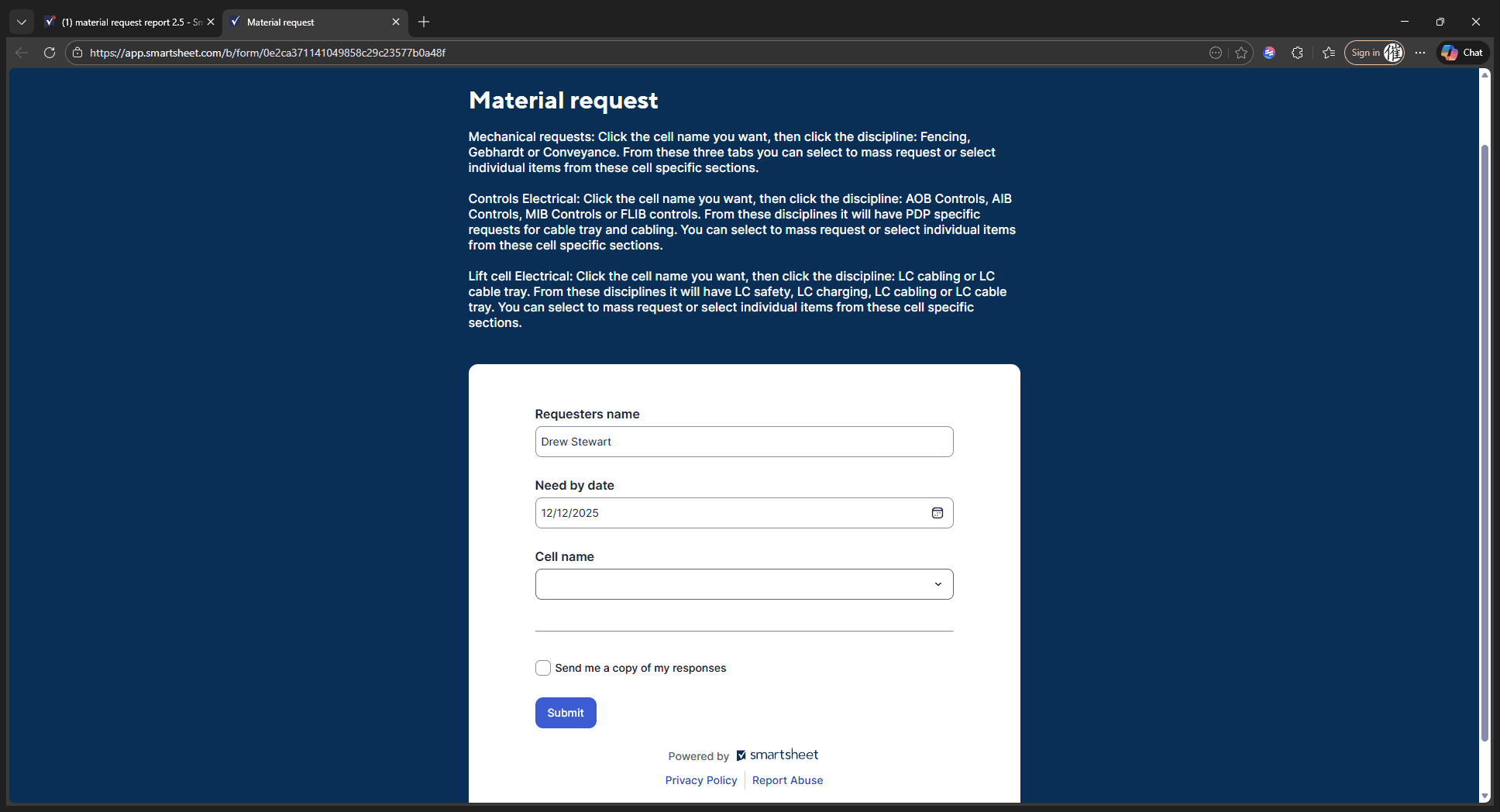
Let's try an AIB, for example.
We will proceed with a mechanical request. You can look above to read about the different disciplines, or simply scroll down and click on Fencing.
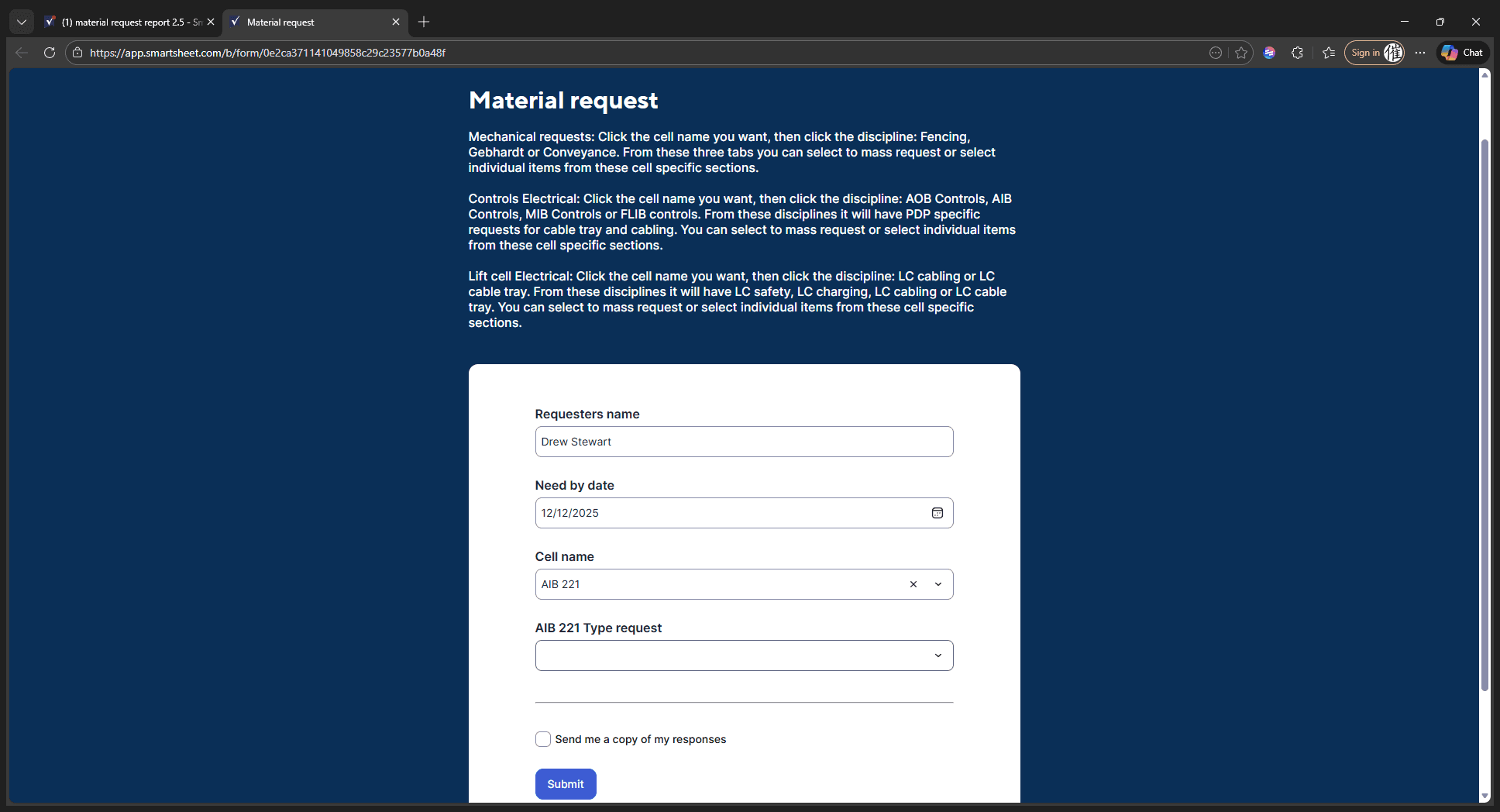
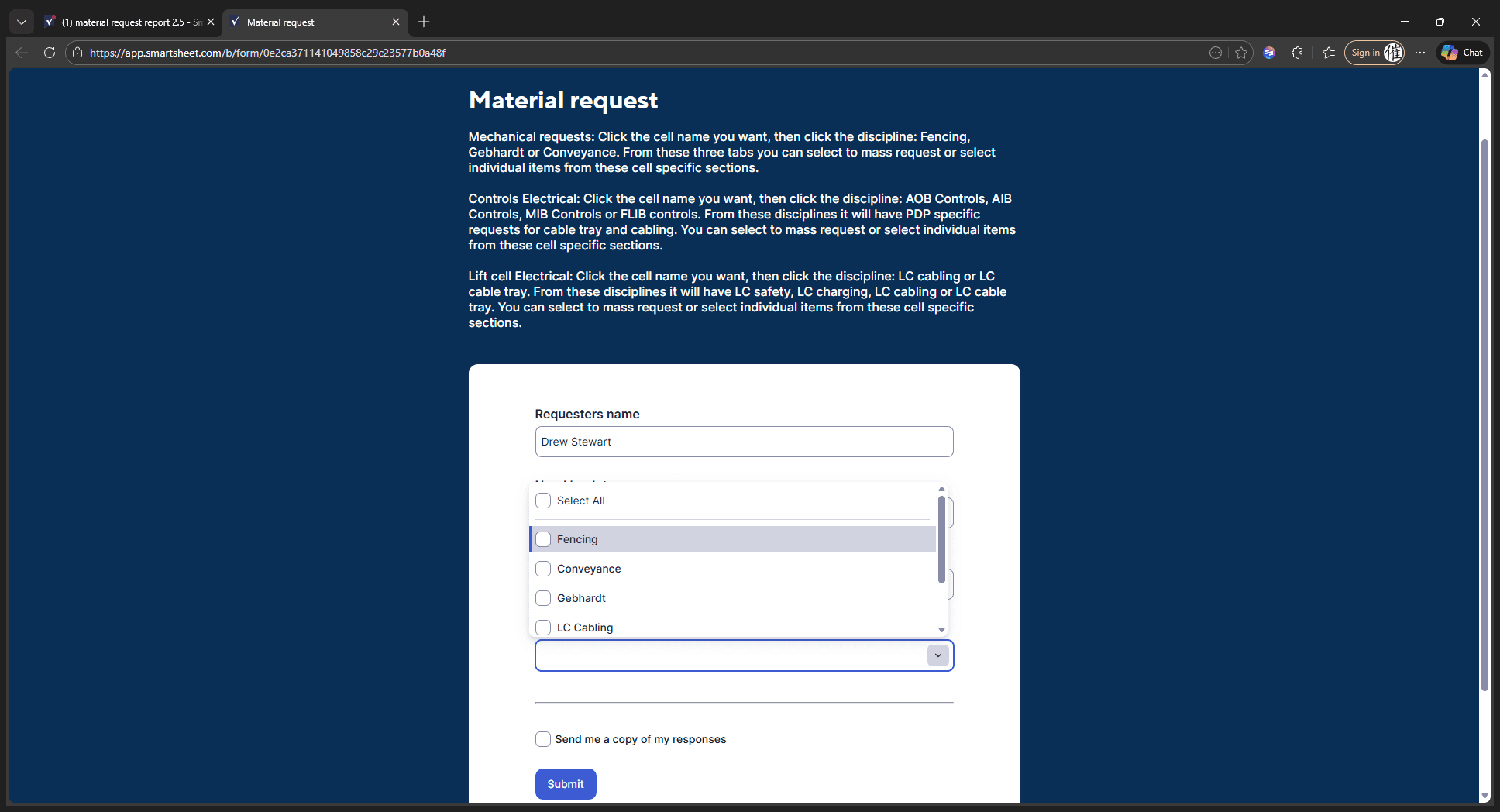
We have depal fencing and pallet network fencing. You can scroll through these options and either click on them individually or select multiple at once.
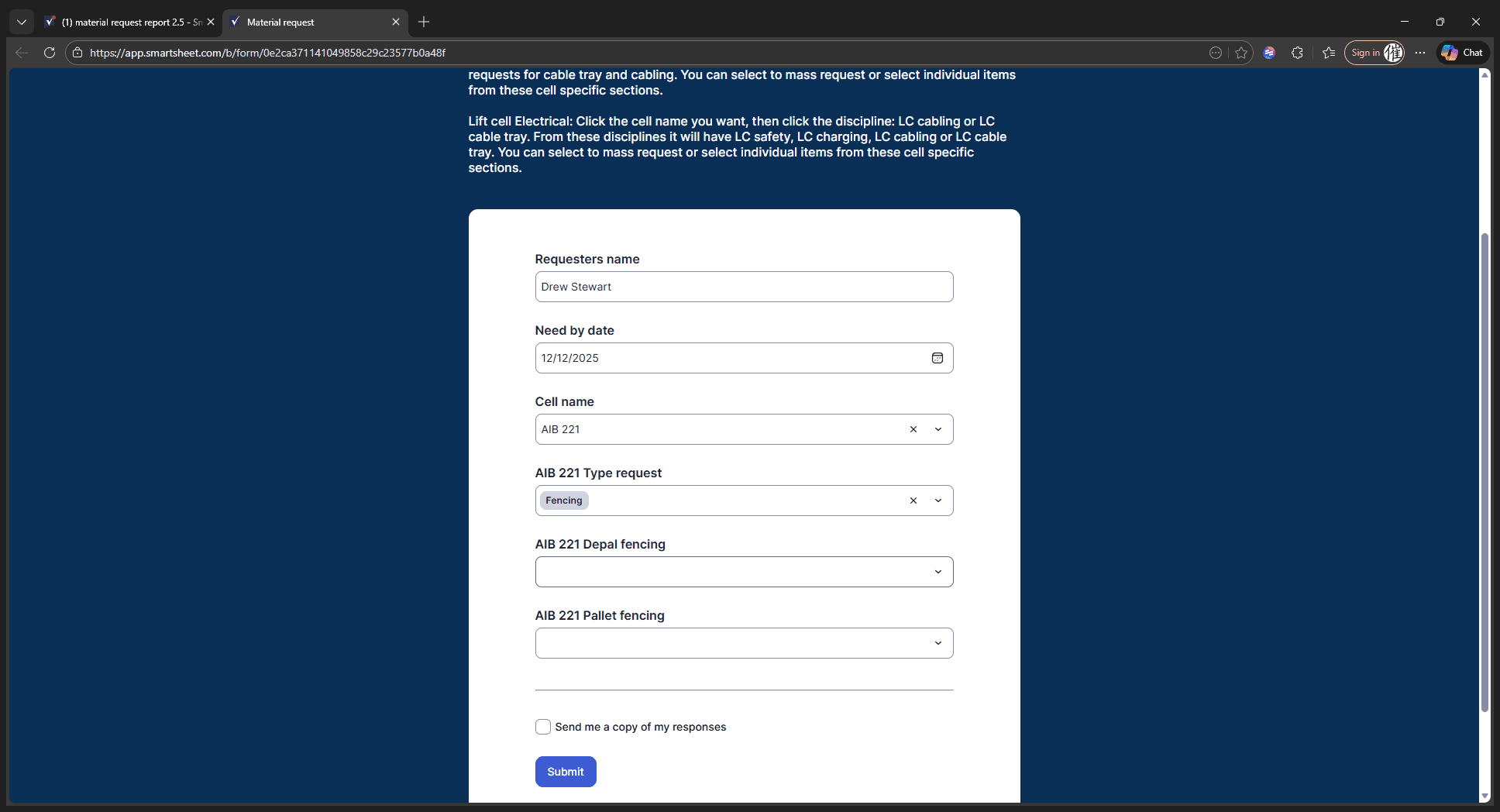
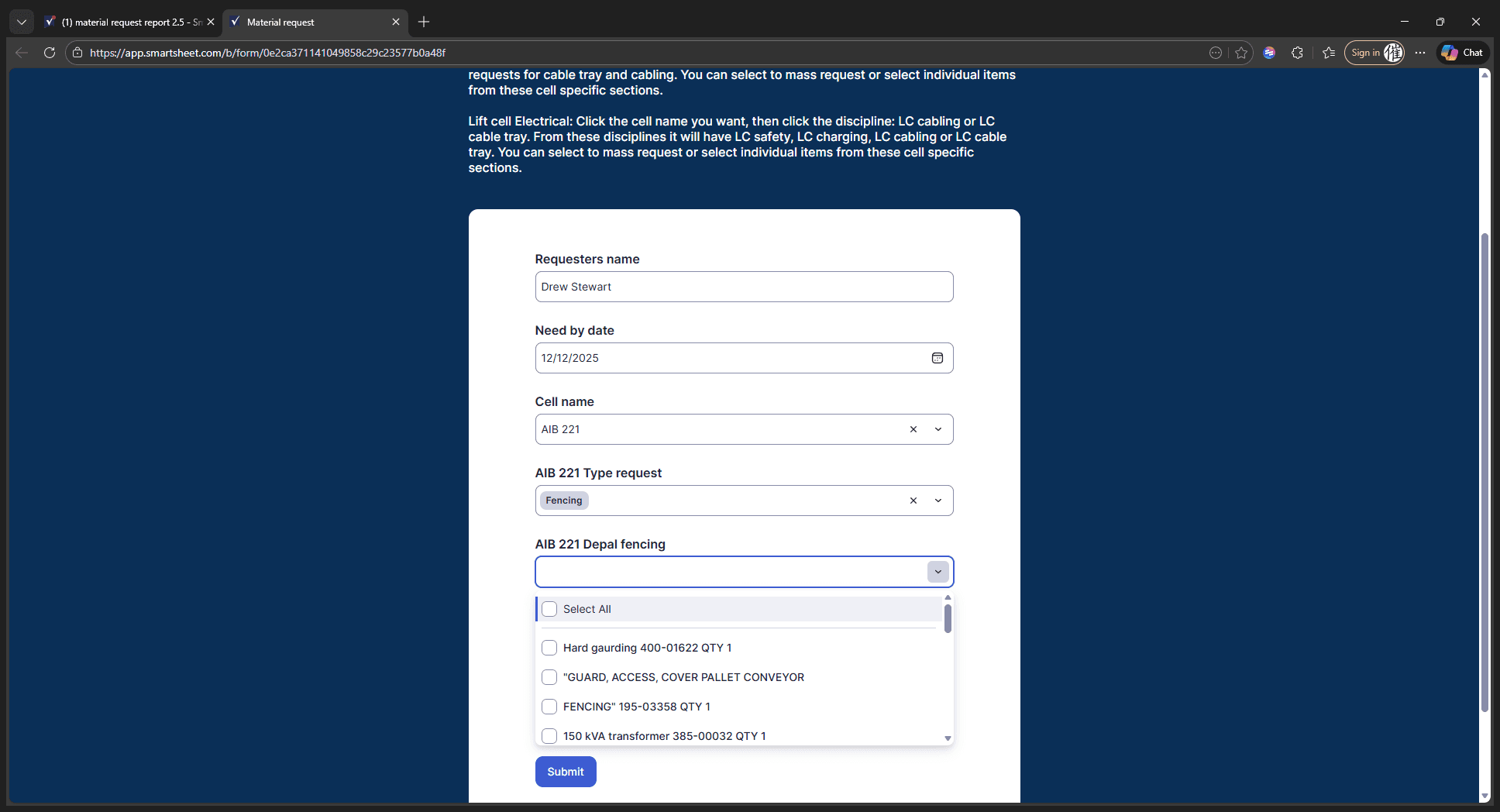
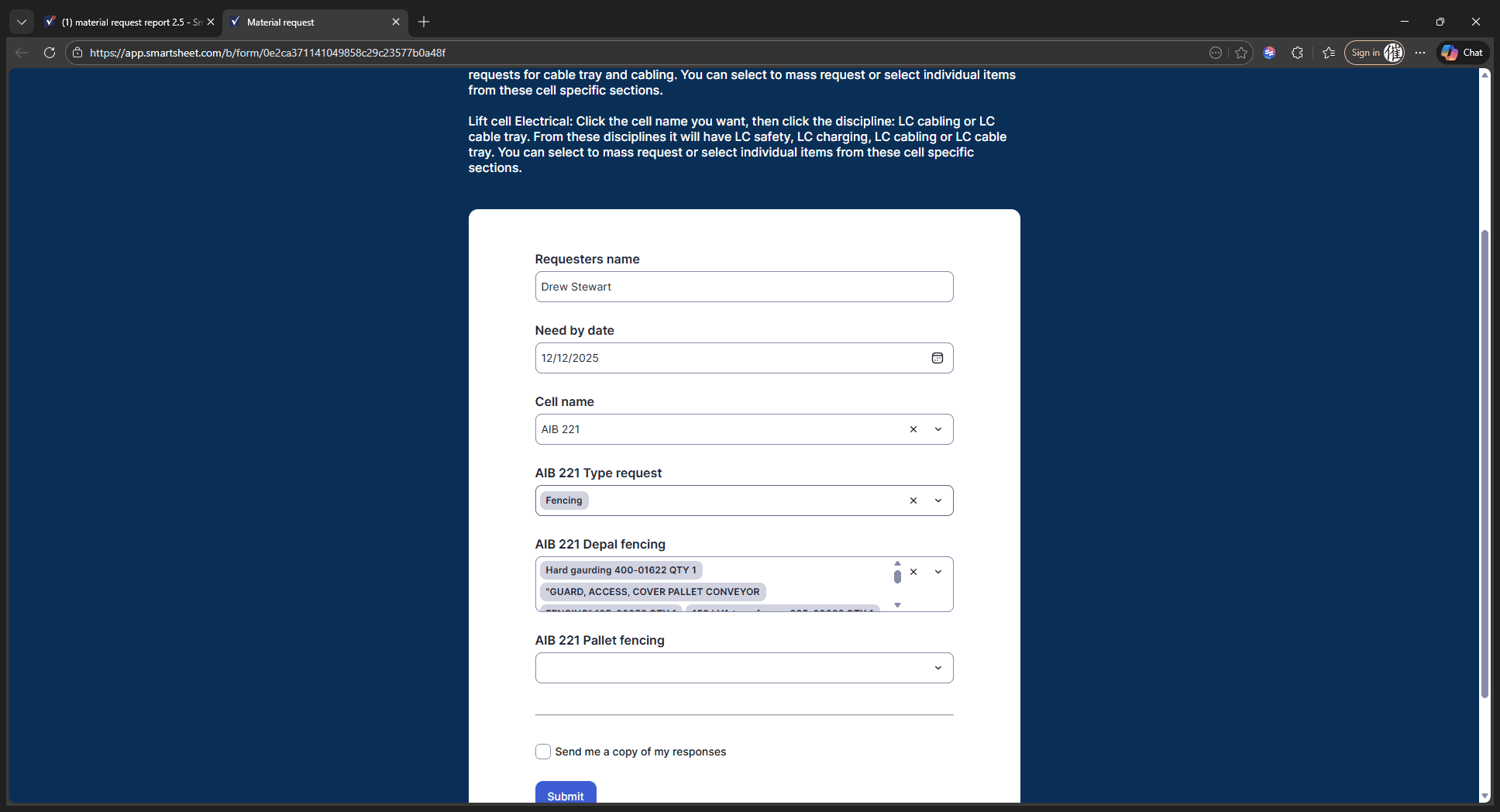
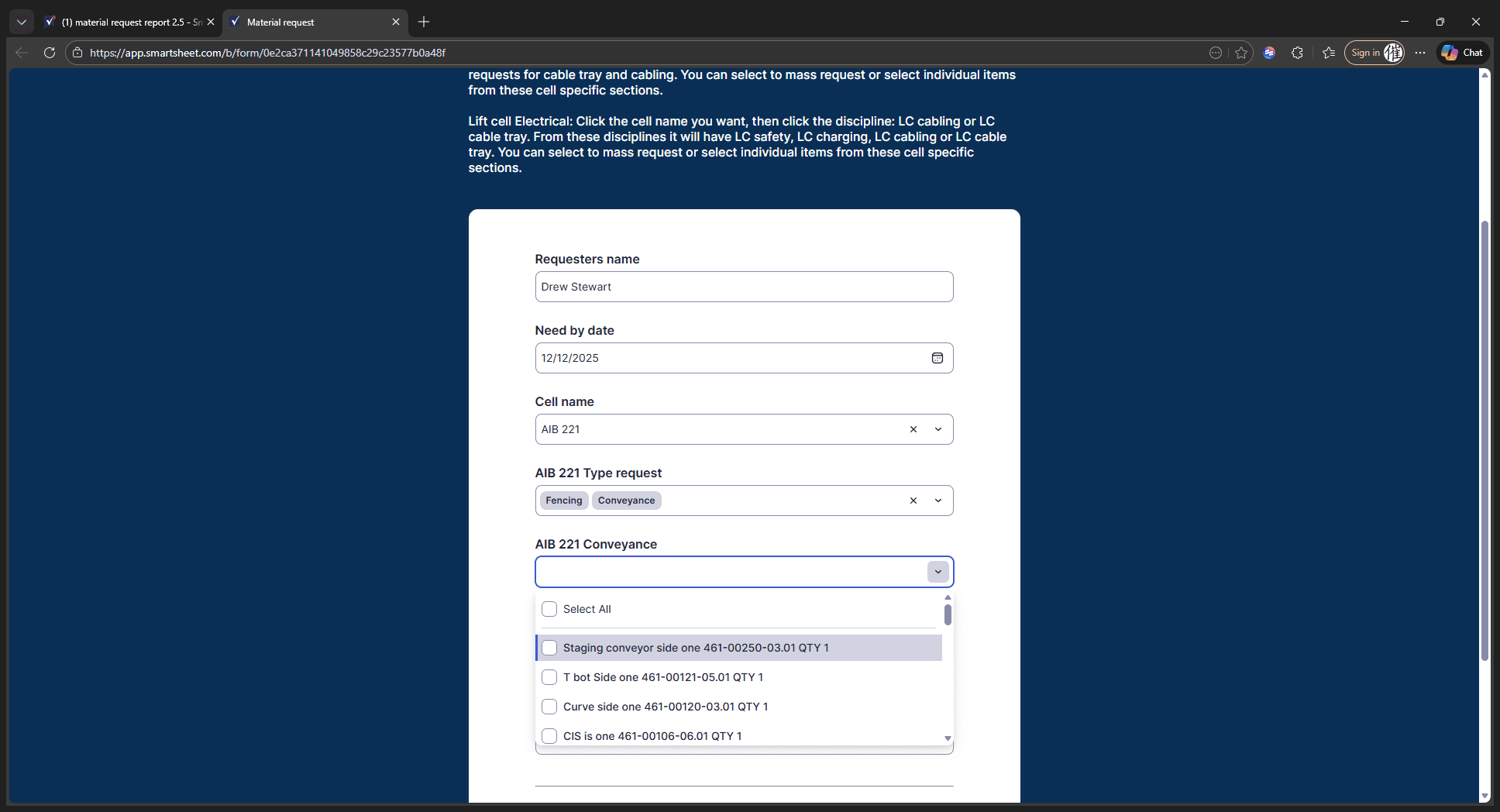
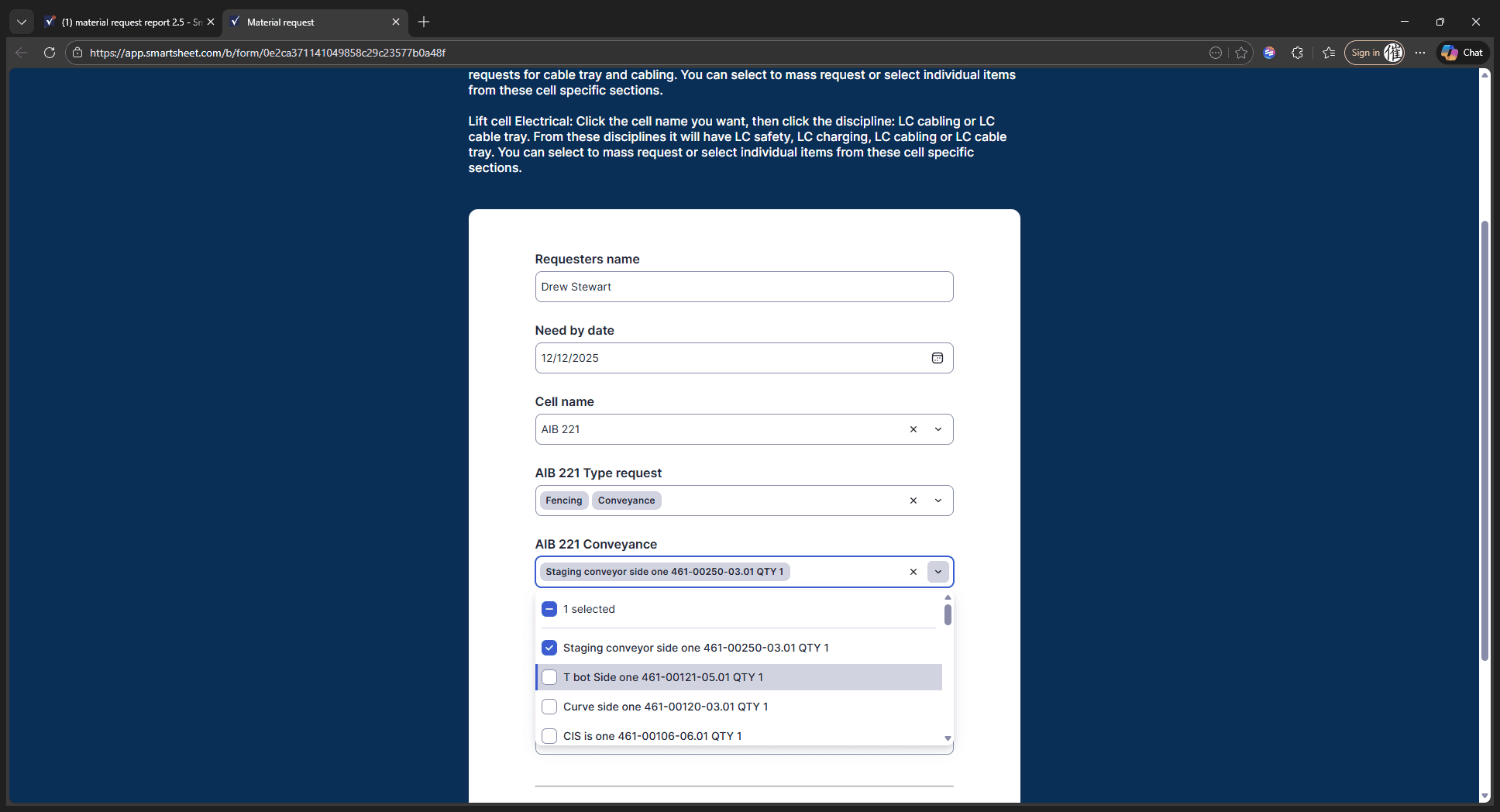
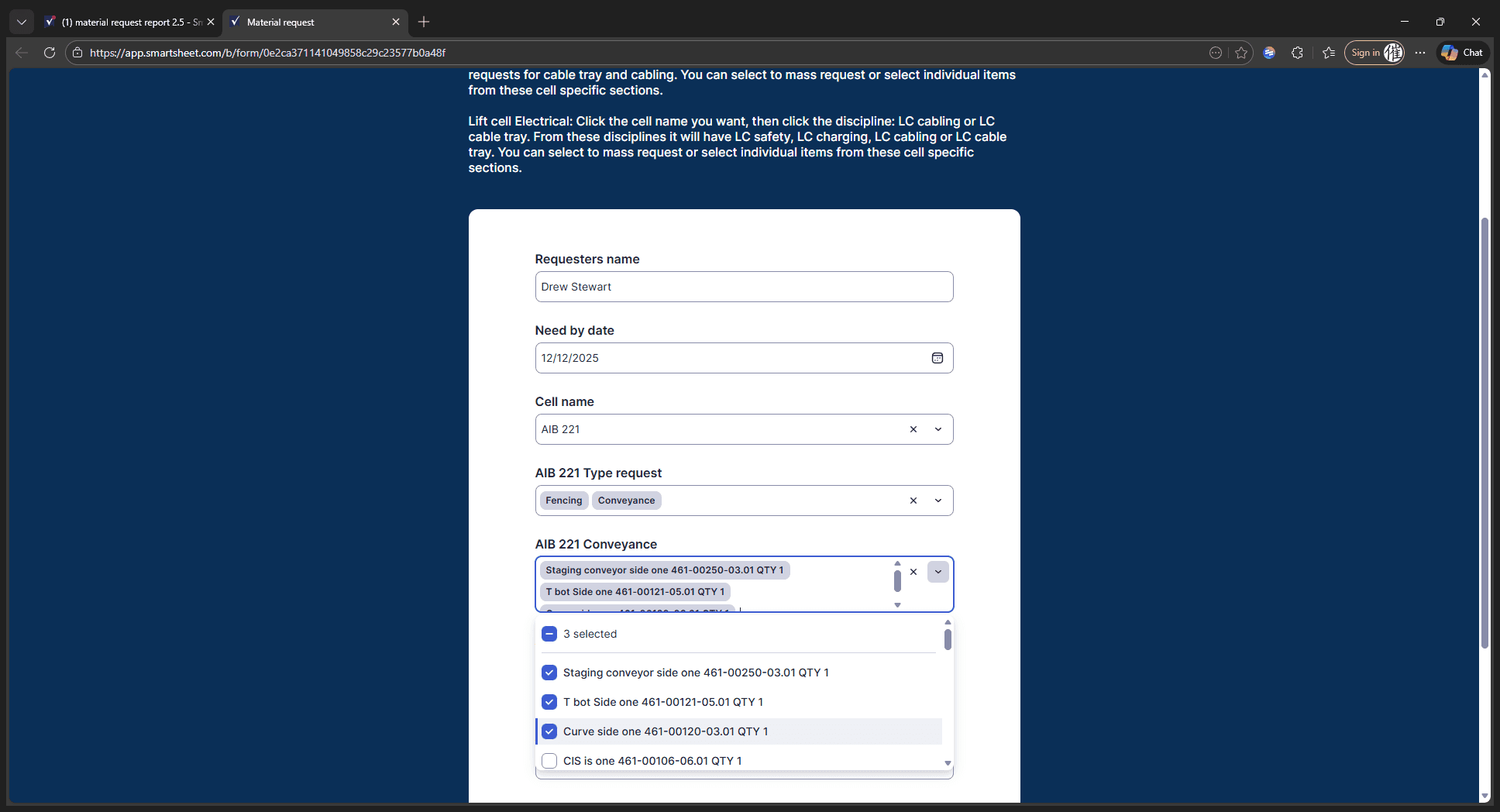
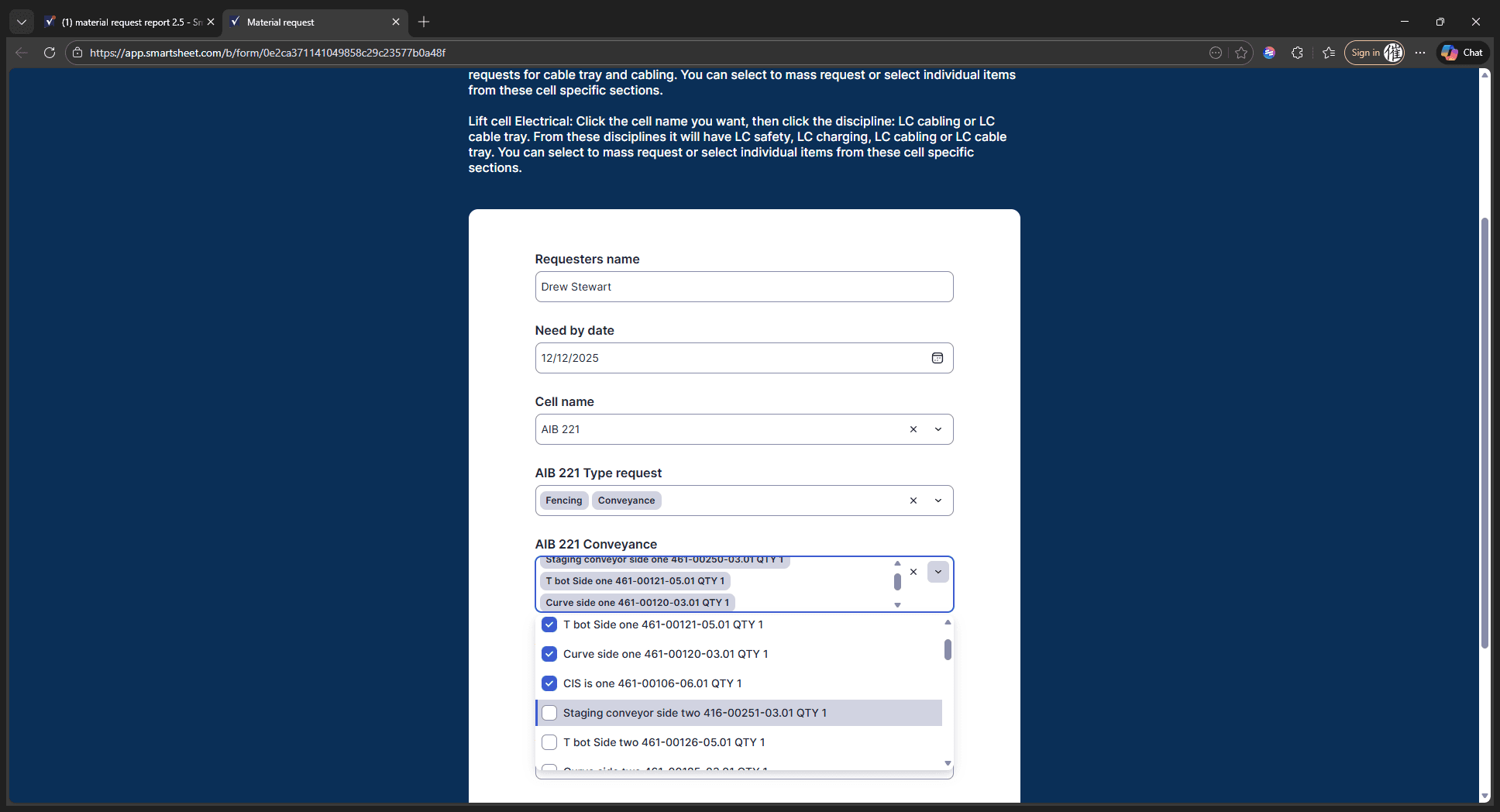
If we want conveyance, click Conveyance. Then, you can either select multiple items at once or choose individual items as needed.
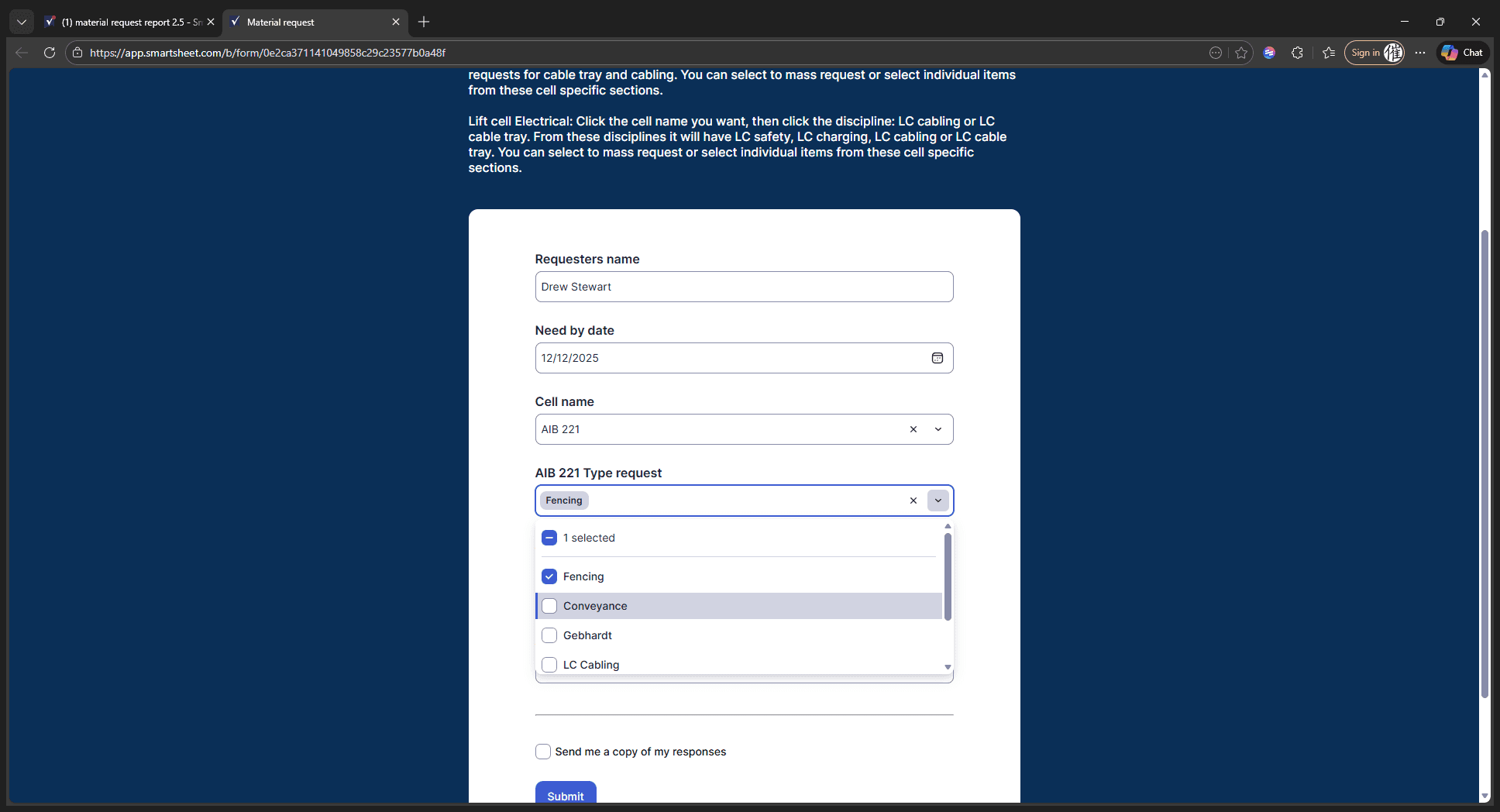
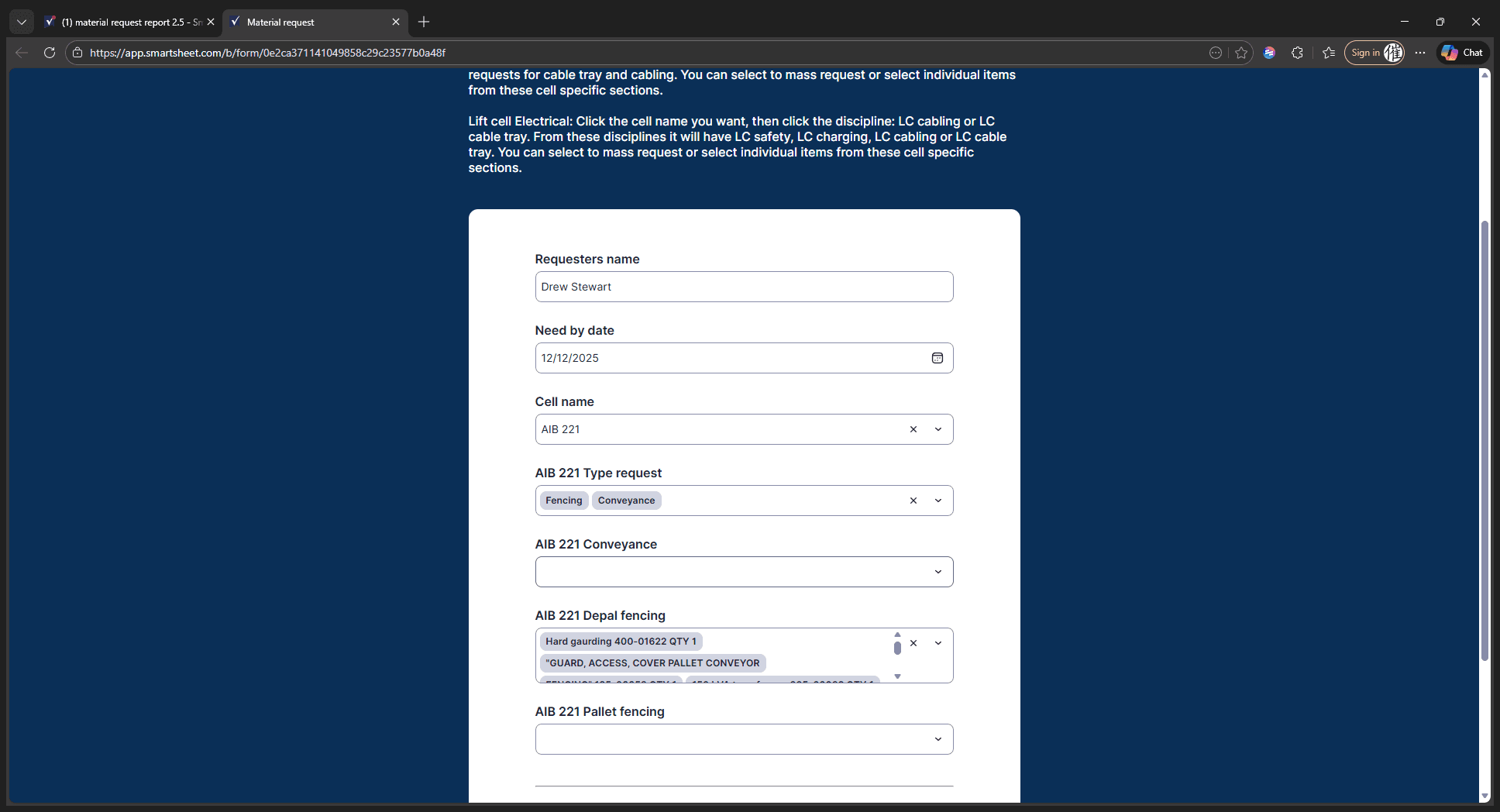
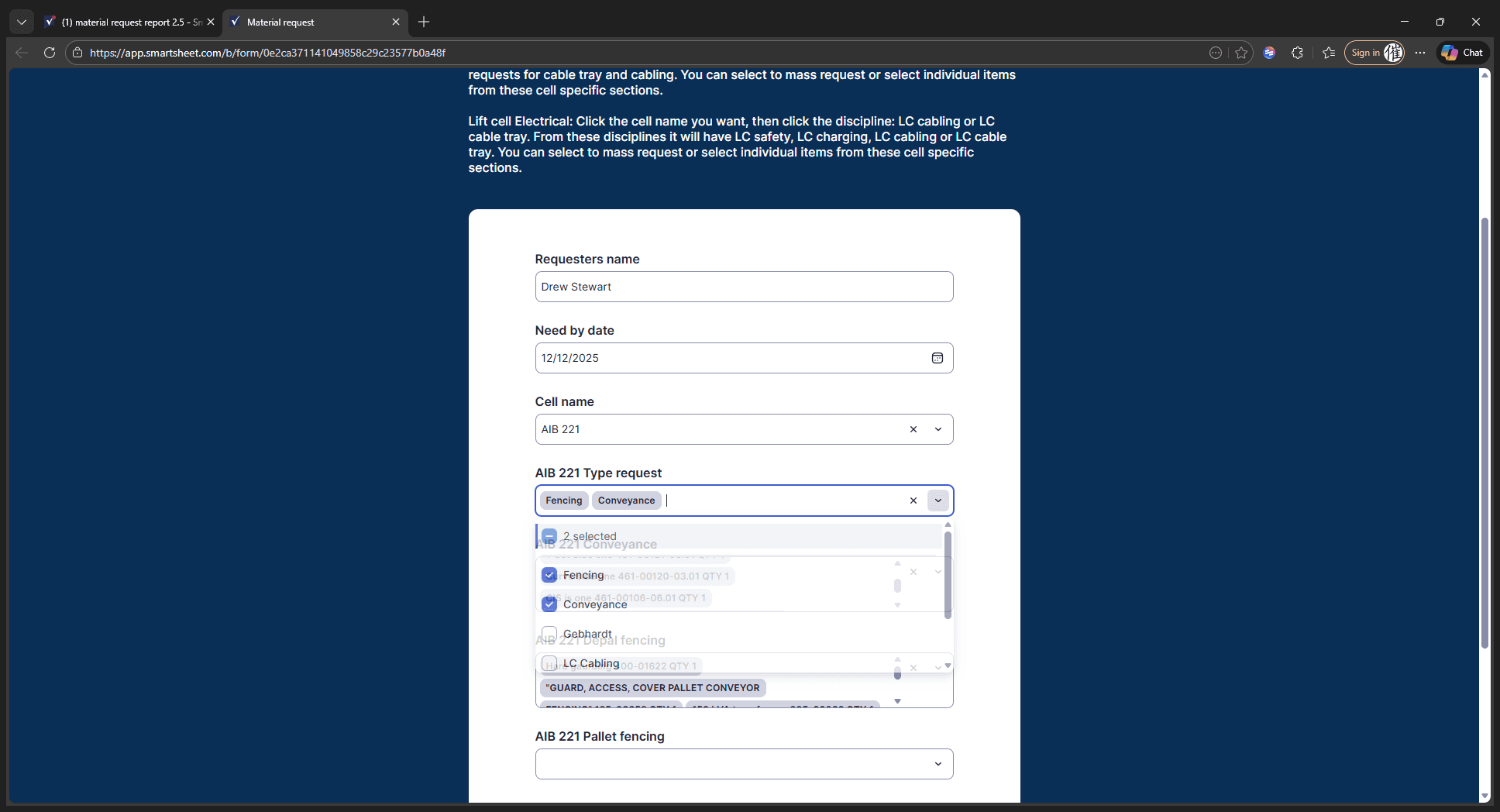
It will be the same for Gebhart.
If we want to perform any Gebhart conveyance, we can either scroll through or select all of them at once.
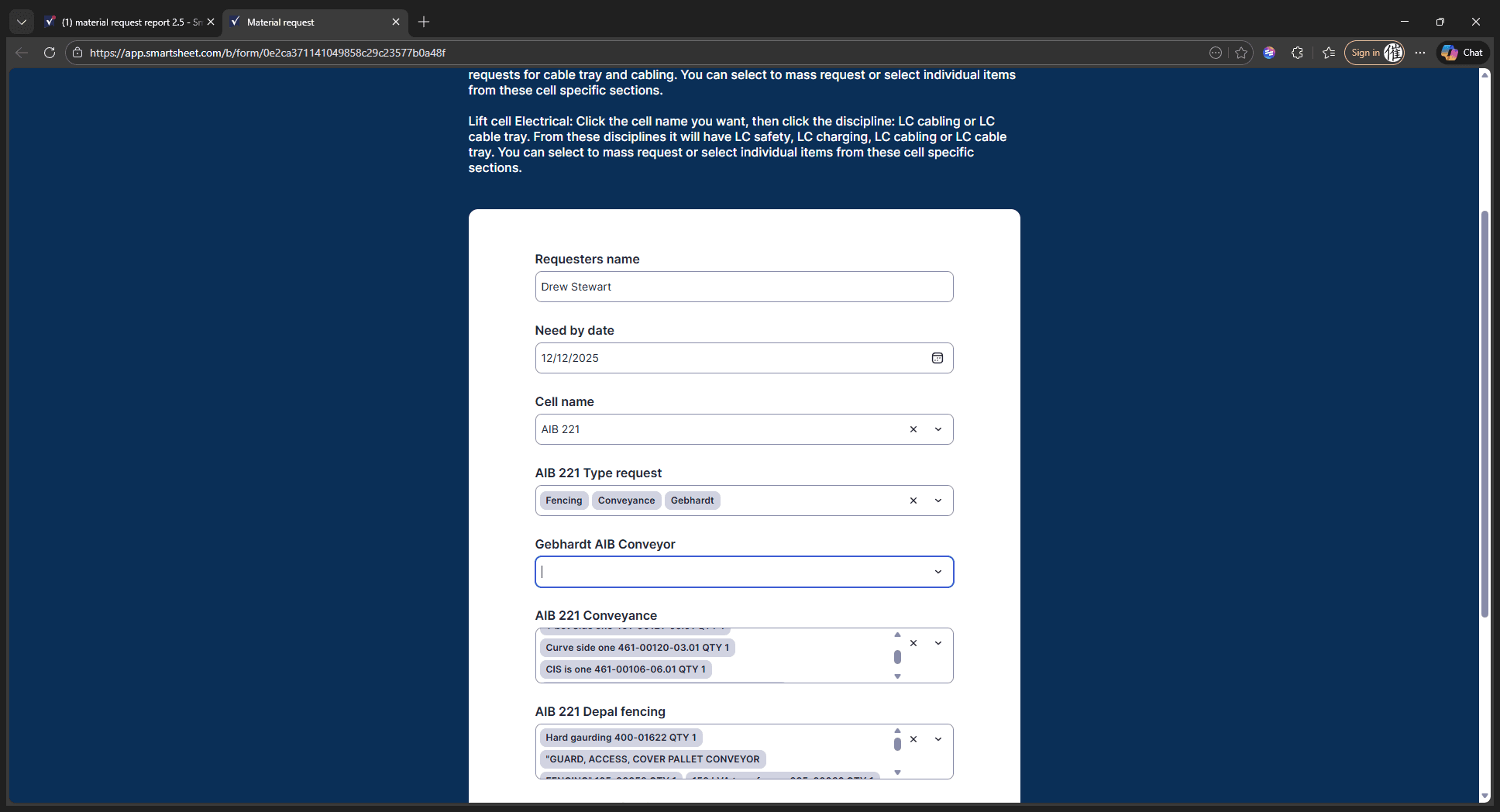
When you finish, submit the form. An email will be sent to the material manager. It will display the date you requested, the date you need it, and all other necessary details in the list. And that's it.