
How to Complete the Lead to App Process in JunGo: Step-by-Step Guide
Learn how to efficiently update a lead to 'waiting' app status in JunGo, set the right priority, update communication levels, and trigger automation for a seamless workflow.
In this guide, we'll learn how to update the lead to app section in JunGo. This includes changing the lead status to "awaiting app," setting the priority, updating the level of communication, and adding a note for the agent about the latest interaction. These steps help ensure that the correct automation is triggered and that all team members are informed about the lead's progress.
Let's get started
Whoops. I forgot something else. We have to finish the lead to app section of JunGo.
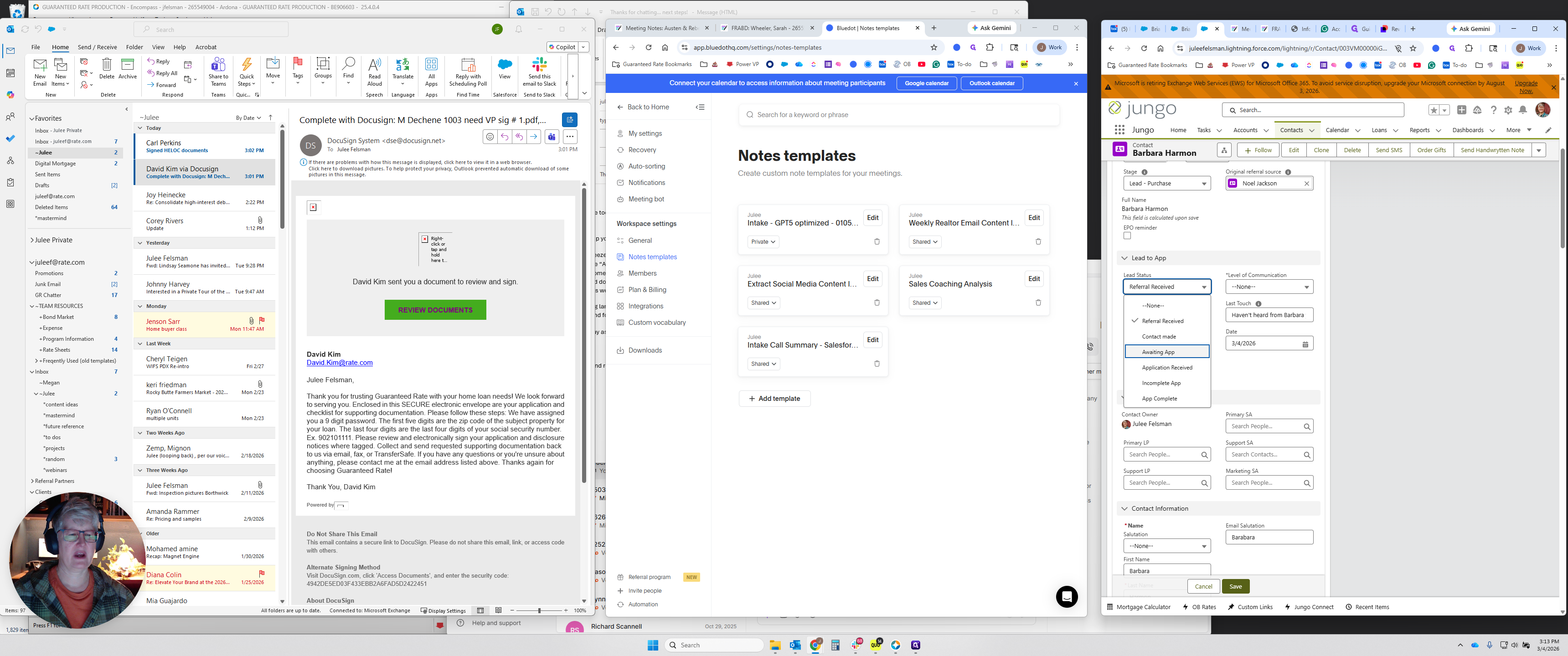
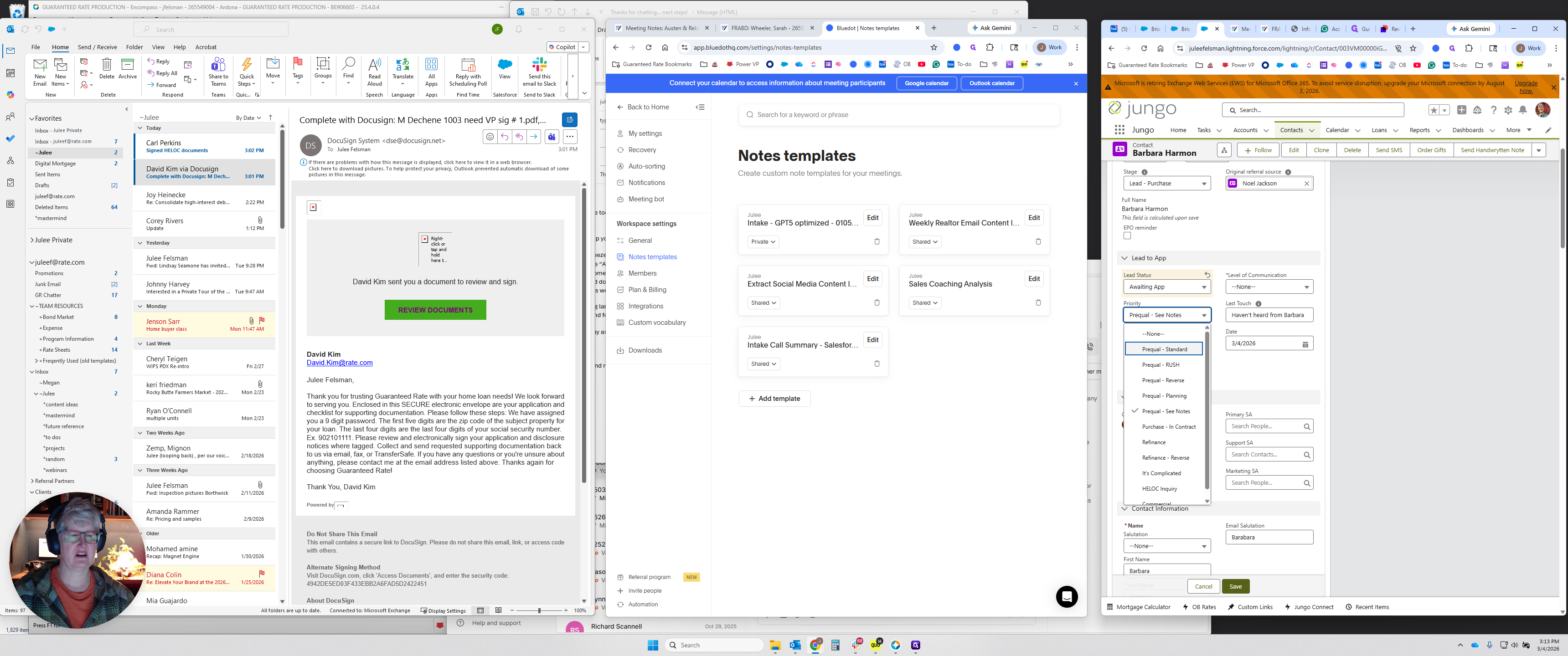
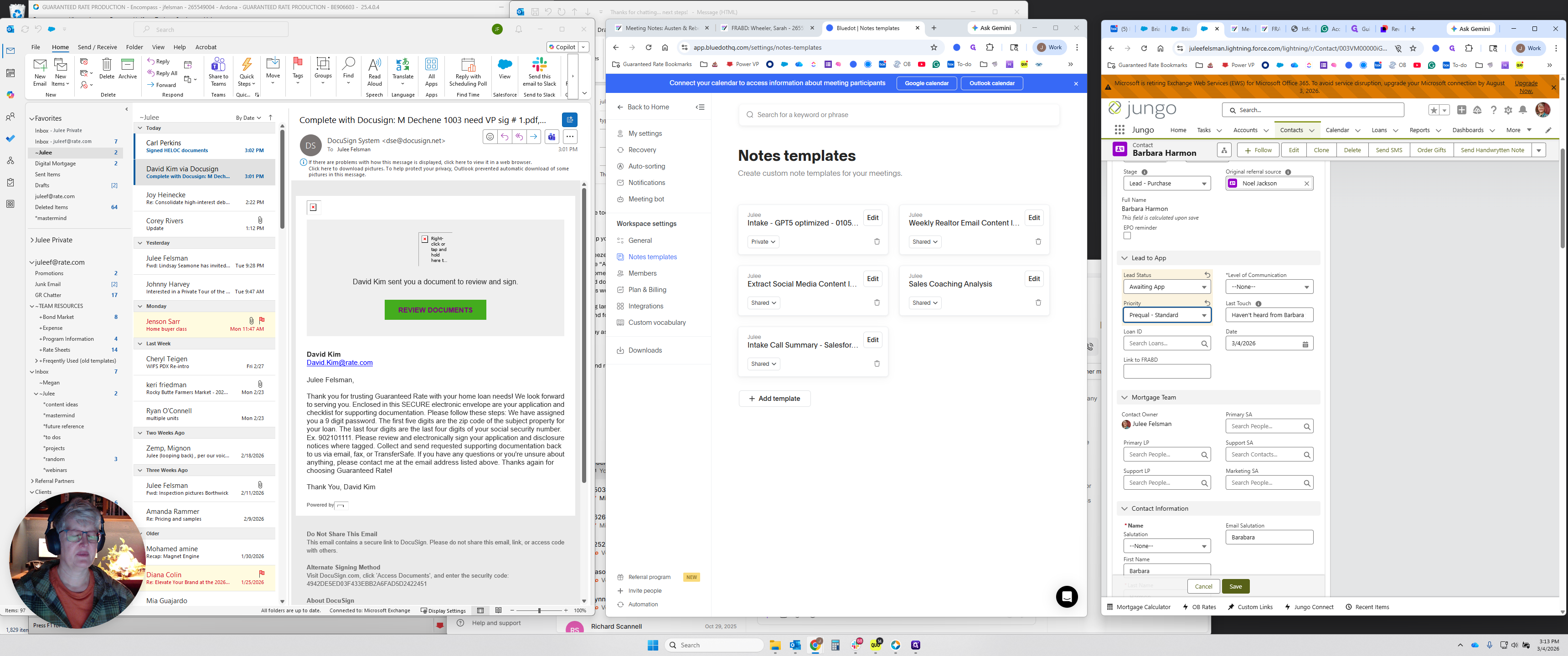
You want to change the lead to an app set to "waiting." Update the priority to whatever is appropriate.
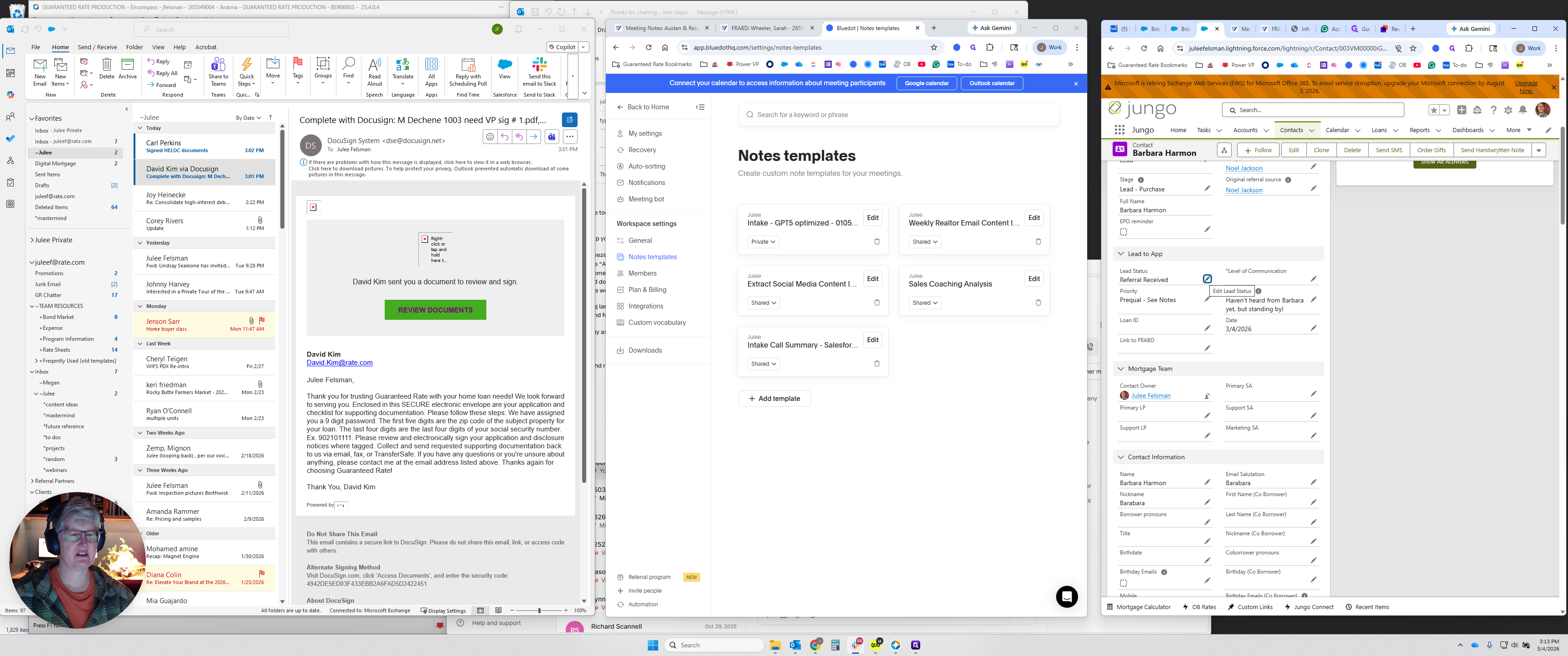
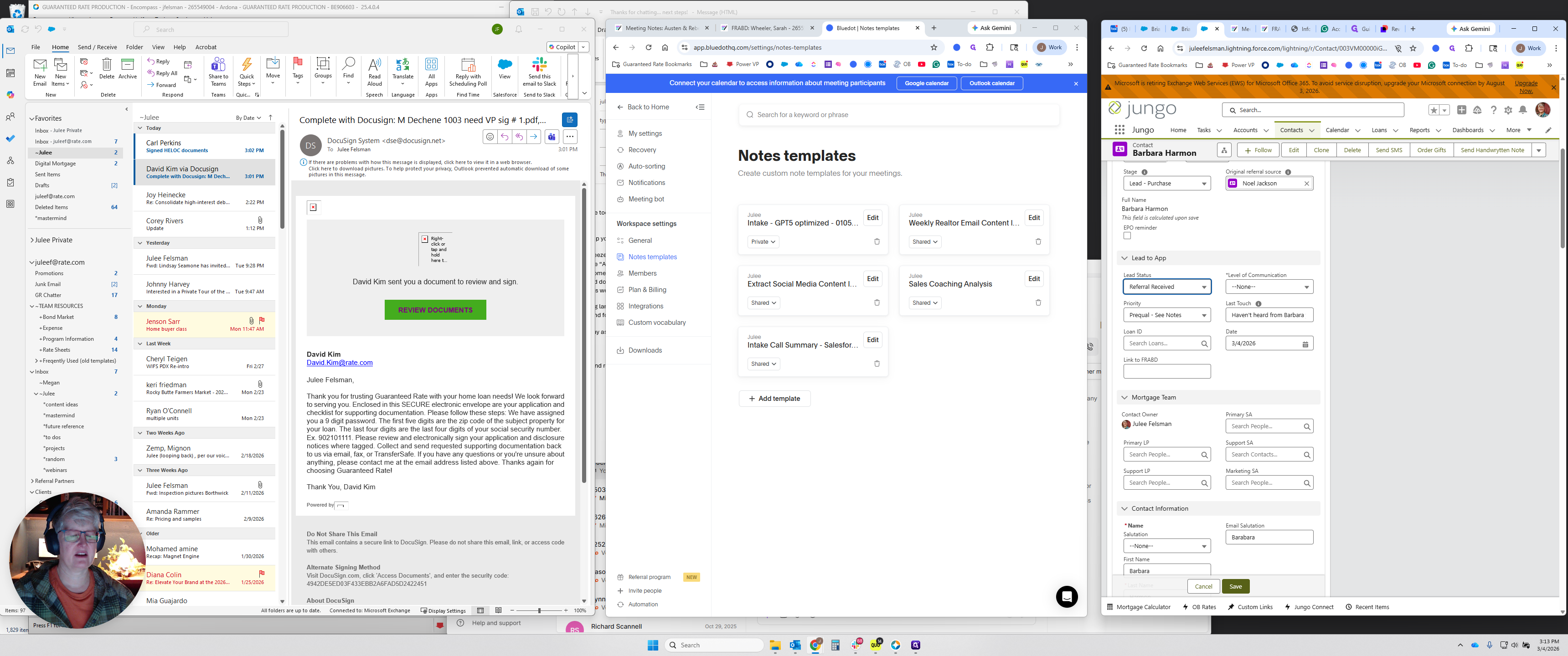
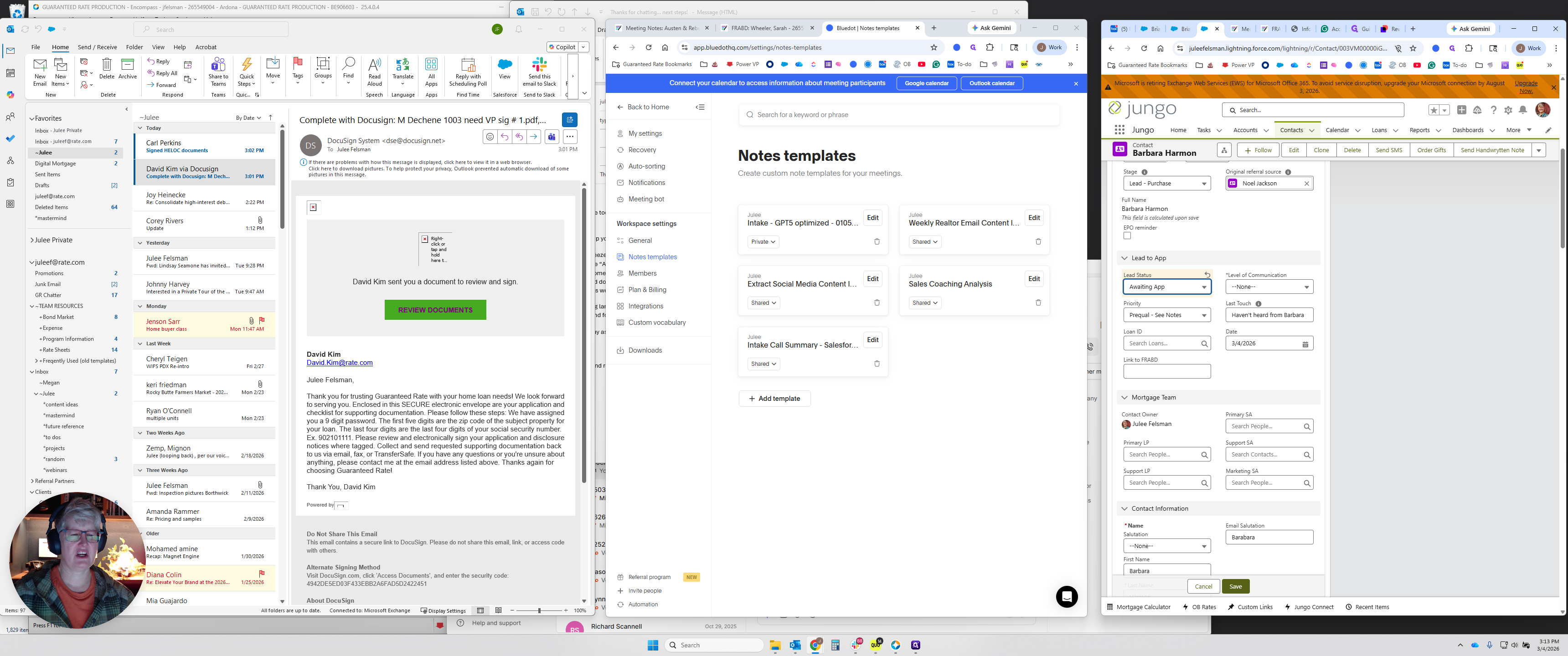
Usually, that would be the pre-qual standard.
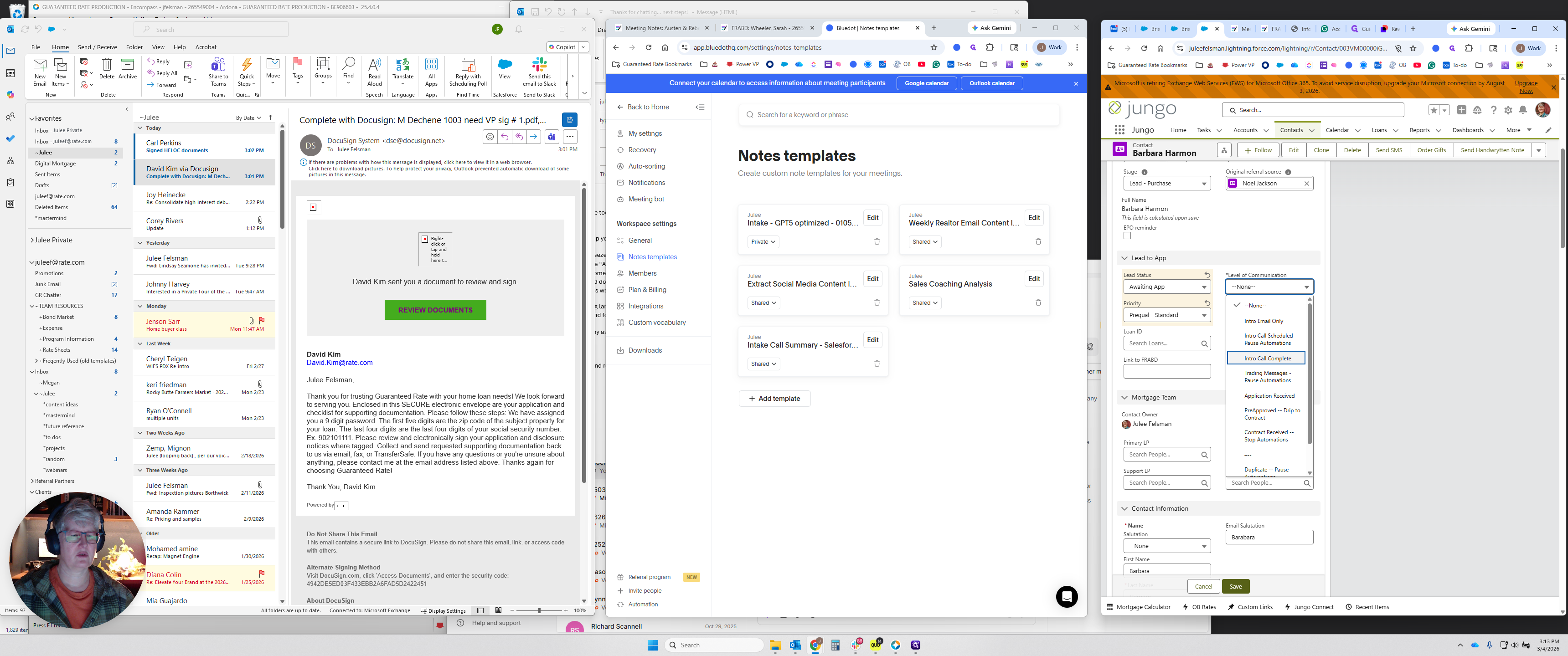
You want to change the level of communication to "Intro Call Complete." Then, add a note under "Last Touch" to inform the listing agent, buyer's agent, or referring agent about the current status.
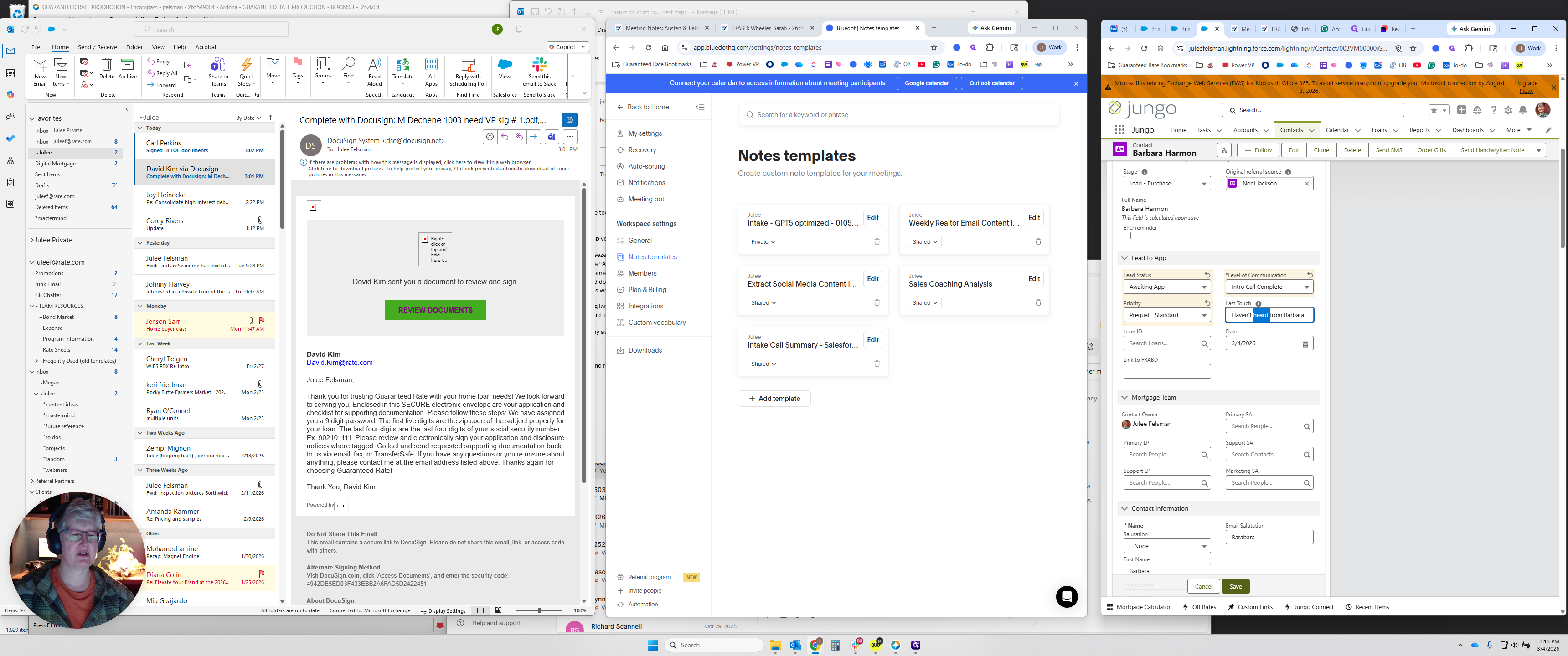
Very often, they will say something like, "Had a great chat, answered lots of questions, and talked about goals." The next step is preapproval. Sent the link to get started, or use another appropriate message. That is the last thing you want to do. A completed waiting app and intro call activate a small automation.
It's important to do that so the automation runs. That should be helpful. Sorry, I forgot to include that in the other video.