How to Conduct a Canvassing Survey in the I360 Grassroots App
Learn how to log in, access campaign walkbooks, navigate the map interface, and conduct household voter surveys using the Grassroots app.
This guide shows you how to navigate the Grassroots application to view campaign activities, explore your assigned walkbooks, and log voter interactions. By completing this, you will efficiently track survey responses and household data during a canvass.
This workflow is designed for field organizers and volunteer canvassers conducting door-to-door or phone outreach. Use these steps when you are ready to begin logging survey results in your assigned territory.
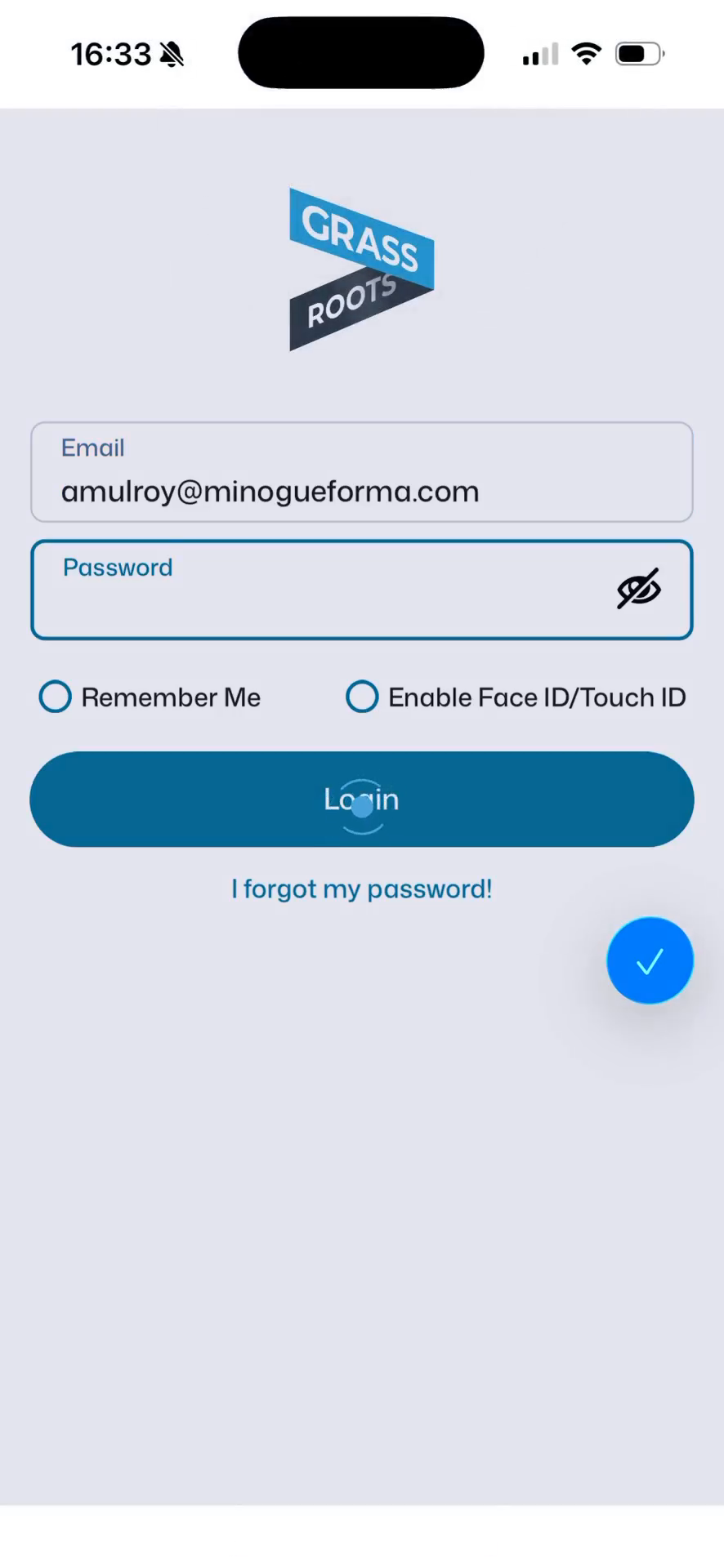
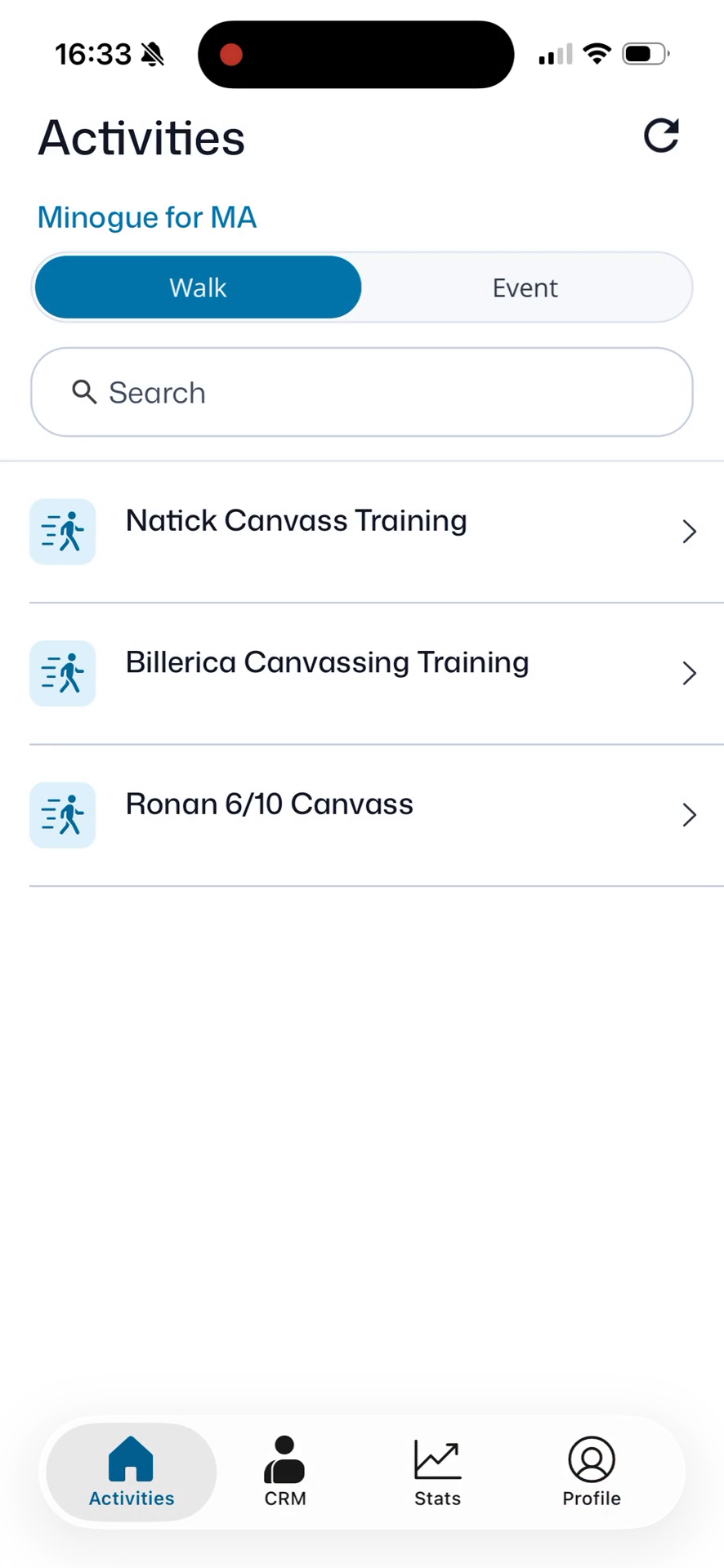
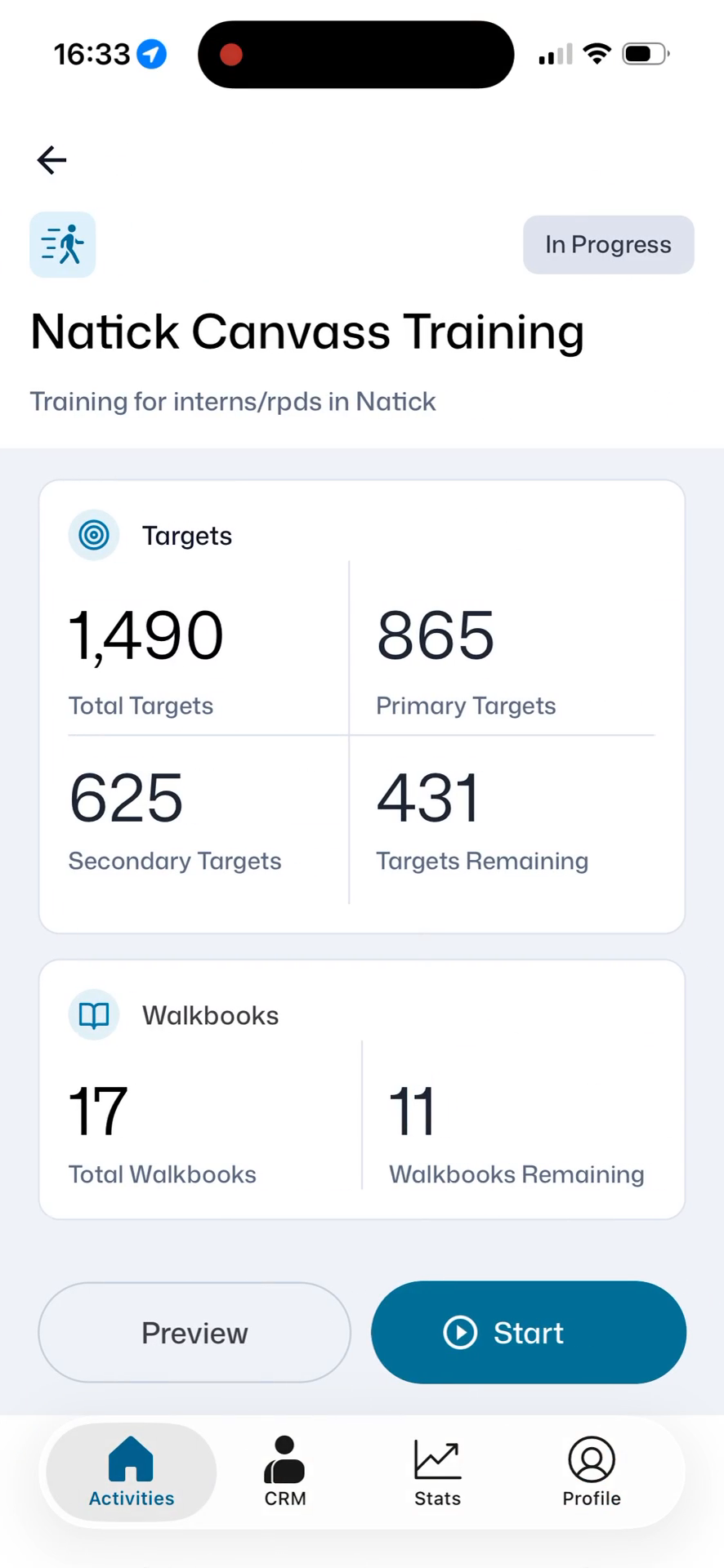
Log In and Access Training
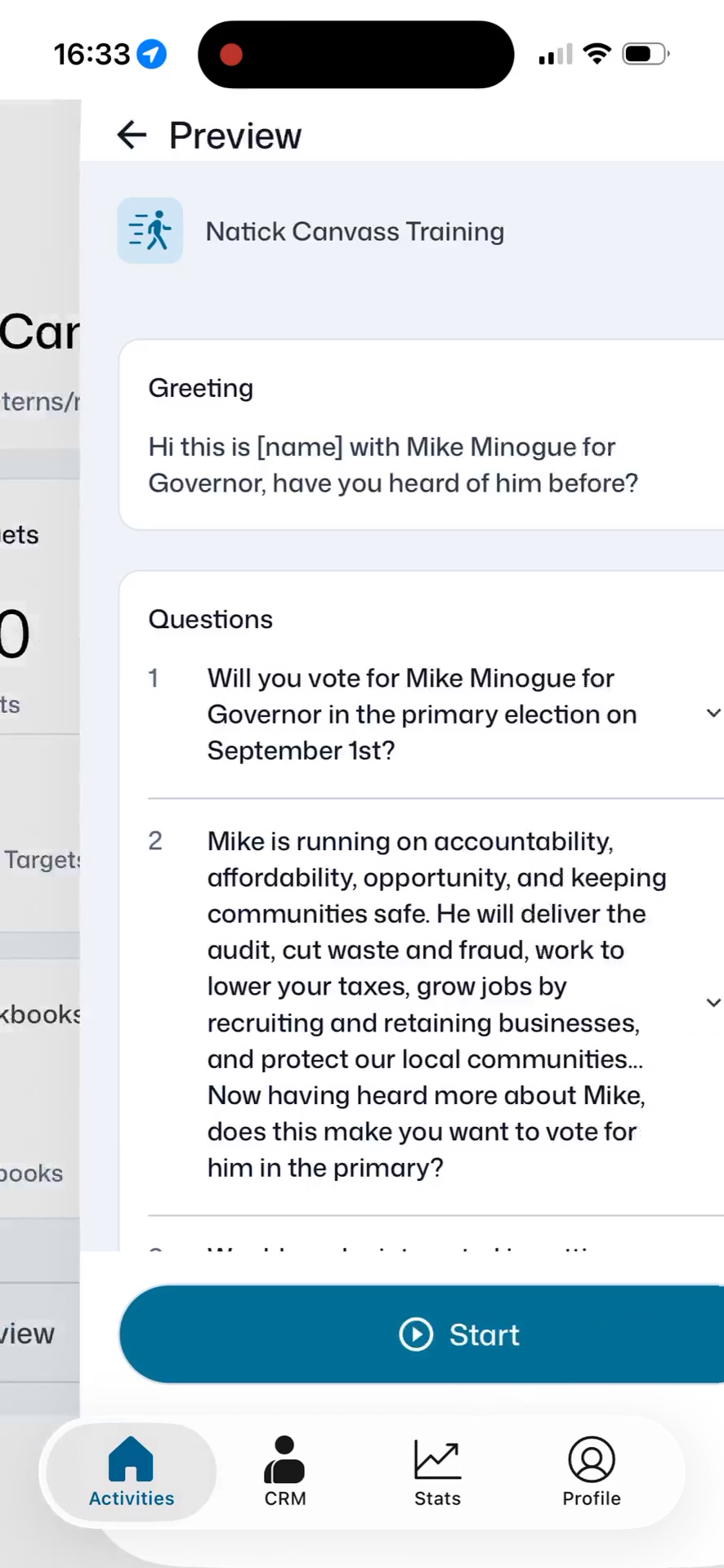
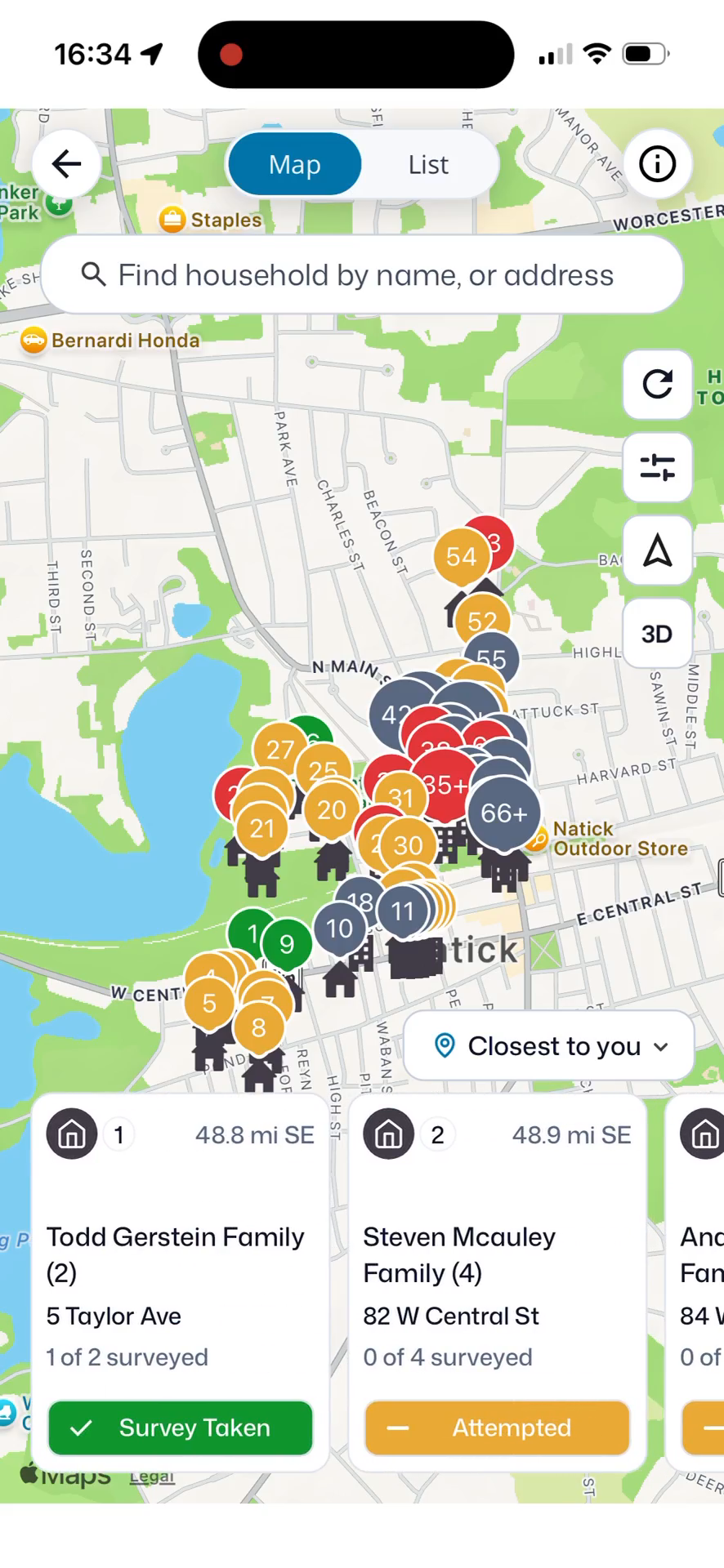
Navigate Your Assigned Territory
The app provides a map-based interface to locate your assigned households.
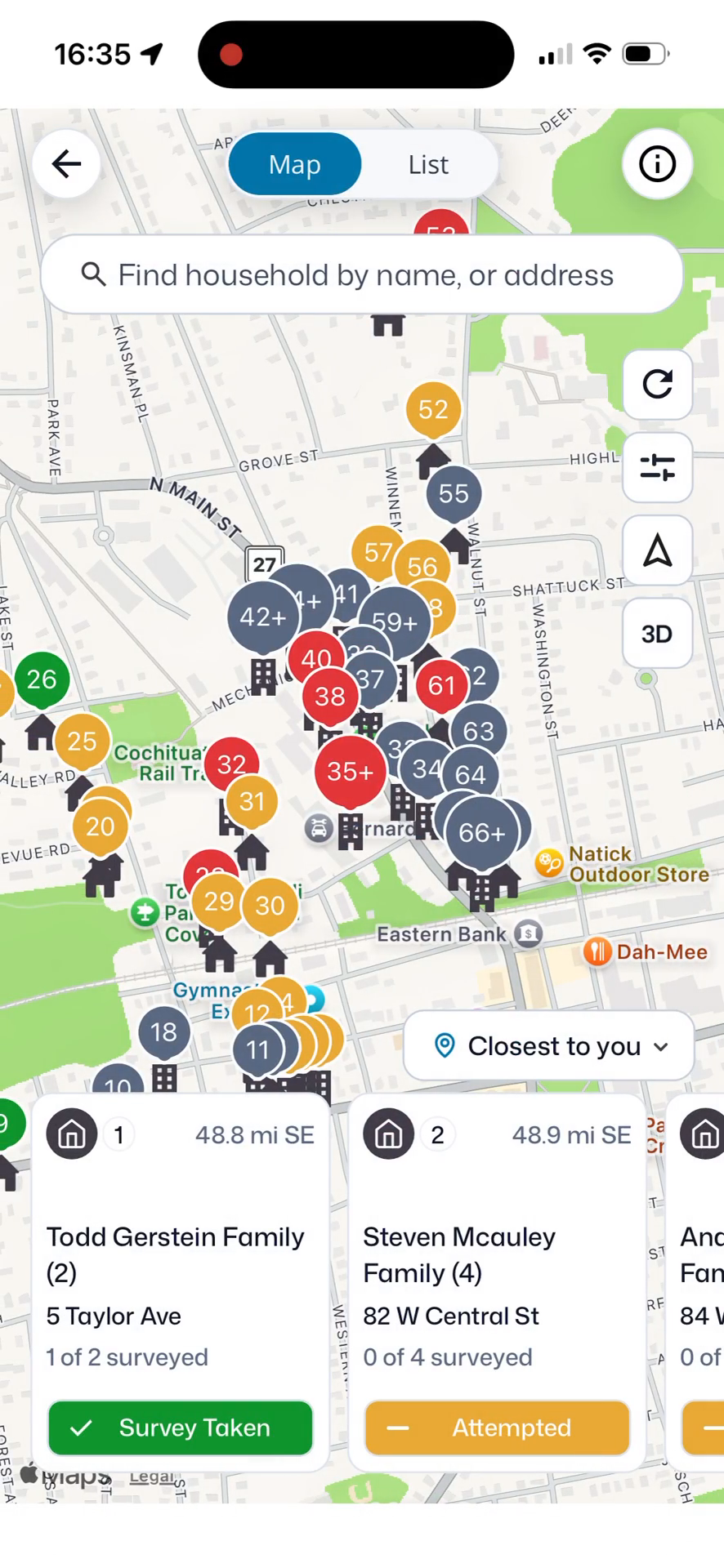
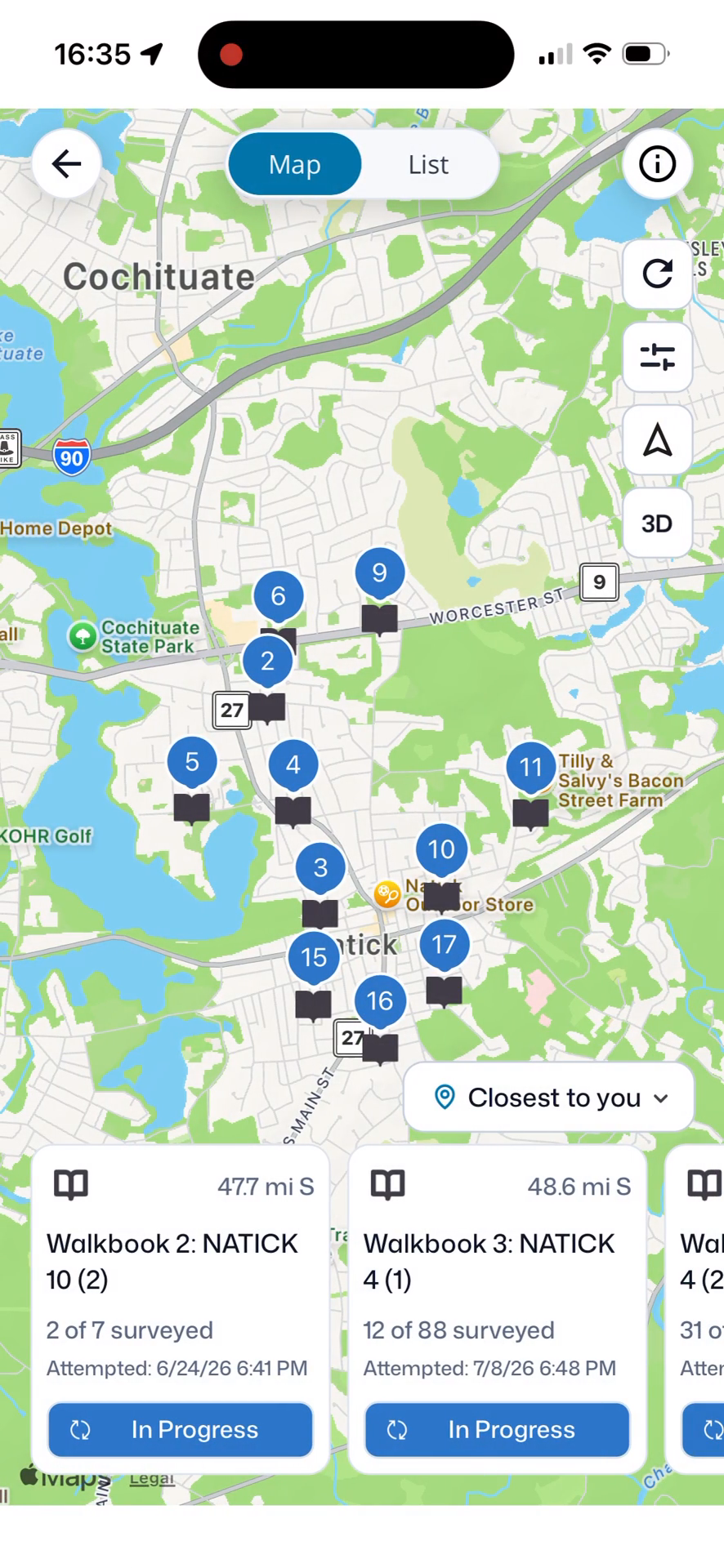
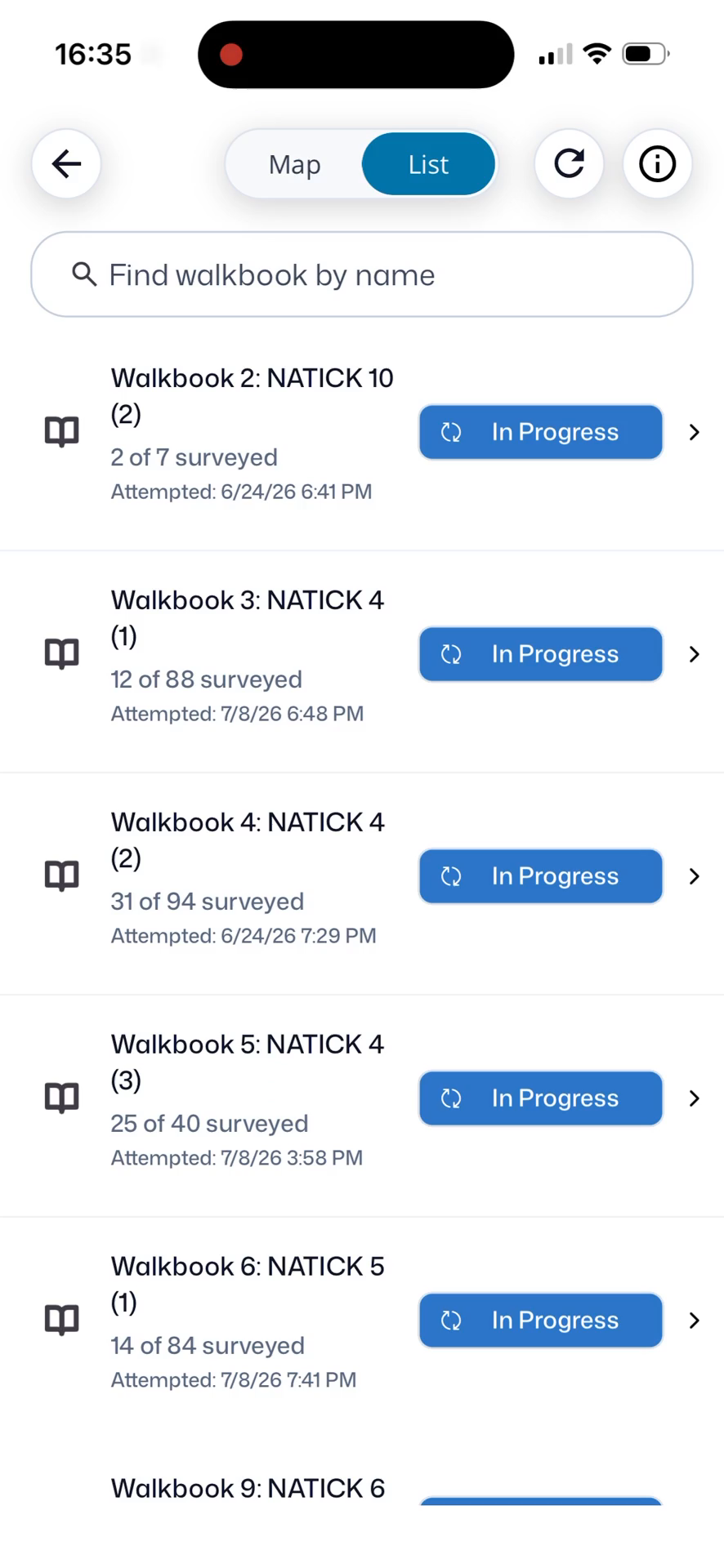
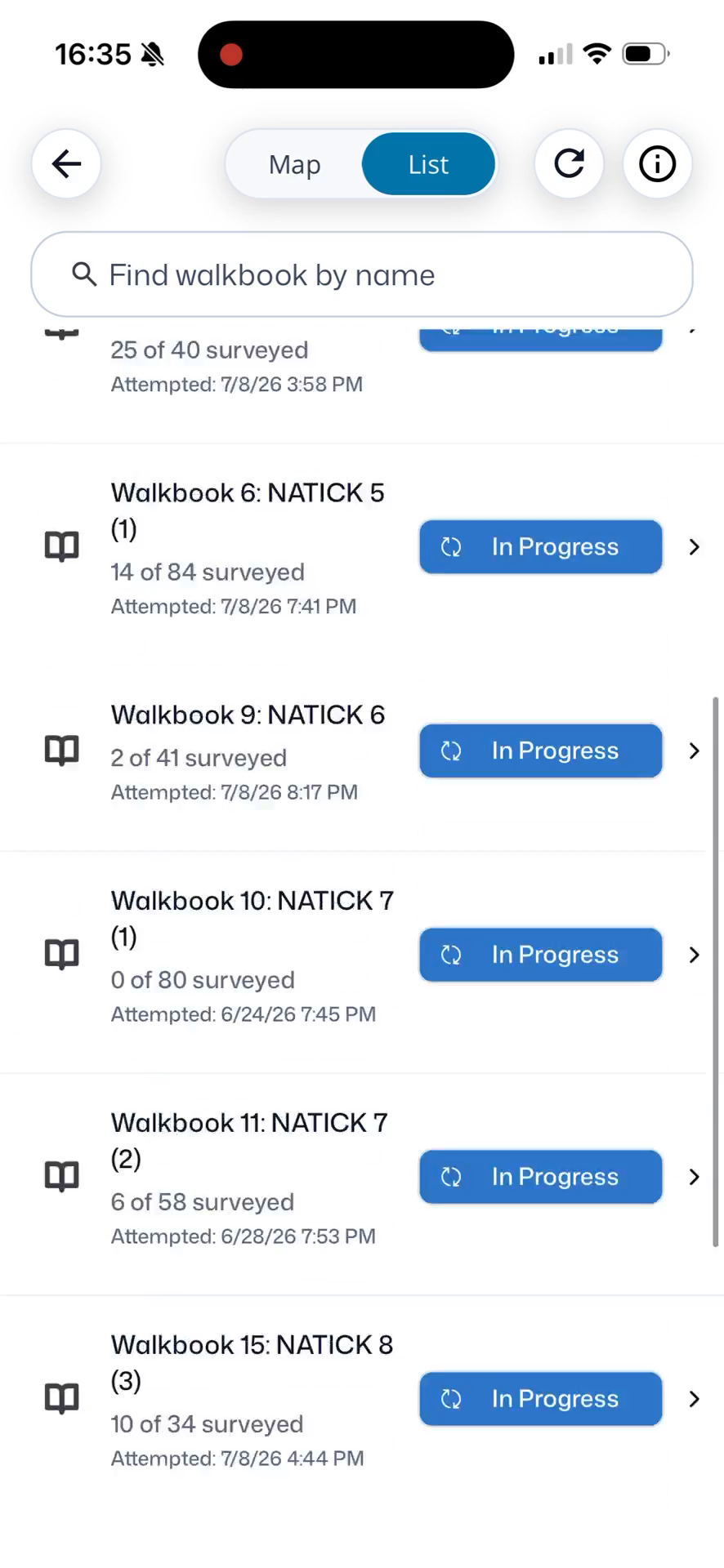
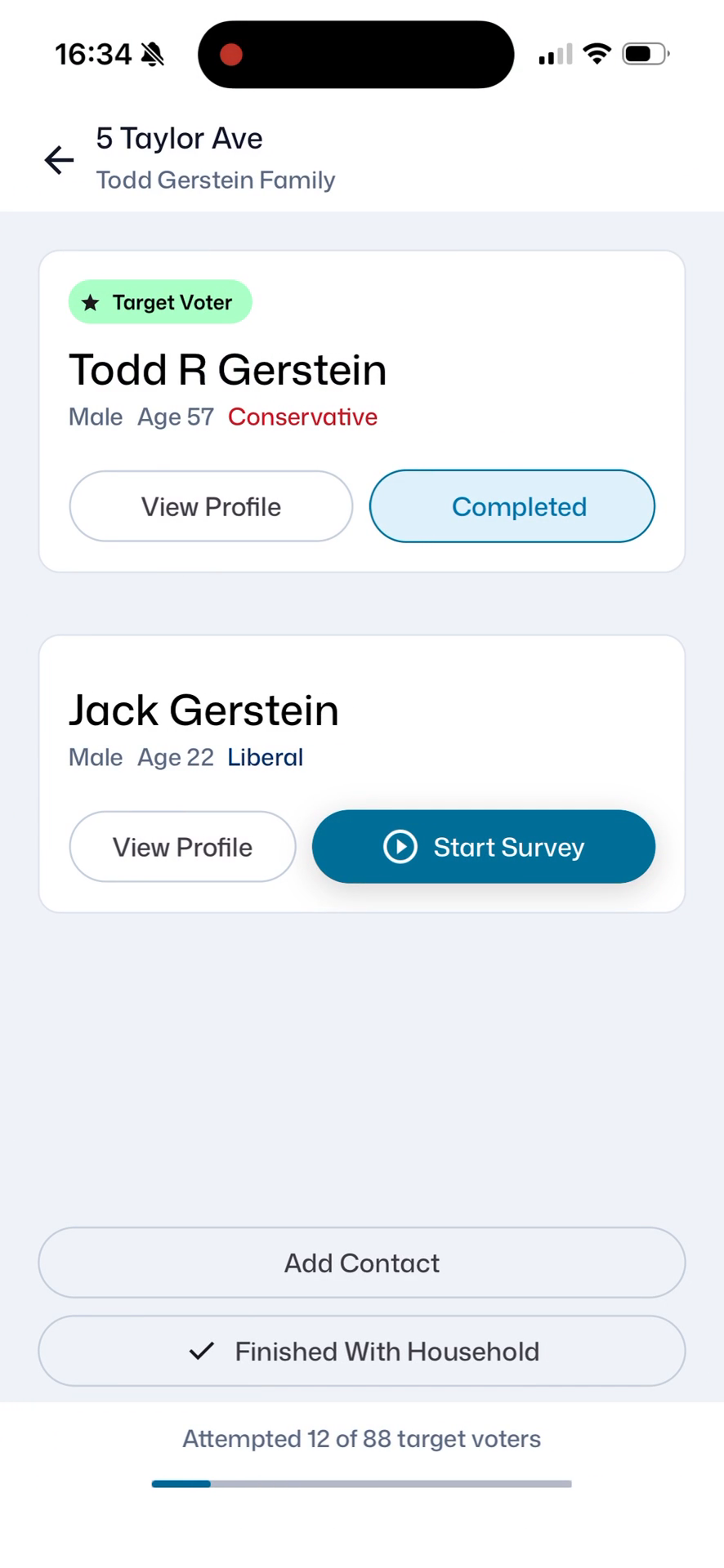
Survey Households and View Profiles
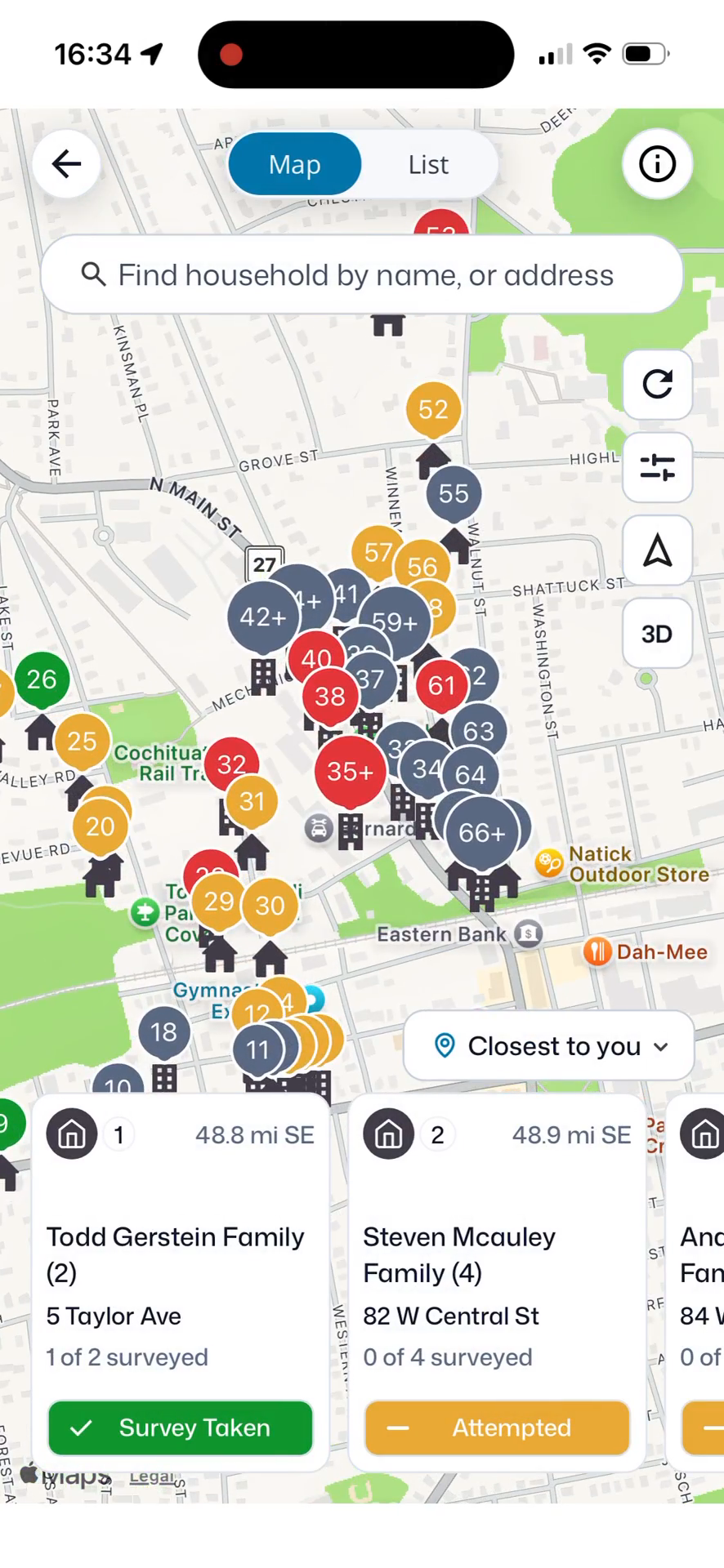
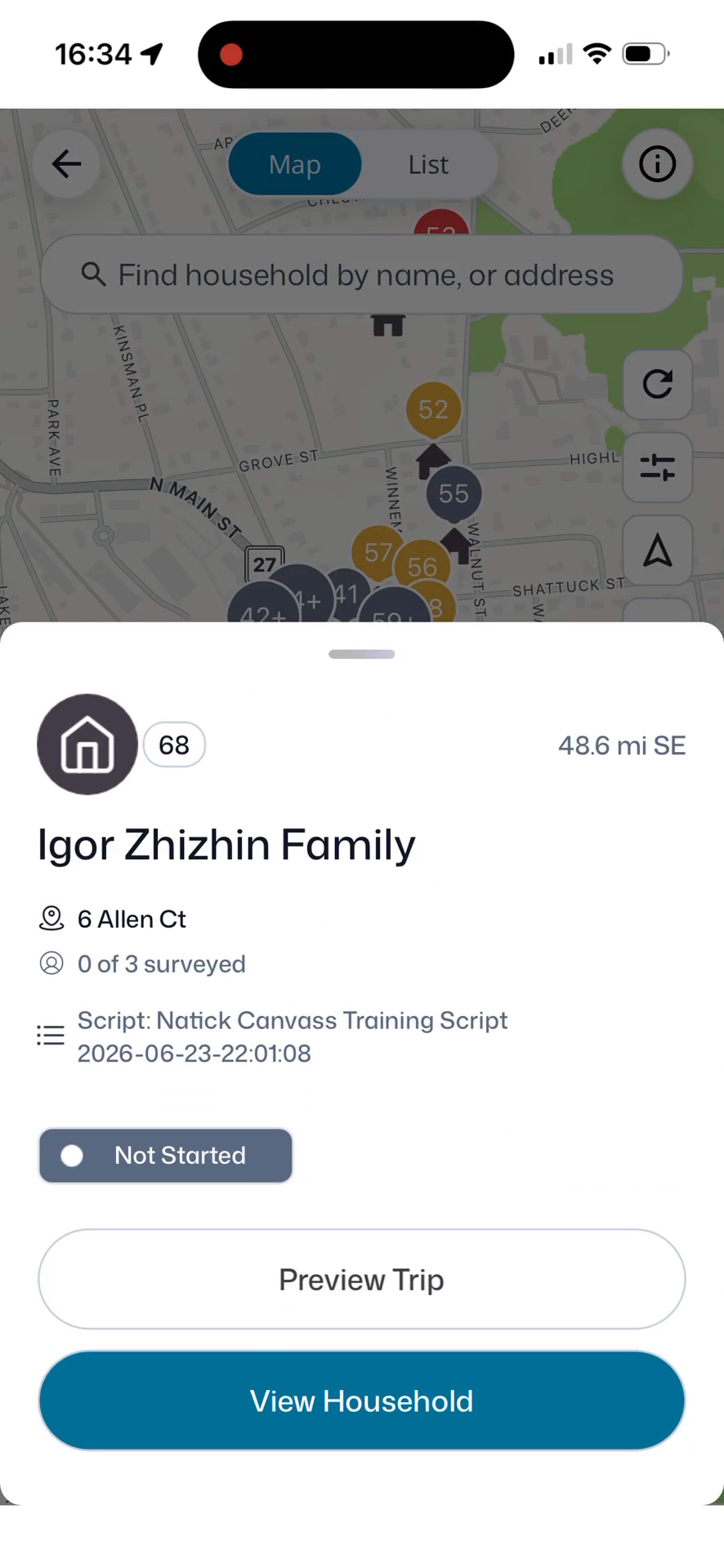
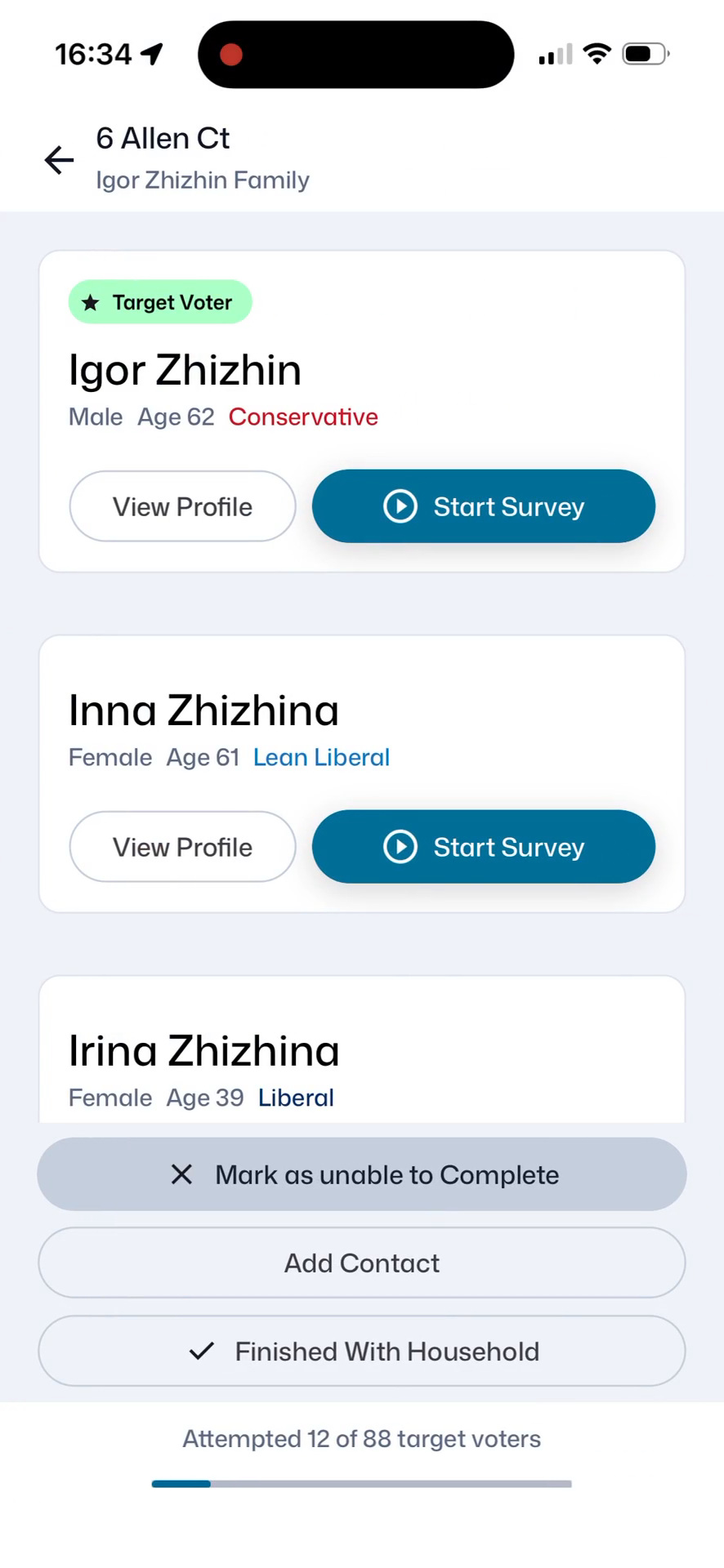
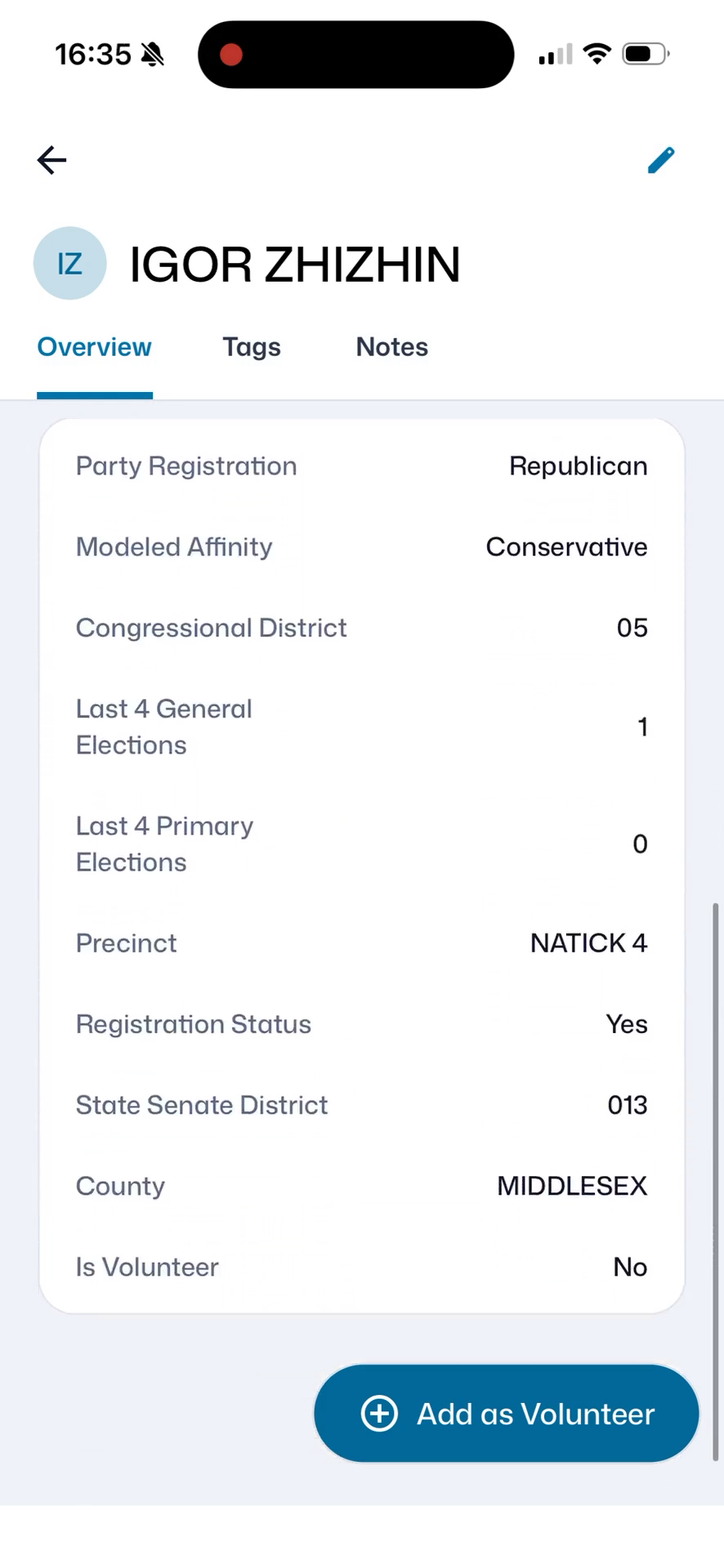
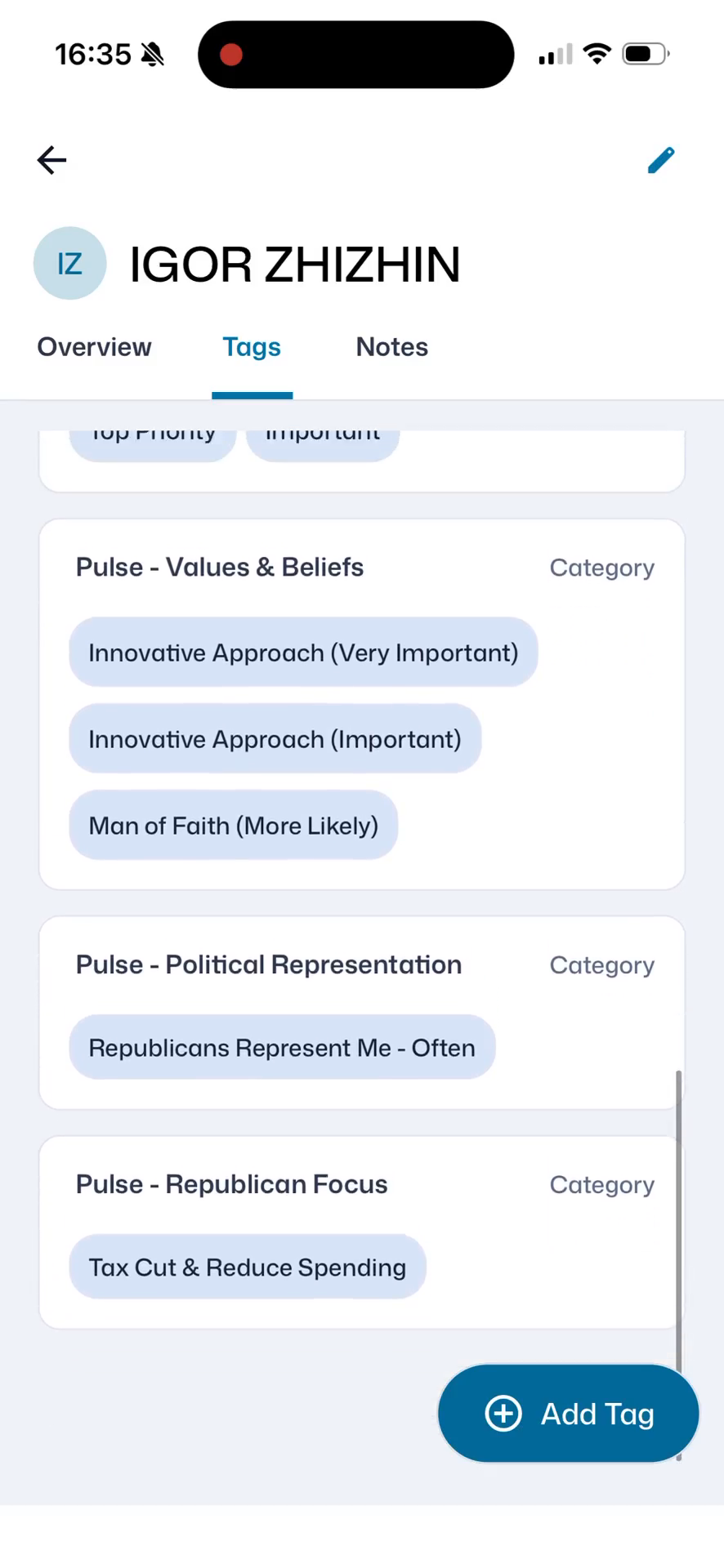
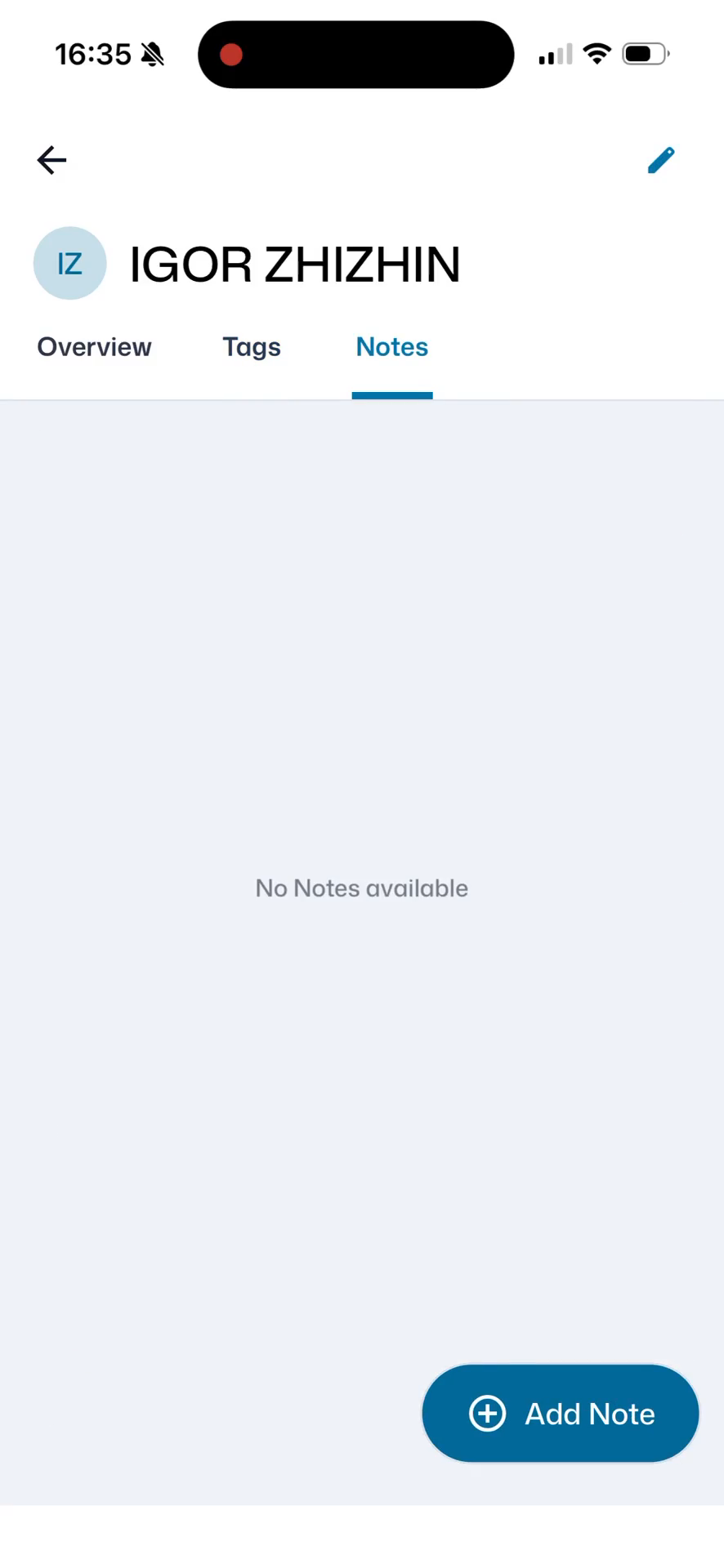
When viewing a voter's profile, you can navigate between three distinct tabs to review their information:
Profile Tab | Description |
|---|---|
Overview | Displays basic contact information and current household status. |
Tags | Shows categorized labels used for quick voter identification and segmentation. |
Notes | Contains custom context and qualitative feedback from previous voter interactions. |