How to Connect Your Bank to Plaid: Step-by-Step Integration Guide
Learn how to connect your bank account to Plaid with this easy step-by-step integration guide. Follow the instructions to securely link your bank and ensure a successful connection.
By Aasma Technology Solutions
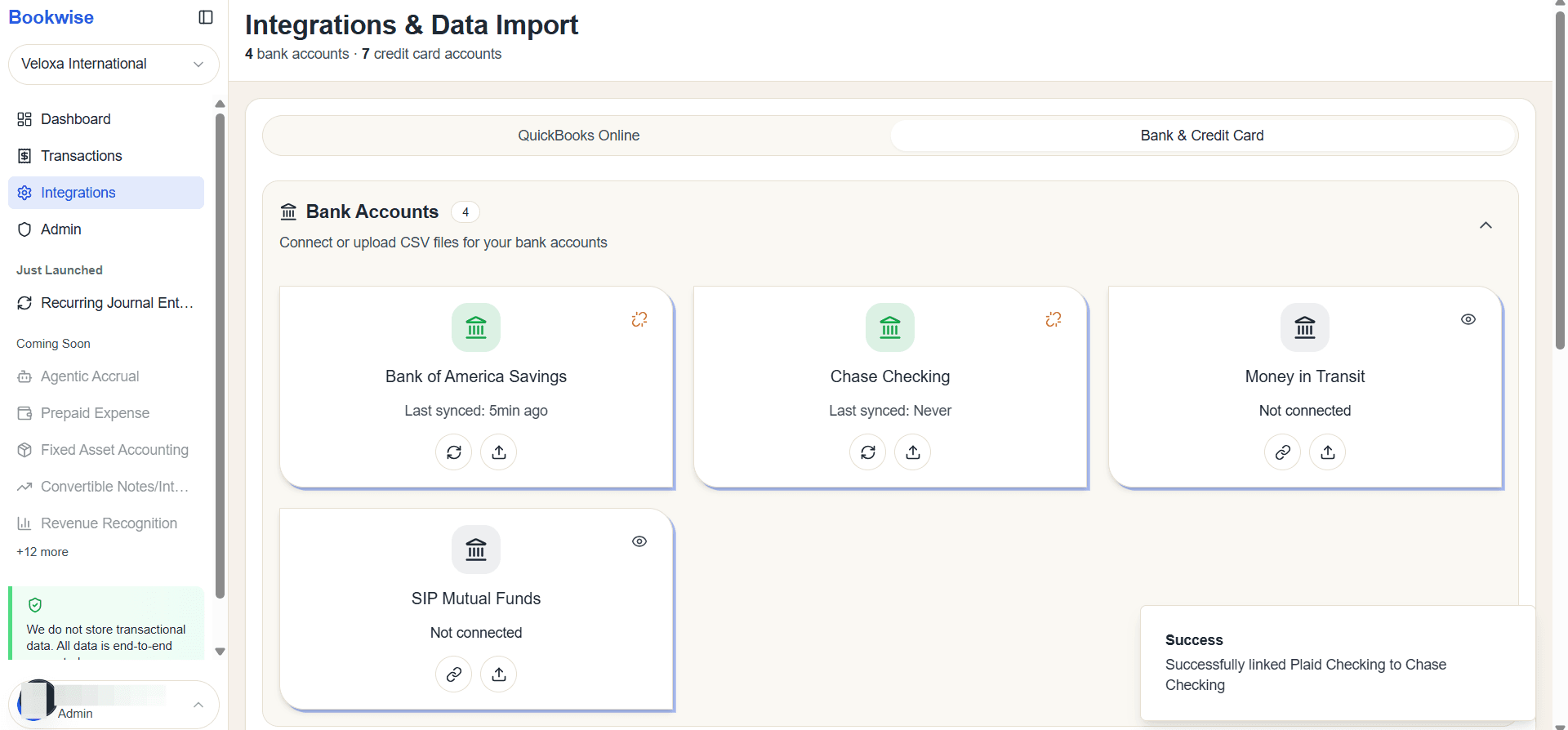
In this guide, we'll learn how to connect your bank account to Plaid using the integration page. This process involves selecting your bank, signing in, and submitting a code to complete the connection. By following these steps, you can confirm that your bank is successfully linked to Plaid.
Let's get started
On the integration page, you can see how to connect a bank to Plaid.
1
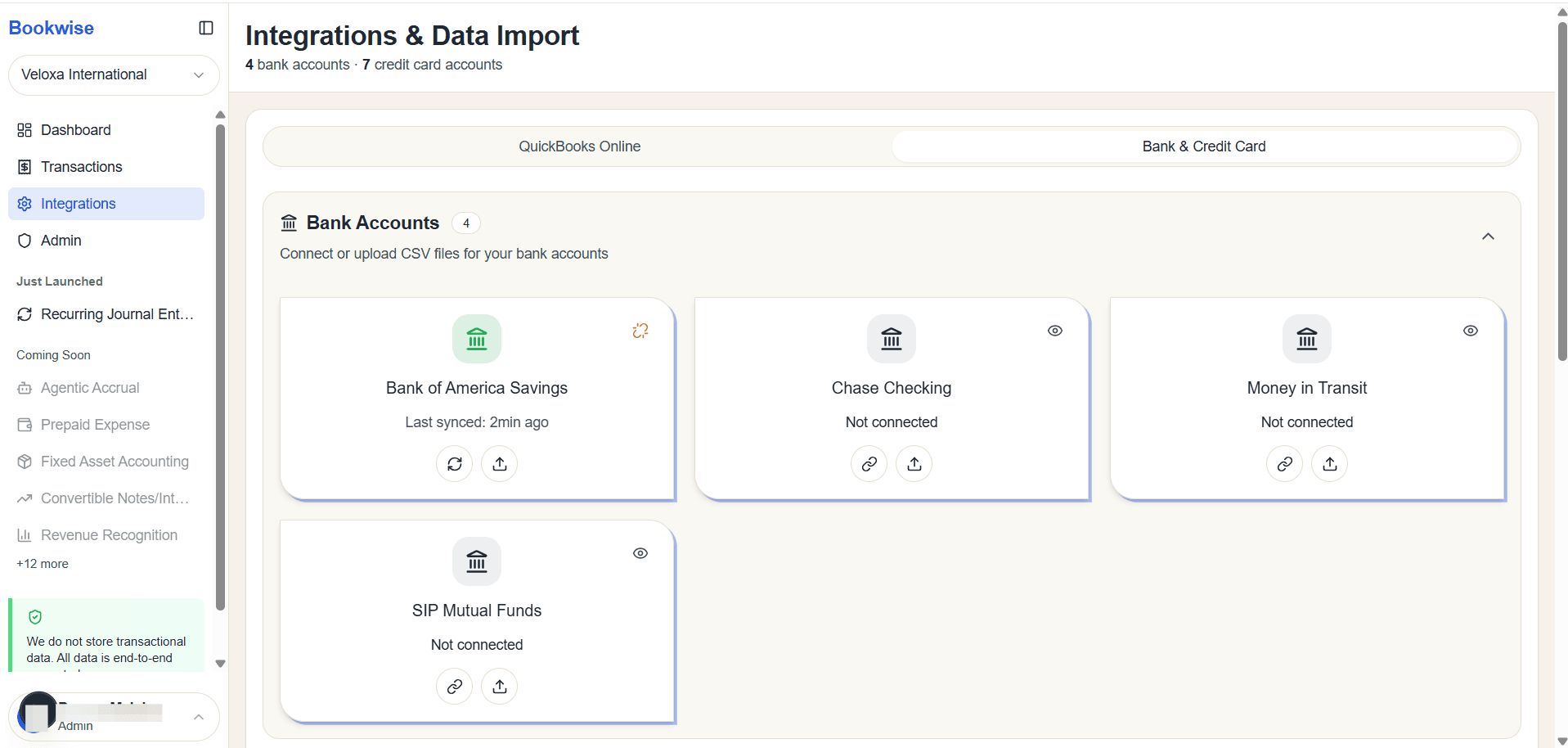
Go to Integrations page's Bank and Credit card tab and Click the Connect button to link your account with Plaid.
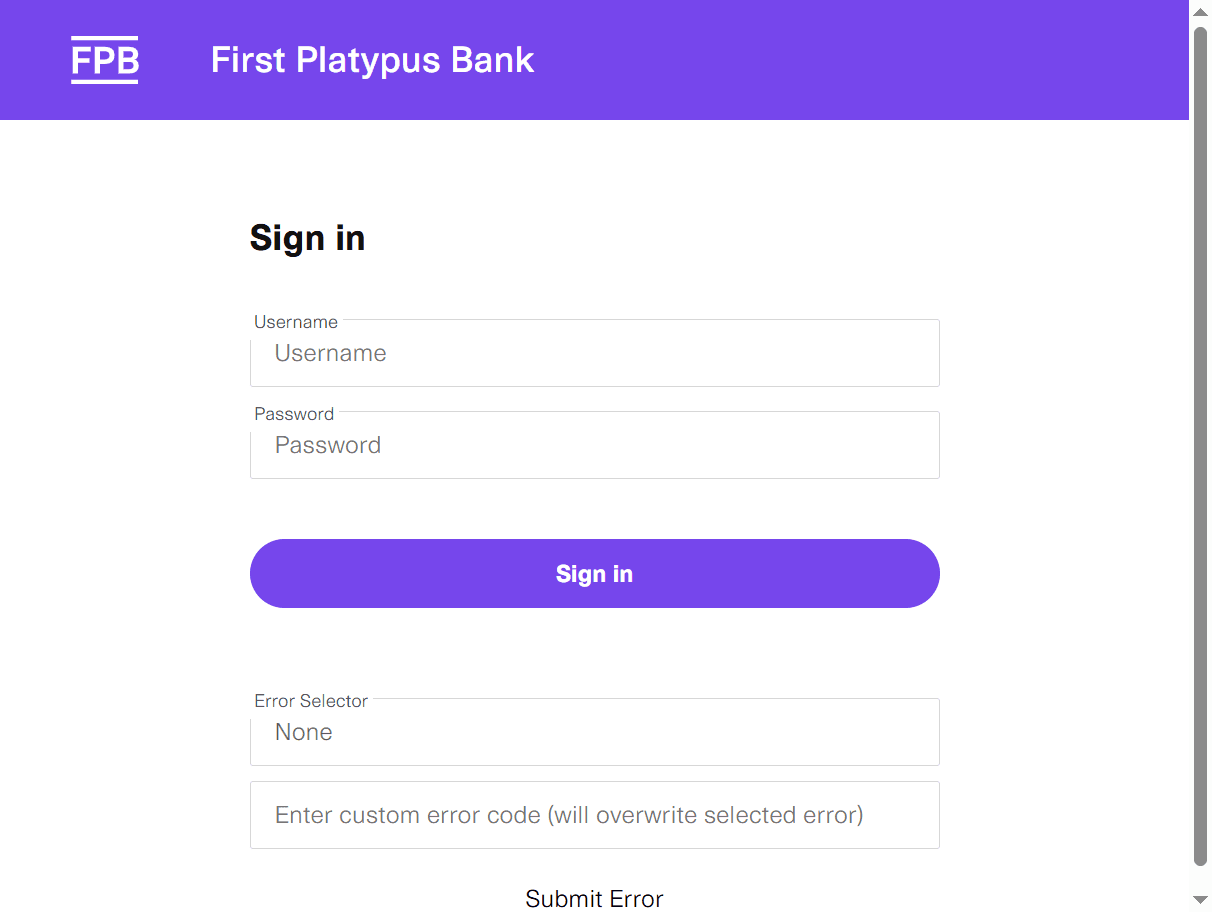
Click here to choose your bank. You need to sign in from here.
3
Click the Sign in button to proceed.
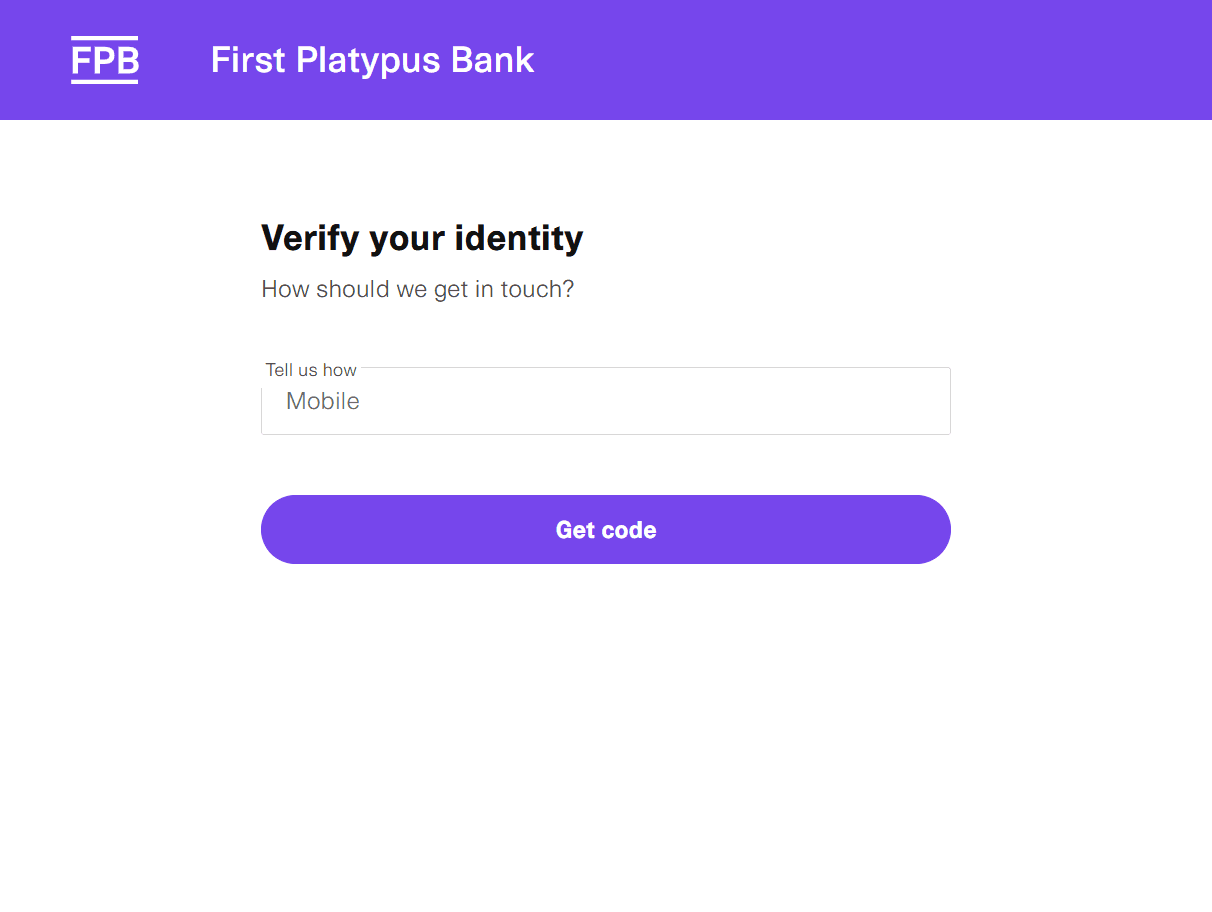
You will receive code.
4
Click on Get Code button
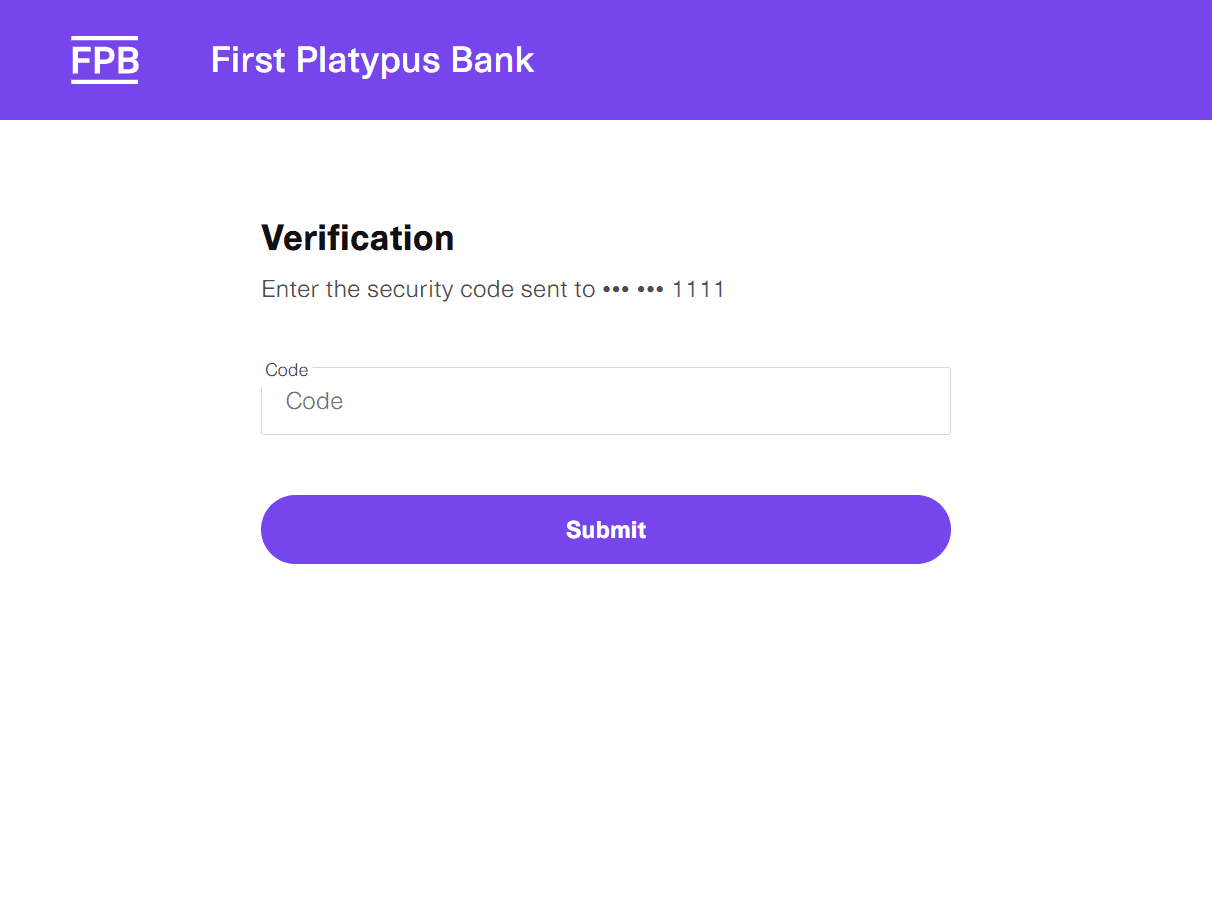
You need to submit from here.
5
Click on the Submit button
6
Select the accounts you want to connect with Plaid.
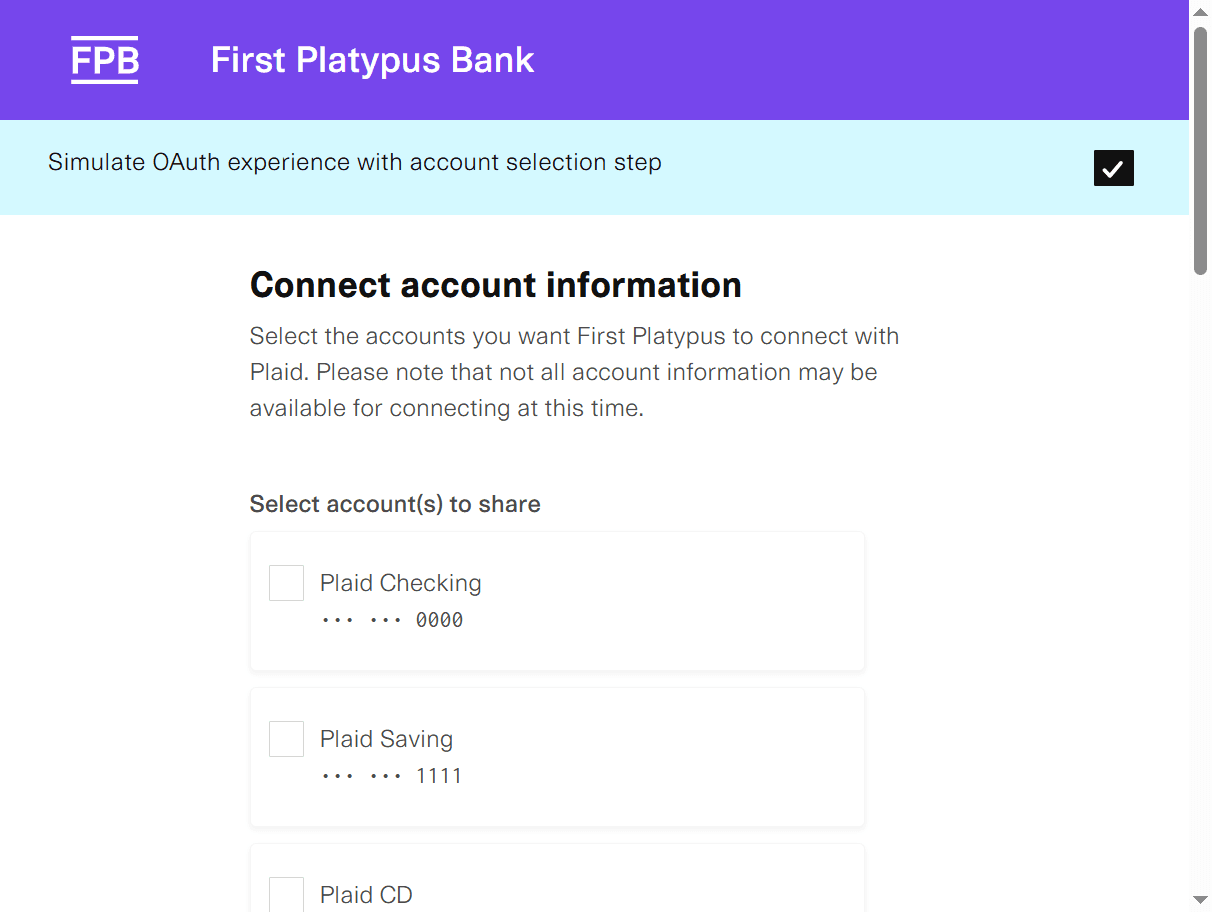
7
Click on continue
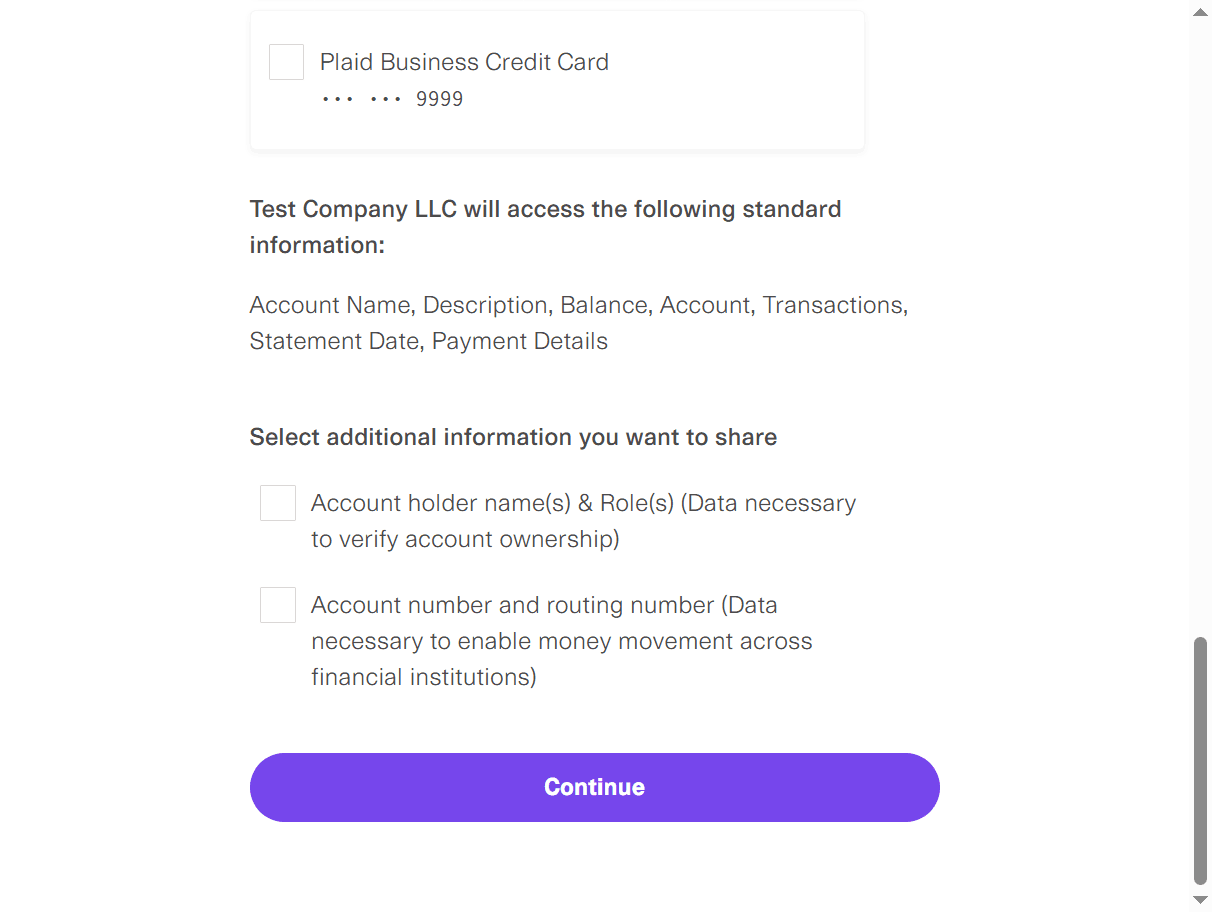
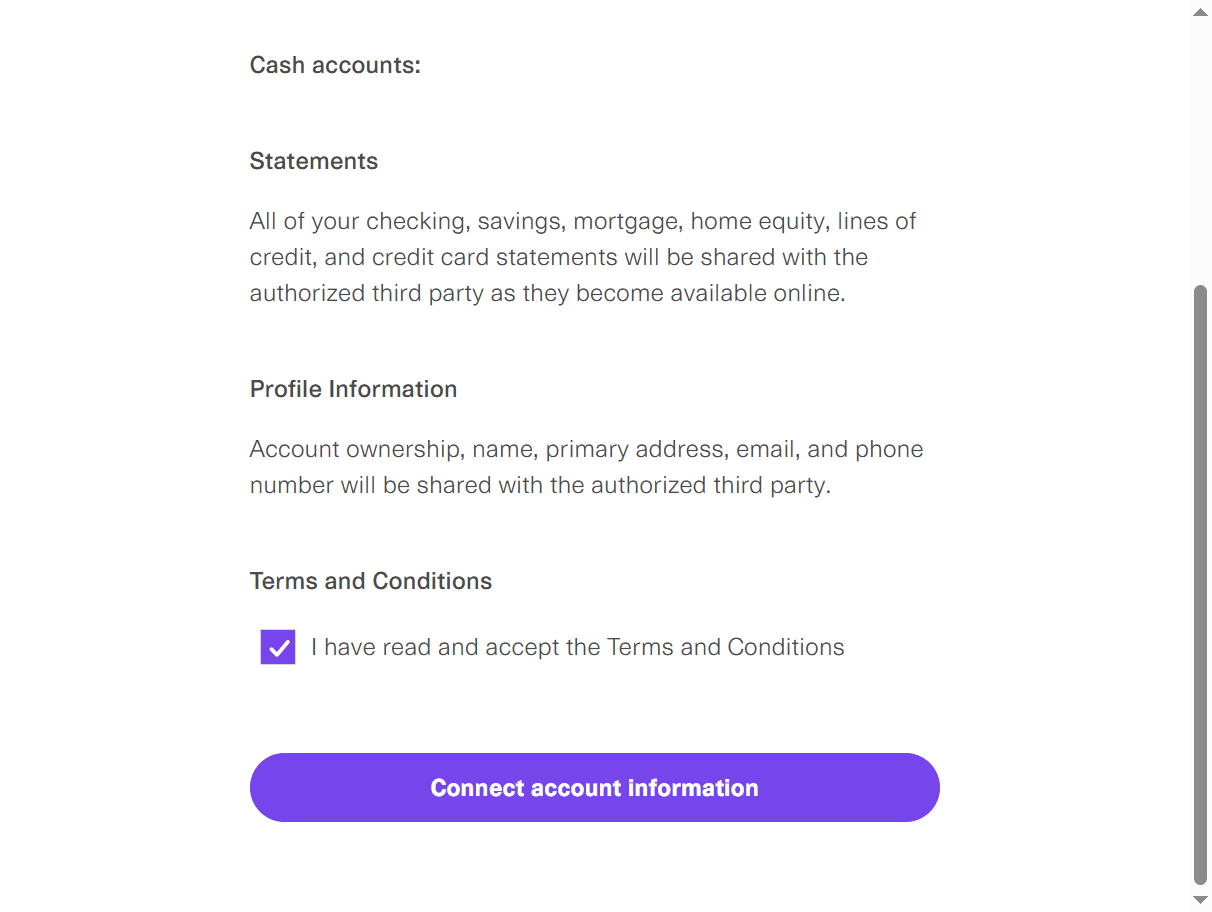
You need to check that.
8
Checkout the required checkbox
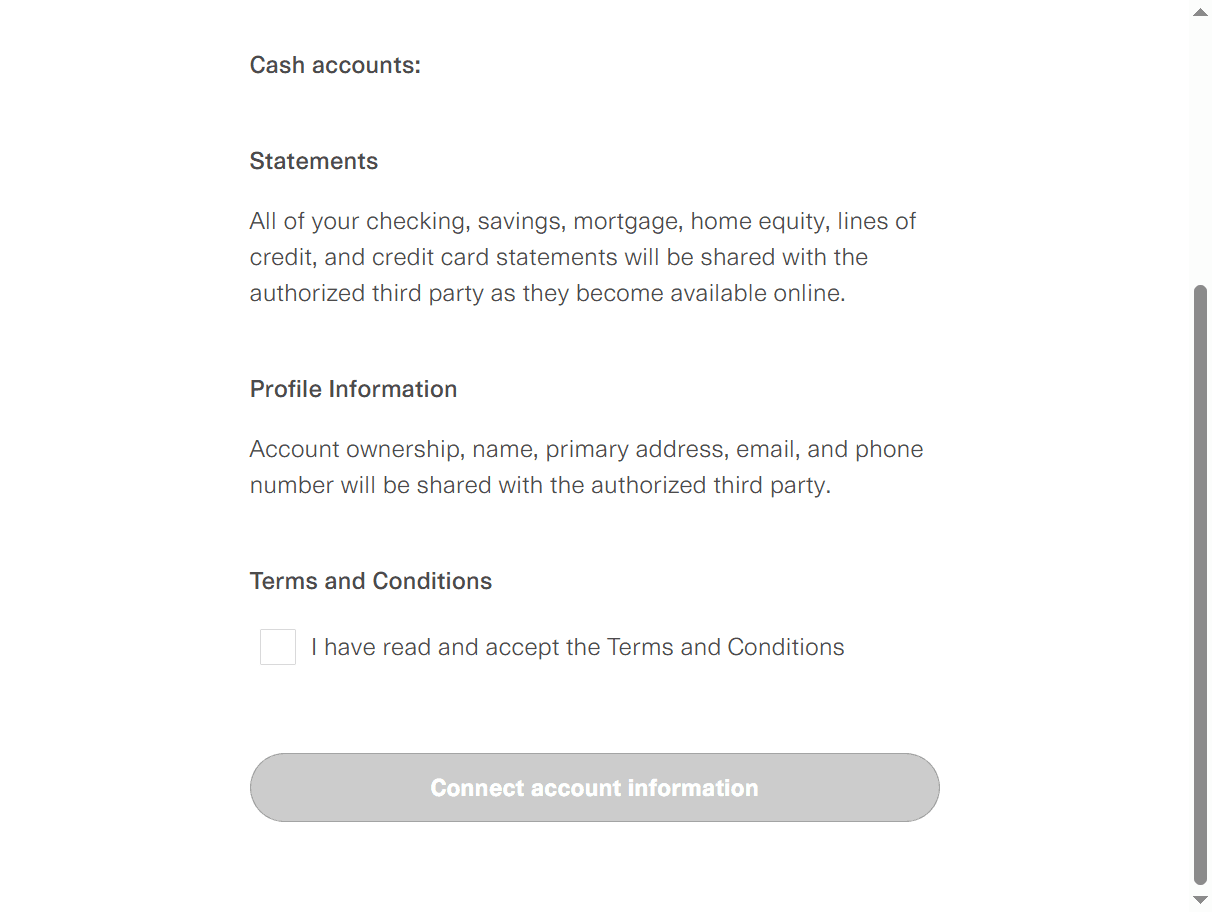
9
Click on "Connect Account Information" to continue.
10
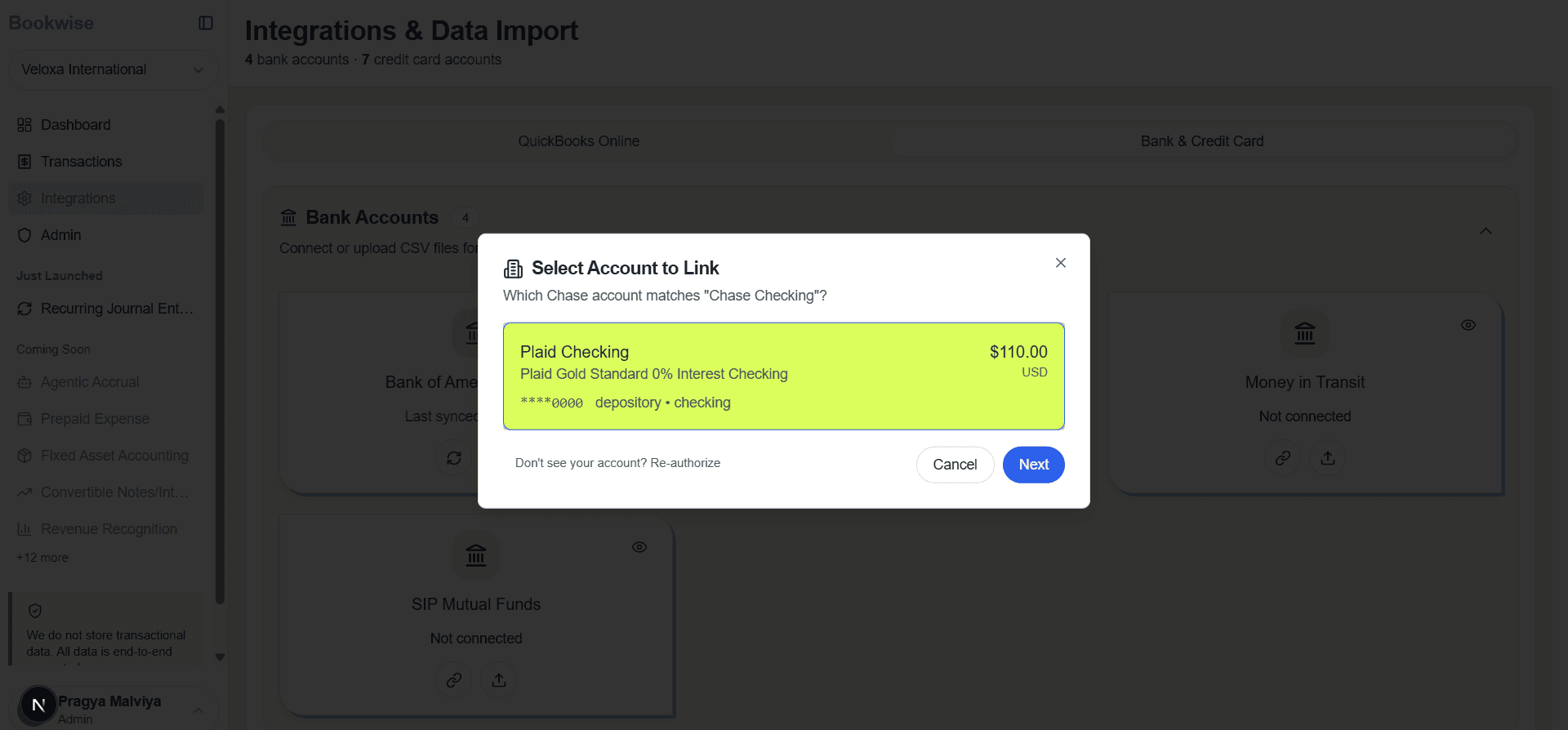
Select Bank Account to link
11
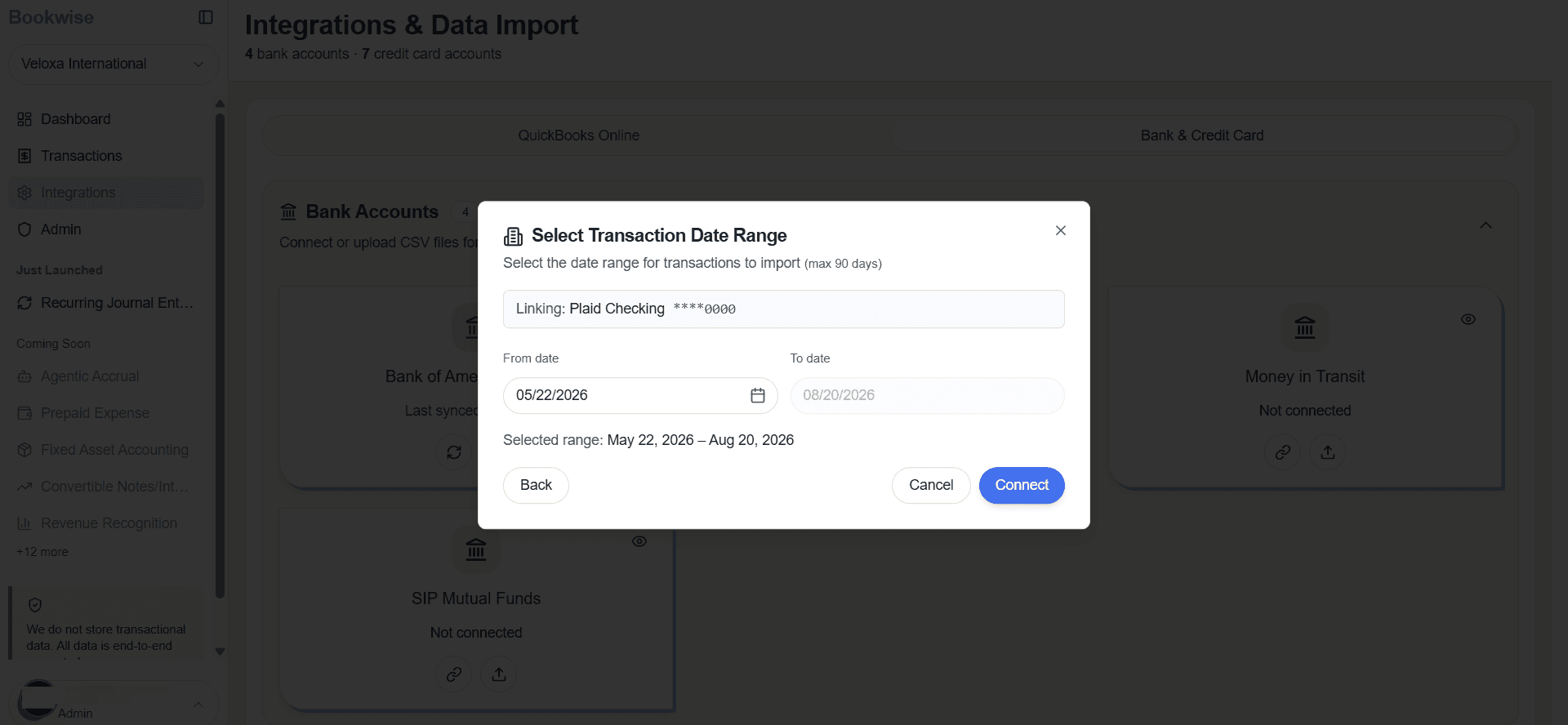
Provide From date and then click on Connect
12
That bank will be connected and they will appear highlighted in green.