How to Create a Category – Step-by-Step Guide
Learn how to create a new category
By Aasma Technology Solutions
In this guide, we'll learn how to create a new category when selecting from a category list. We will go through the steps to fill out the required form, save the new category, and see how it appears in the dropdown menu.
Let's get started
In this guide, we will learn how to create a category when clicking on "Select Category."
1
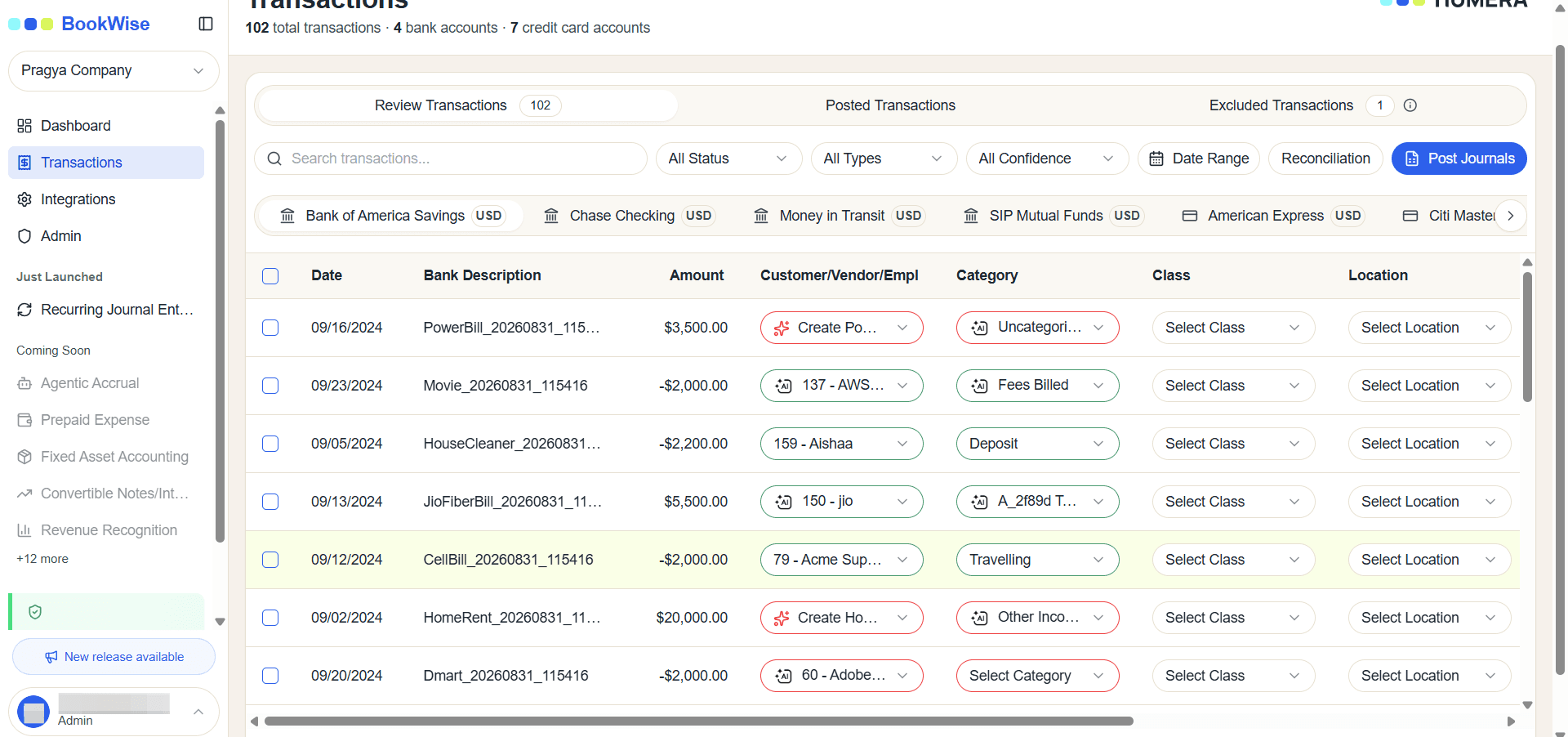
Go to Transactions page and Click on the Transaction for which a Category will be created
2
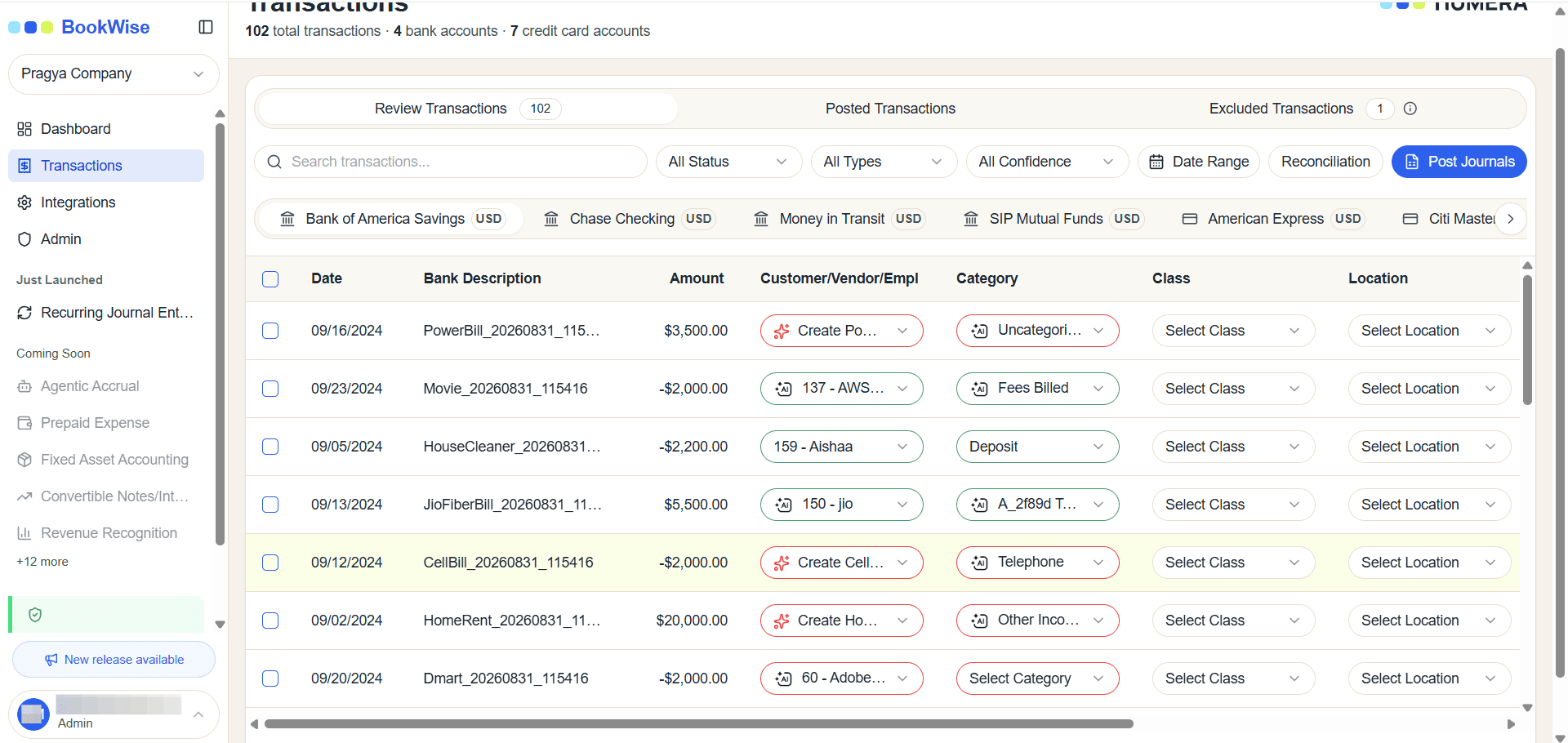
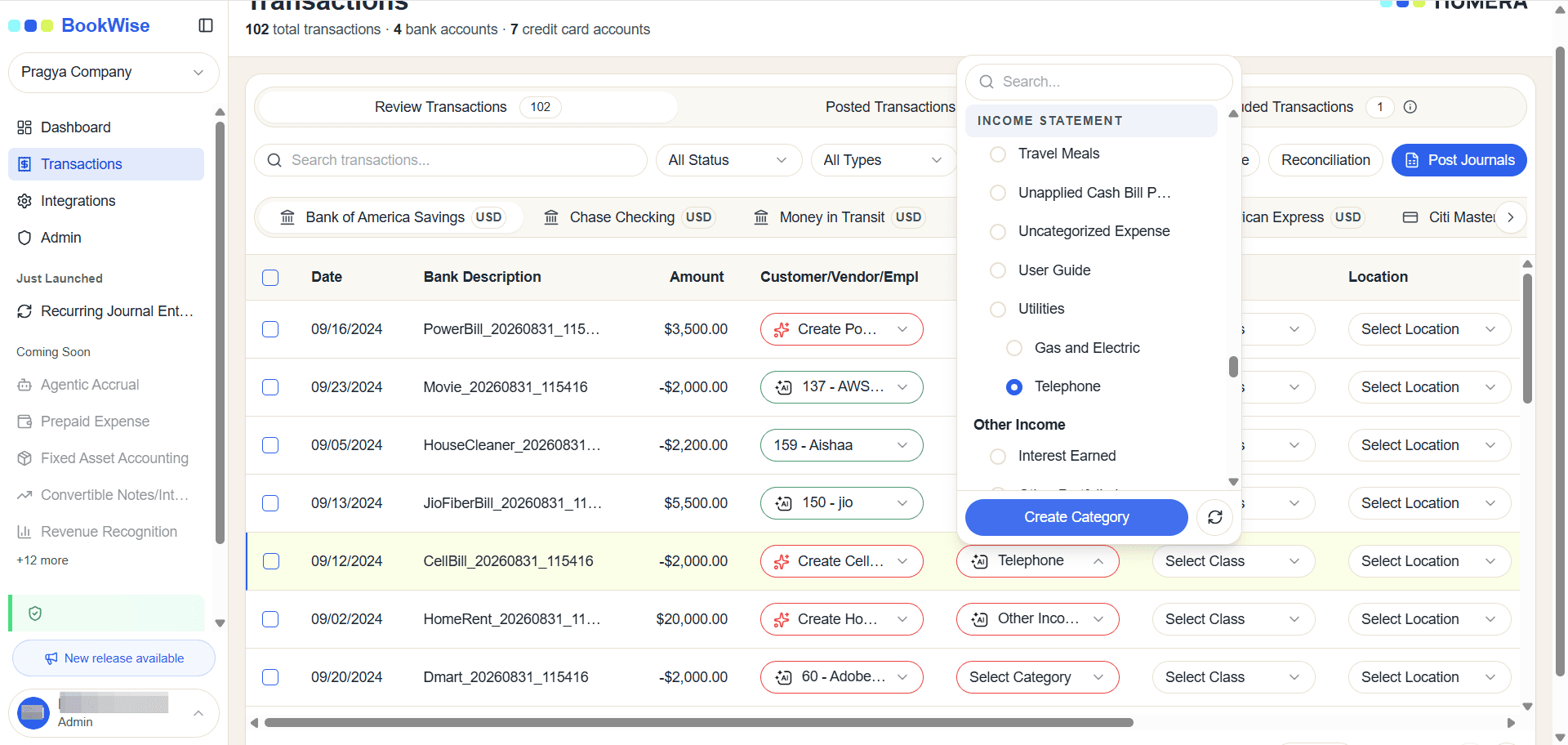
Click on "Create Category" the modal will be open.
3
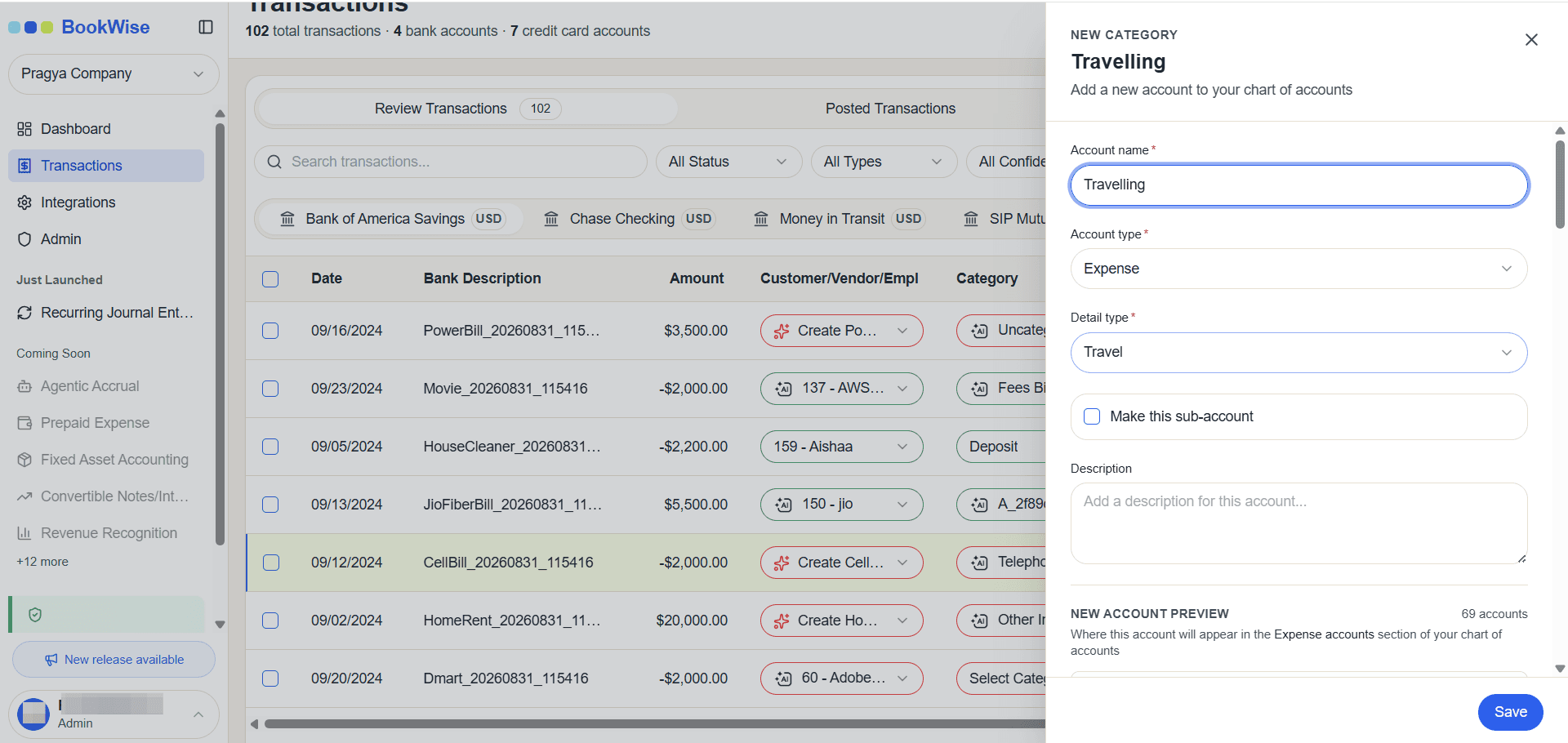
Fill out the required fields in the form and Click on Save Category
4
The newly created category will be displayed in the selected field.