How to Create a Document Using Glitter.ai: Step-by-Step Guide
Learn how to create a document with Glitter.ai in just a few simple steps. Follow our easy guide to get started with your first document on Glitter.ai.
By Medha saxena
In this guide, we'll learn how to create a document using Glitter.ai. We will cover the steps to start a new guide, select the right template, and save your work.
Let's get started
Today we are learning how to create a document using Glitter.ai. I'll go to Glitter.
1
Click on "ما"

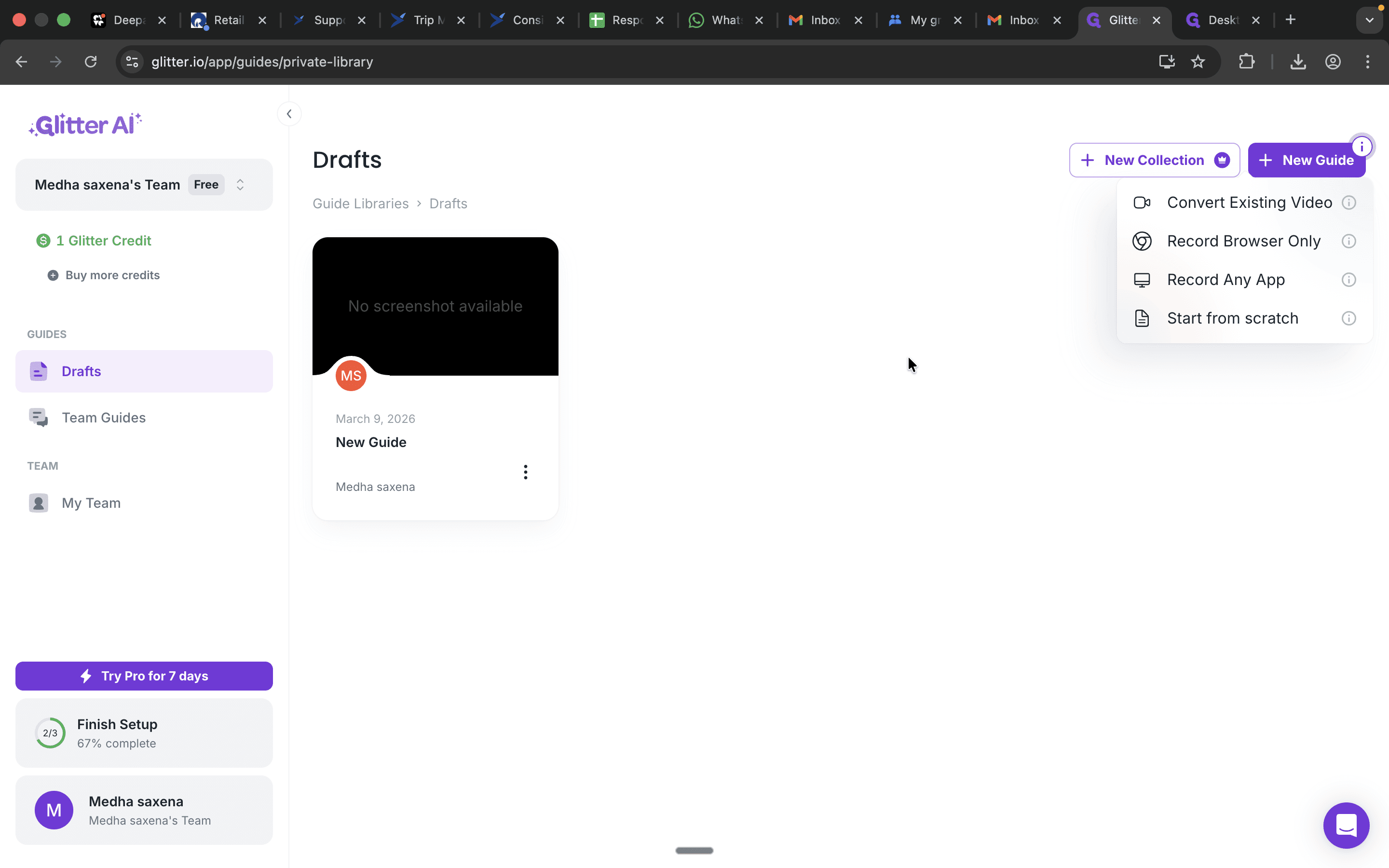
I will click on + New Guide and choose the appropriate option as needed.
2
Click on "+ New Guide"
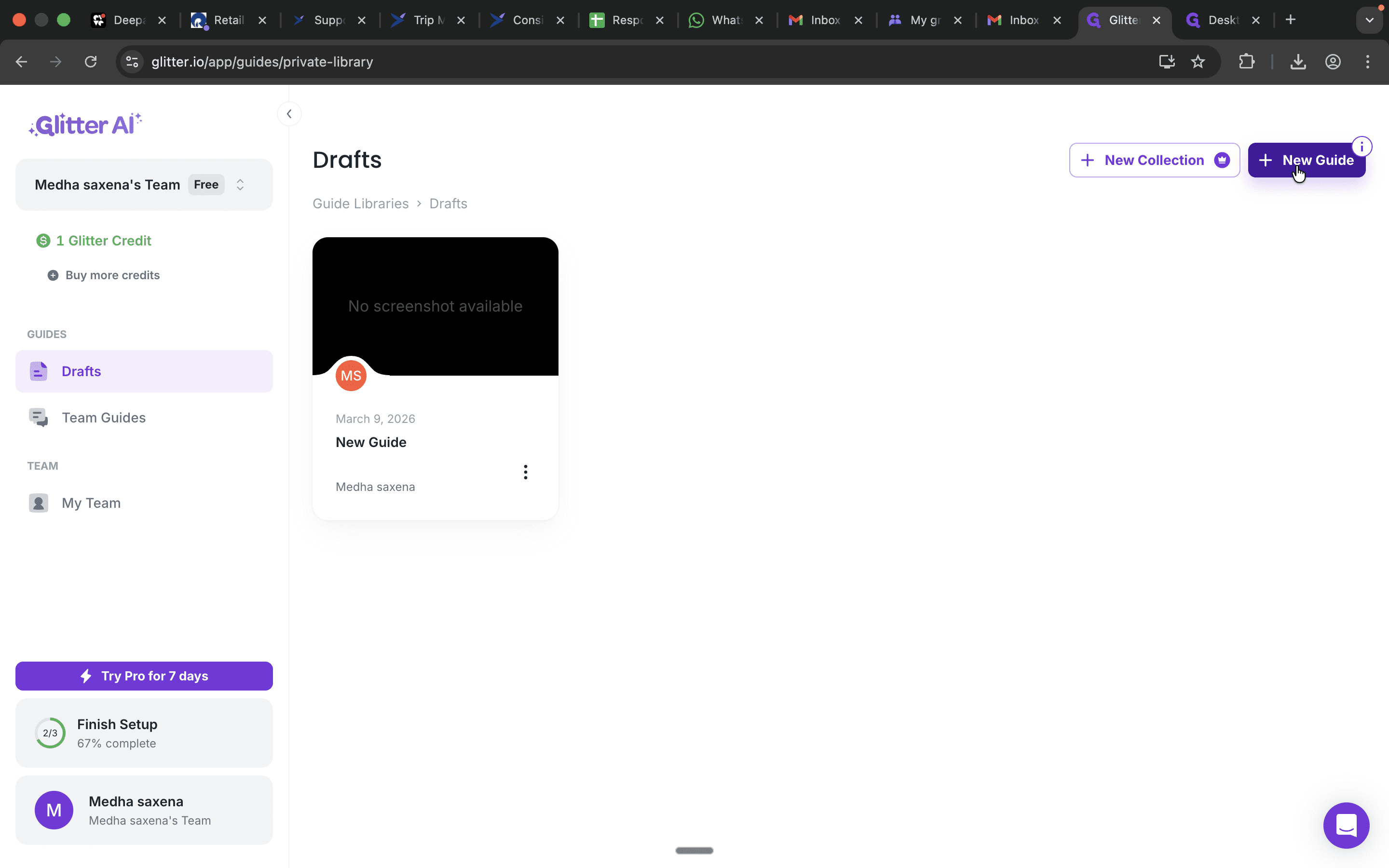
Then click here and save it.
3
Click here