
How to Create a Name for Your Chatbot or AI Assistant: A Comprehensive Guide
Discover the ultimate guide to naming your chatbot or AI assistant. Learn the best practices and tips to create a memorable and effective name.
By Shane Cates
In this guide, we'll learn how to create a name for your chatbot or AI assistant. Naming your chatbot is an important step as it helps in establishing its identity and making it more relatable to users. A well-chosen name can enhance user engagement and improve the overall experience.
Let's get started
Here, you want to create a name for your chatbot.
1
Click on "SpeedToLead"

2
Click on "ApptTesting"

3
Click here

4
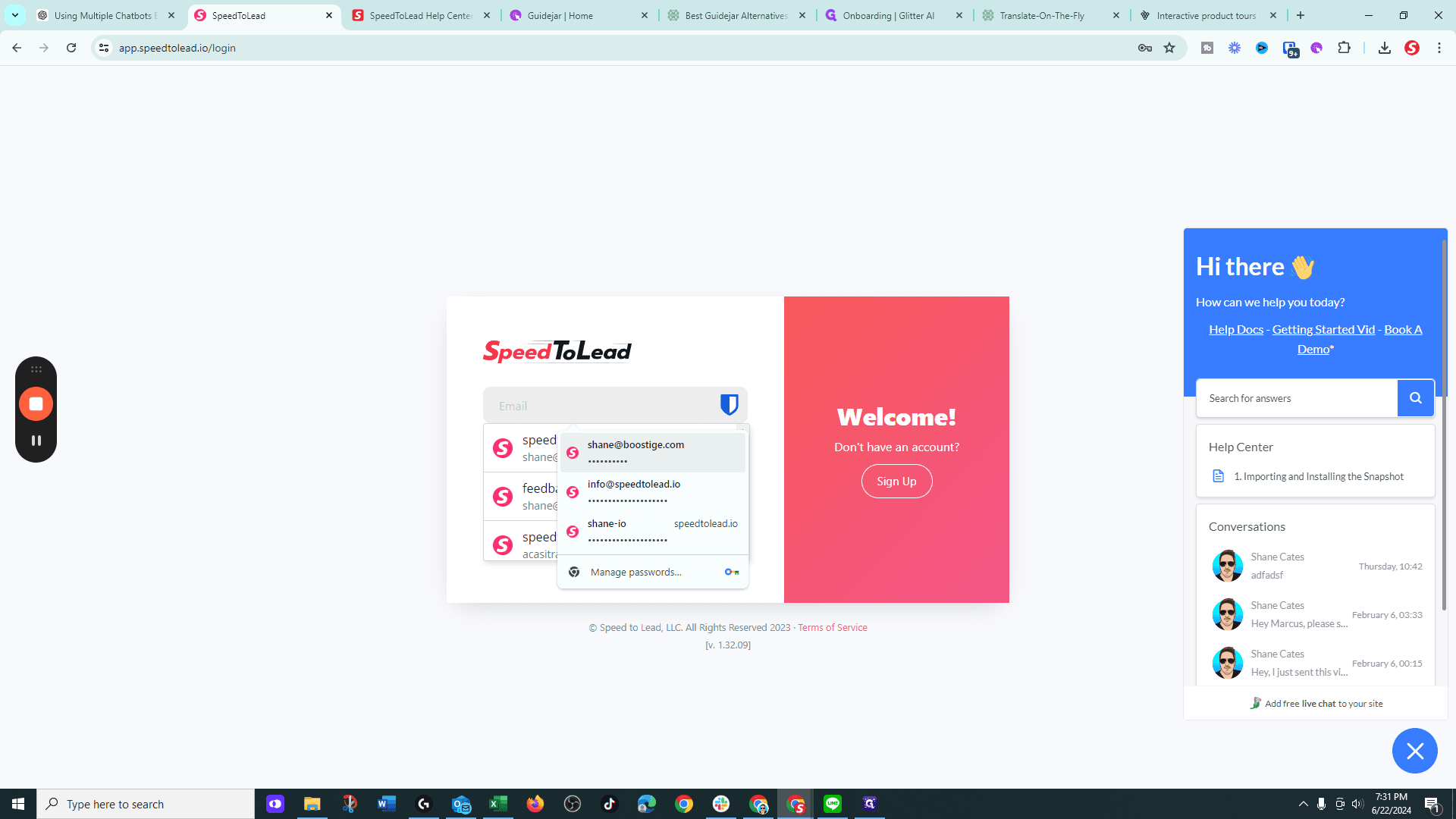
Click on "shane@boostige.com"
5
Type "5567 + Enter"
6
Click on "Х"

7
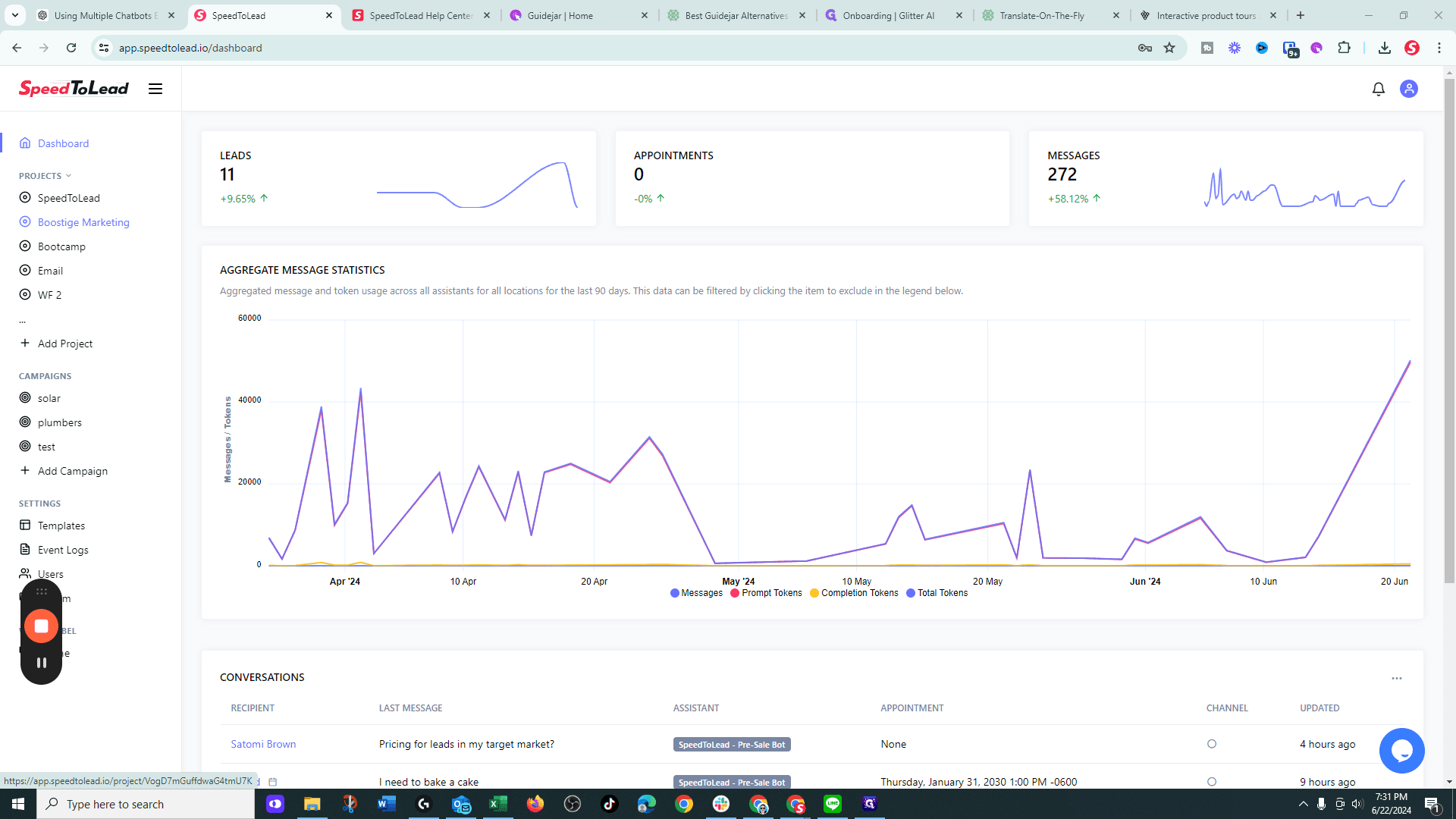
Click on "Boostige"
8
Click on "Website Bot"
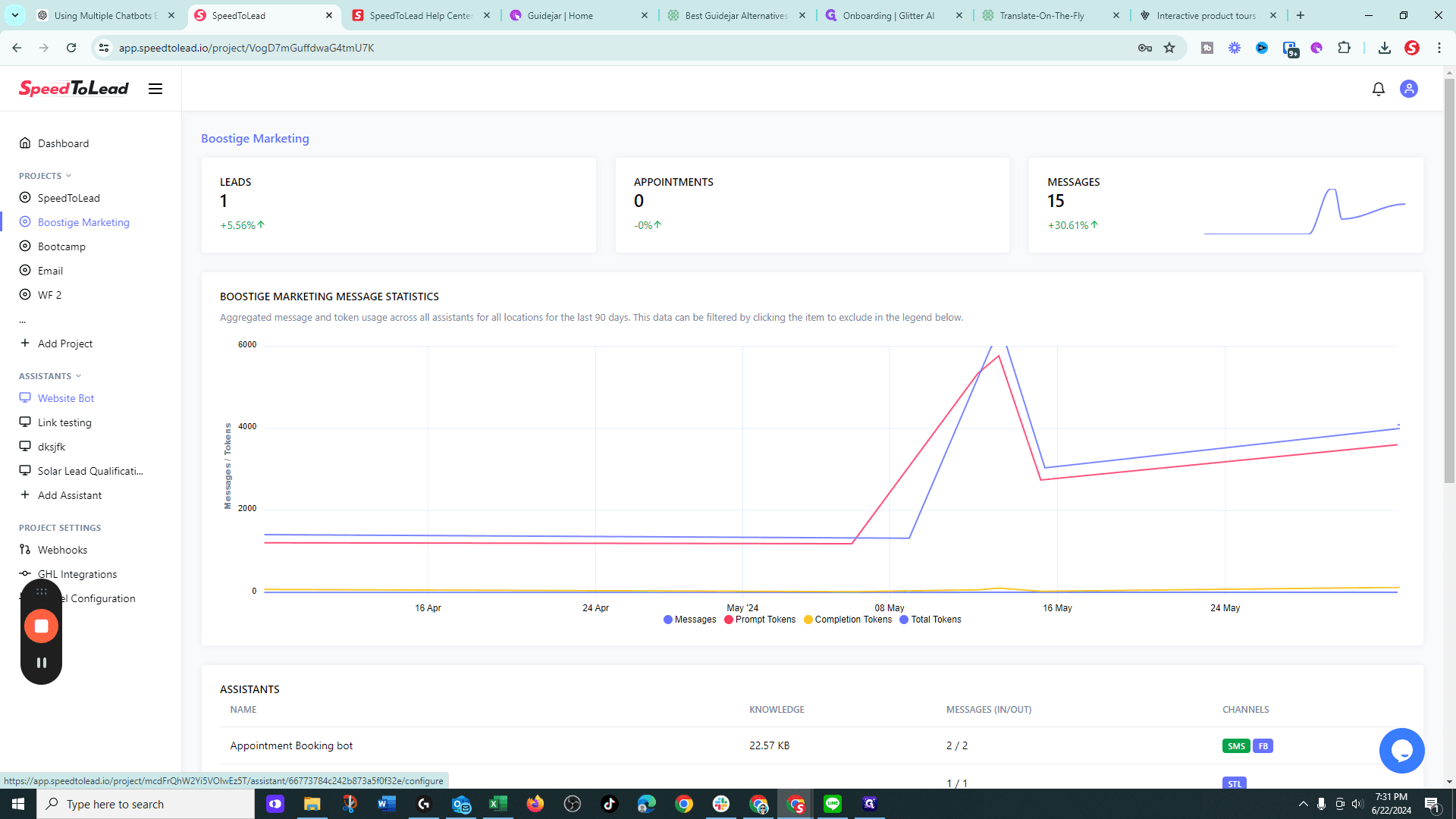
Or your AI assistant.
9
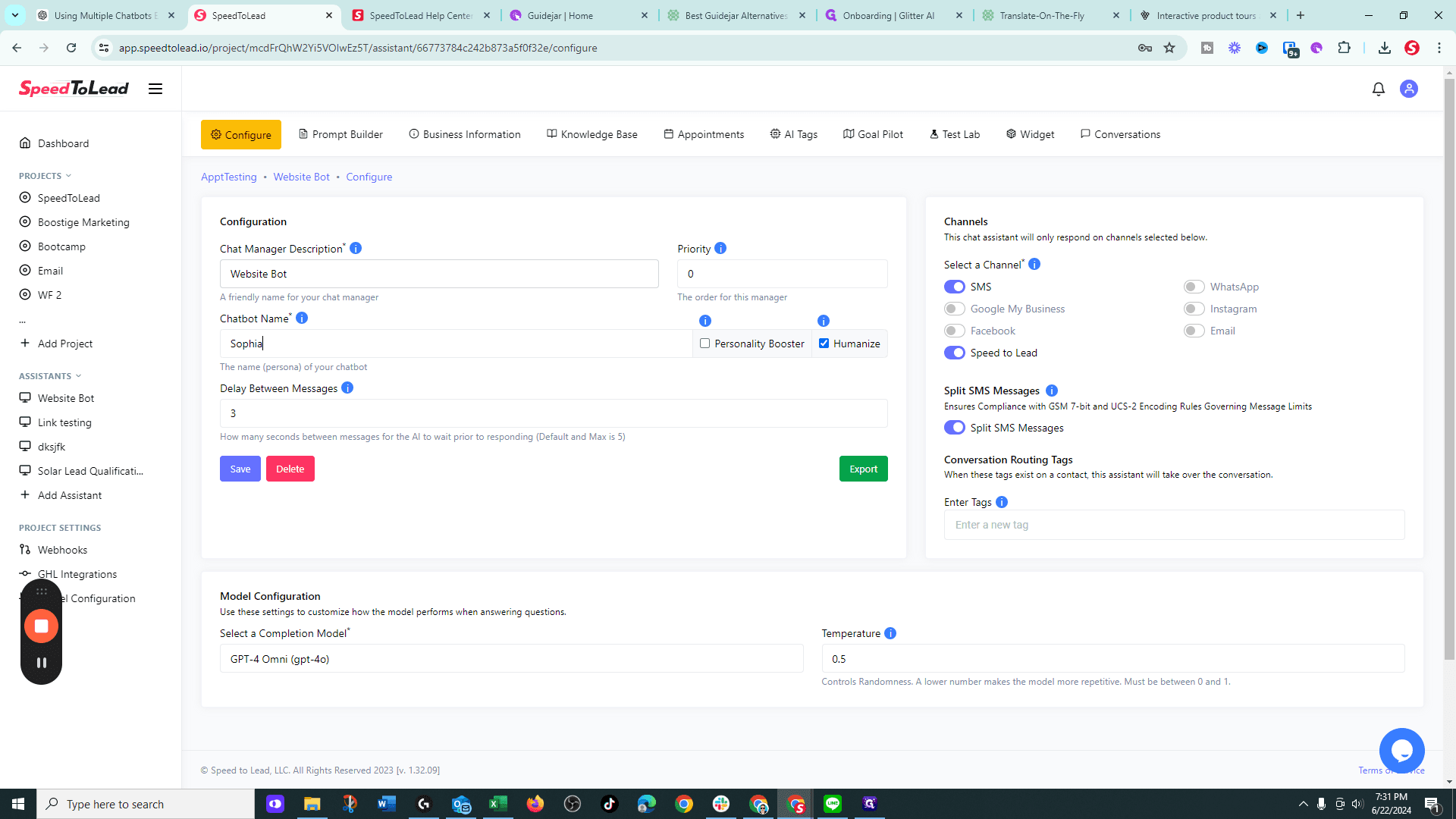
Click on "A friendly name for your chat manager Chatbot Name * i"

10
Drag here
Here is the guide.
11
Type "sopgh"