
How to Create a New Offer for an Existing Advertiser
Learn step-by-step how to set up a new offer for an existing advertiser, including tips on brand settings, creative assets, and campaign structure using Sirius XM as an example.
By Miriam Young
How do new offers get added to Koddi?
When an existing advertiser would like to launch a new campaign or ad set featuring a new offer, you must first enter the offer into their Disco account. This will then get pulled into Koddi for you to select from.
1
Where do these offers in Koddi come from?
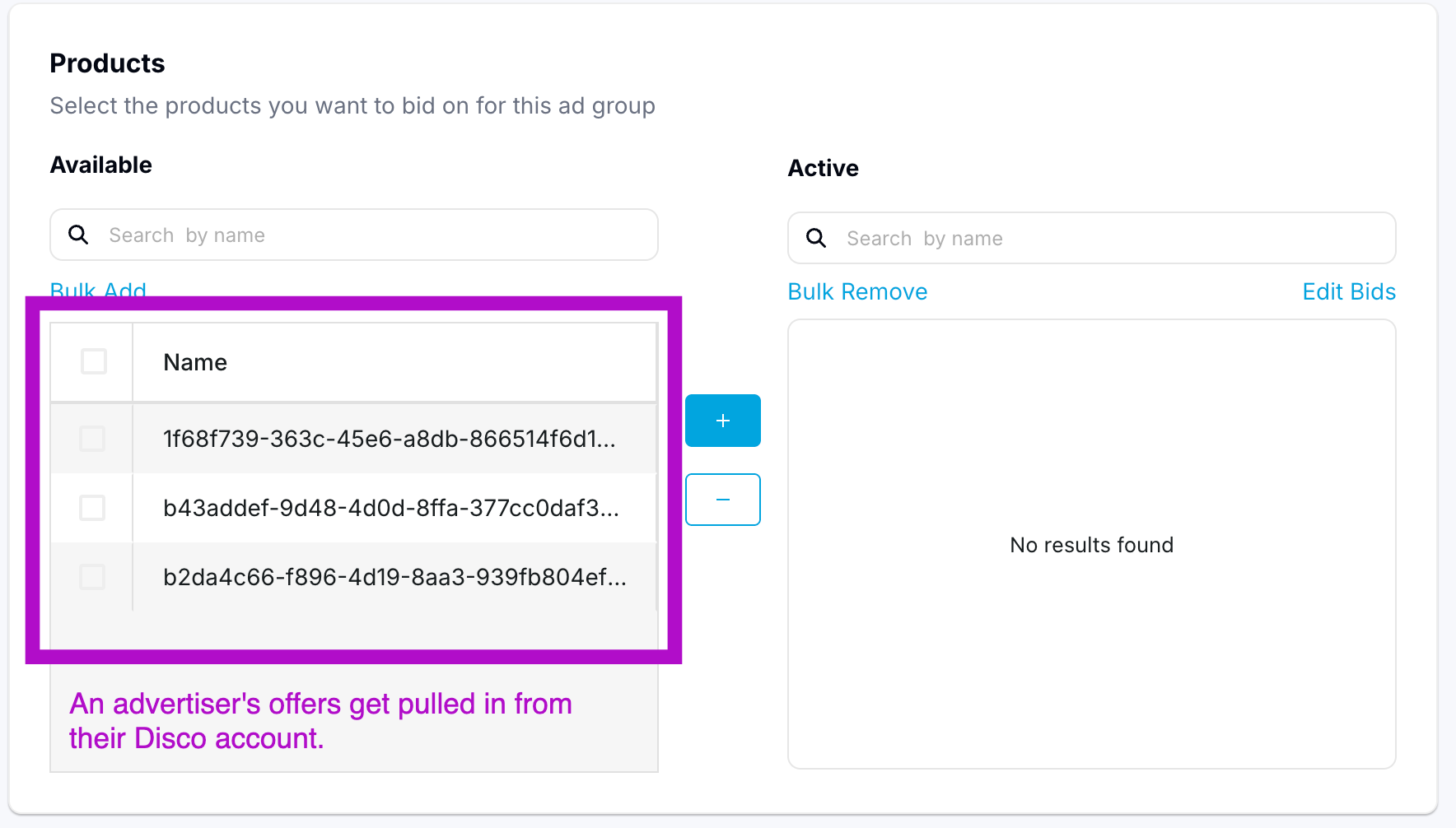
Setting up a new offer in Disco's platform
2
Super log in to access the advertiser's account.
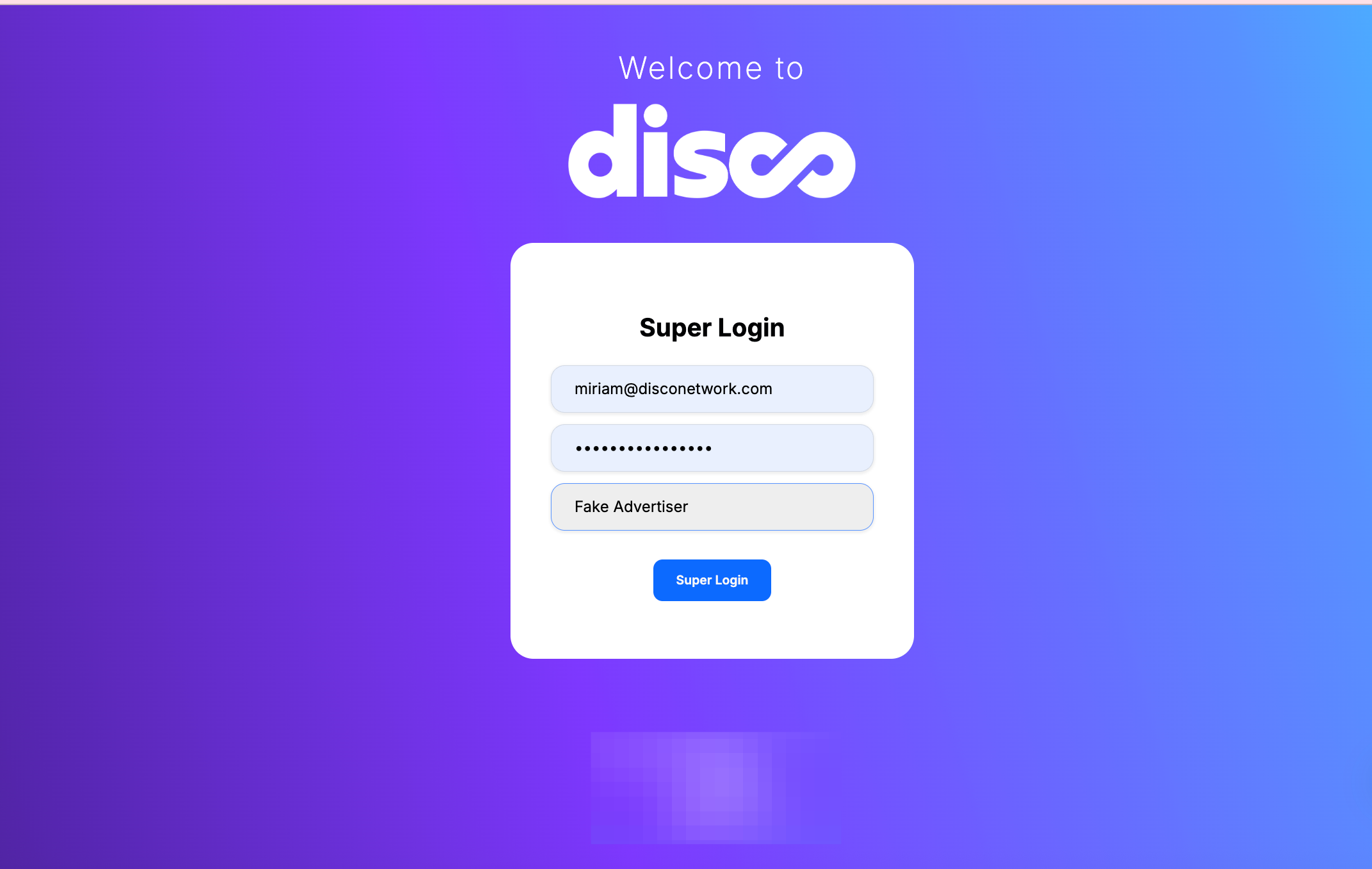
3
Once you're logged in - verify their short brand description. Then go to Settings, look under Brand to verify their logo / creative is correct.
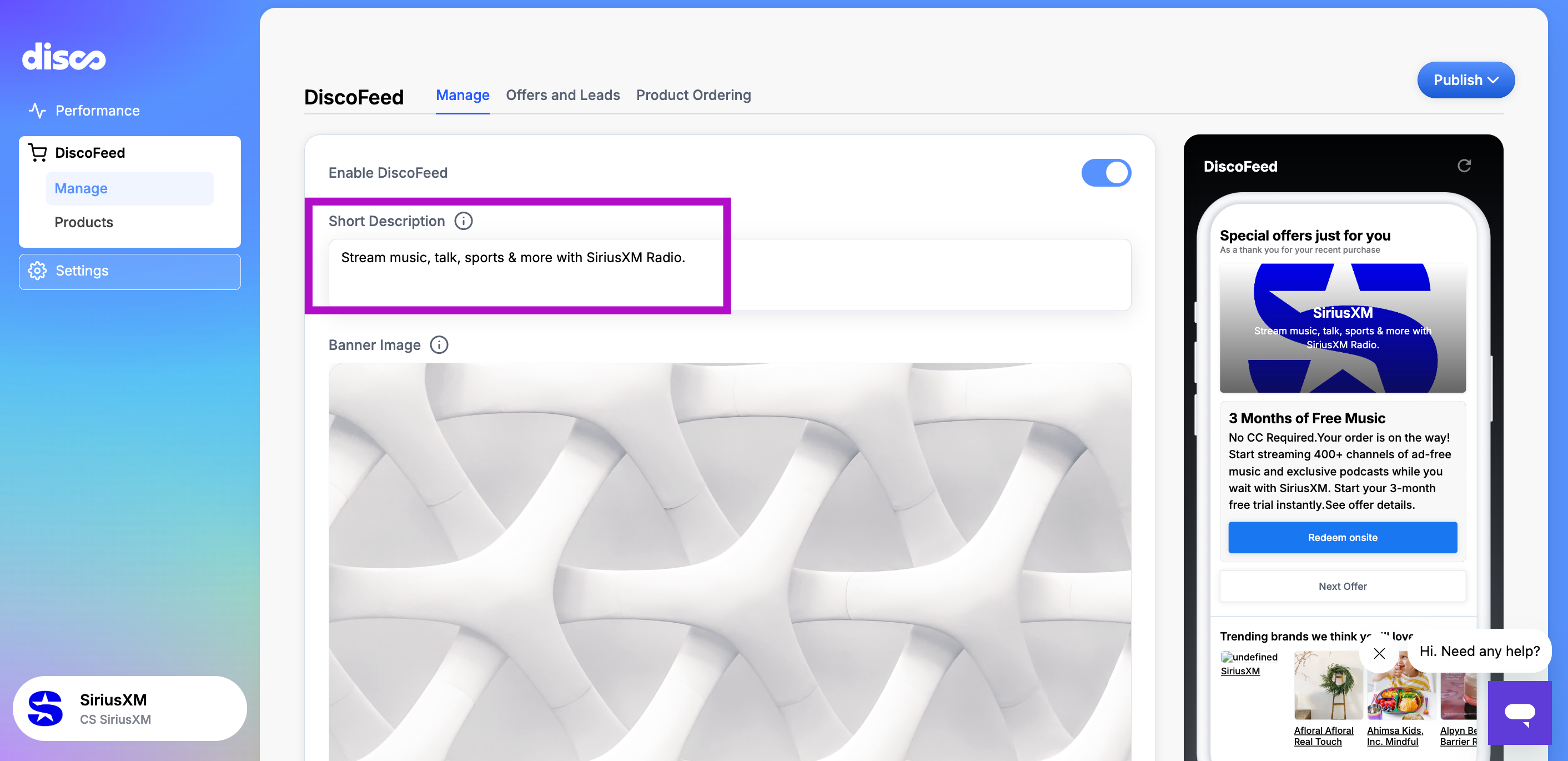
4
This is the default creative for any ad they have. Some brands prefer to use a square product image instead of a logo, which would be uploaded here as well.
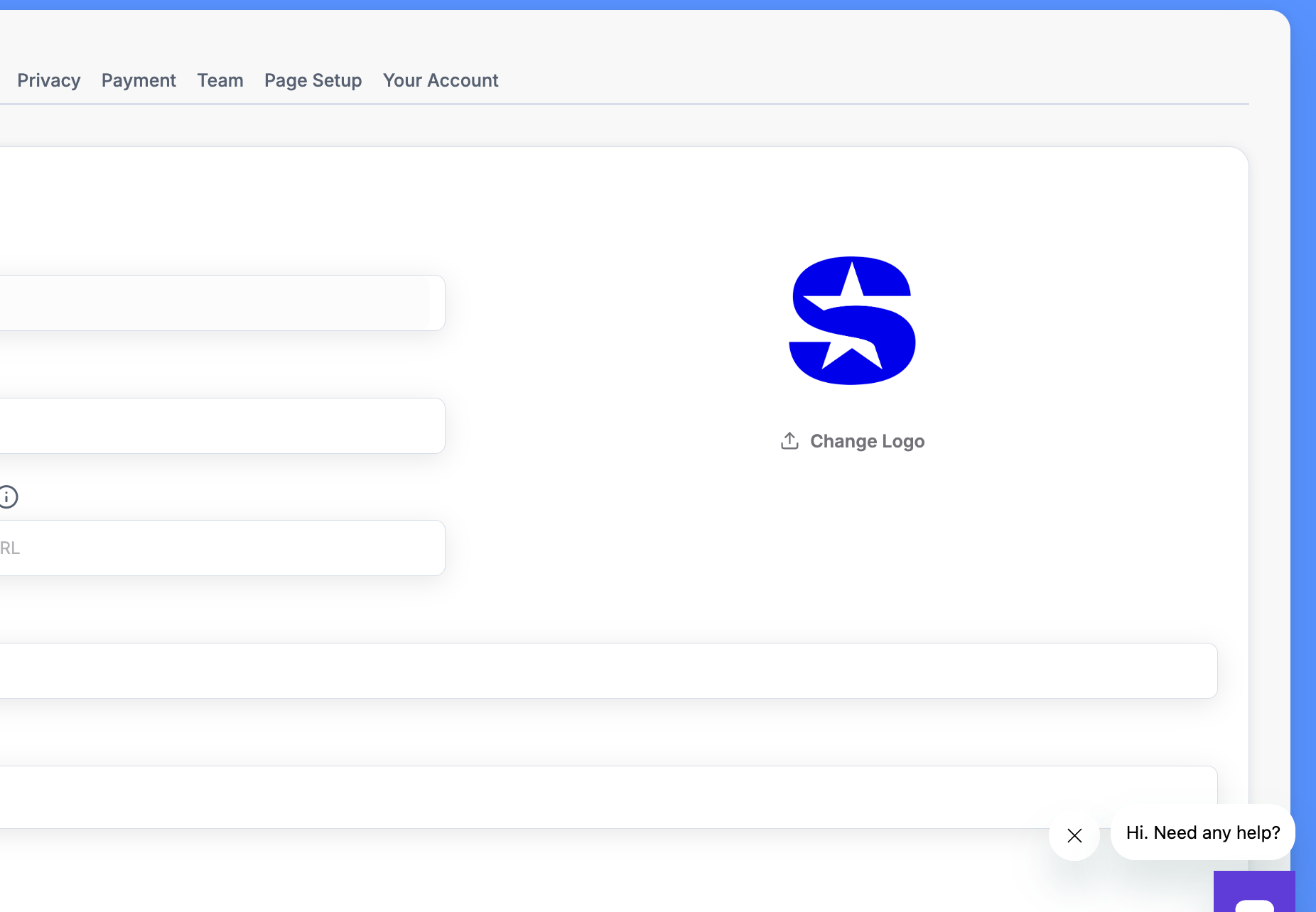
5
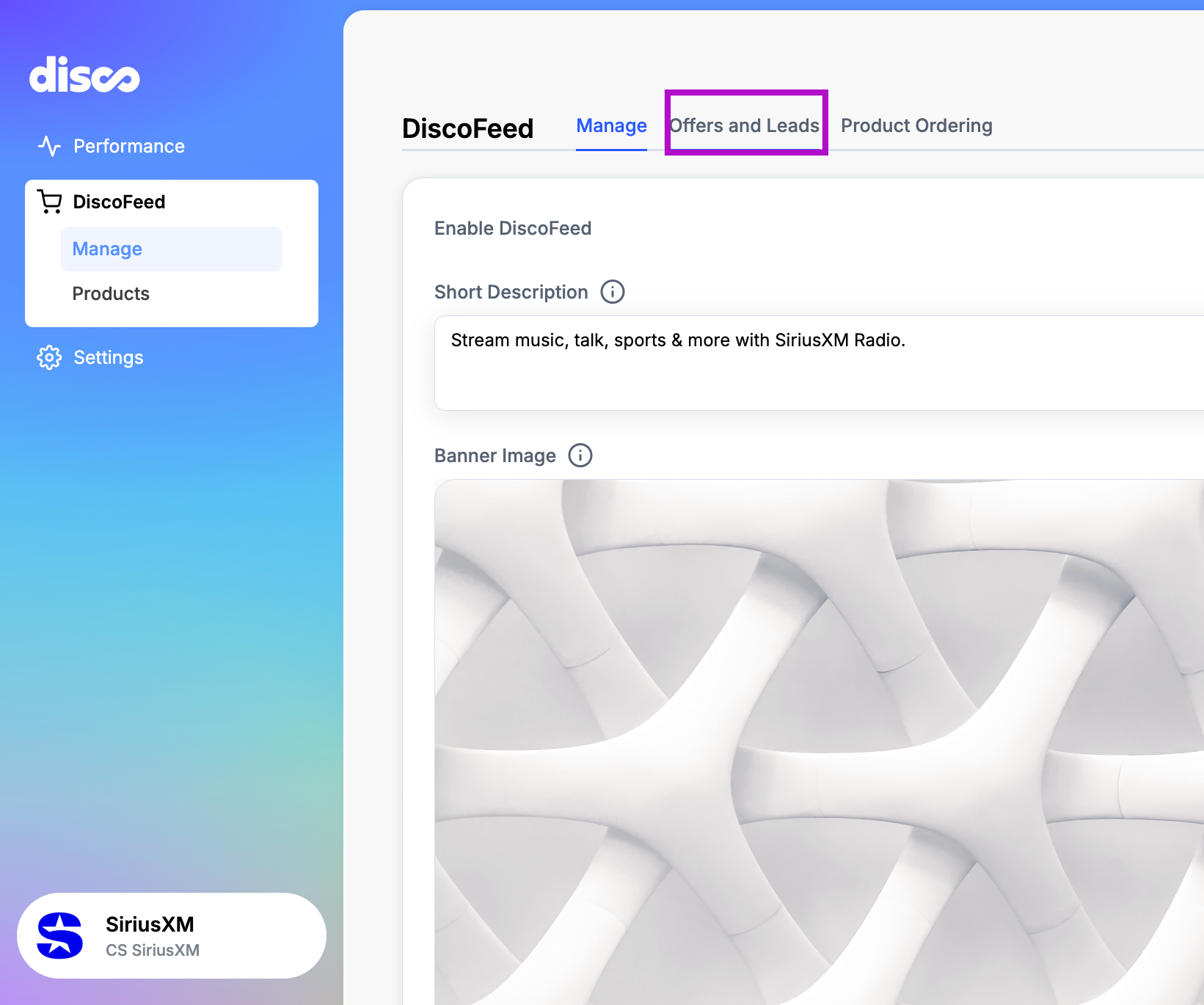
Return to DiscoFeed in left navigation and click on Offers and Leads.
6
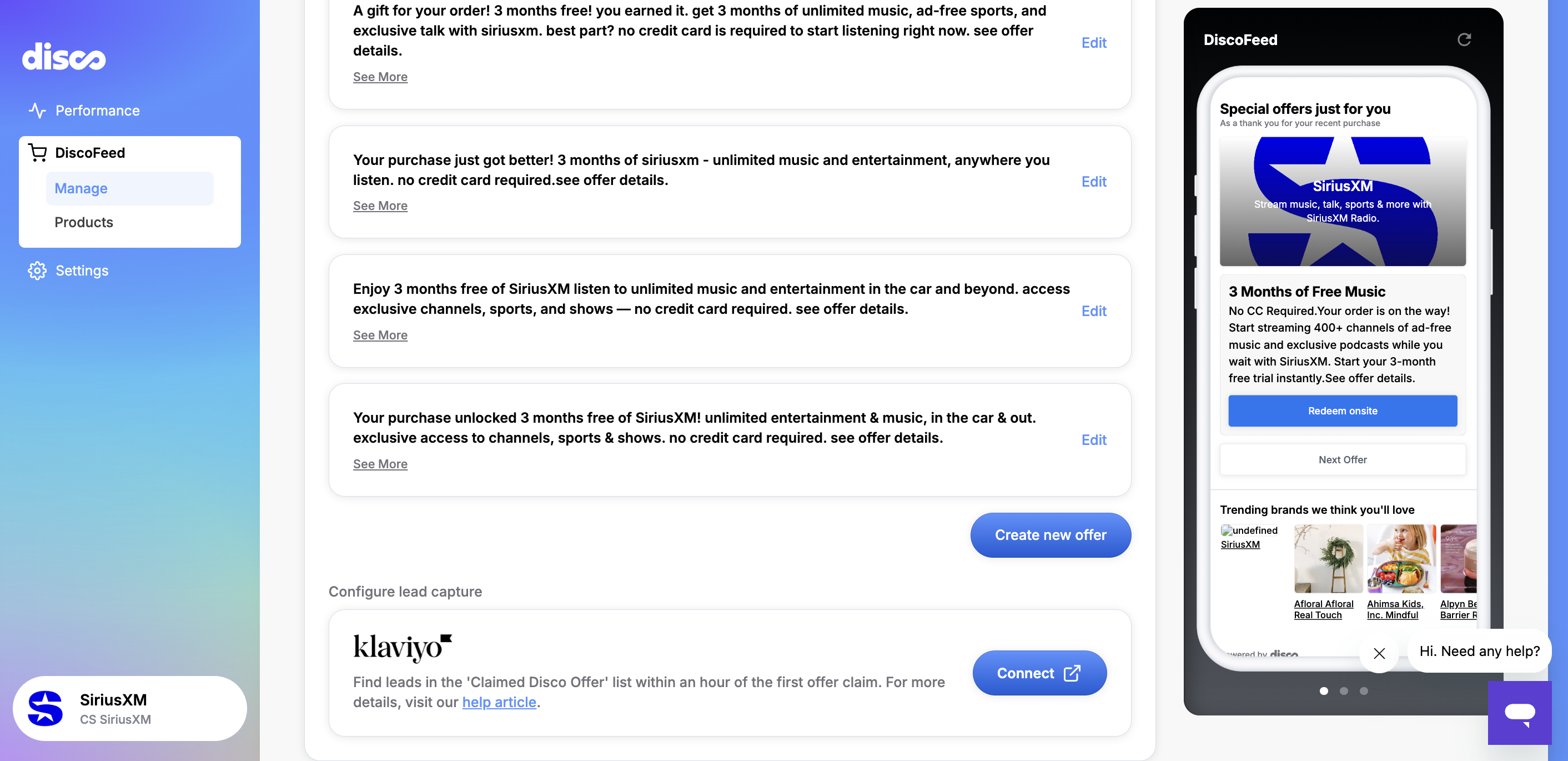
In this example, you can see there are multiple offers set up for Sirius XM.
7
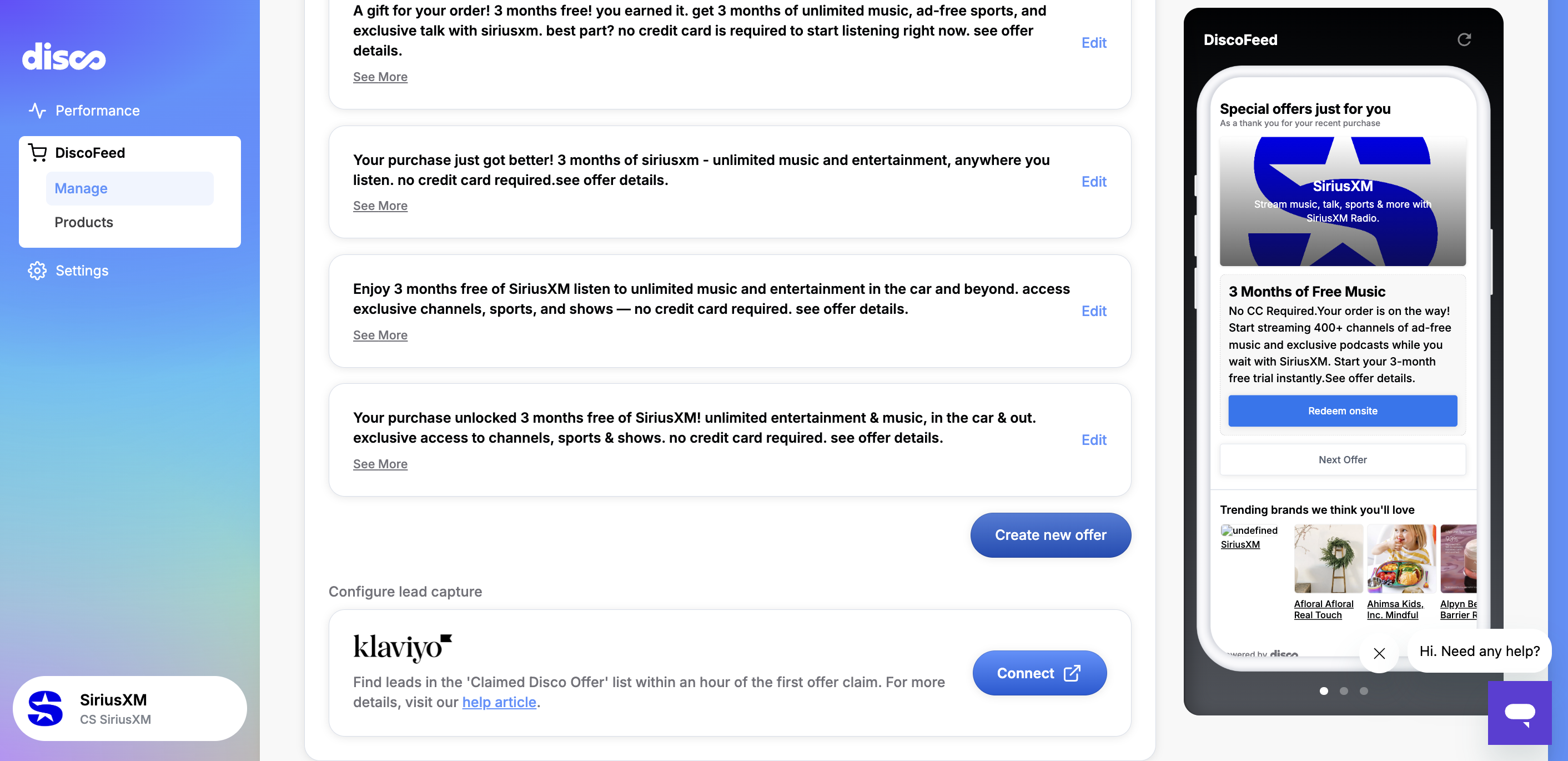
Click Create new offer.
8
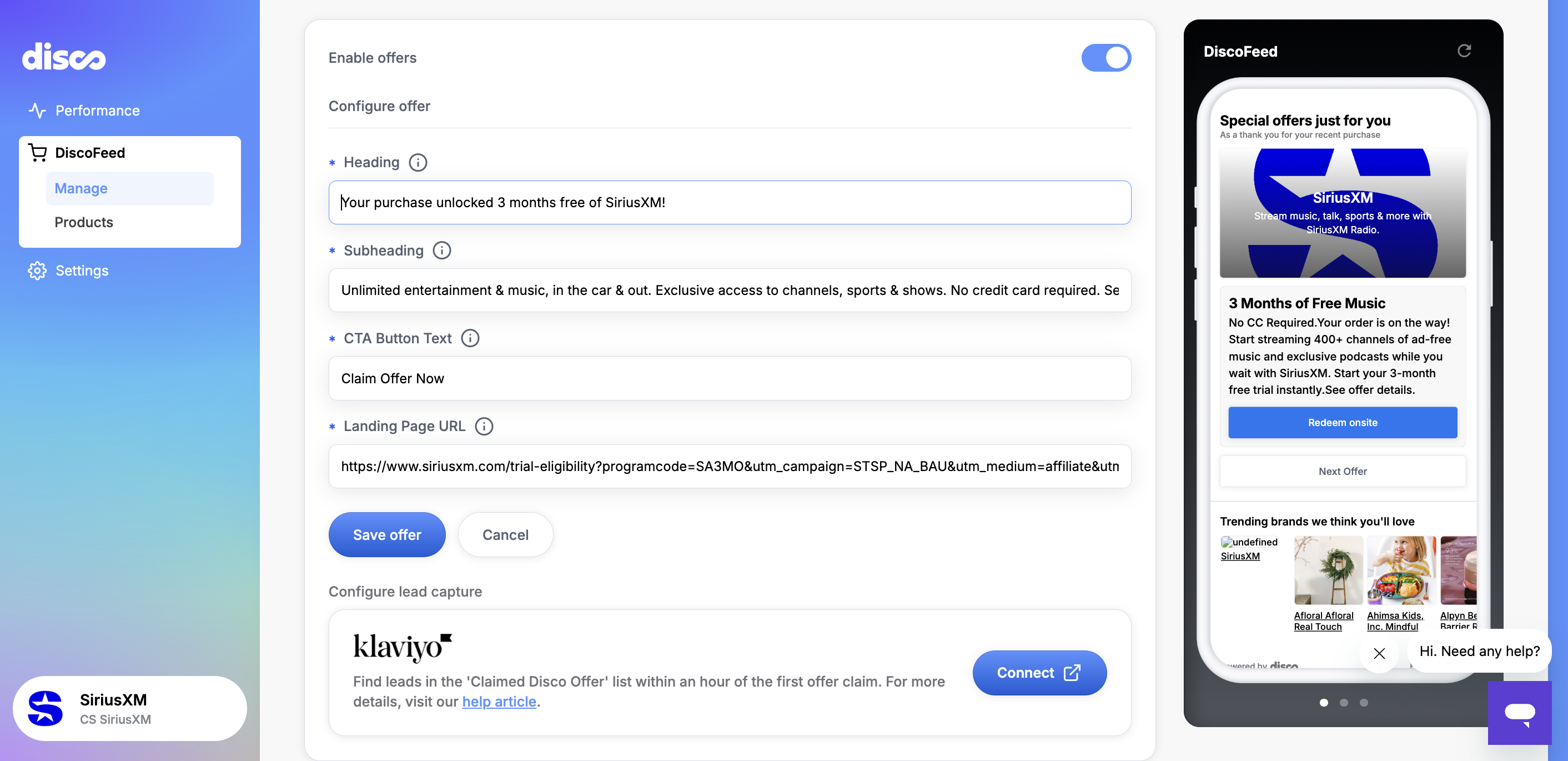
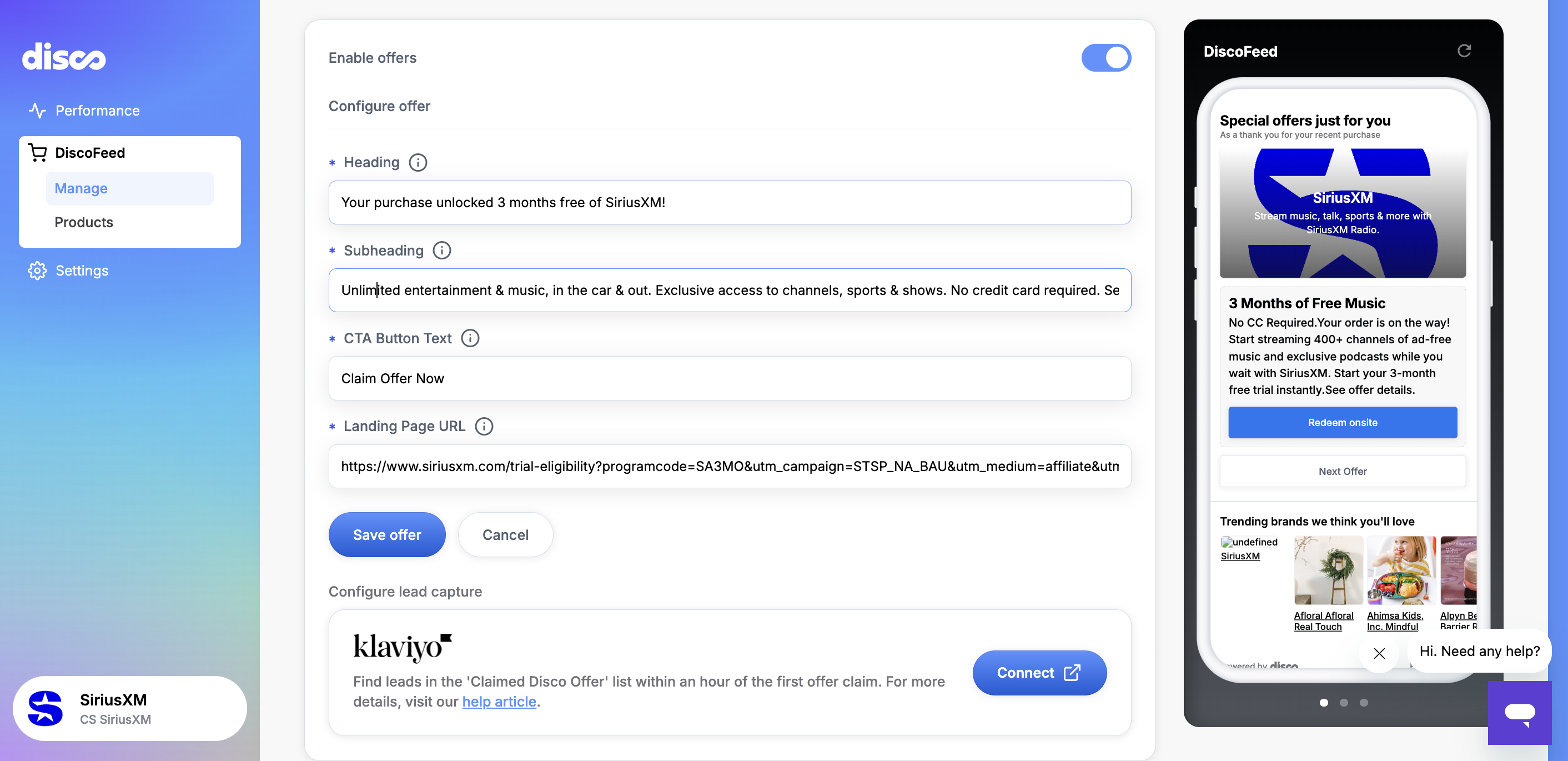
Enter the Heading.
9
Enter the body copy.
10
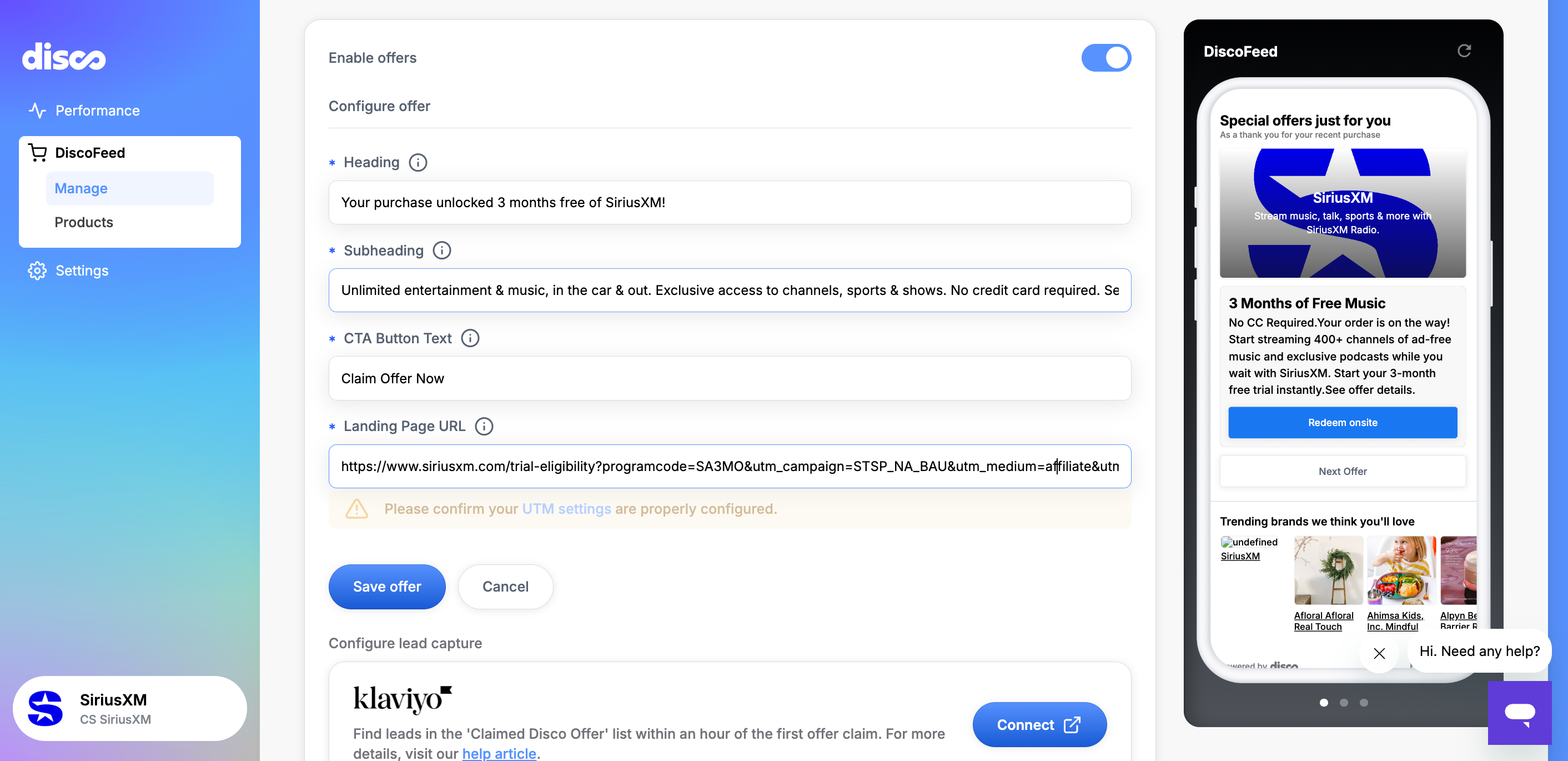
Enter the CTA button text.
11
Enter the landing page URL. The URL should include any necessary UTMs.
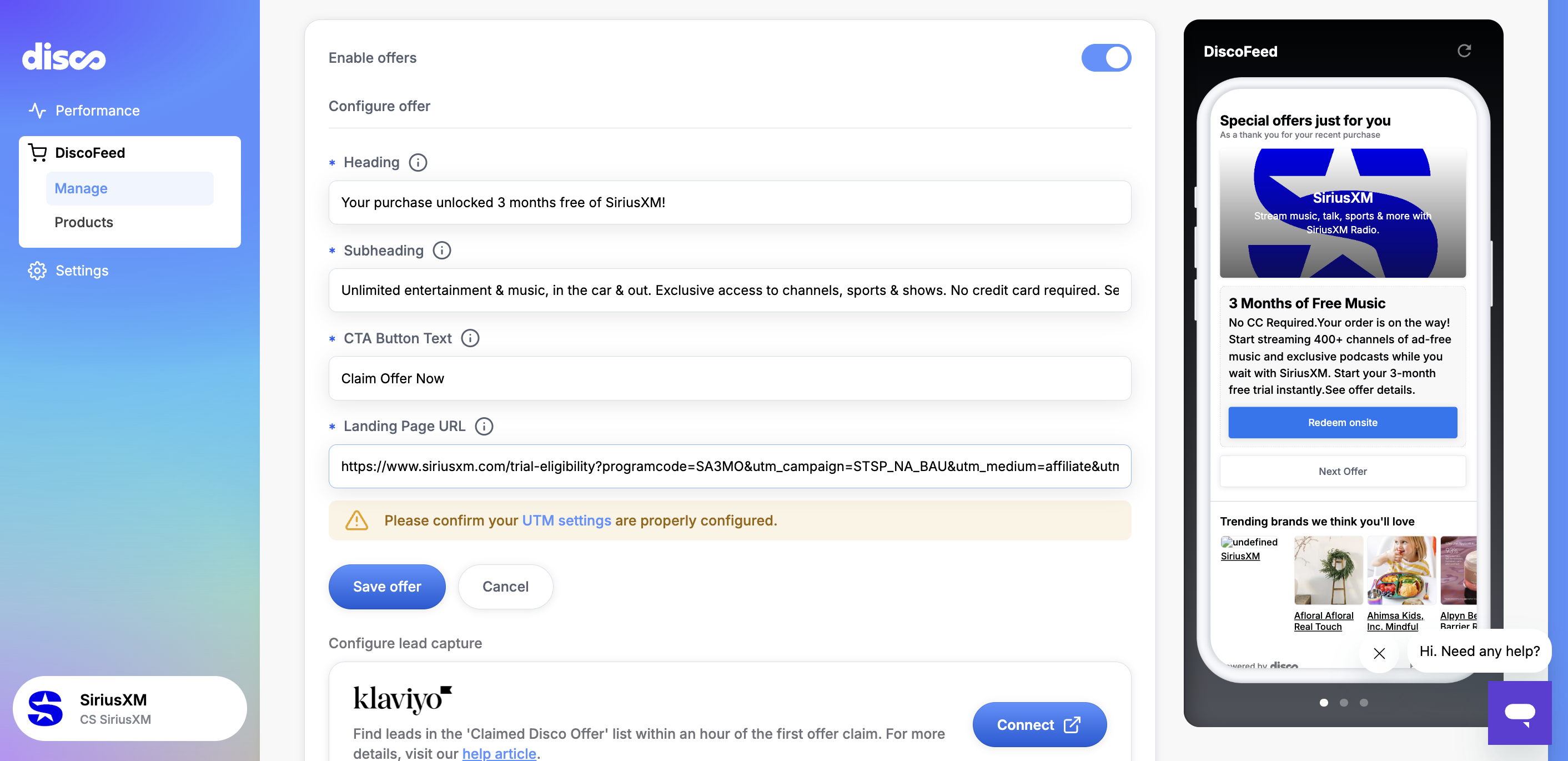
Click Save Offer.
The offer will now appear in Koddi.