How to Create a New Team in Glitter AI
Learn how to create a new team in Glitter.io with this easy step-by-step guide. Follow our instructions to set up your team quickly and efficiently.
By Yuval Karmi
In this guide, we'll learn how to create a new team using the dashboard at glitter.io. This process helps you organize members and manage projects under a specific team name.
You'll see how to name your team and confirm its creation. This is useful if you want to start working with a new group or manage separate projects.
Let's get started
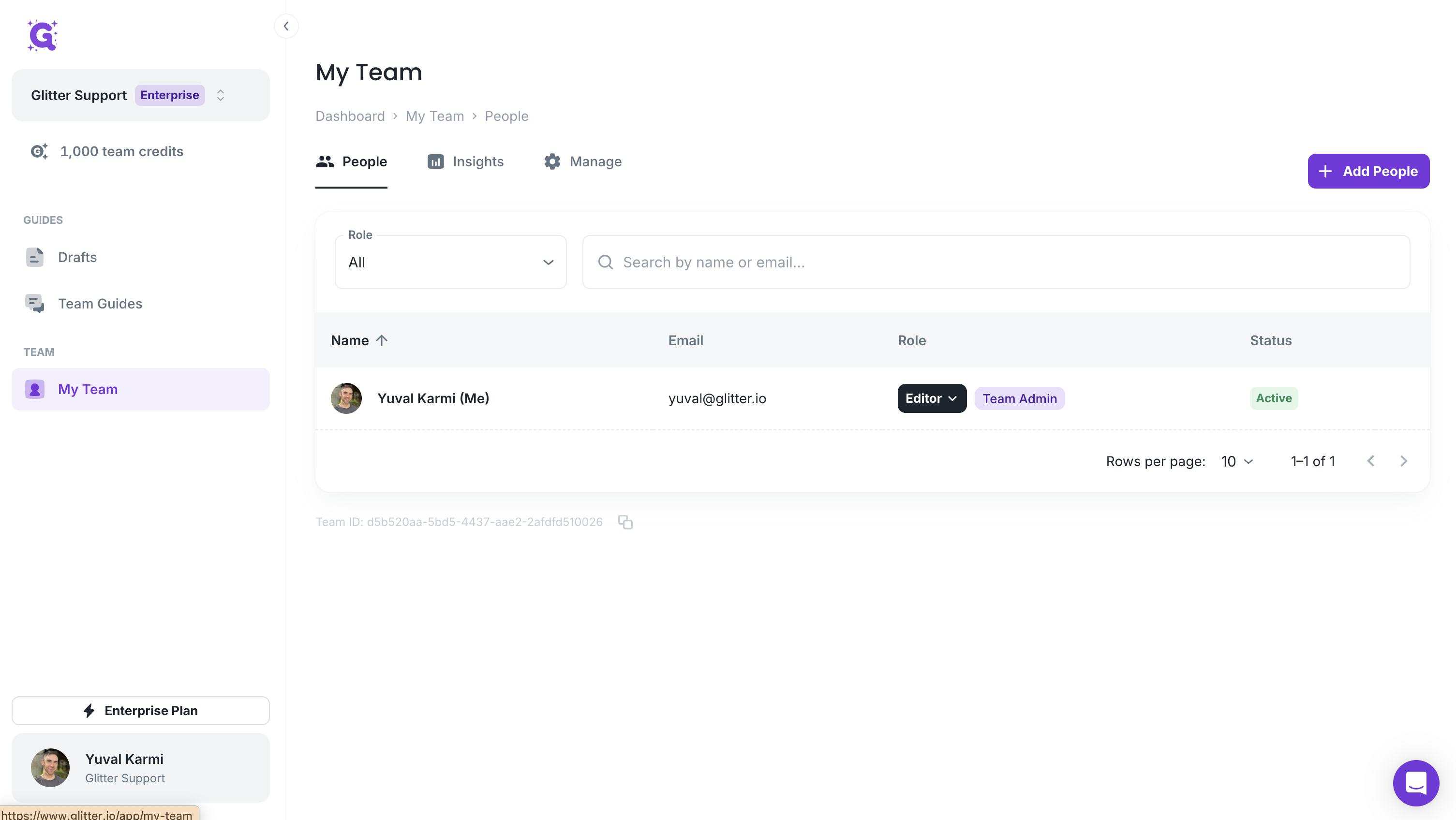
To create a new team, go to the dashboard at glitter.io/app/guides. Click your team's name, then select "Create a New Team."
1
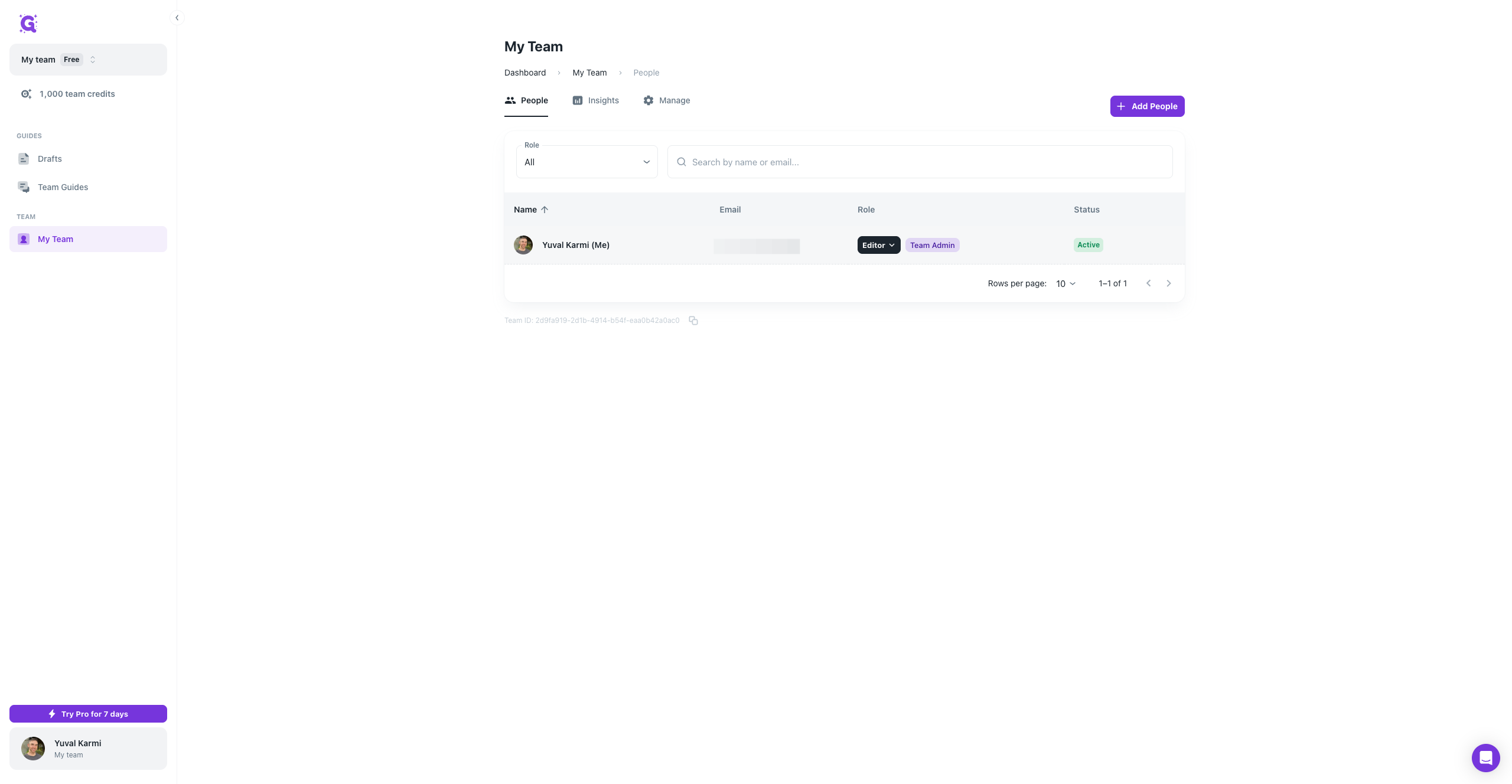
Go to Your Team
2
Go to Glitter AI
3
Click on your team's name

4
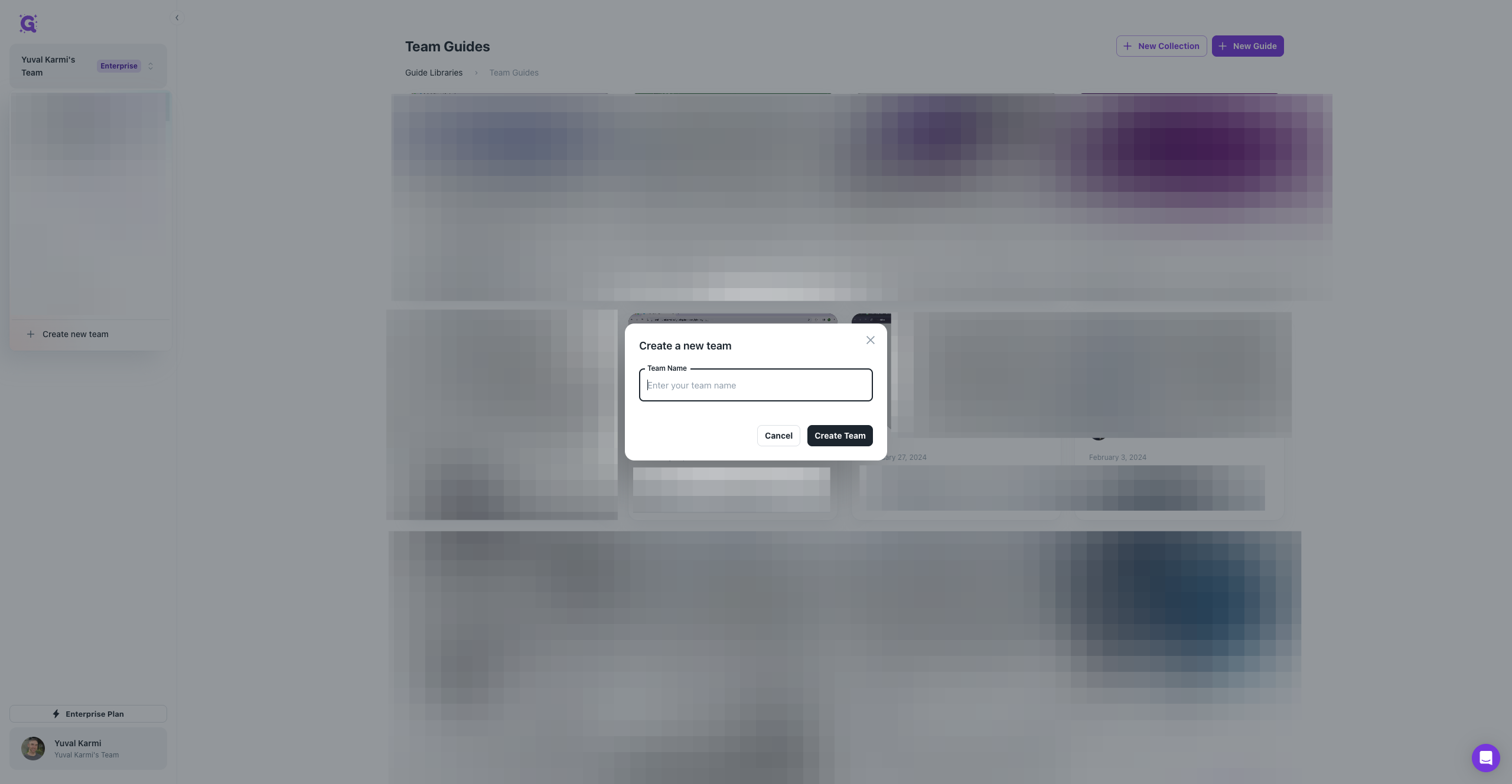
Click on "+ Create new team"

Where it says "Enter your team name," type your team name. For example: myteam.
5
Select the box that says "Enter your team name"
6
Type "My team"
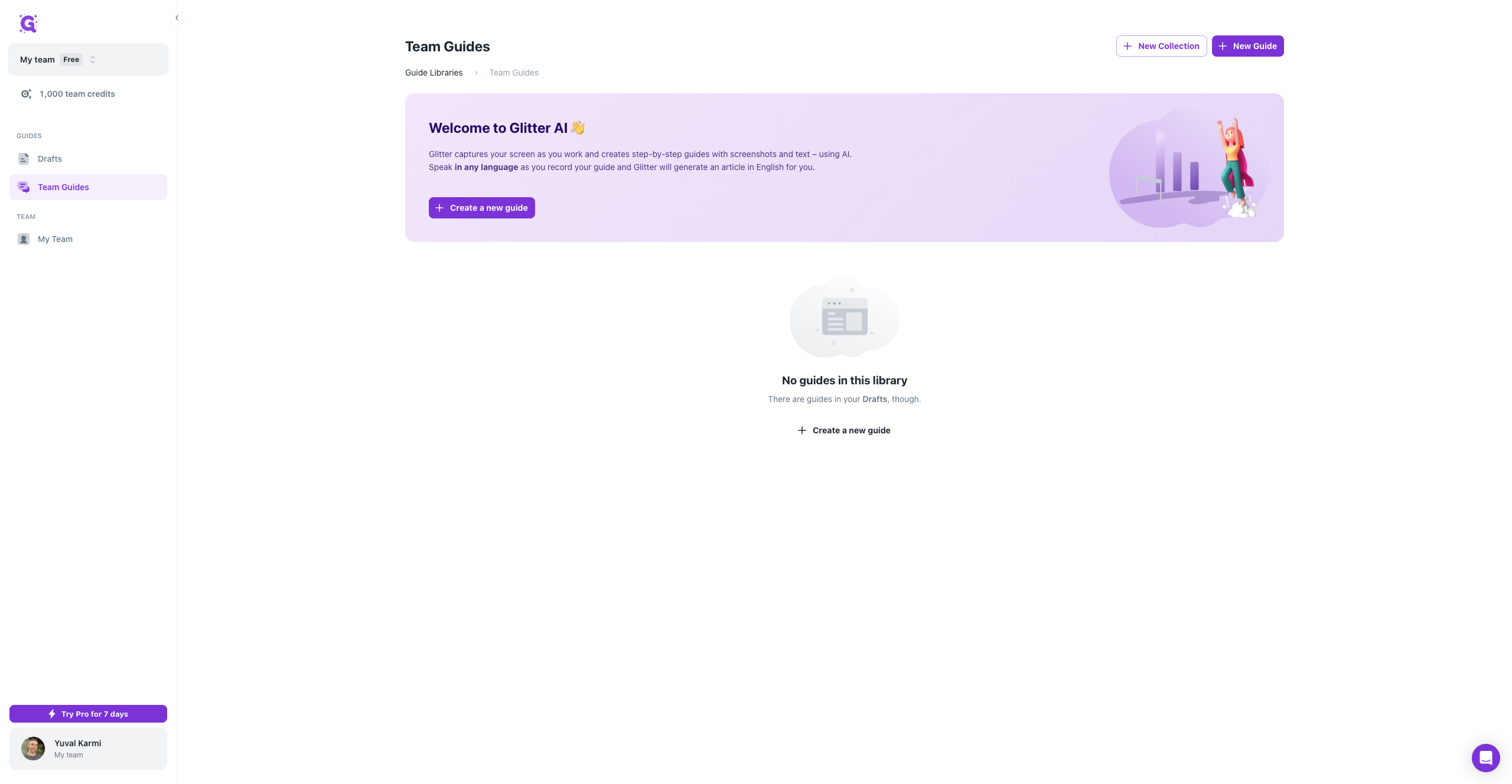
You’ll see that you’ve switched to My Team here.
7
Click on "My team"
8
Click on "My Team"
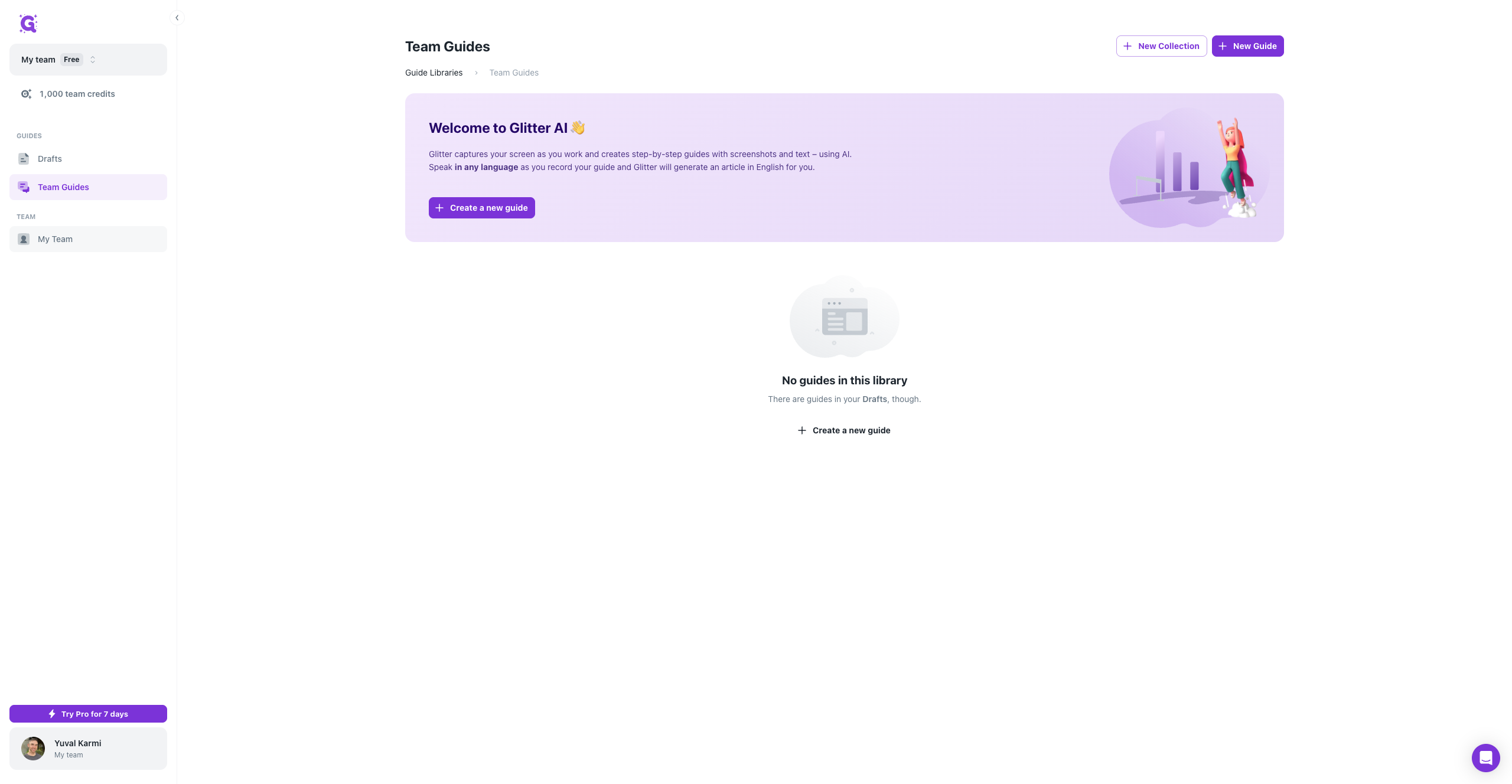
9
You'll see that only you are on this tema