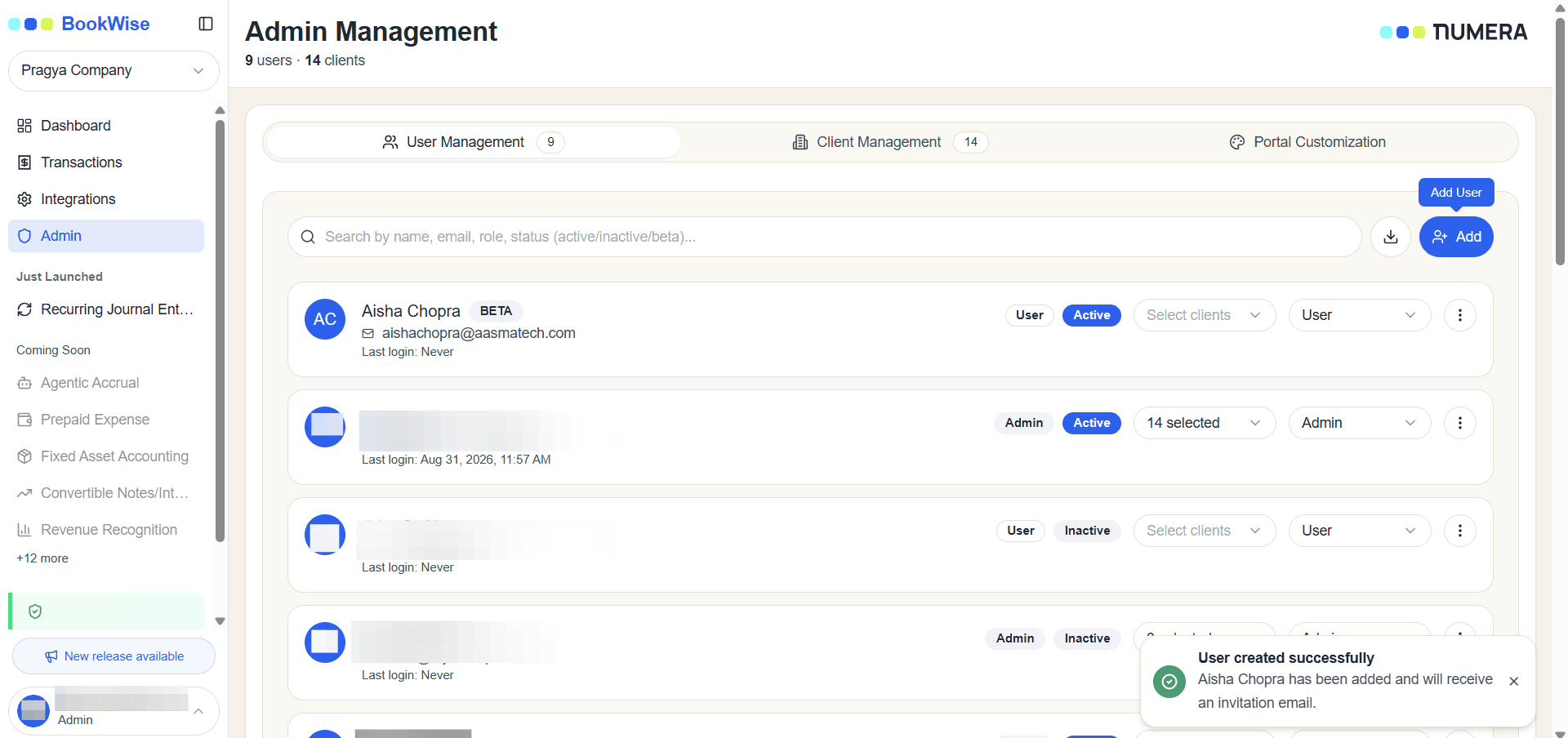
How to Create a New User: Step-by-Step User Management Guide
Learn how to create a new user by filling out the form with first name, last name, email, and role assignment. Discover how to grant beta access and manage users efficiently.
By Aasma Technology Solutions
In this guide, you will learn how to create a new user in the system. It explains how to enter the required details, assign a role, and manage beta access. Following this process ensures new users are properly configured and able to access the platform.
Let's get started
1
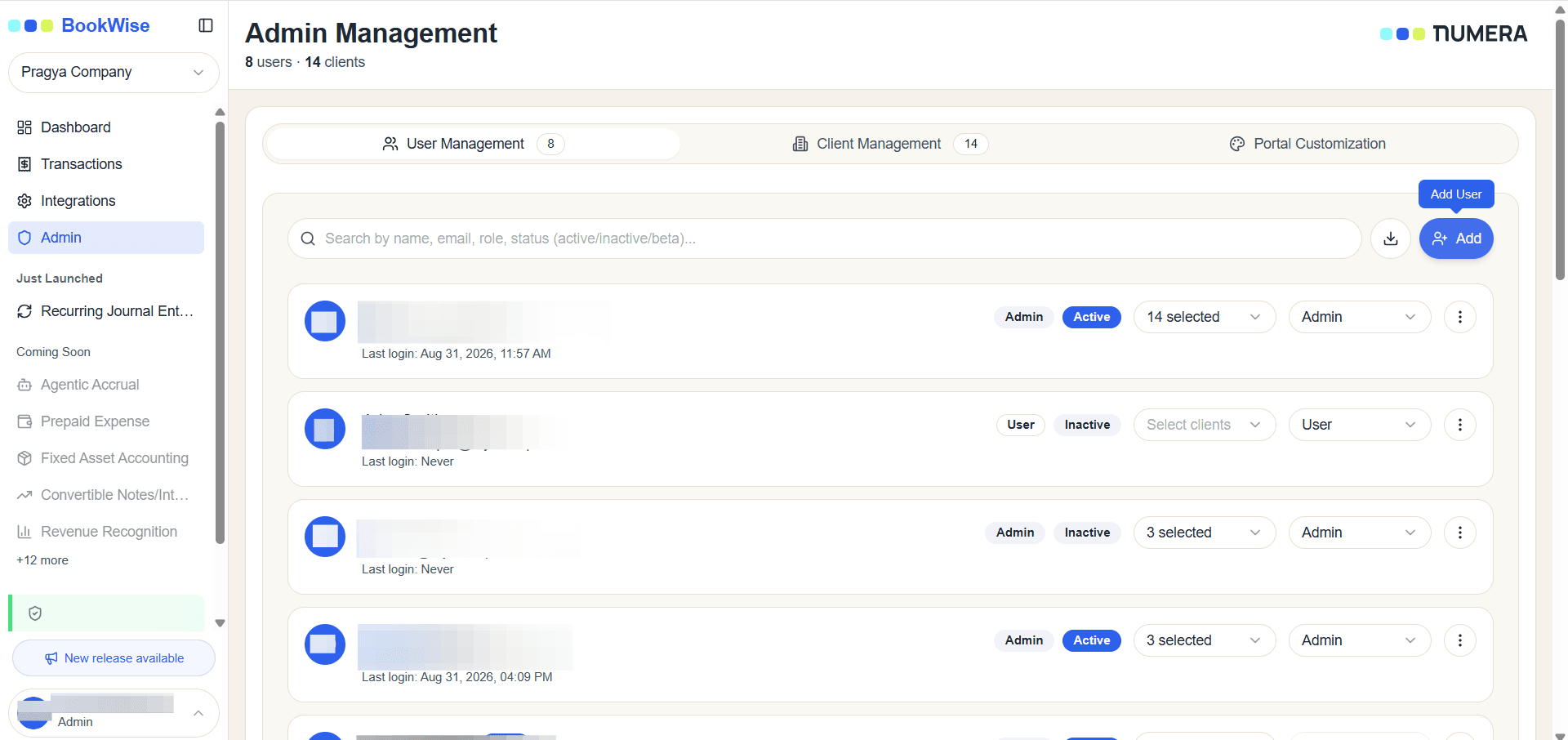
Go to Admin page's User Management and Click on Add User
2
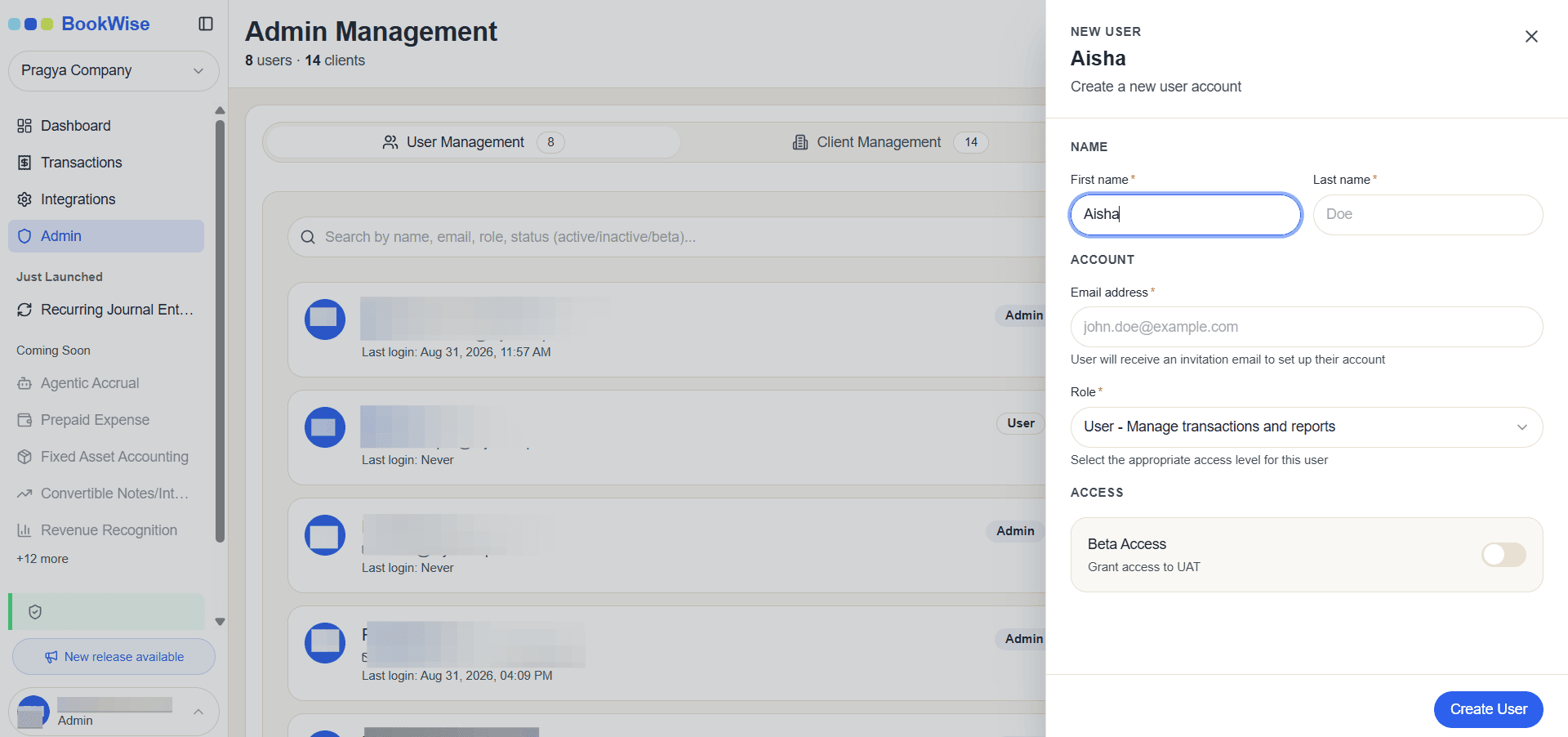
You can create a new user. Open the form and enter the user’s first name.
3
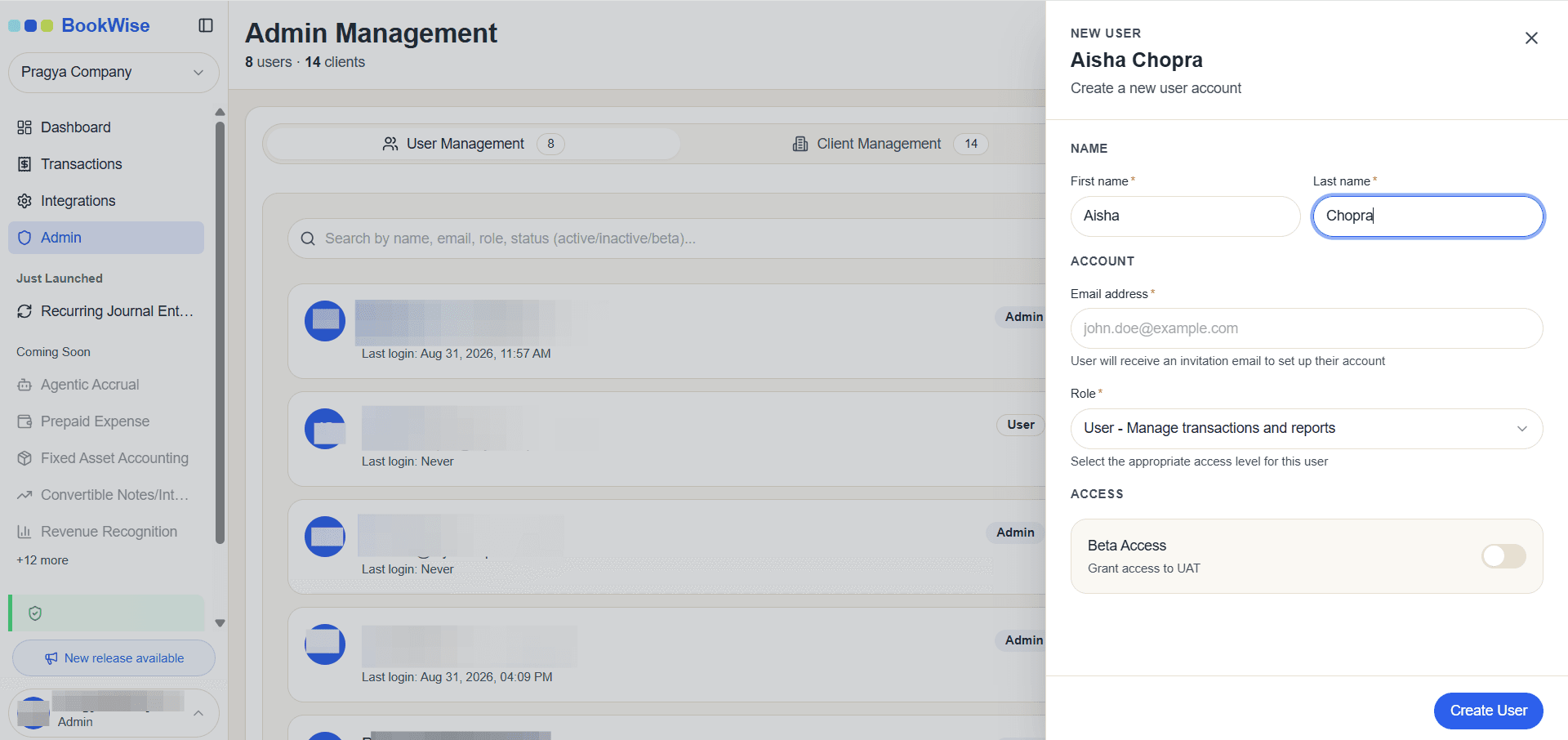
Enter the user’s Last Name.
4
Enter the email
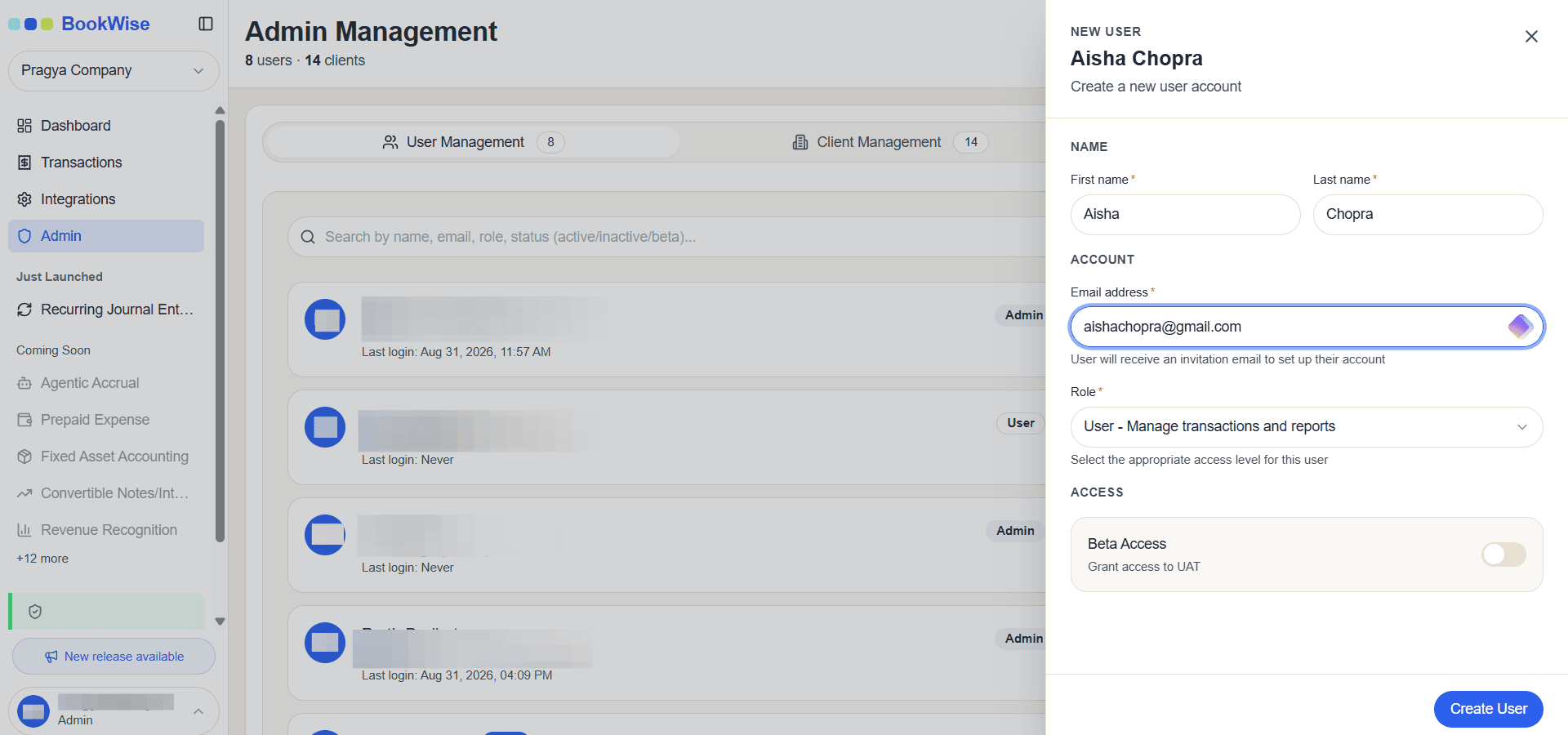
You need to assign a role.
5
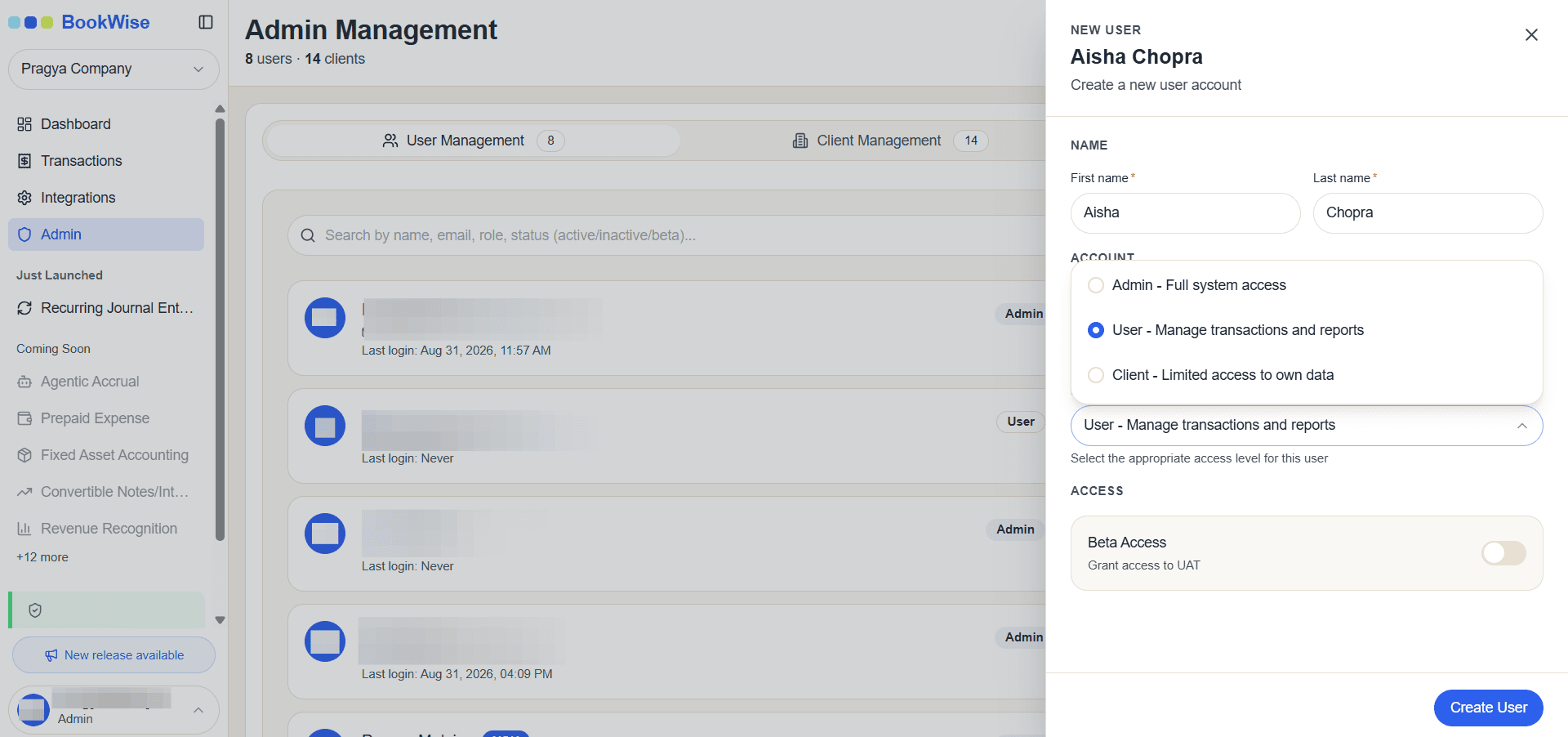
Select role
6
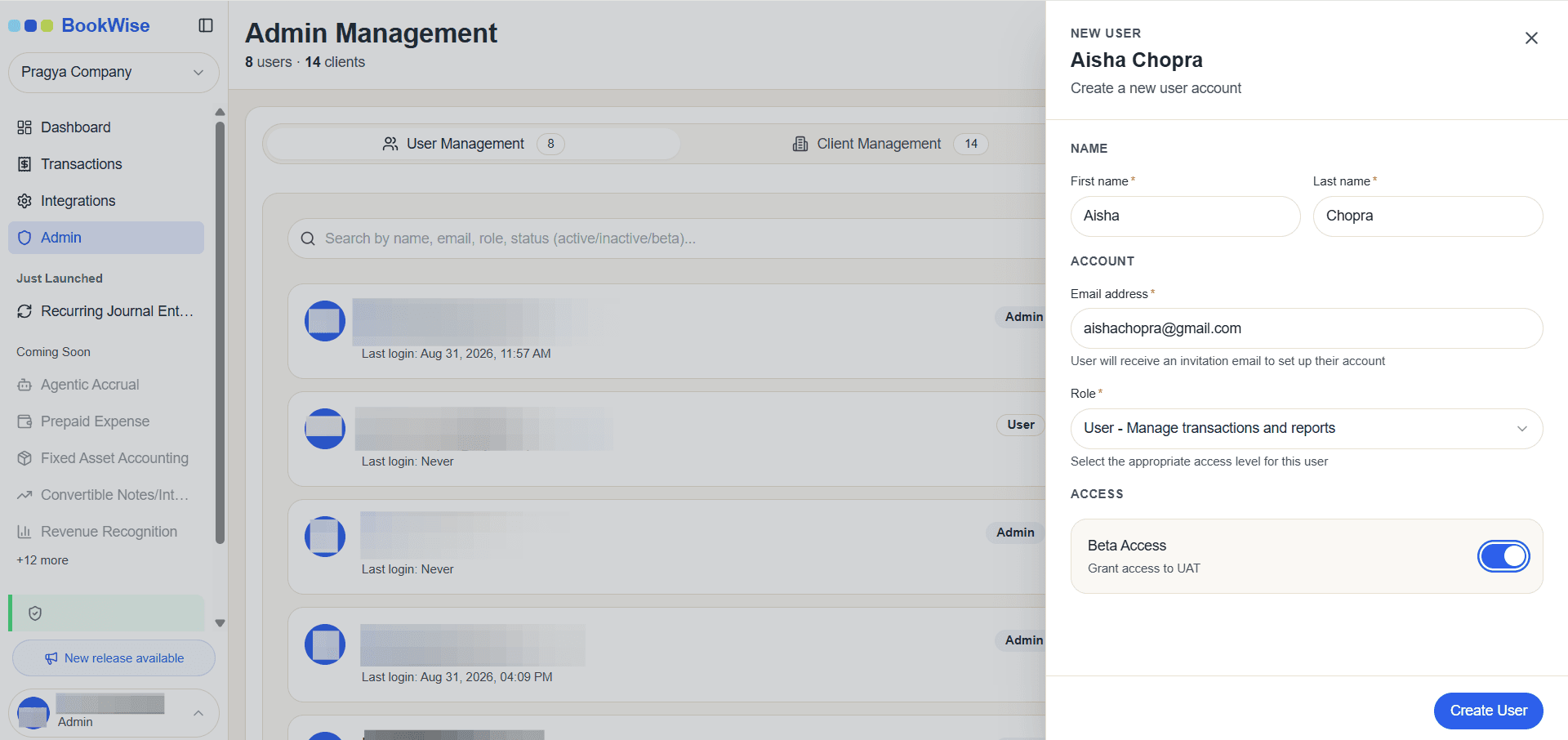
Turn on this toggle to provide beta access to the user.
7
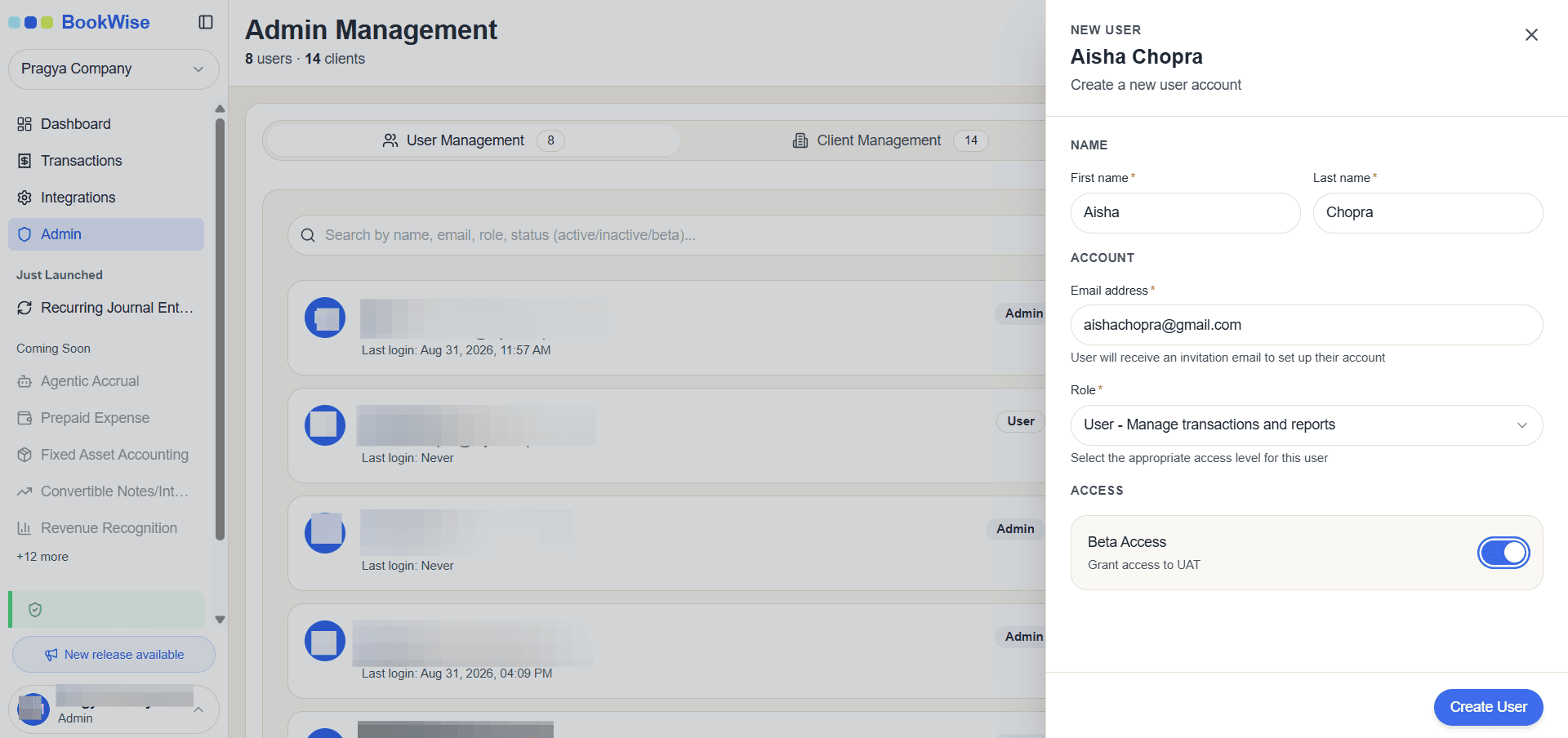
Click on Create User
8
The user is created and will appear on the user management screen.