How to Create a Special Day Opening Time Zone for Access Control
Learn step-by-step how to set up a special day opening time zone for your access control system, including editing controllers, adding special days, and syncing devices.
In this guide, we'll learn how to set up a special day opening time zone for a specific door using an access control system. This process involves selecting the correct controller, editing the door settings, and creating a schedule for a special date and time.
You'll also see how to apply these changes and confirm that the new schedule is active.
Let's get started
How to create a special day opening time zone. Start by selecting the access control.
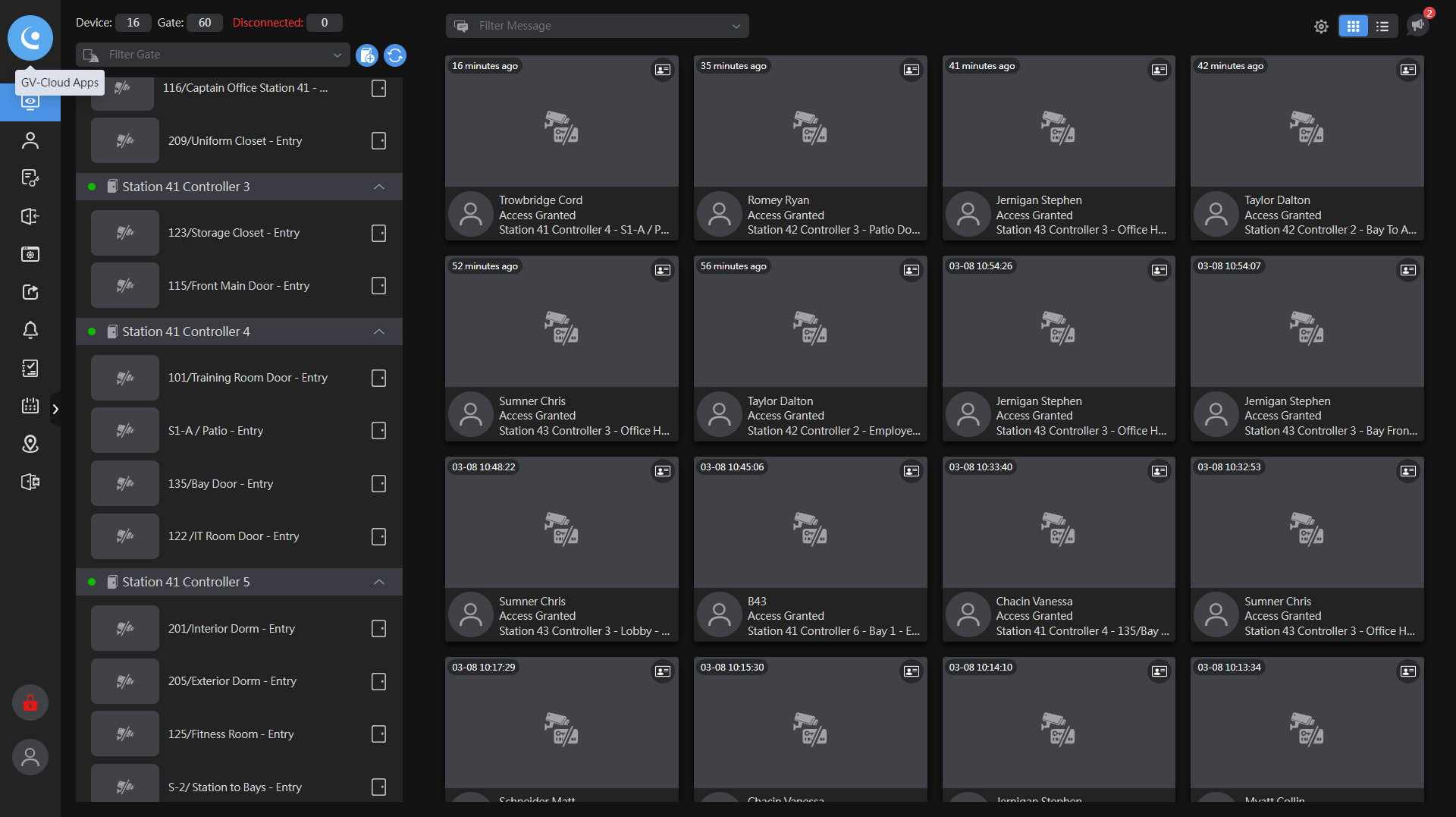
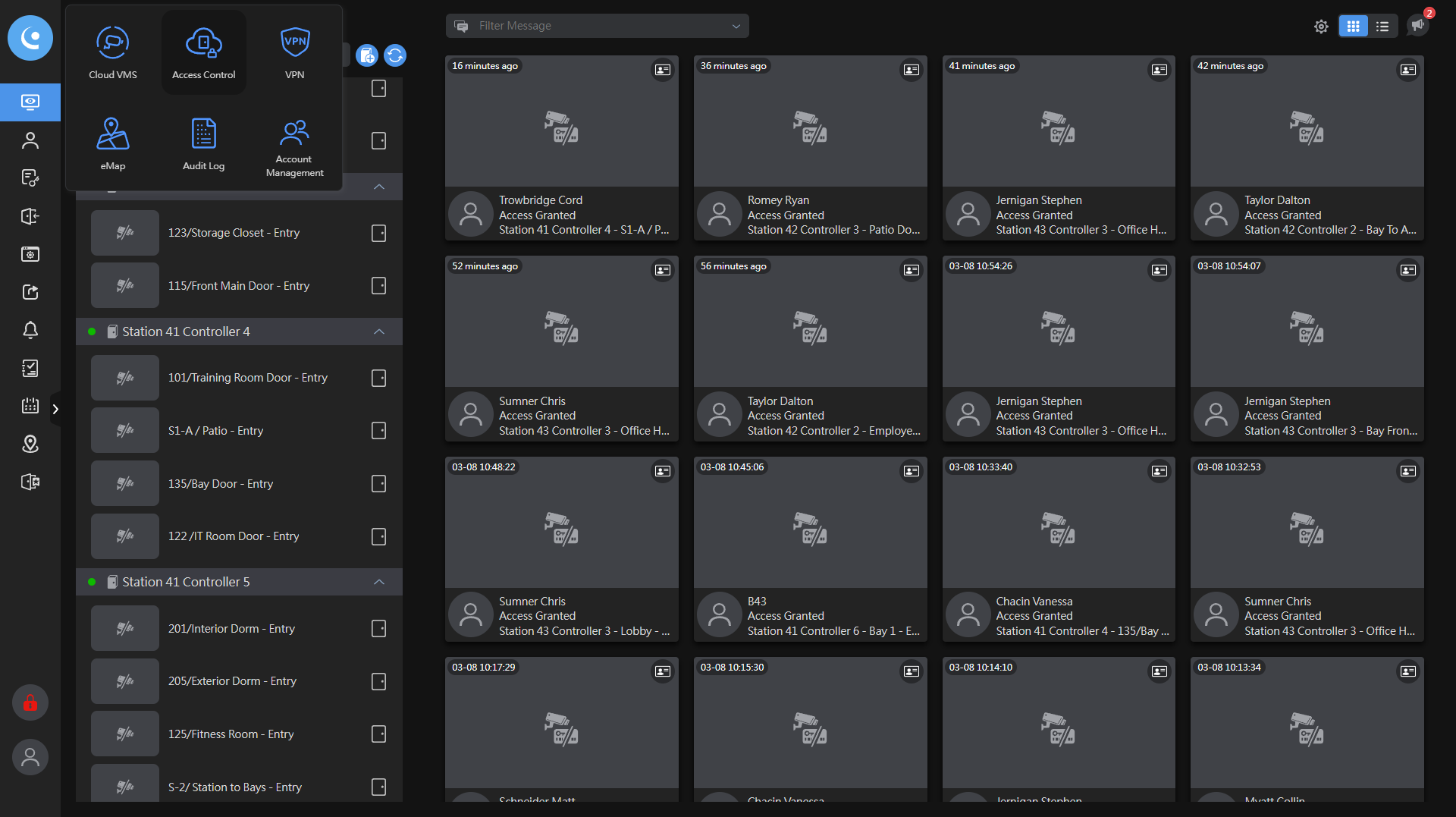
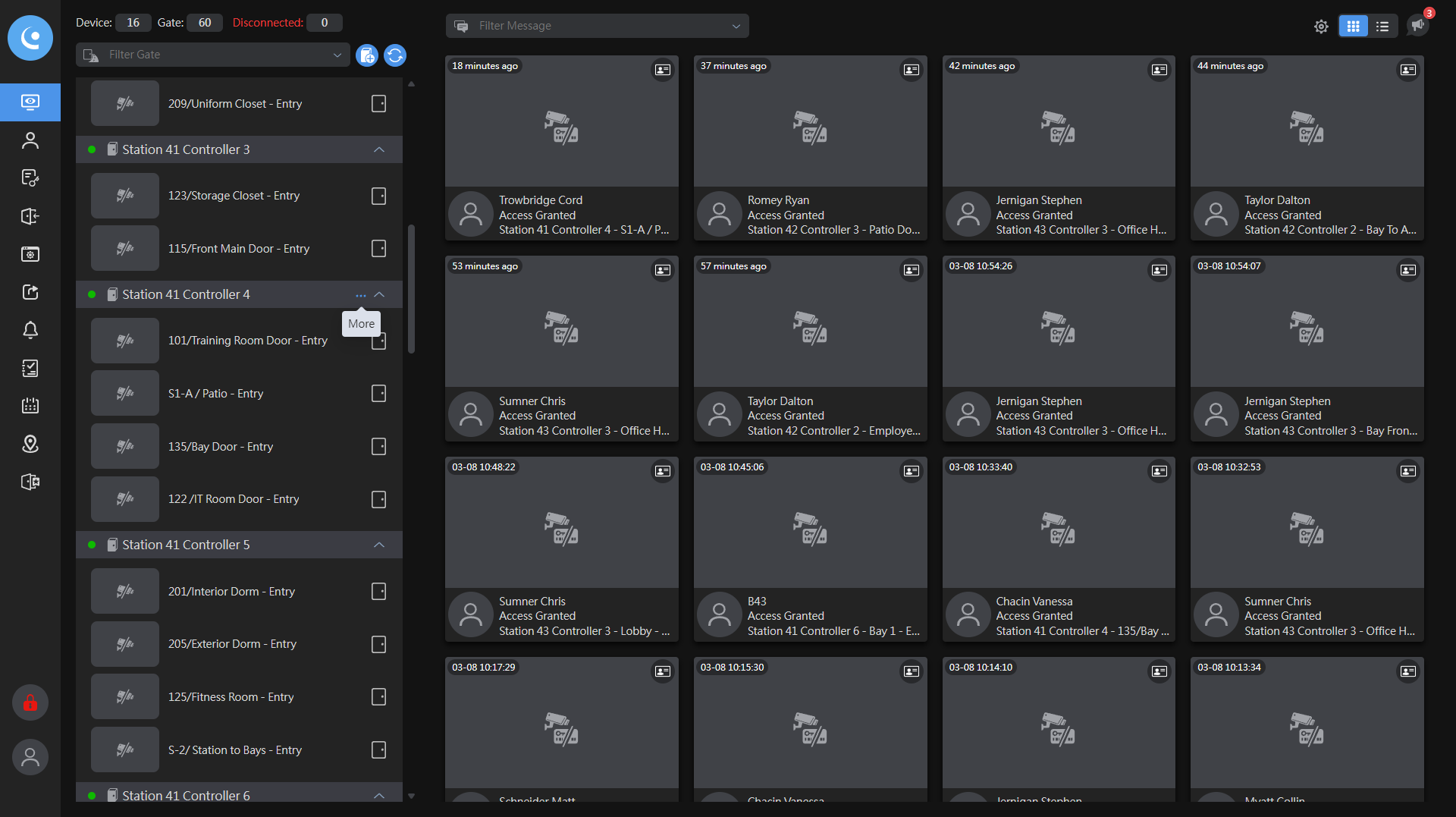
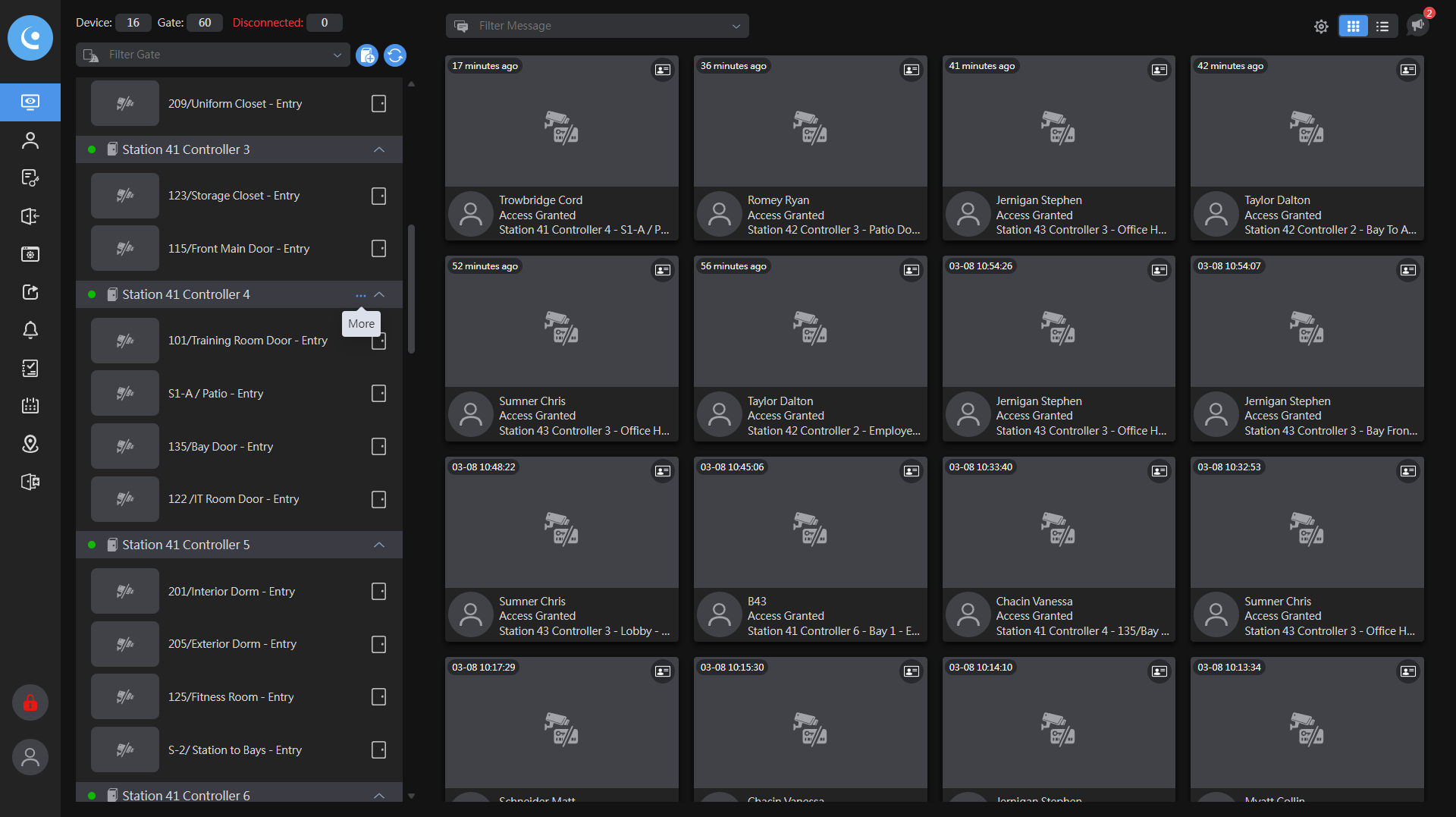
From the main monitoring tab, scroll down to the controller you want to edit.
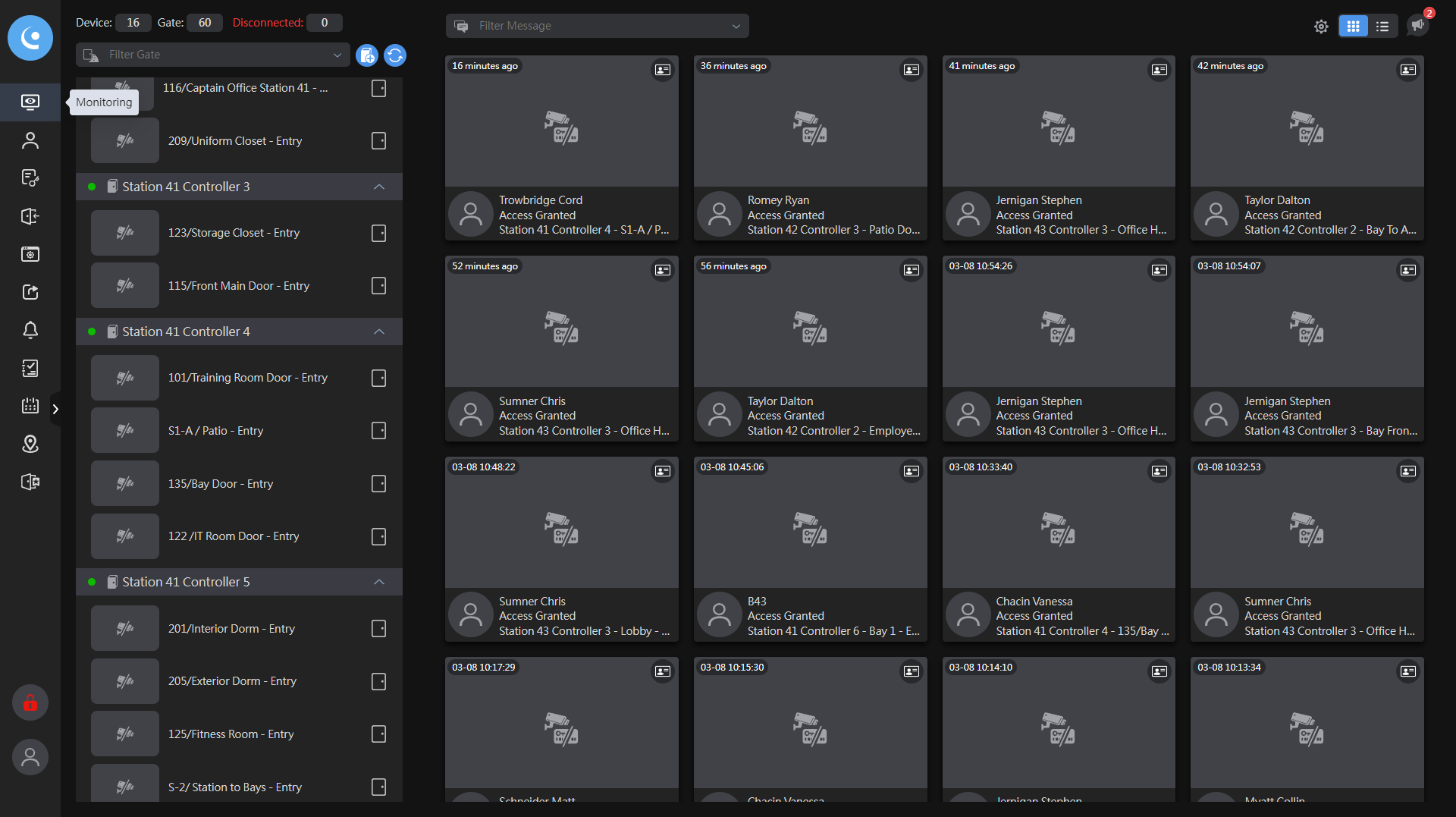
This is door 135 on controller four.
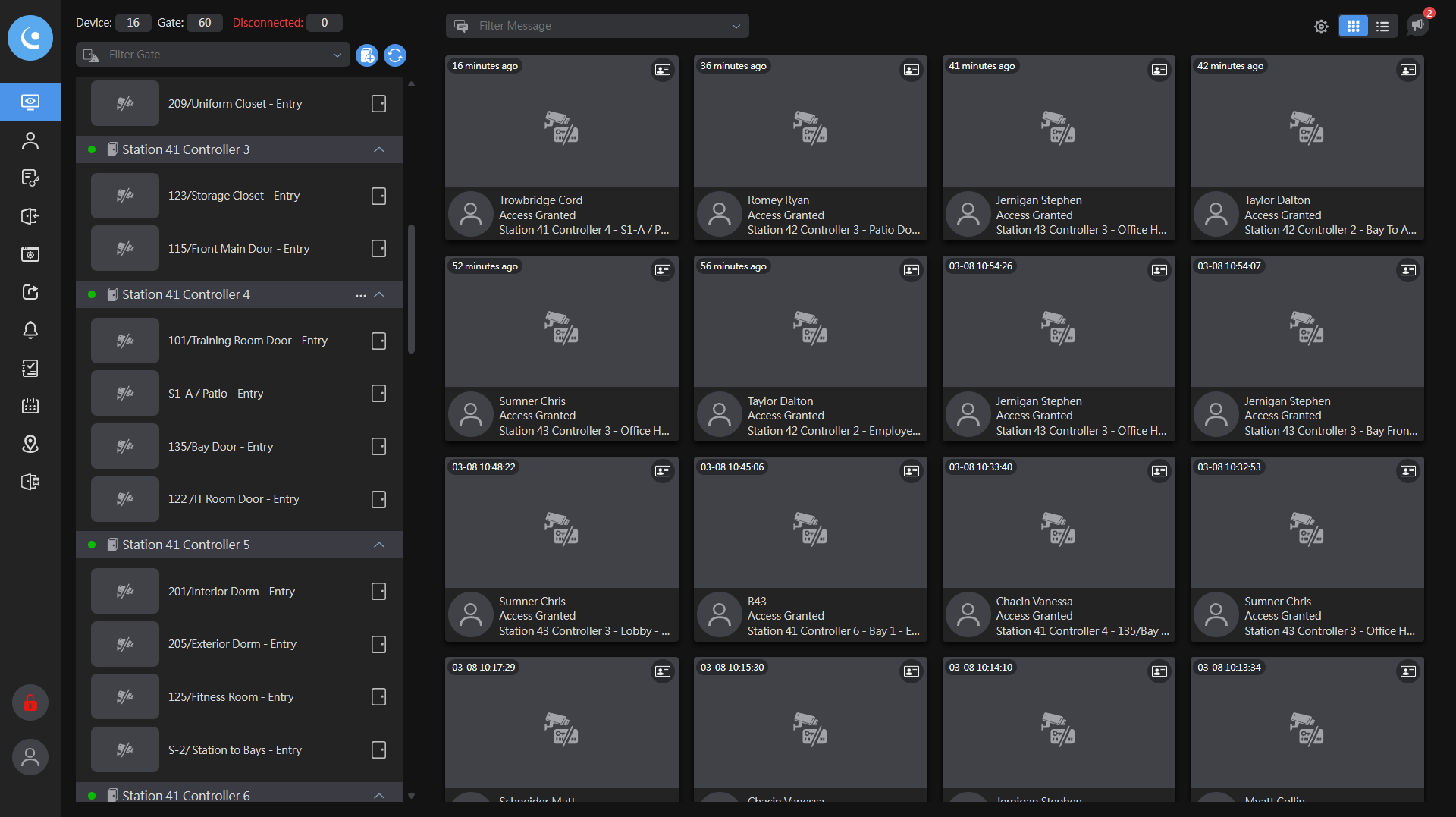
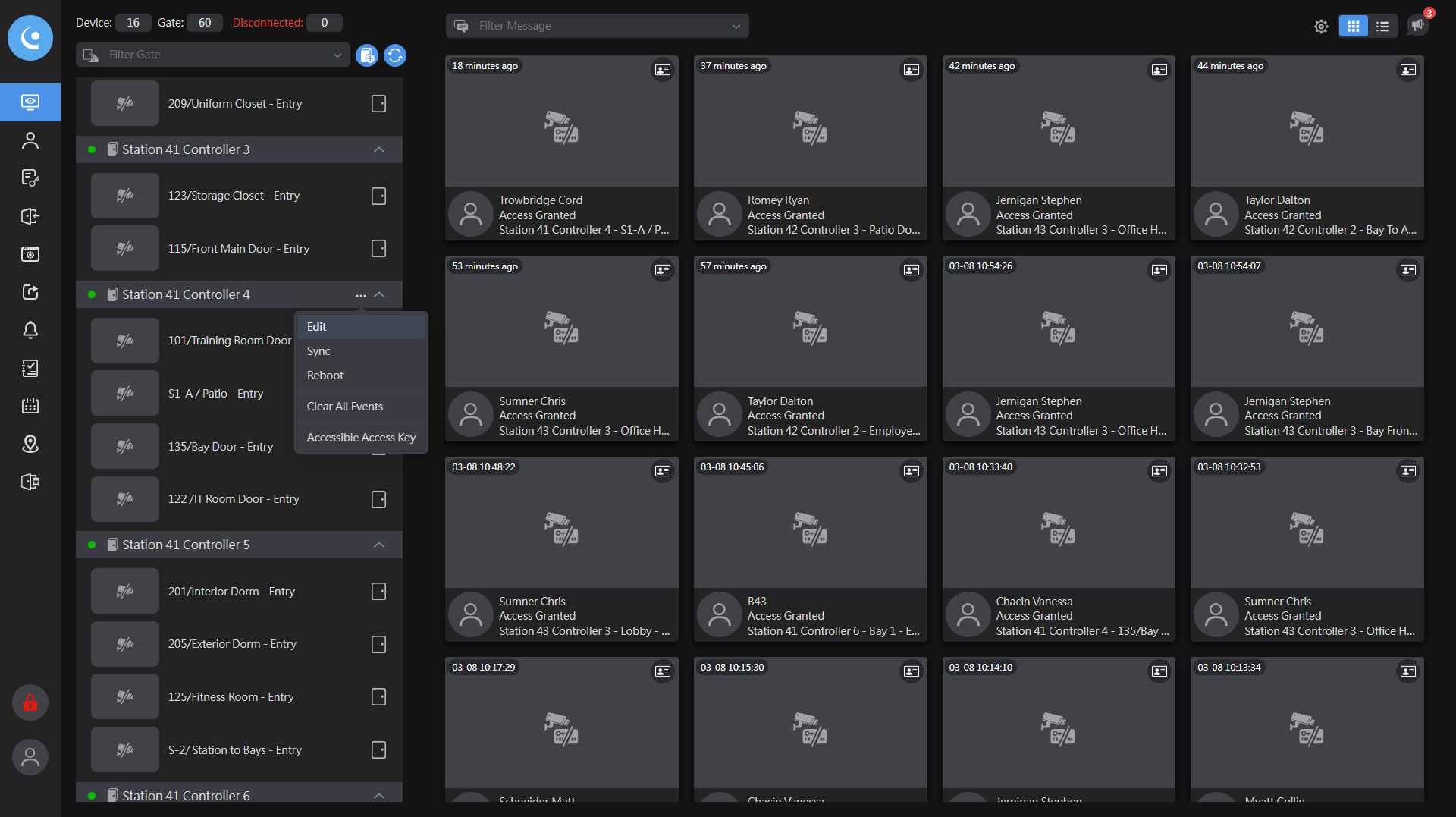
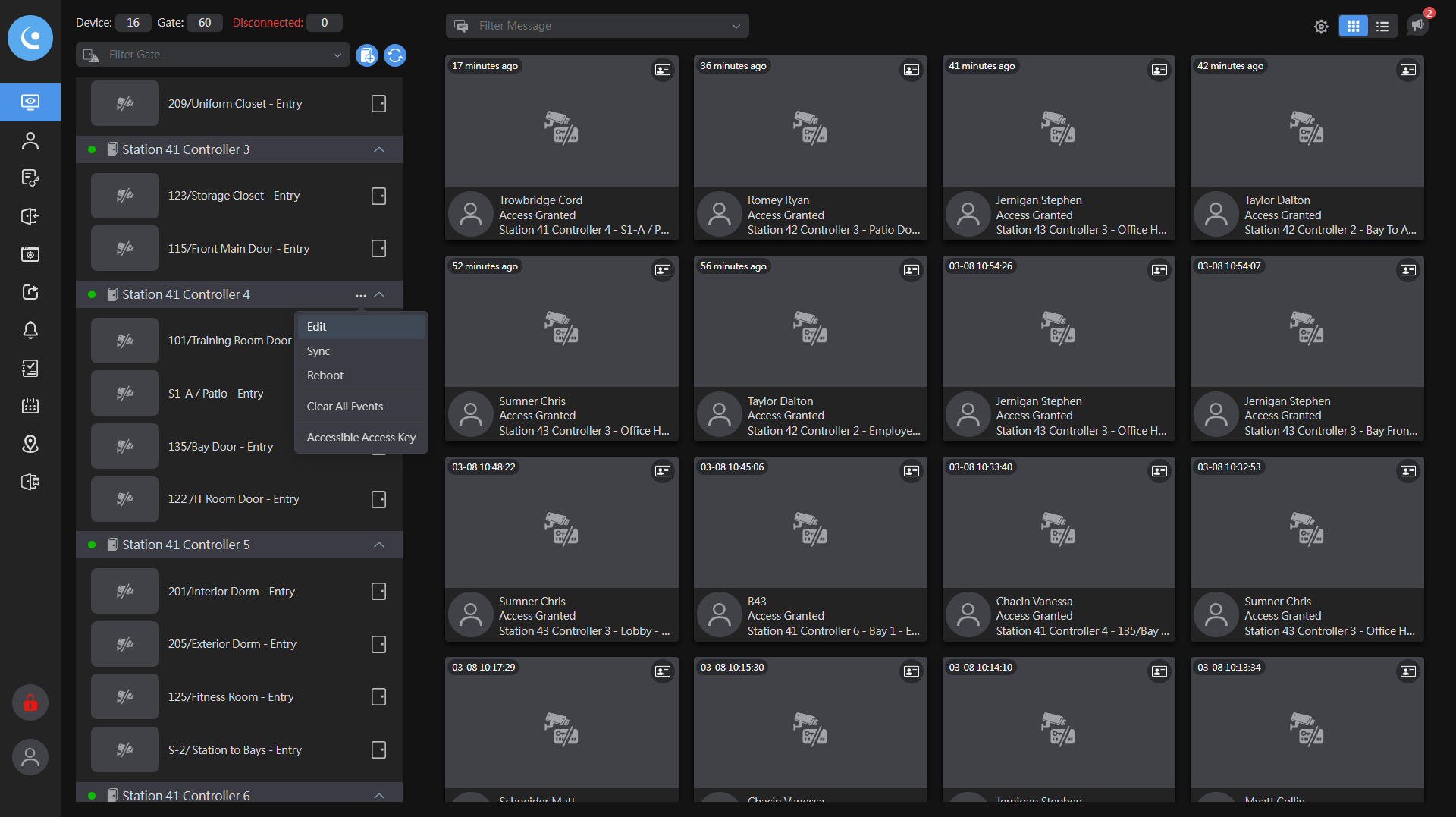
Click the three dots, then select Edit.
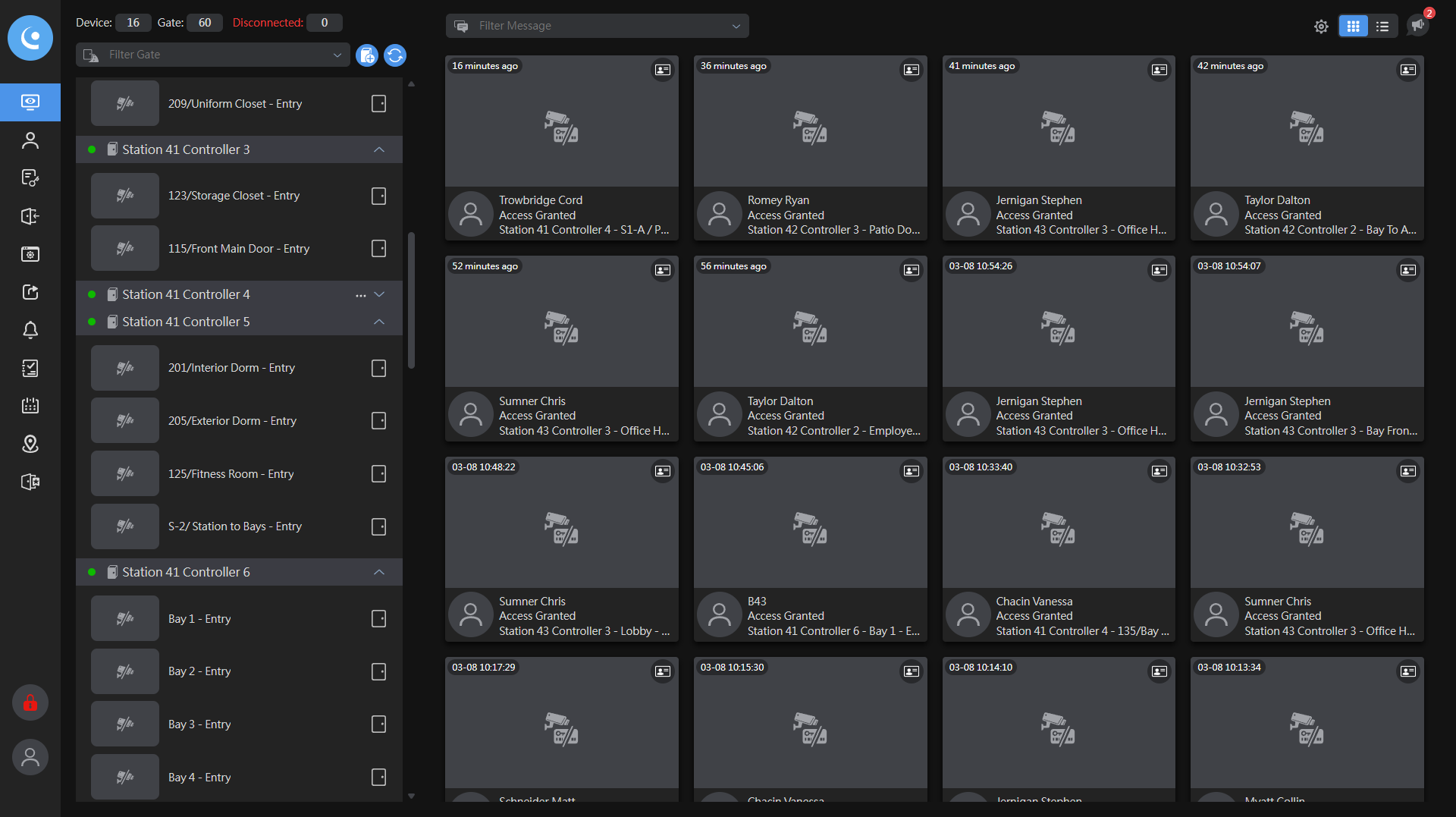
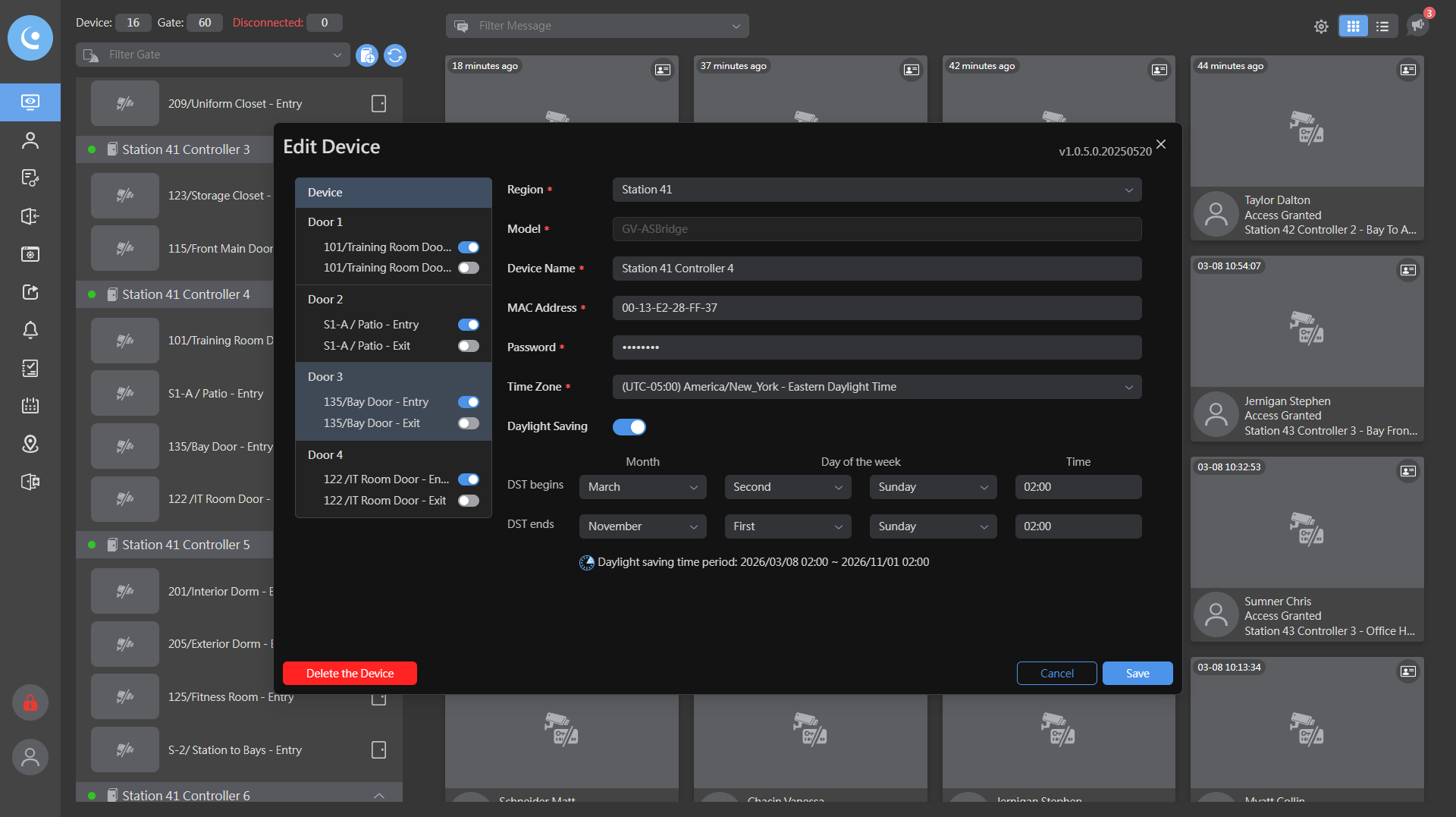
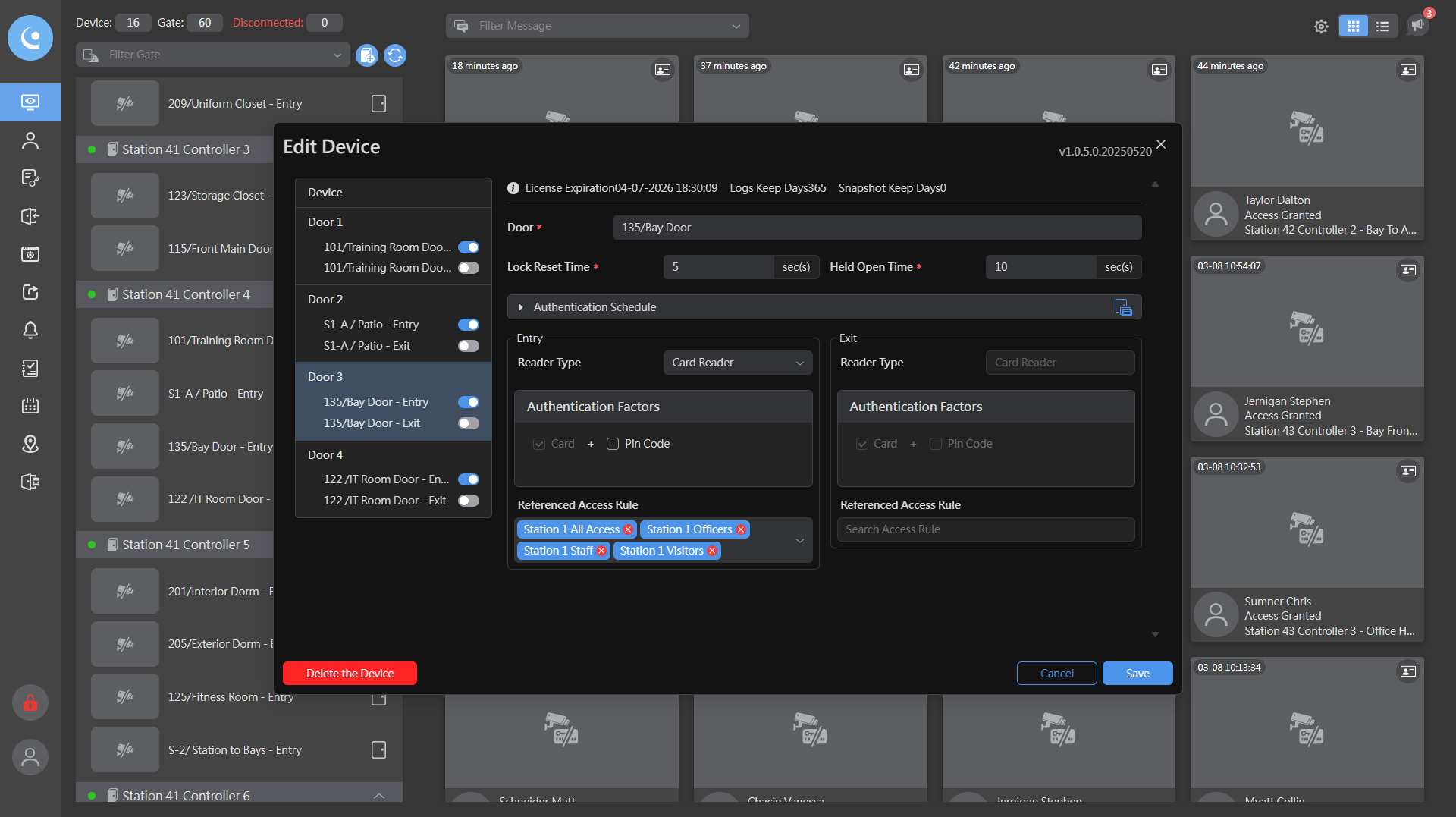
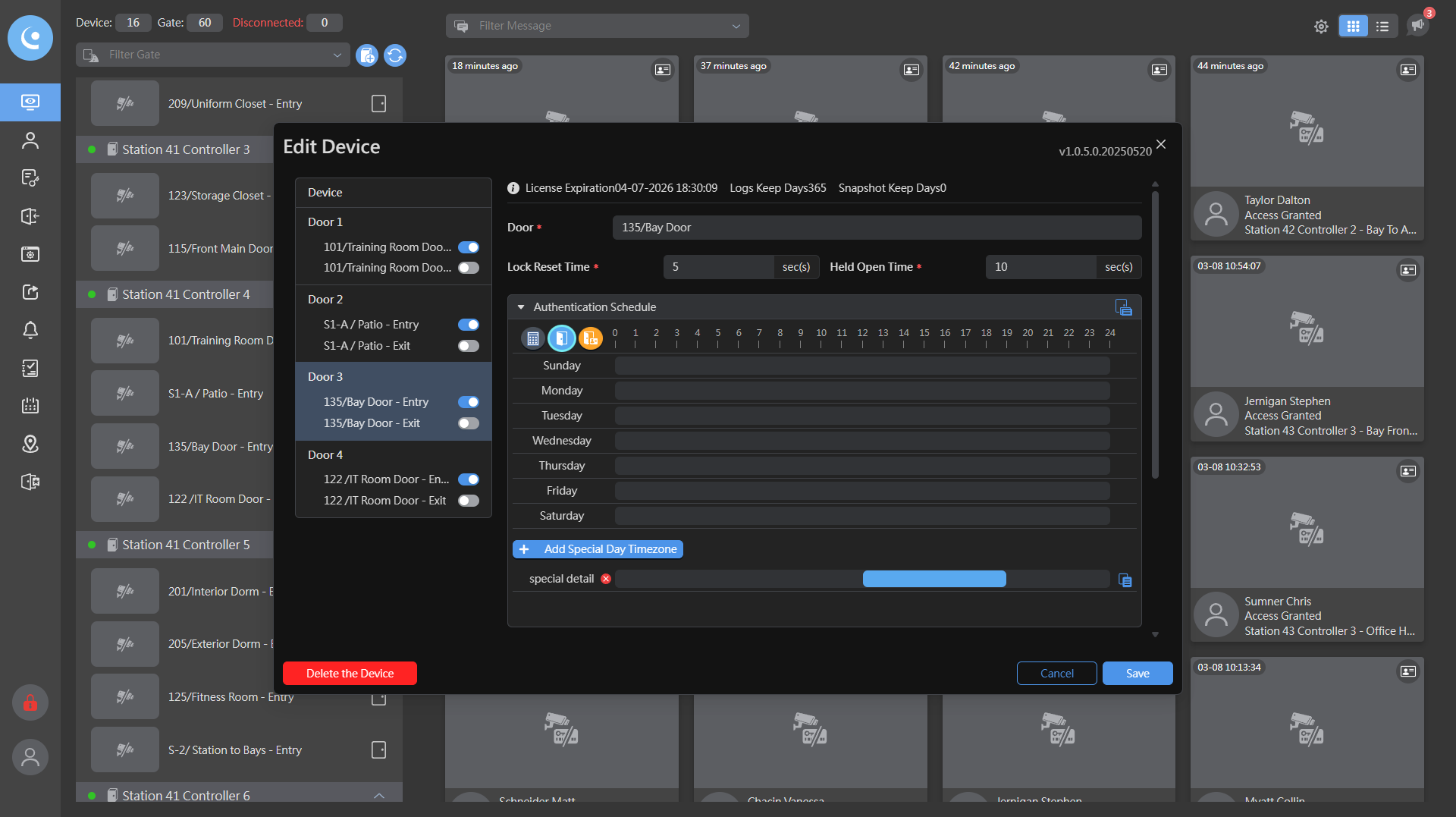
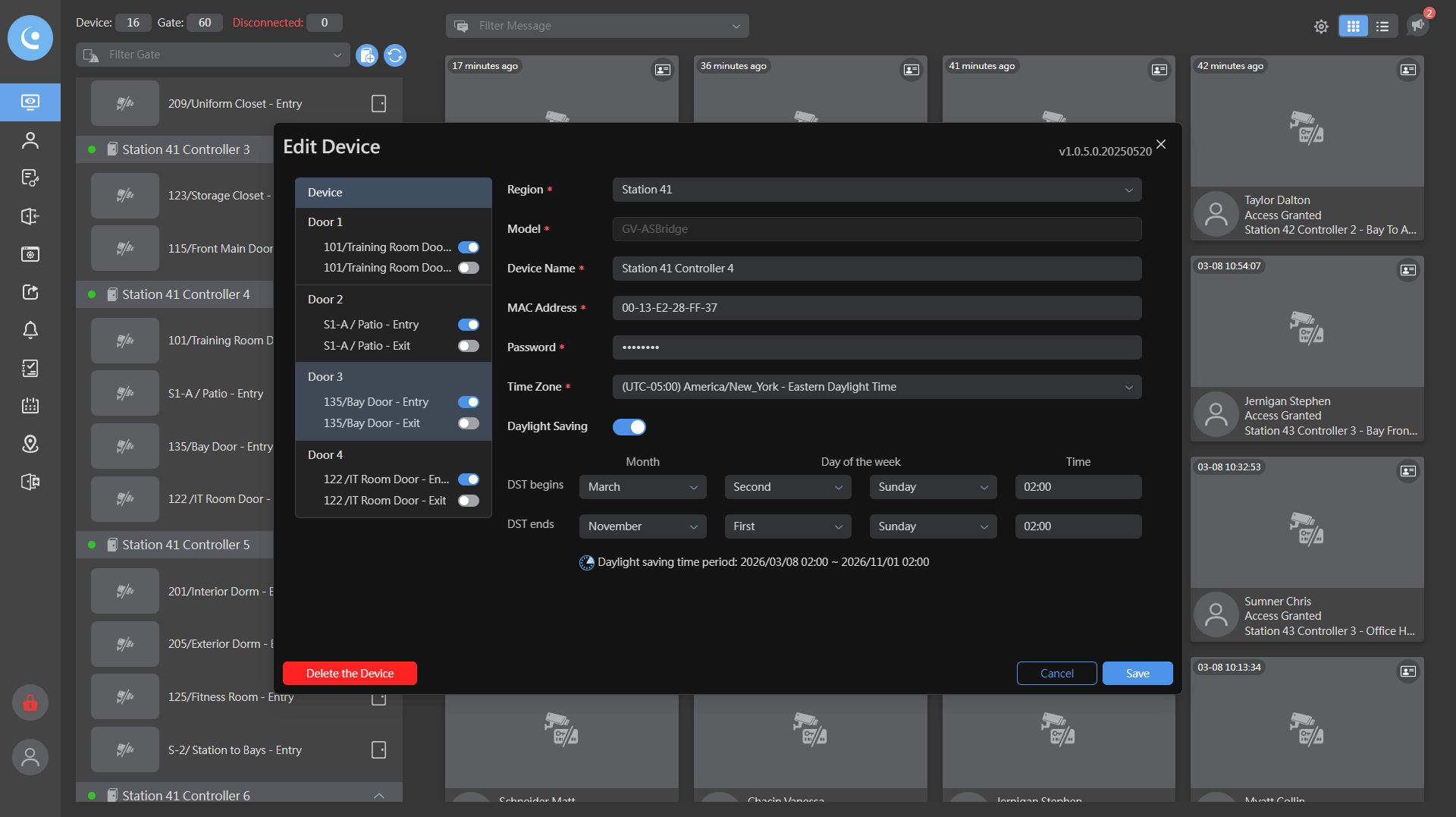
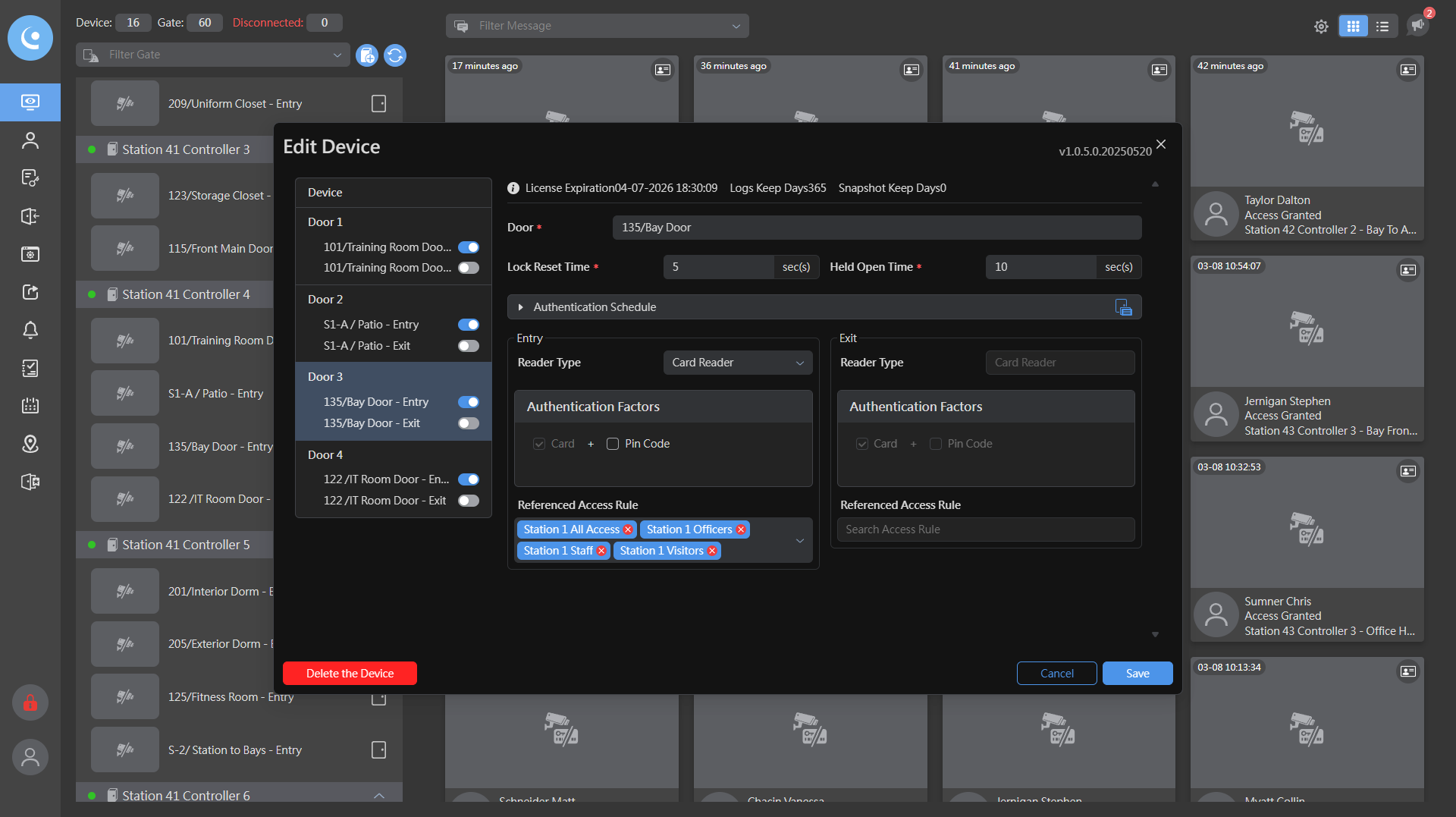
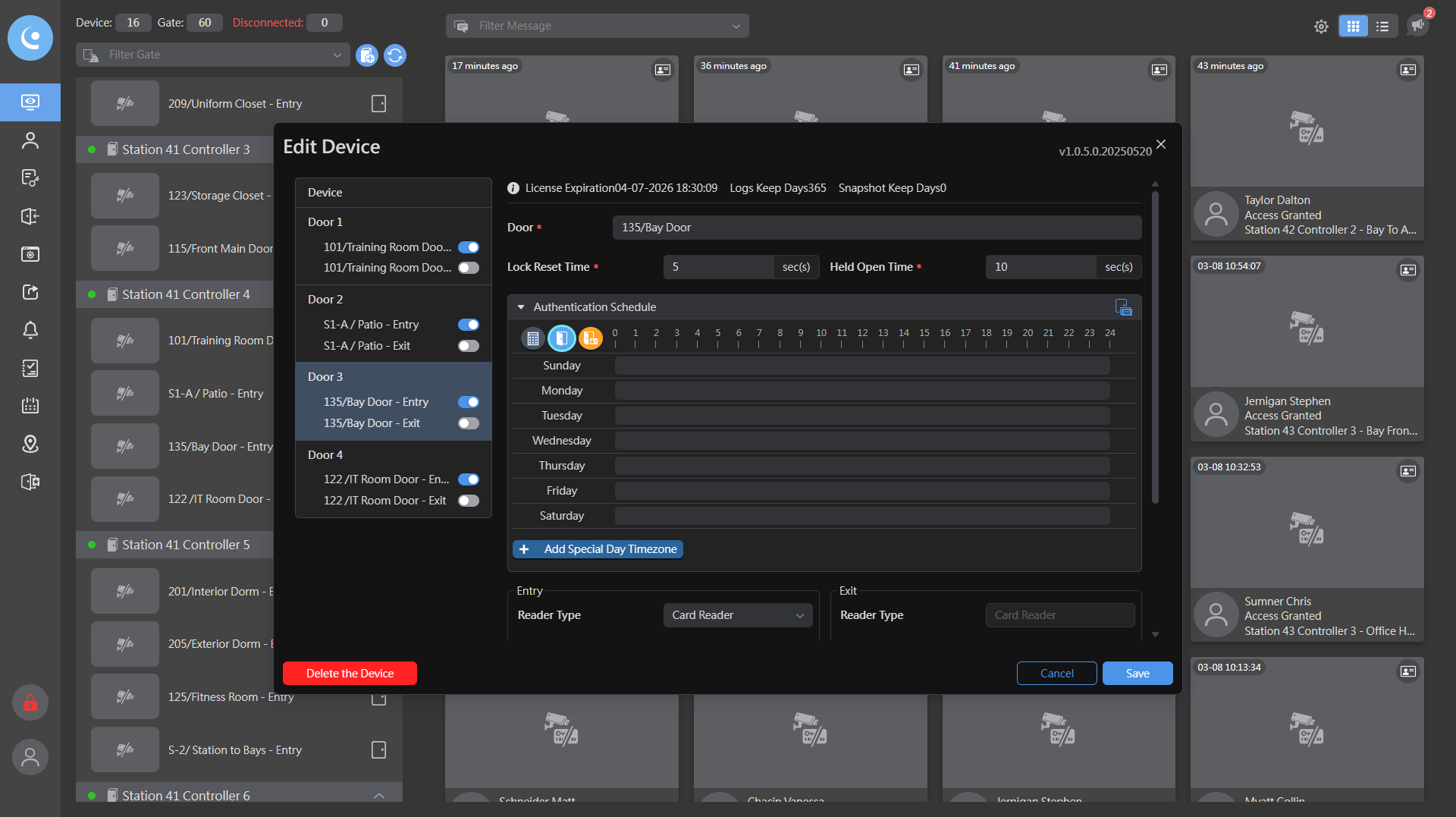
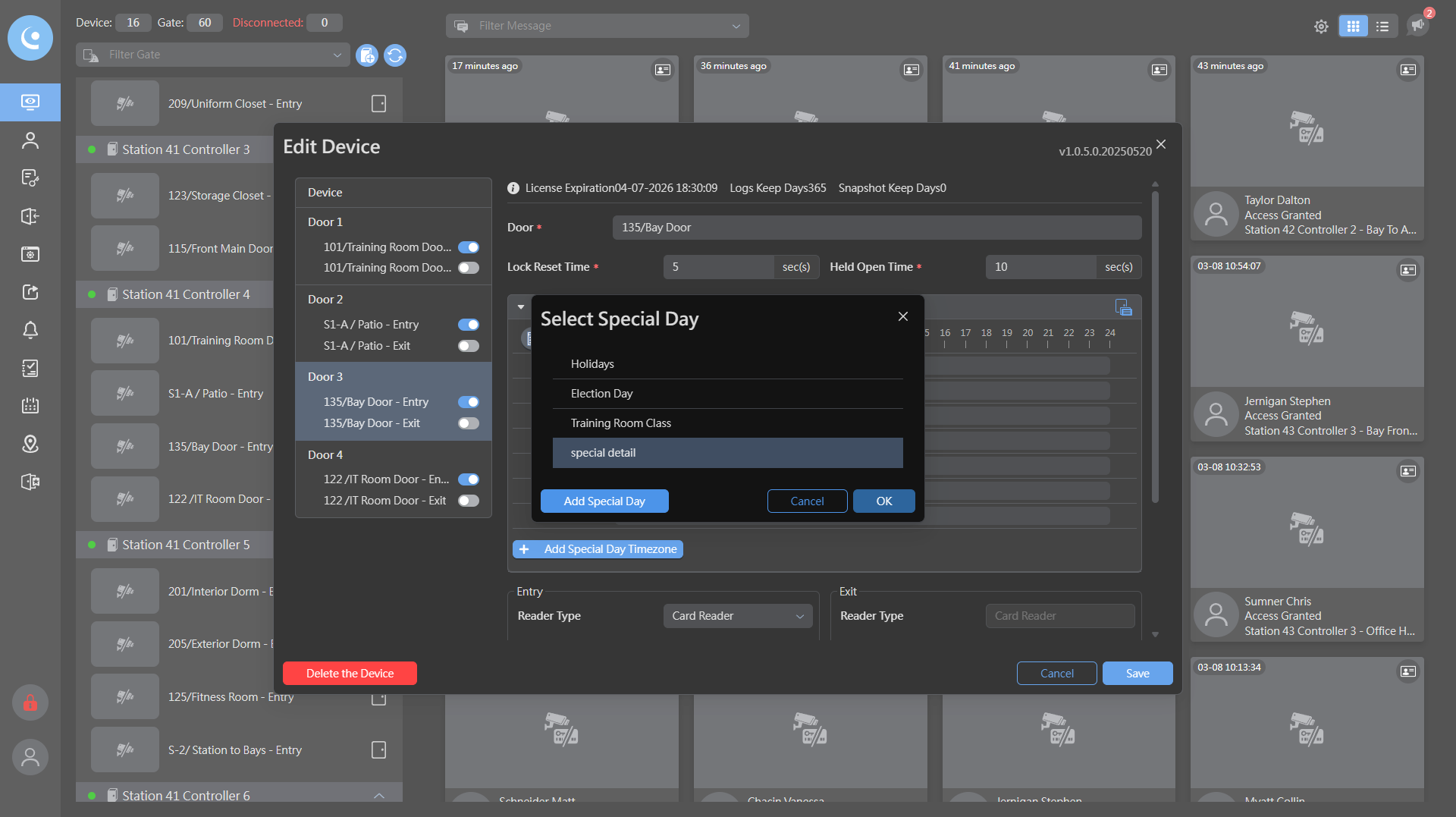
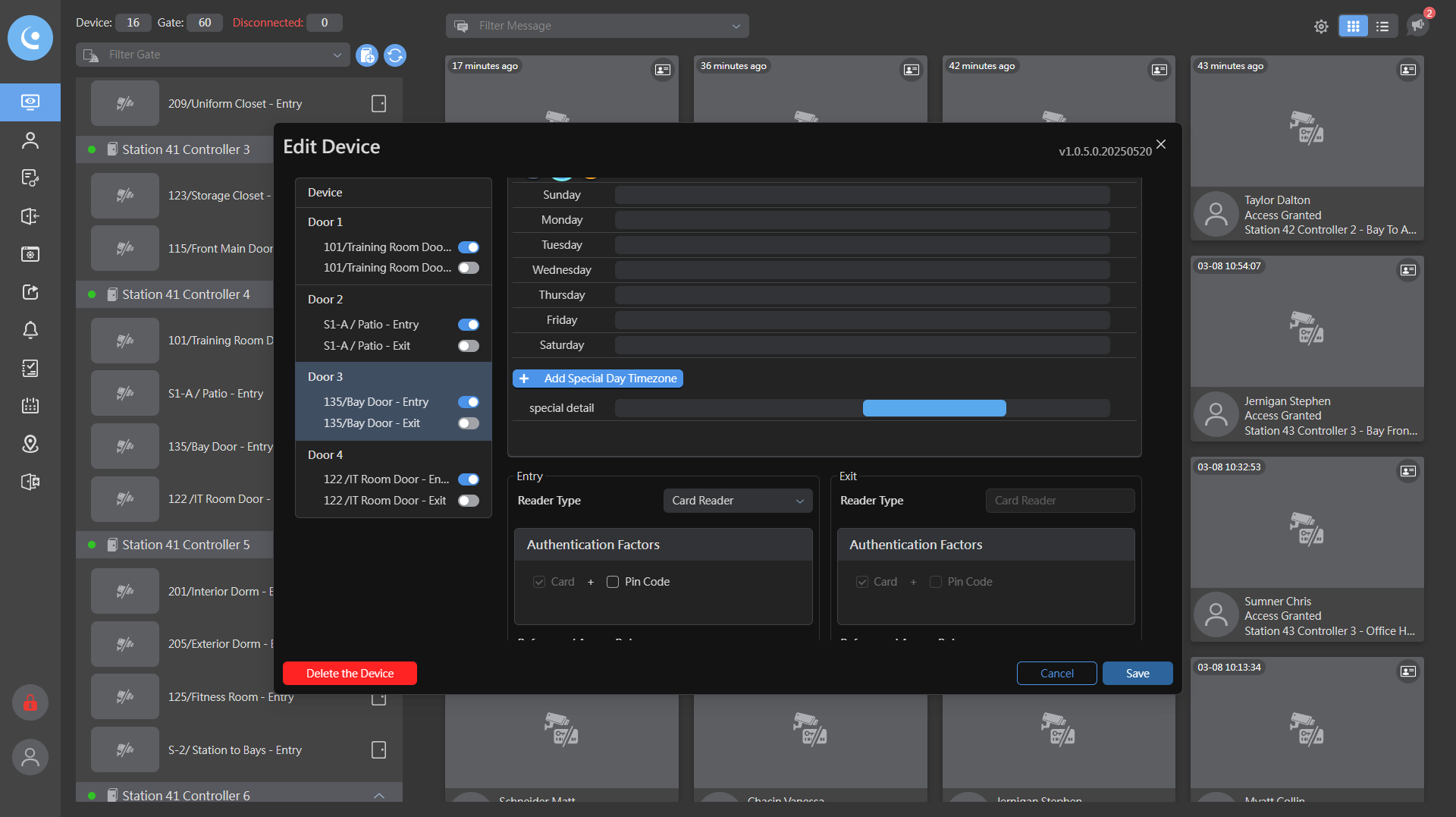
Next, select door number three. Then, choose "Authentication Schedule" and click "Add Special Day."
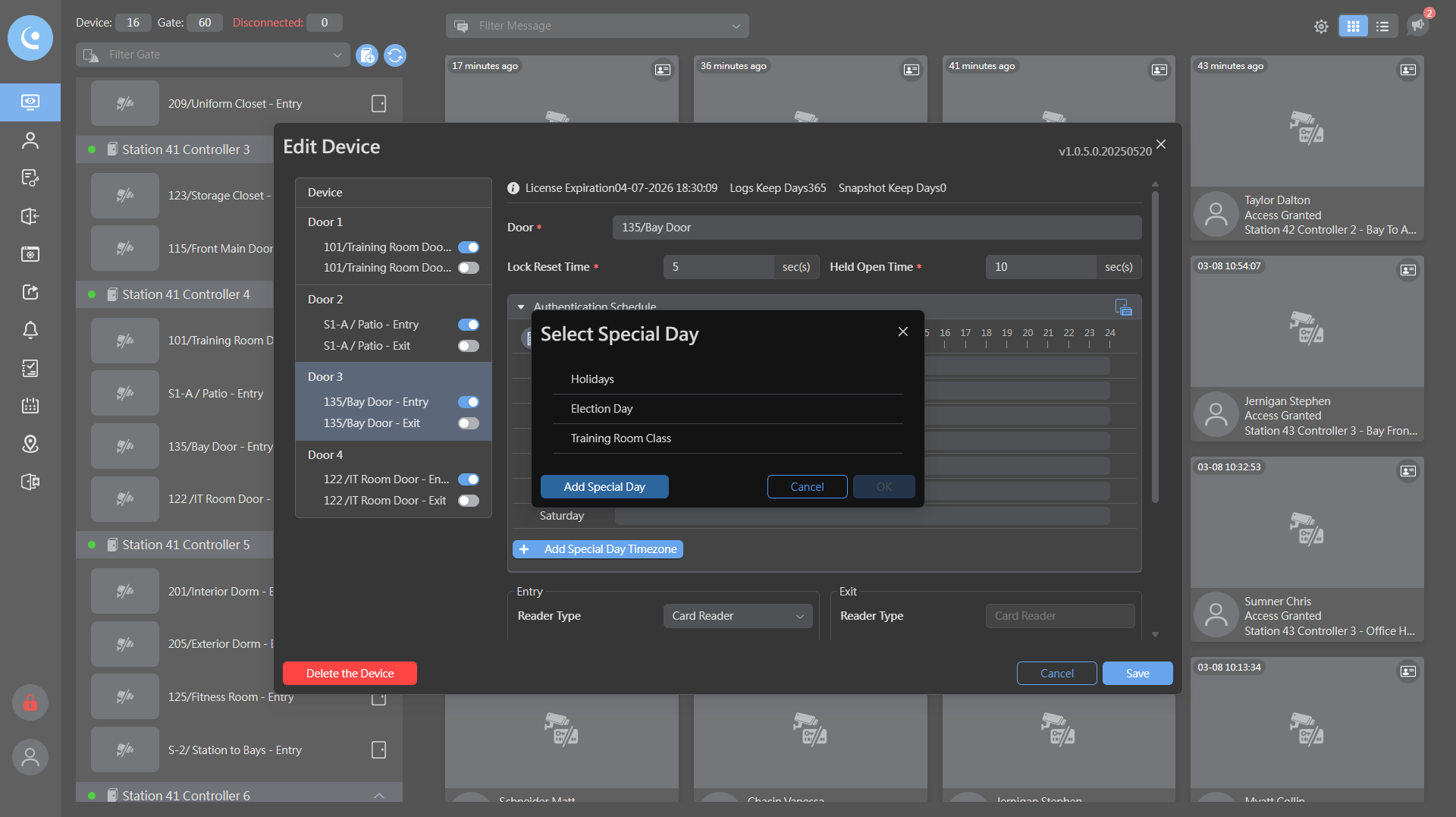
Then we click "Add Special Day" again.
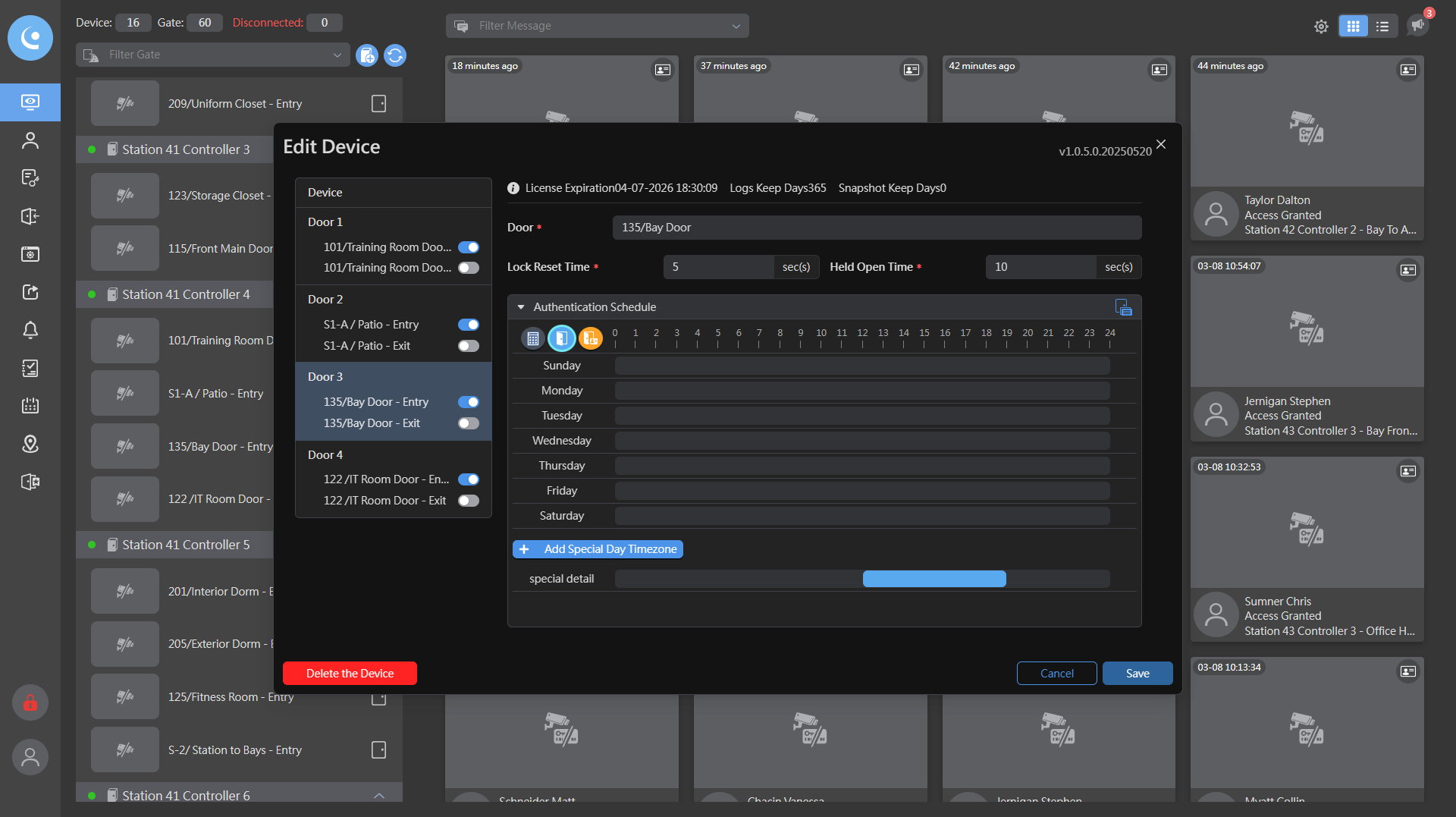
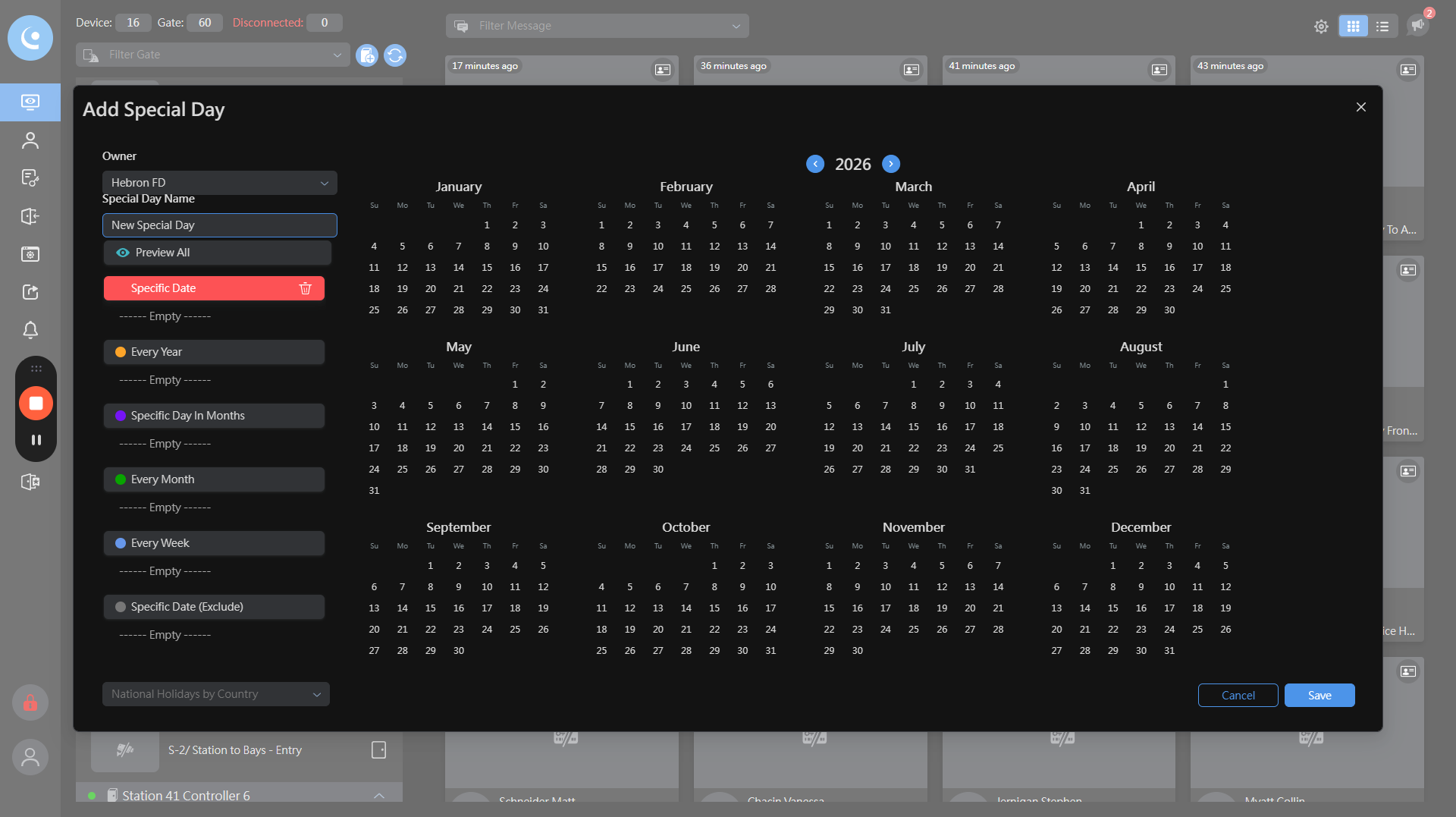
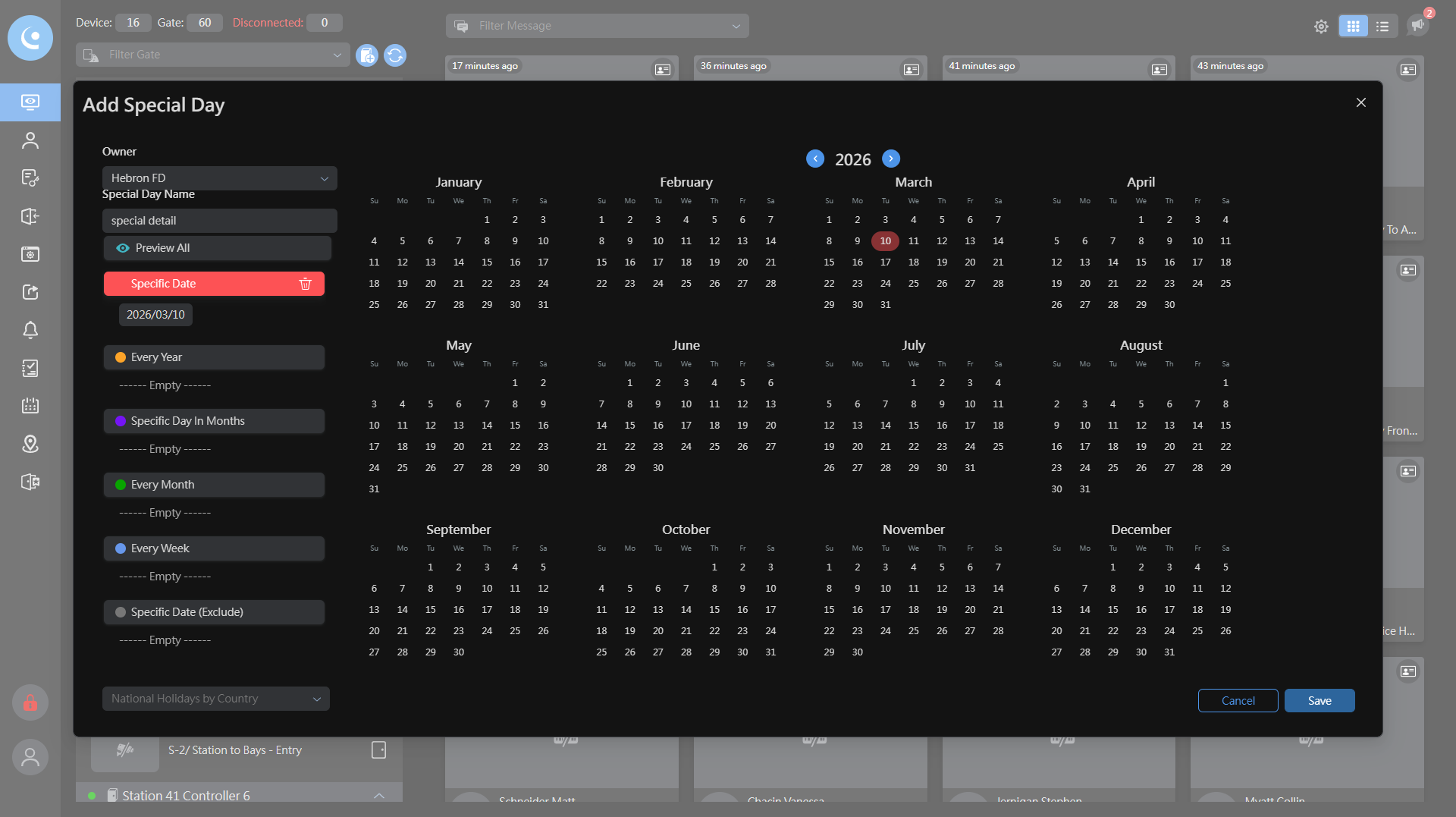
We will name it "Special Detail," and it will be for March 10th.
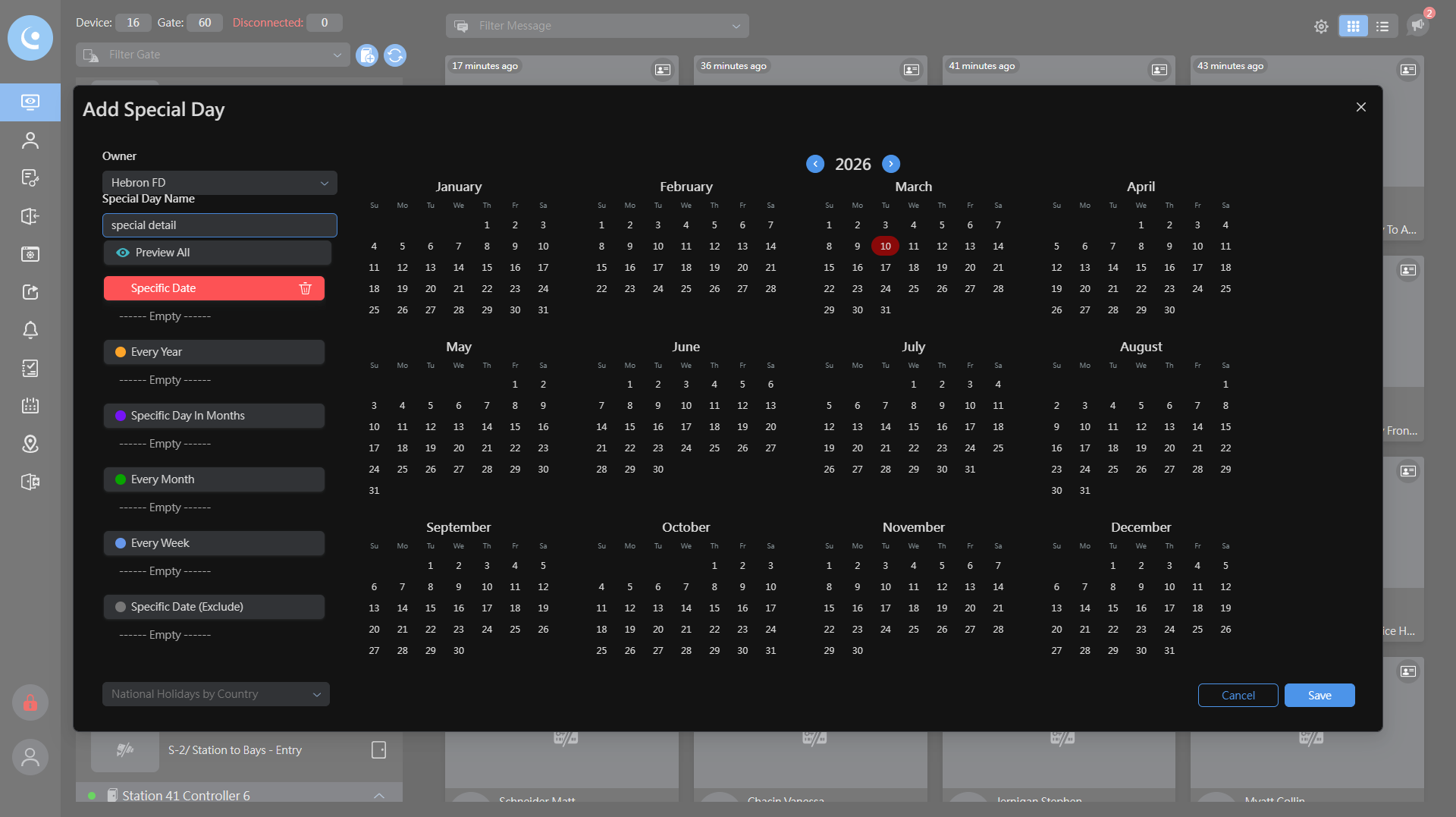
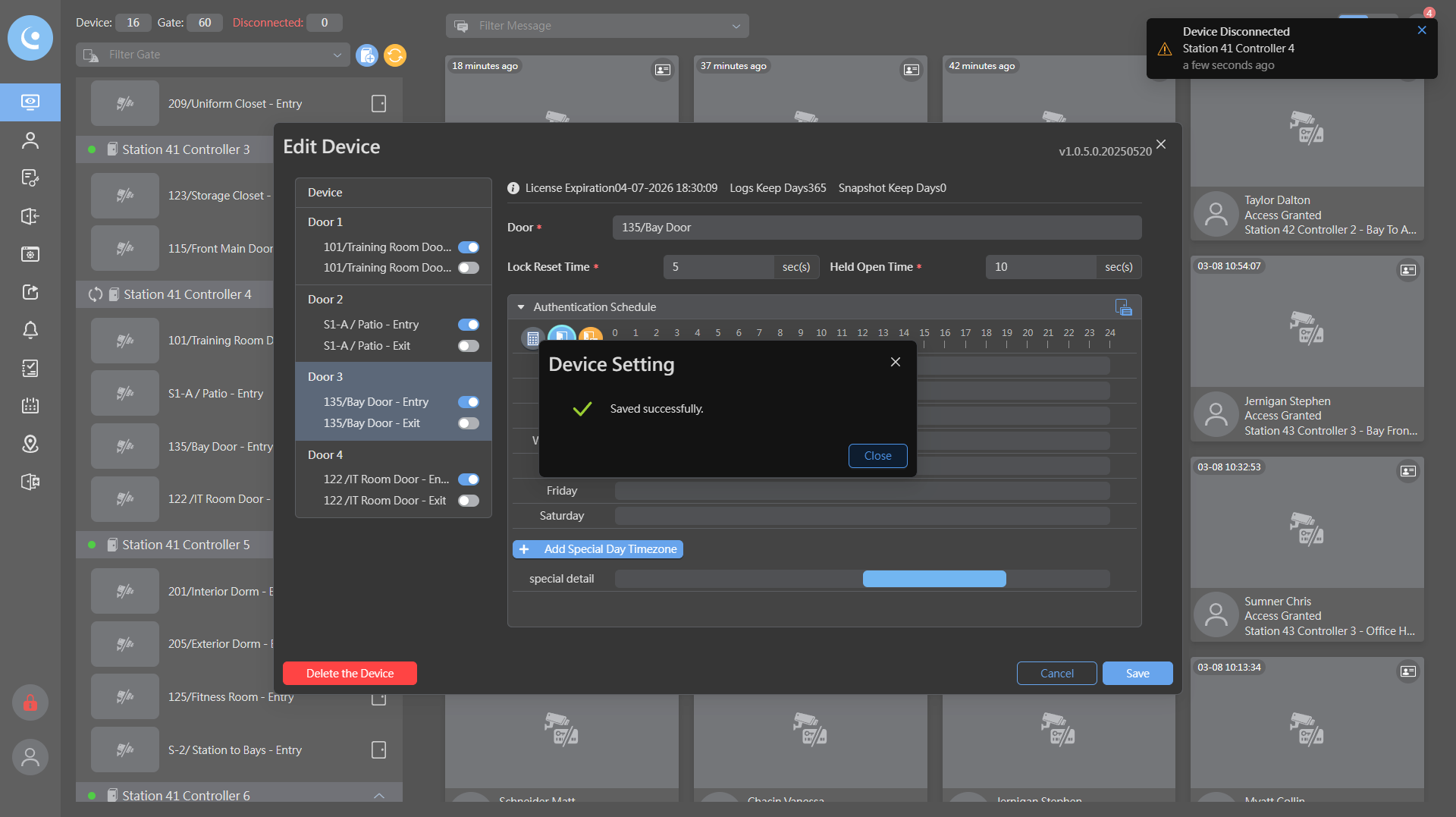
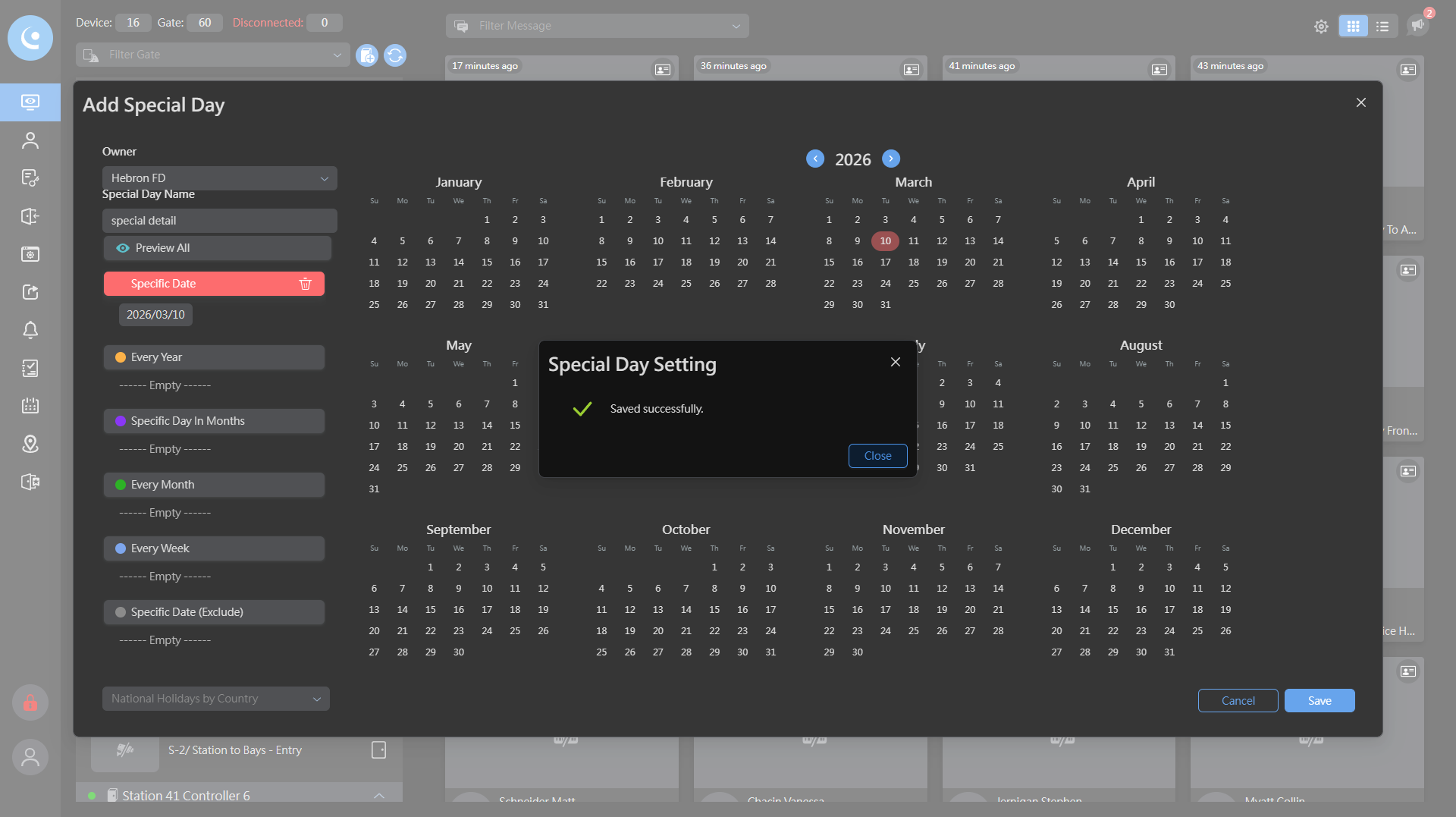
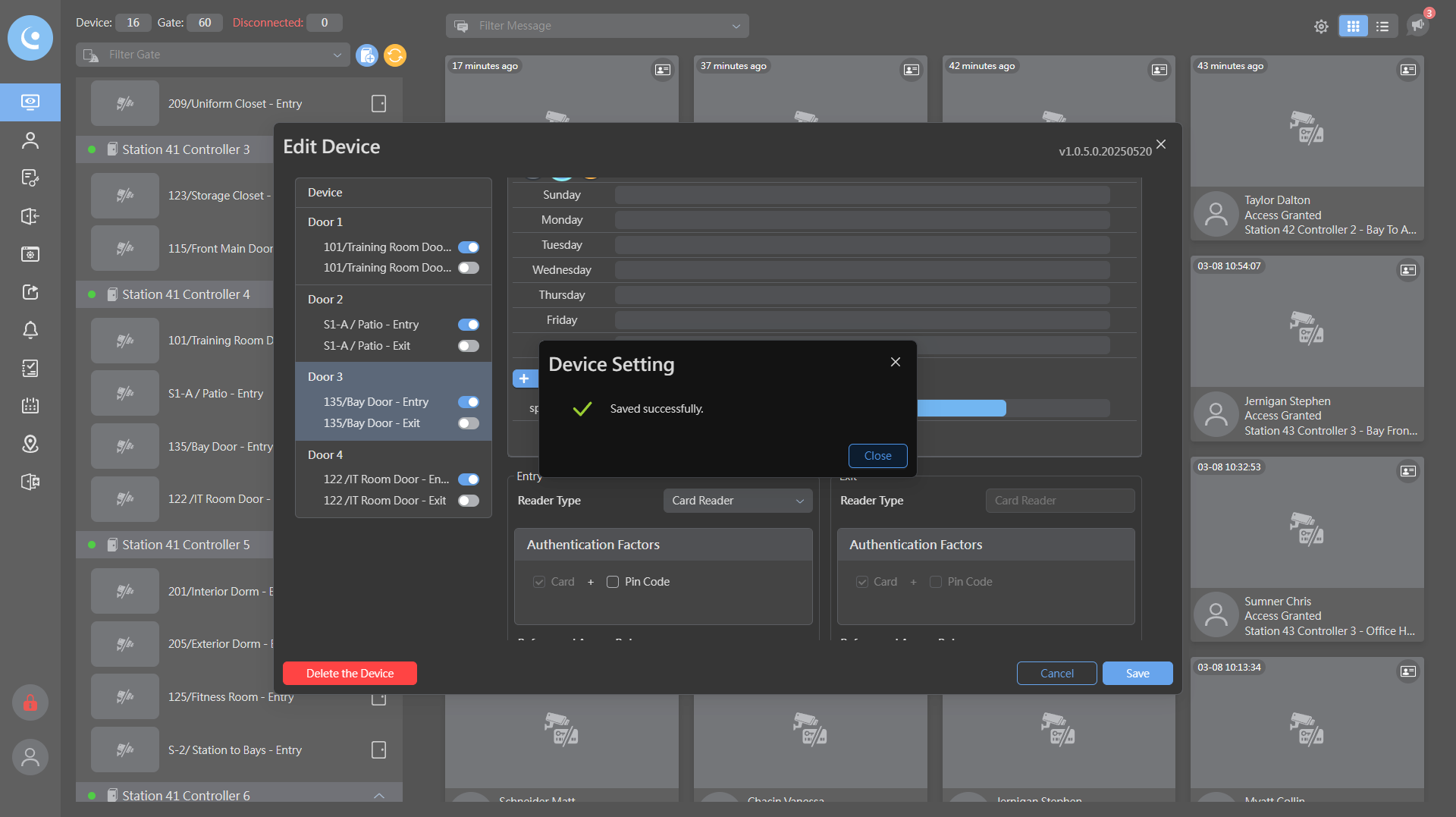
Then I will click save.
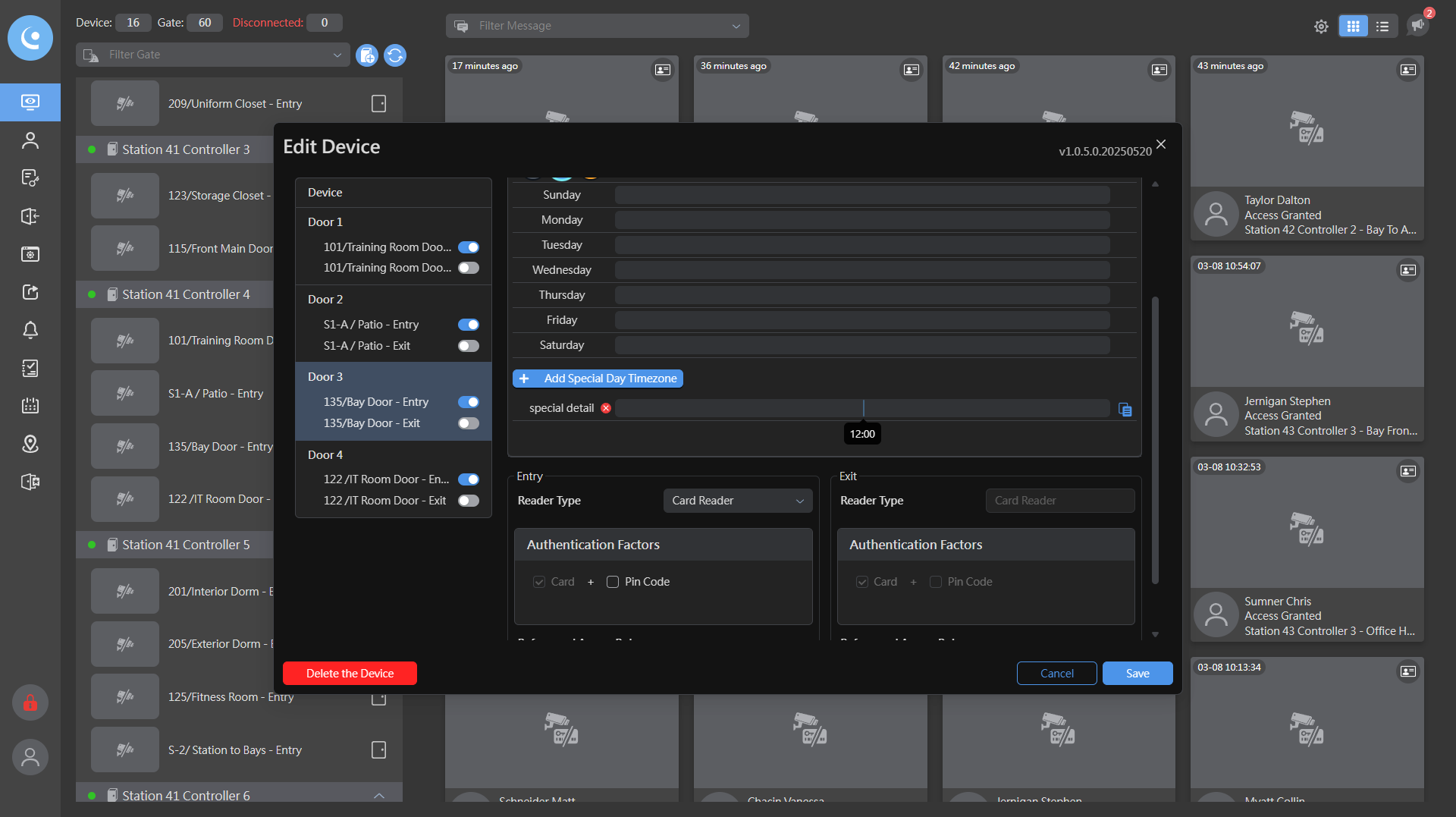
Now I will select Special Detail and set the time you specified, 12:00 to 19:00.
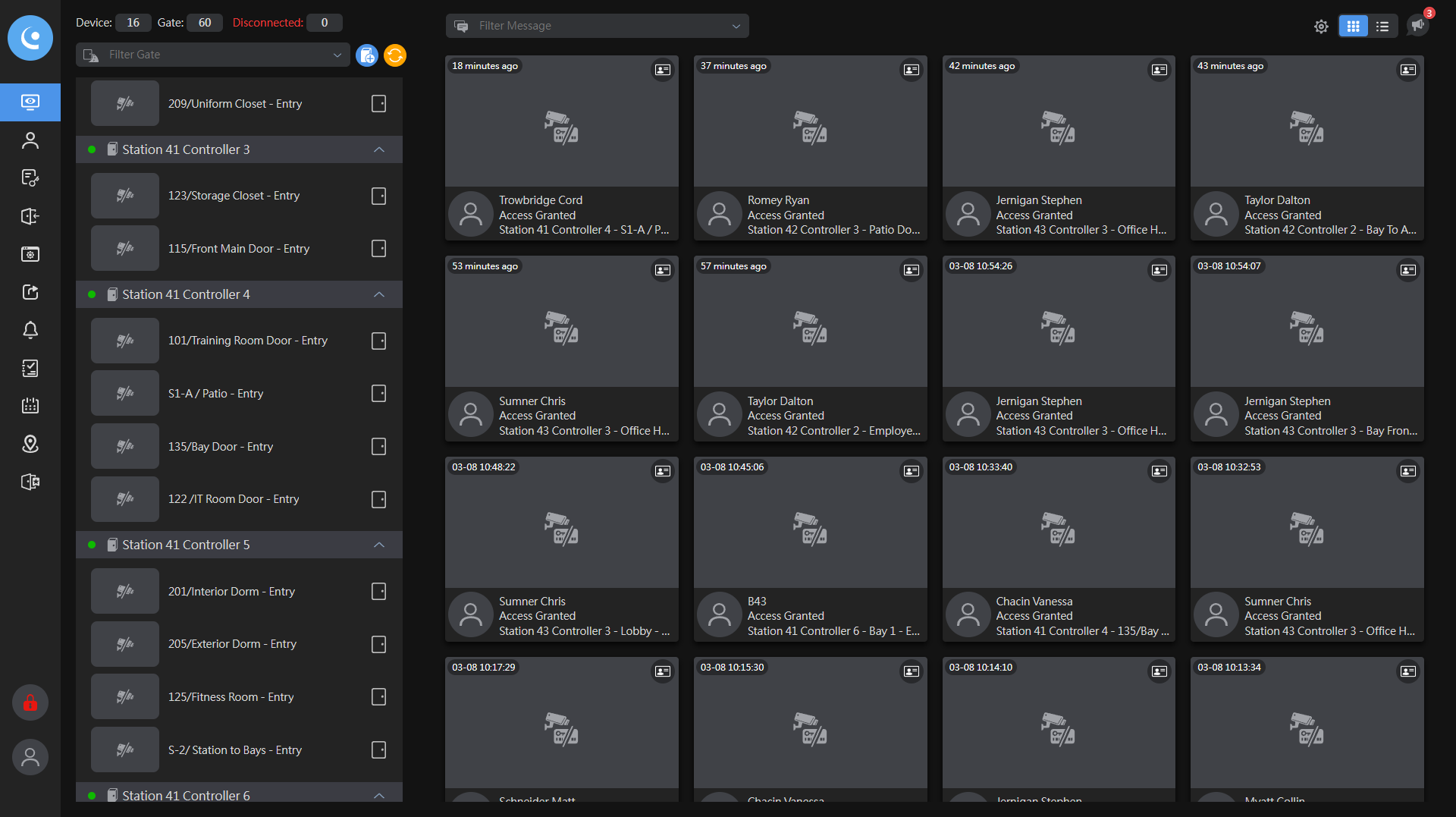
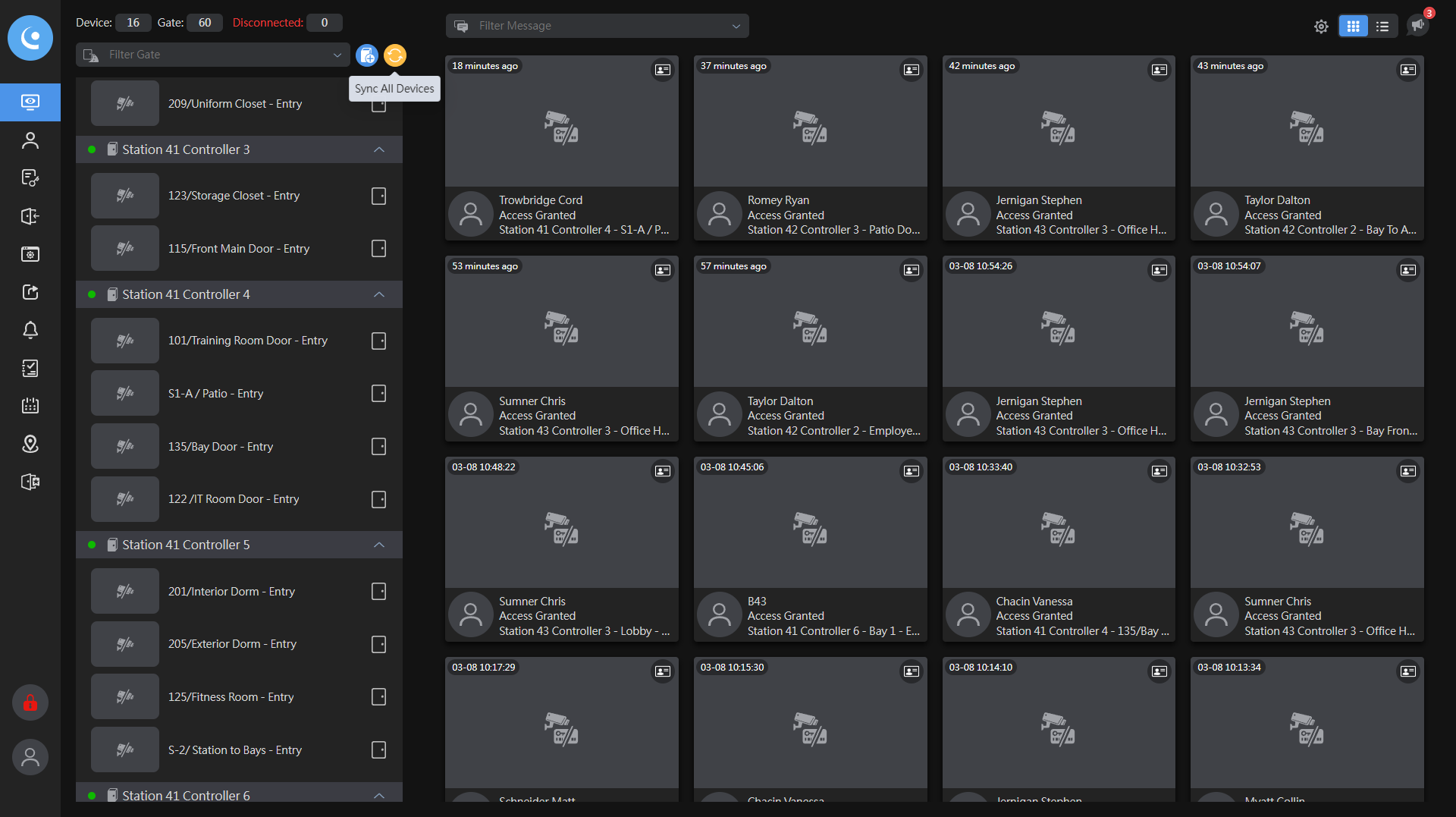
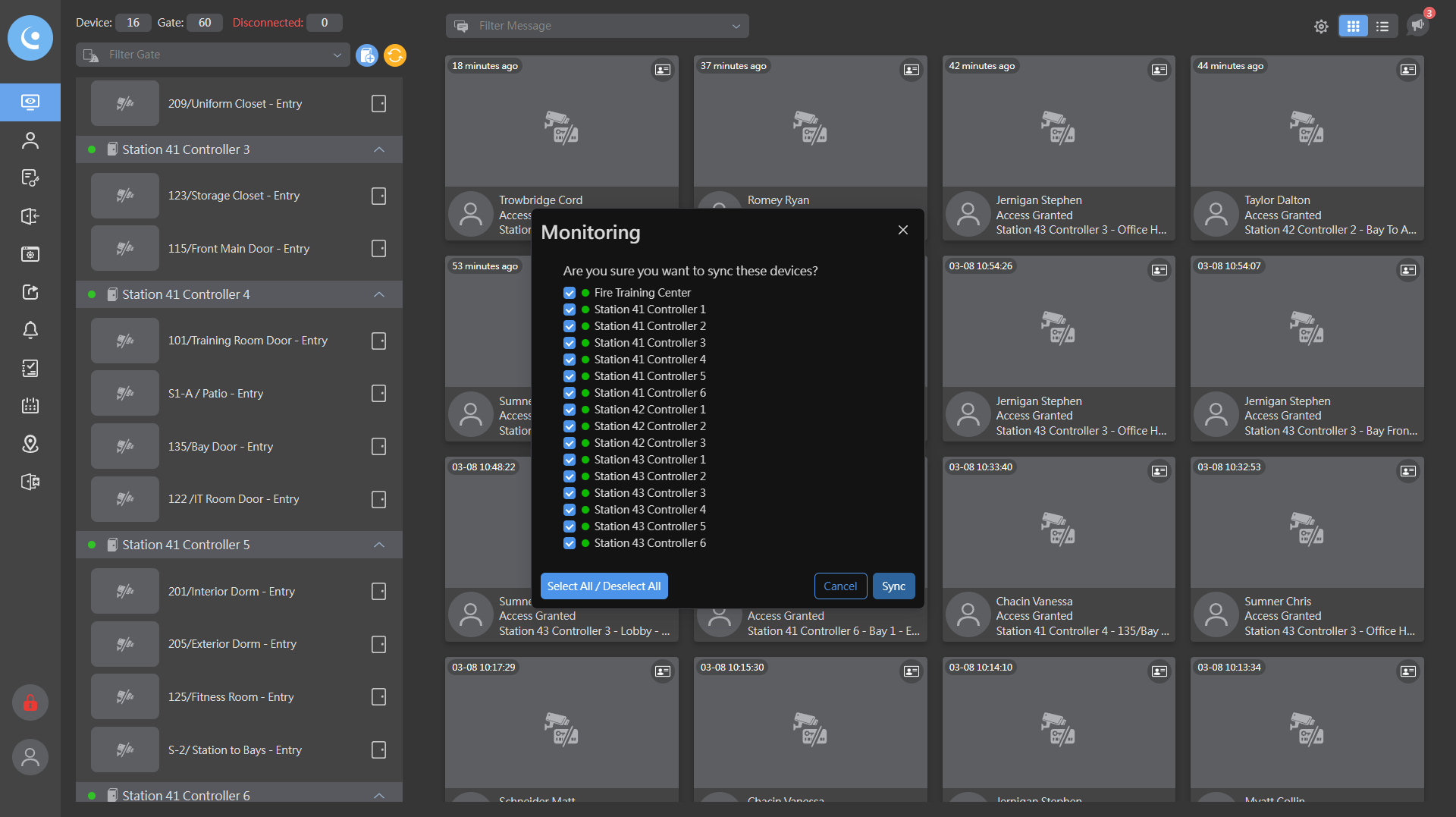
After that, I will click "Sync All Devices."
Now, if I check, I can see that my special detail is on bay 135.