
How to Create an Excel Commercial Invoice for Stores with Forwarders or Special Requirements
Learn step-by-step how to create a commercial invoice in Excel for stores with forwarders or special requirements. This guide covers downloading, converting, and customizing your invoice for specific customer needs.
In this guide, we'll learn how to create a commercial invoice in Excel for stores with specific shipping or documentation needs. We will use an order example to show how to export a commercial invoice from a PDF to Excel, and how to add extra columns for garment composition as required by some customers.
This process helps ensure your invoice meets unique requirements and is ready for further editing or sharing.
Let's get started
Okay. Today, we will learn how to create an Excel commercial invoice for stores with forwarders or special requirements. Let's use this order as an example. We will follow this order. You will see documents for Alek.
The best approach is to use the shipment details, as they show the exact units shipped, which you need for the commercial invoice.
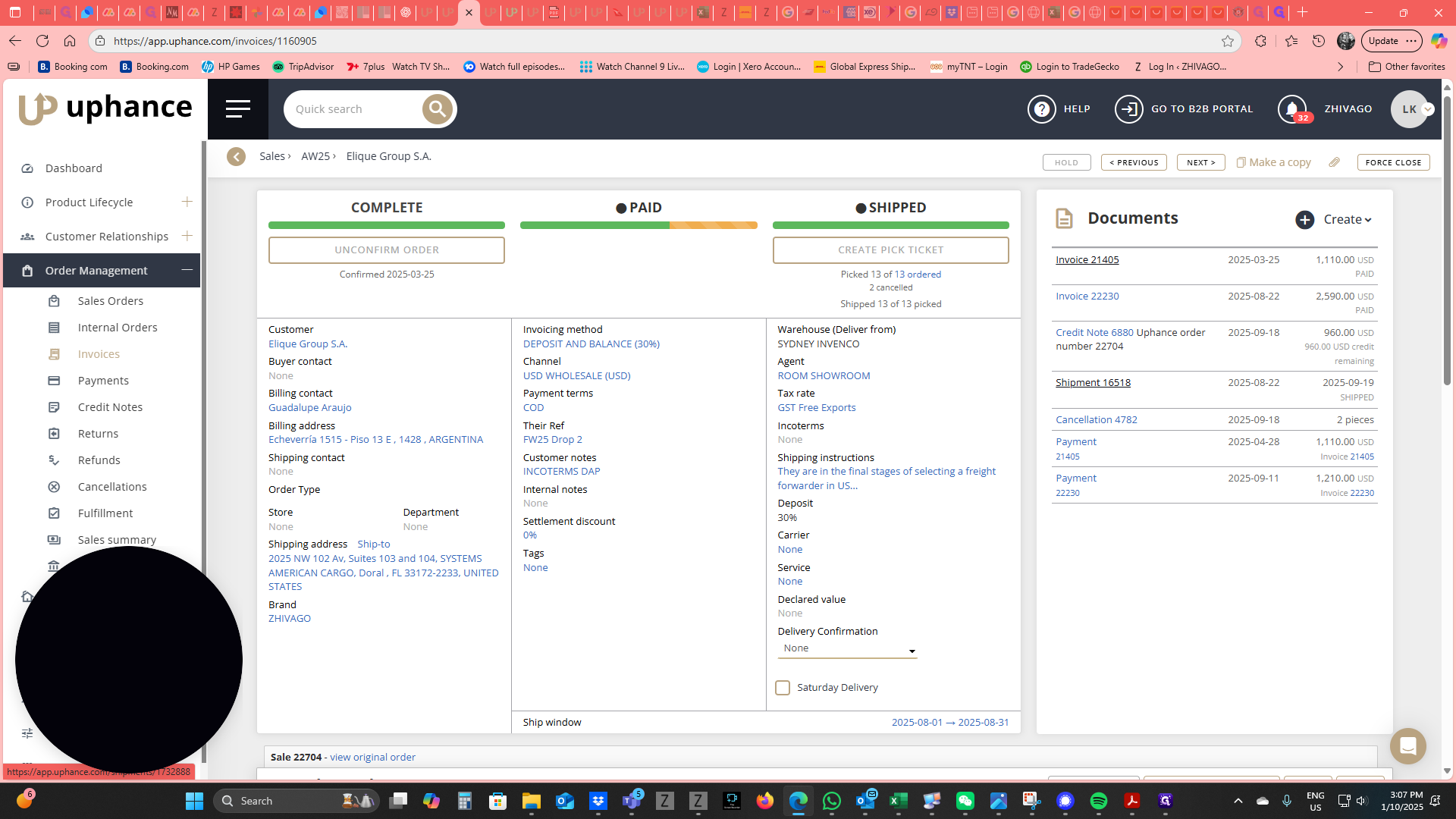
Scroll down to view the shipment information.
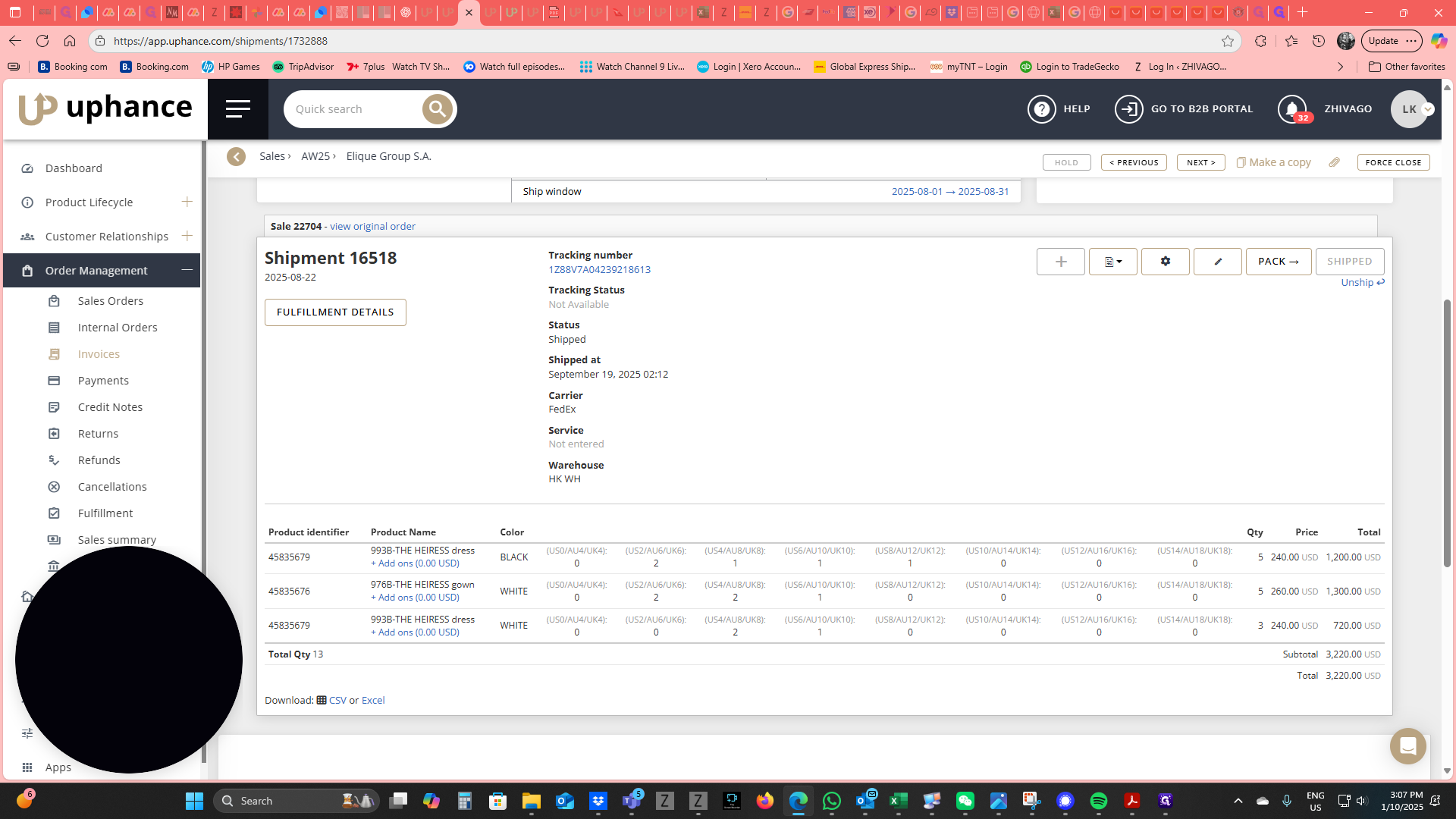
Go to the Downloads section, select Download Commercial Invoice, and click Download.
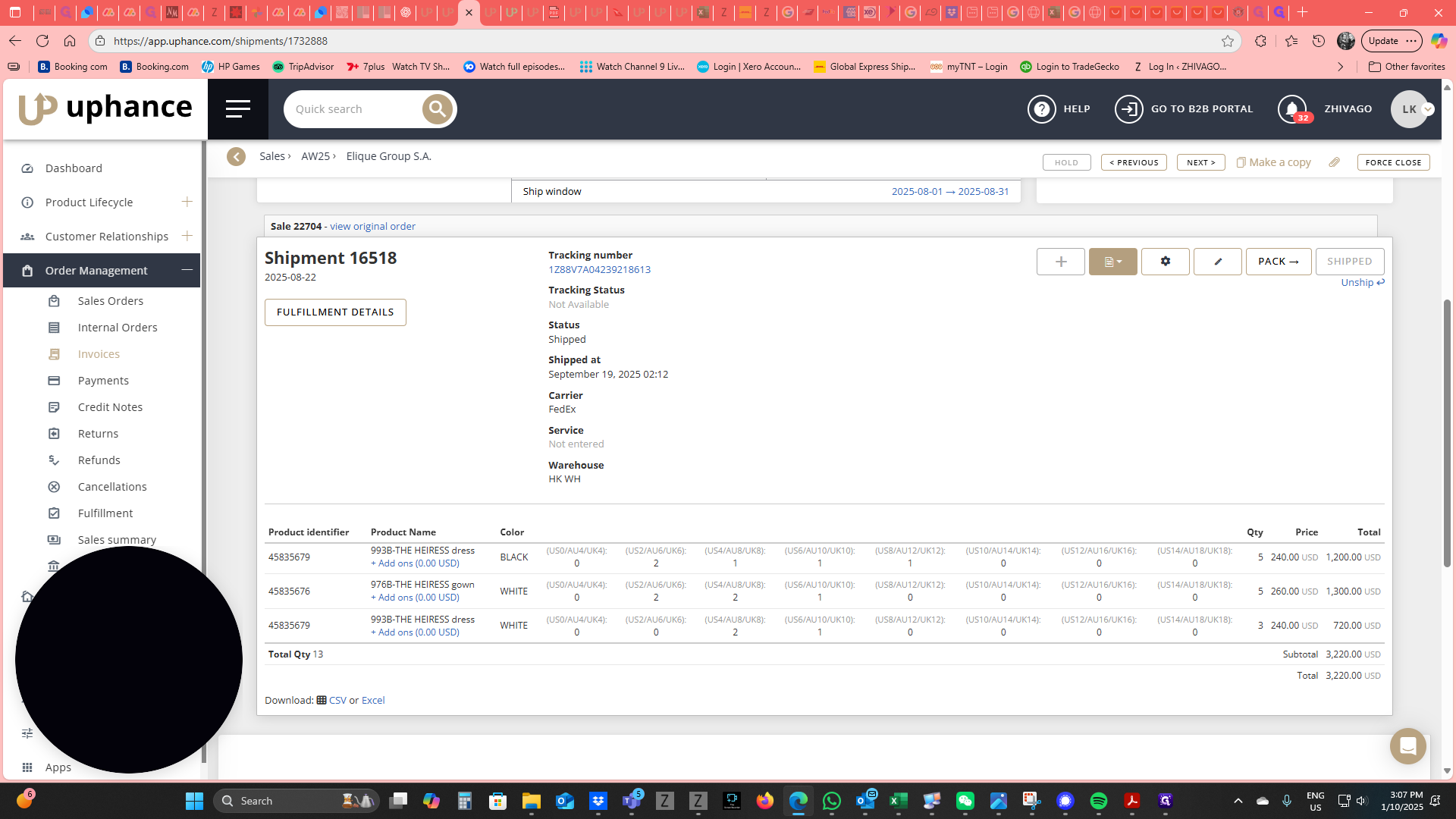
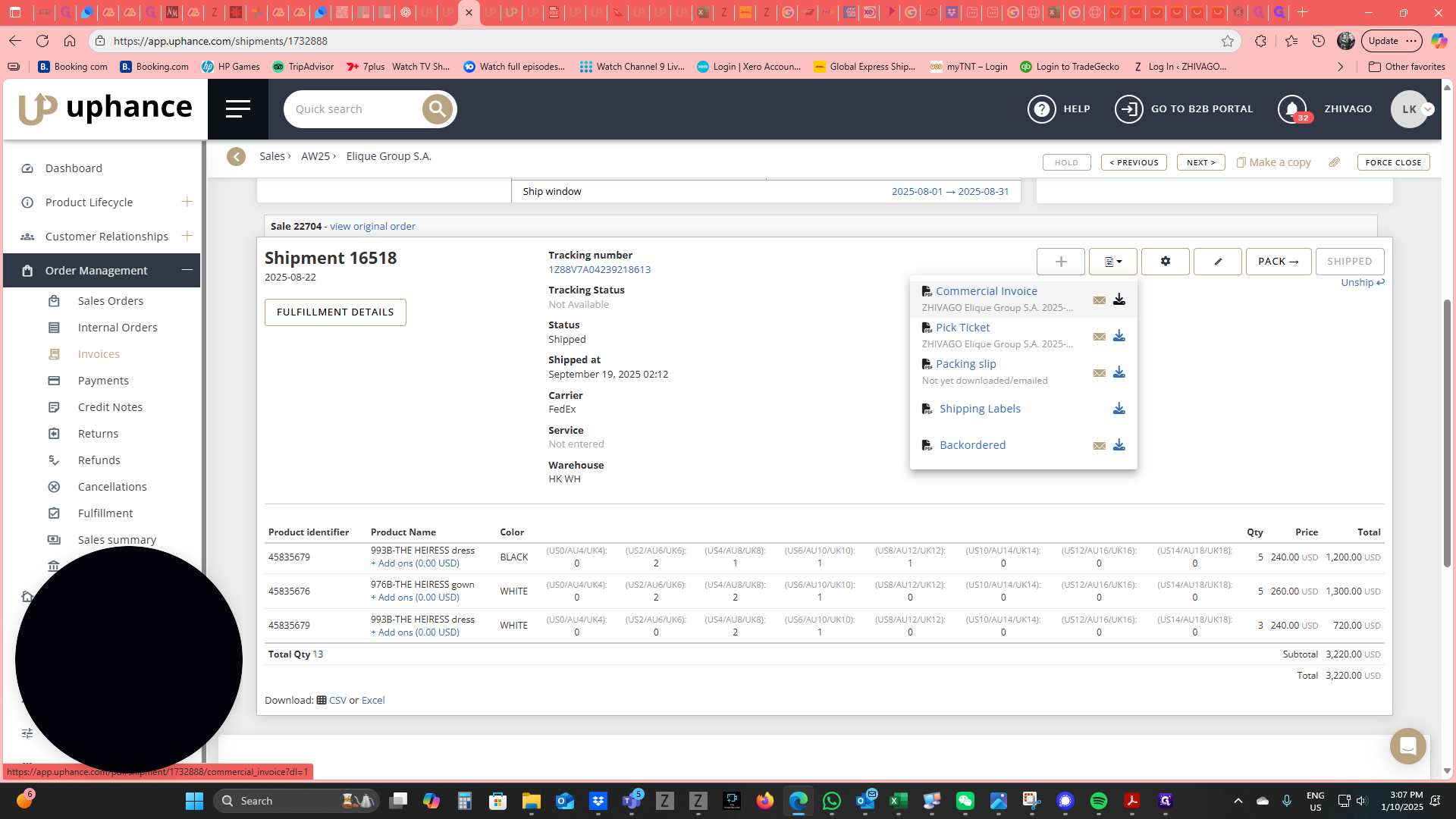
You’ll see it download into the Downloads folder.
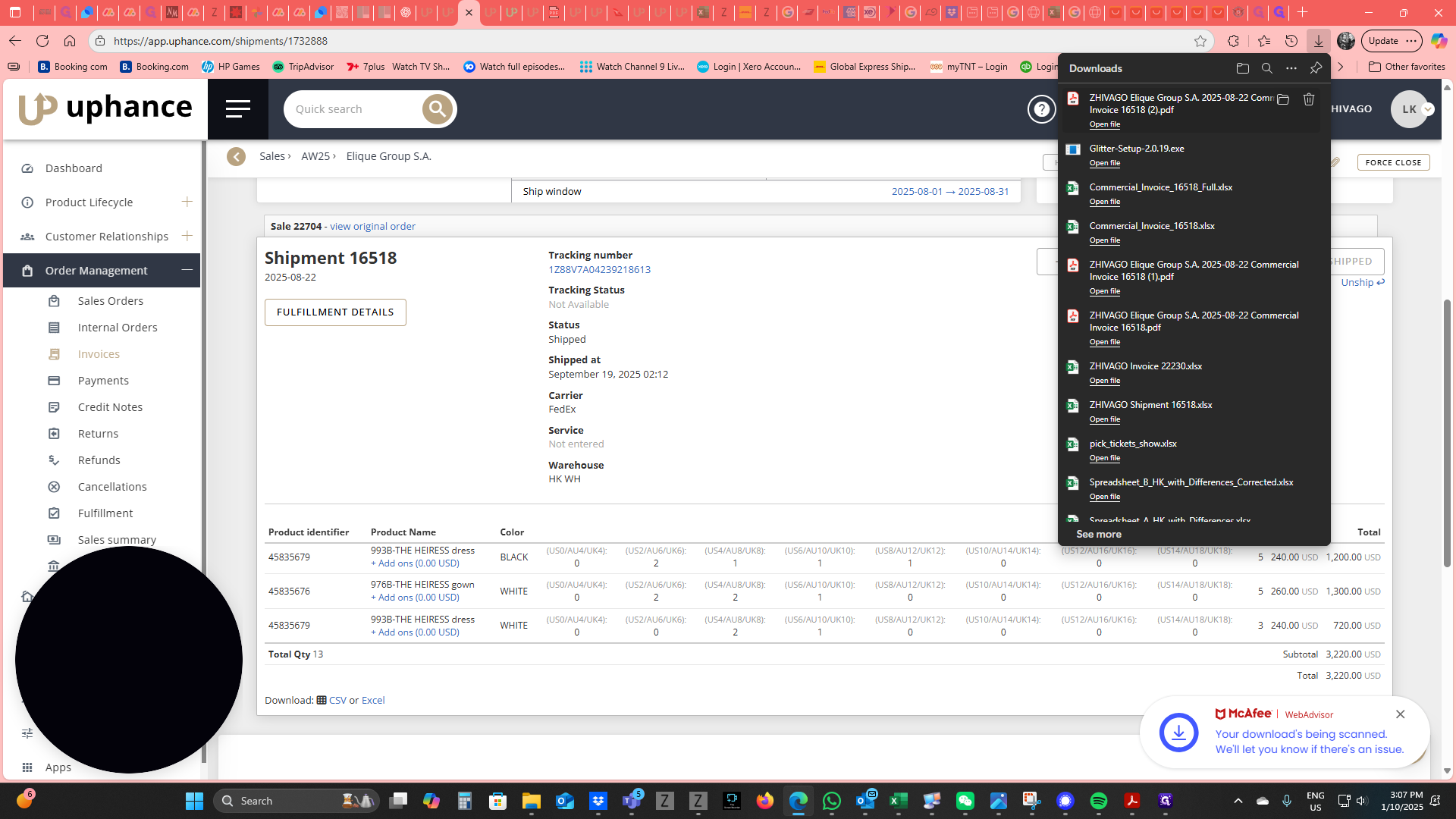
Open the commercial invoice in Acrobat.
With the commercial invoice open in Acrobat, go to File.
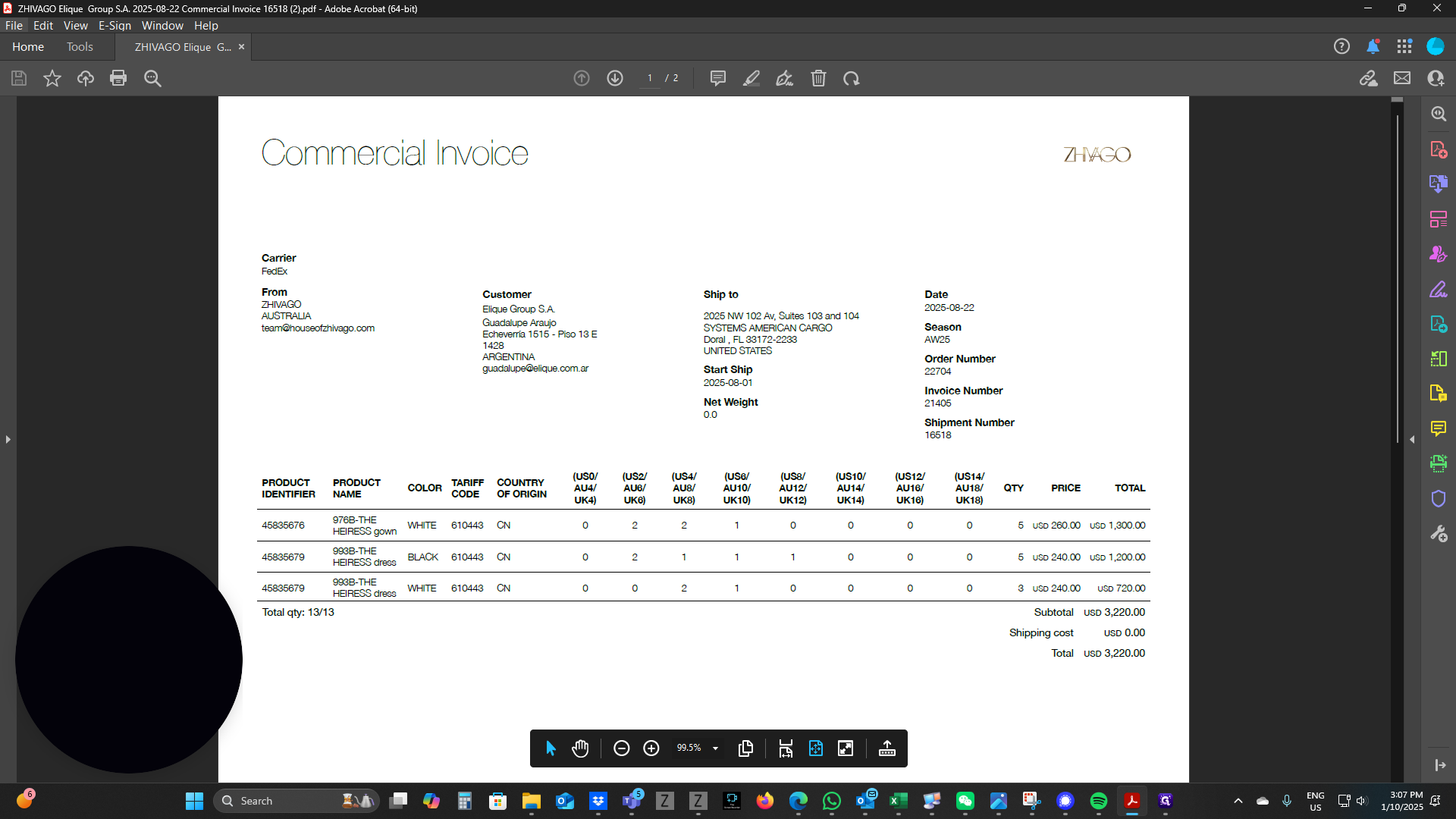
Go to Export To.
Then, go to Spreadsheet and select Microsoft Excel Workbook.
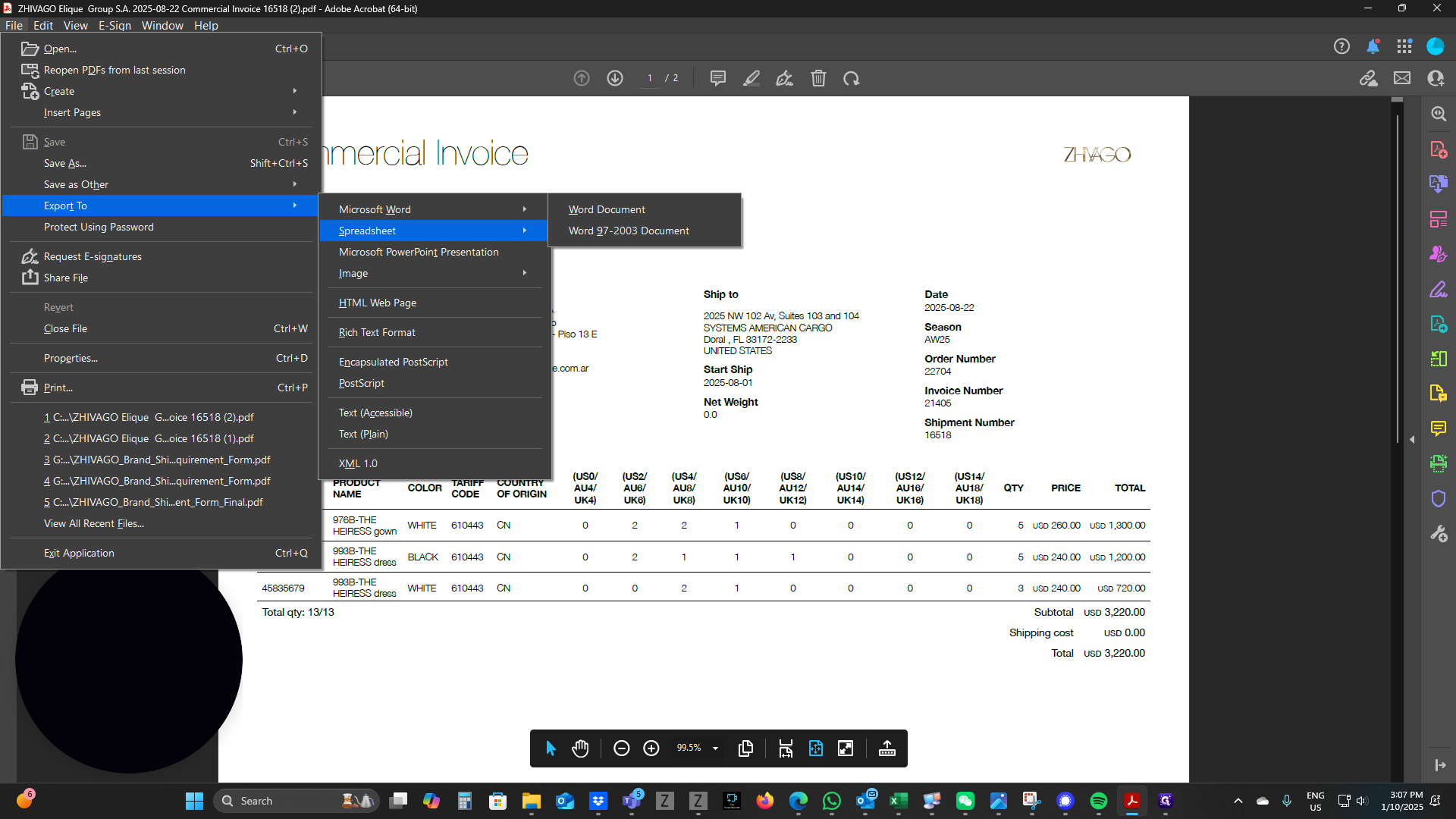
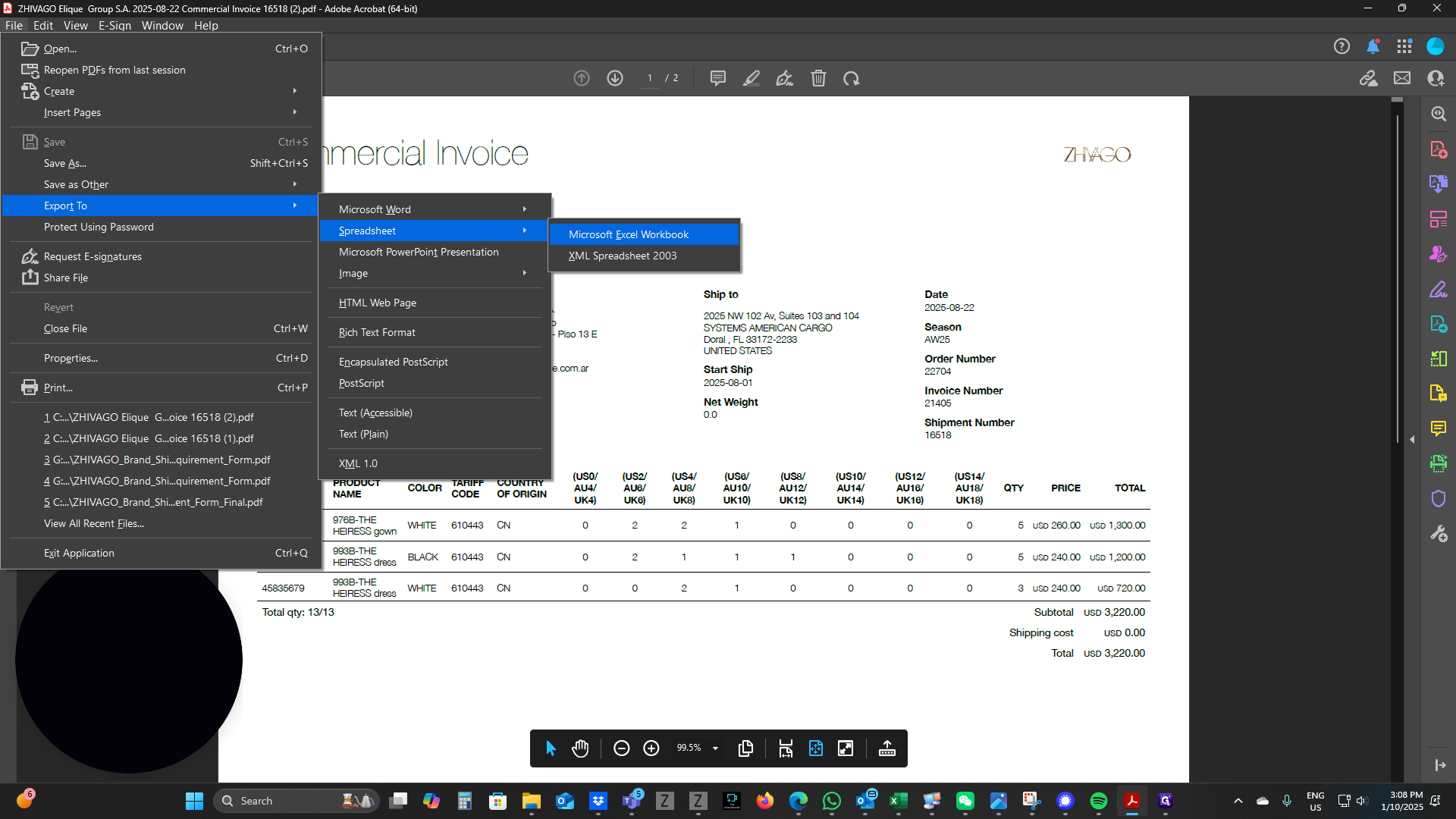
You will need to save the item.
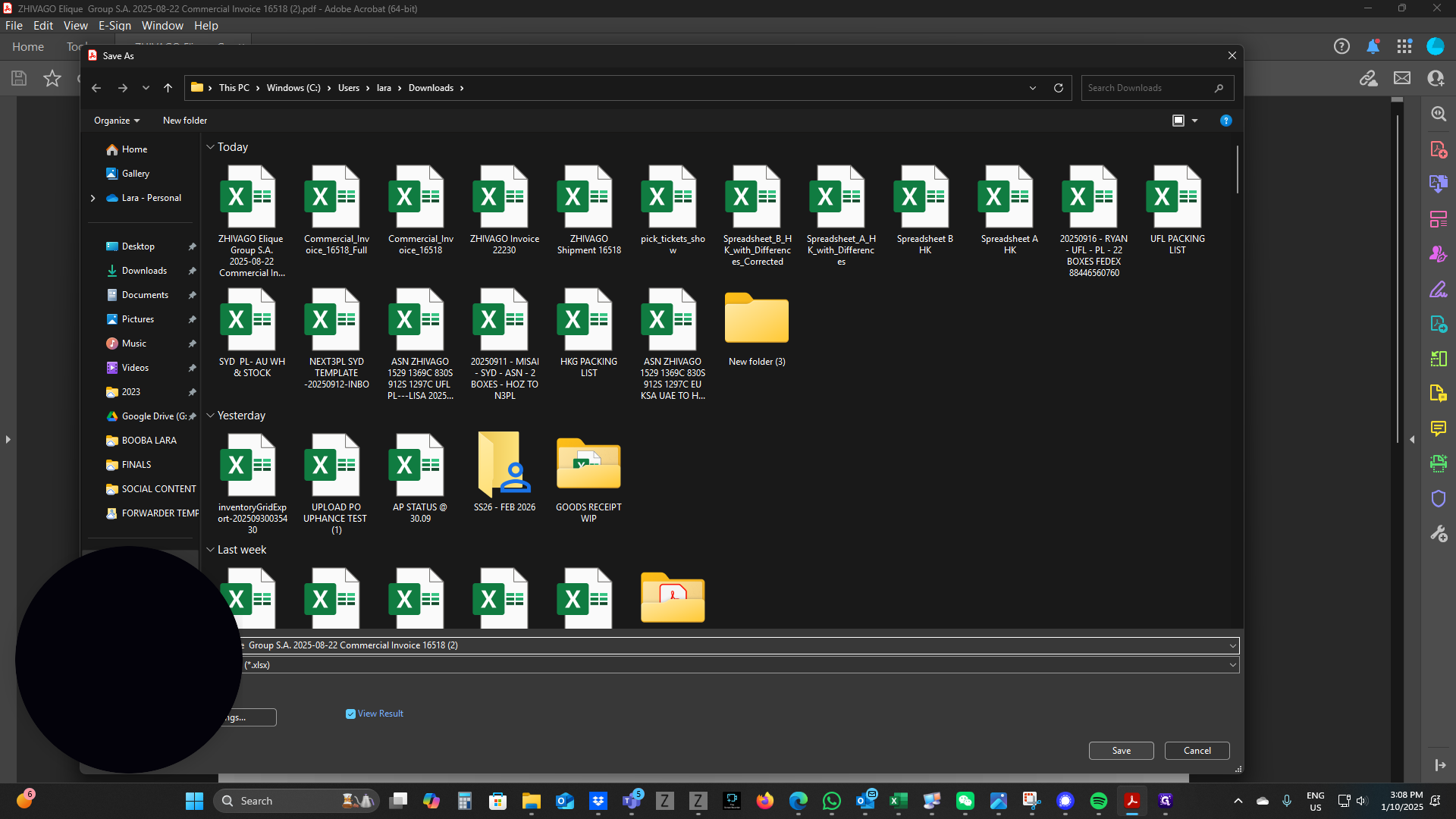
Once you save the item, it will open automatically, and you will see... You now have a commercial invoice in Excel format. For this example, the customer needs the garment composition. After the color, we will insert a column.
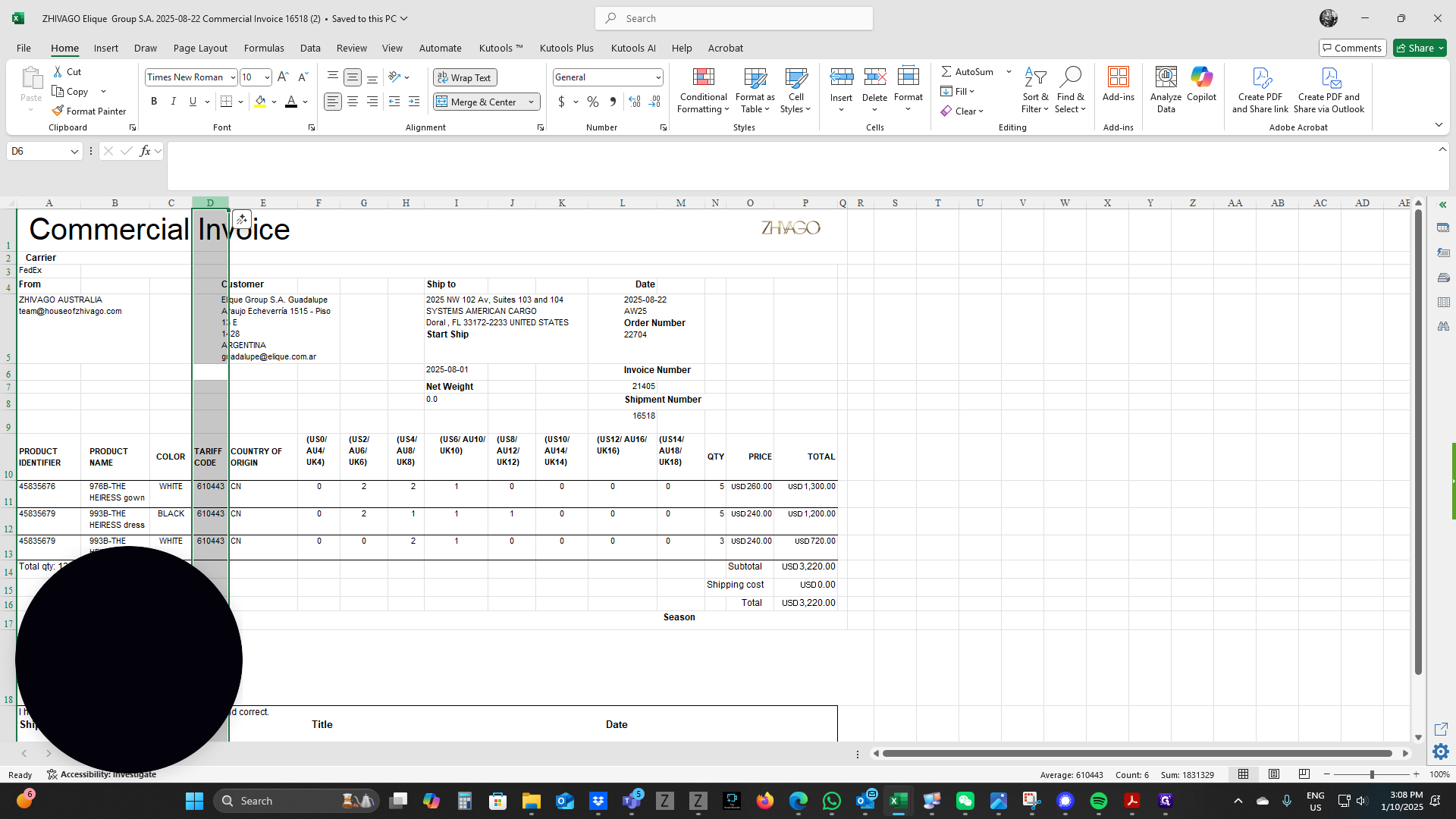
Right-click on column D and select Insert. Since both the main and the lining require composition, we will create two columns.
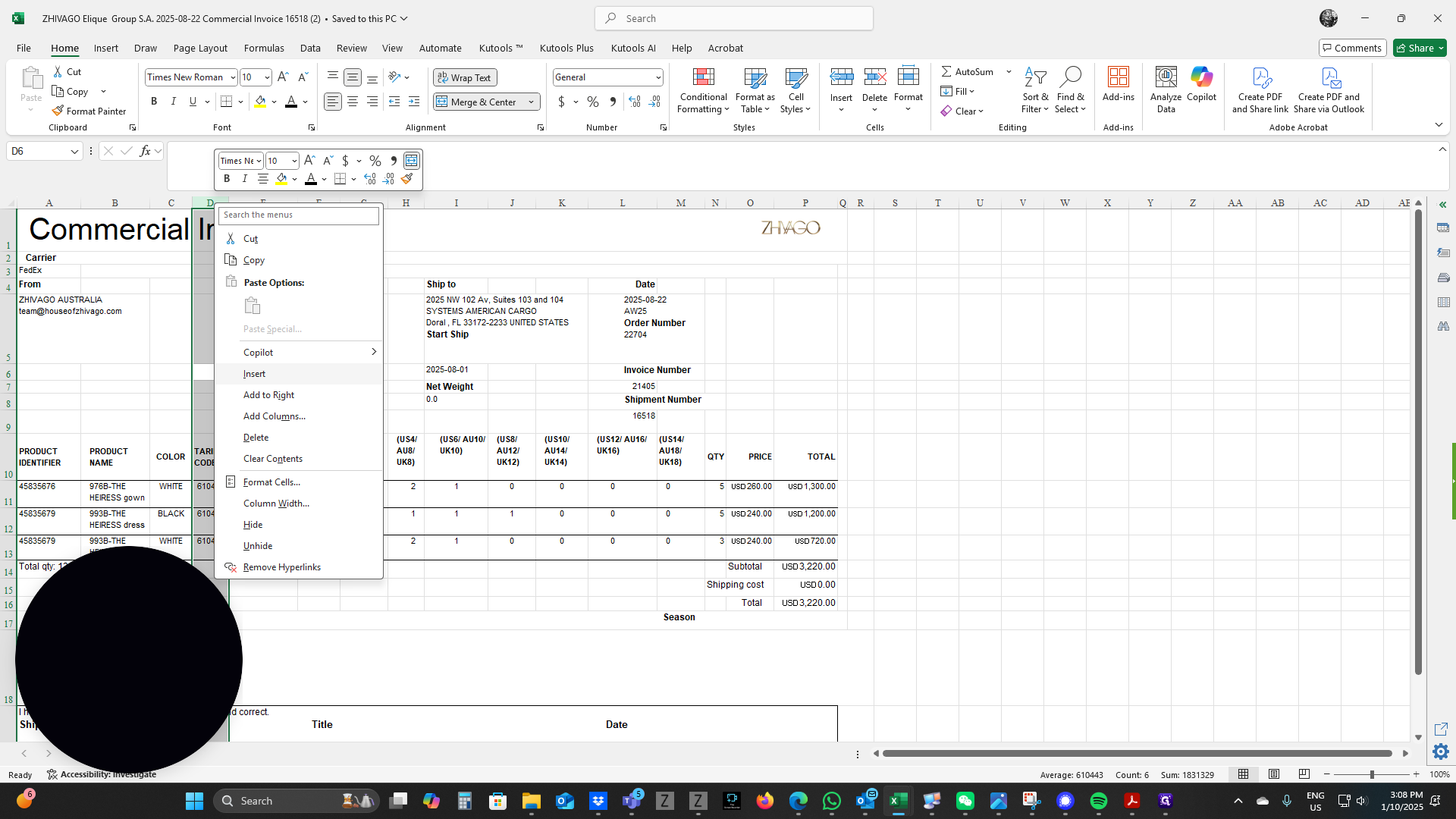
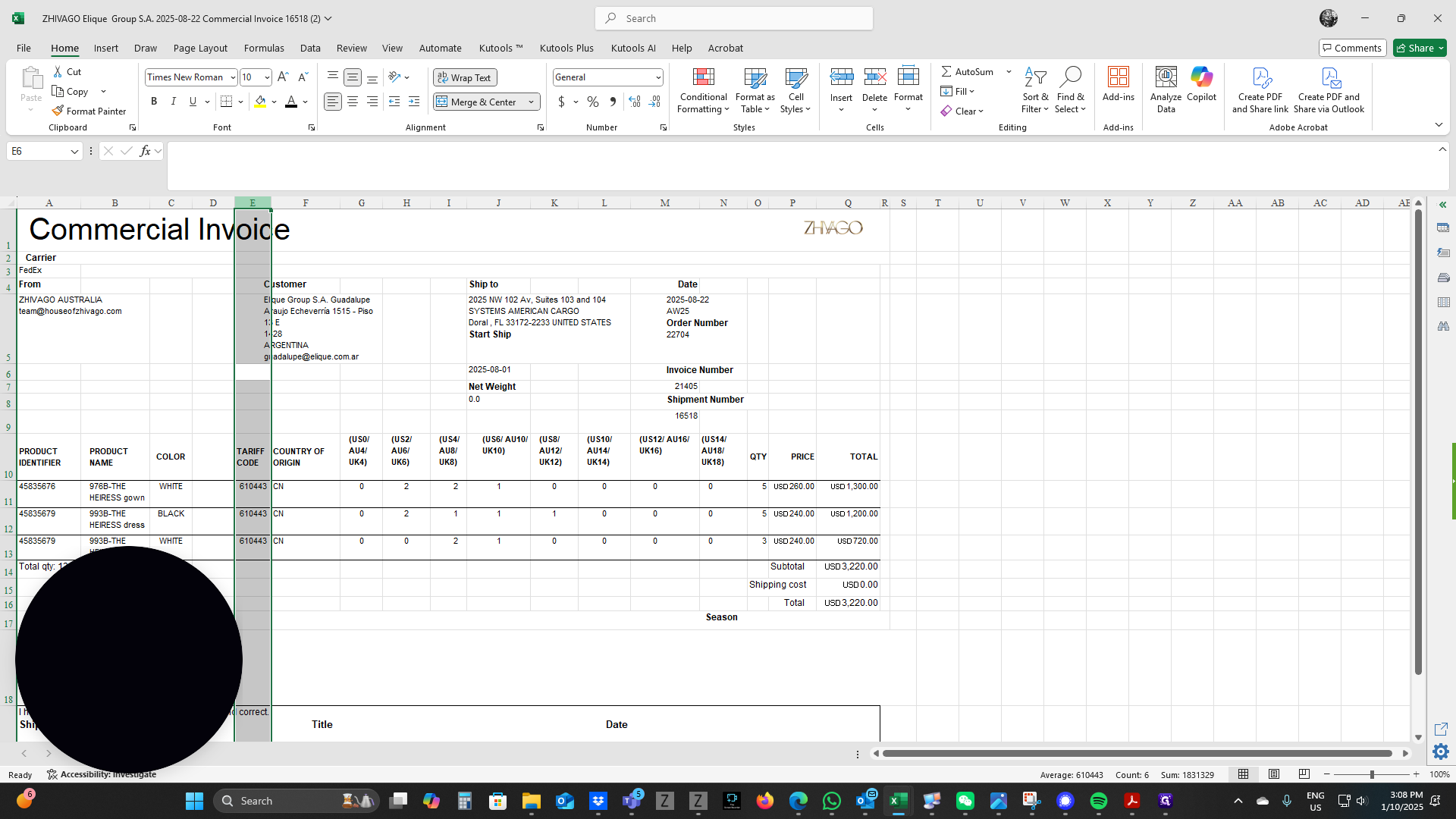
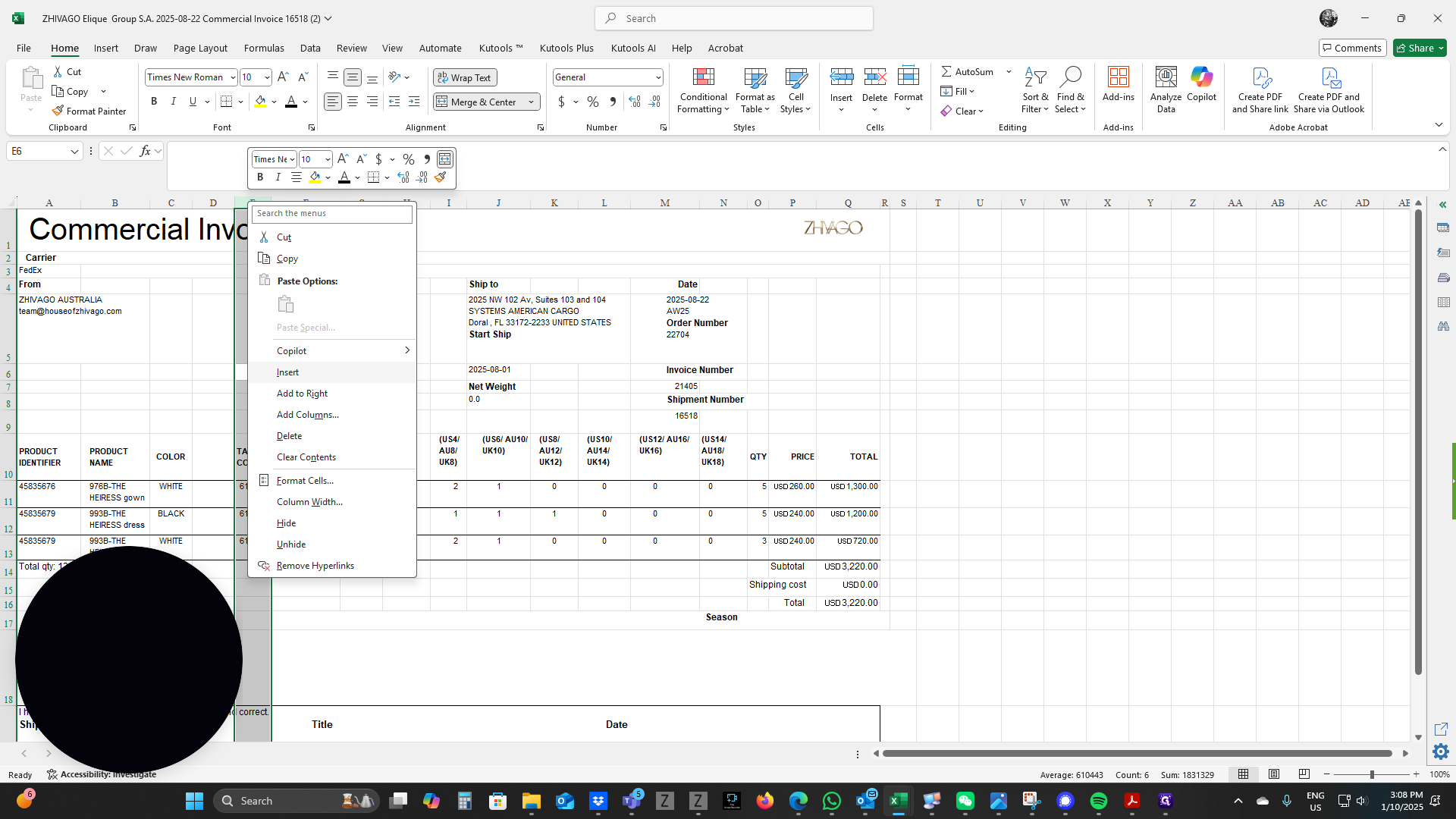
Insert, Insert.
Now, enter Composition Main and Composition Lining.
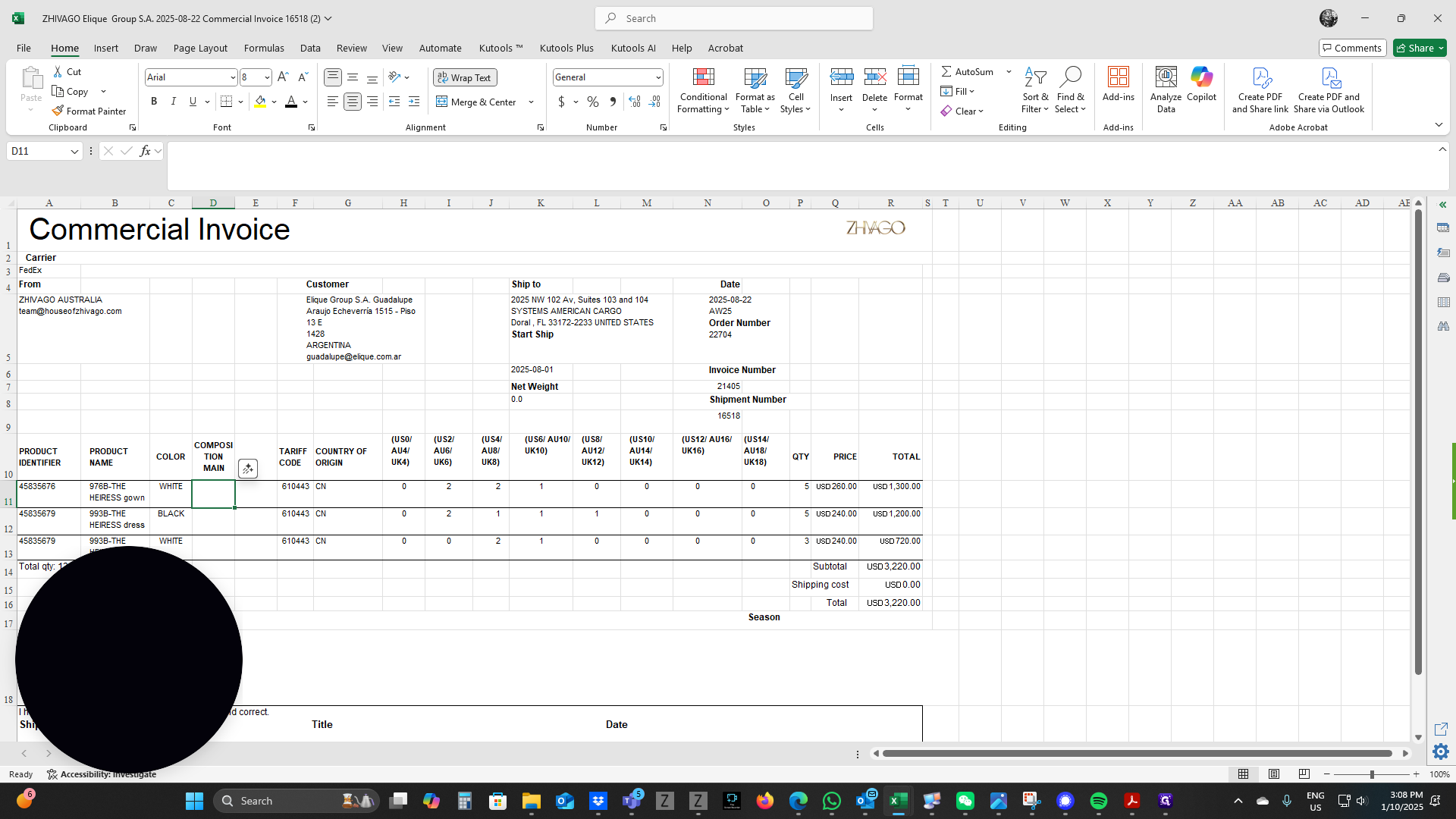
To expand the columns to fit all the text...
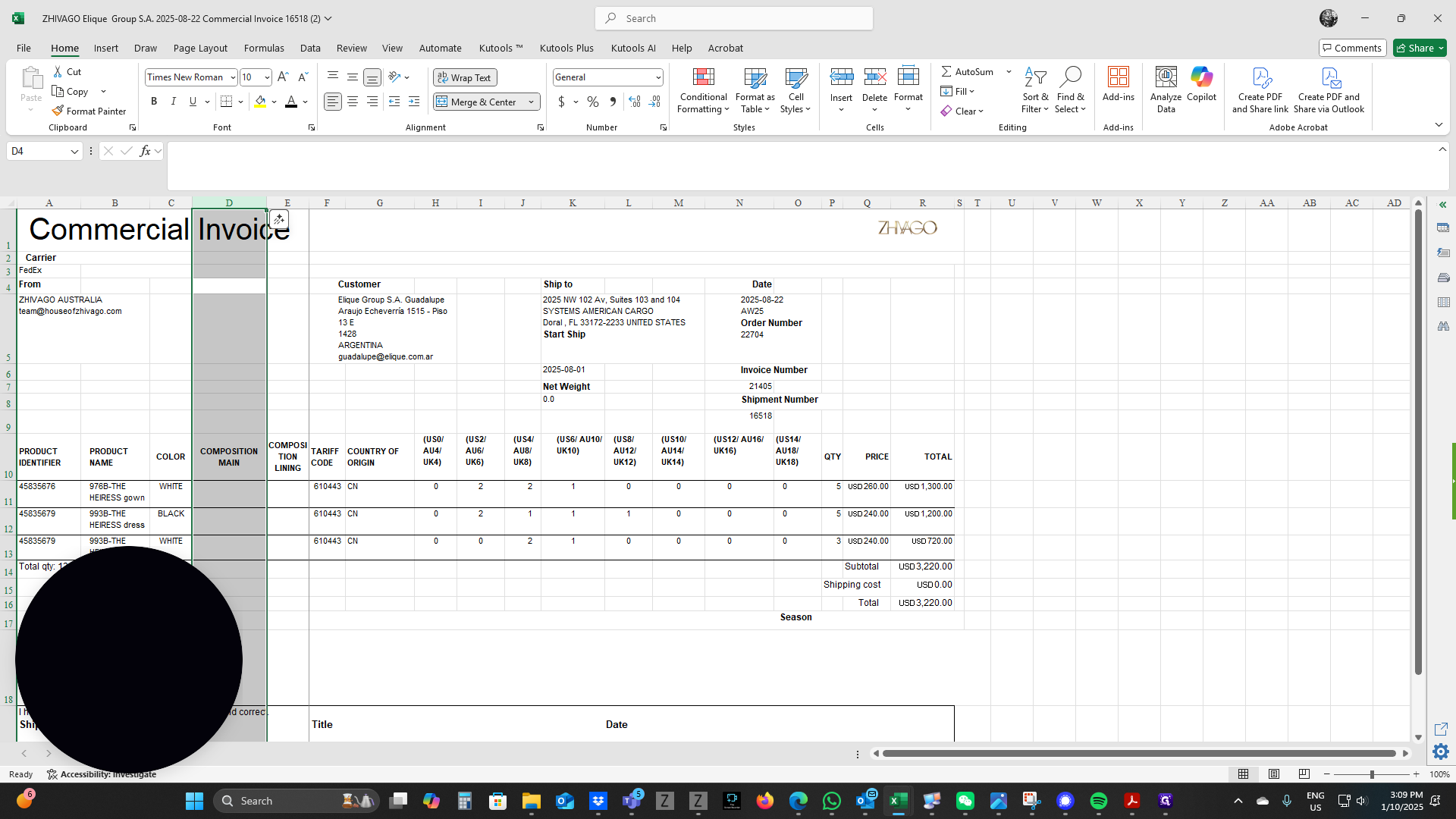
Now you can enter your information as needed. You now have a fully completed Excel version of your commercial invoice.
To adjust the columns to fit your text, go to the top and click it.