How to Create and Use a Book Sending List Tracker
Learn the step-by-step process for creating a book sending list tracker to monitor book deliveries and reviews. Ensure all recipient details are complete and organized for efficient book distribution.
In this guide, we'll learn how to manage a book sending list process. The goal is to track delivered books and monitor reviews from Hannah's connections. We will cover how to collect and organize key details, such as the recipient's name, address, email, and contact number, and how to use this information in a book sending list tracker.
Let's get started
Let's get started
Hello. Today, I will introduce what a book sending list process is.
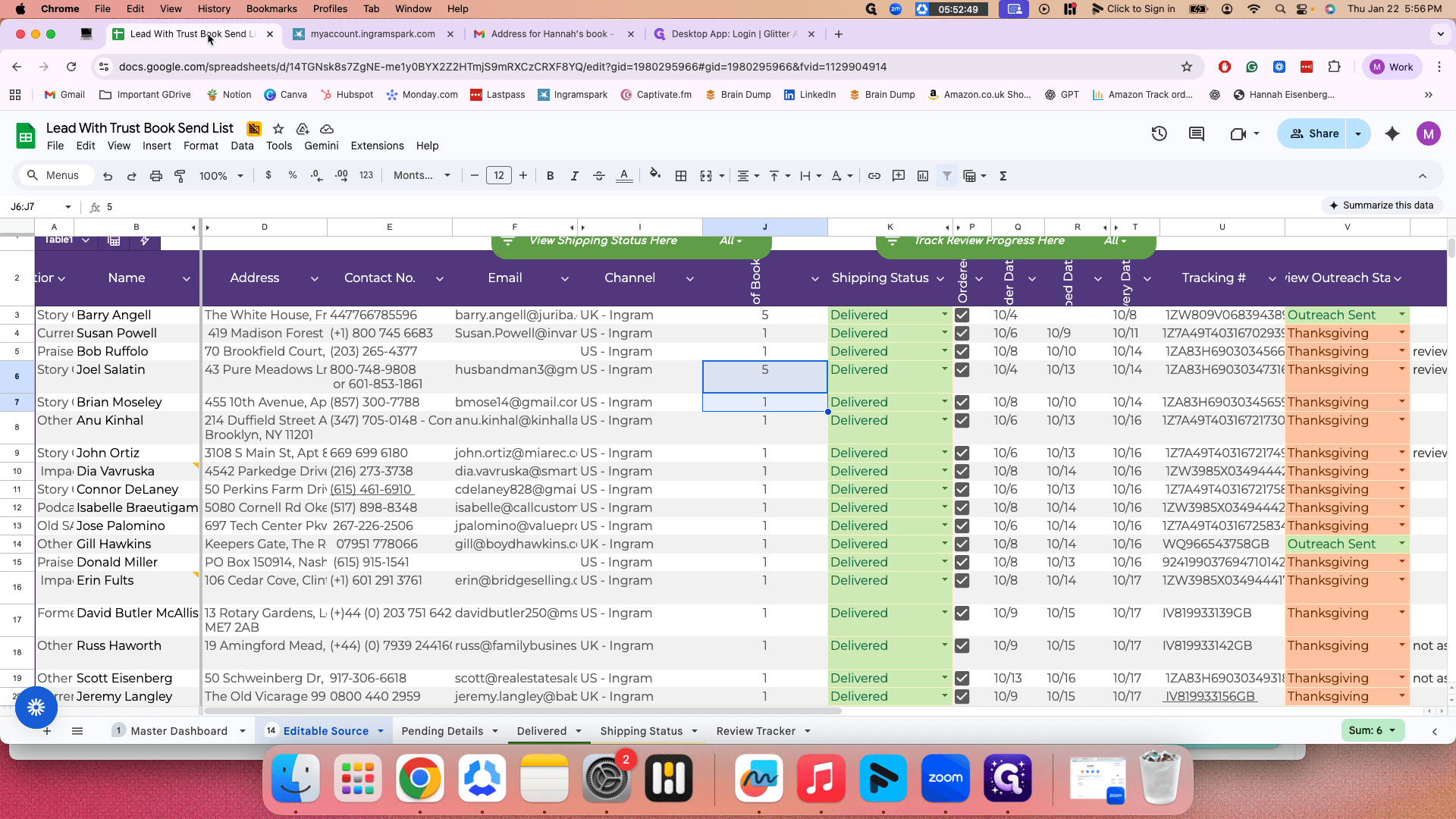
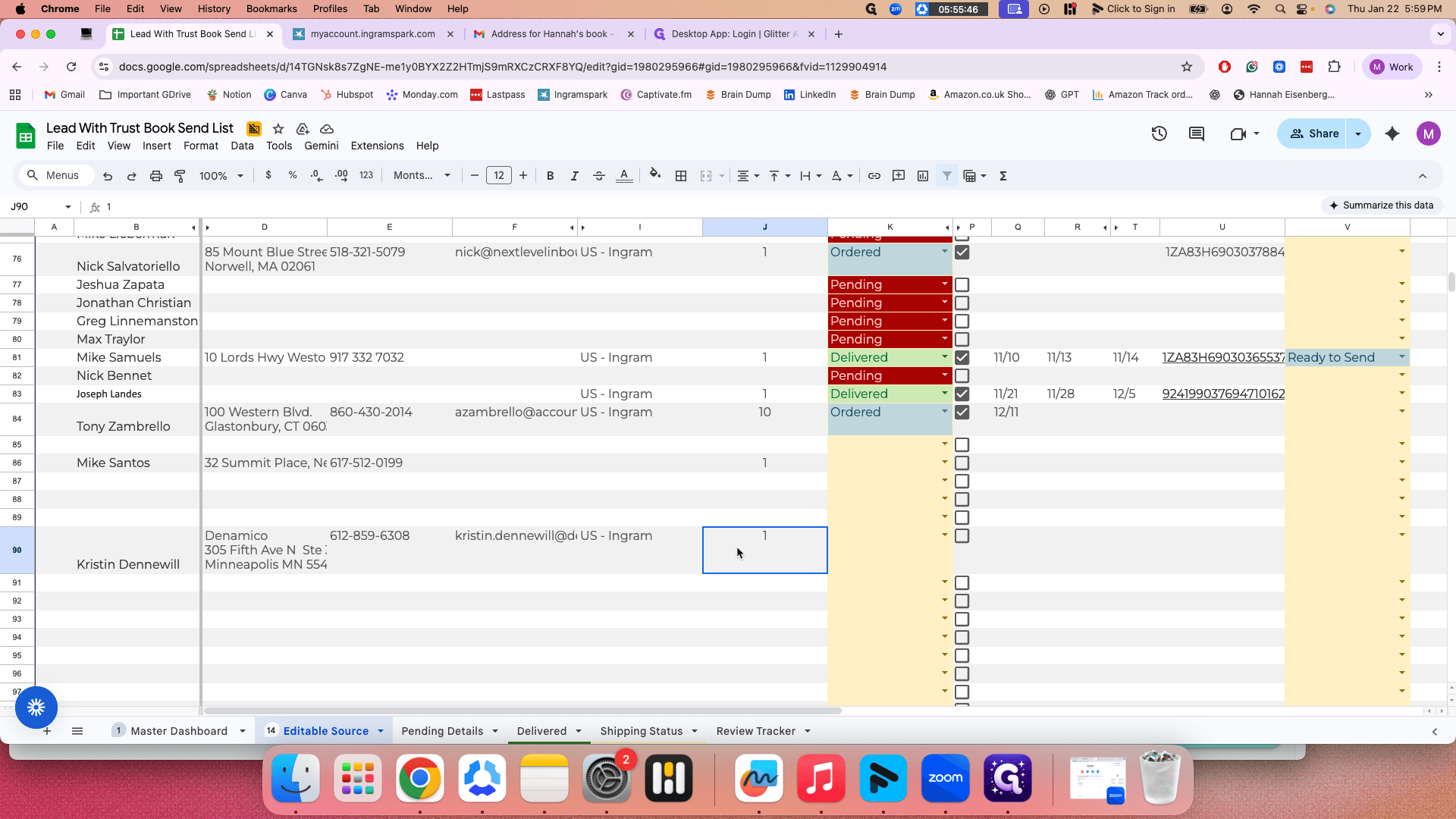
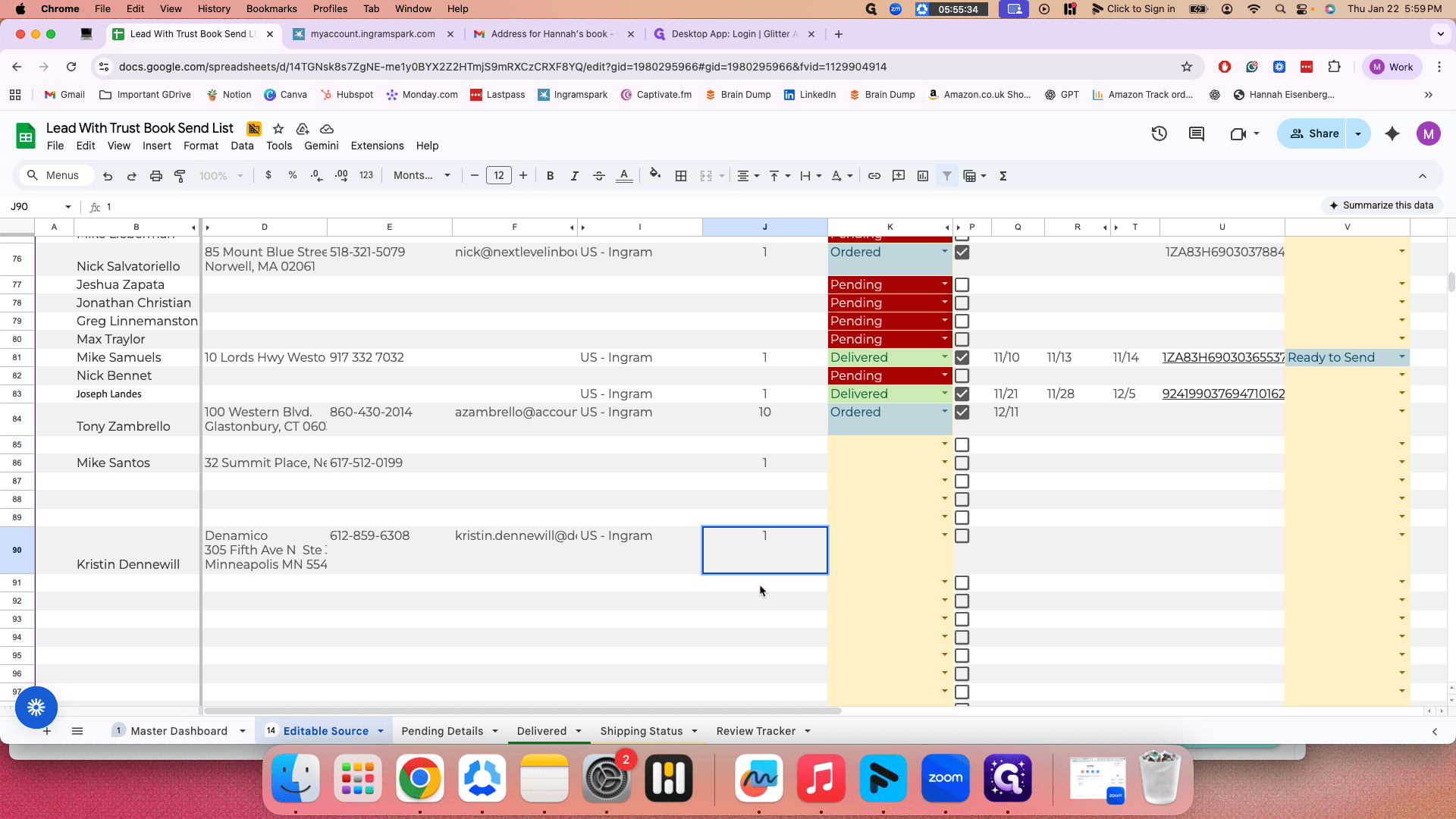
The purpose is to track delivered books and monitor reviews from Hannah's connections. I created a book sending list tracker for this. It compiles all the connection details. The first step is that Hannah will send you the name and delivery details from those connections.
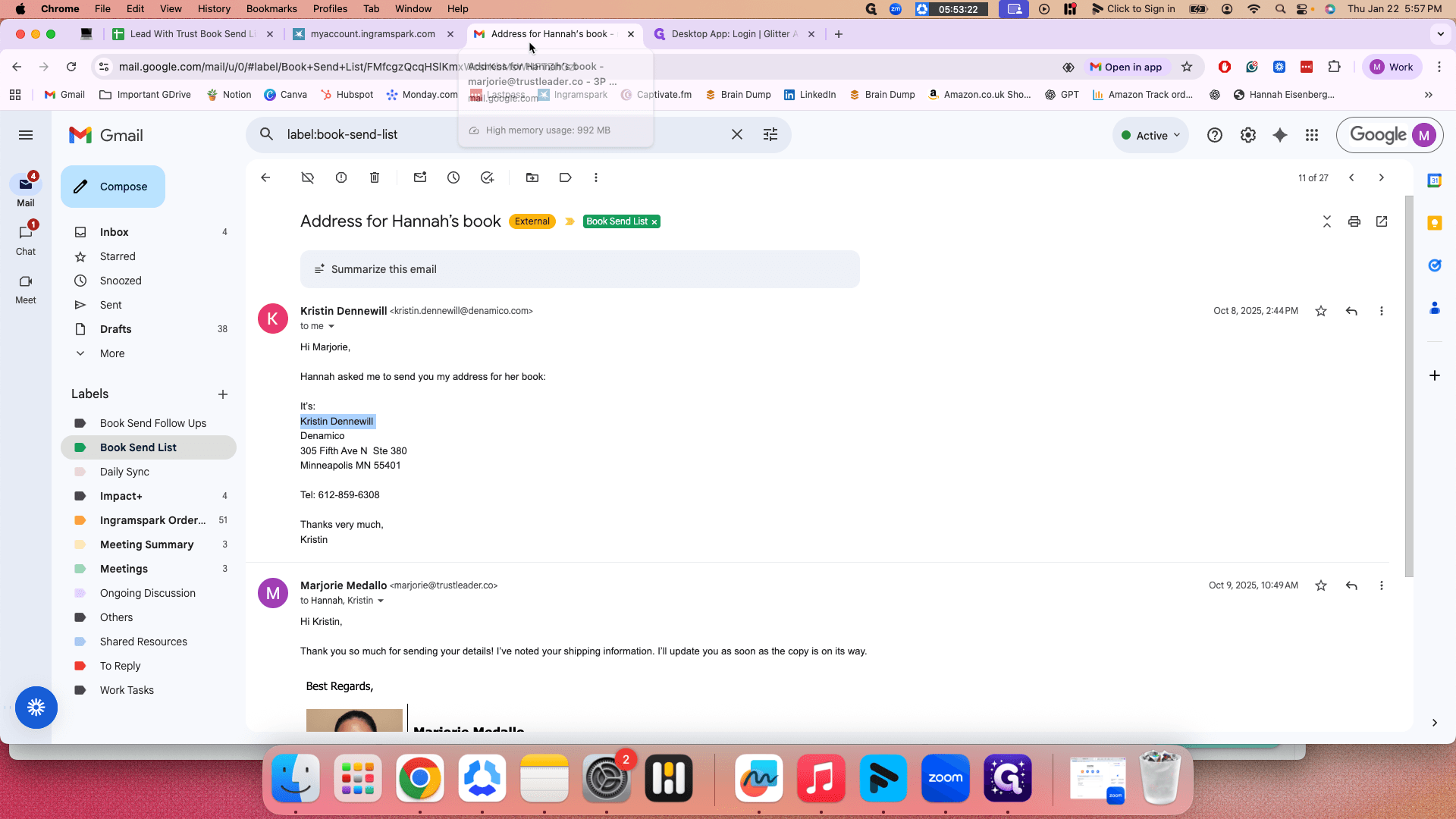
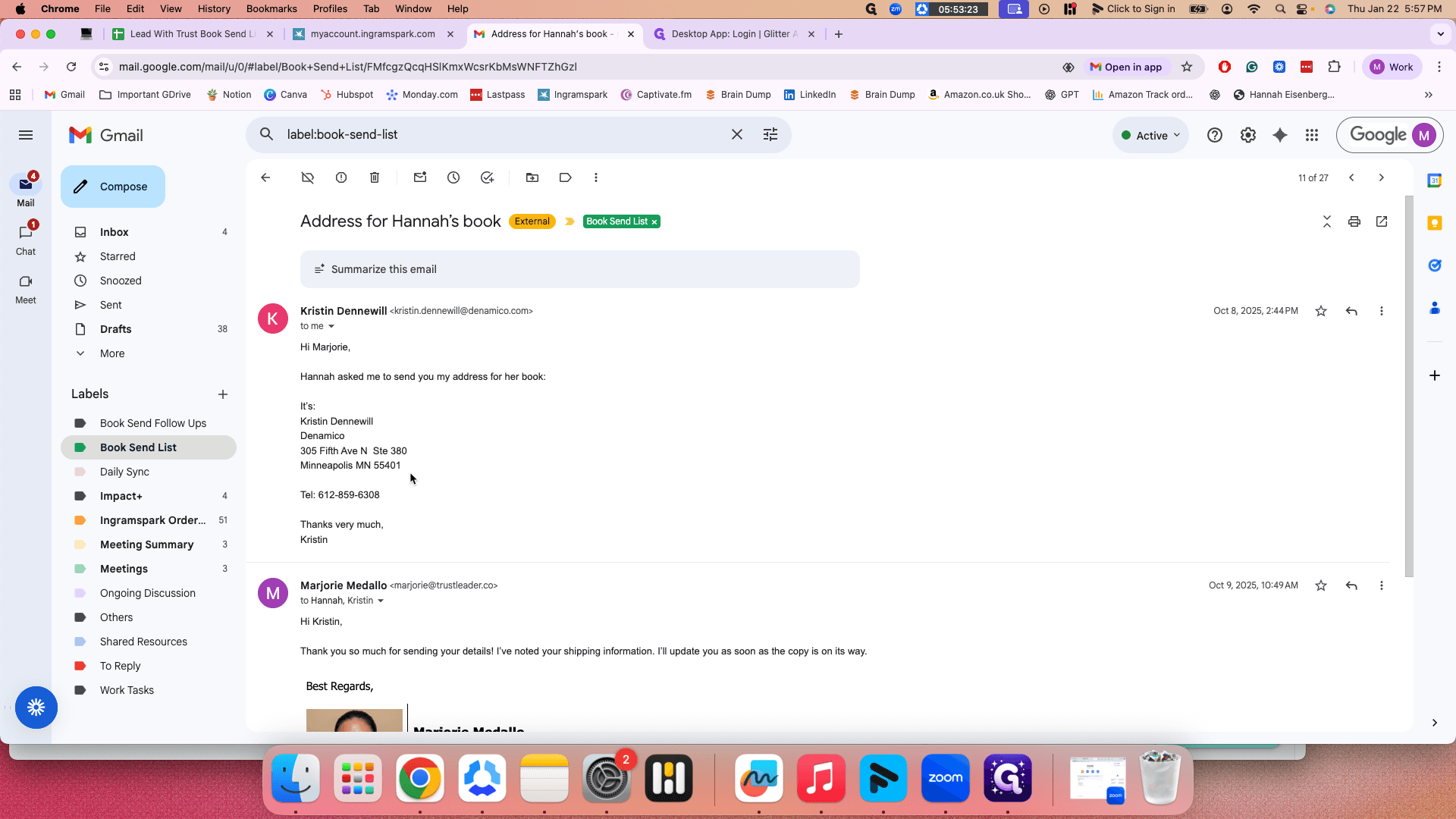
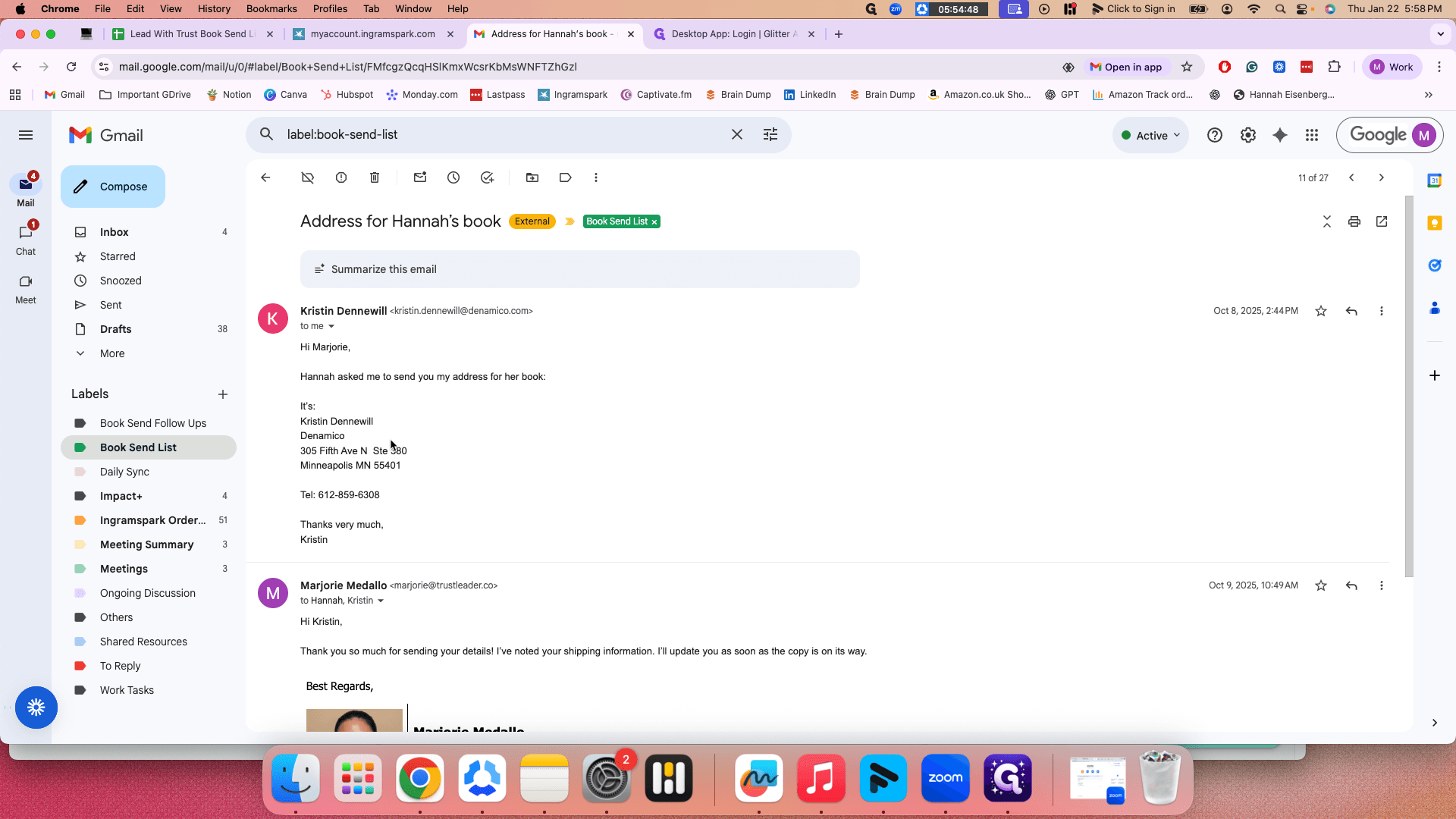
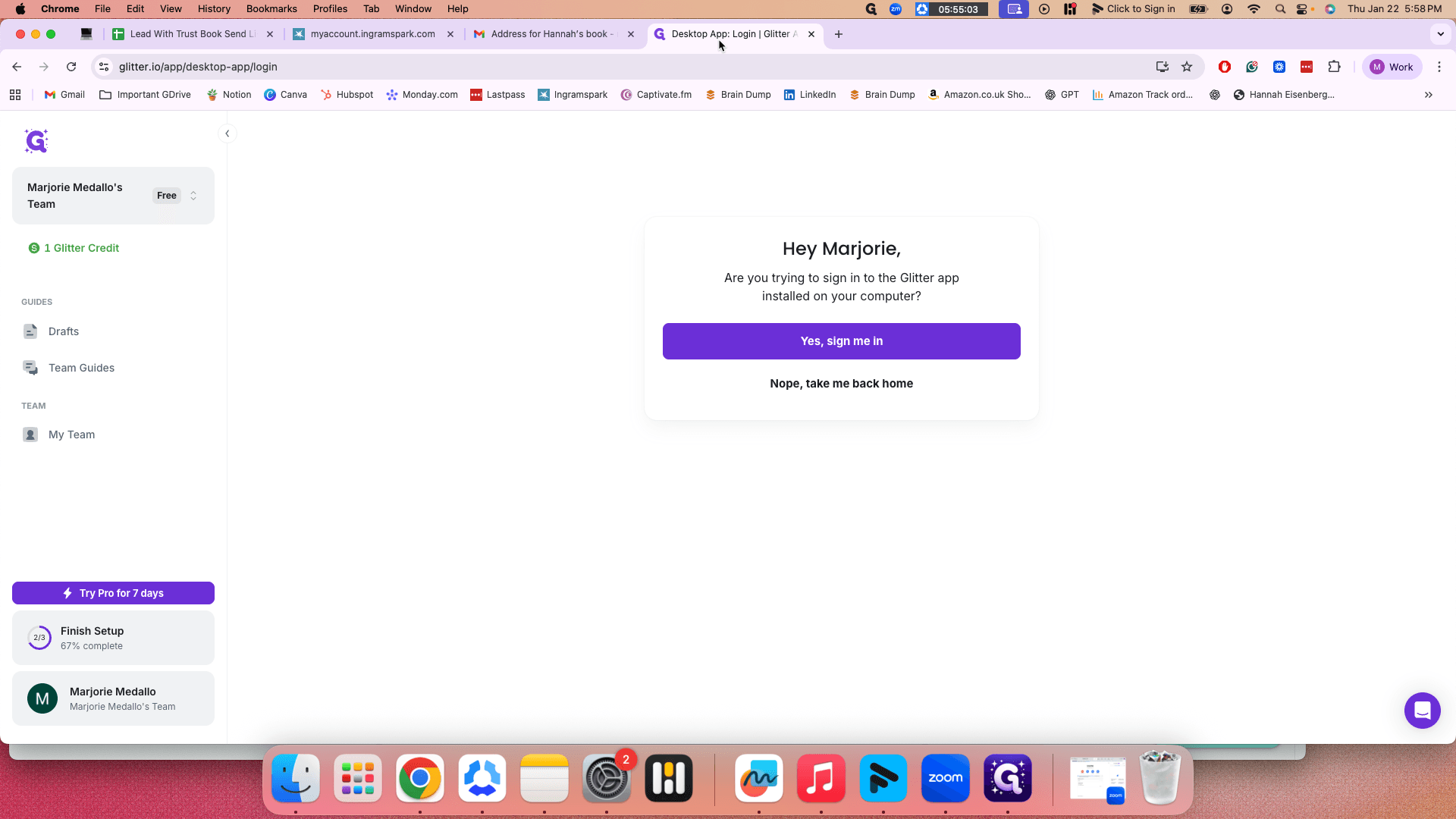
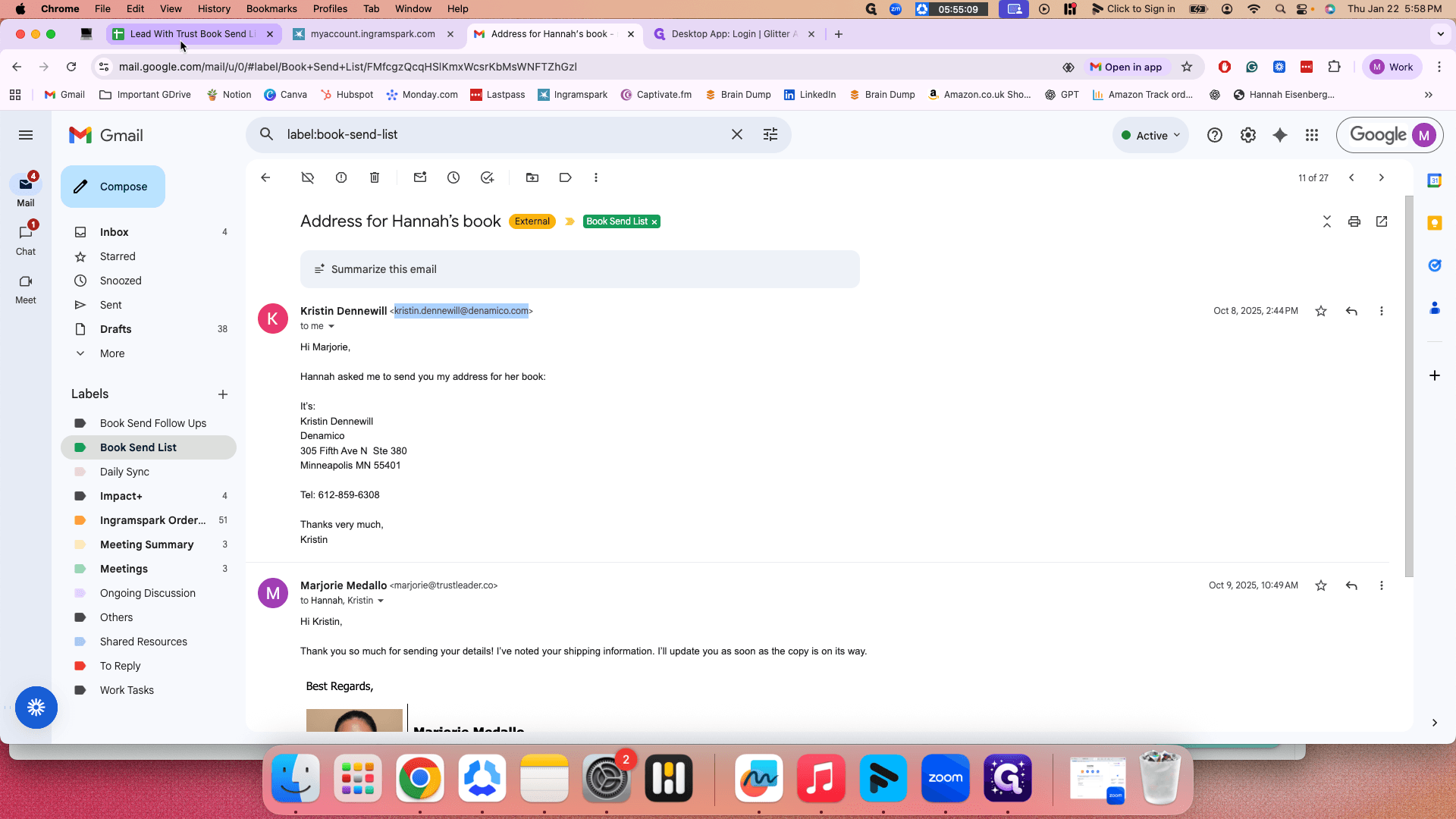
In this example, I will use Christine. These are the five main details you need to send a book to someone.
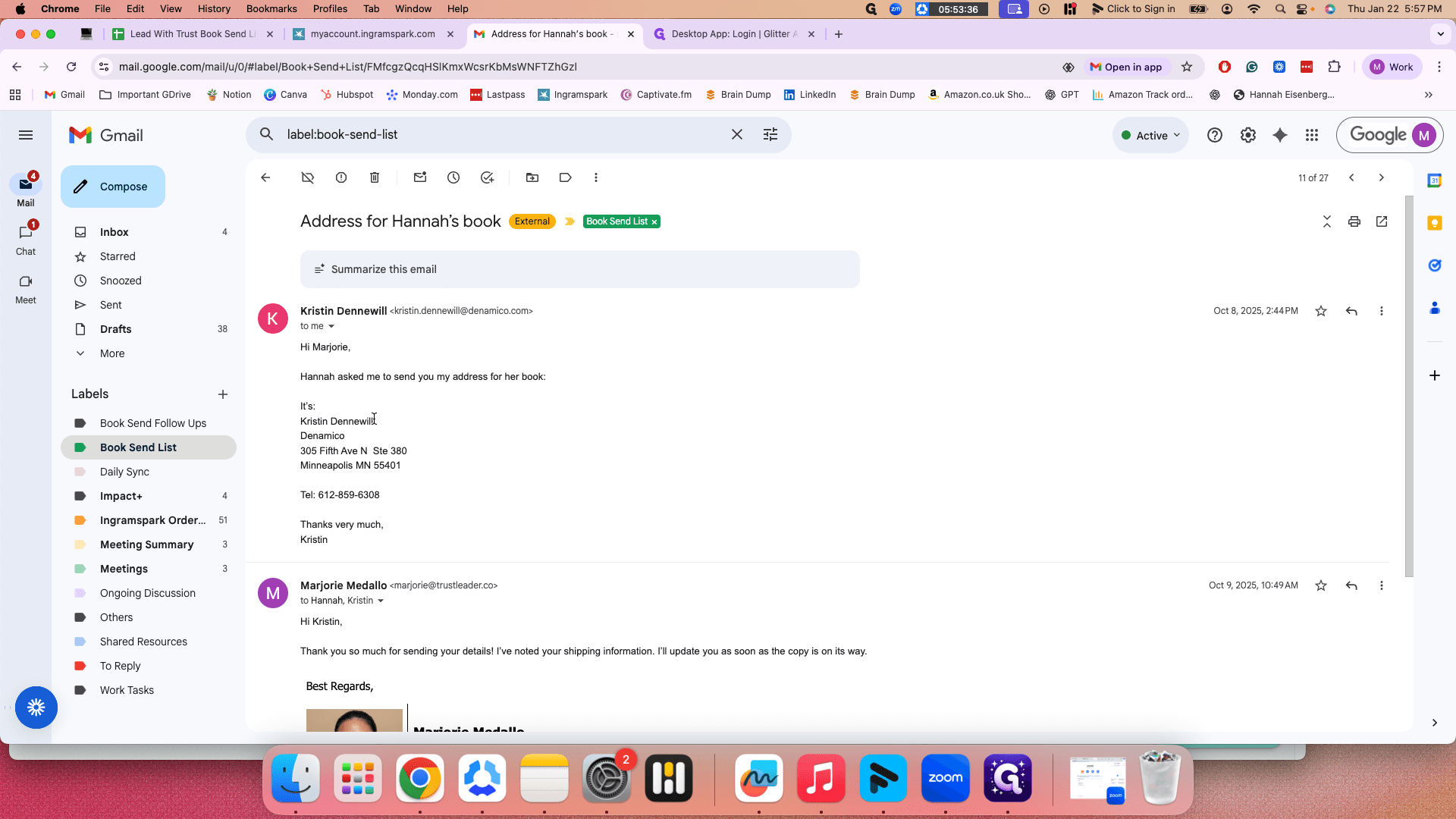
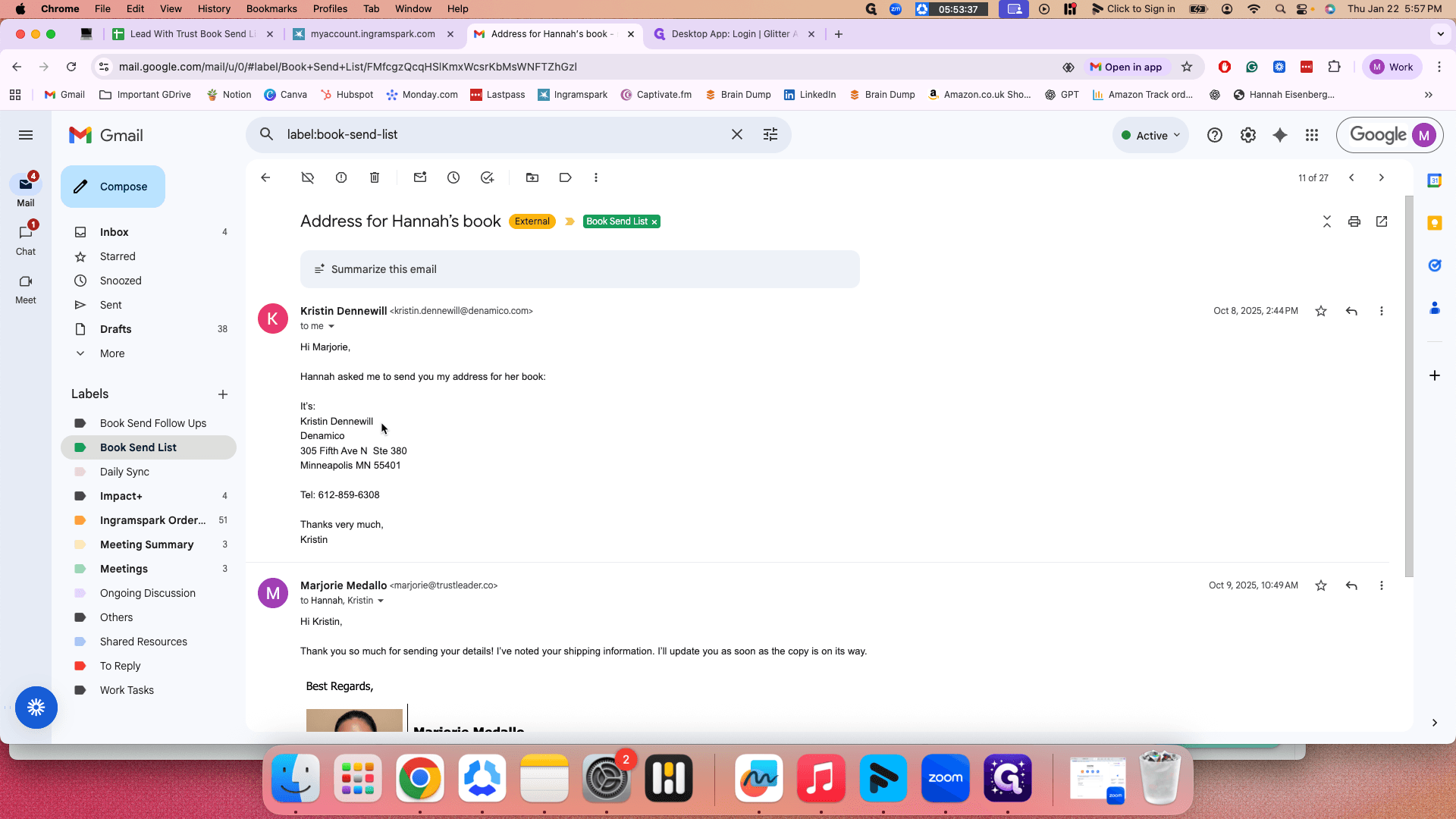
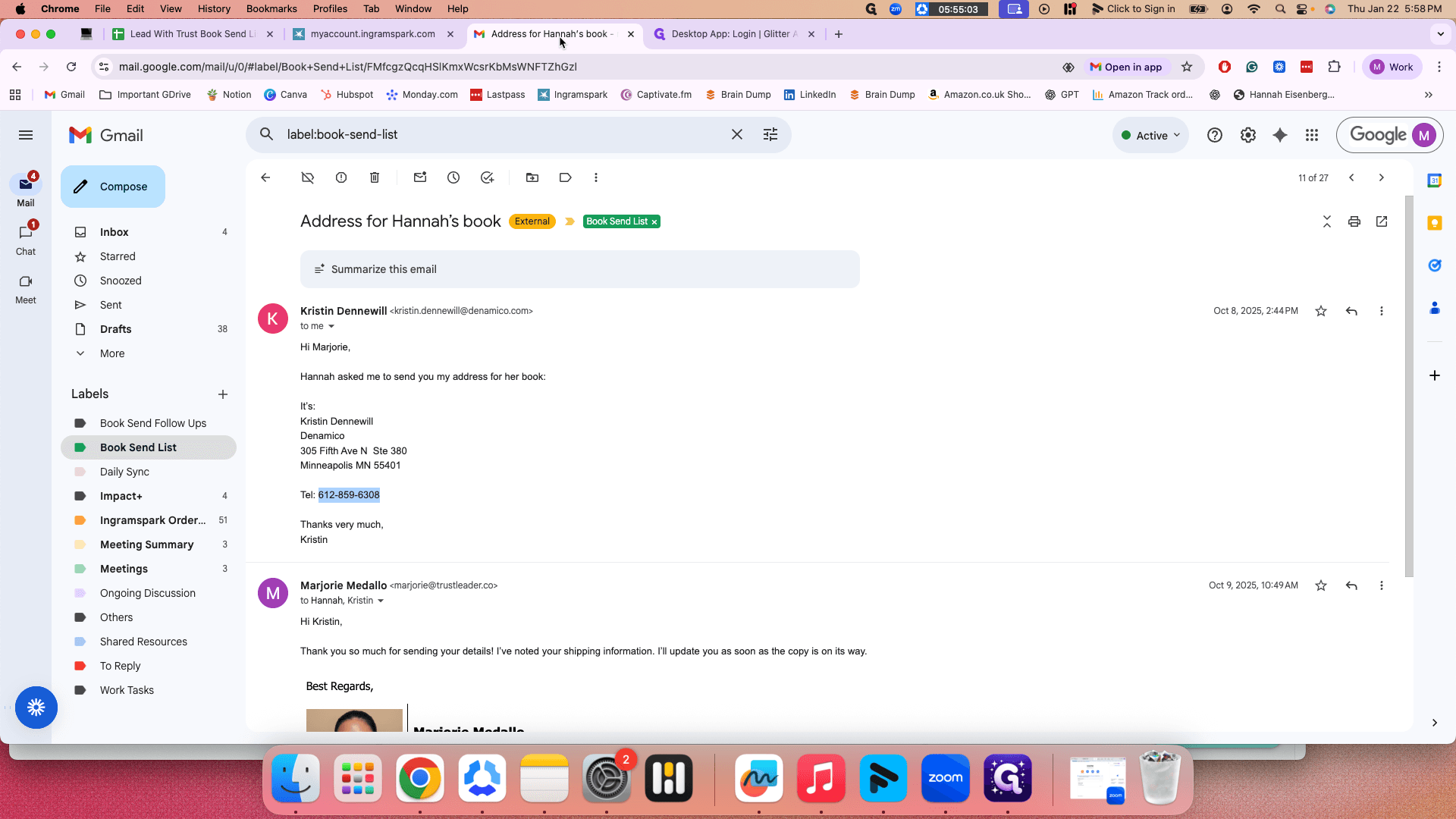
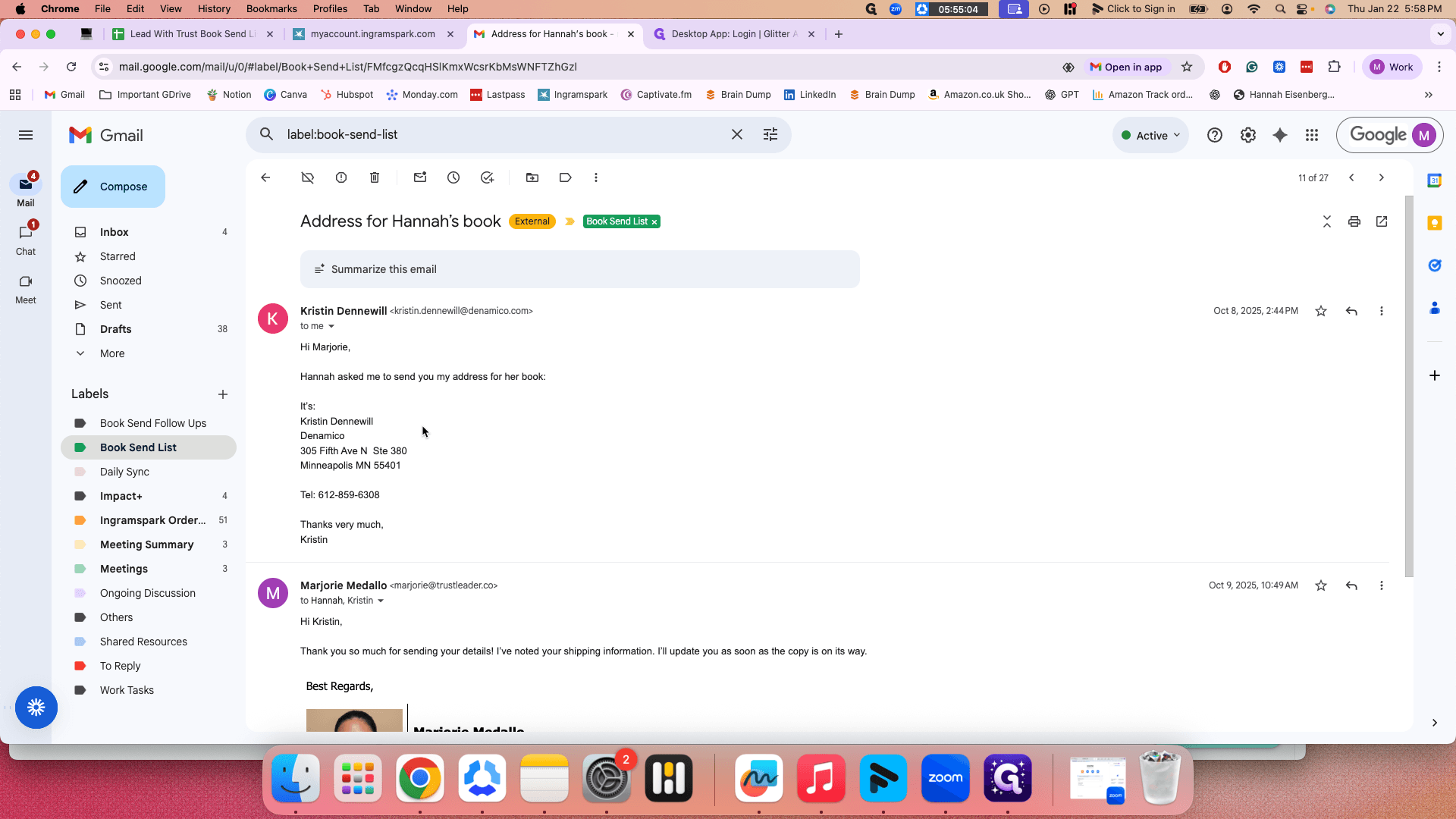
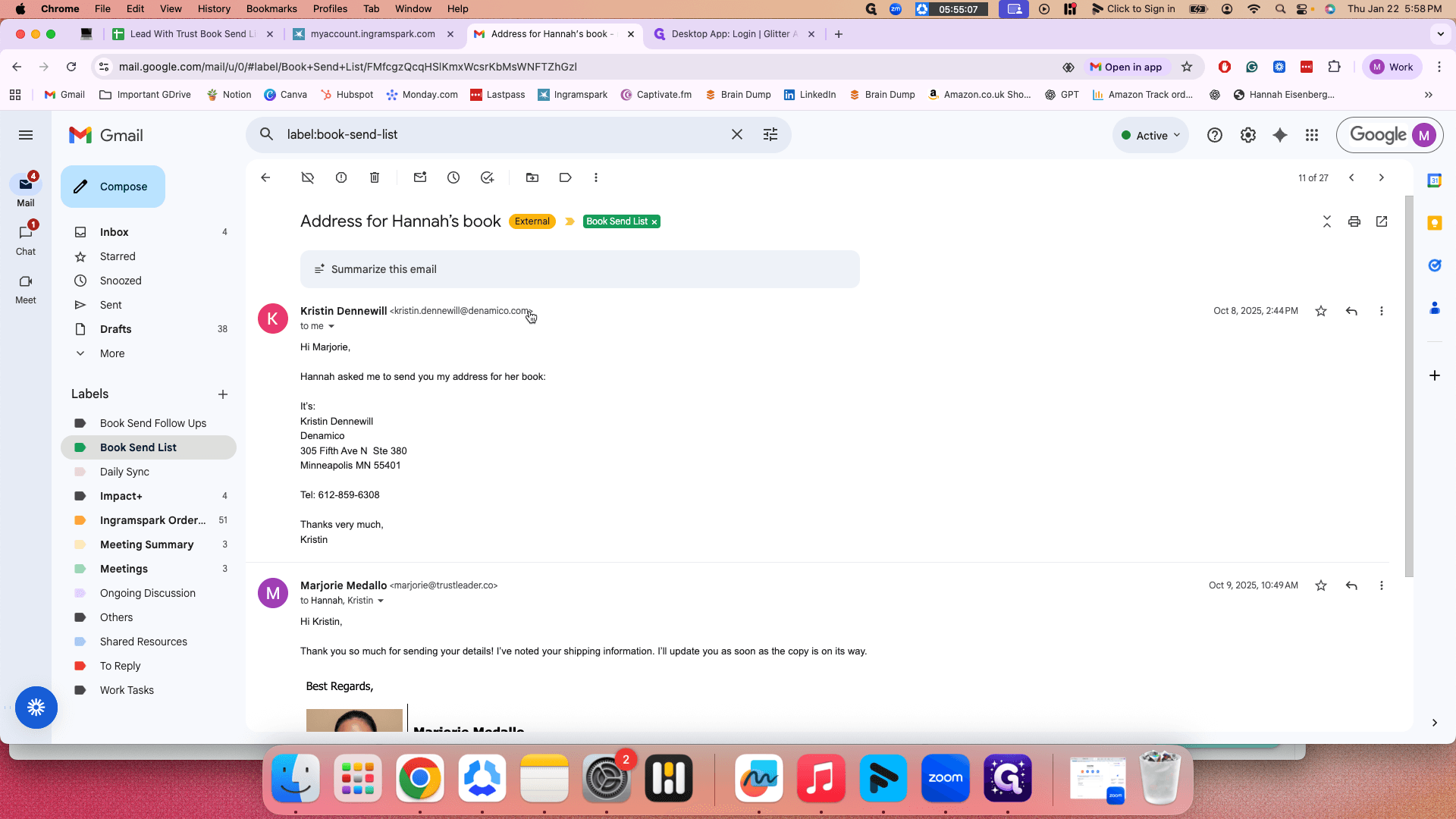
First, list the number of books, the name, the address, the email, and the contact number. Make sure that when Hannah sends you the details, everything is complete. For email and contact number, if they're missing, you can check HubSpot or the person's LinkedIn.
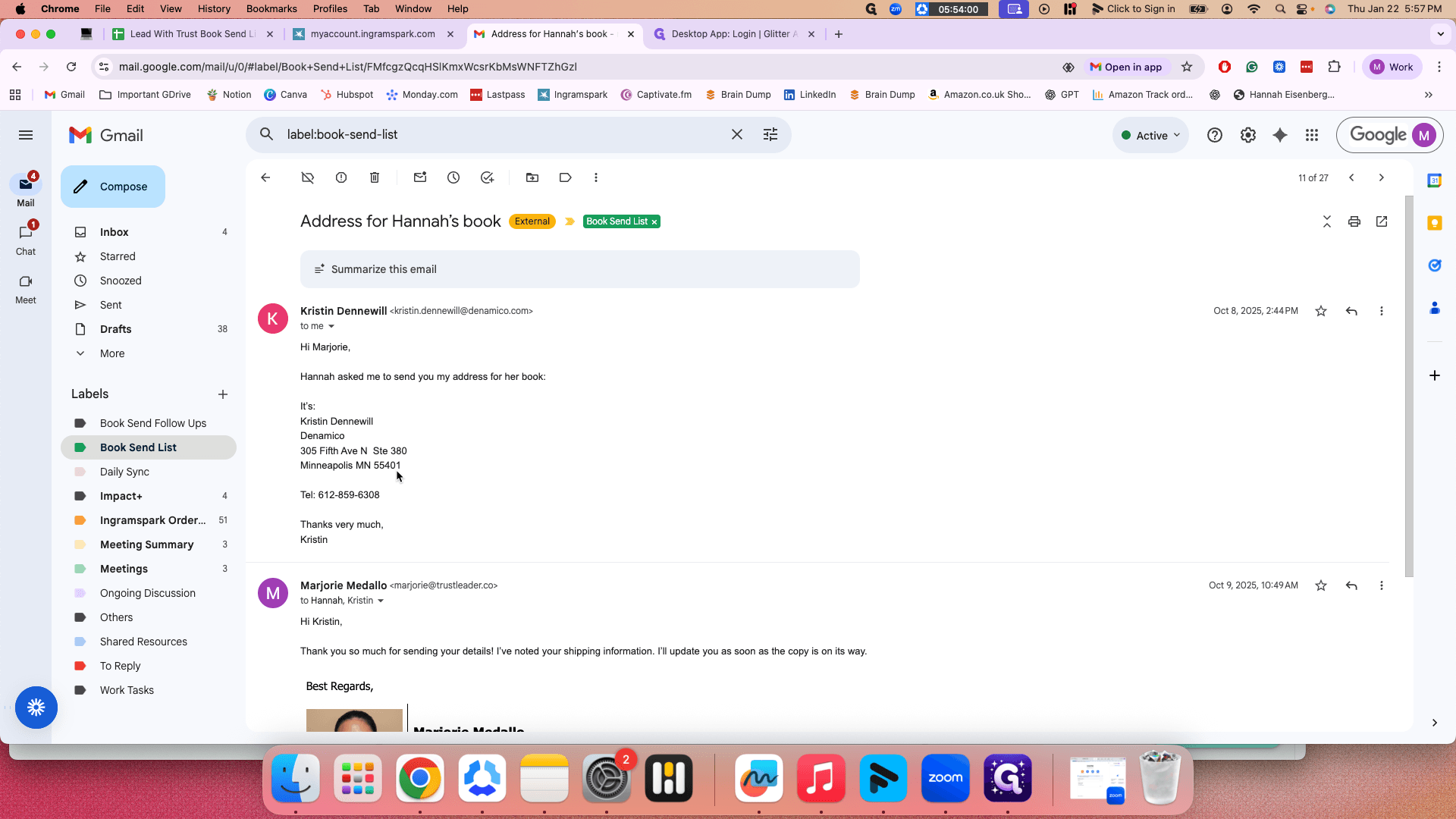
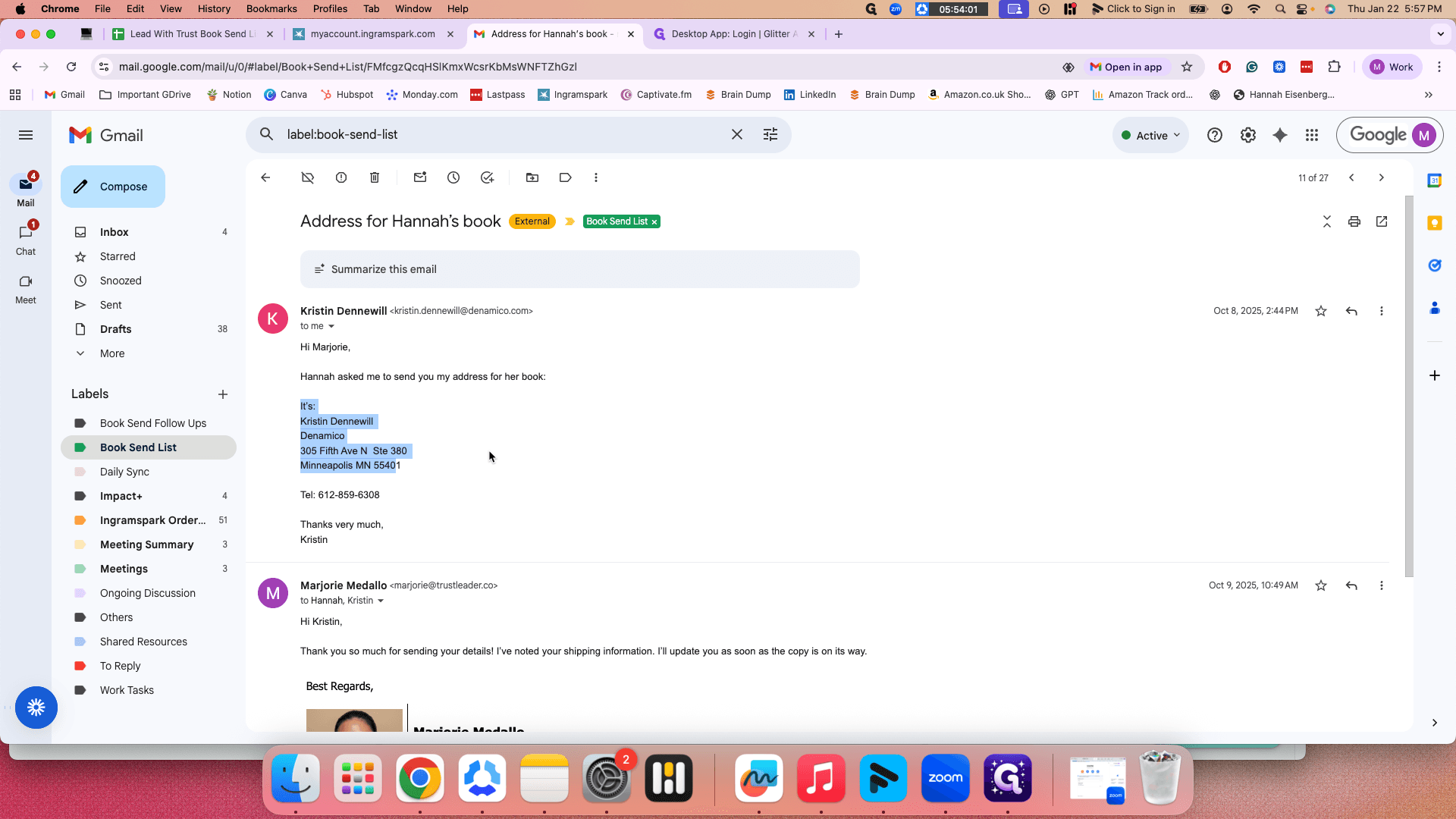
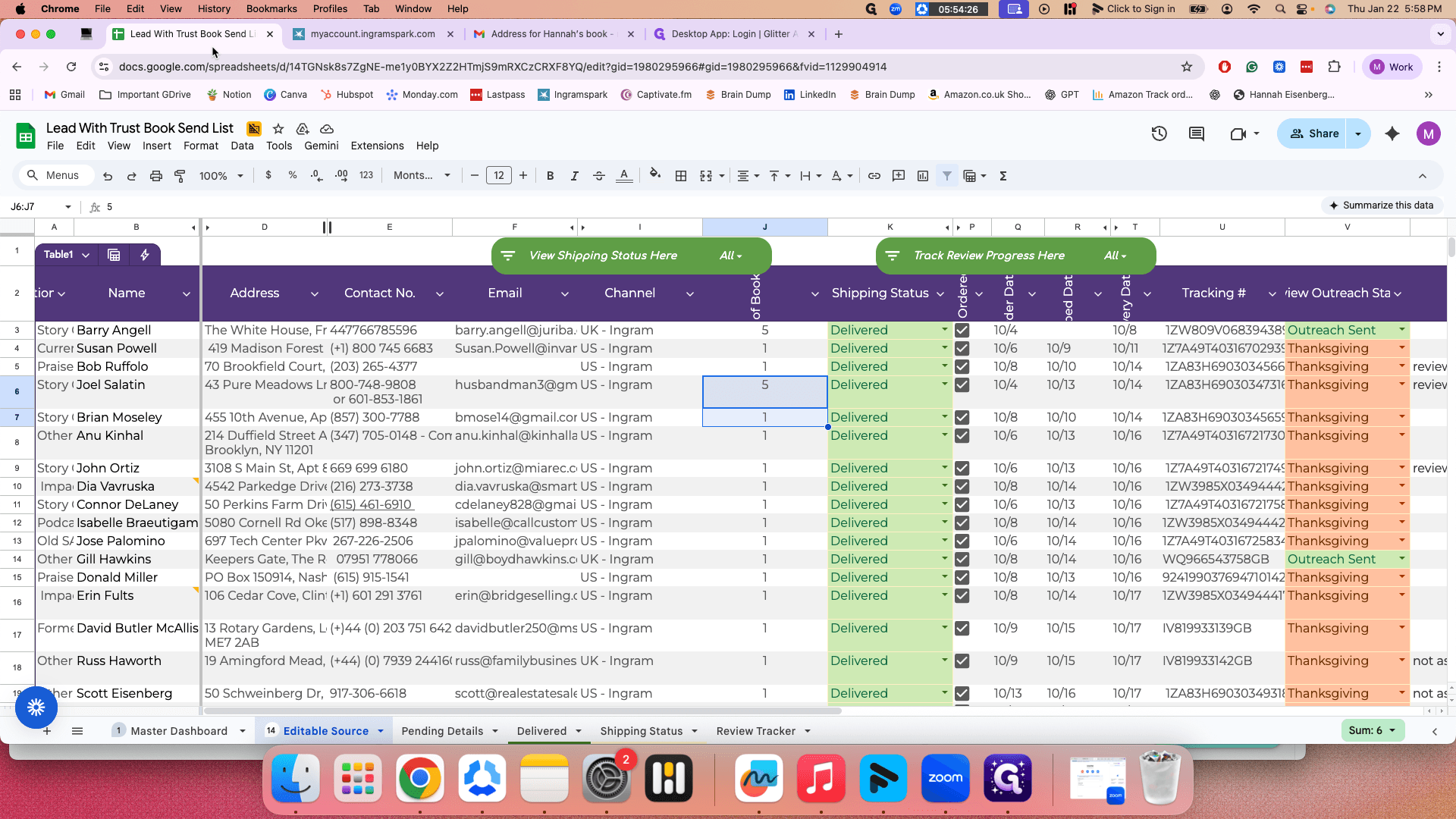
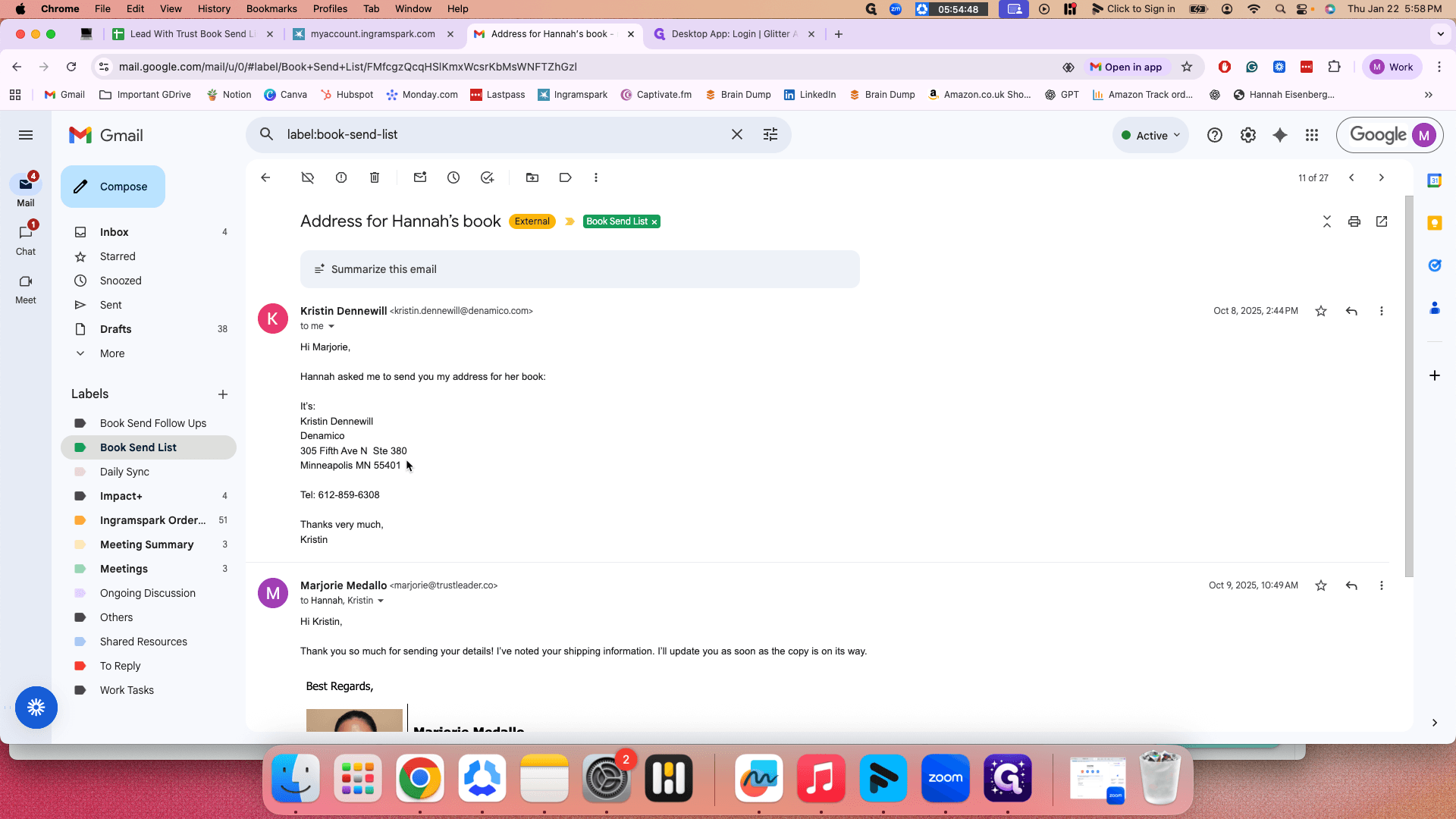
You can simply search for it. After you have the details, go back to the book sending list tracker. Let's continue from there.
Okay.
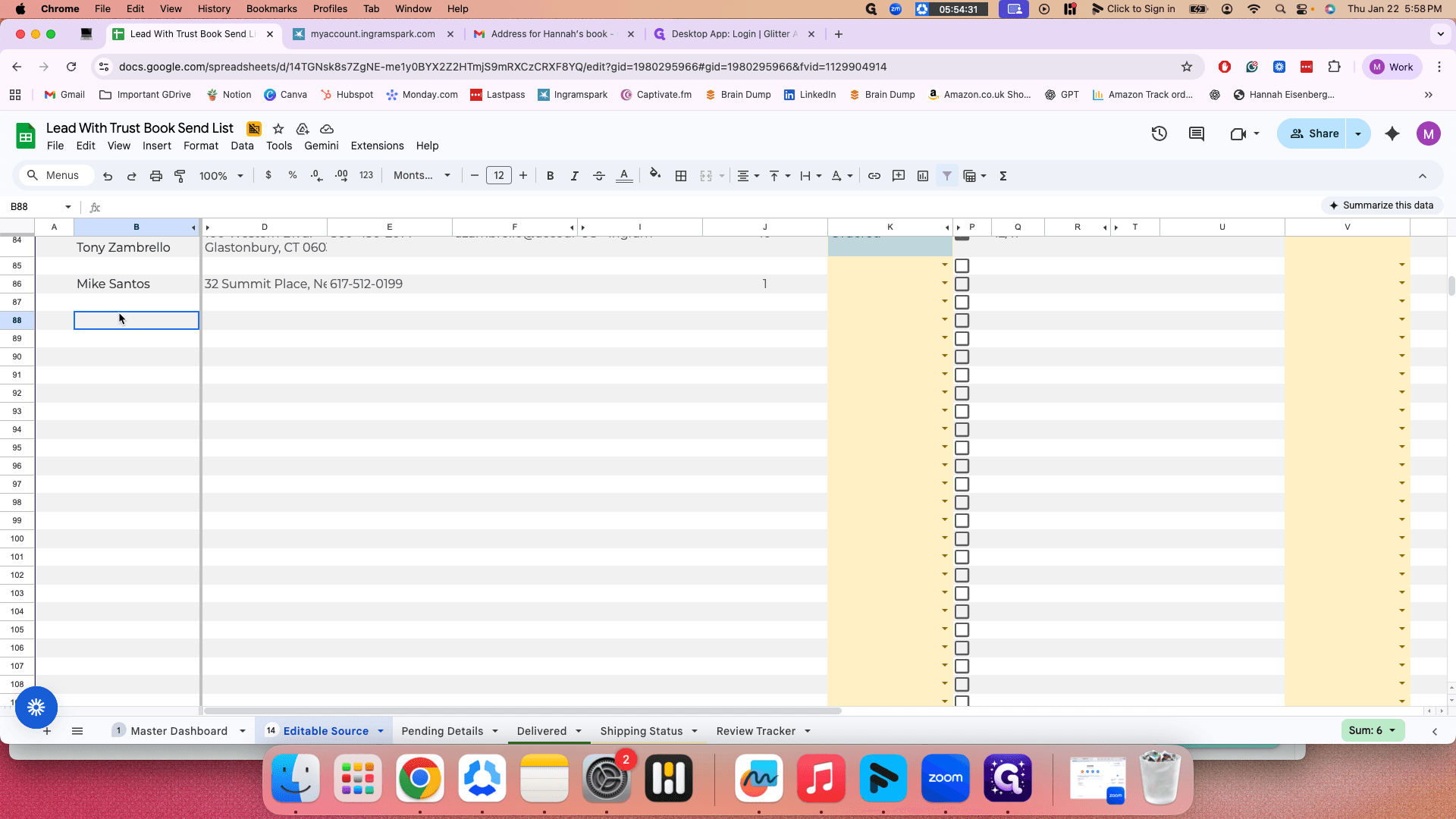
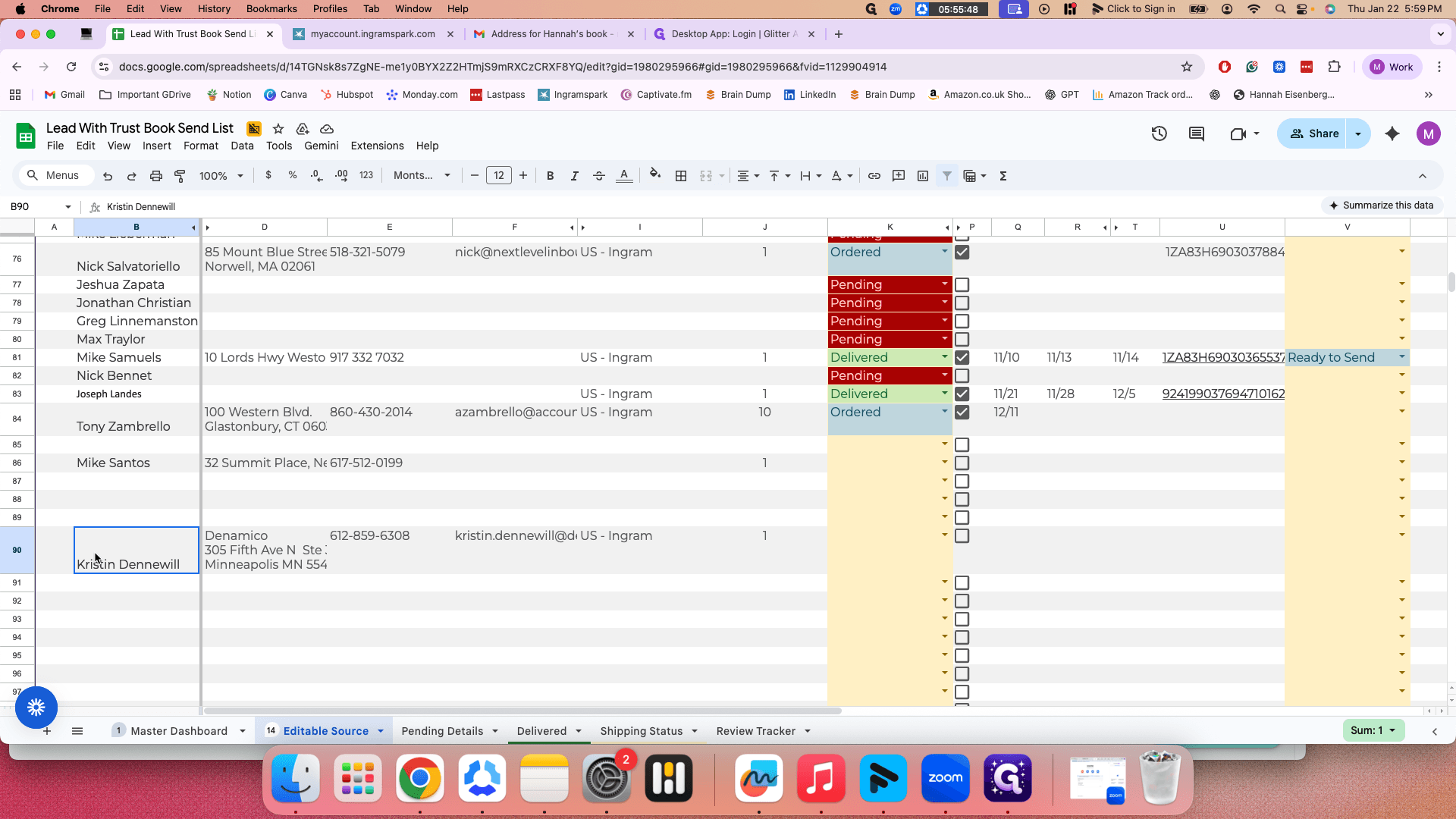
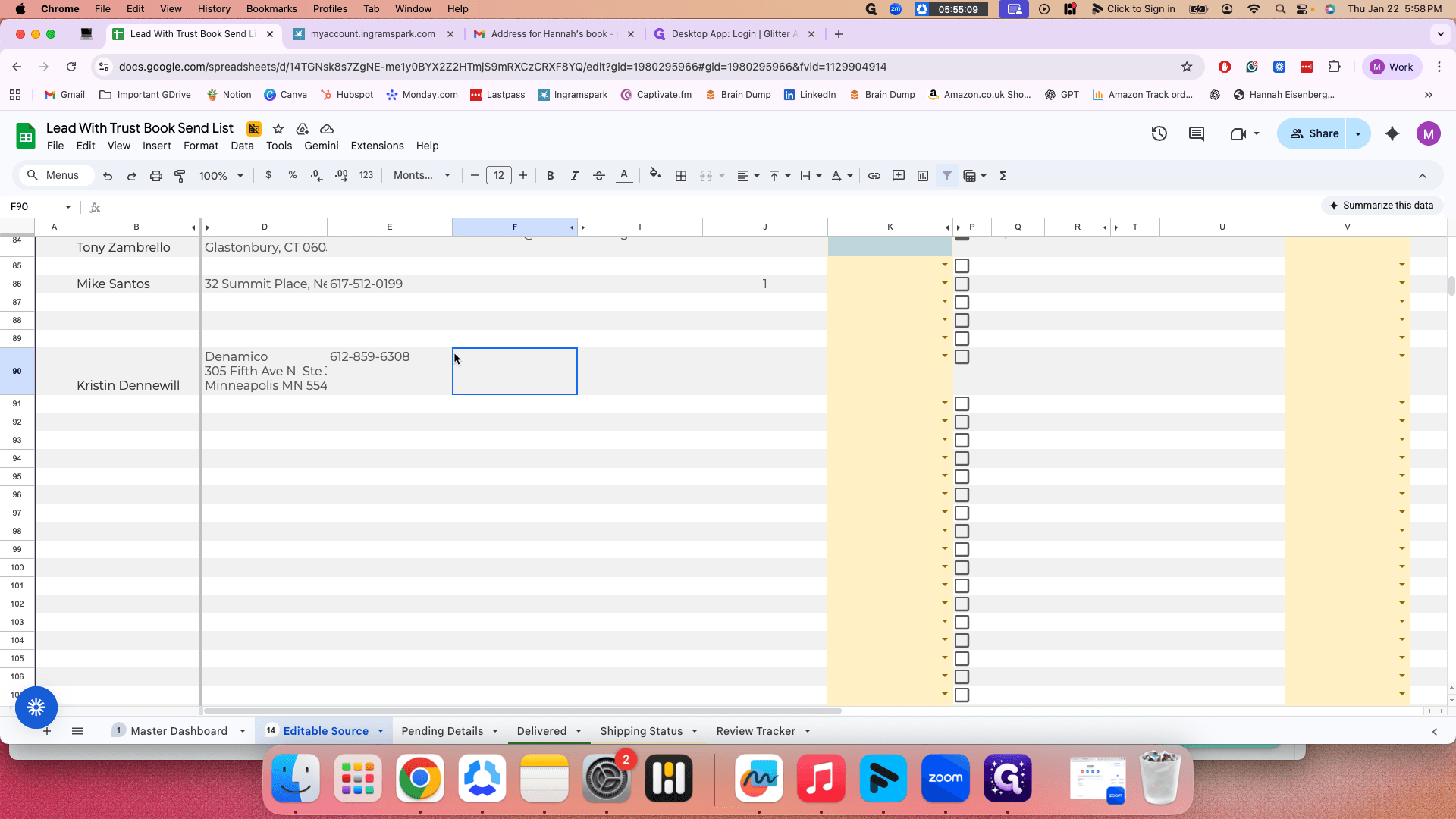
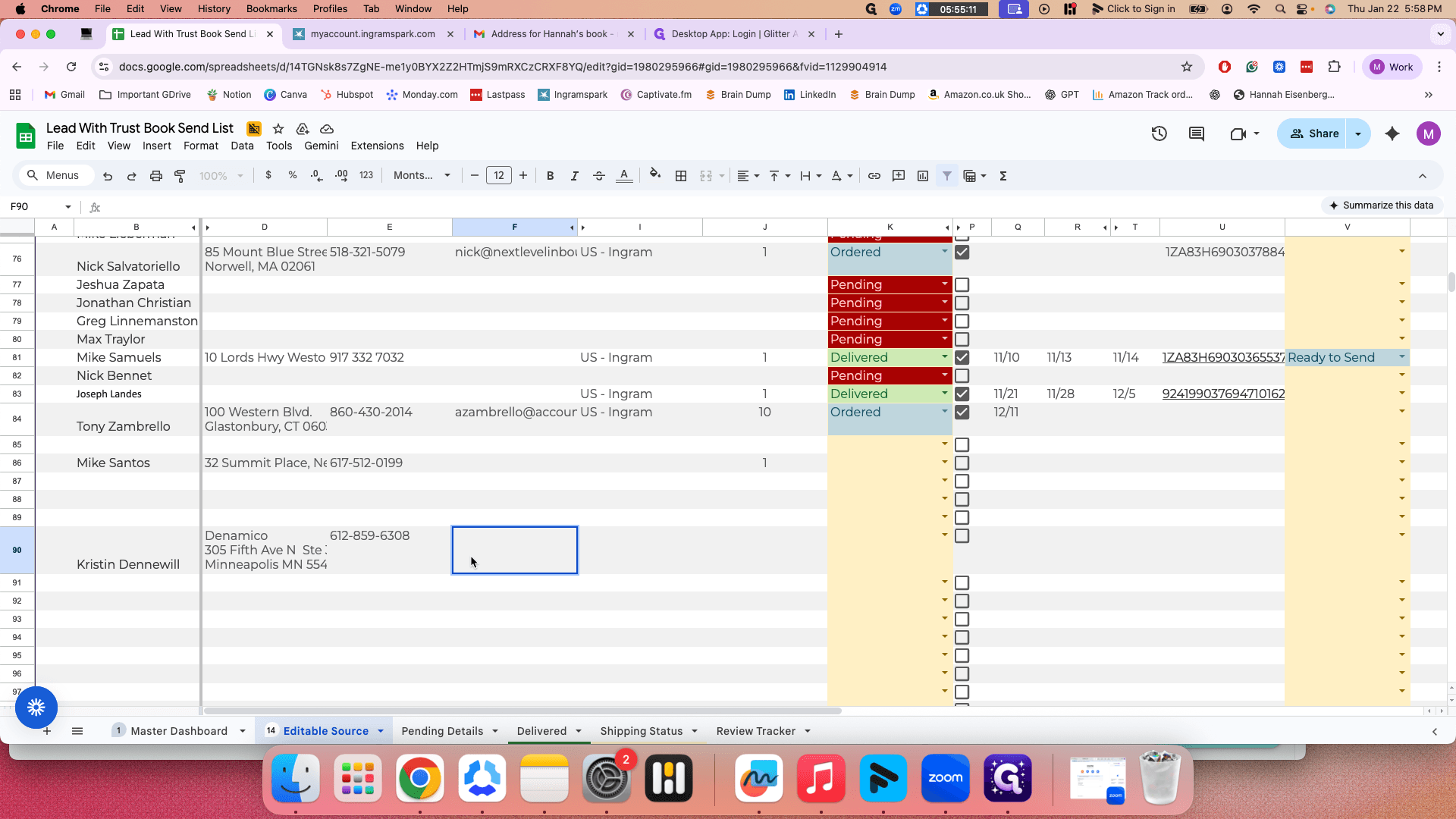
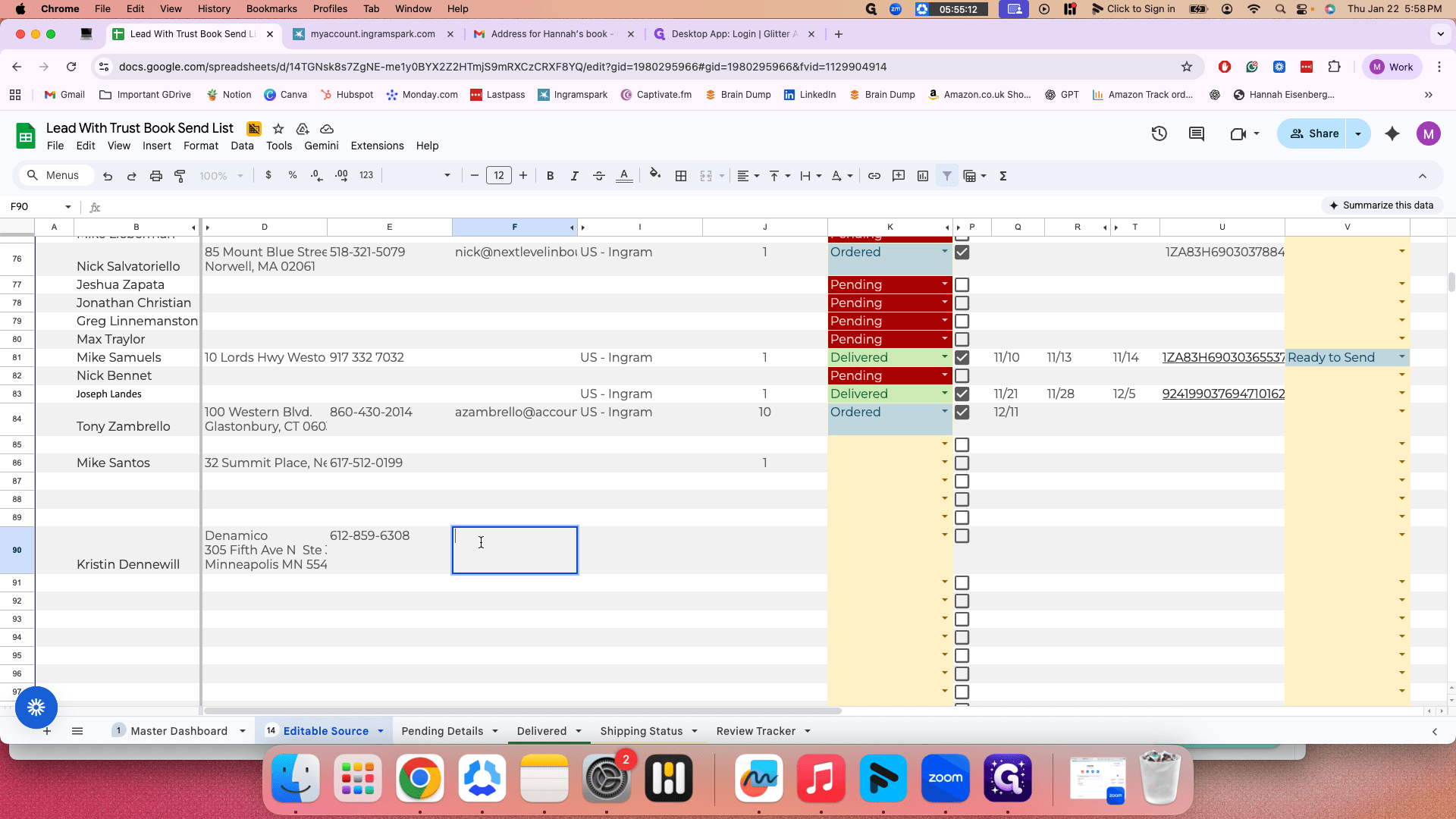
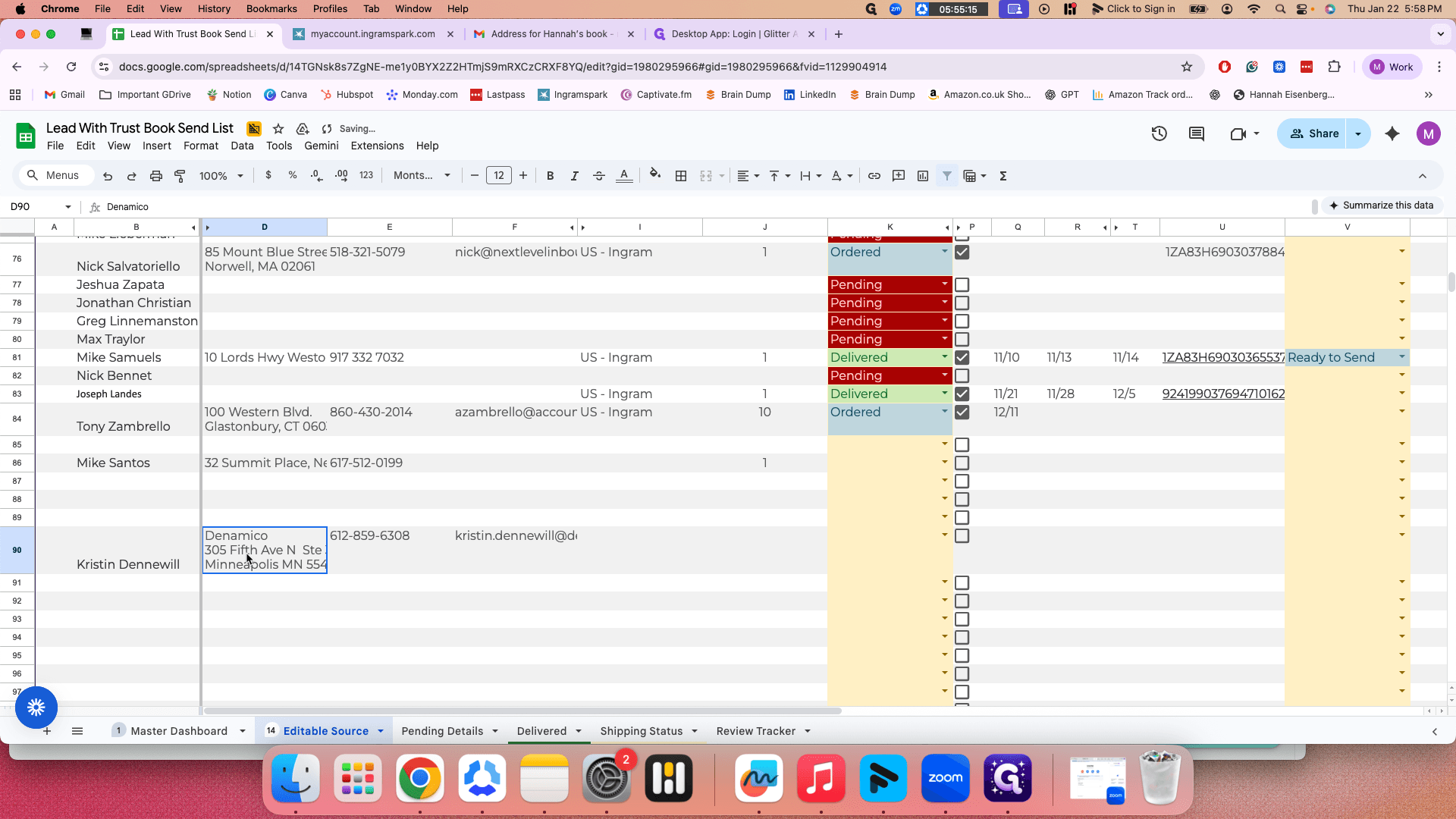
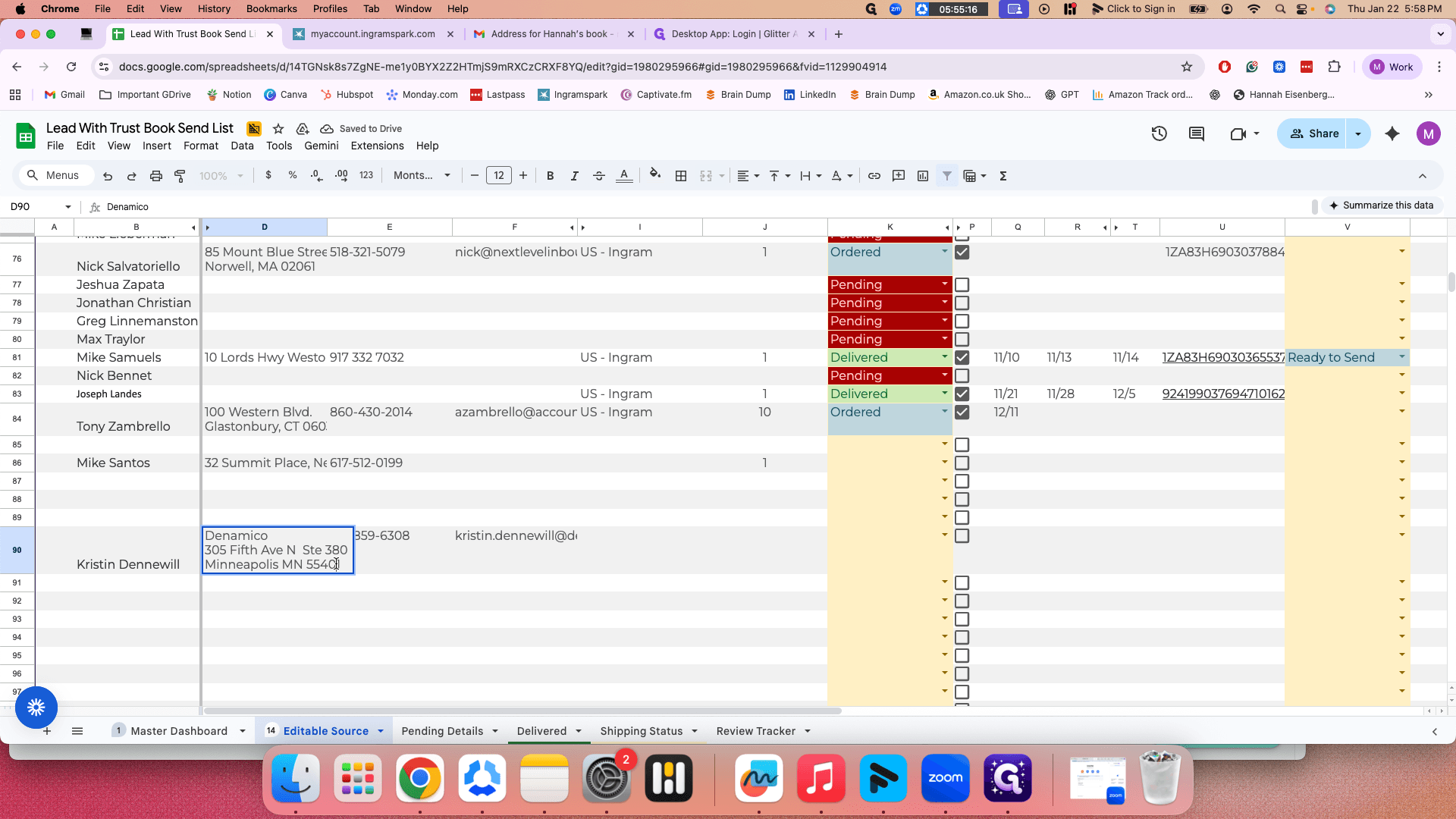
Christine—put the name in the "Name" column, then enter the address.
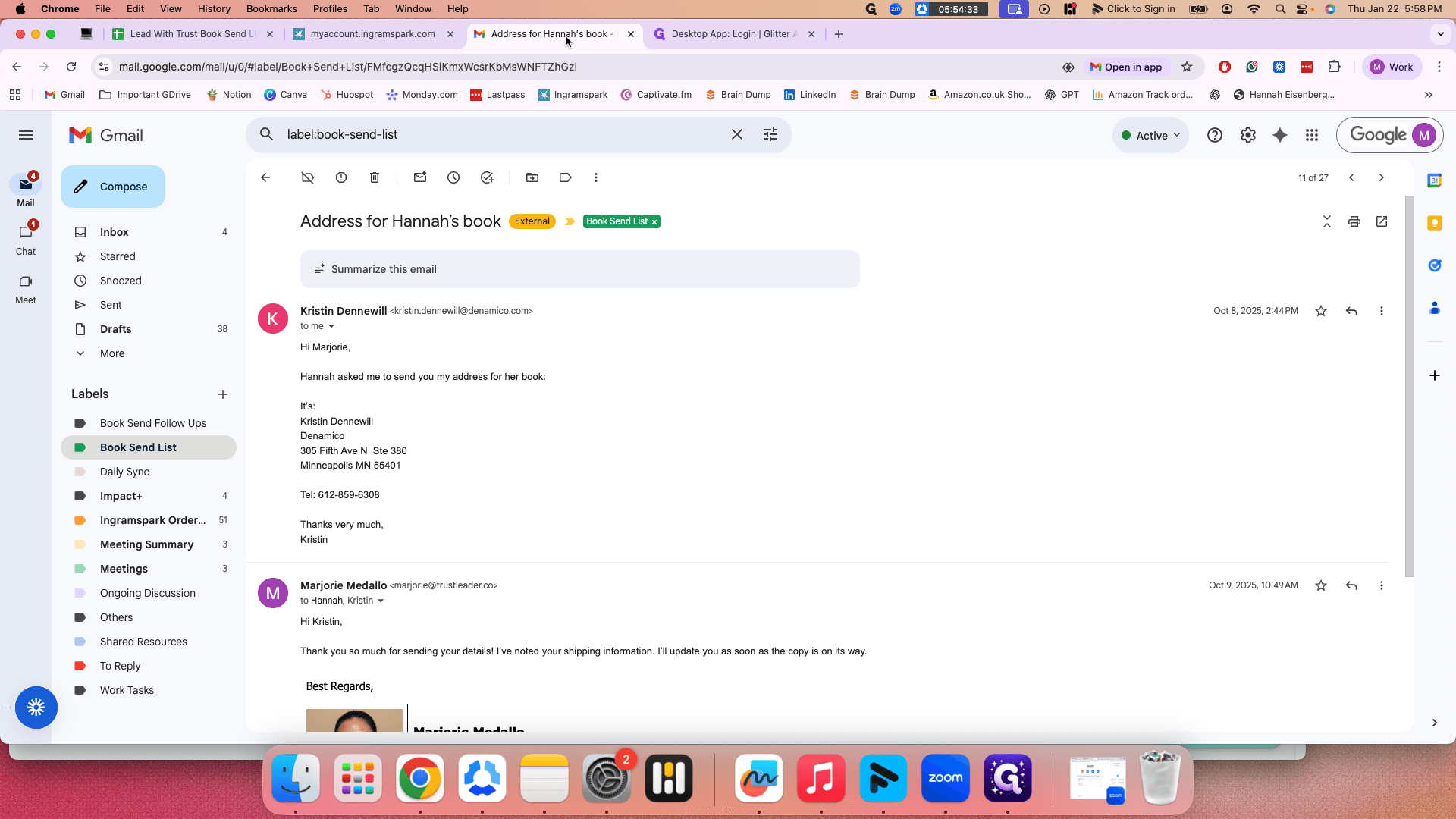
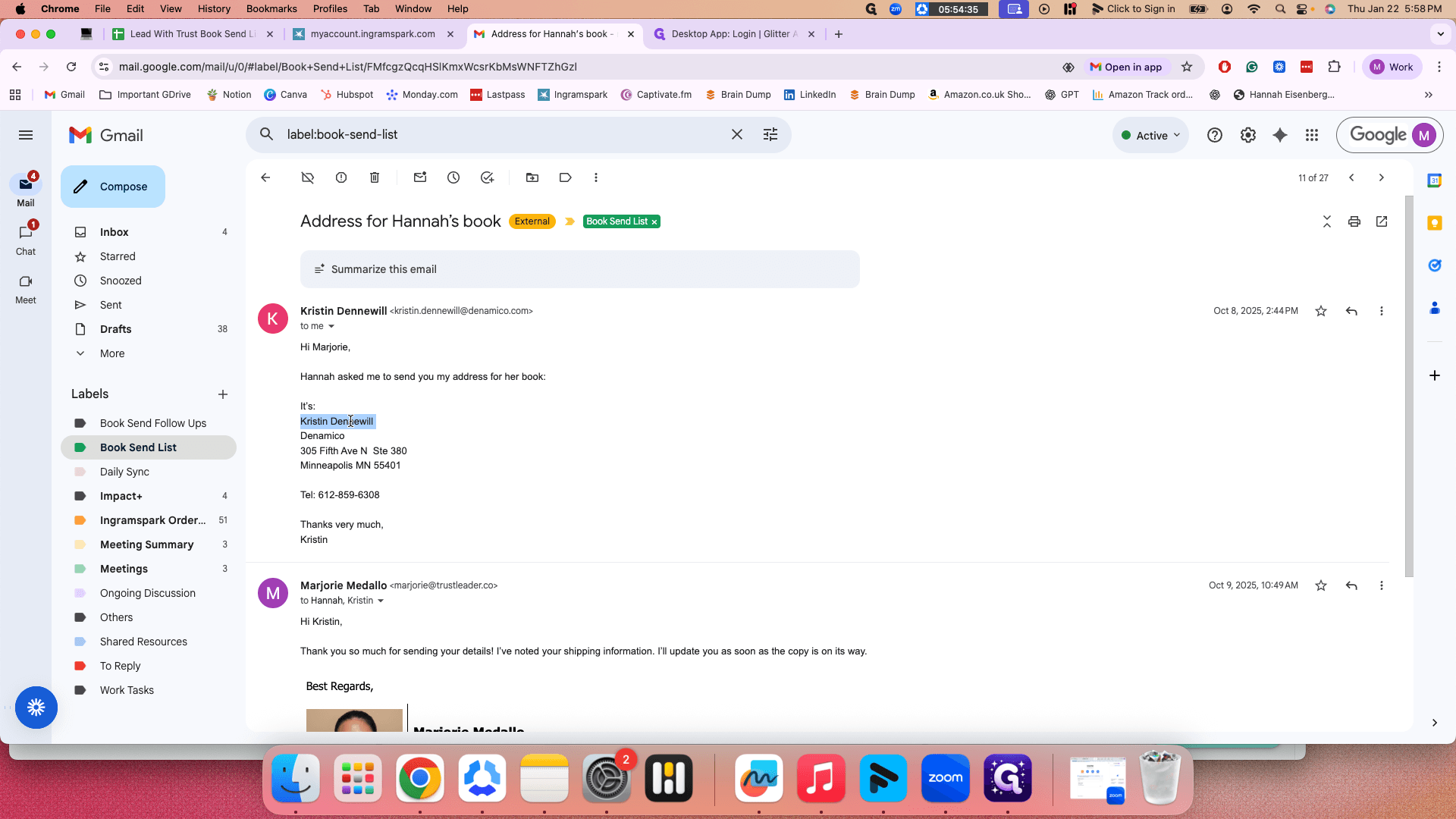
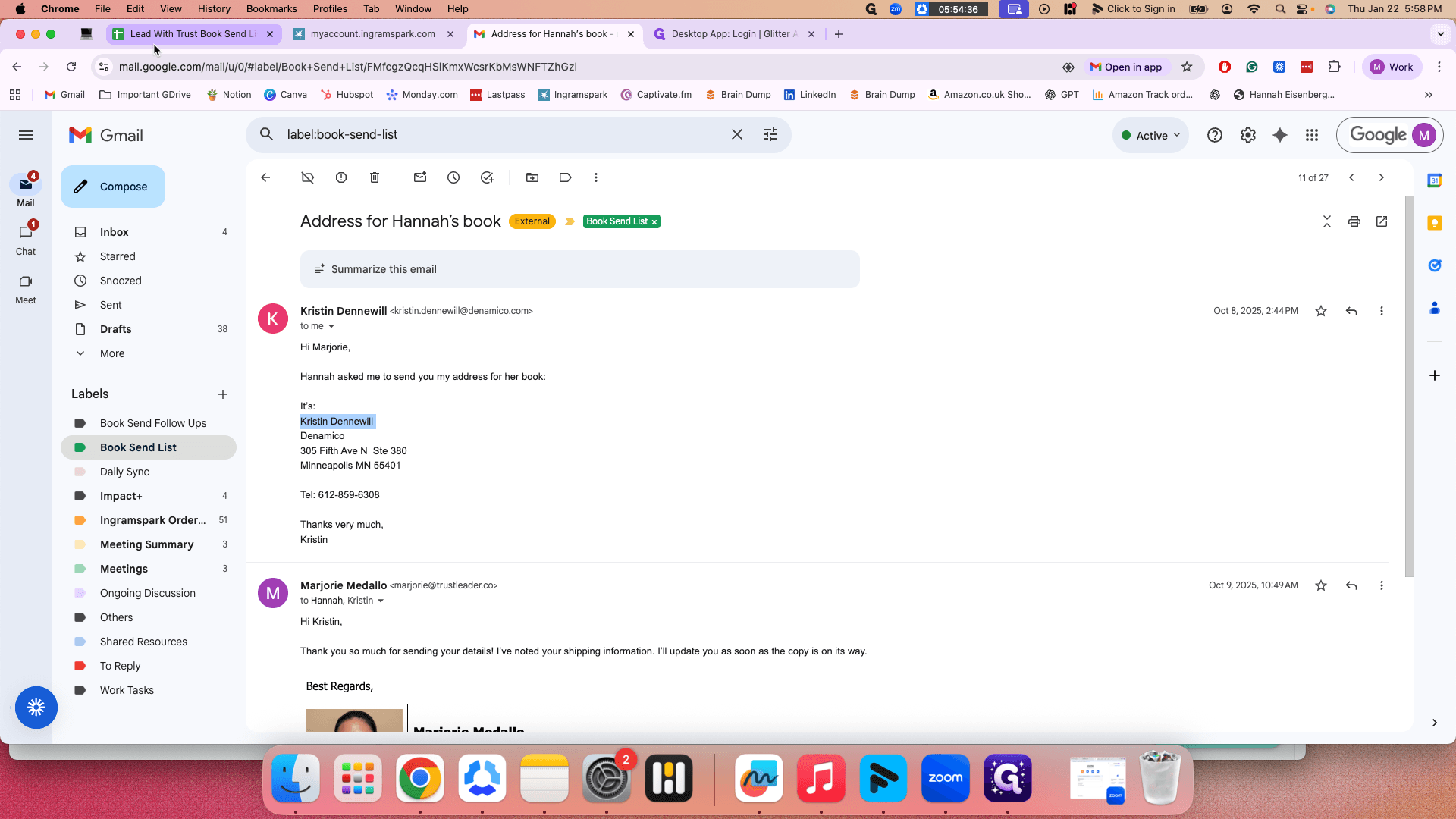
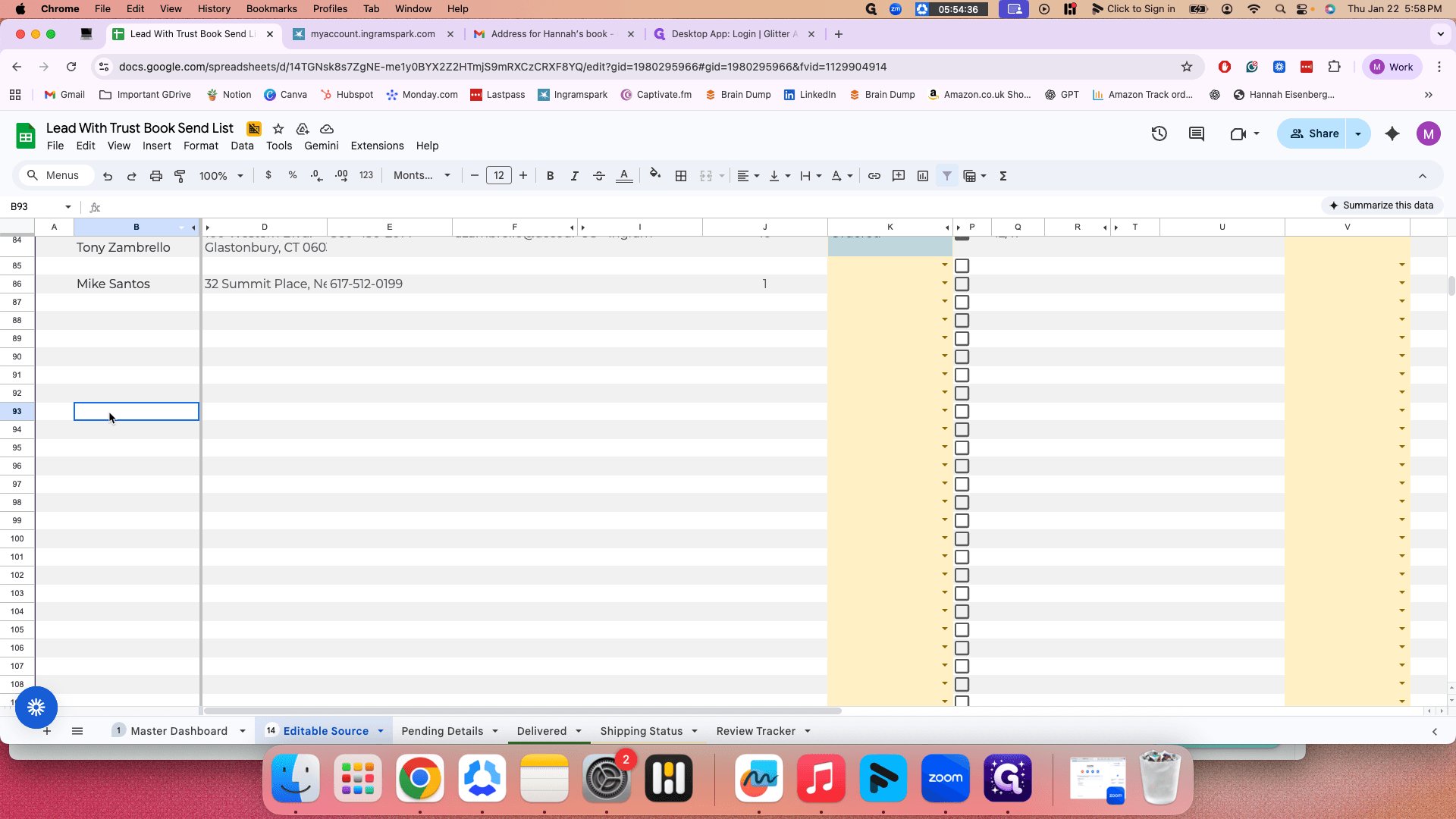
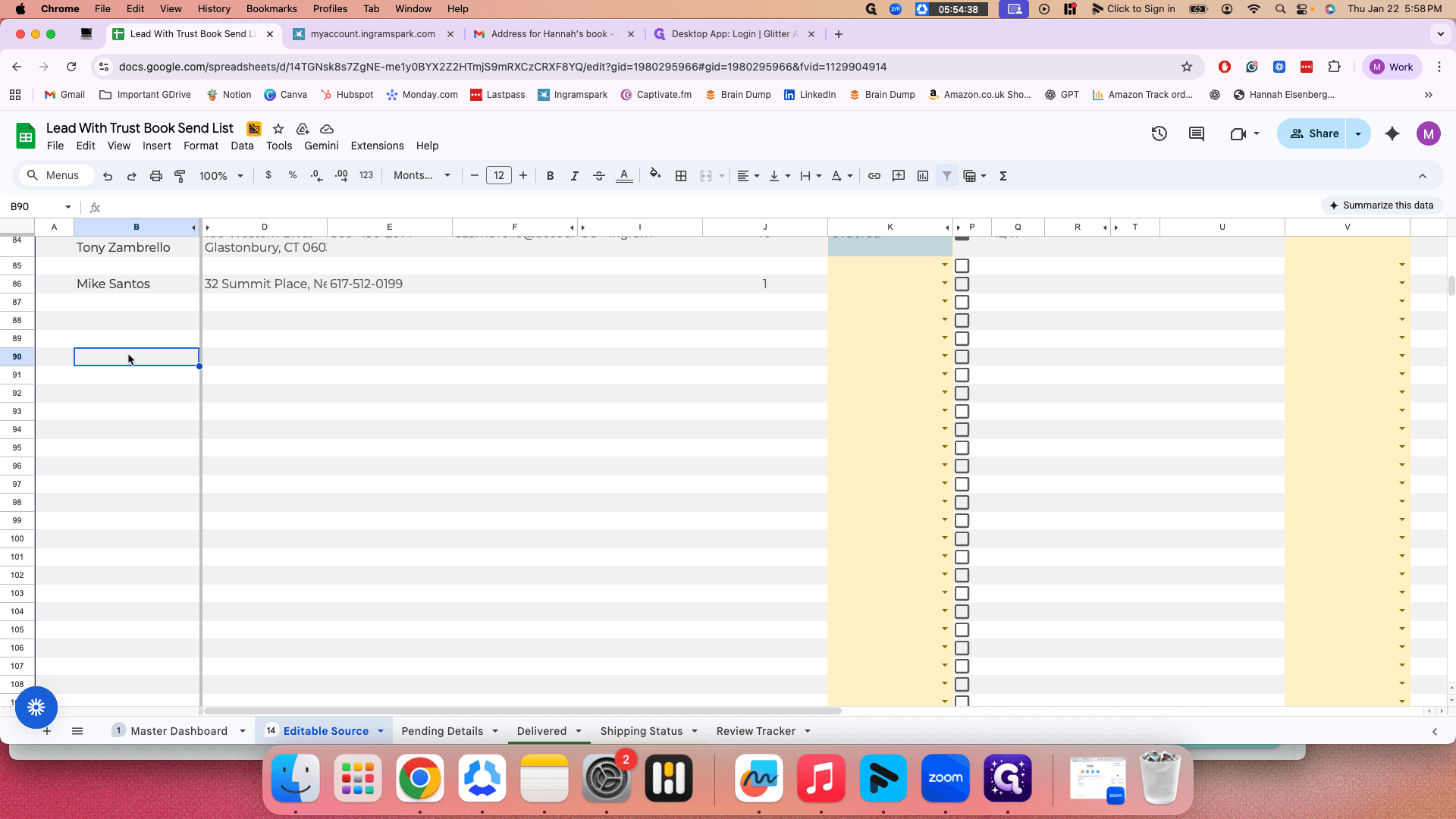
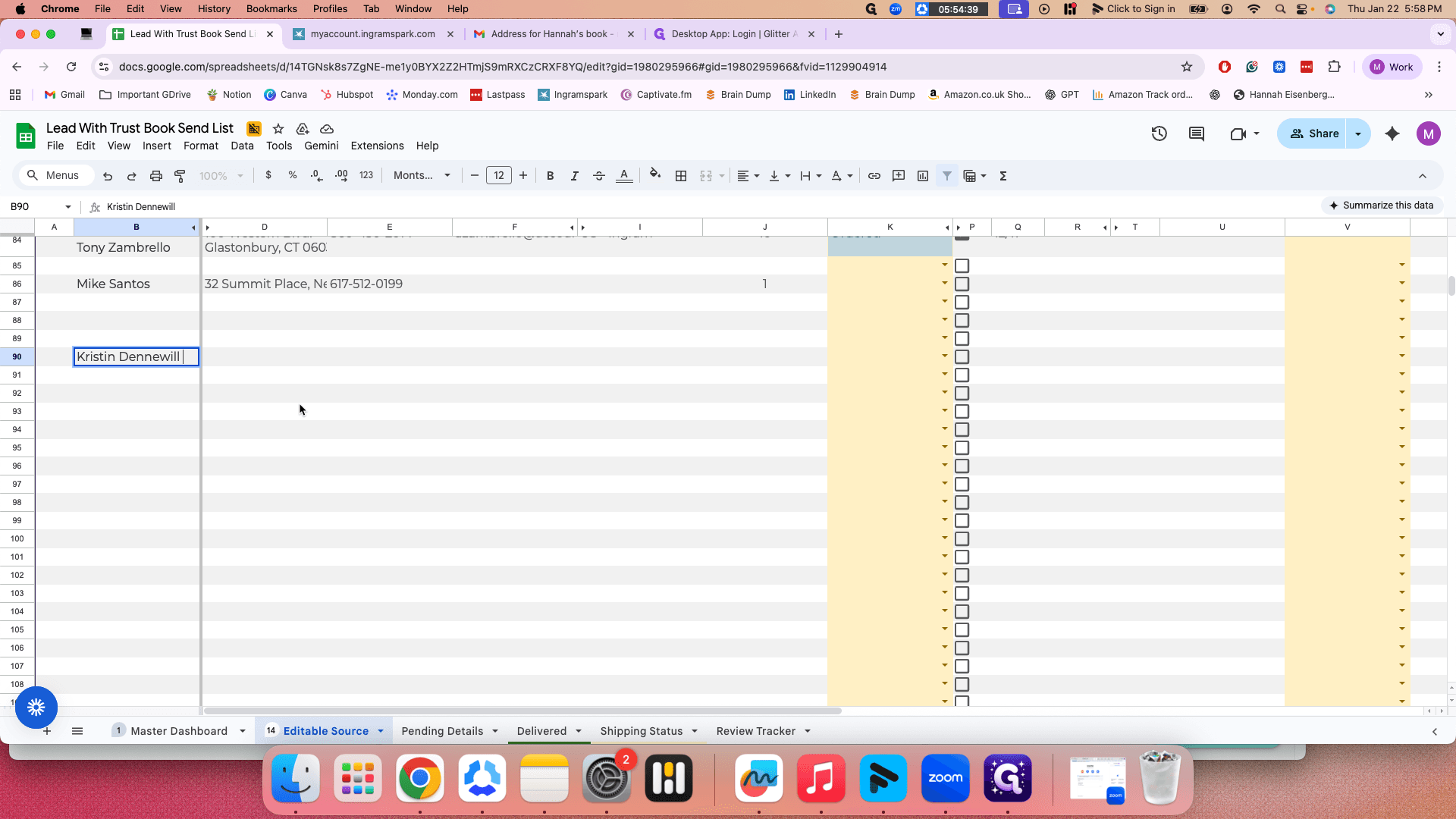
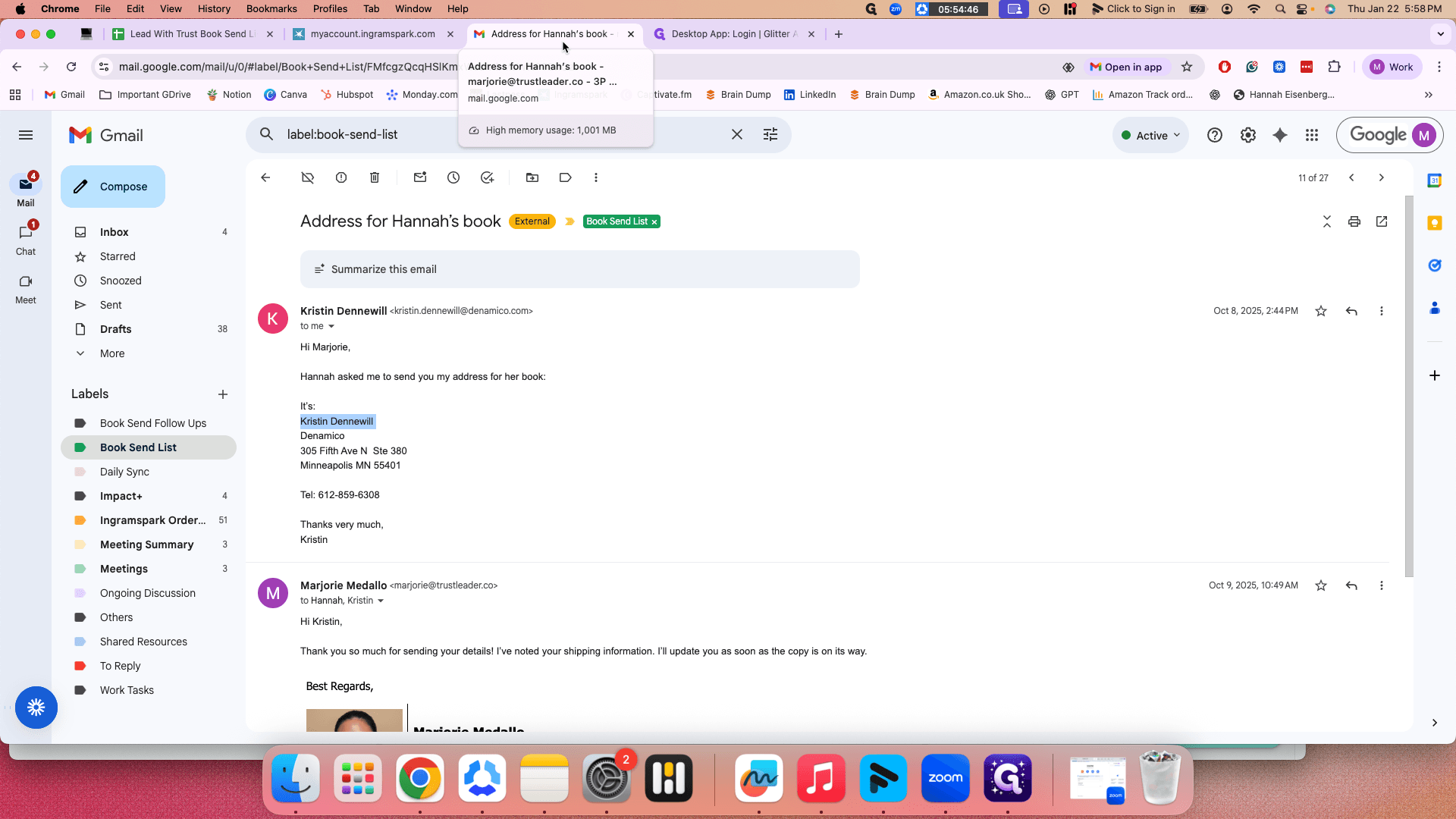
You can simply copy this.
Um, sorry.
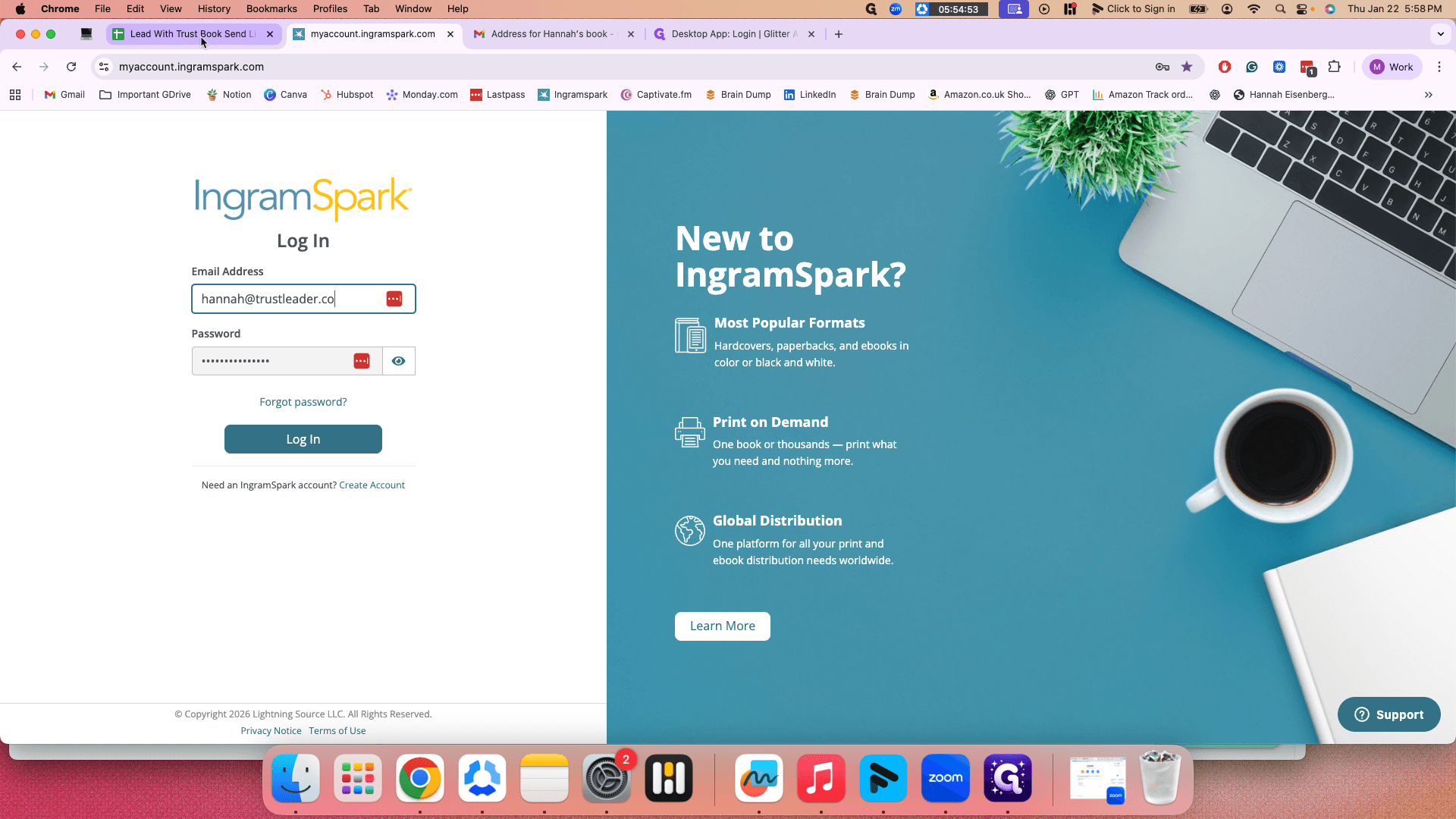
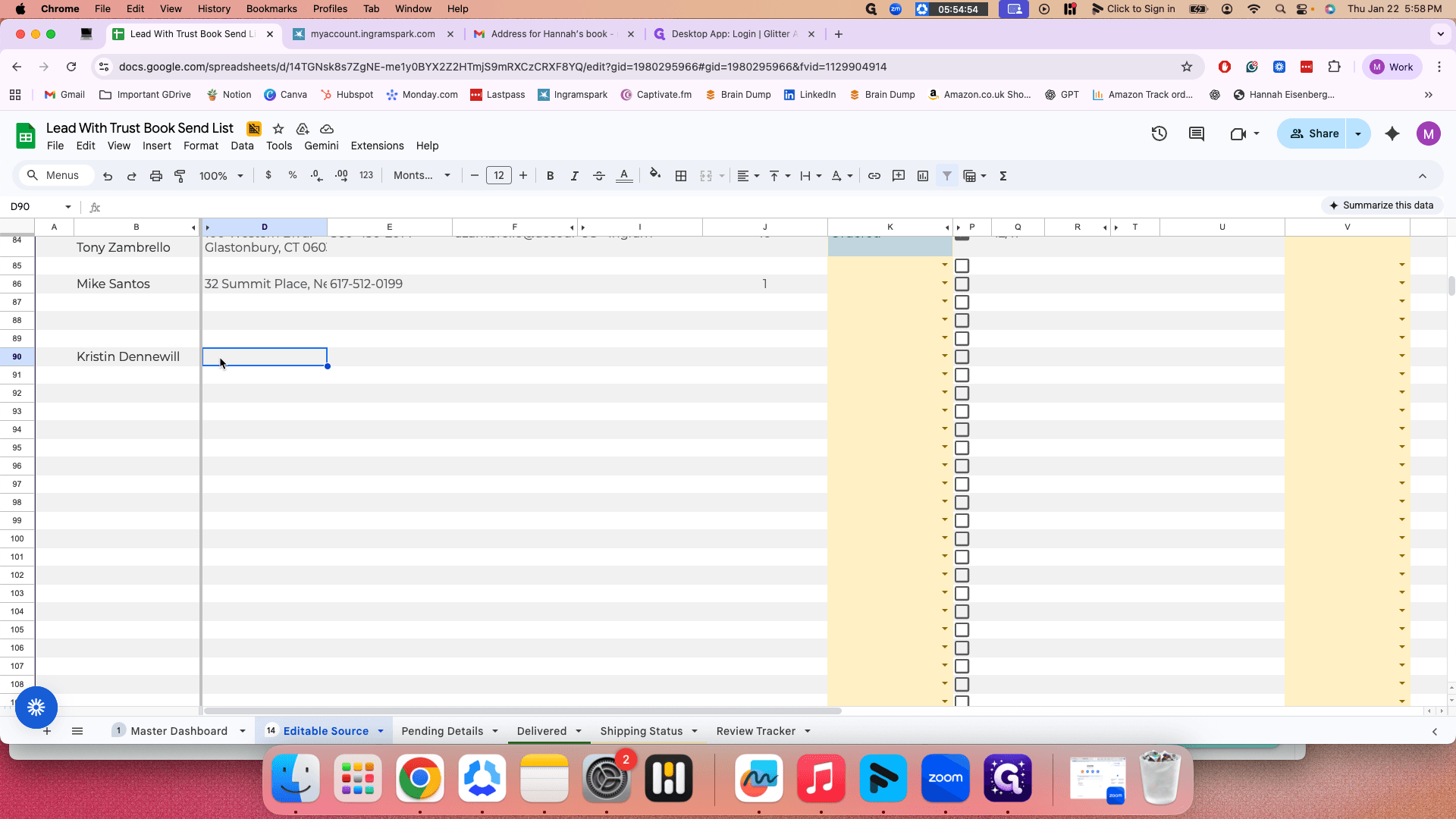
And then the number. Okay.
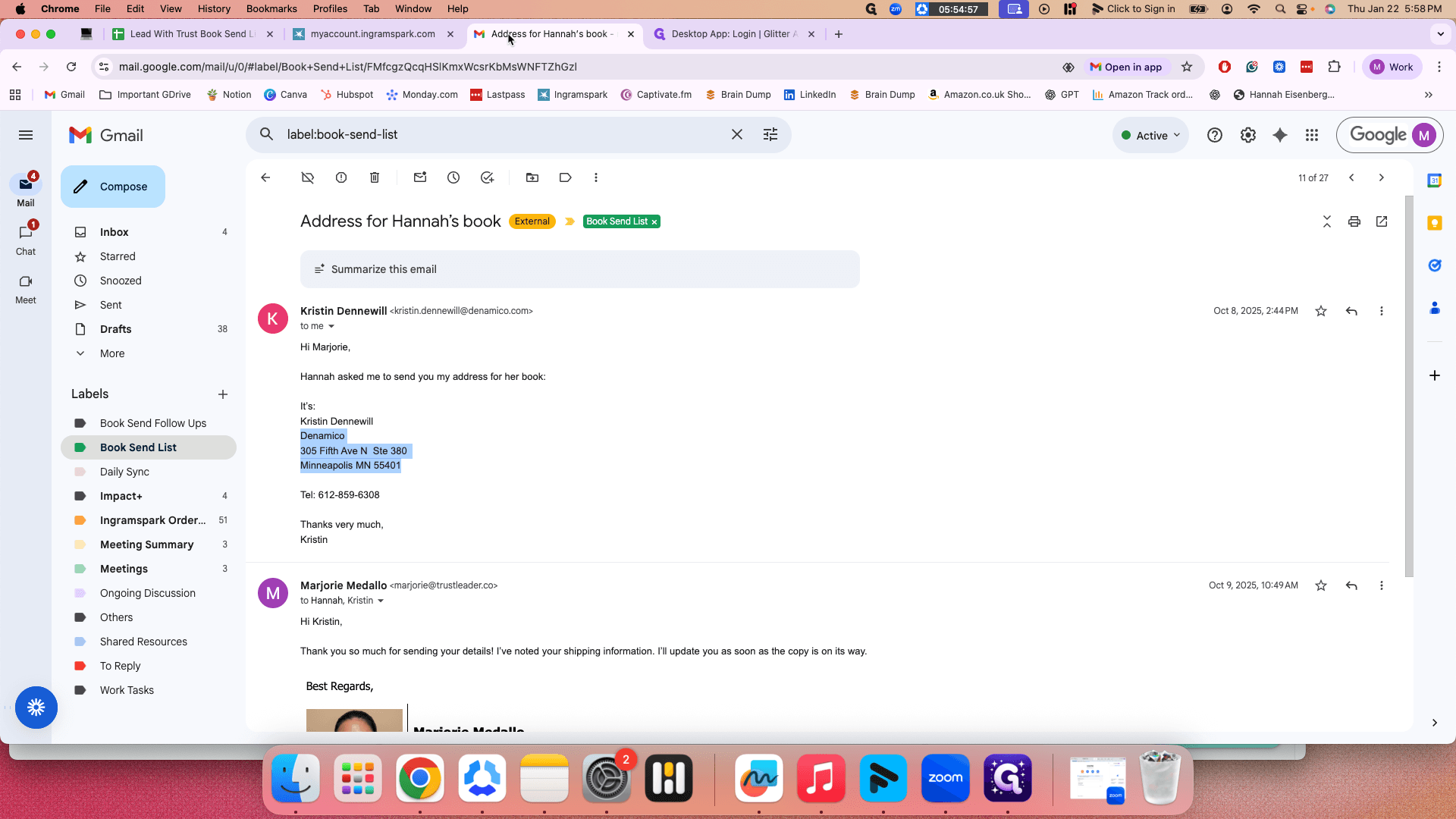
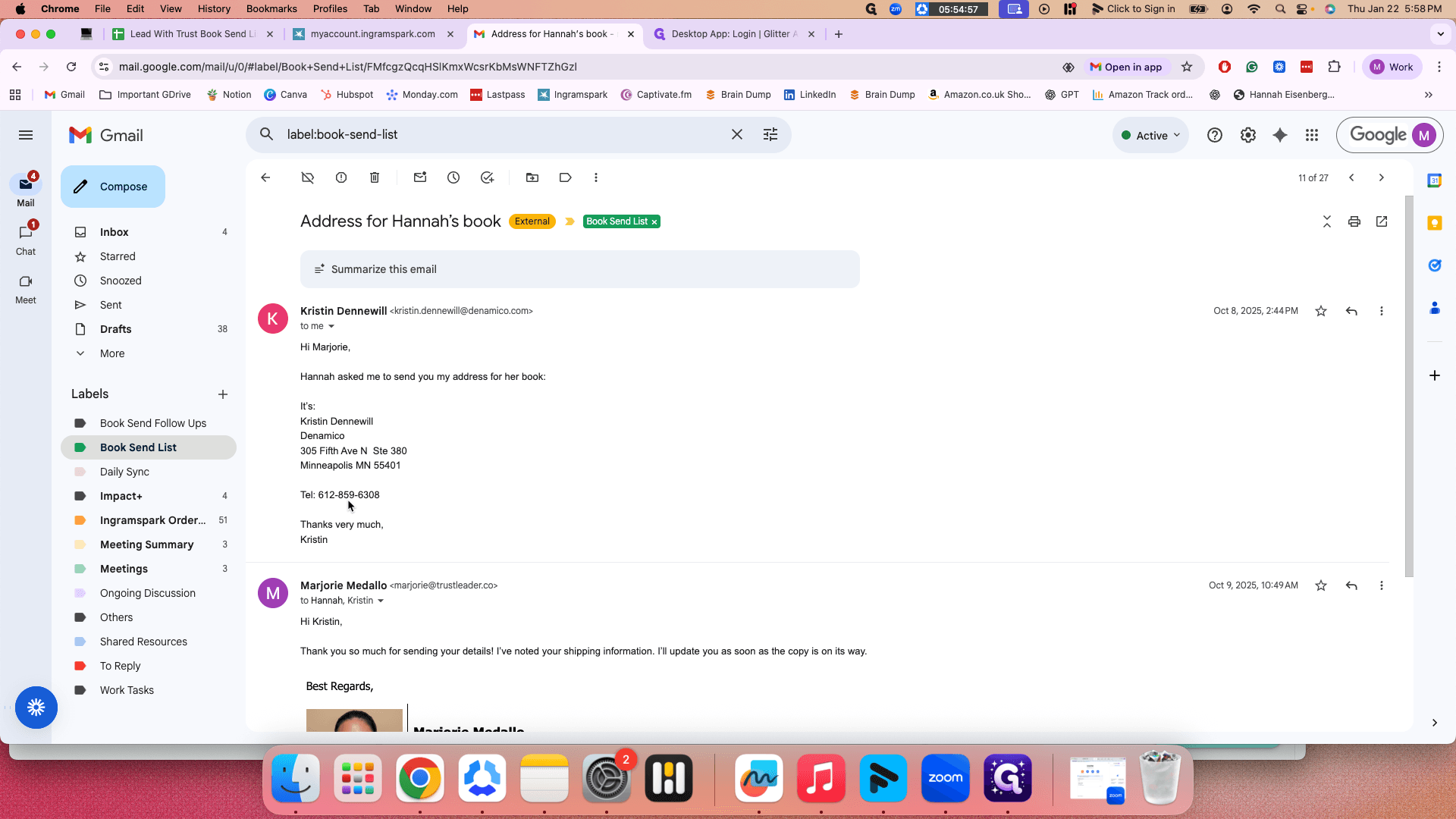
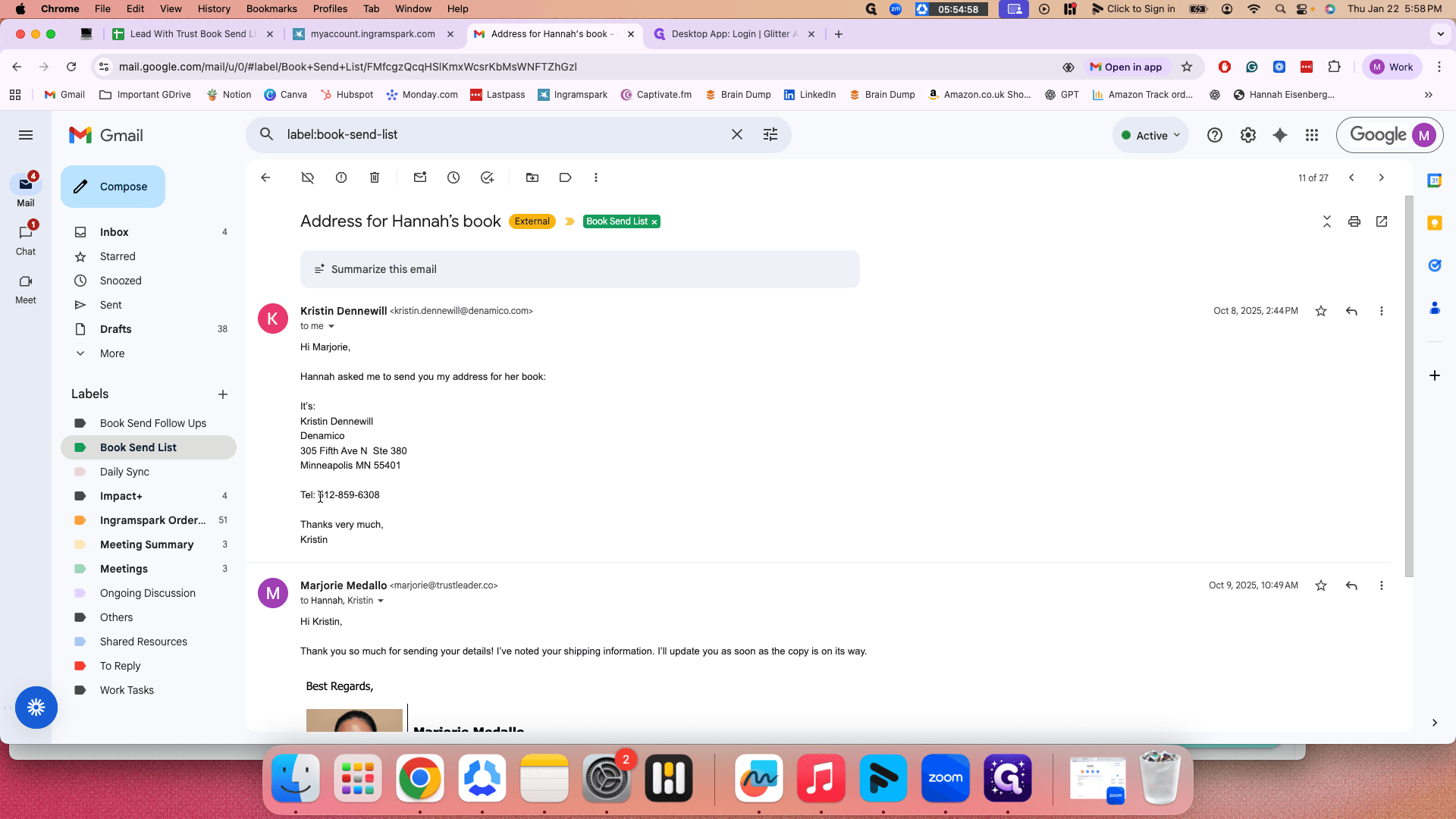
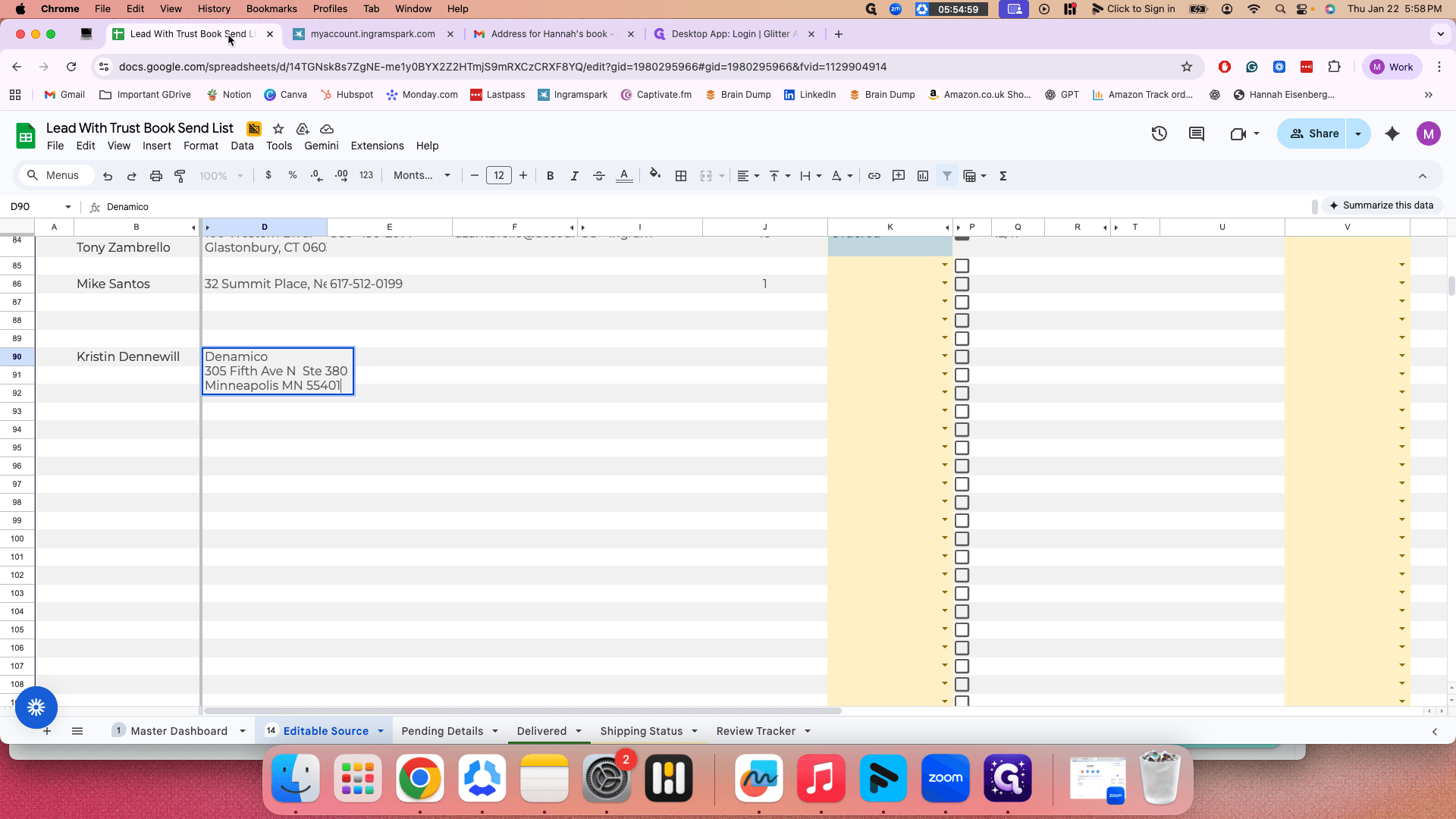
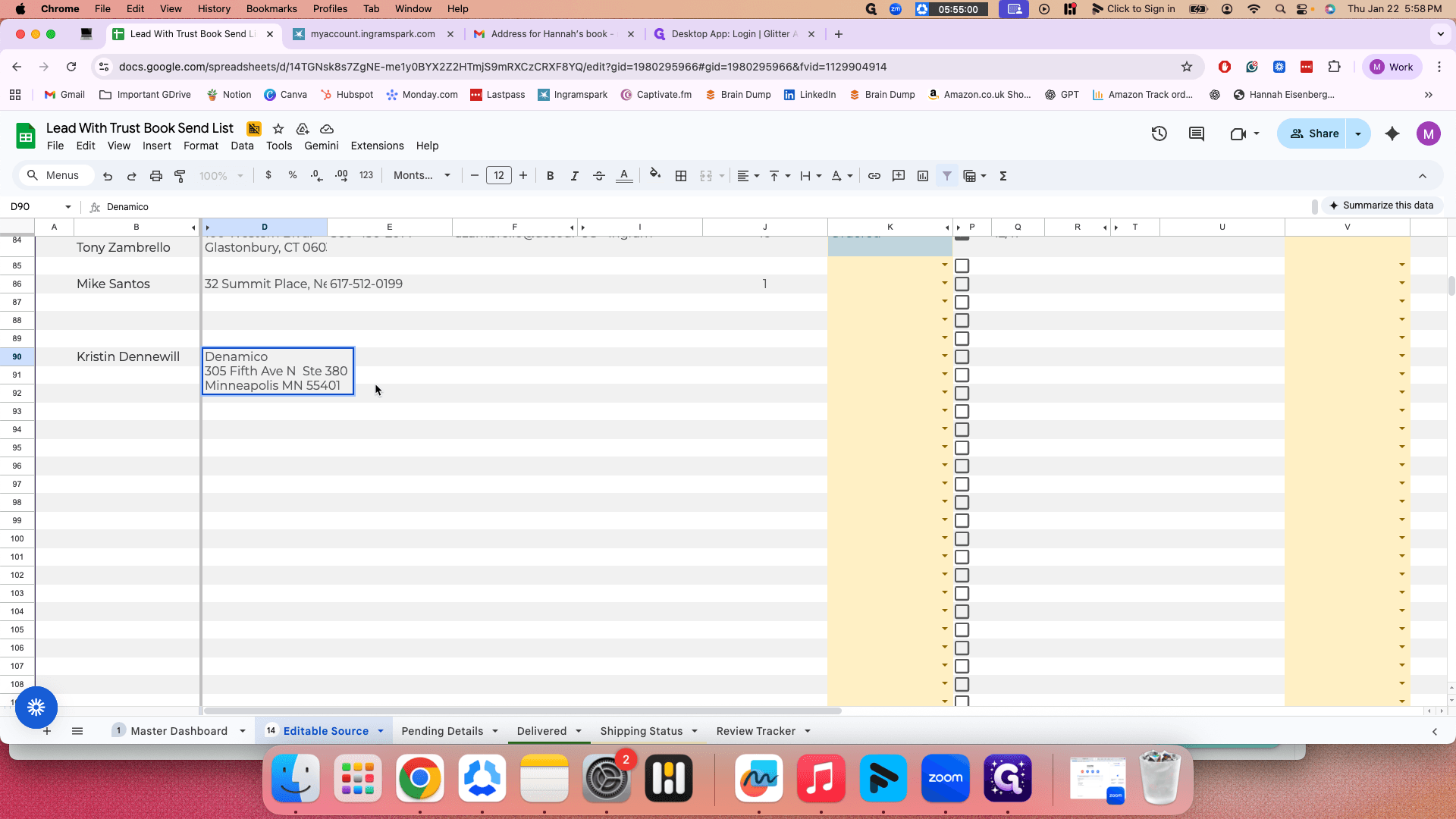
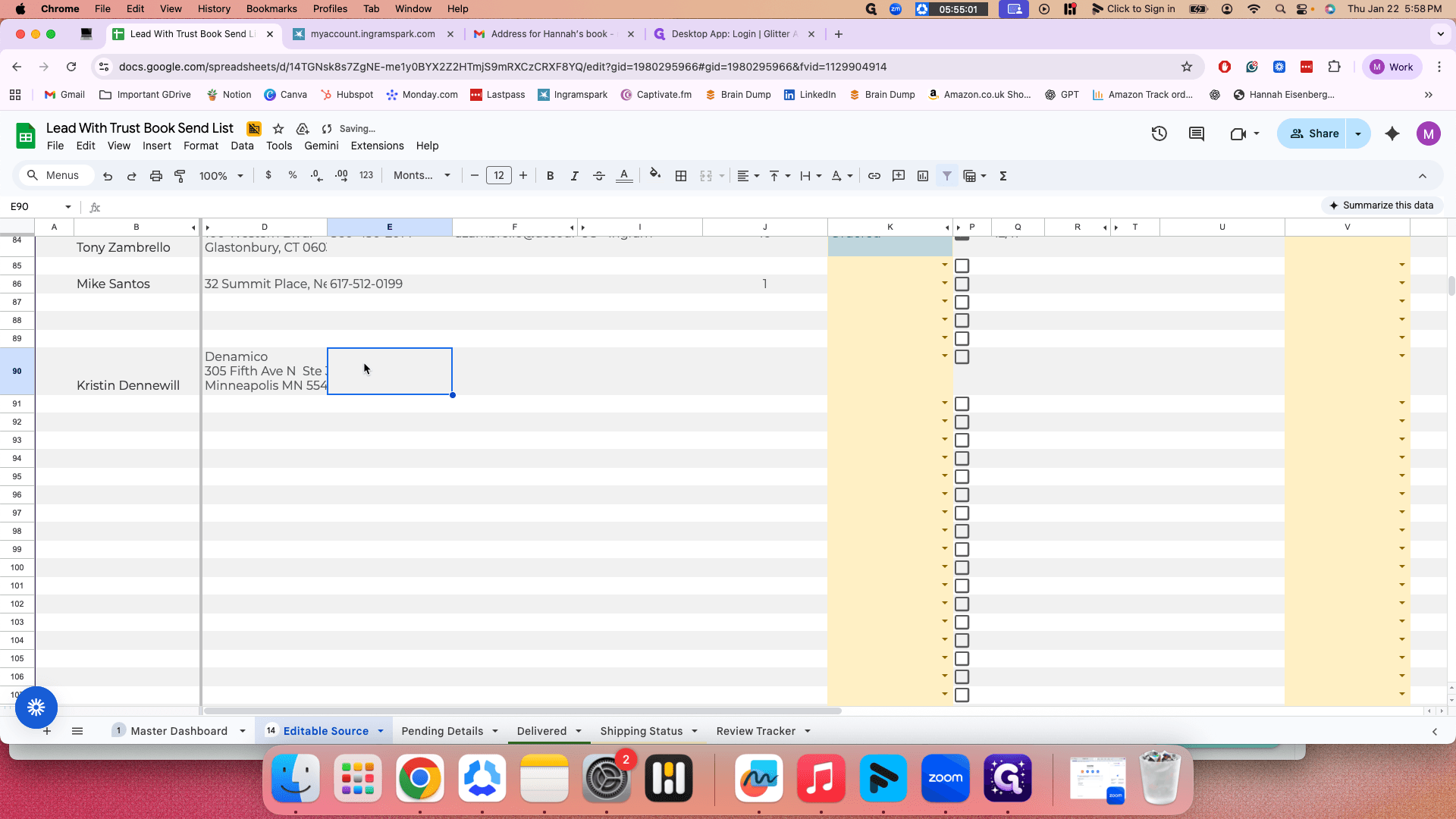
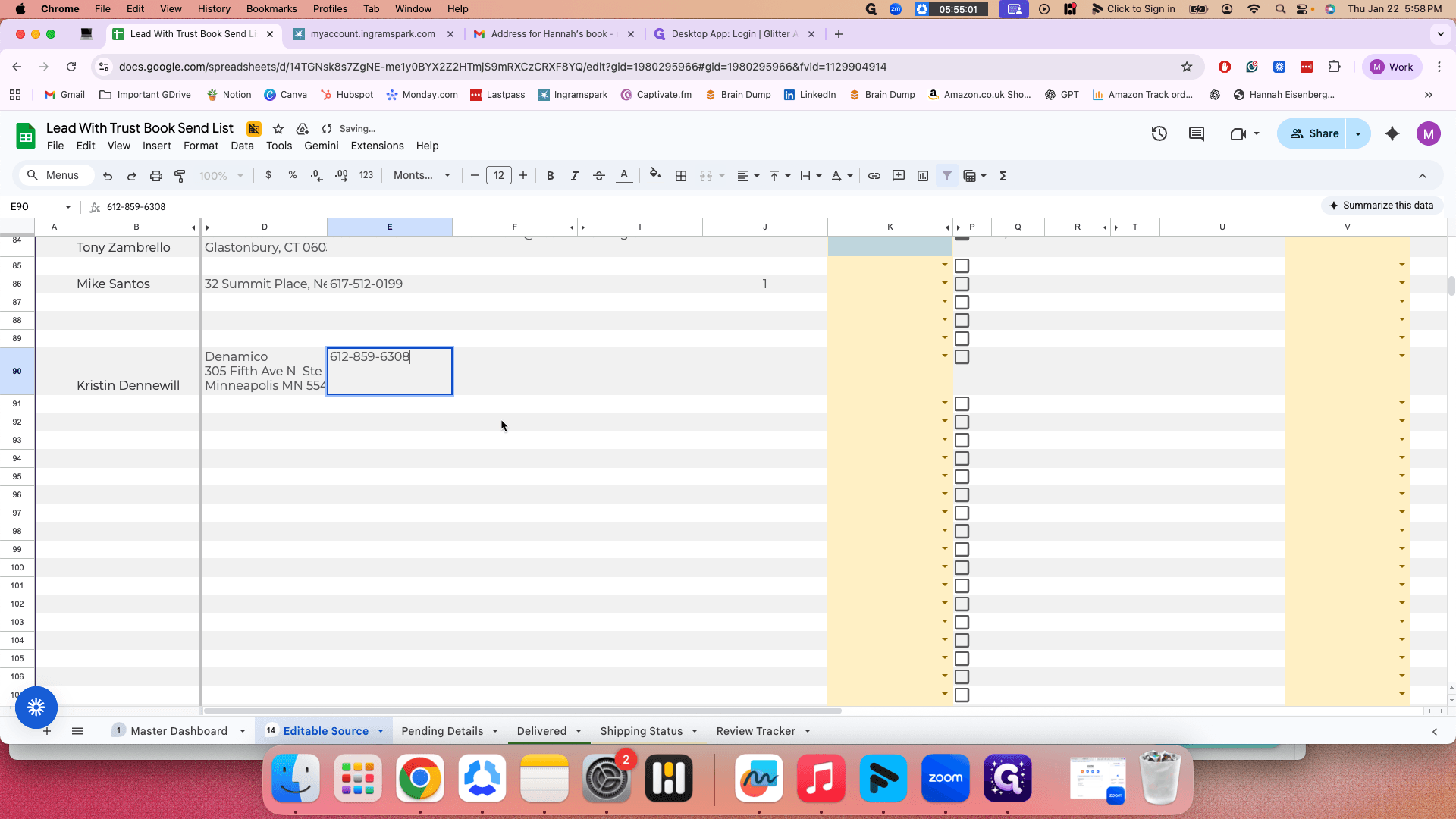
You can also copy the email here.
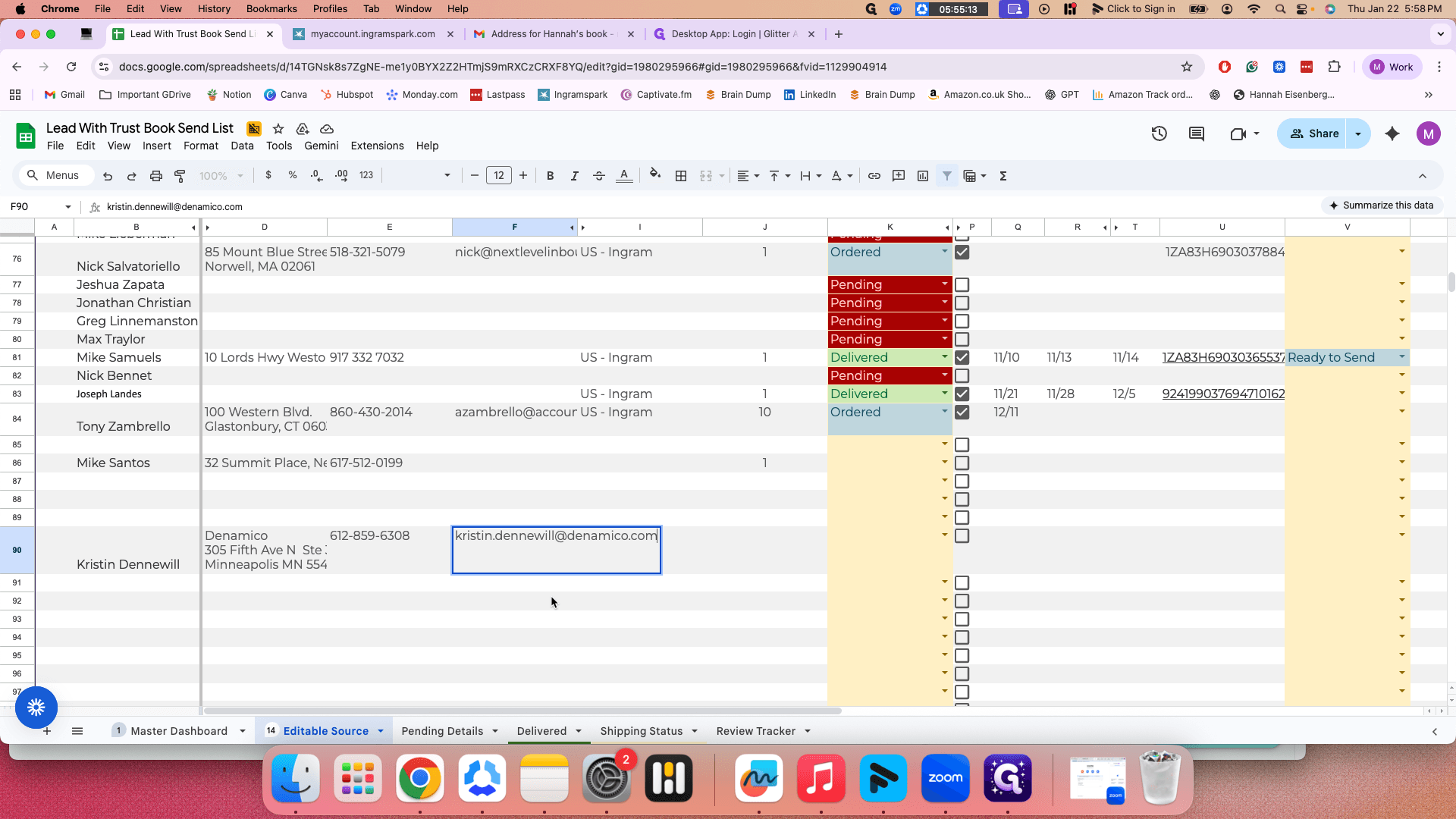
Since this is a US address,
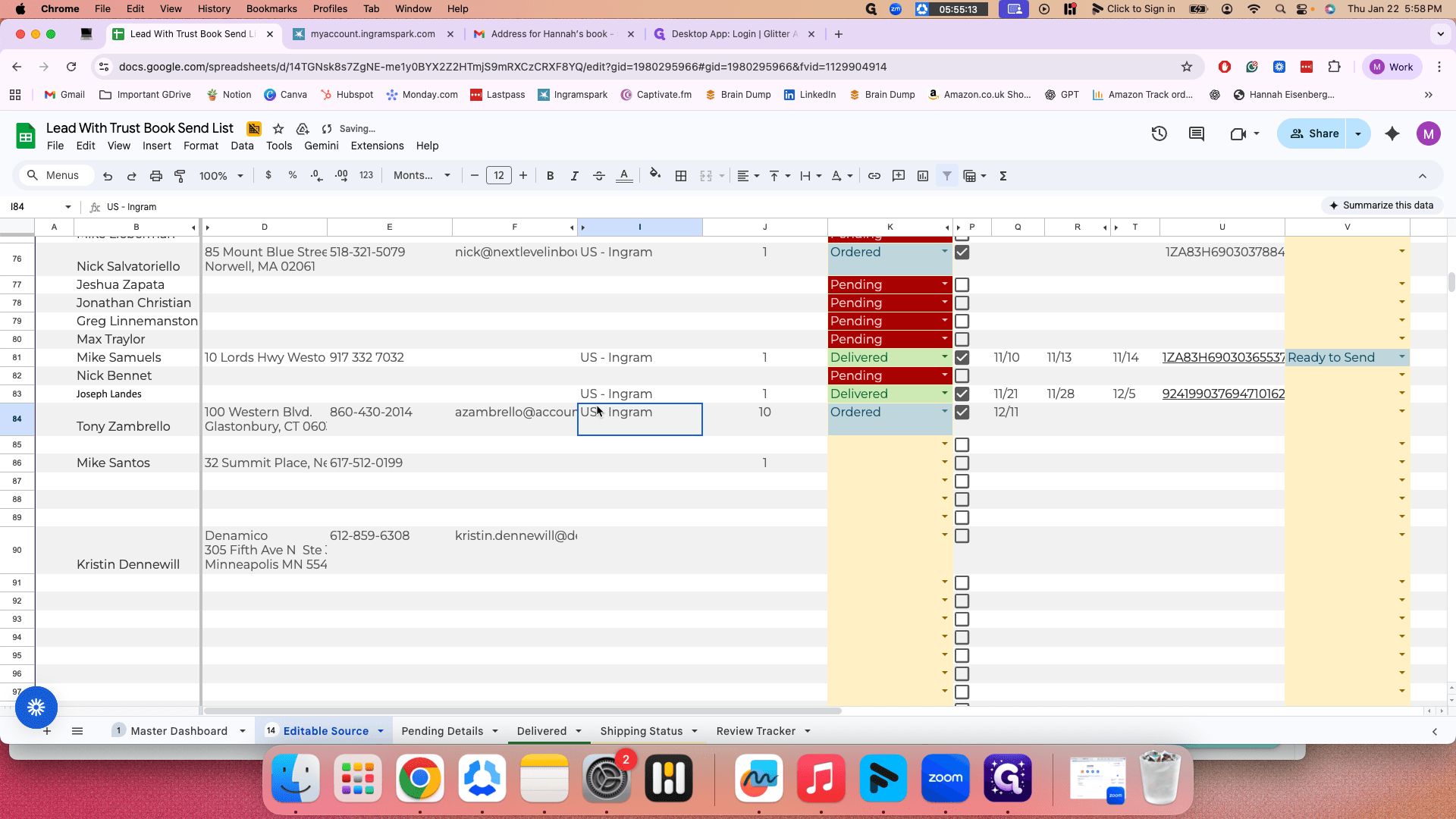
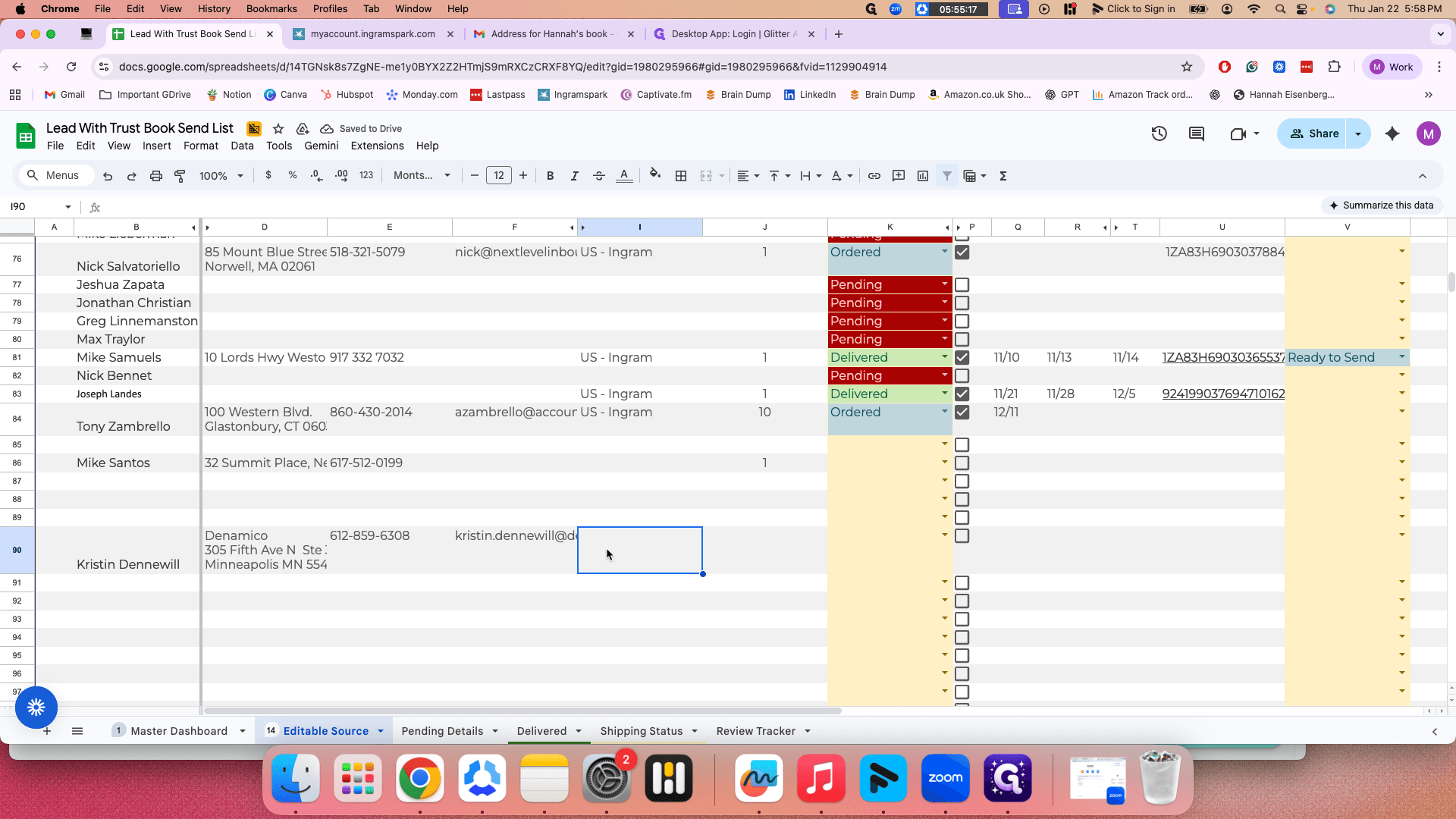
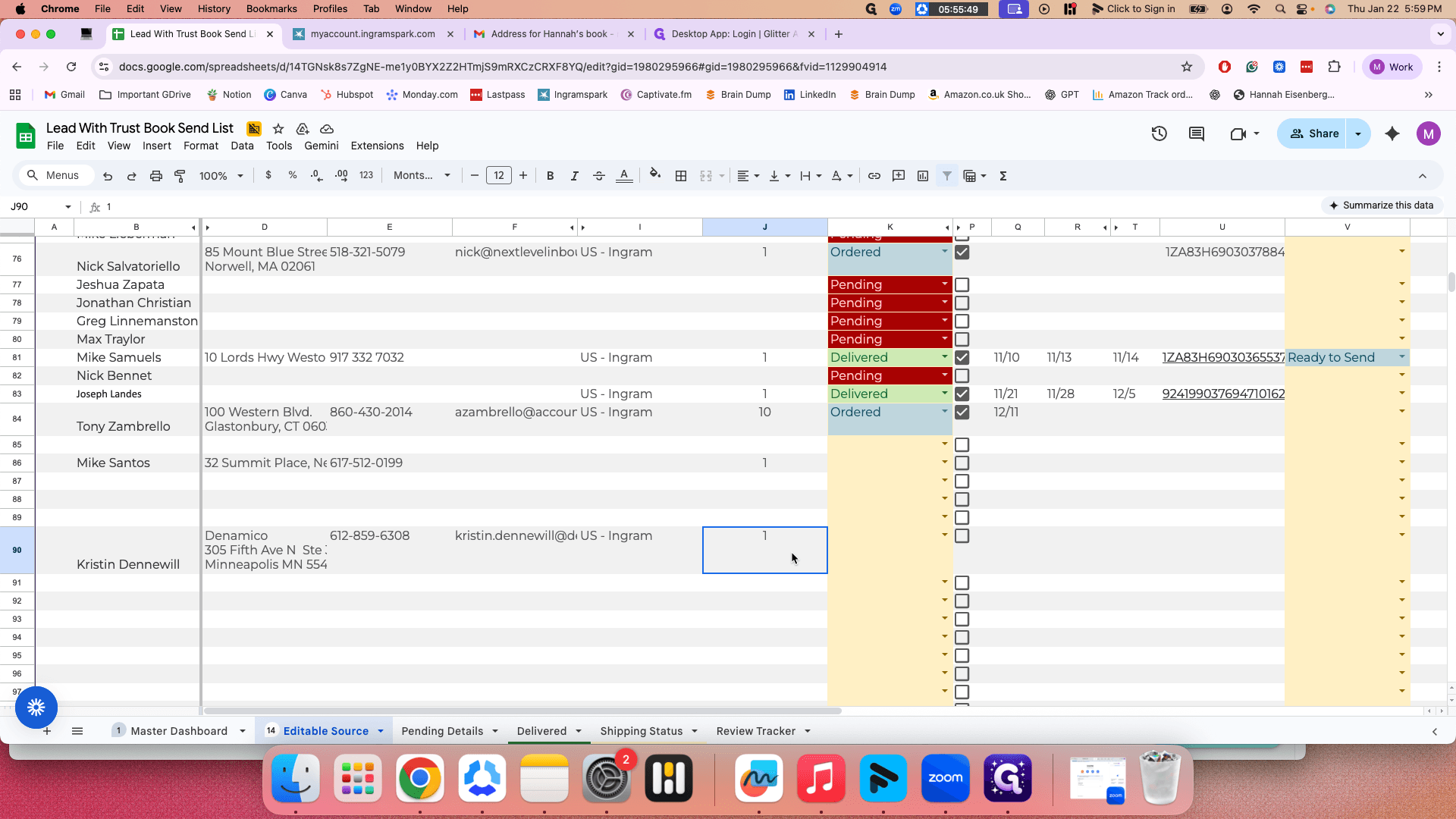
You will label this as "US Ingram."
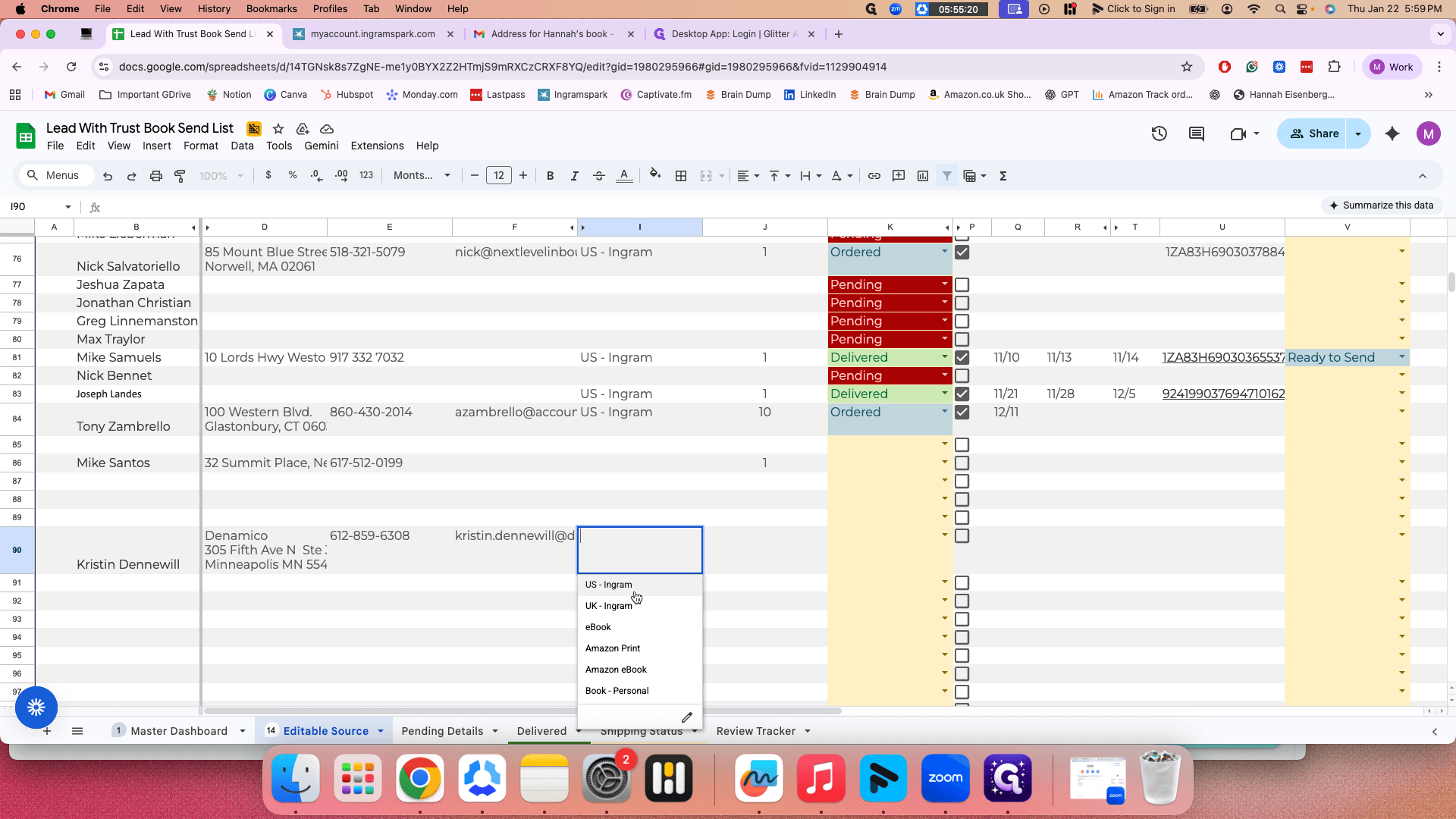
Later, I will explain what that is and then show you.
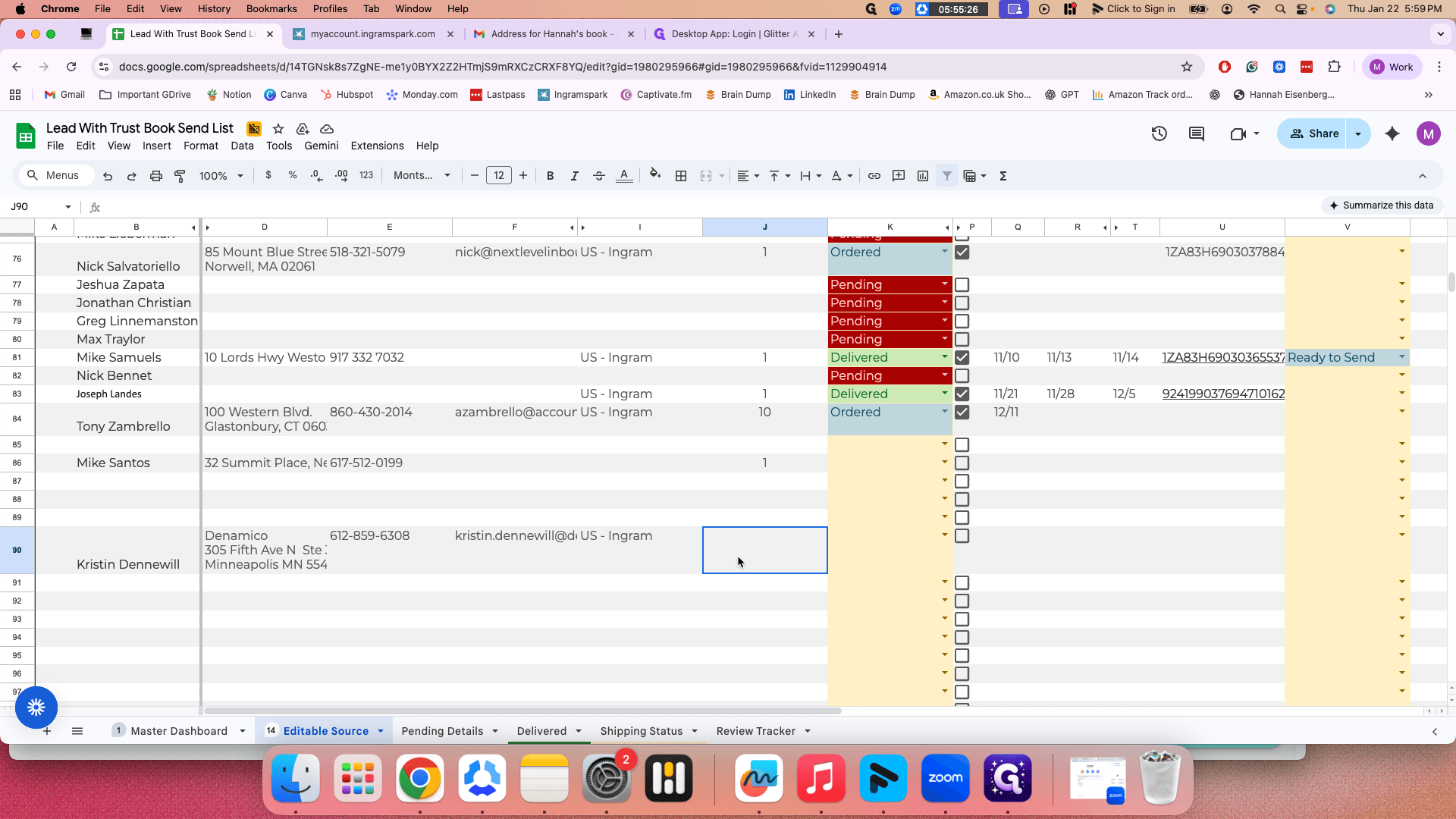
Hannah said she would send one book. If that's not the case, clarify with her each time she emails you about sending a book to be sure.
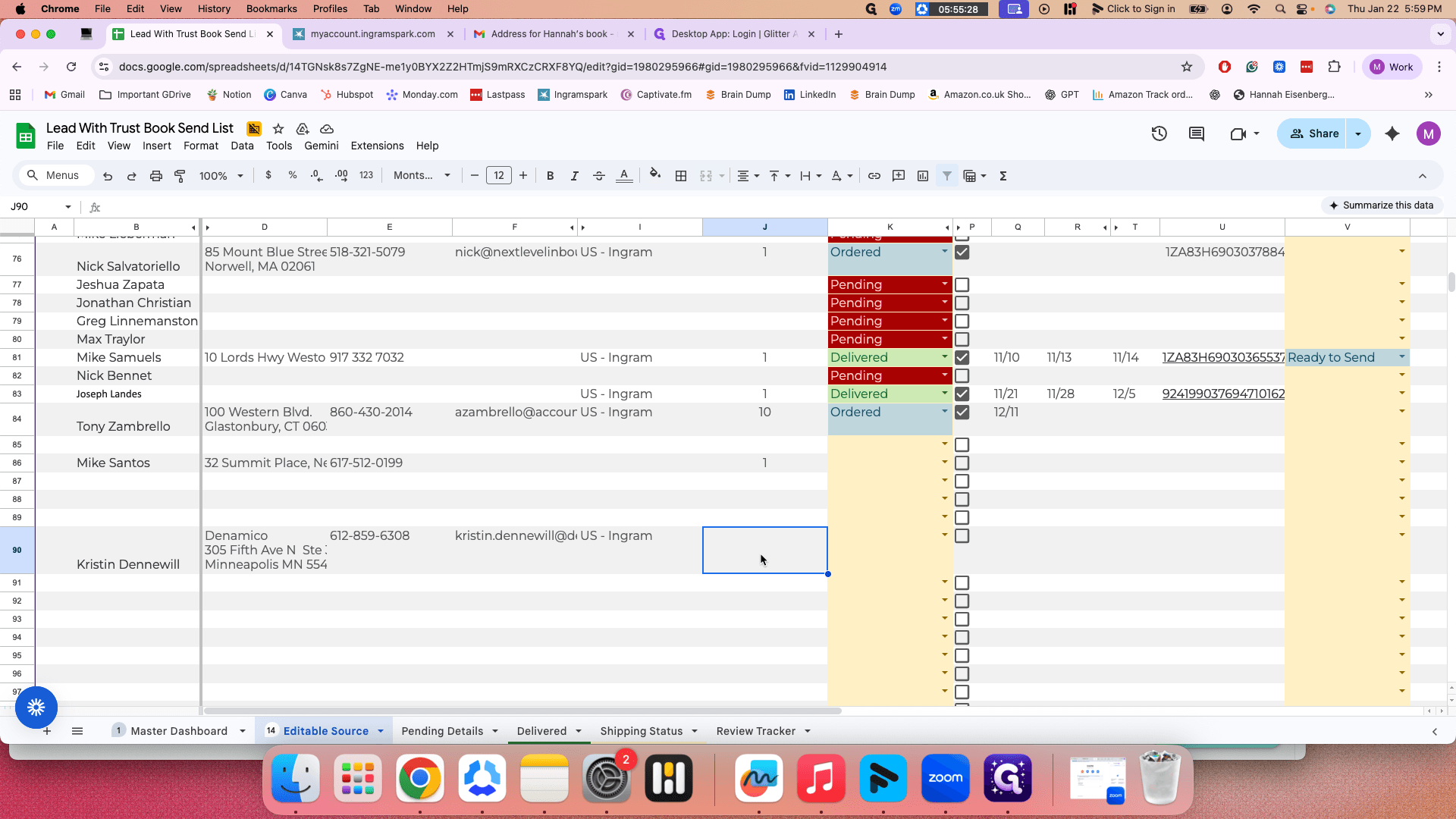
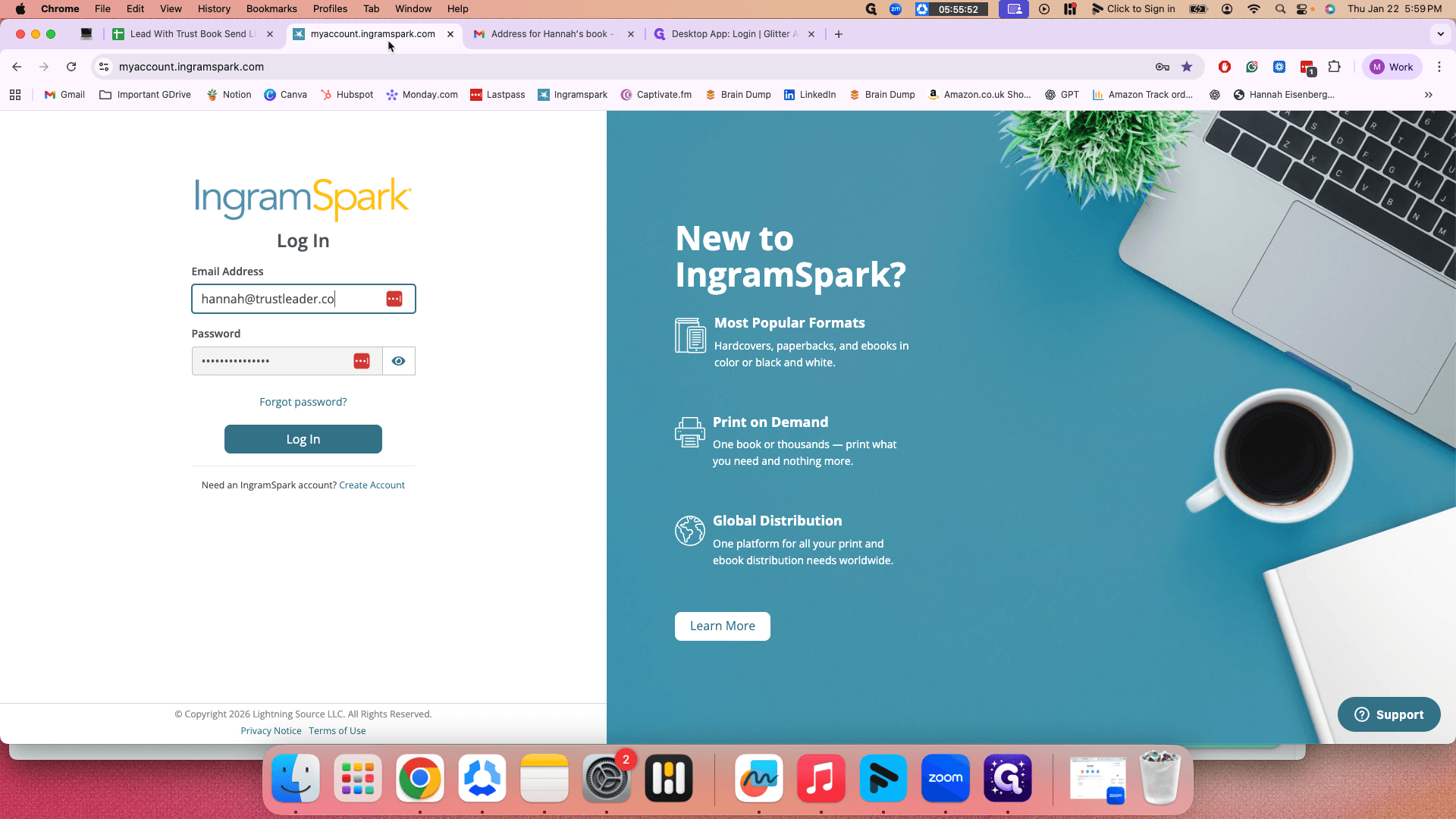
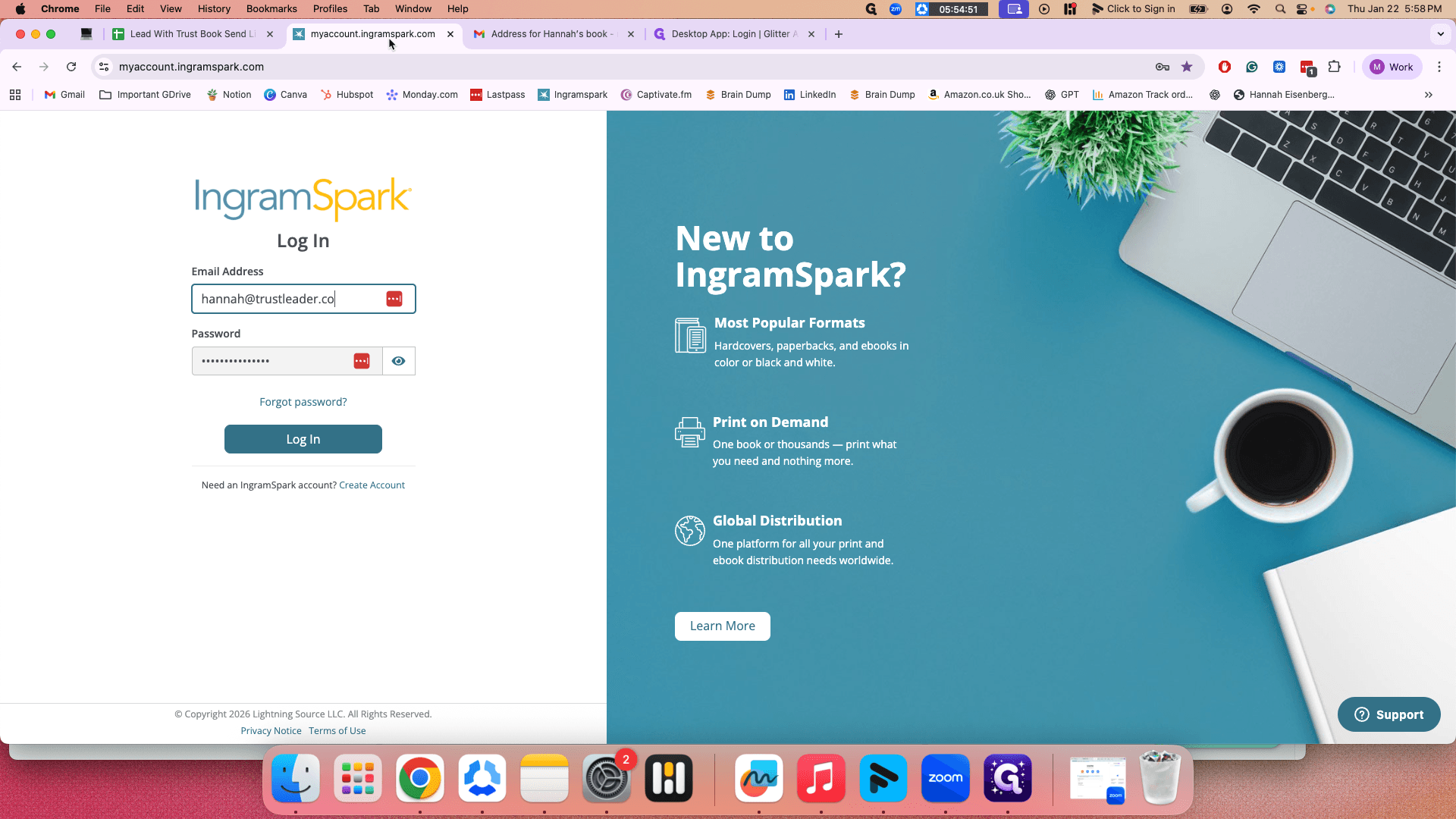
After you finish filling out these details, go to Ingram.